[{
  "url": "https://docs.n8n.io/",
  "markdown": "# Explore n8n Docs: Your Resource for Workflow Automation and Integrations\n\n[](https://github.com/n8n-io/n8n-docs/edit/main/docs/index.md \"Edit this page\")\n\n## Welcome to n8n Docs[#](#welcome-to-n8n-docs \"Permanent link\")\n\nThis is the documentation for [n8n](https://n8n.io/), a [fair-code](https://faircode.io/) licensed workflow automation tool that combines AI capabilities with business process automation.\n\nIt covers everything from setup to usage and development. It's a work in progress and all [contributions](https://docs.n8n.io/help-community/contributing/) are welcome.\n\n## Where to start[#](#where-to-start \"Permanent link\")\n\n*   **Quickstarts**\n    \n    Jump in with n8n's quickstart guides.\n    \n    [Try it out](https://docs.n8n.io/try-it-out/)\n    \n*   **Choose the right n8n for you**\n    \n    Cloud, npm, self-host . . .\n    \n    [Options](https://docs.n8n.io/choose-n8n/)\n    \n*   **Explore integrations**\n    \n    Browse n8n's integrations library.\n    \n    [Find your apps](https://docs.n8n.io/integrations/)\n    \n*   **Build AI functionality**\n    \n    n8n supports building AI functionality and tools.\n    \n    [Advanced AI](https://docs.n8n.io/advanced-ai/)\n    \n\n## About n8n[#](#about-n8n \"Permanent link\")\n\nn8n (pronounced n-eight-n) helps you to connect any app with an API with any other, and manipulate its data with little or no code.\n\n*   Customizable: highly flexible workflows and the option to build custom nodes.\n*   Convenient: use the npm or Docker to try out n8n, or the Cloud hosting option if you want us to handle the infrastructure.\n*   Privacy-focused: self-host n8n for privacy and security."
},
{
  "url": "https://docs.n8n.io/workflows/executions/debug/",
  "markdown": "# Debug and re-run past executions\n\n[](https://github.com/n8n-io/n8n-docs/edit/main/docs/workflows/executions/debug.md \"Edit this page\")\n\nFeature availability\n\nAvailable on n8n Cloud and registered Community plans.\n\nYou can load data from a previous execution into your current workflow. This is useful for debugging data from failed production executions: you can see a failed execution, make changes to your workflow to fix it, then re-run it with the previous execution data.\n\n## Load data[#](#load-data \"Permanent link\")\n\nTo load data from a previous execution:\n\n1.  In your workflow, select the **Executions** tab to view the **Executions** list.\n2.  Select the execution you want to debug. n8n displays options depending on whether the workflow was successful or failed:\n    *   For failed executions: select **Debug in editor**.\n    *   For successful executions: select **Copy to editor**.\n3.  n8n copies the execution data into your current workflow, and [pins the data](https://docs.n8n.io/data/data-pinning/) in the first node in the workflow.\n\nCheck which executions you save\n\nThe executions available on the **Executions** list depends on your [Workflow settings](https://docs.n8n.io/workflows/settings/)."
},
{
  "url": "https://docs.n8n.io/workflows/tags/",
  "markdown": "# Workflow tags | n8n Docs\n\n[](https://github.com/n8n-io/n8n-docs/edit/main/docs/workflows/tags.md \"Edit this page\")\n\nWorkflow tags allow you to label your workflows. You can then filter workflows by tag.\n\nTags are global. This means when you create a tag, it's available to all users on your n8n instance.\n\n## Add a tag to a workflow[#](#add-a-tag-to-a-workflow \"Permanent link\")\n\nTo add a tag to your workflow:\n\n1.  In your workflow, select **\\+ Add tag**.\n2.  Select an existing tag, or enter a new tag name.\n3.  Once you select a tag and click away from the tag modal, n8n displays the tag next to the workflow name.\n\nYou can add more than one tag.\n\n## Filter by tag[#](#filter-by-tag \"Permanent link\")\n\nWhen browsing the workflows on your instance, you can filter by tag.\n\n1.  On the **Workflows** page, select **Filters**.\n2.  Select **Tags**.\n3.  Select the tag or tags you want to filter by. n8n lists the workflows with that tag.\n\nYou can edit existing tags. Instance owners can delete tags.\n\n1.  Select **Manage tags**. This is available from **Filters** > **Tags** on the **Workflows** page, or in the **\\+ Add tag** modal in your workflow.\n2.  Hover over the tag you want to change.\n3.  Select **Edit** ![Add node icon](https://docs.n8n.io/_images/common-icons/edit.png) to rename it, or **Delete** ![Add node icon](https://docs.n8n.io/_images/common-icons/delete.png) to delete it.\n\nGlobal tags\n\nTags are global. If you edit or delete a tag, this affects all users of your n8n instance."
},
{
  "url": "https://docs.n8n.io/workflows/export-import/",
  "markdown": "# Export and import workflows | n8n Docs\n\n[](https://github.com/n8n-io/n8n-docs/edit/main/docs/workflows/export-import.md \"Edit this page\")\n\nn8n saves workflows in JSON format. You can export your workflows as JSON files or import JSON files into your n8n library. You can export and import workflows in several ways.\n\nSharing credentials\n\nExported workflow JSON files include [credential](https://docs.n8n.io/glossary/#credential-n8n) names and IDs. While IDs aren't sensitive, the names could be, depending on how you name your credentials. HTTP Request nodes may contain authentication headers when imported from cURL. Remove or anonymize this information from the JSON file before sharing to protect your credentials.\n\n## Copy-Paste[#](#copy-paste \"Permanent link\")\n\nYou can copy and paste a workflow or parts of it by selecting the nodes you want to copy to the clipboard (`Ctrl + c` or `cmd +c`) and pasting it (`Ctrl + v` or `cmd + v`) into the Editor UI.\n\nTo select all nodes or a group of nodes, click and drag: [![Select a group of nodes](https://docs.n8n.io/_images/workflows/export-import/selectingnodes.gif)](https://docs.n8n.io/_images/workflows/export-import/selectingnodes.gif)\n\nFrom the top navigation bar, select the three dots in the upper right ![Workflow menu icon](https://docs.n8n.io/_images/common-icons/three-dots-horizontal.png) to see the following options:\n\n[![Import/Export menu](https://docs.n8n.io/_images/courses/level-one/chapter-six/l1-c6-import-export-menu.png)](https://docs.n8n.io/_images/courses/level-one/chapter-six/l1-c6-import-export-menu.png)\n\n_Import & Export workflows menu_\n\n*   **Download**: Downloads your current workflow as a JSON file to your computer.\n*   **Import from URL**: Imports workflow JSON from a URL, for example, [this workflow JSON file on GitHub](https://raw.githubusercontent.com/n8n-io/self-hosted-ai-starter-kit/refs/heads/main/n8n/demo-data/workflows/srOnR8PAY3u4RSwb.json).\n*   **Import from File**: Imports a workflow as a JSON file from your computer.\n\n## From the command line[#](#from-the-command-line \"Permanent link\")\n\n*   Export: See the [full list of commands](https://docs.n8n.io/hosting/cli-commands/#export-workflows-and-credentials) for exporting workflows or credentials.\n*   Import: See the [full list of commands](https://docs.n8n.io/hosting/cli-commands/#import-workflows-and-credentials) for importing workflows or credentials."
},
{
  "url": "https://docs.n8n.io/workflows/templates/",
  "markdown": "# Templates | n8n Docs\n\n  1\n  2\n  3\n  4\n  5\n  6\n  7\n  8\n  9\n 10\n 11\n 12\n 13\n 14\n 15\n 16\n 17\n 18\n 19\n 20\n 21\n 22\n 23\n 24\n 25\n 26\n 27\n 28\n 29\n 30\n 31\n 32\n 33\n 34\n 35\n 36\n 37\n 38\n 39\n 40\n 41\n 42\n 43\n 44\n 45\n 46\n 47\n 48\n 49\n 50\n 51\n 52\n 53\n 54\n 55\n 56\n 57\n 58\n 59\n 60\n 61\n 62\n 63\n 64\n 65\n 66\n 67\n 68\n 69\n 70\n 71\n 72\n 73\n 74\n 75\n 76\n 77\n 78\n 79\n 80\n 81\n 82\n 83\n 84\n 85\n 86\n 87\n 88\n 89\n 90\n 91\n 92\n 93\n 94\n 95\n 96\n 97\n 98\n 99\n100\n101\n102\n103\n104\n105\n106\n107\n108\n109\n110\n111\n112\n113\n114\n115\n116\n117\n118\n119\n120\n121\n122\n123\n124\n125\n126\n127\n128\n129\n130\n131\n132\n133\n134\n135\n136\n137\n138\n139\n140\n141\n142\n143\n144\n145\n146\n147\n148\n149\n150\n151\n152\n153\n154\n155\n156\n157\n158\n159\n160\n161\n162\n163\n164\n165\n166\n167\n168\n169\n170\n171\n172\n173\n174\n175\n176\n177\n178\n179\n180\n181\n182\n183\n184\n185\n186\n187\n188\n189\n190\n191\n192\n193\n194\n195\n196\n197\n198\n199\n200\n201\n202\n203\n204\n205\n206\n207\n\n`{   \"$schema\": \"http://json-schema.org/draft-07/schema#\",   \"title\": \"Generated schema for Root\",   \"type\": \"object\",   \"properties\": {     \"id\": {       \"type\": \"number\"     },     \"name\": {       \"type\": \"string\"     },     \"totalViews\": {       \"type\": \"number\"     },     \"price\": {},     \"purchaseUrl\": {},     \"recentViews\": {       \"type\": \"number\"     },     \"createdAt\": {       \"type\": \"string\"     },     \"user\": {       \"type\": \"object\",       \"properties\": {         \"username\": {           \"type\": \"string\"         },         \"verified\": {           \"type\": \"boolean\"         }       },       \"required\": [         \"username\",         \"verified\"       ]     },     \"nodes\": {       \"type\": \"array\",       \"items\": {         \"type\": \"object\",         \"properties\": {           \"id\": {             \"type\": \"number\"           },           \"icon\": {             \"type\": \"string\"           },           \"name\": {             \"type\": \"string\"           },           \"codex\": {             \"type\": \"object\",             \"properties\": {               \"data\": {                 \"type\": \"object\",                 \"properties\": {                   \"details\": {                     \"type\": \"string\"                   },                   \"resources\": {                     \"type\": \"object\",                     \"properties\": {                       \"generic\": {                         \"type\": \"array\",                         \"items\": {                           \"type\": \"object\",                           \"properties\": {                             \"url\": {                               \"type\": \"string\"                             },                             \"icon\": {                               \"type\": \"string\"                             },                             \"label\": {                               \"type\": \"string\"                             }                           },                           \"required\": [                             \"url\",                             \"label\"                           ]                         }                       },                       \"primaryDocumentation\": {                         \"type\": \"array\",                         \"items\": {                           \"type\": \"object\",                           \"properties\": {                             \"url\": {                               \"type\": \"string\"                             }                           },                           \"required\": [                             \"url\"                           ]                         }                       }                     },                     \"required\": [                       \"primaryDocumentation\"                     ]                   },                   \"categories\": {                     \"type\": \"array\",                     \"items\": {                       \"type\": \"string\"                     }                   },                   \"nodeVersion\": {                     \"type\": \"string\"                   },                   \"codexVersion\": {                     \"type\": \"string\"                   }                 },                 \"required\": [                   \"categories\"                 ]               }             }           },           \"group\": {             \"type\": \"string\"           },           \"defaults\": {             \"type\": \"object\",             \"properties\": {               \"name\": {                 \"type\": \"string\"               },               \"color\": {                 \"type\": \"string\"               }             },             \"required\": [               \"name\"             ]           },           \"iconData\": {             \"type\": \"object\",             \"properties\": {               \"icon\": {                 \"type\": \"string\"               },               \"type\": {                 \"type\": \"string\"               },               \"fileBuffer\": {                 \"type\": \"string\"               }             },             \"required\": [               \"type\"             ]           },           \"displayName\": {             \"type\": \"string\"           },           \"typeVersion\": {             \"type\": \"number\"           },           \"nodeCategories\": {             \"type\": \"array\",             \"items\": {               \"type\": \"object\",               \"properties\": {                 \"id\": {                   \"type\": \"number\"                 },                 \"name\": {                   \"type\": \"string\"                 }               },               \"required\": [                 \"id\",                 \"name\"               ]             }           }         },         \"required\": [           \"id\",           \"icon\",           \"name\",           \"codex\",           \"group\",           \"defaults\",           \"iconData\",           \"displayName\",           \"typeVersion\"         ]       }     }   },   \"required\": [     \"id\",     \"name\",     \"totalViews\",     \"price\",     \"purchaseUrl\",     \"recentViews\",     \"createdAt\",     \"user\",     \"nodes\"   ] }`"
},
{
  "url": "https://docs.n8n.io/workflows/sharing/",
  "markdown": "# Sharing | n8n Docs\n\n[](https://github.com/n8n-io/n8n-docs/edit/main/docs/workflows/sharing.md \"Edit this page\")\n\n## Workflow sharing[#](#workflow-sharing \"Permanent link\")\n\nFeature availability\n\nAvailable on Pro and Enterprise Cloud plans, and Enterprise self-hosted plans.\n\nWorkflow sharing allows you to share workflows between users of the same n8n instance.\n\nUsers can share workflows they created. Instance owners, and users with the admin role, can view and share all workflows in the instance. Refer to [Account types](https://docs.n8n.io/user-management/account-types/) for more information about owners and admins.\n\n1.  Open the workflow you want to share.\n2.  Select **Share**.\n3.  In **Add users**, find and select the users you want to share with.\n4.  Select **Save**.\n\nYou can browse and search workflows on the **Workflows** list. The workflows in the list depend on the project:\n\n*   **Overview** lists all workflows you can access. This includes:\n    *   Your own workflows.\n    *   Workflows shared with you.\n    *   Workflows in projects you're a member of.\n    *   If you log in as the instance owner or admin: all workflows in the instance.\n*   Other projects: all workflows in the project.\n\n## Workflow roles and permissions[#](#workflow-roles-and-permissions \"Permanent link\")\n\nThere are two workflow roles: creator and editor. The creator is the user who created the workflow. Editors are other users with access to the workflow.\n\nYou can't change the workflow owner, except when deleting the user.\n\nCredentials\n\nWorkflow sharing allows editors to use all [credentials](https://docs.n8n.io/glossary/#credential-n8n) used in the workflow. This includes credentials that aren't explicitly shared with them using [credential sharing](https://docs.n8n.io/credentials/credential-sharing/).\n\n### Permissions[#](#permissions \"Permanent link\")\n\nSharing in n8n works on the principle of least privilege. This means that if a user shares a workflow with you, but they don't share their credentials, you can't edit the nodes within the workflow that use those credentials. You can view and run the workflow, and edit nodes that don't use unshared credentials.\n\nRefer to [Credential sharing](https://docs.n8n.io/credentials/credential-sharing/) for guidance on sharing credentials."
},
{
  "url": "https://docs.n8n.io/workflows/settings/",
  "markdown": "# Settings | n8n Docs\n\n[](https://github.com/n8n-io/n8n-docs/edit/main/docs/workflows/settings.md \"Edit this page\")\n\n## Workflow settings[#](#workflow-settings \"Permanent link\")\n\nYou can customize workflow behavior for individual workflows using workflow settings.\n\nTo open the settings:\n\n1.  Open your workflow.\n2.  Select the **Options** ![Options menu](https://docs.n8n.io/_images/common-icons/three-dot-options-menu.png) menu.\n3.  Select **Settings**. n8n opens the **Workflow settings** modal.\n\nThe following settings are available:\n\n*   **Execution order**: choose the execution order for multi-branch workflows. **v0 (legacy)** executes the first node of each branch, then the second node of each branch, and so on. **v1 (recommended)** executes each branch in turn, completing one branch before starting another. n8n orders the branches based on their position on the [canvas](https://docs.n8n.io/glossary/#canvas-n8n), from topmost to bottommost. If two branches are at the same height, the leftmost branch executes first.\n*   **Error Workflow**: select a workflow to trigger if the current workflow fails. See [Error workflows](https://docs.n8n.io/flow-logic/error-handling/) for more details.\n*   **This workflow can be called by**: choose whether other workflow can call this workflow.\n*   **Timezone**: sets the timezone for the workflow to use. The default timezone is EDT (New York). The timezone setting is important for the Schedule Trigger node.\n*   **Save failed production executions**: whether n8n should save failed executions for active workflows.\n*   **Save successful production executions**: whether n8n should save successful executions for active workflows.\n*   **Save manual executions**: whether n8n should save executions for workflows started by the user in the editor.\n*   **Save execution progress**: whether n8n should save execution data for each node. If set to **Save**, the workflow resumes from where it stopped in case of an error. This might increase latency.\n*   **Timeout Workflow**: toggle to enable setting a duration after which n8n should cancel the current workflow execution.\n    *   **Timeout After**: Set the time in hours, minutes, and seconds after which the workflow should timeout. For n8n Cloud users n8n enforces a maximum available timeout for each plan."
},
{
  "url": "https://docs.n8n.io/workflows/history/",
  "markdown": "# Workflow history | n8n Docs\n\n[](https://github.com/n8n-io/n8n-docs/edit/main/docs/workflows/history.md \"Edit this page\")\n\nFeature availability\n\n*   Full workflow history is available on Enterprise Cloud and Enterprise Self-hosted.\n*   Versions from the last five days are available for Cloud Pro users.\n*   Versions from the last 24 hours are available for registered Community users.\n\nUse workflow history to view and restore previous versions of your workflows.\n\n## Understand workflow history[#](#understand-workflow-history \"Permanent link\")\n\nn8n creates a new version when you:\n\n*   Save your workflow.\n*   Restore an old version. n8n saves the latest version before restoring.\n*   Pull from a Git repository using [Source control](https://docs.n8n.io/source-control-environments/). Note that n8n saves versions to the instance database, not to Git.\n\nWorkflow history and execution history\n\nDon't confuse workflow history with the [Workflow-level executions list](https://docs.n8n.io/workflows/executions/single-workflow-executions/).\n\nExecutions are workflow runs. With the executions list, you can see previous runs of the current version of the workflow. You can copy previous executions into the editor to [Debug and re-run past executions](https://docs.n8n.io/workflows/executions/debug/) in your current workflow.\n\nWorkflow history is previous versions of the workflow: for example, a version with a different node, or different parameters set.\n\n## View workflow history[#](#view-workflow-history \"Permanent link\")\n\nTo view a workflow's history:\n\n1.  Open the workflow.\n2.  Select **Workflow history** ![Workflow history icon](https://docs.n8n.io/_images/common-icons/workflow-history.png). n8n opens a menu showing the saved workflow versions, and a canvas with a preview of the selected version.\n\n## Restore or copy previous versions[#](#restore-or-copy-previous-versions \"Permanent link\")\n\nYou can restore a previous workflow version, or make a copy of it:\n\n1.  On the version you want to restore or copy, select **Options** ![Options icon](https://docs.n8n.io/_images/common-icons/three-dot-options-menu.png).\n2.  Choose what you want to do:\n    *   **Restore this version**: replace your current workflow with the selected version.\n    *   **Clone to new workflow**: create a new workflow based on the selected version.\n    *   **Open version in new tab**: open a second tab displaying the selected version. Use this to compare versions.\n    *   **Download**: download the version as JSON."
},
{
  "url": "https://docs.n8n.io/workflows/workflow-id/",
  "markdown": "# Workflow ID | n8n Docs\n\n[](https://github.com/n8n-io/n8n-docs/edit/main/docs/workflows/workflow-id.md \"Edit this page\")\n\n## Find your workflow ID[#](#find-your-workflow-id \"Permanent link\")\n\nYour workflow ID is available in:\n\n*   The URL of the open workflow.\n*   The workflow settings title."
},
{
  "url": "https://docs.n8n.io/workflows/subworkflow-conversion/",
  "markdown": "# Sub-workflow conversion | n8n Docs\n\n[](https://github.com/n8n-io/n8n-docs/edit/main/docs/workflows/subworkflow-conversion.md \"Edit this page\")\n\nFeature availability\n\nAvailable on all plans from n8n version 1.97.0.\n\nUse sub-workflow conversion to refactor your workflows into reusable parts. Expressions referencing other nodes are automatically updated and added as parameters in the [Execute Workflow Trigger](https://docs.n8n.io/integrations/builtin/core-nodes/n8n-nodes-base.executeworkflowtrigger/) node.\n\nSee [sub-workflows](https://docs.n8n.io/flow-logic/subworkflows/) for a general introduction to the concept.\n\n## Selecting nodes for a sub-workflow[#](#selecting-nodes-for-a-sub-workflow \"Permanent link\")\n\nTo convert part of a workflow to a sub-workflow, you must select the nodes in the original workflow that you want to convert.\n\nDo this by selecting a group of valid nodes. The selection must be continuous and must connect to the rest of the workflow from at most one start node and one end node. The selection must fulfill these conditions:\n\n*   Must not include trigger nodes.\n*   Only a single node in the selection can have incoming connections from nodes _outside_ of the selection.\n    *   That node can have multiple incoming connections, but only a single input _branch_ (which means it can't be a [Merge node](https://docs.n8n.io/integrations/builtin/core-nodes/n8n-nodes-base.merge/) for example).\n    *   That node can't have incoming connections from other nodes in the selection.\n*   Only a single node in the selection can have outgoing connections to nodes _outside_ of the selection.\n    *   That node can have multiple outgoing connections, but only a single output branch (it can't be an [If node](https://docs.n8n.io/integrations/builtin/core-nodes/n8n-nodes-base.if/) for example).\n    *   That node can't have outgoing connections to other nodes in the selection.\n*   The selection must include all nodes between the input and output nodes.\n\n## How to convert part of a workflow to a sub-workflow[#](#how-to-convert-part-of-a-workflow-to-a-sub-workflow \"Permanent link\")\n\nSelect the desired nodes on the canvas. Right-click the canvas background and select **Convert to sub-workflow**.\n\n## Things to keep in mind[#](#things-to-keep-in-mind \"Permanent link\")\n\nMost sub-workflow conversions work without issues, but there are some caveats and limitations to keep in mind:\n\n*   **You must set type constraints for input and output manually**: By default, sub-workflow input and output allow all types. You can set expected types in sub-workflow's [Execute Sub-workflow Trigger node](https://docs.n8n.io/integrations/builtin/core-nodes/n8n-nodes-base.executeworkflowtrigger/) and [Edit Fields (set) node](https://docs.n8n.io/integrations/builtin/core-nodes/n8n-nodes-base.set/) (labeled as **Return** and only included if the sub-workflow has outputs).\n*   **Limited support for AI nodes**: When dealing with sub-nodes like AI tools, you must select them all and may need to duplicate any nodes shared with other AI Agents before conversion.\n*   **Uses v1 execution ordering:** New workflows use [`v1` execution ordering](https://docs.n8n.io/flow-logic/execution-order/) regardless of the parent workflow's settings - you can change this back in the settings.\n*   **Accessor functions like `first()`, `last()`, and `all()` require extra care**: Expressions using these functions don't always translate cleanly to a sub-workflow context. n8n may transform them to try to preserve their functionality, but you should check that they work as intended in their new context.\n    \n    Sub-node parameter suffixes\n    \n    n8n adds suffixes like `_firstItem`, `_lastItem`, and `_allItems` to variable names accessed by these functions. This helps preserve information about the original expression, since item ordering may be different in the sub-workflow context.\n    \n\n*   **The `itemMatching` function requires a fixed index**: You can't use expressions for the index value when using the [`itemMatching` function](https://docs.n8n.io/code/builtin/output-other-nodes/). You must pass it a fixed number."
},
{
  "url": "https://docs.n8n.io/credentials/",
  "markdown": "# Credentials | n8n Docs\n\n[](https://github.com/n8n-io/n8n-docs/edit/main/docs/credentials/index.md \"Edit this page\")\n\n[Credentials](https://docs.n8n.io/glossary/#credential-n8n) are private pieces of information issued by apps and services to authenticate you as a user and allow you to connect and share information between the app or service and the n8n node.\n\nAccess the credentials UI by opening the left menu and selecting **Credentials**. n8n lists credentials you created on the **My credentials** tab. The **All credentials** tab shows all credentials you can use, included credentials shared with you by other users.\n\n*   [Create and edit credentials](https://docs.n8n.io/credentials/add-edit-credentials/).\n*   Learn about [credential sharing](https://docs.n8n.io/credentials/credential-sharing/).\n*   Find information on setting up credentials for your services in the [credentials library](https://docs.n8n.io/integrations/builtin/credentials/)."
},
{
  "url": "https://docs.n8n.io/credentials/credential-sharing/",
  "markdown": "# Credential sharing | n8n Docs\n\n[](https://github.com/n8n-io/n8n-docs/edit/main/docs/credentials/credential-sharing.md \"Edit this page\")\n\nFeature availability\n\nAvailable on all Cloud plans, and Enterprise self-hosted plans.\n\nYou can share a credential directly with other users to use in their own workflows. Or share a credential in a [project](https://docs.n8n.io/glossary/#project-n8n) for all members of that project to use. Any users using a shared credential won't be able to view or edit the credential details.\n\nUsers can share credentials they created and own. Only project admins can share credentials created in and owned by a project. Instance owners and instance admins can view and share all credentials on an instance.\n\nRefer to [Account types](https://docs.n8n.io/user-management/account-types/) for more information about owners and admins.\n\nIn [projects](https://docs.n8n.io/user-management/rbac/), a user's role controls how they can interact with the workflows and credentials associated to the projects they're a member of.\n\nTo share a credential:\n\n1.  From the left menu, select either **Overview** or a project.\n2.  Select **Credentials** to see a list of your credentials.\n3.  Select the credential you want to share.\n4.  Select **Sharing**.\n5.  In the **Share with projects or users** dropdown, browse or search for the user or project with which you want to share your credentials.\n6.  Select a user or project.\n7.  Select **Save** to apply the changes.\n\n## Remove access to a credential[#](#remove-access-to-a-credential \"Permanent link\")\n\nTo unshare a credential:\n\n1.  From the left menu, select either **Overview** or a project.\n2.  Select **Credentials** to see a list of your credentials.\n3.  Select the credential you want to unshare.\n4.  Select **Sharing**.\n5.  Select **trash icon**![Trash icon](https://docs.n8n.io/_images/common-icons/delete-node.png) on the user or project you want to remove from the list of shared users and projects.\n6.  Select **Save** to apply the changes."
},
{
  "url": "https://docs.n8n.io/credentials/add-edit-credentials/",
  "markdown": "# Create and edit | n8n Docs\n\n[](https://github.com/n8n-io/n8n-docs/edit/main/docs/credentials/add-edit-credentials.md \"Edit this page\")\n\n## Create and edit credentials[#](#create-and-edit-credentials \"Permanent link\")\n\nCredentials are securely stored authentication information used to connect n8n workflows to external services such as APIs, or databases.\n\n## Create a credential[#](#create-a-credential \"Permanent link\")\n\n1.  Select the ![universal create resource icon](https://docs.n8n.io/_images/common-icons/universal-resource-button.png) **button** in the upper-left corner of the side menu. Select credential.\n2.  If your n8n instance supports [projects](https://docs.n8n.io/glossary/#project-n8n), you'll also need to choose whether to create the credential inside your personal space or a specific project you have access to. If you're using the community version, you'll create the credential inside your personal space.\n3.  Select the app or service you wish to connect to.\n\nOr:\n\n1.  Using the ![universal create resource icon](https://docs.n8n.io/_images/common-icons/universal-resource-button.png) **Create** button in the upper-right corner from either the **Overview** page or a specific project. Select Credential.\n2.  If you're doing this from the **Overview** page, you'll create the credential inside your personal space. If you're doing this from inside a project, you'll create the credential inside that specific project.\n3.  Select the app or service you wish to connect to.\n\nYou can also create new credential in the credential drop down when editing a node on the workflow editor.\n\nOnce in the credential modal, enter the details required by your service. Refer to your service's page in the [credentials library](https://docs.n8n.io/integrations/builtin/credentials/) for guidance.\n\nWhen you save a credential, n8n tests it to confirm it works.\n\nCredentials naming\n\nn8n names new credentials \"_node name_ account\" by default. You can rename the credentials by clicking on the name, similarly to renaming nodes. It's good practice to give them names that identify the app or service, type, and purpose of the credential. A naming convention makes it easier to keep track of and identify your credentials.\n\n## Expressions in credentials[#](#expressions-in-credentials \"Permanent link\")\n\nYou can use [expressions](https://docs.n8n.io/glossary/#expression-n8n) to set credentials dynamically as your workflow runs:\n\n1.  In your workflow, find the data path containing the credential. This varies depending on the exact parameter names in your data. Make sure that the data containing the credential is available in the workflow when you get to the node that needs it.\n2.  When creating your credential, hover over the field where you want to use an expression.\n3.  Toggle **Expression** on.\n4.  Enter your expression.\n\n### Example workflow[#](#example-workflow \"Permanent link\")\n\n#### Using the example[#](#using-the-example \"Permanent link\")\n\nTo load the template into your n8n instance:\n\n1.  Download the workflow JSON file.\n2.  Open a new workflow in your n8n instance.\n3.  Copy in the JSON, or select **Workflow menu** ![Workflow menu icon](https://docs.n8n.io/_images/common-icons/three-dots-horizontal.png) > **Import from file...**.\n\nThe example workflows use Sticky Notes to guide you:\n\n*   Yellow: notes and information.\n*   Green: instructions to run the workflow.\n*   Orange: you need to change something to make the workflow work.\n*   Blue: draws attention to a key feature of the example."
},
{
  "url": "https://docs.n8n.io/user-management/",
  "markdown": "# User management | n8n Docs\n\n[](https://github.com/n8n-io/n8n-docs/edit/main/docs/user-management/index.md \"Edit this page\")\n\nUser management in n8n allows you to invite people to work in your n8n instance. It includes:\n\n*   Login and password management\n*   Adding and removing users\n*   Three [account types](https://docs.n8n.io/user-management/account-types/): **Owner** and **Member** (and **Admin** for Pro & Enterprise plans)\n\nPrivacy\n\nThe user management feature doesn't send personal information, such as email or username, to n8n.\n\n## Setup guides[#](#setup-guides \"Permanent link\")\n\nThis section contains most usage information for user management, and the [Cloud setup guide](https://docs.n8n.io/user-management/cloud-setup/). If you self-host n8n, there are extra steps to configure your n8n instance. Refer to the [Self-hosted guide](https://docs.n8n.io/hosting/configuration/user-management-self-hosted/).\n\nThis section includes guides to configuring [LDAP](https://docs.n8n.io/user-management/ldap/) and [SAML](https://docs.n8n.io/user-management/saml/) in n8n."
},
{
  "url": "https://docs.n8n.io/user-management/cloud-setup/",
  "markdown": "# Cloud setup | n8n Docs\n\n[](https://github.com/n8n-io/n8n-docs/edit/main/docs/user-management/cloud-setup.md \"Edit this page\")\n\n## Set up user management on n8n Cloud[#](#set-up-user-management-on-n8n-cloud \"Permanent link\")\n\nTo access user management, upgrade to version 0.195.0 or newer.\n\nIrreversible upgrade\n\nOnce you upgrade your Cloud instance to an n8n version with user management, you can't downgrade your version.\n\n## Step one: In-app setup[#](#step-one-in-app-setup \"Permanent link\")\n\nWhen you set up user management for the first time, you create an owner account.\n\n1.  Open n8n. The app displays a signup screen.\n2.  Enter your details. Your password must be at least eight characters, including at least one number and one capital letter.\n3.  Click **Next**. n8n logs you in with your new owner account.\n\n## Step two: Invite users[#](#step-two-invite-users \"Permanent link\")\n\nYou can now invite other people to your n8n instance.\n\n1.  Sign into your workspace with your owner account. (If you are in the Admin Panel open your **Workspace** from the Dashboard)\n2.  Click the three dots next to your user icon at the bottom left and click **Settings**. n8n opens your **Personal settings** page.\n3.  Click **Users** to go to the **Users** page.\n4.  Click **Invite**.\n5.  Enter the new user's email address.\n6.  Click **Invite user**. n8n sends an email with a link for the new user to join."
},
{
  "url": "https://docs.n8n.io/user-management/rbac/role-types/",
  "markdown": "# RBAC role types | n8n Docs\n\n[](https://github.com/n8n-io/n8n-docs/edit/main/docs/user-management/rbac/role-types.md \"Edit this page\")\n\nFeature availability\n\n*   The Project Editor role is available on Pro Cloud and Self-hosted Enterprise plans.\n*   The Project Viewer role is only available on Self-hosted Enterprise and Cloud Enterprise plans.\n\nWithin projects, there are three user roles: Admin, Editor, and Viewer. These roles control what the user can do in a project. A user can have different roles within different projects.\n\n## Project Admin[#](#project-admin \"Permanent link\")\n\nA Project Admin role has the highest level of permissions. Project admins can:\n\n*   Manage project settings: Change name, delete project.\n*   Manage project members: Invite members and remove members, change members' roles.\n*   View, create, update, and delete any workflows, credentials, or executions within a project.\n\n## Project Editor[#](#project-editor \"Permanent link\")\n\nA Project Editor can view, create, update, and delete any workflows, credentials, or executions within a project.\n\n## Project Viewer[#](#project-viewer \"Permanent link\")\n\nA Project Viewer is effectively a `read-only` role with access to all workflows, credentials, and executions within a project.\n\nViewers aren't able to manually execute any workflows that exist in a project.\n\nRole types and account types\n\nRole types and [account types](https://docs.n8n.io/user-management/account-types/) are different things. Every account has one type. The account can have different role types for different [projects](https://docs.n8n.io/user-management/rbac/projects/).\n\n| Permission | Admin | Editor | Viewer |\n| --- | --- | --- | --- |\n| View workflows in the project | ![✅](https://cdn.jsdelivr.net/gh/jdecked/twemoji@15.1.0/assets/svg/2705.svg \":white_check_mark:\") | ![✅](https://cdn.jsdelivr.net/gh/jdecked/twemoji@15.1.0/assets/svg/2705.svg \":white_check_mark:\") | ![✅](https://cdn.jsdelivr.net/gh/jdecked/twemoji@15.1.0/assets/svg/2705.svg \":white_check_mark:\") |\n| View credentials in the project | ![✅](https://cdn.jsdelivr.net/gh/jdecked/twemoji@15.1.0/assets/svg/2705.svg \":white_check_mark:\") | ![✅](https://cdn.jsdelivr.net/gh/jdecked/twemoji@15.1.0/assets/svg/2705.svg \":white_check_mark:\") | ![✅](https://cdn.jsdelivr.net/gh/jdecked/twemoji@15.1.0/assets/svg/2705.svg \":white_check_mark:\") |\n| View executions | ![✅](https://cdn.jsdelivr.net/gh/jdecked/twemoji@15.1.0/assets/svg/2705.svg \":white_check_mark:\") | ![✅](https://cdn.jsdelivr.net/gh/jdecked/twemoji@15.1.0/assets/svg/2705.svg \":white_check_mark:\") | ![✅](https://cdn.jsdelivr.net/gh/jdecked/twemoji@15.1.0/assets/svg/2705.svg \":white_check_mark:\") |\n| Edit credentials and workflows | ![✅](https://cdn.jsdelivr.net/gh/jdecked/twemoji@15.1.0/assets/svg/2705.svg \":white_check_mark:\") | ![✅](https://cdn.jsdelivr.net/gh/jdecked/twemoji@15.1.0/assets/svg/2705.svg \":white_check_mark:\") | ![❌](https://cdn.jsdelivr.net/gh/jdecked/twemoji@15.1.0/assets/svg/274c.svg \":x:\") |\n| Add workflows and credentials | ![✅](https://cdn.jsdelivr.net/gh/jdecked/twemoji@15.1.0/assets/svg/2705.svg \":white_check_mark:\") | ![✅](https://cdn.jsdelivr.net/gh/jdecked/twemoji@15.1.0/assets/svg/2705.svg \":white_check_mark:\") | ![❌](https://cdn.jsdelivr.net/gh/jdecked/twemoji@15.1.0/assets/svg/274c.svg \":x:\") |\n| Execute workflows | ![✅](https://cdn.jsdelivr.net/gh/jdecked/twemoji@15.1.0/assets/svg/2705.svg \":white_check_mark:\") | ![✅](https://cdn.jsdelivr.net/gh/jdecked/twemoji@15.1.0/assets/svg/2705.svg \":white_check_mark:\") | ![❌](https://cdn.jsdelivr.net/gh/jdecked/twemoji@15.1.0/assets/svg/274c.svg \":x:\") |\n| Manage members | ![✅](https://cdn.jsdelivr.net/gh/jdecked/twemoji@15.1.0/assets/svg/2705.svg \":white_check_mark:\") | ![❌](https://cdn.jsdelivr.net/gh/jdecked/twemoji@15.1.0/assets/svg/274c.svg \":x:\") | ![❌](https://cdn.jsdelivr.net/gh/jdecked/twemoji@15.1.0/assets/svg/274c.svg \":x:\") |\n| Modify the project | ![✅](https://cdn.jsdelivr.net/gh/jdecked/twemoji@15.1.0/assets/svg/2705.svg \":white_check_mark:\") | ![❌](https://cdn.jsdelivr.net/gh/jdecked/twemoji@15.1.0/assets/svg/274c.svg \":x:\") | ![❌](https://cdn.jsdelivr.net/gh/jdecked/twemoji@15.1.0/assets/svg/274c.svg \":x:\") |\n\n[Variables](https://docs.n8n.io/code/variables/) and [tags](https://docs.n8n.io/workflows/tags/) aren't affected by RBAC: they're global across the n8n instance."
},
{
  "url": "https://docs.n8n.io/user-management/rbac/",
  "markdown": "# Role-based access control (RBAC) | n8n Docs\n\n[](https://github.com/n8n-io/n8n-docs/edit/main/docs/user-management/rbac/index.md \"Edit this page\")\n\nFeature availability\n\nRBAC is available on all plans except the Community edition. Different plans have different numbers of projects and roles. Refer to n8n's [pricing page](https://n8n.io/pricing/) for plan details.\n\nRole types and account types\n\nRole types and [account types](https://docs.n8n.io/user-management/account-types/) are different things. Every account has one type. The account can have different role types for different [projects](https://docs.n8n.io/user-management/rbac/projects/).\n\nRBAC is a way of managing access to workflows and [credentials](https://docs.n8n.io/glossary/#credential-n8n) based on user roles and projects. You group workflows into projects, and user access depends on the user's project role. This section provides guidance on using RBAC in n8n.\n\n*   [Role types](https://docs.n8n.io/user-management/rbac/role-types/)\n*   [Projects](https://docs.n8n.io/user-management/rbac/projects/)"
},
{
  "url": "https://docs.n8n.io/user-management/account-types/",
  "markdown": "# Account types | n8n Docs\n\n[](https://github.com/n8n-io/n8n-docs/edit/main/docs/user-management/account-types.md \"Edit this page\")\n\nThere are three account types: owner, admin, and member. The account type affects the user permissions and access.\n\nFeature availability\n\nTo use admin accounts, you need a pro or enterprise plan.\n\nAccount types and role types\n\nAccount types and role types are different things. Role types are part of [RBAC](https://docs.n8n.io/user-management/rbac/).\n\nEvery account has one type. The account can have different [role types](https://docs.n8n.io/user-management/rbac/role-types/) for different [projects](https://docs.n8n.io/user-management/rbac/projects/).\n\nCreate a member-level account for the owner\n\nn8n recommends that owners create a member-level account for themselves. Owners can see and edit all workflows, credentials, and projects. However, there is no way to see who created a particular workflow, so there is a risk of overriding other people's work if you build and edit workflows as an owner.\n\n| Permission | Owner | Admin | Member |\n| --- | --- | --- | --- |\n| Manage own email and password | ![✅](https://cdn.jsdelivr.net/gh/jdecked/twemoji@15.1.0/assets/svg/2705.svg \":white_check_mark:\") | ![✅](https://cdn.jsdelivr.net/gh/jdecked/twemoji@15.1.0/assets/svg/2705.svg \":white_check_mark:\") | ![✅](https://cdn.jsdelivr.net/gh/jdecked/twemoji@15.1.0/assets/svg/2705.svg \":white_check_mark:\") |\n| Manage own workflows | ![✅](https://cdn.jsdelivr.net/gh/jdecked/twemoji@15.1.0/assets/svg/2705.svg \":white_check_mark:\") | ![✅](https://cdn.jsdelivr.net/gh/jdecked/twemoji@15.1.0/assets/svg/2705.svg \":white_check_mark:\") | ![✅](https://cdn.jsdelivr.net/gh/jdecked/twemoji@15.1.0/assets/svg/2705.svg \":white_check_mark:\") |\n| View, create, and use tags | ![✅](https://cdn.jsdelivr.net/gh/jdecked/twemoji@15.1.0/assets/svg/2705.svg \":white_check_mark:\") | ![✅](https://cdn.jsdelivr.net/gh/jdecked/twemoji@15.1.0/assets/svg/2705.svg \":white_check_mark:\") | ![✅](https://cdn.jsdelivr.net/gh/jdecked/twemoji@15.1.0/assets/svg/2705.svg \":white_check_mark:\") |\n| Delete tags | ![✅](https://cdn.jsdelivr.net/gh/jdecked/twemoji@15.1.0/assets/svg/2705.svg \":white_check_mark:\") | ![✅](https://cdn.jsdelivr.net/gh/jdecked/twemoji@15.1.0/assets/svg/2705.svg \":white_check_mark:\") | ![❌](https://cdn.jsdelivr.net/gh/jdecked/twemoji@15.1.0/assets/svg/274c.svg \":x:\") |\n| View and share all workflows | ![✅](https://cdn.jsdelivr.net/gh/jdecked/twemoji@15.1.0/assets/svg/2705.svg \":white_check_mark:\") | ![✅](https://cdn.jsdelivr.net/gh/jdecked/twemoji@15.1.0/assets/svg/2705.svg \":white_check_mark:\") | ![❌](https://cdn.jsdelivr.net/gh/jdecked/twemoji@15.1.0/assets/svg/274c.svg \":x:\") |\n| View, edit, and share all credentials | ![✅](https://cdn.jsdelivr.net/gh/jdecked/twemoji@15.1.0/assets/svg/2705.svg \":white_check_mark:\") | ![✅](https://cdn.jsdelivr.net/gh/jdecked/twemoji@15.1.0/assets/svg/2705.svg \":white_check_mark:\") | ![❌](https://cdn.jsdelivr.net/gh/jdecked/twemoji@15.1.0/assets/svg/274c.svg \":x:\") |\n| Set up and use [Source control](https://docs.n8n.io/source-control-environments/) | ![✅](https://cdn.jsdelivr.net/gh/jdecked/twemoji@15.1.0/assets/svg/2705.svg \":white_check_mark:\") | ![✅](https://cdn.jsdelivr.net/gh/jdecked/twemoji@15.1.0/assets/svg/2705.svg \":white_check_mark:\") | ![❌](https://cdn.jsdelivr.net/gh/jdecked/twemoji@15.1.0/assets/svg/274c.svg \":x:\") |\n| Create [projects](https://docs.n8n.io/user-management/rbac/projects/) | ![✅](https://cdn.jsdelivr.net/gh/jdecked/twemoji@15.1.0/assets/svg/2705.svg \":white_check_mark:\") | ![✅](https://cdn.jsdelivr.net/gh/jdecked/twemoji@15.1.0/assets/svg/2705.svg \":white_check_mark:\") | ![❌](https://cdn.jsdelivr.net/gh/jdecked/twemoji@15.1.0/assets/svg/274c.svg \":x:\") |\n| View all projects | ![✅](https://cdn.jsdelivr.net/gh/jdecked/twemoji@15.1.0/assets/svg/2705.svg \":white_check_mark:\") | ![✅](https://cdn.jsdelivr.net/gh/jdecked/twemoji@15.1.0/assets/svg/2705.svg \":white_check_mark:\") | ![❌](https://cdn.jsdelivr.net/gh/jdecked/twemoji@15.1.0/assets/svg/274c.svg \":x:\") |\n| Add and remove users | ![✅](https://cdn.jsdelivr.net/gh/jdecked/twemoji@15.1.0/assets/svg/2705.svg \":white_check_mark:\") | ![✅](https://cdn.jsdelivr.net/gh/jdecked/twemoji@15.1.0/assets/svg/2705.svg \":white_check_mark:\") | ![❌](https://cdn.jsdelivr.net/gh/jdecked/twemoji@15.1.0/assets/svg/274c.svg \":x:\") |\n| Access the Cloud dashboard | ![✅](https://cdn.jsdelivr.net/gh/jdecked/twemoji@15.1.0/assets/svg/2705.svg \":white_check_mark:\") | ![❌](https://cdn.jsdelivr.net/gh/jdecked/twemoji@15.1.0/assets/svg/274c.svg \":x:\") | ![❌](https://cdn.jsdelivr.net/gh/jdecked/twemoji@15.1.0/assets/svg/274c.svg \":x:\") |"
},
{
  "url": "https://docs.n8n.io/user-management/rbac/projects/",
  "markdown": "# RBAC projects | n8n Docs\n\n[](https://github.com/n8n-io/n8n-docs/edit/main/docs/user-management/rbac/projects.md \"Edit this page\")\n\nFeature availability\n\nRBAC is available on all plans except the Community edition. Different plans have different numbers of projects and roles. Refer to n8n's [pricing page](https://n8n.io/pricing/) for plan details.\n\nn8n uses projects to group workflows and [credentials](https://docs.n8n.io/glossary/#credential-n8n), and assigns [roles](https://docs.n8n.io/user-management/rbac/role-types/) to users in each project. This means that a single user can have different roles in different projects, giving them different levels of access.\n\n## Create a project[#](#create-a-project \"Permanent link\")\n\nInstance owners and instance admins can create projects.\n\nTo create a project:\n\n1.  Select ![Plus icon](https://docs.n8n.io/_images/common-icons/plus.png) **Add project**.\n2.  Fill out the project settings.\n3.  Select **Save**.\n\n## Add and remove users in a project[#](#add-and-remove-users-in-a-project \"Permanent link\")\n\nProject admins can add and remove users.\n\nTo add a user to a project:\n\n1.  Select the project.\n2.  Select **Project settings**.\n3.  Under **Project members**, browse for users or search by username or email address.\n4.  Select the user you want to add.\n5.  Check the [role type](https://docs.n8n.io/user-management/rbac/role-types/) and change it if needed.\n6.  Select **Save**.\n\nTo remove a user from a project:\n\n1.  Select the project.\n2.  Select **Project settings**.\n3.  In the role type dropdown for the user you want to remove, select **Remove access**.\n4.  Select **Save**.\n\n## Delete a project[#](#delete-a-project \"Permanent link\")\n\nTo delete a project:\n\n1.  Select the project.\n2.  Select **Project settings**.\n3.  Select **Delete project**.\n4.  Choose what to do with the workflows and credentials. You can select:\n    *   **Transfer its workflows and credentials to another project**: n8n prompts you to choose a project to move the data to.\n    *   **Delete its workflows and credentials**: n8n prompts you to confirm that you want to delete all the data in the project.\n\n## Move workflows and credentials between projects or users[#](#move-workflows-and-credentials-between-projects-or-users \"Permanent link\")\n\nWorkflow and credential owners can move workflows or credentials (changing ownership) to other users or projects they have access to.\n\nMoving revokes sharing\n\nMoving workflows or credentials removes all existing sharing. Be aware that this could impact other workflows currently sharing these resources.\n\n1.  Select **Workflow menu** ![Workflow menu icon](https://docs.n8n.io/_images/common-icons/three-dot-options-menu.png) or **Credential menu** ![Workflow menu icon](https://docs.n8n.io/_images/common-icons/three-dot-options-menu.png) > **Move**.\n    \n    Moving workflows with credentials\n    \n    When moving a workflow with credentials you have permission to share, you can choose to share the credentials as well. This ensures that the workflow continues to have access to the credentials it needs to execute. n8n will note any credentials that can't be moved (credentials you don't have permission to share).\n    \n2.  Select the project or user you want to move to.\n    \n3.  Select **Next**.\n4.  Confirm you understand the impact of the move: workflows may stop working if the credentials they need aren't available in the target project, and n8n removes any current individual sharing.\n5.  Select **Confirm move to new project**.\n\n## Using external secrets in projects[#](#using-external-secrets-in-projects \"Permanent link\")\n\nTo use [external secrets](https://docs.n8n.io/external-secrets/) in a project, you must have an [instance owner or instance admin](https://docs.n8n.io/user-management/account-types/) as a member of the project."
},
{
  "url": "https://docs.n8n.io/user-management/best-practices/",
  "markdown": "# Best practices | n8n Docs\n\n[](https://github.com/n8n-io/n8n-docs/edit/main/docs/user-management/best-practices.md \"Edit this page\")\n\n## Best practices for user management[#](#best-practices-for-user-management \"Permanent link\")\n\nThis page contains advice on best practices relating to user management in n8n.\n\n## All platforms[#](#all-platforms \"Permanent link\")\n\n*   n8n recommends that owners create a member-level account for themselves. Owners can see all workflows, but there is no way to see who created a particular workflow, so there is a risk of overriding other people's work if you build and edit workflows as an owner.\n*   Users must be careful not to edit the same workflow simultaneously. It's possible to do it, but the users will overwrite each other's changes.\n*   To move workflows between accounts, export the workflow as JSON, then import it to the new account. Note that this action loses the workflow history.\n*   Webhook paths must be unique across the entire instance. This means each webhook path must be unique for all workflows and all users. By default, n8n generates a long random value for the webhook path, but users can edit this to their own custom path. If two users set the same path value:\n    *   The path works for the first workflow that's run or activated.\n    *   Other workflows will error if they try to run with the same path.\n\n## Self-hosted[#](#self-hosted \"Permanent link\")\n\nIf you run n8n behind a reverse proxy, set the following environment variables so that n8n generates emails with the correct URL:\n\n*   `N8N_HOST`\n*   `N8N_PORT`\n*   `N8N_PROTOCOL`\n*   `N8N_EDITOR_BASE_URL`\n\nMore information on these variables is available in [Environment variables](https://docs.n8n.io/hosting/configuration/environment-variables/)."
},
{
  "url": "https://docs.n8n.io/user-management/two-factor-auth/",
  "markdown": "# 2FA | n8n Docs\n\n[](https://github.com/n8n-io/n8n-docs/edit/main/docs/user-management/two-factor-auth.md \"Edit this page\")\n\n## Two-factor authentication (2FA)[#](#two-factor-authentication-2fa \"Permanent link\")\n\nTwo-factor authentication (2FA) adds a second authentication method on top of username and password. This increases account security. n8n supports 2FA using an authenticator app.\n\n## Enable 2FA[#](#enable-2fa \"Permanent link\")\n\nYou need an authenticator app on your phone.\n\nTo enable 2FA in n8n:\n\n1.  Go to you **Settings** > **Personal**.\n2.  Select **Enable 2FA**. n8n opens a modal with a QR code.\n3.  Scan the QR code in your authenticator app.\n4.  Enter the code from your app in **Code from authenticator app**.\n5.  Select **Continue**. n8n displays recovery codes.\n6.  Save the recovery codes. You need these to regain access to your account if you lose your authenticator.\n\n## Disable 2FA for your instance[#](#disable-2fa-for-your-instance \"Permanent link\")\n\nSelf-hosted users can configure their n8n instance to disable 2FA for all users by setting `N8N_MFA_ENABLED` to false. Note that n8n ignores this if existing users have 2FA enabled. Refer to [Configuration methods](https://docs.n8n.io/hosting/configuration/configuration-methods/) for more information on configuring your n8n instance with environment variables."
},
{
  "url": "https://docs.n8n.io/user-management/ldap/",
  "markdown": "# LDAP | n8n Docs\n\n[](https://github.com/n8n-io/n8n-docs/edit/main/docs/user-management/ldap.md \"Edit this page\")\n\n## Lightweight Directory Access Protocol (LDAP)[#](#lightweight-directory-access-protocol-ldap \"Permanent link\")\n\nFeature availability\n\n*   Available on Self-hosted Enterprise and Cloud Enterprise plans.\n*   You need access to the n8n instance owner account.\n\nThis page tells you how to enable LDAP in n8n. It assumes you're familiar with LDAP, and have an existing LDAP server set up.\n\nLDAP allows users to sign in to n8n with their organization credentials, instead of an n8n login.\n\n## Enable LDAP[#](#enable-ldap \"Permanent link\")\n\n1.  Log in to n8n as the instance owner.\n2.  Select **Settings** ![Settings icon](https://docs.n8n.io/_images/common-icons/settings.png) > **LDAP**.\n3.  Toggle on **Enable LDAP Login**.\n4.  Complete the fields with details from your LDAP server.\n5.  Select **Test connection** to check your connection setup, or **Save connection** to create the connection.\n\nAfter enabling LDAP, anyone on your LDAP server can sign in to the n8n instance, unless you exclude them using the **User Filter** setting.\n\nYou can still create non-LDAP users (email users) on the **Settings** > **Users** page.\n\n## Merging n8n and LDAP accounts[#](#merging-n8n-and-ldap-accounts \"Permanent link\")\n\nIf n8n finds matching accounts (matching emails) for email users and LDAP users, the user must sign in with their LDAP account. n8n instance owner accounts are excluded from this: n8n never converts owner accounts to LDAP users.\n\n## LDAP user accounts in n8n[#](#ldap-user-accounts-in-n8n \"Permanent link\")\n\nOn first sign in, n8n creates a user account in n8n for the LDAP user.\n\nYou must manage user details on the LDAP server, not in n8n. If you update or delete a user on your LDAP server, the n8n account updates at the next scheduled sync, or when the user next tries to log in, whichever happens first.\n\nUser deletion\n\nIf you remove a user from your LDAP server, they lose n8n access on the next sync.\n\n## Turn LDAP off[#](#turn-ldap-off \"Permanent link\")\n\nTo turn LDAP off:\n\n1.  Log in to n8n as the instance owner.\n2.  Select **Settings** ![Settings icon](https://docs.n8n.io/_images/common-icons/settings.png) > **LDAP**.\n3.  Toggle off **Enable LDAP Login**.\n\nIf you turn LDAP off, n8n converts existing LDAP users to email users on their next login. The users must reset their password."
},
{
  "url": "https://docs.n8n.io/user-management/saml/",
  "markdown": "# Security Assertion Markup Language (SAML)\n\n[](https://github.com/n8n-io/n8n-docs/edit/main/docs/user-management/saml/index.md \"Edit this page\")\n\nFeature availability\n\n*   Available on Enterprise plans.\n*   You need access to the n8n instance owner account to enable and configure SAML\n\nAvailable from version 0.225.0.\n\nThis section provides guidance on using SAML SSO (single sign-on) with n8n. It assumes you're familiar with SAML. If you're not, [SAML Explained in Plain English](https://www.onelogin.com/learn/saml) can help you understand how SAML works, and its benefits.\n\n*   [Set up SAML](https://docs.n8n.io/user-management/saml/setup/): a general guide to setting up SAML in n8n, and links to resources for common IdPs. Start here.\n*   [Okta Workforce Identity SAML setup](https://docs.n8n.io/user-management/saml/okta/): step-by-step guidance to configuring Okta.\n*   [Troubleshooting](https://docs.n8n.io/user-management/saml/troubleshooting/): a list of things to check if you encounter issues.\n*   [Managing users with SAML](https://docs.n8n.io/user-management/saml/managing/): performing user management tasks with SAML enabled."
},
{
  "url": "https://docs.n8n.io/user-management/manage-users/",
  "markdown": "# Manage users | n8n Docs\n\n[](https://github.com/n8n-io/n8n-docs/edit/main/docs/user-management/manage-users.md \"Edit this page\")\n\nThe **Settings** > **Users** page shows all users, including ones with pending invitations.\n\n## Delete a user[#](#delete-a-user \"Permanent link\")\n\n1.  Select the menu icon by the user you want to delete.\n2.  Confirm you want to delete them.\n3.  If they're an active user, choose whether to copy their workflow data and credentials to a new user, or permanently delete their workflows and credentials.\n\n## Resend an invitation to a pending user[#](#resend-an-invitation-to-a-pending-user \"Permanent link\")\n\nClick the menu icon by the user, then click **Resend invite**."
},
{
  "url": "https://docs.n8n.io/learning-path/",
  "markdown": "# Learning path | n8n Docs\n\n[](https://github.com/n8n-io/n8n-docs/edit/main/docs/learning-path.md \"Edit this page\")\n\nThis guide outlines a series of tutorials and resources designed to get you started with n8n.\n\nIt's not necessary to complete all items listed to start using n8n. Use this as a reference to navigate to the most relevant parts of the documentation and other resources according to your needs.\n\nn8n has an active community where you can get and offer help. Connect, share, and learn with other n8n users:\n\n*   [Ask questions](https://community.n8n.io/t/readme-welcome-to-the-n8n-community/44381) and [make feature requests](https://community.n8n.io/c/feature-requests) in the Community Forum.\n*   [Report bugs](https://github.com/n8n-io/n8n/issues) and [contribute](https://github.com/n8n-io/n8n/blob/master/CONTRIBUTING.md) on GitHub.\n\n## Set up your n8n[#](#set-up-your-n8n \"Permanent link\")\n\nIf you don't have an account yet, sign up to a [free trial on n8n Cloud](https://app.n8n.cloud/register) or install n8n's community edition with [Docker](https://docs.n8n.io/hosting/installation/docker/) (recommended) or [npm](https://docs.n8n.io/hosting/installation/npm/). See [Choose your n8n](https://docs.n8n.io/choose-n8n/) for more details.\n\n## Try it out[#](#try-it-out \"Permanent link\")\n\nStart with the quickstart guides to help you get up and running with building basic workflows.\n\n*   [A very quick quickstart](https://docs.n8n.io/try-it-out/quickstart/)\n*   [A longer introduction](https://docs.n8n.io/try-it-out/tutorial-first-workflow/)\n*   [Build an AI workflow in n8n](https://docs.n8n.io/advanced-ai/intro-tutorial/)\n\n## Structured Courses[#](#structured-courses \"Permanent link\")\n\nn8n offers two sets of courses.\n\n### Video courses[#](#video-courses \"Permanent link\")\n\nLearn key concepts and n8n features, while building examples as you go.\n\n*   The [Beginner](https://www.youtube.com/playlist?list=PLlET0GsrLUL59YbxstZE71WszP3pVnZfI) course covers the basics of n8n.\n*   The [Advanced](https://www.youtube.com/playlist?list=PLlET0GsrLUL5bxmx5c1H1Ms_OtOPYZIEG) course covers more complex workflows, more technical nodes, and enterprise features\n\n### Text courses[#](#text-courses \"Permanent link\")\n\nBuild more complex workflows while learning key concepts along the way. Earn a badge and an avatar in your community profile.\n\n*   [Level 1: Beginner Course](https://blog.n8n.io/announcing-the-n8n-certification-course-for-beginners-level-1/)\n*   [Level 2: Intermediate Course](https://blog.n8n.io/announcing-course-level-two/)\n\n## Self-hosting n8n[#](#self-hosting-n8n \"Permanent link\")\n\nExplore various [self-hosting options in n8n](https://docs.n8n.io/hosting/). If you’re not sure where to start, these are two popular options:\n\n*   [Hosting n8n on DigitalOcean](https://docs.n8n.io/hosting/installation/server-setups/digital-ocean/)\n*   [Hosting n8n on Amazon Web Services](https://docs.n8n.io/hosting/installation/server-setups/aws/)\n\n## Build a node[#](#build-a-node \"Permanent link\")\n\nIf you can't find a node for a specific app or a service, you can build a node yourself and share with the community. See what others have built on [npm website](https://www.npmjs.com/search?q=keywords:n8n-community-node-package).\n\n*   [Build a declarative-style node](https://docs.n8n.io/integrations/creating-nodes/build/declarative-style-node/)\n*   [Learn how to build your own n8n nodes (Youtube Video)](https://www.youtube.com/live/OI6zHJ56eW0?si=SMD7L1J5fZ2mf79W)\n\n## Stay updated[#](#stay-updated \"Permanent link\")\n\n*   Follow new features and bug fixes in the [Release Notes](https://docs.n8n.io/release-notes/)\n*   Follow n8n on socials: [Twitter/X](https://twitter.com/n8n_io), [Discord](https://discord.com/invite/vWwMVThRta), [LinkedIn](https://www.linkedin.com/company/n8n/), [YouTube](https://www.youtube.com/@n8n-io)"
},
{
  "url": "https://docs.n8n.io/user-management/saml/okta/",
  "markdown": "# Okta Workforce Identity SAML setup\n\n[](https://github.com/n8n-io/n8n-docs/edit/main/docs/user-management/saml/okta.md \"Edit this page\")\n\nSet up SAML SSO in n8n with Okta.\n\nWorkforce Identity and Customer Identity\n\nThis guide covers setting up Workforce Identity. This is the original Okta product. Customer Identity is Okta's name for Auth0, which they've acquired.\n\n## Prerequisites[#](#prerequisites \"Permanent link\")\n\nYou need an Okta Workforce Identity account, and the redirect URL and entity ID from n8n's SAML settings.\n\nOkta Workforce may enforce two factor authentication for users, depending on your Okta configuration.\n\nRead the [Set up SAML](https://docs.n8n.io/user-management/saml/setup/) guide first.\n\n## Setup[#](#setup \"Permanent link\")\n\n1.  In your Okta admin panel, select **Applications** > **Applications**.\n2.  Select **Create App Integration**. Okta opens the app creation modal.\n3.  Select **SAML 2.0**, then select **Next**.\n4.  On the **General Settings** tab, enter `n8n` as the **App name**.\n5.  Select **Next** .\n6.  On the **Configure SAML** tab, complete the following **General** fields:\n    *   **Single sign-on URL**: the **Redirect URL** from n8n.\n    *   **Audience URI (SP Entity ID)**: the **Entity ID** from n8n.\n    *   **Default RelayState**: leave this empty.\n    *   **Name ID format**: `EmailAddress`.\n    *   **Application username**: `Okta username`.\n    *   **Update application username on**: `Create and update`.\n7.  Create **Attribute Statements**:\n    \n    | **Name** | **Name format** | **Value** |\n    | --- | --- | --- |\n    | http://schemas.xmlsoap.org/ws/2005/05/identity/claims/firstname | URI Reference | user.firstName |\n    | http://schemas.xmlsoap.org/ws/2005/05/identity/claims/lastname | URI Reference | user.lastName |\n    | http://schemas.xmlsoap.org/ws/2005/05/identity/claims/upn | URI Reference | user.login |\n    | http://schemas.xmlsoap.org/ws/2005/05/identity/claims/emailaddress | URI Reference | user.email |\n    \n8.  Select **Next**. Okta may prompt you to complete a marketing form, or may take you directly to your new n8n Okta app.\n    \n9.  Assign the n8n app to people:\n    1.  On the n8n app dashboard in Okta, select **Assignments**.\n    2.  Select **Assign** > **Assign to People**. Okta displays a modal with a list of available people.\n    3.  Select **Assign** next to the person you want to add. Okta displays a prompt to confirm the username.\n    4.  Leave the username as email address. Select **Save and Go Back**.\n    5.  Select **Done**.\n10.  Get the metadata XML: on the **Sign On** tab, copy the Metadata URL. Navigate to it, and copy the XML. Paste this into **Identity Provider Settings** in n8n.\n11.  Select **Save settings**.\n12.  Select **Test settings**. n8n opens a new tab. If you're not currently logged in, Okta prompts you to sign in. n8n then displays a success message confirming the attributes returned by Okta."
},
{
  "url": "https://docs.n8n.io/integrations/",
  "markdown": "# n8n Integrations Documentation and Guides\n\n[](https://github.com/n8n-io/n8n-docs/edit/main/docs/integrations/index.md \"Edit this page\")\n\nn8n calls integrations nodes.\n\nNodes are the building blocks of workflows in n8n. They're an entry point for retrieving data, a function to process data, or an exit for sending data. The data process includes filtering, recomposing, and changing data. There can be one or several nodes for your API, service or app. You can connect multiple nodes, which allows you to create complex workflows.\n\n## Built-in nodes[#](#built-in-nodes \"Permanent link\")\n\nn8n includes a collection of built-in integrations. Refer to [Built-in nodes](https://docs.n8n.io/integrations/builtin/node-types/) for documentation on all n8n's built-in nodes.\n\nAs well as using the built-in nodes, you can also install community-built nodes. Refer to [Community nodes](https://docs.n8n.io/integrations/community-nodes/installation/) for more information.\n\n## Credential-only nodes and custom operations[#](#credential-only-nodes-and-custom-operations \"Permanent link\")\n\nOne of the most complex parts of setting up [API](https://docs.n8n.io/glossary/#api) calls is managing authentication. n8n provides [credentials](https://docs.n8n.io/glossary/#credential-n8n) support for operations and services beyond those supported by built-in nodes.\n\n*   Custom operations for existing nodes: n8n supplies hundreds of nodes to create workflows that link multiple products. However, some nodes don't include all the possible operations supported by a product's API. You can work around this by making a custom API call using the [HTTP Request](https://docs.n8n.io/integrations/builtin/core-nodes/n8n-nodes-base.httprequest/) node.\n*   Credential-only nodes: n8n includes credential-only nodes. These are integrations where n8n supports setting up credentials for use in the HTTP Request node, but doesn't provide a standalone node. You can find a credential-only node in the nodes panel, as you would for any other integration.\n\nRefer to [Custom operations](https://docs.n8n.io/integrations/custom-operations/) for more information.\n\n## Generic integrations[#](#generic-integrations \"Permanent link\")\n\nIf you need to connect to a service where n8n doesn't have a node, or a credential-only node, you can still use the [HTTP Request](https://docs.n8n.io/integrations/builtin/core-nodes/n8n-nodes-base.httprequest/) node. Refer to the node page for details on how to set up authentication and create your API call.\n\n## Where to go next[#](#where-to-go-next \"Permanent link\")\n\n*   If you want to create your own node, head over to the [Creating Nodes](https://docs.n8n.io/integrations/creating-nodes/overview/) section.\n*   Check out [Community nodes](https://docs.n8n.io/integrations/community-nodes/usage/) to learn about installing and managing community-built nodes.\n*   If you'd like to learn more about the different nodes in n8n, their functionalities and example usage, check out n8n's node libraries: [Core nodes](https://docs.n8n.io/integrations/builtin/core-nodes/), [Actions](https://docs.n8n.io/integrations/builtin/app-nodes/), and [Triggers](https://docs.n8n.io/integrations/builtin/trigger-nodes/).\n*   If you'd like to learn how to add the credentials for the different nodes, head over to the [Credentials](https://docs.n8n.io/integrations/builtin/credentials/) section."
},
{
  "url": "https://docs.n8n.io/user-management/saml/setup/",
  "markdown": "# Set up SAML | n8n Docs\n\n[](https://github.com/n8n-io/n8n-docs/edit/main/docs/user-management/saml/setup.md \"Edit this page\")\n\nFeature availability\n\n*   Available on Enterprise plans.\n*   You need access to the n8n instance owner account to enable and configure SAML\n\nAvailable from version 0.225.0.\n\nThis page tells you how to enable SAML SSO (single sign-on) in n8n. It assumes you're familiar with SAML. If you're not, [SAML Explained in Plain English](https://www.onelogin.com/learn/saml) can help you understand how SAML works, and its benefits.\n\n## Enable SAML[#](#enable-saml \"Permanent link\")\n\n1.  In n8n, go to **Settings** > **SSO**.\n2.  Make a note of the n8n **Redirect URL** and **Entity ID**.\n    1.  **Optional**: if your IdP allows you to set up SAML from imported metadata, navigate to the **Entity ID** URL and save the XML.\n    2.  **Optional**: if you are running n8n behind a load balancer make sure you have `N8N_EDITOR_BASE_URL` configured.\n3.  Set up SAML with your IdP (identity provider). You need the redirect URL and entity ID. You may also need an email address and name for the IdP user.\n4.  After completing setup in your IdP, load the metadata XML into n8n. You can use a metadata URL or raw XML:\n    1.  **Metadata URL**: Copy the metadata URL from your IdP into the **Identity Provider Settings** field in n8n.\n    2.  **Raw XML**: Download the metadata XML from your IdP, toggle **Identiy Provider Settings** to **XML**, then copy the raw XML into **Identity Provider Settings**.\n5.  Select **Save settings**.\n6.  Select **Test settings** to check your SAML setup is working.\n7.  Set SAML 2.0 to **Activated**.\n\nSAML Request Type\n\nPlease note, n8n currently doesn't support `POST` binding. Please configure your IdP to use `HTTP` request binding instead.\n\n## Generic IdP setup[#](#generic-idp-setup \"Permanent link\")\n\nThe steps to configure the IdP vary depending on your chosen IdP. These are some common setup tasks:\n\n*   Create an app for n8n in your IdP.\n*   Map n8n attributes to IdP attributes:\n    \n\n## Setup resources for common IdPs[#](#setup-resources-for-common-idps \"Permanent link\")\n\nDocumentation links for common IdPs."
},
{
  "url": "https://docs.n8n.io/advanced-ai/",
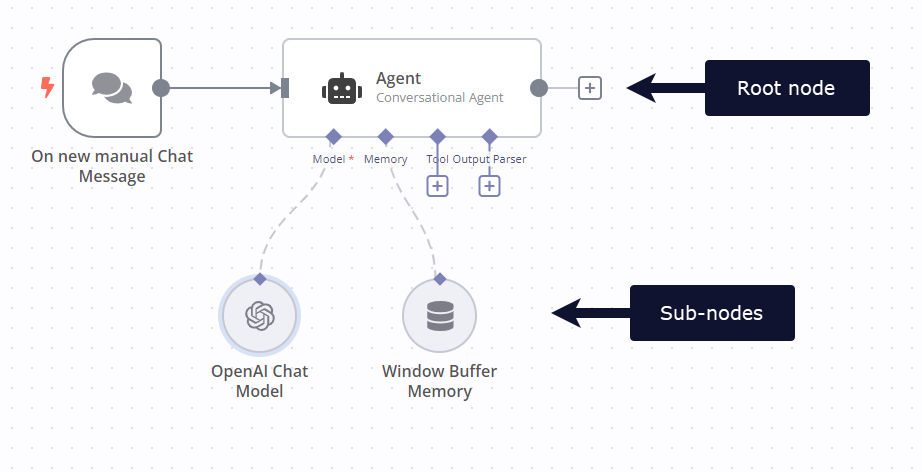
  "markdown": "# n8n Advanced AI Documentation and Guides\n\n[](https://github.com/n8n-io/n8n-docs/edit/main/docs/advanced-ai/index.md \"Edit this page\")\n\nBuild AI functionality using n8n: from creating your own chat bot, to using AI to process documents and data from other sources.\n\nFeature availability\n\nThis feature is available on Cloud and self-hosted n8n, in version 1.19.4 and above.\n\n*   **Get started**\n    \n    Work through the short tutorial to learn the basics of building AI workflows in n8n.\n    \n    [Tutorial](https://docs.n8n.io/advanced-ai/intro-tutorial/)\n    \n*   **Use a Starter Kit**\n    \n    Try n8n's Self-hosted AI Starter Kit to quickly start building AI workflows.\n    \n    [Self-hosted AI Starter Kit](https://docs.n8n.io/hosting/starter-kits/ai-starter-kit/)\n    \n*   **Explore examples and concepts**\n    \n    Browse examples and workflow templates to help you build. Includes explanations of important AI concepts.\n    \n    [Examples](https://docs.n8n.io/advanced-ai/examples/introduction/)\n    \n*   **How n8n uses LangChain**\n    \n    Learn more about how n8n builds on LangChain.\n    \n    [LangChain in n8n](https://docs.n8n.io/advanced-ai/langchain/overview/)\n    \n*   **Browse AI templates**\n    \n    Explore a wide range of AI workflow templates on the n8n website.\n    \n    [AI workflows on n8n.io](https://n8n.io/workflows/?categories=25)\n    \n\nRelated documentation and tools.\n\n### Node types[#](#node-types \"Permanent link\")\n\nThis feature uses [Cluster nodes](https://docs.n8n.io/integrations/builtin/cluster-nodes/): groups of [root](https://docs.n8n.io/integrations/builtin/cluster-nodes/root-nodes/) and [sub](https://docs.n8n.io/integrations/builtin/cluster-nodes/sub-nodes/) nodes that work together.\n\n[Cluster nodes](https://docs.n8n.io/glossary/#cluster-node-n8n) are node groups that work together to provide functionality in an n8n workflow. Instead of using a single node, you use a [root node](https://docs.n8n.io/glossary/#root-node-n8n) and one or more [sub-nodes](https://docs.n8n.io/glossary/#sub-node-n8n) that extend the functionality of the node.\n\n![Screenshot of a workflow with a root node and two sub-nodes](https://docs.n8n.io/_images/integrations/builtin/cluster-nodes/root-sub-nodes.png)\n\n### Workflow templates[#](#workflow-templates \"Permanent link\")\n\nYou can browse [workflow templates](https://docs.n8n.io/glossary/#template-n8n) in-app or on the n8n website [Workflows](https://n8n.io/workflows/?categories=25,26) page.\n\nRefer to [Templates](https://docs.n8n.io/workflows/templates/) for information on accessing templates in-app.\n\n### Chat trigger[#](#chat-trigger \"Permanent link\")\n\nUse the [n8n Chat Trigger](https://docs.n8n.io/integrations/builtin/core-nodes/n8n-nodes-langchain.chattrigger/) to trigger a workflow based on chat interactions.\n\n### Chatbot widget[#](#chatbot-widget \"Permanent link\")\n\nn8n provides a chatbot widget that you can use as a frontend for AI-powered chat workflows. Refer to the [@n8n/chat npm page](https://www.npmjs.com/package/@n8n/chat) for usage information."
},
{
  "url": "https://docs.n8n.io/code/",
  "markdown": "# Code in n8n Documentation and Guides\n\n[](https://github.com/n8n-io/n8n-docs/edit/main/docs/code/index.md \"Edit this page\")\n\nn8n is a low-code tool. This means you can do a lot without code, then add code when needed.\n\n## Code in your workflows[#](#code-in-your-workflows \"Permanent link\")\n\nThere are two places in your workflows where you can use code:\n\n*   **Expressions**\n    \n    Use [expressions](https://docs.n8n.io/glossary/#expression-n8n) to transform [data](https://docs.n8n.io/data/) in your nodes. You can use JavaScript in expressions, as well as n8n's [Built-in methods and variables](https://docs.n8n.io/code/builtin/overview/) and [Data transformation functions](https://docs.n8n.io/code/builtin/data-transformation-functions/).\n    \n    [Expressions](https://docs.n8n.io/code/expressions/)\n    \n*   **Code node**\n    \n    Use the Code node to add JavaScript or Python to your workflow.\n    \n    [Code node](https://docs.n8n.io/code/code-node/)\n    \n\n## Other technical resources[#](#other-technical-resources \"Permanent link\")\n\nThese are features that are relevant to technical users.\n\n### Technical nodes[#](#technical-nodes \"Permanent link\")\n\nn8n provides core nodes, which simplify adding key functionality such as API requests, webhooks, scheduling, and file handling.\n\n*   **Write a backend**\n    \n    The [HTTP Request](https://docs.n8n.io/integrations/builtin/core-nodes/n8n-nodes-base.httprequest/), [Webhook](https://docs.n8n.io/integrations/builtin/core-nodes/n8n-nodes-base.webhook/), and [Code](https://docs.n8n.io/code/code-node/) nodes help you make API calls, respond to webhooks, and write any JavaScript in your workflow.\n    \n    Use this do things like [Create an API endpoint](https://n8n.io/workflows/1750-creating-an-api-endpoint/).\n    \n    [Core nodes](https://docs.n8n.io/integrations/builtin/core-nodes/)\n    \n*   **Represent complex logic**\n    \n    You can build complex flows, using nodes like [If](https://docs.n8n.io/integrations/builtin/core-nodes/n8n-nodes-base.if/), [Switch](https://docs.n8n.io/integrations/builtin/core-nodes/n8n-nodes-base.switch/), and [Merge](https://docs.n8n.io/integrations/builtin/core-nodes/n8n-nodes-base.merge/) nodes.\n    \n    [Flow logic](https://docs.n8n.io/flow-logic/)\n    \n\n### Other developer resources[#](#other-developer-resources \"Permanent link\")\n\n*   **The n8n API**\n    \n    n8n provides an API, where you can programmatically perform many of the same tasks as you can in the GUI. There's an [n8n API node](https://docs.n8n.io/integrations/builtin/core-nodes/n8n-nodes-base.n8n/) to access the API in your workflows.\n    \n    [API](https://docs.n8n.io/api/)\n    \n*   **Self-host**\n    \n    You can self-host n8n. This keeps your data on your own infrastructure.\n    \n    [Hosting](https://docs.n8n.io/hosting/)\n    \n*   **Build your own nodes**\n    \n    You can build custom nodes, install them on your n8n instance, and publish them to [npm](https://www.npmjs.com/).\n    \n    [Creating nodes](https://docs.n8n.io/integrations/creating-nodes/overview/)"
},
{
  "url": "https://docs.n8n.io/hosting/",
  "markdown": "# n8n Hosting Documentation and Guides\n\n[](https://github.com/n8n-io/n8n-docs/edit/main/docs/hosting/index.md \"Edit this page\")\n\n## Self-hosting n8n[#](#self-hosting-n8n \"Permanent link\")\n\nThis section provides guidance on setting up n8n for both the Enterprise and Community self-hosted editions. The Community edition is free, the Enterprise edition isn't.\n\nSee [Community edition features](https://docs.n8n.io/hosting/community-edition-features/) for a list of available features.\n\n*   **Installation and server setups**\n    \n    Install n8n on any platform using npm or Docker. Or follow our guides to popular hosting platforms.\n    \n    [Docker installation guide](https://docs.n8n.io/hosting/installation/docker/)\n    \n*   **Configuration**\n    \n    Learn how to configure n8n with environment variables.\n    \n    [Environment Variables](https://docs.n8n.io/hosting/configuration/environment-variables/)\n    \n*   **Users and authentication**\n    \n    Choose and set up user authentication for your n8n instance.\n    \n    [Authentication](https://docs.n8n.io/hosting/configuration/user-management-self-hosted/)\n    \n*   **Scaling**\n    \n    Manage data, modes, and processes to keep n8n running smoothly at scale.\n    \n    [Scaling](https://docs.n8n.io/hosting/scaling/queue-mode/)\n    \n*   **Securing n8n**\n    \n    Secure your n8n instance by setting up SSL, SSO, or 2FA or blocking or opting out of some data collection or features.\n    \n    [Securing n8n guide](https://docs.n8n.io/hosting/securing/overview/)\n    \n*   **Starter kits**\n    \n    New to n8n or AI? Try our Self-hosted AI Starter Kit. Curated by n8n, it combines the self-hosted n8n platform with compatible AI products and components to get you started building self-hosted AI workflows.\n    \n    [Starter kits](https://docs.n8n.io/hosting/starter-kits/ai-starter-kit/)\n    \n\nSelf-hosting knowledge prerequisites\n\nSelf-hosting n8n requires technical knowledge, including:\n\n*   Setting up and configuring servers and containers\n*   Managing application resources and scaling\n*   Securing servers and applications\n*   Configuring n8n\n\nn8n recommends self-hosting for expert users. Mistakes can lead to data loss, security issues, and downtime. If you aren't experienced at managing servers, n8n recommends [n8n Cloud](https://n8n.io/cloud/)."
},
{
  "url": "https://docs.n8n.io/api/",
  "markdown": "# n8n public REST API Documentation and Guides\n\n[](https://github.com/n8n-io/n8n-docs/edit/main/docs/api/index.md \"Edit this page\")\n\nFeature availability\n\nThe n8n API isn't available during the free trial. Please upgrade to access this feature.\n\nUsing n8n's public [API](https://docs.n8n.io/glossary/#api), you can programmatically perform many of the same tasks as you can in the GUI. This section introduces n8n's REST API, including:\n\n*   How to [authenticate](https://docs.n8n.io/api/authentication/)\n*   [Paginating](https://docs.n8n.io/api/pagination/) results\n*   Using the [built-in API playground](https://docs.n8n.io/api/using-api-playground/) (self-hosted n8n only)\n*   [Endpoint reference](https://docs.n8n.io/api/api-reference/)\n\nn8n provides an [n8n API node](https://docs.n8n.io/integrations/builtin/core-nodes/n8n-nodes-base.n8n/) to access the API in your workflows.\n\n## Learn about REST APIs[#](#learn-about-rest-apis \"Permanent link\")\n\nThe API documentation assumes you are familiar with REST APIs. If you're not, these resources may be helpful:\n\n*   [KnowledgeOwl's guide to working with APIs](https://support.knowledgeowl.com/help/working-with-apis): a basic introduction, including examples of how to call REST APIs.\n*   [IBM Cloud Learn Hub - What is an Application Programming Interface (API)](https://www.ibm.com/cloud/learn/api): this gives a general, but technical, introduction to APIs.\n*   [IBM Cloud Learn Hub - What is a REST API?](https://www.ibm.com/cloud/learn/rest-apis): more detailed information about REST APIs.\n*   [MDN web docs - An overview of HTTP](https://developer.mozilla.org/en-US/docs/Web/HTTP/Overview): REST APIs work over HTTP and use HTTP verbs, or methods, to specify the action to perform.\n\nUse the API playground (self-hosted n8n only)\n\nTrying out the API in the [playground](https://docs.n8n.io/api/using-api-playground/) can help you understand how APIs work. If you're worried about changing live data, consider setting up a test workflow, or test n8n instance, to explore safely."
},
{
  "url": "https://docs.n8n.io/choose-n8n/",
  "markdown": "# Choose your n8n | n8n Docs\n\n[](https://github.com/n8n-io/n8n-docs/edit/main/docs/choose-n8n.md \"Edit this page\")\n\nThis section contains information on n8n's range of platforms, pricing plans, and licenses.\n\n## Platforms[#](#platforms \"Permanent link\")\n\nThere are different ways to set up n8n depending on how you intend to use it:\n\n*   [n8n Cloud](https://docs.n8n.io/manage-cloud/overview/): hosted solution, no need to install anything.\n*   [Self-host](https://docs.n8n.io/hosting/): recommended method for production or customized use cases.\n    *   [npm](https://docs.n8n.io/hosting/installation/npm/)\n    *   [Docker](https://docs.n8n.io/hosting/installation/docker/)\n    *   [Server setup guides](https://docs.n8n.io/hosting/installation/server-setups/) for popular platforms\n*   [Embed](https://docs.n8n.io/embed/): n8n Embed allows you to white label n8n and build it into your own product. Contact n8n on the [Embed website](https://n8n.io/embed/) for pricing and support.\n\nSelf-hosting knowledge prerequisites\n\nSelf-hosting n8n requires technical knowledge, including:\n\n*   Setting up and configuring servers and containers\n*   Managing application resources and scaling\n*   Securing servers and applications\n*   Configuring n8n\n\nn8n recommends self-hosting for expert users. Mistakes can lead to data loss, security issues, and downtime. If you aren't experienced at managing servers, n8n recommends [n8n Cloud](https://n8n.io/cloud/).\n\n## Licenses[#](#licenses \"Permanent link\")\n\nn8n's [Sustainable Use License](https://github.com/n8n-io/n8n/blob/master/LICENSE.md) and [n8n Enterprise License](https://github.com/n8n-io/n8n/blob/master/LICENSE_EE.md) are based on the [fair-code](https://faircode.io/) model.\n\nFor a detailed explanation of the license, refer to [Sustainable Use License](https://docs.n8n.io/sustainable-use-license/).\n\n## Free versions[#](#free-versions \"Permanent link\")\n\nn8n offers the following free options:\n\n*   A free trial of Cloud\n*   A free self-hosted community edition for self-hosted users\n\n## Paid versions[#](#paid-versions \"Permanent link\")\n\nn8n has two paid versions:\n\n*   n8n Cloud: choose from a range of paid plans to suit your usage and feature needs.\n*   Self-hosted: there are both free and paid versions of self-hosted.\n\nFor details of the Cloud plans and contact details for Enterprise Self-hosted, refer to [Pricing](https://n8n.io/pricing/) on the n8n website."
},
{
  "url": "https://docs.n8n.io/embed/",
  "markdown": "# n8n Embed Documentation and Guides\n\n[](https://github.com/n8n-io/n8n-docs/edit/main/docs/embed/index.md \"Edit this page\")\n\nn8n Embed is part of n8n's paid offering. Using Embed, you can white label n8n, or incorporate it in your software as part of your commercial product.\n\nFor more information about when to use Embed, as well as costs and licensing processes, refer to [Embed](https://n8n.io/embed/) on the n8n website.\n\n## Support[#](#support \"Permanent link\")\n\nThe [community forum](https://community.n8n.io/) can help with various issues. If you are a current Embed customer, you can also contact n8n support, using the email provided when you bought the license.\n\n## Russia and Belarus[#](#russia-and-belarus \"Permanent link\")\n\nn8n Embed isn't available in Russia and Belarus. Refer to n8n's blog post [Update on n8n cloud accounts in Russia and Belarus](https://blog.n8n.io/update-on-n8n-cloud-accounts-in-russia-and-belarus/) for more information."
},
{
  "url": "https://docs.n8n.io/try-it-out/",
  "markdown": "# Try it out | n8n Docs\n\n[](https://github.com/n8n-io/n8n-docs/edit/main/docs/try-it-out/index.md \"Edit this page\")\n\nThe best way to learn n8n is by using our tutorials to get familiar with the user interface and the many different types of nodes and integrations available. Here is a selection of material to get you started:\n\n*   Looking for a quick introduction? Check out the [\"First Workflow\" tutorial](https://docs.n8n.io/try-it-out/tutorial-first-workflow/).\n*   Interested in what you could do with AI? Find out [how to build an AI chat agent with n8n](https://docs.n8n.io/advanced-ai/intro-tutorial/).\n*   Prefer to work through extensive examples? Maybe the [courses](https://docs.n8n.io/courses/) are for you."
},
{
  "url": "https://docs.n8n.io/try-it-out/quickstart/",
  "markdown": "# A very quick quickstart | n8n Docs\n\n[](https://github.com/n8n-io/n8n-docs/edit/main/docs/try-it-out/quickstart.md \"Edit this page\")\n\nThis quickstart gets you started using n8n as quickly as possible. Its allows you to try out the UI and introduces two key features: [workflow templates](https://docs.n8n.io/glossary/#template-n8n) and [expressions](https://docs.n8n.io/glossary/#expression-n8n). It doesn't include detailed explanations or explore concepts in-depth.\n\nIn this tutorial, you will:\n\n*   Load a [workflow](https://docs.n8n.io/glossary/#workflow-n8n) from the workflow templates library\n*   Add a node and configure it using expressions\n*   Run your first workflow\n\n## Step one: Sign up for n8n[#](#step-one-sign-up-for-n8n \"Permanent link\")\n\nThis quickstart uses [n8n Cloud](https://docs.n8n.io/manage-cloud/overview/). A free trial is available for new users. If you haven't already done so, [sign up](https://app.n8n.cloud/register) for an account now.\n\n## Step two: Open a workflow template[#](#step-two-open-a-workflow-template \"Permanent link\")\n\nn8n provides a quickstart template using training nodes. You can use this to work with fake data and avoid setting up [credentials](https://docs.n8n.io/glossary/#credential-n8n).\n\n1.  Go to [Templates | Very quick quickstart](https://n8n.io/workflows/1700-very-quick-quickstart/).\n2.  Select **Use workflow** to view the options for using the template.\n3.  Select **Import template to cloud workspace** to load the template into your Cloud instance.\n\nThis workflow:\n\n1.  Gets example data from the [Customer Datastore](https://docs.n8n.io/integrations/builtin/app-nodes/n8n-nodes-base.n8ntrainingcustomerdatastore/) node.\n2.  Uses the [Edit Fields](https://docs.n8n.io/integrations/builtin/core-nodes/n8n-nodes-base.set/) node to extract only the desired data and assigns that data to variables. In this example, you map the customer name, ID, and description.\n\nThe individual pieces in an n8n workflow are called [nodes](https://docs.n8n.io/glossary/#node-n8n). Double click a node to explore its settings and how it processes data.\n\n## Step three: Run the workflow[#](#step-three-run-the-workflow \"Permanent link\")\n\nSelect **Execute Workflow**. This runs the workflow, loading the data from the Customer Datastore node, then transforming it with Edit Fields. You need this data available in the workflow so that you can work with it in the next step.\n\n## Step four: Add a node[#](#step-four-add-a-node \"Permanent link\")\n\nAdd a third node to message each customer and tell them their description. Use the Customer Messenger node to send a message to fake recipients.\n\n1.  Select the **Add node** ![Add node icon](https://docs.n8n.io/_images/try-it-out/add-node-small.png) connector on the Edit Fields node.\n2.  Search for **Customer Messenger**. n8n shows a list of nodes that match the search.\n3.  Select **Customer Messenger (n8n training)** to add the node to the [canvas](https://docs.n8n.io/glossary/#canvas-n8n). n8n opens the node automatically.\n4.  Use [expressions](https://docs.n8n.io/code/expressions/) to map in the **Customer ID** and create the **Message**:\n    1.  In the **INPUT** panel select the **Schema** tab.\n    2.  Drag **Edit Fields1** > **customer\\_id** into the **Customer ID** field in the node settings.\n    3.  Hover over **Message**. Select the **Expression** tab, then select the expand button ![Add node icon](https://docs.n8n.io/_images/common-icons/open-expression-editor.png) to open the full expressions editor.\n    4.  Copy this expression into the editor:\n        \n        |     |     |\n        | --- | --- |\n        |     | `Hi {{ $json.customer_name }}. Your description is: {{ $json.customer_description }}` |\n        \n5.  Close the expressions editor, then close the **Customer Messenger** node by clicking outside the node or selecting **Back to canvas**.\n6.  Select **Execute Workflow**. n8n runs the workflow.\n\nThe complete workflow should look like this:\n\n## Next steps[#](#next-steps \"Permanent link\")\n\n*   Read n8n's [longer try it out tutorial](https://docs.n8n.io/try-it-out/tutorial-first-workflow/) for a more complex workflow, and an introduction to more features and n8n concepts.\n*   Take the [text courses](https://docs.n8n.io/courses/) or [video courses](https://docs.n8n.io/video-courses/)."
},
{
  "url": "https://docs.n8n.io/video-courses/",
  "markdown": "# Video courses | n8n Docs\n\n[](https://github.com/n8n-io/n8n-docs/edit/main/docs/video-courses.md \"Edit this page\")\n\nn8n provides two video courses on YouTube.\n\nFor support, join the [Forum](https://community.n8n.io/).\n\n## Beginner[#](#beginner \"Permanent link\")\n\nThe [Beginner](https://www.youtube.com/playlist?list=PLlET0GsrLUL59YbxstZE71WszP3pVnZfI) course covers the basics of n8n:\n\n*   [Introduction and workflows](https://youtu.be/4BVTkqbn_tY?si=g2A5eD8kAoia5k6y)\n*   [APIs and Webhooks](https://youtu.be/y_cpFMF1pzk?si=zi3wM4W7nx8Jkcw3)\n*   [Nodes](https://youtu.be/rCPXBkeBWCQ?si=-T2iUsydwS5ym6yI)\n*   [Data in n8n](https://youtu.be/2YfWuNziPE4?si=4jB-fubG1_T0HXYx)\n*   [Core workflow concepts](https://youtu.be/kkrA7tGHYNo?si=mLVbuV98ohL5YVnm)\n*   [Useful nodes](https://youtu.be/Rmi-ckbMOQE?si=H_dF77uf5KJU7RtH)\n*   [Error handling](https://youtu.be/XEUVl3bbMhI?si=nUyaME5kyxe6daGO)\n*   [Debugging](https://youtu.be/Gxe_RfCRH-o?si=F-pAviLTIeL3-X13)\n*   [Collaboration](https://youtu.be/pI0W-0Qcwmo?si=X7sALFXo2e-cY9FQ)\n\n## Advanced[#](#advanced \"Permanent link\")\n\nThe [Advanced](https://www.youtube.com/playlist?list=PLlET0GsrLUL5bxmx5c1H1Ms_OtOPYZIEG) course covers more complex workflows, more technical nodes, and enterprise features:\n\n*   [Introduction and complex data flows](https://youtu.be/TFTLMQLozCI?si=vX0ooIH1RmbsgAkC)\n*   [Advanced technical nodes](https://youtu.be/JM4jqYs4Fxo?si=YSNMeSay3C29C8HS)\n*   [Pinning and editing output data](https://youtu.be/zcNB8L4_9mA?si=LZJ9DlYDQQxL7eeP)\n*   [Sub-workflows](https://youtu.be/xr05Ie_Hkyg?si=rqqP8llttZPBjBeD)\n*   [Error workflows](https://youtu.be/77Ewdaby47M?si=6YRlC4nMgG4hVQPV)\n*   [Building a full example](https://youtu.be/wOKLEfeJLVE?si=YMW5t-PzPq7QKbPY)\n*   [Handling files](https://youtu.be/2RAZYNigqOY?si=9x4vLX2Qo08xx8vC)\n*   [Enterprise features](https://youtu.be/fXEubzmVJ_E?si=aK9_fI9tkF6F5CtB)"
},
{
  "url": "https://docs.n8n.io/try-it-out/tutorial-first-workflow/",
  "markdown": "# A longer introduction | n8n Docs\n\n[](https://github.com/n8n-io/n8n-docs/edit/main/docs/try-it-out/tutorial-first-workflow.md \"Edit this page\")\n\n## Your first workflow[#](#your-first-workflow \"Permanent link\")\n\nThis guide will show you how to construct a [workflow](https://docs.n8n.io/glossary/#workflow-n8n) in n8n, explaining key concepts along the way. You will:\n\n*   Create a workflow from scratch.\n*   Understand key concepts and skills, including:\n    *   Starting workflows with trigger nodes\n    *   Configuring [credentials](https://docs.n8n.io/glossary/#credential-n8n)\n    *   Processing data\n    *   Representing logic in an n8n workflow\n    *   Using [expressions](https://docs.n8n.io/glossary/#expression-n8n)\n\n![\"Screenshot of the completed workflow\"](https://docs.n8n.io/_images/try-it-out/tutorial-first.png)\n\nThis quickstart uses [n8n Cloud](https://docs.n8n.io/manage-cloud/overview/), which is recommended for new users. A free trial is available - if you haven't already done so, [sign up](https://app.n8n.cloud/register) for an account now.\n\n## Step one: Create a new workflow[#](#step-one-create-a-new-workflow \"Permanent link\")\n\nWhen you open n8n, you'll see either:\n\n*   A window with a welcome message and two large buttons: Choose **Start from Scratch** to create a new workflow.\n*   The **Workflows** list on the **Overview** page. Select the **Create Workflow** to create a new workflow.\n\n## Step two: Add a trigger node[#](#step-two-add-a-trigger-node \"Permanent link\")\n\nn8n provides two ways to start a workflow:\n\n*   Manually, by selecting **Execute Workflow**.\n*   Automatically, using a trigger node as the first node. The trigger node runs the workflow in response to an external event, or based on your settings.\n\nFor this tutorial, we'll use the [Schedule trigger](https://docs.n8n.io/integrations/builtin/core-nodes/n8n-nodes-base.scheduletrigger/). This allows you to run the workflow on a schedule:\n\n1.  Select **Add first step**.\n2.  Search for **Schedule**. n8n shows a list of nodes that match the search.\n3.  Select **Schedule Trigger** to add the node to the canvas. n8n opens the node.\n4.  For **Trigger Interval**, select **Weeks**.\n5.  For **Weeks Between Triggers**, enter `1`.\n6.  Enter a time and day. For this example, select **Monday** in **Trigger on Weekdays**, select **9am** in **Trigger at Hour**, and enter `0` in **Trigger at Minute**.\n7.  Close the node details view to return to the canvas.\n\n## Step three: Add the NASA node and set up credentials[#](#step-three-add-the-nasa-node-and-set-up-credentials \"Permanent link\")\n\nThe [NASA node](https://docs.n8n.io/integrations/builtin/app-nodes/n8n-nodes-base.nasa/) interacts with NASA's [public APIs](https://api.nasa.gov/) to fetch useful data. We will use the real-time data from the API to find solar events.\n\nCredentials\n\nCredentials are private pieces of information issued by apps and services to authenticate you as a user and allow you to connect and share information between the app or service and the n8n node. The type of information required varies depending on the app/service concerned. You should be careful about sharing or revealing the credentials outside of n8n.\n\n1.  Select the **Add node** ![Add node icon](https://docs.n8n.io/_images/try-it-out/add-node-small.png) connector on the Schedule Trigger node.\n2.  Search for **NASA**. n8n shows a list of nodes that match the search.\n3.  Select **NASA** to view a list of operations.\n4.  Search for and select **Get a DONKI solar flare**. This operation returns a report about recent solar flares. When you select the operation, n8n adds the node to the canvas and opens it.\n5.  To access the NASA APIs, you need to set up credentials:\n    \n    1.  Select the **Credential for NASA API** dropdown.\n    2.  Select **Create new credential**. n8n opens the credentials view.\n    3.  Go to [NASA APIs](https://api.nasa.gov/) and fill out the form from the **Generate API Key** link. The NASA site generates the key and emails it to the address you entered.\n    4.  Check your email account for the API key. Copy the key, and paste it into **API Key** in n8n.\n    5.  Select **Save**.\n    6.  Close the credentials screen. n8n returns to the node. The new credentials should be automatically selected in **Credential for NASA API**.\n6.  By default, DONKI Solar Flare provides data for the past 30 days. To limit it to just the last week, use **Additional Fields**:\n    \n    1.  Select **Add field**.\n    2.  Select **Start date**.\n    3.  To get a report starting from a week ago, you can use an expression: next to **Start date**, select the **Expression** tab, then select the expand button ![Add node icon](https://docs.n8n.io/_images/common-icons/open-expression-editor.png) to open the full expressions editor.\n    4.  In the **Expression** field, enter the following expression:\n        \n        |     |     |\n        | --- | --- |\n        |     | `{{ $today.minus(7, 'days') }}` |\n        \n        This generates a date in the correct format, seven days before the current date.\n    \n    ![image showing the expression above generating a date](https://docs.n8n.io/_images/try-it-out/tutorial-date.png)\n    \n    Date and time formats in n8n...\n    \n    n8n uses Luxon to work with date and time, and also provides two variables for convenience: `$now` and `$today`. For more information, refer to [Expressions > Luxon](https://docs.n8n.io/code/cookbook/luxon/).\n    \n7.  Close the **Edit Expression** modal to return to the NASA node.\n    \n8.  You can now check that the node is working and returning the expected date: select **Execute step** to run the node manually. n8n calls the NASA API and displays details of solar flares in the past seven days in the **OUTPUT** section.\n9.  Close the NASA node to return to the workflow canvas.\n\n## Step four: Add logic with the If node[#](#step-four-add-logic-with-the-if-node \"Permanent link\")\n\nn8n supports complex logic in workflows. In this tutorial we will use the [If node](https://docs.n8n.io/integrations/builtin/core-nodes/n8n-nodes-base.if/) to create two branches that each generate a report from the NASA data. Solar flares have five possible classifications; we will add logic that sends a report with the lower classifications to one output, and the higher classifications to another.\n\nAdd the If node:\n\n1.  Select the **Add node** ![Add node icon](https://docs.n8n.io/_images/try-it-out/add-node-small.png) connector on the NASA node.\n2.  Search for **If**. n8n shows a list of nodes that match the search.\n3.  Select **If** to add the node to the canvas. n8n opens the node.\n4.  You need to check the value of the `classType` property in the NASA data. To do this:\n    \n    1.  Drag **classType** into **Value 1**.\n        \n        Make sure you ran the NASA node in the previous section\n        \n        If you didn't follow the step in the previous section to run the NASA node, you won't see any data to work with in this step.\n        \n    2.  Change the comparison operation to **String > Contains**.\n        \n    3.  In **Value 2**, enter **X**. This is the highest classification of solar flare. In the next step, you will create two reports: one for X class solar flares, and one for all the smaller solar flares.\n    4.  You can now check that the node is working and returning the expected date: select **Execute step** to run the node manually. n8n tests the data against the condition, and shows which results match true or false in the **OUTPUT** panel.\n    \n    Weeks without large solar flares\n    \n    In this tutorial, you are working with live data. If you find there aren't any X class solar flares when you run the workflow, try replacing **X** in **Value 2** with either **A**, **B**, **C**, or **M**.\n    \n5.  Once you are happy the node will return some events, you can close the node to return to the canvas.\n    \n\n## Step five: Output data from your workflow[#](#step-five-output-data-from-your-workflow \"Permanent link\")\n\nThe last step of the workflow is to send the two reports about solar flares. For this example, you'll send data to [Postbin](https://www.toptal.com/developers/postbin/). Postbin is a service that receives data and displays it on a temporary web page.\n\n1.  On the If node, select the **Add node** ![Add node icon](https://docs.n8n.io/_images/try-it-out/add-node-small.png) connector labeled **true**.\n2.  Search for **PostBin**. n8n shows a list of nodes that match the search.\n3.  Select **PostBin**.\n4.  Select **Send a request**. n8n adds the node to the canvas and opens it.\n5.  Go to [Postbin](https://www.toptal.com/developers/postbin/) and select **Create Bin**. Leave the tab open so you can come back to it when testing the workflow.\n6.  Copy the bin ID. It looks similar to `1651063625300-2016451240051`.\n7.  In n8n, paste your Postbin ID into **Bin ID**.\n8.  Now, configure the data to send to Postbin. Next to **Bin Content**, select the **Expression** tab (you will need to mouse-over the **Bin Content** for the tab to appear), then select the expand button ![Add node icon](https://docs.n8n.io/_images/common-icons/open-expression-editor.png) to open the full expressions editor.\n9.  You can now click and drag the correct field from the If Node output into the expressions editor to automatically create a reference for this label. In this case the input we want is 'classType'.\n10.  Once dropped into the expressions editor it will transform into this reference: `{{$json[\"classType\"]}}`. Add a message to it, so that the full expression is:\n    \n    |     |     |\n    | --- | --- |\n    |     | `There was a solar flare of class {{$json[\"classType\"]}}` |\n    \n    ![image showing the expression above generating output](https://docs.n8n.io/_images/try-it-out/tutorial-expression.png)\n    \n11.  Close the expressions editor to return to the node.\n    \n12.  Close the Postbin node to return to the canvas.\n13.  Add another Postbin node, to handle the **false** output path from the If node:\n    1.  Hover over the Postbin node, then select **Node context menu** ![Node context menu icon](https://docs.n8n.io/_images/common-icons/node-context-menu.png) > **Duplicate node** to duplicate the first Postbin node.\n    2.  Drag the **false** connector from the If node to the left side of the new Postbin node.\n\n## Step six: Test the workflow[#](#step-six-test-the-workflow \"Permanent link\")\n\n1.  You can now test the entire workflow. Select **Execute Workflow**. n8n runs the workflow, showing each stage in progress.\n2.  Go back to your Postbin bin. Refresh the page to see the output.\n3.  If you want to use this workflow (in other words, if you want it to run once a week automatically), you need to activate it by selecting the **Active** toggle.\n\nTime limit\n\nPostbin's bins exist for 30 minutes after creation. You may need to create a new bin and update the ID in the Postbin nodes, if you exceed this time limit.\n\n## Congratulations[#](#congratulations \"Permanent link\")\n\nYou now have a fully functioning workflow that does something useful! It should look something like this:\n\nAlong the way you have discovered:\n\n*   How to find the nodes you want and join them together\n*   How to use expressions to manipulate data\n*   How to create credentials and attach them to nodes\n*   How to use logic in your workflows\n\nThere are plenty of things you could add to this (perhaps add some more credentials and a node to send you an email of the results), or maybe you have a specific project in mind. Whatever your next steps, the resources linked below should help.\n\n## Next steps[#](#next-steps \"Permanent link\")\n\n*   Interested in what you could do with AI? Find out [how to build an AI chat agent with n8n](https://docs.n8n.io/advanced-ai/intro-tutorial/).\n*   Take n8n's [text courses](https://docs.n8n.io/courses/) or [video courses](https://docs.n8n.io/video-courses/).\n*   Explore more examples in [workflow templates](https://n8n.io/workflows/)."
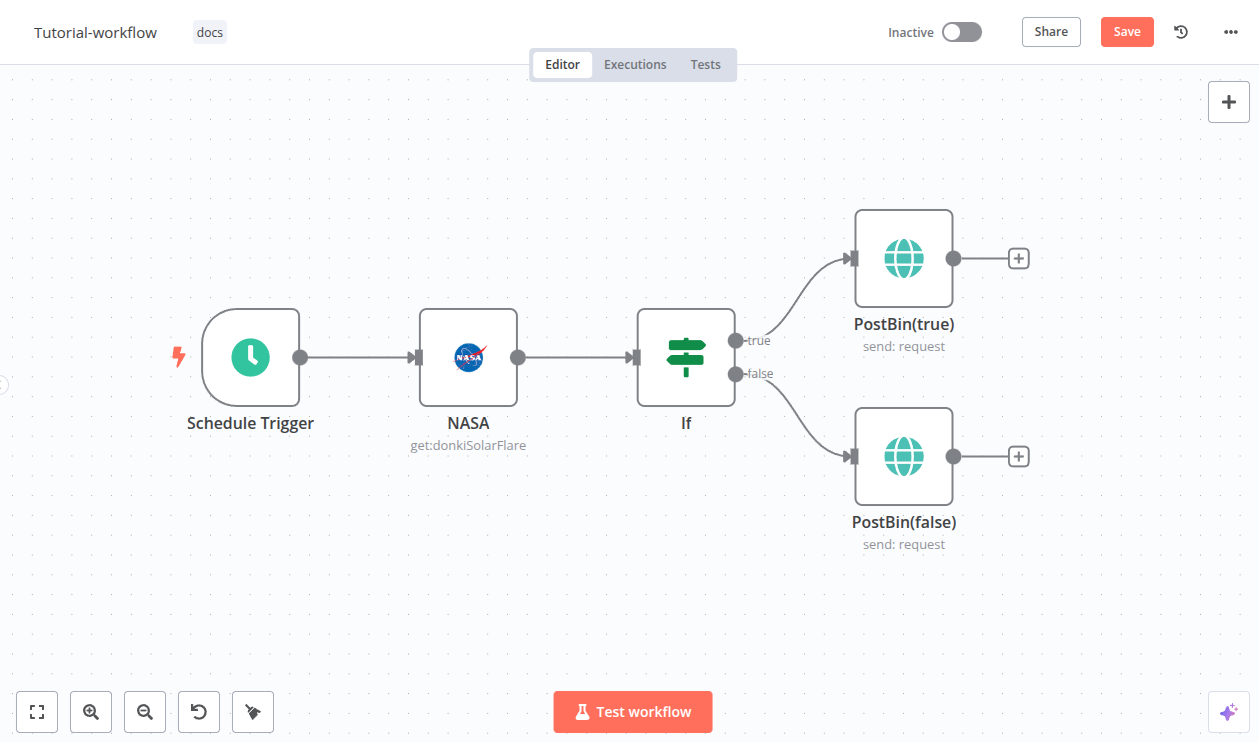
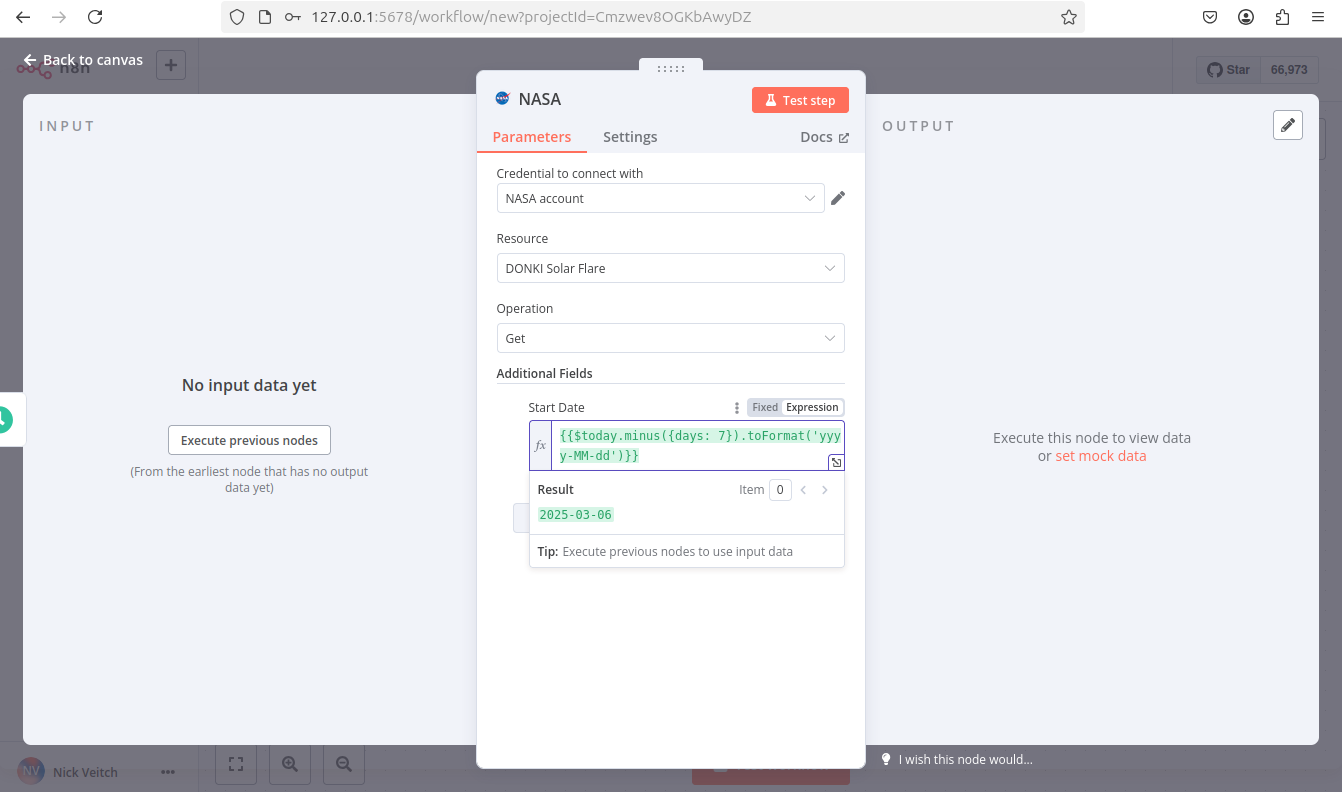
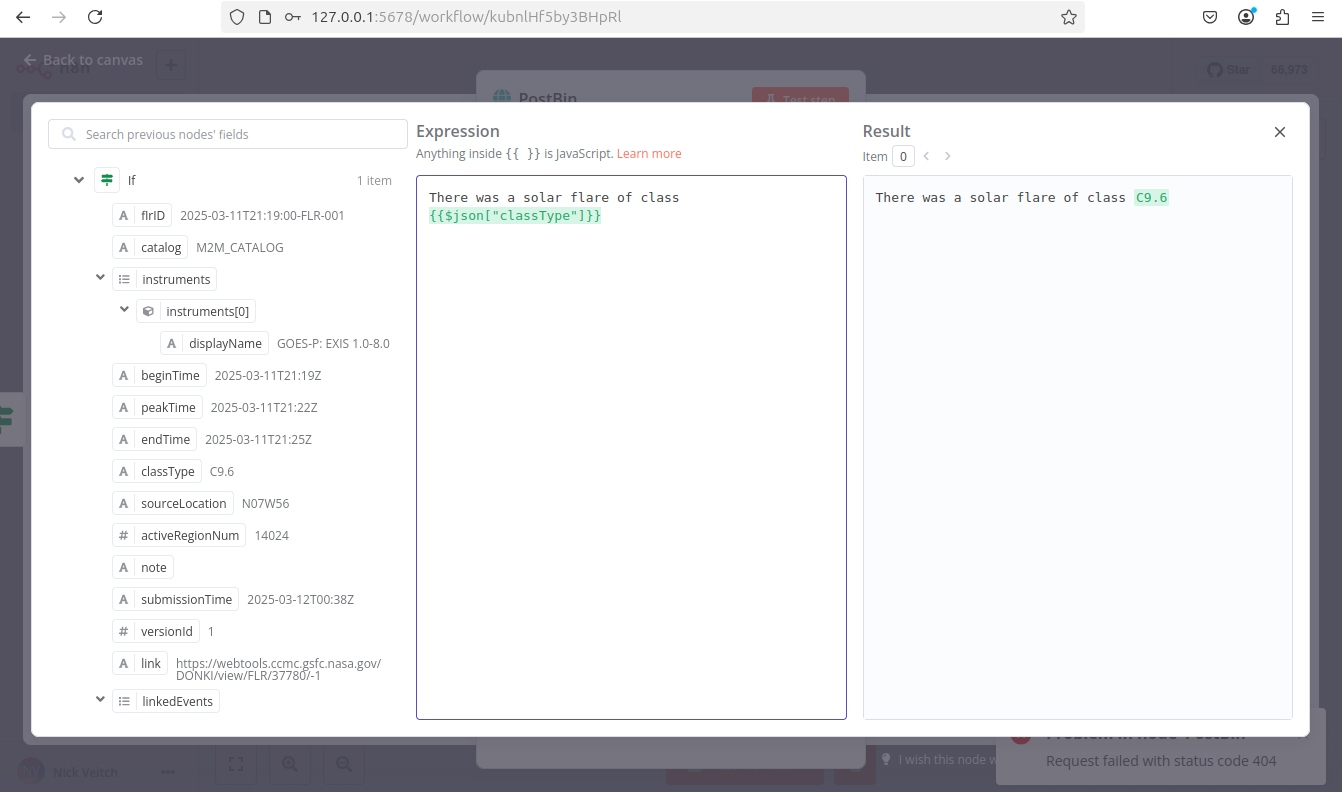
},
{
  "url": "https://docs.n8n.io/courses/level-one/",
  "markdown": "# Index | n8n Docs\n\n[](https://github.com/n8n-io/n8n-docs/edit/main/docs/courses/level-one/index.md \"Edit this page\")\n\n## Level one: Introduction[#](#level-one-introduction \"Permanent link\")\n\nWelcome to the **n8n Course Level 1**!\n\n## Is this course right for me?[#](#is-this-course-right-for-me \"Permanent link\")\n\nThis course introduces you to the fundamental concepts within n8n and develops your low-code automation expertise.\n\nThis course is for you if you:\n\n*   Are starting to use n8n for the first time.\n*   Are looking for some extra help creating your first workflow.\n*   Want to automate processes in your personal or working life.\n\nThis course introduces n8n concepts and demonstrates practical workflow building without assuming any prior familiarity with n8n. If you'd like to get a feel for the basics without as much explanation, consult our [quickstart guide](https://docs.n8n.io/try-it-out/tutorial-first-workflow/).\n\n## What will I learn in this course?[#](#what-will-i-learn-in-this-course \"Permanent link\")\n\nWe believe in learning by doing. You can expect some theoretical information about the basic concepts and components of n8n, followed by practice of building workflows step by step.\n\nBy the end of this course you will know:\n\n*   How to set up n8n and navigate the Editor UI.\n*   How n8n structures data.\n*   How to configure different node parameters and add credentials.\n*   When and how to use conditional logic in workflows.\n*   How to schedule and control workflows.\n*   How to import, download, and share workflows with others.\n\nYou will build two workflows:\n\n*   A two-node workflow to get articles from Hacker News\n*   A seven-node workflow to help your client get records from a data warehouse, filter them, make calculations, and notify team members about the results\n\n## What do I need to get started?[#](#what-do-i-need-to-get-started \"Permanent link\")\n\n1.  **n8n set up**: You can use [n8n Cloud](https://docs.n8n.io/manage-cloud/overview/) (or the [self-hosted version](https://docs.n8n.io/hosting/installation/docker/) if you have experience hosting services).\n2.  **A course user ID**: [Sign up here](https://n8n-community.typeform.com/to/PDEMrevI) to get your unique ID and other credentials you will need in the course.\n3.  Basic knowledge of JavaScript and [APIs](https://blog.n8n.io/what-are-apis-how-to-use-them-with-no-code/) would be helpful, but isn't necessary.\n4.  An [account on the n8n community forum](https://community.n8n.io/) if you wish to receive a profile badge and avatar upon successful completion.\n\n## How long does the course take?[#](#how-long-does-the-course-take \"Permanent link\")\n\nCompleting the course should take around **two hours**. You don't have to complete it in one go; feel free to take breaks and resume whenever you are ready.\n\n## How do I complete the course?[#](#how-do-i-complete-the-course \"Permanent link\")\n\nThere are two milestones in this course that test your knowledge of what you have learned in the lessons:\n\n*   Building the [main workflow](https://docs.n8n.io/courses/level-one/chapter-5/chapter-5.1/)\n*   Passing the [quiz](https://n8n-community.typeform.com/to/JMoBXeGA) at the end of the course\n\nCheck your progress\n\nYou can always **check your progress** throughout the course by entering your unique ID [here](https://internal.users.n8n.cloud/webhook/course-level-1/verify).\n\nIf you complete the milestones above, you will get [**a badge and an avatar**](https://community.n8n.io/badges/104/completed-n8n-course-level-1) in your forum profile. You can then share your profile and course verification ID to showcase your n8n skills to others.\n\n[Let's get started!](https://docs.n8n.io/courses/level-one/chapter-1/)"
},
{
  "url": "https://docs.n8n.io/courses/",
  "markdown": "# Text courses | n8n Docs\n\n[](https://github.com/n8n-io/n8n-docs/edit/main/docs/courses/index.md \"Edit this page\")\n\nIf you've found your way here, it means you're serious about your interest in automation. Maybe you're tired of manually entering data into the same spreadsheet every day, of clicking through a series of tabs and buttons for that one piece of information you need, of managing tens of different tools and systems.\n\nWhatever the reason, one thing is clear: you shouldn't spend precious time doing things that don't spark joy or contribute to your personal and professional growth.\n\nThese tasks can and should be automated! And you don't need advanced technical knowledge or excellent coding skills to do this–with no-code tools like n8n, automation is for everyone.\n\n## Available courses[#](#available-courses \"Permanent link\")\n\n*   [Level 1: Beginner course](https://docs.n8n.io/courses/level-one/)\n*   [Level 2: Intermediate course](https://docs.n8n.io/courses/level-two/)"
},
{
  "url": "https://docs.n8n.io/courses/level-one/chapter-1/",
  "markdown": "# Navigating the editor UI | n8n Docs\n\n[](https://github.com/n8n-io/n8n-docs/edit/main/docs/courses/level-one/chapter-1.md \"Edit this page\")\n\nIn this lesson you will learn how to navigate the [Editor UI](https://docs.n8n.io/glossary/#editor-n8n). We will walk through the [canvas](https://docs.n8n.io/glossary/#canvas-n8n) and show you what each icon means and where to find things you will need while building workflows in n8n.\n\nn8n version\n\nThis course is based on n8n version 1.82.1. In other versions, some user interfaces might look different, but this shouldn't impact the core functionality.\n\n## Getting started[#](#getting-started \"Permanent link\")\n\nBegin by setting up n8n.\n\nWe recommend starting with [n8n Cloud](https://app.n8n.cloud/register), a hosted solution that doesn't require installation and includes a free trial.\n\nAlternative set up\n\nIf n8n Cloud isn't a good option for you, you can [self-host with Docker](https://docs.n8n.io/hosting/installation/docker/). This is an advanced option recommended only for technical users familiar with hosting services, Docker, and the command line.\n\nFor more details on the different ways to set up n8n, see our [platforms documentation](https://docs.n8n.io/choose-n8n/#platforms).\n\nOnce you have n8n running, open the Editor UI in a browser window. Log in to your n8n instance. Select **Overview** and then **Create Workflow** to view the main canvas.\n\nIt should look like this:\n\n![Editor UI](https://docs.n8n.io/_images/courses/level-one/chapter-one/l1-c1-editor-ui.png)\n\n_Editor UI_\n\n## Editor UI settings[#](#editor-ui-settings \"Permanent link\")\n\nThe editor UI is the web interface where you build [workflows](https://docs.n8n.io/workflows/). You can access all your workflows and [credentials](https://docs.n8n.io/glossary/#credential-n8n), as well as support pages, from the Editor UI.\n\n### Left-side panel[#](#left-side-panel \"Permanent link\")\n\nOn the left side of the **Editor UI**, there is a panel which contains the core functionalities and settings for managing your workflows. Expand and collapse it by selecting the small arrow icon.\n\nThe panel contains the following sections:\n\n*   **Overview**: Contains all the workflows and credentials you have access to. During this course, create new workflows here.\n*   **Projects**: (Not available on Community edition) Projects group workflows and credentials. You can assign [roles](https://docs.n8n.io/user-management/rbac/role-types/) to users in a project to control what they can do in a project. A **Personal** project is available by default.\n*   **Admin Panel**: n8n Cloud only. Access your n8n instance usage, billing, and version settings.\n*   **Templates**: A collection of pre-made workflows. Great place to get started with common use cases.\n*   **Variables**: Used to store and access fixed data across your workflows. This feature is available on the Pro and Enterprise Plans.\n*   **All executions**: Contains information about your workflow executions.\n*   **Help**: Contains resources around n8n product and community.\n*   **Update**: (When updates are available) Indicator for any recent product updates.\n*   **Settings**: Under the ellipsis (`...`) menu by your username. Manage users and access settings for a variety of features.\n\n![Editor UI left-side menu](https://docs.n8n.io/_images/courses/level-one/chapter-one/l1-c1-side-panel.png)\n\n_Editor UI left-side menu_\n\n### Top bar[#](#top-bar \"Permanent link\")\n\nThe top bar of the **Editor UI** contains the following information:\n\n*   **Workflow Name**: By default, n8n names a new workflow as \"My workflow\", but you can edit the name at any time.\n*   **\\+ Add Tag**: Tags help you organise your workflows by category, use case, or whatever is relevant for you. Tags are optional.\n*   **Inactive/active toggle**: This button activates or deactivates the current workflow. By default, workflows are deactivated.\n*   **Share**: You can share and collaborate with others on workflows on the Starter, Pro, and Enterprise plans.\n*   **Save**: This button saves the current workflow.\n*   **History**: Once you save your workflow, you can view previous versions here.\n\n![Editor UI top bar](https://docs.n8n.io/_images/courses/level-one/chapter-one/l1-c1-top-bar.png)\n\n_Editor UI top bar_\n\n### Canvas[#](#canvas \"Permanent link\")\n\nThe **canvas** is the gray dotted grid background in the Editor UI. It displays several icons and a node with different functionalities:\n\n*   Buttons to zoom the canvas to fit the screen, zoom in or out of the canvas, and tidy up the nodes on screen.\n*   A button to **Execute workflow** once you add your first node. When you click on it, n8n executes all nodes on the canvas in sequence.\n*   A button with a **+** sign inside. This button opens the nodes panel.\n*   A button with a note icon inside. This button adds a [sticky note](https://docs.n8n.io/workflows/components/sticky-notes/) to the canvas (visible when hovering on the top right + icon).\n*   A dotted square with the text \"Add first step.\" This is where you add your first node.\n\n![Workflow canvas](https://docs.n8n.io/_images/courses/level-one/chapter-one/l1-c1-canvas.png)\n\n_Workflow canvas_\n\nMoving the canvas\n\nYou can move the workflow canvas around in three ways:\n\n*   Select Ctrl+Left Button on the canvas and move it around.\n*   Select Middle Button on the canvas and move it around.\n*   Place two fingers on your touchpad and slide.\n\nDon't worry about workflow execution and activation for now; we'll explain these concepts later on in the course.\n\n## Nodes[#](#nodes \"Permanent link\")\n\nYou can think of nodes as building blocks that serve different functions that, when put together, make up a functioning machine: an automated workflow.\n\nNode\n\nA node is an individual step in your workflow: one that either (a) loads, (b) processes, or (c) sends data.\n\nBased on their function, n8n classifies nodes into four types:\n\n*   **App** or **Action Nodes** add, remove, and edit data; request and send external data; and trigger events in other systems. Refer to the [Action nodes library](https://docs.n8n.io/integrations/builtin/app-nodes/) for a full list of these nodes.\n*   **Trigger Nodes** start a workflow and supply the initial data. Refer to the [Trigger nodes library](https://docs.n8n.io/integrations/builtin/trigger-nodes/) for a list of trigger nodes.\n*   **Core Nodes** can be trigger or app nodes. Whereas most nodes connect to a specific external service, core nodes provide functionality such as logic, scheduling, or generic API calls. Refer to the [Core Nodes library](https://docs.n8n.io/integrations/builtin/core-nodes/) for a full list of core nodes.\n*   **Cluster Nodes** are node groups that work together to provide functionality in a workflow, primarily for AI workflows. Refer to [Cluster nodes](https://docs.n8n.io/integrations/builtin/cluster-nodes/) for more information.\n\nLearn more\n\nRefer to [Node types](https://docs.n8n.io/integrations/builtin/node-types/) for a more detailed explanation of all node types.\n\n### Finding nodes[#](#finding-nodes \"Permanent link\")\n\nYou can find all available nodes in the **nodes panel** on the right side of the Editor UI. There are three ways in which you can open the nodes panel:\n\n*   Click the **+** icon in the top right corner of the canvas.\n*   Click the **+** icon on the right side of an existing node on the canvas (the node to which you want to add another one).\n*   Click the Tab key on your keyboard.\n\n![Nodes panel](https://docs.n8n.io/_images/courses/level-one/chapter-one/l1-c1-node-menu-drilldown.gif)\n\n_Nodes panel_\n\nIn the nodes panel, notice that when adding your first node, you will see the different trigger node categories. After you have added your trigger node, you'll see that the nodes panel changes to show Advanced AI, Actions in an App, Data transformation, Flow, Core, and Human in the loop nodes.\n\nIf you want to find a specific node, use the search input at the top of the nodes panel.\n\n### Adding nodes[#](#adding-nodes \"Permanent link\")\n\nThere are two ways to add nodes to your canvas:\n\n*   Select the node you want in the nodes panel. The new node will automatically connect to the selected node on the canvas.\n*   Drag and drop the node from the nodes panel to the canvas.\n\n### Node buttons[#](#node-buttons \"Permanent link\")\n\nIf you hover on a node, you'll notice that three icons appear on top:\n\n*   Execute the node (Play icon)\n*   Deactivate/Activate the node (Power icon)\n*   Delete the node (Trash icon)\n\nThere will also be an ellipsis icon, which opens a context menu containing other [node options](https://docs.n8n.io/workflows/components/nodes/#node-controls).\n\nMoving a workflow\n\nTo move a workflow around the canvas, select all nodes with your mouse or Ctrl+A, select and hold on a node, then drag it to any point you want on the canvas.\n\n## Summary[#](#summary \"Permanent link\")\n\nIn this lesson you learned how to navigate the Editor UI, what the icons mean, how to access the left-side and node panels, and how to add nodes to the canvas.\n\nIn the next lesson, you will build a mini-workflow to put into practice what you've learned so far."
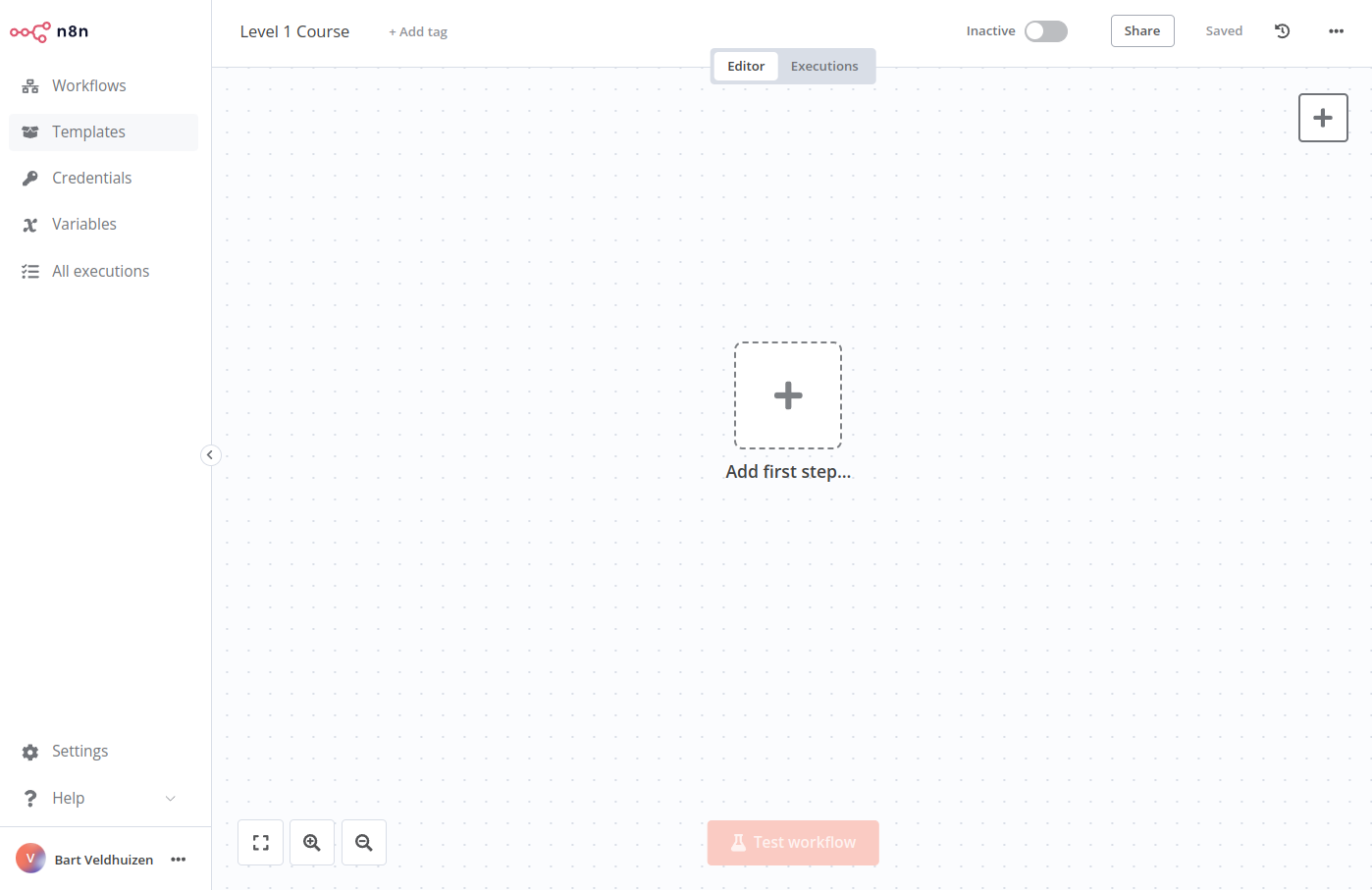

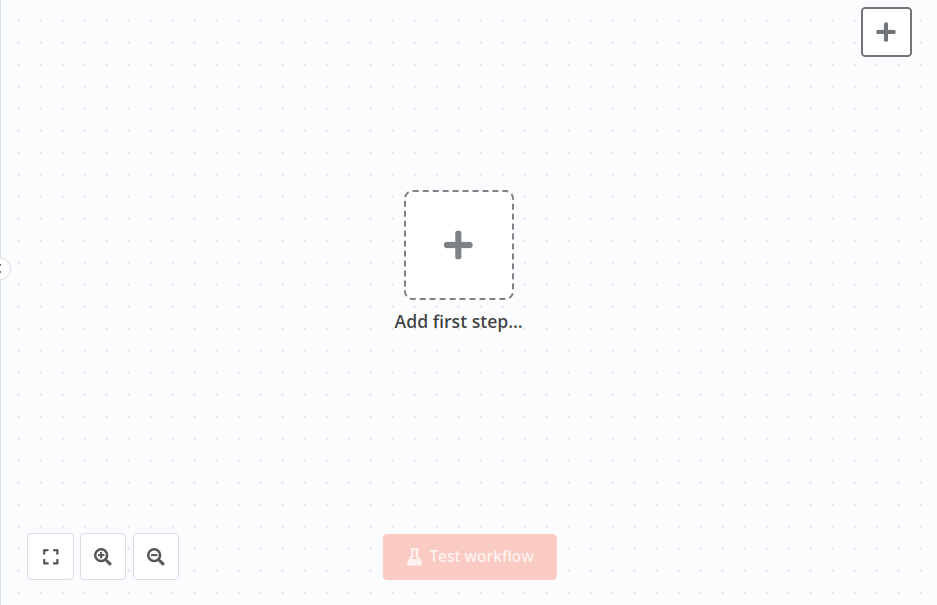
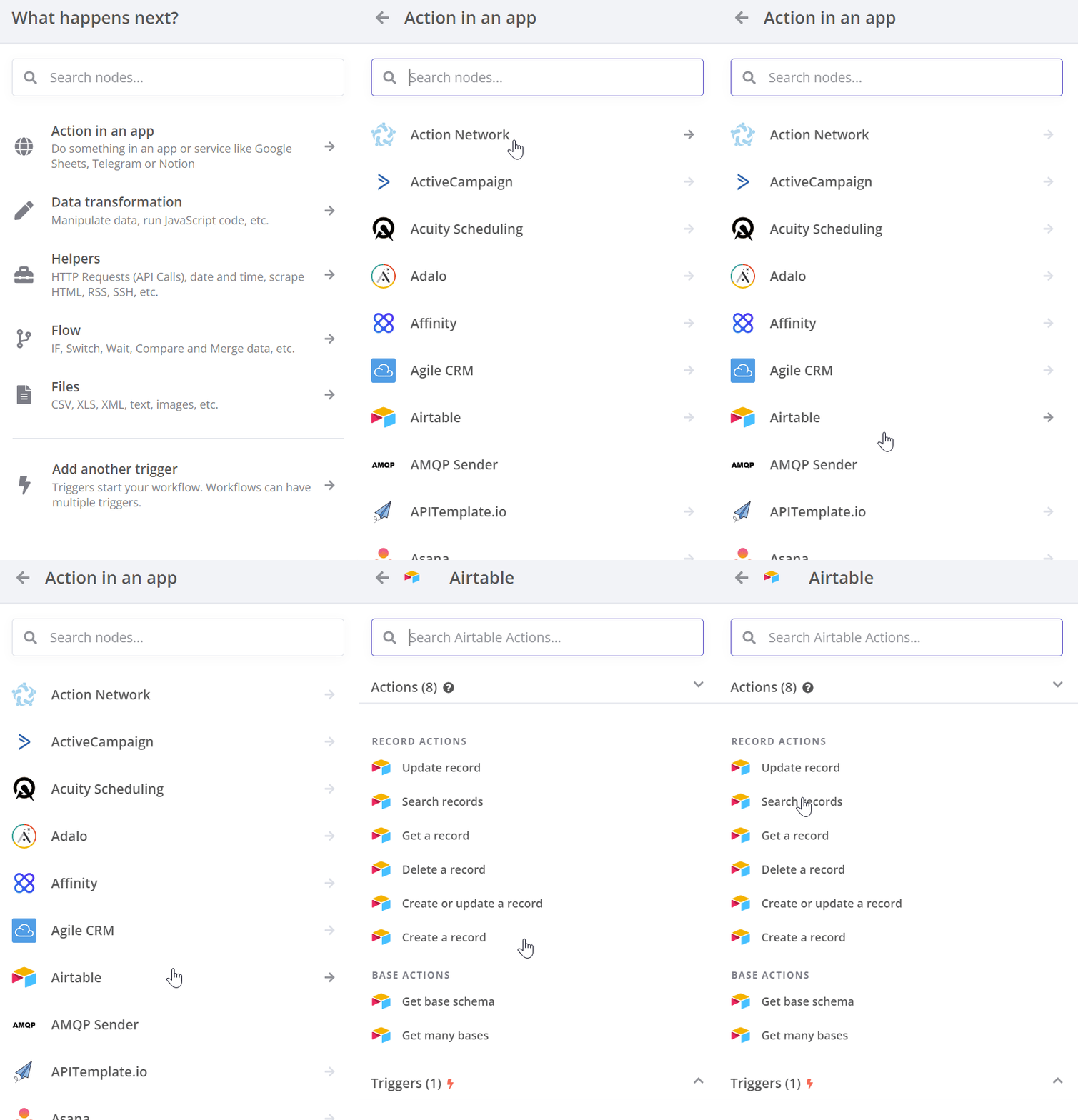
},
{
  "url": "https://docs.n8n.io/courses/level-one/chapter-5/chapter-5.1/",
  "markdown": "# Getting data from the data warehouse\n\n[](https://github.com/n8n-io/n8n-docs/edit/main/docs/courses/level-one/chapter-5/chapter-5.1.md \"Edit this page\")\n\nIn this part of the workflow, you will learn how to get data by making HTTP requests with the [**HTTP Request**](https://docs.n8n.io/integrations/builtin/core-nodes/n8n-nodes-base.httprequest/) node.\n\nAfter completing this section, your workflow will look like this:\n\nFirst, let's set the scene for building Nathan's workflow.\n\n## Create new workflow[#](#create-new-workflow \"Permanent link\")\n\nOpen your Editor UI and create a new workflow with one of the two possible commands:\n\n*   Select Ctrl+Alt+N or Cmd+Option+N on your keyboard.\n*   Open the left menu, navigate to **Workflows**, and select **Add workflow**.\n\nName this new workflow \"Nathan's workflow.\"\n\nThe first thing you need to do is get data from ABCorp's old data warehouse.\n\nIn a previous chapter, you used an action node designed for a specific service (Hacker News). But not all apps or services have dedicated nodes, like the legacy data warehouse from Nathan's company.\n\nThough we can't directly export the data, Nathan told us that the data warehouse has a couple of API endpoints. That's all we need to access the data using the [HTTP Request](https://docs.n8n.io/integrations/builtin/core-nodes/n8n-nodes-base.httprequest/) node in n8n.\n\nNo node for that service?\n\nThe HTTP Request node is one of the most versatile nodes, allowing you to make HTTP requests to query data from apps and services. You can use it to access data from apps or services that don't have a dedicated node in n8n.\n\n## Add an HTTP Request node[#](#add-an-http-request-node \"Permanent link\")\n\nNow, in your Editor UI, add an HTTP Request node like you learned in the lesson [Adding nodes](https://docs.n8n.io/courses/level-one/chapter-1/#adding-nodes). The node window will open, where you need to configure some parameters.\n\n![HTTP Request node](https://docs.n8n.io/_images/courses/level-one/chapter-five/l1-c5-5-1-http-request-node.png)\n\n_HTTP Request node_\n\nThis node will use credentials.\n\nCredentials\n\n[Credentials](https://docs.n8n.io/glossary/#credential-n8n) are unique pieces of information that identify a user or a service and allow them to access apps or services (in our case, represented as n8n nodes). A common form of credentials is a username and a password, but they can take other forms depending on the service.\n\nIn this case, you'll need the credentials for the ABCorp data warehouse API included in the email from n8n you received when you signed up for this course. If you haven't signed up yet, [sign up here](https://n8n-community.typeform.com/to/PDEMrevI).\n\nIn the **Parameters** of the HTTP Request node, make the following adjustments:\n\n*   **Method**: This should default to GET. Make sure it's set to GET.\n*   **URL**: Add the **Dataset URL** you received in the email when you signed up for this course.\n*   **Send Headers**: Toggle this control to true. In **Specify Headers**, ensure **Using Fields Below** is selected.\n    *   **Header Parameters** > **Name**: Enter `unique_id`.\n    *   **Header Parameters** > **Value**: The Unique ID you received in the email when you signed up for this course.\n*   **Authentication**: Select **Generic Credential Type**. This option requires credentials before allowing you to access the data.\n    *   **Generic Auth Type**: Select **Header Auth**. (This field will appear after you select the Generic Credential Type for the Authentication.)\n    *   **Credential for Header Auth**: To add your credentials, select **\\+ Create new credential**. This will open the Credentials window.\n    *   In the Credentials window, set **Name** to be the **Header Auth name** you received in the email when you signed up for this course.\n    *   In the Credentials window, set **Value** to be the **Header Auth value** you received in the email when you signed up for this course.\n    *   Select the **Save** button in the Credentials window to save your credentials. Your **Credentials Connection** window should look like this:\n        \n        ![HTTP Request node credentials](https://docs.n8n.io/_images/courses/level-one/chapter-five/l1-c5-5-1-http-request-node-credentials.png)\n        \n        _HTTP Request node credentials_\n        \n\nCredentials naming\n\nNew credential names follow the \" account\" format by default. You can rename the credentials by clicking on the name, similarly to renaming nodes. It's good practice to give them names that identify the app/service, type, and purpose of the credential. A naming convention makes it easier to keep track of and identify your credentials.\n\nOnce you save, exit out of the Credentials window to return to the HTTP Request node.\n\n## Get the data[#](#get-the-data \"Permanent link\")\n\nSelect the **Execute step** button in the HTTP Request node window. The table view of the HTTP request results should look like this:\n\n![HTTP Request node output](https://docs.n8n.io/_images/courses/level-one/chapter-five/l1-c5-5-1-http-request-node-window.png)\n\n_HTTP Request node output_\n\nThis view should be familiar to you from the [Building a mini-workflow](https://docs.n8n.io/courses/level-one/chapter-2/) page.\n\nThis is the data from ABCorp's data warehouse that Nathan needs to work with. This data set includes sales information from 30 customers with five columns:\n\n*   `orderID`: The unique id of each order.\n*   `customerID`: The unique id of each customer.\n*   `employeeName`: The name of Nathan's colleague responsible for the customer.\n*   `orderPrice`: The total price of the customer's order.\n*   `orderStatus`: Whether the customer's order status is `booked` or still in `processing`.\n\n## What's next?[#](#whats-next \"Permanent link\")\n\n**Nathan 🙋**: This is great! You already automated an important part of my job with only one node. Now instead of manually accessing the data every time I need it, I can use the HTTP Request Node to automatically get the information.\n\n**You 👩‍🔧**: Exactly! In the next step, I'll help you one step further and insert the data you retrieved into Airtable."
},
{
  "url": "https://docs.n8n.io/courses/level-one/chapter-3/",
  "markdown": "# Automating a (real-world) use case\n\n[](https://github.com/n8n-io/n8n-docs/edit/main/docs/courses/level-one/chapter-3.md \"Edit this page\")\n\nMeet Nathan 🙋. Nathan works as an Analytics Manager at ABCorp. His job is to support the ABCorp team with reporting and analytics. Being a true jack of all trades, he also handles several miscellaneous initiatives.\n\nSome things that Nathan does are repetitive and mind-numbing. He wants to automate some of these tasks so that he doesn't burn out. As an **Automation Expert**, you are meeting with Nathan today to help him understand how he can offload some of his responsibilities to n8n.\n\n## Understanding the scenario[#](#understanding-the-scenario \"Permanent link\")\n\n**You 👩‍🔧:** Nice to meet you, Nathan. Glad to be doing this! What's a repetitive task that's error-prone and that you'd like to get off your plate first?\n\n**Nathan 🙋:** Thanks for coming in! The most annoying one's gotta be the weekly sales reporting.\n\nI have to collect sales data from our legacy data warehouse, which manages data from the main business processes of an organization, such as sales or production. Now, each sales order can have the status Processing or Booked. I have to calculate the sum of all the Booked orders and announce them in the company Discord every Monday. Then I have to create a spreadsheet of all the Processing sales so that the Sales Managers can review them and check if they need to follow up with customers.\n\nThis manual work is tough and requires high attention to detail to make sure that all the numbers are right. Inevitably, I lose my focus and mistype a number or I don't get it done on time. I've been criticized once by my manager for miscalculating the data.\n\n**You 👩‍🔧:** Oh no! Doesn't the data warehouse have a way to export the data?\n\n**Nathan 🙋:** The data warehouse was written in-house ages ago. It doesn't have a CSV export but they recently added a couple of API endpoints that expose this data, if that helps.\n\n**You 👩‍🔧:** Perfect! That's a good start. If you have a generic API, we can add some custom code and a couple of services to make an automated workflow. This gig has n8n written all over it. Let's get started!"
},
{
  "url": "https://docs.n8n.io/courses/level-one/chapter-4/",
  "markdown": "# Designing the workflow | n8n Docs\n\n[](https://github.com/n8n-io/n8n-docs/edit/main/docs/courses/level-one/chapter-4.md \"Edit this page\")\n\nNow that we know what Nathan wants to automate, let's consider the steps he needs to take to achieve his goals:\n\n1.  Get the relevant data (order id, order status, order value, employee name) from the data warehouse\n2.  Filter the orders by their status (Processing or Booked)\n3.  Calculate the total value of all the Booked orders\n4.  Notify the team members about the Booked orders in the company's Discord channel\n5.  Insert the details about the Processing orders in Airtable for follow-up\n6.  Schedule this workflow to run every Monday morning\n\nNathan's workflow involves sending data from the company's data warehouse to two external services:\n\n*   Discord\n*   Airtable\n\nBefore that, the data has to be wrangled with general functions (conditional filtering, calculation, scheduling).\n\nn8n provides integrations for all these steps, so Nathan's workflow in n8n would look like this:\n\nYou will build this workflow in eight steps:\n\n1.  [Getting data from the data warehouse](https://docs.n8n.io/courses/level-one/chapter-5/chapter-5.1/)\n2.  [Inserting data into Airtable](https://docs.n8n.io/courses/level-one/chapter-5/chapter-5.2/)\n3.  [Filtering orders](https://docs.n8n.io/courses/level-one/chapter-5/chapter-5.3/)\n4.  [Setting values for processing orders](https://docs.n8n.io/courses/level-one/chapter-5/chapter-5.4/)\n5.  [Calculating booked orders](https://docs.n8n.io/courses/level-one/chapter-5/chapter-5.5/)\n6.  [Notifying the team](https://docs.n8n.io/courses/level-one/chapter-5/chapter-5.6/)\n7.  [Scheduling the workflow](https://docs.n8n.io/courses/level-one/chapter-5/chapter-5.7/)\n8.  [Activating and examining the workflow](https://docs.n8n.io/courses/level-one/chapter-5/chapter-5.8/)\n\nTo build this workflow, you will need the credentials found in the email you received from n8n when you signed up for this course. If you haven't signed up already, you can do it [here](https://n8n-community.typeform.com/to/PDEMrevI?typeform-source=127.0.0.1). If you haven't received a confirmation email after signing up, [contact us](mailto:help@n8n.io).\n\n[Start building!](https://docs.n8n.io/courses/level-one/chapter-5/chapter-5.1/)"
},
{
  "url": "https://docs.n8n.io/courses/level-one/chapter-5/chapter-5.2/",
  "markdown": "# Inserting data into airtable | n8n Docs\n\n[](https://github.com/n8n-io/n8n-docs/edit/main/docs/courses/level-one/chapter-5/chapter-5.2.md \"Edit this page\")\n\nIn this step of the workflow, you will learn how to insert the data received from the HTTP Request node into Airtable using the [Airtable node](https://docs.n8n.io/integrations/builtin/app-nodes/n8n-nodes-base.airtable/).\n\nSpreadsheet nodes\n\nYou can replace the Airtable node with another spreadsheet app/service. For example, n8n also has a node for [**Google Sheets**](https://docs.n8n.io/integrations/builtin/app-nodes/n8n-nodes-base.googlesheets/).\n\nAfter this step, your workflow should look like this:\n\n## Configure your table[#](#configure-your-table \"Permanent link\")\n\nIf we're going to insert data into Airtable, we first need to set up a table there. To do this:\n\n1.  [Create an Airtable account](https://airtable.com/signup).\n2.  In your Airtable workspace add a new base from scratch and name it, for example, _beginner course_.\n    \n    ![Create an Airtable base](https://docs.n8n.io/_images/courses/level-one/chapter-five/l1-c5-2-create-airtable-base.png)\n    \n    _Create an Airtable base_\n    \n3.  In the beginner course base, by default, you have a table called **Table 1** with four fields: `Name`, `Notes`, `Assignee`, and `Status`. These fields aren't relevant for us since they aren't in our \"orders\" data set. This brings us to the next point: the names of the fields in Airtable have to match the names of the columns in the node result. Prepare the table by doing the following:\n    \n    *   Rename the table from **Table 1** to **orders** to make it easier to identify.\n    *   Delete the 3 blank records created by default.\n    *   Delete the `Notes`, `Assignee`, and `Status` fields.\n    *   Edit the `Name` field (the primary field) to read `orderID`, with the **Number** field type.\n    *   Add the rest of the fields, and their field types, using the table below as a reference:\n    \n    | Field name | Field type |\n    | --- | --- |\n    | `orderID` | Number |\n    | `customerID` | Number |\n    | `employeeName` | Single line text |\n    | `orderPrice` | Number |\n    | `orderStatus` | Single line text |\n    \n\nNow your table should look like this:\n\n![Orders table in Airtable](https://docs.n8n.io/_images/courses/level-one/chapter-five/l1-c5-2-orders-table.png)\n\n_Orders table in Airtable_\n\nNow that the table is ready, let's return to the workflow in the n8n Editor UI.\n\n## Add an Airtable node to the HTTP Request node[#](#add-an-airtable-node-to-the-http-request-node \"Permanent link\")\n\nAdd an Airtable node connected to the HTTP Request node.\n\nRemember\n\nYou can add a node connected to an existing node by selecting the **+** icon next to the existing node.\n\nIn the node panel:\n\n1.  Search for Airtable.\n2.  Select **Create a record** from the **Record Actions** search results.\n\nThis will add the Airtable node to your canvas and open the node details window.\n\nIn the Airtable node window, configure the following parameters:\n\n*   **Credential to connect with**:\n    *   Select **Create new credential**.\n    *   Keep the default option **Connect using: Access Token** selected.\n    *   **Access token**: Follow the instructions from the [Airtable credential](https://docs.n8n.io/integrations/builtin/credentials/airtable/) page to create your token. Use the recommended scopes and add access to your beginners course base. Save the credential and close the Credential window when you're finished.\n*   **Resource**: Record.\n*   **Operation**: Create. This operation will create new records in the table.\n*   **Base**: You can pick your base from a list (for example, beginner course).\n*   **Table**: orders.\n*   **Mapping Column Mode**: Map automatically. In this mode, the incoming data fields must have the same as the columns in Airtable.\n\n## Test the Airtable node[#](#test-the-airtable-node \"Permanent link\")\n\nOnce you've finished configuring the Airtable node, execute it by selecting **Execute step**. This might take a moment to process, but you can follow the progress by viewing the base in Airtable.\n\nYour results should look like this:\n\n![Airtable node results](https://docs.n8n.io/_images/courses/level-one/chapter-five/l1-c5-2-airtable-node.png)\n\n_Airtable node results_\n\nAll 30 data records will now appear in the orders table in Airtable:\n\n![Imported records in the orders table](https://docs.n8n.io/_images/courses/level-one/chapter-five/l1-c5-2-airtable-records.png)\n\n_Imported records in the orders table_\n\n## What's next?[#](#whats-next \"Permanent link\")\n\n**Nathan 🙋**: Wow, this automation is already so useful! But this inserts all collected data from the HTTP Request node into Airtable. Remember that I actually need to insert only processing orders in the table and calculate the price of booked orders?\n\n**You 👩‍🔧**: Sure, no problem. As a next step, I'll use a new node to filter the orders based on their status."
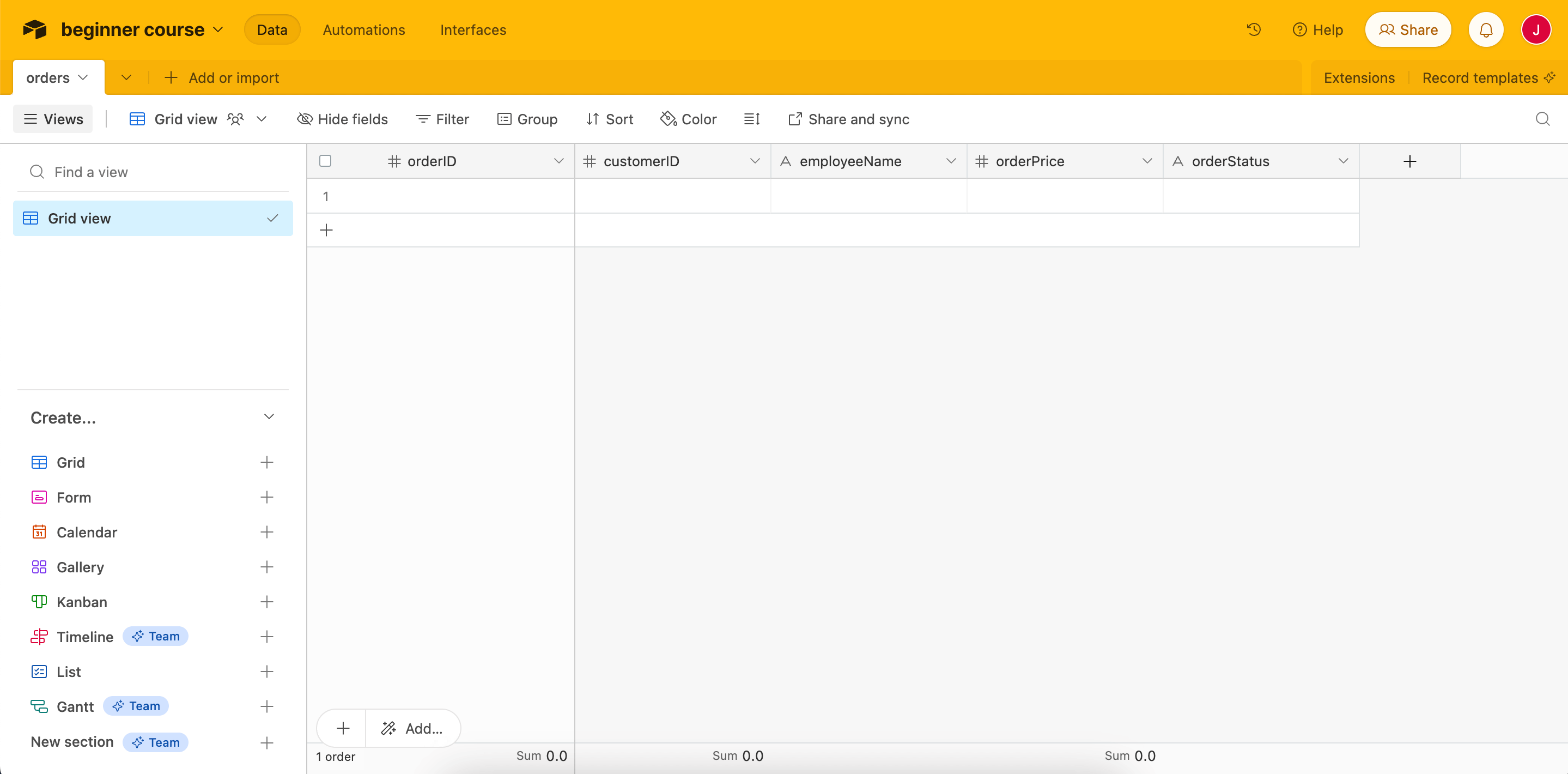
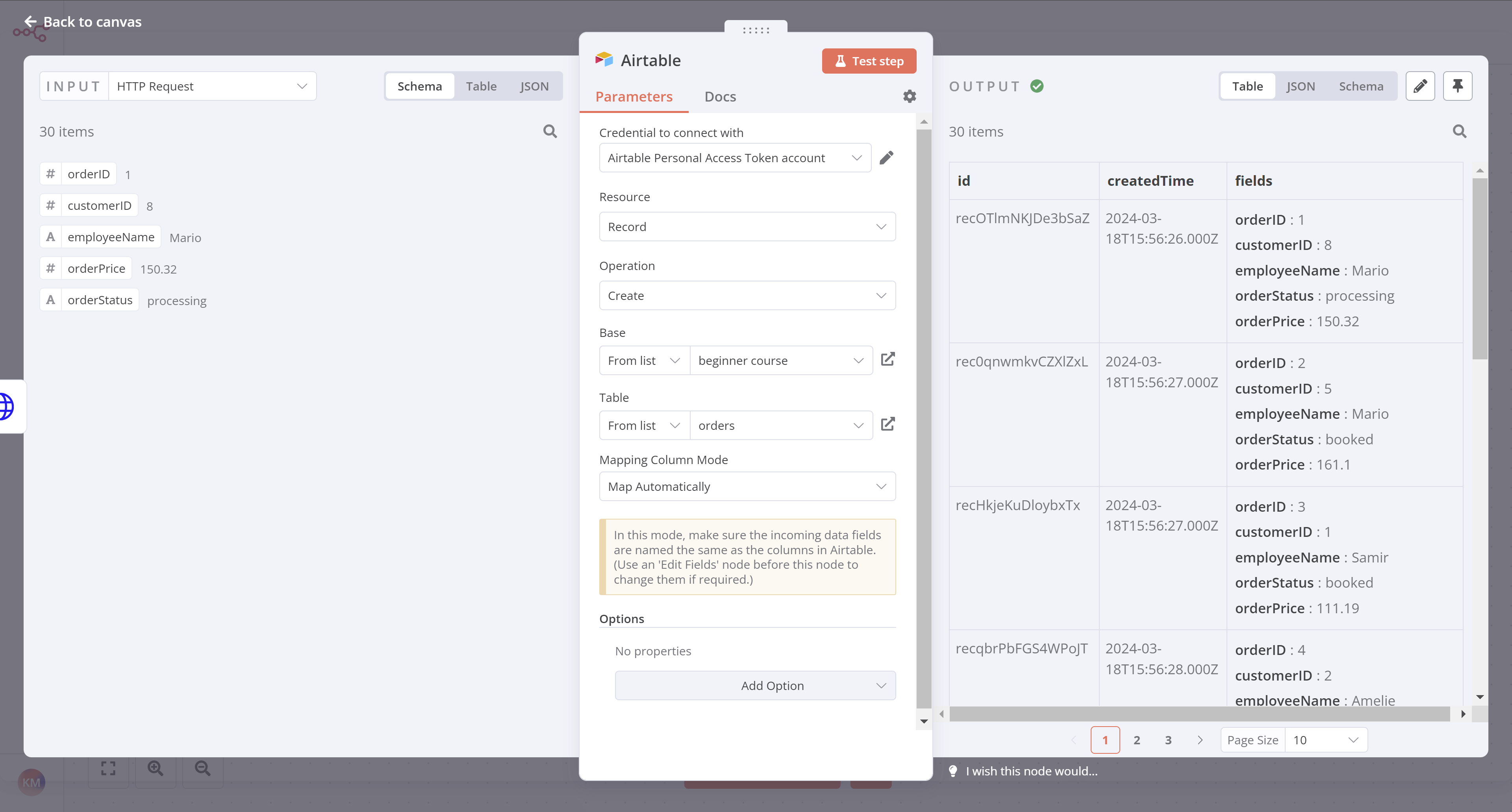
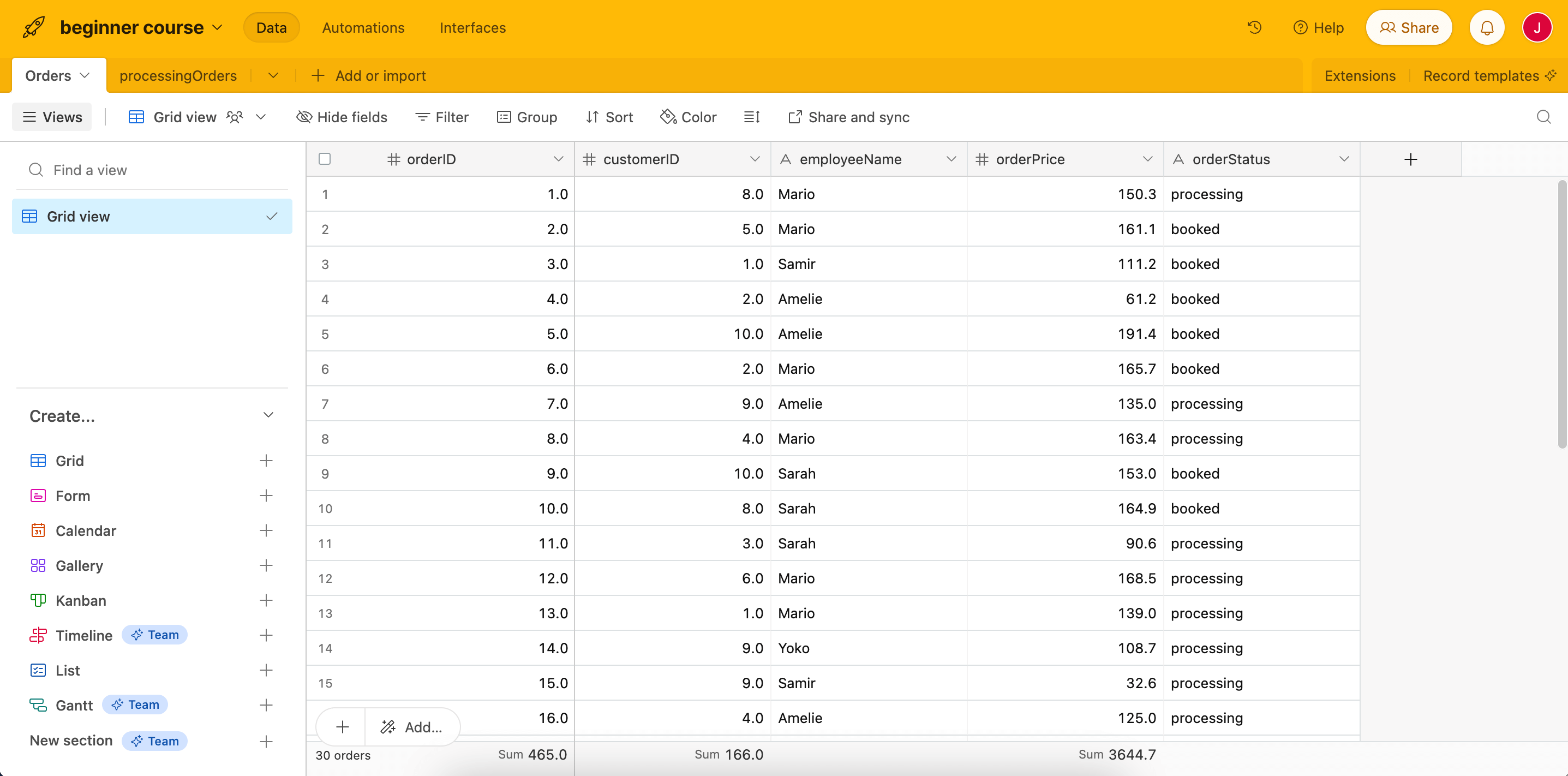
},
{
  "url": "https://docs.n8n.io/courses/level-one/chapter-2/",
  "markdown": "# Building a mini-workflow | n8n Docs\n\n[](https://github.com/n8n-io/n8n-docs/edit/main/docs/courses/level-one/chapter-2.md \"Edit this page\")\n\nIn this lesson, you will build a small [workflow](https://docs.n8n.io/glossary/#workflow-n8n) that gets 10 articles about automation from Hacker News. The process consists of five steps:\n\n1.  [Add a Manual Trigger node](#1-add-a-manual-trigger-node)\n2.  [Add the Hacker News node](#2-add-the-hacker-news-node)\n3.  [Configure the Hacker News node](#3-configure-the-hacker-news-node)\n4.  [Execute the node](#4-execute-the-node)\n5.  [Save the workflow](#5-save-the-workflow)\n\nThe finished workflow will look like this:\n\n## 1\\. Add a Manual Trigger node[#](#1-add-a-manual-trigger-node \"Permanent link\")\n\nOpen the nodes panel (reminder: you can open this by selecting the **+** icon in the top right corner of the [canvas](https://docs.n8n.io/glossary/#canvas-n8n) or selecting Tab on your keyboard).\n\nThen:\n\n1.  Search for the **Manual Trigger** node.\n2.  Select it when it appears in the search.\n\nThis will add the [Manual Trigger](https://docs.n8n.io/integrations/builtin/core-nodes/n8n-nodes-base.manualworkflowtrigger/) node to your canvas, which allows you to run the workflow at any time by selecting the **Execute workflow** button.\n\nManual triggers\n\nFor faster workflow creation, you can skip this step in the future. Adding any other node without a trigger will add the Manual Trigger node to the workflow.\n\nIn a real-world scenario, you would probably want to set up a schedule or some other [trigger](https://docs.n8n.io/glossary/#trigger-node-n8n) to run the workflow.\n\n## 2\\. Add the Hacker News node[#](#2-add-the-hacker-news-node \"Permanent link\")\n\nSelect the **+** icon to the right of the Manual Trigger node to open the nodes panel.\n\nThen:\n\n1.  Search for the **Hacker News** node.\n2.  Select it when it appears in the search.\n3.  In the **Actions** section, select **Get many items**.\n\nn8n adds the node to your canvas and the node window opens to display its configuration details.\n\n## 3\\. Configure the Hacker News node[#](#3-configure-the-hacker-news-node \"Permanent link\")\n\nWhen you add a new node to the Editor UI, the node is automatically activated. The node details will open in a window with several options:\n\n*   **Parameters**: Adjust parameters to refine and control the node's functionality.\n*   **Settings**: Adjust settings to control the node's design and executions.\n*   **Docs**: Open the n8n documentation for this node in a new window.\n\nParameters vs. Settings\n\n*   **Parameters** are different for each node, depending on its functionality.\n*   **Settings** are the same for all nodes.\n\n### Parameters[#](#parameters \"Permanent link\")\n\nWe need to configure several parameters for the Hacker News node to make it work:\n\n*   **Resource**: All  \n    This resource selects all data records (articles).\n*   **Operation**: Get Many  \n    This operation fetches all the selected articles.\n*   **Limit**: 10  \n    This parameter sets a limit to the number of results the Get Many operation returns.\n*   **Additional Fields** > **Add Field** > **Keyword**: automation  \n    **Additional fields** are options that you can add to certain nodes to make your request more specific or filter the results. For this example, we want to get only articles that include the keyword \"automation.\"  \n    \n\nThe configuration of the parameters for the Hacker News node should now look like this:\n\n![Hacker News node parameters](https://docs.n8n.io/_images/courses/level-one/chapter-two/l1-c-2-hacker-news-node-parameters.png)\n\n_Hacker News node parameters_\n\n### Settings[#](#settings \"Permanent link\")\n\nThe **Settings** section includes several options for node design and executions. In this case, we'll configure only the final two settings, which set the node's appearance in the Editor UI canvas.\n\nIn the Hacker News node Settings, edit:\n\n*   **Notes**: Get the 10 latest articles.\n    \n    Node notes\n    \n    It's often helpful to add a short description in the node about what it does. This is helpful for complex or shared workflows in particular!\n    \n*   **Display note in flow?**: toggle to true  \n    This option will display the Note under the node in the canvas.\n    \n\nThe configuration of the settings for the Hacker News node should now look like this:\n\n![Hacker News node settings](https://docs.n8n.io/_images/courses/level-one/chapter-two/l1-c2-hacker-news-node-setting-configuration.png)\n\n_Hacker News node settings_\n\nRenaming a node\n\nYou can rename the node with a name that's more descriptive for your use case. There are three ways to do this:\n\n*   Select the node you want to rename and at the same time press the F2 key on your keyboard.\n*   Double-click on the node to open the node window. Click on the name of the node in the top left corner of the window, rename it as you like, then click **Rename** to save the node under the new name.\n*   Right-click on the node and select the **Rename** option.\n\n![Renaming a node](https://docs.n8n.io/_images/courses/level-one/chapter-two/l1-c2-renaming-a-node-from-the-keyboard.png)\n\n_Renaming a node from the keyboard_\n\nTo find the original node name (the type of node), open the node window and select **Settings**. The bottom of the page contains the node type and version.\n\n## 4\\. Execute the node[#](#4-execute-the-node \"Permanent link\")\n\nSelect the **Execute step** button in the node details window. You should see 10 results in the Output **Table** view.\n\n![Results in Table view for the Hacker News node](https://docs.n8n.io/_images/courses/level-one/chapter-two/l1-c2-results-in-table-view-for-the-hacker-news-node.png)\n\n_Results in Table view for the Hacker News node_\n\n### Node executions[#](#node-executions \"Permanent link\")\n\nNode execution\n\nA node execution represents a run of that node to retrieve or process the specified data.\n\nIf a node executes successfully, a small green checkmark appears on top of the node in the canvas\n\n![Successfully executed workflow](https://docs.n8n.io/_images/courses/level-one/chapter-two/l1-c2-successfully-executed-workflow.png)\n\n_Successfully executed workflow_\n\nIf there are no problems with the parameters and everything works fine, the requested data displays in the node window in **Table**, **JSON**, and **Schema** format. You can switch between these views by selecting the one you want from the **Table | JSON | Schema** button at the top of the node window.\n\nTable vs JSON views\n\nThe **Table** view is the default. It displays the requested data in a table, where the rows are the records and the columns are the available attributes of those records.\n\nHere's our Hacker News output in JSON view:\n\n![Results in JSON view for the Hacker News node](https://docs.n8n.io/_images/courses/level-one/chapter-two/l1-c2-results-in-json-view-for-the-hacker-news-node.png)\n\n_Results in JSON view for the Hacker News node_\n\nThe node window displays more information about the node execution:\n\n*   Next to the **Output** title, notice a small icon (this will be a green checkmark if the node execution succeeded). Beside it, there is an info icon. If you hover on it, you'll get two more pieces of information that can provide insights into the performance of each individual node in a workflow:\n    *   **Start Time**: When the node execution started.\n    *   **Execution Time**: How long it took for the node to return the results from the moment it started executing.\n*   Just below the **Output** title, you'll notice another piece of information: **10 items**. This field displays the number of items (records) that the node request returned. In this example, it's expected to be 10, since this is the limit we set in step 2. But if you don't set a limit, it's useful to see how many records are actually returned.\n\nError in nodes\n\nA red warning icon on a node means that the node has errors. This might happen if the node credentials are missing or incorrect or the node parameters aren't configured correctly.\n\n![Error in nodes](https://docs.n8n.io/_images/courses/level-one/chapter-one/error-node.png)\n\n_Error in nodes_\n\n## 5\\. Save the workflow[#](#5-save-the-workflow \"Permanent link\")\n\nOnce you're finished editing the node, select **Back to canvas** to return to the main canvas.\n\nBy default, your workflow is automatically saved as \"My workflow.\"\n\nFor this lesson, rename the workflow to be \"Hacker News workflow.\"\n\nReminder\n\nYou can rename a workflow by clicking on the workflow's name at the top of the Editor UI.\n\nOnce you've renamed the workflow, be sure to save it.\n\nThere are two ways in which you can save a workflow:\n\n*   From the Canvas in Editor UI, click **Ctrl + S** or **Cmd + S** on your keyboard.\n*   Select the **Save** button in the top right corner of the Editor UI. You may need to leave the node editor first by clicking outside the dialog.\n\nIf you see a grey **Saved** text instead of the **Save** button, your workflow was automatically saved.\n\n## Summary[#](#summary \"Permanent link\")\n\nCongratulations, you just built your first workflow! In this lesson, you learned how to use actions in app nodes, configure their parameters and settings, and save and execute your workflow.\n\nIn the next lesson, you'll meet your new client, Nathan, who needs to automate his sales reporting work. You will build a more complex workflow for his use case, helping him become more productive at work."
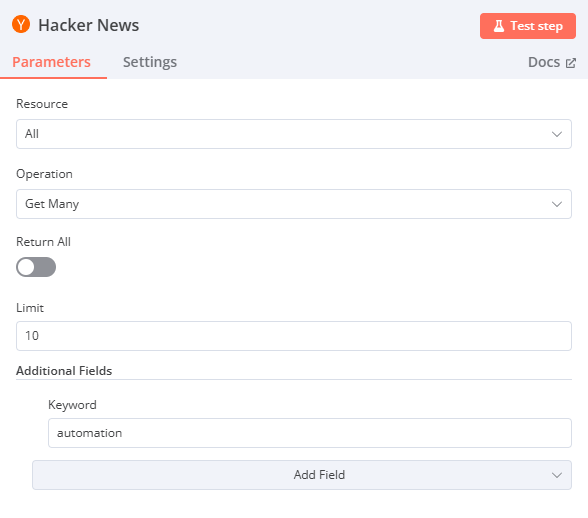

},
{
  "url": "https://docs.n8n.io/courses/level-one/chapter-5/chapter-5.4/",
  "markdown": "# Setting values for processing orders\n\n[](https://github.com/n8n-io/n8n-docs/edit/main/docs/courses/level-one/chapter-5/chapter-5.4.md \"Edit this page\")\n\nIn this step of the workflow, you will learn how to select and set data before transferring it to Airtable using the Edit Fields (Set) node. After this step, your workflow should look like this:\n\nThe next step in Nathan's workflow is to filter the data to only insert the `employeeName` and `orderID` of all `processing` orders into Airtable.\n\nFor this, you need to use the [Edit Fields (Set) node](https://docs.n8n.io/integrations/builtin/core-nodes/n8n-nodes-base.set/), which allows you to select and set the data you want to transfer from one node to another.\n\nEdit Fields node\n\nThe Edit Fields node can set completely new data as well as overwrite data that already exists. This node is crucial in workflows which expect incoming data from previous nodes, such as when inserting values into spreadsheets or databases.\n\n## Add another node before the Airtable node[#](#add-another-node-before-the-airtable-node \"Permanent link\")\n\nIn your workflow, add another node before the **Airtable node** from the **If node** in the same way we did it in the [Filtering Orders](https://docs.n8n.io/courses/level-one/chapter-5/chapter-5.3/#add-if-node-before-the-airtable-node) lesson on the If node's `true` connector. Feel free to drag the Airtable node further away if your canvas feels crowded.\n\n## Configure the Edit Fields node[#](#configure-the-edit-fields-node \"Permanent link\")\n\nNow search for the **Edit Fields (Set) node** after you've selected the **+** sign coming off the If node's `true` connector.\n\nWith the Edit Fields node window open, configure these parameters:\n\n*   Ensure **Mode** is set to **Manual Mapping**.\n*   While you can use the **Expression editor** we used in the [Filtering Orders](https://docs.n8n.io/courses/level-one/chapter-5/chapter-5.3/) lesson, this time, let's drag the fields from the **Input** into the **Fields to Set**:\n    *   Drag **If** > **orderID** as the first field.\n    *   Drag **If** > **employeeName** as the second field.\n*   Ensure that **Include Other Input Fields** is set to false.\n\nSelect **Execute step**. You should see the following results:\n\n![Edit Fields (Set) node](https://docs.n8n.io/_images/courses/level-one/chapter-five/l1-c5-4-set-node.png)\n\n_Edit Fields (Set) node_\n\n## Add data to Airtable[#](#add-data-to-airtable \"Permanent link\")\n\nNext, let's insert these values into Airtable:\n\n1.  Go to your Airtable base.\n2.  Add a new table called `processingOrders`.\n3.  Replace the existing columns with two new columns:\n    \n    *   `orderID` (primary field): Number\n    *   `employeeName`: Single line text\n4.  Delete the three empty rows in the new table.\n    \n5.  In n8n, connect the Edit Fields node **connector to the** Airtable node\\*\\*.\n6.  Update the Airtable node configuration to point to the new `processingOrders` table instead of the `orders` table.\n7.  Test your Airtable node to be sure it inserts records into the new `processingOrders` table.\n\nAt this stage, your workflow should now look like this:\n\n## What's next?[#](#whats-next \"Permanent link\")\n\n**Nathan 🙋**: You've already automated half of my work! Now I still need to calculate the booked orders for my colleagues. Can we automate that as well?\n\n**You 👩‍🔧**: Yes! In the next step, I'll use some JavaScript code in a node to calculate the booked orders."
},
{
  "url": "https://docs.n8n.io/courses/level-one/chapter-5/chapter-5.7/",
  "markdown": "# Scheduling the workflow | n8n Docs\n\n[](https://github.com/n8n-io/n8n-docs/edit/main/docs/courses/level-one/chapter-5/chapter-5.7.md \"Edit this page\")\n\nIn this step of the workflow, you will learn how to schedule your workflow so that it runs automatically at a set time/interval using the Schedule Trigger node. After this step, your workflow should look like this:\n\nThe workflow you've built so far executes only when you click on **Execute Workflow**. But Nathan needs it to run automatically every Monday morning. You can do this with the [Schedule Trigger](https://docs.n8n.io/integrations/builtin/core-nodes/n8n-nodes-base.scheduletrigger/), which allows you to schedule workflows to run periodically at fixed dates, times, or intervals.\n\nTo achieve this, we'll remove the Manual Trigger node we started with and replace it with a Schedule Trigger node instead.\n\n## Remove the Manual Trigger node[#](#remove-the-manual-trigger-node \"Permanent link\")\n\nFirst, let's remove the Manual Trigger node:\n\n1.  Select the Manual Trigger node connected to your HTTP Request node.\n2.  Select the trash can icon to delete.\n\nThis removes the Manual Trigger node and you'll see an \"Add first step\" option.\n\n## Add the Schedule Trigger node[#](#add-the-schedule-trigger-node \"Permanent link\")\n\n1.  Open the nodes panel and search for **Schedule Trigger**.\n2.  Select it when it appears in the search results.\n\nIn the Schedule Trigger node window, configure these parameters:\n\n*   **Trigger Interval**: Select **Weeks**.\n*   **Weeks Between Triggers**: Enter `1`.\n*   **Trigger on weekdays**: Select **Monday** (and remove **Sunday** if added by default).\n*   **Trigger at Hour**: Select **9am**.\n*   **Trigger at Minute**: Enter `0`.\n\nYour Schedule Trigger node should look like this:\n\n![Schedule Trigger Node](https://docs.n8n.io/_images/courses/level-one/chapter-five/l1-c5-5-7-schedule-trigger-node.png)\n\n_Schedule Trigger Node_\n\nKeep in mind\n\nTo ensure accurate scheduling with the Schedule Trigger node, be sure to set the correct timezone for your [n8n instance](https://docs.n8n.io/manage-cloud/set-cloud-timezone/) or the [workflow's settings](https://docs.n8n.io/workflows/settings/). The Schedule Trigger node will use the workflow's timezone if it's set; it will fall back to the n8n instance's timezone if it's not.\n\n## Connect the Schedule Trigger node[#](#connect-the-schedule-trigger-node \"Permanent link\")\n\nReturn to the canvas and connect your Schedule Trigger node to the HTTP Request node by dragging the arrow from it to the HTTP Request node.\n\nYour full workflow should look like this:\n\n## What's next?[#](#whats-next \"Permanent link\")\n\n**You 👩‍🔧**: That was it for the workflow! I've added and configured all necessary nodes. Now every time you click on **Execute workflow**, n8n will execute all the nodes: getting, filtering, calculating, and transferring the sales data.\n\n**Nathan 🙋**: This is just what I needed! My workflow will run automatically every Monday morning, correct?\n\n**You 👩‍🔧**: Not so fast. To do that, you need to activate your workflow. I'll do this in the next step and show you how to interpret the execution log."
},
{
  "url": "https://docs.n8n.io/courses/level-one/chapter-5/chapter-5.3/",
  "markdown": "# Filtering orders | n8n Docs\n\n[](https://github.com/n8n-io/n8n-docs/edit/main/docs/courses/level-one/chapter-5/chapter-5.3.md \"Edit this page\")\n\nIn this step of the workflow, you will learn how to filter data using conditional logic and how to use expressions in nodes using the [If node](https://docs.n8n.io/integrations/builtin/core-nodes/n8n-nodes-base.if/).\n\nAfter this step, your workflow should look like this:\n\nTo insert only processing orders into Airtable we need to filter our data by `orderStatus`. Basically, we want to tell the program that _if_ the `orderStatus` is processing, _then_ insert all records with this status into Airtable; _else_, for example, if the `orderStatus` isn't _processing_, calculate the sum of all orders with the other `orderStatus` (`booked`).\n\nThis if-then-else command is conditional logic. In n8n workflows, you can add conditional logic with the [If node](https://docs.n8n.io/integrations/builtin/core-nodes/n8n-nodes-base.if/), which splits a workflow conditionally based on comparison operations.\n\nIf vs. Switch\n\nIf you need to filter data on more than boolean values (true and false), use the [Switch node](https://docs.n8n.io/integrations/builtin/core-nodes/n8n-nodes-base.switch/). The Switch node is similar to the If node, but supports multiple output connectors.\n\n## Add If node before the Airtable node[#](#add-if-node-before-the-airtable-node \"Permanent link\")\n\nFirst, let's add an If node between the connection from the HTTP Request node to the Airtable node:\n\n1.  Hover over the arrow connection the **HTTP Request** node and the **Airtable** node.\n2.  Select the **+** sign between the HTTP Request node and the Airtable node.\n\n## Configure the If node[#](#configure-the-if-node \"Permanent link\")\n\nSelecting the plus removes the connection to the Airtable node to the HTTP request. Now, let's add an If node connected to the HTTP Request node:\n\n1.  Search for the If node.\n2.  Select it when it appears in the search.\n\nFor the If node, we'll use an expression.\n\nExpressions\n\nAn [expression](https://docs.n8n.io/glossary/#expression-n8n) is a string of characters and symbols in a programming language that can be evaluated to get a value, often according to its input. In n8n workflows, you can use expressions in a node to refer to another node for input data. In our example, the If node references the data output by the HTTP Request node.\n\nIn the If node window, configure the parameters:\n\n*   Set the `value1` placeholder to `{{ $json.orderStatus }}` with the following steps:\n    \n    1.  Hover over the value1 field.\n    2.  Select the **Expression** tab on the right side of the `value1` field.\n    3.  Next, open the expression editor by selecting the link icon:\n        \n        ![Opening the Expression Editor](https://docs.n8n.io/_images/courses/level-one/chapter-five/l1-c5-5-3-if-node-open-editor.png)\n        \n        _Opening the Expression Editor_\n        \n    4.  Use the left-side panel to select **HTTP Request** > **orderStatus** and drag it into the **Expression** field in the center of the window.\n        \n        ![Expression Editor in the IF node](https://docs.n8n.io/_images/courses/level-one/chapter-five/l1-c5-5-3-if-node-expression-editor.png)\n        \n        _Expression Editor in the If node_\n        \n    5.  Once you add the expression, close the **Edit Expression** dialog.\n*   **Operation**: Select **String** > **is equal to**\n    \n*   Set the `value2` placeholder to `processing`.\n\nData Type\n\nMake sure to select the correct data type (boolean, date & time, number, or string) when you select the **Operation**.\n\nSelect **Execute step** to test the If node.\n\nYour results should look like this:\n\n![If node output](https://docs.n8n.io/_images/courses/level-one/chapter-five/l1-c5-5-3-if-node-output.png)\n\n_If node output_\n\nNote that the orders with a `processing` order status should show for the **True Branch** output, while the orders with a `booked` order status should show in the **False Branch** output.\n\nClose the If node detail view when you're finished.\n\n## Insert data into Airtable[#](#insert-data-into-airtable \"Permanent link\")\n\nNext, we want to insert this data into Airtable. Remember what Nathan said at the end of the [Inserting data into Airtable](https://docs.n8n.io/courses/level-one/chapter-5/chapter-5.2/) lesson?\n\n> I actually need to insert only processing orders in the table...\n\nSince Nathan only needs the `processing` orders in the table, we'll connect the Airtable node to the If node's `true` connector.\n\nIn this case, since the Airtable node is already on our canvas, select the **If node** `true` connector and drag it to the Airtable node.\n\nIt's a good idea at this point to retest the Airtable node. Before you do, open your table in Airtable and delete all existing rows. Then open the Airtable node window in n8n and select **Execute step**.\n\nReview your data in Airtable to be sure your workflow only added the correct orders (those with `orderStatus` of `processing`). There should be 14 records now instead of 30.\n\nAt this stage, your workflow should look like this:\n\n## What's next?[#](#whats-next \"Permanent link\")\n\n**Nathan 🙋**: This If node is so useful for filtering data! Now I have all the information about processing orders. I actually only need the `employeeName` and `orderID`, but I guess I can keep all the other fields just in case.\n\n**You 👩‍🔧**: Actually, I wouldn't recommend doing that. Inserting more data requires more computational power, the data transfer is slower and takes longer, and takes up more storage resources in your table. In this particular case, 14 records with 5 fields might not seem like it'd make a significant difference, but if your business grows to thousands of records and dozens of fields, things add up and even one extra column can affect performance.\n\n**Nathan 🙋**: Oh, that's good to know. Can you select only two fields from the processing orders?\n\n**You 👩‍🔧**: Sure, I'll do that in the next step."
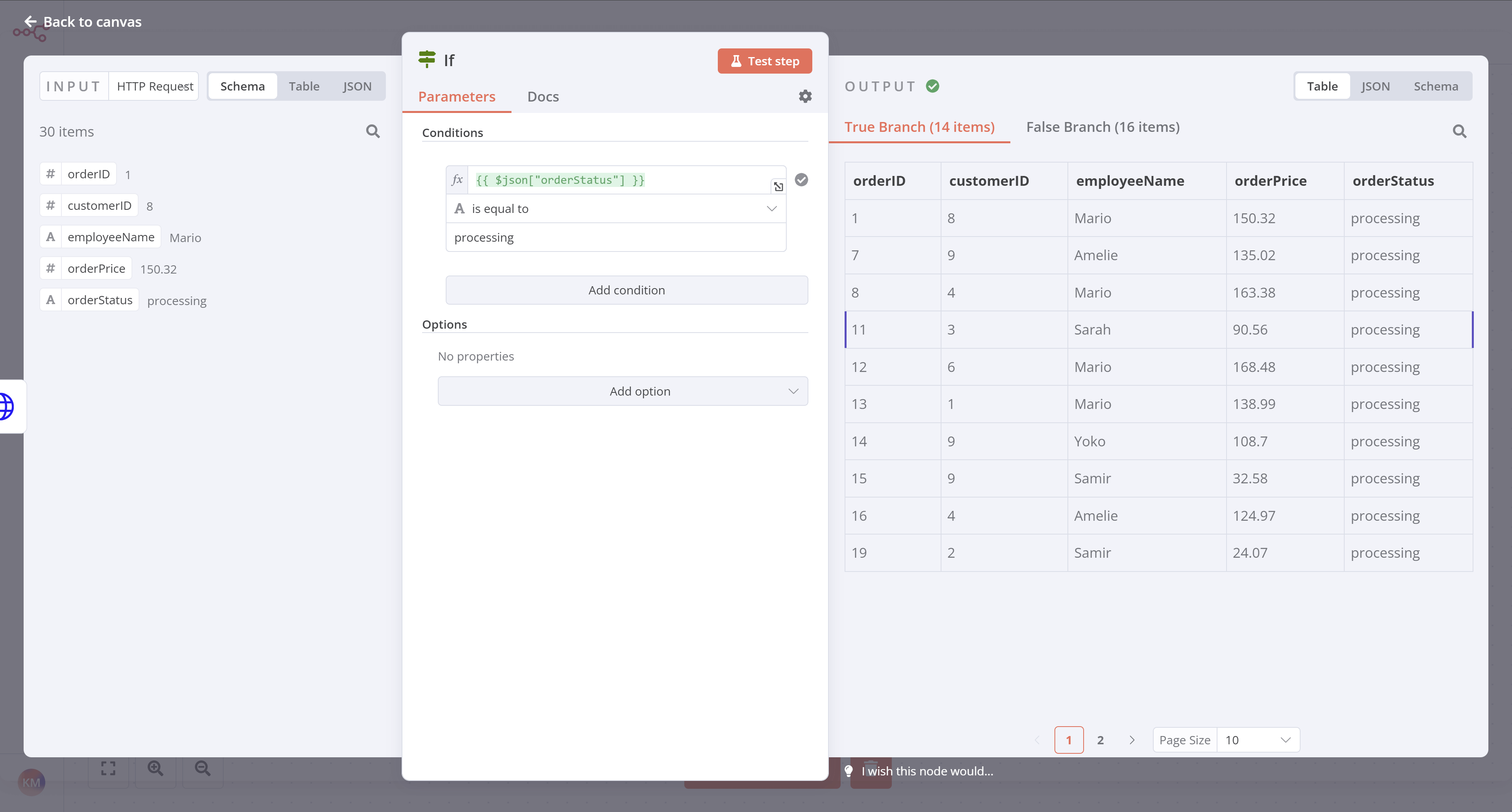
},
{
  "url": "https://docs.n8n.io/keyboard-shortcuts/",
  "markdown": "# Keyboard shortcuts | n8n Docs\n\n[](https://github.com/n8n-io/n8n-docs/edit/main/docs/keyboard-shortcuts.md \"Edit this page\")\n\n## Keyboard shortcuts and controls[#](#keyboard-shortcuts-and-controls \"Permanent link\")\n\nn8n provides keyboard shortcuts for some actions.\n\n## Workflow controls[#](#workflow-controls \"Permanent link\")\n\n*   **Ctrl** + **Alt** + **n**: create new workflow\n*   **Ctrl** + **o**: open workflow\n*   **Ctrl** + **s**: save the current workflow\n*   **Ctrl** + **z**: undo\n*   **Ctrl** + **shift** + **z**: redo\n*   **Ctrl** + **Enter**: execute workflow\n\n## Canvas[#](#canvas \"Permanent link\")\n\n### Move the canvas[#](#move-the-canvas \"Permanent link\")\n\n*   **Ctrl** + **Left Mouse Button** + drag: move node view\n*   **Ctrl** + **Middle mouse button** + drag: move node view\n*   **Space** + drag: move node view\n*   **Middle mouse button** + drag: move node view\n*   Two fingers on a touch screen: move node view\n\n### Canvas zoom[#](#canvas-zoom \"Permanent link\")\n\n*   **+** or **\\=**: zoom in\n*   **\\-** or **\\_**: zoom out\n*   **0**: reset zoom level\n*   **1**: zoom to fit workflow\n*   **Ctrl** + **Mouse wheel**: zoom in/out\n\n### Nodes on the canvas[#](#nodes-on-the-canvas \"Permanent link\")\n\n*   **Double click** on a node: open the node details\n*   **Ctrl/Cmd** + **Double click** on a sub-workflow node: open the sub-workflow in a new tab\n*   **Ctrl** + **a**: select all nodes\n*   **Ctrl** + **v**: paste nodes\n*   **Shift** + **s**: add sticky note\n\n### With one or more nodes selected in canvas[#](#with-one-or-more-nodes-selected-in-canvas \"Permanent link\")\n\n*   **ArrowDown**: select sibling node below the current one\n*   **ArrowLeft**: select node left of the current one\n*   **ArrowRight**: select node right of the current one\n*   **ArrowUp**: select sibling node above the current one\n*   **Ctrl** + **c**: copy\n*   **Ctrl** + **x**: cut\n*   **D**: deactivate\n*   **Delete**: delete\n*   **Enter**: open\n*   **F2**: rename\n*   **P**: pin data in node. Refer to [Data pinning](https://docs.n8n.io/data/data-pinning/) for more information.\n*   **Shift** + **ArrowLeft**: select all nodes left of the current one\n*   **Shift** + **ArrowRight**: select all nodes right of the current one\n*   **Ctrl/Cmd** + **Shift** + **o** on a sub-workflow node: open the sub-workflow in a new tab\n\n## Node panel[#](#node-panel \"Permanent link\")\n\n*   **Tab**: open the Node Panel\n*   **Enter**: insert selected node into workflow\n*   **Escape**: close Node panel\n\n### Node panel categories[#](#node-panel-categories \"Permanent link\")\n\n*   **Enter**: insert node into workflow, collapse/expand category, open subcategory\n*   **ArrowRight**: expand category, open subcategory\n*   **ArrowLeft**: collapse category, close subcategory view\n\n## Within nodes[#](#within-nodes \"Permanent link\")\n\n*   **\\=**: in an empty parameter input, this switches to [expressions](https://docs.n8n.io/glossary/#expression-n8n) mode."
},
{
  "url": "https://docs.n8n.io/user-management/saml/troubleshooting/",
  "markdown": "# Troubleshooting SAML SSO | n8n Docs\n\n[](https://github.com/n8n-io/n8n-docs/edit/main/docs/user-management/saml/troubleshooting.md \"Edit this page\")\n\nIf you get an error when testing your SAML setup, check the following:\n\n*   Does the app you created in your IdP support SAML?\n*   Did you enter the n8n redirect URL and entity ID in the correct fields in your IdP?\n*   Is the metadata XML correct? Check that the metadata you copied into n8n is formatted correctly.\n\nFor more support, use the [forum](https://community.n8n.io/), or contact your support representative if you have a paid support plan."
},
{
  "url": "https://docs.n8n.io/user-management/saml/managing/",
  "markdown": "# Manage users with SAML | n8n Docs\n\n[](https://github.com/n8n-io/n8n-docs/edit/main/docs/user-management/saml/managing.md \"Edit this page\")\n\nThere are some user management tasks that are affected by SAML.\n\n## Exempt users from SAML[#](#exempt-users-from-saml \"Permanent link\")\n\nYou can allow users to log in without using SAML. To do this:\n\n1.  Go to **Settings** > **Users**.\n2.  Select the menu icon by the user you want to exempt from SAML.\n3.  Select **Allow Manual Login**.\n\n## Deleting users[#](#deleting-users \"Permanent link\")\n\nIf you remove a user from your IdP, they remain logged in to n8n. You need to manually remove them from n8n as well. Refer to [Manage users](https://docs.n8n.io/user-management/manage-users/) for guidance on deleting users."
},
{
  "url": "https://docs.n8n.io/courses/level-one/chapter-5/chapter-5.5/",
  "markdown": "# Calculating booked orders | n8n Docs\n\n[](https://github.com/n8n-io/n8n-docs/edit/main/docs/courses/level-one/chapter-5/chapter-5.5.md \"Edit this page\")\n\nIn this step of the workflow you will learn how n8n structures data and how to add custom JavaScript code to perform calculations using the Code node. After this step, your workflow should look like this:\n\nThe next step in Nathan's workflow is to calculate two values from the booked orders:\n\n*   The total number of booked orders\n*   The total value of all booked orders\n\nTo calculate data and add more functionality to your workflows you can use the Code node, which lets you write custom JavaScript code.\n\n## About the Code node[#](#about-the-code-node \"Permanent link\")\n\nCode node modes\n\nThe Code node has two operational **modes**, depending on how you want to process items:\n\n*   **Run Once for All Items** allows you to write code to process all input items at once, as a group.\n*   **Run Once for Each Item** executes your code once for each input item.\n\nLearn more about how to use the [Code node](https://docs.n8n.io/integrations/builtin/core-nodes/n8n-nodes-base.code/).\n\nIn n8n, the data that's passed between nodes is an array of objects with the following JSON structure:\n\n|     |     |\n| --- | --- |\n| 1<br> 2<br> 3<br> 4<br> 5<br> 6<br> 7<br> 8<br> 9<br>10<br>11<br>12<br>13<br>14<br>15<br>16<br>17<br>18<br>19 | `[     {    \t \"json\": {     \t\t \"apple\": \"beets\",    \t\t \"carrot\": {    \t\t\t \"dill\": 1    \t\t }    \t },    \t \"binary\": {     \t\t \"apple-picture\": {     \t\t\t \"data\": \"....\",     \t\t\t \"mimeType\": \"image/png\",     \t\t\t \"fileExtension\": \"png\",     \t\t\t \"fileName\": \"example.png\",     \t\t }    \t }     },     ... ]` |\n\nYou can learn more about the expected format on the [n8n data structure](https://docs.n8n.io/data/data-structure/) page.\n\n## Configure the Code node[#](#configure-the-code-node \"Permanent link\")\n\nNow let's see how to accomplish Nathan's task using the Code node.\n\nIn your workflow, add a **Code node** connected to the `false` branch of the **If node**.\n\nWith the Code node window open, configure these parameters:\n\n*   **Mode**: Select **Run Once for All Items**.\n*   **Language**: Select **JavaScript**.\n    \n    Using Python in code nodes\n    \n    While we use JavaScript below, you can also use Python in the Code node. To learn more, refer to the [Code node](https://docs.n8n.io/code/code-node/) documentation.\n    \n*   Copy the Code below and paste it into the **Code** box to replace the existing code:\n    \n    |     |     |\n    | --- | --- |\n    |     | `let items = $input.all(); let totalBooked = items.length; let bookedSum = 0;  for (let i=0; i < items.length; i++) {   bookedSum = bookedSum + items[i].json.orderPrice; }  return [{ json: {totalBooked, bookedSum} }];` |\n    \n\nNotice the format in which we return the results of the calculation:\n\n|     |     |\n| --- | --- |\n|     | `return [{ json: {totalBooked, bookedSum} }]` |\n\nData structure error\n\nIf you don't use the correct data structure, you will get an error message: `Error: Always an Array of items has to be returned!`\n\nNow select **Execute step** and you should see the following results:\n\n[![Code node output](https://docs.n8n.io/_images/courses/level-one/chapter-five/l1-c5-5-5-code-node.png)](https://docs.n8n.io/_images/courses/level-one/chapter-five/l1-c5-5-5-code-node.png)\n\n_Code node output_\n\n## What's next?[#](#whats-next \"Permanent link\")\n\n**Nathan 🙋**: Wow, the Code node is powerful! This means that if I have some basic JavaScript skills I can power up my workflows.\n\n**You 👩‍🔧**: Yes! You can progress from no-code to low-code!\n\n**Nathan 🙋**: Now, how do I send the calculations for the booked orders to my team's Discord channel?\n\n**You 👩‍🔧**: There's an n8n node for that. I'll set it up in the next step."
},
{
  "url": "https://docs.n8n.io/courses/level-one/chapter-5/chapter-5.6/",
  "markdown": "# Notifying the team | n8n Docs\n\n[](https://github.com/n8n-io/n8n-docs/edit/main/docs/courses/level-one/chapter-5/chapter-5.6.md \"Edit this page\")\n\nIn this step of the workflow, you will learn how to send messages to a Discord channel using the [Discord node](https://docs.n8n.io/integrations/builtin/app-nodes/n8n-nodes-base.discord/). After this step, your workflow should look like this:\n\nNow that you have a calculated summary of the booked orders, you need to notify Nathan's team in their Discord channel. For this workflow, you will send messages to the [n8n server](https://discord.gg/G98WXzsjky) on Discord.\n\nBefore you begin the steps below, use the link above to connect to the n8n server on Discord. Be sure you can access the `#course-level-1` channel.\n\nCommunication app nodes\n\nYou can replace the Discord node with another communication app. For example, n8n also has nodes for [Slack](https://docs.n8n.io/integrations/builtin/app-nodes/n8n-nodes-base.slack/) and [Mattermost](https://docs.n8n.io/integrations/builtin/app-nodes/n8n-nodes-base.mattermost/).\n\nIn your workflow, add a Discord node connected to the Code node.\n\nWhen you search for the Discord node, look for **Message Actions** and select **Send a message** to add the node.\n\nIn the Discord node window, configure these parameters:\n\n*   **Connection Type**: Select **Webhook**.\n*   **Credential for Discord Webhook**: Select **\\- Create New Credential -**.\n    *   Copy the **Webhook URL** from the email you received when you signed up for this course and paste it into the **Webhook URL** field of the credentials.\n    *   Select **Save** and then close the credentials dialog.\n*   **Operation**: Select **Send a Message**.\n*   **Message**:\n    *   Select the **Expression** tab on the right side of the Message field.\n    *   Copy the text below and paste it into the **Expression** window, or construct it manually using the **Expression Editor**.\n        \n        |     |     |\n        | --- | --- |\n        |     | `This week we've {{$json[\"totalBooked\"]}} booked orders with a total value of {{$json[\"bookedSum\"]}}. My Unique ID: {{ $('HTTP Request').params[\"headerParameters\"][\"parameters\"][0][\"value\"] }}` |\n        \n\nNow select **Execute step** in the Discord node. If all works well, you should see this output in n8n:\n\n[![Discord node output](https://docs.n8n.io/_images/courses/level-one/chapter-five/l1-c5-5-6-discord-output.png)](https://docs.n8n.io/_images/courses/level-one/chapter-five/l1-c5-5-6-discord-output.png)\n\n_Discord node output_\n\nAnd your message should appear in the Discord channel #course-level-1:\n\n[![Discord message](https://docs.n8n.io/_images/courses/level-one/chapter-two/discord-output.png)](https://docs.n8n.io/_images/courses/level-one/chapter-two/discord-output.png)\n\n_Discord message_\n\n## What's next?[#](#whats-next \"Permanent link\")\n\n**Nathan 🙋**: Incredible, you've saved me hours of tedious work already! Now I can execute this workflow when I need it. I just need to remember to run it every Monday morning at 9 AM.\n\n**You 👩‍🔧**: Don't worry about that, you can actually schedule the workflow to run on a specific day, time, or interval. I'll set this up in the next step."
},
{
  "url": "https://docs.n8n.io/flow-logic/merging/",
  "markdown": "# Merging data | n8n Docs\n\n[](https://github.com/n8n-io/n8n-docs/edit/main/docs/flow-logic/merging.md \"Edit this page\")\n\nMerging brings multiple data streams together. You can achieve this using different nodes depending on your workflow requirements.\n\n*   Merge data from different data streams or nodes: Use the [Merge](https://docs.n8n.io/integrations/builtin/core-nodes/n8n-nodes-base.merge/) node to combine data from various sources into one.\n*   Merge data from multiple node executions: Use the [Code](https://docs.n8n.io/integrations/builtin/core-nodes/n8n-nodes-base.code/) node for complex scenarios where you need to merge data from multiple executions of a node or multiple nodes.\n*   Compare and merge data: Use the [Compare Datasets](https://docs.n8n.io/integrations/builtin/core-nodes/n8n-nodes-base.comparedatasets/) node to compare, merge, and output data streams based on the comparison.\n\nExplore each method in more detail in the sections below.\n\n## Merge data from different data streams[#](#merge-data-from-different-data-streams \"Permanent link\")\n\nIf your workflow [splits](https://docs.n8n.io/flow-logic/splitting/), you combine the separate streams back into one stream.\n\nHere's an [example workflow](https://n8n.io/workflows/1747-joining-different-datasets/) showing different types of merging: appending data sets, keeping only new items, and keeping only existing items. The [Merge node](https://docs.n8n.io/integrations/builtin/core-nodes/n8n-nodes-base.merge/) documentation contains details on each of the merge operations.\n\n## Merge data from different nodes[#](#merge-data-from-different-nodes \"Permanent link\")\n\nYou can use the Merge node to combine data from two previous nodes, even if the workflow hasn't split into separate data streams. This can be useful if you want to generate a single dataset from the data generated by multiple nodes.\n\n![Merging data from two previous nodes. The diagram shows three nodes lined up sequentially. The first node is labeled Fetch data, the second is labeled Modify data, and the third is labeled Merge: append both data sets. Arrows connect nodes 1 to 2, 2 to 3, and 1 to 3.](https://docs.n8n.io/_images/flow-logic/merging/merge-node-data.png)\n\nMerging data from two previous nodes\n\n## Merge data from multiple node executions[#](#merge-data-from-multiple-node-executions \"Permanent link\")\n\nUse the Code node to merge data from multiple node executions. This is useful in some [Looping](https://docs.n8n.io/flow-logic/looping/) scenarios.\n\nNode executions and workflow executions\n\nThis section describes merging data from multiple node executions. This is when a node executes multiple times during a single workflow execution.\n\nRefer to this [example workflow](https://n8n.io/workflows/1814-merge-multiple-runs-into-one/) using Loop Over Items and Wait to artificially create multiple executions.\n\n## Compare, merge, and split again[#](#compare-merge-and-split-again \"Permanent link\")\n\nThe [Compare Datasets](https://docs.n8n.io/integrations/builtin/core-nodes/n8n-nodes-base.comparedatasets/) node compares data streams before merging them. It outputs up to four different data streams.\n\nRefer to this [example workflow](https://n8n.io/workflows/1943-comparing-data-with-the-compare-datasets-node/) for an example."
},
{
  "url": "https://docs.n8n.io/flow-logic/looping/",
  "markdown": "# Looping | n8n Docs\n\n[](https://github.com/n8n-io/n8n-docs/edit/main/docs/flow-logic/looping.md \"Edit this page\")\n\nLooping is useful when you want to process multiple items or perform an action repeatedly, such as sending a message to every contact in your address book. n8n handles this repetitive processing automatically, meaning you don't need to specifically build loops into your workflows. There are [some nodes](#node-exceptions) where this isn't true.\n\n## Using loops in n8n[#](#using-loops-in-n8n \"Permanent link\")\n\nn8n nodes take any number of items as input, process these items, and output the results. You can think of each item as a single data point, or a single row in the output table of a node.\n\n![The Customer Datastore node output](https://docs.n8n.io/_images/flow-logic/looping/customer_datastore_node.png)\n\nNodes usually run once for each item. For example, if you wanted to send the name and notes of the customers in the Customer Datastore node as a message on Slack, you would:\n\n1.  Connect the Slack node to the Customer Datastore node.\n2.  Configure the parameters.\n3.  Execute the node.\n\nYou would receive five messages: one for each item.\n\nThis is how you can process multiple items without having to explicitly connect nodes in a loop.\n\n### Executing nodes once[#](#executing-nodes-once \"Permanent link\")\n\nFor situations where you don't want a node to process all received items, for example sending a Slack message only to the first customer, you can do so by toggling the **Execute Once** parameter in the **Settings** tab of that node This setting is helpful when the incoming data contains multiple items and you want to only process the first one.\n\n## Creating loops[#](#creating-loops \"Permanent link\")\n\nn8n typically handles the iteration for all incoming items. However, there are certain scenarios where you will have to create a loop to iterate through all items. Refer to [Node exceptions](#node-exceptions) for a list of nodes that don't automatically iterate over all incoming items.\n\n### Loop until a condition is met[#](#loop-until-a-condition-is-met \"Permanent link\")\n\nTo create a loop in an n8n workflow, connect the output of one node to the input of a previous node. Add an [IF](https://docs.n8n.io/integrations/builtin/core-nodes/n8n-nodes-base.if/) node to check when to stop the loop.\n\nHere is an [example workflow](https://n8n.io/workflows/1130) that implements a loop with an `IF` node:\n\n![Editor UI view of sample workflow](https://docs.n8n.io/_images/flow-logic/looping/example_workflow.png)\n\n### Loop until all items are processed[#](#loop-until-all-items-are-processed \"Permanent link\")\n\nUse the [Loop Over Items](https://docs.n8n.io/integrations/builtin/core-nodes/n8n-nodes-base.splitinbatches/) node when you want to loop until all items are processed. To process each item individually, set **Batch Size** to `1`.\n\nYou can batch the data in groups and process these batches. This approach is useful for avoiding API rate limits when processing large incoming data or when you want to process a specific group of returned items.\n\nThe Loop Over Items node stops executing after all the incoming items get divided into batches and passed on to the next node in the workflow so it's not necessary to add an IF node to stop the loop.\n\n## Node exceptions[#](#node-exceptions \"Permanent link\")\n\nNodes and operations where you need to design a loop into your workflow:\n\n*   [CrateDB](https://docs.n8n.io/integrations/builtin/app-nodes/n8n-nodes-base.cratedb/) executes once for `insert` and `update`.\n*   [Code](https://docs.n8n.io/integrations/builtin/core-nodes/n8n-nodes-base.code/) node in **Run Once for All Items** mode: processes all the items based on the entered code snippet.\n*   [Execute Workflow](https://docs.n8n.io/integrations/builtin/core-nodes/n8n-nodes-base.executeworkflow/) node in **Run Once for All Items** mode.\n*   [HTTP Request](https://docs.n8n.io/integrations/builtin/core-nodes/n8n-nodes-base.httprequest/): you must handle pagination yourself. If your API call returns paginated results you must create a loop to fetch one page at a time.\n*   [Microsoft SQL](https://docs.n8n.io/integrations/builtin/app-nodes/n8n-nodes-base.microsoftsql/) executes once for `insert`, `update`, and `delete`.\n*   [MongoDB](https://docs.n8n.io/integrations/builtin/app-nodes/n8n-nodes-base.mongodb/) executes once for `insert` and `update`.\n*   [QuestDB](https://docs.n8n.io/integrations/builtin/app-nodes/n8n-nodes-base.questdb/) executes once for `insert`.\n*   [Redis](https://docs.n8n.io/integrations/builtin/app-nodes/n8n-nodes-base.redis/):\n    *   Info: this operation executes only once, regardless of the number of items in the incoming data.\n*   [RSS Read](https://docs.n8n.io/integrations/builtin/core-nodes/n8n-nodes-base.rssfeedread/) executes once for the requested URL.\n*   [TimescaleDB](https://docs.n8n.io/integrations/builtin/app-nodes/n8n-nodes-base.timescaledb/) executes once for `insert` and `update`."
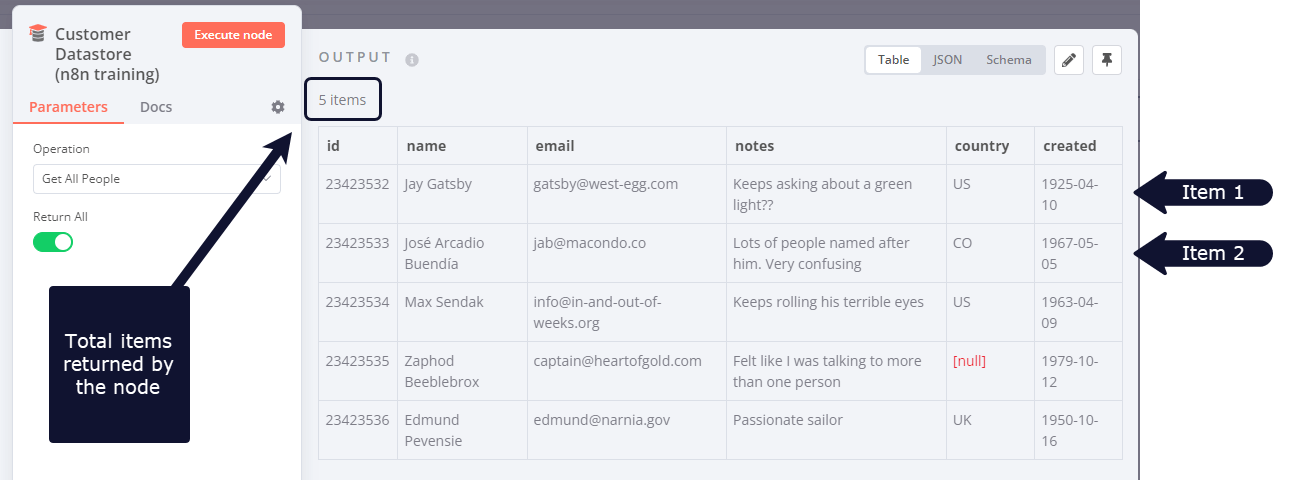
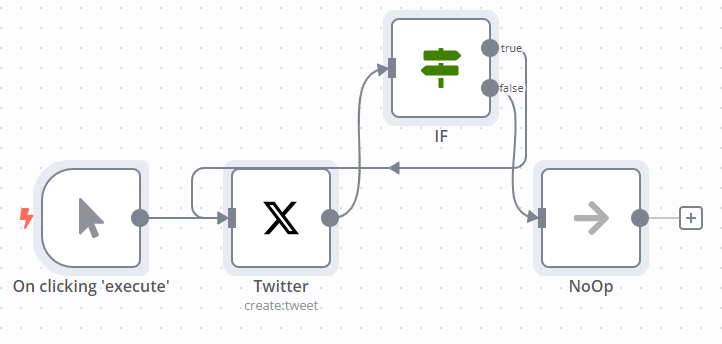
},
{
  "url": "https://docs.n8n.io/flow-logic/",
  "markdown": "# Flow logic | n8n Docs\n\n[](https://github.com/n8n-io/n8n-docs/edit/main/docs/flow-logic/index.md \"Edit this page\")\n\nn8n allows you to represent complex logic in your workflows.\n\nThis section covers:\n\n*   [Splitting with conditionals](https://docs.n8n.io/flow-logic/splitting/)\n*   [Merging data](https://docs.n8n.io/flow-logic/merging/)\n*   [Looping](https://docs.n8n.io/flow-logic/looping/)\n*   [Waiting](https://docs.n8n.io/flow-logic/waiting/)\n*   [Sub-workflows](https://docs.n8n.io/flow-logic/subworkflows/)\n*   [Error handling](https://docs.n8n.io/flow-logic/error-handling/)\n*   [Execution order in multi-branch workflows](https://docs.n8n.io/flow-logic/execution-order/)\n\n## Related sections[#](#related-sections \"Permanent link\")\n\nYou need some understanding of [Data](https://docs.n8n.io/data/) in n8n, including [Data structure](https://docs.n8n.io/data/data-structure/) and [Data flow within nodes](https://docs.n8n.io/data/data-flow-nodes/).\n\nWhen building your logic, you'll use n8n's [Core nodes](https://docs.n8n.io/integrations/builtin/core-nodes/), including:\n\n*   Splitting: [IF](https://docs.n8n.io/integrations/builtin/core-nodes/n8n-nodes-base.if/) and [Switch](https://docs.n8n.io/integrations/builtin/core-nodes/n8n-nodes-base.switch/).\n*   Merging: [Merge](https://docs.n8n.io/integrations/builtin/core-nodes/n8n-nodes-base.merge/), [Compare Datasets](https://docs.n8n.io/integrations/builtin/core-nodes/n8n-nodes-base.comparedatasets/), and [Code](https://docs.n8n.io/integrations/builtin/core-nodes/n8n-nodes-base.code/).\n*   Looping: [IF](https://docs.n8n.io/integrations/builtin/core-nodes/n8n-nodes-base.if/) and [Loop Over Items](https://docs.n8n.io/integrations/builtin/core-nodes/n8n-nodes-base.splitinbatches/).\n*   Waiting: [Wait](https://docs.n8n.io/integrations/builtin/core-nodes/n8n-nodes-base.wait/).\n*   Creating sub-workflows: [Execute Workflow](https://docs.n8n.io/integrations/builtin/core-nodes/n8n-nodes-base.executeworkflow/) and [Execute Workflow Trigger](https://docs.n8n.io/integrations/builtin/core-nodes/n8n-nodes-base.executeworkflowtrigger/).\n*   Error handling: [Stop And Error](https://docs.n8n.io/integrations/builtin/core-nodes/n8n-nodes-base.stopanderror/) and [Error Trigger](https://docs.n8n.io/integrations/builtin/core-nodes/n8n-nodes-base.errortrigger/)."
},
{
  "url": "https://docs.n8n.io/flow-logic/splitting/",
  "markdown": "# Splitting with conditionals | n8n Docs\n\n[](https://github.com/n8n-io/n8n-docs/edit/main/docs/flow-logic/splitting.md \"Edit this page\")\n\n## Splitting workflows with conditional nodes[#](#splitting-workflows-with-conditional-nodes \"Permanent link\")\n\nSplitting uses the [IF](https://docs.n8n.io/integrations/builtin/core-nodes/n8n-nodes-base.if/) or [Switch](https://docs.n8n.io/integrations/builtin/core-nodes/n8n-nodes-base.switch/) nodes. It turns a single-branch workflow into a multi-branch workflow. This is a key piece of representing complex logic in n8n.\n\nCompare these workflows:\n\n[![\"Diagram representing two workflows. One has three steps and follows a linear process, with a user submitting a bug, and the workflow emailing a support team. The second workflow starts the same way, but then splits depending on whether the user marked the issue as urgent. It then splits again depending on the user's support plan\"](https://docs.n8n.io/_images/flow-logic/splitting/single-multi-branch-workflow.png)](https://docs.n8n.io/_images/flow-logic/splitting/single-multi-branch-workflow.png)\n\nThis is the power of splitting and conditional nodes in n8n.\n\nRefer to the [IF](https://docs.n8n.io/integrations/builtin/core-nodes/n8n-nodes-base.if/) or [Switch](https://docs.n8n.io/integrations/builtin/core-nodes/n8n-nodes-base.switch/) documentation for usage details."
},
{
  "url": "https://docs.n8n.io/flow-logic/subworkflows/",
  "markdown": "# Sub-workflows | n8n Docs\n\n[](https://github.com/n8n-io/n8n-docs/edit/main/docs/flow-logic/subworkflows.md \"Edit this page\")\n\nYou can call one workflow from another workflow. This allows you to build modular, microservice-like workflows. It can also help if your workflow grows large enough to encounter [memory issues](https://docs.n8n.io/hosting/scaling/memory-errors/). Creating sub-workflows uses the [Execute Workflow](https://docs.n8n.io/integrations/builtin/core-nodes/n8n-nodes-base.executeworkflow/) and [Execute Sub-workflow Trigger](https://docs.n8n.io/integrations/builtin/core-nodes/n8n-nodes-base.executeworkflowtrigger/) nodes.\n\nSub-wokflow executions don't count towards your plan's monthly execution or active workflow limits.\n\n## Set up and use a sub-workflow[#](#set-up-and-use-a-sub-workflow \"Permanent link\")\n\nThis section walks through setting up both the parent workflow and sub-workflow.\n\n### Create the sub-workflow[#](#create-the-sub-workflow \"Permanent link\")\n\n1.  Create a new workflow.\n    \n    Create sub-workflows from existing workflows\n    \n    You can optionally create a sub-workflow directly from an existing parent workflow using the [Execute Sub-workflow](https://docs.n8n.io/integrations/builtin/core-nodes/n8n-nodes-base.executeworkflow/) node. In the node, select the **Database** and **From list** options and select **Create a sub-workflow** in the list.\n    \n    You can also extract selected nodes directly using [Sub-workflow conversion](https://docs.n8n.io/workflows/subworkflow-conversion/) in the context menu.\n    \n2.  **Optional**: configure which workflows can call the sub-workflow:\n    \n    1.  Select the **Options** ![Options menu](https://docs.n8n.io/_images/common-icons/three-dot-options-menu.png) menu > **Settings**. n8n opens the **Workflow settings** modal.\n    2.  Change the **This workflow can be called by** setting. Refer to [Workflow settings](https://docs.n8n.io/workflows/settings/) for more information on configuring your workflows.\n3.  Add the **Execute Sub-workflow** trigger node (if you are searching under trigger nodes, this is also titled **When Executed by Another Workflow**).\n4.  Set the **Input data mode** to choose how you will define the sub-workflow's input data:\n    *   **Define using fields below**: Choose this mode to define individual input names and data types that the calling workflow needs to provide. The [Execute Sub-workflow node](https://docs.n8n.io/integrations/builtin/core-nodes/n8n-nodes-base.executeworkflow/) or [Call n8n Workflow Tool node](https://docs.n8n.io/integrations/builtin/cluster-nodes/sub-nodes/n8n-nodes-langchain.toolworkflow/) in the calling workflow will automatically pull in the fields defined here.\n    *   **Define using JSON example**: Choose this mode to provide an example JSON object that demonstrates the expected input items and their types.\n    *   **Accept all data**: Choose this mode to accept all data unconditionally. The sub-workflow won't define any required input items. This sub-workflow must handle any input inconsistencies or missing values.\n5.  Add other nodes as needed to build your sub-workflow functionality.\n6.  Save the sub-workflow.\n\nSub-workflow mustn't contain errors\n\nIf there are errors in the sub-workflow, the parent workflow can't trigger it.\n\nLoad data into sub-workflow before building\n\nThis requires the ability to [load data from previous executions](https://docs.n8n.io/workflows/executions/debug/), which is available on n8n Cloud and registered Community plans.\n\nIf you want to load data into your sub-workflow to use while building it:\n\n1.  Create the sub-workflow and add the **Execute Sub-workflow Trigger**.\n2.  Set the node's **Input data mode** to **Accept all data** or define the input items using fields or JSON if they're already known.\n3.  In the sub-workflow [settings](https://docs.n8n.io/workflows/settings/), set **Save successful production executions** to **Save**.\n4.  Skip ahead to setting up the parent workflow, and run it.\n5.  Follow the steps to [load data from previous executions](https://docs.n8n.io/workflows/executions/debug/).\n6.  Adjust the **Input data mode** to match the input sent by the parent workflow if necessary.\n\nYou can now pin example data in the trigger node, enabling you to work with real data while configuring the rest of the workflow.\n\n### Call the sub-workflow[#](#call-the-sub-workflow \"Permanent link\")\n\n1.  Open the workflow where you want to call the sub-workflow.\n2.  Add the **Execute Sub-workflow** node.\n3.  In the **Execute Sub-workflow** node, set the sub-workflow you want to call. You can choose to call the workflow by ID, load a workflow from a local file, add workflow JSON as a parameter in the node, or target a workflow by URL.\n    \n    Find your workflow ID\n    \n    Your sub-workflow's ID is the alphanumeric string at the end of its URL.\n    \n4.  Fill in the required input items defined by the sub-workflow.\n    \n5.  Save your workflow.\n\nWhen your workflow executes, it will send data to the sub-workflow, and run it.\n\nYou can follow the execution flow from the parent workflow to the sub-workflow by opening the Execute Sub-workflow node and selecting the **View sub-execution** link. Likewise, the sub-workflow's execution contains a link back to the parent workflow's execution to navigate in the other direction.\n\n## How data passes between workflows[#](#how-data-passes-between-workflows \"Permanent link\")\n\nAs an example, imagine you have an Execute Sub-workflow node in **Workflow A**. The Execute Sub-workflow node calls another workflow called **Workflow B**:\n\n1.  The Execute Sub-workflow node passes the data to the Execute Sub-workflow Trigger node (titled \"When executed by another node\" in the canvas) of **Workflow B**.\n2.  The last node of **Workflow B** sends the data back to the Execute Sub-workflow node in **Workflow A**.\n\n## Sub-workflow conversion[#](#sub-workflow-conversion \"Permanent link\")\n\nSee [sub-workflow conversion](https://docs.n8n.io/workflows/subworkflow-conversion/) for how to divide your existing workflows into sub-workflows."
},
{
  "url": "https://docs.n8n.io/flow-logic/waiting/",
  "markdown": "# Waiting | n8n Docs\n\n[](https://github.com/n8n-io/n8n-docs/edit/main/docs/flow-logic/waiting.md \"Edit this page\")\n\nWaiting allows you to pause a workflow mid-execution, then resume where the workflow left off, with the same data. This is useful if you need to rate limit your calls to a service, or wait for an external event to complete. You can wait for a specified duration, or until a webhook fires.\n\nMaking a workflow wait uses the [Wait](https://docs.n8n.io/integrations/builtin/core-nodes/n8n-nodes-base.wait/) node. Refer to the node documentation for usage details.\n\nn8n provides a workflow template with a basic example of [Rate limiting and waiting for external events](https://n8n.io/workflows/1749-rate-limiting-and-waiting-for-external-events/)."
},
{
  "url": "https://docs.n8n.io/flow-logic/error-handling/",
  "markdown": "# Error handling | n8n Docs\n\n[](https://github.com/n8n-io/n8n-docs/edit/main/docs/flow-logic/error-handling.md \"Edit this page\")\n\nWhen designing your flow logic, it's a good practice to consider potential errors, and set up methods to handle them gracefully. With an error workflow, you can control how n8n responds to a workflow execution failure.\n\n## Create and set an error workflow[#](#create-and-set-an-error-workflow \"Permanent link\")\n\nFor each workflow, you can set an error workflow in **Workflow Settings**. It runs if an execution fails. This means you can, for example, send email or Slack alerts when a workflow execution errors. The error workflow must start with the [Error Trigger](https://docs.n8n.io/integrations/builtin/core-nodes/n8n-nodes-base.errortrigger/).\n\nYou can use the same error workflow for multiple workflows.\n\n1.  Create a new workflow, with the Error Trigger as the first node.\n2.  Give the workflow a name, for example `Error Handler`.\n3.  Select **Save**.\n4.  In the workflow where you want to use this error workflow:\n    1.  Select **Options** ![Options menu icon](https://docs.n8n.io/_images/common-icons/three-dot-options-menu.png) > **Settings**.\n    2.  In **Error workflow**, select the workflow you just created. For example, if you used the name Error Handler, select **Error handler**.\n    3.  Select **Save**. Now, when this workflow errors, the related error workflow runs.\n\n## Error data[#](#error-data \"Permanent link\")\n\nThe default error data received by the Error Trigger is:\n\n|     |     |\n| --- | --- |\n| 1<br> 2<br> 3<br> 4<br> 5<br> 6<br> 7<br> 8<br> 9<br>10<br>11<br>12<br>13<br>14<br>15<br>16<br>17<br>18<br>19 | `[ \t{ \t\t\"execution\": { \t\t\t\"id\": \"231\", \t\t\t\"url\": \"https://n8n.example.com/execution/231\", \t\t\t\"retryOf\": \"34\", \t\t\t\"error\": { \t\t\t\t\"message\": \"Example Error Message\", \t\t\t\t\"stack\": \"Stacktrace\" \t\t\t}, \t\t\t\"lastNodeExecuted\": \"Node With Error\", \t\t\t\"mode\": \"manual\" \t\t}, \t\t\"workflow\": { \t\t\t\"id\": \"1\", \t\t\t\"name\": \"Example Workflow\" \t\t} \t} ]` |\n\nAll information is always present, except:\n\n*   `execution.id`: requires the execution to be saved in the database. Not present if the error is in the trigger node of the main workflow, as the workflow doesn't execute.\n*   `execution.url`: requires the execution to be saved in the database. Not present if the error is in the trigger node of the main workflow, as the workflow doesn't execute.\n*   `execution.retryOf`: only present when the execution is a retry of a failed execution.\n\nIf the error is caused by the trigger node of the main workflow, rather than a later stage, the data sent to the error workflow is different. There's less information in `execution{}` and more in `trigger{}`:\n\n|     |     |\n| --- | --- |\n| 1<br> 2<br> 3<br> 4<br> 5<br> 6<br> 7<br> 8<br> 9<br>10<br>11<br>12<br>13<br>14<br>15<br>16<br>17<br>18<br>19<br>20<br>21<br>22 | `{   \"trigger\": {     \"error\": {       \"context\": {},       \"name\": \"WorkflowActivationError\",       \"cause\": {         \"message\": \"\",         \"stack\": \"\"       },       \"timestamp\": 1654609328787,       \"message\": \"\",       \"node\": {         . . .        }     },     \"mode\": \"trigger\"   },   \"workflow\": {     \"id\": \"\",     \"name\": \"\"   } }` |\n\n## Cause a workflow execution failure using Stop And Error[#](#cause-a-workflow-execution-failure-using-stop-and-error \"Permanent link\")\n\nWhen you create and set an error workflow, n8n runs it when an execution fails. Usually, this is due to things like errors in node settings, or the workflow running out of memory.\n\nYou can add the [Stop And Error](https://docs.n8n.io/integrations/builtin/core-nodes/n8n-nodes-base.stopanderror/) node to your workflow to force executions to fail under your chosen circumstances, and trigger the error workflow."
},
{
  "url": "https://docs.n8n.io/flow-logic/execution-order/",
  "markdown": "# Execution order in multi-branch workflows\n\n[](https://github.com/n8n-io/n8n-docs/edit/main/docs/flow-logic/execution-order.md \"Edit this page\")\n\nn8n's node execution order depends on the version of n8n you're using:\n\n*   For workflows created before version 1.0: n8n executes the first node of each branch, then the second node of each branch, and so on.\n*   For workflows created in version 1.0 and above: executes each branch in turn, completing one branch before starting another. n8n orders the branches based on their position on the [canvas](https://docs.n8n.io/glossary/#canvas-n8n), from topmost to bottommost. If two branches are at the same height, the leftmost branch executes first.\n\nYou can change the execution order in your [workflow settings](https://docs.n8n.io/workflows/settings/)."
},
{
  "url": "https://docs.n8n.io/data/",
  "markdown": "# Data | n8n Docs\n\n[](https://github.com/n8n-io/n8n-docs/edit/main/docs/data/index.md \"Edit this page\")\n\nData is the information that n8n nodes receive and process. For basic usage of n8n you don't need to understand data structures and manipulation. However, it becomes important if you want to:\n\n*   Create your own node\n*   Write custom [expressions](https://docs.n8n.io/glossary/#expression-n8n)\n*   Use the Function or Function Item node\n\nThis section covers:\n\n*   [Data structure](https://docs.n8n.io/data/data-structure/)\n*   [Data flow within nodes](https://docs.n8n.io/data/data-flow-nodes/)\n*   [Transforming data](https://docs.n8n.io/data/transforming-data/)\n*   [Process data using code](https://docs.n8n.io/data/code/)\n*   [Pinning](https://docs.n8n.io/data/data-pinning/) and [editing](https://docs.n8n.io/data/data-editing/) data during workflow development.\n*   [Data mapping](https://docs.n8n.io/data/data-mapping/) and [Item linking](https://docs.n8n.io/data/data-mapping/data-item-linking/): how data items link to each other.\n\n### Data transformation nodes[#](#data-transformation-nodes \"Permanent link\")\n\nn8n provides a collection of nodes to transform data:\n\n*   [Aggregate](https://docs.n8n.io/integrations/builtin/core-nodes/n8n-nodes-base.aggregate/): take separate items, or portions of them, and group them together into individual items.\n*   [Limit](https://docs.n8n.io/integrations/builtin/core-nodes/n8n-nodes-base.aggregate/): remove items beyond a defined maximum number.\n*   [Remove Duplicates](https://docs.n8n.io/integrations/builtin/core-nodes/n8n-nodes-base.removeduplicates/): identify and delete items that are identical across all fields or a subset of fields.\n*   [Sort](https://docs.n8n.io/integrations/builtin/core-nodes/n8n-nodes-base.sort/): organize lists of in a desired ordering, or generate a random selection.\n*   [Split Out](https://docs.n8n.io/integrations/builtin/core-nodes/n8n-nodes-base.splitout/): separate a single data item containing a list into multiple items.\n*   [Summarize](https://docs.n8n.io/integrations/builtin/core-nodes/n8n-nodes-base.summarize/): aggregate items together, in a manner similar to Excel pivot tables."
},
{
  "url": "https://docs.n8n.io/data/data-structure/",
  "markdown": "# Data structure | n8n Docs\n\n[](https://github.com/n8n-io/n8n-docs/edit/main/docs/data/data-structure.md \"Edit this page\")\n\nIn n8n, all data passed between nodes is an array of objects. It has the following structure:\n\n|     |     |\n| --- | --- |\n| 1<br> 2<br> 3<br> 4<br> 5<br> 6<br> 7<br> 8<br> 9<br>10<br>11<br>12<br>13<br>14<br>15<br>16<br>17<br>18<br>19<br>20<br>21<br>22<br>23<br>24 | `[ \t{ \t\t// For most data: \t\t// Wrap each item in another object, with the key 'json' \t\t\"json\": { \t\t\t// Example data \t\t\t\"apple\": \"beets\", \t\t\t\"carrot\": { \t\t\t\t\"dill\": 1 \t\t\t} \t\t}, \t\t// For binary data: \t\t// Wrap each item in another object, with the key 'binary' \t\t\"binary\": { \t\t\t// Example data \t\t\t\"apple-picture\": { \t\t\t\t\"data\": \"....\", // Base64 encoded binary data (required) \t\t\t\t\"mimeType\": \"image/png\", // Best practice to set if possible (optional) \t\t\t\t\"fileExtension\": \"png\", // Best practice to set if possible (optional) \t\t\t\t\"fileName\": \"example.png\", // Best practice to set if possible (optional) \t\t\t} \t\t} \t}, ]` |\n\nSkipping the `json` key and array syntax\n\nFrom 0.166.0 on, when using the Function node or Code node, n8n automatically adds the `json` key if it's missing. It also automatically wraps your items in an array (`[]`) if needed. This is only the case when using the Function or Code nodes. When building your own nodes, you must still make sure the node returns data with the `json` key.\n\n## Data item processing[#](#data-item-processing \"Permanent link\")\n\nNodes can process multiple items.\n\nFor example, if you set the Trello node to `Create-Card`, and create an expression that sets `Name` using a property called `name-input-value` from the incoming data, the node creates a card for each item, always choosing the `name-input-value` of the current item.\n\nFor example, this input will create two cards. One named `test1` the other one named `test2`:\n\n|     |     |\n| --- | --- |\n|     | `[ \t{ \t\tname-input-value: \"test1\" \t}, \t{ \t\tname-input-value: \"test2\" \t} ]` |"
},
{
  "url": "https://docs.n8n.io/data/data-flow-nodes/",
  "markdown": "# Data flow within nodes | n8n Docs\n\n[](https://github.com/n8n-io/n8n-docs/edit/main/docs/data/data-flow-nodes.md \"Edit this page\")\n\nNodes can process multiple items.\n\nFor example, if you set the Trello node to `Create-Card`, and create an expression that sets `Name` using a property called `name-input-value` from the incoming data, the node creates a card for each item, always choosing the `name-input-value` of the current item.\n\nFor example, this input will create two cards. One named `test1` the other one named `test2`:\n\n|     |     |\n| --- | --- |\n|     | `[ \t{ \t\tname-input-value: \"test1\" \t}, \t{ \t\tname-input-value: \"test2\" \t} ]` |"
},
{
  "url": "https://docs.n8n.io/data/code/",
  "markdown": "# Process data using code | n8n Docs\n\n[](https://github.com/n8n-io/n8n-docs/edit/main/docs/data/code.md \"Edit this page\")\n\n## Processing data with code[#](#processing-data-with-code \"Permanent link\")\n\n## Function[#](#function \"Permanent link\")\n\nA function is a block of code designed to perform a certain task. In n8n, you can write custom JavaScript or Python code snippets to add, remove, and update the data you receive from a node.\n\nThe [Code](https://docs.n8n.io/integrations/builtin/core-nodes/n8n-nodes-base.code/) node gives you access to the incoming data and you can manipulate it. With this node you can create any function you want using JavaScript code."
},
{
  "url": "https://docs.n8n.io/data/transforming-data/",
  "markdown": "# Transforming data | n8n Docs\n\n[](https://github.com/n8n-io/n8n-docs/edit/main/docs/data/transforming-data.md \"Edit this page\")\n\nn8n uses a predefined [data structure](https://docs.n8n.io/data/data-structure/) that allows all nodes to process incoming data correctly.\n\nYour incoming data may have a different data structure, in which case you will need to transform it to allow each item to be processed individually.\n\nFor example, the image below shows the output of an [HTTP Request](https://docs.n8n.io/integrations/builtin/core-nodes/n8n-nodes-base.httprequest/) node that returns data incompatible with n8n's data structure. The node returns the data and displays that only one item was returned.\n\n![HTTP Request node output](https://docs.n8n.io/_images/data/transforming-data/HTTPRequest_output.png)\n\nTo transform this kind of structure into the n8n data structure you can use the data transformation nodes:\n\n*   [Aggregate](https://docs.n8n.io/integrations/builtin/core-nodes/n8n-nodes-base.aggregate/): take separate items, or portions of them, and group them together into individual items.\n*   [Limit](https://docs.n8n.io/integrations/builtin/core-nodes/n8n-nodes-base.limit/): remove items beyond a defined maximum number.\n*   [Remove Duplicates](https://docs.n8n.io/integrations/builtin/core-nodes/n8n-nodes-base.removeduplicates/): identify and delete items that are identical across all fields or a subset of fields.\n*   [Sort](https://docs.n8n.io/integrations/builtin/core-nodes/n8n-nodes-base.sort/): organize lists of in a desired ordering, or generate a random selection.\n*   [Split Out](https://docs.n8n.io/integrations/builtin/core-nodes/n8n-nodes-base.splitout/): separate a single data item containing a list into multiple items.\n*   [Summarize](https://docs.n8n.io/integrations/builtin/core-nodes/n8n-nodes-base.summarize/): aggregate items together, in a manner similar to Excel pivot tables."
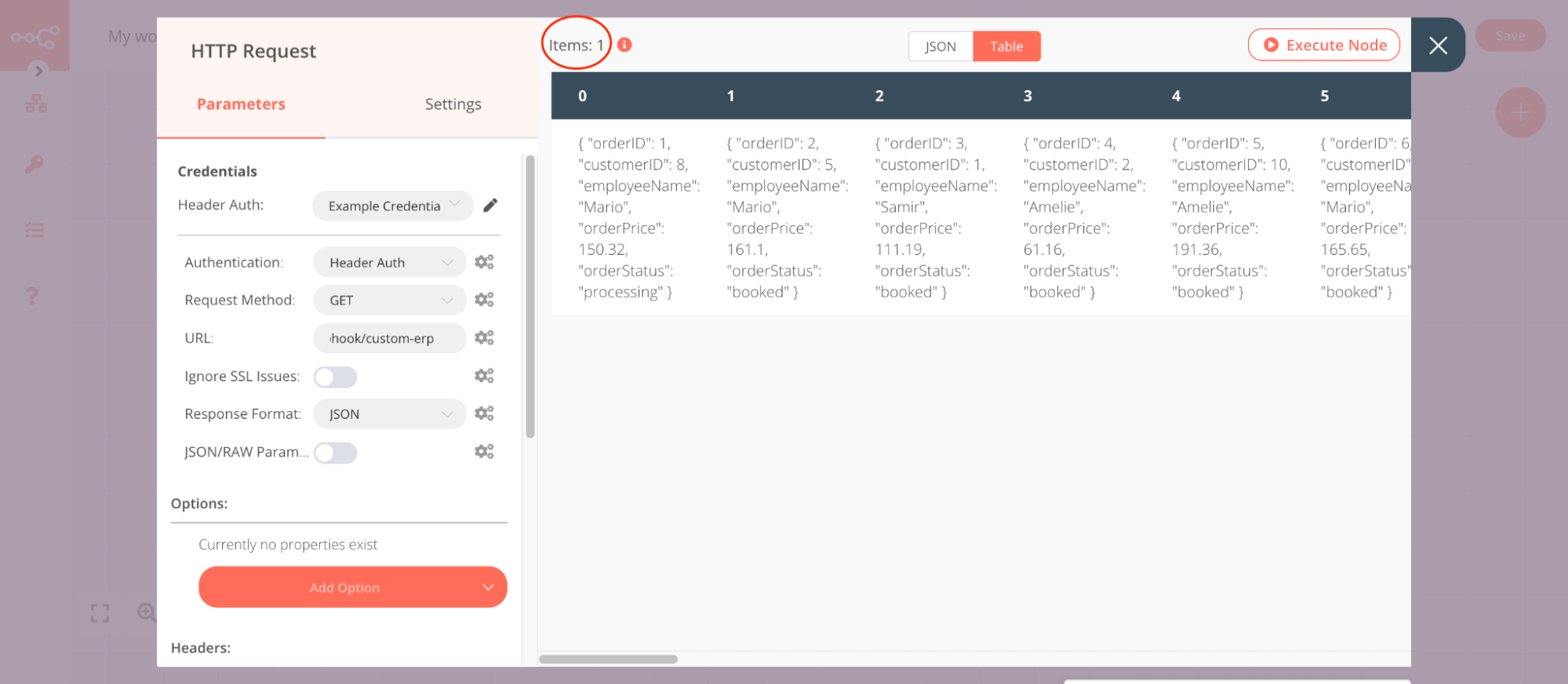
},
{
  "url": "https://docs.n8n.io/data/data-mapping/",
  "markdown": "# Data mapping | n8n Docs\n\n[](https://github.com/n8n-io/n8n-docs/edit/main/docs/data/data-mapping/index.md \"Edit this page\")\n\nData mapping means referencing data from previous nodes.\n\nThis section contains guidance on:\n\n*   Mapping data in most scenarios: [Data mapping in the UI](https://docs.n8n.io/data/data-mapping/data-mapping-ui/) and [Data mapping in expression](https://docs.n8n.io/data/data-mapping/data-mapping-expressions/)\n*   How to handle [item linking](https://docs.n8n.io/data/data-mapping/data-item-linking/) when using the Code node or building your own nodes."
},
{
  "url": "https://docs.n8n.io/data/data-mapping/data-mapping-expressions/",
  "markdown": "# Data mapping in the expressions editor\n\n[](https://github.com/n8n-io/n8n-docs/edit/main/docs/data/data-mapping/data-mapping-expressions.md \"Edit this page\")\n\nThese examples show how to access linked items in the expressions editor. Refer to [expressions](https://docs.n8n.io/code/expressions/) for more information on expressions, including built in variables and methods.\n\nFor information on errors with mapping and linking items, refer to [Item linking errors](https://docs.n8n.io/data/data-mapping/data-item-linking/item-linking-errors/).\n\n## Access the linked item in a previous node's output[#](#access-the-linked-item-in-a-previous-nodes-output \"Permanent link\")\n\nWhen you use this, n8n works back up the item linking chain, to find the parent item in the given node.\n\n|     |     |\n| --- | --- |\n|     | `// Returns the linked item {{$(\"<node-name>\").item}}` |\n\nAs a longer example, consider a scenario where a node earlier in the workflow has the following output data:\n\n|     |     |\n| --- | --- |\n| 1<br> 2<br> 3<br> 4<br> 5<br> 6<br> 7<br> 8<br> 9<br>10<br>11<br>12<br>13<br>14<br>15<br>16<br>17<br>18<br>19<br>20<br>21<br>22 | `[   {     \"id\": \"23423532\",     \"name\": \"Jay Gatsby\",   },   {     \"id\": \"23423533\",     \"name\": \"José Arcadio Buendía\",   },   {     \"id\": \"23423534\",     \"name\": \"Max Sendak\",   },   {     \"id\": \"23423535\",     \"name\": \"Zaphod Beeblebrox\",   },   {     \"id\": \"23423536\",     \"name\": \"Edmund Pevensie\",   } ]` |\n\nTo extract the name, use the following expression:\n\n|     |     |\n| --- | --- |\n|     | `{{$(\"<node-name>\").item.json.name}}` |\n\n### Access the linked item in the current node's input[#](#access-the-linked-item-in-the-current-nodes-input \"Permanent link\")\n\nIn this case, the item linking is within the node: find the input item that the node links to an output item.\n\n|     |     |\n| --- | --- |\n|     | `// Returns the linked item {{$input.item}}` |\n\nAs a longer example, consider a scenario where the current node has the following input data:\n\n|     |     |\n| --- | --- |\n| 1<br> 2<br> 3<br> 4<br> 5<br> 6<br> 7<br> 8<br> 9<br>10<br>11<br>12<br>13<br>14<br>15<br>16<br>17<br>18<br>19<br>20<br>21<br>22 | `[   {     \"id\": \"23423532\",     \"name\": \"Jay Gatsby\",   },   {     \"id\": \"23423533\",     \"name\": \"José Arcadio Buendía\",   },   {     \"id\": \"23423534\",     \"name\": \"Max Sendak\",   },   {     \"id\": \"23423535\",     \"name\": \"Zaphod Beeblebrox\",   },   {     \"id\": \"23423536\",     \"name\": \"Edmund Pevensie\",   } ]` |\n\nTo extract the name, you'd normally use drag-and-drop [Data mapping](https://docs.n8n.io/data/data-mapping/), but you could also write the following expression:\n\n|     |     |\n| --- | --- |\n|     | `{{$input.item.json.name}}` |"
},
{
  "url": "https://docs.n8n.io/data/data-mapping/data-mapping-ui/",
  "markdown": "# Data mapping in the UI\n\n[](https://github.com/n8n-io/n8n-docs/edit/main/docs/data/data-mapping/data-mapping-ui.md \"Edit this page\")\n\nData mapping means referencing data from previous nodes. It doesn't include changing (transforming) data, just referencing it.\n\nYou can map data in the following ways:\n\n*   Using the expressions editor.\n*   By dragging and dropping data from the **INPUT** into parameters. This generates the expression for you.\n\nFor information on errors with mapping and linking items, refer to [Item linking errors](https://docs.n8n.io/data/data-mapping/data-item-linking/item-linking-errors/).\n\n## How to drag and drop data[#](#how-to-drag-and-drop-data \"Permanent link\")\n\n1.  Run your workflow to load data.\n2.  Open the node where you need to map data.\n3.  You can map in table, JSON, and schema view:\n    *   In table view: click and hold a table heading to map top level data, or a field in the table to map nested data.\n    *   In JSON view: click and hold a key.\n    *   In schema view: click and hold a key.\n4.  Drag the item into the field where you want to use the data.\n\n### Understand what you're mapping with drag and drop[#](#understand-what-youre-mapping-with-drag-and-drop \"Permanent link\")\n\nData mapping maps the key path, and loads the key's value into the field. For example, given the following data:\n\n|     |     |\n| --- | --- |\n|     | `[ \t{ \t\t\"fruit\": \"apples\", \t\t\"color\": \"green\" \t} ]` |\n\nYou can map `fruit` by dragging and dropping **fruit** from the **INPUT** into the field where you want to use its value. This creates an expression, `{{ $json.fruit }}`. When the node iterates over input items, the value of the field becomes the value of `fruit` for each item.\n\n### Understand nested data[#](#understand-nested-data \"Permanent link\")\n\nGiven the following data:\n\n|     |     |\n| --- | --- |\n| 1<br> 2<br> 3<br> 4<br> 5<br> 6<br> 7<br> 8<br> 9<br>10<br>11<br>12<br>13<br>14<br>15<br>16 | `[   {     \"name\": \"First item\",     \"nested\": {       \"example-number-field\": 1,       \"example-string-field\": \"apples\"     }   },   {     \"name\": \"Second item\",     \"nested\": {       \"example-number-field\": 2,       \"example-string-field\": \"oranges\"     }   } ]` |\n\nn8n displays it in table form like this:\n\n![\"Screenshot of a table in the INPUT panel. It includes a top level field named \"nested.\" This field contains nested data, which is indicated in bold.\"](https://docs.n8n.io/_images/data/data-mapping/nested-data.png)"
},
{
  "url": "https://docs.n8n.io/data/data-mapping/data-item-linking/item-linking-concepts/",
  "markdown": "# Item linking concepts | n8n Docs\n\n[](https://github.com/n8n-io/n8n-docs/edit/main/docs/data/data-mapping/data-item-linking/item-linking-concepts.md \"Edit this page\")\n\nEach output item created by a node includes metadata that links them to the input item (or items) that the node used to generate them. This creates a chain of items that you can work back along to access previous items. This can be complicated to understand, especially if the node splits or merges data. You need to understand item linking when building your own programmatic nodes, or in some scenarios using the Code node.\n\nThis document provides a conceptual overview of this feature. For usage details, refer to:\n\n*   [Item linking for node creators](https://docs.n8n.io/data/data-mapping/data-item-linking/item-linking-node-building/), for details on how to handle item linking when building a node.\n*   [Item linking in the Code node](https://docs.n8n.io/data/data-mapping/data-item-linking/item-linking-code-node/), to learn how to handle item linking in the Code node.\n*   [Item linking errors](https://docs.n8n.io/data/data-mapping/data-item-linking/item-linking-errors/), to understand the errors you may encounter in the editor UI.\n\n## n8n's automatic item linking[#](#n8ns-automatic-item-linking \"Permanent link\")\n\nIf a node doesn't control how to link input items to output items, n8n tries to guess how to link the items automatically:\n\n*   Single input, single output: the output links to the input.\n*   Single input, multiple outputs: all outputs link to that input.\n*   Multiple inputs and outputs:\n    *   If you keep the input items, but change the order (or remove some but keep others), n8n can automatically add the correct linked item information.\n    *   If the number of inputs and outputs is equal, n8n links the items in order. This means that output-1 links to input-1, output-2 to input-2, and so on.\n    *   If the number isn't equal, or you create completely new items, n8n can't automatically link items.\n\nIf n8n can't link items automatically, and the node doesn't handle the item linking, n8n displays an error. Refer to [Item linking errors](https://docs.n8n.io/data/data-mapping/data-item-linking/item-linking-errors/) for more information.\n\n## Item linking example[#](#item-linking-example \"Permanent link\")\n\n![A diagram showing the threads linking multiple items back through a workflow](https://docs.n8n.io/_images/data/data-mapping/data-item-linking/item-linking-multiple-lines.png)\n\nIn this example, it's possible for n8n to link an item in one node back several steps, despite the item order changing. This means the node that sorts movies alphabetically can access information about the linked item in the node that gets famous movie actors.\n\nThe methods for accessing linked items are different depending on whether you're using the UI, expressions, or the code node. Explore the following resources:\n\n*   [Mapping in the UI](https://docs.n8n.io/data/data-mapping/data-mapping-ui/)\n*   [Mapping in the expressions editor](https://docs.n8n.io/data/data-mapping/data-mapping-expressions/)\n*   [Item linking in the Code node](https://docs.n8n.io/data/data-mapping/data-item-linking/item-linking-code-node/)\n*   [Item linking errors](https://docs.n8n.io/data/data-mapping/data-item-linking/item-linking-errors/)"
},
{
  "url": "https://docs.n8n.io/data/data-mapping/data-item-linking/",
  "markdown": "# Data item linking | n8n Docs\n\n[](https://github.com/n8n-io/n8n-docs/edit/main/docs/data/data-mapping/data-item-linking/index.md \"Edit this page\")\n\nAn item is a single piece of data. Nodes receive one or more items, operate on them, and output new items. Each item links back to previous items.\n\nYou need to understand this behavior if you're:\n\n*   Building a programmatic-style node that implements complex behaviors with its input and output data.\n*   Using the Code node or expressions editor to access data from earlier items in the workflow.\n*   Using the Code node for complex behaviors with input and output data.\n\nThis section provides:\n\n*   A conceptual overview of [Item linking concepts](https://docs.n8n.io/data/data-mapping/data-item-linking/item-linking-concepts/).\n*   Information on [Item linking for node creators](https://docs.n8n.io/data/data-mapping/data-item-linking/item-linking-node-building/).\n*   Support for end users who need to [Work with the data path](https://docs.n8n.io/data/data-mapping/data-item-linking/item-linking-code-node/) to retrieve item data from previous nodes, and link items when using the Code node.\n*   Guidance on troubleshooting [Errors](https://docs.n8n.io/data/data-mapping/data-item-linking/item-linking-errors/)."
},
{
  "url": "https://docs.n8n.io/data/data-mapping/data-item-linking/item-linking-errors/",
  "markdown": "# Item linking errors | n8n Docs\n\n[](https://github.com/n8n-io/n8n-docs/edit/main/docs/data/data-mapping/data-item-linking/item-linking-errors.md \"Edit this page\")\n\nIn n8n you can reference data from any previous node. This doesn't have to be the node just before: it can be any previous node in the chain. When referencing nodes further back, you use the expression syntax `$(node_name).item`.\n\n![A diagram showing the threads linking multiple items back through a workflow](https://docs.n8n.io/_images/data/data-mapping/data-item-linking/item-linking-multiple-lines.png)\n\nDiagram of threads for different items. Due to the item linking, you can get the actor for each movie using `$('Get famous movie actors').item`.\n\nSince the previous node can have multiple items in it, n8n needs to know which one to use. When using `.item`, n8n figures this out for you behind the scenes. Refer to [Item linking concepts](https://docs.n8n.io/data/data-mapping/data-item-linking/item-linking-concepts/) for detailed information on how this works.\n\n`.item` fails if information is missing. To figure out which item to use, n8n maintains a thread back through the workflow's nodes for each item. For a given item, this thread tells n8n which items in previous nodes generated it. To find the matching item in a given previous node, n8n follows this thread back until it reaches the node in question.\n\nWhen using `.item`, n8n displays an error when:\n\n*   The thread is broken\n*   The thread points to more than one item in the previous node (as it's unclear which one to use)\n\nTo solve these errors, you can either avoid using `.item`, or fix the root cause.\n\nYou can avoid `.item` by using `.first()`, `.last()` or `.all()[index]` instead. They require you to know the position of the item that you’re targeting within the target node's output items. Refer to [Built in methods and variables | Output of other nodes](https://docs.n8n.io/code/builtin/output-other-nodes/) for more detail on these methods.\n\nThe fix for the root cause depends on the exact error.\n\n### Fix for 'Info for expressions missing from previous node'[#](#fix-for-info-for-expressions-missing-from-previous-node \"Permanent link\")\n\nIf you see this error message:\n\n> ERROR: Info for expression missing from previous node\n\nThere's a node in the chain that doesn't return pairing information. The solution here depends on the type of the previous node:\n\n*   Code nodes: make sure you return which input items the node used to produce each output item. Refer to [Item linking in the code node](https://docs.n8n.io/data/data-mapping/data-item-linking/item-linking-code-node/) for more information.\n*   Custom or community nodes: the node creator needs to update the node to return which input items it uses to produce each output item. Refer to [Item linking for node creators](https://docs.n8n.io/data/data-mapping/data-item-linking/item-linking-node-building/) for more information.\n\n### Fix for 'Multiple matching items for expression'[#](#fix-for-multiple-matching-items-for-expression \"Permanent link\")\n\nThis is the error message:\n\n> ERROR: Multiple matching items for expression\n\nSometimes n8n uses multiple items to create a single item. Examples include the Summarize, Aggregate, and Merge nodes. These nodes can combine information from multiple items.\n\nWhen you use `.item` and there are multiple possible matches, n8n doesn't know which one to use. To solve this you can either:\n\n*   Use `.first()`, `.last()` or `.all()[index]` instead. Refer to [Built in methods and variables | Output of other nodes](https://docs.n8n.io/code/builtin/output-other-nodes/) for more detail on these methods.\n*   Reference a different node that contains the same information, but doesn't have multiple matching items."
},
{
  "url": "https://docs.n8n.io/data/data-mapping/data-item-linking/item-linking-code-node/",
  "markdown": "# Item linking in the Code node\n\n[](https://github.com/n8n-io/n8n-docs/edit/main/docs/data/data-mapping/data-item-linking/item-linking-code-node.md \"Edit this page\")\n\nUse n8n's item linking to access data from items that precede the current item. It also has implications when using the Code node. Most nodes link every output item to an input item. This creates a chain of items that you can work back along to access previous items. For a deeper conceptual overview of this topic, refer to [Item linking concepts](https://docs.n8n.io/data/data-mapping/data-item-linking/item-linking-concepts/). This document focuses on practical usage examples.\n\nWhen using the Code node, there are some scenarios where you need to manually supply item linking information if you want to be able to use `$(\"<node-name>\").item` later in the workflow. All these scenarios only apply if you have more than one incoming item. n8n automatically handles item linking for single items.\n\nThese scenarios are when you:\n\n*   Add new items: the new items aren't linked to any input.\n*   Return new items.\n*   Want to manually control the item linking.\n\n[n8n's automatic item linking](https://docs.n8n.io/data/data-mapping/data-item-linking/item-linking-concepts/) handles the other scenarios.\n\nTo control item linking, set `pairedItem` when returning data. For example, to link to the item at index 0:\n\n|     |     |\n| --- | --- |\n|     | `[ \t{ \t\t\"json\": { \t\t\t. . .  \t\t}, \t\t// The index of the input item that generated this output item \t\t\"pairedItem\": 0 \t} ]` |\n\n### `pairedItem` usage example[#](#paireditem-usage-example \"Permanent link\")\n\nTake this input data:\n\n|     |     |\n| --- | --- |\n| 1<br> 2<br> 3<br> 4<br> 5<br> 6<br> 7<br> 8<br> 9<br>10<br>11<br>12<br>13<br>14<br>15<br>16<br>17<br>18<br>19<br>20<br>21<br>22 | `[   {     \"id\": \"23423532\",     \"name\": \"Jay Gatsby\"   },   {     \"id\": \"23423533\",     \"name\": \"José Arcadio Buendía\"   },   {     \"id\": \"23423534\",     \"name\": \"Max Sendak\"   },   {     \"id\": \"23423535\",     \"name\": \"Zaphod Beeblebrox\"   },   {     \"id\": \"23423536\",     \"name\": \"Edmund Pevensie\"   } ]` |\n\nAnd use it to generate new items, containing just the name, along with a new piece of data:\n\n|     |     |\n| --- | --- |\n| 1<br> 2<br> 3<br> 4<br> 5<br> 6<br> 7<br> 8<br> 9<br>10<br>11<br>12<br>13<br>14 | `newItems = []; for(let i=0; i<items.length; i++){   newItems.push(     {     \"json\":       {         \"name\": items[i].json.name, \t\t\t\t\"aBrandNewField\": \"New data for item \" + i       }     }   ) }  return newItems;` |\n\n`newItems` is an array of items with no `pairedItem`. This means there's no way to trace back from these items to the items used to generate them.\n\nAdd the `pairedItem` object:\n\n|     |     |\n| --- | --- |\n| 1<br> 2<br> 3<br> 4<br> 5<br> 6<br> 7<br> 8<br> 9<br>10<br>11<br>12<br>13<br>14 | `newItems = []; for(let i=0; i<items.length; i++){   newItems.push(     {       \"json\":         {           \"name\": items[i].json.name, \t\t\t\t\t\"aBrandNewField\": \"New data for item \" + i         },       \"pairedItem\": i     }       ) } return newItems;` |\n\nEach new item now links to the item used to create it."
},
{
  "url": "https://docs.n8n.io/data/data-mapping/data-item-linking/item-linking-node-building/",
  "markdown": "# Item linking for node creators\n\n[](https://github.com/n8n-io/n8n-docs/edit/main/docs/data/data-mapping/data-item-linking/item-linking-node-building.md \"Edit this page\")\n\nProgrammatic-style nodes only\n\nThis guidance applies to programmatic-style nodes. If you're using declarative style, n8n handles paired items for you automatically.\n\nUse n8n's item linking to access data from items that precede the current item. n8n needs to know which input item a given output item comes from. If this information is missing, expressions in other nodes may break. As a node developer, you must ensure any items returned by your node support this.\n\nThis applies to programmatic nodes (including trigger nodes). You don't need to consider item linking when building a declarative-style node. Refer to [Choose your node building approach](https://docs.n8n.io/integrations/creating-nodes/plan/choose-node-method/) for more information on node styles.\n\nStart by reading [Item linking concepts](https://docs.n8n.io/data/data-mapping/data-item-linking/item-linking-concepts/), which provides a conceptual overview of item linking, and details of the scenarios where n8n can handle the linking automatically.\n\nIf you need to handle item linking manually, do this by setting `pairedItem` on each item your node returns:\n\n|     |     |\n| --- | --- |\n| 1<br> 2<br> 3<br> 4<br> 5<br> 6<br> 7<br> 8<br> 9<br>10<br>11<br>12<br>13<br>14<br>15<br>16<br>17<br>18<br>19<br>20 | `// Use the pairedItem information of the incoming item newItem = { \t\"json\": { . . . }, \t\"pairedItem\": { \t\t\"item\": item.pairedItem, \t\t// Optional: choose the input to use \t\t// Set this if your node combines multiple inputs \t\t\"input\": 0 };  // Or set the index manually newItem = { \t\t\"json\": { . . . } \t\t\"pairedItem\": { \t\t\t\"item\": i, \t\t\t// Optional: choose the input to use \t\t\t// Set this if your node combines multiple inputs \t\t\t\"input\": 0 \t\t}, };` |"
},
{
  "url": "https://docs.n8n.io/data/data-editing/",
  "markdown": "# Data editing | n8n Docs\n\n[](https://github.com/n8n-io/n8n-docs/edit/main/docs/data/data-editing.md \"Edit this page\")\n\nn8n allows you to edit [pinned data](https://docs.n8n.io/data/data-pinning/). This means you can check different scenarios without setting up each scenario and sending the relevant data from your external system. It makes it easier to test edge cases.\n\nFor development only\n\nData editing isn't available for production workflow executions. It's a feature to help test workflows during development.\n\n## Edit output data[#](#edit-output-data \"Permanent link\")\n\nTo edit output data:\n\n1.  Run the node to load data.\n2.  In the **OUTPUT** view, select **JSON** to switch to JSON view.\n3.  Select **Edit** ![Edit data icon](https://docs.n8n.io/_images/data/data-pinning/edit-data.png).\n4.  Edit your data.\n5.  Select **Save**. n8n saves your data changes and pins your data.\n\n## Use data from previous executions[#](#use-data-from-previous-executions \"Permanent link\")\n\nYou can copy data from nodes in previous workflow executions:\n\n1.  Open the left menu.\n2.  Select **Executions**.\n3.  Browse the workflow executions list to find the one with the data you want to copy.\n4.  Select **Open Past Execution** ![Open past execution icon](https://docs.n8n.io/_images/data/data-pinning/open-execution.png).\n5.  Double click the node whose data you want to copy.\n6.  If it's table layout, select **JSON** to switch to JSON view.\n7.  There are two ways to copy the JSON:\n8.  Select the JSON you want by highlighting it, like selecting text. Then use `ctrl` + `c` to copy it.\n9.  Select the JSON you want to copy by clicking on a parameter. Then:\n    1.  Hover over the JSON. n8n displays the **Copy** ![Copy data icon](https://docs.n8n.io/_images/data/data-pinning/copy-data.png) button.\n    2.  Select **Copy** ![Copy data icon](https://docs.n8n.io/_images/data/data-pinning/copy-data.png).\n    3.  You can choose what to copy:\n        *   **Copy Item Path** and **Copy Parameter Path** gives you expressions that access parts of the JSON.\n        *   **Copy Value**: copies the entire selected JSON.\n10.  Return to the workflow you're working on:\n    1.  Open the left menu.\n    2.  Select **Workflows**.\n    3.  Select **Open**.\n    4.  Select the workflow you want to open.\n11.  Open the node where you want to use the copied data.\n12.  If there is no data, run the node to load data.\n13.  In the **OUTPUT** view, select **JSON** to switch to JSON view.\n14.  Select **Edit** ![Edit data icon](https://docs.n8n.io/_images/data/data-pinning/edit-data.png).\n15.  Paste in the data from the previous execution.\n16.  Select **Save**. n8n saves your data changes and pins your data."
},
{
  "url": "https://docs.n8n.io/data/data-pinning/",
  "markdown": "# Data pinning | n8n Docs\n\n[](https://github.com/n8n-io/n8n-docs/edit/main/docs/data/data-pinning.md \"Edit this page\")\n\nYou can 'pin' data during workflow development. Data pinning means saving the output data of a node, and using the saved data instead of fetching fresh data in future workflow executions.\n\nYou can use this when working with data from external sources to avoid having to repeat requests to the external system. This can save time and resources:\n\n*   If your workflow relies on an external system to trigger it, such as a webhook call, being able to pin data means you don't need to use the external system every time you test the workflow.\n*   If the external resource has data or usage limits, pinning data during tests avoids consuming your resource limits.\n*   You can fetch and pin the data you want to test, then have confidence that the data is consistent in all your workflow tests.\n\nYou can only pin data for nodes that have a single main output (\"error\" outputs don't count for this purpose).\n\nFor development only\n\nData pinning isn't available for production workflow executions. It's a feature to help test workflows during development.\n\n## Pin data[#](#pin-data \"Permanent link\")\n\nTo pin data in a node:\n\n1.  Run the node to load data.\n2.  In the **OUTPUT** view, select **Pin data** ![Pin data icon](https://docs.n8n.io/_images/data/data-pinning/data-pinning-button.png). When data pinning is active, the button is disabled and a \"This data is pinned\" banner is displayed in the **OUTPUT** view.\n\nNodes that output binary data\n\nYou can't pin data if the output data includes binary data.\n\n## Unpin data[#](#unpin-data \"Permanent link\")\n\nWhen data pinning is active, a banner appears at the top of the node's output panel indicating that n8n has pinned the data. To unpin data and fetch fresh data on the next execution, select the **Unpin** link in the banner."
},
{
  "url": "https://docs.n8n.io/data/data-filtering/",
  "markdown": "# Data filtering | n8n Docs\n\n[](https://github.com/n8n-io/n8n-docs/edit/main/docs/data/data-filtering.md \"Edit this page\")\n\nFeature availability\n\nAvailable on Cloud Pro and Enterprise plans.\n\nSearch and filter data in the node **INPUT** and **OUTPUT** panels. Use this to check your node's data.\n\nTo search:\n\n1.  In a node, select **Search** ![Search icon](https://docs.n8n.io/_images/common-icons/search.png) in the **INPUT** or **OUTPUT** panel.\n2.  Enter your search term.\n\nn8n filters as you type your search, displaying the objects or rows containing the term.\n\nFiltering is purely visual: n8n doesn't change or delete data. The filter resets when you close and reopen the node."
},
{
  "url": "https://docs.n8n.io/data/binary-data/",
  "markdown": "# Binary data | n8n Docs\n\n[](https://github.com/n8n-io/n8n-docs/edit/main/docs/data/binary-data.md \"Edit this page\")\n\nBinary data is any file-type data, such as image files or documents.\n\nThis page collects resources relating to binary data in n8n.\n\n## Working with binary data in your workflows[#](#working-with-binary-data-in-your-workflows \"Permanent link\")\n\nYou can process binary data in n8n workflows. n8n provides nodes to help you work with binary data. You can also use code.\n\n### Nodes[#](#nodes \"Permanent link\")\n\nThere are three key nodes dedicated to handling binary data files:\n\n*   [Read/Write Files from Disk](https://docs.n8n.io/integrations/builtin/core-nodes/n8n-nodes-base.readwritefile/) to read and write files from/to the machine where n8n is running.\n*   [Convert to File](https://docs.n8n.io/integrations/builtin/core-nodes/n8n-nodes-base.converttofile/) to take input data and output it as a file.\n*   [Extract From File](https://docs.n8n.io/integrations/builtin/core-nodes/n8n-nodes-base.extractfromfile/) to get data from a binary format and convert it to JSON.\n\nThere are separate nodes for working with XML and HTML data:\n\n*   [HTML](https://docs.n8n.io/integrations/builtin/core-nodes/n8n-nodes-base.html/)\n*   [XML](https://docs.n8n.io/integrations/builtin/core-nodes/n8n-nodes-base.xml/)\n\nAnd nodes for performing common tasks:\n\n*   [Compression](https://docs.n8n.io/integrations/builtin/core-nodes/n8n-nodes-base.compression/)\n*   [Edit Image](https://docs.n8n.io/integrations/builtin/core-nodes/n8n-nodes-base.editimage/)\n*   [FTP](https://docs.n8n.io/integrations/builtin/core-nodes/n8n-nodes-base.ftp/)\n\nYou can trigger a workflow based on changes to a local file using the [Local File trigger](https://docs.n8n.io/integrations/builtin/core-nodes/n8n-nodes-base.localfiletrigger/).\n\nTo split or concatenate binary data items, use the [data transformation nodes](https://docs.n8n.io/data/#data-transformation-nodes).\n\n### Code[#](#code \"Permanent link\")\n\nYou can use the [Code node](https://docs.n8n.io/code/code-node/) to manipulate binary data in your workflows. For example, [Get the binary data buffer](https://docs.n8n.io/code/cookbook/code-node/get-binary-data-buffer/): get the binary data available in your workflow.\n\n## Configure binary data mode when self-hosting[#](#configure-binary-data-mode-when-self-hosting \"Permanent link\")\n\nYou can configure how your self-hosted n8n instance handles binary data using the [Binary data environment variables](https://docs.n8n.io/hosting/configuration/environment-variables/binary-data/). This includes tasks such as setting the storage path and choosing how to store binary data.\n\nYour configuration affects how well n8n scales: [Scaling | Binary data filesystem mode](https://docs.n8n.io/hosting/scaling/binary-data/).\n\nReading and writing binary files can have security implications. If you want to disable reading and writing binary data, use the `NODES_EXCLUDE` environment variable. Refer to [Environment variables | Nodes](https://docs.n8n.io/hosting/configuration/environment-variables/nodes/) for more information."
},
{
  "url": "https://docs.n8n.io/data/data-mocking/",
  "markdown": "# Data mocking | n8n Docs\n\n[](https://github.com/n8n-io/n8n-docs/edit/main/docs/data/data-mocking.md \"Edit this page\")\n\nData mocking is simulating or faking data. It's useful when developing a workflow. By mocking data, you can:\n\n*   Avoid making repeated calls to your data source. This saves time and costs.\n*   Work with a small, predictable dataset during initial development.\n*   Avoid the risk of overwriting live data: in the early stages of building your workflow, you don't need to connect your real data source.\n\n## Mocking with real data using data pinning[#](#mocking-with-real-data-using-data-pinning \"Permanent link\")\n\nUsing [data pinning](https://docs.n8n.io/data/data-pinning/), you load real data into your workflow, then pin it in the output panel of a node. Using this approach you have realistic data, with only one call to your data source. You can [edit pinned data](https://docs.n8n.io/data/data-editing/).\n\nUse this approach when you need to configure your workflow to handle the exact data structure and parameters provided by your data source.\n\nTo pin data in a node:\n\n1.  Run the node to load data.\n2.  In the **OUTPUT** view, select **Pin data** ![Pin data icon](https://docs.n8n.io/_images/data/data-pinning/data-pinning-button.png). When data pinning is active, the button is disabled and a \"This data is pinned\" banner is displayed in the **OUTPUT** view.\n\nNodes that output binary data\n\nYou can't pin data if the output data includes binary data.\n\n## Generate custom data using the Code or Edit Fields nodes[#](#generate-custom-data-using-the-code-or-edit-fields-nodes \"Permanent link\")\n\nYou can create a custom dataset in your workflow using either the [Code node](https://docs.n8n.io/integrations/builtin/core-nodes/n8n-nodes-base.code/) or the [Edit Fields (Set) node](https://docs.n8n.io/integrations/builtin/core-nodes/n8n-nodes-base.set/).\n\nIn the Code node, you can create any data set you want, and return it as the node output. In the Edit Fields node, select **Add fields** to add your custom data.\n\nThe Edit Fields node is a good choice for small tests. To create more complex datasets, use the Code node.\n\n## Output a sample data set from the Customer Datastore node[#](#output-a-sample-data-set-from-the-customer-datastore-node \"Permanent link\")\n\nThe Customer Datastore node provides a fake dataset to work with. Add and execute the node to explore the data.\n\nUse this approach if you need some test data when exploring n8n, and you don't have a real use-case to work with."
},
{
  "url": "https://docs.n8n.io/data/schema-preview/",
  "markdown": "# Schema preview | n8n Docs\n\n[](https://github.com/n8n-io/n8n-docs/edit/main/docs/data/schema-preview.md \"Edit this page\")\n\nSchema Preview exposes expected schema data from the previous node in the Node Editor without the user having to provide credentials or execute the node. This makes it possible to construct workflows without having to provide credentials in advance. The preview doesn't include mock data, but it does expose the expected fields, making it possible to select and incorporate them into the input of subsequent nodes.\n\n## Using the preview[#](#using-the-preview \"Permanent link\")\n\n1.  There must be a node with Schema Preview available in your workflow.\n2.  When clicking on the details of the next node in the sequence, the Schema Preview data will show up in the Node Editor where schema data would typically be exposed.\n3.  Use data from the Schema Preview just as you would other schemas - drag and drop fields as input into your node parameters and settings."
},
{
  "url": "https://docs.n8n.io/glossary/",
  "markdown": "# n8n Glossary | n8n Docs\n\n[](https://github.com/n8n-io/n8n-docs/edit/main/docs/glossary.md \"Edit this page\")\n\n#### AI agent[#](#ai-agent \"Permanent link\")\n\nAI agents are artificial intelligence systems capable of responding to requests, making decisions, and performing real-world tasks for users. They use large language models (LLMs) to interpret user input and make decisions about how to best process requests using the information and resources they have available.\n\n#### AI chain[#](#ai-chain \"Permanent link\")\n\nAI chains allow you to interact with large language models (LLMs) and other resources in sequences of calls to components. AI chains in n8n don't use persistent memory, so you can't use them to reference previous context (use AI agents for this).\n\n#### AI embedding[#](#ai-embedding \"Permanent link\")\n\nEmbeddings are numerical representations of data using vectors. They're used by AI to interpret complex data and relationships by mapping values across many dimensions. Vector databases, or vector stores, are databases designed to store and access embeddings.\n\n#### AI groundedness[#](#ai-groundedness \"Permanent link\")\n\nIn AI, and specifically in retrieval-augmented generation (RAG) contexts, groundedness and ungroundedness are measures of how much a model's responses accurately reflect source information. The model uses its source documents to generate grounded responses, while ungrounded responses involve speculation or hallucination unsupported by those same sources.\n\n#### AI reranking[#](#ai-reranking \"Permanent link\")\n\nReranking is a technique that refines the order of a list of candidate documents to improve the relevance of search results. Retrieval-Augmented Generation (RAG) and other applications use reranking to prioritize the most relevant information for generation or downstream tasks.\n\n#### AI memory[#](#ai-memory \"Permanent link\")\n\nIn an AI context, memory allows AI tools to persist message context across interactions. This allows you to have a continuing conversations with AI agents, for example, without submitting ongoing context with each message. In n8n, AI agent nodes can use memory, but AI chains can't.\n\n#### AI retrieval-augmented generation (RAG)[#](#ai-retrieval-augmented-generation-rag \"Permanent link\")\n\nRetrieval-augmented generation, or RAG, is a technique for providing LLMs access to new information from external sources to improve AI responses. RAG systems retrieve relevant documents to ground responses in up-to-date, domain-specific, or proprietary knowledge to supplement their original training data. RAG systems often rely on vector stores to manage and search this external data efficiently.\n\n#### AI tool[#](#ai-tool \"Permanent link\")\n\nIn an AI context, a tool is an add-on resource that the AI can refer to for specific information or functionality when responding to a request. The AI model can use a tool to interact with external systems or complete specific, focused tasks.\n\n#### AI vector store[#](#ai-vector-store \"Permanent link\")\n\nVector stores, or vector databases, are databases designed to store numerical representations of information called embeddings.\n\n#### API[#](#api \"Permanent link\")\n\nAPIs, or application programming interfaces, offer programmatic access to a service's data and functionality. APIs make it easier for software to interact with external systems. They're often offered as an alternative to traditional user-focused interfaces accessed through web browsers or UI.\n\n#### canvas (n8n)[#](#canvas-n8n \"Permanent link\")\n\nThe canvas is the main interface for building workflows in n8n's editor UI. You use the canvas to add and connect nodes to compose workflows.\n\n#### cluster node (n8n)[#](#cluster-node-n8n \"Permanent link\")\n\nIn n8n, cluster nodes are groups of nodes that work together to provide functionality in a workflow. They consist of a root node and one or more sub nodes that extend the node's functionality.\n\n#### credential (n8n)[#](#credential-n8n \"Permanent link\")\n\nIn n8n, credentials store authentication information to connect with specific apps and services. After creating credentials with your authentication information (username and password, API key, OAuth secrets, etc.), you can use the associated app node to interact with the service.\n\n#### data pinning (n8n)[#](#data-pinning-n8n \"Permanent link\")\n\nData pinning allows you to temporarily freeze the output data of a node during workflow development. This allows you to develop workflows with predictable data without making repeated requests to external services. Production workflows ignore pinned data and request new data on each execution.\n\n#### editor (n8n)[#](#editor-n8n \"Permanent link\")\n\nThe n8n editor UI allows you to create and manage workflows. The main area is the canvas, where you can compose workflows by adding, configuring, and connecting nodes. The side and top panels allow you to access other areas of the UI like credentials, templates, variables, executions, and more.\n\n#### entitlement (n8n)[#](#entitlement-n8n \"Permanent link\")\n\nIn n8n, entitlements grant n8n instances access to plan-restricted features for a specific period of time.\n\nFloating entitlements are a pool of entitlements that you can distribute among various n8n instances. You can re-assign a floating entitlement to transfer its access to a different n8n instance.\n\n#### evaluation (n8n)[#](#evaluation-n8n \"Permanent link\")\n\nIn n8n, evaluation allows you to tag and organize execution history and compare it against new executions. You can use this to understand how your workflow performs over time as you make changes. In particular, this is useful while developing AI-centered workflows.\n\n#### expression (n8n)[#](#expression-n8n \"Permanent link\")\n\nIn n8n, expressions allow you to populate node parameters dynamically by executing JavaScript code. Instead of providing a static value, you can use the n8n expression syntax to define the value using data from previous nodes, other workflows, or your n8n environment.\n\n#### LangChain[#](#langchain \"Permanent link\")\n\nLangChain is an AI-development framework used to work with large language models (LLMs). LangChain provides a standardized system for working with a wide variety of models and other resources and linking different components together to build complex applications.\n\n#### Large language model (LLM)[#](#large-language-model-llm \"Permanent link\")\n\nLarge language models, or LLMs, are AI machine learning models designed to excel in natural language processing (NLP) tasks. They're built by training on large amounts of data to develop probabilistic models of language and other data.\n\n#### node (n8n)[#](#node-n8n \"Permanent link\")\n\nIn n8n, nodes are individual components that you compose to create workflows. Nodes define when the workflow should run, allow you to fetch, send, and process data, can define flow control logic, and connect with external services.\n\n#### project (n8n)[#](#project-n8n \"Permanent link\")\n\nn8n projects allow you to separate workflows, variables, and credentials into separate groups for easier management. Projects make it easier for teams to collaborate by sharing and compartmentalizing related resources.\n\n#### root node (n8n)[#](#root-node-n8n \"Permanent link\")\n\nEach n8n cluster node contains a single root nodes that defines the main functionality of the cluster. One or more sub nodes attach to the root node to extend its functionality.\n\n#### sub node (n8n)[#](#sub-node-n8n \"Permanent link\")\n\nn8n cluster nodes consist of one or more sub nodes connected to a root node. Sub nodes extend the functionality of the root node, providing access to specific services or resources or offering specific types of dedicated processing, like calculator functionality, for example.\n\n#### template (n8n)[#](#template-n8n \"Permanent link\")\n\nn8n templates are pre-built workflows designed by n8n and community members that you can import into your n8n instance. When using templates, you may need to fill in credentials and adjust the configuration to suit your needs.\n\n#### trigger node (n8n)[#](#trigger-node-n8n \"Permanent link\")\n\nA trigger node is a special node responsible for executing the workflow in response to certain conditions. All production workflows need at least one trigger to determine when the workflow should run.\n\n#### workflow (n8n)[#](#workflow-n8n \"Permanent link\")\n\nAn n8n workflow is a collection of nodes that automate a process. Workflows begin execution when a trigger condition occurs and execute sequentially to achieve complex tasks."
},
{
  "url": "https://docs.n8n.io/manage-cloud/overview/",
  "markdown": "# Overview | n8n Docs\n\n[](https://github.com/n8n-io/n8n-docs/edit/main/docs/manage-cloud/overview.md \"Edit this page\")\n\n## n8n Cloud[#](#n8n-cloud \"Permanent link\")\n\nn8n Cloud is n8n's hosted solution. It provides:\n\n*   No technical set up or maintenance for your n8n instance\n*   Continual uptime monitoring\n*   Managed OAuth for authentication\n*   One-click upgrades to the newest n8n versions\n\n[Sign up for n8n Cloud](https://www.n8n.io/)"
},
{
  "url": "https://docs.n8n.io/manage-cloud/cloud-free-trial/",
  "markdown": "# Cloud free trial | n8n Docs\n\n[](https://github.com/n8n-io/n8n-docs/edit/main/docs/manage-cloud/cloud-free-trial.md \"Edit this page\")\n\nWhen you create a new n8n cloud trial, you have 14 days to try all the features of the [Pro plan](https://n8n.io/pricing/), including:\n\n*   Global variables\n*   Insights dashboard\n*   Execution search\n*   5 days workflow history to rollback\n\nThe trial gives you Pro plan features with limits of 1000 executions, 5 active workflows, and the same computing power as the [Starter plan](https://n8n.io/pricing/).\n\n## Upgrade to a paid account[#](#upgrade-to-a-paid-account \"Permanent link\")\n\nYou can upgrade to a paid n8n account at any time. To upgrade:\n\n1.  Log in to your account.\n2.  Click the **Upgrade** button in the upper-right corner.\n3.  Select your plan and whether to pay annually or by the month.\n4.  Select a payment method.\n\n## Trial expiration[#](#trial-expiration \"Permanent link\")\n\nIf you don't upgrade by the end of your trial, the trial will automatically expire and your workspace will be deleted.\n\nDownload your workflows\n\nYou can [download your workflows](https://docs.n8n.io/manage-cloud/download-workflows/) to reuse them later. You have 90 days to download your workflows after your free trial ends.\n\n### Cancelling your trial[#](#cancelling-your-trial \"Permanent link\")\n\nYou don't need to cancel your trial. Your trial will automatically expire at the end of the trial period and no charges will occur. All your data will be deleted soon after.\n\n## Enterprise trial[#](#enterprise-trial \"Permanent link\")\n\nYou can contact the sales team if you want to test the [Enterprise plan](https://n8n.io/pricing/), which includes features such as:\n\n*   SSO SAML and LDAP\n*   Different environments\n*   External secret store integration\n*   Log streaming\n*   Version control using Git\n\nClick the **Contact** button on the [n8n website](https://n8n.io/pricing/)."
},
{
  "url": "https://docs.n8n.io/manage-cloud/cloud-admin-dashboard/",
  "markdown": "# Access the Cloud admin dashboard\n\n[](https://github.com/n8n-io/n8n-docs/edit/main/docs/manage-cloud/cloud-admin-dashboard.md \"Edit this page\")\n\nInstance owners can access the admin dashboard to manage their Cloud instance. This is where you can upgrade your n8n version and set the timezone.\n\n## Access the dashboard from the app[#](#access-the-dashboard-from-the-app \"Permanent link\")\n\n1.  [Log in to n8n](https://app.n8n.cloud/magic-link)\n2.  Select **Admin Dashboard**. n8n opens the dashboard.\n\n## Access the dashboard if the app is offline[#](#access-the-dashboard-if-the-app-is-offline \"Permanent link\")\n\nIf your instance is down, you can still access the admin dashboard. When you log in to the app, n8n will ask you if you want a magic link to access your dashboard. Select **Send magic link**, then check your email for the link."
},
{
  "url": "https://docs.n8n.io/manage-cloud/update-cloud-version/",
  "markdown": "# Update your n8n Cloud version\n\n[](https://github.com/n8n-io/n8n-docs/edit/main/docs/manage-cloud/update-cloud-version.md \"Edit this page\")\n\nn8n recommends regularly updating your Cloud version. Check the [Release notes](https://docs.n8n.io/release-notes/) to learn more about changes.\n\nInfo\n\nOnly instance owners can upgrade n8n Cloud versions. Contact your instance owner if you don't have permission to update n8n Cloud.\n\n1.  [Log in to the n8n Cloud dashboard](https://app.n8n.cloud/manage)\n2.  On your dashboard, select **Manage**.\n3.  Use the **n8n version** dropdown to select your preferred release version:\n    *   Latest Stable: recommended for most users.\n    *   Latest Beta: get the newest n8n. This may be unstable.\n4.  Select **Save Changes** to restart your n8n instance and perform the update.\n5.  In the confirmation modal, select **Confirm**.\n\n## Best practices for updating[#](#best-practices-for-updating \"Permanent link\")\n\n*   Update frequently: this avoids having to jump multiple versions at once, reducing the risk of a disruptive update. Try to update at least once a month.\n*   Check the [Release notes](https://docs.n8n.io/release-notes/) for breaking changes.\n*   Use [Environments](https://docs.n8n.io/source-control-environments/) to create a test version of your instance. Test the update there first.\n\n## Automatic update[#](#automatic-update \"Permanent link\")\n\nn8n automatically updates outdated Cloud instances.\n\nIf you don't update you instance for 120 days, n8n emails you to warn you to update. After a further 30 days, n8n automatically updates your instance."
},
{
  "url": "https://docs.n8n.io/manage-cloud/set-cloud-timezone/",
  "markdown": "# Set the timezone | n8n Docs\n\n[](https://github.com/n8n-io/n8n-docs/edit/main/docs/manage-cloud/set-cloud-timezone.md \"Edit this page\")\n\n## Set the Cloud instance timezone[#](#set-the-cloud-instance-timezone \"Permanent link\")\n\nYou can change the timezone for your n8n instance. This affects the [Schedule Trigger](https://docs.n8n.io/integrations/builtin/core-nodes/n8n-nodes-base.scheduletrigger/) and [Date & Time node](https://docs.n8n.io/integrations/builtin/core-nodes/n8n-nodes-base.datetime/). Users can configure the timezone for individual workflows in [Workflow settings](https://docs.n8n.io/workflows/settings/).\n\n1.  On your dashboard, select **Manage**.\n2.  Change the **Timezone** dropdown to the timezone you want."
},
{
  "url": "https://docs.n8n.io/manage-cloud/cloud-ip/",
  "markdown": "# Cloud IP addresses | n8n Docs\n\n[](https://github.com/n8n-io/n8n-docs/edit/main/docs/manage-cloud/cloud-ip.md \"Edit this page\")\n\nCloud IP addresses change without warning\n\nn8n can't guarantee static source IPs, as Cloud operates in a dynamic cloud provider environment and scales its infrastructure to meet demand. You should use strong authentication and secure transport protocols when connecting into and out of n8n.\n\nOutbound traffic may appear to originate from any of:\n\n*   20.79.227.226/32\n*   20.113.47.122/32\n*   20.218.202.73/32\n*   98.67.233.91/32\n*   4.182.111.50/32\n*   4.182.129.20/32\n*   4.182.88.118/32\n*   4.182.212.136/32\n*   98.67.244.108/32\n*   72.144.128.145/32\n*   72.144.83.147/32\n*   72.144.69.38/32\n*   72.144.111.50/32\n*   4.182.128.108/32\n*   4.182.190.144/32\n*   4.182.191.184/32\n*   98.67.233.200/32\n    \n*   20.52.126.0/28\n    \n*   20.218.238.112/28\n*   4.182.64.64/28\n*   20.218.174.0/28\n*   4.184.78.240/28\n*   20.79.32.32/28\n*   51.116.119.64/28"
},
{
  "url": "https://docs.n8n.io/manage-cloud/cloud-data-management/",
  "markdown": "# Cloud data management | n8n Docs\n\n[](https://github.com/n8n-io/n8n-docs/edit/main/docs/manage-cloud/cloud-data-management.md \"Edit this page\")\n\nThere are two concerns when managing data on Cloud:\n\n*   Memory usage: complex workflows processing large amounts of data can exceed n8n's memory limits. If this happens, the instance can crash and become inaccessible.\n*   Data storage: depending on your execution settings and volume, your n8n database can grow in size and run out of storage.\n\nTo avoid these issues, n8n recommends that you build your workflows with memory efficiency in mind, and don't save unnecessary data\n\n## Memory limits on each Cloud plan[#](#memory-limits-on-each-cloud-plan \"Permanent link\")\n\nCurrent plans:\n\n*   Trial: 320MiB RAM, 10 millicore CPU burstable\n*   Starter: 320MiB RAM, 10 millicore CPU burstable\n*   Pro-1 (10k executions): 640MiB RAM, 20 millicore CPU burstable\n*   Pro-2 (50k executions): 1280MiB RAM, 80 millicore CPU burstable\n*   Enterprise: 4096MiB RAM, 80 millicore CPU burstable\n\nLegacy plans:\n\n*   Start: 320MiB RAM, 10 millicore CPU burstable\n*   Power: 1280MiB RAM, 80 millicore CPU burstable\n\nn8n gives each instance up to 100GB of data storage.\n\n## How to reduce memory consumption in your workflow[#](#how-to-reduce-memory-consumption-in-your-workflow \"Permanent link\")\n\nThe way you build workflows affects how much data they consume when executed. Although these guidelines aren't applicable to all cases, they provide a baseline of best practices to avoid exceeding instance memory.\n\n*   Split the data processed into smaller chunks. For example, instead of fetching 10,000 rows with each execution, process 200 rows with each execution.\n*   Avoid using the Code node where possible.\n*   Avoid manual executions when processing larger amounts of data.\n*   Split the workflow up into sub-workflows and ensure each sub-workflow returns a limited amount of data to its parent workflow.\n\nSplitting the workflow might seem counter-intuitive at first as it usually requires adding at least two more nodes: the [Loop Over Items](https://docs.n8n.io/integrations/builtin/core-nodes/n8n-nodes-base.splitinbatches/) node to split up the items into smaller batches and the [Execute Workflow](https://docs.n8n.io/integrations/builtin/core-nodes/n8n-nodes-base.executeworkflow/) node to start the sub-workflow.\n\nHowever, as long as your sub-workflow does the heavy lifting for each batch and then returns only a small result set to the main workflow, this reduces memory consumption. This is because the sub-workflow only holds the data for the current batch in memory, after which the memory is free again.\n\nNote that n8n itself consumes memory to run. On average, the software alone uses around 180MiB RAM.\n\nInteractions with the UI also consume memory. Playing around with the workflow UI while it performs heavy executions could also push the memory capacity over the limit.\n\n## How to manage execution data on Cloud[#](#how-to-manage-execution-data-on-cloud \"Permanent link\")\n\nExecution data includes node data, parameters, variables, execution context, and binary data references. It's text-based.\n\nBinary data is non-textual data that n8n can't represent as plain text. This is files and media such as images, documents, audio files, and videos. It's much larger than textual data.\n\nIf a workflow consumes a large amounts of data and is past testing stage, it's a good option to stop saving the successful executions.\n\nThere are two ways you can control how much execution data n8n stores in the database:\n\nIn the admin dashboard:\n\n1.  From your workspace or editor, navigate to **Admin Panel**.\n2.  Select **Manage**.\n3.  In **Executions to Save** deselect the executions you don't want to log.\n\nIn your workflow settings:\n\n1.  Select the **Options** ![Options menu](https://docs.n8n.io/_images/common-icons/three-dot-options-menu.png) menu.\n2.  Select **Settings**. n8n opens the **Workflow settings** modal.\n3.  Change **Save successful production executions** to **Do not save**.\n\n## Cloud data pruning and out of memory incident prevention[#](#cloud-data-pruning-and-out-of-memory-incident-prevention \"Permanent link\")\n\n### Automatic data pruning[#](#automatic-data-pruning \"Permanent link\")\n\nn8n automatically prunes execution logs after a certain time or once you reach the max storage limit, whichever comes first. The pruning always happens from oldest to newest and the limits depend on your Could plan:\n\n*   Start and Starter plans: max 2500 executions saved and 7 days execution log retention;\n*   Pro and Power plans: max 25000 executions saved and 30 days execution log retention;\n*   Enterprise plan: max 50000 executions saved and unlimited execution log retention time.\n\n### Manual data pruning[#](#manual-data-pruning \"Permanent link\")\n\nHeavier executions and use cases can exceed database capacity despite the automatic pruning practices. In cases like this, n8n will manually prune data to protect instance stability.\n\n1.  An alert system warns n8n if an instance is at 85% disk capacity.\n2.  n8n prunes execution data. n8n does this by running a backup of the instance (workflows, users, credentials and execution data) and restoring it without execution data.\n\nDue to the human steps in this process, the alert system isn't perfect. If warnings are triggered after hours or if data consumption rates are high, there might not be time to prune the data before the remaining disk space fills up."
},
{
  "url": "https://docs.n8n.io/manage-cloud/change-ownership-or-username/",
  "markdown": "# Change Instance Ownership or Username\n\n[](https://github.com/n8n-io/n8n-docs/edit/main/docs/manage-cloud/change-ownership-or-username.md \"Edit this page\")\n\n## Change instance ownership[#](#change-instance-ownership \"Permanent link\")\n\nYou can change the ownership of an instance by navigating to the **Settings** page in the owner's account and editing the **Email** field. After making the changes, scroll down and press **Save**. Note that for the change to be effective, the new email address can't be linked to any other n8n account.\n\nChanging emails will change the owner of the instance, the email you log in with, and the email your invoices and general communication gets sent to.\n\nIf the workspace is deactivated, there will be no **Settings** page and no possibility to change the email address or the owner info.\n\n## Change instance username[#](#change-instance-username \"Permanent link\")\n\nIt's not currently possible to change usernames.\n\nIf you want your instance to have a different name you will need to create a new account and transfer your work into it. [The import/export documentation](https://docs.n8n.io/workflows/export-import/) explains how you can transfer your work to a new n8n instance."
},
{
  "url": "https://docs.n8n.io/manage-cloud/concurrency/",
  "markdown": "# Concurrency | n8n Docs\n\n[](https://github.com/n8n-io/n8n-docs/edit/main/docs/manage-cloud/concurrency.md \"Edit this page\")\n\n## Cloud concurrency[#](#cloud-concurrency \"Permanent link\")\n\nToo many concurrent executions can cause performance degradation and unresponsiveness. To prevent this and improve instance stability, n8n sets concurrency limits for production executions in regular mode.\n\nAny executions beyond the limits queue for later processing. These executions remain in the queue until concurrency capacity frees up, and are then processed in FIFO order.\n\n## Concurrency limits[#](#concurrency-limits \"Permanent link\")\n\nn8n limits the number of concurrent executions for Cloud instances according to their plan:\n\n*   Starter and Trial: 5\n*   Pro (10k workflow executions, 15 active workflows): 20\n*   Pro (50k workflow executions, 50 active workflows): 50\n*   Enterprise (in regular mode): 200\n\nYou can view the number of active executions and your plan's concurrency limit at the top of a project's or workflow's executions tab.\n\n## Details[#](#details \"Permanent link\")\n\nSome other details about concurrency to keep in mind:\n\n*   Concurrency control applies only to production executions: those started from a webhook or trigger node. It doesn't apply to any other kinds, such as manual executions, sub-workflow executions, or error executions.\n*   [Test evaluations](https://docs.n8n.io/glossary/#evaluation-n8n) do not count towards concurrency limits. Your test evaluation concurrency limit is equal to, but separate from, your plan's regular concurrency limit.\n*   You can't retry queued executions. Cancelling or deleting a queued execution also removes it from the queue.\n*   On instance startup, n8n resumes queued executions up to the concurrency limit and re-enqueues the rest.\n\n## Comparison to queue mode[#](#comparison-to-queue-mode \"Permanent link\")\n\nFeature availability\n\nQueue mode is available for Cloud Enterprise plans. To enable it, [contact n8n](https://n8n-community.typeform.com/to/y9X2YuGa).\n\nConcurrency in queue mode is a separate mechanism from concurrency in regular mode. In queue mode, the concurrency settings determine how many jobs each worker can run in parallel. In regular mode, concurrency limits apply to the entire instance."
},
{
  "url": "https://docs.n8n.io/manage-cloud/download-workflows/",
  "markdown": "# Download workflows | n8n Docs\n\n[](https://github.com/n8n-io/n8n-docs/edit/main/docs/manage-cloud/download-workflows.md \"Edit this page\")\n\nn8n Cloud instance owners can download workflows from the most recent backup.\n\nYou can do this with the [Cloud admin dashboard](https://docs.n8n.io/manage-cloud/cloud-admin-dashboard/).\n\n## How to download workflows[#](#how-to-download-workflows \"Permanent link\")\n\n1.  [Log in to n8n](https://app.n8n.cloud/magic-link).\n2.  Select **Admin Dashboard** to open the dashboard.\n3.  In the **Manage** section, select the **Export** tab.\n4.  Select **Download Workflows**.\n\n## Accessing workflows after your free trial[#](#accessing-workflows-after-your-free-trial \"Permanent link\")\n\nYou have **90 days** to download your workflows after your free trial ends. After that, all workflows will be **permanently deleted** and are unrecoverable."
},
{
  "url": "https://docs.n8n.io/manage-cloud/ai-assistant/",
  "markdown": "# AI Assistant | n8n Docs\n\n[](https://github.com/n8n-io/n8n-docs/edit/main/docs/manage-cloud/ai-assistant.md \"Edit this page\")\n\nThe n8n AI Assistant helps you build, debug, and optimize your workflows seamlessly. From answering questions about n8n to providing help with coding and [expressions](https://docs.n8n.io/glossary/#expression-n8n), the AI Assistant can streamline your workflow-building process and support you as you navigate n8n's capabilities.\n\n## Current capabilities[#](#current-capabilities \"Permanent link\")\n\nThe AI Assistant offers a range of tools to support you:\n\n*   **Debug helper**: Identify and troubleshoot node execution issues in your workflows to keep them running without issues.\n*   **Answer n8n questions**: Get instant answers to your n8n-related questions, whether they're about specific features or general functionality.\n*   **Coding support**: Receive guidance on coding, including SQL and JSON, to optimize your nodes and data processing.\n*   **Expression assistance**: Learn how to create and refine [expressions](https://docs.n8n.io/code/expressions/) to get the most out of your workflows.\n*   **Credential setup tips**: Find out how to set up and manage node [credentials](https://docs.n8n.io/integrations/builtin/credentials/) securely and efficiently.\n\n## Tips for getting the most out of the Assistant[#](#tips-for-getting-the-most-out-of-the-assistant \"Permanent link\")\n\n1.  **Engage in a conversation**: The AI Assistant can collaborate with you step-by-step. If a suggestion isn't what you need, let it know! The more context you provide, the better the recommendations will be.\n\n2.  **Ask specific questions**: For the best results, ask focused questions (for example, \"How do I set up credentials for Google Sheets?\"). The assistant works best with clear queries.\n3.  **Iterate on suggestions**: Don't hesitate to build on the assistant's responses. Try different approaches and keep refining based on the assistant's feedback to get closer to your ideal solution.\n4.  **Things to try out**:\n    *   Debug any error you're seeing\n    *   Ask how to setup credentials\n    *   \"Explain what this workflow does.\"\n    *   \"I need your help to write code: \\[Explain your code here\\]\"\n    *   \"How can I build X in n8n?\"\n\n## FAQs[#](#faqs \"Permanent link\")\n\n### What context does the Assistant have?[#](#what-context-does-the-assistant-have \"Permanent link\")\n\nThe AI Assistant has access to all elements displayed on your n8n screen, excluding actual input and output data values (like customer information). To learn more about what data n8n shares with the Assistant, refer to [AI in n8n](https://docs.n8n.io/privacy-security/privacy/#ai-in-n8n).\n\n### Who can use the Assistant?[#](#who-can-use-the-assistant \"Permanent link\")\n\nAny user on a Cloud plan can use the assistant.\n\n### How does the Assistant work?[#](#how-does-the-assistant-work \"Permanent link\")\n\nThe underlying logic of the assistant is build with the advanced AI capabilities of n8n. It uses a combination of different [agents](https://docs.n8n.io/glossary/#ai-agent), specialized in different areas of n8n, RAG to gather knowledge from the docs and the community forum, and custom prompts, [memory](https://docs.n8n.io/glossary/#ai-memory) and context."
},
{
  "url": "https://docs.n8n.io/source-control-environments/",
  "markdown": "# Source control and environments | n8n Docs\n\n[](https://github.com/n8n-io/n8n-docs/edit/main/docs/source-control-environments/index.md \"Edit this page\")\n\nFeature availability\n\n*   Available on Enterprise.\n*   You must be an n8n instance owner or instance admin to enable and configure source control.\n*   Instance owners and instance admins can push changes to and pull changes from the connected repository.\n*   Project admins can push changes to the connected repository. They can't pull changes from the repository.\n\nn8n uses Git-based source control to support environments. Linking your n8n instances to a Git repository lets you create multiple n8n environments, backed by Git branches.\n\nIn this section:\n\n*   [Understand](https://docs.n8n.io/source-control-environments/understand/):\n    *   [Environments in n8n](https://docs.n8n.io/source-control-environments/understand/environments/): The purpose of environments, and how they work in n8n.\n    *   [Git and n8n](https://docs.n8n.io/source-control-environments/understand/git/): How n8n uses Git.\n    *   [Branch patterns](https://docs.n8n.io/source-control-environments/understand/patterns/): The possible relationships between n8n instances and Git branches.\n*   [Set up source control for environments](https://docs.n8n.io/source-control-environments/setup/): How to connect your n8n instance to Git.\n*   [Using](https://docs.n8n.io/source-control-environments/using/):\n    *   [Push and pull](https://docs.n8n.io/source-control-environments/using/push-pull/): Send work to Git, and fetch work from Git to your instance.\n    *   [Copy work between environments](https://docs.n8n.io/source-control-environments/using/copy-work/): How to copy work between different n8n instances.\n*   [Tutorial: Create environments with source control](https://docs.n8n.io/source-control-environments/create-environments/): An end-to-end tutorial, setting up environments using n8n's recommended configurations.\n\nRelated sections:\n\n*   [Variables](https://docs.n8n.io/code/variables/): reusable values.\n*   [External secrets](https://docs.n8n.io/external-secrets/): manage [credentials](https://docs.n8n.io/glossary/#credential-n8n) with an external secrets vault."
},
{
  "url": "https://docs.n8n.io/source-control-environments/understand/environments/",
  "markdown": "# Environments in n8n | n8n Docs\n\n[](https://github.com/n8n-io/n8n-docs/edit/main/docs/source-control-environments/understand/environments.md \"Edit this page\")\n\nn8n has built its environments feature on top of Git, a version control software. This document helps you understand:\n\n*   The purpose of environments.\n*   How environments work in n8n.\n\n## Environments: What and why[#](#environments-what-and-why \"Permanent link\")\n\nIn software development, the environment is all the infrastructure and tooling around the code, including the tools that run the software, and the specific configuration of those tools. For a more detailed introduction to environments in software development, refer to [Codecademy | Environments](https://www.codecademy.com/article/environments).\n\nLow-code development in n8n is similar. n8n is where you build and run your workflows. Your instance may have particular configurations: on Cloud, n8n determines the configuration. On self-hosted instances, there are extensive [configuration options](https://docs.n8n.io/hosting/configuration/configuration-methods/). You may also have made changes to the settings of your instance. This combination of n8n and your instance's specific configuration and settings is the environment your workflows run in.\n\nThere are advantages to having more than one environment. A common pattern is to have different environments for development and production:\n\n*   Development: do work and make changes.\n*   Production: the live environment.\n\nA setup like this helps you make changes to workflows without breaking workflows that are in use.\n\n## Environments in n8n[#](#environments-in-n8n_1 \"Permanent link\")\n\nIn n8n, an environment comprises two parts, an n8n instance and a Git branch:\n\n*   The n8n instance is where you build and run workflows.\n*   The Git branch stores copies of the workflows, as well as tags, and variable and credential stubs.\n\nn8n doesn't sync credentials and variable values with Git. You must set up the credentials and variable values manually when setting up a new instance. For more information, refer to [Push and pull | What gets committed](https://docs.n8n.io/source-control-environments/using/push-pull/#what-gets-committed).\n\nHow you copy work between environments depends on your branch and n8n instance configuration:\n\n*   Multiple instances, one branch: you can push from one instance to the Git branch, then pull the work to another instance.\n*   Multiple instances, multiple branches: you need to create a pull request and merge in your Git provider. For example, if you have development, test, and production branches, each linked to their own instance, you need to merge the development branch into test to make the work from the development instance available on the test instance. Refer to [Copy work between environments](https://docs.n8n.io/source-control-environments/using/copy-work/) for more information, including steps to partially automate the process.\n\nFor detailed guidance on pushing and pulling work, refer to [Push and pull](https://docs.n8n.io/source-control-environments/using/push-pull/).\n\nRefer to [Set up source control](https://docs.n8n.io/source-control-environments/setup/) to learn more about linking your n8n instance to Git, or follow the [Tutorial: Create environments with source control](https://docs.n8n.io/source-control-environments/create-environments/) to set up your environments using one of n8n's recommended configurations."
},
{
  "url": "https://docs.n8n.io/source-control-environments/understand/",
  "markdown": "# Understand source control and environments\n\n[](https://github.com/n8n-io/n8n-docs/edit/main/docs/source-control-environments/understand/index.md \"Edit this page\")\n\nFeature availability\n\n*   Available on Enterprise.\n*   You must be an n8n instance owner or instance admin to enable and configure source control.\n*   Instance owners and instance admins can push changes to and pull changes from the connected repository.\n*   Project admins can push changes to the connected repository. They can't pull changes from the repository.\n\n*   [Environments in n8n](https://docs.n8n.io/source-control-environments/understand/environments/): The purpose of environments, and how they work in n8n.\n*   [Git in n8n](https://docs.n8n.io/source-control-environments/understand/git/): How n8n uses Git.\n*   [Branch patterns](https://docs.n8n.io/source-control-environments/understand/patterns/): The possible relationships between n8n instances and Git branches."
},
{
  "url": "https://docs.n8n.io/source-control-environments/understand/patterns/",
  "markdown": "# Branch patterns | n8n Docs\n\n[](https://github.com/n8n-io/n8n-docs/edit/main/docs/source-control-environments/understand/patterns.md \"Edit this page\")\n\nThe relationship between n8n instances and Git branches is flexible. You can create different setups depending on your needs.\n\nRecommendation: don't push and pull to the same n8n instance\n\nYou can push work from an instance to a branch, and pull to the same instance. n8n doesn't recommend this. To reduce the risk of merge conflicts and overwriting work, try to create a process where work goes in one direction: either to Git, or from Git, but not both.\n\n## Multiple instances, multiple branches[#](#multiple-instances-multiple-branches \"Permanent link\")\n\nThis pattern involves having multiple n8n instances, each one linked to its own branch.\n\nYou can use this pattern for environments. For example, create two n8n instances, development and production. Link them to their own branches. Push work from your development instance to its branch, do a pull request to move work to the production branch, then pull to the production instance.\n\nThe advantages of this pattern are:\n\n*   An added safety layer to prevent changes getting into your production environment by mistake. You have to do a pull request in GitHub to copy work between environments.\n*   It supports more than two instances.\n\nThe disadvantage is more manual steps to copy work between environments.\n\n![Diagram](https://docs.n8n.io/_images/source-control-environments/vc-multi-multi.png)\n\n## Multiple instances, one branch[#](#multiple-instances-one-branch \"Permanent link\")\n\nUse this pattern if you want the same workflows, tags, and variables everywhere, but want to use them in different n8n instances.\n\nYou can use this pattern for environments. For example, create two n8n instances, development and production. Link them both to the same branch. Push work from development, and pull it into production.\n\nThis pattern is also useful when testing a new version of n8n: you can create a new n8n instance with the new version, connect it to the Git branch and test it, while your production instance remains on the older version until you're confident it's safe to upgrade.\n\nThe advantage of this pattern is that work is instantly available to other environments when you push from one instance.\n\nThe disadvantages are:\n\n*   If you push by mistake, there is a risk the work will make it into your production instance. If you [use a GitHub Action to automate pulls](https://docs.n8n.io/source-control-environments/create-environments/#optional-use-a-github-action-to-automate-pulls) to production, you must either use the multi-instance, multi-branch pattern, or be careful to never push work that you don't want in production.\n*   Pushing and pulling to the same instance can cause data loss as changes are overridden when performing these actions. You should set up processes to ensure content flows in one direction.\n\n![Diagram](https://docs.n8n.io/_images/source-control-environments/vc-multi-one.png)\n\n## One instance, multiple branches[#](#one-instance-multiple-branches \"Permanent link\")\n\nThe instance owner can change which Git branch connects to the instance. The full setup in this case is likely to be a [Multiple instances, multiple branches](#multiple-instances-multiple-branches) pattern, but with one instance switching between branches.\n\nThis is useful to review work. For example, different users could work on their own instance and push to their own branch. The reviewer could work in a review instance, and switch between branches to load work from different users.\n\nNo cleanup\n\nn8n doesn't clean up the existing contents of an instance when changing branches. Switching branches in this pattern results in all the workflows from each branch being in your instance.\n\n![Diagram](https://docs.n8n.io/_images/source-control-environments/vc-one-multi.png)\n\n## One instance, one branch[#](#one-instance-one-branch \"Permanent link\")\n\nThis is the simplest pattern.\n\n![Diagram](https://docs.n8n.io/_images/source-control-environments/vc-one-one.png)"
},
{
  "url": "https://docs.n8n.io/source-control-environments/understand/git/",
  "markdown": "# Git and n8n | n8n Docs\n\n[](https://github.com/n8n-io/n8n-docs/edit/main/docs/source-control-environments/understand/git.md \"Edit this page\")\n\nn8n uses Git to provide source control. To use this feature, it helps to have some knowledge of basic Git concepts. n8n doesn't implement all Git functionality: you shouldn't view n8n's source control as full version control.\n\nNew to Git and source control?\n\nIf you're new to Git, don't panic. You don't need to learn Git to use n8n. This document explains the concepts you need. You do need some Git knowledge to set up the source control, as this involves work in your Git provider.\n\nFamiliar with Git and source control?\n\nIf you're familiar with Git, don't rely on behaviors matching exactly. In particular, be aware that source control in n8n doesn't support a pull request-style review and merge process, unless you do this outside n8n in your Git provider.\n\nThis page introduces the Git concepts and terminology used in n8n. It doesn't cover everything you need to set up and manage a repository. The person doing the [Setup](https://docs.n8n.io/source-control-environments/setup/) should have some familiarity with Git and with their Git hosting provider.\n\nThis is a brief introduction\n\nGit is a complex topic. This section provides a brief introduction to the key terms you need when using environments in n8n. If you want to learn about Git in depth, refer to [GitHub | Git and GitHub learning resources](https://docs.github.com/en/get-started/quickstart/git-and-github-learning-resources).\n\n## Git overview[#](#git-overview \"Permanent link\")\n\n[Git](https://git-scm.com/) is a tool for managing, tracking, and collaborating on multiple versions of documents. It's the basis for widely used platforms such as [GitHub](https://github.com/) and [GitLab](https://about.gitlab.com/).\n\n## Branches: Multiple copies of a project[#](#branches-multiple-copies-of-a-project \"Permanent link\")\n\nGit uses branches to maintain multiple copies of a document alongside each other. Every branch has its own version. A common pattern is to have a main branch, and then everyone who wants to contribute to the project works on their own branch (copy). When they finish their work, their branch is merged back into the main branch.\n\n![Diagram](https://docs.n8n.io/_images/source-control-environments/simple-git-branch.png)\n\n## Local and remote: Moving work between your machine and a Git provider[#](#local-and-remote-moving-work-between-your-machine-and-a-git-provider \"Permanent link\")\n\nA common pattern when using Git is to install Git on your own computer, and use a Git provider such as GitHub to work with Git in the cloud. In effect, you have a Git repository (project) on GitHub, and work with copies of it on your local machine.\n\nn8n uses this pattern for source control: you'll work with your workflows on your n8n instance, but send them to your Git provider to store them.\n\n## Push, pull, and commit[#](#push-pull-and-commit \"Permanent link\")\n\nn8n uses three key Git processes:\n\n*   **Push**: send work from your instance to Git. This saves a copy of your workflows and tags, as well as credential and variable stubs, to Git. You can choose which workflows you want to save.\n*   **Pull**: get the workflows, tags, and variables from Git and load it into n8n. You will need to populate any credentials or variable stubs included in the refreshed items.\n    \n    Pulling overwrites your work\n    \n    If you have made changes to a workflow in n8n, you must push the changes to Git before pulling. When you pull, it overwrites any changes you've made if they aren't stored in Git.\n    \n*   **Commit**: a commit in n8n is a single occurrence of pushing work to Git. In n8n, commit and push happen at the same time.\n    \n\nRefer to [Push and pull](https://docs.n8n.io/source-control-environments/using/push-pull/) for detailed information about how n8n interacts with Git."

},
{
  "url": "https://docs.n8n.io/courses/level-one/chapter-6/",
  "markdown": "# Exporting and importing workflows | n8n Docs\n\n[](https://github.com/n8n-io/n8n-docs/edit/main/docs/courses/level-one/chapter-6.md \"Edit this page\")\n\nIn this chapter, you will learn how to export and import workflows.\n\n## Exporting and importing workflows[#](#exporting-and-importing-workflows_1 \"Permanent link\")\n\nYou can save n8n workflows locally as JSON files. This is useful if you want to share your workflow with someone else or import a workflow from someone else.\n\nSharing credentials\n\nExported workflow JSON files include [credential](https://docs.n8n.io/glossary/#credential-n8n) names and IDs. While IDs aren't sensitive, the names could be, depending on how you name your credentials. HTTP Request nodes may contain authentication headers when imported from cURL. Remove or anonymize this information from the JSON file before sharing to protect your credentials.\n\n![Import/Export menu](https://docs.n8n.io/_images/courses/level-one/chapter-six/l1-c6-import-export-menu.png)\n\n_Import & Export workflows menu_\n\nYou can export and import workflows in three ways:\n\n*   From the **Editor UI** menu:\n    *   Export: From the top navigation bar, select the three dots in the upper right, then select **Download**. This will download your current workflow as a JSON file on your computer.\n    *   Import: From the top navigation bar, select the three dots in the upper right, then select **Import from URL** (to import a published workflow) or **Import from File** (to import a workflow as a JSON file).\n*   From the **Editor UI** canvas:\n    *   Export: Select all the nodes on the canvas and use Ctrl+C to copy the workflow JSON. You can paste this into a file or share it directly with other people.\n    *   Import: You can paste a copied workflow JSON directly into the canvas with Ctrl+V.\n*   From the command line:\n    *   Export: See the [full list of commands](https://docs.n8n.io/hosting/cli-commands/) for exporting workflows or credentials.\n    *   Import: See the [full list of commands](https://docs.n8n.io/hosting/cli-commands/#import-workflows-and-credentials) for importing workflows or credentials."
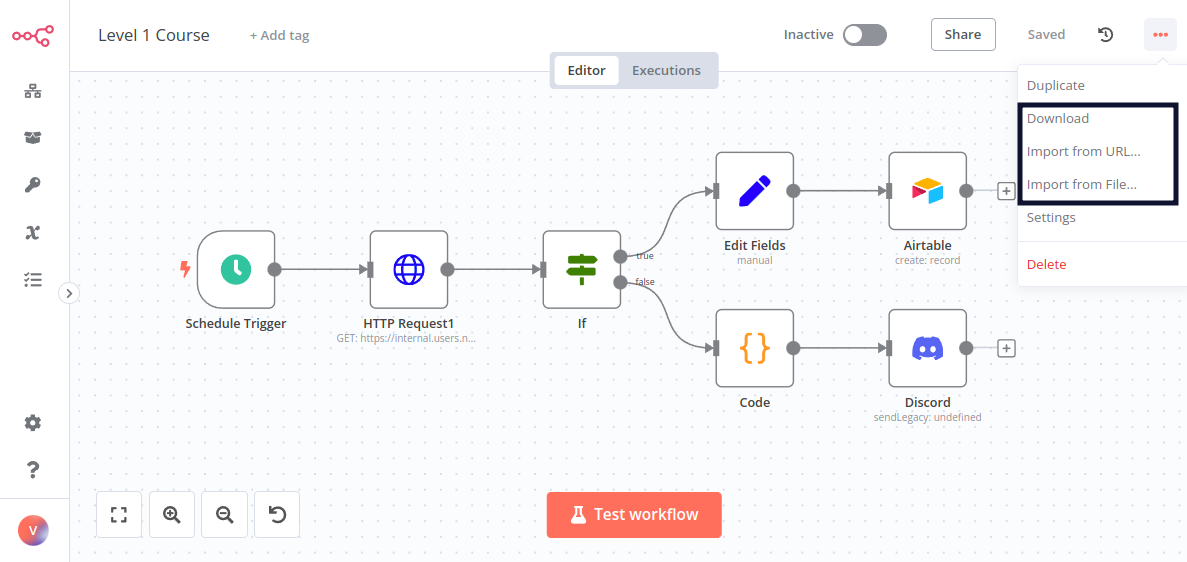
},
{
  "url": "https://docs.n8n.io/courses/level-one/chapter-7/",
  "markdown": "# Test your knowledge | n8n Docs\n\n[](https://github.com/n8n-io/n8n-docs/edit/main/docs/courses/level-one/chapter-7.md \"Edit this page\")\n\nCongratulations, you finished the n8n Course Level 1!\n\nYou've learned a lot about workflow automation and built your first business workflow. Why not showcase your skills?\n\nYou can test your knowledge by taking a **quiz**, which consists of questions about the theoretical concepts and workflows covered in this course.\n\n*   You need to have at least 80% correct answers in each part to pass the quiz.\n*   You can take the quiz as many times as you want.\n*   There's no time limit on answering the quiz questions.\n\n  \n[Take the quiz!](https://n8n-community.typeform.com/to/JMoBXeGA)\n\n## What's next?[#](#whats-next \"Permanent link\")\n\n*   Create new workflows for your work or personal use and share them with us. Don't have any ideas? Find inspiration on our [blog](https://n8n.io/blog/), [YouTube channel](https://www.youtube.com/c/n8n-io), [community forum](https://community.n8n.io/), and [Discord server](https://discord.gg/vWwMVThRta).\n*   Take the n8n [Course Level 2](https://docs.n8n.io/courses/level-two/)."
},
{
  "url": "https://docs.n8n.io/courses/level-two/",
  "markdown": "# Level two: Introduction | n8n Docs\n\n[](https://github.com/n8n-io/n8n-docs/edit/main/docs/courses/level-two/index.md \"Edit this page\")\n\nWelcome to the **n8n Course Level 2**!\n\n## Is this course right for me?[#](#is-this-course-right-for-me \"Permanent link\")\n\nThis course is for you if you:\n\n*   Want to automate somewhat complex business processes.\n*   Want to dive deeper into n8n after taking the [Level 1 course](https://docs.n8n.io/courses/level-one/).\n\n## What will I learn in this course?[#](#what-will-i-learn-in-this-course \"Permanent link\")\n\nThe focus in this course is on working with data. You will learn how to:\n\n*   Use the data structure of n8n correctly.\n*   Process different data types (for example, XML, HTML, date, time, and binary data).\n*   Merge data from different sources (for example, a database, spreadsheet, or CRM).\n*   Use functions and JavaScript code in the [Code node](https://docs.n8n.io/integrations/builtin/core-nodes/n8n-nodes-base.code/).\n*   Deal with error workflows and workflow errors.\n\nYou will learn all this by completing short practical exercises after the theoretical explanations and building a business workflow following instructions.\n\n## What do I need to get started?[#](#what-do-i-need-to-get-started \"Permanent link\")\n\nTo follow along this course (at a comfortable pace) you will need the following:\n\n*   **n8n set up**: You can use the [self-hosted version](https://docs.n8n.io/hosting/installation/npm/) or [n8n Cloud](https://docs.n8n.io/manage-cloud/overview/).\n*   **A user ID**: [Sign up here](https://n8n-community.typeform.com/to/HQoQ7nXg) to get your unique ID and other credentials you will need in the course.\n*   **Basic n8n skills**: We strongly recommend taking the [Level 1 course](https://docs.n8n.io/courses/level-one/) before this one.\n*   **Basic JavaScript understanding**\n\n## How long does the course take?[#](#how-long-does-the-course-take \"Permanent link\")\n\nCompleting the course should take around **two hours**. You don't have to complete it in one go; feel free to take breaks and resume whenever you are ready.\n\n## How do I complete the course?[#](#how-do-i-complete-the-course \"Permanent link\")\n\nThere are two milestones in this course that test your knowledge of what you have learned in the lessons:\n\n*   Building the [main workflow](https://docs.n8n.io/courses/level-two/chapter-5/chapter-5.0/)\n*   Passing the [quiz](https://n8n-community.typeform.com/to/r9hDbytg) at the end of the course\n\nYou can always **check your progress** throughout the course by entering your unique ID [here](https://internal.users.n8n.cloud/webhook/course-level-2/verify).\n\nIf you successfully complete the milestones above, you will get [**a badge and an avatar**](https://community.n8n.io/badges/105/completed-n8n-course-level-2) in your forum profile. You can then share your profile and course verification ID to showcase your n8n skills to others.\n\n[Let's get started!](https://docs.n8n.io/courses/level-two/chapter-1/)"
},
{
  "url": "https://docs.n8n.io/source-control-environments/setup/",
  "markdown": "# Set up source control | n8n Docs\n\n[](https://github.com/n8n-io/n8n-docs/edit/main/docs/source-control-environments/setup.md \"Edit this page\")\n\n## Set up source control for environments[#](#set-up-source-control-for-environments \"Permanent link\")\n\nLink a Git repository to an n8n instance and configure your source control.\n\nn8n uses source control to provide environments. Refer to [Environments in n8n](https://docs.n8n.io/source-control-environments/understand/environments/) for more information.\n\n## Prerequisites[#](#prerequisites \"Permanent link\")\n\nTo use source control with n8n, you need a Git repository that allows SSH access.\n\nThis document assumes you are familiar with Git and your Git provider.\n\n## Step 1: Set up your repository and branches[#](#step-1-set-up-your-repository-and-branches \"Permanent link\")\n\nFor a new setup:\n\n1.  Create a new repository for use with n8n.\n2.  Create the branches you need. For example, if you plan to have different environments for test and production, set up a branch for each.\n\nTo help decide what branches you need for your use case, refer to [Branch patterns](https://docs.n8n.io/source-control-environments/understand/patterns/).\n\n## Step 2: Configure Git in n8n[#](#step-2-configure-git-in-n8n \"Permanent link\")\n\n1.  Go to **Settings** > **Environments**.\n2.  In **Git repository URL** enter the SSH URL for your repository.\n3.  n8n supports ED25519 and RSA public key algorithms. ED25519 is the default. Select **RSA** under **SSH Key** if your git host requires RSA.\n4.  Copy the SSH key.\n\n## Step 3: Set up a deploy key[#](#step-3-set-up-a-deploy-key \"Permanent link\")\n\nSet up SSH access by creating a deploy key for the repository using the SSH key from n8n. The key must have write access.\n\nThe steps depend on your Git provider. Help links for common providers:\n\n*   [GitHub | Managing deploy keys](https://docs.github.com/en/authentication/connecting-to-github-with-ssh/managing-deploy-keys)\n*   [GitLab | Deploy keys](https://docs.gitlab.com/ee/user/project/deploy_keys/)\n\n## Step 4: Connect n8n and configure your instance[#](#step-4-connect-n8n-and-configure-your-instance \"Permanent link\")\n\n1.  In **Settings** > **Environments** in n8n, select **Connect**. n8n connects to your Git repository.\n2.  Under **Instance settings**, choose which branch you want to use for the current n8n instance.\n3.  **Optional**: select **Protected instance** to prevent users editing workflows in this instance. This is useful for protecting production instances.\n4.  **Optional**: choose a custom color for the instance. This will appear in the menu next to the source control push and pull buttons. It helps users know which instance they're in.\n5.  Select **Save settings**."
},
{
  "url": "https://docs.n8n.io/courses/level-one/chapter-5/chapter-5.8/",
  "markdown": "# Activating and examining the workflow\n\n[](https://github.com/n8n-io/n8n-docs/edit/main/docs/courses/level-one/chapter-5/chapter-5.8.md \"Edit this page\")\n\nIn this step of the workflow, you will learn how to activate your workflow and change the default workflow settings.\n\nActivating a workflow means that it will run automatically every time a trigger node receives input or meets a condition. By default, all newly created workflows start deactivated.\n\nTo activate your workflow, set the **Inactive** toggle in the top navigation of the Editor UI to be **Activated**. Nathan's workflow will now be executed automatically every Monday at 9 AM:\n\n[![Activated workflow](https://docs.n8n.io/_images/courses/level-one/chapter-five/l1-c5-5-8-activated-workflow.png)](https://docs.n8n.io/_images/courses/level-one/chapter-five/l1-c5-5-8-activated-workflow.png)\n\n_Activated workflow_\n\n## Workflow Executions[#](#workflow-executions \"Permanent link\")\n\nAn execution represents a completed run of a workflow, from the first to the last node. n8n logs workflow executions, allowing you to see if the workflow succeeded or not. The execution log is useful for debugging your workflow and seeing at what stage it runs into issues.\n\nTo view the executions for a specific workflow, you can switch to the **Executions** tab when the workflow is open on the canvas. Use the **Editor** tab to swap back to the node editor.\n\nTo see the execution log for the entire n8n instance, in your Editor UI, select **Overview** and then select the **Executions** tab in the main panel.\n\n[![Execution List](https://docs.n8n.io/_images/courses/level-one/chapter-five/l1-c5-5-8-execution-list.png)](https://docs.n8n.io/_images/courses/level-one/chapter-five/l1-c5-5-8-execution-list.png)\n\n_Execution List_\n\nThe **Executions** window displays a table with the following information:\n\n*   **Name**: The name of the workflow\n*   **Started At**: The date and time when the workflow started\n*   **Status**: The status of the workflow (Waiting, Running, Succeeded, Cancelled, or Failed) and the amount of time it took the workflow to execute\n*   **Execution ID**: The ID of this workflow execution\n\nWorkflow execution status\n\nYou can filter the displayed **Executions** by workflow and by status (**Any Status**, **Failed**, **Cancelled**, **Running**, **Success**, or **Waiting**). The information displayed here depends on which executions you configure to save in the [**Workflow Settings**](https://docs.n8n.io/workflows/settings/).\n\n## Workflow Settings[#](#workflow-settings \"Permanent link\")\n\nYou can customize your workflows and executions, or overwrite some global default settings in [**Workflow Settings**](https://docs.n8n.io/workflows/settings/).\n\nAccess these settings by selecting the three dots in the upper right corner of the Editor UI when the workflow is open on the canvas, then select **Settings**.\n\n[![Workflow Settings](https://docs.n8n.io/_images/courses/level-one/chapter-five/l1-c5-5-8-workflow-settings.png)](https://docs.n8n.io/_images/courses/level-one/chapter-five/l1-c5-5-8-workflow-settings.png)\n\n_Workflow Settings_\n\nIn the **Workflow Settings** window you can configure the following settings:\n\n*   **Execution Order**: Choose the execution logic for multi-branch workflows. You should leave this set to `v1` if you don't have workflows that rely on the legacy execution ordering.\n*   [**Error Workflow**](https://docs.n8n.io/flow-logic/error-handling/): A workflow to run if the execution of the current workflow fails.\n*   **This workflow can be called by**: Workflows allowed to call this workflow using the [Execute Sub-workflow node](https://docs.n8n.io/integrations/builtin/core-nodes/n8n-nodes-base.executeworkflow/).\n*   **Timezone**: The timezone to use in the current workflow. If not set, the global timezone. In particular, this setting is important for the [Schedule Trigger node](https://docs.n8n.io/integrations/builtin/core-nodes/n8n-nodes-base.scheduletrigger/), as you want to make sure that the workflow gets executed at the right time.\n*   **Save failed production executions**: If n8n should save the Execution data of the workflow when it fails. Default is to save.\n*   **Save successful production executions**: If n8n should save the Execution data of the workflow when it succeeds. Default is to save.\n*   **Save manual executions**: If n8n should save executions started from the Editor UI. Default is to save.\n*   **Save execution progress**: If n8n should save the execution data of each node. If set to Save, you can resume the workflow from where it stopped in case of an error, though keep in mind that this might make the execution slower. Default is to not save.\n*   **Timeout Workflow**: Whether to cancel a workflow execution after a specific period of time. Default is to not timeout.\n\n## What's next?[#](#whats-next \"Permanent link\")\n\n**You 👩‍🔧**: That was it! Now you have a 7-node workflow that will run automatically every Monday morning. You don't have to worry about remembering to wrangle the data. Instead, you can start your week with more meaningful or exciting work.\n\n**Nathan 🙋**: This workflow is incredibly helpful, thank you! Now, what's next for you?\n\n**You 👩‍🔧**: I'd like to build more workflows, share them with others, and use some workflows built by other people."
},
{
  "url": "https://docs.n8n.io/courses/level-two/chapter-1/",
  "markdown": "# Understanding the data structure | n8n Docs\n\n[](https://github.com/n8n-io/n8n-docs/edit/main/docs/courses/level-two/chapter-1.md \"Edit this page\")\n\nIn this chapter, you will learn about the data structure of n8n and how to use the [Code node](https://docs.n8n.io/integrations/builtin/core-nodes/n8n-nodes-base.code/) to transform data and simulate node outputs.\n\n## Data structure of n8n[#](#data-structure-of-n8n \"Permanent link\")\n\nIn a basic sense, n8n nodes function as an Extract, Transform, Load (ETL) tool. The nodes allow you to access (extract) data from multiple disparate sources, modify (transform) that data in a particular way, and pass (load) it along to where it needs to be.\n\nThe data that moves along from node to node in your workflow must be in a format (structure) that can be recognized and interpreted by each node. In n8n, this required structure is an array of objects.\n\nAbout array of objects\n\nAn array is a list of values. The array can be empty or contain several elements. Each element is stored at a position (index) in the list, starting at 0, and can be referenced by the index number. For example, in the array `[\"Leonardo\", \"Michelangelo\", \"Donatello\", \"Raphael\"];` the element `Donatello` is stored at index 2.\n\nAn object stores key-value pairs, instead of values at numbered indexes as in arrays. The order of the pairs isn't important, as the values can be accessed by referencing the key name. For example, the object below contains two properties (`name` and `color`):\n\n|     |     |\n| --- | --- |\n|     | `{ \tname: 'Michelangelo', \tcolor: 'blue', }` |\n\nAn array of objects is an array that contains one or more objects. For example, the array `turtles` below contains four objects:\n\n|     |     |\n| --- | --- |\n| 1<br> 2<br> 3<br> 4<br> 5<br> 6<br> 7<br> 8<br> 9<br>10<br>11<br>12<br>13<br>14<br>15<br>16<br>17<br>18 | `var turtles = [ \t{ \t\tname: 'Michelangelo', \t\tcolor: 'orange', \t}, \t{ \t\tname: 'Donatello', \t\tcolor: 'purple', \t}, \t{ \t\tname: 'Raphael', \t\tcolor: 'red', \t}, \t{ \t\tname: 'Leonardo', \t\tcolor: 'blue', \t} ];` |\n\nYou can access the properties of an object using dot notation with the syntax `object.property`. For example, `turtles[1].color` gets the color of the second turtle.\n\nData sent from one node to another is sent as an array of JSON objects. The elements in this collection are called items.\n\n![](https://docs.n8n.io/_images/courses/level-two/chapter-one/explanation_items.png)\n\n_Items_\n\nAn n8n node performs its action on each item of incoming data.\n\n![](https://docs.n8n.io/_images/flow-logic/looping/customer_datastore_node.png)\n\n_Items in the Customer Datastore node_\n\n## Creating data sets with the Code node[#](#creating-data-sets-with-the-code-node \"Permanent link\")\n\nNow that you are familiar with the n8n data structure, you can use it to create your own data sets or simulate node outputs. To do this, use the [Code node](https://docs.n8n.io/integrations/builtin/core-nodes/n8n-nodes-base.code/) to write JavaScript code defining your array of objects with the following structure:\n\n|     |     |\n| --- | --- |\n|     | `return [ \t{ \t\tjson: { \t\t\tapple: 'beets', \t\t} \t} ];` |\n\nFor example, the array of objects representing the Ninja turtles would look like this in the Code node:\n\n![](https://docs.n8n.io/_images/courses/level-two/chapter-one/exercise_function_notnested.png)\n\n_Array of objects in the Code node_\n\nJSON objects\n\nNotice that this array of objects contains an extra key: `json`. n8n expects you to wrap each object in an array in another object, with the key `json`.\n\n![](https://docs.n8n.io/_images/courses/level-two/chapter-one/explanation_datastructure.png)\n\n_Illustration of data structure in n8n_\n\nIt's good practice to pass the data in the right structure used by n8n. But don't worry if you forget to add the `json` key to an item, n8n (version 0.166.0 and above) adds it automatically.\n\nYou can also have nested pairs, for example if you want to define a primary and a secondary color. In this case, you need to further wrap the key-value pairs in curly braces `{}`.\n\nn8n data structure video\n\n[This talk](https://www.youtube.com/watch?v=mQHT3Unn4tY) offers a more detailed explanation of data structure in n8n.\n\n### Exercise[#](#exercise \"Permanent link\")\n\nIn a Code node, create an array of objects named `myContacts` that contains the properties `name` and `email`, and the `email` property is further split into `personal` and `work`.\n\nShow me the solution\n\nIn the **Code node**, in the JavaScript Code field you have to write the following code:\n\n|     |     |\n| --- | --- |\n| 1<br> 2<br> 3<br> 4<br> 5<br> 6<br> 7<br> 8<br> 9<br>10<br>11<br>12<br>13<br>14<br>15<br>16<br>17<br>18<br>19<br>20<br>21<br>22 | `var myContacts = [ \t{ \t\tjson: { \t\t\tname: 'Alice', \t\t\temail: { \t\t\t\tpersonal: 'alice@home.com', \t\t\t\twork: 'alice@wonderland.org' \t\t\t}, \t\t} \t}, \t{ \t\tjson: { \t\t\tname: 'Bob', \t\t\temail: { \t\t\t\tpersonal: 'bob@mail.com', \t\t\t\twork: 'contact@thebuilder.com' \t\t\t\t}, \t\t} \t}, ];  return myContacts;` |\n\nWhen you execute the **Code node**, the result should look like this:\n\n![](https://docs.n8n.io/_images/courses/level-two/chapter-one/exercise_function.png)\n\n_Result of Code node_\n\n## Referencing node data with the Code node[#](#referencing-node-data-with-the-code-node \"Permanent link\")\n\nJust like you can use [expressions](https://docs.n8n.io/code/expressions/) to reference data from other nodes, you can also use some [methods and variables](https://docs.n8n.io/code/builtin/overview/) in the **Code node**.\n\nPlease make sure you read these pages before continuing to the next exercise.\n\n### Exercise[#](#exercise_1 \"Permanent link\")\n\nLet's build on the previous exercise, in which you used the Code node to create a data set of two contacts with their names and emails. Now, connect a second Code node to the first one. In the new node, write code to create a new column named `workEmail` that references the work email of the first contact.\n\nShow me the solution\n\nIn the **Code node**, in the JavaScript Code field you have to write the following code:\n\n|     |     |\n| --- | --- |\n|     | `let items = $input.all(); items[0].json.workEmail = items[0].json.email['work']; return items;` |\n\nWhen you execute the **Code node**, the result should look like this:\n\n![](https://docs.n8n.io/_images/courses/level-two/chapter-one/exercise_function_reference.png)\n\n_Code node reference_\n\n## Transforming data[#](#transforming-data \"Permanent link\")\n\nThe incoming data from some nodes may have a different data structure than the one used in n8n. In this case, you need to [transform the data](https://docs.n8n.io/data/transforming-data/), so that each item can be processed individually.\n\nThe two most common operations for data transformation are:\n\n*   Creating multiple items from one item\n*   Creating a single item from multiple items\n\nThere are several ways to transform data for the purposes mentioned above:\n\n*   Use n8n's [data transformation nodes](https://docs.n8n.io/data/#data-transformation-nodes). Use these nodes to modify the structure of incoming data that contain lists (arrays) without needing to use JavaScript code in the **Code node**:\n    *   Use the [**Split Out node**](https://docs.n8n.io/integrations/builtin/core-nodes/n8n-nodes-base.splitout/) to separate a single data item containing a list into multiple items.\n    *   Use the [**Aggregate node**](https://docs.n8n.io/integrations/builtin/core-nodes/n8n-nodes-base.aggregate/) to take separate items, or portions of them, and group them together into individual items.\n*   Use the **Code node** to write JavaScript functions to modify the data structure of incoming data using the **Run Once for All Items** mode:\n    *   To create multiple items from a single item, you can use JavaScript code like this. This example assumes that the item has a key named `data` set to an array of items in the form of: `[{ \"data\": [{<item_1>}, {<item_2>}, ...] }]`:\n        \n        |     |     |\n        | --- | --- |\n        |     | `return $input.first().json.data.map(item => {     return {         json: item     } });` |\n        \n    *   To create a single item from multiple items, you can use this JavaScript code:\n        \n        |     |     |\n        | --- | --- |\n        |     | `return [ \t{     \tjson: {     \t\tdata_object: $input.all().map(item => item.json)     \t}     }   ];` |\n        \n\nThese JavaScript examples assume your entire input is what you want to transform. As in the exercise above, you can also execute either operation on a specific field by identifying that in the items list, for example, if our workEmail example had multiple emails in a single field, we could run some code like this:\n\n|     |     |\n| --- | --- |\n|     | `let items = $input.all(); return items[0].json.workEmail.map(item => { \treturn { \t\tjson: item \t} });` |\n\n### Exercise[#](#exercise_2 \"Permanent link\")\n\n1.  Use the **HTTP Request node** to make a GET request to the PokéAPI `https://pokeapi.co/api/v2/pokemon`. (This API requires no authentication).\n2.  Transform the data in the `results` field with the **Split Out node**.\n3.  Transform the data in the `results` field with the **Code node**.\n\nShow me the solution\n\n1.  To get the pokemon from the PokéAPI, execute the **HTTP Request node** with the following parameters:\n    *   **Authentication**: None\n    *   **Request Method**: GET\n    *   **URL**: https://pokeapi.co/api/v2/pokemon\n2.  To transform the data with the **Split Out node**, connect this node to the **HTTP Request node** and set the following parameters:\n    *   **Field To Split Out**: results\n    *   **Include**: No Other Fields\n3.  To transform the data with the **Code node**, connect this node to the **HTTP Request node** and write the following code in the JavaScript Code field:\n    \n    |     |     |\n    | --- | --- |\n    |     | `let items = $input.all(); return items[0].json.results.map(item => { \treturn { \t\tjson: item \t} });` |"

},
{
  "url": "https://docs.n8n.io/courses/level-two/chapter-4/",
  "markdown": "# Dealing with errors in workflows\n\n[](https://github.com/n8n-io/n8n-docs/edit/main/docs/courses/level-two/chapter-4.md \"Edit this page\")\n\nSometimes you build a nice workflow, but it fails when you try to execute it. Workflow executions may fail for a variety of reasons, ranging from straightforward problems with incorrectly configuring a node or a failure in a third-party service to more mysterious errors.\n\nBut don't panic. In this lesson, you'll learn how you can troubleshoot errors so you can get your workflow up and running as soon as possible.\n\n## Checking failed workflows[#](#checking-failed-workflows \"Permanent link\")\n\nn8n tracks executions of your workflows.\n\nWhen one of your workflows fails, you can check the Executions log to see what went wrong. The Executions log shows you a list of the latest execution time, status, mode, and running time of your saved workflows.\n\nOpen the Executions log by selecting [**Executions**](https://docs.n8n.io/workflows/executions/#execution-modes) in the left-side panel.\n\nTo investigate a specific failed execution from the list, select the name or the **View** button that appears when you hover over the row of the respective execution.\n\n![Executions log](https://docs.n8n.io/_images/courses/level-two/chapter-four/explanation_workflowexecutions.png)\n\n_Executions log_\n\nThis will open the workflow in read-only mode, where you can see the execution of each node. This representation can help you identify at what point the workflow ran into issues.\n\nTo toggle between viewing the execution and the editor, select the **Editor | Executions** button at the top of the page.\n\n![Workflow execution view](https://docs.n8n.io/_images/courses/level-two/chapter-four/explanation_workflowexecutions_readonly.png)\n\n_Workflow execution view_\n\n## Catching erroring workflows[#](#catching-erroring-workflows \"Permanent link\")\n\nTo catch failed workflows, create a separate [**Error Workflow**](https://docs.n8n.io/flow-logic/error-handling/) with the [**Error Trigger node**](https://docs.n8n.io/integrations/builtin/core-nodes/n8n-nodes-base.errortrigger/). This workflow will only execute if the main workflow execution fails.\n\nUse additional nodes in your **Error Workflow** that make sense, like sending notifications about the failed workflow and its errors using email or Slack.\n\nTo receive error messages for a failed workflow, set the **Error Workflow** in the [Workflow Settings](https://docs.n8n.io/workflows/settings/) to an Error Workflow that uses an **Error Trigger node**.\n\nThe only difference between a regular workflow and an Error Workflow is that the latter contains an **Error Trigger node**. Make sure to create this node before you set this as another workflow's designated Error Workflow.\n\nError workflows\n\n*   If a workflow uses the Error Trigger node, you don't have to activate the workflow.\n*   If a workflow contains the Error Trigger node, by default, the workflow uses itself as the error workflow.\n*   You can't test error workflows when running workflows manually. The Error trigger only runs when an automatic workflow errors.\n*   You can set the same Error Workflow for multiple workflows.\n\n### Exercise[#](#exercise \"Permanent link\")\n\nIn the previous chapters, you've built several small workflows. Now, pick one of them that you want to monitor and create an Error Workflow for it:\n\n1.  Create a new Error Workflow.\n2.  Add the **Error Trigger node**.\n3.  Connect a node for the communication platform of your choice to the Error Trigger node, like [Slack](https://docs.n8n.io/integrations/builtin/app-nodes/n8n-nodes-base.slack/), [Discord](https://docs.n8n.io/integrations/builtin/app-nodes/n8n-nodes-base.discord/), [Telegram](https://docs.n8n.io/integrations/builtin/app-nodes/n8n-nodes-base.telegram/), or even [Gmail](https://docs.n8n.io/integrations/builtin/app-nodes/n8n-nodes-base.gmail/) or a more generic [Send Email](https://docs.n8n.io/integrations/builtin/core-nodes/n8n-nodes-base.sendemail/).\n4.  In the workflow you want to monitor, open the [Workflow Settings](https://docs.n8n.io/workflows/settings/) and select the new Error Workflow you just created. Note that this workflow needs to run automatically to trigger the error workflow.\n\nShow me the solution\n\nThe workflow for this exercise looks like this:\n\n![](https://docs.n8n.io/_images/courses/level-two/chapter-four/exercise_errors_errortriggernode_workflow.png)\n\n_Error workflow_\n\nTo check the configuration of the nodes, you can copy the JSON workflow code below and paste it into your Editor UI:\n\n|     |     |\n| --- | --- |\n| 1<br> 2<br> 3<br> 4<br> 5<br> 6<br> 7<br> 8<br> 9<br>10<br>11<br>12<br>13<br>14<br>15<br>16<br>17<br>18<br>19<br>20<br>21<br>22<br>23<br>24<br>25<br>26<br>27<br>28<br>29<br>30<br>31<br>32<br>33<br>34<br>35<br>36<br>37<br>38<br>39<br>40<br>41<br>42<br>43<br>44<br>45<br>46<br>47<br>48 | `{ \t\"nodes\": [ \t\t{ \t\t\t\"parameters\": {}, \t\t\t\"name\": \"Error Trigger\", \t\t\t\"type\": \"n8n-nodes-base.errorTrigger\", \t\t\t\"typeVersion\": 1, \t\t\t\"position\": [ \t\t\t\t720, \t\t\t\t-380 \t\t\t] \t\t}, \t\t{ \t\t\t\"parameters\": { \t\t\t\t\"channel\": \"channelname\", \t\t\t\t\"text\": \"=This workflow {{$node[\\\"Error Trigger\\\"].json[\\\"workflow\\\"][\\\"name\\\"]}}failed.\\nHave a look at it here: {{$node[\\\"Error Trigger\\\"].json[\\\"execution\\\"][\\\"url\\\"]}}\", \t\t\t\t\"attachments\": [], \t\t\t\t\"otherOptions\": {} \t\t\t}, \t\t\t\"name\": \"Slack\", \t\t\t\"type\": \"n8n-nodes-base.slack\", \t\t\t\"position\": [ \t\t\t\t900, \t\t\t\t-380 \t\t\t], \t\t\t\"typeVersion\": 1, \t\t\t\"credentials\": { \t\t\t\t\"slackApi\": { \t\t\t\t\t\"id\": \"17\", \t\t\t\t\t\"name\": \"slack_credentials\" \t\t\t\t} \t\t\t} \t\t} \t], \t\"connections\": { \t\t\"Error Trigger\": { \t\t\t\"main\": [ \t\t\t\t[ \t\t\t\t\t{ \t\t\t\t\t\t\"node\": \"Slack\", \t\t\t\t\t\t\"type\": \"main\", \t\t\t\t\t\t\"index\": 0 \t\t\t\t\t} \t\t\t\t] \t\t\t] \t\t} \t} }` |\n\n## Throwing exceptions in workflows[#](#throwing-exceptions-in-workflows \"Permanent link\")\n\nAnother way of troubleshooting workflows is to include a [**Stop and Error node**](https://docs.n8n.io/integrations/builtin/core-nodes/n8n-nodes-base.stopanderror/) in your workflow. This node throws an error. You can specify the error type:\n\n*   **Error Message**: returns a custom message about the error\n*   **Error Object**: returns the type of error\n\nYou can only use the **Stop and Error node** as the last node in a workflow.\n\nWhen to throw errors\n\nThrowing exceptions with the **Stop and Error node** is useful for verifying the data (or assumptions about the data) from a node and returning custom error messages.\n\nIf you are working with data from a third-party service, you may come across problems such as:\n\n*   Wrongly formatted JSON output\n*   Data with the wrong type (for example, numeric data that has a non-numeric value)\n*   Missing values\n*   Errors from remote servers\n\nThough this kind of invalid data might not cause the workflow to fail right away, it could cause problems later on, and then it can become difficult to track the source error. This is why it's better to throw an error at the time you know there might be a problem.\n\n![Stop and Error node with error message](https://docs.n8n.io/_images/courses/level-two/chapter-four/exercise_errors_stopanderror.png)\n\n_Stop and Error node with error message_"
},
{
  "url": "https://docs.n8n.io/courses/level-two/chapter-3/",
  "markdown": "# Merging and splitting data | n8n Docs\n\n[](https://github.com/n8n-io/n8n-docs/edit/main/docs/courses/level-two/chapter-3.md \"Edit this page\")\n\nIn this chapter, you will learn how to merge and split data, and in what cases it might be useful to perform these operations.\n\n## Merging data[#](#merging-data \"Permanent link\")\n\nIn some cases, you might need to merge (combine) and process data from different sources.\n\nMerging data can involve:\n\n*   Creating one data set from multiple sources.\n*   Synchronizing data between multiple systems. This could include removing duplicate data or updating data in one system when it changes in another.\n\nOne-way vs. two-way sync\n\nIn a one-way sync, data is synchronized in one direction. One system serves as the single source of truth. When information changes in that main system, it automatically changes in the secondary system; but if information changes in the secondary system, the changes aren't reflected in the main system.\n\nIn a two-way sync, data is synchronized in both directions (between both systems). When information changes in either of the two systems, it automatically changes in the other one as well.\n\n[This blog tutorial](https://blog.n8n.io/how-to-sync-data-between-two-systems/) explains how to sync data one-way and two-way between two CRMs.\n\nIn n8n, you can merge data from two different nodes using the [Merge node](https://docs.n8n.io/integrations/builtin/core-nodes/n8n-nodes-base.merge/), which provides several merging options:\n\n*   [Append](https://docs.n8n.io/integrations/builtin/core-nodes/n8n-nodes-base.merge/#append)\n*   [Combine](https://docs.n8n.io/integrations/builtin/core-nodes/n8n-nodes-base.merge/#combine)\n    *   [Merge by Fields](https://docs.n8n.io/integrations/builtin/core-nodes/n8n-nodes-base.merge/#combine-by-matching-fields): requires input fields to match on\n    *   [Merge by Position](https://docs.n8n.io/integrations/builtin/core-nodes/n8n-nodes-base.merge/#combine-by-position)\n    *   [Combine all possible combinations](https://docs.n8n.io/integrations/builtin/core-nodes/n8n-nodes-base.merge/#combine-by-all-possible-combinations)\n*   [Choose Branch](https://docs.n8n.io/integrations/builtin/core-nodes/n8n-nodes-base.merge/#choose-branch)\n\nNotice that Combine > Merge by Fields requires you enter input fields to match on. These fields should contain identical values between the data sources so n8n can properly match data together. In the **Merge node**, they're called `Input 1 Field` and `Input 2 Field`.\n\n![Property Input fields in the Merge node](https://docs.n8n.io/_images/courses/level-two/chapter-three/explanation_mergepropertyinput.png)\n\n_Property Input fields in the Merge node_\n\nProperty Input in dot notation\n\nIf you want to reference nested values in the **Merge node** parameters `Input 1 Field` and `Input 2 Field`, you need to enter the property key in dot-notation format (as text, not as an expression).\n\nNote\n\nYou can also find the **Merge node** under the alias Join. This might be more intuitive if you're familiar with SQL joins.\n\n### Merge Exercise[#](#merge-exercise \"Permanent link\")\n\nBuild a workflow that merges data from the Customer Datastore node and Code node.\n\n1.  Add a **Merge node** that takes `Input 1` from a **Customer Datastore node** and `Input 2` from a **Code node**.\n2.  In the **Customer Datastore node**, run the operation **Get All People**.\n3.  In the **Code node**, create an array of two objects with three properties: `name`, `language`, and `country`, where the property `country` has two sub-properties `code` and `name`.\n    *   Fill out the values of these properties with the information of two characters from the Customer Database.\n    *   For example, Jay Gatsby's language is English and country name is United States.\n4.  In the **Merge node**, try out different merge options.\n\nShow me the solution\n\nThe workflow for this exercise looks like this:\n\n![Workflow exercise for merging data](https://docs.n8n.io/_images/courses/level-two/chapter-three/exercise_merge.png)\n\n_Workflow exercise for merging data_\n\nIf you merge data with the option **Keep Matches** using the name as the input fields to match, the result should look like this (note this example only contains Jay Gatsby; yours might look different depending on which characters you selected):\n\n![Output of Merge node with option to keep matches](https://docs.n8n.io/_images/courses/level-two/chapter-three/exercise_merge_kkm.png)\n\n_Output of Merge node with option to keep matches_\n\nTo check the configuration of the nodes, you can copy the JSON workflow code below and paste it into your Editor UI:\n\n|     |     |\n| --- | --- |\n| 1<br>  2<br>  3<br>  4<br>  5<br>  6<br>  7<br>  8<br>  9<br> 10<br> 11<br> 12<br> 13<br> 14<br> 15<br> 16<br> 17<br> 18<br> 19<br> 20<br> 21<br> 22<br> 23<br> 24<br> 25<br> 26<br> 27<br> 28<br> 29<br> 30<br> 31<br> 32<br> 33<br> 34<br> 35<br> 36<br> 37<br> 38<br> 39<br> 40<br> 41<br> 42<br> 43<br> 44<br> 45<br> 46<br> 47<br> 48<br> 49<br> 50<br> 51<br> 52<br> 53<br> 54<br> 55<br> 56<br> 57<br> 58<br> 59<br> 60<br> 61<br> 62<br> 63<br> 64<br> 65<br> 66<br> 67<br> 68<br> 69<br> 70<br> 71<br> 72<br> 73<br> 74<br> 75<br> 76<br> 77<br> 78<br> 79<br> 80<br> 81<br> 82<br> 83<br> 84<br> 85<br> 86<br> 87<br> 88<br> 89<br> 90<br> 91<br> 92<br> 93<br> 94<br> 95<br> 96<br> 97<br> 98<br> 99<br>100<br>101<br>102<br>103<br>104<br>105<br>106<br>107<br>108 | `{ \"meta\": { \t\"templateCredsSetupCompleted\": true, \t\"instanceId\": \"cb484ba7b742928a2048bf8829668bed5b5ad9787579adea888f05980292a4a7\" }, \"nodes\": [ \t{ \t\"parameters\": { \t\t\"mode\": \"combine\", \t\t\"mergeByFields\": { \t\t\"values\": [ \t\t\t{ \t\t\t\"field1\": \"name\", \t\t\t\"field2\": \"name\" \t\t\t} \t\t] \t\t}, \t\t\"options\": {} \t}, \t\"id\": \"578365f3-26dd-4fa6-9858-f0a5fdfc413b\", \t\"name\": \"Merge\", \t\"type\": \"n8n-nodes-base.merge\", \t\"typeVersion\": 2.1, \t\"position\": [ \t\t720, \t\t580 \t] \t}, \t{ \t\"parameters\": {}, \t\"id\": \"71aa5aad-afdf-4f8a-bca0-34450eee8acc\", \t\"name\": \"When clicking \\\"Execute workflow\\\"\", \t\"type\": \"n8n-nodes-base.manualTrigger\", \t\"typeVersion\": 1, \t\"position\": [ \t\t260, \t\t560 \t] \t}, \t{ \t\"parameters\": { \t\t\"operation\": \"getAllPeople\" \t}, \t\"id\": \"497174fe-3cab-4160-8103-78b44efd038d\", \t\"name\": \"Customer Datastore (n8n training)\", \t\"type\": \"n8n-nodes-base.n8nTrainingCustomerDatastore\", \t\"typeVersion\": 1, \t\"position\": [ \t\t500, \t\t460 \t] \t}, \t{ \t\"parameters\": { \t\t\"jsCode\": \"return [\\n  {\\n    'name': 'Jay Gatsby',\\n    'language': 'English',\\n    'country': {\\n      'code': 'US',\\n      'name': 'United States'\\n    }\\n    \\n  }\\n  \\n];\" \t}, \t\"id\": \"387e8a1e-e796-4f05-8e75-7ce25c786c5f\", \t\"name\": \"Code\", \t\"type\": \"n8n-nodes-base.code\", \t\"typeVersion\": 2, \t\"position\": [ \t\t500, \t\t720 \t] \t} ], \"connections\": { \t\"When clicking \\\"Execute workflow\\\"\": { \t\"main\": [ \t\t[ \t\t{ \t\t\t\"node\": \"Customer Datastore (n8n training)\", \t\t\t\"type\": \"main\", \t\t\t\"index\": 0 \t\t}, \t\t{ \t\t\t\"node\": \"Code\", \t\t\t\"type\": \"main\", \t\t\t\"index\": 0 \t\t} \t\t] \t] \t}, \t\"Customer Datastore (n8n training)\": { \t\"main\": [ \t\t[ \t\t{ \t\t\t\"node\": \"Merge\", \t\t\t\"type\": \"main\", \t\t\t\"index\": 0 \t\t} \t\t] \t] \t}, \t\"Code\": { \t\"main\": [ \t\t[ \t\t{ \t\t\t\"node\": \"Merge\", \t\t\t\"type\": \"main\", \t\t\t\"index\": 1 \t\t} \t\t] \t] \t} }, \"pinData\": {} }` |\n\n## Looping[#](#looping \"Permanent link\")\n\nIn some cases, you might need to perform the same operation on each element of an array or each data item (for example sending a message to every contact in your address book). In technical terms, you need to iterate through the data (with loops).\n\nn8n generally handles this repetitive processing automatically, as the nodes run once for each item, so you don't need to build loops into your workflows.\n\nHowever, there are some [exceptions of nodes and operations](https://docs.n8n.io/flow-logic/looping/#node-exceptions) that will require you to build a loop into your workflow.\n\nTo [create a loop in an n8n workflow](https://docs.n8n.io/flow-logic/looping/#using-loops-in-n8n), you need to connect the output of one node to the input of a previous node, and add an **If node** to check when to stop the loop.\n\n## Splitting data in batches[#](#splitting-data-in-batches \"Permanent link\")\n\nIf you need to process large volumes of incoming data, execute the **Code node** multiple times, or avoid API rate limits, it's best to split the data into batches (groups) and process these batches.\n\nFor these processes, use the [**Loop Over Items node**](https://docs.n8n.io/integrations/builtin/core-nodes/n8n-nodes-base.splitinbatches/). This node splits input data into a specified batch size and, with each iteration, returns a predefined amount of data.\n\nExecution of Loop Over Items node\n\nThe **Loop Over Items node** stops executing after all the incoming items get divided into batches and passed on to the next node in the workflow, so it's not necessary to add an **If node** to stop the loop.\n\n### Loop/Batch Exercise[#](#loopbatch-exercise \"Permanent link\")\n\nBuild a workflow that reads the RSS feed from Medium and dev.to. The workflow should consist of three nodes:\n\n1.  A **Code node** that returns the URLs of the RSS feeds of Medium (`https://medium.com/feed/n8n-io`) and dev.to (`https://dev.to/feed/n8n`).\n2.  A **Loop Over Items node** with `Batch Size: 1`, that takes in the inputs from the **Code node** and **RSS Read node** and iterates over the items.\n3.  An **RSS Read node** that gets the URL of the Medium RSS feed, passed as an expression: `{{ $json.url }}`.\n    *   The **RSS Read node** is one of the [exception nodes](https://docs.n8n.io/flow-logic/looping/#node-exceptions) which processes only the first item it receives, so the **Loop Over Items node** is necessary for iterating over multiple items.\n\nShow me the solution\n\n1.  Add a **Code Node**. You can format the code in several ways, one way is:\n    *   Set **Mode** to `Run Once for All Items`.\n    *   Set **Language** to `JavaScript`.\n    *   Copy the code below and paste it into the JavaScript Code editor:\n        \n        |     |     |\n        | --- | --- |\n        | 1<br> 2<br> 3<br> 4<br> 5<br> 6<br> 7<br> 8<br> 9<br>10<br>11<br>12<br>13 | `let urls = [ \t{ \t\tjson: { \t\turl: 'https://medium.com/feed/n8n-io' \t\t} \t}, \t{ \tjson: { \t\turl: 'https://dev.to/feed/n8n' \t\t}  \t} ] return urls;` |\n        \n2.  Add a **Loop Over Items node** connected to the **Code node**.\n    *   Set **Batch Size** to `1`.\n3.  The **Loop Over Items node** automatically adds a node called \"Replace Me\". Replace that node with an **RSS Read node**.\n    *   Set the **URL** to use the url from the Code Node: `{{ $json.url }}`.\n\nThe workflow for this exercise looks like this:\n\n![Workflow for getting RSS feeds from two blogs](https://docs.n8n.io/_images/courses/level-two/chapter-three/exercise_splitinbatches.png)\n\n_Workflow for getting RSS feeds from two blogs_\n\nTo check the configuration of the nodes, you can copy the JSON workflow code below and paste it into your Editor UI:\n\n|     |     |\n| --- | --- |\n| 1<br>  2<br>  3<br>  4<br>  5<br>  6<br>  7<br>  8<br>  9<br> 10<br> 11<br> 12<br> 13<br> 14<br> 15<br> 16<br> 17<br> 18<br> 19<br> 20<br> 21<br> 22<br> 23<br> 24<br> 25<br> 26<br> 27<br> 28<br> 29<br> 30<br> 31<br> 32<br> 33<br> 34<br> 35<br> 36<br> 37<br> 38<br> 39<br> 40<br> 41<br> 42<br> 43<br> 44<br> 45<br> 46<br> 47<br> 48<br> 49<br> 50<br> 51<br> 52<br> 53<br> 54<br> 55<br> 56<br> 57<br> 58<br> 59<br> 60<br> 61<br> 62<br> 63<br> 64<br> 65<br> 66<br> 67<br> 68<br> 69<br> 70<br> 71<br> 72<br> 73<br> 74<br> 75<br> 76<br> 77<br> 78<br> 79<br> 80<br> 81<br> 82<br> 83<br> 84<br> 85<br> 86<br> 87<br> 88<br> 89<br> 90<br> 91<br> 92<br> 93<br> 94<br> 95<br> 96<br> 97<br> 98<br> 99<br>100<br>101<br>102<br>103<br>104<br>105<br>106<br>107 | `{ \"meta\": { \t\"templateCredsSetupCompleted\": true, \t\"instanceId\": \"cb484ba7b742928a2048bf8829668bed5b5ad9787579adea888f05980292a4a7\" }, \"nodes\": [ \t{ \t\"parameters\": {}, \t\"id\": \"ed8dc090-ae8c-4db6-a93b-0fa873015c25\", \t\"name\": \"When clicking \\\"Execute workflow\\\"\", \t\"type\": \"n8n-nodes-base.manualTrigger\", \t\"typeVersion\": 1, \t\"position\": [ \t\t460, \t\t460 \t] \t}, \t{ \t\"parameters\": { \t\t\"jsCode\": \"let urls = [\\n  {\\n    json: {\\n      url: 'https://medium.com/feed/n8n-io'\\n    }\\n  },\\n  {\\n   json: {\\n     url: 'https://dev.to/feed/n8n'\\n   } \\n  }\\n]\\n\\nreturn urls;\" \t}, \t\"id\": \"1df2a9bf-f970-4e04-b906-92dbbc9e8d3a\", \t\"name\": \"Code\", \t\"type\": \"n8n-nodes-base.code\", \t\"typeVersion\": 2, \t\"position\": [ \t\t680, \t\t460 \t] \t}, \t{ \t\"parameters\": { \t\t\"options\": {} \t}, \t\"id\": \"3cce249a-0eab-42e2-90e3-dbdf3684e012\", \t\"name\": \"Loop Over Items\", \t\"type\": \"n8n-nodes-base.splitInBatches\", \t\"typeVersion\": 3, \t\"position\": [ \t\t900, \t\t460 \t] \t}, \t{ \t\"parameters\": { \t\t\"url\": \"={{ $json.url }}\", \t\t\"options\": {} \t}, \t\"id\": \"50e1c1dc-9a5d-42d3-b7c0-accc31636aa6\", \t\"name\": \"RSS Read\", \t\"type\": \"n8n-nodes-base.rssFeedRead\", \t\"typeVersion\": 1, \t\"position\": [ \t\t1120, \t\t460 \t] \t} ], \"connections\": { \t\"When clicking \\\"Execute workflow\\\"\": { \t\"main\": [ \t\t[ \t\t{ \t\t\t\"node\": \"Code\", \t\t\t\"type\": \"main\", \t\t\t\"index\": 0 \t\t} \t\t] \t] \t}, \t\"Code\": { \t\"main\": [ \t\t[ \t\t{ \t\t\t\"node\": \"Loop Over Items\", \t\t\t\"type\": \"main\", \t\t\t\"index\": 0 \t\t} \t\t] \t] \t}, \t\"Loop Over Items\": { \t\"main\": [ \t\tnull, \t\t[ \t\t{ \t\t\t\"node\": \"RSS Read\", \t\t\t\"type\": \"main\", \t\t\t\"index\": 0 \t\t} \t\t] \t] \t}, \t\"RSS Read\": { \t\"main\": [ \t\t[ \t\t{ \t\t\t\"node\": \"Loop Over Items\", \t\t\t\"type\": \"main\", \t\t\t\"index\": 0 \t\t} \t\t] \t] \t} }, \"pinData\": {} }` |"
},
{
  "url": "https://docs.n8n.io/courses/level-two/chapter-5/chapter-5.0/",
  "markdown": "# Use case | n8n Docs\n\n[](https://github.com/n8n-io/n8n-docs/edit/main/docs/courses/level-two/chapter-5/chapter-5.0.md \"Edit this page\")\n\n## Automating a business workflow[#](#automating-a-business-workflow \"Permanent link\")\n\nRemember [our friend Nathan](https://docs.n8n.io/courses/level-one/chapter-3/)?\n\n**Nathan 🙋:** Hello, it's me again. My manager was so impressed with my first workflow automation solution that she entrusted me with more responsibility.  \n**You 👩‍🔧:** More work and responsibility. Congratulations, I guess. What do you need to do now?  \n**Nathan 🙋:** I got access to all our sales data and I'm now responsible for creating two reports: one for regional sales and one for orders prices. They're based on data from different sources and come in different formats.  \n**You 👩‍🔧:** Sounds like a lot of manual work, but the kind that can be automated. Let's do it!\n\n## Workflow design[#](#workflow-design \"Permanent link\")\n\nNow that we know what Nathan wants to automate, let's list the steps he needs to take to achieve this:\n\n1.  Get and combine data from all necessary sources.\n2.  Sort the data and format the dates.\n3.  Write binary files.\n4.  Send notifications using email and Discord.\n\nn8n provides [core nodes](https://docs.n8n.io/integrations/builtin/node-types/#core-nodes) for all these steps. This use case is somewhat complex. We should build it from three separate workflows:\n\n1.  A workflow that merges the company data with external information.\n2.  A workflow that generates the reports.\n3.  A workflow that monitors errors in the second workflow.\n\n## Workflow prerequisites[#](#workflow-prerequisites \"Permanent link\")\n\nTo build the workflows, you will need the following:\n\n*   An [Airtable](https://airtable.com/) account and [credentials](https://docs.n8n.io/integrations/builtin/credentials/airtable/).\n*   A [Google](https://www.google.com/account/about/) account and [credentials](https://docs.n8n.io/integrations/builtin/credentials/google/) to access Gmail.\n*   A [Discord](https://discord.com/) account and webhook URL (you receive this using email when you sign up for this course).\n\nNext, you will build these three workflows with step-by-step instructions."
},
{
  "url": "https://docs.n8n.io/courses/level-two/chapter-2/",
  "markdown": "# Processing different data types | n8n Docs\n\n[](https://github.com/n8n-io/n8n-docs/edit/main/docs/courses/level-two/chapter-2.md \"Edit this page\")\n\nIn this chapter, you will learn how to process different types of data using [n8n core nodes](https://docs.n8n.io/workflows/components/nodes/).\n\n## HTML and XML data[#](#html-and-xml-data \"Permanent link\")\n\nYou're most likely familiar with HTML and XML.\n\nHTML vs. XML\n\nHTML is a markup language used to describe the structure and semantics of a web page. XML looks similar to HTML, but the tag names are different, as they describe the kind of data they hold.\n\nIf you need to process HTML or XML data in your n8n workflows, use the [**HTML node**](https://docs.n8n.io/integrations/builtin/core-nodes/n8n-nodes-base.html/) or the [**XML node**](https://docs.n8n.io/integrations/builtin/core-nodes/n8n-nodes-base.xml/).\n\nUse the **HTML node** to extract HTML content of a webpage by referencing CSS selectors. This is useful if you want to collect structured information from a website (web-scraping).\n\n### HTML Exercise[#](#html-exercise \"Permanent link\")\n\nLet's get the title of the latest n8n blog post:\n\n1.  Use the **HTTP Request node** to make a GET request to the URL `https://blog.n8n.io/` (this endpoint requires no authentication).\n2.  Connect an **HTML node** and configure it to extract the title of the first blog post on the page.\n    *   Hint: If you're not familiar with CSS selectors or reading HTML, the CSS selector `.post .item-title a` should help!\n\nShow me the solution\n\n1.  Configure the HTTP Request node with the following parameters:\n    *   **Authentication**: None\n    *   **Request Method**: GET\n    *   **URL**: https://blog.n8n.io/ The result should look like this:\n\n![Result of HTTP Request node](https://docs.n8n.io/_images/courses/level-two/chapter-two/exercise_html_httprequestnode.png)\n\n_Result of HTTP Request node_\n\n2.  Connect an **HTML node** to the **HTTP Request node** and configure the former's parameters:\n    *   **Operation**: Extract HTML Content\n    *   **Source Data**: JSON\n    *   **JSON Property**: data\n    *   **Extraction Values**:\n        *   **Key**: title\n        *   **CSS Selector**: `.post .item-title a`\n        *   **Return Value**: HTML\n\nYou can add more values to extract more data.\n\nThe result should look like this:\n\n![Result of HTML Extract node](https://docs.n8n.io/_images/courses/level-two/chapter-two/exercise_html_htmlextractnode.png)\n\n_Result of HTML Extract node_\n\nUse the **XML node** to convert XML to JSON and JSON to XML. This operation is useful if you work with different web services that use either XML or JSON and need to get and submit data between them in the two formats.\n\n### XML Exercise[#](#xml-exercise \"Permanent link\")\n\nIn the [final exercise of Chapter 1](https://docs.n8n.io/courses/level-two/chapter-1/#exercise_2), you used an **HTTP Request node** to make a request to the PokéAPI. In this exercise, we'll return to that same API but we'll convert the output to XML:\n\n1.  Add an **HTTP Request node** that makes the same request to the PokéAPI at `https://pokeapi.co/api/v2/pokemon`.\n2.  Use the XML node to convert the JSON output to XML.\n\nShow me the solution\n\n1.  To get the pokemon from the PokéAPI, execute the **HTTP Request node** with the following parameters:\n    *   **Authentication**: None\n    *   **Request Method**: GET\n    *   **URL**: https://pokeapi.co/api/v2/pokemon\n2.  Connect an **XML node** to it with the following parameters:\n    *   **Mode**: JSON to XML\n    *   **Property name**: data\n\nThe result should look like this:\n\n![Table view of XML Node (JSON to XML)](https://docs.n8n.io/_images/courses/level-two/chapter-two/exercise_html_xmlnode_table.png)\n\n_XML node (JSON to XML) – Table View_\n\nTo transform data the other way around, select the mode **XML to JSON**.\n\n## Date, time, and interval data[#](#date-time-and-interval-data \"Permanent link\")\n\nDate and time data types include `DATE`, `TIME`, `DATETIME`, `TIMESTAMP`, and `YEAR`. The dates and times can be passed in different formats, for example:\n\n*   `DATE`: March 29 2022, 29-03-2022, 2022/03/29\n*   `TIME`: 08:30:00, 8:30, 20:30\n*   `DATETIME`: 2022/03/29 08:30:00\n*   `TIMESTAMP`: 1616108400 (Unix timestamp), 1616108400000 (Unix ms timestamp)\n*   `YEAR`: 2022, 22\n\nThere are a few ways you can work with dates and times:\n\n*   Use the [**Date & Time node**](https://docs.n8n.io/integrations/builtin/core-nodes/n8n-nodes-base.datetime/) to convert date and time data to different formats and calculate dates.\n*   Use [**Schedule Trigger node**](https://docs.n8n.io/integrations/builtin/core-nodes/n8n-nodes-base.scheduletrigger/) to schedule workflows to run at a specific time, interval, or duration.\n\nSometimes, you might need to pause the workflow execution. This might be necessary if you know that a service doesn't process the data instantly or it's slow to return all the results. In these cases, you don't want n8n to pass incomplete data to the next node.\n\nIf you run into situations like this, use the [**Wait node**](https://docs.n8n.io/integrations/builtin/core-nodes/n8n-nodes-base.wait/) after the node that you want to delay. The **Wait node** pauses the workflow execution and will resume execution:\n\n*   At a specific time.\n*   After a specified time interval.\n*   On a webhook call.\n\n### Date Exercise[#](#date-exercise \"Permanent link\")\n\nBuild a workflow that adds five days to an input date from the Customer Datastore node that you used before. Then, if the calculated date occurred after 1959, the workflow waits 1 minute before [setting](https://docs.n8n.io/integrations/builtin/core-nodes/n8n-nodes-base.set/) the calculated date as a value. The workflow should be triggered every 30 minutes.\n\nTo begin:\n\n1.  Add the **Customer Datastore (n8n training) node** with the **Get All People** action selected. Return All.\n2.  Add the **Date & Time node** to Round Up the created Date from the datastore to End of Month. Output this to field new-date. Include all input fields.\n3.  Add the **If node** to check if that new rounded date is after `1960-01-01 00:00:00`.\n4.  Add the **Wait node** to the True output of that node and set it to wait for one minute.\n5.  Add the **Edit Fields (Set) node** to set a new field called outputValue to a String containing new-date. Include all input fields.\n6.  Add the **Schedule Trigger node** at the beginning of the workflow to trigger it every 30 minutes. (You can keep the [Manual Trigger node](https://docs.n8n.io/integrations/builtin/core-nodes/n8n-nodes-base.manualworkflowtrigger/) for testing!)\n\nShow me the solution\n\n1.  Add the **Customer Datastore (n8n training) node** with the **Get All People** action selected.\n    *   Select the option to **Return All**.\n2.  Add a **Date & Time node** connected to the Customer Datastore node. Select the option to **Round a Date**.\n    *   Add the `created` date as the **Date** to round.\n    *   Select `Round Up` as the **Mode** and `End of Month` as the **To**.\n    *   Set the **Output Field Name** as `new-date`.\n    *   In **Options**, select **Add Option** and use the control to **Include Input Fields**\n3.  Add an **If node** connected to the **Date & Time node**.\n    *   Add the new-date field as the first part of the condition.\n    *   Set the comparison to **Date &Time > is after**\n    *   Add `1960-01-01 00:00:00` as the second part of the expression. (This should produce 3 items in the True Branch and 2 items in the False Branch)\n4.  Add a **Wait node** to the True output of the **If node**.\n    *   Set **Resume** to `After Time interval`.\n    *   Set **Wait Amount** to `1.00`.\n    *   Set **Wait Unit** to `Minutes`.\n5.  Add an **Edit Fields (Set) node** to the **Wait node**.\n    *   Use either JSON or Manual Mapping **Mode**.\n    *   Set a new field called `outputValue` to be the value of the new-date field.\n    *   Select the option to **Include Other Input Fields** and include **All** fields.\n6.  Add a **Schedule Trigger node** at the beginning of the workflow.\n    *   Set the **Trigger Interval** to use `Minutes`.\n    *   Set the **Minutes Between Triggers** to 30.\n    *   To test your schedule, be sure to activate the workflow.\n    *   Be sure to connect this node to the **Customer Datastore (n8n training) node** you began with!\n\nThe workflow should look like this:\n\n![Workflow for transforming dates](https://docs.n8n.io/_images/courses/level-two/chapter-two/exercise_datetime.png)\n\n_Workflow for transforming dates_\n\nTo check the configuration of each node, you can copy the JSON code of this workflow and either paste it into the Editor UI or save it as a file and import from file into a new workflow. See [Export and import workflows](https://docs.n8n.io/workflows/export-import/) for more information.\n\n|     |     |\n| --- | --- |\n| 1<br>  2<br>  3<br>  4<br>  5<br>  6<br>  7<br>  8<br>  9<br> 10<br> 11<br> 12<br> 13<br> 14<br> 15<br> 16<br> 17<br> 18<br> 19<br> 20<br> 21<br> 22<br> 23<br> 24<br> 25<br> 26<br> 27<br> 28<br> 29<br> 30<br> 31<br> 32<br> 33<br> 34<br> 35<br> 36<br> 37<br> 38<br> 39<br> 40<br> 41<br> 42<br> 43<br> 44<br> 45<br> 46<br> 47<br> 48<br> 49<br> 50<br> 51<br> 52<br> 53<br> 54<br> 55<br> 56<br> 57<br> 58<br> 59<br> 60<br> 61<br> 62<br> 63<br> 64<br> 65<br> 66<br> 67<br> 68<br> 69<br> 70<br> 71<br> 72<br> 73<br> 74<br> 75<br> 76<br> 77<br> 78<br> 79<br> 80<br> 81<br> 82<br> 83<br> 84<br> 85<br> 86<br> 87<br> 88<br> 89<br> 90<br> 91<br> 92<br> 93<br> 94<br> 95<br> 96<br> 97<br> 98<br> 99<br>100<br>101<br>102<br>103<br>104<br>105<br>106<br>107<br>108<br>109<br>110<br>111<br>112<br>113<br>114<br>115<br>116<br>117<br>118<br>119<br>120<br>121<br>122<br>123<br>124<br>125<br>126<br>127<br>128<br>129<br>130<br>131<br>132<br>133<br>134<br>135<br>136<br>137<br>138<br>139<br>140<br>141<br>142<br>143<br>144<br>145<br>146<br>147<br>148<br>149<br>150<br>151<br>152<br>153<br>154<br>155<br>156<br>157<br>158<br>159<br>160<br>161<br>162<br>163<br>164<br>165<br>166<br>167<br>168<br>169<br>170<br>171<br>172<br>173<br>174<br>175<br>176<br>177<br>178<br>179<br>180<br>181<br>182<br>183<br>184<br>185<br>186<br>187<br>188<br>189<br>190<br>191<br>192<br>193<br>194<br>195<br>196<br>197<br>198<br>199<br>200<br>201<br>202<br>203<br>204<br>205<br>206<br>207<br>208<br>209 | `{ \"name\": \"Course 2, Ch 2, Date exercise\", \"nodes\": [ \t{ \t\"parameters\": {}, \t\"id\": \"6bf64d5c-4b00-43cf-8439-3cbf5e5f203b\", \t\"name\": \"When clicking \\\"Execute workflow\\\"\", \t\"type\": \"n8n-nodes-base.manualTrigger\", \t\"typeVersion\": 1, \t\"position\": [ \t\t620, \t\t280 \t] \t}, \t{ \t\"parameters\": { \t\t\"operation\": \"getAllPeople\", \t\t\"returnAll\": true \t}, \t\"id\": \"a08a8157-99ee-4d50-8fe4-b6d7e16e858e\", \t\"name\": \"Customer Datastore (n8n training)\", \t\"type\": \"n8n-nodes-base.n8nTrainingCustomerDatastore\", \t\"typeVersion\": 1, \t\"position\": [ \t\t840, \t\t360 \t] \t}, \t{ \t\"parameters\": { \t\t\"operation\": \"roundDate\", \t\t\"date\": \"={{ $json.created }}\", \t\t\"mode\": \"roundUp\", \t\t\"outputFieldName\": \"new-date\", \t\t\"options\": { \t\t\"includeInputFields\": true \t\t} \t}, \t\"id\": \"f66a4356-2584-44b6-a4e9-1e3b5de53e71\", \t\"name\": \"Date & Time\", \t\"type\": \"n8n-nodes-base.dateTime\", \t\"typeVersion\": 2, \t\"position\": [ \t\t1080, \t\t360 \t] \t}, \t{ \t\"parameters\": { \t\t\"conditions\": { \t\t\"options\": { \t\t\t\"caseSensitive\": true, \t\t\t\"leftValue\": \"\", \t\t\t\"typeValidation\": \"strict\" \t\t}, \t\t\"conditions\": [ \t\t\t{ \t\t\t\"id\": \"7c82823a-e603-4166-8866-493f643ba354\", \t\t\t\"leftValue\": \"={{ $json['new-date'] }}\", \t\t\t\"rightValue\": \"1960-01-01T00:00:00\", \t\t\t\"operator\": { \t\t\t\t\"type\": \"dateTime\", \t\t\t\t\"operation\": \"after\" \t\t\t} \t\t\t} \t\t], \t\t\"combinator\": \"and\" \t\t}, \t\t\"options\": {} \t}, \t\"id\": \"cea39877-6183-4ea0-9400-e80523636912\", \t\"name\": \"If\", \t\"type\": \"n8n-nodes-base.if\", \t\"typeVersion\": 2, \t\"position\": [ \t\t1280, \t\t360 \t] \t}, \t{ \t\"parameters\": { \t\t\"amount\": 1, \t\t\"unit\": \"minutes\" \t}, \t\"id\": \"5aa860b7-c73c-4df0-ad63-215850166f13\", \t\"name\": \"Wait\", \t\"type\": \"n8n-nodes-base.wait\", \t\"typeVersion\": 1.1, \t\"position\": [ \t\t1480, \t\t260 \t], \t\"webhookId\": \"be78732e-787d-463e-9210-2c7e8239761e\" \t}, \t{ \t\"parameters\": { \t\t\"assignments\": { \t\t\"assignments\": [ \t\t\t{ \t\t\t\"id\": \"e058832a-2461-4c6d-b584-043ecc036427\", \t\t\t\"name\": \"outputValue\", \t\t\t\"value\": \"={{ $json['new-date'] }}\", \t\t\t\"type\": \"string\" \t\t\t} \t\t] \t\t}, \t\t\"includeOtherFields\": true, \t\t\"options\": {} \t}, \t\"id\": \"be034e9e-3cf1-4264-9d15-b6760ce28f91\", \t\"name\": \"Edit Fields\", \t\"type\": \"n8n-nodes-base.set\", \t\"typeVersion\": 3.3, \t\"position\": [ \t\t1700, \t\t260 \t] \t}, \t{ \t\"parameters\": { \t\t\"rule\": { \t\t\"interval\": [ \t\t\t{ \t\t\t\"field\": \"minutes\", \t\t\t\"minutesInterval\": 30 \t\t\t} \t\t] \t\t} \t}, \t\"id\": \"6e8e4308-d0e0-4d0d-bc29-5131b57cf061\", \t\"name\": \"Schedule Trigger\", \t\"type\": \"n8n-nodes-base.scheduleTrigger\", \t\"typeVersion\": 1.1, \t\"position\": [ \t\t620, \t\t480 \t] \t} ], \"pinData\": {}, \"connections\": { \t\"When clicking \\\"Execute workflow\\\"\": { \t\"main\": [ \t\t[ \t\t{ \t\t\t\"node\": \"Customer Datastore (n8n training)\", \t\t\t\"type\": \"main\", \t\t\t\"index\": 0 \t\t} \t\t] \t] \t}, \t\"Customer Datastore (n8n training)\": { \t\"main\": [ \t\t[ \t\t{ \t\t\t\"node\": \"Date & Time\", \t\t\t\"type\": \"main\", \t\t\t\"index\": 0 \t\t} \t\t] \t] \t}, \t\"Date & Time\": { \t\"main\": [ \t\t[ \t\t{ \t\t\t\"node\": \"If\", \t\t\t\"type\": \"main\", \t\t\t\"index\": 0 \t\t} \t\t] \t] \t}, \t\"If\": { \t\"main\": [ \t\t[ \t\t{ \t\t\t\"node\": \"Wait\", \t\t\t\"type\": \"main\", \t\t\t\"index\": 0 \t\t} \t\t] \t] \t}, \t\"Wait\": { \t\"main\": [ \t\t[ \t\t{ \t\t\t\"node\": \"Edit Fields\", \t\t\t\"type\": \"main\", \t\t\t\"index\": 0 \t\t} \t\t] \t] \t}, \t\"Schedule Trigger\": { \t\"main\": [ \t\t[ \t\t{ \t\t\t\"node\": \"Customer Datastore (n8n training)\", \t\t\t\"type\": \"main\", \t\t\t\"index\": 0 \t\t} \t\t] \t] \t} } }` |\n\n## Binary data[#](#binary-data \"Permanent link\")\n\nUp to now, you have mainly worked with text data. But what if you want to process data that's not text, like images or PDF files? These types of files are represented in the binary numeral system, so they're considered binary data. In this form, binary data doesn't offer you useful information, so you'll need to convert it into a readable form.\n\nIn n8n, you can process binary data with the following nodes:\n\n*   [HTTP Request](https://docs.n8n.io/integrations/builtin/core-nodes/n8n-nodes-base.httprequest/) to request and send files from/to web resources and APIs.\n*   [Read/Write Files from Disk](https://docs.n8n.io/integrations/builtin/core-nodes/n8n-nodes-base.readwritefile/) to read and write files from/to the machine where n8n is running.\n*   [Convert to File](https://docs.n8n.io/integrations/builtin/core-nodes/n8n-nodes-base.converttofile/) to take input data and output it as a file.\n*   [Extract From File](https://docs.n8n.io/integrations/builtin/core-nodes/n8n-nodes-base.extractfromfile/) to get data from a binary format and convert it to JSON.\n\nReading and writing files is only available on self-hosted n8n\n\nReading and writing files to disk isn't available on n8n Cloud. You'll read and write to the machine where you installed n8n. If you run n8n in Docker, your command runs in the n8n container and not the Docker host. The Read/Write Files From Disk node looks for files relative to the n8n install path. n8n recommends using absolute file paths to prevent any errors.\n\nTo read or write a binary file, you need to write the path (location) of the file in the node's `File(s) Selector` parameter (for the Read operation) or in the node's `File Path and Name` parameter (for the Write operation).\n\nNaming the right path\n\nThe file path looks slightly different depending on how you are running n8n:\n\n*   npm: `~/my_file.json`\n*   n8n cloud / Docker: `/tmp/my_file.json`\n\n### Binary Exercise 1[#](#binary-exercise-1 \"Permanent link\")\n\nFor our first binary exercise, let's convert a PDF file to JSON:\n\n1.  Make an HTTP request to get this PDF file: `https://media.kaspersky.com/pdf/Kaspersky_Lab_Whitepaper_Anti_blocker.pdf.`\n2.  Use the **Extract From File node** to convert the file from binary to JSON.\n\nShow me the solution\n\nIn the **HTTP Request node**, you should see the PDF file, like this:\n\n![HTTP Request node to get PDF](https://docs.n8n.io/_images/courses/level-two/chapter-two/exercise_binarydata_httprequest_file.png)\n\n_HTTP Request node to get PDF_\n\nWhen you convert the PDF from binary to JSON using the **Extract From File node**, the result should look like this:\n\n![Extract From File node](https://docs.n8n.io/_images/courses/level-two/chapter-two/exercise_binarydata_movedata_btoj.png)\n\n_Extract From File node_\n\nTo check the configuration of the nodes, you can copy the JSON workflow code below and paste it into your Editor UI:\n\n|     |     |\n| --- | --- |\n| 1<br> 2<br> 3<br> 4<br> 5<br> 6<br> 7<br> 8<br> 9<br>10<br>11<br>12<br>13<br>14<br>15<br>16<br>17<br>18<br>19<br>20<br>21<br>22<br>23<br>24<br>25<br>26<br>27<br>28<br>29<br>30<br>31<br>32<br>33<br>34<br>35<br>36<br>37<br>38<br>39<br>40<br>41<br>42<br>43<br>44<br>45<br>46<br>47<br>48<br>49<br>50<br>51<br>52<br>53<br>54<br>55<br>56<br>57<br>58<br>59<br>60<br>61<br>62<br>63<br>64<br>65<br>66<br>67<br>68<br>69 | `{ \t\"name\": \"Binary to JSON\", \t\"nodes\": [ \t\t{ \t\t\"parameters\": {}, \t\t\"id\": \"78639a25-b69a-4b9c-84e0-69e045bed1a3\", \t\t\"name\": \"When clicking \\\"Execute Workflow\\\"\", \t\t\"type\": \"n8n-nodes-base.manualTrigger\", \t\t\"typeVersion\": 1, \t\t\"position\": [ \t\t\t480, \t\t\t520 \t\t] \t\t}, \t\t{ \t\t\"parameters\": { \t\t\t\"url\": \"https://media.kaspersky.com/pdf/Kaspersky_Lab_Whitepaper_Anti_blocker.pdf\", \t\t\t\"options\": {} \t\t}, \t\t\"id\": \"a11310df-1287-4e9a-b993-baa6bd4265a6\", \t\t\"name\": \"HTTP Request\", \t\t\"type\": \"n8n-nodes-base.httpRequest\", \t\t\"typeVersion\": 4.1, \t\t\"position\": [ \t\t\t700, \t\t\t520 \t\t] \t\t}, \t\t{ \t\t\"parameters\": { \t\t\t\"operation\": \"pdf\", \t\t\t\"options\": {} \t\t}, \t\t\"id\": \"88697b6b-fb02-4c3d-a715-750d60413e9f\", \t\t\"name\": \"Extract From File\", \t\t\"type\": \"n8n-nodes-base.extractFromFile\", \t\t\"typeVersion\": 1, \t\t\"position\": [ \t\t\t920, \t\t\t520 \t\t] \t\t} \t], \t\"pinData\": {}, \t\"connections\": { \t\t\"When clicking \\\"Execute Workflow\\\"\": { \t\t\"main\": [ \t\t\t[ \t\t\t{ \t\t\t\t\"node\": \"HTTP Request\", \t\t\t\t\"type\": \"main\", \t\t\t\t\"index\": 0 \t\t\t} \t\t\t] \t\t] \t\t}, \t\t\"HTTP Request\": { \t\t\"main\": [ \t\t\t[ \t\t\t{ \t\t\t\t\"node\": \"Extract From File\", \t\t\t\t\"type\": \"main\", \t\t\t\t\"index\": 0 \t\t\t} \t\t\t] \t\t] \t\t} \t} }` |\n\n### Binary Exercise 2[#](#binary-exercise-2 \"Permanent link\")\n\nFor our second binary exercise, let's convert some JSON data to binary:\n\n1.  Make an HTTP request to the Poetry DB API `https://poetrydb.org/random/1`.\n2.  Convert the returned data from JSON to binary using the **Convert to File node**.\n3.  Write the new binary file data to the machine where n8n is running using the **Read/Write Files From Disk node**.\n4.  To check that it worked out, use the **Read/Write Files From Disk node** to read the generated binary file.\n\nShow me the solution\n\nThe workflow for this exercise looks like this:\n\n![Workflow for moving JSON to binary data](https://docs.n8n.io/_images/courses/level-two/chapter-two/exercise_binarydata.png)\n\n_Workflow for moving JSON to binary data_\n\nTo check the configuration of the nodes, you can copy the JSON workflow code below and paste it into your Editor UI:\n\n|     |     |\n| --- | --- |\n| 1<br>  2<br>  3<br>  4<br>  5<br>  6<br>  7<br>  8<br>  9<br> 10<br> 11<br> 12<br> 13<br> 14<br> 15<br> 16<br> 17<br> 18<br> 19<br> 20<br> 21<br> 22<br> 23<br> 24<br> 25<br> 26<br> 27<br> 28<br> 29<br> 30<br> 31<br> 32<br> 33<br> 34<br> 35<br> 36<br> 37<br> 38<br> 39<br> 40<br> 41<br> 42<br> 43<br> 44<br> 45<br> 46<br> 47<br> 48<br> 49<br> 50<br> 51<br> 52<br> 53<br> 54<br> 55<br> 56<br> 57<br> 58<br> 59<br> 60<br> 61<br> 62<br> 63<br> 64<br> 65<br> 66<br> 67<br> 68<br> 69<br> 70<br> 71<br> 72<br> 73<br> 74<br> 75<br> 76<br> 77<br> 78<br> 79<br> 80<br> 81<br> 82<br> 83<br> 84<br> 85<br> 86<br> 87<br> 88<br> 89<br> 90<br> 91<br> 92<br> 93<br> 94<br> 95<br> 96<br> 97<br> 98<br> 99<br>100<br>101<br>102<br>103<br>104<br>105<br>106<br>107<br>108<br>109<br>110<br>111<br>112<br>113<br>114<br>115<br>116<br>117<br>118<br>119<br>120 | `{ \t\"name\": \"JSON to file and Read-Write\", \t\"nodes\": [ \t\t{ \t\t\"parameters\": {}, \t\t\"id\": \"78639a25-b69a-4b9c-84e0-69e045bed1a3\", \t\t\"name\": \"When clicking \\\"Execute Workflow\\\"\", \t\t\"type\": \"n8n-nodes-base.manualTrigger\", \t\t\"typeVersion\": 1, \t\t\"position\": [ \t\t\t480, \t\t\t520 \t\t] \t\t}, \t\t{ \t\t\"parameters\": { \t\t\t\"url\": \"https://poetrydb.org/random/1\", \t\t\t\"options\": {} \t\t}, \t\t\"id\": \"a11310df-1287-4e9a-b993-baa6bd4265a6\", \t\t\"name\": \"HTTP Request\", \t\t\"type\": \"n8n-nodes-base.httpRequest\", \t\t\"typeVersion\": 4.1, \t\t\"position\": [ \t\t\t680, \t\t\t520 \t\t] \t\t}, \t\t{ \t\t\"parameters\": { \t\t\t\"operation\": \"toJson\", \t\t\t\"options\": {} \t\t}, \t\t\"id\": \"06be18f6-f193-48e2-a8d9-35f4779d8324\", \t\t\"name\": \"Convert to File\", \t\t\"type\": \"n8n-nodes-base.convertToFile\", \t\t\"typeVersion\": 1, \t\t\"position\": [ \t\t\t880, \t\t\t520 \t\t] \t\t}, \t\t{ \t\t\"parameters\": { \t\t\t\"operation\": \"write\", \t\t\t\"fileName\": \"/tmp/poetrydb.json\", \t\t\t\"options\": {} \t\t}, \t\t\"id\": \"f2048e5d-fa8f-4708-b15a-d07de359f2e5\", \t\t\"name\": \"Read/Write Files from Disk\", \t\t\"type\": \"n8n-nodes-base.readWriteFile\", \t\t\"typeVersion\": 1, \t\t\"position\": [ \t\t\t1080, \t\t\t520 \t\t] \t\t}, \t\t{ \t\t\"parameters\": { \t\t\t\"fileSelector\": \"={{ $json.fileName }}\", \t\t\t\"options\": {} \t\t}, \t\t\"id\": \"d630906c-09d4-49f4-ba14-416c0f4de1c8\", \t\t\"name\": \"Read/Write Files from Disk1\", \t\t\"type\": \"n8n-nodes-base.readWriteFile\", \t\t\"typeVersion\": 1, \t\t\"position\": [ \t\t\t1280, \t\t\t520 \t\t] \t\t} \t], \t\"pinData\": {}, \t\"connections\": { \t\t\"When clicking \\\"Execute Workflow\\\"\": { \t\t\"main\": [ \t\t\t[ \t\t\t{ \t\t\t\t\"node\": \"HTTP Request\", \t\t\t\t\"type\": \"main\", \t\t\t\t\"index\": 0 \t\t\t} \t\t\t] \t\t] \t\t}, \t\t\"HTTP Request\": { \t\t\"main\": [ \t\t\t[ \t\t\t{ \t\t\t\t\"node\": \"Convert to File\", \t\t\t\t\"type\": \"main\", \t\t\t\t\"index\": 0 \t\t\t} \t\t\t] \t\t] \t\t}, \t\t\"Convert to File\": { \t\t\"main\": [ \t\t\t[ \t\t\t{ \t\t\t\t\"node\": \"Read/Write Files from Disk\", \t\t\t\t\"type\": \"main\", \t\t\t\t\"index\": 0 \t\t\t} \t\t\t] \t\t] \t\t}, \t\t\"Read/Write Files from Disk\": { \t\t\"main\": [ \t\t\t[ \t\t\t{ \t\t\t\t\"node\": \"Read/Write Files from Disk1\", \t\t\t\t\"type\": \"main\", \t\t\t\t\"index\": 0 \t\t\t} \t\t\t] \t\t] \t\t} \t} }` |"
},
{
  "url": "https://docs.n8n.io/courses/level-two/chapter-5/chapter-5.1/",
  "markdown": "# Workflow 1 | n8n Docs\n\n[](https://github.com/n8n-io/n8n-docs/edit/main/docs/courses/level-two/chapter-5/chapter-5.1.md \"Edit this page\")\n\n## Workflow 1: Merging data[#](#workflow-1-merging-data \"Permanent link\")\n\nNathan's company stores its customer data in Airtable. This data contains information about the customers' ID, country, email, and join date, but lacks data about their respective region and subregion. You need to fill in these last two fields in order to create the reports for regional sales.\n\nTo accomplish this task, you first need to make a copy of this table in your Airtable account:\n\nNext, build a small workflow that merges data from Airtable and a REST Countries API:\n\n1.  Use the [**Airtable node**](https://docs.n8n.io/integrations/builtin/app-nodes/n8n-nodes-base.airtable/) to list the data in the Airtable table named `customers`.\n2.  Use the [**HTTP Request node**](https://docs.n8n.io/integrations/builtin/core-nodes/n8n-nodes-base.httprequest/) to get data from the REST Countries API: `https://restcountries.com/v3.1/all`, and send the query parameter name `fields` with the value `name,region,subregion`. This will return data about world countries, split out into separate items.\n3.  Use the [**Merge node**](https://docs.n8n.io/integrations/builtin/core-nodes/n8n-nodes-base.merge/) to merge data from Airtable and the Countries API by country name, represented as `customerCountry` in Airtable and `name.common` in the Countries API, respectively.\n4.  Use another Airtable node to update the fields `region` and `subregion` in Airtable with the data from the Countries API.\n\nThe workflow should look like this:\n\n![Workflow 1 for merging data from Airtable and the Countries API](https://docs.n8n.io/_images/courses/level-two/chapter-five/workflow1.png)\n\n_Workflow 1 for merging data from Airtable and the Countries API_\n\nQuiz questions\n\n*   How many items does the **HTTP Request node** return?\n*   How many items does the **Merge node** return?\n*   How many unique regions are assigned in the customers table?\n*   What's the subregion assigned to the customerID 10?"
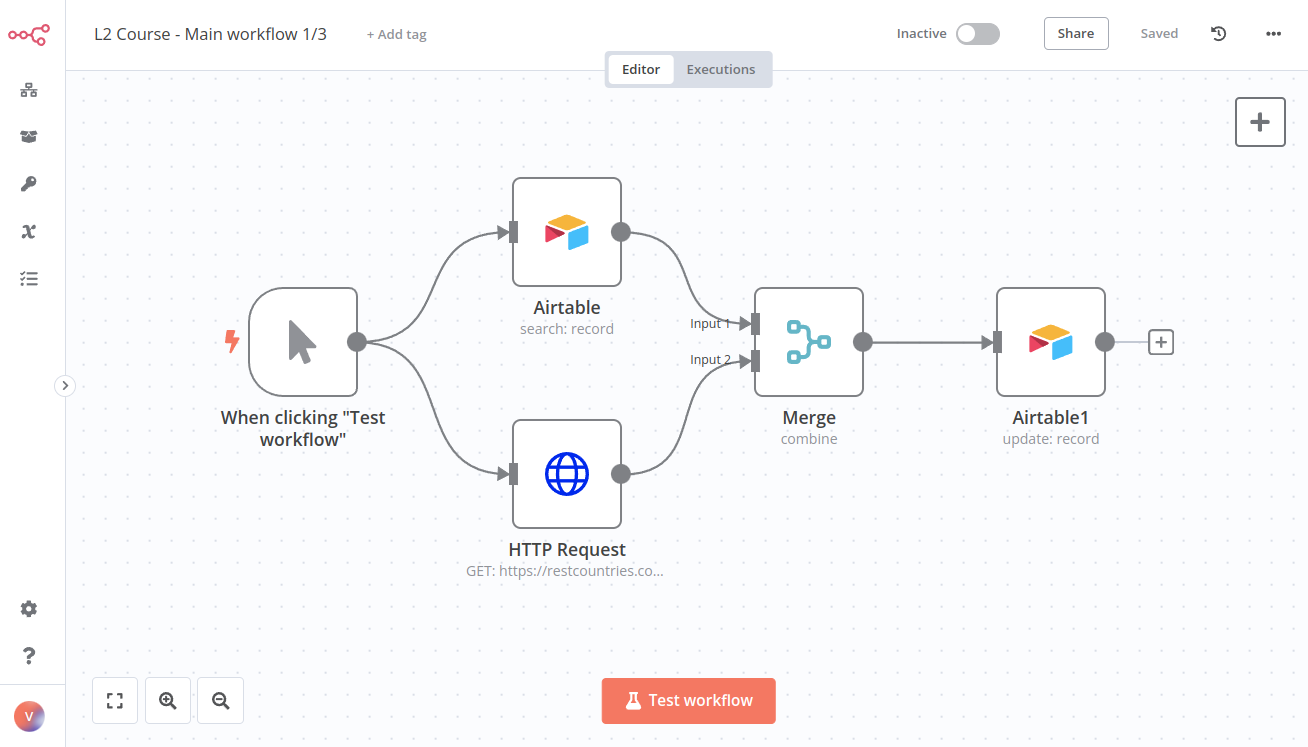
},
{
  "url": "https://docs.n8n.io/courses/level-two/chapter-5/chapter-5.3/",
  "markdown": "# Workflow 3 | n8n Docs\n\n[](https://github.com/n8n-io/n8n-docs/edit/main/docs/courses/level-two/chapter-5/chapter-5.3.md \"Edit this page\")\n\n## Workflow 3: Monitoring workflow errors[#](#workflow-3-monitoring-workflow-errors \"Permanent link\")\n\nLast but not least, let's help Nathan know if there are any errors running the workflow.\n\nTo accomplish this task, create an Error workflow that monitors the main workflow:\n\n1.  Create a new workflow.\n2.  Add an **Error Trigger node** (and execute it as a test).\n3.  Connect a **Discord node** to the **Error Trigger node** and configure these fields:  \n    \n    *   **Webhook URL**: The Discord URL that you received in the email from n8n when you signed up for this course.\n    *   **Text**: \"The workflow `{workflow name}` failed, with the error message: `{execution error message}`. Last node executed: `{name of the last executed node}`. Check this workflow execution here: `{execution URL}` My Unique ID: \" followed by the unique ID emailed to you when you registered for this course.\n        \n        Note that you need to replace the text in curly brackets `{}` with expressions that take the respective information from the Error Trigger node.  \n        \n4.  Execute the Discord node.\n    \n5.  Set the newly created workflow as the **Error Workflow** for the main workflow you created in the previous lesson.\n\nThe workflow should look like this:\n\n![Workflow 3 for monitoring workflow errors](https://docs.n8n.io/_images/courses/level-two/chapter-five/workflow3.png)\n\n_Workflow 3 for monitoring workflow errors_\n\nQuiz questions\n\n*   What fields does the **Error Trigger node** return?\n*   What information about the execution does the **Error Trigger node** return?\n*   What information about the workflow does the **Error Trigger node** return?\n*   What's the expression to reference the workflow name?"
},
{
  "url": "https://docs.n8n.io/courses/level-two/chapter-6/",
  "markdown": "# Test your knowledge | n8n Docs\n\n[](https://github.com/n8n-io/n8n-docs/edit/main/docs/courses/level-two/chapter-6.md \"Edit this page\")\n\nCongratulations, you finished the n8n Course Level 2!\n\nYou've learned a lot about workflow automation and built quite a complex business workflow. Why not showcase your skills?\n\nYou can test your knowledge by taking a **quiz**, which consists of questions about the theoretical concepts and workflows covered in this course.\n\n*   You need to have at least 80% correct answers to pass the quiz.\n*   You can take the quiz as many times as you want.\n*   There's no time limit on answering the quiz questions.\n\n  \n[Take the quiz!](https://n8n-community.typeform.com/to/r9hDbytg)\n\n## What's next?[#](#whats-next \"Permanent link\")\n\n*   Create new workflows for your work or personal use and share them with us. Don't have any ideas? Find inspiration on the [workflows page](https://n8n.io/workflows) and on our [blog](https://n8n.io/blog/).\n*   Dive deeper into n8n's features by reading the [docs](https://docs.n8n.io/)."
},
{
  "url": "https://docs.n8n.io/courses/level-two/chapter-5/chapter-5.2/",
  "markdown": "# Workflow 2 | n8n Docs\n\nTo check the configuration of the nodes, you can copy the JSON workflow code below and paste it into your Editor UI:\n\n|     |     |\n| --- | --- |\n| 1<br>  2<br>  3<br>  4<br>  5<br>  6<br>  7<br>  8<br>  9<br> 10<br> 11<br> 12<br> 13<br> 14<br> 15<br> 16<br> 17<br> 18<br> 19<br> 20<br> 21<br> 22<br> 23<br> 24<br> 25<br> 26<br> 27<br> 28<br> 29<br> 30<br> 31<br> 32<br> 33<br> 34<br> 35<br> 36<br> 37<br> 38<br> 39<br> 40<br> 41<br> 42<br> 43<br> 44<br> 45<br> 46<br> 47<br> 48<br> 49<br> 50<br> 51<br> 52<br> 53<br> 54<br> 55<br> 56<br> 57<br> 58<br> 59<br> 60<br> 61<br> 62<br> 63<br> 64<br> 65<br> 66<br> 67<br> 68<br> 69<br> 70<br> 71<br> 72<br> 73<br> 74<br> 75<br> 76<br> 77<br> 78<br> 79<br> 80<br> 81<br> 82<br> 83<br> 84<br> 85<br> 86<br> 87<br> 88<br> 89<br> 90<br> 91<br> 92<br> 93<br> 94<br> 95<br> 96<br> 97<br> 98<br> 99<br>100<br>101<br>102<br>103<br>104<br>105<br>106<br>107<br>108<br>109<br>110<br>111<br>112<br>113<br>114<br>115<br>116<br>117<br>118<br>119<br>120<br>121<br>122<br>123<br>124<br>125<br>126<br>127<br>128<br>129<br>130<br>131<br>132<br>133<br>134<br>135<br>136<br>137<br>138<br>139<br>140<br>141<br>142<br>143<br>144<br>145<br>146<br>147<br>148<br>149<br>150<br>151<br>152<br>153<br>154<br>155<br>156<br>157<br>158<br>159<br>160<br>161<br>162<br>163<br>164<br>165<br>166<br>167<br>168<br>169<br>170<br>171<br>172<br>173<br>174<br>175<br>176<br>177<br>178<br>179<br>180<br>181<br>182<br>183<br>184<br>185<br>186<br>187<br>188<br>189<br>190<br>191<br>192<br>193<br>194<br>195<br>196<br>197<br>198<br>199<br>200<br>201<br>202<br>203<br>204<br>205<br>206<br>207<br>208<br>209<br>210<br>211<br>212<br>213<br>214<br>215<br>216<br>217<br>218<br>219<br>220<br>221<br>222<br>223<br>224<br>225<br>226<br>227<br>228<br>229<br>230<br>231<br>232<br>233<br>234<br>235<br>236<br>237<br>238<br>239<br>240<br>241<br>242<br>243<br>244<br>245<br>246<br>247<br>248<br>249<br>250<br>251<br>252<br>253<br>254<br>255<br>256<br>257<br>258<br>259<br>260<br>261<br>262<br>263<br>264<br>265<br>266<br>267<br>268<br>269<br>270<br>271<br>272<br>273<br>274<br>275<br>276<br>277<br>278<br>279<br>280<br>281<br>282<br>283<br>284<br>285<br>286<br>287<br>288<br>289<br>290<br>291<br>292<br>293<br>294<br>295<br>296<br>297<br>298<br>299<br>300<br>301<br>302<br>303<br>304<br>305<br>306<br>307<br>308<br>309<br>310<br>311<br>312<br>313<br>314<br>315<br>316<br>317<br>318<br>319<br>320<br>321<br>322<br>323<br>324<br>325<br>326<br>327<br>328<br>329<br>330<br>331<br>332<br>333<br>334<br>335<br>336<br>337<br>338<br>339<br>340<br>341<br>342<br>343<br>344<br>345<br>346<br>347<br>348<br>349<br>350<br>351<br>352<br>353<br>354<br>355<br>356<br>357<br>358<br>359<br>360<br>361<br>362<br>363<br>364<br>365<br>366<br>367<br>368<br>369<br>370<br>371<br>372<br>373<br>374<br>375<br>376<br>377<br>378<br>379<br>380<br>381<br>382<br>383<br>384<br>385<br>386<br>387<br>388<br>389<br>390<br>391<br>392<br>393<br>394<br>395<br>396<br>397<br>398<br>399<br>400<br>401<br>402<br>403<br>404<br>405<br>406<br>407<br>408<br>409<br>410<br>411<br>412<br>413<br>414<br>415<br>416<br>417<br>418<br>419<br>420<br>421<br>422<br>423<br>424<br>425<br>426<br>427<br>428<br>429<br>430<br>431<br>432<br>433<br>434<br>435<br>436<br>437<br>438<br>439<br>440<br>441<br>442<br>443<br>444<br>445<br>446<br>447<br>448<br>449<br>450<br>451<br>452<br>453<br>454<br>455<br>456<br>457<br>458<br>459<br>460<br>461<br>462<br>463<br>464<br>465<br>466<br>467<br>468<br>469<br>470<br>471<br>472<br>473<br>474<br>475<br>476<br>477<br>478<br>479<br>480<br>481<br>482<br>483<br>484<br>485<br>486<br>487<br>488<br>489<br>490<br>491<br>492 | `{ \"meta\": {     \"templateCredsSetupCompleted\": true,     \"instanceId\": \"cb484ba7b742928a2048bf8829668bed5b5ad9787579adea888f05980292a4a7\" }, \"nodes\": [     {     \"parameters\": {         \"sendTo\": \"bart@n8n.io\",         \"subject\": \"Your TPS Reports\",         \"emailType\": \"text\",         \"message\": \"Please find your TPS report attached.\",         \"options\": {         \"attachmentsUi\": {             \"attachmentsBinary\": [             {}             ]         }         }     },     \"id\": \"d889eb42-8b34-4718-b961-38c8e7839ea6\",     \"name\": \"Gmail\",     \"type\": \"n8n-nodes-base.gmail\",     \"typeVersion\": 2.1,     \"position\": [         2100,         500     ],     \"credentials\": {         \"gmailOAuth2\": {         \"id\": \"HFesCcFcn1NW81yu\",         \"name\": \"Gmail account 7\"         }     }     },     {     \"parameters\": {},     \"id\": \"c0236456-40be-4f8f-a730-e56cb62b7b5c\",     \"name\": \"When clicking \\\"Execute workflow\\\"\",     \"type\": \"n8n-nodes-base.manualTrigger\",     \"typeVersion\": 1,     \"position\": [         780,         600     ]     },     {     \"parameters\": {         \"url\": \"https://internal.users.n8n.cloud/webhook/level2-erp\",         \"authentication\": \"genericCredentialType\",         \"genericAuthType\": \"httpHeaderAuth\",         \"sendHeaders\": true,         \"headerParameters\": {         \"parameters\": [             {             \"name\": \"unique_id\",             \"value\": \"recFIcD6UlSyxaVMQ\"             }         ]         },         \"options\": {}     },     \"id\": \"cc106fa0-6630-4c84-aea4-a4c7a3c149e9\",     \"name\": \"HTTP Request\",     \"type\": \"n8n-nodes-base.httpRequest\",     \"typeVersion\": 4.1,     \"position\": [         1000,         500     ],     \"credentials\": {         \"httpHeaderAuth\": {         \"id\": \"qeHdJdqqqaTC69cm\",         \"name\": \"Course L2 Credentials\"         }     }     },     {     \"parameters\": {         \"operation\": \"search\",         \"base\": {         \"__rl\": true,         \"value\": \"apprtKkVasbQDbFa1\",         \"mode\": \"list\",         \"cachedResultName\": \"All your base\",         \"cachedResultUrl\": \"https://airtable.com/apprtKkVasbQDbFa1\"         },         \"table\": {         \"__rl\": true,         \"value\": \"tblInZ7jeNdlUOvxZ\",         \"mode\": \"list\",         \"cachedResultName\": \"Course L2, Workflow 1\",         \"cachedResultUrl\": \"https://airtable.com/apprtKkVasbQDbFa1/tblInZ7jeNdlUOvxZ\"         },         \"options\": {}     },     \"id\": \"e5ae1927-b531-401c-9cb2-ecf1f2836ba6\",     \"name\": \"Airtable\",     \"type\": \"n8n-nodes-base.airtable\",     \"typeVersion\": 2,     \"position\": [         1000,         700     ],     \"credentials\": {         \"airtableTokenApi\": {         \"id\": \"MIplo6lY3AEsdf7L\",         \"name\": \"Airtable Personal Access Token account 4\"         }     }     },     {     \"parameters\": {         \"mode\": \"combine\",         \"mergeByFields\": {         \"values\": [             {             \"field1\": \"customerID\",             \"field2\": \"customerID\"             }         ]         },         \"options\": {}     },     \"id\": \"1cddc984-7fca-45e0-83b8-0c502cb4c78c\",     \"name\": \"Merge\",     \"type\": \"n8n-nodes-base.merge\",     \"typeVersion\": 2.1,     \"position\": [         1220,         600     ]     },     {     \"parameters\": {         \"sortFieldsUi\": {         \"sortField\": [             {             \"fieldName\": \"orderPrice\",             \"order\": \"descending\"             }         ]         },         \"options\": {}     },     \"id\": \"2f55af2e-f69b-4f61-a9e5-c7eefaad93ba\",     \"name\": \"Sort\",     \"type\": \"n8n-nodes-base.sort\",     \"typeVersion\": 1,     \"position\": [         1440,         600     ]     },     {     \"parameters\": {         \"conditions\": {         \"options\": {             \"caseSensitive\": true,             \"leftValue\": \"\",             \"typeValidation\": \"strict\"         },         \"conditions\": [             {             \"id\": \"d3afe65c-7c80-4caa-9d1c-33c62fbc2197\",             \"leftValue\": \"={{ $json.region }}\",             \"rightValue\": \"Americas\",             \"operator\": {                 \"type\": \"string\",                 \"operation\": \"equals\",                 \"name\": \"filter.operator.equals\"             }             }         ],         \"combinator\": \"and\"         },         \"options\": {}     },     \"id\": \"2ed874a9-5bcf-4cc9-9b52-ea503a562892\",     \"name\": \"If\",     \"type\": \"n8n-nodes-base.if\",     \"typeVersion\": 2,     \"position\": [         1660,         500     ]     },     {     \"parameters\": {         \"operation\": \"toJson\",         \"mode\": \"each\",         \"options\": {         \"fileName\": \"=report_orderID_{{ $('If').item.json.orderID }}.json\"         }     },     \"id\": \"d93b4429-2200-4a84-8505-16266fedfccd\",     \"name\": \"Convert to File\",     \"type\": \"n8n-nodes-base.convertToFile\",     \"typeVersion\": 1.1,     \"position\": [         1880,         500     ]     },     {     \"parameters\": {         \"authentication\": \"webhook\",         \"content\": \"I sent the file using email with the label ID  and wrote the binary file {file name}. My ID: 123\",         \"options\": {}     },     \"id\": \"26f43f2c-1422-40de-9f40-dd2d80926b1c\",     \"name\": \"Discord\",     \"type\": \"n8n-nodes-base.discord\",     \"typeVersion\": 2,     \"position\": [         2320,         500     ],     \"credentials\": {         \"discordWebhookApi\": {         \"id\": \"WEBrtPdoLrhlDYKr\",         \"name\": \"L2 Course Discord Webhook account\"         }     }     },     {     \"parameters\": {         \"batchSize\": 5,         \"options\": {}     },     \"id\": \"0fa1fbf6-fe77-4044-a445-c49a1db37dec\",     \"name\": \"Loop Over Items\",     \"type\": \"n8n-nodes-base.splitInBatches\",     \"typeVersion\": 3,     \"position\": [         1660,         700     ]     },     {     \"parameters\": {         \"assignments\": {         \"assignments\": [             {             \"id\": \"ce839b80-c50d-48f5-9a24-bb2df6fdd2ff\",             \"name\": \"customerEmail\",             \"value\": \"={{ $json.customerEmail }}\",             \"type\": \"string\"             },             {             \"id\": \"0c613366-3808-45a2-89cc-b34c7b9f3fb7\",             \"name\": \"region\",             \"value\": \"={{ $json.region }}\",             \"type\": \"string\"             },             {             \"id\": \"0f19a88c-deb0-4119-8965-06ed62a840b2\",             \"name\": \"customerSince\",             \"value\": \"={{ $json.customerSince }}\",             \"type\": \"string\"             },             {             \"id\": \"a7e890d6-86af-4839-b5df-d2a4efe923f7\",             \"name\": \"orderPrice\",             \"value\": \"={{ $json.orderPrice }}\",             \"type\": \"number\"             }         ]         },         \"options\": {}     },     \"id\": \"09b8584c-4ead-4007-a6cd-edaa4669a757\",     \"name\": \"Edit Fields\",     \"type\": \"n8n-nodes-base.set\",     \"typeVersion\": 3.3,     \"position\": [         1880,         700     ]     },     {     \"parameters\": {         \"operation\": \"formatDate\",         \"date\": \"={{ $json.customerSince }}\",         \"options\": {         \"includeInputFields\": true         }     },     \"id\": \"c96fae90-e080-48dd-9bff-3e4506aafb86\",     \"name\": \"Date & Time\",     \"type\": \"n8n-nodes-base.dateTime\",     \"typeVersion\": 2,     \"position\": [         2100,         700     ]     },     {     \"parameters\": {         \"options\": {         \"fileName\": \"={{$runIndex > 0 ? 'file_low_orders':'file_high_orders'}}\"         }     },     \"id\": \"43dc8634-2f16-442b-a754-89f47c51c591\",     \"name\": \"Convert to File1\",     \"type\": \"n8n-nodes-base.convertToFile\",     \"typeVersion\": 1.1,     \"position\": [         2320,         700     ]     },     {     \"parameters\": {         \"authentication\": \"webhook\",         \"content\": \"I created the spreadsheet {file name}. My ID: 123\",         \"options\": {}     },     \"id\": \"05da1c22-d1f6-4ea6-9102-f74f9ae2e9d3\",     \"name\": \"Discord1\",     \"type\": \"n8n-nodes-base.discord\",     \"typeVersion\": 2,     \"position\": [         2540,         700     ],     \"credentials\": {         \"discordWebhookApi\": {         \"id\": \"WEBrtPdoLrhlDYKr\",         \"name\": \"L2 Course Discord Webhook account\"         }     }     } ], \"connections\": {     \"Gmail\": {     \"main\": [         [         {             \"node\": \"Discord\",             \"type\": \"main\",             \"index\": 0         }         ]     ]     },     \"When clicking \\\"Execute workflow\\\"\": {     \"main\": [         [         {             \"node\": \"HTTP Request\",             \"type\": \"main\",             \"index\": 0         },         {             \"node\": \"Airtable\",             \"type\": \"main\",             \"index\": 0         }         ]     ]     },     \"HTTP Request\": {     \"main\": [         [         {             \"node\": \"Merge\",             \"type\": \"main\",             \"index\": 0         }         ]     ]     },     \"Airtable\": {     \"main\": [         [         {             \"node\": \"Merge\",             \"type\": \"main\",             \"index\": 1         }         ]     ]     },     \"Merge\": {     \"main\": [         [         {             \"node\": \"Sort\",             \"type\": \"main\",             \"index\": 0         }         ]     ]     },     \"Sort\": {     \"main\": [         [         {             \"node\": \"Loop Over Items\",             \"type\": \"main\",             \"index\": 0         },         {             \"node\": \"If\",             \"type\": \"main\",             \"index\": 0         }         ]     ]     },     \"If\": {     \"main\": [         [         {             \"node\": \"Convert to File\",             \"type\": \"main\",             \"index\": 0         }         ]     ]     },     \"Convert to File\": {     \"main\": [         [         {             \"node\": \"Gmail\",             \"type\": \"main\",             \"index\": 0         }         ]     ]     },     \"Loop Over Items\": {     \"main\": [         null,         [         {             \"node\": \"Edit Fields\",             \"type\": \"main\",             \"index\": 0         }         ]     ]     },     \"Edit Fields\": {     \"main\": [         [         {             \"node\": \"Date & Time\",             \"type\": \"main\",             \"index\": 0         }         ]     ]     },     \"Date & Time\": {     \"main\": [         [         {             \"node\": \"Convert to File1\",             \"type\": \"main\",             \"index\": 0         }         ]     ]     },     \"Convert to File1\": {     \"main\": [         [         {             \"node\": \"Discord1\",             \"type\": \"main\",             \"index\": 0         }         ]     ]     },     \"Discord1\": {     \"main\": [         [         {             \"node\": \"Loop Over Items\",             \"type\": \"main\",             \"index\": 0         }         ]     ]     } }, \"pinData\": {} }` |"
},
{
  "url": "https://docs.n8n.io/workflows/components/",
  "markdown": "# Workflow components | n8n Docs\n\n[Skip to content](#workflow-components)\n\n[](https://github.com/n8n-io/n8n-docs/edit/main/docs/workflows/components/index.md \"Edit this page\")\n\nThis section contains:\n\n*   [Nodes](https://docs.n8n.io/workflows/components/nodes/): integrations and operations.\n*   [Connections](https://docs.n8n.io/workflows/components/connections/): node connectors.\n*   [Sticky notes](https://docs.n8n.io/workflows/components/sticky-notes/): document your workflows."
},
{
  "url": "https://docs.n8n.io/workflows/components/nodes/",
  "markdown": "# Nodes | n8n Docs\n\n[](https://github.com/n8n-io/n8n-docs/edit/main/docs/workflows/components/nodes.md \"Edit this page\")\n\n[Nodes](https://docs.n8n.io/glossary/#node-n8n) are the key building blocks of a [workflow](https://docs.n8n.io/glossary/#workflow-n8n). They perform a range of actions, including:\n\n*   Starting the workflow.\n*   Fetching and sending data.\n*   Processing and manipulating data.\n\nn8n provides a collection of built-in nodes, as well as the ability to create your own nodes. Refer to:\n\n*   [Built-in integrations](https://docs.n8n.io/integrations/builtin/node-types/) to browse the node library.\n*   [Community nodes](https://docs.n8n.io/integrations/community-nodes/installation/) for guidance on finding and installing community-created nodes.\n*   [Creating nodes](https://docs.n8n.io/integrations/creating-nodes/overview/) to start building your own nodes.\n\n## Add a node to your workflow[#](#add-a-node-to-your-workflow \"Permanent link\")\n\n### Add a node to an empty workflow[#](#add-a-node-to-an-empty-workflow \"Permanent link\")\n\n1.  Select **Add first step**. n8n opens the nodes panel, where you can search or browse [trigger nodes](https://docs.n8n.io/glossary/#trigger-node-n8n).\n2.  Select the trigger you want to use.\n    \n    Choose the correct app event\n    \n    If you select **On App Event**, n8n shows a list of all the supported services. Use this list to browse n8n's integrations and trigger a workflow in response to an event in your chosen service. Not all integrations have triggers. To see which ones you can use as a trigger, select the node. If a trigger is available, you'll see it at the top of the available operations list.\n    \n    For example, this is the trigger for Asana:\n    \n    ![Screenshot of the Asana node operations list, showing the Recommended section at the top of the list](https://docs.n8n.io/_images/workflows/components/nodes/recommended-trigger.png)\n    \n\n### Add a node to an existing workflow[#](#add-a-node-to-an-existing-workflow \"Permanent link\")\n\nSelect the **Add node** ![Add node icon](https://docs.n8n.io/_images/try-it-out/add-node-small.png) connector. n8n opens the nodes panel, where you can search or browse all nodes.\n\n## Node operations: Triggers and Actions[#](#node-operations-triggers-and-actions \"Permanent link\")\n\nWhen you add a node to a workflow, n8n displays a list of available operations. An operation is something a node does, such as getting or sending data.\n\nThere are two types of operation:\n\n*   Triggers start a workflow in response to specific events or conditions in your services. When you select a Trigger, n8n adds a trigger node to your workflow, with the Trigger operation you chose pre-selected. When you search for a node in n8n, Trigger operations have a bolt icon ![Trigger icon](https://docs.n8n.io/_images/common-icons/trigger.png).\n*   Actions are operations that represent specific tasks within a workflow, which you can use to manipulate data, perform operations on external systems, and trigger events in other systems as part of your workflows. When you select an Action, n8n adds a node to your workflow, with the Action operation you chose pre-selected.\n\n## Node controls[#](#node-controls \"Permanent link\")\n\nTo view node controls, hover over the node on the canvas:\n\n## Node settings[#](#node-settings \"Permanent link\")\n\nThe node settings under the **Settings** tab allow you to control node behaviors and add node notes.\n\nWhen active or set, they do the following:\n\n*   **Request Options**: Select **Add Option** to view and select these options.\n    *   **Batching**: Control how to batch large numbers of input items.\n    *   **Ignore SSL Issues**: Download the response even if SSL validation isn't possible.\n    *   **Proxy**: Use this if you need to specify an HTTP proxy.\n    *   **Timeout**: Set a timeout for the request in ms.\n*   **Always Output Data**: The node returns an empty item even if the node returns no data during execution. Be careful setting this on IF nodes, as it could cause an infinite loop.\n*   **Execute Once**: The node executes once, with data from the first item it receives. It doesn't process any extra items.\n*   **Retry On Fail**: When an execution fails, the node reruns until it succeeds.\n*   **On Error**:\n    *   **Stop Workflow**: Halts the entire workflow when an error occurs, preventing further node execution.\n    *   **Continue**: Proceeds to the next node despite the error, using the last valid data.\n    *   **Continue (using error output)**: Continues workflow execution, passing error information to the next node for potential handling.\n\nYou can document your workflow using node notes:\n\n*   **Notes**: Note to save with the node.\n*   **Display note in flow**: If active, n8n displays the note in the workflow as a subtitle."
},
{
  "url": "https://docs.n8n.io/workflows/",
  "markdown": "# Workflows | n8n Docs\n\n[](https://github.com/n8n-io/n8n-docs/edit/main/docs/workflows/index.md \"Edit this page\")\n\nA [workflow](https://docs.n8n.io/glossary/#workflow-n8n) is a collection of nodes connected together to automate a process.\n\n*   [Create](https://docs.n8n.io/workflows/create/) a workflow.\n*   Use [Workflow templates](https://docs.n8n.io/workflows/templates/) to help you get started.\n*   Learn about the key [components](https://docs.n8n.io/workflows/components/) of an automation in n8n.\n*   Debug using the [Executions](https://docs.n8n.io/workflows/executions/) list.\n*   [Share](https://docs.n8n.io/workflows/sharing/) workflows between users.\n\nIf it's your first time building a workflow, you may want to use the [quickstart guides](https://docs.n8n.io/try-it-out/) to quickly try out n8n features."
},
{
  "url": "https://docs.n8n.io/workflows/components/connections/",
  "markdown": "# Connections | n8n Docs\n\n[](https://github.com/n8n-io/n8n-docs/edit/main/docs/workflows/components/connections.md \"Edit this page\")\n\nA connection establishes a link between nodes to route data through the workflow. A connection between two nodes passes data from one node's output to another node's input.\n\n![Example of creating and deleting a connection](https://docs.n8n.io/_images/workflows/components/connections/example.gif)\n\n## Create a connection[#](#create-a-connection \"Permanent link\")\n\nTo create a connection between two nodes, select the grey dot or **Add node** ![Add node icon](https://docs.n8n.io/_images/try-it-out/add-node-small.png) on the right side of a node and slide the arrow to the grey rectangle on the left side of the following node.\n\n## Delete a connection[#](#delete-a-connection \"Permanent link\")\n\nHover over the connection, then select **Delete** ![Delete connector icon](https://docs.n8n.io/_images/common-icons/delete-connector.png)."
},
{
  "url": "https://docs.n8n.io/workflows/components/sticky-notes/",
  "markdown": "# Sticky Notes | n8n Docs\n\n[](https://github.com/n8n-io/n8n-docs/edit/main/docs/workflows/components/sticky-notes.md \"Edit this page\")\n\nSticky Notes allow you to annotate and comment on your workflows.\n\nn8n recommends using Sticky Notes heavily, especially on [template workflows](https://docs.n8n.io/glossary/#template-n8n), to help other users understand your workflow.\n\n![Screenshot of a basic workflow with an example sticky note](https://docs.n8n.io/_images/workflows/components/stickies/example-sticky-note.png)\n\n## Create a Sticky Note[#](#create-a-sticky-note \"Permanent link\")\n\nSticky Notes are a core node. To add a new Sticky Note:\n\n1.  Open the nodes panel.\n2.  Search for `note`.\n3.  Click the **Sticky Note** node. n8n adds a new Sticky Note to the canvas.\n\n## Edit a Sticky Note[#](#edit-a-sticky-note \"Permanent link\")\n\n1.  Double click the Sticky Note you want to edit.\n2.  Write your note. [This guide](https://commonmark.org/help/) explains how to format your text with Markdown. n8n uses [markdown-it](https://github.com/markdown-it/markdown-it), which implements the CommonMark specification.\n3.  Click away from the note, or press `Esc`, to stop editing.\n\n## Change the color[#](#change-the-color \"Permanent link\")\n\nTo change the Sticky Note color:\n\n1.  Hover over the Sticky Note\n2.  Select **Change color** ![Change Sticky Note color icon](https://docs.n8n.io/_images/common-icons/change-color.png)\n\n## Sticky Note positioning[#](#sticky-note-positioning \"Permanent link\")\n\nYou can:\n\n*   Drag a Sticky Note anywhere on the canvas.\n*   Drag Sticky Notes behind nodes. You can use this to visually group nodes.\n*   Resize Sticky Notes by hovering over the edge of the note and dragging to resize.\n*   Change the color: select **Options** ![Options icon](https://docs.n8n.io/_images/common-icons/three-dot-options-menu.png) to open the color selector.\n\n## Writing in Markdown[#](#writing-in-markdown \"Permanent link\")\n\nSticky Notes support Markdown formatting. This section describes some common options.\n\n|     |     |\n| --- | --- |\n| 1<br> 2<br> 3<br> 4<br> 5<br> 6<br> 7<br> 8<br> 9<br>10<br>11<br>12<br>13<br>14<br>15<br>16<br>17<br>18<br>19<br>20<br>21 | `The text in double asterisks will be **bold**  The text in single asterisks will be *italic*  Use # to indicate headings: # This is a top-level heading ## This is a sub-heading ### This is a smaller sub-heading  You can add links: [Example](https://example.com/)  Create lists with asterisks:  * Item one * Item two  Or created ordered lists with numbers:  1. Item one 2. Item two` |\n\nFor a more detailed guide, refer to [CommonMark's help](https://commonmark.org/help/). n8n uses [markdown-it](https://github.com/markdown-it/markdown-it), which implements the CommonMark specification.\n\n## Make images full width[#](#make-images-full-width \"Permanent link\")\n\nYou can force images to be 100% width of the sticky note by appending `#full-width` to the filename:\n\n|     |     |\n| --- | --- |\n|     | `![Source example](https://<IMAGE-URL>/<IMAGE-NAME>.png#full-width)` |\n\n## Embed a YouTube video[#](#embed-a-youtube-video \"Permanent link\")\n\nTo display a YouTube video in a note, use the `@[youtube](<video-id>)` directive with the video's ID. For this to work, the video's creator must allow embedding.\n\nFor example:\n\nTo embed your own video, copy the above syntax, replacing `ZCuL2e4zC_4` with your video ID. The YouTube video ID is the string that follows `v=` in the YouTube URL."
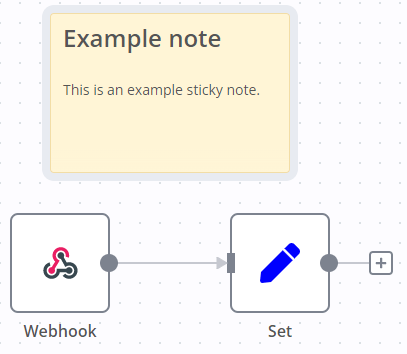
},
{
  "url": "https://docs.n8n.io/workflows/create/",
  "markdown": "# Create and run | n8n Docs\n\n[](https://github.com/n8n-io/n8n-docs/edit/main/docs/workflows/create.md \"Edit this page\")\n\n## Create a workflow[#](#create-a-workflow \"Permanent link\")\n\nA [workflow](https://docs.n8n.io/glossary/#workflow-n8n) is a collection of nodes connected together to automate a process. You build workflows on the [workflow canvas](https://docs.n8n.io/glossary/#canvas-n8n).\n\n## Create a workflow[#](#create-a-workflow_1 \"Permanent link\")\n\n1.  Select the ![universal create resource icon](https://docs.n8n.io/_images/common-icons/universal-resource-button.png) **button** in the upper-left corner of the side menu. Select workflow.\n2.  If your n8n instance supports projects, you'll also need to choose whether to create the workflow inside your **personal space** or a specific **project** you have access to. If you're using the community version, you'll always create workflows inside your personal space.\n3.  Get started by adding a trigger node: select **Add first step...**\n\nOr:\n\n1.  Select the ![universal create resource icon](https://docs.n8n.io/_images/common-icons/universal-resource-button.png) **create** button in the upper-right corner from either the **Overview** page or a specific **project**. Select workflow.\n2.  If you're doing this from the **Overview** page, you'll create the workflow inside your personal space. If you're doing this from inside a project, you'll create the workflow inside that specific project.\n3.  Get started by adding a trigger node: select **Add first step...**\n\nIf it's your first time building a workflow, you may want to use the [quickstart guides](https://docs.n8n.io/try-it-out/) to quickly try out n8n features.\n\n## Run workflows manually[#](#run-workflows-manually \"Permanent link\")\n\nYou may need to run your workflow manually when building and testing, or if your workflow doesn't have a trigger node.\n\nTo run manually, select **Execute Workflow**.\n\n## Run workflows automatically[#](#run-workflows-automatically \"Permanent link\")\n\nAll new workflows are inactive by default.\n\nYou need to activate workflows that start with a trigger node or Webhook node so that they can run automatically. When a workflow is inactive, you must run it manually.\n\nTo activate or deactivate your workflow, open your workflow and toggle **Inactive** / **Active**.\n\nOnce a workflow is active, it runs whenever its trigger conditions are met."
},
{
  "url": "https://docs.n8n.io/workflows/executions/manual-partial-and-production-executions/",
  "markdown": "# Manual, partial, and production executions\n\n[](https://github.com/n8n-io/n8n-docs/edit/main/docs/workflows/executions/manual-partial-and-production-executions.md \"Edit this page\")\n\nThere are some important differences in how n8n executes workflows manually (by clicking the **Execute Workflow** button) and automatically (when the workflow is **Active** and triggered by an event or schedule).\n\n## Manual executions[#](#manual-executions \"Permanent link\")\n\nManual executions allow you to run workflows directly from the [canvas](https://docs.n8n.io/glossary/#canvas-n8n) to test your workflow logic. These executions are \"ad-hoc\": they run only when you manually select the **Execute workflow** button.\n\nManual executions make building workflows easier by allowing you to iteratively test as you go, following the flow logic and seeing data transformations. You can test conditional branching, data formatting changes, and loop behavior by providing different input items and modifying node options.\n\nPinning execution data\n\nWhen performing manual executions, you can use [data pinning](https://docs.n8n.io/data/data-pinning/) to \"pin\" or \"freeze\" the output data of a node. You can optionally [edit the pinned data](https://docs.n8n.io/data/data-editing/) as well.\n\nOn future runs, instead of executing the pinned node, n8n will substitute the pinned data and continue following the flow logic. This allows you to iterate without operating on variable data or repeating queries to external services. Production executions ignore all pinned data.\n\n## Partial executions[#](#partial-executions \"Permanent link\")\n\nClicking the **Execute workflow** button at the bottom of the workflow in the **Editor** tab manually runs the entire workflow. You can also perform partial executions to run specific steps in your workflow. Partial executions are manual executions that only run a subset of your workflow nodes.\n\nTo perform a partial execution, select a node, open its detail view, and select **Execute step**. This executes the specific node and any preceding nodes required to fill in its input data. You can also temporarily disable specific nodes in the workflow chain to avoid interacting with those services while building.\n\nIn particular, partial executions are useful when updating the logic of a specific node since they allow you to re-execute the node with the same input data.\n\n### Troubleshooting partial executions[#](#troubleshooting-partial-executions \"Permanent link\")\n\nSome common issues you might come across when running partial executions include the following:\n\n> The destination node is not connected to any trigger. Partial executions need a trigger.\n\nThis error message appears when you try to perform a partial execution without connecting the workflow to a trigger. Manual executions, including partial executions, attempt to mimic production executions when possible. Part of this includes requiring a trigger node to describe when the workflow logic should execute.\n\nTo work around this, connect a trigger node to the workflow with the node you're trying to execute. Most often, a [manual trigger](https://docs.n8n.io/integrations/builtin/core-nodes/n8n-nodes-base.manualworkflowtrigger/) is the simplest option.\n\n> Please execute the whole workflow, rather than just the node. (Existing execution data is too large.)\n\nThis error can appear when performing partial executions on workflows with large numbers of branches. Partial executions involve sending data and workflow logic to the n8n backend in a way that isn't required for full executions. This error occurs when your workflow exceeds the maximum size allowed for these messages.\n\nTo work around this, consider using the [limit node](https://docs.n8n.io/integrations/builtin/core-nodes/n8n-nodes-base.limit/) to limit node output while running partial executions. Once the workflow is running as intended, you can disable or delete the limit node before enabling production execution.\n\n## Production executions[#](#production-executions \"Permanent link\")\n\nProduction executions occur when a triggering event or schedule automatically runs a workflow.\n\nTo configure production executions, you must attach a [trigger node](https://docs.n8n.io/glossary/#trigger-node-n8n) (any trigger other than the [manual trigger](https://docs.n8n.io/integrations/builtin/core-nodes/n8n-nodes-base.manualworkflowtrigger/) works) and switch workflow's toggle to **Active**. Once activated, the workflow automatically executes whenever the trigger condition occurs.\n\nThe execution flow for production executions doesn't display in the Editor tab of the workflow as with manual executions. Instead, you can see executions in the workflow's **Executions** tab according to your [workflow settings](https://docs.n8n.io/workflows/settings/). From there, you can explore and troubleshoot problems using the [debug in editor feature](https://docs.n8n.io/workflows/executions/debug/)."
},
{
  "url": "https://docs.n8n.io/source-control-environments/using/",
  "markdown": "# Using source control and environments\n\n[](https://github.com/n8n-io/n8n-docs/edit/main/docs/source-control-environments/using/index.md \"Edit this page\")\n\nFeature availability\n\n*   Available on Enterprise.\n*   You must be an n8n instance owner or instance admin to enable and configure source control.\n*   Instance owners and instance admins can push changes to and pull changes from the connected repository.\n*   Project admins can push changes to the connected repository. They can't pull changes from the repository.\n\n*   [Push and pull](https://docs.n8n.io/source-control-environments/using/push-pull/): Send work to Git, and fetch work from Git to your instance. Understand what gets committed, and how n8n handles merge conflicts.\n*   [Copy work between environments](https://docs.n8n.io/source-control-environments/using/copy-work/): How to copy work between different n8n instances."
},
{
  "url": "https://docs.n8n.io/source-control-environments/using/push-pull/",
  "markdown": "# Push and pull | n8n Docs\n\n[](https://github.com/n8n-io/n8n-docs/edit/main/docs/source-control-environments/using/push-pull.md \"Edit this page\")\n\nIf your n8n instance connects to a Git repository, you need to keep your work in sync with Git.\n\nThis document assumes some familiarity with Git concepts and terminology. Refer to [Git and n8n](https://docs.n8n.io/source-control-environments/understand/git/) for an introduction to how n8n works with Git.\n\nRecommendation: don't push and pull to the same n8n instance\n\nYou can push work from an instance to a branch, and pull to the same instance. n8n doesn't recommend this. To reduce the risk of merge conflicts and overwriting work, try to create a process where work goes in one direction: either to Git, or from Git, but not both.\n\n## Fetch other people's work[#](#fetch-other-peoples-work \"Permanent link\")\n\nn8n roles control which users can pull (fetch) changes\n\nYou must be an instance owner or instance admin to pull changes from git.\n\nTo pull work from Git, select **Pull** ![Pull icon](https://docs.n8n.io/_images/source-control-environments/pull-icon.png) in the main menu.\n\nView screenshot\n\n![Pull and push buttons when menu is closed](https://docs.n8n.io/_images/source-control-environments/pull-push-menu-closed.png)\n\nPull and push buttons when menu is closed\n\n![Pull and push buttons when menu is open](https://docs.n8n.io/_images/source-control-environments/pull-push-menu-open.png)\n\nPull and push buttons when menu is open\n\nn8n may display a warning about overriding local changes. Select **Pull and override** to override your local work with the content in Git.\n\nWhen the changes include new variable or credential stubs, n8n notifies you that you need to populate the values for the items before using them.\n\nHow deleted resources are handled\n\nWhen workflows, credentials, variables, and tags are deleted from the repository, your local versions of these resources aren't deleted automatically. Instead, when you pull repository changes, n8n notifies you about any outdated resources and asks if you'd like to delete them.\n\n### Workflow and credential owner may change on pull[#](#workflow-and-credential-owner-may-change-on-pull \"Permanent link\")\n\nWhen you pull from Git to an n8n instance, n8n tries to assign workflows and credentials to a matching user or project.\n\nIf the original owner is a user:\n\nIf the same owner is available on both instances (matching email), the owner remains the same. If the original owner isn't on the new instance, n8n sets the user performing the pull as the workflow owner.\n\nIf the original owner is a [project](https://docs.n8n.io/user-management/rbac/):\n\nn8n tries to match the original project name to a project name on the new instance. If no matching project exists, n8n creates a new project with the name, assigns the current user as project owner, and imports the workflows and credentials to the project.\n\n### Pulling may cause brief service interruption[#](#pulling-may-cause-brief-service-interruption \"Permanent link\")\n\nIf you pull changes to an active workflow, n8n sets the workflow to inactive while pulling, then reactivates it. This may result in a few seconds of downtime for the workflow.\n\n## Send your work to Git[#](#send-your-work-to-git \"Permanent link\")\n\nn8n roles control which users can push changes\n\nYou must be an instance owner, instance admin, or project admin to push changes to git.\n\nTo push work to Git:\n\n1.  Select **Push** ![Push icon](https://docs.n8n.io/_images/source-control-environments/push-icon.png) in the main menu.\n    \n    View screenshot\n    \n    ![Pull and push buttons when menu is closed](https://docs.n8n.io/_images/source-control-environments/pull-push-menu-closed.png)\n    \n    Pull and push buttons when menu is closed\n    \n    ![Pull and push buttons when menu is open](https://docs.n8n.io/_images/source-control-environments/pull-push-menu-open.png)\n    \n    Pull and push buttons when menu is open\n    \n2.  In the **Commit and push changes** modal, select which workflows you want to push. You can filter by status (new, modified, deleted) and search for workflows. n8n automatically pushes tags, and variable and credential stubs.\n    \n3.  Enter a commit message. This should be a one sentence description of the changes you're making.\n4.  Select **Commit and Push**. n8n sends the work to Git, and displays a success message on completion.\n\n## What gets committed[#](#what-gets-committed \"Permanent link\")\n\nn8n commits the following to Git:\n\n*   Workflows, including their tags and the email address of the workflow owner. You can choose which workflows to push.\n*   Credential stubs (ID, name, type)\n*   Variable stubs (ID and name)\n*   Projects\n*   Folders\n\n## Merge behaviors and conflicts[#](#merge-behaviors-and-conflicts \"Permanent link\")\n\nn8n's implementation of source control is opinionated. It resolves merge conflicts for credentials and variables automatically. n8n can't detect conflicts on workflows.\n\n### Workflows[#](#workflows \"Permanent link\")\n\nYou have to explicitly tell n8n what to do about workflows when pushing or pulling. The Git repository acts as the source of truth.\n\nWhen pulling, you might get warned that your local copy of a workflow differs from Git, and if you accept, your local copy would be overridden. Be careful not to lose relevant changes when pulling.\n\nWhen you push, your local workflow will override what's in Git, so make sure that you have the most up to date version or you risk overriding recent changes.\n\nTo prevent the issue described above, you should immediately push your changes to a workflow once you finish working on it. Then it's safe to pull.\n\nTo avoid losing data:\n\n*   Design your source control setup so that workflows flow in one direction. For example, make edits on a development instance, push to Git, then pull to production. Don't make edits on the production instance and push them.\n*   Don't push all workflows. Select the ones you need.\n*   Be cautious about manually editing files in the Git repository.\n\n### Credentials, variables and workflow tags[#](#credentials-variables-and-workflow-tags \"Permanent link\")\n\nCredentials and variables can't have merge issues, as n8n chooses the version to keep.\n\nOn pull:\n\n*   If the tag, variable or credential doesn't exist, n8n creates it.\n*   If the tag, variable or credential already exists, n8n doesn't update it, unless:\n    *   You set the value of a variable using the API or externally. The new value overwrites any existing value.\n    *   The credential name has changed. n8n uses the version in Git.\n    *   The name of a tag has changed. n8n updates the tag name. Be careful when renaming tags as tag names are unique and this could cause database issues when it comes to uniqueness during the pull process.\n\nOn push:\n\n*   n8n overwrites the entire variables and tags files.\n*   If a credential already exists, n8n overwrites it with the changes, but doesn't apply these changes to existing credentials on pull.\n\nManage credentials with an external secrets vault\n\nIf you need different credentials on different n8n environments, use [external secrets](https://docs.n8n.io/external-secrets/)."
},
{
  "url": "https://docs.n8n.io/workflows/executions/dirty-nodes/",
  "markdown": "# Dirty nodes | n8n Docs\n\n[](https://github.com/n8n-io/n8n-docs/edit/main/docs/workflows/executions/dirty-nodes.md \"Edit this page\")\n\nA **dirty node** is a node that executed successfully in the past, but whose output n8n now considers stale or unreliable. They're labeled like this to indicate that if the node executes again, the output may be different. It may also be the point where a [partial execution](https://docs.n8n.io/workflows/executions/manual-partial-and-production-executions/#partial-executions) starts from.\n\n## How to recognize dirty node data[#](#how-to-recognize-dirty-node-data \"Permanent link\")\n\nIn the canvas of the workflow editor, you can identify dirty notes by their different-colored border and a yellow triangle in place of the previous green tick symbol. For example:\n\n![\"Image of node displayed with yellow border\"](https://docs.n8n.io/_images/workflows/executions/dirty-node-canvas.png)\n\nIn the node editor view, the output panel also displays a yellow triangle on the output panel. If you hover over the triangle, a tooltip appears with more information about why n8n considers the data stale:\n\n![\"Image of node displayed with yellow border\"](https://docs.n8n.io/_images/workflows/executions/dirty-node-editor.png)\n\n## Why n8n marks nodes dirty[#](#why-n8n-marks-nodes-dirty \"Permanent link\")\n\nThere are several reasons why n8n might flag execution data as stale. For example:\n\n*   Inserting or deleting a node: labels the first node that follows the inserted node dirty.\n*   Modifying node parameters: labels the modified node dirty.\n*   Adding a connector: labels the destination node of the new connector dirty.\n*   Deactivating a node: labels the first node that follows the deactivated node dirty.\n\nOther reasons n8n marks nodes dirty\n\n*   Unpinning a node: labels the unpinned node dirty.\n*   Modifying pinned data: labels the node that comes after the pinned data dirty.\n*   If any of the above actions occur inside a loop, also labels the first node of the loop dirty.\n\nFor sub-nodes, also labels any executed parent nodes (up to and including the root) when:\n\n*   Editing an executed sub-node\n*   Adding a new sub-node\n*   Disconnecting or deleting a sub-node\n*   Deactivating a sub-node\n*   Activating a sub-node\n\n*   When deleting a connected node in a workflow:\n    \n    ![\"Image of node displayed with yellow border\"](https://docs.n8n.io/_images/workflows/executions/dirty-before.png)\n    \n*   The next node in the sequence becomes dirty:\n    \n    ![\"Image of node displayed with yellow border\"](https://docs.n8n.io/_images/workflows/executions/dirty-after.png)\n    \n\nWhen using loops (with the [Loop over Items](https://docs.n8n.io/integrations/builtin/core-nodes/n8n-nodes-base.splitinbatches/) node), when any node within the loop is dirty, the initial node of the loop is also considered dirty:\n\n![\"Image of node displayed with yellow border\"](https://docs.n8n.io/_images/workflows/executions/dirty-loop.png)\n\n## Resolving dirty nodes[#](#resolving-dirty-nodes \"Permanent link\")\n\nExecuting a node again clears its dirty status. You can do this manually by triggering the whole workflow, or by running a [partial execution](https://docs.n8n.io/workflows/executions/manual-partial-and-production-executions/#partial-executions) with **Execute step** on the individual node or any node which follows it."
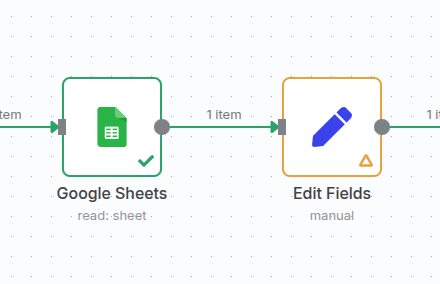
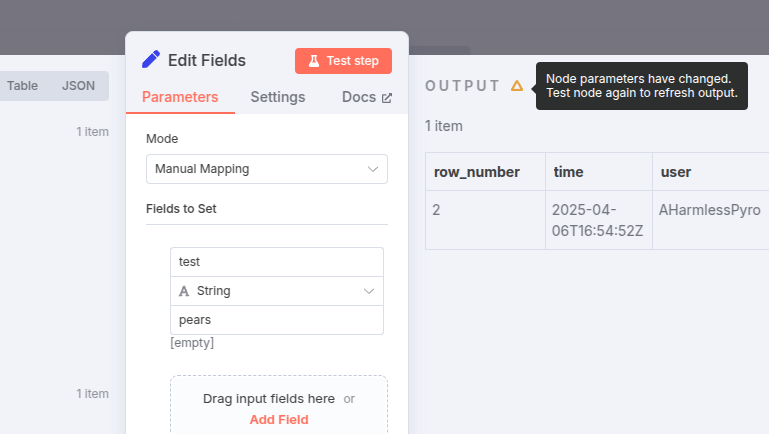
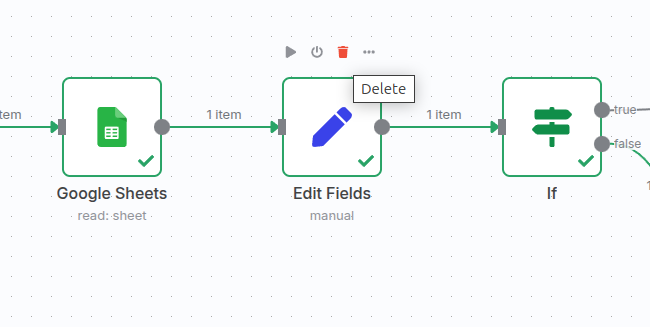
},
{
  "url": "https://docs.n8n.io/workflows/executions/single-workflow-executions/",
  "markdown": "# Workflow-level executions | n8n Docs\n\n[](https://github.com/n8n-io/n8n-docs/edit/main/docs/workflows/executions/single-workflow-executions.md \"Edit this page\")\n\nThe **Executions** list in a workflow shows all executions for that workflow.\n\nDeleted workflows\n\nWhen you delete a workflow, n8n deletes its execution history as well. This means you can't view executions for deleted workflows.\n\nExecution history and workflow history\n\nDon't confuse the execution list with [Workflow history](https://docs.n8n.io/workflows/history/).\n\nExecutions are workflow runs. With the executions list, you can see previous runs of the current version of the workflow. You can copy previous executions into the editor to [Debug and re-run past executions](https://docs.n8n.io/workflows/executions/debug/) in your current workflow.\n\nWorkflow history is previous versions of the workflow: for example, a version with a different node, or different parameters set.\n\n## View executions for a single workflow[#](#view-executions-for-a-single-workflow \"Permanent link\")\n\nIn the workflow, select the **Executions** tab in the top menu. You can preview all executions of that workflow.\n\n## Filter executions[#](#filter-executions \"Permanent link\")\n\nYou can filter the executions list.\n\n1.  In your workflow, select **Executions**.\n2.  Select **Filters**.\n3.  Enter your filters. You can filter by:\n    *   **Status**: choose from **Failed**, **Running**, **Success**, or **Waiting**.\n    *   **Execution start**: see executions that started in the given time.\n    *   **Saved custom data**: this is data you create within the workflow using the Code node. Enter the key and value to filter. Refer to [Custom executions data](https://docs.n8n.io/workflows/executions/custom-executions-data/) for information on adding custom data.\n        \n        Feature availability\n        \n        Custom executions data is available on:\n        \n        *   Cloud: Pro, Enterprise\n        *   Self-Hosted: Enterprise, registered Community\n        \n\n## Retry failed workflows[#](#retry-failed-workflows \"Permanent link\")\n\nIf your workflow execution fails, you can retry the execution. To retry a failed workflow:\n\n1.  Open the **Executions** list.\n2.  For the workflow execution you want to retry, select **Refresh** ![Refresh icon](https://docs.n8n.io/_images/common-icons/refresh.png).\n3.  Select either of the following options to retry the execution:\n    *   **Retry with currently saved workflow**: Once you make changes to your workflow, you can select this option to execute the workflow with the previous execution data.\n    *   **Retry with original workflow**: If you want to retry the execution without making changes to your workflow, you can select this option to retry the execution with the previous execution data."
},
{
  "url": "https://docs.n8n.io/workflows/executions/all-executions/",
  "markdown": "# All executions | n8n Docs\n\n[](https://github.com/n8n-io/n8n-docs/edit/main/docs/workflows/executions/all-executions.md \"Edit this page\")\n\nTo view **all executions** from an n8n instance, navigate to the **Overview** page and then click into the Executions tab. This will show you all executions from the workflows you have access to.\n\nIf your n8n instance supports **projects**, you'll also be able to view the executions tab within projects you have access to. This will show you executions only from the workflows within the specified project.\n\nDeleted workflows\n\nWhen you delete a workflow, n8n deletes its execution history as well. This means you can't view executions for deleted workflows.\n\n## Filter executions[#](#filter-executions \"Permanent link\")\n\nYou can filter the executions list:\n\n1.  Select the **Executions** tab either from within the **Overview** page or a specific **project** to open the list.\n2.  Select **Filters**.\n3.  Enter your filters. You can filter by:\n    *   **Workflows**: choose all workflows, or a specific workflow name.\n    *   **Status**: choose from **Failed**, **Running**, **Success**, or **Waiting**.\n    *   **Execution start**: see executions that started in the given time.\n    *   **Saved custom data**: this is data you create within the workflow using the Code node. Enter the key and value to filter. Refer to [Custom executions data](https://docs.n8n.io/workflows/executions/custom-executions-data/) for information on adding custom data.\n\nFeature availability\n\nCustom executions data is available on:\n\n*   Cloud: Pro, Enterprise\n*   Self-Hosted: Enterprise, registered Community\n\n## Retry failed workflows[#](#retry-failed-workflows \"Permanent link\")\n\nIf your workflow execution fails, you can retry the execution. To retry a failed workflow:\n\n1.  Select the **Executions** tab from within either the **Overview** page or a specific **project** to open the list.\n2.  On the execution you want to retry, select **Retry execution** ![Options menu icon](https://docs.n8n.io/_images/common-icons/three-dot-options-menu.png).\n3.  Select either of the following options to retry the execution:\n    *   **Retry with currently saved workflow**: Once you make changes to your workflow, you can select this option to execute the workflow with the previous execution data.\n    *   **Retry with original workflow**: If you want to retry the execution without making changes to your workflow, you can select this option to retry the execution with the previous execution data.\n\n## Load data from previous executions into your current workflow[#](#load-data-from-previous-executions-into-your-current-workflow \"Permanent link\")\n\nYou can load data from a previous workflow back into the canvas. Refer to [Debug executions](https://docs.n8n.io/workflows/executions/debug/) for more information."
},
{
  "url": "https://docs.n8n.io/workflows/executions/",
  "markdown": "# Executions | n8n Docs\n\n[](https://github.com/n8n-io/n8n-docs/edit/main/docs/workflows/executions/index.md \"Edit this page\")\n\nAn execution is a single run of a workflow.\n\n## Execution modes[#](#execution-modes \"Permanent link\")\n\nThere are two execution modes:\n\n*   Manual: run workflows manually when testing. Select **Execute Workflow** to start a manual execution. You can do manual executions of active workflows, but n8n recommends keeping your workflow set to **Inactive** while developing and testing.\n*   Production: a production workflow is one that runs automatically. To enable this, set the workflow to **Active**.\n\n## Execution lists[#](#execution-lists \"Permanent link\")\n\nn8n provides two execution lists:\n\n*   [Workflow-level executions](https://docs.n8n.io/workflows/executions/single-workflow-executions/): this execution list shows the executions for a single workflow.\n*   [All executions](https://docs.n8n.io/workflows/executions/all-executions/): this list shows all executions for all your workflows.\n\nn8n supports [adding custom data to executions](https://docs.n8n.io/workflows/executions/custom-executions-data/)."
},
{
  "url": "https://docs.n8n.io/workflows/executions/custom-executions-data/",
  "markdown": "# Custom executions data | n8n Docs\n\n[](https://github.com/n8n-io/n8n-docs/edit/main/docs/workflows/executions/custom-executions-data.md \"Edit this page\")\n\nYou can set custom data on your workflow using the Code node or the [Execution Data node](https://docs.n8n.io/integrations/builtin/core-nodes/n8n-nodes-base.executiondata/). n8n records this with each execution. You can then use this data when filtering the executions list, or fetch it in your workflows using the Code node.\n\nFeature availability\n\nCustom executions data is available on:\n\n*   Cloud: Pro, Enterprise\n*   Self-Hosted: Enterprise, registered Community\n\n## Set and access custom data using the Code node[#](#set-and-access-custom-data-using-the-code-node \"Permanent link\")\n\nThis section describes how to set and access data using the Code node. Refer to [Execution Data node](https://docs.n8n.io/integrations/builtin/core-nodes/n8n-nodes-base.executiondata/) for information on using the Execution Data node to set data. You can't retrieve custom data using the Execution Data node.\n\n### Set custom executions data[#](#set-custom-executions-data \"Permanent link\")\n\nSet a single piece of extra data:\n\nJavaScriptPython\n\n|     |     |\n| --- | --- |\n|     | `$execution.customData.set(\"key\", \"value\");` |\n\n|     |     |\n| --- | --- |\n|     | `_execution.customData.set(\"key\", \"value\");` |\n\nSet all extra data. This overwrites the whole custom data object for this execution:\n\nJavaScriptPython\n\n|     |     |\n| --- | --- |\n|     | `$execution.customData.setAll({\"key1\": \"value1\", \"key2\": \"value2\"})` |\n\n|     |     |\n| --- | --- |\n|     | `_execution.customData.setAll({\"key1\": \"value1\", \"key2\": \"value2\"})` |\n\nThere are limitations:\n\n*   They must be strings\n*   `key` has a maximum length of 50 characters\n*   `value` has a maximum length of 255 characters\n*   n8n supports a maximum of 10 items of custom data\n\n### Access the custom data object during execution[#](#access-the-custom-data-object-during-execution \"Permanent link\")\n\nYou can retrieve the custom data object, or a specific value in it, during an execution:\n\nJavaScriptPython\n\n|     |     |\n| --- | --- |\n|     | `// Access the current state of the object during the execution const customData = $execution.customData.getAll();  // Access a specific value set during this execution const customData = $execution.customData.get(\"key\");` |\n\n|     |     |\n| --- | --- |\n|     | `# Access the current state of the object during the execution customData = _execution.customData.getAll();  # Access a specific value set during this execution customData = _execution.customData.get(\"key\");` |"
},
{
  "url": "https://docs.n8n.io/integrations/builtin/core-nodes/n8n-nodes-base.compression/",
  "markdown": "# Compression | n8n Docs\n\n[](https://github.com/n8n-io/n8n-docs/edit/main/docs/integrations/builtin/core-nodes/n8n-nodes-base.compression.md \"Edit this page\")\n\nUse the Compression node to compress and decompress files. Supports Zip and Gzip formats.\n\n## Node parameters[#](#node-parameters \"Permanent link\")\n\nThis node can be used as an AI tool\n\nThis node can be used to enhance the capabilities of an AI agent. When used in this way, many parameters can be set automatically, or with information directed by AI - find out more in the [AI tool parameters documentation](https://docs.n8n.io/advanced-ai/examples/using-the-fromai-function/).\n\nThe node parameters depend on which **Operation** you select. Choose to:\n\n*   **Compress**: Create a compressed file from your input data.\n*   **Decompress**: Decompress an existing compressed file.\n\nRefer to the sections below for parameters specific to each **Operation**.\n\n### Compress[#](#compress \"Permanent link\")\n\n*   **Input Binary Field(s)**: Enter the name of the fields in the input data that contain the binary files you want to compress. To compress more than one file, use a comma-separated list.\n*   **Output Format**: Choose whether to format the compressed output as **Zip** or **Gzip**.\n*   **File Name**: Enter the name of the zip file the node creates.\n*   **Put Output File in Field**: Enter the name of the field in the output data to contain the file.\n\n### Decompress[#](#decompress \"Permanent link\")\n\n*   **Put Output File in Field**: Enter the name of the fields in the input data that contain the binary files you want to decompress. To decompress more than one file, use a comma-separated list.\n*   **Output Prefix**: Enter a prefix to add to the output file name.\n\n## Templates and examples[#](#templates-and-examples \"Permanent link\")"
},
{
  "url": "https://docs.n8n.io/integrations/builtin/core-nodes/n8n-nodes-langchain.chattrigger/",
  "markdown": "# Chat Trigger node documentation | n8n Docs\n\n[](https://github.com/n8n-io/n8n-docs/edit/main/docs/integrations/builtin/core-nodes/n8n-nodes-langchain.chattrigger/index.md \"Edit this page\")\n\nUse the Chat Trigger node when building AI workflows for chatbots and other chat interfaces. You can configure how users access the chat, using one of n8n's provided interfaces, or your own. You can add authentication.\n\nYou must connect either an agent or chain [root node](https://docs.n8n.io/integrations/builtin/cluster-nodes/root-nodes/).\n\nWorkflow execution usage\n\nEvery message to the Chat Trigger executes your workflow. This means that one conversation where a user sends 10 messages uses 10 executions from your execution allowance. Check your payment plan for details of your allowance.\n\nManual Chat trigger\n\nThis node replaces the Manual Chat Trigger node from version 1.24.0.\n\n## Node parameters[#](#node-parameters \"Permanent link\")\n\n### Make Chat Publicly Available[#](#make-chat-publicly-available \"Permanent link\")\n\nSet whether the chat should be publicly available (turned on) or only available through the manual chat interface (turned off).\n\nLeave this turned off while you're building the workflow. Turn it on when you're ready to activate the workflow and allow users to access the chat.\n\n### Mode[#](#mode \"Permanent link\")\n\nChoose how users access the chat. Select from:\n\n*   **Hosted Chat**: Use n8n's hosted chat interface. Recommended for most users because you can configure the interface using the [node options](#node-options) and don't have to do any other setup.\n*   **Embedded Chat**: This option requires you to create your own chat interface. You can use n8n's [chat widget](https://www.npmjs.com/package/@n8n/chat) or build your own. Your chat interface must call the webhook URL shown in **Chat URL** in the node.\n\n### Authentication[#](#authentication \"Permanent link\")\n\nChoose whether and how to restrict access to the chat. Select from:\n\n*   **None**: The chat doesn't use authentication. Anyone can use the chat.\n*   **Basic Auth**: The chat uses basic authentication.\n    *   Select or create a **Credential for Basic Auth** with a username and password. All users must use the same username and password.\n*   **n8n User Auth**: Only users logged in to an n8n account can use the chat.\n\n### Initial Message(s)[#](#initial-messages \"Permanent link\")\n\nThis parameter's only available if you're using **Hosted Chat**. Use it to configure the message the n8n chat interface displays when the user arrives on the page.\n\n## Node options[#](#node-options \"Permanent link\")\n\nAvailable options depend on the chat mode.\n\n### Hosted chat options[#](#hosted-chat-options \"Permanent link\")\n\n#### Allowed Origin (CORS)[#](#allowed-origin-cors \"Permanent link\")\n\nSet the origins that can access the chat URL. Enter a comma-separated list of URLs allowed for cross-origin non-preflight requests.\n\nUse `*` (default) to allow all origins.\n\n#### Input Placeholder, Title, and Subtitle[#](#input-placeholder-title-and-subtitle \"Permanent link\")\n\nEnter the text for these elements in the chat interface.\n\nView screenshot\n\n![Customizable text elements](https://docs.n8n.io/_images/integrations/builtin/core-nodes/chat-trigger/hosted-text-elements.png)\n\n#### Load Previous Session[#](#load-previous-session \"Permanent link\")\n\nSelect whether to load chat messages from a previous chat session.\n\nIf you select any option other than **Off**, you must connect the Chat trigger and the Agent you're using to a memory sub-node. The memory connector on the Chat trigger appears when you set **Load Previous Session** to **From Memory**. n8n recommends connecting both the Chat trigger and Agent to the same memory sub-node, as this ensures a single source of truth for both nodes.\n\nView screenshot\n\n![Connect nodes to memory](https://docs.n8n.io/_images/integrations/builtin/core-nodes/chat-trigger/connect-memory.png)\n\n#### Response Mode[#](#response-mode \"Permanent link\")\n\nUse this option when building a workflow with steps after the agent or chain that's handling the chat. Choose from:\n\n*   **When Last Node Finishes**: The Chat Trigger node returns the response code and the data output from the last node executed in the workflow.\n*   **Using Response Nodes**: The Chat Trigger node responds as defined in a [Respond to Chat](https://docs.n8n.io/integrations/builtin/core-nodes/n8n-nodes-langchain.respondtochat/) node or [Respond to Webhook](https://docs.n8n.io/integrations/builtin/core-nodes/n8n-nodes-base.respondtowebhook/) node. In this response mode, the Chat Trigger will solely show messages as defined in these nodes and not output the data from the last node executed in the workflow.\n\nUsing Response Nodes\n\nThis mode replaces the 'Using Respond to Webhook Node' mode from version 1.2 of the Chat Trigger node.\n\n#### Require Button Click to Start Chat[#](#require-button-click-to-start-chat \"Permanent link\")\n\nSet whether to display a **New Conversation** button on the chat interface (turned on) or not (turned off).\n\nView screenshot\n\n![New Conversation button](https://docs.n8n.io/_images/integrations/builtin/core-nodes/chat-trigger/new-conversation-button.png)\n\n### Embedded chat options[#](#embedded-chat-options \"Permanent link\")\n\n#### Allowed Origin (CORS)[#](#allowed-origin-cors_1 \"Permanent link\")\n\nSet the origins that can access the chat URL. Enter a comma-separated list of URLs allowed for cross-origin non-preflight requests.\n\nUse `*` (default) to allow all origins.\n\n#### Load Previous Session[#](#load-previous-session_1 \"Permanent link\")\n\nSelect whether to load chat messages from a previous chat session.\n\nIf you select any option other than **Off**, you must connect the Chat trigger and the Agent you're using to a memory sub-node. The memory connector on the Chat trigger appears when you set **Load Previous Session** to **From Memory**. n8n recommends connecting both the Chat trigger and Agent to the same memory sub-node, as this ensures a single source of truth for both nodes.\n\nView screenshot\n\n![Connect nodes to memory](https://docs.n8n.io/_images/integrations/builtin/core-nodes/chat-trigger/connect-memory.png)\n\n#### Response Mode[#](#response-mode_1 \"Permanent link\")\n\nUse this option when building a workflow with steps after the agent or chain that's handling the chat. Choose from:\n\n*   **When Last Node Finishes**: The Chat Trigger node returns the response code and the data output from the last node executed in the workflow.\n*   **Using Response Nodes**: The Chat Trigger node responds as defined in a [Respond to Chat](https://docs.n8n.io/integrations/builtin/core-nodes/n8n-nodes-langchain.respondtochat/) node or [Respond to Webhook](https://docs.n8n.io/integrations/builtin/core-nodes/n8n-nodes-base.respondtowebhook/) node. In this response mode, the Chat Trigger will solely show messages as defined in these nodes and not output the data from the last node executed in the workflow.\n\nUsing Response Nodes\n\nThis mode replaces the 'Using Respond to Webhook Node' mode from version 1.2 of the Chat Trigger node.\n\n## Templates and examples[#](#templates-and-examples \"Permanent link\")\n\n[Browse Chat Trigger integration templates](https://n8n.io/integrations/chat-trigger/), or [search all templates](https://n8n.io/workflows/)\n\nView n8n's [Advanced AI](https://docs.n8n.io/advanced-ai/) documentation.\n\n## Set the chat response manually[#](#set-the-chat-response-manually \"Permanent link\")\n\nYou need to manually set the chat response when you don't want to directly send the output of an Agent or Chain node to the user. Instead, you want to take the output of an Agent or Chain node and modify it or do something else with it before sending it back to the user.\n\nIn a basic workflow, the Agent and Chain nodes output a parameter named either `output` or `text`, and the Chat trigger sends the value of this parameter to the user as the chat response.\n\nIf you need to manually create the response sent to the user, you must create a parameter named either `text` or `output`. If you use a different parameter name, the Chat trigger sends the entire object as its response, not just the value.\n\nRespond to Chat node\n\nWhen you are using a [Respond to Chat](https://docs.n8n.io/integrations/builtin/core-nodes/n8n-nodes-langchain.respondtochat/) node to manually create the response sent to the user, you must set the Chat Trigger response mode to 'Using Response Nodes'.\n\n## Common issues[#](#common-issues \"Permanent link\")\n\nFor common questions or issues and suggested solutions, refer to [Common Issues](https://docs.n8n.io/integrations/builtin/core-nodes/n8n-nodes-langchain.chattrigger/common-issues/)."
},
{
  "url": "https://docs.n8n.io/integrations/builtin/core-nodes/n8n-nodes-base.converttofile/",
  "markdown": "# Convert to File | n8n Docs\n\n[](https://github.com/n8n-io/n8n-docs/edit/main/docs/integrations/builtin/core-nodes/n8n-nodes-base.converttofile.md \"Edit this page\")\n\nUse the Convert to File node to take input data and output it as a file. This converts the input JSON data into a binary format.\n\nExtract From File\n\nTo extract data from a file and convert it to JSON, use the [Extract from File](https://docs.n8n.io/integrations/builtin/core-nodes/n8n-nodes-base.extractfromfile/) node.\n\n## Operations[#](#operations \"Permanent link\")\n\n*   [**Convert to CSV**](#convert-to-csv)\n*   [**Convert to HTML**](#convert-to-html)\n*   [**Convert to ICS**](#convert-to-ics)\n*   [**Convert to JSON**](#convert-to-json)\n*   [**Convert to ODS**](#convert-to-ods)\n*   [**Convert to RTF**](#convert-to-rtf)\n*   [**Convert to Text File**](#convert-to-text-file)\n*   [**Convert to XLS**](#convert-to-xls)\n*   [**Convert to XLSX**](#convert-to-xlsx)\n*   [**Move Base64 String to File**](#move-base64-string-to-file)\n\nNode parameters and options depend on the operation you select.\n\n### Convert to CSV[#](#convert-to-csv \"Permanent link\")\n\nConfigure the node for this operation with the **Put Output File in Field** parameter. Enter the name of the field in the output data to contain the file.\n\n#### Convert to CSV options[#](#convert-to-csv-options \"Permanent link\")\n\nYou can also configure this operation with these **Options**:\n\n*   **File Name**: Enter the file name for the generated output file.\n*   If the first row of the file contains header names, turn on the **Header Row** option.\n\n### Convert to HTML[#](#convert-to-html \"Permanent link\")\n\nConfigure the node for this operation with the **Put Output File in Field** parameter. Enter the name of the field in the output data to contain the file.\n\n#### Convert to HTML options[#](#convert-to-html-options \"Permanent link\")\n\nYou can also configure this operation with these **Options**:\n\n*   **File Name**: Enter the file name for the generated output file.\n*   If the first row of the file contains header names, turn on the **Header Row** option.\n\n### Convert to ICS[#](#convert-to-ics \"Permanent link\")\n\n*   **Put Output File in Field**. Enter the name of the field in the output data to contain the file.\n*   **Event Title**: Enter the title for the event.\n*   **Start**: Enter the date and time the event will start. All-day events ignore the time.\n*   **End**: Enter the date and time the event will end. All-day events ignore the time. If unset, the node uses the start date.\n*   **All Day**: Select whether the event is an all day event (turned on) or not (turned off).\n\n#### Convert to ICS options[#](#convert-to-ics-options \"Permanent link\")\n\nYou can also configure this operation with these **Options**:\n\n*   **File Name**: Enter the file name for the generated output file.\n*   **Attendees**: Use this option to add attendees to the event. For each attendee, add:\n    *   **Name**\n    *   **Email**\n    *   **RSVP**: Select whether the attendee needs to confirm attendance (turned on) or doesn't (turned off).\n*   **Busy Status**: Use this option to set the busy status for Microsoft applications like Outlook. Choose from:\n    *   **Busy**\n    *   **Tentative**\n*   **Calendar Name**: For Apple and Microsoft calendars, enter the [calendar name](https://learn.microsoft.com/en-us/openspecs/exchange_server_protocols/ms-oxcical/1da58449-b97e-46bd-b018-a1ce576f3e6d) for the event.\n*   **Description**: Enter an event description.\n*   **Geolocation**: Enter the **Latitude** and **Longitude** for the event's location.\n*   **Location**: Enter the event's intended venue/location.\n*   **Recurrence Rule**: Enter a rule to define the repeat pattern of the event (RRULE). Generate rules using the [iCalendar.org RRULE Tool](https://icalendar.org/rrule-tool.html).\n*   **Organizer**: Enter the organizer's **Name** and **Email**.\n*   **Sequence**: If you're sending an update for an event with the same universally unique ID (UID), enter the revision sequence number.\n*   **Status**: Set the status of the event. Choose from:\n    *   **Confirmed**\n    *   **Cancelled**\n    *   **Tentative**\n*   **UID**: Enter a universally unique ID (UID) for the event. The UID should be globally unique. The node automatically generates a UID if you don't enter one.\n*   **URL**: Enter a URL associated with the event.\n*   **Use Workflow Timezone**: Whether to use UTC time zone (turned off) or the workflow's timezone (turned on). Set the workflow's timezone in the [Workflow Settings](https://docs.n8n.io/workflows/settings/).\n\n### Convert to JSON[#](#convert-to-json \"Permanent link\")\n\nChoose the best output **Mode** for your needs from these options:\n\n*   **All Items to One File**: Send all input items to a single file.\n*   **Each Item to Separate File**: Create a file for every input item.\n\n#### Convert to JSON options[#](#convert-to-json-options \"Permanent link\")\n\nYou can also configure this operation with these **Options**:\n\n*   **File Name**: Enter the file name for the generated output file.\n*   **Format**: Choose whether to format the JSON for easier reading (turned on) or not (turned off).\n*   **Encoding**: Choose the character set to use to encode the data. The default is **utf8**.\n\n### Convert to ODS[#](#convert-to-ods \"Permanent link\")\n\nConfigure the node for this operation with the **Put Output File in Field** parameter. Enter the name of the field in the output data to contain the file.\n\n#### Convert to ODS options[#](#convert-to-ods-options \"Permanent link\")\n\nYou can also configure this operation with these **Options**:\n\n*   **File Name**: Enter the file name for the generated output file.\n*   **Compression**: Choose whether to compress and reduce the file's output size.\n*   **Header Row**: Turn on if the first row of the file contains header names.\n*   **Sheet Name**: Enter the Sheet Name to create in the spreadsheet.\n\n### Convert to RTF[#](#convert-to-rtf \"Permanent link\")\n\nConfigure the node for this operation with the **Put Output File in Field** parameter. Enter the name of the field in the output data to contain the file.\n\n#### Convert to RFT options[#](#convert-to-rft-options \"Permanent link\")\n\nYou can also configure this operation with these **Options**:\n\n*   **File Name**: Enter the file name for the generated output file.\n*   If the first row of the file contains header names, turn on the **Header Row** option.\n\n### Convert to Text File[#](#convert-to-text-file \"Permanent link\")\n\nEnter the name of the **Text Input Field** that contains a string to convert to a file. Use dot-notation for deep fields, for example `level1.level2.currentKey`.\n\n#### Convert to Text File options[#](#convert-to-text-file-options \"Permanent link\")\n\nYou can also configure this operation with these **Options**:\n\n*   **File Name**: Enter the file name for the generated output file.\n*   **Encoding**: Choose the character set to use to encode the data. The default is **utf8**.\n\n### Convert to XLS[#](#convert-to-xls \"Permanent link\")\n\nConfigure the node for this operation with the **Put Output File in Field** parameter. Enter the name of the field in the output data to contain the file.\n\n#### Convert to XLS options[#](#convert-to-xls-options \"Permanent link\")\n\nYou can also configure this operation with these **Options**:\n\n*   **File Name**: Enter the file name for the generated output file.\n*   **Header Row**: Turn on if the first row of the file contains header names.\n*   **Sheet Name**: Enter the Sheet Name to create in the spreadsheet.\n\n### Convert to XLSX[#](#convert-to-xlsx \"Permanent link\")\n\nConfigure the node for this operation with the **Put Output File in Field** parameter. Enter the name of the field in the output data to contain the file.\n\n#### Convert to XLSX options[#](#convert-to-xlsx-options \"Permanent link\")\n\nYou can also configure this operation with these **Options**:\n\n*   **File Name**: Enter the file name for the generated output file.\n*   **Compression**: Choose whether to compress and reduce the file's output size.\n*   **Header Row**: Turn on if the first row of the file contains header names.\n*   **Sheet Name**: Enter the Sheet Name to create in the spreadsheet.\n\n### Move Base64 String to File[#](#move-base64-string-to-file \"Permanent link\")\n\nEnter the name of the **Base64 Input Field** that contains the Base64 string to convert to a file. Use dot-notation for deep fields, for example `level1.level2.currentKey`.\n\n#### Move Base64 String to File options[#](#move-base64-string-to-file-options \"Permanent link\")\n\nYou can also configure this operation with these **Options**:\n\n*   **File Name**: Enter the file name for the generated output file.\n*   **MIME Type**: Enter the MIME type of the output file. Refer to [Common MIME types](https://developer.mozilla.org/en-US/docs/Web/HTTP/Basics_of_HTTP/MIME_types/Common_types) for a list of common MIME types and the file extensions they relate to.\n\n## Templates and examples[#](#templates-and-examples \"Permanent link\")"
},
{
  "url": "https://docs.n8n.io/integrations/builtin/core-nodes/n8n-nodes-base.crypto/",
  "markdown": "# Crypto | n8n Docs\n\n[](https://github.com/n8n-io/n8n-docs/edit/main/docs/integrations/builtin/core-nodes/n8n-nodes-base.crypto.md \"Edit this page\")\n\nUse the Crypto node to encrypt data in workflows.\n\n## Actions[#](#actions \"Permanent link\")\n\n*   [**Generate** a random string](#generate-parameters)\n*   [**Hash** a text or file](#hash-parameters) in a specified format\n*   [**Hmac** a text or file](#hmac-parameters) in a specified format\n*   [**Sign** a string](#sign-parameters) using a private key\n\n## Node parameters[#](#node-parameters \"Permanent link\")\n\nThis node can be used as an AI tool\n\nThis node can be used to enhance the capabilities of an AI agent. When used in this way, many parameters can be set automatically, or with information directed by AI - find out more in the [AI tool parameters documentation](https://docs.n8n.io/advanced-ai/examples/using-the-fromai-function/).\n\nNode parameters depend on the action you select.\n\n### Generate parameters[#](#generate-parameters \"Permanent link\")\n\n*   **Property Name**: Enter the name of the property to write the random string to.\n*   **Type**: Select the encoding type to use to generate the string. Choose from:\n    *   **ASCII**\n    *   **BASE64**\n    *   **HEX**\n    *   **UUID**\n\n### Hash parameters[#](#hash-parameters \"Permanent link\")\n\n*   **Type**: Select the hash type to use. Choose from:\n    *   **MD5**\n    *   **SHA256**\n    *   **SHA3-256**\n    *   **SHA3-384**\n    *   **SHA3-512**\n    *   **SHA385**\n    *   **SHA512**\n*   **Binary File**: Turn this parameter on if the data you want to hash is from a binary file.\n    *   **Value**: If you turn off **Binary File**, enter the value you want to hash.\n    *   **Binary Property Name**: If you turn on **Binary File**, enter the name of the binary property that contains the data you want to hash.\n*   **Property Name**: Enter the name of the property you want to write the hash to.\n*   **Encoding**: Select the encoding type to use. Choose from:\n    *   **BASE64**\n    *   **HEX**\n\n### Hmac parameters[#](#hmac-parameters \"Permanent link\")\n\n*   **Binary File**: Turn this parameter on if the data you want to encrypt is from a binary file.\n    *   **Value**: If you turn off **Binary File**, enter the value you want to encrypt.\n    *   **Binary Property Name**: If you turn on **Binary File**, enter the name of the binary property that contains the data you want to encrypt.\n*   **Type**: Select the encryption type to use. Choose from:\n    *   **MD5**\n    *   **SHA256**\n    *   **SHA3-256**\n    *   **SHA3-384**\n    *   **SHA3-512**\n    *   **SHA385**\n    *   **SHA512**\n*   **Property Name**: Enter the name of the property you want to write the hash to.\n*   **Secret**: Enter the secret or secret key used for decoding.\n*   **Encoding**: Select the encoding type to use. Choose from:\n    *   **BASE64**\n    *   **HEX**\n\n### Sign parameters[#](#sign-parameters \"Permanent link\")\n\n*   **Value**: Enter the value you want to sign.\n*   **Property Name**: Enter the name of the property you want to write the signed value to.\n*   **Algorithm Name or ID**: Choose an algorithm name from the list or specify an ID using an [expression](https://docs.n8n.io/code/expressions/).\n*   **Encoding**: Select the encoding type to use. Choose from:\n    *   **BASE64**\n    *   **HEX**\n*   **Private Key**: Enter a private key to use when signing the string.\n\n## Templates and examples[#](#templates-and-examples \"Permanent link\")"
},
{
  "url": "https://docs.n8n.io/integrations/builtin/core-nodes/n8n-nodes-langchain.chattrigger/common-issues/",
  "markdown": "# Chat Trigger node common issues\n\n[](https://github.com/n8n-io/n8n-docs/edit/main/docs/integrations/builtin/core-nodes/n8n-nodes-langchain.chattrigger/common-issues.md \"Edit this page\")\n\nHere are some common errors and issues with the [Chat Trigger node](https://docs.n8n.io/integrations/builtin/core-nodes/n8n-nodes-langchain.chattrigger/) and steps to resolve or troubleshoot them.\n\n## Pass data from a website to an embedded Chat Trigger node[#](#pass-data-from-a-website-to-an-embedded-chat-trigger-node \"Permanent link\")\n\nWhen [embedding](https://www.npmjs.com/package/@n8n/chat) the Chat Trigger node in a website, you might want to pass extra information to the Chat Trigger. For example, passing a user ID stored in a site cookie.\n\nTo do this, use the `metadata` field in the JSON object you pass to the `createChat` function in your embedded chat window:\n\n|     |     |\n| --- | --- |\n|     | `createChat({ \twebhookUrl: 'YOUR_PRODUCTION_WEBHOOK_URL', \tmetadata: { \t\t'YOUR_KEY': 'YOUR_DATA' \t}; });` |\n\nThe `metadata` field can contain arbitrary data that will appear in the Chat Trigger output alongside other output data. From there, you can query and process the data from downstream nodes as usual using n8n's [data processing features](https://docs.n8n.io/data/).\n\n## Chat Trigger node doesn't fetch previous messages[#](#chat-trigger-node-doesnt-fetch-previous-messages \"Permanent link\")\n\nWhen you configure a Chat Trigger node, you might experience problems fetching previous messages if you aren't careful about how you configure session loading. This often manifests as a `workflow could not be started!` error.\n\nIn Chat Triggers, the **Load Previous Session** option retrieves previous chat messages for a session using the `sessionID`. When you set the **Load Previous Session** option to **From memory**, it's almost always best to [connect the same memory node](https://docs.n8n.io/integrations/builtin/core-nodes/n8n-nodes-langchain.chattrigger/#load-previous-session) to both the Chat Trigger and the Agent in your workflow:\n\n1.  In your **Chat Trigger** node, set the **Load Previous Session** option to **From Memory**. This is only visible if you've made the chat publicly available.\n2.  Attach a **Simple Memory** node to the **Memory** connector.\n3.  Attach the same **Simple Memory** node to **Memory** connector of your **Agent**.\n4.  In the **Simple Memory** node, set **Session ID** to **Connected Chat Trigger Node**.\n\nOne instance where you may want to attach separate memory nodes to your Chat Trigger and the Agent is if you want to set the **Session ID** in your memory node to **Define below**.\n\nIf you're retrieving the session ID from an expression, the same expression must work for each of the nodes attached to it. If the expression isn't compatible with each of the nodes that need memory, you might need to use separate memory nodes so you can customize the expression for the session ID on a per-node basis."
},
{
  "url": "https://docs.n8n.io/integrations/builtin/core-nodes/n8n-nodes-base.datetime/",
  "markdown": "# Date & Time | n8n Docs\n\n[](https://github.com/n8n-io/n8n-docs/edit/main/docs/integrations/builtin/core-nodes/n8n-nodes-base.datetime.md \"Edit this page\")\n\nThe Date & Time node manipulates date and time data and convert it to different formats.\n\nTimezone settings\n\nThe node relies on the timezone setting. n8n uses either:\n\n1.  The workflow timezone, if set. Refer to [Workflow settings](https://docs.n8n.io/workflows/settings/) for more information.\n2.  The n8n instance timezone, if the workflow timezone isn't set. The default is `America/New York` for self-hosted instances. n8n Cloud tries to detect the instance owner's timezone when they sign up, falling back to GMT as the default. Self-hosted users can change the instance setting using [Environment variables](https://docs.n8n.io/hosting/configuration/environment-variables/timezone-localization/). Cloud admins can change the instance timezone in the [Admin dashboard](https://docs.n8n.io/manage-cloud/set-cloud-timezone/).\n\nDate and time in other nodes\n\nYou can work with data and time in the Code node, and in expressions in any node. n8n supports Luxon to help work with date and time in JavaScript. Refer to [Date and time with Luxon](https://docs.n8n.io/code/cookbook/luxon/) for more information.\n\n## Operations[#](#operations \"Permanent link\")\n\n*   **Add to a Date**: Add a specified amount of time to a date.\n*   **Extract Part of a Date**: Extract part of a date, such as the year, month, or day.\n*   **Format a Date**: Transform a date's format to a new format using preset options or a custom expression.\n*   **Get Current Date**: Get the current date and choose whether to include the current time or not. Useful for triggering other flows and conditional logic.\n*   **Get Time Between Dates**: Calculate the amount of time in specific units between two dates.\n*   **Round a Date**: Round a date up or down to the nearest unit of your choice, such as month, day, or hour.\n*   **Subtract From a Date**: Subtract a specified amount of time from a date.\n\nRefer to the sections below for parameters and options specific to each operation.\n\n## Add to a Date[#](#add-to-a-date \"Permanent link\")\n\nConfigure the node for this operation using these parameters:\n\n*   **Date to Add To**: Enter the date you want to change.\n*   **Time Unit to Add**: Select the time unit for the **Duration** parameter.\n*   **Duration**: Enter the number of time units to add to the date.\n*   **Output Field Name**: Enter the name of the field to output the new date to.\n\n### Add to a Date options[#](#add-to-a-date-options \"Permanent link\")\n\nThis operation has one option: **Include Input Fields**. If you'd like to include all of the input fields in the output, turn this option on. If turned off, only the **Output Field Name** and its contents are output.\n\nConfigure the node for this operation using these parameters:\n\n*   **Date**: Enter the date you want to round or extract part of.\n*   **Part**: Select the part of the date you want to extract. Choose from:\n    *   **Year**\n    *   **Month**\n    *   **Week**\n    *   **Day**\n    *   **Hour**\n    *   **Minute**\n    *   **Second**\n*   **Output Field Name**: Enter the name of the field to output the extracted date part to.\n\nThis operation has one option: **Include Input Fields**. If you'd like to include all of the input fields in the output, turn this option on. If turned off, only the **Output Field Name** and its contents are output.\n\n## Format a Date[#](#format-a-date \"Permanent link\")\n\nConfigure the node for this operation using these parameters:\n\n*   **Date**: Enter the date you want to format.\n*   **Format**: Select the format you want to change the date to. Choose from:\n    *   **Custom Format**: Enter your own custom format using Luxon's [special tokens](https://moment.github.io/luxon/#/formatting?id=table-of-tokens). Tokens are case-sensitive.\n    *   **MM/DD/YYYY**: For `4 September 1986`, this formats the date as `09/04/1986`.\n    *   **YYYY/MM/DD**: For `4 September 1986`, this formats the date as `1986/09/04`.\n    *   **MMMM DD YYYY**: For `4 September 1986`, this formats the date as `September 04 1986`.\n    *   **MM-DD-YYYY**: For `4 September 1986`, this formats the date as `09-04-1986`.\n    *   **YYYY-MM-DD**: For `4 September 1986`, this formats the date as `1986-09-04`.\n*   **Output Field Name**: Enter the name of the field to output the formatted date to.\n\n### Format a Date options[#](#format-a-date-options \"Permanent link\")\n\nThis operation includes these options:\n\n*   **Include Input Fields**: If you'd like to include all of the input fields in the output, turn this option on. If turned off, only the **Output Field Name** and its contents are output.\n*   **From Date Format**: If the node isn't recognizing the **Date** format correctly, enter the format for that **Date** here so the node can process it properly. Use Luxon's [special tokens](https://moment.github.io/luxon/#/formatting?id=table-of-tokens) to enter the format. Tokens are case-sensitive\n*   **Use Workflow Timezone**: Whether to use the input's time zone (turned off) or the workflow's timezone (turned on).\n\n## Get Current Date[#](#get-current-date \"Permanent link\")\n\nConfigure the node for this operation using these parameters:\n\n*   **Include Current Time**: Choose whether to include the current time (turned on) or to set the time to midnight (turned off).\n*   **Output Field Name**: Enter the name of the field to output the current date to.\n\n### Get Current Date options[#](#get-current-date-options \"Permanent link\")\n\nThis operation includes these options:\n\n*   **Include Input Fields**: If you'd like to include all of the input fields in the output, turn this option on. If turned off, only the **Output Field Name** and its contents are output.\n*   **Timezone**: Set the timezone to use. If left blank, the node uses the n8n instance's timezone.\n\n+00:00 timezone\n\nUse `GMT` for +00:00 timezone.\n\n## Get Time Between Dates[#](#get-time-between-dates \"Permanent link\")\n\nConfigure the node for this operation using these parameters:\n\n*   **Start Date**: Enter the earlier date you want to compare.\n*   **End Date**: Enter the later date you want to compare.\n*   **Units**: Select the units you want to calculate the time between. You can include multiple units. Choose from:\n    *   **Year**\n    *   **Month**\n    *   **Week**\n    *   **Day**\n    *   **Hour**\n    *   **Minute**\n    *   **Second**\n    *   **Millisecond**\n*   **Output Field Name**: Enter the name of the field to output the calculated time between to.\n\n### Get Time Between Dates options[#](#get-time-between-dates-options \"Permanent link\")\n\nThe Get Time Between Dates operation includes the **Include Input Fields** option as well as an **Output as ISO String** option. If you leave this option off, each unit you selected will return its own time difference calculation, for example:\n\n|     |     |\n| --- | --- |\n|     | `timeDifference years : 1 months : 3 days : 13` |\n\nIf you turn on the **Output as ISO String** option, the node formats the output as a single ISO duration string, for example: `P1Y3M13D`.\n\nISO duration format displays a format as `P<n>Y<n>M<n>DT<n>H<n>M<n>S`. `<n>` is the number for the unit after it.\n\n*   P = period (duration). It begins all ISO duration strings.\n*   Y = years\n*   M = months\n*   W = weeks\n*   D = days\n*   T = delineator between dates and times, used to avoid confusion between months and minutes\n*   H = hours\n*   M = minutes\n*   S = seconds\n\nMilliseconds don't get their own unit, but instead are decimal seconds. For example, 2.1 milliseconds is `0.0021S`.\n\n## Round a Date[#](#round-a-date \"Permanent link\")\n\nConfigure the node for this operation using these parameters:\n\n*   **Date**: Enter the date you'd like to round.\n*   **Mode**: Choose whether to **Round Down** or **Round Up**.\n*   **To Nearest**: Select the unit you'd like to round to. Choose from:\n    *   **Year**\n    *   **Month**\n    *   **Week**\n    *   **Day**\n    *   **Hour**\n    *   **Minute**\n    *   **Second**\n*   **Output Field Name**: Enter the name of the field to output the rounded date to.\n\n### Round a Date options[#](#round-a-date-options \"Permanent link\")\n\nThis operation has one option: **Include Input Fields**. If you'd like to include all of the input fields in the output, turn this option on. If turned off, only the **Output Field Name** and its contents are output.\n\n## Subtract From a Date[#](#subtract-from-a-date \"Permanent link\")\n\nConfigure the node for this operation using these parameters:\n\n*   **Date to Subtract From**: Enter the date you'd like to subtract from.\n*   **Time Unit to Subtract**: Select the unit for the **Duration** amount you want to subtract.\n*   **Duration**: Enter the amount of the time units you want to subtract from the **Date to Subtract From**.\n*   **Output Field Name**: Enter the name of the field to output the rounded date to.\n\n### Subtract From a Date options[#](#subtract-from-a-date-options \"Permanent link\")\n\nThis operation has one option: **Include Input Fields**. If you'd like to include all of the input fields in the output, turn this option on. If turned off, only the **Output Field Name** and its contents are output.\n\n## Templates and examples[#](#templates-and-examples \"Permanent link\")\n\nThe Date & Time node uses [Luxon](https://moment.github.io/luxon). You can also use Luxon in the [Code](https://docs.n8n.io/code/code-node/) node and [expressions](https://docs.n8n.io/code/expressions/). Refer to [Date and time with Luxon](https://docs.n8n.io/code/cookbook/luxon/) for more information.\n\n### Supported date formats[#](#supported-date-formats \"Permanent link\")\n\nn8n supports all date formats [supported by Luxon](https://moment.github.io/luxon/#/formatting?id=table-of-tokens). Tokens are case-sensitive."
},
{
  "url": "https://docs.n8n.io/integrations/builtin/core-nodes/n8n-nodes-base.debughelper/",
  "markdown": "# Debug Helper | n8n Docs\n\n[](https://github.com/n8n-io/n8n-docs/edit/main/docs/integrations/builtin/core-nodes/n8n-nodes-base.debughelper.md \"Edit this page\")\n\nUse the Debug Helper node to trigger different error types or generate random datasets to help test n8n workflows.\n\n## Operations[#](#operations \"Permanent link\")\n\nDefine the operation by selecting the **Category**:\n\n*   **Do Nothing**: Don't do anything.\n*   [**Throw Error**](#throw-error): Throw an error with the specified type and message.\n*   [**Out Of Memory**](#out-of-memory): Generate a specific memory size to simulate being out of memory.\n*   [**Generate Random Data**](#generate-random-data): Generate some random data in a selected format.\n\n## Node parameters[#](#node-parameters \"Permanent link\")\n\nThe node parameters depend on the **Category** selected. The **Do Nothing** Category has no other parameters.\n\n### Throw Error[#](#throw-error \"Permanent link\")\n\n*   **Error Type**: Select the type of error to throw. Choose from:\n    *   **NodeApiError**\n    *   **NodeOperationError**\n    *   **Error**\n*   **Error Message**: Enter the error message to throw.\n\n### Out Of Memory[#](#out-of-memory \"Permanent link\")\n\nThe Out of Memory Category adds one parameter, the **Memory Size to Generate**. Enter the approximate amount of memory to generate.\n\n### Generate Random Data[#](#generate-random-data \"Permanent link\")\n\n*   **Data Type**: Choose the type of random data you'd like to generate. Options include:\n    *   **Address**\n    *   **Coordinates**\n    *   **Credit Card**\n    *   **Email**\n    *   **IPv4**\n    *   **IPv6**\n    *   **MAC**\n    *   **Nanoids**: If you select this data type, you'll also need to enter:\n        *   **Nanoid Alphabet**: The alphabet the generator will use to generate the nanoids.\n        *   **Nanoid Length**: The length of each nanoid.\n    *   **URL**\n    *   **User Data**\n    *   **UUID**\n    *   **Version**\n*   **Seed**: If you'd like to generate the data using a specific seed, enter it here. This ensures the data gets generated consistently. If you'd rather use random data generation, leave this field empty.\n*   **Number of Items to Generate**: Enter the number of random items you'd like to generate.\n*   **Output as Single Array**: Whether to generate the data as a single array (turned on) or multiple items (turned off).\n\n## Templates and examples[#](#templates-and-examples \"Permanent link\")"
},
{
  "url": "https://docs.n8n.io/integrations/builtin/core-nodes/n8n-nodes-base.set/",
  "markdown": "# Edit Fields (Set) | n8n Docs\n\n[](https://github.com/n8n-io/n8n-docs/edit/main/docs/integrations/builtin/core-nodes/n8n-nodes-base.set.md \"Edit this page\")\n\nUse the Edit Fields node to set workflow data. This node can set new data as well as overwrite data that already exists. This node is crucial in workflows which expect incoming data from previous nodes, such as when inserting values to Google Sheets or databases.\n\n## Node parameters[#](#node-parameters \"Permanent link\")\n\nThese are the settings and options available in the Edit Fields node.\n\n### Mode[#](#mode \"Permanent link\")\n\nYou can either use **Manual Mapping** to edit fields using the GUI or **JSON Output** to write JSON that n8n adds to the input data.\n\n### Fields to Set[#](#fields-to-set \"Permanent link\")\n\nIf you select **Mode** > **Manual Mapping**, you can configure the fields by dragging and dropping values from **INPUT**.\n\nThe default behavior when you drag a value is:\n\n*   n8n sets the value's name as the field name.\n*   The field value contains an expression which accesses the value.\n\nIf you don't want to use expressions:\n\n1.  Hover over a field. n8n displays the **Fixed | Expressions** toggle.\n2.  Select **Fixed**.\n\nYou can do this for both the name and value of the field.\n\n![A gif showing the drag and drop action, as well as changing a field to fixed](https://docs.n8n.io/_images/integrations/builtin/core-nodes/set/drag-drop-fixed-toggle.gif)\n\n### Keep Only Set Fields[#](#keep-only-set-fields \"Permanent link\")\n\nEnable this to discard any input data that you don't use in **Fields to Set**.\n\n### Include in Output[#](#include-in-output \"Permanent link\")\n\nChoose which input data to include in the node's output data.\n\n## Node options[#](#node-options \"Permanent link\")\n\nUse these options to customize the behavior of the node.\n\n### Include Binary Data[#](#include-binary-data \"Permanent link\")\n\nIf the input data includes binary data, choose whether to include it in the Edit Fields node's output data.\n\n### Ignore Type Conversion Errors[#](#ignore-type-conversion-errors \"Permanent link\")\n\nManual Mapping only.\n\nEnabling this allows n8n to ignore some data type errors when mapping fields.\n\n### Support Dot Notation[#](#support-dot-notation \"Permanent link\")\n\nBy default, n8n supports dot notation.\n\nFor example, when using manual mapping, the node follows the dot notation for the **Name** field. That means if you set the name in the **Name** field as `number.one` and the value in the **Value** field as `20`, the resulting JSON is:\n\n|     |     |\n| --- | --- |\n|     | `{ \"number\": { \"one\": 20} }` |\n\nYou can prevent this behavior by selecting **Add Option** > **Support Dot Notation**, and setting the **Dot Notion** field to off. Now the resulting JSON is:\n\n## Templates and examples[#](#templates-and-examples \"Permanent link\")\n\n## Arrays and expressions in JSON Output mode[#](#arrays-and-expressions-in-json-output-mode \"Permanent link\")\n\nYou can use arrays and expressions when creating your JSON Output.\n\nFor example, given this input data generated by the Customer Datastore node:\n\n|     |     |\n| --- | --- |\n| 1<br> 2<br> 3<br> 4<br> 5<br> 6<br> 7<br> 8<br> 9<br>10<br>11<br>12<br>13<br>14<br>15<br>16<br>17<br>18<br>19<br>20<br>21<br>22<br>23<br>24<br>25<br>26<br>27<br>28<br>29<br>30<br>31<br>32<br>33<br>34<br>35<br>36<br>37<br>38<br>39<br>40<br>41<br>42 | `[   {     \"id\": \"23423532\",     \"name\": \"Jay Gatsby\",     \"email\": \"gatsby@west-egg.com\",     \"notes\": \"Keeps asking about a green light??\",     \"country\": \"US\",     \"created\": \"1925-04-10\"   },   {     \"id\": \"23423533\",     \"name\": \"José Arcadio Buendía\",     \"email\": \"jab@macondo.co\",     \"notes\": \"Lots of people named after him. Very confusing\",     \"country\": \"CO\",     \"created\": \"1967-05-05\"   },   {     \"id\": \"23423534\",     \"name\": \"Max Sendak\",     \"email\": \"info@in-and-out-of-weeks.org\",     \"notes\": \"Keeps rolling his terrible eyes\",     \"country\": \"US\",     \"created\": \"1963-04-09\"   },   {     \"id\": \"23423535\",     \"name\": \"Zaphod Beeblebrox\",     \"email\": \"captain@heartofgold.com\",     \"notes\": \"Felt like I was talking to more than one person\",     \"country\": null,     \"created\": \"1979-10-12\"   },   {     \"id\": \"23423536\",     \"name\": \"Edmund Pevensie\",     \"email\": \"edmund@narnia.gov\",     \"notes\": \"Passionate sailor\",     \"country\": \"UK\",     \"created\": \"1950-10-16\"   } ]` |\n\nAdd the following JSON in the **JSON Output** field, with **Include in Output** set to **All Input Fields**:\n\n|     |     |\n| --- | --- |\n|     | `{   \"newKey\": \"new value\",   \"array\": [{{ $json.id }},\"{{ $json.name }}\"],   \"object\": {     \"innerKey1\": \"new value\",     \"innerKey2\": \"{{ $json.id }}\",     \"innerKey3\": \"{{ $json.name }}\",  } }` |\n\nYou get this output:\n\n|     |     |\n| --- | --- |\n| 1<br> 2<br> 3<br> 4<br> 5<br> 6<br> 7<br> 8<br> 9<br>10<br>11<br>12<br>13<br>14<br>15<br>16<br>17<br>18<br>19<br>20<br>21<br>22<br>23<br>24<br>25<br>26<br>27<br>28<br>29<br>30<br>31<br>32<br>33<br>34<br>35<br>36<br>37<br>38<br>39<br>40<br>41<br>42<br>43<br>44<br>45<br>46<br>47<br>48<br>49<br>50<br>51<br>52<br>53<br>54<br>55<br>56<br>57<br>58<br>59<br>60<br>61<br>62<br>63<br>64<br>65<br>66<br>67<br>68<br>69<br>70<br>71<br>72<br>73<br>74<br>75<br>76<br>77<br>78<br>79<br>80<br>81<br>82<br>83<br>84<br>85<br>86<br>87<br>88<br>89<br>90<br>91<br>92 | `[   {     \"id\": \"23423532\",     \"name\": \"Jay Gatsby\",     \"email\": \"gatsby@west-egg.com\",     \"notes\": \"Keeps asking about a green light??\",     \"country\": \"US\",     \"created\": \"1925-04-10\",     \"newKey\": \"new value\",     \"array\": [       23423532,       \"Jay Gatsby\"     ],     \"object\": {       \"innerKey1\": \"new value\",       \"innerKey2\": \"23423532\",       \"innerKey3\": \"Jay Gatsby\"     }   },   {     \"id\": \"23423533\",     \"name\": \"José Arcadio Buendía\",     \"email\": \"jab@macondo.co\",     \"notes\": \"Lots of people named after him. Very confusing\",     \"country\": \"CO\",     \"created\": \"1967-05-05\",     \"newKey\": \"new value\",     \"array\": [       23423533,       \"José Arcadio Buendía\"     ],     \"object\": {       \"innerKey1\": \"new value\",       \"innerKey2\": \"23423533\",       \"innerKey3\": \"José Arcadio Buendía\"     }   },   {     \"id\": \"23423534\",     \"name\": \"Max Sendak\",     \"email\": \"info@in-and-out-of-weeks.org\",     \"notes\": \"Keeps rolling his terrible eyes\",     \"country\": \"US\",     \"created\": \"1963-04-09\",     \"newKey\": \"new value\",     \"array\": [       23423534,       \"Max Sendak\"     ],     \"object\": {       \"innerKey1\": \"new value\",       \"innerKey2\": \"23423534\",       \"innerKey3\": \"Max Sendak\"     }   },   {     \"id\": \"23423535\",     \"name\": \"Zaphod Beeblebrox\",     \"email\": \"captain@heartofgold.com\",     \"notes\": \"Felt like I was talking to more than one person\",     \"country\": null,     \"created\": \"1979-10-12\",     \"newKey\": \"new value\",     \"array\": [       23423535,       \"Zaphod Beeblebrox\"     ],     \"object\": {       \"innerKey1\": \"new value\",       \"innerKey2\": \"23423535\",       \"innerKey3\": \"Zaphod Beeblebrox\"     }   },   {     \"id\": \"23423536\",     \"name\": \"Edmund Pevensie\",     \"email\": \"edmund@narnia.gov\",     \"notes\": \"Passionate sailor\",     \"country\": \"UK\",     \"created\": \"1950-10-16\",     \"newKey\": \"new value\",     \"array\": [       23423536,       \"Edmund Pevensie\"     ],     \"object\": {       \"innerKey1\": \"new value\",       \"innerKey2\": \"23423536\",       \"innerKey3\": \"Edmund Pevensie\"     }   } ]` |"
},
{
  "url": "https://docs.n8n.io/integrations/builtin/core-nodes/n8n-nodes-base.editimage/",
  "markdown": "# Edit Image | n8n Docs\n\n[](https://github.com/n8n-io/n8n-docs/edit/main/docs/integrations/builtin/core-nodes/n8n-nodes-base.editimage.md \"Edit this page\")\n\nUse the Edit Image node to manipulate and edit images.\n\nDependencies\n\n1.  If you aren't running n8n on Docker, you need to install [GraphicsMagick](http://www.graphicsmagick.org/README.html).\n2.  You need to use a node such as the [Read/Write Files from Disk](https://docs.n8n.io/integrations/builtin/core-nodes/n8n-nodes-base.readwritefile/) node or the [HTTP Request](https://docs.n8n.io/integrations/builtin/core-nodes/n8n-nodes-base.httprequest/) node to pass the image file as a data property to the Edit Image node.\n\n## Operations[#](#operations \"Permanent link\")\n\n*   Add a **Blur** to the image to reduce sharpness\n*   Add a **Border** to the image\n*   **Composite** an image on top of another image\n*   **Create** a new image\n*   **Crop** the image\n*   **Draw** on an image\n*   **Get Information** about the image\n*   **Multi Step** perform multiple operations on the image\n*   **Resize**: Change the size of the image\n*   **Rotate** the image\n*   **Shear** image along the X or Y axis\n*   Add **Text** to the image\n*   Make a color in image **Transparent**\n\n## Node parameters[#](#node-parameters \"Permanent link\")\n\nThe parameters for this node depend on the operation you select.\n\n### Blur parameters[#](#blur-parameters \"Permanent link\")\n\n*   **Property Name**: Enter the name of the binary property that stores the image data.\n*   **Blur**: Enter a number to set how strong the blur should be, between 0 and 1000. Higher numbers create blurrier images.\n*   **Sigma**: Enter a number to set the stigma for the blur, between 0 and 1000. Higher numbers create blurrier images.\n\nRefer to [Node options](#node-options) for optional configuration options.\n\n### Border parameters[#](#border-parameters \"Permanent link\")\n\n*   **Property Name**: Enter the name of the binary property that stores the image data.\n*   **Border Width**: Enter the width of the border.\n*   **Border Height**: Enter the height of the border.\n*   **Border Color**: Set the color for the border. You can either enter a hex or select the color swatch to open a color picker.\n\nRefer to [Node options](#node-options) for optional configuration options.\n\n### Composite parameters[#](#composite-parameters \"Permanent link\")\n\n*   **Property Name**: Enter the name of the binary property that stores the image data. This image is your base image.\n*   **Composite Image Property**: Enter the name of the binary property that stores image to composite on top of the **Property Name** image.\n*   **Operator**: Select composite operator, which determines how the composite works. Options include:\n    *   **Add**\n    *   **Atop**\n    *   **Bumpmap**\n    *   **Copy**\n    *   **Copy Black**\n    *   **Copy Blue**\n    *   **Copy Cyan**\n    *   **Copy Green**\n    *   **Copy Magenta**\n    *   **Copy Opacity**\n    *   **Copy Red**\n    *   **Copy Yellow**\n    *   **Difference**\n    *   **Divide**\n    *   **In**\n    *   **Minus**\n    *   **Multiply**\n    *   **Out**\n    *   **Over**\n    *   **Plus**\n    *   **Subtract**\n    *   **Xor**\n*   **Position X**: Enter the x axis position (horizontal) of the composite image.\n*   **Position Y**: Enter the y axis position (vertical) of the composite image.\n\nRefer to [Node options](#node-options) for optional configuration options.\n\n### Create parameters[#](#create-parameters \"Permanent link\")\n\n*   **Property Name**: Enter the name of the binary property that stores the image data.\n*   **Background Color**: Set the background color for the image. You can either enter a hex or select the color swatch to open a color picker.\n*   **Image Width**: Enter the width of the image.\n*   **Image Height**: Enter the height of the image.\n\nRefer to [Node options](#node-options) for optional configuration options.\n\n### Crop parameters[#](#crop-parameters \"Permanent link\")\n\n*   **Property Name**: Enter the name of the binary property that stores the image data.\n*   **Width**: Enter the width you'd like to crop to.\n*   **Height**: Enter the height you'd like to crop to.\n*   **Position X**: Enter the x axis position (horizontal) to start the crop from.\n*   **Position Y**: Enter the y axis position (vertical) to start the crop from.\n\nRefer to [Node options](#node-options) for optional configuration options.\n\n### Draw parameters[#](#draw-parameters \"Permanent link\")\n\n*   **Property Name**: Enter the name of the binary property that stores the image data.\n*   **Primitive**: Select the primitive shape to draw. Choose from:\n    *   **Circle**\n    *   **Line**\n    *   **Rectangle**\n*   **Color**: Set the color for the primitive. You can either enter a hex or select the color swatch to open a color picker.\n*   **Start Position X**: Enter the x axis position (horizontal) to start drawing from.\n*   **Start Position Y**: Enter the y axis position (vertical) to start drawing from.\n*   **End Position X**: Enter the x axis position (horizontal) to stop drawing at.\n*   **End Position Y**: Enter the y axis position (vertical) to start drawing at.\n*   **Corner Radius**: Enter a number to set the corner radius. Adding a corner radius will round the corners of the drawn primitive.\n\nRefer to [Node options](#node-options) for optional configuration options.\n\n### Get Information parameters[#](#get-information-parameters \"Permanent link\")\n\nFor this operation, you only need to add the **Property Name** of the binary property that stores the image data.\n\nRefer to [Node options](#node-options) for optional configuration options.\n\n### Multi Step parameters[#](#multi-step-parameters \"Permanent link\")\n\n*   **Property Name**: Enter the name of the binary property that stores the image data.\n*   **Operations**: Add the operations you want the multi step operation to perform. You can use any of the other operations.\n\nRefer to [Node options](#node-options) for optional configuration options.\n\n### Resize parameters[#](#resize-parameters \"Permanent link\")\n\n*   **Property Name**: Enter the name of the binary property that stores the image data.\n*   **Width**: Enter the new width you'd like for the image.\n*   **Height**: Enter the new height you'd like for the image.\n*   **Option**: Select how you'd like to resize the image. Choose from:\n    *   **Ignore Aspect Ratio**: Ignore the aspect ratio and resize to the exact height and width you've entered.\n    *   **Maximum Area**: The height and width you've entered is the maximum area/size for the image. The image maintains its aspect ratio and won't be larger than the height and/or width you've entered.\n    *   **Minimum Area**: The height and width you've entered is the minimum area/size for the image. The image maintains its aspect ratio and won't be smaller than the height and/or width you've entered.\n    *   **Only if Larger**: Resize the image only if it's larger than the width and height you entered. The image maintains its aspect ratio.\n    *   **Only if Smaller**: Resize the image only if it's smaller than the width and height you entered. The image maintains its aspect ratio.\n    *   **Percent**: Resize the image using the width and height as percentages of the original image.\n\nRefer to [Node options](#node-options) for optional configuration options.\n\n### Rotate parameters[#](#rotate-parameters \"Permanent link\")\n\n*   **Property Name**: Enter the name of the binary property that stores the image data.\n*   **Rotate**: Enter the number of degrees to rotate the image, from --360 to 360.\n*   **Background Color**: Set the background color for the image. You can either enter a hex or select the color swatch to open a color picker. This color is used to fill in the empty background whenever the image is rotated by multiples of 90 degrees. If multipled of 90 degrees are used for the **Rotate** field, the background color isn't used.\n\nRefer to [Node options](#node-options) for optional configuration options.\n\n### Shear parameters[#](#shear-parameters \"Permanent link\")\n\n*   **Property Name**: Enter the name of the binary property that stores the image data.\n*   **Degrees X**: Enter the number of degrees to shear from the x axis.\n*   **Degrees Y**: Enter the number of degrees to shear from the y axis.\n\nRefer to [Node options](#node-options) for optional configuration options.\n\n### Text parameters[#](#text-parameters \"Permanent link\")\n\n*   **Property Name**: Enter the name of the binary property that stores the image data.\n*   **Text**: Enter the text you'd like to write on the image.\n*   **Font Size**: Select the font size for the text.\n*   **Font Color**: Set the font color. You can either enter a hex or select the color swatch to open a color picker.\n*   **Position X**: Enter the x axis position (horizontal) to begin the text at.\n*   **Position Y**: Enter the y axis position (vertical) to begin the text at.\n*   **Max Line Length**: Enter the maximum amount of characters in a line before adding a line break.\n\nRefer to [Node options](#node-options) for optional configuration options.\n\n### Transparent parameters[#](#transparent-parameters \"Permanent link\")\n\n*   **Property Name**: Enter the name of the binary property that stores the image data.\n*   **Color**: Set the color to make transparent. You can either enter a hex or select the color swatch to open a color picker.\n\nRefer to [Node options](#node-options) for optional configuration options.\n\n## Node options[#](#node-options \"Permanent link\")\n\n*   **File Name**: Enter the filename of the output file.\n*   **Format**: Enter the image format of the output file. Choose from:\n    *   **bmp**\n    *   **gif**\n    *   **jpeg**\n    *   **png**\n    *   **tiff**\n    *   **WebP**\n\nThe **Text** operation also includes the option for **Font Name or ID**. Select the text font from the dropdown or specify an ID using an [expression](https://docs.n8n.io/code/expressions/).\n\n## Templates and examples[#](#templates-and-examples \"Permanent link\")"
},
{
  "url": "https://docs.n8n.io/integrations/builtin/core-nodes/n8n-nodes-base.emailimap/",
  "markdown": "# Email Trigger (IMAP) node documentation\n\n[](https://github.com/n8n-io/n8n-docs/edit/main/docs/integrations/builtin/core-nodes/n8n-nodes-base.emailimap.md \"Edit this page\")\n\nUse the IMAP Email node to receive emails using an IMAP email server. This node is a trigger node.\n\nCredential\n\nYou can find authentication information for this node [here](https://docs.n8n.io/integrations/builtin/credentials/imap/).\n\n## Operations[#](#operations \"Permanent link\")\n\n*   Receive an email\n\n## Node parameters[#](#node-parameters \"Permanent link\")\n\nConfigure the node using the following parameters.\n\n### Credential to connect with[#](#credential-to-connect-with \"Permanent link\")\n\nSelect or create an [IMAP credential](https://docs.n8n.io/integrations/builtin/credentials/imap/) to connect to the server with.\n\n### Mailbox Name[#](#mailbox-name \"Permanent link\")\n\nEnter the mailbox from which you want to receive emails.\n\n### Action[#](#action \"Permanent link\")\n\nChoose whether you want an email marked as read when n8n receives it. **None** will leave it marked unread. **Mark as Read** will mark it as read.\n\n### Download Attachments[#](#download-attachments \"Permanent link\")\n\nThis toggle controls whether to download email attachments (turned on) or not (turned off). Only set this if necessary, since it increases processing.\n\n### Format[#](#format \"Permanent link\")\n\nChoose the format to return the message in from these options:\n\n*   **RAW**: This format returns the full email message data with body content in the raw field as a base64url encoded string. It doesn't use the payload field.\n*   **Resolved**: This format returns the full email with all data resolved and attachments saved as binary data.\n*   **Simple**: This format returns the full email. Don't use it if you want to gather inline attachments.\n\n## Node options[#](#node-options \"Permanent link\")\n\nYou can further configure the node using these **Options**.\n\n### Custom Email Rules[#](#custom-email-rules \"Permanent link\")\n\nEnter custom email fetching rules to determine which emails the node fetches.\n\nRefer to [node-imap's search function criteria](https://github.com/mscdex/node-imap) for more information.\n\n### Force Reconnect Every Minutes[#](#force-reconnect-every-minutes \"Permanent link\")\n\nSet an interval in minutes to force reconnection.\n\n## Templates and examples[#](#templates-and-examples \"Permanent link\")"
},
{
  "url": "https://docs.n8n.io/integrations/builtin/core-nodes/n8n-nodes-base.errortrigger/",
  "markdown": "# Error Trigger node documentation | n8n Docs\n\n[](https://github.com/n8n-io/n8n-docs/edit/main/docs/integrations/builtin/core-nodes/n8n-nodes-base.errortrigger.md \"Edit this page\")\n\nYou can use the Error Trigger node to create error workflows. When another linked workflow fails, this node gets details about the failed workflow and the errors, and runs the error workflow.\n\n## Usage[#](#usage \"Permanent link\")\n\n1.  Create a new workflow, with the Error Trigger as the first node.\n2.  Give the workflow a name, for example `Error Handler`.\n3.  Select **Save**.\n4.  In the workflow where you want to use this error workflow:\n    1.  Select **Options** ![Options menu icon](https://docs.n8n.io/_images/common-icons/three-dot-options-menu.png) > **Settings**.\n    2.  In **Error workflow**, select the workflow you just created. For example, if you used the name Error Handler, select **Error handler**.\n    3.  Select **Save**. Now, when this workflow errors, the related error workflow runs.\n\nNote the following:\n\n*   If a workflow uses the Error Trigger node, you don't have to activate the workflow.\n*   If a workflow contains the Error Trigger node, by default, the workflow uses itself as the error workflow.\n*   You can't test error workflows when running workflows manually. The Error Trigger only runs when an automatic workflow errors.\n\n## Templates and examples[#](#templates-and-examples \"Permanent link\")\n\n[Browse Error Trigger integration templates](https://n8n.io/integrations/error-trigger/), or [search all templates](https://n8n.io/workflows/)\n\nYou can use the [Stop And Error](https://docs.n8n.io/integrations/builtin/core-nodes/n8n-nodes-base.stopanderror/) node to send custom messages to the Error Trigger.\n\nRead more about [Error workflows](https://docs.n8n.io/flow-logic/error-handling/) in n8n workflows.\n\n## Error data[#](#error-data \"Permanent link\")\n\nThe default error data received by the Error Trigger is:\n\n|     |     |\n| --- | --- |\n| 1<br> 2<br> 3<br> 4<br> 5<br> 6<br> 7<br> 8<br> 9<br>10<br>11<br>12<br>13<br>14<br>15<br>16<br>17<br>18<br>19 | `[ \t{ \t\t\"execution\": { \t\t\t\"id\": \"231\", \t\t\t\"url\": \"https://n8n.example.com/execution/231\", \t\t\t\"retryOf\": \"34\", \t\t\t\"error\": { \t\t\t\t\"message\": \"Example Error Message\", \t\t\t\t\"stack\": \"Stacktrace\" \t\t\t}, \t\t\t\"lastNodeExecuted\": \"Node With Error\", \t\t\t\"mode\": \"manual\" \t\t}, \t\t\"workflow\": { \t\t\t\"id\": \"1\", \t\t\t\"name\": \"Example Workflow\" \t\t} \t} ]` |\n\nAll information is always present, except:\n\n*   `execution.id`: requires the execution to be saved in the database. Not present if the error is in the trigger node of the main workflow, as the workflow doesn't execute.\n*   `execution.url`: requires the execution to be saved in the database. Not present if the error is in the trigger node of the main workflow, as the workflow doesn't execute.\n*   `execution.retryOf`: only present when the execution is a retry of a failed execution.\n\nIf the error is caused by the trigger node of the main workflow, rather than a later stage, the data sent to the error workflow is different. There's less information in `execution{}` and more in `trigger{}`:\n\n|     |     |\n| --- | --- |\n| 1<br> 2<br> 3<br> 4<br> 5<br> 6<br> 7<br> 8<br> 9<br>10<br>11<br>12<br>13<br>14<br>15<br>16<br>17<br>18<br>19<br>20<br>21<br>22 | `{   \"trigger\": {     \"error\": {       \"context\": {},       \"name\": \"WorkflowActivationError\",       \"cause\": {         \"message\": \"\",         \"stack\": \"\"       },       \"timestamp\": 1654609328787,       \"message\": \"\",       \"node\": {         . . .        }     },     \"mode\": \"trigger\"   },   \"workflow\": {     \"id\": \"\",     \"name\": \"\"   } }` |"
},
{
  "url": "https://docs.n8n.io/integrations/builtin/core-nodes/n8n-nodes-base.evaluation/",
  "markdown": "# Evaluation node documentation | n8n Docs\n\n[](https://github.com/n8n-io/n8n-docs/edit/main/docs/integrations/builtin/core-nodes/n8n-nodes-base.evaluation.md \"Edit this page\")\n\nThe Evaluation node performs various operations related to [evaluations](https://docs.n8n.io/advanced-ai/evaluations/overview/) to validate your AI workflow reliability. You can use the Evaluation node to conditionally execute logic based on whether the workflow is under evaluation, to write evaluation outcomes back to a Google Sheet dataset, or to log scoring metrics for your evaluation performance to n8n's evaluations tab.\n\nCredentials\n\nThe Evaluation node's **Set Outputs** operation uses Google Sheets to record evaluation outcomes. To use that operation, you must configure a [Google Sheets credential](https://docs.n8n.io/integrations/builtin/credentials/google/).\n\n## Operations[#](#operations \"Permanent link\")\n\nThe Evaluation node offers the following operations:\n\n*   [**Set Outputs**](#set-outputs): Write the results of an evaluation back to a Google Sheet dataset.\n*   [**Set Metrics**](#set-metrics): Record metrics scoring the evaluation performance to n8n's **Evaluations** tab.\n*   [**Check If Evaluating**](#check-if-evaluating): Branches the workflow execution logic depending on whether the current execution is an evaluation.\n\nThe parameters and options available depend on the operation you select.\n\n### Set Outputs[#](#set-outputs \"Permanent link\")\n\nThe **Set Outputs** operation has the following parameters:\n\n*   **Credential to connect with**: Create or select an existing [Google Sheets credentials](https://docs.n8n.io/integrations/builtin/credentials/google/).\n*   **Document Containing Dataset**: Choose the spreadsheet document you want to write the evaluation results to. Usually this is the same document you select in the [Evaluation Trigger](https://docs.n8n.io/integrations/builtin/core-nodes/n8n-nodes-base.evaluationtrigger/) node.\n    *   Select **From list** to choose the spreadsheet title from the dropdown list, **By URL** to enter the url of the spreadsheet, or **By ID** to enter the `spreadsheetId`.\n    *   You can find the `spreadsheetId` in a Google Sheets URL: `https://docs.google.com/spreadsheets/d/spreadsheetId/edit#gid=0`.\n*   **Sheet Containing Dataset**: Choose the sheet you want to write the evaluation results to. Usually this is the same sheet you select in the [Evaluation Trigger](https://docs.n8n.io/integrations/builtin/core-nodes/n8n-nodes-base.evaluationtrigger/) node.\n    *   Select **From list** to choose the sheet title from the dropdown list, **By URL** to enter the url of the sheet, **By ID** to enter the `sheetId`, or **By Name** to enter the sheet title.\n    *   You can find the `sheetId` in a Google Sheets URL: `https://docs.google.com/spreadsheets/d/aBC-123_xYz/edit#gid=sheetId`.\n\nYou define the items to write to the Google Sheet in the **Outputs** section. For each output, you set the following:\n\n*   **Name**: The Google Sheet column name to write the evaluation results to.\n*   **Value**: The value to write to the Google Sheet.\n\n### Set Metrics[#](#set-metrics \"Permanent link\")\n\nThe **Set Metrics** operation includes a **Metrics to Return** section where you define the metrics to record and track for your evaluations. You can see the metric results in your workflow's **Evaluations** tab.\n\nFor each metric you wish to record, you set the following details:\n\n*   **Name**: The name to use for the metric.\n*   **Value**: The numeric value to record. Once you run your evaluation, you can drag and drop values from previous nodes here. Metric values must be numeric.\n\n### Check If Evaluating[#](#check-if-evaluating \"Permanent link\")\n\nThe **Check If Evaluating** operation does not have any parameters. This operation provides branching output connectors so that you can conditionally execute logic depending on whether the current execution is an evaluation or not.\n\n## Templates and examples[#](#templates-and-examples \"Permanent link\")\n\nTo learn more about n8n evaluations, check out the [evaluations documentation](https://docs.n8n.io/advanced-ai/evaluations/overview/)\n\nn8n provides a trigger node for evaluations. You can find the node docs [here](https://docs.n8n.io/integrations/builtin/core-nodes/n8n-nodes-base.evaluationtrigger/).\n\nFor common questions or issues and suggested solutions, refer to the evaluations [tips and common issues](https://docs.n8n.io/advanced-ai/evaluations/tips-and-common-issues/) page."
},
{
  "url": "https://docs.n8n.io/integrations/builtin/core-nodes/n8n-nodes-base.evaluationtrigger/",
  "markdown": "# Evaluation Trigger node documentation | n8n Docs\n\n[](https://github.com/n8n-io/n8n-docs/edit/main/docs/integrations/builtin/core-nodes/n8n-nodes-base.evaluationtrigger.md \"Edit this page\")\n\nUse the Evaluation Trigger node when setting up [evaluations](https://docs.n8n.io/advanced-ai/evaluations/overview/) to validate your AI workflow reliability. During evaluation, the Evaluation Trigger node reads your evaluation dataset from Google Sheets, sending the items through the workflow one at a time, in sequence.\n\nOn this page, you'll find the Evaluation Trigger node parameters and\n\nRequires Google Sheets\n\nThe Evaluation Trigger node uses Google Sheets to store the test dataset. To use evaluations, you must configure a [Google Sheets credential](https://docs.n8n.io/integrations/builtin/credentials/google/).\n\n## Parameters[#](#parameters \"Permanent link\")\n\n*   **Credential to connect with**: Create or select an existing [Google Sheets credentials](https://docs.n8n.io/integrations/builtin/credentials/google/).\n*   **Document Containing Dataset**: Choose the spreadsheet document with the sheet containing your test dataset.\n    *   Select **From list** to choose the spreadsheet title from the dropdown list, **By URL** to enter the url of the spreadsheet, or **By ID** to enter the `spreadsheetId`.\n    *   You can find the `spreadsheetId` in a Google Sheets URL: `https://docs.google.com/spreadsheets/d/spreadsheetId/edit#gid=0`.\n*   **Sheet Containing Dataset**: Choose the sheet containing your test dataset.\n    *   Select **From list** to choose the sheet title from the dropdown list, **By URL** to enter the url of the sheet, **By ID** to enter the `sheetId`, or **By Name** to enter the sheet title.\n    *   You can find the `sheetId` in a Google Sheets URL: `https://docs.google.com/spreadsheets/d/aBC-123_xYz/edit#gid=sheetId`.\n*   **Limit Rows**: Whether to limit the number of rows in the sheet to process.\n    *   **Max Rows to Process**: When **Limit Rows** is enabled, the maximum number of rows to read and process during the evaluation.\n\n## Filters[#](#filters \"Permanent link\")\n\nOptionally filter the evaluation dataset based on column values.\n\n*   **Column**: Choose a sheet column you want to filter by. Select **From list** to choose the column name from the dropdown list, or **By ID** to specify an ID using an [expression](https://docs.n8n.io/code/expressions/).\n*   **Value**: The column value you want to filter by. The evaluation will only process rows with the given value for the selected column.\n\n## Templates and examples[#](#templates-and-examples \"Permanent link\")\n\nTo learn more about n8n evaluations, check out the [evaluations documentation](https://docs.n8n.io/advanced-ai/evaluations/overview/)\n\nn8n provides an app node for evaluations. You can find the node docs [here](https://docs.n8n.io/integrations/builtin/core-nodes/n8n-nodes-base.evaluation/).\n\nFor common questions or issues and suggested solutions, refer to the evaluations [tips and common issues](https://docs.n8n.io/advanced-ai/evaluations/tips-and-common-issues/) page."
},
{
  "url": "https://docs.n8n.io/integrations/builtin/core-nodes/n8n-nodes-base.executecommand/",
  "markdown": "# Execute Command | n8n Docs\n\n[](https://github.com/n8n-io/n8n-docs/edit/main/docs/integrations/builtin/core-nodes/n8n-nodes-base.executecommand/index.md \"Edit this page\")\n\nThe Execute Command node runs shell commands on the host machine that runs n8n.\n\nWhich shell runs the command?\n\nThis node executes the command in the default shell of the host machine. For example, `cmd` on Windows and `zsh` on macOS.\n\nIf you run n8n with Docker, your command will run in the n8n container and not the Docker host.\n\nNot available on Cloud\n\nThis node isn't available on n8n Cloud.\n\n## Node parameters[#](#node-parameters \"Permanent link\")\n\nConfigure the node using the following parameters.\n\n### Execute Once[#](#execute-once \"Permanent link\")\n\nChoose whether you want the node to execute only once (turned on) or once for every item it receives as input (turned off).\n\n### Command[#](#command \"Permanent link\")\n\nEnter the command to execute on the host machine. Refer to sections below for examples of running [multiple commands](#run-multiple-commands) and [cURL commands](#run-curl-command).\n\n#### Run multiple commands[#](#run-multiple-commands \"Permanent link\")\n\nUse one of two methods to run multiple commands in one Execute Command node:\n\n*   Enter each command on one line separated by `&&`. For example, you can combine the change directory (cd) command with the list (ls) command using `&&`.\n    \n*   Enter each command on a separate line. For example, you can write the list (ls) command on a new line after the change directory (cd) command.\n    \n\n#### Run cURL command[#](#run-curl-command \"Permanent link\")\n\nYou can also use the [HTTP Request](https://docs.n8n.io/integrations/builtin/core-nodes/n8n-nodes-base.httprequest/) node to make a cURL request.\n\nIf you want to run the curl command in the Execute Command node, you will have to build a Docker image based on the existing n8n image. The default n8n Docker image uses Alpine Linux. You will have to install the curl package.\n\n1.  Create a file named `Dockerfile`.\n2.  Add the below code snippet to the Dockerfile.\n    \n    |     |     |\n    | --- | --- |\n    |     | `FROM docker.n8n.io/n8nio/n8n USER root RUN apk --update add curl USER node` |\n    \n3.  In the same folder, execute the command below to build the Docker image.\n    \n4.  Replace the Docker image you used before. For example, replace `docker.n8n.io/n8nio/n8n` with `n8n-curl`.\n    \n5.  Run the newly created Docker image. You'll now be able to execute ssh using the Execute Command Node.\n\n## Templates and examples[#](#templates-and-examples \"Permanent link\")\n\n## Common issues[#](#common-issues \"Permanent link\")\n\nFor common questions or issues and suggested solutions, refer to [Common Issues](https://docs.n8n.io/integrations/builtin/core-nodes/n8n-nodes-base.executecommand/common-issues/)."
},
{
  "url": "https://docs.n8n.io/integrations/builtin/core-nodes/n8n-nodes-base.executecommand/common-issues/",
  "markdown": "# Execute Command node common issues\n\n[](https://github.com/n8n-io/n8n-docs/edit/main/docs/integrations/builtin/core-nodes/n8n-nodes-base.executecommand/common-issues.md \"Edit this page\")\n\nHere are some common errors and issues with the [Execute Command node](https://docs.n8n.io/integrations/builtin/core-nodes/n8n-nodes-base.executecommand/) and steps to resolve or troubleshoot them.\n\n## Command failed: <command> /bin/sh: <command>: not found[#](#command-failed-command-binsh-command-not-found \"Permanent link\")\n\nThis error occurs when the shell environment can't find one of the commands in the **Command** parameter.\n\nTo fix this error, review the following:\n\n*   Check that the command and its arguments don't have typos in the **Command** parameter.\n*   Check that the command is in the `PATH` of the user running n8n.\n*   If you are running n8n with Docker, check if the command is available within the container by trying to run it manually. If your command isn't included in the container, you might have to extend the official n8n image with a [custom image](https://docs.docker.com/build/building/base-images/) that includes your command.\n    *   If n8n is already running:\n        \n        |     |     |\n        | --- | --- |\n        |     | `# Find n8n's container ID, it will be the first column docker ps \\| grep n8n # Try to execute the command within the running container docker container exec <container_ID> <command_to_run>` |\n        \n    *   If n8n isn't running:\n        \n        |     |     |\n        | --- | --- |\n        |     | `# Start up a new container that runs the command instead of n8n # Use the same image and tag that you use to run n8n normally docker run -it --rm --entrypoint /bin/sh docker.n8n.io/n8nio/n8n -c <command_to_run>` |\n        \n\n## Error: stdout maxBuffer length exceeded[#](#error-stdout-maxbuffer-length-exceeded \"Permanent link\")\n\nThis error happens when your command returns more output than the Execute Command node is able to process at one time.\n\nTo avoid this error, reduce output your command produces. Check your command's manual page or documentation to see if there are flags to limit or filter output. If not, you may need to pipe the output to another command to remove unneeded info."
},
{
  "url": "https://docs.n8n.io/integrations/builtin/core-nodes/n8n-nodes-base.executeworkflow/",
  "markdown": "# Execute Sub-workflow | n8n Docs\n\n[](https://github.com/n8n-io/n8n-docs/edit/main/docs/integrations/builtin/core-nodes/n8n-nodes-base.executeworkflow.md \"Edit this page\")\n\nUse the Execute Sub-workflow node to run a different workflow on the host machine that runs n8n.\n\n## Node parameters[#](#node-parameters \"Permanent link\")\n\n### Source[#](#source \"Permanent link\")\n\nSelect where the node should get the sub-workflow's information from:\n\n*   **Database**: Select this option to load the workflow from the database by ID. You must also enter either:\n    *   **From list**: Select the workflow from a list of workflows available to your account.\n    *   **Workflow ID**: Enter the ID for the workflow. The URL of the workflow contains the ID after `/workflow/`. For example, if the URL of a workflow is `https://my-n8n-acct.app.n8n.cloud/workflow/abCDE1f6gHiJKL7`, the **Workflow ID** is `abCDE1f6gHiJKL7`.\n*   **Local File**: Select this option to load the workflow from a locally saved JSON file. You must also enter:\n    *   **Workflow Path**: Enter the path to the local JSON workflow file you want the node to execute.\n*   **Parameter**: Select this option to load the workflow from a parameter. You must also enter:\n    *   **Workflow JSON**: Enter the JSON code you want the node to execute.\n*   **URL**: Select this option to load the workflow from a URL. You must also enter:\n    *   **Workflow URL**: Enter the URL you want to load the workflow from.\n\n### Workflow Inputs[#](#workflow-inputs \"Permanent link\")\n\nIf you select a sub-workflow using the **database** and **From list** options, the sub-workflow's input items will automatically display, ready for you to fill in or map values.\n\nYou can optionally remove requested input items, in which case the sub-workflow receives `null` as the item's value. You can also enable **Attempt to convert types** to try to automatically convert data to the sub-workflow item's requested type.\n\nInput items won't appear if the sub-workflow's Workflow Input Trigger node uses the \"Accept all data\" input data mode.\n\n### Mode[#](#mode \"Permanent link\")\n\nUse this parameter to control the execution mode for the node. Choose from these options:\n\n*   **Run once with all items**: Pass all input items into a single execution of the node.\n*   **Run once for each item**: Execute the node once for each input item in turn.\n\n## Node options[#](#node-options \"Permanent link\")\n\nThis node includes one option: **Wait for Sub-Workflow Completion**. This lets you control whether the main workflow should wait for the sub-workflow's completion before moving on to the next step (turned on) or whether the main workflow should continue without waiting (turned off).\n\n## Templates and examples[#](#templates-and-examples \"Permanent link\")\n\n## Set up and use a sub-workflow[#](#set-up-and-use-a-sub-workflow \"Permanent link\")\n\nThis section walks through setting up both the parent workflow and sub-workflow.\n\n### Create the sub-workflow[#](#create-the-sub-workflow \"Permanent link\")\n\n1.  Create a new workflow.\n    \n    Create sub-workflows from existing workflows\n    \n    You can optionally create a sub-workflow directly from an existing parent workflow using the [Execute Sub-workflow](https://docs.n8n.io/integrations/builtin/core-nodes/n8n-nodes-base.executeworkflow/) node. In the node, select the **Database** and **From list** options and select **Create a sub-workflow** in the list.\n    \n    You can also extract selected nodes directly using [Sub-workflow conversion](https://docs.n8n.io/workflows/subworkflow-conversion/) in the context menu.\n    \n2.  **Optional**: configure which workflows can call the sub-workflow:\n    \n    1.  Select the **Options** ![Options menu](https://docs.n8n.io/_images/common-icons/three-dot-options-menu.png) menu > **Settings**. n8n opens the **Workflow settings** modal.\n    2.  Change the **This workflow can be called by** setting. Refer to [Workflow settings](https://docs.n8n.io/workflows/settings/) for more information on configuring your workflows.\n3.  Add the **Execute Sub-workflow** trigger node (if you are searching under trigger nodes, this is also titled **When Executed by Another Workflow**).\n4.  Set the **Input data mode** to choose how you will define the sub-workflow's input data:\n    *   **Define using fields below**: Choose this mode to define individual input names and data types that the calling workflow needs to provide. The [Execute Sub-workflow node](https://docs.n8n.io/integrations/builtin/core-nodes/n8n-nodes-base.executeworkflow/) or [Call n8n Workflow Tool node](https://docs.n8n.io/integrations/builtin/cluster-nodes/sub-nodes/n8n-nodes-langchain.toolworkflow/) in the calling workflow will automatically pull in the fields defined here.\n    *   **Define using JSON example**: Choose this mode to provide an example JSON object that demonstrates the expected input items and their types.\n    *   **Accept all data**: Choose this mode to accept all data unconditionally. The sub-workflow won't define any required input items. This sub-workflow must handle any input inconsistencies or missing values.\n5.  Add other nodes as needed to build your sub-workflow functionality.\n6.  Save the sub-workflow.\n\nSub-workflow mustn't contain errors\n\nIf there are errors in the sub-workflow, the parent workflow can't trigger it.\n\nLoad data into sub-workflow before building\n\nThis requires the ability to [load data from previous executions](https://docs.n8n.io/workflows/executions/debug/), which is available on n8n Cloud and registered Community plans.\n\nIf you want to load data into your sub-workflow to use while building it:\n\n1.  Create the sub-workflow and add the **Execute Sub-workflow Trigger**.\n2.  Set the node's **Input data mode** to **Accept all data** or define the input items using fields or JSON if they're already known.\n3.  In the sub-workflow [settings](https://docs.n8n.io/workflows/settings/), set **Save successful production executions** to **Save**.\n4.  Skip ahead to setting up the parent workflow, and run it.\n5.  Follow the steps to [load data from previous executions](https://docs.n8n.io/workflows/executions/debug/).\n6.  Adjust the **Input data mode** to match the input sent by the parent workflow if necessary.\n\nYou can now pin example data in the trigger node, enabling you to work with real data while configuring the rest of the workflow.\n\n### Call the sub-workflow[#](#call-the-sub-workflow \"Permanent link\")\n\n1.  Open the workflow where you want to call the sub-workflow.\n2.  Add the **Execute Sub-workflow** node.\n3.  In the **Execute Sub-workflow** node, set the sub-workflow you want to call. You can choose to call the workflow by ID, load a workflow from a local file, add workflow JSON as a parameter in the node, or target a workflow by URL.\n    \n    Find your workflow ID\n    \n    Your sub-workflow's ID is the alphanumeric string at the end of its URL.\n    \n4.  Fill in the required input items defined by the sub-workflow.\n    \n5.  Save your workflow.\n\nWhen your workflow executes, it will send data to the sub-workflow, and run it.\n\nYou can follow the execution flow from the parent workflow to the sub-workflow by opening the Execute Sub-workflow node and selecting the **View sub-execution** link. Likewise, the sub-workflow's execution contains a link back to the parent workflow's execution to navigate in the other direction.\n\n## How data passes between workflows[#](#how-data-passes-between-workflows \"Permanent link\")\n\nAs an example, imagine you have an Execute Sub-workflow node in **Workflow A**. The Execute Sub-workflow node calls another workflow called **Workflow B**:\n\n1.  The Execute Sub-workflow node passes the data to the Execute Sub-workflow Trigger node (titled \"When executed by another node\" in the canvas) of **Workflow B**.\n2.  The last node of **Workflow B** sends the data back to the Execute Sub-workflow node in **Workflow A**."
},
{
  "url": "https://docs.n8n.io/integrations/builtin/core-nodes/n8n-nodes-base.executiondata/",
  "markdown": "# Execution Data | n8n Docs\n\n[](https://github.com/n8n-io/n8n-docs/edit/main/docs/integrations/builtin/core-nodes/n8n-nodes-base.executiondata.md \"Edit this page\")\n\nUse this node to save metadata for workflow executions. You can then search by this data in the **Executions** list.\n\nYou can retrieve custom execution data during workflow execution using the Code node. Refer to [Custom executions data](https://docs.n8n.io/workflows/executions/custom-executions-data/) for more information.\n\nFeature availability\n\nCustom executions data is available on:\n\n*   Cloud: Pro, Enterprise\n*   Self-Hosted: Enterprise, registered Community\n\n## Operations[#](#operations \"Permanent link\")\n\n*   Save Execution Data for Search\n\n## Data to Save[#](#data-to-save \"Permanent link\")\n\nAdd a **Saved Field** for each key/value pair of metadata you'd like to save.\n\n## Limitations[#](#limitations \"Permanent link\")\n\nThe Execution Data node has the following restrictions when storing execution metadata:\n\n*   `key`: limited to 50 characters\n*   `value`: limited to 512 characters\n\nIf either the `key` or `value` exceed the above limitations, n8n truncates to their maximum length and outputs a log entry.\n\n## Templates and examples[#](#templates-and-examples \"Permanent link\")"
},
{
  "url": "https://docs.n8n.io/integrations/builtin/core-nodes/n8n-nodes-base.executeworkflowtrigger/",
  "markdown": "# Execute Sub-workflow Trigger node documentation\n\n[](https://github.com/n8n-io/n8n-docs/edit/main/docs/integrations/builtin/core-nodes/n8n-nodes-base.executeworkflowtrigger.md \"Edit this page\")\n\nUse this node to start a workflow in response to another workflow. It should be the first node in the workflow.\n\nn8n allows you to call workflows from other workflows. This is useful if you want to:\n\n*   Reuse a workflow: for example, you could have multiple workflows pulling and processing data from different sources, then have all those workflows call a single workflow that generates a report.\n*   Break large workflows into smaller components.\n\n## Usage[#](#usage \"Permanent link\")\n\nThis node runs in response to a call from the [Execute Sub-workflow](https://docs.n8n.io/integrations/builtin/core-nodes/n8n-nodes-base.executeworkflow/) or [Call n8n Workflow Tool](https://docs.n8n.io/integrations/builtin/cluster-nodes/sub-nodes/n8n-nodes-langchain.toolworkflow/) nodes.\n\n### Create the sub-workflow[#](#create-the-sub-workflow \"Permanent link\")\n\n1.  Create a new workflow.\n    \n    Create sub-workflows from existing workflows\n    \n    You can optionally create a sub-workflow directly from an existing parent workflow using the [Execute Sub-workflow](https://docs.n8n.io/integrations/builtin/core-nodes/n8n-nodes-base.executeworkflow/) node. In the node, select the **Database** and **From list** options and select **Create a sub-workflow** in the list.\n    \n    You can also extract selected nodes directly using [Sub-workflow conversion](https://docs.n8n.io/workflows/subworkflow-conversion/) in the context menu.\n    \n2.  **Optional**: configure which workflows can call the sub-workflow:\n    \n    1.  Select the **Options** ![Options menu](https://docs.n8n.io/_images/common-icons/three-dot-options-menu.png) menu > **Settings**. n8n opens the **Workflow settings** modal.\n    2.  Change the **This workflow can be called by** setting. Refer to [Workflow settings](https://docs.n8n.io/workflows/settings/) for more information on configuring your workflows.\n3.  Add the **Execute Sub-workflow** trigger node (if you are searching under trigger nodes, this is also titled **When Executed by Another Workflow**).\n4.  Set the **Input data mode** to choose how you will define the sub-workflow's input data:\n    *   **Define using fields below**: Choose this mode to define individual input names and data types that the calling workflow needs to provide. The [Execute Sub-workflow node](https://docs.n8n.io/integrations/builtin/core-nodes/n8n-nodes-base.executeworkflow/) or [Call n8n Workflow Tool node](https://docs.n8n.io/integrations/builtin/cluster-nodes/sub-nodes/n8n-nodes-langchain.toolworkflow/) in the calling workflow will automatically pull in the fields defined here.\n    *   **Define using JSON example**: Choose this mode to provide an example JSON object that demonstrates the expected input items and their types.\n    *   **Accept all data**: Choose this mode to accept all data unconditionally. The sub-workflow won't define any required input items. This sub-workflow must handle any input inconsistencies or missing values.\n5.  Add other nodes as needed to build your sub-workflow functionality.\n6.  Save the sub-workflow.\n\nSub-workflow mustn't contain errors\n\nIf there are errors in the sub-workflow, the parent workflow can't trigger it.\n\nLoad data into sub-workflow before building\n\nThis requires the ability to [load data from previous executions](https://docs.n8n.io/workflows/executions/debug/), which is available on n8n Cloud and registered Community plans.\n\nIf you want to load data into your sub-workflow to use while building it:\n\n1.  Create the sub-workflow and add the **Execute Sub-workflow Trigger**.\n2.  Set the node's **Input data mode** to **Accept all data** or define the input items using fields or JSON if they're already known.\n3.  In the sub-workflow [settings](https://docs.n8n.io/workflows/settings/), set **Save successful production executions** to **Save**.\n4.  Skip ahead to setting up the parent workflow, and run it.\n5.  Follow the steps to [load data from previous executions](https://docs.n8n.io/workflows/executions/debug/).\n6.  Adjust the **Input data mode** to match the input sent by the parent workflow if necessary.\n\nYou can now pin example data in the trigger node, enabling you to work with real data while configuring the rest of the workflow.\n\n### Call the sub-workflow[#](#call-the-sub-workflow \"Permanent link\")\n\n1.  Open the workflow where you want to call the sub-workflow.\n2.  Add the **Execute Sub-workflow** node.\n3.  In the **Execute Sub-workflow** node, set the sub-workflow you want to call. You can choose to call the workflow by ID, load a workflow from a local file, add workflow JSON as a parameter in the node, or target a workflow by URL.\n    \n    Find your workflow ID\n    \n    Your sub-workflow's ID is the alphanumeric string at the end of its URL.\n    \n4.  Fill in the required input items defined by the sub-workflow.\n    \n5.  Save your workflow.\n\nWhen your workflow executes, it will send data to the sub-workflow, and run it.\n\nYou can follow the execution flow from the parent workflow to the sub-workflow by opening the Execute Sub-workflow node and selecting the **View sub-execution** link. Likewise, the sub-workflow's execution contains a link back to the parent workflow's execution to navigate in the other direction.\n\n## Templates and examples[#](#templates-and-examples \"Permanent link\")\n\n[Browse Execute Sub-workflow Trigger integration templates](https://n8n.io/integrations/execute-workflow-trigger/), or [search all templates](https://n8n.io/workflows/)\n\n## How data passes between workflows[#](#how-data-passes-between-workflows \"Permanent link\")\n\nAs an example, imagine you have an Execute Sub-workflow node in **Workflow A**. The Execute Sub-workflow node calls another workflow called **Workflow B**:\n\n1.  The Execute Sub-workflow node passes the data to the Execute Sub-workflow Trigger node (titled \"When executed by another node\" in the canvas) of **Workflow B**.\n2.  The last node of **Workflow B** sends the data back to the Execute Sub-workflow node in **Workflow A**."
},
{
  "url": "https://docs.n8n.io/integrations/builtin/core-nodes/n8n-nodes-base.extractfromfile/",
  "markdown": "# Extract From File | n8n Docs\n\n[](https://github.com/n8n-io/n8n-docs/edit/main/docs/integrations/builtin/core-nodes/n8n-nodes-base.extractfromfile.md \"Edit this page\")\n\nA common pattern in n8n workflows is to receive a file, either from and [HTTP Request node](https://docs.n8n.io/integrations/builtin/core-nodes/n8n-nodes-base.httprequest/) (for files you are fetching from a website), a [Webhook Node](https://docs.n8n.io/integrations/builtin/core-nodes/n8n-nodes-base.webhook/) (for files which are sent to your workflow from elsewhere), or from a local source. Data obtained in this way is often in a binary format, for example a spreadsheet or PDF.\n\nThe Extract From File node extracts data from a binary format file and converts it to JSON, which can then be easily manipulated by the rest of your workflow. For converting JSON back into a binary file type, please see the [Convert to File](https://docs.n8n.io/integrations/builtin/core-nodes/n8n-nodes-base.converttofile/) node.\n\n## Operations[#](#operations \"Permanent link\")\n\nUse the **Operations** drop-down to select the format of the source file to extract data from.\n\n*   **Extract From CSV**: The \"Comma Separated Values\" file type is commonly used for tabulated data.\n*   **Extract From HTML**: Extract fields from standard web page HTML format files.\n*   **Extract From JSON**: Extract JSON data from a binary file.\n*   **Extract From ICS**: Extract fields from iCalendar format files.\n*   **Extract From ODS**: Extract fields from ODS spreadsheet files.\n*   **Extract From PDF**: Extract fields from Portable Document Format files.\n*   **Extract From RTF**: Extract fields from Rich Text Format files.\n*   **Extract From Text File**: Extract fields from a standard text file format.\n*   **Extract From XLS**: Extract fields from a Microsoft Excel file (older format).\n*   **Extract From XLSX**: Extract fields from a Microsoft Excel file.\n*   **Move File to Base64 String**: Converts binary data to a text-friendly [base64](https://datatracker.ietf.org/doc/html/rfc4648#section-4) format.\n\n## Example workflow[#](#example-workflow \"Permanent link\")\n\nIn this example, a Webhook node is used to trigger the workflow. When a CSV file is sent to the webhook address, the file data is output and received by the Extract From File node.\n\nSet to operate as 'Extract from CSV', the node then outputs the data as a series of JSON 'row' objects:\n\n|     |     |\n| --- | --- |\n|     | `{   \"row\": {   \"0\": \"apple\",   \"1\": \"1\",   \"2\": \"2\",   \"3\": \"3\"   }   ...` |\n\nReceiving files with a webhook\n\nSelect the Webhook Node's **Add Options** button and select **Raw body**, then enable that setting to get the node to output the binary file that the subsequent node is expecting.\n\n## Node parameters[#](#node-parameters \"Permanent link\")\n\n### Input Binary Field[#](#input-binary-field \"Permanent link\")\n\nEnter the name of the field from the node input data that contains the binary file. The default is 'data'.\n\n### Destination Output Field[#](#destination-output-field \"Permanent link\")\n\nEnter the name of the field in the node output that will contain the extracted data.\n\nThis parameter is only available for these operations:\n\n*   Extract From JSON\n*   Extract From ICS\n*   Extract From Text File\n*   Move File to Base64 String\n\n## Templates and examples[#](#templates-and-examples \"Permanent link\")"
},
{
  "url": "https://docs.n8n.io/integrations/builtin/core-nodes/n8n-nodes-base.filter/",
  "markdown": "# Filter | n8n Docs\n\n[](https://github.com/n8n-io/n8n-docs/edit/main/docs/integrations/builtin/core-nodes/n8n-nodes-base.filter.md \"Edit this page\")\n\nFilter items based on a condition. If the item meets the condition, the Filter node passes it on to the next node in the Filter node output. If the item doesn't meet the condition, the Filter node omits the item from its output.\n\n## Node parameters[#](#node-parameters \"Permanent link\")\n\nCreate filter comparison **Conditions** to perform your filter.\n\n*   Use the data type dropdown to select the data type and comparison operation type for your condition. For example, to filter for dates after a particular date, select **Date & Time > is after**.\n*   The fields and values to enter into the condition change based on the data type and comparison you select. Refer to [Available data type comparisons](#available-data-type-comparisons) for a full list of all comparisons by data type.\n\nSelect **Add condition** to create more conditions.\n\n### Combining conditions[#](#combining-conditions \"Permanent link\")\n\nYou can choose to keep items:\n\n*   When they meet all conditions: Create two or more conditions and select **AND** in the dropdown between them.\n*   When they meet any of the conditions: Create two or more conditions and select **OR** in the dropdown between them.\n\nYou can't create a mix of AND and OR rules.\n\n## Node options[#](#node-options \"Permanent link\")\n\n*   **Ignore Case**: Whether to ignore letter case (turned on) or be case sensitive (turned off).\n*   **Less Strict Type Validation**: Whether you want n8n to attempt to convert value types based on the operator you choose (turned on) or not (turned off). Turn this on when facing a \"wrong type:\" error in your node.\n\n## Templates and examples[#](#templates-and-examples \"Permanent link\")\n\n## Available data type comparisons[#](#available-data-type-comparisons \"Permanent link\")\n\n### String[#](#string \"Permanent link\")\n\nString data type supports these comparisons:\n\n*   exists\n*   does not exist\n*   is empty\n*   is not empty\n*   is equal to\n*   is not equal to\n*   contains\n*   does not contain\n*   starts with\n*   does not start with\n*   ends with\n*   does not end with\n*   matches regex\n*   does not match regex\n\n### Number[#](#number \"Permanent link\")\n\nNumber data type supports these comparisons:\n\n*   exists\n*   does not exist\n*   is empty\n*   is not empty\n*   is equal to\n*   is not equal to\n*   is greater than\n*   is less than\n*   is greater than or equal to\n*   is less than or equal to\n\n### Date & Time[#](#date-time \"Permanent link\")\n\nDate & Time data type supports these comparisons:\n\n*   exists\n*   does not exist\n*   is empty\n*   is not empty\n*   is equal to\n*   is not equal to\n*   is after\n*   is before\n*   is after or equal to\n*   is before or equal to\n\n### Boolean[#](#boolean \"Permanent link\")\n\nBoolean data type supports these comparisons:\n\n*   exists\n*   does not exist\n*   is empty\n*   is not empty\n*   is true\n*   is false\n*   is equal to\n*   is not equal to\n\n### Array[#](#array \"Permanent link\")\n\nArray data type supports these comparisons:\n\n*   exists\n*   does not exist\n*   is empty\n*   is not empty\n*   contains\n*   does not contain\n*   length equal to\n*   length not equal to\n*   length greater than\n*   length less than\n*   length greater than or equal to\n*   length less than or equal to\n\n### Object[#](#object \"Permanent link\")\n\nObject data type supports these comparisons:\n\n*   exists\n*   does not exist\n*   is empty\n*   is not empty"
},
{
  "url": "https://docs.n8n.io/integrations/builtin/core-nodes/n8n-nodes-base.ftp/",
  "markdown": "# FTP | n8n Docs\n\n[](https://github.com/n8n-io/n8n-docs/edit/main/docs/integrations/builtin/core-nodes/n8n-nodes-base.ftp.md \"Edit this page\")\n\nThe FTP node is useful to access and upload files to an FTP or SFTP server.\n\nCredentials\n\nYou can find authentication information for this node [here](https://docs.n8n.io/integrations/builtin/credentials/ftp/).\n\nTo connect to an SFTP server, use an SFTP credential. Refer to [FTP credentials](https://docs.n8n.io/integrations/builtin/credentials/ftp/) for more information.\n\n## Operations[#](#operations \"Permanent link\")\n\n*   [**Delete**](#delete) a file or folder\n*   [**Download**](#download) a file\n*   [**List**](#list) folder content\n*   [**Rename**](#rename) or move a file or folder\n*   [**Upload**](#upload) a file\n\n## Delete[#](#delete \"Permanent link\")\n\nThis operation includes one parameter: **Path**. Enter the remote path that you would like to connect to.\n\n### Delete options[#](#delete-options \"Permanent link\")\n\nThe delete operation adds one new option: **Folder**. If you turn this option on, the node can delete both folders and files. This configuration also displays one more option:\n\n*   **Recursive**: If you turn this option on and you delete a folder or directory, the node will delete all files and directories within the target directory.\n\n## Download[#](#download \"Permanent link\")\n\nConfigure this operation with these parameters:\n\n*   **Path**: Enter the remote path that you would like to connect to.\n*   **Put Output File in Field**: Enter the name of the output binary field to put the file in.\n\n## List[#](#list \"Permanent link\")\n\nConfigure this operation with these parameters:\n\n*   **Path**: Enter the remote path that you would like to connect to.\n*   **Recursive**: Select whether to return an object representing all directories / objects recursively found within the FTP/SFTP server (turned on) or not (turned off).\n\n## Rename[#](#rename \"Permanent link\")\n\nConfigure this operation with these parameters:\n\n*   **Old Path**: Enter the existing path of the file you'd like to rename in this field.\n*   **New Path**: Enter the new path for the renamed file in this field.\n\n### Rename options[#](#rename-options \"Permanent link\")\n\nThis operation adds one new option: **Create Directories**. If you turn this option on, the node will recursively create the destination directory when renaming an existing file or folder.\n\n## Upload[#](#upload \"Permanent link\")\n\nConfigure this operation with these parameters:\n\n*   **Path**: Enter the remote path that you would like to connect to.\n*   **Binary File**: Select whether you'll upload a binary file (turned on) or enter text content to be uploaded (turned off). Other parameters depend on your selection in this field.\n    *   **Input Binary Field**: Displayed if you turn on **Binary File**. Enter the name of the input binary field that contains the file you'll upload in this field.\n    *   **File Content**: Displayed if you turn off **Binary File** Enter the text content of the file you'll upload in this field.\n\n## Templates and examples[#](#templates-and-examples \"Permanent link\")"
},
{
  "url": "https://docs.n8n.io/integrations/builtin/core-nodes/n8n-nodes-base.git/",
  "markdown": "# Git | n8n Docs\n\n[](https://github.com/n8n-io/n8n-docs/edit/main/docs/integrations/builtin/core-nodes/n8n-nodes-base.git.md \"Edit this page\")\n\n[Git](https://git-scm.com/) is a free and open-source distributed version control system designed to handle everything from small to large projects with speed and efficiency.\n\nCredentials\n\nYou can find authentication information for this node [here](https://docs.n8n.io/integrations/builtin/credentials/git/).\n\n## Operations[#](#operations \"Permanent link\")\n\n*   [**Add**](#add) a file or folder to commit. Performs a [git add](https://git-scm.com/docs/git-add).\n*   [**Add Config**](#add-config): Add configuration property. Performs a [git config](https://git-scm.com/docs/git-config) set or add.\n*   [**Clone**](#clone) a repository: Performs a [git clone](https://git-scm.com/docs/git-clone).\n*   [**Commit**](#commit) files or folders to git. Performs a [git commit](https://git-scm.com/docs/git-commit).\n*   [**Fetch**](#fetch) from remote repository. Performs a [git fetch](https://git-scm.com/docs/git-fetch).\n*   [**List Config**](#list-config): Return current configuration. Performs a [git config](https://git-scm.com/docs/git-config) query.\n*   [**Log**](#log): Return git commit history. Performs a [git log](https://git-scm.com/docs/git-log).\n*   [**Pull**](#pull) from remote repository: Performs a [git pull](https://git-scm.com/docs/git-pull).\n*   [**Push**](#push) to remote repository: Performs a [git push](https://git-scm.com/docs/git-push).\n*   [**Push Tags**](#push-tags) to remote repository: Performs a [git push --tags](https://git-scm.com/docs/git-push#Documentation/git-push.txt---tags).\n*   Return [**Status**](#status) of current repository: Performs a [git status](https://git-scm.com/docs/git-status).\n*   Create a new [**Tag**](#tag): Performs a [git tag](https://git-scm.com/docs/git-tag).\n*   [**User Setup**](#user-setup): Set the user.\n\nRefer to the sections below for more details on the parameters and options for each operation.\n\n## Add[#](#add \"Permanent link\")\n\nConfigure this operation with these parameters:\n\n*   **Repository Path**: Enter the local path of the git repository.\n*   **Paths to Add**: Enter a comma-separated list of paths of files or folders to add in this field. You can use absolute paths or relative paths from the **Repository Path**.\n\n## Add Config[#](#add-config \"Permanent link\")\n\nConfigure this operation with these parameters:\n\n*   **Repository Path**: Enter the local path of the git repository.\n*   **Key**: Enter the name of the key to set.\n*   **Value**: Enter the value of the key to set.\n\n### Add Config options[#](#add-config-options \"Permanent link\")\n\nThe add config operation adds the **Mode** option. Choose whether to **Set** or **Append** the setting in the local config.\n\n## Clone[#](#clone \"Permanent link\")\n\nConfigure this operation with these parameters:\n\n*   **Repository Path**: Enter the local path of the git repository.\n*   **Authentication**: Select **Authenticate** to pass credentials in. Select **None** to not use authentication.\n    *   **Credential for Git**: If you select **Authenticate**, you must select or create credentials for the node to use. Refer to [Git credential](https://docs.n8n.io/integrations/builtin/credentials/git/) for more information.\n*   **New Repository Path**: Enter the local path where you'd like to locate the cloned repository.\n*   **Source Repository**: Enter the URL or path of the repository you want to clone.\n\n## Commit[#](#commit \"Permanent link\")\n\nConfigure this operation with these parameters:\n\n*   **Repository Path**: Enter the local path of the git repository.\n*   **Message**: Enter the commit message to use in this field.\n\n### Commit options[#](#commit-options \"Permanent link\")\n\nThe commit operation adds the **Paths to Add** option. To commit all \"added\" files and folders, leave this field blank. To commit specific \"added\" files and folders, enter a comma-separated list of paths of files or folders in this field.\n\nYou can use absolute paths or relative paths from the **Repository Path**.\n\n## Fetch[#](#fetch \"Permanent link\")\n\nThis operation only prompts you to enter the local path of the git repository in the **Repository Path** parameter.\n\n## List Config[#](#list-config \"Permanent link\")\n\nThis operation only prompts you to enter the local path of the git repository in the **Repository Path** parameter.\n\n## Log[#](#log \"Permanent link\")\n\nConfigure this operation with these parameters:\n\n*   **Repository Path**: Enter the local path of the git repository.\n*   **Return All**: When turned on, the node will return all results. When turned off, the node will return results up to the set **Limit**.\n*   **Limit**: Only available when you turn off **Return All**. Enter the maximum number of results to return.\n\n### Log options[#](#log-options \"Permanent link\")\n\nThe log operation adds the **File** option. Enter the path of a file or folder to get the history of in this field.\n\nYou can use absolute paths or relative paths from the **Repository Path**.\n\n## Pull[#](#pull \"Permanent link\")\n\nThis operation only prompts you to enter the local path of the git repository in the **Repository Path** parameter.\n\n## Push[#](#push \"Permanent link\")\n\nConfigure this operation with these parameters:\n\n*   **Repository Path**: Enter the local path of the git repository.\n*   **Authentication**: Select **Authenticate** to pass credentials in or **None** to not use authentication.\n    *   If you select **Authenticate**, you must select or create **Credential for Git** for the node to use. Refer to [Git credential](https://docs.n8n.io/integrations/builtin/credentials/git/) for more information.\n\n### Push options[#](#push-options \"Permanent link\")\n\nThe push operation adds the **Target Repository** option. Enter the URL or path of the repository to push to in this field.\n\nThis operation only prompts you to enter the local path of the git repository in the **Repository Path** parameter.\n\n## Status[#](#status \"Permanent link\")\n\nThis operation only prompts you to enter the local path of the git repository in the **Repository Path** parameter.\n\n## Tag[#](#tag \"Permanent link\")\n\nConfigure this operation with these parameters:\n\n*   **Repository Path**: Enter the local path of the git repository.\n*   **Name**: Enter the name of the tag to create in this field.\n\n## User Setup[#](#user-setup \"Permanent link\")\n\nThis operation only prompts you to enter the local path of the git repository in the **Repository Path** parameter.\n\n## Templates and examples[#](#templates-and-examples \"Permanent link\")"
},
{
  "url": "https://docs.n8n.io/integrations/builtin/core-nodes/n8n-nodes-base.graphql/",
  "markdown": "# GraphQL | n8n Docs\n\n[](https://github.com/n8n-io/n8n-docs/edit/main/docs/integrations/builtin/core-nodes/n8n-nodes-base.graphql.md \"Edit this page\")\n\n[GraphQL](https://graphql.org/) is an open-source data query and manipulation language for APIs, and a runtime for fulfilling queries with existing data. Use the GraphQL node to query a GraphQL endpoint.\n\n## Node parameters[#](#node-parameters \"Permanent link\")\n\nThis node can be used as an AI tool\n\nThis node can be used to enhance the capabilities of an AI agent. When used in this way, many parameters can be set automatically, or with information directed by AI - find out more in the [AI tool parameters documentation](https://docs.n8n.io/advanced-ai/examples/using-the-fromai-function/).\n\n### Authentication[#](#authentication \"Permanent link\")\n\nSelect the type of authentication to use.\n\nIf you select anything other than **None**, the **Credential for** parameter appears for you to select an existing or create a new authentication credential for that authentication type.\n\n### HTTP Request Method[#](#http-request-method \"Permanent link\")\n\nSelect the underlying HTTP Request method the node should use. Choose from:\n\n*   **GET**\n*   **POST**: If you select this method, you'll also need to select the **Request Format** the node should use for the query payload. Choose from:\n    *   **GraphQL (Raw)**\n    *   **JSON**\n\n### Endpoint[#](#endpoint \"Permanent link\")\n\nEnter the GraphQL Endpoint you'd like to hit.\n\n### Ignore SSL Issues[#](#ignore-ssl-issues \"Permanent link\")\n\nWhen you turn on this control, n8n ignores SSL certificate validation failure.\n\n### Query[#](#query \"Permanent link\")\n\nEnter the GraphQL query you want to execute.\n\nRefer to [Related Resources](#related-resources) for information on writing your query.\n\n### Response Format[#](#response-format \"Permanent link\")\n\nSelect the format you'd like to receive query results in. Choose between:\n\n*   **JSON**\n*   **String**: If you select this format, enter a **Response Data Property Name** to define the property the string is written to.\n\nEnter any **Headers** you want to pass as part of the query as **Name** / **Value** pairs.\n\n## Templates and examples[#](#templates-and-examples \"Permanent link\")\n\nTo use the GraphQL node, you need to understand GraphQL query language. GraphQL have their own [Introduction to GraphQL](https://graphql.org/learn/) tutorial."
},
{
  "url": "https://docs.n8n.io/integrations/builtin/app-nodes/n8n-nodes-base.amqp/",
  "markdown": "# AMQP Sender node documentation | n8n Docs\n\n[](https://github.com/n8n-io/n8n-docs/edit/main/docs/integrations/builtin/app-nodes/n8n-nodes-base.amqp.md \"Edit this page\")\n\nUse the AMQP Sender node to automate work in AMQP Sender, and integrate AMQP Sender with other applications. n8n has built-in support for a wide range of AMQP Sender features, including sending messages.\n\nOn this page, you'll find a list of operations the AMQP Sender node supports and links to more resources.\n\n## Operations[#](#operations \"Permanent link\")\n\n*   Send message\n\n## Templates and examples[#](#templates-and-examples \"Permanent link\")\n\n[Browse AMQP Sender integration templates](https://n8n.io/integrations/amqp-sender/), or [search all templates](https://n8n.io/workflows/)"
},
{
  "url": "https://docs.n8n.io/integrations/builtin/core-nodes/n8n-nodes-base.httprequest/",
  "markdown": "# HTTP Request node documentation | n8n Docs\n\n[](https://github.com/n8n-io/n8n-docs/edit/main/docs/integrations/builtin/core-nodes/n8n-nodes-base.httprequest/index.md \"Edit this page\")\n\nThe HTTP Request node is one of the most versatile nodes in n8n. It allows you to make HTTP requests to query data from any app or service with a REST API. You can use the HTTP Request node a regular node or attached to an [AI agent](https://docs.n8n.io/integrations/builtin/cluster-nodes/root-nodes/n8n-nodes-langchain.agent/tools-agent/) to use as a [tool](https://docs.n8n.io/advanced-ai/examples/understand-tools/).\n\nWhen using this node, you're creating a REST API call. You need some understanding of basic API terminology and concepts.\n\nThere are two ways to create an HTTP request: configure the [node parameters](#node-parameters) or [import a curl command](#import-curl-command).\n\n## Node parameters[#](#node-parameters \"Permanent link\")\n\n### Method[#](#method \"Permanent link\")\n\nSelect the method to use for the request:\n\n*   DELETE\n*   GET\n*   HEAD\n*   OPTIONS\n*   PATCH\n*   POST\n*   PUT\n\n### URL[#](#url \"Permanent link\")\n\nEnter the endpoint you want to use.\n\n### Authentication[#](#authentication \"Permanent link\")\n\nn8n recommends using the **Predefined Credential Type** option when it's available. It offers an easier way to set up and manage credentials, compared to configuring generic credentials.\n\n#### Predefined credentials[#](#predefined-credentials \"Permanent link\")\n\nCredentials for integrations supported by n8n, including both built-in and community nodes. Use **Predefined Credential Type** for custom operations without extra setup. Refer to [Custom API operations](https://docs.n8n.io/integrations/custom-operations/) for more information.\n\n#### Generic credentials[#](#generic-credentials \"Permanent link\")\n\nCredentials for integrations not supported by n8n. You'll need to manually configure the authentication process, including specifying the required API endpoints, necessary parameters, and the authentication method.\n\nYou can select one of the following methods:\n\n*   Basic auth\n*   Custom auth\n*   Digest auth\n*   Header auth\n*   OAuth1 API\n*   OAuth2 API\n*   Query auth\n\nRefer to [HTTP request credentials](https://docs.n8n.io/integrations/builtin/credentials/httprequest/) for more information on setting up each credential type.\n\n### Send Query Parameters[#](#send-query-parameters \"Permanent link\")\n\nQuery parameters act as filters on HTTP requests. If the API you're interacting with supports them and the request you're making needs a filter, turn this option on.\n\n**Specify your query parameters** using one of the available options:\n\n*   **Using Fields Below**: Enter **Name**/**Value** pairs of **Query Parameters**. To enter more query parameter name/value pairs, select **Add Parameter**. The name is the name of the field you're filtering on, and the value is the filter value.\n*   **Using JSON**: Enter **JSON** to define your query parameters.\n\nRefer to your service's API documentation for detailed guidance.\n\nUse this parameter to send headers with your request. Headers contain metadata or context about your request.\n\n**Specify Headers** using one of the available options:\n\n*   **Using Fields Below**: Enter **Name**/**Value** pairs of **Header Parameters**. To enter more header parameter name/value pairs, select **Add Parameter**. The name is the header you wish to set, and the value is the value you want to pass for that header.\n*   **Using JSON**: Enter **JSON** to define your header parameters.\n\nRefer to your service's API documentation for detailed guidance.\n\n### Send Body[#](#send-body \"Permanent link\")\n\nIf you need to send a body with your API request, turn this option on.\n\nThen select the **Body Content Type** that best matches the format for the body content you wish to send.\n\n#### Form URLencoded[#](#form-urlencoded \"Permanent link\")\n\nUse this option to send your body as `application/x-www-form-urlencoded`.\n\n**Specify Body** using one of the available options:\n\n*   **Using Fields Below**: Enter **Name**/**Value** pairs of **Body Parameters**. To enter more body parameter name/value pairs, select **Add Parameter**. The name should be the form field name, and the value is what you wish to set that field to.\n*   **Using Single Field**: Enter your name/value pairs in a single **Body** parameter with format `fieldname1=value1&fieldname2=value2`.\n\nRefer to your service's API documentation for detailed guidance.\n\n#### Form-Data[#](#form-data \"Permanent link\")\n\nUse this option to send your body as `multipart/form-data`.\n\nConfigure your **Body Parameters** by selecting the **Parameter Type**:\n\n*   Choose **Form Data** to enter **Name**/**Value** pairs.\n*   Choose **n8n Binary File** to pull the body from a file the node has access to.\n    *   **Name**: Enter the ID of the field to set.\n    *   **Input Data Field Name**: Enter the name of the incoming field containing the binary file data you want to process.\n\nSelect **Add Parameter** to enter more parameters.\n\nRefer to your service's API documentation for detailed guidance.\n\n#### JSON[#](#json \"Permanent link\")\n\nUse this option to send your body as JSON.\n\n**Specify Body** using one of the available options:\n\n*   **Using Fields Below**: Enter **Name**/**Value** pairs of **Body Parameters**. To enter more body parameter name/value pairs, select **Add Parameter**.\n*   **Using JSON**: Enter **JSON** to define your body.\n\nRefer to your service's API documentation for detailed guidance.\n\n#### n8n Binary File[#](#n8n-binary-file \"Permanent link\")\n\nUse this option to send the contents of a file stored in n8n as the body.\n\nEnter the name of the incoming field that contains the file as the **Input Data Field Name**.\n\nRefer to your service's API documentation for detailed guidance on how to format the file.\n\n#### Raw[#](#raw \"Permanent link\")\n\nUse this option to send raw data in the body.\n\n*   **Content Type**: Enter the `Content-Type` header to use for the raw body content. Refer to the IANA [Media types](https://www.iana.org/assignments/media-types/media-types.xhtml) documentation for a full list of MIME content types.\n*   **Body**: Enter the raw body content to send.\n\nRefer to your service's API documentation for detailed guidance.\n\n## Node options[#](#node-options \"Permanent link\")\n\nSelect **Add Option** to view and select these options. Options are available to all parameters unless otherwise noted.\n\n### Array Format in Query Parameters[#](#array-format-in-query-parameters \"Permanent link\")\n\nOption availability\n\nThis option is only available when you turn on **Send Query Parameters**.\n\nUse this option to control the format for arrays included in query parameters. Choose from these options:\n\n*   **No Brackets**: Arrays will format as the name=value for each item in the array, for example: `foo=bar&foo=qux`.\n*   **Brackets Only**: The node adds square brackets after each array name, for example: `foo[]=bar&foo[]=qux`.\n*   **Brackets with Indices**: The node adds square brackets with an index value after each array name, for example: `foo[0]=bar&foo[1]=qux`.\n\nRefer to your service's API documentation for guidance on which option to use.\n\n### Batching[#](#batching \"Permanent link\")\n\nControl how to batch large numbers of input items:\n\n*   **Items per Batch**: Enter the number of input items to include in each batch.\n*   **Batch Interval**: Enter the time to wait between each batch of requests in milliseconds. Enter 0 for no batch interval.\n\n### Ignore SSL Issues[#](#ignore-ssl-issues \"Permanent link\")\n\nBy default, n8n only downloads the response if SSL certificate validation succeeds. If you'd like to download the response even if SSL certificate validation fails, turn this option on.\n\nChoose whether to lowercase header names (turned on, default) or not (turned off).\n\n### Redirects[#](#redirects \"Permanent link\")\n\nChoose whether to follow redirects (turned on by default) or not (turned off). If turned on, enter the maximum number of redirects the request should follow in **Max Redirects**.\n\n### Response[#](#response \"Permanent link\")\n\nUse this option to set some details about the expected API response, including:\n\n*   **Include Response Headers and Status**: By default, the node returns only the body. Turn this option on to return the full response (headers and response status code) as well as the body.\n*   **Never Error**: By default, the node returns success only when the response returns with a 2xx code. Turn this option on to return success regardless of the code returned.\n*   **Response Format**: Select the format in which the data gets returned. Choose from:\n    *   **Autodetect** (default): The node detects and formats the response based on the data returned.\n    *   **File**: Select this option to put the response into a file. Enter the field name where you want the file returned in **Put Output in Field**.\n    *   **JSON**: Select this option to format the response as JSON.\n    *   **Text**: Select this option to format the response as plain text. Enter the field name where you want the file returned in **Put Output in Field**.\n\nUse this option to paginate results, useful for handling query results that are too big for the API to return in a single call.\n\nInspect the API data first\n\nSome options for pagination require knowledge of the data returned by the API you're using. Before setting up pagination, either check the API documentation, or do an API call without pagination, to see the data it returns.\n\nUnderstand pagination\n\nPagination means splitting a large set of data into multiple pages. The amount of data on each page depends on the limit you set.\n\nFor example, you make an API call to an endpoint called `/users`. The API wants to send back information on 300 users, but this is too much data for the API to send in one response.\n\nIf the API supports pagination, you can incrementally fetch the data. To do this, you call `/users` with a pagination limit, and a page number or URL to tell the API which page to send. In this example, say you use a limit of 10, and start from page 0. The API sends the first 10 users in its response. You then call the API again, increasing the page number by 1, to get the next 10 results.\n\nConfigure the pagination settings:\n\n*   **Pagination Mode**:\n    *   **Off**: Turn off pagination.\n    *   **Update a Parameter in Each Request**: Use this when you need to dynamically set parameters for each request.\n    *   **Response Contains Next URL**: Use this when the API response includes the URL of the next page. Use an expression to set **Next URL**.\n\nFor example setups, refer to [HTTP Request node cookbook | Pagination](https://docs.n8n.io/code/cookbook/http-node/pagination/).\n\nn8n provides built-in variables for working with HTTP node requests and responses when using pagination:\n\n| Variable | Description |\n| --- | --- |\n| `$pageCount` | The pagination count. Tracks how many pages the node has fetched. |\n| `$request` | The request object sent by the HTTP node. |\n| `$response` | The response object from the HTTP call. Includes `$response.body`, `$response.headers`, and `$response.statusCode`. The contents of `body` and `headers` depend on the data sent by the API. |\n\nAPI differences\n\nDifferent APIs implement pagination in different ways. Check the API documentation for the API you're using for details. You need to find out things like:\n\n*   Does the API provide the URL for the next page?\n*   Are there API-specific limits on page size or page number?\n*   The structure of the data that the API returns.\n\n### Proxy[#](#proxy \"Permanent link\")\n\nUse this option if you need to specify an HTTP proxy.\n\nEnter the **Proxy** the request should use. This takes precedence over global settings defined with the [`HTTP_PROXY`, `HTTPS_PROXY`, or `ALL_PROXY` environment variables](https://docs.n8n.io/hosting/configuration/environment-variables/deployment/).\n\n### Timeout[#](#timeout \"Permanent link\")\n\nUse this option to set how long the node should wait for the server to send response headers (and start the response body). The node aborts requests that exceed this value for the initial response.\n\nEnter the **Timeout** time to wait in milliseconds.\n\nThe following options are only available when attached to an [AI agent](https://docs.n8n.io/integrations/builtin/cluster-nodes/root-nodes/n8n-nodes-langchain.agent/tools-agent/) as a [tool](https://docs.n8n.io/advanced-ai/examples/understand-tools/).\n\n### Optimize Response[#](#optimize-response \"Permanent link\")\n\nWhether to optimize the tool response to reduce the amount of data passed to the LLM. Optimizing the response can reduce costs and can help the LLM ignore unimportant details, often leading to better results.\n\nWhen optimizing responses, you select an expected response type, which determines other options you can configure. The supported response types are:\n\n#### JSON[#](#json_1 \"Permanent link\")\n\nWhen expecting a **JSON** response, you can configure which parts of the JSON data to use as a response with the following choices:\n\n*   **Field Containing Data**: This field identifies a specific part of the JSON object that contains your relevant data. You can leave this blank to use the entire response.\n*   **Include Fields**: This is how you choose which fields you want in your response object. There are three choices:\n    *   **All**: Include all fields in the response object.\n    *   **Selected**: Include only the fields specified below.\n        *   **Fields**: A comma-separated list of fields to include in the response. You can use dot notation to specify nested fields. You can drag fields from the Input panel to add them to the field list.\n    *   **Exclude**: Include all fields _except_ the fields specified below.\n        *   **Fields**: A comma-separated list of fields to exclude from the response. You can use dot notation to specify nested fields. You can drag fields from the Input panel to add them to the field list.\n\n#### HTML[#](#html \"Permanent link\")\n\nWhen expecting **HTML**, you can identify the part of an HTML document relevant to the LLM and optimize the response with the following options:\n\n*   **Selector (CSS)**: A specific element or element type to include in the response HTML. Uses the `body` element by default.\n*   **Return Only Content**: Whether to strip HTML tags and attributes from the response, leaving only the actual content. This uses fewer tokens and may be easier for the model to understand.\n    *   **Elements To Omit**: A comma-separated list of CSS selectors to exclude when extracting content.\n*   **Truncate Response**: Whether to limit the response size to save tokens.\n    *   **Max Response Characters**: The maximum number of characters to include in the HTML response. The default value is 1000.\n\n#### Text[#](#text \"Permanent link\")\n\nWhen expecting a generic **Text** response, you can optimize the results with the following options:\n\n*   **Truncate Response**: Whether to limit the response size to save tokens.\n    *   **Max Response Characters**: The maximum number of characters to include in the HTML response. The default value is 1000.\n\n## Import curl command[#](#import-curl-command \"Permanent link\")\n\n[curl](https://curl.se/) is a command line tool and library for transferring data with URLs.\n\nYou can use curl to call REST APIs. If the API documentation of the service you want to use provides curl examples, you can copy them out of the documentation and into n8n to configure the HTTP Request node.\n\nImport a curl command:\n\n1.  From the HTTP Request node's **Parameters** tab, select **Import cURL**. The **Import cURL command** modal opens.\n2.  Paste your curl command into the text box.\n3.  Select **Import**. n8n loads the request configuration into the node fields. This overwrites any existing configuration.\n\n## Templates and examples[#](#templates-and-examples \"Permanent link\")\n\n## Common issues[#](#common-issues \"Permanent link\")\n\nFor common questions or issues and suggested solutions, refer to [Common Issues](https://docs.n8n.io/integrations/builtin/core-nodes/n8n-nodes-base.httprequest/common-issues/)."
},
{
  "url": "https://docs.n8n.io/integrations/builtin/core-nodes/n8n-nodes-base.html/",
  "markdown": "# HTML | n8n Docs\n\n[](https://github.com/n8n-io/n8n-docs/edit/main/docs/integrations/builtin/core-nodes/n8n-nodes-base.html.md \"Edit this page\")\n\nThe HTML node provides operations to help you work with HTML in n8n.\n\nHTML Extract node\n\nThe HTML node replaces the HTML Extract node from version 0.213.0 on. If you're using an older version of n8n, you can still view the [HTML Extract node documentation](https://github.com/n8n-io/n8n-docs/blob/86fe33b681621e618e3adcab9a27e8605dbc23ad/docs/integrations/builtin/core-nodes/n8n-nodes-base.htmlextract.md).\n\nCross-site scripting\n\nWhen using the HTML node to generate an HTML template you can introduce [XSS (cross-site scripting)](https://owasp.org/www-community/attacks/xss/). This is a security risk. Be careful with un-trusted inputs.\n\n## Operations[#](#operations \"Permanent link\")\n\n*   [**Generate HTML template**](#generate-html-template): Use this operation to create an HTML template. This allows you to take data from your workflow and output it as HTML.\n*   [**Extract HTML content**](#extract-html-content): Extract contents from an HTML-formatted source. The source can be in JSON or a binary file (`.html`).\n*   [**Convert to HTML Table**](#convert-to-html-table): Convert content to an HTML table.\n\nThe node parameters and options depend on the operation you select. Refer to the sections below for more details on configuring each operation.\n\n## Generate HTML template[#](#generate-html-template \"Permanent link\")\n\nCreate an HTML template. This allows you to take data from your workflow and output it as HTML.\n\nYou can include:\n\n*   Standard HTML\n*   CSS in `<style>` tags.\n*   JavaScript in `<script>` tags. n8n doesn't execute the JavaScript.\n*   Expressions, wrapped in `{{}}`.\n\nYou can use [Expressions](https://docs.n8n.io/code/expressions/) in the template, including n8n's [Built-in methods and variables](https://docs.n8n.io/code/builtin/overview/).\n\n## Extract HTML Content[#](#extract-html-content \"Permanent link\")\n\nExtract contents from an HTML-formatted source. The source can be in JSON or a binary file (`.html`).\n\nUse these parameters:\n\n### Source Data[#](#source-data \"Permanent link\")\n\nSelect the source type for your HTML content. Choose between:\n\n*   **JSON**: If you select this source data, enter the **JSON Property**: the name of the input containing the HTML you want to extract. The property can contain a string or an array of strings.\n*   **Binary**: If you select this source data, enter the **Input Binary Field**: the name of the input containing the HTML you want to extract. The property can contain a string or an array of strings.\n\n*   **Key**: Enter the key to save the extracted value under.\n*   **CSS Selector**: Enter the CSS selector to search for.\n*   **Return Value**: Select the type of data to return. Choose from:\n    *   **Attribute**: Return an attribute value like `class` from an element.\n        *   If you select this option, enter the name of the **Attribute** to return the value of.\n    *   **HTML**: Return the HTML that the element contains.\n    *   **Text**: Return the text content of the element.\n        *   If you choose this option, you can also enter a comma-separated list of selectors to skip in the **Skip Selectors**.\n    *   **Value**: Return the value of an input, select, or text area.\n*   **Return Array**: Choose whether to return multiple extraction values as an array (turned on) or as a single string (turned off).\n\n### Extract HTML Content options[#](#extract-html-content-options \"Permanent link\")\n\nYou can also configure this operation with these options:\n\n*   **Trim Values**: Controls whether to remove all spaces and newlines from the beginning and end of the values (turned on) or leaves them (turned off).\n*   **Clean Up Text**: Controls whether to remove leading whitespaces, trailing whitespaces, and line breaks (newlines) and condense multiple consecutive whitespaces into a single space (turned on) or to leave them as-is (turned off).\n\n## Convert to HTML Table[#](#convert-to-html-table \"Permanent link\")\n\nThis operation expects data from another node. It has no parameters. It includes these options:\n\n*   **Capitalize Headers**: Controls whether to capitalize the table's headers (turned on) or not (turned off).\n*   **Custom Styling**: Controls whether to use custom styling (turned on) or not (turned off).\n*   **Caption**: Enter a caption to add to the table.\n*   **Table Attributes**: Enter any attributes to apply to the `<table>`, such as style attributes.\n*   **Header Attributes**: Enter any attributes to apply to the table's headers `<th>`.\n*   **Row Attributes**: Enter any attributes to apply to the table's rows `<tr>`.\n*   **Cell Attributes**: Enter any attributes to apply to the table's cells `<td>`.\n\n## Templates and examples[#](#templates-and-examples \"Permanent link\")"
},
{
  "url": "https://docs.n8n.io/integrations/builtin/app-nodes/n8n-nodes-base.apitemplateio/",
  "markdown": "# APITemplate.io node documentation | n8n Docs\n\n[](https://github.com/n8n-io/n8n-docs/edit/main/docs/integrations/builtin/app-nodes/n8n-nodes-base.apitemplateio.md \"Edit this page\")\n\nUse the APITemplate.io node to automate work in APITemplate.io, and integrate APITemplate.io with other applications. n8n has built-in support for a wide range of APITemplate.io features, including getting and creating accounts and PDF.\n\nOn this page, you'll find a list of operations the APITemplate.io node supports and links to more resources.\n\nThis node can be used as an AI tool\n\nThis node can be used to enhance the capabilities of an AI agent. When used in this way, many parameters can be set automatically, or with information directed by AI - find out more in the [AI tool parameters documentation](https://docs.n8n.io/advanced-ai/examples/using-the-fromai-function/).\n\n## Operations[#](#operations \"Permanent link\")\n\n*   Account\n    *   Get\n*   Image\n    *   Create\n*   PDF\n    *   Create\n\n## Templates and examples[#](#templates-and-examples \"Permanent link\")\n\n## What to do if your operation isn't supported[#](#what-to-do-if-your-operation-isnt-supported \"Permanent link\")\n\nIf this node doesn't support the operation you want to do, you can use the [HTTP Request node](https://docs.n8n.io/integrations/builtin/core-nodes/n8n-nodes-base.httprequest/) to call the service's API.\n\nYou can use the credential you created for this service in the HTTP Request node:\n\n1.  In the HTTP Request node, select **Authentication** > **Predefined Credential Type**.\n2.  Select the service you want to connect to.\n3.  Select your credential.\n\nRefer to [Custom API operations](https://docs.n8n.io/integrations/custom-operations/) for more information."
},
{
  "url": "https://docs.n8n.io/integrations/builtin/app-nodes/n8n-nodes-langchain.anthropic/",
  "markdown": "# Anthropic node documentation | n8n Docs\n\n[](https://github.com/n8n-io/n8n-docs/edit/main/docs/integrations/builtin/app-nodes/n8n-nodes-langchain.anthropic.md \"Edit this page\")\n\nUse the Anthropic node to automate work in Anthropic and integrate Anthropic with other applications. n8n has built-in support for a wide range of Anthropic features, including analyzing, uploading, getting, and deleting documents, files, and images, and generating, improving, or templatizing prompts.\n\nOn this page, you'll find a list of operations the Anthropic node supports, and links to more resources.\n\nCredentials\n\nYou can find authentication information for this node [here](https://docs.n8n.io/integrations/builtin/credentials/anthropic/).\n\n## Operations[#](#operations \"Permanent link\")\n\n*   Document:\n    *   Analyze Document: Take in documents and answer questions about them.\n*   File:\n    *   Upload File: Upload a file to the Anthropic API for later user.\n    *   Get File Metadata: Get metadata for a file from the Anthropic API.\n    *   List Files: List files from the Anthropic API.\n    *   Delete File: Delete a file from the Anthropic API.\n*   Image:\n    *   Analyze Image: Take in images and answer questions about them.\n*   Prompt:\n    *   Generate Prompt: Generate a prompt for a model.\n    *   Improve Prompt: Improve a prompt for a model.\n    *   Templatize Prompt: Templatize a prompt for a model.\n*   Text:\n    *   Message a Model: Create a completion with an Anthropic model.\n\n## Templates and examples[#](#templates-and-examples \"Permanent link\")\n\nRefer to [Anthropic's documentation](https://docs.anthropic.com/en/api/overview) for more information about the service.\n\n## What to do if your operation isn't supported[#](#what-to-do-if-your-operation-isnt-supported \"Permanent link\")\n\nIf this node doesn't support the operation you want to do, you can use the [HTTP Request node](https://docs.n8n.io/integrations/builtin/core-nodes/n8n-nodes-base.httprequest/) to call the service's API.\n\nYou can use the credential you created for this service in the HTTP Request node:\n\n1.  In the HTTP Request node, select **Authentication** > **Predefined Credential Type**.\n2.  Select the service you want to connect to.\n3.  Select your credential.\n\nRefer to [Custom API operations](https://docs.n8n.io/integrations/custom-operations/) for more information."
},
{
  "url": "https://docs.n8n.io/integrations/builtin/app-nodes/n8n-nodes-base.automizy/",
  "markdown": "# Automizy node documentation | n8n Docs\n\n[](https://github.com/n8n-io/n8n-docs/edit/main/docs/integrations/builtin/app-nodes/n8n-nodes-base.automizy.md \"Edit this page\")\n\nUse the Automizy node to automate work in Automizy, and integrate Automizy with other applications. n8n has built-in support for a wide range of Automizy features, including creating, reading, listing, updating, deleting contacts, and lists.\n\nOn this page, you'll find a list of operations the Automizy node supports and links to more resources.\n\n## Operations[#](#operations \"Permanent link\")\n\n*   Contact\n    *   Create a contact\n    *   Delete a contact\n    *   Get a contact\n    *   Get all contacts\n    *   Update a contact\n*   List\n    *   Create a list\n    *   Delete a list\n    *   Get a list\n    *   Get all lists\n    *   Update a list\n\n## Templates and examples[#](#templates-and-examples \"Permanent link\")\n\n[Browse Automizy integration templates](https://n8n.io/integrations/automizy/), or [search all templates](https://n8n.io/workflows/)"
},
{
  "url": "https://docs.n8n.io/integrations/builtin/app-nodes/n8n-nodes-base.autopilot/",
  "markdown": "# Autopilot node documentation | n8n Docs\n\n[](https://github.com/n8n-io/n8n-docs/edit/main/docs/integrations/builtin/app-nodes/n8n-nodes-base.autopilot.md \"Edit this page\")\n\nUse the Autopilot node to automate work in Autopilot, and integrate Autopilot with other applications. n8n has built-in support for a wide range of Autopilot features, including creating, deleting, and updating contacts, as well as adding contacts to a list.\n\nOn this page, you'll find a list of operations the Autopilot node supports and links to more resources.\n\nAutopilot branding change\n\nAutopilot has become Ortto. The Autopilot credentials and nodes are only compatible with Autopilot, not the new Ortto API.\n\n## Operations[#](#operations \"Permanent link\")\n\n*   Contact\n    *   Create/Update a contact\n    *   Delete a contact\n    *   Get a contact\n    *   Get all contacts\n*   Contact Journey\n    *   Add contact to list\n*   Contact List\n    *   Add contact to list\n    *   Check if contact is on list\n    *   Get all contacts on list\n    *   Remove a contact from a list\n*   List\n    *   Create a list\n    *   Get all lists\n\n## Templates and examples[#](#templates-and-examples \"Permanent link\")"
},
{
  "url": "https://docs.n8n.io/integrations/builtin/core-nodes/n8n-nodes-base.httprequest/common-issues/",
  "markdown": "# HTTP Request node common issues\n\n[](https://github.com/n8n-io/n8n-docs/edit/main/docs/integrations/builtin/core-nodes/n8n-nodes-base.httprequest/common-issues.md \"Edit this page\")\n\nHere are some common errors and issues with the [HTTP Request node](https://docs.n8n.io/integrations/builtin/core-nodes/n8n-nodes-base.httprequest/) and steps to resolve or troubleshoot them.\n\n## Bad request - please check your parameters[#](#bad-request-please-check-your-parameters \"Permanent link\")\n\nThis error displays when the node receives a 400 error indicating a bad request. This error most often occurs because:\n\n*   You're using an invalid name or value in a **Query Parameter**.\n*   You're passing array values in a **Query Parameter** but the array isn't formatted correctly. Try using the [**Array Format in Query Parameters**](https://docs.n8n.io/integrations/builtin/core-nodes/n8n-nodes-base.httprequest/#array-format-in-query-parameters) option.\n\nReview the API documentation for your service to format your query parameters.\n\n## The resource you are requesting could not be found[#](#the-resource-you-are-requesting-could-not-be-found \"Permanent link\")\n\nThis error displays when the endpoint **URL** you entered is invalid.\n\nThis may be due to a typo in the URL or a deprecated API. Refer to your service's API documentation to verify you have a valid endpoint.\n\n## JSON parameter need to be an valid JSON[#](#json-parameter-need-to-be-an-valid-json \"Permanent link\")\n\nThis error displays when you've passed a parameter as JSON and it's not formatted as valid JSON.\n\nTo resolve, review the JSON you've entered for these issues:\n\n*   Test your JSON in a JSON checker or syntax parser to find errors like missing quotation marks, extra or missing commas, incorrectly formatted arrays, extra or missing square brackets or curly brackets, and so on.\n*   If you've used an **Expression** in the node, be sure you've wrapped the entire JSON in double curly brackets, for example:\n    \n    |     |     |\n    | --- | --- |\n    |     | `{{     {     \"myjson\":     {         \"name1\": \"value1\",         \"name2\": \"value2\",         \"array1\":             [\"value1\",\"value2\"]     }     } }}` |\n    \n\n## Forbidden - perhaps check your credentials[#](#forbidden-perhaps-check-your-credentials \"Permanent link\")\n\nThis error displays when the node receives a 403 error indicating authentication failed.\n\nTo resolve, review the selected credentials and make sure you can authenticate with them. You may need to:\n\n*   Update permissions or scopes so that your API key or account can perform the operation you've selected.\n*   Format your generic credential in a different way.\n*   Generate a new API key or token with the appropriate permissions or scopes.\n\n## 429 - The service is receiving too many requests from you[#](#429-the-service-is-receiving-too-many-requests-from-you \"Permanent link\")\n\nThis error displays when the node receives a [429 error](https://developer.mozilla.org/en-US/docs/Web/HTTP/Status/429) from the service that you're calling. This often means that you have hit the rate limits of that service. You can find out more on the [Handling API rate limits](https://docs.n8n.io/integrations/builtin/rate-limits/) page.\n\nTo resolve the error, you can use one of the built-in options of the HTTP request node:\n\n### Batching[#](#batching \"Permanent link\")\n\nUse this option to send requests in batches and introduce a delay between them.\n\n1.  In the HTTP Request node, select **Add Option > Batching**.\n2.  Set **Items per Batch** to the number of input items to include in each request.\n3.  Set **Batch Interval (ms)** to introduce a delay between requests in milliseconds. For example, to send one request to an API per second, set **Batch Interval (ms)** to `1000`.\n\n### Retry on Fail[#](#retry-on-fail \"Permanent link\")\n\nUse this option to retry the node after a failed attempt.\n\n1.  In the HTTP Request node, go to **Settings** and enable **Retry on Fail**.\n2.  Set **Max Tries** to the maximum number of times n8n should retry the node.\n3.  Set **Wait Between Tries (ms)** to the desired delay in milliseconds between retries. For example, to wait one second before retrying the request again, set **Wait Between Tries (ms)** to `1000`."
},
{
  "url": "https://docs.n8n.io/integrations/builtin/app-nodes/n8n-nodes-base.awscertificatemanager/",
  "markdown": "# AWS Certificate Manager node documentation\n\n[](https://github.com/n8n-io/n8n-docs/edit/main/docs/integrations/builtin/app-nodes/n8n-nodes-base.awscertificatemanager.md \"Edit this page\")\n\nUse the AWS Certificate Manager node to automate work in AWS Certificate Manager, and integrate AWS Certificate Manager with other applications. n8n has built-in support for a wide range of AWS Certificate Manager features, including creating, deleting, getting, and renewing SSL certificates.\n\nOn this page, you'll find a list of operations the AWS Certificate Manager node supports and links to more resources.\n\n## Operations[#](#operations \"Permanent link\")\n\n*   Certificate\n    *   Delete\n    *   Get\n    *   Get Many\n    *   Get Metadata\n    *   Renew\n\n## Templates and examples[#](#templates-and-examples \"Permanent link\")\n\nRefer to [AWS Certificate Manager's documentation](https://docs.aws.amazon.com/acm/latest/userguide/acm-overview.html) for more information on this service.\n\n## What to do if your operation isn't supported[#](#what-to-do-if-your-operation-isnt-supported \"Permanent link\")\n\nIf this node doesn't support the operation you want to do, you can use the [HTTP Request node](https://docs.n8n.io/integrations/builtin/core-nodes/n8n-nodes-base.httprequest/) to call the service's API.\n\nYou can use the credential you created for this service in the HTTP Request node:\n\n1.  In the HTTP Request node, select **Authentication** > **Predefined Credential Type**.\n2.  Select the service you want to connect to.\n3.  Select your credential.\n\nRefer to [Custom API operations](https://docs.n8n.io/integrations/custom-operations/) for more information."
},
{
  "url": "https://docs.n8n.io/integrations/builtin/app-nodes/n8n-nodes-base.awscognito/",
  "markdown": "# AWS Cognito node documentation | n8n Docs\n\n[](https://github.com/n8n-io/n8n-docs/edit/main/docs/integrations/builtin/app-nodes/n8n-nodes-base.awscognito.md \"Edit this page\")\n\nUse the AWS Cognito node to automate work in AWS Cognito and integrate AWS Cognito with other applications. n8n has built-in support for a wide range of AWS Cognito features, which includes creating, retrieving, updating, and deleting groups, users, and user pools.\n\nOn this page, you'll find a list of operations the AWS Cognito node supports, and links to more resources.\n\nCredentials\n\nYou can find authentication information for this node [here](https://docs.n8n.io/integrations/builtin/credentials/aws/).\n\n## Operations[#](#operations \"Permanent link\")\n\n*   Group:\n    *   Create: Create a new group.\n    *   Delete: Delete an existing group.\n    *   Get: Retrieve details about an existing group.\n    *   Get Many: Retrieve a list of groups.\n    *   Update: Update an existing group.\n*   User:\n    *   Add to Group: Add an existing user to a group.\n    *   Create: Create a new user.\n    *   Delete: Delete a user.\n    *   Get: Retrieve information about an existing user.\n    *   Get Many: Retrieve a list of users.\n    *   Remove From Group: Remove a user from a group.\n    *   Update: Update an existing user.\n*   User Pool:\n    *   Get: Retrieve information about an existing user pool.\n\n## Templates and examples[#](#templates-and-examples \"Permanent link\")\n\nRefer to [AWS Cognito's documentation](https://docs.aws.amazon.com/cognito/) for more information about the service.\n\n## What to do if your operation isn't supported[#](#what-to-do-if-your-operation-isnt-supported \"Permanent link\")\n\nIf this node doesn't support the operation you want to do, you can use the [HTTP Request node](https://docs.n8n.io/integrations/builtin/core-nodes/n8n-nodes-base.httprequest/) to call the service's API.\n\nYou can use the credential you created for this service in the HTTP Request node:\n\n1.  In the HTTP Request node, select **Authentication** > **Predefined Credential Type**.\n2.  Select the service you want to connect to.\n3.  Select your credential.\n\nRefer to [Custom API operations](https://docs.n8n.io/integrations/custom-operations/) for more information."
},
{
  "url": "https://docs.n8n.io/integrations/builtin/core-nodes/n8n-nodes-base.if/",
  "markdown": "# If | n8n Docs\n\n[](https://github.com/n8n-io/n8n-docs/edit/main/docs/integrations/builtin/core-nodes/n8n-nodes-base.if.md \"Edit this page\")\n\nUse the If node to split a workflow conditionally based on comparison operations.\n\n## Add conditions[#](#add-conditions \"Permanent link\")\n\nCreate comparison **Conditions** for your If node.\n\n*   Use the data type dropdown to select the data type and comparison operation type for your condition. For example, to filter for dates after a particular date, select **Date & Time > is after**.\n*   The fields and values to enter into the condition change based on the data type and comparison you select. Refer to [Available data type comparisons](#available-data-type-comparisons) for a full list of all comparisons by data type.\n\nSelect **Add condition** to create more conditions.\n\n### Combining conditions[#](#combining-conditions \"Permanent link\")\n\nYou can choose to keep data:\n\n*   When it meets all conditions: Create two or more conditions and select **AND** in the dropdown between them.\n*   When it meets any of the conditions: Create two or more conditions and select **OR** in the dropdown between them.\n\n## Templates and examples[#](#templates-and-examples \"Permanent link\")\n\n## Branch execution with If and Merge nodes[#](#branch-execution-with-if-and-merge-nodes \"Permanent link\")\n\n0.236.0 and below\n\nn8n removed this execution behavior in version 1.0. This section applies to workflows using the **v0 (legacy)** workflow execution order. By default, this is all workflows built before version 1.0. You can change the execution order in your [workflow settings](https://docs.n8n.io/workflows/settings/).\n\nIf you add a Merge node to a workflow containing an If node, it can result in both output data streams of the If node executing.\n\nOne data stream triggers the Merge node, which then goes and executes the other data stream.\n\nFor example, in the screenshot below there's a workflow containing an Edit Fields node, If node, and Merge node. The standard If node behavior is to execute one data stream (in the screenshot, this is the **true** output). However, due to the Merge node, both data streams execute, despite the If node not sending any data down the **false** data stream.\n\n![Screenshot of a workflow. The workflow has an Edit Fields node, followed by an If node. It ends with a Merge node.](https://docs.n8n.io/_images/integrations/builtin/core-nodes/merge/if-merge-node.png)\n\nRefer to [Splitting with conditionals](https://docs.n8n.io/flow-logic/splitting/) for more information on using conditionals to create complex logic in n8n.\n\nIf you need more than two conditional outputs, use the [Switch node](https://docs.n8n.io/integrations/builtin/core-nodes/n8n-nodes-base.switch/).\n\n## Available data type comparisons[#](#available-data-type-comparisons \"Permanent link\")\n\n### String[#](#string \"Permanent link\")\n\nString data type supports these comparisons:\n\n*   exists\n*   does not exist\n*   is empty\n*   is not empty\n*   is equal to\n*   is not equal to\n*   contains\n*   does not contain\n*   starts with\n*   does not start with\n*   ends with\n*   does not end with\n*   matches regex\n*   does not match regex\n\n### Number[#](#number \"Permanent link\")\n\nNumber data type supports these comparisons:\n\n*   exists\n*   does not exist\n*   is empty\n*   is not empty\n*   is equal to\n*   is not equal to\n*   is greater than\n*   is less than\n*   is greater than or equal to\n*   is less than or equal to\n\n### Date & Time[#](#date-time \"Permanent link\")\n\nDate & Time data type supports these comparisons:\n\n*   exists\n*   does not exist\n*   is empty\n*   is not empty\n*   is equal to\n*   is not equal to\n*   is after\n*   is before\n*   is after or equal to\n*   is before or equal to\n\n### Boolean[#](#boolean \"Permanent link\")\n\nBoolean data type supports these comparisons:\n\n*   exists\n*   does not exist\n*   is empty\n*   is not empty\n*   is true\n*   is false\n*   is equal to\n*   is not equal to\n\n### Array[#](#array \"Permanent link\")\n\nArray data type supports these comparisons:\n\n*   exists\n*   does not exist\n*   is empty\n*   is not empty\n*   contains\n*   does not contain\n*   length equal to\n*   length not equal to\n*   length greater than\n*   length less than\n*   length greater than or equal to\n*   length less than or equal to\n\n### Object[#](#object \"Permanent link\")\n\nObject data type supports these comparisons:\n\n*   exists\n*   does not exist\n*   is empty\n*   is not empty"
},
{
  "url": "https://docs.n8n.io/integrations/builtin/core-nodes/n8n-nodes-base.jwt/",
  "markdown": "# JWT | n8n Docs\n\n[](https://github.com/n8n-io/n8n-docs/edit/main/docs/integrations/builtin/core-nodes/n8n-nodes-base.jwt.md \"Edit this page\")\n\nWork with JSON web tokens in your n8n workflows.\n\nCredentials\n\nYou can find authentication information for this node [here](https://docs.n8n.io/integrations/builtin/credentials/jwt/).\n\n## Operations[#](#operations \"Permanent link\")\n\n*   Decode\n*   Sign\n*   Verify\n\n## Node parameters[#](#node-parameters \"Permanent link\")\n\nThis node can be used as an AI tool\n\nThis node can be used to enhance the capabilities of an AI agent. When used in this way, many parameters can be set automatically, or with information directed by AI - find out more in the [AI tool parameters documentation](https://docs.n8n.io/advanced-ai/examples/using-the-fromai-function/).\n\n*   **Credential to connect with**: Select or create a [JWT credential](https://docs.n8n.io/integrations/builtin/credentials/jwt/) to connect with.\n*   **Token**: Enter the token to **Verify** or **Decode**.\n*   If you select the **Sign** operation, you'll also have this parameter:\n    *   **Use JSON to Build Payload**: When turned on, the node uses JSON to build the claims. The selection here influences what appears in the Payload Claims section.\n\n## Payload Claims[#](#payload-claims \"Permanent link\")\n\nThe node only displays payload claims if you select the **Sign** operation. What you see depends on what you select for **Use JSON to Build Payload**:\n\n*   If you select **Use JSON to Build Payload**, this section displays a JSON editor where you can construct the claims.\n*   If you don't select **Use JSON to Build Payload**, this section prompts you to **Add Claim**.\n\nYou can add the following claims.\n\n### Audience[#](#audience \"Permanent link\")\n\nThe **Audience** or `aud` claim identifies the intended recipients of the JWT.\n\nRefer to [\"aud\" (Audience) Claim](https://datatracker.ietf.org/doc/html/rfc7519#section-4.1.3) for more information.\n\n### Expires In[#](#expires-in \"Permanent link\")\n\nThe **Expires In** or `exp` claim identifies the time after which the JWT expires and must not be accepted for processing.\n\nRefer to [\"exp\" (Expiration Time) Claim](https://datatracker.ietf.org/doc/html/rfc7519#section-4.1.4) for more information.\n\n### Issuer[#](#issuer \"Permanent link\")\n\nThe **Issuer** or `iss` claim identifies the principal that issued the JWT.\n\nRefer to [\"iss\" (Issuer) Claim](https://datatracker.ietf.org/doc/html/rfc7519#section-4.1.1) for more information.\n\n### JWT ID[#](#jwt-id \"Permanent link\")\n\nThe **JWT ID** or `jti` claim provides a unique identifier for the JWT.\n\nRefer to [\"jti\" (JWT ID) Claim](https://datatracker.ietf.org/doc/html/rfc7519#section-4.1.7) for more information.\n\n### Not Before[#](#not-before \"Permanent link\")\n\nThe **Not Before** or `nbf` claim identifies the time before which the JWT must not be accepted for processing.\n\nRefer to [\"nbf\" (Not Before) Claim](https://datatracker.ietf.org/doc/html/rfc7519#section-4.1.5) for more information.\n\n### Subject[#](#subject \"Permanent link\")\n\nThe **Subject** or `sub` claim identifies the principal that's the subject of the JWT.\n\nRefer to [\"sub\" (Subject) Claim](https://datatracker.ietf.org/doc/html/rfc7519#section-4.1.2) for more information.\n\n## Node options[#](#node-options \"Permanent link\")\n\n### Decode node options[#](#decode-node-options \"Permanent link\")\n\nThe **Return Additional Info** toggle controls how much information the node returns.\n\nWhen turned on, the node returns the complete decoded token with information about the header and signature. When turned off, the node only returns the payload.\n\n### Sign node options[#](#sign-node-options \"Permanent link\")\n\nUse the **Override Algorithm** control to select the algorithm to use for verifying the token. This algorithm will override the algorithm selected in the credentials.\n\n### Verify node options[#](#verify-node-options \"Permanent link\")\n\nThis operation includes several node options:\n\n*   **Return Additional Info**: This toggle controls how much information the node returns. When turned on, the node returns the complete decoded token with information about the header and signature. When turned off, the node only returns the payload.\n*   **Ignore Expiration**: This toggle controls whether the node should ignore the token's expiration time claim (`exp`). Refer to [\"exp\" (Expiration Time) Claim](https://datatracker.ietf.org/doc/html/rfc7519#section-4.1.4) for more information.\n*   **Ignore Not Before Claim**: This toggle controls whether to ignore the token's not before claim (`nbf`). Refer to [\"nbf\" (Not Before) Claim](https://datatracker.ietf.org/doc/html/rfc7519#section-4.1.5) for more information.\n*   **Clock Tolerance**: Enter the number of seconds to tolerate when checking the `nbf` and `exp` claims. This allows you to deal with small clock differences among different servers. Refer to [\"exp\" (Expiration Time) Claim](https://datatracker.ietf.org/doc/html/rfc7519#section-4.1.4) for more information.\n*   **Override Algorithm**: The algorithm to use for verifying the token. This algorithm will override the algorithm selected in the credentials.\n\n## Templates and examples[#](#templates-and-examples \"Permanent link\")"
},
{
  "url": "https://docs.n8n.io/integrations/builtin/app-nodes/n8n-nodes-base.awsdynamodb/",
  "markdown": "# AWS DynamoDB node documentation | n8n Docs\n\n[](https://github.com/n8n-io/n8n-docs/edit/main/docs/integrations/builtin/app-nodes/n8n-nodes-base.awsdynamodb.md \"Edit this page\")\n\nUse the AWS DynamoDB node to automate work in AWS DynamoDB, and integrate AWS DynamoDB with other applications. n8n has built-in support for a wide range of AWS DynamoDB features, including creating, reading, updating, deleting items, and records on a database.\n\nOn this page, you'll find a list of operations the AWS DynamoDB node supports and links to more resources.\n\nCredentials\n\nRefer to [AWS credentials](https://docs.n8n.io/integrations/builtin/credentials/aws/) for guidance on setting up authentication.\n\n## Operations[#](#operations \"Permanent link\")\n\n*   Item\n*   Create a new record, or update the current one if it already exists (upsert/put)\n*   Delete an item\n*   Get an item\n*   Get all items\n\n## Templates and examples[#](#templates-and-examples \"Permanent link\")\n\n## What to do if your operation isn't supported[#](#what-to-do-if-your-operation-isnt-supported \"Permanent link\")\n\nIf this node doesn't support the operation you want to do, you can use the [HTTP Request node](https://docs.n8n.io/integrations/builtin/core-nodes/n8n-nodes-base.httprequest/) to call the service's API.\n\nYou can use the credential you created for this service in the HTTP Request node:\n\n1.  In the HTTP Request node, select **Authentication** > **Predefined Credential Type**.\n2.  Select the service you want to connect to.\n3.  Select your credential.\n\nRefer to [Custom API operations](https://docs.n8n.io/integrations/custom-operations/) for more information."
},
{
  "url": "https://docs.n8n.io/integrations/builtin/core-nodes/n8n-nodes-base.ldap/",
  "markdown": "# LDAP | n8n Docs\n\n[](https://github.com/n8n-io/n8n-docs/edit/main/docs/integrations/builtin/core-nodes/n8n-nodes-base.ldap.md \"Edit this page\")\n\nThis node allows you to interact with your LDAP servers to create, find, and update objects.\n\nCredentials\n\nYou can find authentication information for this node [here](https://docs.n8n.io/integrations/builtin/credentials/ldap/).\n\n## Operations[#](#operations \"Permanent link\")\n\n*   [**Compare**](#compare) an attribute\n*   [**Create**](#create) a new entry\n*   [**Delete**](#delete) an entry\n*   [**Rename**](#rename) the DN of an existing entry\n*   [**Search**](#search) LDAP\n*   [**Update**](#update) attributes\n\nRefer to the sections below for details on configuring the node for each operation.\n\nThis node can be used as an AI tool\n\nThis node can be used to enhance the capabilities of an AI agent. When used in this way, many parameters can be set automatically, or with information directed by AI - find out more in the [AI tool parameters documentation](https://docs.n8n.io/advanced-ai/examples/using-the-fromai-function/).\n\n## Compare[#](#compare \"Permanent link\")\n\nConfigure this operation using these parameters:\n\n*   **Credential to connect with**: Select or create an [LDAP credential](https://docs.n8n.io/integrations/builtin/credentials/ldap/) to connect with.\n*   **DN**: Enter the Distinguished Name (DN) of the entry to compare.\n*   **Attribute ID**: Enter the ID of the attribute to compare.\n*   **Value**: Enter the value to compare.\n\n## Create[#](#create \"Permanent link\")\n\nConfigure this operation using these parameters:\n\n*   **Credential to connect with**: Select or create an [LDAP credential](https://docs.n8n.io/integrations/builtin/credentials/ldap/) to connect with.\n*   **DN**: Enter the Distinguished Name (DN) of the entry to create.\n*   **Attributes**: Add the **Attribute ID**/**Value** pairs you'd like to create.\n\n## Delete[#](#delete \"Permanent link\")\n\nConfigure this operation using these parameters:\n\n*   **Credential to connect with**: Select or create an [LDAP credential](https://docs.n8n.io/integrations/builtin/credentials/ldap/) to connect with.\n*   **DN**: Enter the Distinguished Name (DN) of the entry to be deleted.\n\n## Rename[#](#rename \"Permanent link\")\n\nConfigure this operation using these parameters:\n\n*   **Credential to connect with**: Select or create an [LDAP credential](https://docs.n8n.io/integrations/builtin/credentials/ldap/) to connect with.\n*   **DN**: Enter the current Distinguished Name (DN) of the entry to rename.\n*   **New DN**: Enter the new Distinguished Name (DN) for the entry in this field.\n\n## Search[#](#search \"Permanent link\")\n\nConfigure this operation using these parameters:\n\n*   **Credential to connect with**: Select or create an [LDAP credential](https://docs.n8n.io/integrations/builtin/credentials/ldap/) to connect with.\n*   **Base DN**: Enter the Distinguished Name (DN) of the subtree to search in.\n*   **Search For**: Select the directory object class to search for.\n*   **Attribute**: Select the attribute to search for.\n*   **Search Text**: Enter the text to search for. Use `*` for a wildcard.\n*   **Return All**: When turned on, the node will return all results. When turned off, the node will return results up to the set **Limit**.\n*   **Limit**: Only available when you turn off **Return All**. Enter the maximum number of results to return.\n\n### Search options[#](#search-options \"Permanent link\")\n\nYou can also configure this operation using these options:\n\n*   **Attribute Names or IDs**: Enter a comma-separated list of attributes to return. Choose from the list or specify IDs using an expression.\n*   **Page Size**: Enter the maximum number of results to request at one time. Set to 0 to disable paging.\n*   **Scopes**: The set of entries at or below the **Base DN** to search for potential matches. Select from:\n    *   **Base Tree**: Often referred to as subordinateSubtree or just \"subordinates,\" selecting this option will search the subordinates of the **Base DN** entry but not the **Base DN** entry itself.\n    *   **Single Level**: Often referred to as \"one,\" selecting this option will search only the immediate children of the **Base DN** entry.\n    *   **Whole Subtree**: Often referred to as \"sub,\" selecting this option will search the **Base DN** entry and all its subordinates to any depth.\n\nRefer to [The LDAP Search Operation](https://ldap.com/the-ldap-search-operation/) for more information on search scopes.\n\n## Update[#](#update \"Permanent link\")\n\nConfigure this operation using these parameters:\n\n*   **Credential to connect with**: Select or create an [LDAP credential](https://docs.n8n.io/integrations/builtin/credentials/ldap/) to connect with.\n*   **DN**: Enter the Distinguished Name (DN) of the entry to update.\n*   **_Update Attributes_\\*: Select whether to** Add **new,** Remove **existing, or** Replace\\*\\* existing attribute.\n*   Then enter the **Attribute ID**/**Value** pair you'd like to update.\n\n## Templates and examples[#](#templates-and-examples \"Permanent link\")"
},
{
  "url": "https://docs.n8n.io/integrations/builtin/core-nodes/n8n-nodes-base.limit/",
  "markdown": "# Limit | n8n Docs\n\n[](https://github.com/n8n-io/n8n-docs/edit/main/docs/integrations/builtin/core-nodes/n8n-nodes-base.limit.md \"Edit this page\")\n\nUse the Limit node to remove items beyond a defined maximum number. You can choose whether n8n takes the items from the beginning or end of the input data.\n\n## Node parameters[#](#node-parameters \"Permanent link\")\n\nConfigure this node using the following parameters.\n\n### Max Items[#](#max-items \"Permanent link\")\n\nEnter the maximum number of items that n8n should keep. If the input data contains more than this value, n8n removes the items.\n\n### Keep[#](#keep \"Permanent link\")\n\nIf the node has to remove items, select where it keeps the input items from:\n\n*   **First Items**: Keeps the **Max Items** number of items from the beginning of the input data.\n*   **Last Items**: Keeps the **Max Items** number of items from the end of the input data.\n\n## Templates and examples[#](#templates-and-examples \"Permanent link\")\n\nLearn more about [data structure and data flow](https://docs.n8n.io/data/) in n8n workflows."
},
{
  "url": "https://docs.n8n.io/integrations/builtin/core-nodes/n8n-nodes-base.localfiletrigger/",
  "markdown": "# Local File Trigger node documentation\n\n[](https://github.com/n8n-io/n8n-docs/edit/main/docs/integrations/builtin/core-nodes/n8n-nodes-base.localfiletrigger.md \"Edit this page\")\n\nThe Local File Trigger node starts a workflow when it detects changes on the file system. These changes involve a file or folder getting added, changed, or deleted.\n\nSelf-hosted n8n only\n\nThis node isn't available on n8n Cloud.\n\n## Node parameters[#](#node-parameters \"Permanent link\")\n\nYou can choose what event to watch for using the **Trigger On** parameter.\n\n## Changes to a Specific File[#](#changes-to-a-specific-file \"Permanent link\")\n\nThe node triggers when the specified file changes.\n\nEnter the path for the file to watch in **File to Watch**.\n\n## Changes Involving a Specific Folder[#](#changes-involving-a-specific-folder \"Permanent link\")\n\nThe node triggers when a change occurs in the selected folder.\n\nConfigure these parameters:\n\n*   **Folder to Watch**: Enter the path of the folder to watch.\n*   **Watch for**: Select the type of change to watch for.\n\n## Node options[#](#node-options \"Permanent link\")\n\nUse the node **Options** to include or exclude files and folders.\n\n*   **Include Linked Files/Folders**: also watch for changes to linked files or folders.\n*   **Ignore**: files or paths to ignore. n8n tests the whole path, not just the filename. Supports the [Anymatch](https://github.com/micromatch/anymatch) syntax.\n*   **Max Folder Depth**: how deep into the folder structure to watch for changes.\n\n### Examples for Ignore[#](#examples-for-ignore \"Permanent link\")\n\nIgnore a single file:\n\n|     |     |\n| --- | --- |\n|     | `**/<fileName>.<suffix> # For example, **/myfile.txt` |\n\nIgnore a sub-directory of a directory you're watching:\n\n|     |     |\n| --- | --- |\n|     | `**/<directoryName>/** # For example, **/myDirectory/**` |\n\n## Templates and examples[#](#templates-and-examples \"Permanent link\")"
},
{
  "url": "https://docs.n8n.io/integrations/builtin/app-nodes/n8n-nodes-base.awslambda/",
  "markdown": "# AWS Lambda node documentation | n8n Docs\n\n[](https://github.com/n8n-io/n8n-docs/edit/main/docs/integrations/builtin/app-nodes/n8n-nodes-base.awslambda.md \"Edit this page\")\n\nUse the AWS Lambda node to automate work in AWS Lambda, and integrate AWS Lambda with other applications. n8n has built-in support for a wide range of AWS Lambda features, including invoking functions.\n\nOn this page, you'll find a list of operations the AWS Lambda node supports and links to more resources.\n\nThis node can be used as an AI tool\n\nThis node can be used to enhance the capabilities of an AI agent. When used in this way, many parameters can be set automatically, or with information directed by AI - find out more in the [AI tool parameters documentation](https://docs.n8n.io/advanced-ai/examples/using-the-fromai-function/).\n\n## Operations[#](#operations \"Permanent link\")\n\n*   Invoke a function\n\n## Templates and examples[#](#templates-and-examples \"Permanent link\")\n\n[Browse AWS Lambda integration templates](https://n8n.io/integrations/aws-lambda/), or [search all templates](https://n8n.io/workflows/)\n\n## What to do if your operation isn't supported[#](#what-to-do-if-your-operation-isnt-supported \"Permanent link\")\n\nIf this node doesn't support the operation you want to do, you can use the [HTTP Request node](https://docs.n8n.io/integrations/builtin/core-nodes/n8n-nodes-base.httprequest/) to call the service's API.\n\nYou can use the credential you created for this service in the HTTP Request node:\n\n1.  In the HTTP Request node, select **Authentication** > **Predefined Credential Type**.\n2.  Select the service you want to connect to.\n3.  Select your credential.\n\nRefer to [Custom API operations](https://docs.n8n.io/integrations/custom-operations/) for more information."
},
{
  "url": "https://docs.n8n.io/integrations/builtin/core-nodes/n8n-nodes-base.splitinbatches/",
  "markdown": "# Loop Over Items (Split in Batches)\n\n[](https://github.com/n8n-io/n8n-docs/edit/main/docs/integrations/builtin/core-nodes/n8n-nodes-base.splitinbatches.md \"Edit this page\")\n\nThe Loop Over Items node helps you loop through data when needed.\n\nThe node saves the original incoming data, and with each iteration, returns a predefined amount of data through the **loop** output.\n\nWhen the node execution completes, it combines all of the processed data and returns it through the **done** output.\n\n## When to use the Loop Over Items node[#](#when-to-use-the-loop-over-items-node \"Permanent link\")\n\nBy default, n8n nodes are designed to process a list of input items (with some exceptions, detailed below). Depending on what you're trying to achieve, you often don't need the Loop Over Items node in your workflow. You can learn more about how n8n processes multiple items on the [looping in n8n](https://docs.n8n.io/flow-logic/looping/) page.\n\nThese links highlight some of the cases where the Loop Over Items node can be useful:\n\n*   [Loop until all items are processed](https://docs.n8n.io/flow-logic/looping/#loop-until-all-items-are-processed): describes how the Loop Over Items node differs from normal item processing and when you might want to incorporate this node.\n*   [Node exceptions](https://docs.n8n.io/flow-logic/looping/#node-exceptions): outlines specific cases and nodes where you may need to use the Loop Over Items node to manually build looping logic.\n*   [Avoiding rate limiting](https://docs.n8n.io/integrations/builtin/rate-limits/): demonstrates how to batch API requests to avoid rate limits from other services.\n\n## Node parameters[#](#node-parameters \"Permanent link\")\n\n### Batch Size[#](#batch-size \"Permanent link\")\n\nEnter the number of items to return with each call.\n\n## Node options[#](#node-options \"Permanent link\")\n\n### Reset[#](#reset \"Permanent link\")\n\nIf turned on, the node will reset with the current input-data newly initialized with each loop. Use this when you want the Loop Over Items node to treat incoming data as a new set of data instead of a continuation of previous items.\n\nFor example, you can use the Loop Over Items node with the reset option and an [If node](https://docs.n8n.io/integrations/builtin/core-nodes/n8n-nodes-base.if/) to query a paginated service when you don't know how many pages you need in advance. The loop queries pages one at a time, performs any processing, and increments the page number. The loop reset ensures the loop recognizes each iteration as a new set of data. The If node evaluates an exit condition to decide whether to perform another iteration or not.\n\nInclude a valid termination condition\n\nFor workflows like the example described above, it's critical to include a valid termination condition for the loop. If your termination condition never matches, your workflow execution will get stuck in an infinite loop.\n\nWhen enabled, you can adjust the reset conditions by switching the parameter representation from **Fixed** to **Expression**. The results of your expression evaluation determine when the node will reset item processing.\n\n## Templates and examples[#](#templates-and-examples \"Permanent link\")\n\nThis workflow allows you to read an RSS feed from two different sources using the Loop Over Items node. You need the Loop Over Items node in the workflow as the RSS Feed Read node only processes the first item it receives. You can also find the [workflow](https://n8n.io/workflows/687-read-rss-feed-from-two-different-sources/) on n8n.io.\n\nThe example walks through building the workflow, but assumes you are already familiar with n8n. To build your first workflow, including learning how to add nodes to a workflow, refer to [Try it out](https://docs.n8n.io/try-it-out/).\n\nThe final workflow looks like this:\n\nCopy the workflow file above and paste into your instance, or manually build it by following these steps:\n\n1.  Add the manual trigger.\n2.  Add the Code node.\n3.  Copy this code into the Code node:\n    \n    |     |     |\n    | --- | --- |\n    | 1<br> 2<br> 3<br> 4<br> 5<br> 6<br> 7<br> 8<br> 9<br>10<br>11<br>12 | `return [ \t{ \t\tjson: { \t\t\turl: 'https://medium.com/feed/n8n-io', \t\t} \t}, \t{ \t\tjson: { \t\t\turl: 'https://dev.to/feed/n8n', \t\t} \t} ];` |\n    \n4.  Add the Loop Over Items node.\n5.  Configure Loop Over Items: set the batch size to `1` in the **Batch Size** field.\n6.  Add the RSS Feed Read node.\n7.  Select **Execute Workflow**. This runs the workflow to load data into the RSS Feed Read node.\n8.  Configure RSS Feed Read: map `url` from the input to the **URL** field. You can do this by dragging and dropping from the **INPUT** panel, or using this expression: `{{ $json.url }}`.\n9.  Select **Execute Workflow** to run the workflow and see the resulting data.\n\n### Check that the node has processed all items[#](#check-that-the-node-has-processed-all-items \"Permanent link\")\n\nTo check if the node still has items to process, use the following expression: `{{$node[\"Loop Over Items\"].context[\"noItemsLeft\"]}}`. This expression returns a boolean value. If the node still has data to process, the expression returns `false`, otherwise it returns `true`.\n\n### Get the current running index of the node[#](#get-the-current-running-index-of-the-node \"Permanent link\")\n\nTo get the current running index of the node, use the following expression: `{{$node[\"Loop Over Items\"].context[\"currentRunIndex\"];}}`."
},
{
  "url": "https://docs.n8n.io/integrations/builtin/app-nodes/n8n-nodes-base.awsrekognition/",
  "markdown": "# AWS Rekognition node documentation | n8n Docs\n\n[](https://github.com/n8n-io/n8n-docs/edit/main/docs/integrations/builtin/app-nodes/n8n-nodes-base.awsrekognition.md \"Edit this page\")\n\nUse the AWS Rekognition node to automate work in AWS Rekognition, and integrate AWS Rekognition with other applications. n8n has built-in support for a wide range of AWS Rekognition features, including analyzing images.\n\nOn this page, you'll find a list of operations the AWS Rekognition node supports and links to more resources.\n\n## Operations[#](#operations \"Permanent link\")\n\n**Image**\n\n*   Analyze\n\n## Templates and examples[#](#templates-and-examples \"Permanent link\")\n\n[Browse AWS Rekognition integration templates](https://n8n.io/integrations/aws-rekognition/), or [search all templates](https://n8n.io/workflows/)\n\n## What to do if your operation isn't supported[#](#what-to-do-if-your-operation-isnt-supported \"Permanent link\")\n\nIf this node doesn't support the operation you want to do, you can use the [HTTP Request node](https://docs.n8n.io/integrations/builtin/core-nodes/n8n-nodes-base.httprequest/) to call the service's API.\n\nYou can use the credential you created for this service in the HTTP Request node:\n\n1.  In the HTTP Request node, select **Authentication** > **Predefined Credential Type**.\n2.  Select the service you want to connect to.\n3.  Select your credential.\n\nRefer to [Custom API operations](https://docs.n8n.io/integrations/custom-operations/) for more information."
},
{
  "url": "https://docs.n8n.io/integrations/builtin/core-nodes/n8n-nodes-base.manualworkflowtrigger/",
  "markdown": "# Manual Trigger node documentation | n8n Docs\n\n[](https://github.com/n8n-io/n8n-docs/edit/main/docs/integrations/builtin/core-nodes/n8n-nodes-base.manualworkflowtrigger.md \"Edit this page\")\n\nUse this node if you want to start a workflow by selecting **Execute Workflow** and don't want any option for the workflow to run automatically.\n\nWorkflows always need a trigger, or start point. Most workflows start with a trigger node firing in response to an external event or the [Schedule Trigger](https://docs.n8n.io/integrations/builtin/core-nodes/n8n-nodes-base.scheduletrigger/) firing on a set schedule.\n\nThe Manual Trigger node serves as the workflow trigger for workflows that don't have an automatic trigger.\n\nUse this trigger:\n\n*   To test your workflow before you add an automatic trigger of some kind.\n*   When you don't want the workflow to run automatically.\n\n## Common issues[#](#common-issues \"Permanent link\")\n\nHere are some common errors and issues with the Manual Trigger node and steps to resolve or troubleshoot them.\n\n### Only one 'Manual Trigger' node is allowed in a workflow[#](#only-one-manual-trigger-node-is-allowed-in-a-workflow \"Permanent link\")\n\nThis error displays if you try to add a Manual Trigger node to a workflow which already includes a Manual Trigger node.\n\nRemove your existing Manual Trigger or edit your workflow to connect that trigger to a different node."
},
{
  "url": "https://docs.n8n.io/integrations/builtin/app-nodes/n8n-nodes-base.awss3/",
  "markdown": "# AWS S3 node documentation | n8n Docs\n\n[](https://github.com/n8n-io/n8n-docs/edit/main/docs/integrations/builtin/app-nodes/n8n-nodes-base.awss3.md \"Edit this page\")\n\nUse the AWS S3 node to automate work in AWS S3, and integrate AWS S3 with other applications. n8n has built-in support for a wide range of AWS S3 features, including creating and deleting buckets, copying and downloading files, as well as getting folders.\n\nOn this page, you'll find a list of operations the AWS S3 node supports and links to more resources.\n\nCredentials\n\nRefer to [AWS credentials](https://docs.n8n.io/integrations/builtin/credentials/aws/) for guidance on setting up authentication.\n\nThis node can be used as an AI tool\n\nThis node can be used to enhance the capabilities of an AI agent. When used in this way, many parameters can be set automatically, or with information directed by AI - find out more in the [AI tool parameters documentation](https://docs.n8n.io/advanced-ai/examples/using-the-fromai-function/).\n\n## Operations[#](#operations \"Permanent link\")\n\n*   Bucket\n    *   Create a bucket\n    *   Delete a bucket\n    *   Get all buckets\n    *   Search within a bucket\n*   File\n    *   Copy a file\n    *   Delete a file\n    *   Download a file\n    *   Get all files\n    *   Upload a file\n*   Folder\n    *   Create a folder\n    *   Delete a folder\n    *   Get all folders\n\n## Templates and examples[#](#templates-and-examples \"Permanent link\")\n\n## What to do if your operation isn't supported[#](#what-to-do-if-your-operation-isnt-supported \"Permanent link\")\n\nIf this node doesn't support the operation you want to do, you can use the [HTTP Request node](https://docs.n8n.io/integrations/builtin/core-nodes/n8n-nodes-base.httprequest/) to call the service's API.\n\nYou can use the credential you created for this service in the HTTP Request node:\n\n1.  In the HTTP Request node, select **Authentication** > **Predefined Credential Type**.\n2.  Select the service you want to connect to.\n3.  Select your credential.\n\nRefer to [Custom API operations](https://docs.n8n.io/integrations/custom-operations/) for more information."
},
{
  "url": "https://docs.n8n.io/integrations/builtin/core-nodes/n8n-nodes-base.markdown/",
  "markdown": "# Markdown | n8n Docs\n\n[](https://github.com/n8n-io/n8n-docs/edit/main/docs/integrations/builtin/core-nodes/n8n-nodes-base.markdown.md \"Edit this page\")\n\nThe Markdown node converts between Markdown and HTML formats.\n\n## Operations[#](#operations \"Permanent link\")\n\nThis node's operations are **Modes**:\n\n*   **Markdown to HTML**: Use this mode to convert from Markdown to HTML.\n*   **HTML to Markdown**: Use this mode to convert from HTML to Markdown.\n\n## Node parameters[#](#node-parameters \"Permanent link\")\n\n*   **HTML** or **Markdown**: Enter the data you want to convert. The field name changes based on which **Mode** you select.\n*   **Destination Key**: Enter the field you want to put the output in. Specify nested fields using dots, for example `level1.level2.newKey`.\n\n## Node options[#](#node-options \"Permanent link\")\n\nThe node's **Options** depend on the **Mode** selected.\n\nTest out the options\n\nSome of the options depend on each other or can interact. We recommend testing out options to confirm the effects are what you want.\n\n### Markdown to HTML options[#](#markdown-to-html-options \"Permanent link\")\n\n| Option | Description | Default |\n| --- | --- | --- |\n| **Add Blank To Links** | Whether to open links a new window (enabled) or not (disabled). | Disabled |\n| **Automatic Linking To URLs** | Whether to automatically link to URLs (enabled) or not (disabled). If enabled, n8n converts any string that it identifies as a URL to a link. | Disabled |\n| **Backslash Escapes HTML Tags** | Whether to allow backslash escaping of HTML tags (enabled) or not (disabled). When enabled, n8n escapes any `<` or `>` prefaced with `\\`. For example, `\\<div\\>` renders as `&lt;div&gt;`. | Disabled |\n| **Complete HTML Document** | Whether to output a complete HTML document (enabled) or an HTML fragment (disabled). A complete HTML document includes the `<DOCTYPE HTML>` declaration, `<html>` and `<body>` tags, and the `<head>` element. | Disabled |\n| **Customized Header ID** | Whether to support custom heading IDs (enabled) or not (disabled). When enabled, you can add custom heading IDs using `{header ID here}` after the heading text. | Disabled |\n| **Emoji Support** | Whether to support emojis (enabled) or not (disabled). | Disabled. |\n| **Encode Emails** | Whether to transform ASCII character emails into their equivalent decimal entities (enabled) or not (disabled). | Enabled |\n| **Exclude Trailing Punctuation From URLs** | Whether to exclude trailing punctuation from automatically linked URLs (enabled) or not (disabled). For use with **Automatic Linking To URLs**. | Disabled |\n| **GitHub Code Blocks** | Whether to enable GitHub Flavored Markdown code blocks (enabled) or not (disabled). | Enabled |\n| **GitHub Compatible Header IDs** | Whether to generate GitHub Flavored Markdown heading IDs (enabled) or not (disabled). GitHub Flavored Markdown generates heading IDs with `-` in place of spaces and removes non-alphanumeric characters. | Disabled |\n| **GitHub Mention Link** | Change the link used with **GitHub Mentions**. | Disabled |\n| **GitHub Mentions** | Whether to support tagging GitHub users with `@` (enabled) or not (disabled). When enabled, n8n replaces `@name` with `https://github.com/name`. | Disabled |\n| **GitHub Task Lists** | Whether to support GitHub Flavored Markdown task lists (enabled) or not (disabled). | Disabled |\n| **Header Level Start** | Number. Set the start level for headers. For example, changing this field to `2` causes n8n to treat `#` as `<h2>`, `##` as `<h3>`, and so on. | 1   |\n| **Mandatory Space Before Header** | Whether to make a space between `#` and heading text required (enabled) or not (disabled). When enabled, n8n renders a heading written as `##Some header text` literally (it doesn't turn it into a heading element) | Disabled |\n| **Middle Word Asterisks** | Whether n8n should treat asterisks in words as Markdown (disabled) or render them as literal asterisks (enabled). | Disabled |\n| **Middle Word Underscores** | Whether n8n should treat underscores in words as Markdown (disabled) or render them as literal underscores (enabled). | Disabled |\n| **No Header ID** | Disable automatic generation of header IDs (enabled). | Disabled |\n| **Parse Image Dimensions** | Support setting maximum image dimensions in Markdown syntax (enabled). | Disabled |\n| **Prefix Header ID** | Define a prefix to add to header IDs. | None |\n| **Raw Header ID** | Whether to remove spaces, `'`, and `\"` from header IDs, including prefixes, replacing them with `-` (enabled) or not (disabled). | Disabled |\n| **Raw Prefix Header ID** | Whether to prevent n8n from modifying header prefixes (enabled) or not (disabled) | Disabled |\n| **Simple Line Breaks** | Whether to create line breaks without a double space at the end of a line (enabled) or not (disabled). | Disabled |\n| **Smart Indentation Fix** | Whether to try to smartly fix indentation problems related to ES6 template strings in indented code blocks (enabled) or not (disabled). | Disabled |\n| **Spaces Indented Sublists** | Whether to remove the requirement to indent sublists four spaces (enabled) or not (disabled). | Disabled |\n| **Split Adjacent Blockquotes** | Whether to split adjacent blockquote blocks (enabled) or not (disabled). If you don't enable this, n8n treats quotes (indicated by `>` at the start of the line) on separate lines as a single blockquote, even when separated by an empty line. | Disabled |\n| **Strikethrough** | Whether to support strikethrough syntax (enabled) or not (disabled). When enabled, you can add a ~~strikethrough~~ effect using `~~` around the word or phrase. | Disabled |\n| **Tables Header ID** | Whether to add an ID to table header tags (enabled) or not (disabled). | Disabled |\n| **Tables Support** | Whether to support tables (enabled) or not (disabled). | Disabled |\n\n### HTML to Markdown options[#](#html-to-markdown-options \"Permanent link\")\n\n| Option | Description | Default |\n| --- | --- | --- |\n| **Bullet Marker** | Specify the character to use for unordered lists. | \\*  |\n| **Code Block Fence** | Specify the characters to use for code blocks. | \\`\\`\\` |\n| **Emphasis Delimiter** | Specify the character `<em>`. | \\_  |\n| **Global Escape Pattern** | Overrides the default character escape settings. You may want to use Text Replacement Pattern instead. | None |\n| **Ignored Elements** | Ignore given HTML elements, and their children. | None |\n| **Keep Images With Data** | Whether to keep images with data (enabled) or not (disabled). Support files up to 1MB. | Disabled |\n| **Line Start Escape Pattern** | Overrides the default character escape settings. You may want to use Text Replacement Pattern instead. | None |\n| **Max Consecutive New Lines** | Number. Specify the maximum number of consecutive new lines allowed. | 3   |\n| **Place URLs At The Bottom** | Whether to place URLs at the bottom of the page and format using link reference definitions (enabled) or not (disabled). | Disabled |\n| **Strong Delimiter** | Specify the characters for `<strong>`. | \\*\\* |\n| **Style For Code Block** | Specify the styling for code blocks. Options are **Fence** and **Indented**. | Fence |\n| **Text Replacement Pattern** | Define a text replacement pattern using regex. | None |\n| **Treat As Blocks** | Specify HTML elements to treat as blocks (surround with blank lines) | None |\n\n## Templates and examples[#](#templates-and-examples \"Permanent link\")\n\n## Parsers[#](#parsers \"Permanent link\")\n\nn8n uses the following parsers:\n\n*   To convert from HTML to Markdown: [node-html-markdown](https://www.npmjs.com/package/node-html-markdown).\n*   To convert from Markdown to HTML: [Showdown](https://www.npmjs.com/package/showdown). Some options allow you to extend your Markdown with [GitHub Flavored Markdown](https://github.github.com/gfm/)."
},
{
  "url": "https://docs.n8n.io/integrations/builtin/app-nodes/n8n-nodes-base.awsses/",
  "markdown": "# AWS SES node documentation | n8n Docs\n\n[](https://github.com/n8n-io/n8n-docs/edit/main/docs/integrations/builtin/app-nodes/n8n-nodes-base.awsses.md \"Edit this page\")\n\nUse the AWS SES node to automate work in AWS SES, and integrate AWS SES with other applications. n8n has built-in support for a wide range of AWS SES features, including creating, getting, deleting, sending, updating, and adding templates and emails.\n\nOn this page, you'll find a list of operations the AWS SES node supports and links to more resources.\n\nThis node can be used as an AI tool\n\nThis node can be used to enhance the capabilities of an AI agent. When used in this way, many parameters can be set automatically, or with information directed by AI - find out more in the [AI tool parameters documentation](https://docs.n8n.io/advanced-ai/examples/using-the-fromai-function/).\n\n## Operations[#](#operations \"Permanent link\")\n\n*   Custom Verification Email\n    *   Create a new custom verification email template\n    *   Delete an existing custom verification email template\n    *   Get the custom email verification template\n    *   Get all the existing custom verification email templates for your account\n    *   Add an email address to the list of identities\n    *   Update an existing custom verification email template.\n*   Email\n    *   Send\n    *   Send Template\n*   Template\n    *   Create a template\n    *   Delete a template\n    *   Get a template\n    *   Get all templates\n    *   Update a template\n\n## Templates and examples[#](#templates-and-examples \"Permanent link\")\n\n## What to do if your operation isn't supported[#](#what-to-do-if-your-operation-isnt-supported \"Permanent link\")\n\nIf this node doesn't support the operation you want to do, you can use the [HTTP Request node](https://docs.n8n.io/integrations/builtin/core-nodes/n8n-nodes-base.httprequest/) to call the service's API.\n\nYou can use the credential you created for this service in the HTTP Request node:\n\n1.  In the HTTP Request node, select **Authentication** > **Predefined Credential Type**.\n2.  Select the service you want to connect to.\n3.  Select your credential.\n\nRefer to [Custom API operations](https://docs.n8n.io/integrations/custom-operations/) for more information."
},
{
  "url": "https://docs.n8n.io/integrations/builtin/app-nodes/n8n-nodes-base.awssns/",
  "markdown": "# AWS SNS node documentation | n8n Docs\n\n[](https://github.com/n8n-io/n8n-docs/edit/main/docs/integrations/builtin/app-nodes/n8n-nodes-base.awssns.md \"Edit this page\")\n\nUse the AWS SNS node to automate work in AWS SNS, and integrate AWS SNS with other applications. n8n has built-in support for a wide range of AWS SNS features, including publishing messages.\n\nOn this page, you'll find a list of operations the AWS SNS node supports and links to more resources.\n\n## Operations[#](#operations \"Permanent link\")\n\n*   Publish a message to a topic\n\n## Templates and examples[#](#templates-and-examples \"Permanent link\")\n\n[Browse AWS SNS integration templates](https://n8n.io/integrations/aws-sns/), or [search all templates](https://n8n.io/workflows/)\n\n## What to do if your operation isn't supported[#](#what-to-do-if-your-operation-isnt-supported \"Permanent link\")\n\nIf this node doesn't support the operation you want to do, you can use the [HTTP Request node](https://docs.n8n.io/integrations/builtin/core-nodes/n8n-nodes-base.httprequest/) to call the service's API.\n\nYou can use the credential you created for this service in the HTTP Request node:\n\n1.  In the HTTP Request node, select **Authentication** > **Predefined Credential Type**.\n2.  Select the service you want to connect to.\n3.  Select your credential.\n\nRefer to [Custom API operations](https://docs.n8n.io/integrations/custom-operations/) for more information."
},
{
  "url": "https://docs.n8n.io/integrations/builtin/app-nodes/n8n-nodes-base.asana/",
  "markdown": "# Asana node documentation | n8n Docs\n\n[](https://github.com/n8n-io/n8n-docs/edit/main/docs/integrations/builtin/app-nodes/n8n-nodes-base.asana.md \"Edit this page\")\n\nUse the Asana node to automate work in Asana, and integrate Asana with other applications. n8n has built-in support for a wide range of Asana features, including creating, updating, deleting, and getting users, tasks, projects, and subtasks.\n\nOn this page, you'll find a list of operations the Asana node supports and links to more resources.\n\nUpdate to 1.22.2 or above\n\nDue to changes in Asana's API, some operations in this node stopped working on 17th January 2023. Upgrade to n8n 1.22.2 or above.\n\nThis node can be used as an AI tool\n\nThis node can be used to enhance the capabilities of an AI agent. When used in this way, many parameters can be set automatically, or with information directed by AI - find out more in the [AI tool parameters documentation](https://docs.n8n.io/advanced-ai/examples/using-the-fromai-function/).\n\n## Operations[#](#operations \"Permanent link\")\n\n*   Project\n    *   Create a new project\n    *   Delete a project\n    *   Get a project\n    *   Get all projects\n    *   Update a project\n*   Subtask\n    *   Create a subtask\n    *   Get all subtasks\n*   Task\n    *   Create a task\n    *   Delete a task\n    *   Get a task\n    *   Get all tasks\n    *   Move a task\n    *   Search for tasks\n    *   Update a task\n*   Task Comment\n    *   Add a comment to a task\n    *   Remove a comment from a task\n*   Task Tag\n    *   Add a tag to a task\n    *   Remove a tag from a task\n*   Task Project\n    *   Add a task to a project\n    *   Remove a task from a project\n*   User\n    *   Get a user\n    *   Get all users\n\n## Templates and examples[#](#templates-and-examples \"Permanent link\")\n\n## What to do if your operation isn't supported[#](#what-to-do-if-your-operation-isnt-supported \"Permanent link\")\n\nIf this node doesn't support the operation you want to do, you can use the [HTTP Request node](https://docs.n8n.io/integrations/builtin/core-nodes/n8n-nodes-base.httprequest/) to call the service's API.\n\nYou can use the credential you created for this service in the HTTP Request node:\n\n1.  In the HTTP Request node, select **Authentication** > **Predefined Credential Type**.\n2.  Select the service you want to connect to.\n3.  Select your credential.\n\nRefer to [Custom API operations](https://docs.n8n.io/integrations/custom-operations/) for more information."
},
{
  "url": "https://docs.n8n.io/integrations/builtin/app-nodes/n8n-nodes-base.awscomprehend/",
  "markdown": "# AWS Comprehend node documentation | n8n Docs\n\n[](https://github.com/n8n-io/n8n-docs/edit/main/docs/integrations/builtin/app-nodes/n8n-nodes-base.awscomprehend.md \"Edit this page\")\n\nUse the AWS Comprehend node to automate work in AWS Comprehend, and integrate AWS Comprehend with other applications. n8n has built-in support for a wide range of AWS Comprehend features, including identifying and analyzing texts.\n\nOn this page, you'll find a list of operations the AWS Comprehend node supports and links to more resources.\n\n## Operations[#](#operations \"Permanent link\")\n\n**Text**\n\n*   Identify the dominant language\n*   Analyse the sentiment of the text\n\n## Templates and examples[#](#templates-and-examples \"Permanent link\")\n\n[Browse AWS Comprehend integration templates](https://n8n.io/integrations/aws-comprehend/), or [search all templates](https://n8n.io/workflows/)\n\n## What to do if your operation isn't supported[#](#what-to-do-if-your-operation-isnt-supported \"Permanent link\")\n\nIf this node doesn't support the operation you want to do, you can use the [HTTP Request node](https://docs.n8n.io/integrations/builtin/core-nodes/n8n-nodes-base.httprequest/) to call the service's API.\n\nYou can use the credential you created for this service in the HTTP Request node:\n\n1.  In the HTTP Request node, select **Authentication** > **Predefined Credential Type**.\n2.  Select the service you want to connect to.\n3.  Select your credential.\n\nRefer to [Custom API operations](https://docs.n8n.io/integrations/custom-operations/) for more information."
},
{
  "url": "https://docs.n8n.io/integrations/builtin/app-nodes/n8n-nodes-base.awselb/",
  "markdown": "# AWS Elastic Load Balancing node documentation\n\n[](https://github.com/n8n-io/n8n-docs/edit/main/docs/integrations/builtin/app-nodes/n8n-nodes-base.awselb.md \"Edit this page\")\n\nUse the AWS Elastic Load Balancing node to automate work in AWS ELB, and integrate AWS ELB with other applications. n8n has built-in support for a wide range of AWS ELB features, including adding, getting, removing, deleting certificates and load balancers.\n\nOn this page, you'll find a list of operations the AWS ELB node supports and links to more resources.\n\n## Operations[#](#operations \"Permanent link\")\n\n*   Listener Certificate\n    *   Add\n    *   Get Many\n    *   Remove\n*   Load Balancer\n    *   Create\n    *   Delete\n    *   Get\n    *   Get Many\n\nThis node supports creating and managing application and network load balancers. It doesn't currently support gateway load balancers.\n\n## Templates and examples[#](#templates-and-examples \"Permanent link\")\n\nRefer to [AWS ELB's documentation](https://docs.aws.amazon.com/elasticloadbalancing/latest/userguide/what-is-load-balancing.html) for more information on this service.\n\n## What to do if your operation isn't supported[#](#what-to-do-if-your-operation-isnt-supported \"Permanent link\")\n\nIf this node doesn't support the operation you want to do, you can use the [HTTP Request node](https://docs.n8n.io/integrations/builtin/core-nodes/n8n-nodes-base.httprequest/) to call the service's API.\n\nYou can use the credential you created for this service in the HTTP Request node:\n\n1.  In the HTTP Request node, select **Authentication** > **Predefined Credential Type**.\n2.  Select the service you want to connect to.\n3.  Select your credential.\n\nRefer to [Custom API operations](https://docs.n8n.io/integrations/custom-operations/) for more information."
},
{
  "url": "https://docs.n8n.io/integrations/builtin/core-nodes/n8n-nodes-langchain.mcptrigger/",
  "markdown": "# MCP Server Trigger node documentation\n\n[](https://github.com/n8n-io/n8n-docs/edit/main/docs/integrations/builtin/core-nodes/n8n-nodes-langchain.mcptrigger.md \"Edit this page\")\n\nUse the MCP Server Trigger node to allow n8n to act as a [Model Context Protocol (MCP)](https://modelcontextprotocol.io/introduction) server, making n8n tools and workflows available to MCP clients.\n\nCredentials\n\nYou can find authentication information for this node [here](https://docs.n8n.io/integrations/builtin/credentials/httprequest/).\n\n## How the MCP Server Trigger node works[#](#how-the-mcp-server-trigger-node-works \"Permanent link\")\n\nThe MCP Server Trigger node acts as an entry point into n8n for MCP clients. It operates by exposing a URL that MCP clients can interact with to access n8n tools.\n\nUnlike conventional [trigger nodes](https://docs.n8n.io/glossary/#trigger-node-n8n), which respond to events and pass their output to the next [connected node](https://docs.n8n.io/workflows/components/connections/), the MCP Server Trigger node only connects to and executes [tool](https://docs.n8n.io/advanced-ai/examples/understand-tools/) nodes. Clients can list the available tools and call individual tools to perform work.\n\nYou can expose n8n workflows to clients by attaching them with the [Custom n8n Workflow Tool](https://docs.n8n.io/integrations/builtin/cluster-nodes/sub-nodes/n8n-nodes-langchain.toolworkflow/) node.\n\n## Node parameters[#](#node-parameters \"Permanent link\")\n\nUse these parameters to configure your node.\n\n### MCP URL[#](#mcp-url \"Permanent link\")\n\nThe MCP Server Trigger node has two **MCP URLs**: test and production. n8n displays the URLs at the top of the node panel.\n\nSelect **Test URL** or **Production URL** to toggle which URL n8n displays.\n\n*   **Test**: n8n registers a test MCP URL when you select **Listen for Test Event** or **Execute workflow**, if the workflow isn't active. When you call the MCP URL, n8n displays the data in the workflow.\n*   **Production**: n8n registers a production MCP URL when you activate the workflow. When using the production URL, n8n doesn't display the data in the workflow. You can still view workflow data for a production execution: select the **Executions** tab in the workflow, then select the workflow execution you want to view.\n\n### Authentication[#](#authentication \"Permanent link\")\n\nYou can require authentication for clients connecting to your MCP URL. Choose from these authentication methods:\n\n*   Bearer auth\n*   Header auth\n\nRefer to the [HTTP request credentials](https://docs.n8n.io/integrations/builtin/credentials/httprequest/) for more information on setting up each credential type.\n\n### Path[#](#path \"Permanent link\")\n\nBy default, this field contains a randomly generated MCP URL path, to avoid conflicts with other MCP Server Trigger nodes.\n\nYou can manually specify a URL path, including adding route parameters. For example, you may need to do this if you use n8n to prototype an API and want consistent endpoint URLs.\n\n## Templates and examples[#](#templates-and-examples \"Permanent link\")\n\n### Integrating with Claude Desktop[#](#integrating-with-claude-desktop \"Permanent link\")\n\nYou can connect to the MCP Server Trigger node from [Claude Desktop](https://claude.ai/download) by running a gateway to proxy SSE messages to stdio-based servers.\n\nTo do so, add the following to your Claude Desktop configuration:\n\n|     |     |\n| --- | --- |\n| 1<br> 2<br> 3<br> 4<br> 5<br> 6<br> 7<br> 8<br> 9<br>10<br>11<br>12<br>13<br>14<br>15<br>16 | `{   \"mcpServers\": {     \"n8n\": {       \"command\": \"npx\",       \"args\": [         \"mcp-remote\",         \"<MCP_URL>\",         \"--header\",         \"Authorization: Bearer ${AUTH_TOKEN}\"       ],       \"env\": {         \"AUTH_TOKEN\": \"<MCP_BEARER_TOKEN>\"       }     }   } }` |\n\nBe sure to replace the `<MCP_URL>` and `<MCP_BEARER_TOKEN>` placeholders with the values from your MCP Server Trigger node parameters and credentials.\n\n## Limitations[#](#limitations \"Permanent link\")\n\n### Configuring the MCP Server Trigger node with webhook replicas[#](#configuring-the-mcp-server-trigger-node-with-webhook-replicas \"Permanent link\")\n\nThe MCP Server Trigger node relies on Server-Sent Events (SSE) or streamable HTTP, which require the same server instance to handle persistent connections. This can cause problems when running n8n in [queue mode](https://docs.n8n.io/hosting/scaling/queue-mode/) depending on your [webhook processor](https://docs.n8n.io/hosting/scaling/queue-mode/#webhook-processors) configuration:\n\n*   If you use queue mode with a **single webhook replica**, the MCP Server Trigger node works as expected.\n*   If you run **multiple webhook replicas**, you need to route all `/mcp*` requests to a single, dedicated webhook replica. Create a separate replica set with one webhook container for MCP requests. Afterward, update your ingress or load balancer configuration to direct all `/mcp*` traffic to that instance.\n\nCaution when running with multiple webhook replicas\n\nIf you run an MCP Server Trigger node with multiple webhook replicas and don't route all `/mcp*` requests to a single, dedicated webhook replica, your SSE and streamable HTTP connections will frequently break or fail to reliably deliver events.\n\nn8n also provides an [MCP Client Tool](https://docs.n8n.io/integrations/builtin/cluster-nodes/sub-nodes/n8n-nodes-langchain.toolmcp/) node that allows you to connect your n8n AI agents to external tools.\n\nRefer to the [MCP documentation](https://modelcontextprotocol.io/introduction) and [MCP specification](https://modelcontextprotocol.io/specification/) for more details about the protocol, servers, and clients.\n\n## Common issues[#](#common-issues \"Permanent link\")\n\nHere are some common errors and issues with the MCP Server Trigger node and steps to resolve or troubleshoot them.\n\n### Running the MCP Server Trigger node with a reverse proxy[#](#running-the-mcp-server-trigger-node-with-a-reverse-proxy \"Permanent link\")\n\nWhen running n8n behind a reverse proxy like nginx, you may experience problems if the MCP endpoint isn't configured for SSE or streamable HTTP.\n\nSpecifically, you need to disable proxy buffering for the endpoint. Other items you might want to adjust include disabling gzip compression (n8n handles this itself), disabling chunked transfer encoding, and setting the `Connection` to an empty string to remove it from the forwarded headers. Explicitly disabling these in the MCP endpoint ensures they're not inherited from other places in your nginx configuration.\n\nAn example nginx location block for serving MCP traffic with these settings may look like this:\n\n|     |     |\n| --- | --- |\n|     | `location /mcp/ {     proxy_http_version          1.1;     proxy_buffering             off;     gzip                        off;     chunked_transfer_encoding   off;      proxy_set_header            Connection '';      # The rest of your proxy headers and settings     # . . . }` |"
},
{
  "url": "https://docs.n8n.io/integrations/builtin/core-nodes/n8n-nodes-base.merge/",
  "markdown": "# Merge | n8n Docs\n\n[](https://github.com/n8n-io/n8n-docs/edit/main/docs/integrations/builtin/core-nodes/n8n-nodes-base.merge.md \"Edit this page\")\n\nUse the Merge node to combine data from multiple streams, once data of all streams is available.\n\nMajor changes in 0.194.0\n\nThe n8n team overhauled this node in n8n 0.194.0. This document reflects the latest version of the node. If you're using an older version of n8n, you can find the previous version of this document [here](https://github.com/n8n-io/n8n-docs/blob/4ff688642cc9ee7ca7d00987847bf4e4515da59d/docs/integrations/builtin/core-nodes/n8n-nodes-base.merge.md).\n\nMinor changes in 1.49.0\n\nn8n version 1.49.0 introduced the option to add more than two inputs. Older versions only support up to two inputs. If you're running an older version and want to combine multiple inputs in these versions, use the [Code node](https://deploy-preview-2225--n8n-docs.netlify.app/code/code-node/).\n\nThe **Mode > SQL Query** feature was also added in n8n version 1.49.0 and isn't available in older versions.\n\n## Node parameters[#](#node-parameters \"Permanent link\")\n\nYou can specify how the Merge node should combine data from different data streams by choosing a **Mode**:\n\n### Append[#](#append \"Permanent link\")\n\nKeep data from all inputs. Choose a **Number of Inputs** to output items of each input, one after another. The node waits for the execution of all connected inputs.\n\n![Sample Append mode inputs and output. Two separate data sources are on the left, one with items A, B, C and one with items D, E, F. The final data source combines both and lists A, B, C, D, E, F.](https://docs.n8n.io/_images/integrations/builtin/core-nodes/merge/append-diagram.png)\n\nAppend mode inputs and output\n\n### Combine[#](#combine \"Permanent link\")\n\nCombine data from two inputs. Select an option in **Combine By** to determine how you want to merge the input data.\n\n#### Matching Fields[#](#matching-fields \"Permanent link\")\n\nCompare items by field values. Enter the fields you want to compare in **Fields to Match**.\n\nn8n's default behavior is to keep matching items. You can change this using the **Output Type** setting:\n\n*   **Keep Matches**: Merge items that match. This is like an inner join.\n*   **Keep Non-Matches**: Merge items that don't match.\n*   **Keep Everything**: Merge items together that do match and include items that don't match. This is like an outer join.\n*   **Enrich Input 1**: Keep all data from Input 1, and add matching data from Input 2. This is like a left join.\n*   **Enrich Input 2**: Keep all data from Input 2, and add matching data from Input 1. This is like a right join.\n\n![Sample Combine mode inputs and output. Two separate data sources are on the left. The final data source combines these data sources by matching fields.](https://docs.n8n.io/_images/integrations/builtin/core-nodes/merge/merge-by-field-diagram.png)\n\nCombine by Matching Fields mode inputs and output\n\n#### Position[#](#position \"Permanent link\")\n\nCombine items based on their order. The item at index 0 in Input 1 merges with the item at index 0 in Input 2, and so on.\n\n![Sample Combine mode inputs and output. Two separate data sources are on the left. The final data source combines these data sources by index position.](https://docs.n8n.io/_images/integrations/builtin/core-nodes/merge/merge-by-position-diagram.png)\n\nCombine by Position mode inputs and output\n\n#### All Possible Combinations[#](#all-possible-combinations \"Permanent link\")\n\nOutput all possible item combinations, while merging fields with the same name.\n\n![Sample Combine mode inputs and output. Two separate data sources are on the left. The final data source combines these data sources by all possible combinations.](https://docs.n8n.io/_images/integrations/builtin/core-nodes/merge/multiplex-diagram.png)\n\nCombine by All Possible Combinations mode inputs and output\n\n#### Combine mode options[#](#combine-mode-options \"Permanent link\")\n\nWhen merging data by **Mode > Combine**, you can set these **Options**:\n\n*   **Clash Handling**: Choose how to merge when data streams clash, or when there are sub-fields. Refer to [Clash handling](#clash-handling) for details.\n*   **Fuzzy Compare**: Whether to tolerate type differences when comparing fields (enabled), or not (disabled, default). For example, when you enable this, n8n treats `\"3\"` and `3` as the same.\n*   **Disable Dot Notation**: This prevents accessing child fields using `parent.child` in the field name.\n*   **Multiple Matches**: Choose how n8n handles multiple matches when comparing data streams.\n    *   **Include All Matches**: Output multiple items if there are multiple matches, one for each match.\n    *   **Include First Match Only**: Keep the first item per match and discard the remaining multiple matches.\n*   **Include Any Unpaired Items**: Choose whether to keep or discard unpaired items when merging by position. The default behavior is to leave out the items without a match.\n\n##### Clash Handling[#](#clash-handling \"Permanent link\")\n\nIf multiple items at an index have a field with the same name, this is a clash. For example, if all items in both Input 1 and Input 2 have a field named `language`, these fields clash. By default, n8n prioritizes Input 2, meaning if `language` has a value in Input 2, n8n uses that value when merging the items.\n\nYou can change this behavior by selecting **Options** > **Clash Handling**:\n\n*   **When Field Values Clash**: Choose which input to prioritize, or choose **Always Add Input Number to Field Names** to keep all fields and values, with the input number appended to the field name to show which input it came from.\n*   **Merging Nested Fields**\n    *   **Deep Merge**: Merge properties at all levels of the items, including nested objects. This is useful when dealing with complex, nested data structures where you need to ensure the merging of all levels of nested properties.\n    *   **Shallow Merge**: Merge properties at the top level of the items only, without merging nested objects. This is useful when you have flat data structures or when you only need to merge top-level properties without worrying about nested properties.\n\n### SQL Query[#](#sql-query \"Permanent link\")\n\nWrite a custom SQL Query to merge the data.\n\nExample:\n\n|     |     |\n| --- | --- |\n|     | `SELECT * FROM input1 LEFT JOIN input2 ON input1.name = input2.id` |\n\nData from previous nodes are available as tables and you can use them in the SQL query as input1, input2, input3, and so on, based on their order. Refer to [AlaSQL GitHub page](https://github.com/alasql/alasql/wiki/Supported-SQL-statements) for a full list of supported SQL statements.\n\n### Choose Branch[#](#choose-branch \"Permanent link\")\n\nChoose which input to keep. This option always waits until the data from both inputs is available. You can choose to **Output**:\n\n*   The **Input 1 Data**\n*   The **Input 2 Data**\n*   **A Single, Empty Item**\n\nThe node outputs the data from the chosen input, without changing it.\n\n## Templates and examples[#](#templates-and-examples \"Permanent link\")\n\n## Merging data streams with uneven numbers of items[#](#merging-data-streams-with-uneven-numbers-of-items \"Permanent link\")\n\nThe items passed into Input 1 of the Merge node will take precedence. For example, if the Merge node receives five items in Input 1 and 10 items in Input 2, it only processes five items. The remaining five items from Input 2 aren't processed.\n\n## Branch execution with If and Merge nodes[#](#branch-execution-with-if-and-merge-nodes \"Permanent link\")\n\n0.236.0 and below\n\nn8n removed this execution behavior in version 1.0. This section applies to workflows using the **v0 (legacy)** workflow execution order. By default, this is all workflows built before version 1.0. You can change the execution order in your [workflow settings](https://docs.n8n.io/workflows/settings/).\n\nIf you add a Merge node to a workflow containing an If node, it can result in both output data streams of the If node executing.\n\nOne data stream triggers the Merge node, which then goes and executes the other data stream.\n\nFor example, in the screenshot below there's a workflow containing an Edit Fields node, If node, and Merge node. The standard If node behavior is to execute one data stream (in the screenshot, this is the **true** output). However, due to the Merge node, both data streams execute, despite the If node not sending any data down the **false** data stream.\n\n![Screenshot of a workflow. The workflow has an Edit Fields node, followed by an If node. It ends with a Merge node.](https://docs.n8n.io/_images/integrations/builtin/core-nodes/merge/if-merge-node.png)\n\n## Try it out: A step by step example[#](#try-it-out-a-step-by-step-example \"Permanent link\")\n\nCreate a workflow with some example input data to try out the Merge node.\n\n### Set up sample data using the Code nodes[#](#set-up-sample-data-using-the-code-nodes \"Permanent link\")\n\n1.  Add a Code node to the canvas and connect it to the Start node.\n2.  Paste the following JavaScript code snippet in the **JavaScript Code** field:\n    \n    |     |     |\n    | --- | --- |\n    | 1<br> 2<br> 3<br> 4<br> 5<br> 6<br> 7<br> 8<br> 9<br>10<br>11<br>12<br>13<br>14<br>15<br>16<br>17<br>18<br>19<br>20 | `return [   {     json: {       name: 'Stefan',       language: 'de',     }   },   {     json: {       name: 'Jim',       language: 'en',     }   },   {     json: {       name: 'Hans',       language: 'de',     }   } ];` |\n    \n3.  Add a second Code node, and connect it to the Start node.\n4.  Paste the following JavaScript code snippet in the **JavaScript Code** field:\n    \n    |     |     |\n    | --- | --- |\n    | 1<br> 2<br> 3<br> 4<br> 5<br> 6<br> 7<br> 8<br> 9<br>10<br>11<br>12<br>13<br>14 | `return [ \t  {     json: {       greeting: 'Hello',       language: 'en',     }   },   {     json: {       greeting: 'Hallo',       language: 'de',     }   } ];` |\n    \n\n### Try out different merge modes[#](#try-out-different-merge-modes \"Permanent link\")\n\nAdd the Merge node. Connect the first Code node to **Input 1**, and the second Code node to **Input 2**. Run the workflow to load data into the Merge node.\n\nThe final workflow should look like this:\n\nNow try different options in **Mode** to see how it affects the output data.\n\n#### Append[#](#append_1 \"Permanent link\")\n\nSelect **Mode** > **Append**, then select **Execute step**.\n\nYour output in table view should look like this:\n\n| **name** | **language** | **greeting** |\n| --- | --- | --- |\n| Stefan | de  |     |\n| Jim | en  |     |\n| Hans | de  |     |\n|     | en  | Hello |\n|     | de  | Hallo |\n\n#### Combine by Matching Fields[#](#combine-by-matching-fields \"Permanent link\")\n\nYou can merge these two data inputs so that each person gets the correct greeting for their language.\n\n1.  Select **Mode** > **Combine**.\n2.  Select **Combine by** > **Matching Fields**.\n3.  In both **Input 1 Field** and **Input 2 Field**, enter `language`. This tells n8n to combine the data by matching the values in the `language` field in each data set.\n4.  Select **Execute step**.\n\nYour output in table view should look like this:\n\n| **name** | **language** | **greeting** |\n| --- | --- | --- |\n| Stefan | de  | Hallo |\n| Jim | en  | Hello |\n| Hans | de  | Hallo |\n\n#### Combine by Position[#](#combine-by-position \"Permanent link\")\n\nSelect **Mode** > **Combine**, **Combine by** > **Position**, then select **Execute step**.\n\nYour output in table view should look like this:\n\n| **name** | **language** | **greeting** |\n| --- | --- | --- |\n| Stefan | en  | Hello |\n| Jim | de  | Hallo |\n\n##### Keep unpaired items[#](#keep-unpaired-items \"Permanent link\")\n\nIf you want to keep all items, select **Add Option** > **Include Any Unpaired Items**, then turn on **Include Any Unpaired Items**.\n\nYour output in table view should look like this:\n\n| **name** | **language** | **greeting** |\n| --- | --- | --- |\n| Stefan | en  | Hello |\n| Jim | de  | Hallo |\n| Hans | de  |     |\n\n#### Combine by All Possible Combinations[#](#combine-by-all-possible-combinations \"Permanent link\")\n\nSelect **Mode** > **Combine**, **Combine by** > **All Possible Combinations**, then select **Execute step**.\n\nYour output in table view should look like this:\n\n| **name** | **language** | **greeting** |\n| --- | --- | --- |\n| Stefan | en  | Hello |\n| Stefan | de  | Hallo |\n| Jim | en  | Hello |\n| Jim | de  | Hallo |\n| Hans | en  | Hello |\n| Hans | de  | Hallo |"
},
{
  "url": "https://docs.n8n.io/integrations/builtin/app-nodes/n8n-nodes-base.awstextract/",
  "markdown": "# AWS Textract node documentation | n8n Docs\n\n[](https://github.com/n8n-io/n8n-docs/edit/main/docs/integrations/builtin/app-nodes/n8n-nodes-base.awstextract.md \"Edit this page\")\n\nUse the AWS Textract node to automate work in AWS Textract, and integrate AWS Textract with other applications. n8n has built-in support for a wide range of AWS Textract features, including analyzing invoices.\n\nOn this page, you'll find a list of operations the AWS Textract node supports and links to more resources.\n\nThis node can be used as an AI tool\n\nThis node can be used to enhance the capabilities of an AI agent. When used in this way, many parameters can be set automatically, or with information directed by AI - find out more in the [AI tool parameters documentation](https://docs.n8n.io/advanced-ai/examples/using-the-fromai-function/).\n\n## Operations[#](#operations \"Permanent link\")\n\n*   Analyze Receipt or Invoice\n\n## Templates and examples[#](#templates-and-examples \"Permanent link\")\n\n[Browse AWS Textract integration templates](https://n8n.io/integrations/aws-textract/), or [search all templates](https://n8n.io/workflows/)\n\n## What to do if your operation isn't supported[#](#what-to-do-if-your-operation-isnt-supported \"Permanent link\")\n\nIf this node doesn't support the operation you want to do, you can use the [HTTP Request node](https://docs.n8n.io/integrations/builtin/core-nodes/n8n-nodes-base.httprequest/) to call the service's API.\n\nYou can use the credential you created for this service in the HTTP Request node:\n\n1.  In the HTTP Request node, select **Authentication** > **Predefined Credential Type**.\n2.  Select the service you want to connect to.\n3.  Select your credential.\n\nRefer to [Custom API operations](https://docs.n8n.io/integrations/custom-operations/) for more information."
},
{
  "url": "https://docs.n8n.io/integrations/builtin/app-nodes/n8n-nodes-base.awssqs/",
  "markdown": "# AWS SQS node documentation | n8n Docs\n\n[](https://github.com/n8n-io/n8n-docs/edit/main/docs/integrations/builtin/app-nodes/n8n-nodes-base.awssqs.md \"Edit this page\")\n\nUse the AWS SQS node to automate work in AWS SNS, and integrate AWS SQS with other applications. n8n has built-in support for a wide range of AWS SQS features, including sending messages.\n\nOn this page, you'll find a list of operations the AWS SQS node supports and links to more resources.\n\n## Operations[#](#operations \"Permanent link\")\n\n*   Send a message to a queue.\n\n## Templates and examples[#](#templates-and-examples \"Permanent link\")\n\n[Browse AWS SQS integration templates](https://n8n.io/integrations/aws-sqs/), or [search all templates](https://n8n.io/workflows/)\n\n## What to do if your operation isn't supported[#](#what-to-do-if-your-operation-isnt-supported \"Permanent link\")\n\nIf this node doesn't support the operation you want to do, you can use the [HTTP Request node](https://docs.n8n.io/integrations/builtin/core-nodes/n8n-nodes-base.httprequest/) to call the service's API.\n\nYou can use the credential you created for this service in the HTTP Request node:\n\n1.  In the HTTP Request node, select **Authentication** > **Predefined Credential Type**.\n2.  Select the service you want to connect to.\n3.  Select your credential.\n\nRefer to [Custom API operations](https://docs.n8n.io/integrations/custom-operations/) for more information."
},
{
  "url": "https://docs.n8n.io/integrations/builtin/core-nodes/n8n-nodes-base.n8n/",
  "markdown": "# n8n | n8n Docs\n\n[](https://github.com/n8n-io/n8n-docs/edit/main/docs/integrations/builtin/core-nodes/n8n-nodes-base.n8n.md \"Edit this page\")\n\nA node to integrate with n8n itself. This node allows you to consume the [n8n API](https://docs.n8n.io/api/) in your workflows.\n\nRefer to the [n8n REST API documentation](https://docs.n8n.io/api/) for more information on using the n8n API. Refer to [API endpoint reference](https://docs.n8n.io/api/api-reference/) for working with the API endpoints directly.\n\nCredentials\n\nYou can find authentication information for this node in the [API authentication](https://docs.n8n.io/api/authentication/) documentation.\n\n## Operations[#](#operations \"Permanent link\")\n\n*   Audit\n    *   [**Generate** a security audit](#generate-audit)\n*   Credential\n    *   [**Create** a credential](#create-credential)\n    *   [**Delete** a credential](#delete-credential)\n    *   [**Get Schema**](#get-credential-schema): Use this operation to get credential data schema for type\n*   Execution\n    *   [**Get** an execution](#get-execution)\n    *   [**Get Many** executions](#get-many-executions)\n    *   [**Delete** an execution](#delete-execution)\n*   Workflow\n    *   [**Activate** a workflow](#activate-deactivate-delete-and-get-workflow)\n    *   [**Create** a workflow](#create-workflow)\n    *   [**Deactivate** a workflow](#activate-deactivate-delete-and-get-workflow)\n    *   [**Delete** a workflow](#activate-deactivate-delete-and-get-workflow)\n    *   [**Get** a workflow](#activate-deactivate-delete-and-get-workflow)\n    *   [**Get Many** workflows](#get-many-workflows)\n    *   [**Update** a workflow](#update-workflow)\n\n## Generate audit[#](#generate-audit \"Permanent link\")\n\nThis operation has no parameters. Configure it with these options:\n\n*   **Categories**: Select the risk categories you want the audit to include. Options include:\n    *   **Credentials**\n    *   **Database**\n    *   **Filesystem**\n    *   **Instance**\n    *   **Nodes**\n*   **Days Abandoned Workflow**: Use this option to set the number of days without execution after which a workflow should be considered abandoned. Enter a number of days. The default is `90`.\n\n## Create credential[#](#create-credential \"Permanent link\")\n\nConfigure this operation with these parameters:\n\n*   **Name**: Enter the name of the credential you'd like to create.\n*   **Credential Type**: Enter the credential's type. The available types depend on nodes installed on the n8n instance. Some built-in types include `githubApi`, `notionApi`, and `slackApi`.\n*   **Data**: Enter a valid JSON object with the required properties for this **Credential Type**. To see the expected format, use the **Get Schema** operation.\n\n## Delete credential[#](#delete-credential \"Permanent link\")\n\nConfigure this operation with this parameter:\n\n*   **Credential ID**: Enter the ID of the credential you want to delete.\n\n## Get credential schema[#](#get-credential-schema \"Permanent link\")\n\nConfigure this operation with this parameter:\n\n*   **Credential Type**: Enter the credential's type. The available types depend on nodes installed on the n8n instance. Some built-in types include `githubApi`, `notionApi`, and `slackApi`.\n\n## Get execution[#](#get-execution \"Permanent link\")\n\nConfigure this operation with this parameter:\n\n*   **Execution ID**: Enter the ID of the execution you want to retrieve.\n\n### Get execution option[#](#get-execution-option \"Permanent link\")\n\nYou can further configure this operation with this **Option**:\n\n*   **Include Execution Details**: Use this control to set whether to include the detailed execution data (turned on) or not (turned off).\n\n## Get many executions[#](#get-many-executions \"Permanent link\")\n\nConfigure this operation with these parameters:\n\n*   **Return All**: Set whether to return all results (turned on) or whether to limit the results to the entered **Limit** (turned on).\n*   **Limit**: Set the number of results to return if the **Return All** control is turned off.\n\n### Get many executions filters[#](#get-many-executions-filters \"Permanent link\")\n\nYou can further configure this operation with these **Filters**:\n\n*   **Workflow**: Filter the executions by workflow. Options include:\n    *   **From list**: Select a workflow to use as a filter.\n    *   **By URL**: Enter a workflow URL to use as a filter.\n    *   **By ID**: Enter a workflow ID to use as a filter.\n*   **Status**: Filter the executions by status. Options include:\n    *   **Error**\n    *   **Success**\n    *   **Waiting**\n\n### Get many execution options[#](#get-many-execution-options \"Permanent link\")\n\nYou can further configure this operation with this **Option**:\n\n*   **Include Execution Details**: Use this control to set whether to include the detailed execution data (turned on) or not (turned off).\n\n## Delete execution[#](#delete-execution \"Permanent link\")\n\nConfigure this operation with this parameter:\n\n*   **Execution ID**: Enter the ID of the execution you want to delete.\n\n## Activate, deactivate, delete, and get workflow[#](#activate-deactivate-delete-and-get-workflow \"Permanent link\")\n\nThe **Activate**, **Deactivate**, **Delete**, and **Get** workflow operations all include the same parameter for you to select the **Workflow** you want to perform the operation on. Options include:\n\n*   **From list**: Select the workflow from the list.\n*   **By URL**: Enter the URL of the workflow.\n*   **By ID**: Enter the ID of the workflow.\n\n## Create workflow[#](#create-workflow \"Permanent link\")\n\nConfigure this operation with this parameter:\n\n*   **Workflow Object**: Enter a valid JSON object with the new workflow's details. The object requires these fields:\n    *   `name`\n    *   `nodes`\n    *   `connections`\n    *   `settings`\n\nRefer to the [n8n API | Create a workflow documentation](https://docs.n8n.io/api/api-reference/#tag/Workflow/paths/~1workflows/post) for more information.\n\n## Get many workflows[#](#get-many-workflows \"Permanent link\")\n\nConfigure this operation with these parameters:\n\n*   **Return All**: Set whether to return all results (turned on) or whether to limit the results to the entered **Limit** (turned on).\n*   **Limit**: Set the number of results to return if the **Return All** control is turned off.\n\n### Get many workflows filters[#](#get-many-workflows-filters \"Permanent link\")\n\nYou can further configure this operation with these **Filters**:\n\n*   **Return Only Active Workflows**: Select whether to return only active workflows (turned on) or active and inactive workflows (turned off).\n*   **Tags**: Enter a comma-separated list of tags the returned workflows must have.\n\n## Update workflow[#](#update-workflow \"Permanent link\")\n\nConfigure this operation with these parameters:\n\n*   **Workflow**: Select the workflow you want to update. Options include:\n    *   **From list**: Select the workflow from the list.\n    *   **By URL**: Enter the URL of the workflow.\n    *   **By ID**: Enter the ID of the workflow.\n*   **Workflow Object**: Enter a valid JSON object to update the workflow with. The object requires these fields:\n    *   `name`\n    *   `nodes`\n    *   `connections`\n    *   `settings`\n\nRefer to the [n8n API | Update a workflow documentation](https://docs.n8n.io/api/api-reference/#tag/Workflow/paths/~1workflows~1%7Bid%7D/put) for more information.\n\n## Templates and examples[#](#templates-and-examples \"Permanent link\")"
},
{
  "url": "https://docs.n8n.io/integrations/builtin/app-nodes/n8n-nodes-base.awstranscribe/",
  "markdown": "# AWS Transcribe node documentation | n8n Docs\n\n[](https://github.com/n8n-io/n8n-docs/edit/main/docs/integrations/builtin/app-nodes/n8n-nodes-base.awstranscribe.md \"Edit this page\")\n\nUse the AWS Transcribe node to automate work in AWS Transcribe, and integrate AWS Transcribe with other applications. n8n has built-in support for a wide range of AWS Transcribe features, including creating, deleting, and getting transcription jobs.\n\nOn this page, you'll find a list of operations the AWS Transcribe node supports and links to more resources.\n\nThis node can be used as an AI tool\n\nThis node can be used to enhance the capabilities of an AI agent. When used in this way, many parameters can be set automatically, or with information directed by AI - find out more in the [AI tool parameters documentation](https://docs.n8n.io/advanced-ai/examples/using-the-fromai-function/).\n\n## Operations[#](#operations \"Permanent link\")\n\n**Transcription Job**\n\n*   Create a transcription job\n*   Delete a transcription job\n*   Get a transcription job\n*   Get all transcriptions job\n\n## Templates and examples[#](#templates-and-examples \"Permanent link\")\n\n## What to do if your operation isn't supported[#](#what-to-do-if-your-operation-isnt-supported \"Permanent link\")\n\nIf this node doesn't support the operation you want to do, you can use the [HTTP Request node](https://docs.n8n.io/integrations/builtin/core-nodes/n8n-nodes-base.httprequest/) to call the service's API.\n\nYou can use the credential you created for this service in the HTTP Request node:\n\n1.  In the HTTP Request node, select **Authentication** > **Predefined Credential Type**.\n2.  Select the service you want to connect to.\n3.  Select your credential.\n\nRefer to [Custom API operations](https://docs.n8n.io/integrations/custom-operations/) for more information."
},
{
  "url": "https://docs.n8n.io/integrations/builtin/core-nodes/n8n-nodes-base.sendemail/",
  "markdown": "# Send Email | n8n Docs\n\n[](https://github.com/n8n-io/n8n-docs/edit/main/docs/integrations/builtin/core-nodes/n8n-nodes-base.sendemail.md \"Edit this page\")\n\nThe Send Email node sends emails using an SMTP email server.\n\nCredential\n\nYou can find authentication information for this node [here](https://docs.n8n.io/integrations/builtin/credentials/sendemail/).\n\n## Node parameters[#](#node-parameters \"Permanent link\")\n\nThis node can be used as an AI tool\n\nThis node can be used to enhance the capabilities of an AI agent. When used in this way, many parameters can be set automatically, or with information directed by AI - find out more in the [AI tool parameters documentation](https://docs.n8n.io/advanced-ai/examples/using-the-fromai-function/).\n\nConfigure this node using the following parameters.\n\n### Credential to connect with[#](#credential-to-connect-with \"Permanent link\")\n\nSelect or create an [SMTP account credential](https://docs.n8n.io/integrations/builtin/credentials/sendemail/) for the node to use.\n\n### Operation[#](#operation \"Permanent link\")\n\nThe Send Email node supports the following operations:\n\n*   **Send**: Send an email.\n*   **Send and Wait for Response**: Send an email and wait for a response from the receiver. This operation pauses the workflow execution until the user submits a response.\n\nChoosing **Send and Wait for Response** will activate parameters and options as discussed in [waiting for a response](#waiting-for-a-response).\n\n### From Email[#](#from-email \"Permanent link\")\n\nEnter the email address you want to send the email from. You can also include a name using this format: `Name Name <email@sample.com>`, for example: `Nathan Doe <nate@n8n.io>`.\n\n### To Email[#](#to-email \"Permanent link\")\n\nEnter the email address you want to send the email to. You can also include a name using this format: `Name Name <email@sample.com>`, for example: `Nathan Doe <nate@n8n.io>`. Use a comma to separate multiple email addresses: `first@sample.com, \"Name\" <second@sample.com>`.\n\nEmail Format\n\nThis email format also applies to the CC and BCC fields.\n\n### Subject[#](#subject \"Permanent link\")\n\nEnter the subject line for the email.\n\n### Email Format[#](#email-format \"Permanent link\")\n\nSelect the format to send the email in. This parameter is available when using the **Send** operation. Choose from:\n\n*   **Text**: Send the email in plain-text format.\n*   **HTML**: Send the email in HTML format.\n*   **Both**: Send the email in both formats. If you choose this option, the email recipient's client will set which format to display.\n\n## Node options[#](#node-options \"Permanent link\")\n\nUse these **Options** to further refine the node's behavior.\n\n### Append n8n Attribution[#](#append-n8n-attribution \"Permanent link\")\n\nSet whether to include the phrase `This email was sent automatically with n8n` at the end of the email (turned on) or not (turned off).\n\n### Attachments[#](#attachments \"Permanent link\")\n\nEnter the name of the binary properties that contain data to add as an attachment. Some tips on using this option:\n\n*   Use the [Read/Write Files from Disk](https://docs.n8n.io/integrations/builtin/core-nodes/n8n-nodes-base.readwritefile/) node or the [HTTP Request](https://docs.n8n.io/integrations/builtin/core-nodes/n8n-nodes-base.httprequest/) node to upload the file to your workflow.\n*   Add multiple attachments by entering a comma-separated list of binary properties.\n*   Reference embedded images or other content within the body of an email message, for example `<img src=\"cid:image_1\">`.\n\n### CC Email[#](#cc-email \"Permanent link\")\n\nEnter an email address for the `cc:` field.\n\n### BCC Email[#](#bcc-email \"Permanent link\")\n\nEnter an email address for the `bcc:` field.\n\n### Ignore SSL Issues[#](#ignore-ssl-issues \"Permanent link\")\n\nSet whether n8n should ignore failures with TLS/SSL certificate validation (turned on) or enforce them (turned off).\n\n### Reply To[#](#reply-to \"Permanent link\")\n\nEnter an email address for the Reply To field.\n\n## Waiting for a response[#](#waiting-for-a-response \"Permanent link\")\n\nBy choosing the **Send and Wait for a Response** operation, you can send an email message and pause the workflow execution until a person confirms the action or provides more information.\n\n### Response Type[#](#response-type \"Permanent link\")\n\nYou can choose between the following types of waiting and approval actions:\n\n*   **Approval**: Users can approve or disapprove from within the message.\n*   **Free Text**: Users can submit a response with a form.\n*   **Custom Form**: Users can submit a response with a custom form.\n\nDifferent options are available depending on which type you choose.\n\n### Approval parameters and options[#](#approval-parameters-and-options \"Permanent link\")\n\nWhen using the Approval response type, the following options are available:\n\n*   **Type of Approval**: Whether to present only an approval button or both an approval and disapproval buttons.\n*   **Button Label**: The label for the approval or disapproval button. The default choice is `Approve` and `Decline` for approval and disapproval actions respectively.\n*   **Button Style**: The style (primary or secondary) for the button.\n\nThis mode also offers the following options:\n\n*   **Limit Wait Time**: Whether the workflow will automatically resume execution after a specified time limit. This can be an interval or a specific wall time.\n*   **Append n8n Attribution**: Set whether to include the phrase `This email was sent automatically with n8n` at the end of the email (turned on) or not (turned off).\n\n### Free Text parameters and options[#](#free-text-parameters-and-options \"Permanent link\")\n\nWhen using the Free Text response type, the following options are available:\n\n*   **Message Button Label**: The label to use for message button. The default choice is `Respond`.\n*   **Response Form Title**: The title of the form where users provide their response.\n*   **Response Form Description**: A description for the form where users provide their response.\n*   **Response Form Button Label**: The label for the button on the form to submit their response. The default choice is `Submit`.\n*   **Limit Wait Time**: Whether the workflow will automatically resume execution after a specified time limit. This can be an interval or a specific wall time.\n*   **Append n8n Attribution**: Set whether to include the phrase `This email was sent automatically with n8n` at the end of the email (turned on) or not (turned off).\n\n### Custom Form parameters and options[#](#custom-form-parameters-and-options \"Permanent link\")\n\nWhen using the Custom Form response type, you build a form using the fields and options you want.\n\nYou can customize each form element with the settings outlined in the [n8n Form trigger's form elements](https://docs.n8n.io/integrations/builtin/core-nodes/n8n-nodes-base.formtrigger/#form-elements). To add more fields, select the **Add Form Element** button.\n\nThe following options are also available:\n\n*   **Message Button Label**: The label to use for message button. The default choice is `Respond`.\n*   **Response Form Title**: The title of the form where users provide their response.\n*   **Response Form Description**: A description for the form where users provide their response.\n*   **Response Form Button Label**: The label for the button on the form to submit their response. The default choice is `Submit`.\n*   **Limit Wait Time**: Whether the workflow will automatically resume execution after a specified time limit. This can be an interval or a specific wall time.\n*   **Append n8n Attribution**: Set whether to include the phrase `This email was sent automatically with n8n` at the end of the email (turned on) or not (turned off).\n\n## Templates and examples[#](#templates-and-examples \"Permanent link\")"
},
{
  "url": "https://docs.n8n.io/integrations/builtin/core-nodes/n8n-nodes-base.form/",
  "markdown": "# n8n Form node documentation | n8n Docs\n\n[](https://github.com/n8n-io/n8n-docs/edit/main/docs/integrations/builtin/core-nodes/n8n-nodes-base.form.md \"Edit this page\")\n\nUse the n8n Form node to create user-facing forms with multiple steps. You can add other nodes with custom logic between to process user input. You must start the workflow with the [n8n Form Trigger](https://docs.n8n.io/integrations/builtin/core-nodes/n8n-nodes-base.formtrigger/).\n\n## Setting up the node[#](#setting-up-the-node \"Permanent link\")\n\n### Set default selections with query parameters[#](#set-default-selections-with-query-parameters \"Permanent link\")\n\nYou can set the initial values for fields by using [query parameters](https://en.wikipedia.org/wiki/Query_string#Web_forms) with the initial URL provided by the [n8n Form Trigger](https://docs.n8n.io/integrations/builtin/core-nodes/n8n-nodes-base.formtrigger/). Every page in the form receives the same query parameters sent to the n8n Form Trigger URL.\n\nOnly for production\n\nQuery parameters are only available when using the form in production mode. n8n won't populate field values from query parameters in testing mode.\n\nWhen using query parameters, [percent-encode](https://en.wikipedia.org/wiki/Percent-encoding) any field names or values that use special characters. This ensures n8n uses the initial values for the given fields. You can use tools like [URL Encode/Decode](https://www.url-encode-decode.com/) to format your query parameters using percent-encoding.\n\nAs an example, imagine you have a form with the following properties:\n\n*   Production URL: `https://my-account.n8n.cloud/form/my-form`\n*   Fields:\n    *   `name`: `Jane Doe`\n    *   `email`: `jane.doe@example.com`\n\nWith query parameters and percent-encoding, you could use the following URL to set initial field values to the data above:\n\n|     |     |\n| --- | --- |\n|     | `https://my-account.n8n.cloud/form/my-form?email=jane.doe%40example.com&name=Jane%20Doe` |\n\nHere, percent-encoding replaces the at-symbol (`@`) with the string `%40` and the space character () with the string `%20`. This will set the initial value for these fields no matter which page of the form they appear on.\n\n### Displaying custom HTML[#](#displaying-custom-html \"Permanent link\")\n\nYou can display custom HTML on your form by adding a **Custom HTML** field to your form. This provides an **HTML** box where you can insert arbitrary HTML code to display as part of the form page.\n\nYou can use the HTML field to enrich your form page by including things like links, images, videos, and more. n8n will render the content with the rest of the form fields in the normal document flow.\n\nBecause custom HTML content is read-only, these fields aren't included in the form output data by default. To include the raw HTML content in the node output, provide a name for the data using the **Element Name** field.\n\nThe HTML field doesn't support `<script>`, `<style>`, or `<input>` elements.\n\n### Including hidden fields[#](#including-hidden-fields \"Permanent link\")\n\nIt's possible to include fields in a form without displaying them to users. This is useful when you want to pass extra data to the form that doesn't require interactive user input.\n\nTo add fields that won't show up on the form, use the **Hidden Field** form element. There, you can define the **Field Name** and optionally provide a default value by filling out the **Field Value**.\n\nWhen serving the form, you can pass values for hidden fields using [query parameters](#set-default-selections-with-query-parameters).\n\n### Defining the form using JSON[#](#defining-the-form-using-json \"Permanent link\")\n\nUse **Define Form** > **Using JSON** to define the fields of your form with a [JSON array of objects](https://docs.n8n.io/data/data-structure/). Each object defines a single field by using a combination of these keys:\n\n*   `fieldLabel`: The label that appears above the input field.\n*   `fieldType`: Choose from `date`, `dropdown`, `email`, `file`, `number`, `password`, `text`, or `textarea`.\n    *   Use `date` to include a date picker in the form. Refer to [Date and time with Luxon](https://docs.n8n.io/code/cookbook/luxon/) for more information on formatting dates.\n    *   When using `dropdown`, set the choices with `fieldOptions` (reference the example below). By default, the dropdown is single-choice. To make it multiple-choice, set `multiselect` to `true`.\n    *   When using `file`, set `multipleFiles` to `true` to allow users to select more than one file. To define the file types to allow, set `acceptFileTypes` to a string containing a comma-separated list of file extensions (reference the example below).\n*   `placeholder`: Specify placeholder data for the field. You can use this for every `fieldType` except `dropdown`, `date`, and `file`.\n*   `requiredField`: Require users to complete this field on the form.\n\nAn example JSON that shows the general format required and the keys available:\n\n|     |     |\n| --- | --- |\n| 1<br> 2<br> 3<br> 4<br> 5<br> 6<br> 7<br> 8<br> 9<br>10<br>11<br>12<br>13<br>14<br>15<br>16<br>17<br>18<br>19<br>20<br>21<br>22<br>23<br>24<br>25<br>26<br>27<br>28<br>29<br>30<br>31<br>32<br>33<br>34<br>35<br>36<br>37<br>38<br>39<br>40<br>41<br>42<br>43<br>44<br>45<br>46<br>47<br>48<br>49<br>50<br>51<br>52<br>53<br>54<br>55<br>56<br>57<br>58<br>59<br>60<br>61<br>62<br>63<br>64<br>65<br>66<br>67<br>68<br>69 | `// Use the \"requiredField\" key on any field to mark it as mandatory // Use the \"placeholder\" key to specify placeholder data for all fields //     except 'dropdown', 'date' and 'file'  [ \t{ \t\t\"fieldLabel\": \"Date Field\", \t\t\"fieldType\": \"date\", \t\t\"formatDate\": \"mm/dd/yyyy\", // how to format received date in n8n \t\t\"requiredField\": true \t}, \t{ \t\t\"fieldLabel\": \"Dropdown Options\", \t\t\"fieldType\": \"dropdown\", \t\t\"fieldOptions\": { \t\t\t\"values\": [ \t\t\t\t{ \t\t\t\t\t\"option\": \"option 1\" \t\t\t\t}, \t\t\t\t{ \t\t\t\t\t\"option\": \"option 2\" \t\t\t\t} \t\t\t] \t\t}, \t\t\"requiredField\": true \t}, \t{ \t\t\"fieldLabel\": \"Multiselect\", \t\t\"fieldType\": \"dropdown\", \t\t\"fieldOptions\": { \t\t\t\"values\": [ \t\t\t\t{ \t\t\t\t\t\"option\": \"option 1\" \t\t\t\t}, \t\t\t\t{ \t\t\t\t\t\"option\": \"option 2\" \t\t\t\t} \t\t\t] \t\t}, \t\t\"multiselect\": true // setting to true allows multi-select \t}, \t{ \t\t\"fieldLabel\": \"Email\", \t\t\"fieldType\": \"email\", \t\t\"placeholder\": \"me@mail.con\" \t}, \t{ \t\t\"fieldLabel\": \"File\", \t\t\"fieldType\": \"file\", \t\t\"multipleFiles\": true, // setting to true allows multiple files selection \t\t\"acceptFileTypes\": \".jpg, .png\" // allowed file types \t}, \t{ \t\t\"fieldLabel\": \"Number\", \t\t\"fieldType\": \"number\" \t}, \t{ \t\t\"fieldLabel\": \"Password\", \t\t\"fieldType\": \"password\" \t}, \t{ \t\t// \"fieldType\": \"text\" can be omitted since it's the default type \t\t\"fieldLabel\": \"Text\" \t}, \t{ \t\t\"fieldLabel\": \"Textarea\", \t\t\"fieldType\": \"textarea\" \t} ]` |\n\n### Form Ending[#](#form-ending \"Permanent link\")\n\nUse the **Form Ending** Page Type to end a form and either show a completion page, redirect the user to a URL, or display custom HTML or text. Only one Form Ending page displays per execution, even when n8n executes [multiple branches](#forms-with-branches) that contain Form Ending nodes.\n\nChoose between these options when using **On n8n Form Submission**:\n\n*   **Show Completion Screen**: Shows users a final screen to confirm that they submitted the form.\n    *   Fill in **Completion Title** to set the `h1` title on the form.\n    *   n8n displays the **Completion Message** as a subtitle below the main `h1` title on the form. Use `\\n` or `<br>` to add a line break.\n    *   Select **Add option** and fill in **Completion Page Title** to set the page's title in the browser tab.\n\nWhen using **Redirect to URL**, fill in the **URL** field with the page you want to redirect to when users complete the form.\n\nUse **Show Text** to display a final page defined by arbitrary plain text and HTML. Fill in the **Text** field with the HTML or plain text content you wish to show.\n\n### Forms with branches[#](#forms-with-branches \"Permanent link\")\n\nThe n8n Form node executes and displays its associated form page whenever it receives data from a previous node. When building forms with n8n, to avoid confusion, it's important to understand how forms behave when branching occurs.\n\n#### Workflows with mutually exclusive branches[#](#workflows-with-mutually-exclusive-branches \"Permanent link\")\n\nForm workflows containing mutually exclusive branches work as expected. n8n will execute a single branch according to the submitted data and conditions you outline. As it executes, n8n will display each page in the branch, ending with an n8n Form node with the **Form Ending** page type.\n\nThis workflow demonstrates mutually exclusive branching. Each selection can only execute a single branch.\n\n#### Workflows that may execute multiple branches[#](#workflows-that-may-execute-multiple-branches \"Permanent link\")\n\nForm workflows that send data to multiple branches at the same time require more care. When multiple branches receive data during an execution (for example, from a [switch](https://docs.n8n.io/integrations/builtin/core-nodes/n8n-nodes-base.switch/) node), n8n executes each branch that receives data [sequentially](https://docs.n8n.io/flow-logic/execution-order/). Upon reaching the end of one branch, the execution will move to the next branch with data.\n\nn8n only executes a single **Form Ending** n8n Form node for each execution. When multiple branches of a form workflow receive data, n8n ignores all Form Ending nodes except for the one associated with the final branch.\n\nThis workflow may execute more than one branch during an execution. Here, n8n executes all valid branches sequentially. This impacts which n8n Form nodes n8n executes (in particular, which **Form Ending** node displays):\n\n### Node options[#](#node-options \"Permanent link\")\n\nSelect **Add Option** to view more configuration options:\n\n*   **Form Title**: The title for your form. n8n displays the **Form Title** as the webpage title and main `h1` title on the form.\n*   **Form Description**: The description for your form. n8n displays the **Form Description** as a subtitle below the main `h1` title on the form. This field supports HTML. Use `\\n` or `<br>` to add a line break. The Form Description also populates the [HTML meta description](https://developer.mozilla.org/en-US/docs/Web/HTML/Element/meta/name#standard_metadata_names_defined_in_the_html_specification) for the page.\n*   **Button Label**: The label to use for your form's submit button. n8n displays the **Button Label** as the name of the submit button.\n\n## Running the node[#](#running-the-node \"Permanent link\")\n\n### Build and test workflows[#](#build-and-test-workflows \"Permanent link\")\n\nWhile building or testing a workflow, use the **Test URL** in the [n8n Form Trigger](https://docs.n8n.io/integrations/builtin/core-nodes/n8n-nodes-base.formtrigger/). Using a test URL ensures that you can view the incoming data in the editor UI, which is useful for debugging.\n\nThere are two ways to test:\n\n*   Select **Execute Step**. n8n opens the form. When you submit the form, n8n runs the node and any previous nodes, but not the rest of the workflow.\n*   Select **Execute Workflow**. n8n opens the form. When you submit the form, n8n runs the workflow.\n\n### Production workflows[#](#production-workflows \"Permanent link\")\n\nWhen your workflow is ready, switch to using the n8n Form Trigger's **Production URL** by opening the trigger node and selecting the **Production URL** in the **From URLS** selector. You can then activate your workflow, and n8n runs it automatically when a user submits the form.\n\nWhen working with a production URL, ensure that you have saved and activated the workflow. Data flowing through the Form trigger isn't visible in the editor UI with the production URL.\n\n## Templates and examples[#](#templates-and-examples \"Permanent link\")"
},
{
  "url": "https://docs.n8n.io/integrations/builtin/core-nodes/n8n-nodes-base.scheduletrigger/common-issues/",
  "markdown": "# Schedule Trigger node common issues\n\n[](https://github.com/n8n-io/n8n-docs/edit/main/docs/integrations/builtin/core-nodes/n8n-nodes-base.scheduletrigger/common-issues.md \"Edit this page\")\n\nHere are some common errors and issues with the [Schedule Trigger node](https://docs.n8n.io/integrations/builtin/core-nodes/n8n-nodes-base.scheduletrigger/) and steps to resolve or troubleshoot them.\n\n## Invalid cron expression[#](#invalid-cron-expression \"Permanent link\")\n\nThis error occurs when you set **Trigger Interval** to **Custom (Cron)** and n8n doesn't understand your cron expression. This may mean that there is a mistake in your cron expression or that you're using an incompatible syntax.\n\nTo debug, check that the following:\n\n*   That your cron expression follows the syntax used in the [cron examples](https://docs.n8n.io/integrations/builtin/core-nodes/n8n-nodes-base.scheduletrigger/#custom-cron-interval)\n*   That your cron expression (after removing the [seconds column](https://docs.n8n.io/integrations/builtin/core-nodes/n8n-nodes-base.scheduletrigger/#why-there-are-six-asterisks-in-the-cron-expression)) validates on [crontab guru](https://crontab.guru/)\n\n## Scheduled workflows run at the wrong time[#](#scheduled-workflows-run-at-the-wrong-time \"Permanent link\")\n\nIf the Schedule Trigger node runs at the wrong time, it may mean that you need to adjust the time zone n8n uses.\n\n### Adjust the timezone globally[#](#adjust-the-timezone-globally \"Permanent link\")\n\nIf you're using [n8n Cloud](https://docs.n8n.io/manage-cloud/overview/), follow the instructions on the [set the Cloud instance timezone](https://docs.n8n.io/manage-cloud/set-cloud-timezone/) page to ensure that n8n executes in sync with your local time.\n\nIf you're [self hosting](https://docs.n8n.io/hosting/), set your global timezone using the [`GENERIC_TIMEZONE` environment variable](https://docs.n8n.io/hosting/configuration/environment-variables/timezone-localization/).\n\n### Adjust the timezone for an individual workflow[#](#adjust-the-timezone-for-an-individual-workflow \"Permanent link\")\n\nTo set the timezone for an individual workflow:\n\n1.  Open the workflow on the canvas.\n2.  Select the ![three dots menu](https://docs.n8n.io/_images/common-icons/three-dots-horizontal.png) **Three dots icon** in the upper-right corner.\n3.  Select **Settings**.\n4.  Change the **Timezone** setting.\n5.  Select **Save**.\n\n### Variables not working as expected[#](#variables-not-working-as-expected \"Permanent link\")\n\nWhile variables can be used in the scheduled trigger, their values only get evaluated when the workflow is activated. After activating the worfklow, you can alter a variable's value in the settings but it won't change how often the workflow runs. To work around this, you must stop and then re-activate the workflow to apply the updated variable value.\n\n### Changing the trigger interval[#](#changing-the-trigger-interval \"Permanent link\")\n\nYou can update the scheduled trigger interval at any time but it only gets updated when the workflow is activated. If you change the trigger interval after the workflow is active, the changes won't take effect until you stop and then re-activate the workflow.\n\nAlso, the schedule begins from the time when you activate the workflow. For example, if you had originally set a schedule of every 1 hour and it should execute at 12:00, if you changed it to a 2 hour schedule and re-activated the workflow at 11:30, the next execution will be at 13:30, 2 hours from when you activated it."
},
{
  "url": "https://docs.n8n.io/integrations/builtin/core-nodes/n8n-nodes-base.formtrigger/",
  "markdown": "# n8n Form Trigger node documentation\n\n[](https://github.com/n8n-io/n8n-docs/edit/main/docs/integrations/builtin/core-nodes/n8n-nodes-base.formtrigger.md \"Edit this page\")\n\nUse the n8n Form trigger to start a workflow when a user submits a form, taking the input data from the form. The node generates the form web page for you to use.\n\nYou can add more pages to continue the form with the [n8n Form](https://docs.n8n.io/integrations/builtin/core-nodes/n8n-nodes-base.form/) node.\n\n## Build and test workflows[#](#build-and-test-workflows \"Permanent link\")\n\nWhile building or testing a workflow, use the **Test URL**. Using a test URL ensures that you can view the incoming data in the editor UI, which is useful for debugging.\n\nThere are two ways to test:\n\n*   Select **Execute Step**. n8n opens the form. When you submit the form, n8n runs the node, but not the rest of the workflow.\n*   Select **Execute Workflow**. n8n opens the form. When you submit the form, n8n runs the workflow.\n\n## Production workflows[#](#production-workflows \"Permanent link\")\n\nWhen your workflow is ready, switch to using the **Production URL**. You can then activate your workflow, and n8n runs it automatically when a user submits the form.\n\nWhen working with a production URL, ensure that you have saved and activated the workflow. Data flowing through the Form trigger isn't visible in the editor UI with the production URL.\n\n## Set default selections with query parameters[#](#set-default-selections-with-query-parameters \"Permanent link\")\n\nYou can set the initial values for fields by using [query parameters](https://en.wikipedia.org/wiki/Query_string#Web_forms) with the initial URL provided by the n8n Form Trigger. Every [page in the form](https://docs.n8n.io/integrations/builtin/core-nodes/n8n-nodes-base.form/) receives the same query parameters sent to the n8n Form Trigger URL.\n\nOnly for production\n\nQuery parameters are only available when using the form in production mode. n8n won't populate field values from query parameters in testing mode.\n\nWhen using query parameters, [percent-encode](https://en.wikipedia.org/wiki/Percent-encoding) any field names or values that use special characters. This ensures n8n uses the initial values for the given fields. You can use tools like [URL Encode/Decode](https://www.url-encode-decode.com/) to format your query parameters using percent-encoding.\n\nAs an example, imagine you have a form with the following properties:\n\n*   Production URL: `https://my-account.n8n.cloud/form/my-form`\n*   Fields:\n    *   `name`: `Jane Doe`\n    *   `email`: `jane.doe@example.com`\n\nWith query parameters and percent-encoding, you could use the following URL to set initial field values to the data above:\n\n|     |     |\n| --- | --- |\n|     | `https://my-account.n8n.cloud/form/my-form?email=jane.doe%40example.com&name=Jane%20Doe` |\n\nHere, percent-encoding replaces the at-symbol (`@`) with the string `%40` and the space character () with the string `%20`. This will set the initial value for these fields no matter which page of the form they appear on.\n\n## Node parameters[#](#node-parameters \"Permanent link\")\n\nThese are the main node configuration fields:\n\n### Authentication[#](#authentication \"Permanent link\")\n\n*   **Basic Auth**\n*   **None**\n\n#### Using basic auth[#](#using-basic-auth \"Permanent link\")\n\nTo configure this credential, you'll need:\n\n*   The **Username** you use to access the app or service your HTTP Request is targeting.\n*   The **Password** that goes with that username.\n\n### Form URLs[#](#form-urls \"Permanent link\")\n\nThe Form Trigger node has two URLs: **Test URL** and **Production URL**. n8n displays the URLs at the top of the node panel. Select **Test URL** or **Production URL** to toggle which URL n8n displays.\n\n![Screenshot of the form URLs](https://docs.n8n.io/_images/integrations/builtin/core-nodes/form-trigger/form-urls.png)\n\n*   **Test URL**: n8n registers a test webhook when you select **Execute Step** or **Execute Workflow**, if the workflow isn't active. When you call the URL, n8n displays the data in the workflow.\n*   **Production URL**: n8n registers a production webhook when you activate the workflow. When using the production URL, n8n doesn't display the data in the workflow. You can still view workflow data for a production execution. Select the **Executions** tab in the workflow, then select the workflow execution you want to view.\n\n### Form Path[#](#form-path \"Permanent link\")\n\nSet a custom slug for the form.\n\n### Form Title[#](#form-title \"Permanent link\")\n\nEnter the title for your form. n8n displays the **Form Title** as the webpage title and main `h1` title on the form.\n\n### Form Description[#](#form-description \"Permanent link\")\n\nEnter the description for your form. n8n displays the **Form Description** as a subtitle below the main `h1` title on the form. Use `\\n` or `<br>` to add a line break.\n\n### Form Elements[#](#form-elements \"Permanent link\")\n\nCreate the question fields for your form. Select **Add Form Element** to add a new field.\n\nEvery field has the following settings:\n\n*   **Field Label**: Enter the label that appears above the input field.\n*   **Element Type**: Choose from **Custom HTML**, **Date**, **Dropdown List**, **Email**, **File**, **Hidden Field**, **Number**, **Password**, **Text**, or **Textarea**.\n    *   Select **Custom HTML** to insert arbitrary HTML.\n        *   You can include elements like links, images, video, and more. You can't include `<script>`, `<style>`, or `<input>` elements.\n        *   By default, Custom HTML fields aren't included in the node output. To include the Custom HTML content in the output, fill out the associated **Element Name** field.\n    *   Select **Date** to include a date picker in the form. Refer to [Date and time with Luxon](https://docs.n8n.io/code/cookbook/luxon/) for more information on formatting dates.\n    *   Select **Dropdown List** > **Add Field Option** to add multiple options. By default, the dropdown is single-choice. To make it multiple-choice, turn on **Multiple Choice**.\n    *   Select **Hidden Field** to include a form element without displaying it on the form. You can set a default value using the **Field Value** parameter or pass values for the field using [query parameters](#set-default-selections-with-query-parameters).\n*   **Required Field**: Turn on to require users to complete this field on the form.\n\n### Respond When[#](#respond-when \"Permanent link\")\n\nChoose when n8n sends a response to the form submission. You can respond when:\n\n*   **Form Is Submitted**: Send a response to the user as soon as they submit the form.\n*   **Workflow Finishes**: Use this if you want the workflow to complete its execution before you send a response to the user. If the workflow errors, it sends a response to the user telling them there was a problem submitting the form.\n\n## Node options[#](#node-options \"Permanent link\")\n\nSelect **Add Option** to view more configuration options:\n\n*   **Append n8n Attribution**: Turn off to hide the **Form automated with n8n** attribute at the bottom of the form.\n*   **Form Response**: Choose how to respond when the user submits the form.\n    *   **Respond With** > **Form Submitted Text**: Show a message to the user.\n    *   **Respond With** > **Redirect URL**: Send the user to a new page.\n*   **Ignore Bots**: Turn on to ignore requests from bots like link previewers and web crawlers.\n*   **Use Workflow Timezone**: Turn on to use the timezone in the [Workflow settings](https://docs.n8n.io/workflows/settings/) instead of UTC (default). This affects the value of the `submittedAt` timestamp in the node output.\n\n## Templates and examples[#](#templates-and-examples \"Permanent link\")\n\n[Browse n8n Form Trigger integration templates](https://n8n.io/integrations/n8n-form-trigger/), or [search all templates](https://n8n.io/workflows/)"
},
{
  "url": "https://docs.n8n.io/integrations/builtin/core-nodes/n8n-nodes-base.splitout/",
  "markdown": "# Split Out | n8n Docs\n\n[](https://github.com/n8n-io/n8n-docs/edit/main/docs/integrations/builtin/core-nodes/n8n-nodes-base.splitout.md \"Edit this page\")\n\nUse the Split Out node to separate a single data item containing a list into multiple items. For example, a list of customers, and you want to split them so that you have an item for each customer.\n\n## Node parameters[#](#node-parameters \"Permanent link\")\n\nConfigure this node using the following parameters.\n\n### Field to Split Out[#](#field-to-split-out \"Permanent link\")\n\nEnter the field containing the list you want to separate out into individual items.\n\nIf you're working with binary data inputs, use `$binary` in an expression to set the field to split out.\n\n### Include[#](#include \"Permanent link\")\n\nSelect whether and how you want n8n to keep any other fields from the input data with each new individual item.\n\nYou can select:\n\n*   **No Other Fields**: No other fields will be included.\n*   **All Other Fields**: All other fields will be included.\n*   **Selected Other Fields**: Only the selected fields will be included.\n    *   **Fields to Include**: Enter a comma separated list of the fields you want to include.\n\n## Node options[#](#node-options \"Permanent link\")\n\n### Disable Dot Notation[#](#disable-dot-notation \"Permanent link\")\n\nBy default, n8n enables dot notation to reference child fields in the format `parent.child`. Use this option to disable dot notation (turned on) or to continue using dot (turned off).\n\n### Destination Field Name[#](#destination-field-name \"Permanent link\")\n\nEnter the field in the output where the split field contents should go.\n\n### Include Binary[#](#include-binary \"Permanent link\")\n\nChoose whether to include binary data from the input in the new output (turned on) or not (turned off).\n\n## Templates and examples[#](#templates-and-examples \"Permanent link\")\n\nLearn more about [data structure and data flow](https://docs.n8n.io/data/) in n8n workflows."
},
{
  "url": "https://docs.n8n.io/integrations/builtin/core-nodes/n8n-nodes-base.n8ntrigger/",
  "markdown": "# n8n Trigger node documentation | n8n Docs\n\n[](https://github.com/n8n-io/n8n-docs/edit/main/docs/integrations/builtin/core-nodes/n8n-nodes-base.n8ntrigger.md \"Edit this page\")\n\nThe n8n Trigger node triggers when the current workflow updates or activates, or when the n8n instance starts or restarts. You can use the n8n Trigger node to notify when these events occur.\n\n## Node parameters[#](#node-parameters \"Permanent link\")\n\nThe node includes a single parameter to identify the **Events** that should trigger it. Choose from these events:\n\n*   **Active Workflow Updated**: If you select this event, the node triggers when this workflow is updated.\n*   **Instance started**: If you select this event, the node triggers when the n8n instance starts or restarts.\n*   **Workflow Activated**: If you select this event, the node triggers when this workflow is activated.\n\nYou can select one or more of these events.\n\n## Templates and examples[#](#templates-and-examples \"Permanent link\")\n\n[Browse n8n Trigger integration templates](https://n8n.io/integrations/n8n-trigger/), or [search all templates](https://n8n.io/workflows/)"
},
{
  "url": "https://docs.n8n.io/integrations/builtin/app-nodes/n8n-nodes-base.azurestorage/",
  "markdown": "# Azure Storage node documentation | n8n Docs\n\n[](https://github.com/n8n-io/n8n-docs/edit/main/docs/integrations/builtin/app-nodes/n8n-nodes-base.azurestorage.md \"Edit this page\")\n\nThe Azure Storage node has built-in support for a wide range of features, which includes creating, getting, and deleting blobs and containers. Use this node to automate work within the Azure Storage service or integrate it with other services in your workflow.\n\nOn this page, you'll find a list of operations the Azure Storage node supports, and links to more resources.\n\nCredentials\n\nYou can find authentication information for this node [here](https://docs.n8n.io/integrations/builtin/credentials/azurestorage/).\n\n## Operations[#](#operations \"Permanent link\")\n\n*   **Blob**\n    *   **Create blob**: Create a new blob or replace an existing one.\n    *   **Delete blob**: Delete an existing blob.\n    *   **Get blob**: Retrieve data for a specific blob.\n    *   **Get many blobs**: Retrieve a list of blobs.\n*   **Container**\n    *   **Create container**: Create a new container.\n    *   **Delete container**: Delete an existing container.\n    *   **Get container**: Retrieve data for a specific container.\n    *   **Get many containers**: Retrieve a list of containers.\n\n## Templates and examples[#](#templates-and-examples \"Permanent link\")\n\nRefer to [Microsoft's Azure Storage documentation](https://learn.microsoft.com/en-us/rest/api/storageservices/) for more information about the service.\n\n## What to do if your operation isn't supported[#](#what-to-do-if-your-operation-isnt-supported \"Permanent link\")\n\nIf this node doesn't support the operation you want to do, you can use the [HTTP Request node](https://docs.n8n.io/integrations/builtin/core-nodes/n8n-nodes-base.httprequest/) to call the service's API.\n\nYou can use the credential you created for this service in the HTTP Request node:\n\n1.  In the HTTP Request node, select **Authentication** > **Predefined Credential Type**.\n2.  Select the service you want to connect to.\n3.  Select your credential.\n\nRefer to [Custom API operations](https://docs.n8n.io/integrations/custom-operations/) for more information."
},
{
  "url": "https://docs.n8n.io/integrations/builtin/core-nodes/n8n-nodes-base.ssetrigger/",
  "markdown": "# SSE Trigger node documentation | n8n Docs\n\n[](https://github.com/n8n-io/n8n-docs/edit/main/docs/integrations/builtin/core-nodes/n8n-nodes-base.ssetrigger.md \"Edit this page\")\n\nServer-Sent Events (SSE) is a server push technology enabling a client to receive automatic updates from a server using HTTP connection. The SSE Trigger node is used to receive server-sent events.\n\n## Node parameters[#](#node-parameters \"Permanent link\")\n\nThe SSE Trigger node has one parameter, the **URL**. Enter the URL from which to receive the server-sent events (SSE).\n\n## Templates and examples[#](#templates-and-examples \"Permanent link\")\n\n[Browse SSE Trigger integration templates](https://n8n.io/integrations/sse-trigger/), or [search all templates](https://n8n.io/workflows/)"
},
{
  "url": "https://docs.n8n.io/integrations/builtin/app-nodes/n8n-nodes-base.azurecosmosdb/",
  "markdown": "# Azure Cosmos DB node documentation\n\n[](https://github.com/n8n-io/n8n-docs/edit/main/docs/integrations/builtin/app-nodes/n8n-nodes-base.azurecosmosdb.md \"Edit this page\")\n\nUse the Azure Cosmos DB node to automate work in Azure Cosmos DB and integrate Azure Cosmos DB with other applications. n8n has built-in support for a wide range of Azure Cosmos DB features, which includes creating, getting, updating, and deleting containers and items.\n\nOn this page, you'll find a list of operations the Azure Cosmos DB node supports, and links to more resources.\n\nCredentials\n\nYou can find authentication information for this node [here](https://docs.n8n.io/integrations/builtin/credentials/azurecosmosdb/).\n\n## Operations[#](#operations \"Permanent link\")\n\n*   **Container**:\n    *   **Create**\n    *   **Delete**\n    *   **Get**\n    *   **Get Many**\n*   **Item**:\n    *   **Create**\n    *   **Delete**\n    *   **Get**\n    *   **Get Many**\n    *   **Execute Query**\n    *   **Update**\n\n## Templates and examples[#](#templates-and-examples \"Permanent link\")\n\nRefer to [Azure Cosmos DB's documentation](https://learn.microsoft.com/en-us/rest/api/cosmos-db/) for more information about the service.\n\n## What to do if your operation isn't supported[#](#what-to-do-if-your-operation-isnt-supported \"Permanent link\")\n\nIf this node doesn't support the operation you want to do, you can use the [HTTP Request node](https://docs.n8n.io/integrations/builtin/core-nodes/n8n-nodes-base.httprequest/) to call the service's API.\n\nYou can use the credential you created for this service in the HTTP Request node:\n\n1.  In the HTTP Request node, select **Authentication** > **Predefined Credential Type**.\n2.  Select the service you want to connect to.\n3.  Select your credential.\n\nRefer to [Custom API operations](https://docs.n8n.io/integrations/custom-operations/) for more information."
},
{
  "url": "https://docs.n8n.io/integrations/builtin/app-nodes/n8n-nodes-base.bamboohr/",
  "markdown": "# BambooHR node documentation | n8n Docs\n\n[](https://github.com/n8n-io/n8n-docs/edit/main/docs/integrations/builtin/app-nodes/n8n-nodes-base.bamboohr.md \"Edit this page\")\n\nUse the BambooHR node to automate work in BambooHR, and integrate BambooHR with other applications. n8n has built-in support for a wide range of BambooHR features, including creating, deleting, downloading, and getting company reports, employee documents, and files.\n\nOn this page, you'll find a list of operations the BambooHR node supports and links to more resources.\n\n## Operations[#](#operations \"Permanent link\")\n\n*   Company Report\n    *   Get a company report\n*   Employee\n    *   Create an employee\n    *   Get an employee\n    *   Get all employees\n    *   Update an employee\n*   Employee Document\n    *   Delete an employee document\n    *   Download an employee document\n    *   Get all employee document\n    *   Update an employee document\n    *   Upload an employee document\n*   File\n    *   Delete a company file\n    *   Download a company file\n    *   Get all company files\n    *   Update a company file\n    *   Upload a company file\n\n## Templates and examples[#](#templates-and-examples \"Permanent link\")"
},
{
  "url": "https://docs.n8n.io/integrations/builtin/core-nodes/n8n-nodes-base.sort/",
  "markdown": "# Sort | n8n Docs\n\n[](https://github.com/n8n-io/n8n-docs/edit/main/docs/integrations/builtin/core-nodes/n8n-nodes-base.sort.md \"Edit this page\")\n\nUse the Sort node to organize lists of items in a desired ordering, or generate a random selection.\n\nArray sort behavior\n\nThe Sort operation uses the default JavaScript operation where the elements to be sorted are converted into strings and their values compared. Refer to [Mozilla's guide to Array sort](https://developer.mozilla.org/en-US/docs/Web/JavaScript/Reference/Global_Objects/Array/sort) to learn more.\n\n## Node parameters[#](#node-parameters \"Permanent link\")\n\nConfigure this node using the **Type** parameter.\n\nUse the dropdown to select how you want to input the sorting from these options.\n\n### Simple[#](#simple \"Permanent link\")\n\nPerforms an ascending or descending sort using the selected fields.\n\nWhen you select this **Type**:\n\n*   Use the **Add Field To Sort By** button to input the **Field Name**.\n*   Select whether to use **Ascending** or **Descending** order.\n\n#### Simple options[#](#simple-options \"Permanent link\")\n\nWhen you select **Simple** as the **Type**, you have the option to **Disable Dot Notation**. By default, n8n enables dot notation to reference child fields in the format `parent.child`. Use this option to disable dot notation (turned on) or to continue using dot (turned off).\n\n### Random[#](#random \"Permanent link\")\n\nCreates a random order in the list.\n\n### Code[#](#code \"Permanent link\")\n\nInput custom JavaScript code to perform the sort operation. This is a good option if a simple sort won't meet your needs.\n\nEnter your custom JavaScript code in the **Code** input field.\n\n## Templates and examples[#](#templates-and-examples \"Permanent link\")\n\nLearn more about [data structure and data flow](https://docs.n8n.io/data/) in n8n workflows."
},
{
  "url": "https://docs.n8n.io/integrations/builtin/core-nodes/n8n-nodes-base.noop/",
  "markdown": "# No Operation, do nothing | n8n Docs\n\n[](https://github.com/n8n-io/n8n-docs/edit/main/docs/integrations/builtin/core-nodes/n8n-nodes-base.noop.md \"Edit this page\")\n\nUse the No Operation, do nothing node when you don't want to perform any operations. The purpose of this node is to make the workflow easier to read and understand where the flow of data stops. This can help others visually get a better understanding of the workflow.\n\n## Templates and examples[#](#templates-and-examples \"Permanent link\")"
},
{
  "url": "https://docs.n8n.io/integrations/builtin/app-nodes/n8n-nodes-base.bannerbear/",
  "markdown": "# Bannerbear node documentation | n8n Docs\n\n[](https://github.com/n8n-io/n8n-docs/edit/main/docs/integrations/builtin/app-nodes/n8n-nodes-base.bannerbear.md \"Edit this page\")\n\nUse the Bannerbear node to automate work in Bannerbear, and integrate Bannerbear with other applications. n8n has built-in support for a wide range of Bannerbear features, including creating and getting images and templates.\n\nOn this page, you'll find a list of operations the Bannerbear node supports and links to more resources.\n\n## Operations[#](#operations \"Permanent link\")\n\n*   Image\n    *   Create an image\n    *   Get an image\n*   Template\n    *   Get a template\n    *   Get all templates\n\n## Templates and examples[#](#templates-and-examples \"Permanent link\")"
},
{
  "url": "https://docs.n8n.io/integrations/builtin/core-nodes/n8n-nodes-base.ssh/",
  "markdown": "# SSH | n8n Docs\n\n[](https://github.com/n8n-io/n8n-docs/edit/main/docs/integrations/builtin/core-nodes/n8n-nodes-base.ssh.md \"Edit this page\")\n\nThe SSH node is useful for executing commands using the Secure Shell Protocol.\n\nCredentials\n\nYou can find authentication information for this node [here](https://docs.n8n.io/integrations/builtin/credentials/ssh/).\n\n## Operations[#](#operations \"Permanent link\")\n\n*   [**Execute** a command](#execute-command)\n*   [**Download** a file](#download-file)\n*   [**Upload** a file](#upload-file)\n\n### Execute Command[#](#execute-command \"Permanent link\")\n\nConfigure this operation with these parameters:\n\n*   **Credential to connect with**: Select an existing or create a new [SSH credential](https://docs.n8n.io/integrations/builtin/credentials/ssh/) to connect with.\n*   **Command**: Enter the command to execute on the remote device.\n*   **Working Directory**: Enter the directory where n8n should execute the command.\n\n### Download File[#](#download-file \"Permanent link\")\n\n*   **Credential to connect with**: Select an existing or create a new [SSH credential](https://docs.n8n.io/integrations/builtin/credentials/ssh/) to connect with.\n*   **Path**: Enter the path for the file you want to download. This path must include the file name. The downloaded file will use this file name. To use a different name, use the **File Name** option. Refer to [Download File options](#download-file-options) for more information.\n*   **File Property**: Enter the name of the object property that holds the binary data you want to download.\n\n#### Download File options[#](#download-file-options \"Permanent link\")\n\nYou can further configure this operation with the **File Name** option. Use this option to override the binary data file name to a name of your choice.\n\n### Upload File[#](#upload-file \"Permanent link\")\n\n*   **Credential to connect with**: Select an existing or create a new [SSH credential](https://docs.n8n.io/integrations/builtin/credentials/ssh/) to connect with.\n*   **Input Binary Field**: Enter the name of the input binary field that contains the file you want to upload.\n*   **Target Directory**: The directory to upload the file to. The name of the file is taken from the binary data file name. To enter a different name, use the **File Name** option. Refer to [Upload File options](#upload-file-options) for more information.\n\n#### Upload File options[#](#upload-file-options \"Permanent link\")\n\nYou can further configure this operation with the **File Name** option. Use this option to override the binary data file name to a name of your choice.\n\n## Templates and examples[#](#templates-and-examples \"Permanent link\")"
},
{
  "url": "https://docs.n8n.io/integrations/builtin/core-nodes/n8n-nodes-base.readwritefile/",
  "markdown": "# Read/Write Files from Disk | n8n Docs\n\n[](https://github.com/n8n-io/n8n-docs/edit/main/docs/integrations/builtin/core-nodes/n8n-nodes-base.readwritefile.md \"Edit this page\")\n\nUse the Read/Write Files from Disk node to read and write files from/to the machine where n8n is running.\n\nSelf-hosted n8n only\n\nThis node isn't available on n8n Cloud.\n\n## Operations[#](#operations \"Permanent link\")\n\n*   [**Read File(s) From Disk**](#read-files-from-disk): Use this operation to retrieve one or more files from the computer that runs n8n.\n*   [**Write File to Disk**](#write-file-to-disk): Use this operation to create a binary file on the computer that runs n8n.\n\nRefer to the sections below for more information on configuring the node for each operation.\n\n## Read File(s) From Disk[#](#read-files-from-disk \"Permanent link\")\n\nConfigure this operation with these parameters:\n\n*   **File(s) Selector**: Enter the path of the file you want to read.\n    *   To enter multiple files, enter a page path pattern. You can use these characters to define a path pattern:\n        *   `*`: Matches any character zero or more times, excluding path separators.\n        *   `**`: Matches any character zero or more times, include path separators.\n        *   `?`: Matches any character except for path separators one time.\n        *   `[]`: Matches any characters inside the brackets. For example, `[abc]` would match the characters `a`, `b`, or `c`, and nothing else.\n\nRefer to [Picomatch's Basic globbing](https://github.com/micromatch/picomatch#basic-globbing) documentation for more information on these characters and their expected behavior.\n\n### Read File(s) From Disk options[#](#read-files-from-disk-options \"Permanent link\")\n\nYou can also configure this operation with these **Options**:\n\n*   **File Extension**: Enter the extension for the file in the node output.\n*   **File Name**: Enter the name for the file in the node output.\n*   **MIME Type**: Enter the file's MIME type in the node output. Refer to [Common MIME types](https://developer.mozilla.org/en-US/docs/Web/HTTP/Basics_of_HTTP/MIME_types/Common_types) for a list of file extensions and their MIME types.\n*   **Put Output File in Field**: Enter the name of the field in the output data to contain the file.\n\n## Write File to Disk[#](#write-file-to-disk \"Permanent link\")\n\nConfigure this operation with these parameters:\n\n*   **File Path and Name**: Enter the destination for the file, the file's name, and the file's extension.\n*   **Input Binary Field**: Enter the name of the field in the node input data that will contain the binary file.\n\n### Write File to Disk options[#](#write-file-to-disk-options \"Permanent link\")\n\nYou can also configure this operation with these **Options**:\n\nThis operation includes a single option, whether to **Append** data to an existing file instead of creating a new one (turned on) or to create a new file instead of appending to existing (turned off).\n\n## Templates and examples[#](#templates-and-examples \"Permanent link\")\n\n## File locations[#](#file-locations \"Permanent link\")\n\nIf you run n8n in Docker, your command runs in the n8n container and not the Docker host.\n\nThis node looks for files relative to the n8n install path. n8n recommends using absolute file paths to prevent any errors."
},
{
  "url": "https://docs.n8n.io/integrations/builtin/core-nodes/n8n-nodes-base.removeduplicates/",
  "markdown": "# Remove Duplicates node documentation | n8n Docs\n\n[](https://github.com/n8n-io/n8n-docs/edit/main/docs/integrations/builtin/core-nodes/n8n-nodes-base.removeduplicates/index.md \"Edit this page\")\n\nUse the Remove Duplicates node to identify and delete items that are:\n\n*   identical across all fields or a subset of fields in a single execution\n*   identical to or surpassed by items seen in previous executions\n\nThis is helpful in situations where you can end up with duplicate data, such as a user creating multiple accounts, or a customer submitting the same order multiple times. When working with large datasets it becomes more difficult to spot and remove these items.\n\nBy comparing against data from previous executions, the Remove Duplicates node can delete items seen in earlier executions. It can also ensure that new items have a later date or a higher value than previous values.\n\nMajor changes in 1.64.0\n\nThe n8n team overhauled this node in n8n 1.64.0. This document reflects the latest version of the node. If you're using an older version of n8n, you can find the previous version of this document [here](https://github.com/n8n-io/n8n-docs/blob/7a66308290e6e5b104fcb82a3beafa0d6987df36/docs/integrations/builtin/core-nodes/n8n-nodes-base.removeduplicates.md).\n\n## Operation modes[#](#operation-modes \"Permanent link\")\n\nThe remove duplication node works differently depending on the value of the **operation** parameter:\n\n*   **[Remove Items Repeated Within Current Input](#remove-items-repeated-within-current-input)**: Identify and remove duplicate items in the current input across all fields or a subset of fields.\n*   **[Remove Items Processed in Previous Executions](#remove-items-processed-in-previous-executions)**: Compare items in the current input to items from previous executions and remove duplicates.\n*   **[Clear Deduplication History](#clear-deduplication-history)**: Wipe the memory of items from previous executions.\n\n### Remove Items Repeated Within Current Input[#](#remove-items-repeated-within-current-input \"Permanent link\")\n\nWhen you set the \"Operations\" field to **Remove Items Repeated Within Current Input**, the Remove Duplicate node identifies and removes duplicate items in the current input. It can do this across all fields, or within a subset of fields.\n\n#### Remove Items Repeated Within Current Input parameters[#](#remove-items-repeated-within-current-input-parameters \"Permanent link\")\n\nWhen using the **Remove Items Repeated Within Current Input** operation, the following parameter is available:\n\n*   **Compare**: Select which fields of the input data n8n should compare to check if they're the same. The following options are available:\n    *   **All Fields**: Compares all fields of the input data.\n    *   **All Fields Except**: Enter which input data fields n8n should exclude from the comparison. You can provide multiple values separated by commas.\n    *   **Selected Fields**: Enter which input data fields n8n should include in the comparison. You can provide multiple values separated by commas.\n\n#### Remove Items Repeated Within Current Input options[#](#remove-items-repeated-within-current-input-options \"Permanent link\")\n\nIf you choose **All Fields Except** or **Selected Fields** as your compare type, you can add these options:\n\n*   **Disable Dot Notation**: Set whether to use dot notation to reference child fields in the format `parent.child` (turned off) or not (turn on).\n*   **Remove Other Fields**: Set whether to remove any fields that aren't used in the comparison (turned on) or not (turned off).\n\n### Remove Items Processed in Previous Executions[#](#remove-items-processed-in-previous-executions \"Permanent link\")\n\nWhen you set the \"Operation\" field to **Remove Items Processed in Previous Executions**, the Remove Duplicate node compares items in the current input to items from previous executions.\n\n#### Remove Items Processed in Previous Executions parameters[#](#remove-items-processed-in-previous-executions-parameters \"Permanent link\")\n\nWhen using the **Remove Items Processed in Previous Executions** operation, the following parameters are available:\n\n*   **Keep Items Where**: Select how n8n decides which items to keep. The following options are available:\n    \n    *   **Value Is New**: n8n removes items if their value matches items from earlier executions.\n    *   **Value Is Higher than Any Previous Value**: n8n removes items if the current value isn't higher than previous values.\n    *   **Value Is a Date Later than Any Previous Date**: n8n removes date items if the current date isn't later than previous dates.\n*   **Value to Dedupe On**: The input field or fields to compare. The option you select for the **Keep Items Where** parameter determines the exact format you need:\n    \n    *   When using **Value Is New**, this must be an input field or combination of fields with a unique ID.\n    *   When using **Value Is Higher than Any Previous Value**, this must be an input field or combination of fields that has an incremental value.\n    *   When using **Value Is a Date Later than Any Previous Date**, this must be an input field that has a date value in ISO format.\n\n#### Remove Items Processed in Previous Executions options[#](#remove-items-processed-in-previous-executions-options \"Permanent link\")\n\nWhen using the **Remove Items Processed in Previous Executions** operation, the following option is available:\n\n*   **Scope**: Sets how n8n stores and uses the deduplication data for comparisons. The following options are available:\n    *   **Node**: (default) Stores the data for this node independently from other Remove Duplicates instances in the workflow. When you use this scope, you can [clear the duplication history](#clear-deduplication-history) for this node instance without affecting other nodes.\n    *   **Workflow**: Stores the duplication data at the workflow level. This shares duplication data with any other Remove Duplicate nodes set to use \"workflow\" scope. n8n will still manage the duplication data for other Remove Duplicate nodes set to \"node\" scope independently.\n\nWhen you select **Value Is New** as your **Keep Items Where** choice, this option is also available:\n\n*   **History Size**: The number of items for n8n to store to track duplicates across executions. The value of the **Scope** option determines whether this history size is specific to this individual Remove Duplicate node instance or shared with other instances in the workflow. By default, n8n stores 10,000 items.\n\n### Clear Deduplication History[#](#clear-deduplication-history \"Permanent link\")\n\nWhen you set the \"Operation\" field to **Clear Deduplication History**, the Remove Duplicates node manages and clears the stored items from previous executions. This operation doesn't affect any items in the current input. Instead, it manages the database of items that the \"Remove Items Processed in Previous Executions\" operation uses.\n\n#### Clear Deduplication History parameters[#](#clear-deduplication-history-parameters \"Permanent link\")\n\nWhen using the **Clear Deduplication History** operation, the following parameter is available:\n\n*   **Mode**: How you want to manage the key / value items stored in the database. The following option is available:\n    *   **Clean Database**: Deletes all duplication data stored in the database. This resets the duplication database to its original state.\n\n#### Clear Deduplication History options[#](#clear-deduplication-history-options \"Permanent link\")\n\nWhen using the **Clear Deduplication History** operation, the following option is available:\n\n*   **Scope**: Sets the scope n8n uses when managing the duplication database.\n    *   **Node**: (default) Manages the duplication database specific to this Remove Duplicates node instance.\n    *   **Workflow**: Manages the duplication database shared by all Remove Duplicate node instances that use workflow scope.\n\n## Templates and examples[#](#templates-and-examples \"Permanent link\")\n\nFor templates using the Remove Duplicates node and examples of how to use it, refer to [Templates and examples](https://docs.n8n.io/integrations/builtin/core-nodes/n8n-nodes-base.removeduplicates/templates-and-examples/).\n\nLearn more about [data structure and data flow](https://docs.n8n.io/data/) in n8n workflows."
},
{
  "url": "https://docs.n8n.io/integrations/builtin/app-nodes/n8n-nodes-base.beeminder/",
  "markdown": "# Beeminder node documentation | n8n Docs\n\n[](https://github.com/n8n-io/n8n-docs/edit/main/docs/integrations/builtin/app-nodes/n8n-nodes-base.beeminder.md \"Edit this page\")\n\nUse the Beeminder node to automate work in Beeminder, and integrate Beeminder with other applications. n8n has built-in support for a wide range of Beeminder features, including creating, deleting, and updating data points.\n\nOn this page, you'll find a list of operations the Beeminder node supports and links to more resources.\n\n## Operations[#](#operations \"Permanent link\")\n\n**data point** - Create data point for a goal - Delete a data point - Get all data points for a goal - Update a data point\n\n## Templates and examples[#](#templates-and-examples \"Permanent link\")\n\n[Browse Beeminder integration templates](https://n8n.io/integrations/beeminder/), or [search all templates](https://n8n.io/workflows/)\n\n## What to do if your operation isn't supported[#](#what-to-do-if-your-operation-isnt-supported \"Permanent link\")\n\nIf this node doesn't support the operation you want to do, you can use the [HTTP Request node](https://docs.n8n.io/integrations/builtin/core-nodes/n8n-nodes-base.httprequest/) to call the service's API.\n\nYou can use the credential you created for this service in the HTTP Request node:\n\n1.  In the HTTP Request node, select **Authentication** > **Predefined Credential Type**.\n2.  Select the service you want to connect to.\n3.  Select your credential.\n\nRefer to [Custom API operations](https://docs.n8n.io/integrations/custom-operations/) for more information."
},
{
  "url": "https://docs.n8n.io/integrations/builtin/app-nodes/n8n-nodes-base.baserow/",
  "markdown": "# Baserow node documentation | n8n Docs\n\n[](https://github.com/n8n-io/n8n-docs/edit/main/docs/integrations/builtin/app-nodes/n8n-nodes-base.baserow.md \"Edit this page\")\n\nUse the Baserow node to automate work in Baserow, and integrate Baserow with other applications. n8n has built-in support for a wide range of Baserow features, including creating, getting, retrieving, and updating rows.\n\nOn this page, you'll find a list of operations the Baserow node supports and links to more resources.\n\nThis node can be used as an AI tool\n\nThis node can be used to enhance the capabilities of an AI agent. When used in this way, many parameters can be set automatically, or with information directed by AI - find out more in the [AI tool parameters documentation](https://docs.n8n.io/advanced-ai/examples/using-the-fromai-function/).\n\n## Operations[#](#operations \"Permanent link\")\n\n*   Row\n    *   Create a row\n    *   Delete a row\n    *   Retrieve a row\n    *   Retrieve all rows\n    *   Update a row\n\n## Templates and examples[#](#templates-and-examples \"Permanent link\")"
},
{
  "url": "https://docs.n8n.io/integrations/builtin/core-nodes/n8n-nodes-base.stopanderror/",
  "markdown": "# Stop And Error | n8n Docs\n\n[](https://github.com/n8n-io/n8n-docs/edit/main/docs/integrations/builtin/core-nodes/n8n-nodes-base.stopanderror.md \"Edit this page\")\n\nUse the Stop And Error node to display custom error messages, cause executions to fail under certain conditions, and send custom error information to error workflows.\n\n## Operations[#](#operations \"Permanent link\")\n\n*   Error Message\n*   Error Object\n\n## Node parameters[#](#node-parameters \"Permanent link\")\n\nBoth operations include one node parameter, the **Error Type**. Use this parameter to select the type of error to throw. Choose between the two operations: **Error Message** and **Error Object**.\n\nThe other parameters depend on which operation you select.\n\n### Error Message parameters[#](#error-message-parameters \"Permanent link\")\n\nThe Error Message Error Type adds one parameter, the **Error Message** field. Enter the message you'd like to throw.\n\n### Error Object parameters[#](#error-object-parameters \"Permanent link\")\n\nThe Error Object Error Type adds one parameter, the **Error Object**. Enter a JSON object that contains the error properties you'd like to throw.\n\n## Templates and examples[#](#templates-and-examples \"Permanent link\")\n\nYou can use the Stop And Error node with the [Error trigger](https://docs.n8n.io/integrations/builtin/core-nodes/n8n-nodes-base.errortrigger/) node.\n\nRead more about [Error workflows](https://docs.n8n.io/flow-logic/error-handling/) in n8n workflows."
},
{
  "url": "https://docs.n8n.io/integrations/builtin/core-nodes/n8n-nodes-base.summarize/",
  "markdown": "# Summarize | n8n Docs\n\n[](https://github.com/n8n-io/n8n-docs/edit/main/docs/integrations/builtin/core-nodes/n8n-nodes-base.summarize.md \"Edit this page\")\n\nUse the Summarize node to aggregate items together, in a manner similar to Excel pivot tables.\n\n## Node parameters[#](#node-parameters \"Permanent link\")\n\n### Fields to Summarize[#](#fields-to-summarize \"Permanent link\")\n\nUse these fields to define how you want to summarize your input data.\n\n*   **Aggregation**: Select the aggregation method to use on a given field. Options include:\n    *   **Append**: Append\n        *   If you select this option, decide whether you want to **Include Empty Values** or not.\n    *   **Average**: Calculate the numeric average of your input data.\n    *   **Concatenate**: Combine together values in your input data.\n        *   If you select this option, decide whether you want to **Include Empty Values** or not.\n        *   **Separator**: Select the separator you want to insert between concatenated values.\n    *   **Count**: Count the total number of values in your input data.\n    *   **Count Unique**: Count the number of unique values in your input data.\n    *   **Max**: Find the highest numeric value in your input data.\n    *   **Min**: Find the lowest numeric value in your input data.\n    *   **Sum**: Add together the numeric values in your input data.\n*   **Field**: Enter the name of the field you want to perform the aggregation on.\n\n### Fields to Split By[#](#fields-to-split-by \"Permanent link\")\n\nEnter the name of the input fields that you want to split the summary by (similar to a group by statement). This allows you to get separate summaries based on values in other fields.\n\nFor example, if our input data contains columns for `Sales Rep` and `Deal Amount` and we're performing a **Sum** on the `Deal Amount` field, we could split by `Sales Rep` to get a **Sum** total for each Sales Rep.\n\nTo enter multiple fields to split by, enter a comma-separated list.\n\n## Node options[#](#node-options \"Permanent link\")\n\n### Continue if Field Not Found[#](#continue-if-field-not-found \"Permanent link\")\n\nBy default, if a **Field to Summarize** isn't in any items, the node throws an error. Use this option to continue and return a single empty item (turned on) instead or keep the default error behavior (turned off).\n\n### Disable Dot Notation[#](#disable-dot-notation \"Permanent link\")\n\nBy default, n8n enables dot notation to reference child fields in the format `parent.child`. Use this option to disable dot notation (turned on) or to continue using dot (turned off).\n\n### Output Format[#](#output-format \"Permanent link\")\n\nSelect the format for your output format. This option is recommended if you're using **Fields to Split By**\n\n*   **Each Split in a Separate Item**: Use this option to generate a separate output item for each split out field.\n*   **All Splits in a Single Item**: Use this option to generate a single item that lists the split out fields.\n\n## Ignore items without valid fields to group by[#](#ignore-items-without-valid-fields-to-group-by \"Permanent link\")\n\nSet whether to ignore input items that don't contain the **Fields to Split By** (turned on) or not (turned off).\n\n## Templates and examples[#](#templates-and-examples \"Permanent link\")\n\nLearn more about [data structure and data flow](https://docs.n8n.io/data/) in n8n workflows."
},
{
  "url": "https://docs.n8n.io/integrations/builtin/core-nodes/n8n-nodes-base.renamekeys/",
  "markdown": "# Rename Keys | n8n Docs\n\n[](https://github.com/n8n-io/n8n-docs/edit/main/docs/integrations/builtin/core-nodes/n8n-nodes-base.renamekeys.md \"Edit this page\")\n\nUse the Rename Keys node to rename the keys of a key-value pair in n8n.\n\n## Node parameters[#](#node-parameters \"Permanent link\")\n\nYou can rename one or multiple keys using the Rename Keys node. Select the **Add new key** button to rename a key.\n\nFor each key, enter the:\n\n*   **Current Key Name**: The current name of the key you want to rename.\n*   **New Key Name**: The new name you want to assign to the key.\n\n## Node options[#](#node-options \"Permanent link\")\n\nChoose whether to use a **Regex** regular expression to identify keys to rename. To use this option, you must also enter:\n\n*   The **Regular Expression** you'd like to use.\n*   **Replace With**: Enter the new name you want to assign to the key(s) that match the **Regular Expression**.\n*   You can also choose these Regex-specific options:\n    *   **Case Insensitive**: Set whether the regular expression should match case (turned off) or be case insensitive (turned on).\n    *   **Max Depth**: Enter the maximum depth to replace keys, using `-1` for unlimited and `0` for top-level only.\n\nRegex impacts\n\nUsing a regular expression can affect any keys that match the expression, including keys you've already renamed.\n\n## Templates and examples[#](#templates-and-examples \"Permanent link\")"
},
{
  "url": "https://docs.n8n.io/integrations/builtin/core-nodes/n8n-nodes-base.removeduplicates/templates-and-examples/",
  "markdown": "# Remove Duplicates node templates and Examples\n\n[](https://github.com/n8n-io/n8n-docs/edit/main/docs/integrations/builtin/core-nodes/n8n-nodes-base.removeduplicates/templates-and-examples.md \"Edit this page\")\n\nHere are some templates and examples for the [Remove Duplicates node](https://docs.n8n.io/integrations/builtin/core-nodes/n8n-nodes-base.removeduplicates/).\n\nContinuous examples\n\nThe examples included in this section are a sequence. Follow from one to another to avoid unexpected results.\n\n## Templates[#](#templates \"Permanent link\")\n\n## Set up sample data using the Code node[#](#set-up-sample-data-using-the-code-node \"Permanent link\")\n\nCreate a workflow with some example input data to try out the Remove Duplicates node.\n\n1.  Add a Code node to the canvas and connect it to the Manual Trigger node.\n2.  In the Code node, set **Mode** to **Run Once for Each Item** and **Language** to **JavaScript**.\n3.  Paste the following JavaScript code snippet in the **JavaScript** field:\n    \n    |     |     |\n    | --- | --- |\n    | 1<br> 2<br> 3<br> 4<br> 5<br> 6<br> 7<br> 8<br> 9<br>10<br>11<br>12<br>13<br>14<br>15<br>16<br>17<br>18<br>19<br>20<br>21<br>22 | `let data =[];  return {   data: [     { id: 1, name: 'Taylor Swift', job: 'Pop star', last_updated: '2024-09-20T10:12:43.493Z' },     { id: 2, name: 'Ed Sheeran', job: 'Singer-songwriter', last_updated: '2024-10-05T08:30:59.493Z' },     { id: 3, name: 'Adele', job: 'Singer-songwriter', last_updated: '2024-10-07T14:15:59.493Z' },     { id: 4, name: 'Bruno Mars', job: 'Singer-songwriter', last_updated: '2024-08-25T17:45:12.493Z' },     { id: 1, name: 'Taylor Swift', job: 'Pop star', last_updated: '2024-09-20T10:12:43.493Z' },  // duplicate     { id: 5, name: 'Billie Eilish', job: 'Singer-songwriter', last_updated: '2024-09-10T09:30:12.493Z' },     { id: 6, name: 'Katy Perry', job: 'Pop star', last_updated: '2024-10-08T12:30:45.493Z' },     { id: 2, name: 'Ed Sheeran', job: 'Singer-songwriter', last_updated: '2024-10-05T08:30:59.493Z' },  // duplicate     { id: 7, name: 'Lady Gaga', job: 'Pop star', last_updated: '2024-09-15T14:45:30.493Z' },     { id: 8, name: 'Rihanna', job: 'Pop star', last_updated: '2024-10-01T11:50:22.493Z' },     { id: 3, name: 'Adele', job: 'Singer-songwriter', last_updated: '2024-10-07T14:15:59.493Z' },  // duplicate     //{ id: 9, name: 'Tom Hanks', job: 'Actor', last_updated: '2024-10-17T13:58:31.493Z' },     //{ id: 0, name: 'Madonna', job: 'Pop star', last_updated: '2024-10-17T17:11:38.493Z' },     //{ id: 15, name: 'Bob Dylan', job: 'Folk singer', last_updated: '2024-09-24T08:03:16.493Z'},     //{ id: 10, name: 'Harry Nilsson', job: 'Singer-songwriter', last_updated: '2020-10-17T17:11:38.493Z' },     //{ id: 11, name: 'Kylie Minogue', job: 'Pop star', last_updated: '2024-10-24T08:03:16.493Z'},   ] }` |\n    \n4.  Add a Split Out node to the canvas and connect it to the Code node.\n5.  In the Split Out node, enter `data` in the **Fields To Split Out** field.\n\n## Removing duplicates from the current input[#](#removing-duplicates-from-the-current-input \"Permanent link\")\n\n1.  Add a Remove Duplicates node to the canvas and connect it to the Split Out node. Choose **Remove items repeated within current input** as the **Action** to start.\n2.  Open the Remove Duplicates node and ensure that the **Operation** is set to **Remove Items Repeated Within Current Input**.\n3.  Choose **All fields** in the **Compare** field.\n4.  Select **Execute step** to run the Remove Duplicates node, removing duplicated data in the current input.\n\nn8n removes the items that have the same data across all fields. Your output in table view should look like this:\n\n| **id** | **name** | **job** | **last\\_updated** |\n| --- | --- | --- | --- |\n| 1   | Taylor Swift | Pop star | 2024-09-20T10:12:43.493Z |\n| 2   | Ed Sheeran | Singer-songwriter | 2024-10-05T08:30:59.493Z |\n| 3   | Adele | Singer-songwriter | 2024-10-07T14:15:59.493Z |\n| 4   | Bruno Mars | Singer-songwriter | 2024-08-25T17:45:12.493Z |\n| 5   | Billie Eilish | Singer-songwriter | 2024-09-10T09:30:12.493Z |\n| 6   | Katy Perry | Pop star | 2024-10-08T12:30:45.493Z |\n| 7   | Lady Gaga | Pop star | 2024-09-15T14:45:30.493Z |\n| 8   | Rihanna | Pop star | 2024-10-01T11:50:22.493Z |\n\n5.  Open the Remove Duplicates node again and change the **Compare** parameter to **Selected Fields**.\n6.  In the **Fields To Compare** field, enter `job`.\n7.  Select **Execute step** to run the Remove Duplicates node, removing duplicated data in the current input.\n\nn8n removes the items in the current input that have the same `job` data. Your output in table view should look like this:\n\n| **id** | **name** | **job** | **last\\_updated** |\n| --- | --- | --- | --- |\n| 1   | Taylor Swift | Pop star | 2024-09-20T10:12:43.493Z |\n| 2   | Ed Sheeran | Singer-songwriter | 2024-10-05T08:30:59.493Z |\n\n## Keep items where the value is new[#](#keep-items-where-the-value-is-new \"Permanent link\")\n\n1.  Open the Remove Duplicates node and set the **Operation** to **Remove Items Processed in Previous Executions**.\n2.  Set the **Keep Items Where** parameter to **Value Is New**.\n3.  Set the **Value to Dedupe On** parameter to `{{ $json.name }}`.\n4.  On the canvas, select **Execute workflow** to run the workflow. Open the Remove Duplicates node to examine the results.\n\nn8n compares the current input data to the items stored from previous executions. Since this is the first time running the Remove Duplicates node with this operation, n8n processes all data items and places them into the **Kept** output tab. The order of the items may be different than the order in the input data:\n\n| **id** | **name** | **job** | **last\\_updated** |\n| --- | --- | --- | --- |\n| 1   | Taylor Swift | Pop star | 2024-09-20T10:12:43.493Z |\n| 1   | Taylor Swift | Pop star | 2024-09-20T10:12:43.493Z |\n| 2   | Ed Sheeran | Singer-songwriter | 2024-10-05T08:30:59.493Z |\n| 2   | Ed Sheeran | Singer-songwriter | 2024-10-05T08:30:59.493Z |\n| 3   | Adele | Singer-songwriter | 2024-10-07T14:15:59.493Z |\n| 3   | Adele | Singer-songwriter | 2024-10-07T14:15:59.493Z |\n| 4   | Bruno Mars | Singer-songwriter | 2024-08-25T17:45:12.493Z |\n| 5   | Billie Eilish | Singer-songwriter | 2024-09-10T09:30:12.493Z |\n| 6   | Katy Perry | Pop star | 2024-10-08T12:30:45.493Z |\n| 7   | Lady Gaga | Pop star | 2024-09-15T14:45:30.493Z |\n| 8   | Rihanna | Pop star | 2024-10-01T11:50:22.493Z |\n\nItems are only compared against previous executions\n\nThe current input items are only compared against the stored items from previous executions. This means that items repeated within the current input aren't removed in this mode of operation. If you need to remove duplicate items within the current input _and_ across executions, connect two Remove Duplicate nodes together sequentially. Set the first to use the **Remove Items Repated Within Current Input** operation and the second to use the **Remove Items Processed in Previous Executions** operation.\n\n5.  Open the Code node and uncomment (remove the `//` from) the line for \"Tom Hanks.\"\n6.  On the canvas, select **Execute workflow** again. Open the Remove Duplicates node again to examine the results.\n\nn8n compares the current input data to the items stored from previous executions. This time, the **Kept** tab contains the one new record from the Code node:\n\n| **id** | **name** | **job** | **last\\_updated** |\n| --- | --- | --- | --- |\n| 9   | Tom Hanks | Actor | 2024-10-17T13:58:31.493Z |\n\nThe **Discarded** tab contains the items processed by the previous execution:\n\n| **id** | **name** | **job** | **last\\_updated** |\n| --- | --- | --- | --- |\n| 1   | Taylor Swift | Pop star | 2024-09-20T10:12:43.493Z |\n| 1   | Taylor Swift | Pop star | 2024-09-20T10:12:43.493Z |\n| 2   | Ed Sheeran | Singer-songwriter | 2024-10-05T08:30:59.493Z |\n| 2   | Ed Sheeran | Singer-songwriter | 2024-10-05T08:30:59.493Z |\n| 3   | Adele | Singer-songwriter | 2024-10-07T14:15:59.493Z |\n| 3   | Adele | Singer-songwriter | 2024-10-07T14:15:59.493Z |\n| 4   | Bruno Mars | Singer-songwriter | 2024-08-25T17:45:12.493Z |\n| 5   | Billie Eilish | Singer-songwriter | 2024-09-10T09:30:12.493Z |\n| 6   | Katy Perry | Pop star | 2024-10-08T12:30:45.493Z |\n| 7   | Lady Gaga | Pop star | 2024-09-15T14:45:30.493Z |\n| 8   | Rihanna | Pop star | 2024-10-01T11:50:22.493Z |\n\nBefore continuing, clear the duplication history to get ready for the next example:\n\n7.  Open the Remove Duplicates node and set the **Operation** to **Clear Deduplication History**.\n8.  Select **Execute step** to clear the current duplication history.\n\n## Keep items where the value is higher than any previous value[#](#keep-items-where-the-value-is-higher-than-any-previous-value \"Permanent link\")\n\n1.  Open the Remove Duplicates node and set the **Operation** to **Remove Items Processed in Previous Executions**.\n2.  Set the **Keep Items Where** parameter to **Value Is Higher than Any Previous Value**.\n3.  Set the **Value to Dedupe On** parameter to `{{ $json.id }}`.\n4.  On the canvas, select **Execute workflow** to run the workflow. Open the Remove Duplicates node to examine the results.\n\nn8n compares the current input data to the items stored from previous executions. Since this is the first time running the Remove Duplicates node after clearing the history, n8n processes all data items and places them into the **Kept** output tab. The order of the items may be different than the order in the input data:\n\n| **id** | **name** | **job** | **last\\_updated** |\n| --- | --- | --- | --- |\n| 1   | Taylor Swift | Pop star | 2024-09-20T10:12:43.493Z |\n| 1   | Taylor Swift | Pop star | 2024-09-20T10:12:43.493Z |\n| 2   | Ed Sheeran | Singer-songwriter | 2024-10-05T08:30:59.493Z |\n| 2   | Ed Sheeran | Singer-songwriter | 2024-10-05T08:30:59.493Z |\n| 3   | Adele | Singer-songwriter | 2024-10-07T14:15:59.493Z |\n| 3   | Adele | Singer-songwriter | 2024-10-07T14:15:59.493Z |\n| 4   | Bruno Mars | Singer-songwriter | 2024-08-25T17:45:12.493Z |\n| 5   | Billie Eilish | Singer-songwriter | 2024-09-10T09:30:12.493Z |\n| 6   | Katy Perry | Pop star | 2024-10-08T12:30:45.493Z |\n| 7   | Lady Gaga | Pop star | 2024-09-15T14:45:30.493Z |\n| 8   | Rihanna | Pop star | 2024-10-01T11:50:22.493Z |\n| 9   | Tom Hanks | Actor | 2024-10-17T13:58:31.493Z |\n\n5.  Open the Code node and uncomment (remove the `//` from) the lines for \"Madonna\" and \"Bob Dylan.\"\n6.  On the canvas, select **Execute workflow** again. Open the Remove Duplicates node again to examine the results.\n\nn8n compares the current input data to the items stored from previous executions. This time, the **Kept** tab contains a single entry for \"Bob Dylan.\" n8n keeps this item because its `id` column value (15) is higher than any previous values (the previous maximum value was 9):\n\n| **id** | **name** | **job** | **last\\_updated** |\n| --- | --- | --- | --- |\n| 15  | Bob Dylan | Folk singer | 2024-09-24T08:03:16.493Z |\n\nThe **Discarded** tab contains the 13 items with an `id` column value equal to or less than the previous maximum value (9). Even though it's new, this table includes the entry for \"Madonna\" because its `id` value isn't larger than the previous maximum value:\n\n| **id** | **name** | **job** | **last\\_updated** |\n| --- | --- | --- | --- |\n| 0   | Madonna | Pop star | 2024-10-17T17:11:38.493Z |\n| 1   | Taylor Swift | Pop star | 2024-09-20T10:12:43.493Z |\n| 1   | Taylor Swift | Pop star | 2024-09-20T10:12:43.493Z |\n| 2   | Ed Sheeran | Singer-songwriter | 2024-10-05T08:30:59.493Z |\n| 2   | Ed Sheeran | Singer-songwriter | 2024-10-05T08:30:59.493Z |\n| 3   | Adele | Singer-songwriter | 2024-10-07T14:15:59.493Z |\n| 3   | Adele | Singer-songwriter | 2024-10-07T14:15:59.493Z |\n| 4   | Bruno Mars | Singer-songwriter | 2024-08-25T17:45:12.493Z |\n| 5   | Billie Eilish | Singer-songwriter | 2024-09-10T09:30:12.493Z |\n| 6   | Katy Perry | Pop star | 2024-10-08T12:30:45.493Z |\n| 7   | Lady Gaga | Pop star | 2024-09-15T14:45:30.493Z |\n| 8   | Rihanna | Pop star | 2024-10-01T11:50:22.493Z |\n| 9   | Tom Hanks | Actor | 2024-10-17T13:58:31.493Z |\n\nBefore continuing, clear the duplication history to get ready for the next example:\n\n7.  Open the Remove Duplicates node and set the **Operation** to **Clear Deduplication History**.\n8.  Select **Execute step** to clear the current duplication history.\n\n## Keep items where the value is a date later than any previous date[#](#keep-items-where-the-value-is-a-date-later-than-any-previous-date \"Permanent link\")\n\n1.  Open the Remove Duplicates node and set the **Operation** to **Remove Items Processed in Previous Executions**.\n2.  Set the **Keep Items Where** parameter to **Value Is a Date Later than Any Previous Date**.\n3.  Set the **Value to Dedupe On** parameter to `{{ $json.last_updated }}`.\n4.  On the canvas, select **Execute workflow** to run the workflow. Open the Remove Duplicates node to examine the results.\n\nn8n compares the current input data to the items stored from previous executions. Since this is the first time running the Remove Duplicates node after clearing the history, n8n processes all data items and places them into the **Kept** output tab. The order of the items may be different than the order in the input data:\n\n| **id** | **name** | **job** | **last\\_updated** |\n| --- | --- | --- | --- |\n| 0   | Madonna | Pop star | 2024-10-17T17:11:38.493Z |\n| 1   | Taylor Swift | Pop star | 2024-09-20T10:12:43.493Z |\n| 1   | Taylor Swift | Pop star | 2024-09-20T10:12:43.493Z |\n| 2   | Ed Sheeran | Singer-songwriter | 2024-10-05T08:30:59.493Z |\n| 2   | Ed Sheeran | Singer-songwriter | 2024-10-05T08:30:59.493Z |\n| 3   | Adele | Singer-songwriter | 2024-10-07T14:15:59.493Z |\n| 3   | Adele | Singer-songwriter | 2024-10-07T14:15:59.493Z |\n| 4   | Bruno Mars | Singer-songwriter | 2024-08-25T17:45:12.493Z |\n| 5   | Billie Eilish | Singer-songwriter | 2024-09-10T09:30:12.493Z |\n| 6   | Katy Perry | Pop star | 2024-10-08T12:30:45.493Z |\n| 7   | Lady Gaga | Pop star | 2024-09-15T14:45:30.493Z |\n| 8   | Rihanna | Pop star | 2024-10-01T11:50:22.493Z |\n| 9   | Tom Hanks | Actor | 2024-10-17T13:58:31.493Z |\n| 15  | Bob Dylan | Folk singer | 2024-09-24T08:03:16.493Z |\n\n5.  Open the Code node and uncomment (remove the `//` from) the lines for \"Harry Nilsson\" and \"Kylie Minogue.\"\n\n6.  On the canvas, select **Execute workflow** again. Open the Remove Duplicates node again to examine the results.\n\nn8n compares the current input data to the items stored from previous executions. This time, the **Kept** tab contains a single entry for \"Kylie Minogue.\" n8n keeps this item because its `last_updated` column value (`2024-10-24T08:03:16.493Z`) is later than any previous values (the previous latest date was `2024-10-17T17:11:38.493Z`):\n\n| **id** | **name** | **job** | **last\\_updated** |\n| --- | --- | --- | --- |\n| 11  | Kylie Minogue | Pop star | 2024-10-24T08:03:16.493Z |\n\nThe **Discarded** tab contains the 15 items with a `last_updated` column value equal to or earlier than the previous latest date (`2024-10-17T17:11:38.493Z`). Even though it's new, this table includes the entry for \"Harry Nilsson\" because its `last_updated` value isn't later than the previous maximum value:\n\n| **id** | **name** | **job** | **last\\_updated** |\n| --- | --- | --- | --- |\n| 10  | Harry Nilsson | Singer-songwriter | 2020-10-17T17:11:38.493Z |\n| 0   | Madonna | Pop star | 2024-10-17T17:11:38.493Z |\n| 1   | Taylor Swift | Pop star | 2024-09-20T10:12:43.493Z |\n| 1   | Taylor Swift | Pop star | 2024-09-20T10:12:43.493Z |\n| 2   | Ed Sheeran | Singer-songwriter | 2024-10-05T08:30:59.493Z |\n| 2   | Ed Sheeran | Singer-songwriter | 2024-10-05T08:30:59.493Z |\n| 3   | Adele | Singer-songwriter | 2024-10-07T14:15:59.493Z |\n| 3   | Adele | Singer-songwriter | 2024-10-07T14:15:59.493Z |\n| 4   | Bruno Mars | Singer-songwriter | 2024-08-25T17:45:12.493Z |\n| 5   | Billie Eilish | Singer-songwriter | 2024-09-10T09:30:12.493Z |\n| 6   | Katy Perry | Pop star | 2024-10-08T12:30:45.493Z |\n| 7   | Lady Gaga | Pop star | 2024-09-15T14:45:30.493Z |\n| 8   | Rihanna | Pop star | 2024-10-01T11:50:22.493Z |\n| 9   | Tom Hanks | Actor | 2024-10-17T13:58:31.493Z |\n| 15  | Bob Dylan | Folk singer | 2024-09-24T08:03:16.493Z |"
},
{
  "url": "https://docs.n8n.io/integrations/builtin/core-nodes/n8n-nodes-base.switch/",
  "markdown": "# Switch | n8n Docs\n\n[](https://github.com/n8n-io/n8n-docs/edit/main/docs/integrations/builtin/core-nodes/n8n-nodes-base.switch.md \"Edit this page\")\n\nUse the Switch node to route a workflow conditionally based on comparison operations. It's similar to the [IF](https://docs.n8n.io/integrations/builtin/core-nodes/n8n-nodes-base.if/) node, but supports multiple output routes.\n\n## Node parameters[#](#node-parameters \"Permanent link\")\n\nSelect the **Mode** the node should use:\n\n*   **Rules**: Select this mode to build a matching rule for each output.\n*   **Expression**: Select this mode to write an expression to return the output index programmatically.\n\nNode configuration depends on the **Mode** you select.\n\n### Rules[#](#rules \"Permanent link\")\n\nTo configure the node with this operation, use these parameters:\n\n*   Create **Routing Rules** to define comparison conditions.\n    *   Use the data type dropdown to select the data type and comparison operation type for your condition. For example, to create a rules for dates after a particular date, select **Date & Time > is after**.\n    *   The fields and values to enter into the condition change based on the data type and comparison you select. Refer to [Available data type comparisons](#available-data-type-comparisons) for a full list of all comparisons by data type.\n*   **Rename Output**: Turn this control on to rename the output field to put matching data into. Enter your desired **Output Name**.\n\nSelect **Add Routing Rule** to add more rules.\n\n#### Rule options[#](#rule-options \"Permanent link\")\n\nYou can further configure the node with this operation using these **Options**:\n\n*   **Fallback Output**: Choose how to route the workflow when an item doesn't match any of the rules or conditions.\n    *   **None**: Ignore the item. This is the default behavior.\n    *   **Extra Output**: Send items to an extra, separate output.\n    *   **Output 0**: Send items to the same output as those matching the first rule.\n*   **Ignore Case**: Set whether to ignore letter case when evaluating conditions (turned on) or enforce letter case (turned off).\n*   **Less Strict Type Validation**: Set whether you want n8n to attempt to convert value types based on the operator you choose (turned on) or not (turned off).\n*   **Send data to all matching outputs**: Set whether to send data to all outputs meeting conditions (turned on) or whether to send the data to the first output matching the conditions (turned off).\n\n### Expression[#](#expression \"Permanent link\")\n\nTo configure the node with this operation, use these parameters:\n\n*   **Number of Outputs**: Set how many outputs the node should have.\n*   **Output Index**: Create an expression to calculate which input item should be routed to which output. The expression must return a number.\n\n## Templates and examples[#](#templates-and-examples \"Permanent link\")\n\nRefer to [Splitting with conditionals](https://docs.n8n.io/flow-logic/splitting/) for more information on using conditionals to create complex logic in n8n.\n\n## Available data type comparisons[#](#available-data-type-comparisons \"Permanent link\")\n\n### String[#](#string \"Permanent link\")\n\nString data type supports these comparisons:\n\n*   exists\n*   does not exist\n*   is empty\n*   is not empty\n*   is equal to\n*   is not equal to\n*   contains\n*   does not contain\n*   starts with\n*   does not start with\n*   ends with\n*   does not end with\n*   matches regex\n*   does not match regex\n\n### Number[#](#number \"Permanent link\")\n\nNumber data type supports these comparisons:\n\n*   exists\n*   does not exist\n*   is empty\n*   is not empty\n*   is equal to\n*   is not equal to\n*   is greater than\n*   is less than\n*   is greater than or equal to\n*   is less than or equal to\n\n### Date & Time[#](#date-time \"Permanent link\")\n\nDate & Time data type supports these comparisons:\n\n*   exists\n*   does not exist\n*   is empty\n*   is not empty\n*   is equal to\n*   is not equal to\n*   is after\n*   is before\n*   is after or equal to\n*   is before or equal to\n\n### Boolean[#](#boolean \"Permanent link\")\n\nBoolean data type supports these comparisons:\n\n*   exists\n*   does not exist\n*   is empty\n*   is not empty\n*   is true\n*   is false\n*   is equal to\n*   is not equal to\n\n### Array[#](#array \"Permanent link\")\n\nArray data type supports these comparisons:\n\n*   exists\n*   does not exist\n*   is empty\n*   is not empty\n*   contains\n*   does not contain\n*   length equal to\n*   length not equal to\n*   length greater than\n*   length less than\n*   length greater than or equal to\n*   length less than or equal to\n\n### Object[#](#object \"Permanent link\")\n\nObject data type supports these comparisons:\n\n*   exists\n*   does not exist\n*   is empty\n*   is not empty"
},
{
  "url": "https://docs.n8n.io/integrations/builtin/core-nodes/n8n-nodes-base.totp/",
  "markdown": "# TOTP | n8n Docs\n\n[](https://github.com/n8n-io/n8n-docs/edit/main/docs/integrations/builtin/core-nodes/n8n-nodes-base.totp.md \"Edit this page\")\n\nThe TOTP node provides a way to generate a TOTP (time-based one-time password).\n\nCredentials\n\nRefer to [TOTP credentials](https://docs.n8n.io/integrations/builtin/credentials/totp/) for guidance on setting up authentication.\n\n## Node parameters[#](#node-parameters \"Permanent link\")\n\nThis node can be used as an AI tool\n\nThis node can be used to enhance the capabilities of an AI agent. When used in this way, many parameters can be set automatically, or with information directed by AI - find out more in the [AI tool parameters documentation](https://docs.n8n.io/advanced-ai/examples/using-the-fromai-function/).\n\nConfigure this node with these parameters.\n\n### Credential to connect with[#](#credential-to-connect-with \"Permanent link\")\n\nSelect or create a [TOTP credential](https://docs.n8n.io/integrations/builtin/credentials/totp/) for the node to use.\n\n### Operation[#](#operation \"Permanent link\")\n\n**Generate Secret** is the only operation currently supported.\n\n## Node options[#](#node-options \"Permanent link\")\n\nUse these **Options** to further configure the node.\n\n### Algorithm[#](#algorithm \"Permanent link\")\n\nSelect the HMAC hashing algorithm to use. Default is SHA1.\n\n### Digits[#](#digits \"Permanent link\")\n\nEnter the number of digits in the generated code. Default is `6`.\n\n### Period[#](#period \"Permanent link\")\n\nEnter how many seconds the TOTP is valid for. Default is `30`.\n\n## Templates and examples[#](#templates-and-examples \"Permanent link\")\n\n[Browse TOTP integration templates](https://n8n.io/integrations/totp/), or [search all templates](https://n8n.io/workflows/)"
},
{
  "url": "https://docs.n8n.io/integrations/builtin/core-nodes/n8n-nodes-base.wait/",
  "markdown": "# Wait | n8n Docs\n\n[](https://github.com/n8n-io/n8n-docs/edit/main/docs/integrations/builtin/core-nodes/n8n-nodes-base.wait.md \"Edit this page\")\n\nUse the Wait node pause your workflow's execution. When the workflow pauses it offloads the execution data to the database. When the resume condition is met, the workflow reloads the data and the execution continues.\n\n## Operations[#](#operations \"Permanent link\")\n\nThe Wait node can **Resume** on the following conditions:\n\n*   [**After Time Interval**](#after-time-interval): The node waits for a certain amount of time.\n*   [**At Specified Time**](#at-specified-time): The node waits until a specific time.\n*   [**On Webhook Call**](#on-webhook-call): The node waits until it receives an HTTP call.\n*   [**On Form Submitted**](#on-form-submitted): The node waits until it receives a form submission.\n\nRefer to the more detailed sections below for more detailed instructions.\n\n### After Time Interval[#](#after-time-interval \"Permanent link\")\n\nWait for a certain amount of time.\n\nThis parameter includes two more fields:\n\n*   **Wait Amount**: Enter the amount of time to wait.\n*   **Wait Unit**: Select the unit of measure for the **Wait Amount**. Choose from:\n    *   **Seconds**\n    *   **Minutes**\n    *   **Hours**\n    *   **Days**\n\nRefer to [Time-based operations](#time-based-operations) for more detail on how these intervals work and the timezone used.\n\n### At Specified Time[#](#at-specified-time \"Permanent link\")\n\nWait until a specific date and time to continue. Use the date and time picker to set the **Date and Time**.\n\nRefer to [Time-based operations](#time-based-operations) for more detail on the timezone used.\n\n### On Webhook Call[#](#on-webhook-call \"Permanent link\")\n\nThis parameter enables your workflows to resume when the Wait node receives an HTTP call.\n\nThe webhook URL that resumes the execution when called is generated at runtime. The Wait node provides the `$execution.resumeUrl` variable so that you can reference and send the yet-to-be-generated URL wherever needed, for example to a third-party service or in an email.\n\nWhen the workflow executes, the Wait node generates the resume URL and the webhook(s) in your workflow using the `$execution.resumeUrl`. This generated URL is unique to each execution, so your workflow can contain multiple Wait nodes and as the webhook URL is called it will resume each Wait node sequentially.\n\nFor this **Resume** style, set more parameters listed below.\n\n#### Authentication[#](#authentication \"Permanent link\")\n\nSelect if and how incoming resume-webhook-requests to `$execution.resumeUrl` should be authenticated. Options include:\n\n*   **Basic Auth**: Use basic authentication. Select or enter a new **Credential for Basic Auth** to use.\n*   **Header Auth**: Use header authentication. Select or enter a new **Credential for Header Auth** to use.\n*   **JWT Auth**: Use JWT authentication. Select or enter a new **Credential for JWT Auth** to use.\n*   **None**: Don't use authentication.\n\n#### HTTP Method[#](#http-method \"Permanent link\")\n\nSelect the HTTP method the webhook should use. Refer to the [Webhook node | HTTP Method documentation](https://docs.n8n.io/integrations/builtin/core-nodes/n8n-nodes-base.webhook/#http-method) for more information.\n\n#### Response Code[#](#response-code \"Permanent link\")\n\nEnter the Response Code the webhook should return. You can use common codes or enter a custom code.\n\n#### Respond[#](#respond \"Permanent link\")\n\nSet when and how to respond to the webhook from these options:\n\n*   **Immediately**: Respond as soon as the node executes.\n*   **When Last Node Finishes**: Return the response code and the data output from the last node executed in the workflow. If you select this option, also set:\n    *   **Response Data**: Select what data should be returned and what format to use. Options include:\n        *   **All Entries**: Returns all the entries of the last node in an array.\n        *   **First Entry JSON**: Return the JSON data of the first entry of the last node in a JSON object.\n        *   **First Entry Binary**: Return the binary data of the first entry of the last node in a binary file.\n        *   **No Response Body**: Return with no body.\n*   **Using 'Respond to Webhook' Node**: Respond as defined in the [Respond to Webhook](https://docs.n8n.io/integrations/builtin/core-nodes/n8n-nodes-base.respondtowebhook/) node.\n\n#### Limit Wait Time[#](#limit-wait-time \"Permanent link\")\n\nSet whether the workflow will automatically resume execution after a specific limit type (turned on) or not (turned off). If turned on, also set:\n\n*   **Limit Type**: Select what type of limit to enforce from these options:\n    *   **After Time Interval**: Wait for a certain amount of time.\n        *   Enter the limit's **Amount** of time.\n        *   Select the limit's **Unit** of time.\n    *   **At Specified Time**: Wait until a specific date and time to resume.\n        *   **Max Date and Time**: Use the date and time picker to set the specified time the node should resume.\n\n#### On Webhook Call options[#](#on-webhook-call-options \"Permanent link\")\n\n*   **Binary Property**: Enter the name of the binary property to write the data of the received file to. This option's only relevant if binary data is received.\n*   **Ignore Bots**: Set whether to ignore requests from bots like link previewers and web crawlers (turned on) or not (turned off).\n*   **IP(s) Whitelist**: Enter IP addresses here to limit who (or what) can invoke the webhook URL. Enter a comma-separated list of allowed IP addresses. Access from IPs outside the whitelist throws a 403 error. If left blank, all IP addresses can invoke the webhook URL.\n*   **No Response Body**: Set whether n8n should send a body in the response (turned off) or prevent n8n from sending a body in the response (turned on).\n*   **Raw Body**: Set whether to return the body in a raw format like JSON or XML (turned on) or not (turned off).\n*   **Response Data**: Enter any custom data you want to send in the response.\n*   **Response Headers**: Send more headers in the webhook response. Refer to [MDN Web Docs | Response header](https://developer.mozilla.org/en-US/docs/Glossary/Response_header) to learn more about response headers.\n*   **Webhook Suffix**: Enter a suffix to append to the resume URL. This is useful for creating unique webhook URLs for each Wait node when a workflow contains multiple Wait nodes. Note that the generated `$resumeWebhookUrl` won't automatically include this suffix, you must manually append it to the webhook URL before exposing it.\n\n#### On Webhook Call limitations[#](#on-webhook-call-limitations \"Permanent link\")\n\nThere are some limitations to keep in mind when using On Webhook Call:\n\n*   Partial executions of your workflow changes the `$resumeWebhookUrl`, so be sure that the node sending this URL to your desired third-party runs in the same execution as the Wait node.\n\n### On Form Submitted[#](#on-form-submitted \"Permanent link\")\n\nWait for a form submission before continuing. Set up these parameters:\n\n#### Form Title[#](#form-title \"Permanent link\")\n\nEnter the title to display at the top of the form.\n\n#### Form Description[#](#form-description \"Permanent link\")\n\nEnter a form description to display beneath the title. This description can help prompt the user on how to complete the form.\n\n#### Form Fields[#](#form-fields \"Permanent link\")\n\nSet up each field you want to appear on your form using these parameters:\n\n*   **Field Label**: Enter the field label you want to appear in the form.\n*   **Field Type**: Select the type of field to display in the form. Choose from:\n    *   **Date**\n    *   **Dropdown List**: Enter each dropdown options in the **Field Options**.\n        *   **Multiple Choice**: Select whether the user can select a single dropdown option (turned off) or multiple dropdown options (turned on)\n    *   **Number**\n    *   **Password**\n    *   **Text**\n    *   **Textarea**\n*   **Required Field**: Set whether the user must complete this field in order to submit the form (turned on) or if the user can submit the form without completing it (turned off).\n\n#### Respond When[#](#respond-when \"Permanent link\")\n\nSet when to respond to the form submission. Choose from:\n\n*   **Form Is Submitted**: Respond as soon as this node receives the form submission.\n*   **Workflow Finishes**: Respond when the last node of this workflow finishes.\n*   **Using 'Respond to Webhook' Node**: Respond when the [Respond to Webhook](https://docs.n8n.io/integrations/builtin/core-nodes/n8n-nodes-base.respondtowebhook/) node executes.\n\n#### Limit Wait Time[#](#limit-wait-time_1 \"Permanent link\")\n\nSet whether the workflow will automatically resume execution after a specific limit type (turned on) or not (turned off).\n\nIf turned on, also set: \\* **Limit Type**: Select what type of limit to enforce from these options: \\* **After Time Interval**: Wait for a certain amount of time. \\* Enter the limit's **Amount** of time. \\* Select the limit's **Unit** of time. \\* **At Specified Time**: Wait until a specific date and time to resume. \\* **Max Date and Time**: Use the date and time picker to set the specified time the node should resume.\n\n#### On Form Response options[#](#on-form-response-options \"Permanent link\")\n\n*   **Form Response**: Choose how and what you want the form to **Respond With** from these options:\n    *   **Form Submitted Text**: The form displays whatever text is entered in **Text to Show** after a user fills out the form. Use this option if you want to display a confirmation message.\n    *   **Redirect URL**: The form will redirect the user to the **URL to Redirect to** after they fill out the form. This must be a valid URL.\n*   **Webhook Suffix**: Enter a suffix to append to the resume URL. This is useful for creating unique webhook URLs for each Wait node when a workflow contains multiple Wait nodes. Note that the generated `$resumeWebhookUrl` won't automatically include this suffix, you must manually append it to the webhook URL before exposing it.\n\n## Templates and examples[#](#templates-and-examples \"Permanent link\")\n\n## Time-based operations[#](#time-based-operations \"Permanent link\")\n\nFor the time-based resume operations, note that:\n\n*   For wait times less than 65 seconds, the workflow doesn't offload execution data to the database. Instead, the process continues to run and the execution resumes after the specified interval passes.\n*   The n8n server time is always used regardless of the timezone setting. Workflow timezone settings, and any changes made to them, don't affect the Wait node interval or specified time."
},
{
  "url": "https://docs.n8n.io/integrations/builtin/core-nodes/n8n-nodes-base.respondtowebhook/",
  "markdown": "# Respond to Webhook | n8n Docs\n\n[](https://github.com/n8n-io/n8n-docs/edit/main/docs/integrations/builtin/core-nodes/n8n-nodes-base.respondtowebhook.md \"Edit this page\")\n\nUse the Respond to Webhook node to control the response to incoming webhooks. This node works with the [Webhook](https://docs.n8n.io/integrations/builtin/core-nodes/n8n-nodes-base.webhook/) node.\n\nRuns once for the first data item\n\nThe Respond to Webhook node runs once, using the first incoming data item. Refer to [Return more than one data item](#return-more-than-one-data-item-deprecated) for more information.\n\n## How to use Respond to Webhook[#](#how-to-use-respond-to-webhook \"Permanent link\")\n\nTo use the Respond to Webhook node:\n\n1.  Add a [Webhook](https://docs.n8n.io/integrations/builtin/core-nodes/n8n-nodes-base.webhook/) node as the trigger node for the workflow.\n2.  In the Webhook node, set **Respond** to **Using 'Respond to Webhook' node**.\n3.  Add the Respond to Webhook node anywhere in your workflow. If you want it to return data from other nodes, place it after those nodes.\n\n## Node parameters[#](#node-parameters \"Permanent link\")\n\nConfigure the node behavior using these parameters.\n\n### Respond With[#](#respond-with \"Permanent link\")\n\nChoose what data to send in the webhook response.\n\n*   **All Incoming Items**: Respond with all the JSON items from the input.\n*   **Binary File**: Respond with a binary file defined in **Response Data Source**.\n*   **First Incoming Item**: Respond with the first incoming item's JSON.\n*   **JSON**: Respond with a JSON object defined in **Response Body**.\n*   **JWT Token**: Respond with a JSON Web Token (JWT).\n*   **No Data**: No response payload.\n*   **Redirect**: Redirect to a URL set in **Redirect URL**.\n*   **Text**: Respond with text set in **Response Body**. This sends HTML by default (`Content-Type: text/html`).\n\n## Node options[#](#node-options \"Permanent link\")\n\nSelect **Add Option** to view and set the options.\n\n*   **Response Code**: Set the [response code](https://developer.mozilla.org/en-US/docs/Web/HTTP/Status) to use.\n*   **Response Headers**: Define the response headers to send.\n*   **Put Response in Field**: Available when you respond with **All Incoming Items** or **First Incoming Item**. Set the field name for the field containing the response data.\n\n## How n8n secures HTML responses[#](#how-n8n-secures-html-responses \"Permanent link\")\n\nStarting with [n8n version 1.103.0](https://docs.n8n.io/release-notes/#n8n11030), n8n automatically wraps HTML responses to webhooks in `<iframe>` tags. This is a security mechanism to protect the instance users.\n\nThis has the following implications:\n\n*   HTML renders in a sandboxed iframe instead of directly in the parent document.\n*   JavaScript code that attempts to access the top-level window or local storage will fail.\n*   Authentication headers aren't available in the sandboxed iframe (for example, basic auth). You need to use an alternative approach, like embedding a short-lived access token within the HTML.\n*   Relative URLs (for example, `<form action=\"/\">`) won't work. Use absolute URLs instead.\n\n## Templates and examples[#](#templates-and-examples \"Permanent link\")\n\n## Workflow behavior[#](#workflow-behavior \"Permanent link\")\n\nWhen using the Respond to Webhook node, workflows behave as follows:\n\n*   The workflow finishes without executing the Respond to Webhook node: it returns a standard message with a 200 status.\n*   The workflow errors before the first Respond to Webhook node executes: the workflow returns an error message with a 500 status.\n*   A second Respond to Webhook node executes after the first one: the workflow ignores it.\n*   A Respond to Webhook node executes but there was no webhook: the workflow ignores the Respond to Webhook node.\n\n## Output the response sent to the webhook[#](#output-the-response-sent-to-the-webhook \"Permanent link\")\n\nBy default, the Respond to Webhook node has a single output branch that contains the node's input data.\n\nYou can optionally enable a second output branch containing the response sent to the webhook. To enable this secondary output, open the Respond to Webhook node on the canvas and select the **Settings** tab. Activate the **Enable Response Output Branch** option.\n\nThe node will now have two outputs:\n\n*   **Input Data**: The original output, passing on the node's input.\n*   **Response**: The response object sent to the webhook.\n\n## Return more than one data item (deprecated)[#](#return-more-than-one-data-item-deprecated \"Permanent link\")\n\nDeprecated in 1.22.0\n\nn8n 1.22.0 added support for returning all data items using the **All Incoming Items** option. n8n recommends upgrading to the latest version of n8n, instead of using the workarounds described in this section.\n\nThe Respond to Webhook node runs once, using the first incoming data item. This includes when using [expressions](https://docs.n8n.io/code/expressions/). You can't force looping using the Loop node: the workflow will run, but the webhook response will still only contain the results of the first execution.\n\nIf you need to return more than one data item, choose one of these options:\n\n*   Instead of using the Respond to Webhook node, use the **When Last Node Finishes** option in **Respond** in the Webhook node. Use this when you want to return the final data that the workflow outputs.\n*   Use the [Aggregate](https://docs.n8n.io/integrations/builtin/core-nodes/n8n-nodes-base.aggregate/) node to turn multiple items into a single item before passing the data to the Respond to Webhook node. Set **Aggregate** to **All Item Data (Into a Single List)**."
},
{
  "url": "https://docs.n8n.io/integrations/builtin/core-nodes/n8n-nodes-base.webhook/",
  "markdown": "# Webhook node documentation | n8n Docs\n\n[](https://github.com/n8n-io/n8n-docs/edit/main/docs/integrations/builtin/core-nodes/n8n-nodes-base.webhook/index.md \"Edit this page\")\n\nUse the Webhook node to create [webhooks](https://en.wikipedia.org/wiki/Webhook), which can receive data from apps and services when an event occurs. It's a trigger node, which means it can start an n8n workflow. This allows services to connect to n8n and run a workflow.\n\nYou can use the Webhook node as a trigger for a workflow when you want to receive data and run a workflow based on the data. The Webhook node also supports returning the data generated at the end of a workflow. This makes it useful for building a workflow to process data and return the results, like an API endpoint.\n\nThe webhook allows you to trigger workflows from services that don't have a dedicated app trigger node.\n\n## Workflow development process[#](#workflow-development-process \"Permanent link\")\n\nn8n provides different **Webhook URL**s for testing and production. The testing URL includes an option to **Listen for test event**. Refer to [Workflow development](https://docs.n8n.io/integrations/builtin/core-nodes/n8n-nodes-base.webhook/workflow-development/) for more information on building, testing, and shifting your Webhook node to production.\n\n## Node parameters[#](#node-parameters \"Permanent link\")\n\nUse these parameters to configure your node.\n\n### Webhook URLs[#](#webhook-urls \"Permanent link\")\n\nThe Webhook node has two **Webhook URLs**: test and production. n8n displays the URLs at the top of the node panel.\n\nSelect **Test URL** or **Production URL** to toggle which URL n8n displays.\n\n![Sample Webhook URLs in the Webhook node's Parameters tab display a Test URL and Production URL](https://docs.n8n.io/_images/integrations/builtin/core-nodes/webhook/webhook-urls.png)\n\nSample Webhook URLs in the Webhook node's Parameters tab\n\n*   **Test**: n8n registers a test webhook when you select **Listen for Test Event** or **Execute workflow**, if the workflow isn't active. When you call the webhook URL, n8n displays the data in the workflow.\n*   **Production**: n8n registers a production webhook when you activate the workflow. When using the production URL, n8n doesn't display the data in the workflow. You can still view workflow data for a production execution: select the **Executions** tab in the workflow, then select the workflow execution you want to view.\n\n### HTTP Method[#](#http-method \"Permanent link\")\n\nThe Webhook node supports standard [HTTP Request Methods](https://developer.mozilla.org/en-US/docs/Web/HTTP/Methods):\n\n*   DELETE\n*   GET\n*   HEAD\n*   PATCH\n*   POST\n*   PUT\n    \n    Webhook max payload\n    \n    The webhook maximum payload size is 16MB. If you're self-hosting n8n, you can change this using the [endpoint environment variable](https://docs.n8n.io/hosting/configuration/environment-variables/endpoints/) `N8N_PAYLOAD_SIZE_MAX`.\n    \n\n### Path[#](#path \"Permanent link\")\n\nBy default, this field contains a randomly generated webhook URL path, to avoid conflicts with other webhook nodes.\n\nYou can manually specify a URL path, including adding route parameters. For example, you may need to do this if you use n8n to prototype an API and want consistent endpoint URLs.\n\nThe **Path** field can take the following formats:\n\n*   `/:variable`\n*   `/path/:variable`\n*   `/:variable/path`\n*   `/:variable1/path/:variable2`\n*   `/:variable1/:variable2`\n\n### Supported authentication methods[#](#supported-authentication-methods \"Permanent link\")\n\nYou can require authentication for any service calling your webhook URL. Choose from these authentication methods:\n\n*   Basic auth\n*   Header auth\n*   JWT auth\n*   None\n\nRefer to [Webhook credentials](https://docs.n8n.io/integrations/builtin/credentials/webhook/) for more information on setting up each credential type.\n\n### Respond[#](#respond \"Permanent link\")\n\n*   **Immediately**: The Webhook node returns the response code and the message **Workflow got started**.\n*   **When Last Node Finishes**: The Webhook node returns the response code and the data output from the last node executed in the workflow.\n*   **Using 'Respond to Webhook' Node**: The Webhook node responds as defined in the [Respond to Webhook](https://docs.n8n.io/integrations/builtin/core-nodes/n8n-nodes-base.respondtowebhook/) node.\n\n### Response Code[#](#response-code \"Permanent link\")\n\nCustomize the [HTTP response code](https://developer.mozilla.org/en-US/docs/Web/HTTP/Status) that the Webhook node returns upon successful execution. Select from common response codes or create a custom code.\n\n### Response Data[#](#response-data \"Permanent link\")\n\nChoose what data to include in the response body:\n\n*   **All Entries**: The Webhook returns all the entries of the last node in an array.\n*   **First Entry JSON**: The Webhook returns the JSON data of the first entry of the last node in a JSON object.\n*   **First Entry Binary**: The Webhook returns the binary data of the first entry of the last node in a binary file.\n*   **No Response Body**: The Webhook returns without a body.\n\nApplies only to **Respond > When Last Node Finishes**.\n\n## Node options[#](#node-options \"Permanent link\")\n\nSelect **Add Option** to view more configuration options. The available options depend on your node parameters. Refer to the table for option availability.\n\n*   **Allowed Origins (CORS)**: Set the permitted cross-origin domains. Enter a comma-separated list of URLs allowed for cross-origin non-preflight requests. Use `*` (default) to allow all origins.\n*   **Binary Property**: Enabling this setting allows the Webhook node to receive binary data, such as an image or audio file. Enter the name of the binary property to write the data of the received file to.\n*   **Ignore Bots**: Ignore requests from bots like link previewers and web crawlers.\n*   **IP(s) Whitelist**: Enable this to limit who (or what) can invoke a Webhook trigger URL. Enter a comma-separated list of allowed IP addresses. Access from IP addresses outside the whitelist throws a 403 error. If left blank, all IP addresses can invoke the webhook trigger URL.\n*   **No Response Body**: Enable this to prevent n8n sending a body with the response.\n*   **Raw Body**: Specify that the Webhook node will receive data in a raw format, such as JSON or XML.\n*   **Response Content-Type**: Choose the format for the webhook body.\n*   **Response Data**: Send custom data with the response.\n*   **Response Headers**: Send extra headers in the Webhook response. Refer to [MDN Web Docs | Response header](https://developer.mozilla.org/en-US/docs/Glossary/Response_header) to learn more about response headers.\n*   **Property Name**: by default, n8n returns all available data. You can choose to return a specific JSON key, so that n8n returns the value.\n\n| Option | Required node configuration |\n| --- | --- |\n| Allowed Origins (CORS) | Any |\n| Binary Property | Either:  <br>HTTP Method > POST  <br>HTTP Method > PATCH  <br>HTTP Method > PUT |\n| Ignore Bots | Any |\n| IP(s) Whitelist | Any |\n| Property Name | Both:  <br>Respond > When Last Node Finishes  <br>Response Data > First Entry JSON |\n| No Response Body | Respond > Immediately |\n| Raw Body | Any |\n| Response Code | Any except Respond > Using 'Respond to Webhook' Node |\n| Response Content-Type | Both:  <br>Respond > When Last Node Finishes  <br>Response Data > First Entry JSON |\n| Response Data | Respond > Immediately |\n| Response Headers | Any |\n\n## How n8n secures HTML responses[#](#how-n8n-secures-html-responses \"Permanent link\")\n\nStarting with [n8n version 1.103.0](https://docs.n8n.io/release-notes/#n8n11030), n8n automatically wraps HTML responses to webhooks in `<iframe>` tags. This is a security mechanism to protect the instance users.\n\nThis has the following implications:\n\n*   HTML renders in a sandboxed iframe instead of directly in the parent document.\n*   JavaScript code that attempts to access the top-level window or local storage will fail.\n*   Authentication headers aren't available in the sandboxed iframe (for example, basic auth). You need to use an alternative approach, like embedding a short-lived access token within the HTML.\n*   Relative URLs (for example, `<form action=\"/\">`) won't work. Use absolute URLs instead.\n\n## Templates and examples[#](#templates-and-examples \"Permanent link\")\n\n[Browse Webhook node documentation integration templates](https://n8n.io/integrations/webhook/), or [search all templates](https://n8n.io/workflows/)\n\n## Common issues[#](#common-issues \"Permanent link\")\n\nFor common questions or issues and suggested solutions, refer to [Common issues](https://docs.n8n.io/integrations/builtin/core-nodes/n8n-nodes-base.webhook/common-issues/)."
},
{
  "url": "https://docs.n8n.io/integrations/builtin/core-nodes/n8n-nodes-base.rssfeedreadtrigger/",
  "markdown": "# RSS Feed Trigger node documentation\n\n[](https://github.com/n8n-io/n8n-docs/edit/main/docs/integrations/builtin/core-nodes/n8n-nodes-base.rssfeedreadtrigger.md \"Edit this page\")\n\nThe RSS Feed Trigger node allows you to start an n8n workflow when a new RSS feed item has been published.\n\nOn this page, you'll find a list of operations the RSS Feed Trigger node supports, and links to more resources.\n\n## Node parameters[#](#node-parameters \"Permanent link\")\n\n*   **Poll Times**: Select a poll **Mode** to set how often to trigger the poll. Your **Mode** selection will add or remove relevant fields. Refer to the sections below to configure the parameters for each mode type.\n*   **Feed URL**: Enter the URL of the RSS feed to poll.\n\n### Every Hour mode[#](#every-hour-mode \"Permanent link\")\n\nEnter the **Minute** of the hour to trigger the poll, from `0` to `59`.\n\n### Every Day mode[#](#every-day-mode \"Permanent link\")\n\n*   Enter the **Hour** of the day to trigger the poll in 24-hour format, from `0` to `23`.\n*   Enter the **Minute** of the hour to trigger the poll, from `0` to `59`.\n\n### Every Week mode[#](#every-week-mode \"Permanent link\")\n\n*   Enter the **Hour** of the day to trigger the poll in 24-hour format, from `0` to `23`.\n*   Enter the **Minute** of the hour to trigger the poll, from `0` to `59`.\n*   Select the **Weekday** to trigger the poll.\n\n### Every Month mode[#](#every-month-mode \"Permanent link\")\n\n*   Enter the **Hour** of the day to trigger the poll in 24-hour format, from `0` to `23`.\n*   Enter the **Minute** of the hour to trigger the poll, from `0` to `59`.\n*   Enter the **Day of the Month** to trigger the poll, from `0` to `31`.\n\n### Every X mode[#](#every-x-mode \"Permanent link\")\n\n*   Enter the **Value** of measurement for how often to trigger the poll in either minutes or hours.\n*   Select the **Unit** for the value. Supported units are **Minutes** and **Hours**.\n\n### Custom mode[#](#custom-mode \"Permanent link\")\n\nEnter a custom **Cron Expression** to trigger the poll. Use these values and ranges:\n\n*   Seconds: `0` - `59`\n*   Minutes: `0` - `59`\n*   Hours: `0` - `23`\n*   Day of Month: `1` - `31`\n*   Months: `0` - `11` (Jan - Dec)\n*   Day of Week: `0` - `6` (Sun - Sat)\n\nTo generate a Cron expression, you can use [crontab guru](https://crontab.guru/). Paste the Cron expression that you generated using crontab guru in the **Cron Expression** field in n8n.\n\n#### Examples[#](#examples \"Permanent link\")\n\nIf you want to trigger your workflow every day at 04:08:30, enter the following in the **Cron Expression** field.\n\nIf you want to trigger your workflow every day at 04:08, enter the following in the **Cron Expression** field.\n\n#### Why there are six asterisks in the Cron expression[#](#why-there-are-six-asterisks-in-the-cron-expression \"Permanent link\")\n\nThe sixth asterisk in the Cron expression represents seconds. Setting this is optional. The node will execute even if you don't set the value for seconds.\n\n| \\*  | \\*  | \\*  | \\*  | \\*  | \\*  |\n| --- | --- | --- | --- | --- | --- |\n| second | minute | hour | day of month | month | day of week |\n\n## Templates and examples[#](#templates-and-examples \"Permanent link\")\n\nn8n provides an app node for RSS Feeds. You can find the node docs [here](https://docs.n8n.io/integrations/builtin/core-nodes/n8n-nodes-base.rssfeedread/)."
},
{
  "url": "https://docs.n8n.io/integrations/builtin/core-nodes/n8n-nodes-langchain.respondtochat/",
  "markdown": "# Respond to Chat node documentation\n\n[](https://github.com/n8n-io/n8n-docs/edit/main/docs/integrations/builtin/core-nodes/n8n-nodes-langchain.respondtochat.md \"Edit this page\")\n\nUse the Respond to Chat node in correspondence with the [Chat Trigger](https://docs.n8n.io/integrations/builtin/core-nodes/n8n-nodes-langchain.chattrigger/) node to send a response into the chat and optionally wait for a response from the user. This allows you to have multiple chat interactions within a single execution and enables human-in-the-loop use cases in the chat.\n\nChat Trigger node\n\nThe Respond to Chat node requires a [Chat Trigger](https://docs.n8n.io/integrations/builtin/core-nodes/n8n-nodes-langchain.chattrigger/) node to be present in the workflow, with the [Response Mode](https://docs.n8n.io/integrations/builtin/core-nodes/n8n-nodes-langchain.chattrigger/#response-mode) set to 'Using Response Nodes'.\n\n## Node parameters[#](#node-parameters \"Permanent link\")\n\n### Message[#](#message \"Permanent link\")\n\nThe message to send to the chat.\n\n### Wait for User Reply[#](#wait-for-user-reply \"Permanent link\")\n\nSet whether the workflow execution should wait for a response from the user (enabled) or continue immediately after sending the message (disabled).\n\n## Node options[#](#node-options \"Permanent link\")\n\n### Add Memory Input Connection[#](#add-memory-input-connection \"Permanent link\")\n\nChoose whether you want to commit the messages from the Respond to Chat node to a connected memory. Using a shared memory between an agent or chain [root node](https://docs.n8n.io/integrations/builtin/cluster-nodes/root-nodes/) and the Respond to Chat node attaches the same session key to these messages and lets you capture the full message history.\n\n### Limit Wait Time[#](#limit-wait-time \"Permanent link\")\n\nWhen you enable **Wait for User Reply**, this option decides whether the workflow automatically resumes execution after a specific limit (enabled) or not (disabled).\n\nView n8n's [Advanced AI](https://docs.n8n.io/advanced-ai/) documentation.\n\n## Common issues[#](#common-issues \"Permanent link\")\n\nFor common questions or issues and suggested solutions, refer to [Common Issues](https://docs.n8n.io/integrations/builtin/core-nodes/n8n-nodes-langchain.chattrigger/common-issues/)."
},
{
  "url": "https://docs.n8n.io/integrations/builtin/core-nodes/n8n-nodes-base.rssfeedread/",
  "markdown": "# RSS Read | n8n Docs\n\n[](https://github.com/n8n-io/n8n-docs/edit/main/docs/integrations/builtin/core-nodes/n8n-nodes-base.rssfeedread.md \"Edit this page\")\n\nUse the RSS Read node to read data from RSS feeds published on the internet.\n\n## Node parameters[#](#node-parameters \"Permanent link\")\n\n*   **URL**: Enter the URL for the RSS publication you want to read.\n\n## Node options[#](#node-options \"Permanent link\")\n\n*   **Ignore SSL Issues**: Choose whether n8n should ignore SSL/TLS verification (turned on) or not (turned off).\n\n## Templates and examples[#](#templates-and-examples \"Permanent link\")\n\nn8n provides a trigger node for RSS Read. You can find the trigger node docs [here](https://docs.n8n.io/integrations/builtin/core-nodes/n8n-nodes-base.rssfeedreadtrigger/)."
},
{
  "url": "https://docs.n8n.io/integrations/builtin/core-nodes/n8n-nodes-base.webhook/common-issues/",
  "markdown": "# Webhook node common issues | n8n Docs\n\n[](https://github.com/n8n-io/n8n-docs/edit/main/docs/integrations/builtin/core-nodes/n8n-nodes-base.webhook/common-issues.md \"Edit this page\")\n\n## Common issues and questions[#](#common-issues-and-questions \"Permanent link\")\n\nHere are some common issues and questions for the [Webhook node](https://docs.n8n.io/integrations/builtin/core-nodes/n8n-nodes-base.webhook/) and suggested solutions.\n\n## Listen for multiple HTTP methods[#](#listen-for-multiple-http-methods \"Permanent link\")\n\nBy default, the Webhook node accepts calls that use a single method. For example, it can accept GET or POST requests, but not both. If you want to accept calls using multiple methods:\n\n1.  Open the node **Settings**.\n2.  Turn on **Allow Multiple HTTP Methods**.\n3.  Return to **Parameters**. By default, the node now accepts GET and POST calls. You can add other methods in the **HTTP Methods** field.\n\nThe Webhook node has an output for each method, so you can perform different actions depending on the method.\n\n## Use the HTTP Request node to trigger the Webhook node[#](#use-the-http-request-node-to-trigger-the-webhook-node \"Permanent link\")\n\nThe [HTTP Request](https://docs.n8n.io/integrations/builtin/core-nodes/n8n-nodes-base.httprequest/) node makes HTTP requests to the URL you specify.\n\n1.  Create a new workflow.\n2.  Add the HTTP Request node to the workflow.\n3.  Select a method from the **Request Method** dropdown list. For example, if you select GET as the **HTTP method** in your Webhook node, select GET as the request method in the HTTP Request node.\n4.  Copy the URL from the Webhook node, and paste it in the **URL** field in the HTTP Request node.\n5.  If using the test URL for the webhook node: execute the workflow with the Webhook node.\n6.  Execute the HTTP Request node.\n\n## Use curl to trigger the Webhook node[#](#use-curl-to-trigger-the-webhook-node \"Permanent link\")\n\nYou can use [curl](https://curl.se/) to make HTTP requests that trigger the Webhook node.\n\nNote\n\nIn the examples, replace `<https://your-n8n.url/webhook/path>` with your webhook URL.  \nThe examples make GET requests. You can use whichever HTTP method you set in **HTTP Method**.\n\nMake an HTTP request without any parameters:\n\n|     |     |\n| --- | --- |\n|     | `curl --request GET <https://your-n8n.url/webhook/path>` |\n\nMake an HTTP request with a body parameter:\n\n|     |     |\n| --- | --- |\n|     | `curl --request GET <https://your-n8n.url/webhook/path> --data 'key=value'` |\n\nMake an HTTP request with header parameter:\n\n|     |     |\n| --- | --- |\n|     | `curl --request GET <https://your-n8n.url/webhook/path> --header 'key=value'` |\n\nMake an HTTP request to send a file:\n\n|     |     |\n| --- | --- |\n|     | `curl --request GET <https://your-n8n.url/webhook/path> --from 'key=@/path/to/file'` |\n\nReplace `/path/to/file` with the path of the file you want to send.\n\n## Send a response of type string[#](#send-a-response-of-type-string \"Permanent link\")\n\nBy default, the response format is JSON or an array. To send a response of type string:\n\n1.  Select **Response Mode** > **When Last Node Finishes**.\n2.  Select **Response Data** > **First Entry JSON**.\n3.  Select **Add Option** > **Property Name**.\n4.  Enter the name of the property that contains the response. This defaults to `data`.\n5.  Connect an [Edit Fields node](https://docs.n8n.io/integrations/builtin/core-nodes/n8n-nodes-base.set/) to the Webhook node.\n6.  In the Edit Fields node, select **Add Value** > **String**.\n7.  Enter the name of the property in the **Name** field. The name should match the property name from step 4.\n8.  Enter the string value in the **Value** field.\n9.  Toggle **Keep Only Set** to on (green).\n\nWhen you call the Webhook, it sends the string response from the Edit Fields node.\n\n## Test URL versus Production URL[#](#test-url-versus-production-url \"Permanent link\")\n\nn8n generates two **Webhook URLs** for each Webhook node: a **Test URL** and a **Production URL**.\n\nWhile building or testing a workflow, use the **Test URL**. Once you're ready to use your Webhook URL in production, use the **Production URL**.\n\n| **URL type** | **How to trigger** | **Listening duration** | **Data shown in editor UI?** |\n| --- | --- | --- | --- |\n| Test URL | Select **Listen for test event** and trigger a test event from the source. | 120 seconds | ![✅](https://cdn.jsdelivr.net/gh/jdecked/twemoji@15.1.0/assets/svg/2705.svg \":white_check_mark:\") |\n| Production URL | Activate the workflow | Until workflow deactivated | ![❌](https://cdn.jsdelivr.net/gh/jdecked/twemoji@15.1.0/assets/svg/274c.svg \":x:\") |\n\nRefer to [Workflow development](https://docs.n8n.io/integrations/builtin/core-nodes/n8n-nodes-base.webhook/workflow-development/) for more information.\n\n## IP addresses in whitelist are failing to connect[#](#ip-addresses-in-whitelist-are-failing-to-connect \"Permanent link\")\n\nIf you're unable to connect from IP addresses in your IP whitelist, check if you are running n8n behind a reverse proxy.\n\nIf so, set the `N8N_PROXY_HOPS` [environment variable](https://docs.n8n.io/hosting/configuration/environment-variables/) to the number of reverse-proxies n8n is running behind.\n\n## Only one webhook per path and method[#](#only-one-webhook-per-path-and-method \"Permanent link\")\n\nn8n only permits registering one webhook for each path and HTTP method combination (for example, a `GET` request for `/my-request`). This avoids ambiguity over which webhook should receive requests.\n\nIf you receive a message that the path and method you chose are already in use, you can either:\n\n*   Deactivate the workflow with the conflicting webhook.\n*   Change the webhook path and/or method for one of the conflicting webhooks."
},
{
  "url": "https://docs.n8n.io/integrations/builtin/core-nodes/n8n-nodes-base.scheduletrigger/",
  "markdown": "# Schedule Trigger node documentation | n8n Docs\n\n[](https://github.com/n8n-io/n8n-docs/edit/main/docs/integrations/builtin/core-nodes/n8n-nodes-base.scheduletrigger/index.md \"Edit this page\")\n\nUse the Schedule Trigger node to run workflows at fixed intervals and times. This works in a similar way to the Cron software utility in Unix-like systems.\n\nYou must activate the workflow\n\nIf a workflow uses the Schedule node as a trigger, make sure that you save and activate the workflow.\n\nTimezone settings\n\nThe node relies on the timezone setting. n8n uses either:\n\n1.  The workflow timezone, if set. Refer to [Workflow settings](https://docs.n8n.io/workflows/settings/) for more information.\n2.  The n8n instance timezone, if the workflow timezone isn't set. The default is `America/New York` for self-hosted instances. n8n Cloud tries to detect the instance owner's timezone when they sign up, falling back to GMT as the default. Self-hosted users can change the instance setting using [Environment variables](https://docs.n8n.io/hosting/configuration/environment-variables/timezone-localization/). Cloud admins can change the instance timezone in the [Admin dashboard](https://docs.n8n.io/manage-cloud/set-cloud-timezone/).\n\n## Node parameters[#](#node-parameters \"Permanent link\")\n\nAdd **Trigger Rules** to determine when the trigger should run.\n\nUse the **Trigger Interval** to select the time interval unit of measure to schedule the trigger for. All other parameters depend on the interval you select. Choose from:\n\n*   [Seconds trigger interval](#seconds-trigger-interval)\n*   [Minutes trigger interval](#minutes-trigger-interval)\n*   [Hours trigger interval](#hours-trigger-interval)\n*   [Days trigger interval](#days-trigger-interval)\n*   [Weeks trigger interval](#weeks-trigger-interval)\n*   [Months trigger interval](#months-trigger-interval)\n*   [Custom (Cron) interval](#custom-cron-interval)\n\nYou can add multiple **Trigger Rules** to run the node on different schedules.\n\nRefer to the sections below for more detail on configuring each **Trigger Interval**. Refer to [Templates and examples](#templates-and-examples) for further examples.\n\n### Seconds trigger interval[#](#seconds-trigger-interval \"Permanent link\")\n\n*   **Seconds Between Triggers**: Enter the number of seconds between each workflow trigger. For example, if you enter `30` here, the trigger will run every 30 seconds.\n\n### Minutes trigger interval[#](#minutes-trigger-interval \"Permanent link\")\n\n*   **Minutes Between Triggers**: Enter the number of minutes between each workflow trigger. For example, if you enter `5` here, the trigger will run every 5 minutes.\n\n### Hours trigger interval[#](#hours-trigger-interval \"Permanent link\")\n\n*   **Hours Between Triggers**: Enter the number of hours between each workflow trigger.\n*   **Trigger at Minute**: Enter the minute past the hour to trigger the node when it runs, from `0` to `59`.\n\nFor example, if you enter `6` **Hours Between Triggers** and `30` **Trigger at Minute**, the node will run every six hours at 30 minutes past the hour.\n\n### Days trigger interval[#](#days-trigger-interval \"Permanent link\")\n\n*   **Days Between Triggers**: Enter the number of days between each workflow trigger.\n*   **Trigger at Hour**: Select the hour of the day to trigger the node.\n*   **Trigger at Minute**: Enter the minute past the hour to trigger the node when it runs, from `0` to `59`.\n\nFor example, if you enter `2` **Days Between Triggers**, **9am** for **Trigger at Hour**, and `15` **Trigger at Minute**, the node will run every two days at 9:15am.\n\n### Weeks trigger interval[#](#weeks-trigger-interval \"Permanent link\")\n\n*   **Weeks Between Triggers**: Enter the number of weeks between each workflow trigger.\n*   **Trigger on Weekdays**: Select the day(s) of the week you want to trigger the node.\n*   **Trigger at Hour**: Select the hour of the day to trigger the node.\n*   **Trigger at Minute**: Enter the minute past the hour to trigger the node when it runs, from `0` to `59`.\n\nFor example, if you enter `2` **Weeks Between Triggers**, **Monday** for **Trigger on Weekdays**, **3pm** for **Trigger at Hour**, and `30` **Trigger at Minute**, the node will run every two weeks on Monday at 3:30 PM.\n\n### Months trigger interval[#](#months-trigger-interval \"Permanent link\")\n\n*   **Months Between Triggers**: Enter the number of months between each workflow trigger.\n*   **Trigger at Day of Month**: Enter the day of the month the day should trigger at, from `1` to `31`. If a month doesn't have this day, the node won't trigger. For example, if you enter `30` here, the node won't trigger in February.\n*   **Trigger at Hour**: Select the hour of the day to trigger the node.\n*   **Trigger at Minute**: Enter the minute past the hour to trigger the node when it runs, from `0` to `59`.\n\nFor example, if you enter `3` **Months Between Triggers**, `28` **Trigger at Day of Month**, **9am** for **Trigger at Hour**, and `0` **Trigger at Minute**, the node will run each quarter on the 28th day of the month at 9:00 AM.\n\n### Custom (Cron) interval[#](#custom-cron-interval \"Permanent link\")\n\nEnter a custom cron **Expression** to set the schedule for the trigger.\n\nTo generate a Cron expression, you can use [crontab guru](https://crontab.guru/). Paste the Cron expression that you generated using crontab guru in the **Expression** field in n8n.\n\n#### Examples[#](#examples \"Permanent link\")\n\n| Type | Cron Expression | Description |\n| --- | --- | --- |\n| Every X Seconds | `*/10 * * * * *` | Every 10 seconds. |\n| Every X Minutes | `*/5 * * * *` | Every 5 minutes. |\n| Hourly | `0 * * * *` | Every hour on the hour. |\n| Daily | `0 6 * * *` | At 6:00 AM every day. |\n| Weekly | `0 12 * * 1` | At noon every Monday. |\n| Monthly | `0 0 1 * *` | At midnight on the 1st of every month. |\n| Every X Days | `0 0 */3 * *` | At midnight every 3rd day. |\n| Only Weekdays | `0 9 * * 1-5` | At 9:00 AM Monday through Friday. |\n| Custom Hourly Range | `0 9-17 * * *` | Every hour from 9:00 AM to 5:00 PM every day. |\n| Quarterly | `0 0 1 1,4,7,10 *` | At midnight on the 1st of January, April, July, and October. |\n\nUsing variables in the Cron expression\n\nWhile variables can be used in the scheduled trigger, their values only get evaluated when the workflow is activated. If you alter a variable's value in the settings after a workflow is activated, the changes won't alter the cron schedule. To re-evaluate the variable, set the workflow to **Inactive** and then back to **Active** again\n\n#### Why there are six asterisks in the Cron expression[#](#why-there-are-six-asterisks-in-the-cron-expression \"Permanent link\")\n\nThe sixth asterisk in the Cron expression represents seconds. Setting this is optional. The node will execute even if you don't set the value for seconds.\n\n| (\\*) | \\*  | \\*  | \\*  | \\*  | \\*  |\n| --- | --- | --- | --- | --- | --- |\n| (second) | minute | hour | day of month | month | day of week(Sun-Sat) |\n\n## Templates and examples[#](#templates-and-examples \"Permanent link\")\n\n[Browse Schedule Trigger integration templates](https://n8n.io/integrations/schedule-trigger/), or [search all templates](https://n8n.io/workflows/)\n\n## Common issues[#](#common-issues \"Permanent link\")\n\nFor common questions or issues and suggested solutions, refer to [Common Issues](https://docs.n8n.io/integrations/builtin/core-nodes/n8n-nodes-base.scheduletrigger/common-issues/)."
},
{
  "url": "https://docs.n8n.io/integrations/builtin/core-nodes/n8n-nodes-base.webhook/workflow-development/",
  "markdown": "# Webhook node workflow development documentation\n\n[](https://github.com/n8n-io/n8n-docs/edit/main/docs/integrations/builtin/core-nodes/n8n-nodes-base.webhook/workflow-development.md \"Edit this page\")\n\nThe [Webhook node](https://docs.n8n.io/integrations/builtin/core-nodes/n8n-nodes-base.webhook/) works a bit differently from other core nodes. n8n recommends following these processes for building, testing, and using your Webhook node in production.\n\nn8n generates two **Webhook URLs** for each Webhook node: a **Test URL** and a **Production URL**.\n\n## Build and test workflows[#](#build-and-test-workflows \"Permanent link\")\n\nWhile building or testing a workflow, use the **Test** webhook URL.\n\nUsing a test webhook ensures that you can view the incoming data in the editor UI, which is useful for debugging. Select **Listen for test event** to register the webhook before sending the data to the test webhook. The test webhook stays active for 120 seconds.\n\nWhen using the Webhook node on localhost on a [self-hosted](https://docs.n8n.io/hosting/) n8n instance, run n8n in tunnel mode:\n\n*   [npm with tunnel](https://docs.n8n.io/hosting/installation/npm/#n8n-with-tunnel)\n*   [Docker with tunnel](https://docs.n8n.io/hosting/installation/docker/#n8n-with-tunnel)\n\n## Production workflows[#](#production-workflows \"Permanent link\")\n\nWhen your workflow is ready, switch to using the **Production** webhook URL. You can then activate your workflow, and n8n runs it automatically when an external service calls the webhook URL.\n\nWhen working with a Production webhook, ensure that you have saved and activated the workflow. Data flowing through the webhook isn't visible in the editor UI with the production webhook.\n\nRefer to [Create a workflow](https://docs.n8n.io/workflows/create/) for more information on activating workflows."
},
{
  "url": "https://docs.n8n.io/integrations/builtin/core-nodes/n8n-nodes-base.workflowtrigger/",
  "markdown": "# Workflow Trigger node documentation | n8n Docs\n\n[](https://github.com/n8n-io/n8n-docs/edit/main/docs/integrations/builtin/core-nodes/n8n-nodes-base.workflowtrigger.md \"Edit this page\")\n\nThe Workflow Trigger node gets triggered when a workflow is updated or activated.\n\nDeprecated\n\nn8n has deprecated the Workflow Trigger node and moved its functionality to the [n8n Trigger node](https://docs.n8n.io/integrations/builtin/core-nodes/n8n-nodes-base.n8ntrigger/).\n\nKeep in mind\n\nIf you want to use the Workflow Trigger node for a workflow, add the node to the workflow. You don't have to create a separate workflow.\n\nThe Workflow Trigger node gets triggered for the workflow that it gets added to. You can use the Workflow Trigger node to trigger a workflow to notify the state of the workflow.\n\n## Node parameters[#](#node-parameters \"Permanent link\")\n\nThe node includes a single parameter to identify the **Events** that should trigger it. Choose from these events:\n\n*   **Active Workflow Updated**: If you select this event, the node triggers when this workflow is updated.\n*   **Workflow Activated**: If you select this event, the node triggers when this workflow is activated.\n\nYou can select one or both of these events.\n\n## Templates and examples[#](#templates-and-examples \"Permanent link\")\n\n[Browse Workflow Trigger integration templates](https://n8n.io/integrations/workflow-trigger/), or [search all templates](https://n8n.io/workflows/)"
},
{
  "url": "https://docs.n8n.io/integrations/builtin/app-nodes/",
  "markdown": "# Actions library | n8n Docs\n\n[](https://github.com/n8n-io/n8n-docs/edit/main/docs/integrations/builtin/app-nodes/index.md \"Edit this page\")\n\nThis section provides information about n8n's Actions."
},
{
  "url": "https://docs.n8n.io/integrations/builtin/app-nodes/n8n-nodes-base.actionnetwork/",
  "markdown": "# Action Network node documentation | n8n Docs\n\n[](https://github.com/n8n-io/n8n-docs/edit/main/docs/integrations/builtin/app-nodes/n8n-nodes-base.actionnetwork.md \"Edit this page\")\n\nUse the Action Network node to automate work in Action Network, and integrate Action Network with other applications. n8n has built-in support for a wide range of Action Network features, including creating, updating, and deleting events, people, tags, and signatures.\n\nOn this page, you'll find a list of operations the Action Network node supports, and links to more resources.\n\nThis node can be used as an AI tool\n\nThis node can be used to enhance the capabilities of an AI agent. When used in this way, many parameters can be set automatically, or with information directed by AI - find out more in the [AI tool parameters documentation](https://docs.n8n.io/advanced-ai/examples/using-the-fromai-function/).\n\n## Operations[#](#operations \"Permanent link\")\n\n*   Attendance\n    *   Create\n    *   Get\n    *   Get All\n*   Event\n    *   Create\n    *   Get\n    *   Get All\n*   Person\n    *   Create\n    *   Get\n    *   Get All\n    *   Update\n*   Person Tag\n    *   Add\n    *   Remove\n*   Petition\n    *   Create\n    *   Get\n    *   Get All\n    *   Update\n*   Signature\n    *   Create\n    *   Get\n    *   Get All\n    *   Update\n*   Tag\n    *   Create\n    *   Get\n    *   Get All\n\n## Templates and examples[#](#templates-and-examples \"Permanent link\")\n\n[Browse Action Network integration templates](https://n8n.io/integrations/action-network/), or [search all templates](https://n8n.io/workflows/)\n\n## What to do if your operation isn't supported[#](#what-to-do-if-your-operation-isnt-supported \"Permanent link\")\n\nIf this node doesn't support the operation you want to do, you can use the [HTTP Request node](https://docs.n8n.io/integrations/builtin/core-nodes/n8n-nodes-base.httprequest/) to call the service's API.\n\nYou can use the credential you created for this service in the HTTP Request node:\n\n1.  In the HTTP Request node, select **Authentication** > **Predefined Credential Type**.\n2.  Select the service you want to connect to.\n3.  Select your credential.\n\nRefer to [Custom API operations](https://docs.n8n.io/integrations/custom-operations/) for more information."
},
{
  "url": "https://docs.n8n.io/integrations/builtin/core-nodes/n8n-nodes-base.xml/",
  "markdown": "# XML | n8n Docs\n\n[](https://github.com/n8n-io/n8n-docs/edit/main/docs/integrations/builtin/core-nodes/n8n-nodes-base.xml.md \"Edit this page\")\n\nUse the XML node to convert data from and to XML.\n\nBinary files\n\nIf your XML is within a binary file, use the [Extract from File](https://docs.n8n.io/integrations/builtin/core-nodes/n8n-nodes-base.extractfromfile/) node to convert it to text first.\n\n## Node parameters[#](#node-parameters \"Permanent link\")\n\n*   **Mode**: The format the data should be converted from and to.\n    *   **JSON to XML**: Converts data from JSON to XML.\n    *   **XML to JSON**: Converts data from XML to JSON.\n*   **Property Name**: Enter the name of the property which contains the data to convert.\n\n## Node options[#](#node-options \"Permanent link\")\n\nThese options are available regardless of the **Mode** you select:\n\n*   **Attribute Key**: Enter the prefix used to access the attributes. Default is `$`.\n*   **Character Key**: Enter the prefix used to access the character content. Default is `_`.\n\nAll other options depend on the selected **Mode**.\n\n### JSON to XML options[#](#json-to-xml-options \"Permanent link\")\n\nThese options only appear if you select **JSON to XML** as the **Mode**:\n\n*   **Allow Surrogate Chars**: Set whether to allow using characters from the Unicode surrogate blocks (turned on) or not (turned off).\n*   **Cdata**: Set whether to wrap text nodes in `<![CDATA[ ... ]]>` instead of escaping when it's required (turned on) or not (turned off).\n    *   Turning this option on doesn't add `<![CDATA[ ... ]]>` if it's not required.\n*   **Headless**: Set whether to omit the XML header (turned on) or include it (turned off).\n*   **Root Name**: Enter the root element name to use.\n\n### XML to JSON options[#](#xml-to-json-options \"Permanent link\")\n\nThese options only appear if you select **XML to JSON** as the **Mode**:\n\n*   **Explicit Array**: Set whether to put child nodes in an array (turned on) or create an array only if there's more than one child node (turned off).\n*   **Explicit Root**: Set whether to get the root node in the resulting object (turned on) or not (turned off).\n*   **Ignore Attributes**: Set whether to ignore all XML attributes and only create text nodes (turned on) or not (turned off).\n*   **Merge Attributes**: Set whether to merge attributes and child elements as properties of the parent (turned on) or key attributes off a child attribute object (turned off). This option is ignored if **Ignore Attribute** is turned on.\n*   **Normalize**: Set whether to trim whitespaces inside the text nodes (turned on) or not to trim them (turned off).\n*   **Normalize Tags**: Set whether to normalize all tag names to lowercase (turned on) or keep tag names as-is (turned off).\n*   **Trim**: Set whether to trim the whitespace at the beginning and end of text nodes (turned on) or to leave the whitespace as-is (turned off).\n\n## Templates and examples[#](#templates-and-examples \"Permanent link\")"
},
{
  "url": "https://docs.n8n.io/integrations/builtin/app-nodes/n8n-nodes-base.activecampaign/",
  "markdown": "# ActiveCampaign node documentation | n8n Docs\n\n[](https://github.com/n8n-io/n8n-docs/edit/main/docs/integrations/builtin/app-nodes/n8n-nodes-base.activecampaign.md \"Edit this page\")\n\nUse the ActiveCampaign node to automate work in ActiveCampaign, and integrate ActiveCampaign with other applications. n8n has built-in support for a wide range of ActiveCampaign features, including creating, getting, updating, and deleting accounts, contact, orders, e-commerce customers, connections, lists, tags, and deals.\n\nOn this page, you'll find a list of operations the ActiveCampaign node supports and links to more resources.\n\nThis node can be used as an AI tool\n\nThis node can be used to enhance the capabilities of an AI agent. When used in this way, many parameters can be set automatically, or with information directed by AI - find out more in the [AI tool parameters documentation](https://docs.n8n.io/advanced-ai/examples/using-the-fromai-function/).\n\n## Operations[#](#operations \"Permanent link\")\n\n*   Account\n    *   Create an account\n    *   Delete an account\n    *   Get data of an account\n    *   Get data of all accounts\n    *   Update an account\n*   Account Contact\n    *   Create an association\n    *   Delete an association\n    *   Update an association\n*   Contact\n    *   Create a contact\n    *   Delete a contact\n    *   Get data of a contact\n    *   Get data of all contact\n    *   Update a contact\n*   Contact List\n    *   Add contact to a list\n    *   Remove contact from a list\n*   Contact Tag\n    *   Add a tag to a contact\n    *   Remove a tag from a contact\n*   Connection\n    *   Create a connection\n    *   Delete a connection\n    *   Get data of a connection\n    *   Get data of all connections\n    *   Update a connection\n*   Deal\n    *   Create a deal\n    *   Delete a deal\n    *   Get data of a deal\n    *   Get data of all deals\n    *   Update a deal\n    *   Create a deal note\n    *   Update a deal note\n*   E-commerce Order\n    *   Create a order\n    *   Delete a order\n    *   Get data of a order\n    *   Get data of all orders\n    *   Update a order\n*   E-Commerce Customer\n    *   Create a E-commerce Customer\n    *   Delete a E-commerce Customer\n    *   Get data of a E-commerce Customer\n    *   Get data of all E-commerce Customer\n    *   Update a E-commerce Customer\n*   E-commerce Order Products\n    *   Get data of all order products\n    *   Get data of a ordered product\n    *   Get data of an order's products\n*   List\n    *   Get all lists\n*   Tag\n    *   Create a tag\n    *   Delete a tag\n    *   Get data of a tag\n    *   Get data of all tags\n    *   Update a tag\n\n## Templates and examples[#](#templates-and-examples \"Permanent link\")\n\n## What to do if your operation isn't supported[#](#what-to-do-if-your-operation-isnt-supported \"Permanent link\")\n\nIf this node doesn't support the operation you want to do, you can use the [HTTP Request node](https://docs.n8n.io/integrations/builtin/core-nodes/n8n-nodes-base.httprequest/) to call the service's API.\n\nYou can use the credential you created for this service in the HTTP Request node:\n\n1.  In the HTTP Request node, select **Authentication** > **Predefined Credential Type**.\n2.  Select the service you want to connect to.\n3.  Select your credential.\n\nRefer to [Custom API operations](https://docs.n8n.io/integrations/custom-operations/) for more information."
},
{
  "url": "https://docs.n8n.io/integrations/builtin/app-nodes/n8n-nodes-base.adalo/",
  "markdown": "# Adalo node documentation | n8n Docs\n\n[](https://github.com/n8n-io/n8n-docs/edit/main/docs/integrations/builtin/app-nodes/n8n-nodes-base.adalo.md \"Edit this page\")\n\nUse the Adalo node to automate work in Adalo, and integrate Adalo with other applications. n8n has built-in support for a wide range of Adalo features, including like creating, getting, updating and deleting databases, records, and collections.\n\nOn this page, you'll find a list of operations the Adalo node supports and links to more resources.\n\n## Operations[#](#operations \"Permanent link\")\n\n*   Collection\n    *   Create\n    *   Delete\n    *   Get\n    *   Get Many\n    *   Update\n\n## Templates and examples[#](#templates-and-examples \"Permanent link\")\n\n[Browse Adalo integration templates](https://n8n.io/integrations/adalo/), or [search all templates](https://n8n.io/workflows/)\n\nRefer to [Adalo's documentation](https://help.adalo.com/) for more information on using Adalo. Their [External Collections with APIs](https://help.adalo.com/integrations/external-collections-with-apis) page gives more detail about what you can do with Adalo collections.\n\n## What to do if your operation isn't supported[#](#what-to-do-if-your-operation-isnt-supported \"Permanent link\")\n\nIf this node doesn't support the operation you want to do, you can use the [HTTP Request node](https://docs.n8n.io/integrations/builtin/core-nodes/n8n-nodes-base.httprequest/) to call the service's API.\n\nYou can use the credential you created for this service in the HTTP Request node:\n\n1.  In the HTTP Request node, select **Authentication** > **Predefined Credential Type**.\n2.  Select the service you want to connect to.\n3.  Select your credential.\n\nRefer to [Custom API operations](https://docs.n8n.io/integrations/custom-operations/) for more information."
},
{
  "url": "https://docs.n8n.io/integrations/builtin/app-nodes/n8n-nodes-base.airtable/",
  "markdown": "# Airtable node documentation | n8n Docs\n\n[](https://github.com/n8n-io/n8n-docs/edit/main/docs/integrations/builtin/app-nodes/n8n-nodes-base.airtable/index.md \"Edit this page\")\n\nUse the Airtable node to automate work in Airtable, and integrate Airtable with other applications. n8n has built-in support for a wide range of Airtable features, including creating, reading, listing, updating and deleting tables.\n\nOn this page, you'll find a list of operations the Airtable node supports and links to more resources.\n\n## Operations[#](#operations \"Permanent link\")\n\n*   Append the data to a table\n*   Delete data from a table\n*   List data from a table\n*   Read data from a table\n*   Update data in a table\n\n## Templates and examples[#](#templates-and-examples \"Permanent link\")\n\nn8n provides a trigger node for Airtable. You can find the trigger node docs [here](https://docs.n8n.io/integrations/builtin/trigger-nodes/n8n-nodes-base.airtabletrigger/).\n\nRefer to [Airtable's documentation](https://airtable.com/developers/web/api/introduction) for more information about the service.\n\n## What to do if your operation isn't supported[#](#what-to-do-if-your-operation-isnt-supported \"Permanent link\")\n\nIf this node doesn't support the operation you want to do, you can use the [HTTP Request node](https://docs.n8n.io/integrations/builtin/core-nodes/n8n-nodes-base.httprequest/) to call the service's API.\n\nYou can use the credential you created for this service in the HTTP Request node:\n\n1.  In the HTTP Request node, select **Authentication** > **Predefined Credential Type**.\n2.  Select the service you want to connect to.\n3.  Select your credential.\n\nRefer to [Custom API operations](https://docs.n8n.io/integrations/custom-operations/) for more information.\n\n## Node reference[#](#node-reference \"Permanent link\")\n\n### Get the Record ID[#](#get-the-record-id \"Permanent link\")\n\nTo fetch data for a particular record, you need the Record ID. There are two ways to get the Record ID.\n\n### Create a Record ID column in Airtable[#](#create-a-record-id-column-in-airtable \"Permanent link\")\n\nTo create a `Record ID` column in your table, refer to this [article](https://support.airtable.com/docs/finding-airtable-ids). You can then use this Record ID in your Airtable node.\n\n### Use the List operation[#](#use-the-list-operation \"Permanent link\")\n\nTo get the Record ID of your record, you can use the **List** operation of the Airtable node. This operation will return the Record ID along with the fields. You can then use this Record ID in your Airtable node.\n\n### Filter records when using the List operation[#](#filter-records-when-using-the-list-operation \"Permanent link\")\n\nTo filter records from your Airtable base, use the **Filter By Formula** option. For example, if you want to return all the users that belong to the organization `n8n`, follow the steps mentioned below:\n\n1.  Select 'List' from the **Operation** dropdown list.\n2.  Enter the base ID and the table name in the **Base ID** and **Table** field, respectively.\n3.  Click on **Add Option** and select 'Filter By Formula' from the dropdown list.\n4.  Enter the following formula in the **Filter By Formula** field: `{Organization}='n8n'`.\n\nSimilarly, if you want to return all the users that don't belong to the organization `n8n`, use the following formula: `NOT({Organization}='n8n')`.\n\nRefer to the Airtable [documentation](https://support.airtable.com/hc/en-us/articles/203255215-Formula-Field-Reference) to learn more about the formulas.\n\n## Common issues[#](#common-issues \"Permanent link\")\n\nFor common errors or issues and suggested resolution steps, refer to [Common Issues](https://docs.n8n.io/integrations/builtin/app-nodes/n8n-nodes-base.airtable/common-issues/)."
},
{
  "url": "https://docs.n8n.io/integrations/builtin/app-nodes/n8n-nodes-base.airtable/common-issues/",
  "markdown": "# Airtable node common issues | n8n Docs\n\n[](https://github.com/n8n-io/n8n-docs/edit/main/docs/integrations/builtin/app-nodes/n8n-nodes-base.airtable/common-issues.md \"Edit this page\")\n\nHere are some common errors and issues with the [Airtable node](https://docs.n8n.io/integrations/builtin/app-nodes/n8n-nodes-base.airtable/) and steps to resolve or troubleshoot them.\n\n## Forbidden - perhaps check your credentials[#](#forbidden-perhaps-check-your-credentials \"Permanent link\")\n\nThis error displays when trying to perform actions not permitted by your current level of access. The full text looks something like this:\n\n|     |     |\n| --- | --- |\n|     | `There was a problem loading the parameter options from server: \"Forbidden - perhaps check your credentials?\"` |\n\nThe error most often displays when the credential you're using doesn't have the scopes it requires on the resources you're attempting to manage.\n\nRefer to the [Airtable credentials](https://docs.n8n.io/integrations/builtin/credentials/airtable/) and [Airtables scopes documentation](https://airtable.com/developers/web/api/scopes) for more information.\n\n## Service is receiving too many requests from you[#](#service-is-receiving-too-many-requests-from-you \"Permanent link\")\n\nAirtable has a hard API limit on the number of requests generated using personal access tokens.\n\nIf you send more than five requests per second per base, you will receive a 429 error, indicating that you have sent too many requests. You will have to wait 30 seconds before resuming requests. This same limit applies for sending more than 50 requests across all bases per access token.\n\nYou can find out more in the [Airtable's rate limits documentation](https://airtable.com/developers/web/api/rate-limits). If you find yourself running into rate limits with the Airtable node, consider implementing one of the suggestions on the [handling rate limits](https://docs.n8n.io/integrations/builtin/rate-limits/) page."
},
{
  "url": "https://docs.n8n.io/integrations/builtin/app-nodes/n8n-nodes-base.airtop/",
  "markdown": "# Airtop node documentation | n8n Docs\n\n[](https://github.com/n8n-io/n8n-docs/edit/main/docs/integrations/builtin/app-nodes/n8n-nodes-base.airtop.md \"Edit this page\")\n\nUse the Airtop node to automate work in Airtop, and integrate Airtop with other applications. n8n has built-in support for a wide range of Airtop features, enabling you to control a cloud-based web browser for tasks like querying, scraping, and interacting with web pages.\n\nOn this page, you'll find a list of operations the Airtop node supports, and links to more resources.\n\n## Operations[#](#operations \"Permanent link\")\n\n*   Session\n    *   Create session\n    *   Save profile on termination\n    *   Terminate session\n*   Window\n    *   Create a new browser window\n    *   Load URL\n    *   Take screenshot\n    *   Close window\n*   Extraction\n    *   Query page\n    *   Query page with pagination\n    *   Smart scrape page\n*   Interaction\n    *   Click an element\n    *   Hover on an element\n    *   Type\n\n## Templates and examples[#](#templates-and-examples \"Permanent link\")\n\nRefer to [Airtop's documentation](https://docs.airtop.ai/api-reference/airtop-api) for more information about the service.\n\n## What to do if your operation isn't supported[#](#what-to-do-if-your-operation-isnt-supported \"Permanent link\")\n\nIf this node doesn't support the operation you want to do, you can use the [HTTP Request node](https://docs.n8n.io/integrations/builtin/core-nodes/n8n-nodes-base.httprequest/) to call the service's API.\n\nYou can use the credential you created for this service in the HTTP Request node:\n\n1.  In the HTTP Request node, select **Authentication** > **Predefined Credential Type**.\n2.  Select the service you want to connect to.\n3.  Select your credential.\n\nRefer to [Custom API operations](https://docs.n8n.io/integrations/custom-operations/) for more information.\n\nContact [Airtop's Support](https://docs.airtop.ai/guides/misc/support) for assistance or to create a feature request.\n\n## Node reference[#](#node-reference \"Permanent link\")\n\n### Create a session and window[#](#create-a-session-and-window \"Permanent link\")\n\nCreate an Airtop browser session to get a **Session ID**, then use it to create a new browser window. After this, you can use any extraction or interaction operation.\n\n### Extract content[#](#extract-content \"Permanent link\")\n\nExtract content from a web browser using these operations:\n\n*   **Query page**: Extract information from the current window.\n*   **Query page with pagination**: Extract information from pages with pagination or infinite scrolling.\n*   **Smart scrape page**: Get the window content as markdown.\n\nGet JSON responses by using the **JSON Output Schema** parameter in query operations.\n\n### Interacting with pages[#](#interacting-with-pages \"Permanent link\")\n\nClick, hover, or type on elements by describing the element you want to interact with.\n\n### Terminate a session[#](#terminate-a-session \"Permanent link\")\n\nEnd your session to save resources. Sessions are automatically terminated based on the **Idle Timeout** set in the **Create Session** operation or can be manually terminated using the **Terminate Session** operation."
},
{
  "url": "https://docs.n8n.io/integrations/builtin/app-nodes/n8n-nodes-base.bitwarden/",
  "markdown": "# Bitwarden node documentation | n8n Docs\n\n[](https://github.com/n8n-io/n8n-docs/edit/main/docs/integrations/builtin/app-nodes/n8n-nodes-base.bitwarden.md \"Edit this page\")\n\nUse the Bitwarden node to automate work in Bitwarden, and integrate Bitwarden with other applications. n8n has built-in support for a wide range of Bitwarden features, including creating, getting, deleting, and updating collections, events, groups, and members.\n\nOn this page, you'll find a list of operations the Bitwarden node supports and links to more resources.\n\n## Operations[#](#operations \"Permanent link\")\n\n*   Collection\n    *   Delete\n    *   Get\n    *   Get All\n    *   Update\n*   Event\n    *   Get All\n*   Group\n    *   Create\n    *   Delete\n    *   Get\n    *   Get All\n    *   Get Members\n    *   Update\n    *   Update Members\n*   Member\n    *   Create\n    *   Delete\n    *   Get\n    *   Get All\n    *   Get Groups\n    *   Update\n    *   Update Groups\n\n## Templates and examples[#](#templates-and-examples \"Permanent link\")\n\n[Browse Bitwarden integration templates](https://n8n.io/integrations/bitwarden/), or [search all templates](https://n8n.io/workflows/)"
},
{
  "url": "https://docs.n8n.io/integrations/builtin/app-nodes/n8n-nodes-base.bitly/",
  "markdown": "# Bitly node documentation | n8n Docs\n\n[](https://github.com/n8n-io/n8n-docs/edit/main/docs/integrations/builtin/app-nodes/n8n-nodes-base.bitly.md \"Edit this page\")\n\nUse the Bitly node to automate work in Bitly, and integrate Bitly with other applications. n8n has built-in support for a wide range of Bitly features, including creating, getting, and updating links.\n\nOn this page, you'll find a list of operations the Bitly node supports and links to more resources.\n\n## Operations[#](#operations \"Permanent link\")\n\n*   Link\n    *   Create a link\n    *   Get a link\n    *   Update a link\n\n## Templates and examples[#](#templates-and-examples \"Permanent link\")\n\n## What to do if your operation isn't supported[#](#what-to-do-if-your-operation-isnt-supported \"Permanent link\")\n\nIf this node doesn't support the operation you want to do, you can use the [HTTP Request node](https://docs.n8n.io/integrations/builtin/core-nodes/n8n-nodes-base.httprequest/) to call the service's API.\n\nYou can use the credential you created for this service in the HTTP Request node:\n\n1.  In the HTTP Request node, select **Authentication** > **Predefined Credential Type**.\n2.  Select the service you want to connect to.\n3.  Select your credential.\n\nRefer to [Custom API operations](https://docs.n8n.io/integrations/custom-operations/) for more information."
},
{
  "url": "https://docs.n8n.io/integrations/builtin/app-nodes/n8n-nodes-base.agilecrm/",
  "markdown": "# Agile CRM node documentation | n8n Docs\n\n[](https://github.com/n8n-io/n8n-docs/edit/main/docs/integrations/builtin/app-nodes/n8n-nodes-base.agilecrm.md \"Edit this page\")\n\nUse the Agile CRM node to automate work in Agile CRM, and integrate Agile CRM with other applications. n8n has built-in support for a wide range of Agile CRM features, including creating, getting, updating and deleting companies, contracts, and deals.\n\nOn this page, you'll find a list of operations the Agile CRM node supports and links to more resources.\n\nThis node can be used as an AI tool\n\nThis node can be used to enhance the capabilities of an AI agent. When used in this way, many parameters can be set automatically, or with information directed by AI - find out more in the [AI tool parameters documentation](https://docs.n8n.io/advanced-ai/examples/using-the-fromai-function/).\n\n## Operations[#](#operations \"Permanent link\")\n\n*   Company\n    *   Create a new company\n    *   Delete a company\n    *   Get a company\n    *   Get all companies\n    *   Update company properties\n*   Contact\n    *   Create a new contact\n    *   Delete a contact\n    *   Get a contact\n    *   Get all contacts\n    *   Update contact properties\n*   Deal\n    *   Create a new deal\n    *   Delete a deal\n    *   Get a deal\n    *   Get all deals\n    *   Update deal properties\n\n## Templates and examples[#](#templates-and-examples \"Permanent link\")\n\n[Browse Agile CRM integration templates](https://n8n.io/integrations/agile-crm/), or [search all templates](https://n8n.io/workflows/)"
},
{
  "url": "https://docs.n8n.io/integrations/builtin/app-nodes/n8n-nodes-base.affinity/",
  "markdown": "# Affinity node documentation | n8n Docs\n\n[](https://github.com/n8n-io/n8n-docs/edit/main/docs/integrations/builtin/app-nodes/n8n-nodes-base.affinity.md \"Edit this page\")\n\nUse the Affinity node to automate work in Affinity, and integrate Affinity with other applications. n8n has built-in support for a wide range of Affinity features, including creating, getting, updating and deleting lists, entries, organization, and persons.\n\nOn this page, you'll find a list of operations the Affinity node supports and links to more resources.\n\nThis node can be used as an AI tool\n\nThis node can be used to enhance the capabilities of an AI agent. When used in this way, many parameters can be set automatically, or with information directed by AI - find out more in the [AI tool parameters documentation](https://docs.n8n.io/advanced-ai/examples/using-the-fromai-function/).\n\n## Operations[#](#operations \"Permanent link\")\n\n*   List\n    *   Get a list\n    *   Get all lists\n*   List Entry\n    *   Create a list entry\n    *   Delete a list entry\n    *   Get a list entry\n    *   Get all list entries\n*   Organization\n    *   Create an organization\n    *   Delete an organization\n    *   Get an organization\n    *   Get all organizations\n    *   Update an organization\n*   Person\n    *   Create a person\n    *   Delete a person\n    *   Get a person\n    *   Get all persons\n    *   Update a person\n\n## Templates and examples[#](#templates-and-examples \"Permanent link\")"
},
{
  "url": "https://docs.n8n.io/integrations/builtin/app-nodes/n8n-nodes-base.box/",
  "markdown": "# Box node documentation | n8n Docs\n\n[](https://github.com/n8n-io/n8n-docs/edit/main/docs/integrations/builtin/app-nodes/n8n-nodes-base.box.md \"Edit this page\")\n\nUse the Box node to automate work in Box, and integrate Box with other applications. n8n has built-in support for a wide range of Box features, including creating, copying, deleting, searching, uploading, and downloading files and folders.\n\nOn this page, you'll find a list of operations the Box node supports and links to more resources.\n\nCredentials\n\nRefer to [Box credentials](https://docs.n8n.io/integrations/builtin/credentials/box/) for guidance on setting up authentication.\n\n## Operations[#](#operations \"Permanent link\")\n\n*   File\n    *   Copy a file\n    *   Delete a file\n    *   Download a file\n    *   Get a file\n    *   Search files\n    *   Share a file\n    *   Upload a file\n*   Folder\n    *   Create a folder\n    *   Get a folder\n    *   Delete a folder\n    *   Search files\n    *   Share a folder\n    *   Update folder\n\n## Templates and examples[#](#templates-and-examples \"Permanent link\")\n\n## What to do if your operation isn't supported[#](#what-to-do-if-your-operation-isnt-supported \"Permanent link\")\n\nIf this node doesn't support the operation you want to do, you can use the [HTTP Request node](https://docs.n8n.io/integrations/builtin/core-nodes/n8n-nodes-base.httprequest/) to call the service's API.\n\nYou can use the credential you created for this service in the HTTP Request node:\n\n1.  In the HTTP Request node, select **Authentication** > **Predefined Credential Type**.\n2.  Select the service you want to connect to.\n3.  Select your credential.\n\nRefer to [Custom API operations](https://docs.n8n.io/integrations/custom-operations/) for more information."
},
{
  "url": "https://docs.n8n.io/integrations/builtin/app-nodes/n8n-nodes-base.bubble/",
  "markdown": "# Bubble node documentation | n8n Docs\n\n[](https://github.com/n8n-io/n8n-docs/edit/main/docs/integrations/builtin/app-nodes/n8n-nodes-base.bubble.md \"Edit this page\")\n\nUse the Bubble node to automate work in Bubble, and integrate Bubble with other applications. n8n has built-in support for a wide range of Bubble features, including creating, deleting, getting, and updating objects.\n\nOn this page, you'll find a list of operations the Bubble node supports and links to more resources.\n\nThis node can be used as an AI tool\n\nThis node can be used to enhance the capabilities of an AI agent. When used in this way, many parameters can be set automatically, or with information directed by AI - find out more in the [AI tool parameters documentation](https://docs.n8n.io/advanced-ai/examples/using-the-fromai-function/).\n\n## Operations[#](#operations \"Permanent link\")\n\n*   Object\n    *   Create\n    *   Delete\n    *   Get\n    *   Get All\n    *   Update\n\n## Templates and examples[#](#templates-and-examples \"Permanent link\")"
},
{
  "url": "https://docs.n8n.io/integrations/builtin/app-nodes/n8n-nodes-base.brandfetch/",
  "markdown": "# Brandfetch node documentation | n8n Docs\n\n[](https://github.com/n8n-io/n8n-docs/edit/main/docs/integrations/builtin/app-nodes/n8n-nodes-base.brandfetch.md \"Edit this page\")\n\nUse the Brandfetch node to automate work in Brandfetch, and integrate Brandfetch with other applications. n8n has built-in support for a wide range of Brandfetch features, including returning a company’s information.\n\nOn this page, you'll find a list of operations the Brandfetch node supports and links to more resources.\n\n## Operations[#](#operations \"Permanent link\")\n\n*   Return a company's colors\n*   Return a company's data\n*   Return a company's fonts\n*   Return a company's industry\n*   Return a company's logo & icon\n\n## Templates and examples[#](#templates-and-examples \"Permanent link\")\n\n[Browse Brandfetch integration templates](https://n8n.io/integrations/brandfetch/), or [search all templates](https://n8n.io/workflows/)"
},
{
  "url": "https://docs.n8n.io/integrations/builtin/app-nodes/n8n-nodes-base.brevo/",
  "markdown": "# Brevo node documentation | n8n Docs\n\n[](https://github.com/n8n-io/n8n-docs/edit/main/docs/integrations/builtin/app-nodes/n8n-nodes-base.brevo.md \"Edit this page\")\n\nUse the Brevo node to automate work in Brevo, and integrate Brevo with other applications. n8n has built-in support for a wide range of Brevo features, including creating, updating, deleting, and getting contacts, attributes, as well as sending emails.\n\nOn this page, you'll find a list of operations the Brevo node supports and links to more resources.\n\n## Operations[#](#operations \"Permanent link\")\n\n*   Contact\n    *   Create\n    *   Create or Update\n    *   Delete\n    *   Get\n    *   Get All\n    *   Update\n*   Contact Attribute\n    *   Create\n    *   Delete\n    *   Get All\n    *   Update\n*   Email\n    *   Send\n    *   Send Template\n*   Sender\n    *   Create\n    *   Delete\n    *   Get All\n\n## Templates and examples[#](#templates-and-examples \"Permanent link\")\n\n## What to do if your operation isn't supported[#](#what-to-do-if-your-operation-isnt-supported \"Permanent link\")\n\nIf this node doesn't support the operation you want to do, you can use the [HTTP Request node](https://docs.n8n.io/integrations/builtin/core-nodes/n8n-nodes-base.httprequest/) to call the service's API.\n\nYou can use the credential you created for this service in the HTTP Request node:\n\n1.  In the HTTP Request node, select **Authentication** > **Predefined Credential Type**.\n2.  Select the service you want to connect to.\n3.  Select your credential.\n\nRefer to [Custom API operations](https://docs.n8n.io/integrations/custom-operations/) for more information."
},
{
  "url": "https://docs.n8n.io/integrations/builtin/app-nodes/n8n-nodes-base.clearbit/",
  "markdown": "# Clearbit node documentation | n8n Docs\n\n[](https://github.com/n8n-io/n8n-docs/edit/main/docs/integrations/builtin/app-nodes/n8n-nodes-base.clearbit.md \"Edit this page\")\n\nUse the Clearbit node to automate work in Clearbit, and integrate Clearbit with other applications. n8n has built-in support for a wide range of Clearbit features, including autocompleting and looking up companies and persons.\n\nOn this page, you'll find a list of operations the Clearbit node supports and links to more resources.\n\n## Operations[#](#operations \"Permanent link\")\n\n*   Company\n    *   Auto-complete company names and retrieve logo and domain\n    *   Look up person and company data based on an email or domain\n*   Person\n    *   Look up a person and company data based on an email or domain\n\n## Templates and examples[#](#templates-and-examples \"Permanent link\")"
},
{
  "url": "https://docs.n8n.io/integrations/builtin/app-nodes/n8n-nodes-base.ciscowebex/",
  "markdown": "# Webex by Cisco node documentation\n\n[](https://github.com/n8n-io/n8n-docs/edit/main/docs/integrations/builtin/app-nodes/n8n-nodes-base.ciscowebex.md \"Edit this page\")\n\nUse the Webex by Cisco node to automate work in Webex, and integrate Webex with other applications. n8n has built-in support for a wide range of Webex features, including creating, getting, updating, and deleting meetings and messages.\n\nOn this page, you'll find a list of operations the Webex node supports and links to more resources.\n\nExamples and Templates\n\nFor usage examples and templates to help you get started, take a look at n8n's [Webex integrations](https://n8n.io/integrations/webex-by-cisco/) list.\n\n## Operations[#](#operations \"Permanent link\")\n\n*   Meeting\n    *   Create\n    *   Delete\n    *   Get\n    *   Get All\n    *   Update\n*   Message\n    *   Create\n    *   Delete\n    *   Get\n    *   Get All\n    *   Update\n\n## Templates and examples[#](#templates-and-examples \"Permanent link\")\n\n[Browse Webex by Cisco integration templates](https://n8n.io/integrations/webex-by-cisco/), or [search all templates](https://n8n.io/workflows/)\n\n## What to do if your operation isn't supported[#](#what-to-do-if-your-operation-isnt-supported \"Permanent link\")\n\nIf this node doesn't support the operation you want to do, you can use the [HTTP Request node](https://docs.n8n.io/integrations/builtin/core-nodes/n8n-nodes-base.httprequest/) to call the service's API.\n\nYou can use the credential you created for this service in the HTTP Request node:\n\n1.  In the HTTP Request node, select **Authentication** > **Predefined Credential Type**.\n2.  Select the service you want to connect to.\n3.  Select your credential.\n\nRefer to [Custom API operations](https://docs.n8n.io/integrations/custom-operations/) for more information."
},
{
  "url": "https://docs.n8n.io/integrations/builtin/app-nodes/n8n-nodes-base.circleci/",
  "markdown": "# CircleCI node documentation | n8n Docs\n\n[](https://github.com/n8n-io/n8n-docs/edit/main/docs/integrations/builtin/app-nodes/n8n-nodes-base.circleci.md \"Edit this page\")\n\nUse the CircleCI node to automate work in CircleCI, and integrate CircleCI with other applications. n8n has built-in support for a wide range of CircleCI features, including getting and triggering pipelines.\n\nOn this page, you'll find a list of operations the CircleCI node supports and links to more resources.\n\n## Operations[#](#operations \"Permanent link\")\n\n*   Pipeline\n    *   Get a pipeline\n    *   Get all pipelines\n    *   Trigger a pipeline\n\n## Templates and examples[#](#templates-and-examples \"Permanent link\")\n\n[Browse CircleCI integration templates](https://n8n.io/integrations/circleci/), or [search all templates](https://n8n.io/workflows/)"
},
{
  "url": "https://docs.n8n.io/integrations/builtin/app-nodes/n8n-nodes-base.clockify/",
  "markdown": "# Clockify node documentation | n8n Docs\n\n[](https://github.com/n8n-io/n8n-docs/edit/main/docs/integrations/builtin/app-nodes/n8n-nodes-base.clockify.md \"Edit this page\")\n\nUse the Clockify node to automate work in Clockify, and integrate Clockify with other applications. n8n has built-in support for a wide range of Clockify features, including creating, updating, getting, and deleting tasks, time entries, projects, and tags.\n\nOn this page, you'll find a list of operations the Clockify node supports and links to more resources.\n\n## Operations[#](#operations \"Permanent link\")\n\n*   Project\n    *   Create a project\n    *   Delete a project\n    *   Get a project\n    *   Get all projects\n    *   Update a project\n*   Tag\n    *   Create a tag\n    *   Delete a tag\n    *   Get all tags\n    *   Update a tag\n*   Task\n    *   Create a task\n    *   Delete a task\n    *   Get a task\n    *   Get all tasks\n    *   Update a task\n*   Time Entry\n    *   Create a time entry\n    *   Delete a time entry\n    *   Get time entry\n    *   Update a time entry\n\n## Templates and examples[#](#templates-and-examples \"Permanent link\")\n\n## What to do if your operation isn't supported[#](#what-to-do-if-your-operation-isnt-supported \"Permanent link\")\n\nIf this node doesn't support the operation you want to do, you can use the [HTTP Request node](https://docs.n8n.io/integrations/builtin/core-nodes/n8n-nodes-base.httprequest/) to call the service's API.\n\nYou can use the credential you created for this service in the HTTP Request node:\n\n1.  In the HTTP Request node, select **Authentication** > **Predefined Credential Type**.\n2.  Select the service you want to connect to.\n3.  Select your credential.\n\nRefer to [Custom API operations](https://docs.n8n.io/integrations/custom-operations/) for more information."
},
{
  "url": "https://docs.n8n.io/integrations/builtin/app-nodes/n8n-nodes-base.cloudflare/",
  "markdown": "# Cloudflare node documentation | n8n Docs\n\n[](https://github.com/n8n-io/n8n-docs/edit/main/docs/integrations/builtin/app-nodes/n8n-nodes-base.cloudflare.md \"Edit this page\")\n\nUse the Cloudflare node to automate work in Cloudflare, and integrate Cloudflare with other applications. n8n has built-in support for a wide range of Cloudflare features, including deleting, getting, and uploading zone certificates.\n\nOn this page, you'll find a list of operations the Cloudflare node supports and links to more resources.\n\n## Operations[#](#operations \"Permanent link\")\n\n*   Zone Certificate\n    *   Delete\n    *   Get\n    *   Get Many\n    *   Upload\n\n## Templates and examples[#](#templates-and-examples \"Permanent link\")\n\nRefer to [Cloudflare's API documentation on zone-level authentication](https://api.cloudflare.com/#zone-level-authenticated-origin-pulls-properties) for more information on this service.\n\n## What to do if your operation isn't supported[#](#what-to-do-if-your-operation-isnt-supported \"Permanent link\")\n\nIf this node doesn't support the operation you want to do, you can use the [HTTP Request node](https://docs.n8n.io/integrations/builtin/core-nodes/n8n-nodes-base.httprequest/) to call the service's API.\n\nYou can use the credential you created for this service in the HTTP Request node:\n\n1.  In the HTTP Request node, select **Authentication** > **Predefined Credential Type**.\n2.  Select the service you want to connect to.\n3.  Select your credential.\n\nRefer to [Custom API operations](https://docs.n8n.io/integrations/custom-operations/) for more information."
},
{
  "url": "https://docs.n8n.io/integrations/builtin/app-nodes/n8n-nodes-base.clickup/",
  "markdown": "# ClickUp node documentation | n8n Docs\n\n[](https://github.com/n8n-io/n8n-docs/edit/main/docs/integrations/builtin/app-nodes/n8n-nodes-base.clickup.md \"Edit this page\")\n\nUse the ClickUp node to automate work in ClickUp, and integrate ClickUp with other applications. n8n has built-in support for a wide range of ClickUp features, including creating, getting, deleting, and updating folders, checklists, tags, comments, and goals.\n\nOn this page, you'll find a list of operations the ClickUp node supports and links to more resources.\n\nThis node can be used as an AI tool\n\nThis node can be used to enhance the capabilities of an AI agent. When used in this way, many parameters can be set automatically, or with information directed by AI - find out more in the [AI tool parameters documentation](https://docs.n8n.io/advanced-ai/examples/using-the-fromai-function/).\n\n## Operations[#](#operations \"Permanent link\")\n\n*   Checklist\n    *   Create a checklist\n    *   Delete a checklist\n    *   Update a checklist\n*   Checklist Item\n    *   Create a checklist item\n    *   Delete a checklist item\n    *   Update a checklist item\n*   Comment\n    *   Create a comment\n    *   Delete a comment\n    *   Get all comments\n    *   Update a comment\n*   Folder\n    *   Create a folder\n    *   Delete a folder\n    *   Get a folder\n    *   Get all folders\n    *   Update a folder\n*   Goal\n    *   Create a goal\n    *   Delete a goal\n    *   Get a goal\n    *   Get all goals\n    *   Update a goal\n*   Goal Key Result\n    *   Create a key result\n    *   Delete a key result\n    *   Update a key result\n*   List\n    *   Create a list\n    *   Retrieve list's custom fields\n    *   Delete a list\n    *   Get a list\n    *   Get all lists\n    *   Get list members\n    *   Update a list\n*   Space Tag\n    *   Create a space tag\n    *   Delete a space tag\n    *   Get all space tags\n    *   Update a space tag\n*   Task\n    *   Create a task\n    *   Delete a task\n    *   Get a task\n    *   Get all tasks\n    *   Get task members\n    *   Set a custom field\n    *   Update a task\n*   Task List\n    *   Add a task to a list\n    *   Remove a task from a list\n*   Task Tag\n    *   Add a tag to a task\n    *   Remove a tag from a task\n*   Task Dependency\n    *   Create a task dependency\n    *   Delete a task dependency\n*   Time Entry\n    *   Create a time entry\n    *   Delete a time entry\n    *   Get a time entry\n    *   Get all time entries\n    *   Start a time entry\n    *   Stop the current running timer\n    *   Update a time Entry\n*   Time Entry Tag\n    *   Add tag to time entry\n    *   Get all time entry tags\n    *   Remove tag from time entry\n\n## Templates and examples[#](#templates-and-examples \"Permanent link\")\n\n## What to do if your operation isn't supported[#](#what-to-do-if-your-operation-isnt-supported \"Permanent link\")\n\nIf this node doesn't support the operation you want to do, you can use the [HTTP Request node](https://docs.n8n.io/integrations/builtin/core-nodes/n8n-nodes-base.httprequest/) to call the service's API.\n\nYou can use the credential you created for this service in the HTTP Request node:\n\n1.  In the HTTP Request node, select **Authentication** > **Predefined Credential Type**.\n2.  Select the service you want to connect to.\n3.  Select your credential.\n\nRefer to [Custom API operations](https://docs.n8n.io/integrations/custom-operations/) for more information."
},
{
  "url": "https://docs.n8n.io/integrations/builtin/app-nodes/n8n-nodes-base.chargebee/",
  "markdown": "# Chargebee node documentation | n8n Docs\n\n[](https://github.com/n8n-io/n8n-docs/edit/main/docs/integrations/builtin/app-nodes/n8n-nodes-base.chargebee.md \"Edit this page\")\n\nUse the Chargebee node to automate work in Chargebee, and integrate Chargebee with other applications. n8n has built-in support for a wide range of Chargebee features, including creating customers, returning invoices, and canceling subscriptions.\n\nOn this page, you'll find a list of operations the Chargebee node supports and links to more resources.\n\n## Operations[#](#operations \"Permanent link\")\n\n*   Customer\n    *   Create a customer\n*   Invoice\n    *   Return the invoices\n    *   Get URL for the invoice PDF\n*   Subscription\n    *   Cancel a subscription\n    *   Delete a subscription\n\n## Templates and examples[#](#templates-and-examples \"Permanent link\")\n\n[Browse Chargebee integration templates](https://n8n.io/integrations/chargebee/), or [search all templates](https://n8n.io/workflows/)"
},
{
  "url": "https://docs.n8n.io/integrations/builtin/app-nodes/n8n-nodes-base.coingecko/",
  "markdown": "# CoinGecko node documentation | n8n Docs\n\n[](https://github.com/n8n-io/n8n-docs/edit/main/docs/integrations/builtin/app-nodes/n8n-nodes-base.coingecko.md \"Edit this page\")\n\nUse the CoinGecko node to automate work in CoinGecko, and integrate CoinGecko with other applications. n8n has built-in support for a wide range of CoinGecko features, including getting coins and events.\n\nOn this page, you'll find a list of operations the CoinGecko node supports and links to more resources.\n\nThis node can be used as an AI tool\n\nThis node can be used to enhance the capabilities of an AI agent. When used in this way, many parameters can be set automatically, or with information directed by AI - find out more in the [AI tool parameters documentation](https://docs.n8n.io/advanced-ai/examples/using-the-fromai-function/).\n\n## Operations[#](#operations \"Permanent link\")\n\n*   Coin\n    *   Get a candlestick open-high-low-close chart for the selected currency\n    *   Get current data for a coin\n    *   Get all coins\n    *   Get historical data (name, price, market, stats) at a given date for a coin\n    *   Get prices and market related data for all trading pairs that match the selected currency\n    *   Get historical market data include price, market cap, and 24h volume (granularity auto)\n    *   Get the current price of any cryptocurrencies in any other supported currencies that you need\n    *   Get coin tickers\n*   Event\n    *   Get all events\n\n## Templates and examples[#](#templates-and-examples \"Permanent link\")"
},
{
  "url": "https://docs.n8n.io/integrations/builtin/app-nodes/n8n-nodes-base.coda/",
  "markdown": "# Coda node documentation | n8n Docs\n\n[](https://github.com/n8n-io/n8n-docs/edit/main/docs/integrations/builtin/app-nodes/n8n-nodes-base.coda.md \"Edit this page\")\n\nUse the Coda node to automate work in Coda, and integrate Coda with other applications. n8n has built-in support for a wide range of Coda features, including creating, getting, and deleting controls, formulas, tables, and views.\n\nOn this page, you'll find a list of operations the Coda node supports and links to more resources.\n\nCredentials\n\nRefer to [Coda credentials](https://docs.n8n.io/integrations/builtin/credentials/coda/) for guidance on setting up authentication.\n\n## Operations[#](#operations \"Permanent link\")\n\n*   Control\n    *   Get a control\n    *   Get all controls\n*   Formula\n    *   Get a formula\n    *   Get all formulas\n*   Table\n    *   Create/Insert a row\n    *   Delete one or multiple rows\n    *   Get all columns\n    *   Get all the rows\n    *   Get a column\n    *   Get a row\n    *   Pushes a button\n*   View\n    *   Delete view row\n    *   Get a view\n    *   Get all views\n    *   Get all views columns\n    *   Get all views rows\n    *   Update row\n    *   Push view button\n\n## Templates and examples[#](#templates-and-examples \"Permanent link\")\n\n[Browse Coda integration templates](https://n8n.io/integrations/coda/), or [search all templates](https://n8n.io/workflows/)"
},
{
  "url": "https://docs.n8n.io/integrations/builtin/app-nodes/n8n-nodes-base.cockpit/",
  "markdown": "# Cockpit node documentation | n8n Docs\n\n[](https://github.com/n8n-io/n8n-docs/edit/main/docs/integrations/builtin/app-nodes/n8n-nodes-base.cockpit.md \"Edit this page\")\n\nUse the Cockpit node to automate work in Cockpit, and integrate Cockpit with other applications. n8n has built-in support for a wide range of Cockpit features, including creating a collection entry, storing data from a form submission, and getting singletons.\n\nOn this page, you'll find a list of operations the Cockpit node supports and links to more resources.\n\n## Operations[#](#operations \"Permanent link\")\n\n*   Collection\n    *   Create a collection entry\n    *   Get all collection entries\n    *   Update a collection entry\n*   Form\n    *   Store data from a form submission\n*   Singleton\n    *   Get a singleton\n\n## Templates and examples[#](#templates-and-examples \"Permanent link\")\n\n[Browse Cockpit integration templates](https://n8n.io/integrations/cockpit/), or [search all templates](https://n8n.io/workflows/)"
},
{
  "url": "https://docs.n8n.io/integrations/builtin/app-nodes/n8n-nodes-base.contentful/",
  "markdown": "# Contentful node documentation | n8n Docs\n\n[](https://github.com/n8n-io/n8n-docs/edit/main/docs/integrations/builtin/app-nodes/n8n-nodes-base.contentful.md \"Edit this page\")\n\nUse the Contentful node to automate work in Contentful, and integrate Contentful with other applications. n8n has built-in support for a wide range of Contentful features, including getting assets, content types, entries, locales, and space.\n\nOn this page, you'll find a list of operations the Contentful node supports and links to more resources.\n\n## Operations[#](#operations \"Permanent link\")\n\n*   Asset\n    *   Get\n    *   Get All\n*   Content Type\n    *   Get\n*   Entry\n    *   Get\n    *   Get All\n*   Locale\n    *   Get All\n*   Space\n    *   Get\n\n## Templates and examples[#](#templates-and-examples \"Permanent link\")"
},
{
  "url": "https://docs.n8n.io/integrations/builtin/app-nodes/n8n-nodes-base.convertkit/",
  "markdown": "# ConvertKit node documentation | n8n Docs\n\n[](https://github.com/n8n-io/n8n-docs/edit/main/docs/integrations/builtin/app-nodes/n8n-nodes-base.convertkit.md \"Edit this page\")\n\nUse the ConvertKit node to automate work in ConvertKit, and integrate ConvertKit with other applications. n8n has built-in support for a wide range of ConvertKit features, including creating and deleting custom fields, getting tags, and adding subscribers.\n\nOn this page, you'll find a list of operations the ConvertKit node supports and links to more resources.\n\n## Operations[#](#operations \"Permanent link\")\n\n*   Custom Field\n    *   Create a field\n    *   Delete a field\n    *   Get all fields\n    *   Update a field\n*   Form\n    *   Add a subscriber\n    *   Get all forms\n    *   List subscriptions to a form including subscriber data\n*   Sequence\n    *   Add a subscriber\n    *   Get all sequences\n    *   Get all subscriptions to a sequence including subscriber data\n*   Tag\n    *   Create a tag\n    *   Get all tags\n*   Tag Subscriber\n    *   Add a tag to a subscriber\n    *   List subscriptions to a tag including subscriber data\n    *   Delete a tag from a subscriber\n\n## Templates and examples[#](#templates-and-examples \"Permanent link\")"
},
{
  "url": "https://docs.n8n.io/integrations/builtin/app-nodes/n8n-nodes-base.copper/",
  "markdown": "# Copper node documentation | n8n Docs\n\n[](https://github.com/n8n-io/n8n-docs/edit/main/docs/integrations/builtin/app-nodes/n8n-nodes-base.copper.md \"Edit this page\")\n\nUse the Copper node to automate work in Copper, and integrate Copper with other applications. n8n has built-in support for a wide range of Copper features, including getting, updating, deleting, and creating companies, customer sources, leads, projects and tasks.\n\nOn this page, you'll find a list of operations the Copper node supports and links to more resources.\n\n## Operations[#](#operations \"Permanent link\")\n\n*   Company\n    *   Create\n    *   Delete\n    *   Get\n    *   Get All\n    *   Update\n*   Customer Source\n    *   Get All\n*   Lead\n    *   Create\n    *   Delete\n    *   Get\n    *   Get All\n    *   Update\n*   Opportunity\n    *   Create\n    *   Delete\n    *   Get\n    *   Get All\n    *   Update\n*   Person\n    *   Create\n    *   Delete\n    *   Get\n    *   Get All\n    *   Update\n*   Project\n    *   Create\n    *   Delete\n    *   Get\n    *   Get All\n    *   Update\n*   Task\n    *   Create\n    *   Delete\n    *   Get\n    *   Get All\n    *   Update\n*   User\n    *   Get All\n\n## Templates and examples[#](#templates-and-examples \"Permanent link\")"
},
{
  "url": "https://docs.n8n.io/integrations/builtin/app-nodes/n8n-nodes-base.cortex/",
  "markdown": "# Cortex node documentation | n8n Docs\n\n[](https://github.com/n8n-io/n8n-docs/edit/main/docs/integrations/builtin/app-nodes/n8n-nodes-base.cortex.md \"Edit this page\")\n\nUse the Cortex node to automate work in Cortex, and integrate Cortex with other applications. n8n has built-in support for a wide range of Cortex features, including executing analyzers, and responders, as well as getting job details.\n\nOn this page, you'll find a list of operations the Cortex node supports and links to more resources.\n\n## Operations[#](#operations \"Permanent link\")\n\n*   Analyzer\n    *   Execute Analyzer\n*   Job\n    *   Get job details\n    *   Get job report\n*   Responder\n    *   Execute Responder\n\n## Templates and examples[#](#templates-and-examples \"Permanent link\")\n\n[Browse Cortex integration templates](https://n8n.io/integrations/cortex/), or [search all templates](https://n8n.io/workflows/)\n\n## What to do if your operation isn't supported[#](#what-to-do-if-your-operation-isnt-supported \"Permanent link\")\n\nIf this node doesn't support the operation you want to do, you can use the [HTTP Request node](https://docs.n8n.io/integrations/builtin/core-nodes/n8n-nodes-base.httprequest/) to call the service's API.\n\nYou can use the credential you created for this service in the HTTP Request node:\n\n1.  In the HTTP Request node, select **Authentication** > **Predefined Credential Type**.\n2.  Select the service you want to connect to.\n3.  Select your credential.\n\nRefer to [Custom API operations](https://docs.n8n.io/integrations/custom-operations/) for more information."
},
{
  "url": "https://docs.n8n.io/integrations/builtin/app-nodes/n8n-nodes-base.crowddev/",
  "markdown": "# crowd.dev node documentation | n8n Docs\n\n[](https://github.com/n8n-io/n8n-docs/edit/main/docs/integrations/builtin/app-nodes/n8n-nodes-base.crowddev.md \"Edit this page\")\n\nUse the crowd.dev node to automate work in crowd.dev and integrate crowd.dev with other applications. n8n has built-in support for a wide range of crowd.dev features, which includes creating, updating, and deleting members, notes, organizations, and tasks.\n\nOn this page, you'll find a list of operations the crowd.dev node supports, and links to more resources.\n\nCredentials\n\nYou can find authentication information for this node [here](https://docs.n8n.io/integrations/builtin/credentials/crowddev/).\n\n## Operations[#](#operations \"Permanent link\")\n\n*   Activity\n    *   Create or Update with a Member\n    *   Create\n*   Automation\n    *   Create\n    *   Destroy\n    *   Find\n    *   List\n    *   Update\n*   Member\n    *   Create or Update\n    *   Delete\n    *   Find\n    *   Update\n*   Note\n    *   Create\n    *   Delete\n    *   Find\n    *   Update\n*   Organization\n    *   Create\n    *   Delete\n    *   Find\n    *   Update\n*   Task\n    *   Create\n    *   Delete\n    *   Find\n    *   Update\n\n## Templates and examples[#](#templates-and-examples \"Permanent link\")\n\n[Browse crowd.dev integration templates](https://n8n.io/integrations/crowddev/), or [search all templates](https://n8n.io/workflows/)\n\nn8n provides a trigger node for crowd.dev. You can find the trigger node docs [here](https://docs.n8n.io/integrations/builtin/trigger-nodes/n8n-nodes-base.crowddevtrigger/).\n\nRefer to [crowd.dev's documentation](https://docs.crowd.dev/reference/getting-started-with-crowd-dev-api) for more information about the service.\n\n## What to do if your operation isn't supported[#](#what-to-do-if-your-operation-isnt-supported \"Permanent link\")\n\nIf this node doesn't support the operation you want to do, you can use the [HTTP Request node](https://docs.n8n.io/integrations/builtin/core-nodes/n8n-nodes-base.httprequest/) to call the service's API.\n\nYou can use the credential you created for this service in the HTTP Request node:\n\n1.  In the HTTP Request node, select **Authentication** > **Predefined Credential Type**.\n2.  Select the service you want to connect to.\n3.  Select your credential.\n\nRefer to [Custom API operations](https://docs.n8n.io/integrations/custom-operations/) for more information."
},
{
  "url": "https://docs.n8n.io/integrations/builtin/app-nodes/n8n-nodes-base.deepl/",
  "markdown": "# DeepL node documentation | n8n Docs\n\n[](https://github.com/n8n-io/n8n-docs/edit/main/docs/integrations/builtin/app-nodes/n8n-nodes-base.deepl.md \"Edit this page\")\n\nUse the DeepL node to automate work in DeepL, and integrate DeepL with other applications. n8n has built-in support for a wide range of DeepL features, including translating languages.\n\nOn this page, you'll find a list of operations the DeepL node supports and links to more resources.\n\nThis node can be used as an AI tool\n\nThis node can be used to enhance the capabilities of an AI agent. When used in this way, many parameters can be set automatically, or with information directed by AI - find out more in the [AI tool parameters documentation](https://docs.n8n.io/advanced-ai/examples/using-the-fromai-function/).\n\n## Operations[#](#operations \"Permanent link\")\n\n*   Language\n    *   Translate data\n\n## Templates and examples[#](#templates-and-examples \"Permanent link\")\n\n## What to do if your operation isn't supported[#](#what-to-do-if-your-operation-isnt-supported \"Permanent link\")\n\nIf this node doesn't support the operation you want to do, you can use the [HTTP Request node](https://docs.n8n.io/integrations/builtin/core-nodes/n8n-nodes-base.httprequest/) to call the service's API.\n\nYou can use the credential you created for this service in the HTTP Request node:\n\n1.  In the HTTP Request node, select **Authentication** > **Predefined Credential Type**.\n2.  Select the service you want to connect to.\n3.  Select your credential.\n\nRefer to [Custom API operations](https://docs.n8n.io/integrations/custom-operations/) for more information."
},
{
  "url": "https://docs.n8n.io/integrations/builtin/app-nodes/n8n-nodes-base.cratedb/",
  "markdown": "# CrateDB node documentation | n8n Docs\n\n[](https://github.com/n8n-io/n8n-docs/edit/main/docs/integrations/builtin/app-nodes/n8n-nodes-base.cratedb.md \"Edit this page\")\n\nUse the CrateDB node to automate work in CrateDB, and integrate CrateDB with other applications. n8n has built-in support for a wide range of CrateDB features, including executing, inserting, and updating rows in the database.\n\nOn this page, you'll find a list of operations the CrateDB node supports and links to more resources.\n\n## Operations[#](#operations \"Permanent link\")\n\n*   Execute an SQL query\n*   Insert rows in database\n*   Update rows in database\n\n## Templates and examples[#](#templates-and-examples \"Permanent link\")\n\n[Browse CrateDB integration templates](https://n8n.io/integrations/cratedb/), or [search all templates](https://n8n.io/workflows/)\n\n## Node reference[#](#node-reference \"Permanent link\")\n\n### Specify a column's data type[#](#specify-a-columns-data-type \"Permanent link\")\n\nTo specify a column's data type, append the column name with `:type`, where `type` is the data type you want for the column. For example, if you want to specify the type `int` for the column **id** and type `text` for the column **name**, you can use the following snippet in the **Columns** field: `id:int,name:text`."
},
{
  "url": "https://docs.n8n.io/integrations/builtin/app-nodes/n8n-nodes-base.customerio/",
  "markdown": "# Customer.io node documentation | n8n Docs\n\n[](https://github.com/n8n-io/n8n-docs/edit/main/docs/integrations/builtin/app-nodes/n8n-nodes-base.customerio.md \"Edit this page\")\n\nUse the Customer.io node to automate work in Customer.io, and integrate Customer.io with other applications. n8n has built-in support for a wide range of Customer.io features, including creating and updating customers, tracking events, and getting campaigns.\n\nOn this page, you'll find a list of operations the Customer.io node supports and links to more resources.\n\n## Operations[#](#operations \"Permanent link\")\n\n*   Customer\n    *   Create/Update a customer.\n    *   Delete a customer.\n*   Event\n    *   Track a customer event.\n    *   Track an anonymous event.\n*   Campaign\n    *   Get\n    *   Get All\n    *   Get Metrics\n*   Segment\n    *   Add Customer\n    *   Remove Customer\n\n## Templates and examples[#](#templates-and-examples \"Permanent link\")\n\n## What to do if your operation isn't supported[#](#what-to-do-if-your-operation-isnt-supported \"Permanent link\")\n\nIf this node doesn't support the operation you want to do, you can use the [HTTP Request node](https://docs.n8n.io/integrations/builtin/core-nodes/n8n-nodes-base.httprequest/) to call the service's API.\n\nYou can use the credential you created for this service in the HTTP Request node:\n\n1.  In the HTTP Request node, select **Authentication** > **Predefined Credential Type**.\n2.  Select the service you want to connect to.\n3.  Select your credential.\n\nRefer to [Custom API operations](https://docs.n8n.io/integrations/custom-operations/) for more information."
},
{
  "url": "https://docs.n8n.io/source-control-environments/create-environments/",
  "markdown": "# Tutorial - Create environments with source control\n\n[](https://github.com/n8n-io/n8n-docs/edit/main/docs/source-control-environments/create-environments.md \"Edit this page\")\n\nFeature availability\n\n*   Available on Enterprise.\n*   You must be an n8n instance owner or instance admin to enable and configure source control.\n*   Instance owners and instance admins can push changes to and pull changes from the connected repository.\n*   Project admins can push changes to the connected repository. They can't pull changes from the repository.\n\nThis tutorial walks through the process of setting up environments end-to-end. You'll create two environments: development and production. It uses GitHub as the Git provider. The process is similar for other providers.\n\nn8n has built its environments feature on top of Git, a version control software. You link an n8n instance to a Git branch, and use a push-pull pattern to move work between environments. You should have some understanding of environments and Git. If you need more information on these topics, refer to:\n\n*   [Environments in n8n](https://docs.n8n.io/source-control-environments/understand/environments/): the purpose of environments, and how they work in n8n.\n*   [Git and n8n](https://docs.n8n.io/source-control-environments/understand/git/): Git concepts and source control in n8n.\n\n## Choose your source control pattern[#](#choose-your-source-control-pattern \"Permanent link\")\n\nBefore setting up source control and environments, you need to plan your environments, and how they relate to Git branches. n8n supports different [Branch patterns](https://docs.n8n.io/source-control-environments/understand/patterns/). For environments, you need to choose between two patterns: multi-instance, multi-branch, or multi-instance, single-branch. This tutorial covers both patterns.\n\nRecommendation: don't push and pull to the same n8n instance\n\nYou can push work from an instance to a branch, and pull to the same instance. n8n doesn't recommend this. To reduce the risk of merge conflicts and overwriting work, try to create a process where work goes in one direction: either to Git, or from Git, but not both.\n\n### Multiple instances, multiple branches[#](#multiple-instances-multiple-branches \"Permanent link\")\n\n![Diagram](https://docs.n8n.io/_images/source-control-environments/vc-multi-multi.png)\n\nThe advantages of this pattern are:\n\n*   An added safety layer to prevent changes getting into your production environment by mistake. You have to do a pull request in GitHub to copy work between environments.\n*   It supports more than two instances.\n\nThe disadvantage is more manual steps to copy work between environments.\n\n### Multiple instances, one branch[#](#multiple-instances-one-branch \"Permanent link\")\n\n![Diagram](https://docs.n8n.io/_images/source-control-environments/vc-multi-one.png)\n\nThe advantage of this pattern is that work is instantly available to other environments when you push from one instance.\n\nThe disadvantages are:\n\n*   If you push by mistake, there is a risk the work will make it into your production instance. If you [use a GitHub Action to automate pulls](https://docs.n8n.io/source-control-environments/create-environments/#optional-use-a-github-action-to-automate-pulls) to production, you must either use the multi-instance, multi-branch pattern, or be careful to never push work that you don't want in production.\n*   Pushing and pulling to the same instance can cause data loss as changes are overridden when performing these actions. You should set up processes to ensure content flows in one direction.\n\n## Set up your repository[#](#set-up-your-repository \"Permanent link\")\n\nOnce you've chosen your pattern, you need to set up your GitHub repository.\n\nMulti-branchSingle-branch\n\n1.  [Create a new repository](https://docs.github.com/en/repositories/creating-and-managing-repositories/creating-a-new-repository).\n    *   Make sure the repository is private, unless you want your workflows, tags, and variable and credential stubs exposed to the internet.\n    *   Create the new repository with a README so you can immediately create branches.\n2.  Create one branch named `production` and another named `development`. Refer to [Creating and deleting branches within your repository](https://docs.github.com/en/pull-requests/collaborating-with-pull-requests/proposing-changes-to-your-work-with-pull-requests/creating-and-deleting-branches-within-your-repository) for guidance.\n\n[Create a new repository](https://docs.github.com/en/repositories/creating-and-managing-repositories/creating-a-new-repository).\n\n*   Make sure the repository is private, unless you want your workflows, tags, and variable and credential stubs exposed to the internet.\n*   Create the new repository with a README. This creates the `main` branch, which you'll connect to.\n\n## Connect your n8n instances to your repository[#](#connect-your-n8n-instances-to-your-repository \"Permanent link\")\n\nCreate two n8n instances, one for development, one for production.\n\n### Configure Git in n8n[#](#configure-git-in-n8n \"Permanent link\")\n\n1.  Go to **Settings** > **Environments**.\n2.  In **Git repository URL** enter the SSH URL for your repository.\n3.  n8n supports ED25519 and RSA public key algorithms. ED25519 is the default. Select **RSA** under **SSH Key** if your git host requires RSA.\n4.  Copy the SSH key.\n\n### Set up a deploy key[#](#set-up-a-deploy-key \"Permanent link\")\n\nSet up SSH access by creating a deploy key for the repository using the SSH key from n8n. The key must have write access. Refer to [GitHub | Managing deploy keys](https://docs.github.com/en/authentication/connecting-to-github-with-ssh/managing-deploy-keys) for guidance.\n\n### Connect n8n and configure your instance[#](#connect-n8n-and-configure-your-instance \"Permanent link\")\n\nMulti-branchSingle-branch\n\n1.  In **Settings** > **Environments** in n8n, select **Connect**. n8n connects to your Git repository.\n2.  Under **Instance settings**, choose which branch you want to use for the current n8n instance. Connect the production branch to the production instance, and the development branch to the development instance.\n3.  Production instance only: select **Protected instance** to prevent users editing workflows in this instance.\n4.  Select **Save settings**.\n\n1.  In **Settings** > **Environments** in n8n, select **Connect**.\n2.  Under **Instance settings**, select the main branch.\n3.  Production instance only: select **Protected instance** to prevent users editing workflows in this instance.\n4.  Select **Save settings**.\n\n## Push work from development[#](#push-work-from-development \"Permanent link\")\n\nIn your development instance, create a few workflows, tags, variables, and credentials.\n\nTo push work to Git:\n\n1.  Select **Push** ![Push icon](https://docs.n8n.io/_images/source-control-environments/push-icon.png) in the main menu.\n    \n    View screenshot\n    \n    ![Pull and push buttons when menu is closed](https://docs.n8n.io/_images/source-control-environments/pull-push-menu-closed.png)\n    \n    Pull and push buttons when menu is closed\n    \n    ![Pull and push buttons when menu is open](https://docs.n8n.io/_images/source-control-environments/pull-push-menu-open.png)\n    \n    Pull and push buttons when menu is open\n    \n2.  In the **Commit and push changes** modal, select which workflows you want to push. You can filter by status (new, modified, deleted) and search for workflows. n8n automatically pushes tags, and variable and credential stubs.\n    \n3.  Enter a commit message. This should be a one sentence description of the changes you're making.\n4.  Select **Commit and Push**. n8n sends the work to Git, and displays a success message on completion.\n\n## Pull work to production[#](#pull-work-to-production \"Permanent link\")\n\nYour work is now in GitHub. If you're using a multi-branch setup, it's on the development branch. If you chose the single-branch setup, it's on main.\n\nMulti-branchSingle-branch\n\n1.  In GitHub, create a pull request to merge development into production.\n2.  Merge the pull request.\n3.  In your production instance, select **Pull** ![Pull icon](https://docs.n8n.io/_images/source-control-environments/pull-icon.png) in the main menu.\n\nIn your production instance, select **Pull** ![Pull icon](https://docs.n8n.io/_images/source-control-environments/pull-icon.png) in the main menu.\n\nView screenshot\n\n![Pull and push buttons when menu is closed](https://docs.n8n.io/_images/source-control-environments/pull-push-menu-closed.png)\n\nPull and push buttons when menu is closed\n\n![Pull and push buttons when menu is open](https://docs.n8n.io/_images/source-control-environments/pull-push-menu-open.png)\n\nPull and push buttons when menu is open\n\n### Optional: Use a GitHub Action to automate pulls[#](#optional-use-a-github-action-to-automate-pulls \"Permanent link\")\n\nIf you want to avoid logging in to your production instance to pull, you can use a [GitHub Action](https://docs.github.com/en/actions/creating-actions/about-custom-actions) and the [n8n API](https://docs.n8n.io/api/) to automatically pull every time you push new work to your production or main branch.\n\nA GitHub Action example:\n\n|     |     |\n| --- | --- |\n| 1<br> 2<br> 3<br> 4<br> 5<br> 6<br> 7<br> 8<br> 9<br>10<br>11<br>12<br>13<br>14<br>15<br>16 | `name: CI on:   # Trigger the workflow on push or pull request events for the \"production\" branch   push:     branches: [ \"production\" ]   # Allows you to run this workflow manually from the Actions tab   workflow_dispatch: jobs:   run-pull:     runs-on: ubuntu-latest     steps:       - name: PULL \t\t\t\t# Use GitHub secrets to protect sensitive information         run: >           curl --location '${{ secrets.INSTANCE_URL }}/version-control/pull' --header           'Content-Type: application/json' --header 'X-N8N-API-KEY: ${{ secrets.INSTANCE_API_KEY }}'` |\n\n## Next steps[#](#next-steps \"Permanent link\")\n\nLearn more about:\n\n*   [Environments in n8n](https://docs.n8n.io/source-control-environments/understand/environments/) and [Git and n8n](https://docs.n8n.io/source-control-environments/understand/git/)\n*   [Source control patterns](https://docs.n8n.io/source-control-environments/understand/patterns/)"
},
{
  "url": "https://docs.n8n.io/external-secrets/",
  "markdown": "# External secrets | n8n Docs\n\n[](https://github.com/n8n-io/n8n-docs/edit/main/docs/external-secrets.md \"Edit this page\")\n\nFeature availability\n\n*   External secrets are available on Enterprise Self-hosted and Enterprise Cloud plans.\n*   n8n supports AWS Secrets Manager, Azure Key Vault, GCP Secrets Manager, Infisical and HashiCorp Vault.\n*   n8n doesn't support [HashiCorp Vault Secrets](https://developer.hashicorp.com/hcp/docs/vault-secrets).\n\nYou can use an external secrets store to manage [credentials](https://docs.n8n.io/glossary/#credential-n8n) for n8n.\n\nn8n stores all credentials encrypted in its database, and restricts access to them by default. With the external secrets feature, you can store sensitive credential information in an external vault, and have n8n load it in when required. This provides an extra layer of security and allows you to manage credentials used across multiple [n8n environments](https://docs.n8n.io/source-control-environments/) in one central place.\n\n## Connect n8n to your secrets store[#](#connect-n8n-to-your-secrets-store \"Permanent link\")\n\nSecret names\n\nYour secret names can't contain spaces, hyphens, or other special characters. n8n supports secret names containing alphanumeric characters (`a-z`, `A-Z`, and `0-9`), and underscores. n8n currently only supports plaintext values for secrets, not JSON objects or key-value pairs.\n\n1.  In n8n, go to **Settings** > **External Secrets**.\n2.  Select **Set Up** for your store provider.\n3.  Enter the credentials for your provider:\n    \n    *   Azure Key Vault: Provide your **vault name**, **tenant ID**, **client ID**, and **client secret**. Refer to the Azure documentation to [register a Microsoft Entra ID app and create a service principal](https://learn.microsoft.com/en-us/entra/identity-platform/howto-create-service-principal-portal). n8n supports only single-line values for secrets.\n    *   AWS Secrets Manager: provide your **access key ID**, **secret access key**, and **region**. The IAM user must have the `secretsmanager:ListSecrets`, `secretsmanager:BatchGetSecretValue`, and `secretsmanager:GetSecretValue` permissions.\n        \n        To give n8n access to all secrets in your AWS Secrets Manager, you can attach the following policy to the IAM user:\n        \n        |     |     |\n        | --- | --- |\n        | 1<br> 2<br> 3<br> 4<br> 5<br> 6<br> 7<br> 8<br> 9<br>10<br>11<br>12<br>13<br>14<br>15<br>16<br>17<br>18 | `{ \t\"Version\": \"2012-10-17\", \t\"Statement\": [ \t\t{ \t\t\t\"Sid\": \"AccessAllSecrets\", \t\t\t\"Effect\": \"Allow\", \t\t\t\"Action\": [ \t\t\t\t\"secretsmanager:ListSecrets\", \t\t\t\t\"secretsmanager:BatchGetSecretValue\", \t\t\t\t\"secretsmanager:GetResourcePolicy\", \t\t\t\t\"secretsmanager:GetSecretValue\", \t\t\t\t\"secretsmanager:DescribeSecret\", \t\t\t\t\"secretsmanager:ListSecretVersionIds\", \t\t\t], \t\t\t\"Resource\": \"*\" \t\t} \t] }` |\n        \n        You can also be more restrictive and give n8n access to select specific AWS Secret Manager secrets. You still need to allow the `secretsmanager:ListSecrets` and `secretsmanager:BatchGetSecretValue` permissions to access all resources. These permissions allow n8n to retrieve ARN-scoped secrets, but don't provide access to the secret values.\n        \n        Next, you need set the scope for the `secretsmanager:GetSecretValue` permission to the specific Amazon Resource Names (ARNs) for the secrets you wish to share with n8n. Ensure you use the correct region and account ID in each resource ARNs. You can find the ARN details in the AWS dashboard for your secrets.\n        \n        For example, the following IAM policy only allows access to secrets with a name starting with `n8n` in your specified AWS account and region:\n        \n        |     |     |\n        | --- | --- |\n        | 1<br> 2<br> 3<br> 4<br> 5<br> 6<br> 7<br> 8<br> 9<br>10<br>11<br>12<br>13<br>14<br>15<br>16<br>17<br>18<br>19<br>20<br>21<br>22<br>23<br>24<br>25 | `{ \t\"Version\": \"2012-10-17\", \t\"Statement\": [ \t\t{ \t\t\t\"Sid\": \"ListingSecrets\", \t\t\t\"Effect\": \"Allow\", \t\t\t\"Action\": [ \t\t\t\t\"secretsmanager:ListSecrets\", \t\t\t\t\"secretsmanager:BatchGetSecretValue\" \t\t\t], \t\t\t\"Resource\": \"*\" \t\t}, \t\t{ \t\t\t\"Sid\": \"RetrievingSecrets\", \t\t\t\"Effect\": \"Allow\", \t\t\t\"Action\": [ \t\t\t\t\"secretsmanager:GetSecretValue\", \t\t\t\t\"secretsmanager:DescribeSecret\" \t\t\t], \t\t\t\"Resource\": [ \t\t\t\t\"arn:aws:secretsmanager:us-west-2:123456789000:secret:n8n*\" \t\t\t] \t\t} \t] }` |\n        \n        For more IAM permission policy examples, consult the [AWS documentation](https://docs.aws.amazon.com/secretsmanager/latest/userguide/auth-and-access_iam-policies.html#auth-and-access_examples_batch).\n        \n    *   HashiCorp Vault: provide the **Vault URL** for your vault instance, and select your **Authentication Method**. Enter your authentication details. Optionally provide a namespace.\n        \n        *   Refer to the HashiCorp documentation for your authentication method: [Token auth method](https://developer.hashicorp.com/vault/docs/auth/token)  \n            [AppRole auth method](https://developer.hashicorp.com/vault/docs/auth/approle)  \n            [Userpass auth method](https://developer.hashicorp.com/vault/docs/auth/userpass)\n        *   If you use vault namespaces, you can enter the namespace n8n should connect to. Refer to [Vault Enterprise namespaces](https://developer.hashicorp.com/vault/docs/enterprise/namespaces) for more information on HashiCorp Vault namespaces.\n    *   Infisical: provide a **Service Token**. Refer to Infisical's [Service token](https://infisical.com/docs/documentation/platform/token) documentation for information on getting your token. If you self-host Infisical, enter the **Site URL**.\n        \n        Infisical environment\n        \n        Make sure you select the correct Infisical environment when creating your token. n8n will load secrets from this environment, and won't have access to secrets in other Infisical environments. n8n only support service tokens that have access to a single environment.\n        \n    *   Google Cloud Platform: provide a **Service Account Key** (JSON) for a service account that has at least these roles: `Secret Manager Secret Accessor` and `Secret Manager Secret Viewer`. Refer to Google's [service account documentation](https://cloud.google.com/iam/docs/service-account-overview) for more information.\n        \n4.  **Save** your configuration.\n    \n5.  Enable the provider using the **Disabled / Enabled** toggle.\n\n## Use secrets in n8n credentials[#](#use-secrets-in-n8n-credentials \"Permanent link\")\n\nTo use a secret from your store in an n8n credential:\n\n1.  Create a new credential, or open an existing one.\n2.  On the field where you want to use a secret:\n    1.  Hover over the field.\n    2.  Select **Expression**.\n3.  In the field where you want to use a secret, enter an [expression](https://docs.n8n.io/glossary/#expression-n8n) referencing the secret name:\n    \n    |     |     |\n    | --- | --- |\n    |     | `{{ $secrets.<vault-name>.<secret-name> }}` |\n    \n    `<vault-name>` is either `vault` (for HashiCorp) or `infisical` or `awsSecretsManager`. Replace `<secret-name>` with the name as it appears in your vault.\n\n## Using external secrets with n8n environments[#](#using-external-secrets-with-n8n-environments \"Permanent link\")\n\nn8n's [Source control and environments](https://docs.n8n.io/source-control-environments/) feature allows you to create different n8n environments, backed by Git. The feature doesn't support using different credentials in different instances. You can use an external secrets vault to provide different credentials for different environments by connecting each n8n instance to a different vault or project environment.\n\nFor example, you have two n8n instances, one for development and one for production. You use Infisical for your vault. In Infisical, create a project with two environments, development and production. Generate a token for each Infisical environment. Use the token for the development environment to connect your development n8n instance, and the token for your production environment to connect your production n8n instance.\n\n## Using external secrets in projects[#](#using-external-secrets-in-projects \"Permanent link\")\n\nTo use external secrets in an [RBAC project](https://docs.n8n.io/user-management/rbac/), you must have an [instance owner or instance admin](https://docs.n8n.io/user-management/account-types/) as a member of the project.\n\n## Troubleshooting[#](#troubleshooting \"Permanent link\")\n\n### Infisical version changes[#](#infisical-version-changes \"Permanent link\")\n\nInfisical version upgrades can introduce problems connecting to n8n. If your Infisical connection stops working, check if there was a recent version change. If so, report the issue to help@n8n.io.\n\n### Only set external secrets on credentials owned by an instance owner or admin[#](#only-set-external-secrets-on-credentials-owned-by-an-instance-owner-or-admin \"Permanent link\")\n\nDue to the permissions that instance owners and admins have, it's possible for owners and admins to update credentials owned by another user with a secrets expression. This will appear to work in preview for an instance owner or admin, but the secret won't resolve when the workflow runs in production.\n\nOnly use external secrets for credentials that are owned by an instance admin or owner. This ensures they resolve correctly in production."
},
{
  "url": "https://docs.n8n.io/source-control-environments/using/copy-work/",
  "markdown": "# Copy work between environments | n8n Docs\n\n[](https://github.com/n8n-io/n8n-docs/edit/main/docs/source-control-environments/using/copy-work.md \"Edit this page\")\n\nThe steps to send work from one n8n instance to another are different depending on whether you use a single Git branch or multiple branches.\n\n## Single branch[#](#single-branch \"Permanent link\")\n\nIf you have a single Git branch the steps to copy work are:\n\n1.  Push work from one instance to the Git branch.\n2.  Log in to the other instance to pull the work from Git. You can [automate pulls](#automatically-send-changes-to-n8n).\n\n## Multiple branches[#](#multiple-branches \"Permanent link\")\n\nIf you have more than one Git branch, you need to merge the branches in your Git provider to copy work between environments. You can't copy work directly between environments in n8n.\n\nA common pattern is:\n\n1.  Do work in your developments instance.\n2.  Push the work to the development branch in Git.\n3.  Merge your development branch into your production branch. Refer to the documentation for your Git provider for guidance on doing this:\n    *   [GitHub: Creating a pull request](https://docs.github.com/en/pull-requests/collaborating-with-pull-requests/proposing-changes-to-your-work-with-pull-requests/creating-a-pull-request)\n    *   [GitLab: Creating merge requests](https://docs.gitlab.com/ee/user/project/merge_requests/creating_merge_requests.html)\n    *   [Git: Basic branching and merging](https://git-scm.com/book/en/v2/Git-Branching-Basic-Branching-and-Merging)\n4.  In your production n8n instance, pull the changes. You can [automate pulls](#automatically-send-changes-to-n8n).\n\n## Automatically send changes to n8n[#](#automatically-send-changes-to-n8n \"Permanent link\")\n\nYou can automate parts of the process of copying work, using the `/source-control/pull` API endpoint. Call the API after merging the changes:\n\n|     |     |\n| --- | --- |\n|     | `curl --request POST \\ \t--location '<YOUR-INSTANCE-URL>/api/v1/source-control/pull' \\ \t--header 'Content-Type: application/json' \\ \t--header 'X-N8N-API-KEY: <YOUR-API-KEY>' \\ \t--data '{\"force\": true}'` |\n\nThis means you can use a GitHub Action or GitLab CI/CD to automatically pull changes to the production instance on merge.\n\nA GitHub Action example:\n\n|     |     |\n| --- | --- |\n| 1<br> 2<br> 3<br> 4<br> 5<br> 6<br> 7<br> 8<br> 9<br>10<br>11<br>12<br>13<br>14<br>15<br>16 | `name: CI on:   # Trigger the workflow on push or pull request events for the \"production\" branch   push:     branches: [ \"production\" ]   # Allows you to run this workflow manually from the Actions tab   workflow_dispatch: jobs:   run-pull:     runs-on: ubuntu-latest     steps:       - name: PULL \t\t\t\t# Use GitHub secrets to protect sensitive information         run: >           curl --location '${{ secrets.INSTANCE_URL }}/version-control/pull' --header           'Content-Type: application/json' --header 'X-N8N-API-KEY: ${{ secrets.INSTANCE_API_KEY }}'` |"
},
{
  "url": "https://docs.n8n.io/integrations/builtin/app-nodes/n8n-nodes-base.demio/",
  "markdown": "# Demio node documentation | n8n Docs\n\n[](https://github.com/n8n-io/n8n-docs/edit/main/docs/integrations/builtin/app-nodes/n8n-nodes-base.demio.md \"Edit this page\")\n\nUse the Demio node to automate work in Demio, and integrate Demio with other applications. n8n has built-in support for a wide range of Demio features, including getting, and registering events and reports.\n\nOn this page, you'll find a list of operations the Demio node supports and links to more resources.\n\n## Operations[#](#operations \"Permanent link\")\n\n*   Event\n    *   Get an event\n    *   Get all events\n    *   Register someone to an event\n*   Report\n    *   Get an event report\n\n## Templates and examples[#](#templates-and-examples \"Permanent link\")\n\n[Browse Demio integration templates](https://n8n.io/integrations/demio/), or [search all templates](https://n8n.io/workflows/)"
},
{
  "url": "https://docs.n8n.io/log-streaming/",
  "markdown": "# Log streaming | n8n Docs\n\n[](https://github.com/n8n-io/n8n-docs/edit/main/docs/log-streaming.md \"Edit this page\")\n\nFeature availability\n\nLog streaming is available on Enterprise Self-hosted and Cloud plans.\n\nLog streaming allows you to send events from n8n to your own logging tools. This allows you to manage your n8n monitoring in your own alerting and logging processes.\n\n## Set up log streaming[#](#set-up-log-streaming \"Permanent link\")\n\nTo use log streaming, you have to add a streaming destination.\n\n1.  Navigate to **Settings** > **Log Streaming**.\n2.  Select **Add new destination**.\n3.  Choose your destination type. n8n opens the **New Event Destination** modal.\n4.  In the **New Event Destination** modal, enter the configuration information for your event destination. These depend on the type of destination you're using.\n5.  Select **Events** to choose which events to stream.\n6.  Select **Save**.\n\nSelf-hosted users\n\nIf you self-host n8n, you can configure additional log streaming behavior using [Environment variables](https://docs.n8n.io/hosting/configuration/environment-variables/logs/#log-streaming).\n\n## Events[#](#events \"Permanent link\")\n\nThe following events are available. You can choose which events to stream in **Settings** > **Log Streaming** > **Events**.\n\n*   Workflow\n    *   Started\n    *   Success\n    *   Failed\n*   Node executions\n    *   Started\n    *   Finished\n*   Audit\n    *   User signed up\n    *   User updated\n    *   User deleted\n    *   User invited\n    *   User invitation accepted\n    *   User re-invited\n    *   User email failed\n    *   User reset requested\n    *   User reset\n    *   User credentials created\n    *   User credentials shared\n    *   User credentials updated\n    *   User credentials deleted\n    *   User API created\n    *   User API deleted\n    *   Package installed\n    *   Package updated\n    *   Package deleted\n    *   Workflow created\n    *   Workflow deleted\n    *   Workflow updated\n*   AI node logs\n    *   Memory get messages\n    *   Memory added message\n    *   Output parser get instructions\n    *   Output parser parsed\n    *   Retriever get relevant documents\n    *   Embeddings embedded document\n    *   Embeddings embedded query\n    *   Document processed\n    *   Text splitter split\n    *   Tool called\n    *   Vector store searched\n    *   LLM generated\n    *   Vector store populated\n*   Runner\n    *   Task requested\n    *   Response received\n*   Queue\n    *   Job enqueued\n    *   Job dequeued\n    *   Job completed\n    *   Job failed\n    *   Job stalled\n\n## Destinations[#](#destinations \"Permanent link\")\n\nn8n supports three destination types:\n\n*   A syslog server\n*   A generic webhook\n*   A Sentry client"
},
{
  "url": "https://docs.n8n.io/insights/",
  "markdown": "# Insights | n8n Docs\n\n[](https://github.com/n8n-io/n8n-docs/edit/main/docs/insights.md \"Edit this page\")\n\nInsights gives instance owners and admins visibility into how workflows perform over time. This feature consists of three parts:\n\n*   [**Insights summary banner**](#insights-summary-banner): Shows key metrics about your instance from the last 7 days at the top of the overview space.\n*   [**Insights dashboard**](#insights-dashboard): A more detailed visual breakdown with per-workflow metrics and historical comparisons.\n*   [**Time saved (Workflow ROI)**](#setting-the-time-saved-by-a-workflow): For each workflow, you can set the number of minutes of work that each production execution saves you.\n\nFeature availability\n\nThe insights summary banner displays activity from the last 7 days for all plans. The insights dashboard is only available on Pro (with limited date ranges) and Enterprise plans.\n\nn8n collects several metrics for both the insights summary banner and dashboard. They include:\n\n*   Total production executions (not including sub-workflow executions or manual executions)\n*   Total failed production executions\n*   Production execution failure rate\n*   Time saved (when set on at least one or more active workflows)\n*   Run time average (including wait time from any wait nodes)\n\n## Insights dashboard[#](#insights-dashboard \"Permanent link\")\n\nThose on the Pro and Enterprise plans can access the **Insights** section from the side navigation. Each metric from the summary banner is also clickable, taking you to the corresponding chart.\n\nThe insights dashboard also has a table showing individual insights from each workflow including total production executions, failed production executions, failure rate, time saved, and run time average.\n\n## Insights time periods[#](#insights-time-periods \"Permanent link\")\n\nBy default, the insights summary banner and dashboard show a rolling 7 day window with a comparison to the previous period to identify increases or decreases for each metric. On the dashboard, paid plans also display data for other date ranges:\n\n*   Pro: 7 and 14 days\n*   Enterprise: 24 hours, 7 days, 14 days, 30 days, 90 days, 6 months, 1 year\n\n## Setting the time saved by a workflow[#](#setting-the-time-saved-by-a-workflow \"Permanent link\")\n\nFor each workflow, you can set the number of minutes of work a workflow saves you each time it runs. You can configure this by navigating to the workflow, selecting the three dots menu in the top right and selecting settings. There you can update the **Estimated time saved** value and save.\n\nThis setting helps you calculate how much time automating a process saves over time vs the manual effort to complete the same task or process. Once set, n8n calculates the amount of time the workflow saves you based on the number of production executions and displays it on the summary banner and dashboard.\n\n## Disable or configure insights metrics collection[#](#disable-or-configure-insights-metrics-collection \"Permanent link\")\n\nIf you self-host n8n, you can disable or configure insights and metrics collection using [environment variables](https://docs.n8n.io/hosting/configuration/environment-variables/insights/).\n\n## Insights FAQs[#](#insights-faqs \"Permanent link\")\n\n### Which executions do n8n use to calculate the values in the insights banner and dashboard?[#](#which-executions-do-n8n-use-to-calculate-the-values-in-the-insights-banner-and-dashboard \"Permanent link\")\n\nn8n insights only collects data from production executions (for example, those from active workflows triggered on a schedule or a webhook) from the main (parent) workflow. This means that it doesn't count manual (test) executions or executions from sub-workflows or error workflows.\n\n### Does n8n use historic execution data when upgrading to a version with insights?[#](#does-n8n-use-historic-execution-data-when-upgrading-to-a-version-with-insights \"Permanent link\")\n\nn8n only starts collecting data for insights once you update to the first supported version (1.89.0). This means it only reports on executions from that point forward and you won't see execution data in insights from prior periods."
},
{
  "url": "https://docs.n8n.io/license-key/",
  "markdown": "# License key | n8n Docs\n\n[](https://github.com/n8n-io/n8n-docs/edit/main/docs/license-key.md \"Edit this page\")\n\nTo enable certain licensed features, you must first activate your license. You can do this either through the UI or by setting environment variables.\n\n## Add a license key using the UI[#](#add-a-license-key-using-the-ui \"Permanent link\")\n\nIn your n8n instance:\n\n1.  Log in as **Admin** or **Owner**.\n2.  Select **Settings** > **Usage and plan**.\n3.  Select **Enter activation key**.\n4.  Paste in your license key.\n5.  Select **Activate**.\n\n## Add a license key using an environment variables[#](#add-a-license-key-using-an-environment-variables \"Permanent link\")\n\nIn your n8n configuration, set `N8N_LICENSE_ACTIVATION_KEY` to your license key. If the instance already has an activated license, this variable will have no effect.\n\nRefer to [Environment variables](https://docs.n8n.io/hosting/configuration/configuration-methods/) to learn more about configuring n8n.\n\n## Allowlist the license server IP addresses[#](#allowlist-the-license-server-ip-addresses \"Permanent link\")\n\nn8n uses Cloudflare to host the license server. As the specific IP addresses can change, you need to allowlist the [full range of Cloudflare IP addresses](https://www.cloudflare.com/ips/) to ensure n8n can always reach the license server."
},
{
  "url": "https://docs.n8n.io/help-community/help/",
  "markdown": "# Where to get help | n8n Docs\n\n[](https://github.com/n8n-io/n8n-docs/edit/main/docs/help-community/help.md \"Edit this page\")\n\nIf you need more help with n8n, you can ask for support in the [forum](https://community.n8n.io/). This is the best source of answers, as both the n8n support team and community members can help.\n\nIf your Cloud instance is having issues, or if you're an enterprise customer who needs support, you can contact [help@n8n.io](mailto:help@n8n.io).\n\nWhether you're posting to the forum or emailing customer support, you'll get help faster if you provide details about your n8n instance in your first post or email.\n\nThe fastest way to do this is to use the **About n8n** debug tool:\n\n1.  Open the left-side panel.\n2.  Select **Help**.\n3.  Select **About n8n**.\n4.  The **About n8n** modal opens to display your current information.\n5.  Select **Copy debug information** to copy your information.\n6.  n8n recommends pasting this information into your forum post or support email.\n\nDon't see **Copy debug**?\n\nThe **Copy debug** option is available beginning in n8n version 1.49.0.\n\nIf you're using an earlier version of n8n, n8n recommends manually providing this information:\n\n*   n8n version\n*   Database\n*   n8n EXECUTIONS\\_PROCESS setting\n*   Running n8n via (Docker, npm, n8n cloud)\n*   Operating system"
},
{
  "url": "https://docs.n8n.io/integrations/builtin/app-nodes/n8n-nodes-base.dhl/",
  "markdown": "# DHL node documentation | n8n Docs\n\n[](https://github.com/n8n-io/n8n-docs/edit/main/docs/integrations/builtin/app-nodes/n8n-nodes-base.dhl.md \"Edit this page\")\n\nUse the DHL node to automate work in DHL, and integrate DHL with other applications. n8n has built-in support for a wide range of DHL features, including tracking shipment.\n\nOn this page, you'll find a list of operations the DHL node supports and links to more resources.\n\nCredentials\n\nRefer to [DHL credentials](https://docs.n8n.io/integrations/builtin/credentials/dhl/) for guidance on setting up authentication.\n\nThis node can be used as an AI tool\n\nThis node can be used to enhance the capabilities of an AI agent. When used in this way, many parameters can be set automatically, or with information directed by AI - find out more in the [AI tool parameters documentation](https://docs.n8n.io/advanced-ai/examples/using-the-fromai-function/).\n\n## Operations[#](#operations \"Permanent link\")\n\n*   Shipment\n    *   Get Tracking Details\n\n## Templates and examples[#](#templates-and-examples \"Permanent link\")\n\n[Browse DHL integration templates](https://n8n.io/integrations/dhl/), or [search all templates](https://n8n.io/workflows/)"
},
{
  "url": "https://docs.n8n.io/release-notes/",
  "markdown": "# Release notes | n8n Docs\n\n[](https://github.com/n8n-io/n8n-docs/edit/main/docs/release-notes.md \"Edit this page\")\n\nNew features and bug fixes for n8n.\n\nYou can also view the [Releases](https://github.com/n8n-io/n8n/releases) in the GitHub repository.\n\nLatest and Next versions\n\nn8n releases a new minor version most weeks. The `latest` version is for production use. `next` is the most recent release. You should treat `next` as a beta: it may be unstable. To report issues, use the [forum](https://community.n8n.io/c/questions/12).\n\nCurrent `latest`: 1.103.2  \nCurrent `next`: 1.104.1\n\n## How to update n8n[#](#how-to-update-n8n \"Permanent link\")\n\nThe steps to update your n8n depend on which n8n platform you use. Refer to the documentation for your n8n:\n\n*   [Cloud](https://docs.n8n.io/manage-cloud/update-cloud-version/)\n*   Self-hosted options:\n    *   [npm](https://docs.n8n.io/hosting/installation/npm/)\n    *   [Docker](https://docs.n8n.io/hosting/installation/docker/)\n\n## Semantic versioning in n8n[#](#semantic-versioning-in-n8n \"Permanent link\")\n\nn8n uses [semantic versioning](https://semver.org/). All version numbers are in the format `MAJOR.MINOR.PATCH`. Version numbers increment as follows:\n\n*   MAJOR version when making incompatible changes which can require user action.\n*   MINOR version when adding functionality in a backward-compatible manner.\n*   PATCH version when making backward-compatible bug fixes.\n\nOlder versions\n\nYou can find the release notes for older versions of n8n [here](https://docs.n8n.io/release-notes/0-x/)\n\n## n8n@1.104.1[#](#n8n11041 \"Permanent link\")\n\nView the [commits](https://github.com/n8n-io/n8n/compare/n8n@1.104.0...n8n@1.104.1) for this version.  \n**Release date:** 2025-07-23\n\nNext version\n\nThis is the `next` version. n8n recommends using the `latest` version. The `next` version may be unstable. To report issues, use the [forum](https://community.n8n.io/c/questions/12).\n\nThis release contains bug fixes.\n\nFor full release details, refer to [Releases](https://github.com/n8n-io/n8n/releases) on GitHub.\n\n## n8n@1.103.2[#](#n8n11032 \"Permanent link\")\n\nView the [commits](https://github.com/n8n-io/n8n/compare/n8n@1.103.1...n8n@1.103.2) for this version.  \n**Release date:** 2025-07-22\n\nLatest version\n\nThis is the `latest` version. n8n recommends using the `latest` version. The `next` version may be unstable. To report issues, use the [forum](https://community.n8n.io/c/questions/12).\n\nThis release contains bug fixes.\n\nFor full release details, refer to [Releases](https://github.com/n8n-io/n8n/releases) on GitHub.\n\n## n8n@1.104.0[#](#n8n11040 \"Permanent link\")\n\nView the [commits](https://github.com/n8n-io/n8n/compare/n8n@1.103.0...n8n@1.104.0) for this version.  \n**Release date:** 2025-07-21\n\nNext version\n\nThis is the `next` version. n8n recommends using the `latest` version. The `next` version may be unstable. To report issues, use the [forum](https://community.n8n.io/c/questions/12).\n\n\\=======\n\nThis release contains core updates, editor improvements, a new node, node updates, and bug fixes.\n\n### Contributors[#](#contributors \"Permanent link\")\n\n[nunulk](https://github.com/nunulk)  \n[iaptsiauri](https://github.com/iaptsiauri)  \n[KGuillaume-chaps](https://github.com/KGuillaume-chaps)\n\nFor full release details, refer to [Releases](https://github.com/n8n-io/n8n/releases) on GitHub.\n\n## n8n@1.101.3[#](#n8n11013 \"Permanent link\")\n\nView the [commits](https://github.com/n8n-io/n8n/compare/n8n@1.101.2...n8n@1.101.3) for this version.  \n**Release date:** 2025-07-18\n\nThis release contains a bug fix.\n\nFor full release details, refer to [Releases](https://github.com/n8n-io/n8n/releases) on GitHub.\n\n## n8n@1.102.4[#](#n8n11024 \"Permanent link\")\n\nView the [commits](https://github.com/n8n-io/n8n/compare/n8n@1.102.3...n8n@1.102.4) for this version.  \n**Release date:** 2025-07-17\n\nThis release contains a bug fix.\n\nFor full release details, refer to [Releases](https://github.com/n8n-io/n8n/releases) on GitHub.\n\n## n8n@1.103.1[#](#n8n11031 \"Permanent link\")\n\nView the [commits](https://github.com/n8n-io/n8n/compare/n8n@1.103.0...n8n@1.103.1) for this version.  \n**Release date:** 2025-07-17\n\nThis release contains bug fixes.\n\nFor full release details, refer to [Releases](https://github.com/n8n-io/n8n/releases) on GitHub.\n\n## n8n@1.102.3[#](#n8n11023 \"Permanent link\")\n\nView the [commits](https://github.com/n8n-io/n8n/compare/n8n@1.102.2...n8n@1.102.3) for this version.  \n**Release date:** 2025-07-14\n\nThis release contains bug fixes.\n\nFor full release details, refer to [Releases](https://github.com/n8n-io/n8n/releases) on GitHub.\n\n## n8n@1.103.0[#](#n8n11030 \"Permanent link\")\n\nView the [commits](https://github.com/n8n-io/n8n/compare/n8n@1.102.0...n8n@1.103.0) for this version.  \n**Release date:** 2025-07-14\n\nThis release contains core updates, editor improvements, new nodes, node improvements, and bug fixes.\n\n### Improved instance user list with more visibility[#](#improved-instance-user-list-with-more-visibility \"Permanent link\")\n\nThe instance user list has been updated with a new table layout and additional details to help admins manage access more easily.\n\nYou can now:\n\n*   See total users and filter by name or email\n*   View which projects each user has access to\n*   Whether a user has enabled 2FA and sort based on that\n*   See the last active date for each user\n\nThis makes it easier to audit user activity, identify inactive accounts, and understand how access is distributed across your instance.  \n\n![Improved instance user list with more visbility screenshot](https://docs.n8n.io/_images/release-notes/instance_user_list.png)\n\n### Webhook HTML responses[#](#webhook-html-responses \"Permanent link\")\n\nStarting with this release, if your workflow sends an HTML response to a webhook, n8n automatically wraps the content in an `<iframe>`. This is a security mechanism to protect the instance users.\n\nThis has the following implications:\n\n*   HTML renders in a sandboxed iframe instead of directly in the parent document.\n*   JavaScript code that attempts to access the top-level window or local storage will fail.\n*   Authentication headers aren't available in the sandboxed iframe (for example, basic auth). You need to use an alternative approach, like embedding a short-lived access token within the HTML.\n*   Relative URLs (for example, `<form action=\"/\">`) won't work. Use absolute URLs instead.\n\n### Built-in Metrics for AI Evaluations[#](#built-in-metrics-for-ai-evaluations \"Permanent link\")\n\nUsing evaluations is a best practice for any AI solution, and a must if reliability and predictability are business-critical. With this release, we’ve made it easier to set up evaluations in n8n by introducing a set of built-in metrics. These metrics can review AI responses and assign scores based on factors like correctness, helpfulness, and more.\n\nYou can run regular evaluations and review scores over time as a way to monitor your AI workflow's performance. You can also compare results across different models to help guide model selection, or run evaluations before and after a prompt change to support data-driven, iterative building.\n\nAs with all evaluations in n8n, you’ll need a dataset that includes the inputs you want to test. For some evaluations, the dataset must also include expected outputs (ground truth) to compare against. The evaluation workflow runs each input through the portion you're testing to generate a response. The built-in metric scores each response based on the aspect you're measuring, allowing you to compare results before and after changes or track trends over time in the Evaluations tab.\n\nYou can still define your own custom metrics, but for common use cases, the built-in options make it much faster to implement.\n\n🛠️ **How to:**\n\n1.  Set up your evaluation as described [here](https://docs.n8n.io/advanced-ai/evaluations/metric-based-evaluations/#how-it-works), using an **Evaluation** node as the trigger and another with the **Set Metrics** operation.\n2.  In the **Set Metrics** node, choose a metric from the dropdown list.\n3.  Define any additional parameters required for your selected metric. In most cases, this includes mapping the dataset columns to the appropriate fields.\n\n📏 **Available built-in metrics:**\n\n*   **Correctness (AI-based):** Compares AI workflow-generated responses to expected answers. Another LLM acts as a judge, scoring the responses based on guidance you provide in the prompt.\n*   **Helpfulness (AI-based):** Evaluates how helpful a response is in relation to a user query, using an LLM and prompt-defined scoring criteria.\n*   **String Similarity:** Measures how closely the response matches the expected output by comparing strings. Useful for command generation or when output needs to follow a specific structure.\n*   **Categorization:** Checks whether a response matches an expected label, such as assigning items to the correct category.\n*   **Tools Used:** Verifies whether the AI agent called the tools you specified in your dataset. To enable this, make sure **Return Intermediate Steps** is turned on in your agent so the evaluation can access the tools it actually called.\n\n🧠 Keep in mind\n\n*   Registered Community Edition enables analysis of one evaluation in the **Evaluations** tab which allows easy comparison of evaluation runs over time. Pro and Enterprise plans allow unlimited evaluations in the **Evaluations** tab.\n\n![Built-in Metrics](https://docs.n8n.io/_images/release-notes/Built-in_metrics.png)\n\nBuilt-in Metrics\n\n[Learn more](https://docs.n8n.io/advanced-ai/evaluations/overview/) about setting up and customizing evaluations.\n\n### AI Agent Tool node[#](#ai-agent-tool-node \"Permanent link\")\n\nWith the **AI Agent Tool** node we are introducing a simplified pattern for multi-agent orchestration that can be run in a single execution and stay entirely on one canvas. You can now connect multiple **AI Agent Tool** nodes to a primary **AI Agent** node, allowing it to supervise and delegate work across other specialized agents.\n\nThis setup is especially useful for building complex systems that function like real-world teams, where a lead agent assigns parts of a task to specialists. You can even add multiple layers of agents directing other agents, just like you would have in a real multi-tiered organizational structure. It also helps with prompt management by letting you split long, complex instructions into smaller, focused tasks across multiple agents. While similar orchestration was already possible using sub-workflows, AI Agent Tool nodes are a good choice when you want the interaction to happen within a single execution or prefer to manage and debug everything from a single canvas.\n\n🛠️ **How to:**\n\n*   Add an **AI Agent** node to your workflow and click **+** to create a Tools connection.\n*   Search for and select the **AI Agent Tool** node from the Nodes Panel.\n*   Name the node clearly so the primary agent can reference it, then add a short description and prompt.\n*   Connect any LLMs, memory, and tools the agent needs to perform its role.\n*   Instruct the primary **AI Agent** on when to use the **AI Agent Tool** and to pass along relevant context in its prompt.\n\n🧠 **Keep in mind:**\n\n*   The orchestrating agent does not pass full execution context by default. Any necessary context must be included in the prompt.\n\n**AI Agent Tool** nodes makes it easier to build layered, agent-to-agent workflows without relying on sub-workflows, helping you move faster when building and debugging multi-agent systems.\n\n![](https://docs.n8n.io/_images/release-notes/AI_Agent_Tool.png)\n\nAI Agent Tool node\n\n### Contributors[#](#contributors_1 \"Permanent link\")\n\n[ksg97031](https://github.com/ksg97031)  \n[israelshenkar](https://github.com/israelshenkar)\n\nFor full release details, refer to [Releases](https://github.com/n8n-io/n8n/releases) on GitHub.\n\n## n8n@1.102.2[#](#n8n11022 \"Permanent link\")\n\nView the [commits](https://github.com/n8n-io/n8n/compare/n8n@1.102.1...n8n@1.102.2) for this version.  \n**Release date:** 2025-07-11\n\nThis release contains a bug fix.\n\nFor full release details, refer to [Releases](https://github.com/n8n-io/n8n/releases) on GitHub.\n\n## n8n@1.101.2[#](#n8n11012 \"Permanent link\")\n\nView the [commits](https://github.com/n8n-io/n8n/compare/n8n@1.101.1...n8n@1.101.2) for this version.  \n**Release date:** 2025-07-11\n\nThis release contains a bug fix.\n\nFor full release details, refer to [Releases](https://github.com/n8n-io/n8n/releases) on GitHub.\n\n## n8n@1.102.1[#](#n8n11021 \"Permanent link\")\n\nView the [commits](https://github.com/n8n-io/n8n/compare/n8n@1.102.0...n8n@1.102.1) for this version.  \n**Release date:** 2025-07-09\n\nThis release contains bug fixes.\n\nFor full release details, refer to [Releases](https://github.com/n8n-io/n8n/releases) on GitHub.\n\n## n8n@1.102.0[#](#n8n11020 \"Permanent link\")\n\nView the [commits](https://github.com/n8n-io/n8n/compare/n8n@1.101.0...n8n@1.102.0) for this version.  \n**Release date:** 2025-07-07\n\nThis release contains core updates, editor improvements, new nodes, node updates, and bug fixes.\n\n### Enforce 2FA across your instance[#](#enforce-2fa-across-your-instance \"Permanent link\")\n\nEnterprise Instance owners can now enforce two-factor authentication (2FA) for all users in their instance.\n\nOnce enabled, any user who hasn’t set up 2FA will be redirected to complete the setup before they can continue using n8n. This helps organizations meet internal security policies and ensures stronger protection across the workspace.\n\nThis feature is available only on the Enterprise plan.\n\n### Contributors[#](#contributors_2 \"Permanent link\")\n\n[marty-sullivan](https://github.com/marty-sullivan)  \n[cesars-gh](https://github.com/cesars-gh)  \n[dudanogueira](https://github.com/dudanogueira)\n\nFor full release details, refer to [Releases](https://github.com/n8n-io/n8n/releases) on GitHub.\n\n## n8n@1.101.1[#](#n8n11011 \"Permanent link\")\n\nView the [commits](https://github.com/n8n-io/n8n/compare/n8n@1.101.0...n8n@1.101.1) for this version.  \n**Release date:** 2025-07-03\n\nThis release contains bug fixes.\n\nFor full release details, refer to [Releases](https://github.com/n8n-io/n8n/releases) on GitHub.\n\n## n8n@1.101.0[#](#n8n11010 \"Permanent link\")\n\nView the [commits](https://github.com/n8n-io/n8n/compare/n8n@1.100.0...n8n@1.101.0) for this version.  \n**Release date:** 2025-06-30\n\nThis release contains core updates, editor improvements, node updates, and bug fixes.\n\n### Contributors[#](#contributors_3 \"Permanent link\")\n\n[luka-mimi](https://github.com/luka-mimi)\n\nFor full release details, refer to [Releases](https://github.com/n8n-io/n8n/releases) on GitHub.\n\n## n8n@1.100.1[#](#n8n11001 \"Permanent link\")\n\nView the [commits](https://github.com/n8n-io/n8n/compare/n8n@1.100.0...n8n@1.100.1) for this version.  \n**Release date:** 2025-06-25\n\nThis release contains a bug fix.\n\nFor full release details, refer to [Releases](https://github.com/n8n-io/n8n/releases) on GitHub.\n\n## n8n@1.100.0[#](#n8n11000 \"Permanent link\")\n\nView the [commits](https://github.com/n8n-io/n8n/compare/n8n@1.99.0...n8n@1.100.0) for this version.  \n**Release date:** 2025-06-23\n\nThis release contains core updates, editor improvements, a new node, node updates, and bug fixes.\n\n### Model Selector node[#](#model-selector-node \"Permanent link\")\n\nThe [Model Selector node](https://docs.n8n.io/integrations/builtin/cluster-nodes/sub-nodes/n8n-nodes-langchain.modelselector/) gives you more control when working with multiple LLMs in your workflows.\n\nUse it to determine which connected model should handle a given input, based on conditions like expressions or global variables. This makes it easier to implement model routing strategies, such as switching models based on performance, task type, cost, or availability.\n\n🛠️ **How to:** Connect multiple model nodes to the Model Selector node, then configure routing conditions in the node’s settings.\n\n🧠 **Keep in mind:**\n\n*   Rules are evaluated in order. The first matching rule determines which model is used even if others would also match.\n*   As a sub-node, expressions behave differently here: they always resolves to the first item rather than resolving for each item in turn.\n\nThe Model Selector node is especially useful in evaluation or production scenarios where routing logic between models needs to adapt based on performance, cost, availability, or dataset-specific needs.\n\n![Model Selector node](https://docs.n8n.io/_images/release-notes/Model_selector_node.png)\n\nModel Selector node\n\n### Support for OIDC (OpenID Connect) authentication[#](#support-for-oidc-openid-connect-authentication \"Permanent link\")\n\nYou can now use OIDC (OpenID Connect) as an authentication method for Single Sign-On (SSO).\n\nThis gives enterprise teams more flexibility to integrate n8n with their existing identity providers using a widely adopted and easy-to-manage standard. OIDC is now available alongside SAML, giving Enterprises the choice to select what best fits their internal needs.\n\n### Project admins can now commit to Git within environments[#](#project-admins-can-now-commit-to-git-within-environments \"Permanent link\")\n\nProject admins now have the ability to commit workflow and credential changes directly to Git through the environments feature. This update streamlines the workflow deployment process by giving project-level admins direct control over committing their changes. It also ensures that the those who know their workflows best can review and commit updates themselves, without needing to involve instance-level admins.\n\n[Learn more about source control environments](https://docs.n8n.io/source-control-environments/)\n\n### Contributors[#](#contributors_4 \"Permanent link\")\n\n[aliou](https://github.com/aliou)\n\nFor full release details, refer to [Releases](https://github.com/n8n-io/n8n/releases) on GitHub.\n\n## n8n@1.99.1[#](#n8n1991 \"Permanent link\")\n\nView the [commits](https://github.com/n8n-io/n8n/compare/n8n@1.99.0...n8n@1.99.1) for this version.  \n**Release date:** 2025-06-19\n\nThis release contains bug fixes.\n\nFor full release details, refer to [Releases](https://github.com/n8n-io/n8n/releases) on GitHub.\n\n## n8n@1.98.2[#](#n8n1982 \"Permanent link\")\n\nView the [commits](https://github.com/n8n-io/n8n/compare/n8n@1.98.1...n8n@1.98.2) for this version.  \n**Release date:** 2025-06-18\n\nThis release contains bug fixes.\n\nFor full release details, refer to [Releases](https://github.com/n8n-io/n8n/releases) on GitHub.\n\n## n8n@1.99.0[#](#n8n1990 \"Permanent link\")\n\nView the [commits](https://github.com/n8n-io/n8n/compare/n8n@1.98.0...n8n@1.99.0) for this version.  \n**Release date:** 2025-06-16\n\nThis release contains performance improvements, core updates, editor changes, node updates, and bug fixes.\n\n### Automatically name nodes[#](#automatically-name-nodes \"Permanent link\")\n\nDefault node names now update automatically based on the resource and operation selected, so you’ll always know what a node does at a glance.\n\nThis adds clarity to your canvas and saves time renaming nodes manually.\n\nDon’t worry, automatic naming won’t break references. And, and if you’ve renamed a node yourself, we’ll leave it just the way you wrote it.\n\n### Support for RAG extended with built-in templates[#](#support-for-rag-extended-with-built-in-templates \"Permanent link\")\n\nRetrieval-Augmented Generation (RAG) can improve AI responses by providing language models access to data sources with up-to-date, domain-specific, or proprietary knowledge. RAG workflows typically rely on vector stores to manage and search this data efficiently.\n\nTo get the benefits of using vector stores, such as returning results based on semantic meaning rather than just keyword matches, you need a way to upload your data to the vector store and a way to query it.\n\nIn n8n, uploading and querying vectors stores happens in two workflows. Now, you have an example to get your started and make implementation easier with the **RAG starter template**.\n\n*   The **Load Data** workflow shows how to add data with the appropriate embedding model, split it into chunks with the [Default Data Loader](https://docs.n8n.io/integrations/builtin/cluster-nodes/sub-nodes/n8n-nodes-langchain.documentdefaultdataloader/), and add metadata as desired.\n*   The **Retriever** workflow for querying data, shows how agents and vector stores work together to help you define highly relevant results and save tokens using the **Question and Answer** tool.\n\nEnable semantic search and the retrieval of unstructured data for increased quality and relevance of AI responses.\n\n🛠️ **How to:**\n\n*   Search for **RAG starter template** in the search bar of the Nodes panel to insert it into your workflow.\n\nLearn more about implementing RAG in n8n [here](https://docs.n8n.io/advanced-ai/rag-in-n8n/).  \n\n![RAG starter template](https://docs.n8n.io/_images/release-notes/RAG_starter_template.png)\n\nRAG starter template\n\nFor full release details, refer to [Releases](https://github.com/n8n-io/n8n/releases) on GitHub.\n\n## n8n@1.98.1[#](#n8n1981 \"Permanent link\")\n\nView the [commits](https://github.com/n8n-io/n8n/compare/n8n@1.98.0...n8n@1.98.1) for this version.  \n**Release date:** 2025-06-12\n\nThis release contains a bug fix.\n\nFor full release details, refer to [Releases](https://github.com/n8n-io/n8n/releases) on GitHub.\n\n## n8n@1.98.0[#](#n8n1980 \"Permanent link\")\n\nView the [commits](https://github.com/n8n-io/n8n/compare/n8n@1.97.0...n8n@1.98.0) for this version.  \n**Release date:** 2025-06-11\n\nThis release contains performance improvements, core updates, editor changes, node updates, a new node, and bug fixes.\n\n### Contributors[#](#contributors_5 \"Permanent link\")\n\n[luka-mimi](https://github.com/luka-mimi)  \n[Alexandero89](https://github.com/Alexandero89)  \n[khoazero123](https://github.com/khoazero123)\n\nFor full release details, refer to [Releases](https://github.com/n8n-io/n8n/releases) on GitHub.\n\n## n8n@1.97.1[#](#n8n1971 \"Permanent link\")\n\nView the [commits](https://github.com/n8n-io/n8n/compare/n8n@1.97.0...n8n@1.97.1) for this version.  \n**Release date:** 2025-06-04\n\nThis release contains backports.\n\nFor full release details, refer to [Releases](https://github.com/n8n-io/n8n/releases) on GitHub.\n\n## n8n@1.95.3[#](#n8n1953 \"Permanent link\")\n\nView the [commits](https://github.com/n8n-io/n8n/compare/n8n@1.95.2...n8n@1.95.3) for this version.  \n**Release date:** 2025-06-03\n\nThis release contains a bug fix.\n\nFor full release details, refer to [Releases](https://github.com/n8n-io/n8n/releases) on GitHub.\n\n## n8n@1.97.0[#](#n8n1970 \"Permanent link\")\n\nView the [commits](https://github.com/n8n-io/n8n/compare/n8n@1.96.0...n8n@1.97.0) for this version.  \n**Release date:** 2025-06-02\n\nThis release contains new features, performance improvements and bug fixes.\n\n### Convert to sub-workflow[#](#convert-to-sub-workflow \"Permanent link\")\n\nLarge, monolithic workflows can slow things down. They’re harder to maintain, tougher to debug, and more difficult to scale. With sub-workflows, you can take a more modular approach, breaking up big workflows into smaller, manageable parts that are easier to reuse, test, understand, and explain.\n\nUntil now, creating sub-workflows required copying and pasting nodes manually, setting up a new workflow from scratch, and reconnecting everything by hand. **Convert to sub-workflow** allows you to simplify this process into a single action, so you can spend more time building and less time restructuring.\n\n**How it works**\n\n1.  Highlight the nodes you want to convert to a sub-workflow. These must:\n    *   Be fully connected, meaning no missing steps in between them\n    *   Start from a single starting node\n    *   End with a single node\n2.  Right-click to open the context menu and select **Convert to sub-workflow**\n    *   Or use the shortcut: `Alt + X`\n3.  n8n will:\n    *   Open a new tab containing the selected nodes\n    *   Preserve all node parameters as-is\n    *   Replace the selected nodes in the original workflow with a **Call My Sub-workflow** node\n\n_Note_: You will need to manually adjust the field types in the Start and Return nodes in the new sub-workflow.\n\nThis makes it easier to keep workflows modular, performant, and easier to maintain.\n\nLearn more about [sub-workflows](https://docs.n8n.io/flow-logic/subworkflows/).\n\nThis release contains performance improvements and bug fixes.\n\n### Contributors[#](#contributors_6 \"Permanent link\")\n\n[maatthc](https://github.com/maatthc)\n\nFor full release details, refer to [Releases](https://github.com/n8n-io/n8n/releases) on GitHub.\n\n## n8n@1.96.0[#](#n8n1960 \"Permanent link\")\n\nView the [commits](https://github.com/n8n-io/n8n/compare/n8n@1.95.0...n8n@1.96.0) for this version.  \n**Release date:** 2025-06-02\n\nBuild failure\n\nThis release failed to build. Please use `1.97.0` instead.\n\nThis release contains API updates, core changes, editor improvements, node updates, and bug fixes.\n\n### API support for assigning users to projects[#](#api-support-for-assigning-users-to-projects \"Permanent link\")\n\nYou can now use the API to add and update users within projects. This includes:\n\n*   Assigning existing or pending users to a project with a specific role\n*   Updating a user’s role within a project\n*   Removing users from one or more projects\n\nThis update now allows you to use the API to add users to both the instance and specific projects, removing the need to manually assign them in the UI.\n\n### Add pending users to project member assignment[#](#add-pending-users-to-project-member-assignment \"Permanent link\")\n\nYou can now add **pending users,** those who have been invited but haven't completed sign-up, to projects as members.\n\nThis change lets you configure a user's project access upfront, without waiting for them to finish setting up their account. It eliminates the back-and-forth of managing access post-sign-up, ensuring users have the right project roles immediately upon joining.\n\n### Contributors[#](#contributors_7 \"Permanent link\")\n\n[matthabermehl](https://github.com/matthabermehl)  \n[Stamsy](https://github.com/Stamsy)\n\nFor full release details, refer to [Releases](https://github.com/n8n-io/n8n/releases) on GitHub.\n\n## n8n@1.95.2[#](#n8n1952 \"Permanent link\")\n\nView the [commits](https://github.com/n8n-io/n8n/compare/n8n@1.95.1...n8n@1.95.2) for this version.  \n**Release date:** 2025-05-29\n\nThis release contains bug fixes.\n\nFor full release details, refer to [Releases](https://github.com/n8n-io/n8n/releases) on GitHub.\n\n## n8n@1.95.1[#](#n8n1951 \"Permanent link\")\n\nView the [commits](https://github.com/n8n-io/n8n/compare/n8n@1.95.0...n8n@1.95.1) for this version.  \n**Release date:** 2025-05-27\n\nThis release contains bug fixes.\n\nFor full release details, refer to [Releases](https://github.com/n8n-io/n8n/releases) on GitHub.\n\n## n8n@1.94.1[#](#n8n1941 \"Permanent link\")\n\nView the [commits](https://github.com/n8n-io/n8n/compare/n8n@1.94.0...n8n@1.94.1) for this version.  \n**Release date:** 2025-05-27\n\nThis release contains bug fixes.\n\nFor full release details, refer to [Releases](https://github.com/n8n-io/n8n/releases) on GitHub.\n\n## n8n@1.95.0[#](#n8n1950 \"Permanent link\")\n\nView the [commits](https://github.com/n8n-io/n8n/compare/n8n@1.94.0...n8n@1.95.0) for this version.  \n**Release date:** 2025-05-26\n\nThis release contains core updates, editor improvements, node updates, and bug fixes.\n\n### Evaluations for AI workflows[#](#evaluations-for-ai-workflows \"Permanent link\")\n\nWe’ve added a feature to help you iterate, test, and compare changes to your AI automations before pushing them to production so you can achieve more predictability and make better decisions.\n\nWhen you're building with AI, a small prompt tweak or model swap might improve results with some inputs, while quietly degrading performance with others. But without a way to evaluate performance across many inputs, you’re left guessing whether your AI is actually getting better when you make a change.\n\nBy implementing **Evaluations for AI workflows** in n8n, you can assess how your AI performs across a range of inputs by adding a dedicated path in your workflow for running test cases and applying custom metrics to track results. This helps you build viable proof-of-concepts quickly, iterate more effectively, catch regressions early, and make more confident decisions when your AI is in production.\n\n#### Evaluation node and tab[#](#evaluation-node-and-tab \"Permanent link\")\n\nThe **Evaluation node** includes several operations that, when used together, enable end-to-end AI evaluation.\n\n![Evaluation node](https://docs.n8n.io/_images/release-notes/Evaluations_node.png)\n\nEvaluation node\n\nUse this node to:\n\n*   Run your AI logic against a wide range of test cases in the same execution\n*   Capture the outputs of those test cases\n*   Score the results using your own metrics or LLM-as-judge logic\n*   Isolate a testing path to only include the nodes and logic you want to evaluate  \n    \n\nThe **Evaluations tab** enables you to review test results in the n8n UI, perfect for comparing runs, spotting regressions, and viewing performance over time.\n\n#### 🛠 How evaluations work[#](#how-evaluations-work \"Permanent link\")\n\nThe evaluation path runs alongside your normal execution logic and only activates when you want—making it ideal for testing and iteration.\n\nGet started by selecting an AI workflow you want to evaluate that includes one or more LLM or Agent nodes.  \n\n1.  Add an **Evaluation** node with the **On new Evaluation event** operation. This node will act as an additional trigger you’ll run only when testing. Configure it to read your dataset from Google Sheets, with each row representing a test input.  \n    \n    > 💡 Better datasets mean better evaluations. Craft your dataset from a variety of test cases, including edge cases and typical inputs, to get meaningful feedback on how your AI performs. Learn more and access sample datasets [here](https://docs.n8n.io/advanced-ai/evaluations/light-evaluations/#1-create-a-dataset).\n    \n2.  Add a second **Evaluation** node using the **Set Outputs** operation after the part of the workflow you're testing—typically after an LLM or Agent node. This captures the response and writes it back to your dataset in Google Sheets.\n    \n3.  To evaluate output quality, add a third **Evaluation** node with the **Set Metrics** operation at a point after you’ve generated the outputs. You can develop workflow logic, custom calculations, or add an LLM-as-Judge to score the outputs. Map these metrics to your dataset in the node’s parameters.  \n    \n    > 💡 Well-defined metrics = smarter decisions. Scoring your outputs based on similarity, correctness, or categorization can help you track whether changes are actually improving performance. Learn more and get links to example templates [here](https://docs.n8n.io/advanced-ai/evaluations/metric-based-evaluations/#2-calculate-metrics).\n    \n\n![Evaluation workflow](https://docs.n8n.io/_images/release-notes/Evaluations_workflow.png)\n\nEvaluation workflow\n\nWhen the Evaluation trigger node is executed, it runs each input in our dataset through your AI logic. This continues until all test cases are processed, a limit is reached, or you manually stop the execution. Once your evaluation path is set up, you can update your prompt, model, or workflow logic—and re-run the Evaluation trigger node to compare results. If you’ve added metrics, they’ll appear in the Evaluations tab.\n\nIn some instances, you may want to isolate your testing path to make iteration faster or to avoid executing downstream logic. In this case, you can add an Evaluation node with the `Check If Evaluating` operation to ensure only the expected nodes run when performing evaluations.\n\n#### Things to keep in mind[#](#things-to-keep-in-mind \"Permanent link\")\n\nEvaluations for AI Workflows are designed to fit into your development flow, with more enhancements on the way. For now, here are a few things to note:\n\n*   Test datasets are currently managed through Google Sheets. You’ll need a Google Sheets credential to run evaluations.\n*   Each workflow supports one evaluation at a time. If you’d like to test multiple segments, consider splitting them into sub-workflows for more flexibility.\n*   Community Edition supports one single evaluation. Pro and Enterprise plans allow unlimited evaluations.\n*   AI Evaluations are not enabled for instances in scaling mode at this time.  \n    \n\nYou can find details, tips, and common troubleshooting info [here](https://docs.n8n.io/advanced-ai/evaluations/tips-and-common-issues/).\n\n👉 Learn more about the AI evaluation strategies and practical implementation techniques. [Watch now](https://www.youtube.com/live/QkciQpotQBQ?feature=shared).\n\n### Contributors[#](#contributors_8 \"Permanent link\")\n\n[Phiph](https://github.com/Phiph)  \n[cesars-gh](https://github.com/cesars-gh)\n\nFor full release details, refer to [Releases](https://github.com/n8n-io/n8n/releases) on GitHub.\n\n## n8n@1.94.0[#](#n8n1940 \"Permanent link\")\n\nView the [commits](https://github.com/n8n-io/n8n/compare/n8n@1.93.0...n8n@1.94.0) for this version.  \n**Release date:** 2025-05-19\n\nThis release contains editor improvements, an API update, node updates, new nodes, and bug fixes.\n\nWe’ve expanded the n8n ecosystem and unlocked a new level of flexibility for all users including those on n8n Cloud! Now you can access a select set of community nodes and partner integrations without leaving the canvas. This means you install and automate with a wider range of integrations without leaving your workspace. The power of the community is now built-in.\n\nThis update focuses on three major improvements:\n\n*   **Cloud availability**: Community nodes are no longer just for self-hosted users. A select set of nodes is now available on n8n Cloud.\n*   **Built-in discovery**: You can find and explore these nodes right from the Nodes panel without leaving the editor or searching on npm.\n*   **Trust and verification**: Nodes that appear in the editor have been manually vetted for quality and security. These verified nodes are marked with a checkmark.\n\nWe’re starting with a selection of around 25 nodes, including some of the most-used community-built packages and partner-supported integrations. For this phase, we focused on nodes that don’t include external package dependencies - helping streamline the review process and ensure a smooth rollout.\n\nThis is just the start. We plan to expand the library gradually, bringing even more verified nodes into the editor along with the powerful and creative use cases they unlock. In time, our criteria will evolve, opening the door to a wider range of contributions while keeping quality and security in focus.\n\nLearn more about this update and find out which nodes are already installable from the editor in our [blog](https://blog.n8n.io/community-nodes-available-on-n8n-cloud/) post.\n\n💻 **Use a verified node**\n\nMake sure you're on **n8n version 1.94.0** or later and the instance Owner has enabled verified community nodes. On Cloud, this can be done from the Admin Panel. For self-hosted instances, please refer to [documentation](https://docs.n8n.io/hosting/configuration/environment-variables/nodes/). In both cases, verified nodes are enabled by default.\n\n*   Open the **Nodes panel** from the editor\n*   Search for the Node. Verified nodes are indicated by a shield 🛡️\n*   Select the node and click **Install**\n\nOnce an Owner installs a node, everyone on the instance can start using it—just drag, drop, and connect like any other node in your workflow.\n\n🛠️ **Build a node and get it verified**\n\nWant your node to be verified and discoverable from the editor? Here’s how to get involved:\n\n1.  Review the [community node verification guidelines](https://docs.n8n.io/integrations/creating-nodes/build/reference/verification-guidelines/).\n2.  If you’re building something new, follow the recommendations for [creating nodes](https://docs.n8n.io/integrations/creating-nodes/overview/).\n3.  Check your design against the [UX guidelines](https://docs.n8n.io/integrations/creating-nodes/build/reference/ux-guidelines/).\n4.  [Submit your node](https://docs.n8n.io/integrations/creating-nodes/deploy/submit-community-nodes/) to npm.\n5.  Request verification by filling out [this form](https://internal.users.n8n.cloud/form/f0ff9304-f34a-420e-99da-6103a2f8ac5b).\n\n**Already built a node? Raise your hand!**\n\nIf you’ve already published a community node and want it considered for verification, make sure it meets the requirements noted above, then let us know by submitting the interest [form](https://internal.users.n8n.cloud/form/f0ff9304-f34a-420e-99da-6103a2f8ac5b). We’re actively curating the next batch and would love to include your work.\n\n### Extended logs view[#](#extended-logs-view \"Permanent link\")\n\nWhen workflows get complex, debugging can get... clicky. That’s where an extended **Logs View** comes in. Now you can get a clearer path to trace executions, troubleshoot issues, and understand the behavior of a complete workflow — without bouncing between node detail views.\n\nThis update brings a unified, always-accessible panel to the bottom of the canvas, showing you each step of the execution as it happens. Whether you're working with loops, sub-workflows, or AI agents, you’ll see a structured view of everything that ran, in the order it ran—with input, output, and status info right where you need it.\n\nYou can jump into node details when you want to dig deeper, or follow a single item through every step it touched. Real-time highlighting shows you which nodes are currently running or have failed, and you’ll see total execution time for any workflow—plus token usage for AI workflows to help monitor performance. And if you're debugging across multiple screens? Just pop the logs out and drag them wherever you’d like.\n\n⚙️**What it does**\n\n*   Adds a **Logs view** to the bottom of the canvas that can be opened or collapsed. (Chat also appears here if your workflow uses it).\n*   Displays a **hierarchical list of nodes** in the order they were executed—including expanded views of sub-workflows.\n*   Allows you to **click a node in hierarchy** to preview inputs and outputs directly, or jump into the full Node Details view with a link.\n*   Provides ability to **toggle** input and output data on and off.\n*   Highlights each node **live as it runs**, showing when it starts, completes, or fails.\n*   Includes **execution history** view to explore past execution data in a similar way.\n*   Shows **roll-up stats** like total execution time and total AI tokens used (for AI-enabled workflows).\n*   Includes a **“pop out”** button to open the logs as a floating window—perfect for dragging to another screen while debugging.\n\n🛠️**How to**\n\nTo access the expanded logs view, click on the Logs bar at the bottom of the canvas. The view is also opens up when you open the chat window on the bottom of the page.\n\n### Contributors[#](#contributors_9 \"Permanent link\")\n\n[Stamsy](https://github.com/Stamsy)  \n[feelgood-interface](https://github.com/feelgood-interface)\n\nFor full release details, refer to [Releases](https://github.com/n8n-io/n8n/releases) on GitHub.\n\n## n8n@1.93.0[#](#n8n1930 \"Permanent link\")\n\nView the [commits](https://github.com/n8n-io/n8n/compare/n8n@1.92.0...n8n@1.93.0) for this version.  \n**Release date:** 2025-05-12\n\nThis release contains core updates, editor improvements, new nodes, node updates, and bug fixes.\n\n### Faster ways to open sub-workflows[#](#faster-ways-to-open-sub-workflows \"Permanent link\")\n\nWe’ve added several new ways to navigate your multi-workflow automations faster.\n\nFrom any workflow with a sub-workflow node:\n\n🖱️ Right-click on a sub-workflow node and select `Open sub-workflow` from the context menu\n\n⌨️ Keyboard shortcuts\n\n*   **Windows:** `CTRL + SHIFT + O` or `CTRL + Double Click`\n*   **Mac:** `CMD + SHIFT + O` or `CMD + Double Click`\n\nThese options will bring your sub-workflow up in a new tab.\n\n### Archive workflows[#](#archive-workflows \"Permanent link\")\n\nIf you’ve ever accidentally removed a workflow, you’ll appreciate the new archiving feature. Instead of permanently deleting workflows with the Remove action, workflows are now archived by default. This allows you to recover them if needed.\n\n**How to:**\n\n*   **Archive a workflow** - Select **Archive** from the Editor UI menu. It has replaced the **Remove** action.\n*   **Find archived workflows** - Archived workflows are hidden by default. To find your archived workflows, select the option for **Show archived workflows** in the workflow filter menu.\n*   **Permanently delete a workflow** - Once a workflow is archived, you can **Delete** it from the options menu.\n*   **Recover a workflow** - Select **Unarchive** from the options menu.\n\n**Keep in mind:**\n\n*   Workflows archival requires the same permissions as required previously for removal.\n*   You cannot select archived workflows as sub-workflows to execute\n*   Active workflows are deactivated when they are archived\n*   Archived workflows can not be edited\n\n### Contributors[#](#contributors_10 \"Permanent link\")\n\n[LeaDevelop](https://github.com/LeaDevelop)  \n[ayhandoslu](https://github.com/ayhandoslu)  \n[valentina98](https://github.com/valentina98)\n\nFor full release details, refer to [Releases](https://github.com/n8n-io/n8n/releases) on GitHub.\n\n## n8n@1.92.2[#](#n8n1922 \"Permanent link\")\n\nView the [commits](https://github.com/n8n-io/n8n/compare/n8n@1.92.1...n8n@1.92.2) for this version.  \n**Release date:** 2025-05-08\n\nThis release contains a bug fix.\n\nFor full release details, refer to [Releases](https://github.com/n8n-io/n8n/releases) on GitHub.\n\n## n8n@1.91.3[#](#n8n1913 \"Permanent link\")\n\nView the [commits](https://github.com/n8n-io/n8n/compare/n8n@1.91.2...n8n@1.91.3) for this version.  \n**Release date:** 2025-05-08\n\nThis release contains a bug fix.\n\nFor full release details, refer to [Releases](https://github.com/n8n-io/n8n/releases) on GitHub.\n\n## n8n@1.92.1[#](#n8n1921 \"Permanent link\")\n\nView the [commits](https://github.com/n8n-io/n8n/compare/n8n@1.92.0...n8n@1.92.1) for this version.  \n**Release date:** 2025-05-06\n\nThis release contains a bug fix.\n\nFor full release details, refer to [Releases](https://github.com/n8n-io/n8n/releases) on GitHub.\n\n## n8n@1.92.0[#](#n8n1920 \"Permanent link\")\n\nView the [commits](https://github.com/n8n-io/n8n/compare/n8n@1.91.0...n8n@1.92.0) for this version.  \n**Release date:** 2025-05-05\n\nThis release contains core updates, editor improvements, node updates, and bug fixes.\n\n### Partial Execution for AI Tools[#](#partial-execution-for-ai-tools \"Permanent link\")\n\nWe’ve made it easier to build and iterate on AI agents in n8n. You can now run and test specific tools without having to execute the entire agent workflow.\n\nPartial execution is especially useful when refining or troubleshooting parts of your agent logic. It allows you to test changes incrementally, without triggering full agent runs, reducing unnecessary AI calls, token usage, and downstream activity. This makes iteration faster, more cost-efficient, and more precise when working with complex or multi-step AI workflows.\n\nPartial execution for AI tools is available now for all tools - making it even easier to build, test, and fine-tune AI agents in n8n.\n\n**How to:**\n\nTo use this feature you can either:\n\n*   Click the **Play** button on the tool you want to execute directly from the canvas view.\n*   Open the tool’s **Node Details View** and select **\"Execute Step\"** to run it from there.\n\nIf you have previously run the workflow, the input and output will be prefilled with data from the last execution. A pop-up form will open where you can manually fill in the parameters before executing your test.\n\n### Extended logs view[#](#extended-logs-view_1 \"Permanent link\")\n\nWhen workflows get complex, debugging can get... clicky. That’s where an extended **Logs View** comes in. Now you can get a clearer path to trace executions, troubleshoot issues, and understand the behavior of a complete workflow — without bouncing between node detail views.\n\nThis update brings a unified, always-accessible panel to the bottom of the canvas, showing you each step of the execution as it happens. Whether you're working with loops, sub-workflows, or AI agents, you’ll see a structured view of everything that ran, in the order it ran—with input, output, and status info right where you need it.\n\nYou can jump into node details when you want to dig deeper, or follow a single item through every step it touched. Real-time highlighting shows you which nodes are currently running or have failed, and you’ll see total execution time for any workflow—plus token usage for AI workflows to help monitor performance. And if you're debugging across multiple screens? Just pop the logs out and drag them wherever you’d like.\n\n⚙️**What it does**\n\n*   Adds a **Logs view** to the bottom of the canvas that can be opened or collapsed. (Chat also appears here if your workflow uses it).\n*   Displays a **hierarchical list of nodes** in the order they were executed—including expanded views of sub-workflows.\n*   Allows you to **click a node in hierarchy** to preview inputs and outputs directly, or jump into the full Node Details view with a link.\n*   Provides ability to **toggle** input and output data on and off.\n*   Highlights each node **live as it runs**, showing when it starts, completes, or fails.\n*   Includes **execution history** view to explore past execution data in a similar way.\n*   Shows **roll-up stats** like total execution time and total AI tokens used (for AI-enabled workflows).\n*   Includes a **“pop out”** button to open the logs as a floating window—perfect for dragging to another screen while debugging.\n\n🛠️**How to**\n\nTo access the expanded logs view, click on the Logs bar at the bottom of the canvas. The view is also opens up when you open the chat window on the bottom of the page.\n\n### Insights enhancements for Enterprise[#](#insights-enhancements-for-enterprise \"Permanent link\")\n\nTwo weeks after the launch of [Insights](https://docs.n8n.io/insights/), we’re releasing some enhancements designed for enterprise users.\n\n*   **Expanded time ranges**. You can now filter insights over a variety of time periods, from the last 24 hours up to 1 year. Pro users are limited to 7 day and 14 day views.\n*   **Hourly granularity**. Drill down into the last 24 hours of production executions with hourly granularity, making it easier to analyze workflows and quickly identify issues.\n\nThese updates provide deeper visibility into workflow history, helping you uncover trends over longer periods and detect problems sooner with more precise reporting.\n\n![Filter insights](https://docs.n8n.io/_images/release-notes/Insights-drill-down.png)\n\nFilter insights\n\n### Contributors[#](#contributors_11 \"Permanent link\")\n\n[Stamsy](https://github.com/Stamsy)\n\nFor full release details, refer to [Releases](https://github.com/n8n-io/n8n/releases) on GitHub.\n\n## n8n@1.91.2[#](#n8n1912 \"Permanent link\")\n\nView the [commits](https://github.com/n8n-io/n8n/compare/n8n@1.91.1...n8n@1.91.2) for this version.  \n**Release date:** 2025-05-05\n\nThis release contains a bug fix.\n\nFor full release details, refer to [Releases](https://github.com/n8n-io/n8n/releases) on GitHub.\n\n## n8n@1.90.3[#](#n8n1903 \"Permanent link\")\n\nView the [commits](https://github.com/n8n-io/n8n/compare/n8n@1.90.2...n8n@1.90.3) for this version.  \n**Release date:** 2025-05-05\n\nThis release contains a bug fix.\n\nFor full release details, refer to [Releases](https://github.com/n8n-io/n8n/releases) on GitHub.\n\n## n8n@1.91.1[#](#n8n1911 \"Permanent link\")\n\nView the [commits](https://github.com/n8n-io/n8n/compare/n8n@1.91.0...n8n@1.91.1) for this version.  \n**Release date:** 2025-05-01\n\nThis release contains bug fixes.\n\nFor full release details, refer to [Releases](https://github.com/n8n-io/n8n/releases) on GitHub.\n\n## n8n@1.91.0[#](#n8n1910 \"Permanent link\")\n\nView the [commits](https://github.com/n8n-io/n8n/compare/n8n@1.90.0...n8n@1.91.0) for this version.  \n**Release date:** 2025-04-28\n\nThis release contains core updates, editor improvements, node updates, and bug fixes.\n\n### Breadcrumb view from the canvas[#](#breadcrumb-view-from-the-canvas \"Permanent link\")\n\nWe’ve added **breadcrumb navigation directly on the canvas**, so you can quickly navigate to any of a workflow’s parent folders right from the canvas.\n\nFor full release details, refer to [Releases](https://github.com/n8n-io/n8n/releases) on GitHub.\n\n## n8n@1.90.2[#](#n8n1902 \"Permanent link\")\n\nView the [commits](https://github.com/n8n-io/n8n/compare/n8n@1.90.1...n8n@1.90.2) for this version.  \n**Release date:** 2025-04-25\n\nThis release contains a bug fix.\n\nFor full release details, refer to [Releases](https://github.com/n8n-io/n8n/releases) on GitHub.\n\n## n8n@1.90.1[#](#n8n1901 \"Permanent link\")\n\nView the [commits](https://github.com/n8n-io/n8n/compare/n8n@1.90.0...n8n@1.90.1) for this version.  \n**Release date:** 2025-04-22\n\nThis release contains a bug fix.\n\nFor full release details, refer to [Releases](https://github.com/n8n-io/n8n/releases) on GitHub.\n\n## n8n@1.90.0[#](#n8n1900 \"Permanent link\")\n\nView the [commits](https://github.com/n8n-io/n8n/compare/n8n@1.89.0...n8n@1.90.0) for this version.  \n**Release date:** 2025-04-22\n\nThis release contains core updates, editor updates, node updates, performance improvements, and bug fixes.\n\n### Extended HTTP Request tool functionality[#](#extended-http-request-tool-functionality \"Permanent link\")\n\nWe’ve brought the full power of the HTTP Request node to the HTTP Request tool in AI workflows. That means your AI Agents now have access to all the advanced configuration options—like Pagination, Batching, Timeout, Redirects, Proxy support, and even cURL import.\n\nThis update also includes support for the `$fromAI` function to dynamically generate the right parameters based on the context of your prompt — making API calls smarter, faster, and more flexible than ever.\n\n**How to:**\n\n*   Open your AI Agent node in the canvas.\n*   Click the **‘+’ icon** to add a new tool connection.\n*   In the **Tools panel**, select HTTP **Request Tool.**\n*   Configure it just like you would a regular **HTTP Request node** — including advanced options\n\n👉 Learn more about configuring the [HTTP Request tool](https://docs.n8n.io/integrations/builtin/cluster-nodes/sub-nodes/n8n-nodes-langchain.toolhttprequest/).\n\n### Scoped API keys[#](#scoped-api-keys \"Permanent link\")\n\nUsers on the Enterprise plan can now create API keys with specific scopes to control exactly what each key can access.\n\n![Scoped API keys](https://docs.n8n.io/_images/release-notes/scoped-API-keys.png)\n\nScoped API keys\n\nPreviously, API keys had full read/write access across all endpoints. While sometimes necessary, this level of access can be excessive and too powerful for most use cases. Scoped API keys allow you to limit access to only the resources and actions a service or user actually needs.\n\n**What’s new**\n\nWhen creating a new API key, you can now:\n\n*   Select whether the key has read, write, or both types of access.\n*   Specify which resources the key can interact with.\n\nSupported scopes include:\n\n*   Variables — list, create, delete\n*   Security audit — generate reports\n*   Projects — list, create, update, delete\n*   Executions — list, read, delete\n*   Credentials — list, create, update, delete, move\n*   Workflows — list, create, update, delete, move, add/remove tags\n\nScoped API keys give you more control and security. You can limit access to only what’s needed, making it safer to work with third parties and easier to manage internal API usage.\n\n### Drag and Drop in Folders[#](#drag-and-drop-in-folders \"Permanent link\")\n\nFolders just got friendlier. With this release, you can now **drag and drop workflows and folders** — making it even easier to keep things tidy.\n\nNeed to reorganize? Just select a workflow or folder and drag it into another folder or breadcrumb location. It’s a small change that makes a big difference when managing a growing collection of workflows.\n\n📁 Folders are available to all [registered](https://docs.n8n.io/hosting/community-edition-features/#registered-community-edition) users—jump in and get your workspace in order!\n\n### Contributors[#](#contributors_12 \"Permanent link\")\n\n[Zordrak](https://github.com/Zordrak)\n\nFor full release details, refer to [Releases](https://github.com/n8n-io/n8n/releases) on GitHub.\n\n## n8n@1.89.2[#](#n8n1892 \"Permanent link\")\n\nView the [commits](https://github.com/n8n-io/n8n/compare/n8n@1.89.1...n8n@1.89.2) for this version.  \n**Release date:** 2025-04-16\n\nThis release contains a bug fix.\n\nFor full release details, refer to [Releases](https://github.com/n8n-io/n8n/releases) on GitHub.\n\n## n8n@1.89.1[#](#n8n1891 \"Permanent link\")\n\nView the [commits](https://github.com/n8n-io/n8n/compare/n8n@1.89.0...n8n@1.89.1) for this version.  \n**Release date:** 2025-04-15\n\nThis release contains bug fixes.\n\nFor full release details, refer to [Releases](https://github.com/n8n-io/n8n/releases) on GitHub.\n\n## n8n@1.89.0[#](#n8n1890 \"Permanent link\")\n\nView the [commits](https://github.com/n8n-io/n8n/compare/n8n@1.88.0...n8n@1.89.0) for this version.  \n**Release date:** 2025-04-14\n\nThis release contains API updates, core updates, editor updates, a new node, node updates, and bug fixes.\n\n### Insights[#](#insights \"Permanent link\")\n\nWe're rolling out [Insights](https://docs.n8n.io/insights/), a new dashboard to monitor how your workflows are performing over time. It's designed to give admins (and owners) better visibility of their most important workflow metrics and help troubleshoot potential issues and improvements.\n\nIn this first release, we’re introducing a summary banner, the insights dashboard, and time saved per execution.\n\nA new banner on the overview page that gives instance admins and owners a birds eye view of key metrics over the last 7 days.\n\n![Summary banner](https://docs.n8n.io/_images/release-notes/Insights-summary-banner.png)\n\nInsights summary banner\n\nAvailable metrics:\n\n*   Total production executions\n*   Total failed executions\n*   Failure rate\n*   Average runtime of all workflows\n*   Estimated time saved\n\nThis overview is designed to help you stay on top of workflow activity at a glance. It is available for all plans and editions.\n\n#### 2\\. Insights dashboard[#](#2-insights-dashboard \"Permanent link\")\n\nOn Pro and Enterprise plans, a new dashboard offers a deeper view into workflow performance and activity.\n\n![Insights dashboard](https://docs.n8n.io/_images/release-notes/Insights-dashboard.png)\n\nInsights dashboard\n\nThe dashboard includes:\n\n*   Total production executions over time, including a comparison of successful and failed executions\n*   Per-workflow breakdowns of key metrics\n*   Comparisons with previous periods to help spot changes in usage or behavior\n*   Runtime average and failure rate over time\n\n#### 3\\. Time saved per execution[#](#3-time-saved-per-execution \"Permanent link\")\n\nWithin workflow settings, you can now assign a “time saved per execution” value to any workflow. This makes it possible to track the impact of your workflows and make it easier to share this visually with other teams and stakeholders.\n\nThis is just the beginning for Insights: the next phase will introduce more advanced filtering and comparisons, custom date ranges, and additional monitoring capabilities.\n\n### Node updates[#](#node-updates \"Permanent link\")\n\n*   We added a credential check for the Salesforce node\n*   We added SearXNG as a tool for AI agents\n\nYou can now search within subfolders, making it easier to find workflows across all folder levels. Just type in the search bar and go.\n\nFor full release details, refer to [Releases](https://github.com/n8n-io/n8n/releases) on GitHub.\n\n## n8n@1.88.0[#](#n8n1880 \"Permanent link\")\n\nView the [commits](https://github.com/n8n-io/n8n/compare/n8n@1.87.0...n8n@1.88.0) for this version.  \n**Release date:** 2025-04-10\n\nThis release contains new features, new nodes, performance improvements, and bug fixes.\n\n### Model Context Protocol (MCP) nodes[#](#model-context-protocol-mcp-nodes \"Permanent link\")\n\nMCP aims to standardise how LLMs like Claude, ChatGPT, or Cursor can interact with tools or integrate data for their agents. Many providers - both established or new - are adopting MCP as a standard way to build agentic systems. It is an easy way to either expose your own app as a server, making capabilities available to a model as tools, or as a client that can call on tools outside of your own system.  \n\nWhile it’s still early in the development process, we want to give you access to our new MCP nodes. This will help us understand your requirements better and will also let us converge on a great general solution quicker.  \n\nWe are adding two new nodes:\n\n*   a MCP [Server Trigger](https://docs.n8n.io/integrations/builtin/core-nodes/n8n-nodes-langchain.mcptrigger/) for any workflow\n*   a MCP [Client Tool](https://docs.n8n.io/integrations/builtin/cluster-nodes/sub-nodes/n8n-nodes-langchain.toolmcp/) for the AI Agent\n\nThe MCP Server Trigger turns n8n into an MCP server, providing n8n tools to models running outside of n8n. You can run multiple MCP servers from your n8n instance. The MCP Client Tool connects LLMs - and other intelligent agents - to any MCP-enabled service through a single interface.  \n\nMax from our DevRel team created an official walkthrough for you to get started:\n\n[![Studio](https://docs.n8n.io/_images/release-notes/MCP-YouTube-thumb.jpg)](https://youtu.be/45WPU7P-1QQ?feature=shared)\n\n[Studio Update #04](https://youtu.be/45WPU7P-1QQ?feature=shared)\n\n### MCP Server Trigger[#](#mcp-server-trigger \"Permanent link\")\n\nThe MCP Server Trigger turns n8n into an MCP server, providing n8n tools to models running outside of n8n. The node acts as an entry point into n8n for MCP clients. It operates by exposing a URL that MCP clients can interact with to access n8n tools. This means your n8n workflows and integrations are now available to models run elsewhere. Pretty neat.\n\n![MCP Server Trigger](https://docs.n8n.io/_images/release-notes/MCP-Server-Trigger.png)\n\nMCP Server Trigger\n\n[Explore the MCP Server Trigger docs](https://docs.n8n.io/integrations/builtin/core-nodes/n8n-nodes-langchain.mcptrigger/)\n\n### MCP Client Tool[#](#mcp-client-tool \"Permanent link\")\n\nThe MCP Client Tool node is a MCP client, allowing you to use the tools exposed by an external MCP server. You can connect the MCP Client Tool node to your models to call external tools with n8n agents. In this regard it is similar to using a n8n tool with your AI agent. One advantage is that the MCP Client Tool can access multiple tools on the MCP server at once, keeping your canvas cleaner and easier to understand.\n\n![MCP Client Tool](https://docs.n8n.io/_images/release-notes/MCP-Client-Tool.png)\n\nMCP Client Tools\n\n[Explore the MCP Client Tool docs](https://docs.n8n.io/integrations/builtin/cluster-nodes/sub-nodes/n8n-nodes-langchain.toolmcp/)\n\n### Node updates[#](#node-updates_1 \"Permanent link\")\n\n*   Added a node for Azure Cosmos DB\n*   Added a node for Milvus Vector Store\n*   Updated the Email Trigger (IMAP) node\n\n### Contributors[#](#contributors_13 \"Permanent link\")\n\n[adina-hub](https://github.com/adina-hub)  \n[umanamente](https://github.com/umanamente)\n\nFor full release details, refer to [Releases](https://github.com/n8n-io/n8n/releases) on GitHub.\n\n## n8n@1.87.2[#](#n8n1872 \"Permanent link\")\n\nView the [commits](https://github.com/n8n-io/n8n/compare/n8n@1.87.1...n8n@1.87.2) for this version.  \n**Release date:** 2025-04-09\n\nThis release contains bug fixes.\n\nFor full release details, refer to [Releases](https://github.com/n8n-io/n8n/releases) on GitHub.\n\n## n8n@1.86.1[#](#n8n1861 \"Permanent link\")\n\nView the [commits](https://github.com/n8n-io/n8n/compare/n8n@1.86.0...n8n@1.86.1) for this version.  \n**Release date:** 2025-04-09\n\nThis release contains a bug fix.\n\nFor full release details, refer to [Releases](https://github.com/n8n-io/n8n/releases) on GitHub.\n\n## n8n@1.87.1[#](#n8n1871 \"Permanent link\")\n\nView the [commits](https://github.com/n8n-io/n8n/compare/n8n@1.87.0...n8n@1.87.1) for this version.  \n**Release date:** 2025-04-08\n\nThis release contains bug fixes.\n\nFor full release details, refer to [Releases](https://github.com/n8n-io/n8n/releases) on GitHub.\n\n## n8n@1.87.0[#](#n8n1870 \"Permanent link\")\n\nView the [commits](https://github.com/n8n-io/n8n/compare/n8n@1.86.0...n8n@1.87.0) for this version.  \n**Release date:** 2025-04-07\n\nThis release contains new nodes, node updates, API updates, core updates, editor updates, and bug fixes.\n\n### Contributors[#](#contributors_14 \"Permanent link\")\n\n[cesars-gh](https://github.com/cesars-gh)  \n[Stamsy](https://github.com/Stamsy)  \n[Pash10g](https://github.com/Pash10g)\n\nFor full release details, refer to [Releases](https://github.com/n8n-io/n8n/releases) on GitHub.\n\n## n8n@1.86.0[#](#n8n1860 \"Permanent link\")\n\nView the [commits](https://github.com/n8n-io/n8n/compare/n8n@1.85.0...n8n@1.86.0) for this version.  \n**Release date:** 2025-03-31\n\nThis release contains API updates, core updates, editor improvements, node updates, and bug fixes.\n\n### Contributors[#](#contributors_15 \"Permanent link\")\n\n[Aijeyomah](https://github.com/Aijeyomah)  \n[ownerer](https://github.com/ownerer)  \n[ulevitsky](https://github.com/ulevitsky)\n\nFor full release details, refer to [Releases](https://github.com/n8n-io/n8n/releases) on GitHub.\n\n## n8n@1.85.4[#](#n8n1854 \"Permanent link\")\n\nView the [commits](https://github.com/n8n-io/n8n/compare/n8n@1.85.3...n8n@1.85.4) for this version.  \n**Release date:** 2025-03-27\n\nThis release contains a bug fix.\n\nFor full release details, refer to [Releases](https://github.com/n8n-io/n8n/releases) on GitHub.\n\n## n8n@1.84.3[#](#n8n1843 \"Permanent link\")\n\nView the [commits](https://github.com/n8n-io/n8n/compare/n8n@1.84.2...n8n@1.84.3) for this version.  \n**Release date:** 2025-03-27\n\nThis release contains a bug fix.\n\nFor full release details, refer to [Releases](https://github.com/n8n-io/n8n/releases) on GitHub.\n\n## n8n@1.84.2[#](#n8n1842 \"Permanent link\")\n\nView the [commits](https://github.com/n8n-io/n8n/compare/n8n@1.84.1...n8n@1.84.2) for this version.  \n**Release date:** 2025-03-26\n\nThis release contains a bug fix.\n\nFor full release details, refer to [Releases](https://github.com/n8n-io/n8n/releases) on GitHub.\n\n## n8n@1.85.3[#](#n8n1853 \"Permanent link\")\n\nView the [commits](https://github.com/n8n-io/n8n/compare/n8n@1.85.2...n8n@1.85.3) for this version.  \n**Release date:** 2025-03-26\n\nThis release contains a bug fix.\n\nFor full release details, refer to [Releases](https://github.com/n8n-io/n8n/releases) on GitHub.\n\n## n8n@1.85.2[#](#n8n1852 \"Permanent link\")\n\nView the [commits](https://github.com/n8n-io/n8n/compare/n8n@1.85.1...n8n@1.85.2) for this version.  \n**Release date:** 2025-03-25\n\nThis release contains a bug fix.\n\nFor full release details, refer to [Releases](https://github.com/n8n-io/n8n/releases) on GitHub.\n\n## n8n@1.85.1[#](#n8n1851 \"Permanent link\")\n\nView the [commits](https://github.com/n8n-io/n8n/compare/n8n@1.85.0...n8n@1.85.1) for this version.  \n**Release date:** 2025-03-25\n\nThis release contains bug fixes.\n\nFor full release details, refer to [Releases](https://github.com/n8n-io/n8n/releases) on GitHub.\n\n## n8n@1.85.0[#](#n8n1850 \"Permanent link\")\n\nView the [commits](https://github.com/n8n-io/n8n/compare/n8n@1.84.0...n8n@1.85.0) for this version.  \n**Release date:** 2025-03-24\n\nThis release contains a new node, a new credential, core updates, editor updates, node updates, and bug fixes.\n\n### Folders[#](#folders \"Permanent link\")\n\nWhat can we say about folders? Well, they’re super handy for categorizing just about everything and they’re finally available for your n8n workflows. Tidy up your workspace with unlimited folders and nested folders. Search for workflows within folders. It’s one of the ways we’re making it easier to organize your n8n instances more effectively.\n\n**How to use it:**\n\nCreate and manage folders within your personal space or within projects. You can also create workflows from within a folder. You may need to restart your instance in order to activate folders.\n\n![Folders](https://docs.n8n.io/_images/release-notes/Folders.png)\n\nIt's a folder alright\n\nFolders are available for all [registered](https://docs.n8n.io/hosting/community-edition-features/#registered-community-edition) users so get started with decluttering your workspace now and look for more features (like drag and drop) to organize your instances soon.\n\n### Enhancements to Form Trigger Node[#](#enhancements-to-form-trigger-node \"Permanent link\")\n\nRecent updates to the Form Trigger node have made it a more powerful tool for building business solutions. These enhancements provide more flexibility and customization, enabling teams to create visually engaging and highly functional workflows with forms.\n\n*   **HTML customization:** Add custom HTML to forms, including embedded images and videos, for richer user experiences.\n*   **Custom CSS support**: Apply custom styles to user-facing components to align forms with your brand’s look and feel. Adjust fonts, colors, and spacing for a seamless visual identity.\n*   **Form previews:** Your form’s description and title will pull into previews of your form when sharing on social media or messaging apps, providing a more polished look.\n*   **Hidden fields:** Use query parameters to add hidden fields, allowing you to pass data—such as a referral source—without exposing it to the user.\n*   **New responses options:** Respond to user submissions in multiple ways including text, HTML, or a downloadable file (binary format). This enables forms to display rich webpages or deliver digital assets such as dynamically generated invoices or personalized certificates.\n\n![Form with custom CSS applied](https://docs.n8n.io/_images/release-notes/Forms_with_custom_CSS_and_HTML.png)\n\nForm with custom CSS applied\n\nThese improvements elevate the Form Trigger node beyond a simple workflow trigger, transforming it into a powerful tool for addressing use cases from data collection and order processing to custom content creation.\n\n### Contributors[#](#contributors_16 \"Permanent link\")\n\n[Fank](https://github.com/Fank)\n\nFor full release details, refer to [Releases](https://github.com/n8n-io/n8n/releases) on GitHub.\n\n## n8n@1.84.1[#](#n8n1841 \"Permanent link\")\n\nView the [commits](https://github.com/n8n-io/n8n/compare/n8n@1.84.0...n8n@1.84.1) for this version.  \n**Release date:** 2025-03-18\n\nThis release contains bug fixes.\n\nFor full release details, refer to [Releases](https://github.com/n8n-io/n8n/releases) on GitHub.\n\n## n8n@1.84.0[#](#n8n1840 \"Permanent link\")\n\nView the [commits](https://github.com/n8n-io/n8n/compare/n8n@1.83.0...n8n@1.84.0) for this version.  \n**Release date:** 2025-03-17\n\nThis release contains a new node, node updates, editor updates, and bug fixes.\n\n### Contributors[#](#contributors_17 \"Permanent link\")\n\n[Pash10g](https://github.com/Pash10g)\n\nFor full release details, refer to [Releases](https://github.com/n8n-io/n8n/releases) on GitHub.\n\n## n8n@1.83.2[#](#n8n1832 \"Permanent link\")\n\nView the [commits](https://github.com/n8n-io/n8n/compare/n8n@1.83.1...n8n@1.83.2) for this version.  \n**Release date:** 2025-03-14\n\nThis release contains bug fixes.\n\nFor full release details, refer to [Releases](https://github.com/n8n-io/n8n/releases) on GitHub.\n\n## n8n@1.82.4[#](#n8n1824 \"Permanent link\")\n\nView the [commits](https://github.com/n8n-io/n8n/compare/n8n@1.82.3...n8n@1.82.4) for this version.  \n**Release date:** 2025-03-14\n\nThis release contains a bug fix.\n\nFor full release details, refer to [Releases](https://github.com/n8n-io/n8n/releases) on GitHub.\n\n## n8n@1.82.3[#](#n8n1823 \"Permanent link\")\n\nView the [commits](https://github.com/n8n-io/n8n/compare/n8n@1.82.2...n8n@1.82.3) for this version.  \n**Release date:** 2025-03-13\n\nThis release contains a bug fix.\n\nFor full release details, refer to [Releases](https://github.com/n8n-io/n8n/releases) on GitHub.\n\n## n8n@1.83.1[#](#n8n1831 \"Permanent link\")\n\nView the [commits](https://github.com/n8n-io/n8n/compare/n8n@1.83.0...n8n@1.83.1) for this version.  \n**Release date:** 2025-03-12\n\nThis release contains bug fixes.\n\nFor full release details, refer to [Releases](https://github.com/n8n-io/n8n/releases) on GitHub.\n\n## n8n@1.83.0[#](#n8n1830 \"Permanent link\")\n\nView the [commits](https://github.com/n8n-io/n8n/compare/n8n@1.82.0...n8n@1.83.0) for this version.  \n**Release date:** 2025-03-12\n\nThis release contains bug fixes and an editor update.\n\n### Schema Preview[#](#schema-preview \"Permanent link\")\n\nSchema Preview lets you view and work with a node’s expected output without executing it or adding credentials, keeping you in flow while building.\n\n*   **See expected node outputs instantly.** View schemas for over 100+ nodes to help you design workflows efficiently without extra steps.\n*   **Define workflow logic first, take care of credentials later.** Build your end-to-end workflow without getting sidetracked by credential setup.\n*   **Avoid unwanted executions when building.** Prevent unnecessary API calls, unwanted data changes, or potential third-party service costs by viewing outputs without executing nodes.\n\n**How to use it:**\n\n*   Add a node with Schema Preview support to your workflow.\n*   Open the next node in the sequence - Schema Preview data appears in the Node Editor where you would typically find it in the Schema View.\n*   Use Schema Preview fields just like other schema data - drag and drop them into parameters and settings as needed.\n\nDon’t forget to add the required credentials before putting your workflow into production.\n\n### Contributors[#](#contributors_18 \"Permanent link\")\n\n[pemontto](https://github.com/pemontto)  \n[Haru922](https://github.com/Haru922)\n\nFor full release details, refer to [Releases](https://github.com/n8n-io/n8n/releases) on GitHub.\n\n## n8n@1.82.2[#](#n8n1822 \"Permanent link\")\n\nView the [commits](https://github.com/n8n-io/n8n/compare/n8n@1.82.1...n8n@1.82.2) for this version.  \n**Release date:** 2025-03-12\n\nThis release contains bug fixes.\n\nFor full release details, refer to [Releases](https://github.com/n8n-io/n8n/releases) on GitHub.\n\n## n8n@1.82.1[#](#n8n1821 \"Permanent link\")\n\nView the [commits](https://github.com/n8n-io/n8n/compare/n8n@1.82.0...n8n@1.82.1) for this version.  \n**Release date:** 2025-03-04\n\nThis release contains bug fixes.\n\nFor full release details, refer to [Releases](https://github.com/n8n-io/n8n/releases) on GitHub.\n\n## n8n@1.82.0[#](#n8n1820 \"Permanent link\")\n\nView the [commits](https://github.com/n8n-io/n8n/compare/n8n@1.81.0...n8n@1.82.0) for this version.  \n**Release date:** 2025-03-03\n\nThis release contains core updates, editor updates, new nodes, node updates, new credentials, credential updates, and bug fixes.\n\n### Tidy up[#](#tidy-up \"Permanent link\")\n\nTidy up instantly aligns nodes, centers stickies, untangles connections, and brings structure to your workflows. Whether you're preparing to share a workflow or just want to improve readability, this feature saves you time and makes your logic easier to follow. Clean, well-organized workflows aren't just nicer to look at—they’re also quicker to understand.\n\n**How to:**\n\nOpen the workflow you want to tidy, then choose one of these options:\n\n*   Click the **Tidy up** button in the bottom-left corner of the canvas (it looks like a broom 🧹)\n*   Press **Shift + Alt + T** on your keyboard\n*   Right-click anywhere on the canvas and select **Tidy up workflow**\n\nWant to tidy up just part of your workflow? Select the specific nodes you want to clean up first - Tidy up will only adjust those, along with any stickies behind them.\n\n### Multiple API keys[#](#multiple-api-keys \"Permanent link\")\n\nn8n now supports multiple API keys, allowing users to generate and manage separate keys for different workflows or integrations. This improves security by enabling easier key rotation and isolation of credentials. Future updates will introduce more granular controls.  \n\n![Multiple API keys](https://docs.n8n.io/_images/release-notes/Multiple-API-keys.png)\n\nMultiple API keys\n\n### Contributors[#](#contributors_19 \"Permanent link\")\n\n[Rostammahabadi](https://github.com/Rostammahabadi)  \n[Lanhild](https://github.com/Lanhild)  \n[matthiez](https://github.com/matthiez)  \n[feelgood-interface](https://github.com/feelgood-interface)  \n[adina-hub](https://github.com/adina-hub)\n\nFor full release details, refer to [Releases](https://github.com/n8n-io/n8n/releases) on GitHub.\n\n## n8n@1.81.4[#](#n8n1814 \"Permanent link\")\n\nView the [commits](https://github.com/n8n-io/n8n/compare/n8n@1.81.3...n8n@1.81.4) for this version.  \n**Release date:** 2025-03-03\n\nThis release contains a bug fix.\n\nFor full release details, refer to [Releases](https://github.com/n8n-io/n8n/releases) on GitHub.\n\n## n8n@1.81.3[#](#n8n1813 \"Permanent link\")\n\nView the [commits](https://github.com/n8n-io/n8n/compare/n8n@1.81.2...n8n@1.81.3) for this version.  \n**Release date:** 2025-03-03\n\nThis release contains bug fixes.\n\nFor full release details, refer to [Releases](https://github.com/n8n-io/n8n/releases) on GitHub.\n\n## n8n@1.81.2[#](#n8n1812 \"Permanent link\")\n\nView the [commits](https://github.com/n8n-io/n8n/compare/n8n@1.81.1...n8n@1.81.2) for this version.  \n**Release date:** 2025-02-28\n\nThis release contains bug fixes.\n\nFor full release details, refer to [Releases](https://github.com/n8n-io/n8n/releases) on GitHub.\n\n## n8n@1.80.5[#](#n8n1805 \"Permanent link\")\n\nView the [commits](https://github.com/n8n-io/n8n/compare/n8n@1.80.4...n8n@1.80.5) for this version.  \n**Release date:** 2025-02-28\n\nThis release contains a bug fix.\n\nFor full release details, refer to [Releases](https://github.com/n8n-io/n8n/releases) on GitHub.\n\n## n8n@1.80.4[#](#n8n1804 \"Permanent link\")\n\nView the [commits](https://github.com/n8n-io/n8n/compare/n8n@1.80.3...n8n@1.80.4) for this version.  \n**Release date:** 2025-02-27\n\nThis release contains a bug fix.\n\nFor full release details, refer to [Releases](https://github.com/n8n-io/n8n/releases) on GitHub.\n\n## n8n@1.81.1[#](#n8n1811 \"Permanent link\")\n\nView the [commits](https://github.com/n8n-io/n8n/compare/n8n@1.81.0...n8n@1.81.1) for this version.  \n**Release date:** 2025-02-27\n\nThis release contains bug fixes.\n\nFor full release details, refer to [Releases](https://github.com/n8n-io/n8n/releases) on GitHub.\n\n## n8n@1.81.0[#](#n8n1810 \"Permanent link\")\n\nView the [commits](https://github.com/n8n-io/n8n/compare/n8n@1.80.0...n8n@1.81.0) for this version.  \n**Release date:** 2025-02-24\n\nThis release contains bug fixes, a core update, editor improvements, and a node update.\n\n### Improved partial executions[#](#improved-partial-executions \"Permanent link\")\n\nThe new execution engine for partial executions ensures that testing parts of a workflow in the builder closely mirrors production behaviour. This makes iterating with updated run-data faster and more reliable, particularly for complex workflows.\n\nBefore, user would test parts of a workflow in the builder that didn't consistently reflect production behaviour, leading to unexpected results during development.\n\nThis update aligns workflow execution in the builder with production behavior.\n\nHere is an example for loops:\n\nBefore  \n\n  \nAfter  \n\nFor full release details, refer to [Releases](https://github.com/n8n-io/n8n/releases) on GitHub.\n\n## n8n@1.80.3[#](#n8n1803 \"Permanent link\")\n\nView the [commits](https://github.com/n8n-io/n8n/compare/n8n@1.80.2...n8n@1.80.3) for this version.  \n**Release date:** 2025-02-21\n\nThis release contains a bug fix.\n\nFor full release details, refer to [Releases](https://github.com/n8n-io/n8n/releases) on GitHub.\n\n## n8n@1.79.4[#](#n8n1794 \"Permanent link\")\n\nView the [commits](https://github.com/n8n-io/n8n/compare/n8n@1.79.3...n8n@1.79.4) for this version.  \n**Release date:** 2025-02-21\n\nThis release contains a bug fix.\n\nFor full release details, refer to [Releases](https://github.com/n8n-io/n8n/releases) on GitHub.\n\n## n8n@1.80.2[#](#n8n1802 \"Permanent link\")\n\nView the [commits](https://github.com/n8n-io/n8n/compare/n8n@1.80.1...n8n@1.80.2) for this version.  \n**Release date:** 2025-02-21\n\nThis release contains a bug fix.\n\nFor full release details, refer to [Releases](https://github.com/n8n-io/n8n/releases) on GitHub.\n\n## n8n@1.79.3[#](#n8n1793 \"Permanent link\")\n\nView the [commits](https://github.com/n8n-io/n8n/compare/n8n@1.79.2...n8n@1.79.3) for this version.  \n**Release date:** 2025-02-21\n\nThis release contains a bug fix.\n\nFor full release details, refer to [Releases](https://github.com/n8n-io/n8n/releases) on GitHub.\n\n## n8n@1.80.1[#](#n8n1801 \"Permanent link\")\n\nView the [commits](https://github.com/n8n-io/n8n/compare/n8n@1.80.0...n8n@1.80.1) for this version.  \n**Release date:** 2025-02-20\n\nThis release contains bug fixes.\n\nFor full release details, refer to [Releases](https://github.com/n8n-io/n8n/releases) on GitHub.\n\n## n8n@1.79.2[#](#n8n1792 \"Permanent link\")\n\nView the [commits](https://github.com/n8n-io/n8n/compare/n8n@1.79.1...n8n@1.79.2) for this version.  \n**Release date:** 2025-02-20\n\nThis release contains bug fixes.\n\nFor full release details, refer to [Releases](https://github.com/n8n-io/n8n/releases) on GitHub.\n\n## n8n@1.80.0[#](#n8n1800 \"Permanent link\")\n\nView the [commits](https://github.com/n8n-io/n8n/compare/n8n@1.79.0...n8n@1.80.0) for this version.  \n**Release date:** 2025-02-17\n\nThis release contains bug fixes and an editor improvement.\n\nFor full release details, refer to [Releases](https://github.com/n8n-io/n8n/releases) on GitHub.\n\n## n8n@1.75.3[#](#n8n1753 \"Permanent link\")\n\nView the [commits](https://github.com/n8n-io/n8n/compare/n8n@1.75.2...n8n@1.75.3) for this version.  \n**Release date:** 2025-02-17\n\nThis release contains a bug fix.\n\nFor full release details, refer to [Releases](https://github.com/n8n-io/n8n/releases) on GitHub.\n\n## n8n@1.74.4[#](#n8n1744 \"Permanent link\")\n\nView the [commits](https://github.com/n8n-io/n8n/compare/n8n@1.74.3...n8n@1.74.4) for this version.  \n**Release date:** 2025-02-17\n\nThis release contains a bug fix.\n\nFor full release details, refer to [Releases](https://github.com/n8n-io/n8n/releases) on GitHub.\n\n## n8n@1.79.1[#](#n8n1791 \"Permanent link\")\n\nView the [commits](https://github.com/n8n-io/n8n/compare/n8n@1.79.0...n8n@1.79.1) for this version.  \n**Release date:** 2025-02-15\n\nThis release contains a bug fix.\n\nFor full release details, refer to [Releases](https://github.com/n8n-io/n8n/releases) on GitHub.\n\n## n8n@1.78.1[#](#n8n1781 \"Permanent link\")\n\nView the [commits](https://github.com/n8n-io/n8n/compare/n8n@1.78.0...n8n@1.78.1) for this version.  \n**Release date:** 2025-02-15\n\nThis release contains a bug fix.\n\nFor full release details, refer to [Releases](https://github.com/n8n-io/n8n/releases) on GitHub.\n\n## n8n@1.77.4[#](#n8n1774 \"Permanent link\")\n\nView the [commits](https://github.com/n8n-io/n8n/compare/n8n@1.77.3...n8n@1.77.4) for this version.  \n**Release date:** 2025-02-15\n\nThis release contains a bug fix.\n\nFor full release details, refer to [Releases](https://github.com/n8n-io/n8n/releases) on GitHub.\n\n## n8n@1.76.4[#](#n8n1764 \"Permanent link\")\n\nView the [commits](https://github.com/n8n-io/n8n/compare/n8n@1.76.3...n8n@1.76.4) for this version.  \n**Release date:** 2025-02-15\n\nThis release contains a bug fix.\n\nFor full release details, refer to [Releases](https://github.com/n8n-io/n8n/releases) on GitHub.\n\n## n8n@1.79.0[#](#n8n1790 \"Permanent link\")\n\nView the [commits](https://github.com/n8n-io/n8n/compare/n8n@1.77.0...n8n@1.78.0) for this version.  \n**Release date:** 2025-02-12\n\nThis release contains new features, node updates, and bug fixes.\n\nFor full release details, refer to [Releases](https://github.com/n8n-io/n8n/releases) on GitHub.\n\n## n8n@1.77.3[#](#n8n1773 \"Permanent link\")\n\nView the [commits](https://github.com/n8n-io/n8n/compare/n8n@1.77.2...n8n@1.77.3) for this version.  \n**Release date:** 2025-02-06\n\nThis release contains a bug fix.\n\nFor full release details, refer to [Releases](https://github.com/n8n-io/n8n/releases) on GitHub.\n\n## n8n@1.78.0[#](#n8n1780 \"Permanent link\")\n\nView the [commits](https://github.com/n8n-io/n8n/compare/n8n@1.77.0...n8n@1.78.0) for this version.  \n**Release date:** 2025-02-05\n\nThis release contains new features, node updates, and bug fixes.\n\n### Contributors[#](#contributors_20 \"Permanent link\")\n\n[mocanew](https://github.com/mocanew)  \n[Timtendo12](https://github.com/Timtendo12)\n\nFor full release details, refer to [Releases](https://github.com/n8n-io/n8n/releases) on GitHub.\n\n## n8n@1.77.2[#](#n8n1772 \"Permanent link\")\n\nView the [commits](https://github.com/n8n-io/n8n/compare/n8n@1.77.1...n8n@1.77.2) for this version.  \n**Release date:** 2025-02-04\n\nThis release contains bug fixes.\n\nFor full release details, refer to [Releases](https://github.com/n8n-io/n8n/releases) on GitHub.\n\n## n8n@1.76.3[#](#n8n1763 \"Permanent link\")\n\nView the [commits](https://github.com/n8n-io/n8n/compare/n8n@1.76.2...n8n@1.76.3) for this version.  \n**Release date:** 2025-02-04\n\nThis release contains bug fixes.\n\nFor full release details, refer to [Releases](https://github.com/n8n-io/n8n/releases) on GitHub.\n\n## n8n@1.77.1[#](#n8n1771 \"Permanent link\")\n\nView the [commits](https://github.com/n8n-io/n8n/compare/n8n@1.77.0...n8n@1.77.1) for this version.  \n**Release date:** 2025-02-03\n\nThis release contains bug fixes.\n\nFor full release details, refer to [Releases](https://github.com/n8n-io/n8n/releases) on GitHub.\n\n## n8n@1.76.2[#](#n8n1762 \"Permanent link\")\n\nView the [commits](https://github.com/n8n-io/n8n/compare/n8n@1.76.1...n8n@1.76.2) for this version.  \n**Release date:** 2025-02-03\n\nThis release contains bug fixes.\n\nFor full release details, refer to [Releases](https://github.com/n8n-io/n8n/releases) on GitHub.\n\n## n8n@1.77.0[#](#n8n1770 \"Permanent link\")\n\nView the [commits](https://github.com/n8n-io/n8n/compare/n8n@1.76.0...n8n@1.77.0) for this version.  \n**Release date:** 2025-01-29\n\nThis release contains new features, editor updates, new nodes, new credentials, node updates, and bug fixes.\n\nFor full release details, refer to [Releases](https://github.com/n8n-io/n8n/releases) on GitHub.\n\n## n8n@1.76.1[#](#n8n1761 \"Permanent link\")\n\nView the [commits](https://github.com/n8n-io/n8n/compare/n8n@1.76.0...n8n@1.76.1) for this version.  \n**Release date:** 2025-01-23\n\nThis release contains a bug fix.\n\nFor full release details, refer to [Releases](https://github.com/n8n-io/n8n/releases) on GitHub.\n\n## n8n@1.76.0[#](#n8n1760 \"Permanent link\")\n\nView the [commits](https://github.com/n8n-io/n8n/compare/n8n@1.75.0...n8n@1.76.0) for this version.  \n**Release date:** 2025-01-22\n\nThis release contains new features, editor updates, new credentials, node improvements, and bug fixes.\n\n### Contributors[#](#contributors_21 \"Permanent link\")\n\n[Stamsy](https://github.com/Stamsy)  \n[GKdeVries](https://github.com/GKdeVries)\n\nFor full release details, refer to [Releases](https://github.com/n8n-io/n8n/releases) on GitHub.\n\n## n8n@1.75.2[#](#n8n1752 \"Permanent link\")\n\nView the [commits](https://github.com/n8n-io/n8n/compare/n8n@1.75.1...n8n@1.75.2) for this version.  \n**Release date:** 2025-01-17\n\nThis release contains a bug fix.\n\nFor full release details, refer to [Releases](https://github.com/n8n-io/n8n/releases) on GitHub.\n\n## n8n@1.74.3[#](#n8n1743 \"Permanent link\")\n\nView the [commits](https://github.com/n8n-io/n8n/compare/n8n@1.74.2...n8n@1.74.3) for this version.  \n**Release date:** 2025-01-17\n\nThis release contains a bug fix.\n\nFor full release details, refer to [Releases](https://github.com/n8n-io/n8n/releases) on GitHub.\n\n## n8n@1.75.1[#](#n8n1751 \"Permanent link\")\n\nView the [commits](https://github.com/n8n-io/n8n/compare/n8n@1.75.0...n8n@1.75.1) for this version.  \n**Release date:** 2025-01-17\n\nThis release contains bug fixes.\n\nFor full release details, refer to [Releases](https://github.com/n8n-io/n8n/releases) on GitHub.\n\n## n8n@1.74.2[#](#n8n1742 \"Permanent link\")\n\nView the [commits](https://github.com/n8n-io/n8n/compare/n8n@1.74.1...n8n@1.74.2) for this version.  \n**Release date:** 2025-01-17\n\nThis release contains bug fixes.\n\nFor full release details, refer to [Releases](https://github.com/n8n-io/n8n/releases) on GitHub.\n\n## n8n@1.75.0[#](#n8n1750 \"Permanent link\")\n\nView the [commits](https://github.com/n8n-io/n8n/compare/n8n@1.74.0...n8n@1.75.0) for this version.  \n**Release date:** 2025-01-15\n\nThis release contains bug fixes and editor updates.\n\n### Improved consistency across environments[#](#improved-consistency-across-environments \"Permanent link\")\n\nWe added new UX and automatic changes improvements resulting in a better consistency between your staging and production instances.\n\nPreviously, users faced issues like:\n\n*   Lack of visibility into required credential updates when pulling changes\n*   Incomplete synchronization, where changes — such as deletions — weren’t always applied across environments\n*   Confusing commit process, making it unclear what was being pushed or pulled\n\nWe addressed these by:\n\n*   Clearly indicating required credential updates when pulling changes\n*   Ensuring deletions and other modifications sync correctly across environments\n*   Improving commit selection to provide better visibility into what’s being pushed\n\n![Commit modal](https://docs.n8n.io/_images/release-notes/Commit-modal.png)\n\nCommit modal\n\n![Pull notification](https://docs.n8n.io/_images/release-notes/Pull-notification.png)\n\nPull notification\n\nFor full release details, refer to [Releases](https://github.com/n8n-io/n8n/releases) on GitHub.\n\n## n8n@1.74.1[#](#n8n1741 \"Permanent link\")\n\nView the [commits](https://github.com/n8n-io/n8n/compare/n8n@1.74.0...n8n@1.74.1) for this version.  \n**Release date:** 2025-01-09\n\nThis release contains a bug fix.\n\nFor full release details, refer to [Releases](https://github.com/n8n-io/n8n/releases) on GitHub.\n\n## n8n@1.74.0[#](#n8n1740 \"Permanent link\")\n\nView the [commits](https://github.com/n8n-io/n8n/compare/n8n@1.73.0...n8n@1.74.0) for this version.  \n**Release date:** 2025-01-08\n\nThis release contains new features, a new node, node updates, performance improvements and bug fixes.\n\n### Overhauled Code node editing experience[#](#overhauled-code-node-editing-experience \"Permanent link\")\n\nWe added a ton of new helpers to the Code node, making edits of your code much faster and more comfortable. You get:\n\n*   TypeScript autocomplete\n*   TypeScript linting\n*   TypeScript hover tips\n*   Search and replace\n*   New keyboard shortcuts based on the VSCode keymap\n*   Auto-formatting using prettier (Alt+Shift+F)\n*   Remember folded regions and history after refresh\n*   Multi cursor\n*   Type function in the Code node using JSDoc types\n*   Drag and drop for all Code node modes\n*   Indentation markers\n\nWe build this on a web worker architecture so you won't have to suffer from performance degradation while typing.\n\nTo get the full picture, check out our Studio update with Max and Elias, where they discuss and demo the new editing experience. 👇\n\n[![Studio](https://docs.n8n.io/_images/release-notes/The_Studio_thumbnail_Code_node.jpg)](https://youtu.be/De1E58MPaMQ?t=645)\n\n[Studio Update #04](https://youtu.be/De1E58MPaMQ?t=645)\n\n### New node: Microsoft Entra ID[#](#new-node-microsoft-entra-id \"Permanent link\")\n\nMicrosoft Entra ID (formerly known as Microsoft Azure Active Directory or Azure AD) is used for cloud-based identity and access management. [The new node](https://docs.n8n.io/integrations/builtin/app-nodes/n8n-nodes-base.microsoftentra/) supports a wide range of Microsoft Entra ID features, which includes creating, getting, updating, and deleting users and groups, as well as adding users to and removing them from groups.\n\n### Node updates[#](#node-updates_2 \"Permanent link\")\n\n*   [AI Agent](https://docs.n8n.io/integrations/builtin/cluster-nodes/root-nodes/n8n-nodes-langchain.agent/): Vector stores can now be directly used as tools for the agent\n*   [Code](https://docs.n8n.io/code/builtin/overview/): Tons of new speed and convenience features, see above for details\n*   [Google Vertex Chat](https://docs.n8n.io/integrations/builtin/cluster-nodes/sub-nodes/n8n-nodes-langchain.lmchatgooglevertex/): Added option to specify the GCP region for the Google API credentials\n*   [HighLevel](https://docs.n8n.io/integrations/builtin/app-nodes/n8n-nodes-base.highlevel/): Added support for calendar items\n\nWe also added a custom [projects](https://docs.n8n.io/user-management/rbac/projects/) icon selector on top of the available emojis. Pretty!\n\n### Contributors[#](#contributors_22 \"Permanent link\")\n\n[igatanasov](https://github.com/igatanasov)  \n[Stamsy](https://github.com/Stamsy)  \n[feelgood-interface](https://github.com/feelgood-interface)\n\nFor full release details, refer to [Releases](https://github.com/n8n-io/n8n/releases) on GitHub.\n\n## n8n@1.73.1[#](#n8n1731 \"Permanent link\")\n\nView the [commits](https://github.com/n8n-io/n8n/compare/n8n@1.73.0...n8n@1.73.1) for this version.  \n**Release date:** 2024-12-19\n\nThis release contains a bug fix.\n\nFor full release details, refer to [Releases](https://github.com/n8n-io/n8n/releases) on GitHub.\n\n## n8n@1.73.0[#](#n8n1730 \"Permanent link\")\n\nView the [commits](https://github.com/n8n-io/n8n/compare/n8n@1.72.0...n8n@1.73.0) for this version.  \n**Release date:** 2024-12-19\n\nThis release contains node updates, performance improvements, and bug fixes.\n\n### Node updates[#](#node-updates_3 \"Permanent link\")\n\n*   [AI Agent](https://docs.n8n.io/integrations/builtin/cluster-nodes/root-nodes/n8n-nodes-langchain.agent/): Updated descriptions for Chat Trigger options\n*   [Facebook Graph API](https://docs.n8n.io/integrations/builtin/app-nodes/n8n-nodes-base.facebookgraphapi/): Updated for API v21.0\n*   [Gmail](https://docs.n8n.io/integrations/builtin/app-nodes/n8n-nodes-base.gmail/): Added two new options for the `Send and wait` operation, free text and custom form\n*   [Linear Trigger](https://docs.n8n.io/integrations/builtin/trigger-nodes/n8n-nodes-base.lineartrigger/): Added support for admin scope\n*   [MailerLite](https://docs.n8n.io/integrations/builtin/app-nodes/n8n-nodes-base.mailerlite/): Now supports the new API\n*   [Slack](https://docs.n8n.io/integrations/builtin/app-nodes/n8n-nodes-base.slack/): Added two new options for the `Send and wait` operation, free text and custom form\n\nWe also added credential support for [SolarWinds IPAM](https://docs.n8n.io/integrations/builtin/credentials/solarwindsipam/) and [SolarWinds Observability](https://docs.n8n.io/integrations/builtin/credentials/solarwindsobservability/).\n\nLast, but not least, we [improved the schema view performance in the node details view by 90%](https://github.com/n8n-io/n8n/pull/12180) and added drag and drop re-ordering to parameters. This comes in very handy in the [If](https://docs.n8n.io/integrations/builtin/core-nodes/n8n-nodes-base.if/) or [Edit Fields](https://docs.n8n.io/integrations/builtin/core-nodes/n8n-nodes-base.set/) nodes.\n\n### Contributors[#](#contributors_23 \"Permanent link\")\n\n[CodeShakingSheep](https://github.com/CodeShakingSheep)  \n[mickaelandrieu](https://github.com/mickaelandrieu)  \n[Stamsy](https://github.com/Stamsy)  \n[pbdco](https://github.com/pbdco)\n\nFor full release details, refer to [Releases](https://github.com/n8n-io/n8n/releases) on GitHub.\n\n## n8n@1.72.1[#](#n8n1721 \"Permanent link\")\n\nView the [commits](https://github.com/n8n-io/n8n/compare/n8n@1.72.0...n8n@1.72.1) for this version.  \n**Release date:** 2024-12-12\n\nThis release contains bug fixes.\n\nFor full release details, refer to [Releases](https://github.com/n8n-io/n8n/releases) on GitHub.\n\n## n8n@1.71.3[#](#n8n1713 \"Permanent link\")\n\nView the [commits](https://github.com/n8n-io/n8n/compare/n8n@1.71.2...n8n@1.71.3) for this version.  \n**Release date:** 2024-12-12\n\nThis release contains bug fixes.\n\nFor full release details, refer to [Releases](https://github.com/n8n-io/n8n/releases) on GitHub.\n\n## n8n@1.72.0[#](#n8n1720 \"Permanent link\")\n\nView the [commits](https://github.com/n8n-io/n8n/compare/n8n@1.71.0...n8n@1.72.0) for this version.  \n**Release date:** 2024-12-11\n\nThis release contains node updates, usability improvements, and bug fixes.\n\n### Node updates[#](#node-updates_4 \"Permanent link\")\n\n*   [AI Transform](https://docs.n8n.io/integrations/builtin/core-nodes/n8n-nodes-base.aitransform/): The `maximum context length` error now retries with reduced payload size\n*   [Redis](https://docs.n8n.io/integrations/builtin/app-nodes/n8n-nodes-base.redis/): Added support for `continue on fail`\n\n### Improved commit modal[#](#improved-commit-modal \"Permanent link\")\n\nWe added filters and text search to the commit modal when working with [Environments](https://docs.n8n.io/source-control-environments/). This will make committing easier as we provide more information and better visibility. Environments are available on the Enterprise plan.\n\nFor full release details, refer to [Releases](https://github.com/n8n-io/n8n/releases) on GitHub.\n\n## n8n@1.71.2[#](#n8n1712 \"Permanent link\")\n\nView the [commits](https://github.com/n8n-io/n8n/compare/n8n@1.71.1...n8n@1.71.2) for this version.  \n**Release date:** 2024-12-10\n\nThis release contains bug fixes.\n\nFor full release details, refer to [Releases](https://github.com/n8n-io/n8n/releases) on GitHub.\n\n## n8n@1.70.4[#](#n8n1704 \"Permanent link\")\n\nView the [commits](https://github.com/n8n-io/n8n/compare/n8n@1.70.3...n8n@1.70.4) for this version.  \n**Release date:** 2024-12-10\n\nThis release contains bug fixes.\n\nFor full release details, refer to [Releases](https://github.com/n8n-io/n8n/releases) on GitHub.\n\n## n8n@1.71.1[#](#n8n1711 \"Permanent link\")\n\nView the [commits](https://github.com/n8n-io/n8n/compare/n8n@1.71.0...n8n@1.71.1) for this version.  \n**Release date:** 2024-12-06\n\nThis release contains bug fixes.\n\nFor full release details, refer to [Releases](https://github.com/n8n-io/n8n/releases) on GitHub.\n\n## n8n@1.70.3[#](#n8n1703 \"Permanent link\")\n\nView the [commits](https://github.com/n8n-io/n8n/compare/n8n@1.70.2...n8n@1.70.3) for this version.  \n**Release date:** 2024-12-05\n\nThis release contains bug fixes.\n\nFor full release details, refer to [Releases](https://github.com/n8n-io/n8n/releases) on GitHub.\n\n## n8n@1.71.0[#](#n8n1710 \"Permanent link\")\n\nView the [commits](https://github.com/n8n-io/n8n/compare/n8n@1.70.2...n8n@1.71.0) for this version.  \n**Release date:** 2024-12-04\n\nThis release contains node updates, performance improvements, and bug fixes.\n\n### Task runners for the Code node in public beta[#](#task-runners-for-the-code-node-in-public-beta \"Permanent link\")\n\nWe're introducing a significant performance upgrade to the Code node with our new Task runner system. This enhancement moves JavaScript code execution to a separate process, improving your workflow execution speed while adding better isolation.\n\n![Task runners overview](https://docs.n8n.io/_images/hosting/configuration/task-runner-concept.png)\n\nTask runners overview\n\nOur benchmarks show up to 6x improvement in workflow executions using Code nodes - from approximately 6 to 35 executions per second. All these improvements happen under the hood, keeping your Code node experience exactly the same.\n\nThe Task runner comes in two modes:\n\n*   Internal mode (default): Perfect for getting started, automatically managing task runners as child processes\n*   External mode: For advanced hosting scenarios requiring maximum isolation and security\n\nCurrently, this feature is opt-in and can be enabled using [environment variables](https://docs.n8n.io/hosting/configuration/environment-variables/task-runners/). Once stable, it will become the default execution method for Code nodes.\n\nTo start using Task runners today, [check out the docs](https://docs.n8n.io/hosting/configuration/task-runners/).\n\n### Node updates[#](#node-updates_5 \"Permanent link\")\n\n*   [AI Transform node](https://docs.n8n.io/integrations/builtin/core-nodes/n8n-nodes-base.aitransform/): We improved the prompt for code generation to transform data\n*   [Code node](https://docs.n8n.io/integrations/builtin/core-nodes/n8n-nodes-base.code/): We added a warning if `pairedItem` is absent or could not be auto mapped\n\nFor full release details, refer to [Releases](https://github.com/n8n-io/n8n/releases) on GitHub.\n\n## n8n@1.70.2[#](#n8n1702 \"Permanent link\")\n\nView the [commits](https://github.com/n8n-io/n8n/compare/n8n@1.70.1...n8n@1.70.2) for this version.  \n**Release date:** 2024-12-04\n\nThis release contains bug fixes.\n\nFor full release details, refer to [Releases](https://github.com/n8n-io/n8n/releases) on GitHub.\n\n## n8n@1.70.1[#](#n8n1701 \"Permanent link\")\n\nView the [commits](https://github.com/n8n-io/n8n/compare/n8n@1.70.0...n8n@1.70.1) for this version.  \n**Release date:** 2024-11-29\n\nThis release contains bug fixes.\n\nFor full release details, refer to [Releases](https://github.com/n8n-io/n8n/releases) on GitHub.\n\n## n8n@1.70.0[#](#n8n1700 \"Permanent link\")\n\nView the [commits](https://github.com/n8n-io/n8n/compare/n8n@1.69.0...n8n@1.70.0) for this version.  \n**Release date:** 2024-11-27\n\nThis release contains node updates, performance improvements and bug fixes.\n\n### New canvas in beta[#](#new-canvas-in-beta \"Permanent link\")\n\nThe new canvas is now the default setting for all users. It should bring significant performance improvements and adds a handy minimap. As it is still a beta version you can still revert to the previous version with the three dot menu.\n\nWe're looking forward to your feedback. Should you encounter a bug, you will find a handy button to create an issue at the bottom of the new canvas as well.\n\n### Node updates[#](#node-updates_6 \"Permanent link\")\n\n*   We added credential support for [Zabbix](https://docs.n8n.io/integrations/builtin/credentials/zabbix/) to the HTTP request node\n*   We added new OAuth2 credentials for [Microsoft SharePoint](https://docs.n8n.io/integrations/builtin/credentials/microsoft/)\n*   The [Slack node](https://docs.n8n.io/integrations/builtin/app-nodes/n8n-nodes-base.slack/#operations) now uses markdown for the approval message when using the `Send and Wait for Approval` operation\n\n### Contributors[#](#contributors_24 \"Permanent link\")\n\n[feelgood-interface](https://github.com/feelgood-interface)  \n[adina-hub](https://github.com/adina-hub)\n\nFor full release details, refer to [Releases](https://github.com/n8n-io/n8n/releases) on GitHub.\n\n## n8n@1.68.1[#](#n8n1681 \"Permanent link\")\n\nView the [commits](https://github.com/n8n-io/n8n/compare/n8n@1.68.0...n8n@1.68.1) for this version.  \n**Release date:** 2024-11-26\n\nThis release contains bug fixes.\n\nFor full release details, refer to [Releases](https://github.com/n8n-io/n8n/releases) on GitHub.\n\n## n8n@1.69.2[#](#n8n1692 \"Permanent link\")\n\nView the [commits](https://github.com/n8n-io/n8n/compare/n8n@1.69.1...n8n@1.69.2) for this version.  \n**Release date:** 2024-11-26\n\nThis release contains a bug fix.\n\nFor full release details, refer to [Releases](https://github.com/n8n-io/n8n/releases) on GitHub.\n\n## n8n@1.69.1[#](#n8n1691 \"Permanent link\")\n\nView the [commits](https://github.com/n8n-io/n8n/compare/n8n@1.69.0...n8n@1.69.1) for this version.  \n**Release date:** 2024-11-25\n\nThis release contains bug fixes.\n\nFor full release details, refer to [Releases](https://github.com/n8n-io/n8n/releases) on GitHub.\n\n## n8n@1.69.0[#](#n8n1690 \"Permanent link\")\n\nView the [commits](https://github.com/n8n-io/n8n/compare/n8n@1.68.0...n8n@1.69.0) for this version.  \n**Release date:** 2024-11-20\n\nThis release contains a new feature, node improvements and bug fixes.\n\n### Sub-workflow debugging[#](#sub-workflow-debugging \"Permanent link\")\n\nWe made it much easier to debug sub-workflows by improving their accessibility from the parent workflow.\n\nFor full release details, refer to [Releases](https://github.com/n8n-io/n8n/releases) on GitHub.\n\n## n8n@1.68.0[#](#n8n1680 \"Permanent link\")\n\nView the [commits](https://github.com/n8n-io/n8n/compare/n8n@1.67.1...n8n@1.68.0) for this version.  \n**Release date:** 2024-11-13\n\nThis release contains node updates, performance improvements and many bug fixes.\n\n#### New AI agent canvas chat[#](#new-ai-agent-canvas-chat \"Permanent link\")\n\nWe revamped the chat experience for AI agents on the canvas. A neatly organized view instead of a modal hiding the nodes. You can now see the canvas, chat and logs at the same time when testing your workflow.\n\nFor full release details, refer to [Releases](https://github.com/n8n-io/n8n/releases) on GitHub.\n\n## n8n@1.67.1[#](#n8n1671 \"Permanent link\")\n\nView the [commits](https://github.com/n8n-io/n8n/compare/n8n@1.67.0...n8n@1.67.1) for this version.  \n**Release date:** 2024-11-07\n\nThis release contains a bug fix.\n\nFor full release details, refer to [Releases](https://github.com/n8n-io/n8n/releases) on GitHub.\n\n## n8n@1.67.0[#](#n8n1670 \"Permanent link\")\n\nView the [commits](https://github.com/n8n-io/n8n/compare/n8n@1.66.0...n8n@1.67.0) for this version.  \n**Release date:** 2024-11-06\n\nThis release contains node updates and bug fixes.\n\n### Node updates[#](#node-updates_7 \"Permanent link\")\n\n*   [AI Transform](https://docs.n8n.io/integrations/builtin/core-nodes/n8n-nodes-base.aitransform/): Improved usability\n*   [Anthropic Chat Model Node](https://docs.n8n.io/integrations/builtin/cluster-nodes/sub-nodes/n8n-nodes-langchain.lmchatanthropic/): Added Haiku 3.5 support\n*   [Convert to File](https://docs.n8n.io/integrations/builtin/core-nodes/n8n-nodes-base.converttofile/): Added delimiter option for writing to CSV\n*   [Gmail Trigger](https://docs.n8n.io/integrations/builtin/trigger-nodes/n8n-nodes-base.gmailtrigger/): Added option to filter for draft messages\n*   [Intercom](https://docs.n8n.io/integrations/builtin/app-nodes/n8n-nodes-base.intercom/): Credential can now be used in the HTTP Request node\n*   [Rapid7 InsightVM](https://docs.n8n.io/integrations/builtin/credentials/rapid7insightvm/): Added credential support\n\nFor full release details, refer to [Releases](https://github.com/n8n-io/n8n/releases) on GitHub.\n\n## n8n@1.66.0[#](#n8n1660 \"Permanent link\")\n\nView the [commits](https://github.com/n8n-io/n8n/compare/n8n@1.65.2...n8n@1.66.0) for this version.  \n**Release date:** 2024-10-31\n\nThis release contains performance improvements, a node update and bug fixes.\n\n### Node update[#](#node-update \"Permanent link\")\n\n*   [Anthropic Chat Model](https://docs.n8n.io/integrations/builtin/cluster-nodes/sub-nodes/n8n-nodes-langchain.lmchatanthropic/): Added support for claude-3-5-sonnet-20241022\n\nWe made updates to how projects and workflow ownership are displayed making them easier to understand and navigate.\n\nWe further improved the performance logic of partial executions, leading to a smoother and more enjoyable building experience.\n\n### New n8n canvas alpha[#](#new-n8n-canvas-alpha \"Permanent link\")\n\nWe have enabled the alpha version of our new canvas. The canvas is the ‘drawing board’ of the n8n editor, and we’re working on a full rewrite. Your feedback and testing will help us improve it. [Read all about it on our community forum](https://community.n8n.io/t/help-us-test-the-new-n8n-canvas-alpha/60070).\n\nFor full release details, refer to [Releases](https://github.com/n8n-io/n8n/releases) on GitHub.\n\n## n8n@1.65.2[#](#n8n1652 \"Permanent link\")\n\nView the [commits](https://github.com/n8n-io/n8n/compare/n8n@1.65.1...n8n@1.65.2) for this version.  \n**Release date:** 2024-10-28\n\nThis release contains bug fixes.\n\nFor full release details, refer to [Releases](https://github.com/n8n-io/n8n/releases) on GitHub.\n\n## n8n@1.64.3[#](#n8n1643 \"Permanent link\")\n\nView the [commits](https://github.com/n8n-io/n8n/compare/n8n@1.64.2...n8n@1.64.3) for this version.  \n**Release date:** 2024-10-25\n\nThis release contains bug fixes.\n\nFor full release details, refer to [Releases](https://github.com/n8n-io/n8n/releases) on GitHub.\n\n## n8n@1.65.1[#](#n8n1651 \"Permanent link\")\n\nView the [commits](https://github.com/n8n-io/n8n/compare/n8n@1.65.0...n8n@1.65.1) for this version.  \n**Release date:** 2024-10-25\n\nThis release contains bug fixes.\n\nFor full release details, refer to [Releases](https://github.com/n8n-io/n8n/releases) on GitHub.\n\n## n8n@1.65.0[#](#n8n1650 \"Permanent link\")\n\nView the [commits](https://github.com/n8n-io/n8n/compare/n8n@1.64.1...n8n@1.65.0) for this version.  \n**Release date:** 2024-10-24\n\n[Breaking change](https://github.com/n8n-io/n8n/blob/master/packages/cli/BREAKING-CHANGES.md)\n\nWhat changed? Queue polling via the environment variable `QUEUE_RECOVERY_INTERVAL` has been removed.\n\nWhen is action necessary? If you have set `QUEUE_RECOVERY_INTERVAL`, you can remove it as it no longer has any effect.\n\nThis release contains a new features, new nodes, node enhancements, and bug fixes.\n\n### New node: n8n Form[#](#new-node-n8n-form \"Permanent link\")\n\nUse the [n8n Form node](https://docs.n8n.io/integrations/builtin/core-nodes/n8n-nodes-base.form/) to create user-facing forms with multiple pages. You can add other nodes with custom logic between to process user input. Start the workflow with a [n8n Form Trigger](https://docs.n8n.io/integrations/builtin/core-nodes/n8n-nodes-base.formtrigger/).\n\n![A multi-page form with branching](https://docs.n8n.io/_images/integrations/builtin/core-nodes/n8n-nodes-base.form/example_image.png)\n\nA multi-page form with branching\n\nAdditionally you can:\n\n*   Set default selections with query parameters\n*   Define the form with a JSON array of objects\n*   Show a completion screen and redirect to another URL\n\n### Node updates[#](#node-updates_8 \"Permanent link\")\n\nNew nodes:\n\n*   [Google Business Profile](https://docs.n8n.io/integrations/builtin/app-nodes/n8n-nodes-base.googlebusinessprofile/) and [Google Business Profile Trigger](https://docs.n8n.io/integrations/builtin/trigger-nodes/n8n-nodes-base.googlebusinessprofiletrigger/): Use these to integrate Google Business Profile reviews and posts with your workflows\n\nEnhanced nodes:\n\n*   [AI Agent](https://docs.n8n.io/integrations/builtin/cluster-nodes/root-nodes/n8n-nodes-langchain.agent/): Removed the requirement to add at least one tool\n*   [GitHub](https://docs.n8n.io/integrations/builtin/app-nodes/n8n-nodes-base.github/): Added workflows as a resource operation\n*   [Structured Output Parser](https://docs.n8n.io/integrations/builtin/cluster-nodes/sub-nodes/n8n-nodes-langchain.outputparserstructured/): Added more user-friendly error messages\n\nFor additional security, we improved how we handle multi-factor authentication, hardened config file permissions and introduced JWT for the public API.\n\nFor better performance, we improved how partial executions are handled in loops.\n\nFor full release details, refer to [Releases](https://github.com/n8n-io/n8n/releases) on GitHub.\n\n### Contributors[#](#contributors_25 \"Permanent link\")\n\n*   [Idan Fishman](https://github.com/idanfishman)\n\n## n8n@1.64.2[#](#n8n1642 \"Permanent link\")\n\nView the [commits](https://github.com/n8n-io/n8n/compare/n8n@1.64.1...n8n@1.64.2) for this version.  \n**Release date:** 2024-10-24\n\nThis release contains a bug fix.\n\nFor full release details, refer to [Releases](https://github.com/n8n-io/n8n/releases) on GitHub.\n\n## n8n@1.64.1[#](#n8n1641 \"Permanent link\")\n\nView the [commits](https://github.com/n8n-io/n8n/compare/n8n@1.64.0...n8n@1.64.1) for this version.  \n**Release date:** 2024-10-21\n\nThis release contains a bug fix.\n\nFor full release details, refer to [Releases](https://github.com/n8n-io/n8n/releases) on GitHub.\n\n## n8n@1.64.0[#](#n8n1640 \"Permanent link\")\n\nView the [commits](https://github.com/n8n-io/n8n/compare/n8n@1.63.4...n8n@1.64.0) for this version.  \n**Release date:** 2024-10-16\n\nThis release contains a new node, node enhancements, performance improvements and bug fixes.\n\n### Enhanced node: Remove Duplicates[#](#enhanced-node-remove-duplicates \"Permanent link\")\n\nThe [Remove Duplicates node](https://docs.n8n.io/integrations/builtin/core-nodes/n8n-nodes-base.removeduplicates/) got a major makeover with the addition of two new operations:\n\n*   Remove Items Processed in Previous Executions: Compare items in the current input to items from previous executions and remove duplicates\n*   Clear Deduplication History: Wipe the memory of items from previous executions.\n\nThis makes it easier to only process new items from any data source. For example, you can now more easily poll a Google sheet for new entries by `id` or remove duplicate orders from the same customer by comparing their `order date`. The great thing is, you can now do this within **and across** workflow runs.\n\n### New node: Gong[#](#new-node-gong \"Permanent link\")\n\nThe new node for [Gong](https://docs.n8n.io/integrations/builtin/app-nodes/n8n-nodes-base.gong/) allows you to get users and calls to process them further in n8n. Very useful for sales related workflows.\n\nFor full release details, refer to [Releases](https://github.com/n8n-io/n8n/releases) on GitHub.\n\n### Contributors[#](#contributors_26 \"Permanent link\")\n\n*   [Sören Uhrbach](https://github.com/soerenuhrbach)\n\n## n8n@1.63.4[#](#n8n1634 \"Permanent link\")\n\nView the [commits](https://github.com/n8n-io/n8n/compare/n8n@1.63.3...n8n@1.63.4) for this version.  \n**Release date:** 2024-10-15\n\nThis release contains a bug fix.\n\nFor full release details, refer to [Releases](https://github.com/n8n-io/n8n/releases) on GitHub.\n\n## n8n@1.62.6[#](#n8n1626 \"Permanent link\")\n\nView the [commits](https://github.com/n8n-io/n8n/compare/n8n@1.62.5...n8n@1.62.6) for this version.  \n**Release date:** 2024-10-15\n\nThis release contains a bug fix.\n\nFor full release details, refer to [Releases](https://github.com/n8n-io/n8n/releases) on GitHub.\n\n## n8n@1.63.3[#](#n8n1633 \"Permanent link\")\n\nView the [commits](https://github.com/n8n-io/n8n/compare/n8n@1.63.2...n8n@1.63.3) for this version.  \n**Release date:** 2024-10-15\n\nThis release contains a bug fix.\n\nFor full release details, refer to [Releases](https://github.com/n8n-io/n8n/releases) on GitHub.\n\n## n8n@1.63.2[#](#n8n1632 \"Permanent link\")\n\nView the [commits](https://github.com/n8n-io/n8n/compare/n8n@1.63.1...n8n@1.63.2) for this version.  \n**Release date:** 2024-10-11\n\nThis release contains a bug fix.\n\nFor full release details, refer to [Releases](https://github.com/n8n-io/n8n/releases) on GitHub.\n\n## n8n@1.62.5[#](#n8n1625 \"Permanent link\")\n\nView the [commits](https://github.com/n8n-io/n8n/compare/n8n@1.62.4...n8n@1.62.5) for this version.  \n**Release date:** 2024-10-11\n\nThis release contains a bug fix.\n\nFor full release details, refer to [Releases](https://github.com/n8n-io/n8n/releases) on GitHub.\n\n## n8n@1.63.1[#](#n8n1631 \"Permanent link\")\n\nView the [commits](https://github.com/n8n-io/n8n/compare/n8n@1.63.0...n8n@1.63.1) for this version.  \n**Release date:** 2024-10-11\n\nThis release contains a bug fix.\n\nFor full release details, refer to [Releases](https://github.com/n8n-io/n8n/releases) on GitHub.\n\n## n8n@1.62.4[#](#n8n1624 \"Permanent link\")\n\nView the [commits](https://github.com/n8n-io/n8n/compare/n8n@1.62.3...n8n@1.62.4) for this version.  \n**Release date:** 2024-10-11\n\nThis release contains a bug fix.\n\nFor full release details, refer to [Releases](https://github.com/n8n-io/n8n/releases) on GitHub.\n\n## n8n@1.63.0[#](#n8n1630 \"Permanent link\")\n\nView the [commits](https://github.com/n8n-io/n8n/compare/n8n@1.62.3...n8n@1.63.0) for this version.  \n**Release date:** 2024-10-09\n\n[Breaking change](https://github.com/n8n-io/n8n/blob/master/packages/cli/BREAKING-CHANGES.md)\n\nWhat changed?\n\n*   The worker server used to bind to IPv6 by default. It now binds to IPv4 by default.\n*   The worker server's `/healthz` used to report healthy status based on database and Redis checks. It now reports healthy status regardless of database and Redis status, and the database and Redis checks are part of `/healthz/readiness`.\n\nWhen is action necessary?\n\n*   If you experience a port conflict error when starting a worker server using its default port, set a different port for the worker server with `QUEUE_HEALTH_CHECK_PORT`.\n*   If you are relying on database and Redis checks for worker health status, switch to checking `/healthz/readiness` instead of `/healthz`.\n\nThis release contains new features, node enhancements and bug fixes.\n\n### Node updates[#](#node-updates_9 \"Permanent link\")\n\n*   [OpenAI](https://docs.n8n.io/integrations/builtin/app-nodes/n8n-nodes-langchain.openai/): Added the option to choose between the default memory connector to provide memory to the assistant or to specify a thread ID\n*   [Gmail](https://docs.n8n.io/integrations/builtin/app-nodes/n8n-nodes-base.gmail/) and [Slack](https://docs.n8n.io/integrations/builtin/app-nodes/n8n-nodes-base.slack/): Added custom approval operations to have a human in the loop of a workflow\n\nWe have also optimized the [worker health checks](https://docs.n8n.io/hosting/logging-monitoring/monitoring/) (see breaking change above).\n\nEach credential now has a seperate url you can link to. This makes sharing much easier.\n\nFor full release details, refer to [Releases](https://github.com/n8n-io/n8n/releases) on GitHub.\n\n### Contributors[#](#contributors_27 \"Permanent link\")\n\n[Pemontto](https://github.com/pemontto)\n\n## n8n@1.62.3[#](#n8n1623 \"Permanent link\")\n\nView the [commits](https://github.com/n8n-io/n8n/compare/n8n@1.62.2...n8n@1.62.3) for this version.  \n**Release date:** 2024-10-08\n\nThis release contains bug fixes.\n\nFor full release details, refer to [Releases](https://github.com/n8n-io/n8n/releases) on GitHub.\n\n## n8n@1.62.2[#](#n8n1622 \"Permanent link\")\n\nView the [commits](https://github.com/n8n-io/n8n/compare/n8n@1.62.1...n8n@1.62.2) for this version.  \n**Release date:** 2024-10-07\n\nThis release contains bug fixes.\n\nFor full release details, refer to [Releases](https://github.com/n8n-io/n8n/releases) on GitHub.\n\n## n8n@1.62.1[#](#n8n1621 \"Permanent link\")\n\nView the [commits](https://github.com/n8n-io/n8n/compare/n8n@1.61.0...n8n@1.62.1) for this version.  \n**Release date:** 2024-10-02\n\nThis release contains new features, node enhancements and bug fixes.\n\nSkipped 1.62.0\n\nWe skipped 1.62.0 and went straight to 1.62.1 with an additional fix.\n\n#### Additional nodes as tools[#](#additional-nodes-as-tools \"Permanent link\")\n\nAdditionally, we have added a `$fromAI()` placeholder function to use with tools, allowing you to dynamically pass information from the models to the connected tools. This function works similarly to placeholders used elsewhere in n8n.\n\nBoth of these new features enable you to build even more powerful AI agents by drawing directly from the apps your business uses. This makes integrating LLMs into your business processes even easier than before.\n\n### Node updates[#](#node-updates_10 \"Permanent link\")\n\n*   [Google BigQuery](https://docs.n8n.io/integrations/builtin/app-nodes/n8n-nodes-base.googlebigquery/): Added option to return numeric values as integers and not strings\n*   [HTTP Request](https://docs.n8n.io/integrations/builtin/core-nodes/n8n-nodes-base.httprequest/): Added credential support for Sysdig\n*   [Invoice Ninja](https://docs.n8n.io/integrations/builtin/app-nodes/n8n-nodes-base.invoiceninja/): Additional query params for getAll requests\n*   [Question and Answer Chain](https://docs.n8n.io/integrations/builtin/cluster-nodes/root-nodes/n8n-nodes-langchain.chainretrievalqa/): Added the option to use a custom prompt\n\nDrag and drop insertion on cursor position from schema view is now also enabled for code, SQL and Html fields in nodes.\n\nCustomers with an enterprise license can now rate, tag and highlight execution data in the executions view. To use highlighting, add an [Execution Data Node](https://docs.n8n.io/integrations/builtin/core-nodes/n8n-nodes-base.executiondata/) (or Code node) to the workflow to set [custom executions data](https://docs.n8n.io/workflows/executions/custom-executions-data/).\n\nFor full release details, refer to [Releases](https://github.com/n8n-io/n8n/releases) on GitHub.\n\n### Contributors[#](#contributors_28 \"Permanent link\")\n\n[Benjamin Roedell](https://github.com/benrobot)  \n[CodeShakingSheep](https://github.com/CodeShakingSheep)  \n[manuelbcd](https://github.com/manuelbcd)  \n[Miguel Prytoluk](https://github.com/mprytoluk)\n\n## n8n@1.61.0[#](#n8n1610 \"Permanent link\")\n\nView the [commits](https://github.com/n8n-io/n8n/compare/n8n@1.60.1...n8n@1.61.0) for this version.  \n**Release date:** 2024-09-25\n\nThis release contains new features, node enhancements and bug fixes.\n\n### Node updates[#](#node-updates_11 \"Permanent link\")\n\n*   [Brandfetch](https://docs.n8n.io/integrations/builtin/app-nodes/n8n-nodes-base.brandfetch/): Updated to use the new API\n*   [Slack](https://docs.n8n.io/integrations/builtin/app-nodes/n8n-nodes-base.slack/): Made adding or removing the workflow link to a message easier\n\nBig datasets now render faster thanks to virtual scrolling and execution annotations are harder to delete.\n\nFor full release details, refer to [Releases](https://github.com/n8n-io/n8n/releases) on GitHub.\n\n## n8n@1.59.4[#](#n8n1594 \"Permanent link\")\n\nView the [commits](https://github.com/n8n-io/n8n/compare/n8n@1.59.3...n8n@1.59.4) for this version.  \n**Release date:** 2024-09-20\n\nThis release contains bug fixes.\n\nFor full release details, refer to [Releases](https://github.com/n8n-io/n8n/releases) on GitHub.\n\n## n8n@1.60.1[#](#n8n1601 \"Permanent link\")\n\nView the [commits](https://github.com/n8n-io/n8n/compare/n8n@1.60.0...n8n@1.60.1) for this version.  \n**Release date:** 2024-09-20\n\nThis release contains bug fixes.\n\nFor full release details, refer to [Releases](https://github.com/n8n-io/n8n/releases) on GitHub.\n\n## n8n@1.60.0[#](#n8n1600 \"Permanent link\")\n\nView the [commits](https://github.com/n8n-io/n8n/compare/n8n@1.59.3...n8n@1.60.0) for this version.  \n**Release date:** 2024-09-18\n\nThis release contains new features, node enhancements and bug fixes.\n\nYou can now customize the maximum file size when uploading files within forms to webhooks. The [environment variable to set](https://docs.n8n.io/hosting/configuration/environment-variables/endpoints/) for this is `N8N_FORMDATA_FILE_SIZE_MAX`. The default setting is 200MiB.\n\n### Node updates[#](#node-updates_12 \"Permanent link\")\n\nEnhanced nodes:\n\n*   [Invoice Ninja](https://docs.n8n.io/integrations/builtin/app-nodes/n8n-nodes-base.invoiceninja/): Added actions for bank transactions\n*   [OpenAI](https://docs.n8n.io/integrations/builtin/app-nodes/n8n-nodes-langchain.openai/): Added O1 models to the model select\n\nFor full release details, refer to [Releases](https://github.com/n8n-io/n8n/releases) on GitHub.\n\n### Contributors[#](#contributors_29 \"Permanent link\")\n\n[CodeShakingSheep](https://github.com/CodeShakingSheep)\n\n## n8n@1.59.3[#](#n8n1593 \"Permanent link\")\n\nView the [commits](https://github.com/n8n-io/n8n/compare/n8n@1.59.2...n8n@1.59.3) for this version.  \n**Release date:** 2024-09-18\n\nThis release contains a bug fix.\n\nFor full release details, refer to [Releases](https://github.com/n8n-io/n8n/releases) on GitHub.\n\n## n8n@1.59.2[#](#n8n1592 \"Permanent link\")\n\nView the [commits](https://github.com/n8n-io/n8n/compare/n8n@1.59.1...n8n@1.59.2) for this version.  \n**Release date:** 2024-09-17\n\nThis release contains a bug fix.\n\nFor full release details, refer to [Releases](https://github.com/n8n-io/n8n/releases) on GitHub.\n\n## n8n@1.59.1[#](#n8n1591 \"Permanent link\")\n\nView the [commits](https://github.com/n8n-io/n8n/compare/n8n@1.59.0...n8n@1.59.1) for this version.  \n**Release date:** 2024-09-16\n\nThis release contains bug fixes.\n\nFor full release details, refer to [Releases](https://github.com/n8n-io/n8n/releases) on GitHub.\n\n## n8n@1.58.2[#](#n8n1582 \"Permanent link\")\n\nView the [commits](https://github.com/n8n-io/n8n/compare/n8n@1.58.1...n8n@1.58.2) for this version.  \n**Release date:** 2024-09-12\n\nThis release contains bug fixes.\n\nFor full release details, refer to [Releases](https://github.com/n8n-io/n8n/releases) on GitHub.\n\n## n8n@1.59.0[#](#n8n1590 \"Permanent link\")\n\nView the [commits](https://github.com/n8n-io/n8n/compare/n8n@1.58.1...n8n@1.59.0) for this version.  \n**Release date:** 2024-09-11\n\nChat Trigger\n\nIf you are using the Chat Trigger in \"Embedded Chat\" mode, with authentication turned on, you could see errors connecting to n8n if the authentication on the sending/embedded side is mis-configured.\n\nThis release contains bug fixes and feature enhancements.\n\nFor full release details, refer to [Releases](https://github.com/n8n-io/n8n/releases) on GitHub.\n\n### Contributors[#](#contributors_30 \"Permanent link\")\n\n[oscarpedrero](https://github.com/oscarpedrero)\n\n## n8n@1.58.1[#](#n8n1581 \"Permanent link\")\n\nView the [commits](https://github.com/n8n-io/n8n/compare/n8n@1.58.0...n8n@1.58.1) for this version.  \n**Release date:** 2024-09-06\n\nThis release contains bug fixes.\n\nFor full release details, refer to [Releases](https://github.com/n8n-io/n8n/releases) on GitHub.\n\n## n8n@1.58.0[#](#n8n1580 \"Permanent link\")\n\nView the [commits](https://github.com/n8n-io/n8n/compare/n8n@1.57.0...n8n@1.58.0) for this version.  \n**Release date:** 2024-09-05\n\nThis release contains new features, bug fixes and feature enhancements.\n\n#### New node: PGVector Vector Store[#](#new-node-pgvector-vector-store \"Permanent link\")\n\nThis release adds the PGVector Vector Store node. Use this node to interact with the PGVector tables in your PostgreSQL database. You can insert, get, and retrieve documents from a vector table to provide them to a retriever connected to a chain.\n\n#### See active collaborators on workflows[#](#see-active-collaborators-on-workflows \"Permanent link\")\n\nWe added collaborator avatars back to the workflow canvas. You will see other users who are active on the workflow, preventing you from overriding each other's work.\n\n![Collaboration avatars](https://docs.n8n.io/_images/release-notes/Collaboration-avatar.png)\n\nCollaboration avatars\n\nFor full release details, refer to [Releases](https://github.com/n8n-io/n8n/releases) on GitHub.\n\n## n8n@1.57.0[#](#n8n1570 \"Permanent link\")\n\nView the [commits](https://github.com/n8n-io/n8n/compare/n8n@1.56.2...n8n@1.57.0) for this version.  \n**Release date:** 2024-08-28\n\nThis release contains new features and bug fixes.\n\n#### Improved execution queue handling[#](#improved-execution-queue-handling \"Permanent link\")\n\nWe are [exposing new execution queue metrics](https://docs.n8n.io/hosting/configuration/configuration-examples/prometheus/) to give users more visibility of the queue length. This helps to inform decisions on horizontal scaling, based on queue status. We have also made querying executions faster.\n\n#### New credentials for the HTTP Request node[#](#new-credentials-for-the-http-request-node \"Permanent link\")\n\nWe added credential support for Datadog, Dynatrace, Elastic Security, Filescan, Iris, and Malcore to the HTTP Request node making it easier to use existing credentials.\n\nWe also made it easier to select workflows as tools when working with AI agents by implementing a new `workflow selector` parameter type.\n\nFor full release details, refer to [Releases](https://github.com/n8n-io/n8n/releases) on GitHub.\n\n### Contributors[#](#contributors_31 \"Permanent link\")\n\n[Bram Kn](https://github.com/bramkn)\n\n## n8n@1.56.2[#](#n8n1562 \"Permanent link\")\n\nView the [commits](https://github.com/n8n-io/n8n/compare/n8n@1.56.1...n8n@1.56.2) for this version.  \n**Release date:** 2024-08-26\n\nThis release contains a bug fix.\n\nFor full release details, refer to [Releases](https://github.com/n8n-io/n8n/releases) on GitHub.\n\n## n8n@1.56.1[#](#n8n1561 \"Permanent link\")\n\nView the [commits](https://github.com/n8n-io/n8n/compare/n8n@1.56.0...n8n@1.56.1) for this version.  \n**Release date:** 2024-08-23\n\nThis release contains bug fixes.\n\nFor full release details, refer to [Releases](https://github.com/n8n-io/n8n/releases) on GitHub.\n\n## n8n@1.56.0[#](#n8n1560 \"Permanent link\")\n\nView the [commits](https://github.com/n8n-io/n8n/compare/n8n@1.55.3...n8n@1.56.0) for this version.  \n**Release date:** 2024-08-21\n\nThis release contains node updates, security and bug fixes.\n\nFor full release details, refer to [Releases](https://github.com/n8n-io/n8n/releases) on GitHub.\n\n### Contributors[#](#contributors_32 \"Permanent link\")\n\n[CodeShakingSheep](https://github.com/CodeShakingSheep)  \n[Oz Weiss](https://github.com/thewizarodofoz)\n\nFor full release details, refer to [Releases](https://github.com/n8n-io/n8n/releases) on GitHub.\n\n## n8n@1.55.3[#](#n8n1553 \"Permanent link\")\n\nView the [commits](https://github.com/n8n-io/n8n/compare/n8n@1.55.2...n8n@1.55.3) for this version.  \n**Release date:** 2024-08-16\n\nThis release contains bug fixes.\n\nFor full release details, refer to [Releases](https://github.com/n8n-io/n8n/releases) on GitHub.\n\n## n8n@1.55.2[#](#n8n1552 \"Permanent link\")\n\nView the [commits](https://github.com/n8n-io/n8n/compare/n8n@1.55.1...n8n@1.55.2) for this version.  \n**Release date:** 2024-08-16\n\nThis release contains bug fixes.\n\nFor full release details, refer to [Releases](https://github.com/n8n-io/n8n/releases) on GitHub.\n\n## n8n@1.55.1[#](#n8n1551 \"Permanent link\")\n\nView the [commits](https://github.com/n8n-io/n8n/compare/n8n@1.55.0...n8n@1.55.1) for this version.  \n**Release date:** 2024-08-15\n\nThis release contains bug fixes.\n\nFor full release details, refer to [Releases](https://github.com/n8n-io/n8n/releases) on GitHub.\n\n## n8n@1.54.4[#](#n8n1544 \"Permanent link\")\n\nView the [commits](https://github.com/n8n-io/n8n/compare/n8n@1.54.3...n8n@1.54.4) for this version.  \n**Release date:** 2024-08-15\n\nThis release contains bug fixes.\n\nFor full release details, refer to [Releases](https://github.com/n8n-io/n8n/releases) on GitHub.\n\n## n8n@1.54.3[#](#n8n1543 \"Permanent link\")\n\nView the [commits](https://github.com/n8n-io/n8n/compare/n8n@1.54.2...n8n@1.54.3) for this version.  \n**Release date:** 2024-08-15\n\nThis release contains bug fixes.\n\nFor full release details, refer to [Releases](https://github.com/n8n-io/n8n/releases) on GitHub.\n\n## n8n@1.54.2[#](#n8n1542 \"Permanent link\")\n\nView the [commits](https://github.com/n8n-io/n8n/compare/n8n@1.54.1...n8n@1.54.2) for this version.  \n**Release date:** 2024-08-14\n\nThis release contains bug fixes.\n\nFor full release details, refer to [Releases](https://github.com/n8n-io/n8n/releases) on GitHub.\n\n## n8n@1.55.0[#](#n8n1550 \"Permanent link\")\n\nView the [commits](https://github.com/n8n-io/n8n/compare/n8n@1.54.1...n8n@1.55.0) for this version.  \n**Release date:** 2024-08-14\n\n[Breaking change](https://github.com/n8n-io/n8n/blob/master/packages/cli/BREAKING-CHANGES.md)\n\nThe N8N\\_BLOCK\\_FILE\\_ACCESS\\_TO\\_N8N\\_FILES environment variable now also blocks access to n8n's static cache directory at ~/.cache/n8n/public.\n\nIf you are writing to or reading from a file at n8n's static cache directory via a node, e.g. Read/Write Files from Disk, please update your node to use a different path.\n\nThis release contains a new feature, a new node, a node update and bug fixes.\n\n#### Override the npm registry[#](#override-the-npm-registry \"Permanent link\")\n\nThis release adds the option to override the npm registry for installing community packages. This is a paid feature.\n\nWe now also prevent npm downloading community packages from a compromised npm registry by explicitly using --registry in all npm install commands.\n\n#### New node: AI Transform[#](#new-node-ai-transform \"Permanent link\")\n\nThis release adds the [AI Transform node](https://docs.n8n.io/integrations/builtin/core-nodes/n8n-nodes-base.aitransform/). Use the AI Transform node to generate code snippets based on your prompt. The AI is context-aware, understanding the workflow’s nodes and their data types. The node is only available on [Cloud plans](https://docs.n8n.io/manage-cloud/overview/).\n\n#### New node: Okta[#](#new-node-okta \"Permanent link\")\n\nThis release adds the [Okta node](https://docs.n8n.io/integrations/builtin/app-nodes/n8n-nodes-base.okta/). Use the Okta node to automate work in Okta and integrate Okta with other applications. n8n has built-in support for a wide range of Okta features, which includes creating, updating, and deleting users.\n\n### Node updates[#](#node-updates_13 \"Permanent link\")\n\nEnhanced node:\n\n*   [MySQL](https://docs.n8n.io/integrations/builtin/app-nodes/n8n-nodes-base.mysql/)\n\nThis release also adds the new schema view for the expression editor modal.\n\nFor full release details, refer to [Releases](https://github.com/n8n-io/n8n/releases) on GitHub.\n\n## n8n@1.54.1[#](#n8n1541 \"Permanent link\")\n\nView the [commits](https://github.com/n8n-io/n8n/compare/n8n@1.54.0...n8n@1.54.1) for this version.  \n**Release date:** 2024-08-13\n\nThis release contains a bug fix.\n\nFor full release details, refer to [Releases](https://github.com/n8n-io/n8n/releases) on GitHub.\n\n## n8n@1.53.2[#](#n8n1532 \"Permanent link\")\n\nView the [commits](https://github.com/n8n-io/n8n/compare/n8n@1.53.1...n8n@1.53.2) for this version.  \n**Release date:** 2024-08-08\n\nThis release contains a bug fix.\n\nFor full release details, refer to [Releases](https://github.com/n8n-io/n8n/releases) on GitHub.\n\n## n8n@1.54.0[#](#n8n1540 \"Permanent link\")\n\nView the [commits](https://github.com/n8n-io/n8n/compare/n8n@1.53.1...n8n@1.54.0) for this version.  \n**Release date:** 2024-08-07\n\nThis release contains new features, node enhancements, bug fixes and updates to our API.\n\n### API update[#](#api-update \"Permanent link\")\n\nOur [public REST API](https://docs.n8n.io/api/) now supports additional operations:\n\n*   Create, delete, and edit roles for users\n*   Create, read, update and delete projects\n\nFind the details in the [API reference](https://docs.n8n.io/api/api-reference/).\n\n### Contributors[#](#contributors_33 \"Permanent link\")\n\n[CodeShakingSheep](https://github.com/CodeShakingSheep)  \n[Javier Ferrer González](https://github.com/JavierCane)  \n[Mickaël Andrieu](https://github.com/mickaelandrieu)  \n[Oz Weiss](https://github.com/thewizarodofoz)  \n[Pemontto](https://github.com/pemontto)\n\nFor full release details, refer to [Releases](https://github.com/n8n-io/n8n/releases) on GitHub.\n\n## n8n@1.45.2[#](#n8n1452 \"Permanent link\")\n\nView the [commits](https://github.com/n8n-io/n8n/compare/n8n@1.45.1...n8n@1.45.2) for this version.  \n**Release date:** 2024-08-06\n\nThis release contains a bug fix.\n\nFor full release details, refer to [Releases](https://github.com/n8n-io/n8n/releases) on GitHub.\n\n## n8n@1.53.1[#](#n8n1531 \"Permanent link\")\n\nView the [commits](https://github.com/n8n-io/n8n/compare/n8n@1.53.0...n8n@1.53.1) for this version.  \n**Release date:** 2024-08-02\n\nThis release contains bug fixes.\n\nFor full release details, refer to [Releases](https://github.com/n8n-io/n8n/releases) on GitHub.\n\n## n8n@1.53.0[#](#n8n1530 \"Permanent link\")\n\nView the [commits](https://github.com/n8n-io/n8n/compare/n8n@1.52.2...n8n@1.53.0) for this version.  \n**Release date:** 2024-07-31\n\nThis release contains new features, new nodes, node enhancements, bug fixes and updates to our API.\n\n#### Added Google Cloud Platform Secrets Manager support[#](#added-google-cloud-platform-secrets-manager-support \"Permanent link\")\n\nThis release adds [Google Cloud Platform Secrets Manager](https://docs.n8n.io/external-secrets/) to the list of external secret stores. We already support AWS secrets, Azure Key Vault, Infisical and HashiCorp Vault. External secret stores are available under an enterprise license.\n\nThis release adds the [Information Extractor node](https://docs.n8n.io/integrations/builtin/cluster-nodes/root-nodes/n8n-nodes-langchain.information-extractor/). The node is specifically tailored for information extraction tasks. It uses Structured Output Parser under the hood, but provides a simpler way to extract information from text in a structured JSON form.\n\n#### New node: Sentiment Analysis[#](#new-node-sentiment-analysis \"Permanent link\")\n\nThis release adds the [Sentiment Analysis node](https://docs.n8n.io/integrations/builtin/cluster-nodes/root-nodes/n8n-nodes-langchain.sentimentanalysis/). The node leverages LLMs to analyze and categorize the sentiment of input text. Users can easily integrate this node into their workflows to perform sentiment analysis on text data. The node is flexible enough to handle various use cases, from basic positive/negative classification to more nuanced sentiment categories.\n\n### Node updates[#](#node-updates_14 \"Permanent link\")\n\nEnhanced nodes:\n\n*   [Calendly Trigger](https://docs.n8n.io/integrations/builtin/trigger-nodes/n8n-nodes-base.calendlytrigger/)\n*   [HTTP Request](https://docs.n8n.io/integrations/builtin/core-nodes/n8n-nodes-base.httprequest/)\n*   [n8n Form Trigger](https://docs.n8n.io/integrations/builtin/core-nodes/n8n-nodes-base.formtrigger/)\n*   [Shopify](https://docs.n8n.io/integrations/builtin/app-nodes/n8n-nodes-base.shopify/)\n\n### API update[#](#api-update_1 \"Permanent link\")\n\nOur [public REST API](https://docs.n8n.io/api/) now supports additional operations:\n\n*   Create, read, and delete for variables\n*   Filtering workflows by project\n*   Transferring workflows\n\nFind the details in the [API reference](https://docs.n8n.io/api/api-reference/).\n\n### Contributors[#](#contributors_34 \"Permanent link\")\n\n[feelgood-interface](https://github.com/feelgood-interface)  \n[Oz Weiss](https://github.com/thewizarodofoz)\n\nFor full release details, refer to [Releases](https://github.com/n8n-io/n8n/releases) on GitHub.\n\n## n8n@1.52.2[#](#n8n1522 \"Permanent link\")\n\nView the [commits](https://github.com/n8n-io/n8n/compare/n8n@1.52.1...n8n@1.52.2) for this version.  \n**Release date:** 2024-07-31\n\nThis release contains bug fixes.\n\nFor full release details, refer to [Releases](https://github.com/n8n-io/n8n/releases) on GitHub.\n\n## n8n@1.52.1[#](#n8n1521 \"Permanent link\")\n\nView the [commits](https://github.com/n8n-io/n8n/compare/n8n@1.52.0...n8n@1.52.1) for this version.  \n**Release date:** 2024-07-26\n\nThis release contains bug fixes.\n\nFor full release details, refer to [Releases](https://github.com/n8n-io/n8n/releases) on GitHub.\n\n## n8n@1.51.2[#](#n8n1512 \"Permanent link\")\n\nView the [commits](https://github.com/n8n-io/n8n/compare/n8n@1.51.1...n8n@1.51.2) for this version.  \n**Release date:** 2024-07-26\n\nThis release contains bug fixes.\n\nFor full release details, refer to [Releases](https://github.com/n8n-io/n8n/releases) on GitHub.\n\n## n8n@1.52.0[#](#n8n1520 \"Permanent link\")\n\nView the [commits](https://github.com/n8n-io/n8n/compare/n8n@1.51.1...n8n@1.52.0) for this version.  \n**Release date:** 2024-07-25\n\n[Breaking change](https://github.com/n8n-io/n8n/blob/master/packages/cli/BREAKING-CHANGES.md)\n\nPrometheus metrics enabled via N8N\\_METRICS\\_INCLUDE\\_DEFAULT\\_METRICS and N8N\\_METRICS\\_INCLUDE\\_API\\_ENDPOINTS were fixed to include the default n8n\\_ prefix.\n\nIf you are using Prometheus metrics from these categories and are using a non-empty prefix, please update those metrics to match their new prefixed names.\n\nThis release contains new features, node enhancements and bug fixes.\n\n#### Added Azure Key Vault support[#](#added-azure-key-vault-support \"Permanent link\")\n\nThis release adds [Azure Key Vault](https://docs.n8n.io/external-secrets/) to the list of external secret stores. We already support AWS secrets, Infisical and HashiCorp Vault and are working on Google Secrets Manager. External secret stores are available under an enterprise license.\n\n### Node updates[#](#node-updates_15 \"Permanent link\")\n\nEnhanced nodes:\n\n*   [Pinecone Vector Store](https://docs.n8n.io/integrations/builtin/cluster-nodes/root-nodes/n8n-nodes-langchain.vectorstorepinecone/)\n*   [Supabase Vector Store](https://docs.n8n.io/integrations/builtin/cluster-nodes/root-nodes/n8n-nodes-langchain.vectorstoresupabase/)\n*   [Send Email](https://docs.n8n.io/integrations/builtin/core-nodes/n8n-nodes-base.sendemail/)\n\nDeprecated nodes:\n\n*   OpenAI Model: You can use the OpenAI Chat Model instead\n*   Google Palm Chat Model: You can use Google Vertex or Gemini instead\n*   Google Palm Model: You can use Google Vertex or Gemini instead\n\n## n8n@1.51.1[#](#n8n1511 \"Permanent link\")\n\nView the [commits](https://github.com/n8n-io/n8n/compare/n8n@1.51.0...n8n@1.51.1) for this version.  \n**Release date:** 2024-07-23\n\nThis release contains bug fixes.\n\nFor full release details, refer to [Releases](https://github.com/n8n-io/n8n/releases) on GitHub.\n\n## n8n@1.50.2[#](#n8n1502 \"Permanent link\")\n\nView the [commits](https://github.com/n8n-io/n8n/compare/n8n@1.50.1...n8n@1.50.2) for this version.  \n**Release date:** 2024-07-23\n\nThis release contains bug fixes.\n\nFor full release details, refer to [Releases](https://github.com/n8n-io/n8n/releases) on GitHub.\n\n## n8n@1.51.0[#](#n8n1510 \"Permanent link\")\n\nView the [commits](https://github.com/n8n-io/n8n/compare/n8n@1.50.1...n8n@1.51.0) for this version.  \n**Release date:** 2024-07-18\n\nThis release contains new nodes, node enhancements and bug fixes.\n\nFor full release details, refer to [Releases](https://github.com/n8n-io/n8n/releases) on GitHub.\n\n### Node updates[#](#node-updates_16 \"Permanent link\")\n\n*   Enhanced nodes: Asana\n\n## n8n@1.50.1[#](#n8n1501 \"Permanent link\")\n\nView the [commits](https://github.com/n8n-io/n8n/compare/n8n@1.50.0...n8n@1.50.1) for this version.  \n**Release date:** 2024-07-16\n\nThis release contains bug fixes.\n\nFor full release details, refer to [Releases](https://github.com/n8n-io/n8n/releases) on GitHub.\n\n## n8n@1.50.0[#](#n8n1500 \"Permanent link\")\n\nView the [commits](https://github.com/n8n-io/n8n/compare/n8n@1.49.0...n8n@1.50.0) for this version.  \n**Release date:** 2024-07-10\n\nThis release contains node enhancements and bug fixes.\n\n### Node updates[#](#node-updates_17 \"Permanent link\")\n\n*   Enhanced nodes: Chat Trigger, Google Cloud Firestore, Qdrant Vector Store, Splunk, Telegram\n*   Deprecated node: Orbit (product shut down)\n\n### Beta Feature Removal[#](#beta-feature-removal \"Permanent link\")\n\nThe Ask AI beta feature for the HTTP Request node has been removed from this version\n\n### Contributors[#](#contributors_35 \"Permanent link\")\n\n[Stanley Yoshinori Takamatsu](https://github.com/stanleytakamatsu)  \n[CodeShakingSheep](https://github.com/CodeShakingSheep)  \n[jeanpaul](https://github.com/jeanpaul)  \n[adrian-martinez-onestic](https://github.com/adrian-martinez-onestic)  \n[Malki Davis](https://github.com/mxdavis)\n\n## n8n@1.49.0[#](#n8n1490 \"Permanent link\")\n\nView the [commits](https://github.com/n8n-io/n8n/compare/n8n@1.48.3...n8n@1.49.0) for this version.  \n**Release date:** 2024-07-03\n\nThis release contains a new node, node enhancements, and bug fixes.\n\n### Node updates[#](#node-updates_18 \"Permanent link\")\n\n*   New node added: [Vector Store Tool](https://docs.n8n.io/integrations/builtin/cluster-nodes/sub-nodes/n8n-nodes-langchain.toolvectorstore/) for the AI Agent\n*   Enhanced nodes: Zep Cloud Memory, Copper, Embeddings Cohere, GitHub, Merge, Zammad\n\nFor full release details, refer to [Releases](https://github.com/n8n-io/n8n/releases) on GitHub.\n\n### Contributors[#](#contributors_36 \"Permanent link\")\n\n[Jochem](https://github.com/jvdweerthof)  \n[KhDu](https://github.com/KhDu)  \n[Nico Weichbrodt](https://github.com/envy)  \n[Pavlo Paliychuk](https://github.com/paul-paliychuk)\n\n## n8n@1.48.3[#](#n8n1483 \"Permanent link\")\n\nView the [commits](https://github.com/n8n-io/n8n/compare/n8n@1.48.2...n8n@1.48.3) for this version.  \n**Release date:** 2024-07-03\n\nThis release contains bug fixes.\n\nFor full release details, refer to [Releases](https://github.com/n8n-io/n8n/releases) on GitHub.\n\n## n8n@1.47.3[#](#n8n1473 \"Permanent link\")\n\nView the [commits](https://github.com/n8n-io/n8n/compare/n8n@1.47.2...n8n@1.47.3) for this version.  \n**Release date:** 2024-07-03\n\nThis release contains bug fixes.\n\nFor full release details, refer to [Releases](https://github.com/n8n-io/n8n/releases) on GitHub.\n\n## n8n@1.48.2[#](#n8n1482 \"Permanent link\")\n\nView the [commits](https://github.com/n8n-io/n8n/compare/n8n@1.48.1...n8n@1.48.2) for this version.  \n**Release date:** 2024-07-01\n\nThis release contains bug fixes.\n\nFor full release details, refer to [Releases](https://github.com/n8n-io/n8n/releases) on GitHub.\n\n## n8n@1.47.2[#](#n8n1472 \"Permanent link\")\n\nView the [commits](https://github.com/n8n-io/n8n/compare/n8n@1.47.1...n8n@1.47.2) for this version.  \n**Release date:** 2024-07-01\n\nThis release contains bug fixes.\n\nFor full release details, refer to [Releases](https://github.com/n8n-io/n8n/releases) on GitHub.\n\n## n8n@1.48.1[#](#n8n1481 \"Permanent link\")\n\nView the [commits](https://github.com/n8n-io/n8n/compare/n8n@1.48.0...n8n@1.48.1) for this version.  \n**Release date:** 2024-06-27\n\nThis release contains bug fixes.\n\nFor full release details, refer to [Releases](https://github.com/n8n-io/n8n/releases) on GitHub.\n\n## n8n@1.48.0[#](#n8n1480 \"Permanent link\")\n\nView the [commits](https://github.com/n8n-io/n8n/compare/n8n@1.47.1...n8n@1.48.0) for this version.  \n**Release date:** 2024-06-27\n\nThis release contains bug fixes and feature enhancements.\n\nFor full release details, refer to [Releases](https://github.com/n8n-io/n8n/releases) on GitHub.\n\n### Contributors[#](#contributors_37 \"Permanent link\")\n\n[KubeAl](https://github.com/KubeAl)\n\n## n8n@1.47.1[#](#n8n1471 \"Permanent link\")\n\nView the [commits](https://github.com/n8n-io/n8n/compare/n8n@1.47.0...n8n@1.47.1) for this version.  \n**Release date:** 2024-06-26\n\nThis is a bug fix release.\n\nFor full release details, refer to [Releases](https://github.com/n8n-io/n8n/releases) on GitHub.\n\n## n8n@1.47.0[#](#n8n1470 \"Permanent link\")\n\nView the [commits](https://github.com/n8n-io/n8n/compare/n8n@1.46.0...n8n@1.47.0) for this version.  \n**Release date:** 2024-06-20\n\nBreaking change\n\nCalling `$(...).last()` (or `(...).first()` or `$(...).all()`) without arguments now returns the last item (or first or all items) of the output that connects two nodes. Previously, it returned the item/items of the first output of that node. Refer to the [breaking changes log](https://github.com/n8n-io/n8n/blob/master/packages/cli/BREAKING-CHANGES.md#1470) for details.\n\nThis release contains bug fixes, feature enhancements, a new node, node enhancements and performance improvements.\n\nFor full release details, refer to [Releases](https://github.com/n8n-io/n8n/releases) on GitHub.\n\n#### New node: HTTP request tool[#](#new-node-http-request-tool \"Permanent link\")\n\nThis release adds the HTTP request tool. You can use it with an AI agent as a tool to collect information from a website or API. Refer to the [HTTP request tool](https://docs.n8n.io/integrations/builtin/cluster-nodes/sub-nodes/n8n-nodes-langchain.toolhttprequest/) for details.\n\n### Contributors[#](#contributors_38 \"Permanent link\")\n\n[Daniel](https://github.com/daniel-alba17)  \n[ekadin-mtc](https://github.com/ekadin-mtc)  \n[Eric Francis](https://github.com/EricFrancis12)  \n[Josh Sorenson](https://github.com/joshsorenson)  \nMohammad Alsmadi [Nikolai T. Jensen](https://github.com/ch0wm3in)  \n[n8n-ninja](https://github.com/n8n-ninja)  \n[pebosi](https://github.com/pebosi)  \n[Taylor Hoffmann](https://github.com/TaylorHo)\n\n## n8n@1.45.1[#](#n8n1451 \"Permanent link\")\n\nView the [commits](https://github.com/n8n-io/n8n/compare/n8n@1.45.0...n8n@1.45.1) for this version.  \n**Release date:** 2024-06-12\n\nThis is a bug fix release.\n\nFor full release details, refer to [Releases](https://github.com/n8n-io/n8n/releases) on GitHub.\n\n## n8n@1.46.0[#](#n8n1460 \"Permanent link\")\n\nView the [commits](https://github.com/n8n-io/n8n/compare/n8n@1.45.0...n8n@1.46.0) for this version.  \n**Release date:** 2024-06-12\n\nThis release contains feature enhancements, node enhancements, and bug fixes.\n\nFor full release details, refer to [Releases](https://github.com/n8n-io/n8n/releases) on GitHub.\n\n### Contributors[#](#contributors_39 \"Permanent link\")\n\n[Jean Khawand](https://github.com/jeankhawand)  \n[pemontto](https://github.com/pemontto)  \n[Valentin Coppin](https://github.com/valimero)\n\n## n8n@1.44.2[#](#n8n1442 \"Permanent link\")\n\nView the [commits](https://github.com/n8n-io/n8n/compare/n8n@1.44.1...n8n@1.44.2) for this version.  \n**Release date:** 2024-06-12\n\nThis is a bug fix release.\n\nFor full release details, refer to [Releases](https://github.com/n8n-io/n8n/releases) on GitHub.\n\n## n8n@1.42.2[#](#n8n1422 \"Permanent link\")\n\nView the [commits](https://github.com/n8n-io/n8n/compare/n8n@1.42.1...n8n@1.42.2) for this version.  \n**Release date:** 2024-06-10\n\nThis is a bug fix release.\n\nFor full release details, refer to [Releases](https://github.com/n8n-io/n8n/releases) on GitHub.\n\n## n8n@1.45.0[#](#n8n1450 \"Permanent link\")\n\nView the [commits](https://github.com/n8n-io/n8n/compare/n8n@1.44.1...n8n@1.45.0) for this version.  \n**Release date:** 2024-06-06\n\nThis release contains new features, node enhancements, and bug fixes.\n\nFor full release details, refer to [Releases](https://github.com/n8n-io/n8n/releases) on GitHub.\n\n## n8n@1.44.1[#](#n8n1441 \"Permanent link\")\n\nView the [commits](https://github.com/n8n-io/n8n/compare/n8n@1.44.0...n8n@1.44.1) for this version.  \n**Release date:** 2024-06-03\n\nThis is a bug fix release.\n\nFor full release details, refer to [Releases](https://github.com/n8n-io/n8n/releases) on GitHub.\n\n## n8n@1.44.0[#](#n8n1440 \"Permanent link\")\n\nView the [commits](https://github.com/n8n-io/n8n/compare/n8n@1.43.1...n8n@1.44.0) for this version.  \n**Release date:** 2024-05-30\n\nThis release contains new features, node enhancements, and bug fixes.\n\nFor full release details, refer to [Releases](https://github.com/n8n-io/n8n/releases) on GitHub.\n\n## n8n@1.43.1[#](#n8n1431 \"Permanent link\")\n\nView the [commits](https://github.com/n8n-io/n8n/compare/n8n@1.43.0...n8n@1.43.1) for this version.  \n**Release date:** 2024-05-28\n\nThis is a bug fix release.\n\nFor full release details, refer to [Releases](https://github.com/n8n-io/n8n/releases) on GitHub.\n\n## n8n@1.43.0[#](#n8n1430 \"Permanent link\")\n\nView the [commits](https://github.com/n8n-io/n8n/compare/n8n@1.42.1...n8n@1.43.0) for this version.  \n**Release date:** 2024-05-22\n\nThis release contains new features, node enhancements, and bug fixes.\n\nBackup recommended\n\nAlthough this release doesn't include a breaking change, it is a significant update including database migrations. n8n recommends backing up your data before updating to this version.\n\nCredential sharing required for manual executions\n\nInstance owners and admins: you will see changes if you try to manually execute a workflow where the credentials aren't shared with you. Manual workflow executions now use the same permissions checks as production executions, meaning you can't do a manual execution of a workflow if you don't have access to the credentials. Previously, owners and admins could do manual executions without credentials being shared with them. To resolve this, the credential creator needs to [share the credential](https://docs.n8n.io/credentials/credential-sharing/) with you.\n\n#### New feature: Projects[#](#new-feature-projects \"Permanent link\")\n\nWith projects and roles, you can give your team access to collections of workflows and credentials, rather than having to share each workflow and credential individually. Simultaneously, you tighten security by limiting access to people on the relevant team.\n\nRefer to the [RBAC](https://docs.n8n.io/user-management/rbac/) documentation for information on creating projects and using roles.\n\nThe number of projects and role types vary depending on your plan. Refer to [Pricing](https://n8n.io/pricing/) for details.\n\n### Other highlights[#](#other-highlights \"Permanent link\")\n\n*   Improved [memory support for OpenAI assistants](https://docs.n8n.io/integrations/builtin/app-nodes/n8n-nodes-langchain.openai/).\n\n### Rolling back to a previous version[#](#rolling-back-to-a-previous-version \"Permanent link\")\n\nIf you update to this version, then decide you need to role back:\n\nSelf-hosted n8n:\n\n1.  Delete any RBAC projects you created.\n2.  Revert the database migrations using `n8n db:revert`.\n\nCloud: contact [help@n8n.io](mailto:help@n8n.io).\n\n### Contributors[#](#contributors_40 \"Permanent link\")\n\n[Ayato Hayashi](https://github.com/hayashi-ay)  \n[Daniil Zobov](https://github.com/ddzobov)  \n[Guilherme Barile](https://github.com/GuilhermeBarile)  \n[Romain MARTINEAU](https://github.com/RJiraya)\n\n## n8n@1.42.1[#](#n8n1421 \"Permanent link\")\n\nView the [commits](https://github.com/n8n-io/n8n/compare/n8n@1.42.0...n8n@1.42.1) for this version.  \n**Release date:** 2024-05-20\n\nThis is a bug fix release.\n\nFor full release details, refer to [Releases](https://github.com/n8n-io/n8n/releases) on GitHub.\n\n## n8n@1.41.1[#](#n8n1411 \"Permanent link\")\n\nView the [commits](https://github.com/n8n-io/n8n/compare/n8n@1.41.0...n8n@1.41.1) for this version.  \n**Release date:** 2024-05-16\n\nThis is a bug fix release.\n\nFor full release details, refer to [Releases](https://github.com/n8n-io/n8n/releases) on GitHub.\n\n## n8n@1.42.0[#](#n8n1420 \"Permanent link\")\n\nView the [commits](https://github.com/n8n-io/n8n/compare/n8n@1.41.0...n8n@1.42.0) for this version.  \n**Release date:** 2024-05-15\n\nThis release contains new features, node enhancements, and bug fixes.\n\nNote that this release removes the AI error debugger. We're working on a new and improved version.\n\n#### New feature: Tools Agent[#](#new-feature-tools-agent \"Permanent link\")\n\nThis release adds a new option to the Agent node: the [Tools Agent](https://docs.n8n.io/integrations/builtin/cluster-nodes/root-nodes/n8n-nodes-langchain.agent/tools-agent/).\n\nThis agent has an enhanced ability to work with tools, and can ensure a standard output format. This is now the recommended default agent.\n\nFor full release details, refer to [Releases](https://github.com/n8n-io/n8n/releases) on GitHub.\n\n### Contributors[#](#contributors_41 \"Permanent link\")\n\n[Mike Quinlan](https://github.com/mjquinlan2000)  \n[guangwu](https://github.com/testwill)\n\n## n8n@1.41.0[#](#n8n1410 \"Permanent link\")\n\nView the [commits](https://github.com/n8n-io/n8n/compare/n8n@1.40.0...n8n@1.41.0) for this version.  \n**Release date:** 2024-05-08\n\nThis release contains new features, node enhancements, and bug fixes.\n\nNote that this release temporarily disables the AI error helper.\n\nFor full release details, refer to [Releases](https://github.com/n8n-io/n8n/releases) on GitHub.\n\n### Contributors[#](#contributors_42 \"Permanent link\")\n\n[Florin Lungu](https://github.com/floryn90)\n\n## n8n@1.40.0[#](#n8n1400 \"Permanent link\")\n\nView the [commits](https://github.com/n8n-io/n8n/compare/n8n@1.39.1...n8n@1.40.0) for this version.  \n**Release date:** 2024-05-02\n\nBreaking change\n\nPlease note that this version contains a breaking change for instances using a Postgres database. The default value for the DB\\_POSTGRESDB\\_USER environment variable was switched from `root` to `postgres`. Refer to the [breaking changes log](https://github.com/n8n-io/n8n/blob/master/packages/cli/BREAKING-CHANGES.md#1400) for details.\n\nThis release contains new features, new nodes, node enhancements, and bug fixes.\n\n#### New feature: Ask AI in the HTTP node[#](#new-feature-ask-ai-in-the-http-node \"Permanent link\")\n\nYou can now ask AI to help create API requests in the HTTP Request node:\n\n1.  In the HTTP Request node, select **Ask AI**.\n2.  Enter the **Service** and **Request** you want to use. For example, to use the NASA API to get their picture of the day, enter `NASA` in **Service** and `get picture of the day` in **Request**.\n3.  Check the parameters: the AI tries to fill them out, but you may still need to adjust or correct the configuration.\n\nSelf-hosted users need to [enable AI features and provide their own API keys](https://docs.n8n.io/hosting/configuration/environment-variables/)\n\nFor full release details, refer to [Releases](https://github.com/n8n-io/n8n/releases) on GitHub.\n\n### Contributors[#](#contributors_43 \"Permanent link\")\n\n[Alberto Pasqualetto](https://github.com/albertopasqualetto)  \n[Bram Kn](https://github.com/bramkn)  \n[CodeShakingSheep](https://github.com/CodeShakingSheep)  \n[Nicolas-nwb](https://github.com/Nicolas-nwb)  \n[pemontto](https://github.com/pemontto)  \n[pengqiseven](https://github.com/pengqiseven)  \n[webk](https://github.com/webkp)  \n[Yoshino-s](https://github.com/Yoshino-s)\n\n## n8n@1.39.1[#](#n8n1391 \"Permanent link\")\n\nView the [commits](https://github.com/n8n-io/n8n/compare/n8n@1.39.0...n8n@1.39.1) for this version.  \n**Release date:** 2024-04-25\n\nThis release contains bug fixes.\n\nFor full release details, refer to [Releases](https://github.com/n8n-io/n8n/releases) on GitHub.\n\n## n8n@1.38.2[#](#n8n1382 \"Permanent link\")\n\nView the [commits](https://github.com/n8n-io/n8n/compare/n8n@1.38.1...n8n@1.38.2) for this version.  \n**Release date:** 2024-04-25\n\nThis release contains bug fixes.\n\nFor full release details, refer to [Releases](https://github.com/n8n-io/n8n/releases) on GitHub.\n\n## n8n@1.37.4[#](#n8n1374 \"Permanent link\")\n\nView the [commits](https://github.com/n8n-io/n8n/compare/n8n@1.37.3...n8n@1.37.4) for this version.  \n**Release date:** 2024-04-25\n\nThis release contains bug fixes.\n\nFor full release details, refer to [Releases](https://github.com/n8n-io/n8n/releases) on GitHub.\n\n## n8n@1.39.0[#](#n8n1390 \"Permanent link\")\n\nView the [commits](https://github.com/n8n-io/n8n/compare/n8n@1.38.1...n8n@1.39.0) for this version.  \n**Release date:** 2024-04-24\n\nThis release contains new nodes, node enhancements, and bug fixes.\n\n#### Node enhancement: Multiple methods, one Webhook node[#](#node-enhancement-multiple-methods-one-webhook-node \"Permanent link\")\n\nThe Webhook Trigger node can now handle calls to multiple HTTP methods. Refer to the [Webhook node documentation](https://docs.n8n.io/integrations/builtin/core-nodes/n8n-nodes-base.webhook/common-issues/#listen-for-multiple-http-methods) for information on enabling this.\n\nFor full release details, refer to [Releases](https://github.com/n8n-io/n8n/releases) on GitHub.\n\n### Contributors[#](#contributors_44 \"Permanent link\")\n\n[Bram Kn](https://github.com/bramkn)\n\n## n8n@1.38.1[#](#n8n1381 \"Permanent link\")\n\nView the [commits](https://github.com/n8n-io/n8n/compare/n8n@1.38.0...n8n@1.38.1) for this version.  \n**Release date:** 2024-04-18\n\nThis release contains bug fixes.\n\nFor full release details, refer to [Releases](https://github.com/n8n-io/n8n/releases) on GitHub.\n\n## n8n@1.37.3[#](#n8n1373 \"Permanent link\")\n\nView the [commits](https://github.com/n8n-io/n8n/compare/n8n@1.37.2...n8n@1.37.3) for this version.  \n**Release date:** 2024-04-18\n\nThis release contains bug fixes.\n\nFor full release details, refer to [Releases](https://github.com/n8n-io/n8n/releases) on GitHub.\n\n## n8n@1.38.0[#](#n8n1380 \"Permanent link\")\n\nView the [commits](https://github.com/n8n-io/n8n/compare/n8n@1.37.2...n8n@1.38.0) for this version.  \n**Release date:** 2024-04-17\n\nThis release contains new nodes, bug fixes, and node enhancements.\n\nFor full release details, refer to [Releases](https://github.com/n8n-io/n8n/releases) on GitHub.\n\n### Contributors[#](#contributors_45 \"Permanent link\")\n\n[Chengyou Liu](https://github.com/cyliu0)  \n[Francesco Mannino](https://github.com/manninofrancesco)\n\n## n8n@1.37.2[#](#n8n1372 \"Permanent link\")\n\nView the [commits](https://github.com/n8n-io/n8n/compare/n8n@1.37.1...n8n@1.37.2) for this version.  \n**Release date:** 2024-04-17\n\nThis release contains bug fixes.\n\nFor full release details, refer to [Releases](https://github.com/n8n-io/n8n/releases) on GitHub.\n\n## n8n@1.36.4[#](#n8n1364 \"Permanent link\")\n\nView the [commits](https://github.com/n8n-io/n8n/compare/n8n@1.36.3...n8n@1.36.4) for this version.  \n**Release date:** 2024-04-15\n\nThis release contains bug fixes.\n\nFor full release details, refer to [Releases](https://github.com/n8n-io/n8n/releases) on GitHub.\n\n## n8n@1.36.3[#](#n8n1363 \"Permanent link\")\n\nView the [commits](https://github.com/n8n-io/n8n/compare/n8n@1.36.2...n8n@1.36.3) for this version.  \n**Release date:** 2024-04-12\n\nThis release contains bug fixes.\n\nFor full release details, refer to [Releases](https://github.com/n8n-io/n8n/releases) on GitHub.\n\n## n8n@1.37.1[#](#n8n1371 \"Permanent link\")\n\nView the [commits](https://github.com/n8n-io/n8n/compare/n8n@1.37.0...n8n@1.37.1) for this version.  \n**Release date:** 2024-04-11\n\nBreaking change\n\nPlease note that this version contains a breaking change for self-hosted n8n. It removes the `--file` flag for the `execute` CLI command. If you have scripts relying on the `--file` flag, update them to first import the workflow and then execute it using the `--id` flag. Refer to [CLI commands](https://docs.n8n.io/hosting/cli-commands/) for more information on CLI options.\n\nThis release contains bug fixes.\n\nFor full release details, refer to [Releases](https://github.com/n8n-io/n8n/releases) on GitHub.\n\n## n8n@1.36.2[#](#n8n1362 \"Permanent link\")\n\nView the [commits](https://github.com/n8n-io/n8n/compare/n8n@1.36.1...n8n@1.36.2) for this version.  \n**Release date:** 2024-04-11\n\nThis release contains bug fixes.\n\nFor full release details, refer to [Releases](https://github.com/n8n-io/n8n/releases) on GitHub.\n\n## n8n@1.37.0[#](#n8n1370 \"Permanent link\")\n\nView the [commits](https://github.com/n8n-io/n8n/compare/n8n@1.36.1...n8n@1.37.0) for this version.  \n**Release date:** 2024-04-10\n\nBreaking change\n\nPlease note that this version contains a breaking change for self-hosted n8n. It removes the `--file` flag for the `execute` CLI command. If you have scripts relying on the `--file` flag, update them to first import the workflow and then execute it using the `--id` flag. Refer to [CLI commands](https://docs.n8n.io/hosting/cli-commands/) for more information on CLI options.\n\nThis release contains a new node, improvements to error handling and messaging, node enhancements, and bug fixes.\n\nFor full release details, refer to [Releases](https://github.com/n8n-io/n8n/releases) on GitHub.\n\n### Contributors[#](#contributors_46 \"Permanent link\")\n\n[Miguel Prytoluk](https://github.com/mprytoluk)\n\n## n8n@1.36.1[#](#n8n1361 \"Permanent link\")\n\nView the [commits](https://github.com/n8n-io/n8n/compare/n8n@1.36.0...n8n@1.36.1) for this version.  \n**Release date:** 2024-04-04\n\nThis release contains bug fixes.\n\nFor full release details, refer to [Releases](https://github.com/n8n-io/n8n/releases) on GitHub.\n\n## n8n@1.36.0[#](#n8n1360 \"Permanent link\")\n\nView the [commits](https://github.com/n8n-io/n8n/compare/n8n@1.35.0...n8n@1.36.0) for this version.  \n**Release date:** 2024-04-03\n\nThis release contains new nodes, enhancements and bug fixes.\n\nFor full release details, refer to [Releases](https://github.com/n8n-io/n8n/releases) on GitHub.\n\n## n8n@1.35.0[#](#n8n1350 \"Permanent link\")\n\nView the [commits](https://github.com/n8n-io/n8n/compare/n8n@1.34.2...n8n@1.35.0) for this version.  \n**Release date:** 2024-03-28\n\nThis release contains enhancements and bug fixes.\n\nFor full release details, refer to [Releases](https://github.com/n8n-io/n8n/releases) on GitHub.\n\n## n8n@1.34.2[#](#n8n1342 \"Permanent link\")\n\nView the [commits](https://github.com/n8n-io/n8n/compare/n8n@1.34.1...n8n@1.34.2) for this version.  \n**Release date:** 2024-03-26\n\nThis release contains bug fixes.\n\nFor full release details, refer to [Releases](https://github.com/n8n-io/n8n/releases) on GitHub.\n\n## n8n@1.34.1[#](#n8n1341 \"Permanent link\")\n\nView the [commits](https://github.com/n8n-io/n8n/compare/n8n@1.34.0...n8n@1.34.1) for this version.  \n**Release date:** 2024-03-25\n\nThis release contains bug fixes.\n\nFor full release details, refer to [Releases](https://github.com/n8n-io/n8n/releases) on GitHub.\n\n## n8n@1.34.0[#](#n8n1340 \"Permanent link\")\n\nView the [commits](https://github.com/n8n-io/n8n/compare/n8n@1.33.1...n8n@1.34.0) for this version.  \n**Release date:** 2024-03-20\n\nThis release contains new features, new nodes, and bug fixes.\n\n#### New node: Microsoft OneDrive Trigger node[#](#new-node-microsoft-onedrive-trigger-node \"Permanent link\")\n\nThis release adds the [Microsoft OneDrive Trigger node](https://docs.n8n.io/integrations/builtin/trigger-nodes/n8n-nodes-base.microsoftonedrivetrigger/). You can now trigger workflows on file and folder creation and update events.\n\n#### New data transformation functions[#](#new-data-transformation-functions \"Permanent link\")\n\nThis release introduces new [data transformation functions](https://docs.n8n.io/code/builtin/data-transformation-functions/):\n\n**String**\n\n`toDateTime() //replaces toDate(). toDate() is retained for backwards compatability. parseJson() extractUrlPath() toBoolean() base64Encode() base64Decode()`\n\n**Number**\n\n**Object**\n\n**Array**\n\n**Date & DateTime**\n\n**Boolean**\n\n### Contributors[#](#contributors_47 \"Permanent link\")\n\n[Bram Kn](https://github.com/bramkn)  \n[pemontto](https://github.com/pemontto)\n\n## n8n@1.33.1[#](#n8n1331 \"Permanent link\")\n\nView the [commits](https://github.com/n8n-io/n8n/compare/n8n@1.33.0...n8n@1.33.1) for this version.  \n**Release date:** 2024-03-15\n\nThis release contains bug fixes.\n\nFor full release details, refer to [Releases](https://github.com/n8n-io/n8n/releases) on GitHub.\n\n## n8n@1.32.2[#](#n8n1322 \"Permanent link\")\n\nView the [commits](https://github.com/n8n-io/n8n/compare/n8n@1.32.1...n8n@1.32.2) for this version.  \n**Release date:** 2024-03-15\n\nThis release contains bug fixes.\n\nFor full release details, refer to [Releases](https://github.com/n8n-io/n8n/releases) on GitHub.\n\n## n8n@1.33.0[#](#n8n1330 \"Permanent link\")\n\nView the [commits](https://github.com/n8n-io/n8n/compare/n8n@1.32.1...n8n@1.33.0) for this version.  \n**Release date:** 2024-03-13\n\nThis release contains new features, node enhancements, and bug fixes.\n\nFor full release details, refer to [Releases](https://github.com/n8n-io/n8n/releases) on GitHub.\n\n### Contributors[#](#contributors_48 \"Permanent link\")\n\n[gumida](https://github.com/gumida)  \n[Ayato Hayashi](https://github.com/hayashi-ay)  \n[Jordan](https://github.com/jordanburke)  \n[MC Naveen](https://github.com/mcnaveen)\n\n## n8n@1.32.1[#](#n8n1321 \"Permanent link\")\n\nView the [commits](https://github.com/n8n-io/n8n/compare/n8n@1.32.0...n8n@1.32.1) for this version.  \n**Release date:** 2024-03-07\n\nThis is a bug fix release.\n\nFor full release details, refer to [Releases](https://github.com/n8n-io/n8n/releases) on GitHub.\n\n## n8n@1.31.2[#](#n8n1312 \"Permanent link\")\n\nView the [commits](https://github.com/n8n-io/n8n/compare/n8n@1.31.1...n8n@1.31.2) for this version.  \n**Release date:** 2024-03-07\n\nThis is a bug fix release.\n\nFor full release details, refer to [Releases](https://github.com/n8n-io/n8n/releases) on GitHub.\n\n## n8n@1.32.0[#](#n8n1320 \"Permanent link\")\n\nView the [commits](https://github.com/n8n-io/n8n/compare/n8n@1.31.1...n8n@1.32.0) for this version.  \n**Release date:** 2024-03-06\n\nThis release contains new features, node enhancements, performance improvements, and bug fixes.\n\nFor full release details, refer to [Releases](https://github.com/n8n-io/n8n/releases) on GitHub.\n\n## n8n@1.31.1[#](#n8n1311 \"Permanent link\")\n\nView the [commits](https://github.com/n8n-io/n8n/compare/n8n@1.31.0...n8n@1.31.1) for this version.  \n**Release date:** 2024-03-06\n\nBreaking changes\n\nPlease note that this version contains a breaking change. HTTP connections to the editor will fail on domains other than localhost. You can read more about it [here](https://github.com/n8n-io/n8n/blob/master/packages/cli/BREAKING-CHANGES.md#1320).\n\nThis is a bug fix release and it contains a breaking change.\n\nFor full release details, refer to [Releases](https://github.com/n8n-io/n8n/releases) on GitHub.\n\n## n8n@1.31.0[#](#n8n1310 \"Permanent link\")\n\nView the [commits](https://github.com/n8n-io/n8n/compare/n8n@1.30.0...n8n@1.31.0) for this version.  \n**Release date:** 2024-02-28\n\nThis release contains new features, new nodes, node enhancements and bug fixes.\n\nFor full release details, refer to [Releases](https://github.com/n8n-io/n8n/releases) on GitHub.\n\n## n8n@1.30.1[#](#n8n1301 \"Permanent link\")\n\nView the [commits](https://github.com/n8n-io/n8n/compare/n8n@1.30.0...n8n@1.30.1) for this version.  \n**Release date:** 2024-02-23\n\nThis release contains bug fixes.\n\nFor full release details, refer to [Releases](https://github.com/n8n-io/n8n/releases) on GitHub.\n\n## n8n@1.30.0[#](#n8n1300 \"Permanent link\")\n\nView the [commits](https://github.com/n8n-io/n8n/compare/n8n@1.29.1...n8n@1.30.0) for this version.  \n**Release date:** 2024-02-21\n\nThis release contains new features, node enhancements, and bug fixes.\n\nFor full release details, refer to [Releases](https://github.com/n8n-io/n8n/releases) on GitHub.\n\n## n8n@1.29.1[#](#n8n1291 \"Permanent link\")\n\nView the [commits](https://github.com/n8n-io/n8n/compare/n8n@1.29.0...n8n@1.29.1) for this version.  \n**Release date:** 2024-02-16\n\nThis release contains bug fixes.\n\nFor full release details, refer to [Releases](https://github.com/n8n-io/n8n/releases) on GitHub.\n\n## n8n@1.29.0[#](#n8n1290 \"Permanent link\")\n\nView the [commits](https://github.com/n8n-io/n8n/compare/n8n@1.28.0...n8n@1.29.0) for this version.  \n**Release date:** 2024-02-15\n\nThis release contains new features, node enhancements, and bug fixes.\n\nFor full release details, refer to [Releases](https://github.com/n8n-io/n8n/releases) on GitHub.\n\n### New features[#](#new-features \"Permanent link\")\n\n#### OpenAI node overhaul[#](#openai-node-overhaul \"Permanent link\")\n\nThis release includes a new version of the [OpenAI node](https://docs.n8n.io/integrations/builtin/app-nodes/n8n-nodes-langchain.openai/), adding more operations, including support for working with assistants.\n\nOther highlights:\n\n*   Support for AI events in [log streaming](https://docs.n8n.io/log-streaming/).\n*   Added support for workflow tags in the [public API](https://docs.n8n.io/api/).\n\n### Contributors[#](#contributors_49 \"Permanent link\")\n\n[Bruno Inec](https://github.com/sweenu)  \n[Jesús Burgers](https://github.com/jburgers-chakray)\n\n## n8n@1.27.3[#](#n8n1273 \"Permanent link\")\n\nView the [commits](https://github.com/n8n-io/n8n/compare/n8n@1.27.2...n8n@1.27.3) for this version.  \n**Release date:** 2024-02-15\n\nThis release contains bug fixes.\n\nFor full release details, refer to [Releases](https://github.com/n8n-io/n8n/releases) on GitHub.\n\n## n8n@1.28.0[#](#n8n1280 \"Permanent link\")\n\nView the [commits](https://github.com/n8n-io/n8n/compare/n8n@1.27.2...n8n@1.28.0) for this version.  \n**Release date:** 2024-02-07\n\nThis release contains new features, new nodes, node enhancements and bug fixes.\n\nFor full release details, refer to [Releases](https://github.com/n8n-io/n8n/releases) on GitHub.\n\n### Contributors[#](#contributors_50 \"Permanent link\")\n\n[Andrea Ascari](https://github.com/ascariandrea)\n\n## n8n@1.27.2[#](#n8n1272 \"Permanent link\")\n\nView the [commits](https://github.com/n8n-io/n8n/compare/n8n@1.27.1...n8n@1.27.2) for this version.  \n**Release date:** 2024-02-02\n\nThis release contains bug fixes.\n\nFor full release details, refer to [Releases](https://github.com/n8n-io/n8n/releases) on GitHub.\n\n## n8n@1.27.1[#](#n8n1271 \"Permanent link\")\n\nView the [commits](https://github.com/n8n-io/n8n/compare/n8n@1.26.0...n8n@1.27.1) for this version.  \n**Release date:** 2024-01-31\n\nThis release contains new features, node enhancements, and bug fixes.\n\nFor full release details, refer to [Releases](https://github.com/n8n-io/n8n/releases) on GitHub.\n\n## n8n@1.27.0[#](#n8n1270 \"Permanent link\")\n\nView the [commits](https://github.com/n8n-io/n8n/compare/n8n@1.26.0...n8n@1.27.0) for this version.  \n**Release date:** 2024-01-31\n\nBreaking change\n\nThis release removes `own` mode for self-hosted n8n. You must now use `EXECUTIONS_MODE` and set to either `regular` or `queue`. Refer to [Queue mode](https://docs.n8n.io/hosting/scaling/queue-mode/) for information on configuring queue mode.\n\nSkip this release\n\nPlease upgrade directly to 1.27.1.\n\nThis release contains node enhancements and bug fixes.\n\nFor full release details, refer to [Releases](https://github.com/n8n-io/n8n/releases) on GitHub.\n\n## n8n@1.26.0[#](#n8n1260 \"Permanent link\")\n\nView the [commits](https://github.com/n8n-io/n8n/compare/n8n@1.25.1...n8n@1.26.0) for this version.  \n**Release date:** 2024-01-24\n\nThis release contains new features, node enhancements, and bug fixes.\n\nFor full release details, refer to [Releases](https://github.com/n8n-io/n8n/releases) on GitHub.\n\n### Contributors[#](#contributors_51 \"Permanent link\")\n\n[Daniel Schröder](https://github.com/schroedan)  \n[Nihaal Sangha](https://github.com/nihaals)\n\n## n8n@1.25.1[#](#n8n1251 \"Permanent link\")\n\nView the [commits](https://github.com/n8n-io/n8n/compare/n8n@1.25.0...n8n@1.25.1) for this version.  \n**Release date:** 2024-01-22\n\nThis is a bug fix release.\n\nFor full release details, refer to [Releases](https://github.com/n8n-io/n8n/releases) on GitHub.\n\n### Contributors[#](#contributors_52 \"Permanent link\")\n\n[Nihaal Sangha](https://github.com/nihaals)\n\n## n8n@1.25.0[#](#n8n1250 \"Permanent link\")\n\nView the [commits](https://github.com/n8n-io/n8n/compare/n8n@1.24.1...n8n@1.25.0) for this version.  \n**Release date:** 2024-01-17\n\nThis release contains a new node, feature improvements, and bug fixes.\n\n#### New node: Chat Memory Manager[#](#new-node-chat-memory-manager \"Permanent link\")\n\nThe [Chat Memory Manager](https://docs.n8n.io/integrations/builtin/cluster-nodes/sub-nodes/n8n-nodes-langchain.memorymanager/) node replaces the Chat Messages Retriever node. It manages chat message memories within your AI workflows.\n\nFor full release details, refer to [Releases](https://github.com/n8n-io/n8n/releases) on GitHub.\n\n## n8n@1.24.1[#](#n8n1241 \"Permanent link\")\n\nView the [commits](https://github.com/n8n-io/n8n/compare/n8n@1.24.0...n8n@1.24.1) for this version.  \n**Release date:** 2024-01-16\n\nThis is a bug fix release.\n\nFor full release details, refer to [Releases](https://github.com/n8n-io/n8n/releases) on GitHub.\n\n## n8n@1.22.6[#](#n8n1226 \"Permanent link\")\n\nView the [commits](https://github.com/n8n-io/n8n/compare/n8n@1.22.5...n8n@1.22.6) for this version.  \n**Release date:** 2024-01-10\n\nThis is a bug fix release. It includes important fixes for the HTTP Request and monday.com nodes.\n\nFor full release details, refer to [Releases](https://github.com/n8n-io/n8n/releases) on GitHub.\n\n## n8n@1.24.0[#](#n8n1240 \"Permanent link\")\n\nView the [commits](https://github.com/n8n-io/n8n/compare/n8n@1.23.0...n8n@1.24.0) for this version.  \n**Release date:** 2024-01-10\n\nThis release contains new nodes for advanced AI, node enhancements, new features, performance enhancements, and bug fixes.\n\n#### Chat trigger[#](#chat-trigger \"Permanent link\")\n\nn8n has created a new [Chat Trigger node](https://docs.n8n.io/integrations/builtin/core-nodes/n8n-nodes-langchain.chattrigger/). The new node provides a chat interface that you can make publicly available, with customization and authentication options.\n\n### Contributors[#](#contributors_53 \"Permanent link\")\n\n[Anush](https://github.com/Anush008)  \n[Eric Koleda](https://github.com/ekoleda-codaio)  \n[Mason Geloso](https://github.com/MasonGeloso)  \n[vacitbaydarman](https://github.com/vacitbaydarman)\n\n## n8n@1.22.5[#](#n8n1225 \"Permanent link\")\n\nView the [commits](https://github.com/n8n-io/n8n/compare/n8n@1.22.4...n8n@1.22.5) for this version.  \n**Release date:** 2024-01-09\n\nThis is a bug fix release.\n\nFor full release details, refer to [Releases](https://github.com/n8n-io/n8n/releases) on GitHub.\n\n## n8n@1.23.0[#](#n8n1230 \"Permanent link\")\n\nView the [commits](https://github.com/n8n-io/n8n/compare/n8n@1.22.4...n8n@1.23.0) for this version.  \n**Release date:** 2024-01-03\n\nThis release contains new nodes, node enhancements, new features, and bug fixes.\n\n#### New nodes and improved experience for working with files[#](#new-nodes-and-improved-experience-for-working-with-files \"Permanent link\")\n\nThis release includes a major overhaul of nodes relating to files (binary data).\n\nThere are now three key nodes dedicated to handling binary data files:\n\n*   [Read/Write Files from Disk](https://docs.n8n.io/integrations/builtin/core-nodes/n8n-nodes-base.readwritefile/) to read and write files from/to the machine where n8n is running.\n*   [Convert to File](https://docs.n8n.io/integrations/builtin/core-nodes/n8n-nodes-base.converttofile/) to take input data and output it as a file.\n*   [Extract From File](https://docs.n8n.io/integrations/builtin/core-nodes/n8n-nodes-base.extractfromfile/) to get data from a binary format and convert it to JSON.\n\nn8n has moved support for iCalendar, PDF, and spreadsheet formats into these nodes, and removed the iCalendar, Read PDF, and Spreadsheet File nodes. There are still standalone nodes for [HTML](https://docs.n8n.io/integrations/builtin/core-nodes/n8n-nodes-base.html/) and [XML](https://docs.n8n.io/integrations/builtin/core-nodes/n8n-nodes-base.xml/).\n\n### Contributors[#](#contributors_54 \"Permanent link\")\n\n[Aaron Gutierrez](https://github.com/aarongut)  \n[Advaith Gundu](https://github.com/geodic)  \n[Anush](https://github.com/Anush008)  \n[Bin](https://github.com/soulhat)  \n[Nihaal Sangha](https://github.com/nihaals)\n\n## n8n@1.22.4[#](#n8n1224 \"Permanent link\")\n\nView the [commits](https://github.com/n8n-io/n8n/compare/n8n@1.22.3...n8n@1.22.4) for this version.  \n**Release date:** 2024-01-03\n\nThis is a bug fix release.\n\nFor full release details, refer to [Releases](https://github.com/n8n-io/n8n/releases) on GitHub.\n\n## n8n@1.22.3[#](#n8n1223 \"Permanent link\")\n\nView the [commits](https://github.com/n8n-io/n8n/compare/n8n@1.22.2...n8n@1.22.3) for this version.  \n**Release date:** 2023-12-27\n\nUpgrade directly to 1.22.4\n\nDue to issues with this release, upgrade directly to 1.22.4.\n\nThis is a bug fix release.\n\nFor full release details, refer to [Releases](https://github.com/n8n-io/n8n/releases) on GitHub.\n\n## n8n@1.22.2[#](#n8n1222 \"Permanent link\")\n\nView the [commits](https://github.com/n8n-io/n8n/compare/n8n@1.22.1...n8n@1.22.2) for this version.  \n**Release date:** 2023-12-27\n\nUpgrade directly to 1.22.4\n\nDue to issues with this release, upgrade directly to 1.22.4.\n\nThis is a bug fix release.\n\nFor full release details, refer to [Releases](https://github.com/n8n-io/n8n/releases) on GitHub.\n\n## n8n@1.22.1[#](#n8n1221 \"Permanent link\")\n\nView the [commits](https://github.com/n8n-io/n8n/compare/n8n@1.22.0...n8n@1.22.1) for this version.  \n**Release date:** 2023-12-21\n\nThis is a bug fix release.\n\nFor full release details, refer to [Releases](https://github.com/n8n-io/n8n/releases) on GitHub.\n\n## n8n@1.22.0[#](#n8n1220 \"Permanent link\")\n\nView the [commits](https://github.com/n8n-io/n8n/compare/n8n@1.21.1...n8n@1.22.0) for this version.  \n**Release date:** 2023-12-21\n\nThis release contains node enhancements, new features, performance improvements, and bug fixes.\n\nFor full release details, refer to [Releases](https://github.com/n8n-io/n8n/releases) on GitHub.\n\n## n8n@1.18.4[#](#n8n1184 \"Permanent link\")\n\nView the [commits](https://github.com/n8n-io/n8n/compare/n8n@1.18.3...n8n@1.18.4) for this version.  \n**Release date:** 2023-12-19\n\nThis is a bug fix release.\n\nFor full release details, refer to [Releases](https://github.com/n8n-io/n8n/releases) on GitHub.\n\n## n8n@1.21.1[#](#n8n1211 \"Permanent link\")\n\nView the [commits](https://github.com/n8n-io/n8n/compare/n8n@1.20.0...n8n@1.21.1) for this version.  \n**Release date:** 2023-12-15\n\nThis is a bug fix release.\n\nFor full release details, refer to [Releases](https://github.com/n8n-io/n8n/releases) on GitHub.\n\n## n8n@1.18.3[#](#n8n1183 \"Permanent link\")\n\nView the [commits](https://github.com/n8n-io/n8n/compare/n8n@1.18.2...n8n@1.18.3) for this version.  \n**Release date:** 2023-12-15\n\nThis is a bug fix release.\n\nFor full release details, refer to [Releases](https://github.com/n8n-io/n8n/releases) on GitHub.\n\n## n8n@1.21.0[#](#n8n1210 \"Permanent link\")\n\nView the [commits](https://github.com/n8n-io/n8n/compare/n8n@1.20.0...n8n@1.21.0) for this version.  \n**Release date:** 2023-12-13\n\nThis release contains new features and nodes, node enhancements, and bug fixes.\n\n#### New user role: Admin[#](#new-user-role-admin \"Permanent link\")\n\nThis release introduces a third account type: admin. This role is available on pro and enterprise plans. Admins have similar permissions to instance owners.\n\n[Read more about user roles](https://docs.n8n.io/user-management/account-types/)\n\n#### New data transformation nodes[#](#new-data-transformation-nodes \"Permanent link\")\n\nThis release replaces the Item Lists node with a collection of nodes for data transformation tasks:\n\n*   [Aggregate](https://docs.n8n.io/integrations/builtin/core-nodes/n8n-nodes-base.aggregate/): take separate items, or portions of them, and group them together into individual items.\n*   [Limit](https://docs.n8n.io/integrations/builtin/core-nodes/n8n-nodes-base.aggregate/): remove items beyond a defined maximum number.\n*   [Remove Duplicates](https://docs.n8n.io/integrations/builtin/core-nodes/n8n-nodes-base.removeduplicates/): identify and delete items that are identical across all fields or a subset of fields.\n*   [Sort](https://docs.n8n.io/integrations/builtin/core-nodes/n8n-nodes-base.sort/): organize lists of in a desired ordering, or generate a random selection.\n*   [Split Out](https://docs.n8n.io/integrations/builtin/core-nodes/n8n-nodes-base.splitout/): separate a single data item containing a list into multiple items.\n*   [Summarize](https://docs.n8n.io/integrations/builtin/core-nodes/n8n-nodes-base.summarize/): aggregate items together, in a manner similar to Excel pivot tables.\n\n#### Increased sharing permissions for owners and admins[#](#increased-sharing-permissions-for-owners-and-admins \"Permanent link\")\n\nInstance owners and users with the admin role can now see and share all workflows and credentials. They can't view sensitive credential information.\n\nFor full release details, refer to [Releases](https://github.com/n8n-io/n8n/releases) on GitHub.\n\n## n8n@1.20.0[#](#n8n1200 \"Permanent link\")\n\nView the [commits](https://github.com/n8n-io/n8n/compare/n8n@1.19.5...n8n@1.20.0) for this version.  \n**Release date:** 2023-12-06\n\nThis release contains bug fixes, node enhancements, and ongoing new feature work.\n\nFor full release details, refer to [Releases](https://github.com/n8n-io/n8n/releases) on GitHub.\n\n### Contributors[#](#contributors_55 \"Permanent link\")\n\n[Andrey Starostin](https://github.com/mayorandrew)\n\n## n8n@1.19.5[#](#n8n1195 \"Permanent link\")\n\nView the [commits](https://github.com/n8n-io/n8n/compare/n8n@1.19.4...n8n@1.19.5) for this version.  \n**Release date:** 2023-12-05\n\nThis is a bug fix release.\n\nBreaking change\n\nThis release removes the TensorFlow Embeddings node.\n\nFor full release details, refer to [Releases](https://github.com/n8n-io/n8n/releases) on GitHub.\n\n## n8n@1.18.2[#](#n8n1182 \"Permanent link\")\n\nView the [commits](https://github.com/n8n-io/n8n/compare/n8n@1.18.1...n8n@1.18.2) for this version.  \n**Release date:** 2023-12-05\n\nThis is a bug fix release.\n\nFor full release details, refer to [Releases](https://github.com/n8n-io/n8n/releases) on GitHub.\n\n## n8n@1.19.4[#](#n8n1194 \"Permanent link\")\n\nView the [commits](https://github.com/n8n-io/n8n/compare/n8n@1.19.0...n8n@1.19.4) for this version.  \n**Release date:** 2023-12-01\n\nMissing ARM v7 support\n\nThis version doesn't support ARM v7. n8n is working on fixing this in future releases.\n\nFor full release details, refer to [Releases](https://github.com/n8n-io/n8n/releases) on GitHub.\n\n## n8n@1.19.0[#](#n8n1190 \"Permanent link\")\n\nView the [commits](https://github.com/n8n-io/n8n/compare/n8n@1.18.0...n8n@1.19.0) for this version.  \n**Release date:** 2023-11-29\n\nUpgrade directly to 1.19.4\n\nDue to issues with this release, upgrade directly to 1.19.4.\n\nThis release contains new features, node enhancements, and bug fixes.\n\n#### LangChain general availability[#](#langchain-general-availability \"Permanent link\")\n\nThis release adds LangChain support to the main n8n version. Refer to [LangChain](https://docs.n8n.io/advanced-ai/langchain/overview/) for more information on how to build AI tools in n8n, the new nodes n8n has introduced, and related learning resources.\n\n#### Show avatars of users working on the same workflow[#](#show-avatars-of-users-working-on-the-same-workflow \"Permanent link\")\n\nThis release improves the experience of users collaborating on workflows. You can now see who else is editing at the same time as you.\n\n## n8n@1.18.1[#](#n8n1181 \"Permanent link\")\n\nView the [commits](https://github.com/n8n-io/n8n/compare/n8n@1.18.0...n8n@1.18.1) for this version.  \n**Release date:** 2023-11-30\n\nThis is a bug fix release.\n\nFor full release details, refer to [Releases](https://github.com/n8n-io/n8n/releases) on GitHub.\n\n## n8n@1.18.0[#](#n8n1180 \"Permanent link\")\n\nView the [commits](https://github.com/n8n-io/n8n/compare/n8n@1.17.1...n8n@1.18.0) for this version.  \n**Release date:** 2023-11-22\n\nThis release contains new features and bug fixes.\n\n#### Template creator hub[#](#template-creator-hub \"Permanent link\")\n\nBuilt a template you want to share? This release introduces the n8n Creator hub. Refer to the [creator hub Notion doc](https://www.notion.so/n8n-Creator-hub-7bd2cbe0fce0449198ecb23ff4a2f76f) for more information on this project.\n\n#### Node input and output search filter[#](#node-input-and-output-search-filter \"Permanent link\")\n\nCloud Pro and Enterprise users can now search and filter the input and output data in nodes. Refer to [Data filtering](https://docs.n8n.io/data/data-filtering/) for more information.\n\nFor full release details, refer to [Releases](https://github.com/n8n-io/n8n/releases) on GitHub.\n\n## n8n@1.17.1[#](#n8n1171 \"Permanent link\")\n\nView the [commits](https://github.com/n8n-io/n8n/compare/n8n@1.17.0...n8n@1.17.1) for this version.  \n**Release date:** 2023-11-17\n\nThis release contains bug fixes.\n\nFor full release details, refer to [Releases](https://github.com/n8n-io/n8n/releases) on GitHub.\n\n## n8n@1.17.0[#](#n8n1170 \"Permanent link\")\n\nView the [commits](https://github.com/n8n-io/n8n/compare/n8n@1.16.0...n8n@1.17.0) for this version.  \n**Release date:** 2023-11-15\n\nThis release contains node enhancements and bug fixes.\n\n#### Sticky Note Colors[#](#sticky-note-colors \"Permanent link\")\n\nYou can now select background colors for sticky notes.\n\n#### Discord Node Overhaul[#](#discord-node-overhaul \"Permanent link\")\n\nAn overhaul of the Discord node, improving the UI making it easier to configure, improving error handling, and fixing issues.\n\nFor full release details, refer to [Releases](https://github.com/n8n-io/n8n/releases) on GitHub.\n\n### Contributors[#](#contributors_56 \"Permanent link\")\n\n[antondollmaier](https://github.com/antondollmaier)  \n[teomane](https://github.com/teomane)\n\n## n8n@1.16.0[#](#n8n1160 \"Permanent link\")\n\nView the [commits](https://github.com/n8n-io/n8n/compare/n8n@1.15.2...n8n@1.16.0) for this version.  \n**Release date:** 2023-11-08\n\nThis release contains node enhancements and bug fixes.\n\nFor full release details, refer to [Releases](https://github.com/n8n-io/n8n/releases) on GitHub.\n\n## n8n@1.15.2[#](#n8n1152 \"Permanent link\")\n\nView the [commits](https://github.com/n8n-io/n8n/compare/n8n@1.15.1...n8n@1.15.2) for this version.  \n**Release date:** 2023-11-07\n\nThis release contains bug fixes.\n\nFor full release details, refer to [Releases](https://github.com/n8n-io/n8n/releases) on GitHub.\n\n## n8n@1.15.1[#](#n8n1151 \"Permanent link\")\n\nView the [commits](https://github.com/n8n-io/n8n/compare/n8n@1.14.2...n8n@1.15.1) for this version.  \n**Release date:** 2023-11-02\n\nThis release contains new features, node enhancements, and bug fixes.\n\n#### Workflow history[#](#workflow-history \"Permanent link\")\n\nThis release introduces workflow history: view and load previous versions of your workflows.\n\nWorkflow history is available in Enterprise n8n, and with limited history for Cloud Pro.\n\nLearn more in the [Workflow history](https://docs.n8n.io/workflows/history/) documentation.\n\n#### Dark mode[#](#dark-mode \"Permanent link\")\n\n_Almost_ in time for Halloween: this release introduces dark mode.\n\nTo enable dark mode:\n\n1.  Select **Settings** > **Personal**.\n2.  Under **Personalisation**, change **Theme** to **Dark theme**.\n\n#### Optional error output for nodes[#](#optional-error-output-for-nodes \"Permanent link\")\n\nAll nodes apart from sub-nodes and trigger nodes have a new optional output: **Error**. Use this to add steps to handle node errors.\n\nThe HTTP Request node now supports an pagination. Read the [node docs](https://docs.n8n.io/integrations/builtin/core-nodes/n8n-nodes-base.httprequest/) for information and examples.\n\nFor full release details, refer to [Releases](https://github.com/n8n-io/n8n/releases) on GitHub.\n\n### Contributors[#](#contributors_57 \"Permanent link\")\n\n[Yoshino-s](https://github.com/Yoshino-s)\n\n## n8n@1.14.2[#](#n8n1142 \"Permanent link\")\n\nView the [commits](https://github.com/n8n-io/n8n/compare/n8n@1.14.1...n8n@1.14.2) for this version.  \n**Release date:** 2023-10-26\n\nThis release contains bug fixes.\n\nFor full release details, refer to [Releases](https://github.com/n8n-io/n8n/releases) on GitHub.\n\n## n8n@1.14.1[#](#n8n1141 \"Permanent link\")\n\nView the [commits](https://github.com/n8n-io/n8n/compare/n8n@1.14.0...n8n@1.14.1) for this version.  \n**Release date:** 2023-10-26\n\nThis release contains bug fixes.\n\nFor full release details, refer to [Releases](https://github.com/n8n-io/n8n/releases) on GitHub.\n\n## n8n@1.14.0[#](#n8n1140 \"Permanent link\")\n\nView the [commits](https://github.com/n8n-io/n8n/compare/n8n@1.13.0...n8n@1.14.0) for this version.  \n**Release date:** 2023-10-25\n\nThis release contains node enhancements and bug fixes.\n\n#### Switch node supports more outputs[#](#switch-node-supports-more-outputs \"Permanent link\")\n\nThe [Switch node](https://docs.n8n.io/integrations/builtin/core-nodes/n8n-nodes-base.switch/) now supports an unlimited number of outputs.\n\nFor full release details, refer to [Releases](https://github.com/n8n-io/n8n/releases) on GitHub.\n\n## n8n@1.13.0[#](#n8n1130 \"Permanent link\")\n\nView the [commits](https://github.com/n8n-io/n8n/compare/n8n@1.12.2...n8n@1.13.0) for this version.  \n**Release date:** 2023-10-25\n\nThis release contains new features, feature enhancements, and bug fixes.\n\nUpgrade directly to 1.14.0\n\nThis release failed to publish to npm. Upgrade directly to 1.14.0.\n\nThis releases introduces a new node, the [RSS Feed Trigger](https://docs.n8n.io/integrations/builtin/core-nodes/n8n-nodes-base.rssfeedreadtrigger/). Use this node to start a workflow when a new RSS feed item is published.\n\n#### Facebook Lead Ads Trigger node[#](#facebook-lead-ads-trigger-node \"Permanent link\")\n\nThis releases add another new node, the [Facebook Lead Ads Trigger](https://docs.n8n.io/integrations/builtin/trigger-nodes/n8n-nodes-base.facebookleadadstrigger/). Use this node to trigger a workflow when you get a new lead.\n\nFor full release details, refer to [Releases](https://github.com/n8n-io/n8n/releases) on GitHub.\n\n## n8n@1.12.2[#](#n8n1122 \"Permanent link\")\n\nView the [commits](https://github.com/n8n-io/n8n/compare/n8n@1.12.1...n8n@1.12.2) for this version.  \n**Release date:** 2023-10-24\n\nThis release contains bug fixes.\n\nFor full release details, refer to [Releases](https://github.com/n8n-io/n8n/releases) on GitHub.\n\n### Contributors[#](#contributors_58 \"Permanent link\")\n\n[Burak Akgün](https://github.com/mbakgun)\n\n## n8n@1.12.1[#](#n8n1121 \"Permanent link\")\n\nView the [commits](https://github.com/n8n-io/n8n/compare/n8n@1.12.0...n8n@1.12.1) for this version.  \n**Release date:** 2023-10-23\n\nThis release contains bug fixes.\n\nFor full release details, refer to [Releases](https://github.com/n8n-io/n8n/releases) on GitHub.\n\n### Contributors[#](#contributors_59 \"Permanent link\")\n\n[Léo Martinez](https://github.com/martinezleoml)\n\n## n8n@1.11.2[#](#n8n1112 \"Permanent link\")\n\nView the [commits](https://github.com/n8n-io/n8n/compare/n8n@1.11.1...n8n@1.11.2) for this version.  \n**Release date:** 2023-10-23\n\nThis release contains bug fixes.\n\nFor full release details, refer to [Releases](https://github.com/n8n-io/n8n/releases) on GitHub.\n\n### Contributors[#](#contributors_60 \"Permanent link\")\n\n[Inga](https://github.com/inga-lovinde)  \n[pemontto](https://github.com/pemontto)\n\n## n8n@1.12.0[#](#n8n1120 \"Permanent link\")\n\nView the [commits](https://github.com/n8n-io/n8n/compare/n8n@1.11.1...n8n@1.12.0) for this version.  \n**Release date:** 2023-10-18\n\nThis release contains new features, node enhancements, and bug fixes.\n\n#### Form Trigger node[#](#form-trigger-node \"Permanent link\")\n\nThis releases introduces a new node, the [n8n Form Trigger](https://docs.n8n.io/integrations/builtin/core-nodes/n8n-nodes-base.formtrigger/). Use this node to start a workflow based on a user submitting a form. It provides a configurable form interface.\n\nFor full release details, refer to [Releases](https://github.com/n8n-io/n8n/releases) on GitHub.\n\n### Contributors[#](#contributors_61 \"Permanent link\")\n\n[Damian Karzon](https://github.com/dkarzon)  \n[Inga](https://github.com/inga-lovinde)  \n[pemontto](https://github.com/pemontto)\n\n## n8n@1.11.1[#](#n8n1111 \"Permanent link\")\n\nView the [commits](https://github.com/n8n-io/n8n/compare/n8n@1.11.0...n8n@1.11.1) for this version.  \n**Release date:** 2023-10-13\n\nThis release contains bug fixes.\n\nFor full release details, refer to [Releases](https://github.com/n8n-io/n8n/releases) on GitHub.\n\n## n8n@1.11.0[#](#n8n1110 \"Permanent link\")\n\nView the [commits](https://github.com/n8n-io/n8n/compare/n8n@1.10.1...n8n@1.11.0) for this version.  \n**Release date:** 2023-10-11\n\nThis release contains new features and bug fixes.\n\n#### External storage for binary files[#](#external-storage-for-binary-files \"Permanent link\")\n\nSelf-hosted users can now use an external service to store binary data. Learn more in [External storage](https://docs.n8n.io/hosting/scaling/external-storage/).\n\nIf you're using n8n Cloud and are interested in this feature, please [contact n8n](https://n8n-community.typeform.com/to/y9X2YuGa).\n\n#### Item Lists node supports binary data[#](#item-lists-node-supports-binary-data \"Permanent link\")\n\nThe Item Lists node now supports splitting and concatenating binary data inputs. This means you no longer need to use code to split a collection of files into multiple items.\n\nFor full release details, refer to [Releases](https://github.com/n8n-io/n8n/releases) on GitHub.\n\n## n8n@1.10.1[#](#n8n1101 \"Permanent link\")\n\nView the [commits](https://github.com/n8n-io/n8n/compare/n8n@1.10.0...n8n@1.10.1) for this version.  \n**Release date:** 2023-10-11\n\nThis release contains bug fixes.\n\nFor full release details, refer to [Releases](https://github.com/n8n-io/n8n/releases) on GitHub.\n\n## n8n@1.9.3[#](#n8n193 \"Permanent link\")\n\nView the [commits](https://github.com/n8n-io/n8n/compare/n8n@1.9.2...n8n@1.9.3) for this version.  \n**Release date:** 2023-10-10\n\nThis release contains bug fixes.\n\nFor full release details, refer to [Releases](https://github.com/n8n-io/n8n/releases) on GitHub.\n\n## n8n@1.9.2[#](#n8n192 \"Permanent link\")\n\nView the [commits](https://github.com/n8n-io/n8n/compare/n8n@1.9.1...n8n@1.9.2) for this version.  \n**Release date:** 2023-10-09\n\nThis release contains bug fixes.\n\nFor full release details, refer to [Releases](https://github.com/n8n-io/n8n/releases) on GitHub.\n\n## n8n@1.10.0[#](#n8n1100 \"Permanent link\")\n\nView the [commits](https://github.com/n8n-io/n8n/compare/n8n@1.9.1...n8n@1.10.0) for this version.  \n**Release date:** 2023-10-05\n\nThis release contains bug fixes and preparatory work for new features.\n\nFor full release details, refer to [Releases](https://github.com/n8n-io/n8n/releases) on GitHub.\n\n## n8n@1.9.1[#](#n8n191 \"Permanent link\")\n\nView the [commits](https://github.com/n8n-io/n8n/compare/n8n@1.9.0...n8n@1.9.1) for this version.  \n**Release date:** 2023-10-04\n\nThis release contains bug fixes.\n\nFor full release details, refer to [Releases](https://github.com/n8n-io/n8n/releases) on GitHub.\n\n## LangChain in n8n (beta)[#](#langchain-in-n8n-beta \"Permanent link\")\n\n**Release date:** 2023-10-04\n\nThis release introduces support for building with LangChain in n8n.\n\nWith n8n's LangChain nodes you can build AI-powered functionality within your workflows. The LangChain nodes are configurable, meaning you can choose your preferred agent, LLM, memory, and other components. Alongside the LangChain nodes, you can connect any n8n node as normal: this means you can integrate your LangChain logic with other data sources and services.\n\nRead more:\n\n*   This is a beta release, and not yet available in the main product. Follow the instructions in [Access LangChain in n8n](https://docs.n8n.io/advanced-ai/langchain/overview/) to try it out. Self-hosted and Cloud options are available.\n*   Learn how LangChain concepts map to n8n nodes in [LangChain concepts in n8n](https://docs.n8n.io/advanced-ai/langchain/langchain-n8n/).\n*   Browse n8n's new [Cluster nodes](https://docs.n8n.io/integrations/builtin/cluster-nodes/). This is a new set of node types that allows for multiple nodes to work together to configure each other.\n\n## n8n@1.9.0[#](#n8n190 \"Permanent link\")\n\nView the [commits](https://github.com/n8n-io/n8n/compare/n8n@1.8.2...n8n@1.9.0) for this version.  \n**Release date:** 2023-09-28\n\nThis release contains new features, performance improvements, and bug fixes.\n\n#### Tournament[#](#tournament \"Permanent link\")\n\nThis releases replaces RiotTmpl, the templating language used in expressions, with n8n's own templating language, [Tournament](https://github.com/n8n-io/tournament). You can now use arrow functions in expressions.  \n\n#### `N8N_BINARY_DATA_TTL` and `EXECUTIONS_DATA_PRUNE_TIMEOUT` removed[#](#n8n_binary_data_ttl-and-executions_data_prune_timeout-removed \"Permanent link\")\n\nThe environment variables `N8N_BINARY_DATA_TTL` and `EXECUTIONS_DATA_PRUNE_TIMEOUT` no longer have any effect and can be removed. Instead of relying on a TTL system for binary data, n8n cleans up binary data together with executions during pruning.\n\nFor full release details, refer to [Releases](https://github.com/n8n-io/n8n/releases) on GitHub.\n\n## n8n@1.8.2[#](#n8n182 \"Permanent link\")\n\nView the [commits](https://github.com/n8n-io/n8n/compare/n8n@1.8.1...n8n@1.8.2) for this version.  \n**Release date:** 2023-09-25\n\nThis release contains bug fixes.\n\nFor full release details, refer to [Releases](https://github.com/n8n-io/n8n/releases) on GitHub.\n\n## n8n@1.8.1[#](#n8n181 \"Permanent link\")\n\nView the [commits](https://github.com/n8n-io/n8n/compare/n8n@1.8.0...n8n@1.8.1) for this version.  \n**Release date:** 2023-09-21\n\nThis release contains bug fixes.\n\nFor full release details, refer to [Releases](https://github.com/n8n-io/n8n/releases) on GitHub.\n\n## n8n@1.8.0[#](#n8n180 \"Permanent link\")\n\nView the [commits](https://github.com/n8n-io/n8n/compare/n8n@1.7.1...n8n@1.8.0) for this version.  \n**Release date:** 2023-09-20\n\nThis release contains node enhancements and bug fixes.\n\nFor full release details, refer to [Releases](https://github.com/n8n-io/n8n/releases) on GitHub.\n\n## n8n@1.7.1[#](#n8n171 \"Permanent link\")\n\nView the [commits](https://github.com/n8n-io/n8n/compare/n8n@1.7.0...n8n@1.7.1) for this version.  \n**Release date:** 2023-09-14\n\nThis release contains bug fixes.\n\nFor full release details, refer to [Releases](https://github.com/n8n-io/n8n/releases) on GitHub.\n\n## n8n@1.7.0[#](#n8n170 \"Permanent link\")\n\nView the [commits](https://github.com/n8n-io/n8n/compare/n8n@1.6.1...n8n@1.7.0) for this version.  \n**Release date:** 2023-09-13\n\nThis release contains node enhancements and bug fixes.\n\nFor full release details, refer to [Releases](https://github.com/n8n-io/n8n/releases) on GitHub.\n\n### Contributors[#](#contributors_62 \"Permanent link\")\n\n[Quang-Linh LE](https://github.com/linktohack)  \n[MC Naveen](https://github.com/mcnaveen)\n\n## n8n@1.6.1[#](#n8n161 \"Permanent link\")\n\nView the [commits](https://github.com/n8n-io/n8n/compare/n8n@1.6.0...n8n@1.6.1) for this version.  \n**Release date:** 2023-09-06\n\nThis is a bug fix release.\n\nFor full release details, refer to [Releases](https://github.com/n8n-io/n8n/releases) on GitHub.\n\n## n8n@1.6.0[#](#n8n160 \"Permanent link\")\n\nView the [commits](https://github.com/n8n-io/n8n/compare/n8n@1.5.1...n8n@1.6.0) for this version.  \n**Release date:** 2023-09-06\n\nThis release contains bug fixes, new features, and node enhancements.\n\nUpgrade directly to 1.6.1\n\nSkip this version and upgrade directly to 1.6.1, which contains essential bug fixes.\n\n#### TheHive 5[#](#thehive-5 \"Permanent link\")\n\nThis release introduces support for TheHive API version 5. This uses a new node and credentials:\n\n*   [TheHive 5 node](https://docs.n8n.io/integrations/builtin/app-nodes/n8n-nodes-base.thehive5/)\n*   [TheHive 5 Trigger node](https://docs.n8n.io/integrations/builtin/trigger-nodes/n8n-nodes-base.thehive5trigger/)\n*   [TheHive 5 credentials](https://docs.n8n.io/integrations/builtin/credentials/thehive5/)\n\n#### `N8N_PERSISTED_BINARY_DATA_TTL` removed[#](#n8n_persisted_binary_data_ttl-removed \"Permanent link\")\n\nThe environment variables `N8N_PERSISTED_BINARY_DATA_TTL` no longer has any effect and can be removed. This legacy flag was originally introduced to support ephemeral executions (see [details](https://github.com/n8n-io/n8n/pull/7046)), which are no longer supported.\n\nFor full release details, refer to [Releases](https://github.com/n8n-io/n8n/releases) on GitHub.\n\n## n8n@1.5.1[#](#n8n151 \"Permanent link\")\n\nView the [commits](https://github.com/n8n-io/n8n/compare/n8n@1.5.0...n8n@1.5.1) for this version.  \n**Release date:** 2023-08-31\n\nThis is a bug fix release.\n\nFor full release details, refer to [Releases](https://github.com/n8n-io/n8n/releases) on GitHub.\n\n## n8n@1.5.0[#](#n8n150 \"Permanent link\")\n\nView the [commits](https://github.com/n8n-io/n8n/compare/n8n@1.4.1...n8n@1.5.0) for this version.  \n**Release date:** 2023-08-31\n\nThis release contains new features, node enhancements, and bug fixes.\n\nUpgrade directly to 1.5.1\n\nSkip this version and upgrade directly to 1.5.1, which contains essential bug fixes.\n\n### Highlights[#](#highlights \"Permanent link\")\n\n#### External secrets storage for credentials[#](#external-secrets-storage-for-credentials \"Permanent link\")\n\nEnterprise-tier accounts can now use external secrets vaults to manage credentials in n8n. This allows you to store credential information securely outside your n8n instance. n8n supports Infisical and HashiCorp Vault.\n\nRefer to [External secrets](https://docs.n8n.io/external-secrets/) for guidance on enabling and using this feature.\n\n#### Two-factor authentication[#](#two-factor-authentication \"Permanent link\")\n\nn8n now supports two-factor authentication (2FA) for self-hosted instances. n8n is working on bringing support to Cloud. Refer to [Two-factor authentication](https://docs.n8n.io/user-management/two-factor-auth/) for guidance on enabling and using it.\n\n#### Debug executions[#](#debug-executions \"Permanent link\")\n\nUsers on a paid n8n plan can now load data from previous executions into their current workflow. This is useful when debugging a failed execution.\n\nRefer to [Debug executions](https://docs.n8n.io/workflows/executions/debug/) for guidance on using this feature.\n\nFor full release details, refer to [Releases](https://github.com/n8n-io/n8n/releases) on GitHub.\n\n## n8n@1.4.1[#](#n8n141 \"Permanent link\")\n\nView the [commits](https://github.com/n8n-io/n8n/compare/n8n@1.4.0...n8n@1.4.1) for this version.  \n**Release date:** 2023-08-29\n\nThis is a bug fix release.\n\nFor full release details, refer to [Releases](https://github.com/n8n-io/n8n/releases) on GitHub.\n\n## n8n@1.4.0[#](#n8n140 \"Permanent link\")\n\nView the [commits](https://github.com/n8n-io/n8n/compare/n8n@1.3.1...n8n@1.4.0) for this version.  \n**Release date:** 2023-08-23\n\nThis release contains new features, node enhancements, and bug fixes.\n\nFor full release details, refer to [Releases](https://github.com/n8n-io/n8n/releases) on GitHub.\n\n### Contributors[#](#contributors_63 \"Permanent link\")\n\n[pemontto](https://github.com/pemontto)\n\n## n8n@1.3.1[#](#n8n131 \"Permanent link\")\n\nView the [commits](https://github.com/n8n-io/n8n/compare/n8n@1.3.0...n8n@1.3.1) for this version.  \n**Release date:** 2023-08-18\n\nThis is a bug fix release.\n\nFor full release details, refer to [Releases](https://github.com/n8n-io/n8n/releases) on GitHub.\n\n## n8n@1.3.0[#](#n8n130 \"Permanent link\")\n\nView the [commits](https://github.com/n8n-io/n8n/compare/n8n@1.2.2...n8n@1.3.0) for this version.  \n**Release date:** 2023-08-16\n\nThis release contains new features and bug fixes.\n\n### Highlights[#](#highlights_1 \"Permanent link\")\n\n#### Trial feature: AI support in the Code node[#](#trial-feature-ai-support-in-the-code-node \"Permanent link\")\n\nThis release introduces limited support for using AI to generate code in the Code node. Initially this feature is only available on Cloud, and will gradually be rolled out, starting with about 20% of users.\n\nLearn how to use the feature, including guidance on writing prompts, in [Generate code with ChatGPT](https://docs.n8n.io/code/ai-code/).\n\nFor full release details, refer to [Releases](https://github.com/n8n-io/n8n/releases) on GitHub.\n\n### Contributors[#](#contributors_64 \"Permanent link\")\n\n[Ian Gallagher](https://github.com/craSH)  \n[Xavier Calland](https://github.com/xavier-calland)\n\n## n8n@1.2.2[#](#n8n122 \"Permanent link\")\n\nView the [commits](https://github.com/n8n-io/n8n/compare/n8n@1.2.1...n8n@1.2.2) for this version.  \n**Release date:** 2023-08-14\n\nThis is a bug fix release.\n\nFor full release details, refer to [Releases](https://github.com/n8n-io/n8n/releases) on GitHub.\n\n## n8n@1.2.1[#](#n8n121 \"Permanent link\")\n\nView the [commits](https://github.com/n8n-io/n8n/compare/n8n@1.2.0...n8n@1.2.1) for this version.  \n**Release date:** 2023-08-09\n\nThis is a bug fix release.\n\nFor full release details, refer to [Releases](https://github.com/n8n-io/n8n/releases) on GitHub.\n\n## n8n@1.2.0[#](#n8n120 \"Permanent link\")\n\nView the [commits](https://github.com/n8n-io/n8n/compare/n8n@1.1.1...n8n@1.2.0) for this version.  \n**Release date:** 2023-08-09\n\nThis release contains new features, node enhancements, bug fixes, and performance improvements.\n\nUpgrade directly to 1.2.1\n\nWhen upgrading, skip this release and go directly to 1.2.1.\n\n### Highlights[#](#highlights_2 \"Permanent link\")\n\nFor full release details, refer to [Releases](https://github.com/n8n-io/n8n/releases) on GitHub.\n\n## n8n@1.1.1[#](#n8n111 \"Permanent link\")\n\nView the [commits](https://github.com/n8n-io/n8n/compare/n8n@1.1.0...n8n@1.1.1) for this version.  \n**Release date:** 2023-07-27\n\nThis is a bug fix release.\n\nBreaking changes\n\nPlease note that this version contains breaking changes if upgrading from a `0.x.x` version. For full details, refer to the [n8n v1.0 migration guide](https://docs.n8n.io/1-0-migration-checklist/).\n\nFor full release details, refer to [Releases](https://github.com/n8n-io/n8n/releases) on GitHub.\n\n## n8n@1.1.0[#](#n8n110 \"Permanent link\")\n\nView the [commits](https://github.com/n8n-io/n8n/compare/n8n@1.0.5...n8n@1.1.0) for this version.  \n**Release date:** 2023-07-26\n\nThis release contains new features, bug fixes, and node enhancements.\n\nBreaking changes\n\nPlease note that this version contains breaking changes if upgrading from a `0.x.x` version. For full details, refer to the [n8n v1.0 migration guide](https://docs.n8n.io/1-0-migration-checklist/).\n\n### Highlights[#](#highlights_3 \"Permanent link\")\n\n#### Source control and environments[#](#source-control-and-environments \"Permanent link\")\n\nThis release introduces source control and environments for enterprise users.\n\nn8n uses Git-based source control to support environments. Linking your n8n instances to a Git repository lets you create multiple n8n environments, backed by Git branches.\n\nRefer to [Source control and environments](https://docs.n8n.io/source-control-environments/) to learn more about the features and set up your environments.\n\nFor full release details, refer to [Releases](https://github.com/n8n-io/n8n/releases) on GitHub.\n\n### Contributors[#](#contributors_65 \"Permanent link\")\n\n[Adrián Martínez](https://github.com/adrian-martinez-vdshop)  \n[Alberto Pasqualetto](https://github.com/albertopasqualetto)  \n[Marten Steketee](https://github.com/Marten-S)  \n[perseus-algol](https://github.com/perseus-algol)  \n[Sandra Ashipala](https://github.com/sandramsc)  \n[ZergRael](https://github.com/ZergRael)\n\n## n8n@1.0.5[#](#n8n105 \"Permanent link\")\n\nView the [commits](https://github.com/n8n-io/n8n/compare/n8n@1.0.4...n8n@1.0.5) for this version.  \n**Release date:** 2023-07-24\n\nThis is a bug fix release.\n\nBreaking changes\n\nPlease note that this version contains breaking changes if upgrading from a `0.x.x` version. For full details, refer to the [n8n v1.0 migration guide](https://docs.n8n.io/1-0-migration-checklist/).\n\nFor full release details, refer to [Releases](https://github.com/n8n-io/n8n/releases) on GitHub.\n\n## n8n@1.0.4[#](#n8n104 \"Permanent link\")\n\nView the [commits](https://github.com/n8n-io/n8n/compare/n8n@1.0.3...n8n@1.0.4) for this version.  \n**Release date:** 2023-07-19\n\nThis is a bug fix release.\n\nBreaking changes\n\nPlease note that this version contains breaking changes if upgrading from a `0.x.x` version. For full details, refer to the [n8n v1.0 migration guide](https://docs.n8n.io/1-0-migration-checklist/).\n\nFor full release details, refer to [Releases](https://github.com/n8n-io/n8n/releases) on GitHub.\n\n### Contributors[#](#contributors_66 \"Permanent link\")\n\n[Romain Dunand](https://github.com/airmoi)  \n[noctarius aka Christoph Engelbert](https://github.com/noctarius)\n\n## n8n@1.0.3[#](#n8n103 \"Permanent link\")\n\nView the [commits](https://github.com/n8n-io/n8n/compare/n8n@1.0.2...n8n@1.0.3) for this version.  \n**Release date:** 2023-07-13\n\nThis release contains API enhancements and adds support for sending messages to forum threads in the Telegram node.\n\nBreaking changes\n\nPlease note that this version contains breaking changes if upgrading from a `0.x.x` version. For full details, refer to the [n8n v1.0 migration guide](https://docs.n8n.io/1-0-migration-checklist/).\n\nFor full release details, refer to [Releases](https://github.com/n8n-io/n8n/releases) on GitHub.\n\n### Contributors[#](#contributors_67 \"Permanent link\")\n\n[Kirill](https://github.com/chrtkv)\n\n## n8n@1.0.2[#](#n8n102 \"Permanent link\")\n\nView the [commits](https://github.com/n8n-io/n8n/compare/n8n@1.0.1...n8n@1.0.2) for this version.  \n**Release date:** 2023-07-05\n\nThis is a bug fix release.\n\nBreaking changes\n\nPlease note that this version contains breaking changes if upgrading from a `0.x.x` version. For full details, refer to the [n8n v1.0 migration guide](https://docs.n8n.io/1-0-migration-checklist/).\n\n### Contributors[#](#contributors_68 \"Permanent link\")\n\n[Romain Dunand](https://github.com/airmoi)\n\n## n8n@1.0.1[#](#n8n101 \"Permanent link\")\n\nView the [commits](https://github.com/n8n-io/n8n/compare/n8n@1.0.0...n8n@1.0.1) for this version.  \n**Release date:** 2023-07-05\n\nBreaking changes\n\nPlease note that this version contains breaking changes. For full details, refer to the [n8n v1.0 migration guide](https://docs.n8n.io/1-0-migration-checklist/).\n\nThis is n8n's version one release.\n\nFor full details, refer to the [n8n v1.0 migration guide](https://docs.n8n.io/1-0-migration-checklist/).\n\n### Highlights[#](#highlights_4 \"Permanent link\")\n\n#### Python support[#](#python-support \"Permanent link\")\n\nAlthough JavaScript remains the default language, you can now also select Python as an option in the [Code node](https://docs.n8n.io/code/code-node/) and even make use of [many Python modules](https://pyodide.org/en/stable/usage/packages-in-pyodide.html#packages-in-pyodide). Note that Python is unavailable in Code nodes added to a workflow before v1.0.\n\n### Contributors[#](#contributors_69 \"Permanent link\")\n\n[Marten Steketee](https://github.com/Marten-S)"
},
{
  "url": "https://docs.n8n.io/release-notes/0-x/",
  "markdown": "# Release notes pre 1.0 | n8n Docs\n\n[](https://github.com/n8n-io/n8n-docs/edit/main/docs/release-notes/0-x.md \"Edit this page\")\n\nFeatures and bug fixes for n8n before the release of 1.0.0.\n\nYou can also view the [Releases](https://github.com/n8n-io/n8n/releases) in the GitHub repository.\n\nLatest and Next versions\n\nn8n releases a new minor version most weeks. The `latest` version is for production use. `next` is the most recent release. You should treat `next` as a beta: it may be unstable. To report issues, use the [forum](https://community.n8n.io/c/questions/12).\n\nCurrent `latest`: 1.103.2  \nCurrent `next`: 1.104.1\n\n## How to update n8n[#](#how-to-update-n8n \"Permanent link\")\n\nThe steps to update your n8n depend on which n8n platform you use. Refer to the documentation for your n8n:\n\n*   [Cloud](https://docs.n8n.io/manage-cloud/update-cloud-version/)\n*   Self-hosted options:\n    *   [npm](https://docs.n8n.io/hosting/installation/npm/)\n    *   [Docker](https://docs.n8n.io/hosting/installation/docker/)\n\n## Semantic versioning in n8n[#](#semantic-versioning-in-n8n \"Permanent link\")\n\nn8n uses [semantic versioning](https://semver.org/). All version numbers are in the format `MAJOR.MINOR.PATCH`. Version numbers increment as follows:\n\n*   MAJOR version when making incompatible changes which can require user action.\n*   MINOR version when adding functionality in a backward-compatible manner.\n*   PATCH version when making backward-compatible bug fixes.\n\n## n8n@0.237.0[#](#n8n02370 \"Permanent link\")\n\nView the [commits](https://github.com/n8n-io/n8n/compare/n8n@0.236.3...n8n@0.237.0) for this version.  \n**Release date:** 2023-08-17\n\nThis is a bug fix release.\n\nFor full release details, refer to [Releases](https://github.com/n8n-io/n8n/releases) on GitHub.\n\n### Contributors[#](#contributors \"Permanent link\")\n\n[Jordan Hall](https://github.com/Jordan-Hall)  \n[Xavier Calland](https://github.com/xavier-calland)\n\n## n8n@0.236.3[#](#n8n02363 \"Permanent link\")\n\nView the [commits](https://github.com/n8n-io/n8n/compare/n8n@0.236.2...n8n@0.236.3) for this version.  \n**Release date:** 2023-07-18\n\nThis is a bug fix release.\n\nFor full release details, refer to [Releases](https://github.com/n8n-io/n8n/releases) on GitHub.\n\n### Contributors[#](#contributors_1 \"Permanent link\")\n\n[Romain Dunand](https://github.com/airmoi)  \n[noctarius aka Christoph Engelbert](https://github.com/noctarius)\n\n## n8n@0.236.2[#](#n8n02362 \"Permanent link\")\n\nView the [commits](https://github.com/n8n-io/n8n/compare/n8n@0.236.1...n8n@0.236.2) for this version.  \n**Release date:** 2023-07-14\n\nThis is a bug fix release.\n\nFor full release details, refer to [Releases](https://github.com/n8n-io/n8n/releases) on GitHub.\n\n## n8n@0.236.1[#](#n8n02361 \"Permanent link\")\n\nView the [commits](https://github.com/n8n-io/n8n/compare/n8n@0.236.0...n8n@0.236.1) for this version.  \n**Release date:** 2023-07-12\n\nThis is a bug fix release.\n\nFor full release details, refer to [Releases](https://github.com/n8n-io/n8n/releases) on GitHub.\n\n## n8n@0.236.0[#](#n8n02360 \"Permanent link\")\n\nView the [commits](https://github.com/n8n-io/n8n/compare/n8n@0.235.0...n8n@0.236.0) for this version.  \n**Release date:** 2023-07-05\n\nThis release contains new nodes, node enhancements, and bug fixes.\n\nFor full release details, refer to [Releases](https://github.com/n8n-io/n8n/releases) on GitHub.\n\n### New nodes[#](#new-nodes \"Permanent link\")\n\n#### crowd.dev[#](#crowddev \"Permanent link\")\n\nThis release includes a [crowd.dev](https://www.crowd.dev/) node and crowd.dev Trigger node. crowd.dev is a tool to help you understand who is engaging with your open source project.\n\n[crowd.dev node documentation](https://docs.n8n.io/integrations/builtin/app-nodes/n8n-nodes-base.crowddev/).\n\n### Contributors[#](#contributors_2 \"Permanent link\")\n\n[Alberto Pasqualetto](https://github.com/albertopasqualetto)  \n[perseus-algol](https://github.com/perseus-algol)  \n[Romeo Balta](https://github.com/romeobalta)  \n[ZergRael](https://github.com/ZergRael)\n\n## n8n@0.234.1[#](#n8n02341 \"Permanent link\")\n\nView the [commits](https://github.com/n8n-io/n8n/compare/n8n@0.234.0...n8n@0.234.1) for this version.  \n**Release date:** 2023-07-05\n\nThis is a bug fix release.\n\nFor full release details, refer to [Releases](https://github.com/n8n-io/n8n/releases) on GitHub.\n\n## n8n@0.235.0[#](#n8n02350 \"Permanent link\")\n\nView the [commits](https://github.com/n8n-io/n8n/compare/n8n@0.234.0...n8n@0.235.0) for this version.  \n**Release date:** 2023-06-28\n\nThis release contains new features, new nodes, node enhancements, and bug fixes.\n\nUnstable version\n\nThis version is (as of 4th July 2023) considered unstable. n8n recommends against upgrading.\n\nFor full release details, refer to [Releases](https://github.com/n8n-io/n8n/releases) on GitHub.\n\n### Contributors[#](#contributors_3 \"Permanent link\")\n\n[Marten Steketee](https://github.com/Marten-S)  \n[Sandra Ashipala](https://github.com/sandramsc)\n\n## n8n@0.234.0[#](#n8n02340 \"Permanent link\")\n\nView the [commits](https://github.com/n8n-io/n8n/compare/n8n@0.233.1...n8n@0.234.0) for this version.  \n**Release date:** 2023-06-22\n\nThis release contains new features, new nodes, node enhancements, and bug fixes.\n\nUnstable version\n\nThis version is (as of 4th July 2023) considered unstable. n8n recommends upgrading directly to 0.234.1.\n\nIrreversible database migration\n\nThis version contains a database migration that changes credential and workflow IDs to use nanoId strings, This migration may take a while to complete in some environments. This change doesn't break anything using the older numeric IDs.\n\nIf you upgrade to 0.234.0, you can't roll back to an earlier version.\n\nFor full release details, refer to [Releases](https://github.com/n8n-io/n8n/releases) on GitHub.\n\n### New nodes[#](#new-nodes_1 \"Permanent link\")\n\n#### Debug Helper[#](#debug-helper \"Permanent link\")\n\nThe Debug Helper node can be used to trigger different error types or generate random datasets to help test n8n workflows.\n\n[Debug Helper node documentation](https://docs.n8n.io/integrations/builtin/core-nodes/n8n-nodes-base.debughelper/).\n\n## n8n@0.233.1[#](#n8n02331 \"Permanent link\")\n\nView the [commits](https://github.com/n8n-io/n8n/compare/n8n@0.233.0...n8n@0.233.1) for this version.  \n**Release date:** 2023-06-19\n\nThis is a bug fix release.\n\nFor full release details, refer to [Releases](https://github.com/n8n-io/n8n/releases) on GitHub.\n\n## n8n@0.233.0[#](#n8n02330 \"Permanent link\")\n\nView the [commits](https://github.com/n8n-io/n8n/compare/n8n@0.232.0...n8n@0.233.0) for this version.  \n**Release date:** 2023-06-14\n\nThis is a bug fix release.\n\nFor full release details, refer to [Releases](https://github.com/n8n-io/n8n/releases) on GitHub.\n\n## n8n@0.232.0[#](#n8n02320 \"Permanent link\")\n\nView the [commits](https://github.com/n8n-io/n8n/compare/n8n@0.231.1...n8n@0.232.0) for this version.  \n**Release date:** 2023-06-07\n\nThis release contains new features, new nodes, node enhancements, and bug fixes.\n\nFor full release details, refer to [Releases](https://github.com/n8n-io/n8n/releases) on GitHub.\n\n### New nodes[#](#new-nodes_2 \"Permanent link\")\n\nThis release includes a new trigger node for Postgres, which allows you to listen to events, as well as listen to custom channels. Refer to [Postgres Trigger](https://docs.n8n.io/integrations/builtin/trigger-nodes/n8n-nodes-base.postgrestrigger/) for more information.\n\n## n8n@0.231.3[#](#n8n02313 \"Permanent link\")\n\nView the [commits](https://github.com/n8n-io/n8n/compare/n8n@0.231.2...n8n@0.231.3) for this version.  \n**Release date:** 2023-06-17\n\nThis is a bug fix release.\n\nFor full release details, refer to [Releases](https://github.com/n8n-io/n8n/releases) on GitHub.\n\n## n8n@0.231.2[#](#n8n02312 \"Permanent link\")\n\nView the [commits](https://github.com/n8n-io/n8n/compare/n8n@0.231.1...n8n@0.231.2) for this version.  \n**Release date:** 2023-06-14\n\nThis is a bug fix release.\n\nFor full release details, refer to [Releases](https://github.com/n8n-io/n8n/releases) on GitHub.\n\n## n8n@0.231.1[#](#n8n02311 \"Permanent link\")\n\nView the [commits](https://github.com/n8n-io/n8n/compare/n8n@0.231.0...n8n@0.231.1) for this version.  \n**Release date:** 2023-06-06\n\nThis is a bug fix release.\n\nFor full release details, refer to [Releases](https://github.com/n8n-io/n8n/releases) on GitHub.\n\n## n8n@0.231.0[#](#n8n02310 \"Permanent link\")\n\nView the [commits](https://github.com/n8n-io/n8n/compare/n8n@0.230.2...n8n@0.231.0) for this version.  \n**Release date:** 2023-05-31\n\nThis release contains bug fixes and new features.\n\nFor full release details, refer to [Releases](https://github.com/n8n-io/n8n/releases) on GitHub.\n\n### New features[#](#new-features \"Permanent link\")\n\nNotable new features.\n\n#### Resource mapper UI component[#](#resource-mapper-ui-component \"Permanent link\")\n\nThis release includes a new UI component, the resource mapper. This component is useful for node creators. If your node does insert, update, or upsert operations, you need to send data from the node in a format supported by the service you're integrating with. Often it's necessary to use a Set node before a node that sends data, to get the data to match the schema of the service you're connecting to. The resource mapper UI component provides a way to get data into the required format directly within the node.\n\nRefer to [Node user interface elements | Resource mapper](https://docs.n8n.io/integrations/creating-nodes/build/reference/ui-elements/#resource-mapper) for guidance for node builders.\n\n## n8n@0.230.3[#](#n8n02303 \"Permanent link\")\n\nView the [commits](https://github.com/n8n-io/n8n/compare/n8n@0.230.2...n8n@0.230.3) for this version.  \n**Release date:** 2023-06-05\n\nThis is a bug fix release.\n\nFor full release details, refer to [Releases](https://github.com/n8n-io/n8n/releases) on GitHub.\n\n## n8n@0.230.2[#](#n8n02302 \"Permanent link\")\n\nView the [commits](https://github.com/n8n-io/n8n/compare/n8n@0.230.1...n8n@0.230.2) for this version.  \n**Release date:** 2023-05-25\n\nThis is a bug fix release.\n\nFor full release details, refer to [Releases](https://github.com/n8n-io/n8n/releases) on GitHub.\n\n## n8n@0.230.1[#](#n8n02301 \"Permanent link\")\n\nView the [commits](https://github.com/n8n-io/n8n/compare/n8n@0.230.0...n8n@0.230.1) for this version.  \n**Release date:** 2023-05-25\n\nThis is a bug fix release.\n\nFor full release details, refer to [Releases](https://github.com/n8n-io/n8n/releases) on GitHub.\n\n## n8n@0.230.0[#](#n8n02300 \"Permanent link\")\n\nView the [commits](https://github.com/n8n-io/n8n/compare/n8n@0.229.0...n8n@0.230.0) for this version.  \n**Release date:** 2023-05-24\n\nThis release contains new features, new nodes, node enhancements, and bug fixes.\n\nFor full release details, refer to [Releases](https://github.com/n8n-io/n8n/releases) on GitHub.\n\n### New nodes[#](#new-nodes_3 \"Permanent link\")\n\n#### LDAP node[#](#ldap-node \"Permanent link\")\n\nThe LDAP node allows you to interact with your LDAP servers from your n8n workflows.\n\n[LDAP node documentation](https://docs.n8n.io/integrations/builtin/core-nodes/n8n-nodes-base.ldap/).\n\n### Contributors[#](#contributors_4 \"Permanent link\")\n\n[Bram Kn](https://github.com/bramkn)  \n[pemontto](https://github.com/pemontto)  \n[Yann Aleman](https://github.com/SanYann)\n\n## n8n@0.229.0[#](#n8n02290 \"Permanent link\")\n\nView the [commits](https://github.com/n8n-io/n8n/compare/n8n@0.228.0...n8n@0.229.0) for this version.  \n**Release date:** 2023-05-17\n\nThis release contains bug fixes, improves UI copy and error messages in some nodes, and other node enhancements.\n\nFor full release details, refer to [Releases](https://github.com/n8n-io/n8n/releases) on GitHub.\n\n### Node enhancements[#](#node-enhancements \"Permanent link\")\n\nThe Google Ads node now supports v13.\n\n## n8n@0.228.2[#](#n8n02282 \"Permanent link\")\n\nView the [commits](https://github.com/n8n-io/n8n/compare/n8n@0.228.1...n8n@0.228.2) for this version.  \n**Release date:** 2023-05-15\n\nThis is a bug fix release.\n\nFor full release details, refer to [Releases](https://github.com/n8n-io/n8n/releases) on GitHub.\n\n## n8n@0.228.1[#](#n8n02281 \"Permanent link\")\n\nView the [commits](https://github.com/n8n-io/n8n/compare/n8n@0.228.0...n8n@0.228.1) for this version.  \n**Release date:** 2023-05-11\n\nThis is a bug fix release.\n\nFor full release details, refer to [Releases](https://github.com/n8n-io/n8n/releases) on GitHub.\n\n## n8n@0.228.0[#](#n8n02280 \"Permanent link\")\n\nView the [commits](https://github.com/n8n-io/n8n/compare/n8n@0.227.0...n8n@0.228.0) for this version.  \n**Release date:** 2023-05-11\n\nThis release contains new features, node enhancements, and bug fixes.\n\nFor full release details, refer to [Releases](https://github.com/n8n-io/n8n/releases) on GitHub.\n\n### New nodes[#](#new-nodes_4 \"Permanent link\")\n\n#### npm node[#](#npm-node \"Permanent link\")\n\nThis release introduces the [npm](https://docs.n8n.io/integrations/builtin/app-nodes/n8n-nodes-base.npm/) node. This is a new core node. It provides a way to query an npm registry within your workflow.\n\n### Contributors[#](#contributors_5 \"Permanent link\")\n\n[Adam Charnock](https://github.com/adamcharnock)\n\n## n8n@0.227.1[#](#n8n02271 \"Permanent link\")\n\nView the [commits](https://github.com/n8n-io/n8n/compare/n8n@0.227.0...n8n@0.227.1) for this version.  \n**Release date:** 2023-05-15\n\nThis is a bug fix release.\n\nFor full release details, refer to [Releases](https://github.com/n8n-io/n8n/releases) on GitHub.\n\n## n8n@0.227.0[#](#n8n02270 \"Permanent link\")\n\nView the [commits](https://github.com/n8n-io/n8n/compare/n8n@0.226.2...n8n@0.227.0) for this version.  \n**Release date:** 2023-05-03\n\nThis release contains new features, node enhancements, and bug fixes.\n\nFor full release details, refer to [Releases](https://github.com/n8n-io/n8n/releases) on GitHub.\n\n### Node enhancements[#](#node-enhancements_1 \"Permanent link\")\n\n*   An overhaul of the Microsoft Excel 365 node, improve the UI making it easier to configure, improve error handling, and fix issues.\n\n### Deprecations[#](#deprecations \"Permanent link\")\n\nThis release deprecates the following:\n\n*   The `EXECUTIONS_PROCESS` environment variable.\n*   Running n8n in own mode. Main mode is now the default. Use [Queue mode](https://docs.n8n.io/hosting/scaling/queue-mode/) if you need full execution isolation.\n*   The `WEBHOOK_TUNNEL_URL` flag. Replaced by `WEBHOOK_URL`.\n*   Support for MySQL and MariaDB as n8n backend databases. n8n will remove support completely in version 1.0. n8n recommends using PostgreSQL instead.\n\n## n8n@0.226.2[#](#n8n02262 \"Permanent link\")\n\nView the [commits](https://github.com/n8n-io/n8n/compare/n8n@0.226.1...n8n@0.226.2) for this version.  \n**Release date:** 2023-05-03\n\nThis is a bug fix release.\n\nFor full release details, refer to [Releases](https://github.com/n8n-io/n8n/releases) on GitHub.\n\n## n8n@0.226.1[#](#n8n02261 \"Permanent link\")\n\nView the [commits](https://github.com/n8n-io/n8n/compare/n8n@0.226.0...n8n@0.226.1) for this version.  \n**Release date:** 2023-05-02\n\nThis is a bug fix release.\n\nFor full release details, refer to [Releases](https://github.com/n8n-io/n8n/releases) on GitHub.\n\n## n8n@0.226.0[#](#n8n02260 \"Permanent link\")\n\nView the [commits](https://github.com/n8n-io/n8n/compare/n8n@0.225.2...n8n@0.226.0) for this version.  \n**Release date:** 2023-04-26\n\nThis release contains new features, node enhancements, and bug fixes.\n\nBreaking changes\n\nPlease note that this version contains a breaking change to `extractDomain` and `isDomain`. You can read more about it [here](https://github.com/n8n-io/n8n/blob/master/packages/cli/BREAKING-CHANGES.md#02260).\n\nFor full release details, refer to [Releases](https://github.com/n8n-io/n8n/releases) on GitHub.\n\n### New features[#](#new-features_1 \"Permanent link\")\n\n*   A new command to get information about licenses for self-hosted users:\n\n### Node enhancements[#](#node-enhancements_2 \"Permanent link\")\n\n*   Nodes that use SQL, such as the PostgresSQL node, now have a better SQL editor for writing custom queries.\n*   An overhaul of the Google BigQuery node to support executing queries, improve the UI making it easier to configure, improve error handling, and fix issues.\n\n## n8n@0.225.2[#](#n8n02252 \"Permanent link\")\n\nView the [commits](https://github.com/n8n-io/n8n/compare/n8n@0.225.1...n8n@0.225.2) for this version.  \n**Release date:** 2023-04-25\n\nThis is a bug fix release.\n\n### Bug fixes[#](#bug-fixes \"Permanent link\")\n\n*   Core: Upgrade google-timezones-json to use the correct timezone for Sao Paulo.\n*   Code Node: Update vm2 to address [CVE-2023-30547](https://github.com/advisories/GHSA-ch3r-j5x3-6q2m).\n\n## n8n@0.225.1[#](#n8n02251 \"Permanent link\")\n\nView the [commits](https://github.com/n8n-io/n8n/compare/n8n@0.225.0...n8n@0.225.1) for this version.  \n**Release date:** 2023-04-20\n\nThis is a bug fix release.\n\n### Bug fixes[#](#bug-fixes_1 \"Permanent link\")\n\n*   Editor: Clean up demo and template callouts from workflows page.\n*   Editor: Fix memory leak in Node Detail View by correctly unsubscribing from event buses.\n*   Editor: Settings sidebar should disconnect from push when navigating away.\n*   Notion Node: Update credential test to not require user permissions.\n\n## n8n@0.225.0[#](#n8n02250 \"Permanent link\")\n\nView the [commits](https://github.com/n8n-io/n8n/compare/n8n@0.224.1...n8n@0.225.0) for this version.  \n**Release date:** 2023-04-19\n\n### New features[#](#new-features_2 \"Permanent link\")\n\nThis release introduces [Variables](https://docs.n8n.io/code/variables/). You can now create variables that allows you to store and reuse values in n8n workflows. This is the first phase of a larger project to support [Environments](https://docs.n8n.io/source-control-environments/) in n8n.\n\n*   Core: Add support for Google Service account authentication in the HTTP Request node.\n*   GitLab Node: Add **Additional Parameters** for the file list operation.\n*   MySQL Node: This node has been overhauled.\n\n### Bug fixes[#](#bug-fixes_2 \"Permanent link\")\n\n*   Core: Fix broken API permissions in public API.\n*   Core: Fix paired item returning wrong data.\n*   Core: Improve SAML connection test result views.\n*   Core: Make getExecutionId available on all nodes types.\n*   Core: Skip SAML onboarding for users with first- and lastname.\n*   Editor: Add padding to prepend input.\n*   Editor: Clean up demo/video experiment.\n*   Editor: Enterprise features missing with user management.\n*   Editor: Fix moving canvas on middle click preventing lasso selection.\n*   Editor: Make sure to redirect to blank canvas after personalisation modal.\n*   Editor: Fix an issue that was preventing typing certain characters in the UI on devices with touchscreen.\n*   Editor: Fix n8n-checkbox alignment.\n*   Code Node: Handle user code returning null and undefined.\n*   GitHub Trigger Node: Remove content\\_reference event.\n*   Google Sheets Trigger Node: Return actual error message.\n*   HTTP Request Node: Fix `itemIndex` in HTTP Request errors.\n*   NocoDB Node: Fix for updating or deleting rows with not default primary keys.\n*   OpenAI Node: Update models to only show those supported.\n*   OpenAI Node: Update OpenAI Text Moderate input placeholder text.\n\n### Contributors[#](#contributors_6 \"Permanent link\")\n\n[Bram Kn](https://github.com/bramkn)  \n[Eddy Hernandez](https://github.com/eddywashere)  \n[Filipe Dobreira](https://github.com/filp)  \n[Jimw383](https://github.com/Jimw383)\n\n## n8n@0.224.4[#](#n8n02244 \"Permanent link\")\n\nView the [commits](https://github.com/n8n-io/n8n/compare/n8n@0.224.2...n8n@0.224.4) for this version.  \n**Release date:** 2023-04-24\n\nThis is a bug fix release.\n\n### Bug fixes[#](#bug-fixes_3 \"Permanent link\")\n\n*   Core: Upgrade google-timezones-json to use the correct timezone for Sao Paulo.\n*   Code Node: Update vm2 to address [CVE-2023-30547](https://github.com/advisories/GHSA-ch3r-j5x3-6q2m).\n\n## n8n@0.224.2[#](#n8n02242 \"Permanent link\")\n\nView the [commits](https://github.com/n8n-io/n8n/compare/n8n@0.224.1...n8n@0.224.2) for this version.  \n**Release date:** 2023-04-20\n\nThis is a bug fix release.\n\n### Bug fixes[#](#bug-fixes_4 \"Permanent link\")\n\n*   Core: Fix paired item returning wrong data.\n*   Core: Make getExecutionId available on all nodes types.\n*   Editor: Fix memory leak in Node Detail View by correctly unsubscribing from event buses.\n*   Editor: Fix moving canvas on middle click preventing lasso selection.\n*   Editor: Settings sidebar should disconnect from push when navigating away.\n*   Google Sheets Trigger Node: Return actual error message.\n*   HTTP Request Node: Fix `itemIndex` in HTTP Request errors.\n*   Notion Node: Update credential test to not require user permissions.\n\n### Contributors[#](#contributors_7 \"Permanent link\")\n\n[Filipe Dobreira](https://github.com/filp)\n\n## n8n@0.224.1[#](#n8n02241 \"Permanent link\")\n\nView the [commits](https://github.com/n8n-io/n8n/compare/n8n@0.224.0...n8n@0.224.1) for this version.  \n**Release date:** 2023-04-14\n\nThis is a bug fix release.\n\n### Bug fixes[#](#bug-fixes_5 \"Permanent link\")\n\n*   Core: Fix broken API permissions in public API.\n*   Editor: Fix an issue that was preventing typing certain characters in the UI on devices with touchscreen.\n\n## n8n@0.224.0[#](#n8n02240 \"Permanent link\")\n\nView the [commits](https://github.com/n8n-io/n8n/compare/n8n@0.223.0...n8n@0.224.0) for this version.  \n**Release date:** 2023-04-12\n\nThis release contains a new node, updates, and bug fixes.\n\n### New nodes[#](#new-nodes_5 \"Permanent link\")\n\nThis release introduces the [TOTP](https://docs.n8n.io/integrations/builtin/core-nodes/n8n-nodes-base.totp/) node. This is a new core node. It provides a way to generate a TOTP (time-based one-time password) within your workflow.\n\n### Bug fixes[#](#bug-fixes_6 \"Permanent link\")\n\n*   Code Node: Update vm2 to address CVE-2023-29017.\n*   Core: App shouldn't crash with a custom REST endpoint.\n*   Core: Do not execute workflowExecuteBefore hook when resuming executions from a waiting state.\n*   Core: Fix issue where sub workflows would display as running forever after failure to start.\n*   Core: Update xml2js to address CVE-2023-0842.\n*   Editor: Drop mergeDeep in favor of lodash merge.\n*   HTTP Request Node: Restore detailed error message.\n\n### Contributors[#](#contributors_8 \"Permanent link\")\n\n[Loganaden Velvindron](https://github.com/loganaden)\n\n## n8n@0.223.0[#](#n8n02230 \"Permanent link\")\n\nView the [commits](https://github.com/n8n-io/n8n/compare/n8n@0.222.1...n8n@0.223.0) for this version.  \n**Release date:** 2023-04-05\n\nThis release contains new features and bug fixes.\n\nBreaking changes\n\nPlease note that this version contains a breaking change. The minimum Node.js version is now v16. You can read more about it [here](https://github.com/n8n-io/n8n/blob/master/packages/cli/BREAKING-CHANGES.md#02230).\n\n### New features[#](#new-features_3 \"Permanent link\")\n\n*   Core: Convert `eventBus` controller to decorator style and improve permissions.\n*   Core: Prevent non owners password reset when SAML is enabled (this is preparation for an upcoming feature).\n*   Core: Read ephemeral license from environment and clean up `ee` flags.\n*   Editor: Allow tab to accept completion.\n*   Editor: Enable saving workflow when node details view is open.\n*   Editor: SSO onboarding (this is preparation for an upcoming feature).\n*   Editor: SSO setup (this is preparation for an upcoming feature).\n\n### Node enhancements[#](#node-enhancements_3 \"Permanent link\")\n\n*   Filter Node: Show discarded items.\n*   HTTP Request Node: Follow redirects by default.\n*   Postgres Node: Overhaul node.\n*   ServiceNow Node: Add support for work notes when updating an incident.\n*   SSH Node: Hide the private key within the SSH credential.\n\n### Bug fixes[#](#bug-fixes_7 \"Permanent link\")\n\n*   Add droppable state for booleans when mapping.\n*   Compare Datasets Node: Fuzzy comparen't comparing keys missing in one of the inputs.\n*   Compare Datasets Node: Fix support for dot notation in skip fields.\n*   Core: Deactivate active workflows during import.\n*   Core: Stop marking duplicates as circular references in `jsonStringify`.\n*   Core: Stop using `util.types.isProxy` for tracking of augmented objects.\n*   Core: Fix curl import error when no data.\n*   Core: Handle Date and RegExp correctly in `jsonStringify`.\n*   Core: Handle Date and RegExp objects in `augmentObject`.\n*   Core: Prevent `augmentObject` from creating infinitely deep proxies.\n*   Core: Service account private key as a password field.\n*   Core: Update lock file.\n*   Core: Waiting workflows not stopping.\n*   Date & Time Node: Add info box at top of date and time explaining expressions.\n*   Date & Time Node: Convert Luxon DateTime object to ISO.\n*   Editor: Add `$if`, `$min`, `$max` to root expression autocomplete.\n*   Editor: Curb overeager item access linting.\n*   Editor: Disable Grammarly in expression editors.\n*   Editor: Disable password reset on desktop with no user management.\n*   Editor: Fix connection lost hover text not showing.\n*   Editor: Fix issue preventing execution preview loading when in an Iframe.\n*   Editor: Fix mapping with special characters.\n*   Editor: Prevent error from showing-up when duplicating unsaved workflow.\n*   Editor: Prevent NDV schema view pagination.\n*   Editor: Support backspacing with modifier key.\n*   Google Sheets Node: Fix insertOrUpdate cell update with object.\n*   HTML Extract Node: Support for dot notation in JSON property.\n*   HTTP Request Node: Fix AWS credentials to stop removing URL parameters for STS.\n*   HTTP Request Node: Refresh token properly on never fail option.\n*   HTTP Request Node: Support for dot notation in JSON body.\n*   LinkedIn Node: Update the version of the API.\n*   Redis Node: Fix issue with hash set not working as expected.\n\n## n8n@0.222.3[#](#n8n02223 \"Permanent link\")\n\nView the [commits](https://github.com/n8n-io/n8n/compare/n8n@0.222.2...n8n@0.222.3) for this version.  \n**Release date:** 2023-04-14\n\nThis is a bug fix release.\n\n### Bug fixes[#](#bug-fixes_8 \"Permanent link\")\n\n*   Core: Fix broken API permissions in public API.\n*   Editor: Fix an issue that was preventing typing certain characters in the UI on devices with touchscreen.\n\n## n8n@0.222.2[#](#n8n02222 \"Permanent link\")\n\nView the [commits](https://github.com/n8n-io/n8n/compare/n8n@0.222.1...n8n@0.222.2) for this version.  \n**Release date:** 2023-04-11\n\nThis is a bug fix release.\n\n### Bug fixes[#](#bug-fixes_9 \"Permanent link\")\n\n*   Code node: Update vm2 to address CVE-2023-29017.\n*   Core: Update xml2js to address CVE-2023-0842.\n\n### Contributors[#](#contributors_9 \"Permanent link\")\n\n[Loganaden Velvindron](https://github.com/loganaden)\n\n## n8n@0.222.1[#](#n8n02221 \"Permanent link\")\n\nView the [commits](https://github.com/n8n-io/n8n/compare/n8n@0.222.0...n8n@0.222.1) for this version.  \n**Release date:** 2023-04-04\n\nThis is a bug fix release.\n\n### Bug fixes[#](#bug-fixes_10 \"Permanent link\")\n\n*   AWS SNS Node: Fix an issue with messages failing to send if they contain certain characters.\n*   Core: `augmentObject` should clone Buffer/Uint8Array instead of wrapping them in a proxy.\n*   Core: `augmentObject` should use existing property descriptors whenever possible.\n*   Core: Fix the issue of nodes not loading when run using npx.\n*   Core: Improve Axios error handling in nodes.\n*   Core: Password reset should pass in the correct values to external hooks.\n*   Core: Prevent `augmentObject` from creating infinitely deep proxies.\n*   Core: Use table-prefixes in queries in import commands.\n*   Editor: Fix focused state in Code node editor.\n*   Editor: Fix loading executions in long execution list.\n*   Editor: Show correct status on canceled executions.\n*   Gmail Node: Gmail Luxon object support, fix for timestamp.\n*   HTTP Request Node: Detect mime-type from streaming responses.\n*   HubSpot Trigger Node: Developer API key is required for webhooks.\n*   Set Node: Convert string to number.\n\n## n8n@0.222.0[#](#n8n02220 \"Permanent link\")\n\nView the [commits](https://github.com/n8n-io/n8n/compare/n8n@0.221.2...n8n@0.222.0) for this version.  \n**Release date:** 2023-03-30\n\nThis release contains new features, including custom filters for the executions list, and a new node to filter items in your workflows.\n\nUpgrade to 0.222.1\n\nUpgrade directly to 0.222.1.\n\n### New features[#](#new-features_4 \"Permanent link\")\n\n*   Add test overrides.\n*   Core: Improve LDAP/SAML toggle and tests.\n*   Core: Limit user invites when SAML is enabled.\n*   Core: Make OAuth2 error handling consistent with success handling.\n*   Editor: Fix ResourceLocator dropdown style.\n\n### New nodes[#](#new-nodes_6 \"Permanent link\")\n\nThis release introduces the [Filter](https://docs.n8n.io/integrations/builtin/core-nodes/n8n-nodes-base.filter/) node. The node allows you to filter items based on a condition. If the item meets the condition, the Filter node passes it on to the next node in the Filter node output. If the item doesn't meet the condition, the Filter node omits the item from its output.\n\n### Bug fixes[#](#bug-fixes_11 \"Permanent link\")\n\n*   Core: Assign `properties.success` earlier to set `executionStatus` correctly.\n*   Core: Don't mark duplicates as circular references in `jsonStringify`.\n*   Core: Don't use `util.types.isProxy` for tracking of augmented objects.\n*   Core: Ensure that all non-lazy-loaded community nodes get post-processed correctly.\n*   Core: Force-upgrade decode-uri-component to address CVE-2022-38900.\n*   Core: Force-upgrade http-cache-semantics to address CVE-2022-25881.\n*   Core: Handle `Date` and `RegExp` correctly in `jsonStringify`.\n*   Core: Handle `Date` and `RegExp` objects in `augmentObject`.\n*   Core: Improve Axios error handling in nodes.\n*   Core: Improve community nodes loading.\n*   Core: Initialize queue in the webhook server as well.\n*   Core: Persist `CurrentAuthenticationMethod` setting change.\n*   Core: Remove circular references from Code and push message.\n*   Core: Require authentication on icons and nodes/credentials types static files.\n*   Core: Return SAML service provider URls with configuration.\n*   Core: Service account private key should display as a password field.\n*   Core: Upgrade Luxon to address CVE-2023-22467.\n*   Core: Upgrade simple-git to address CVE-2022-25912.\n*   Core: Upgrade SQLite3 to address CVE-2022-43441.\n*   Core: Upgrade Convict to address CVE-2023-0163.\n*   Core: Waiting workflows not stopping.\n*   Editor: Fix connection lost hover text not showing.\n*   Editor: Fix issue preventing execution preview loading when in an iframe.\n*   Editor: Use credentials when fetching node and credential types.\n*   Google Sheets Node: Fix `insertOrUpdate` cell update with object.\n*   HTTP Request Node: Add streaming to binary response.\n*   HTTP Request Node: Fix AWS credentials to automatically deconstruct the URL.\n*   HTTP Request Node: Fix AWS credentials to stop removing URL parameters for STS.\n*   Split In Batches Node: Roll back changes in v1 and create v2.\n*   Update PostHog no-capture.\n\n### Contributors[#](#contributors_10 \"Permanent link\")\n\n[Manish Dhanwal](https://github.com/ManishDhanwal07)\n\n## n8n@0.221.3[#](#n8n02213 \"Permanent link\")\n\nView the [commits](https://github.com/n8n-io/n8n/compare/n8n@0.221.2...n8n@0.221.3) for this version.  \n**Release date:** 2023-04-11\n\nThis is a bug fix release.\n\n### Bug fixes[#](#bug-fixes_12 \"Permanent link\")\n\n*   Code node: Update vm2 to address CVE-2023-29017.\n*   Core: Update xml2js to address CVE-2023-0842.\n\n### Contributors[#](#contributors_11 \"Permanent link\")\n\n[Loganaden Velvindron](https://github.com/loganaden)\n\n## n8n@0.221.2[#](#n8n02212 \"Permanent link\")\n\nView the [commits](https://github.com/n8n-io/n8n/compare/n8n@0.221.1...n8n@0.221.2) for this version.  \n**Release date:** 2023-03-24\n\nThis is a bug fix release. It fixes an issue with `properties.success` that was causing `executionStatus` to sometimes be incorrect.\n\n## n8n@0.221.1[#](#n8n02211 \"Permanent link\")\n\nView the [commits](https://github.com/n8n-io/n8n/compare/n8n@0.221.0...n8n@0.221.1) for this version.  \n**Release date:** 2023-03-23\n\nThis is a bug fix release. It ensures the job queue is initiated before starting the webhook server.\n\n## n8n@0.221.0[#](#n8n02210 \"Permanent link\")\n\nView the [commits](https://github.com/n8n-io/n8n/compare/n8n@0.220.1...n8n@0.221.0) for this version.  \n**Release date:** 2023-03-23\n\n### New features[#](#new-features_5 \"Permanent link\")\n\n*   Core: n8n now augments data rather than copying it in the Code node. This is a performance improvement.\n*   Editor: you can now move the canvas by holding `Space` and dragging with the mouse, or by holding the middle mouse button and dragging.\n*   Editor: add authentication type recommendations in the credentials modal.\n*   Editor: add the SSO login button.\n\n### New nodes[#](#new-nodes_7 \"Permanent link\")\n\nThis release adds a node for [QuickChart](https://quickchart.io/), an open source chart generation tool.\n\n### Bug fixes[#](#bug-fixes_13 \"Permanent link\")\n\n*   Core: ensure n8n calls available error workflows in main mode recovery.\n*   Core: fix telemetry execution status for manual workflows executions.\n*   Core: return SAML attributes after connection test.\n*   Editor: disable mapping tooltip for display modes that don't support mapping.\n*   Editor: fix execution list item selection.\n*   Editor: fix for large notifications being cut off.\n*   Editor: fix redo in code and expression editor.\n*   Editor: fix the canvas node distance when automatically injecting manual trigger.\n*   HTTP Request Node: fix AWS credentials to automatically deconstruct the URL.\n*   Split In Batches Node: roll back changes in v1 and create v2.\n\n## n8n@0.220.1[#](#n8n02201 \"Permanent link\")\n\nView the [commits](https://github.com/n8n-io/n8n/compare/n8n@0.220.0...n8n@0.220.1) for this version.  \n**Release date:** 2023-03-22\n\nThis is a bug fix release. It reverts changes to version 1 of the Split In Batches node, and creates a version 2 containing the updates.\n\n## n8n@0.220.0[#](#n8n02200 \"Permanent link\")\n\nView the [commits](https://github.com/n8n-io/n8n/compare/n8n@0.219.1...n8n@0.220.0) for this version.  \n**Release date:** 2023-03-16\n\nThis release adds schema view to the node output panel, and includes node enhancements and bug fixes.\n\n### New features[#](#new-features_6 \"Permanent link\")\n\n*   Core: improve SAML connection test.\n*   Editor: add basic Datatable and Pagination components.\n*   Editor: add support for schema view in the NDV output.\n*   Editor: don't show actions panel for single-action nodes.\n\n### Node enhancements[#](#node-enhancements_4 \"Permanent link\")\n\n*   Item Lists Node: update actions text.\n*   OpenAI Node: add support for GPT4 on chat completion.\n*   Split In Batches Node: make it easier to combine processed data.\n\n### Bug fixes[#](#bug-fixes_14 \"Permanent link\")\n\n*   Core: initialize license and LDAP in the correct order.\n*   Editor: display correct error message for `$env` access.\n*   Editor: fix autocomplete for complex expressions.\n*   Editor: fix owner set-up checkbox wording.\n*   Editor: properly handle mapping of dragged expression if it contains hyphen.\n*   Metabase Node: fix issue with question results not correctly being returned.\n\n## n8n@0.219.1[#](#n8n02191 \"Permanent link\")\n\nView the [commits](https://github.com/n8n-io/n8n/compare/n8n@0.219.0...n8n@0.219.1) for this version.  \n**Release date:** 2023-03-10\n\nThis is a bug fix release. It resolves an issue with the HTTP Request node by removing the streaming response.\n\n## n8n@0.219.0[#](#n8n02190 \"Permanent link\")\n\nView the [commits](https://github.com/n8n-io/n8n/compare/n8n@0.218.0...n8n@0.219.0) for this version.  \n**Release date:** 2023-03-09\n\n### New features[#](#new-features_7 \"Permanent link\")\n\n*   Core: add `advancedFilters` feature flag.\n*   Core: add SAML post and test endpoints.\n*   Core: add SAML XML validation.\n*   Core: limit user changes when SAML is enabled.\n*   Core: refactor and add SAML preferences for service provider instance.\n*   Editor: don't automatically add the manual trigger when the user adds another node.\n*   Editor: redirect users to canvas if they don't have any workflows.\n\n### Node enhancements[#](#node-enhancements_5 \"Permanent link\")\n\n*   Cal Trigger Node: update to support v2 webhooks.\n*   HTTP Request Node: move from binary buffer to binary streaming.\n*   Mattermost Node: add self signed certificate support.\n*   Microsoft SQL Node: add support for self signed certificates.\n*   Mindee Node: add support for v4 API.\n*   Slack Node: move from binary buffer to binary streaming.\n\n### Bug fixes[#](#bug-fixes_15 \"Permanent link\")\n\n*   Core: allow serving icons for custom nodes with npm scoped names.\n*   Core: rename `advancedFilters` to `advancedExecutionFilters`.\n*   Editor: fix ElButton overrides.\n*   Editor: only fetch new versions at app launch.\n*   Fetch credentials on workflows view to include in duplicated workflows.\n*   Fix color discrepancies for executions list items.\n*   OpenAI Node: fix issue with expressions not working with chat complete.\n*   OpenAI Node: simplify code.\n\n### Contributors[#](#contributors_12 \"Permanent link\")\n\n[Syed Ali Shahbaz](https://github.com/alishaz-polymath)\n\n## n8n@0.218.0[#](#n8n02180 \"Permanent link\")\n\nView the [commits](https://github.com/n8n-io/n8n/compare/n8n@0.217.2...n8n@0.218.0) for this version.  \n**Release date:** 2023-03-02\n\nThis release contains node enhancements, bug fixes, and new features that lay groundwork for upcoming releases, along with some UX improvements.\n\n### New features[#](#new-features_8 \"Permanent link\")\n\n*   Add distribution test tracking.\n*   Add events to enable onboarding checklist.\n*   Core: add SAML login setup (for upcoming feature).\n*   Core: add SAML settings and consolidate LDAP under SSO (for upcoming feature).\n*   Editor: add missing documentation to autocomplete items for inline code editor.\n*   Editor: Show parameter hint on multiline inputs.\n\n### Node enhancements[#](#node-enhancements_6 \"Permanent link\")\n\n*   JIRA node: support binary streaming for very large binary files.\n*   OpenAI node: add support for ChatGPT.\n*   Telegram node: add parse mode option to Send Document operation.\n\n### Bug fixes[#](#bug-fixes_16 \"Permanent link\")\n\n*   Core: fix execution pruning queries.\n*   Core: fix filtering workflow by tags.\n*   Core: revert isPending check on the user entity.\n*   Fix issues with nodes missing in nodes panel.\n*   Fix mapping paths when appending to empty expression.\n*   Item Lists Node: tweak item list summarize field naming.\n*   Prevent executions from displaying as running forever.\n*   Show Execute Workflow node in the nodes panel.\n*   Show RabbitMQ node in the nodes panel.\n*   Stop showing mapping hint after mapping.\n\n## n8n@0.217.2[#](#n8n02172 \"Permanent link\")\n\nView the [commits](https://github.com/n8n-io/n8n/compare/n8n@0.217.1...n8n@0.217.2) for this version.  \n**Release date:** 2023-02-27\n\nThis is a bug fix release.\n\n### Bug fixes[#](#bug-fixes_17 \"Permanent link\")\n\n*   Core: fix issue with execution pruning queries.\n*   Core: fix for workflow filtering by tag.\n*   Core: revert isPending check on the user entity.\n\n## n8n@0.217.1[#](#n8n02171 \"Permanent link\")\n\nView the [commits](https://github.com/n8n-io/n8n/compare/n8n@0.217.0...n8n@0.217.1) for this version.  \n**Release date:** 2023-02-24\n\nThis is a bug fix release.\n\n### Bug fixes[#](#bug-fixes_18 \"Permanent link\")\n\nPrevent executions appearing to run forever.\n\n## n8n@0.217.0[#](#n8n02170 \"Permanent link\")\n\nView the [commits](https://github.com/n8n-io/n8n/compare/n8n@0.216.1...n8n@0.217.0) for this version.  \n**Release date:** 2023-02-23\n\nThis release contains new features and bug fixes. It includes improvements to the nodes panel and executions list. It also deprecates the Read Binary File node.\n\n### New features[#](#new-features_9 \"Permanent link\")\n\n*   Add new event hooks to support telemetry around the new onboarding experience.\n*   Update nodes to set required path type.\n*   Core: add configurable execution history limit. Use this to improve performance when self-hosting. Refer to [Execution Data | Enable data pruning](https://docs.n8n.io/hosting/scaling/execution-data/#enable-data-pruning) for more information.\n*   Core: add execution runData recovery and status field. This allows us to show execution statuses on the **Executions** list.\n*   Core: add SAML feature flag. This is preparatory for an upcoming feature.\n*   Editor: improvements to the nodes panel search. When searching in root view, n8n now displays results from both trigger and regular nodes. When searching in a category view, n8n shows results from the category, and also suggests results from other categories.\n*   Hide sensitive value in authentication header credentials and authentication query credentials.\n*   Support feature flag evaluation server side.\n*   Deprecate the Read Binary File node. Use the [Read Binary Files](https://docs.n8n.io/integrations/builtin/core-nodes/n8n-nodes-base.readwritefile/) node instead.\n\n### Bug fixes[#](#bug-fixes_19 \"Permanent link\")\n\n*   Baserow Node: fix issue with **Get All** not correctly using filters.\n*   Compare Datasets Node: UI tweaks and fixes.\n*   Core: don't allow arbitrary path traversal in BinaryDataManager.\n*   Core: don't allow arbitrary path traversal in the credential-translation endpoint.\n*   Core: don't explicitly bypass authentication on URLs containing `.svg`.\n*   Core: don't remove empty output connections arrays in PurgeInvalidWorkflowConnections migration.\n*   Core: fix execution status filters.\n*   Core: user update endpoint should only allow updating email, firstName, and lastName.\n*   Discord Node: fix wrong error message being displayed.\n*   Discourse Node: fix issue with credential test not working.\n*   Editor: apply correct IRunExecutionData to finished workflow.\n*   Editor: fix an issue with zoom and canvas nodes connections.\n*   Editor: fix unexpected date rendering on front-end.\n*   Editor: remove `crashed` status from filter.\n*   Fix typo in error messages when a property doesn't exist.\n*   Fixes an issue when saving an active workflow without triggers would cause n8n to be stuck.\n*   Google Calendar Node: fix incorrect labels for start and end times when getting all events.\n*   Postgres Node: fix for tables containing field named JSON.\n*   AWS S3 Node: fix issue with get many buckets not outputting data.\n\n## How to update n8n[#](#how-to-update-n8n_1 \"Permanent link\")\n\nThe steps to update your n8n depend on which n8n platform you use. Refer to the documentation for your n8n:\n\n*   [Cloud](https://docs.n8n.io/manage-cloud/update-cloud-version/)\n*   Self-hosted options:\n    *   [npm](https://docs.n8n.io/hosting/installation/npm/)\n    *   [Docker](https://docs.n8n.io/hosting/installation/docker/)\n\n## n8n@0.216.3[#](#n8n02163 \"Permanent link\")\n\nView the [commits](https://github.com/n8n-io/n8n/compare/n8n@0.216.2...n8n@0.216.3) for this version.  \n**Release date:** 2023-03-09\n\nThis is a bug fix release. It reverts the `isPending` check on the user entity, resolving an issue with displaying user options when user management is disabled.\n\n## n8n@0.216.2[#](#n8n02162 \"Permanent link\")\n\nView the [commits](https://github.com/n8n-io/n8n/compare/n8n@0.216.1...n8n@0.216.2) for this version.  \n**Release date:** 2023-02-23\n\nThis is a bug fix release.\n\n### Bug fixes[#](#bug-fixes_20 \"Permanent link\")\n\nCore: don't remove empty output connections arrays in PurgeInvalidWorkflowConnections migration.\n\n## n8n@0.215.4[#](#n8n02154 \"Permanent link\")\n\nView the [commits](https://github.com/n8n-io/n8n/compare/n8n@0.215.3...n8n@0.215.4) for this version.  \n**Release date:** 2023-03-14\n\nThis is a bug fix release. It reverts the `isPending` check on the user entity, resolving an issue with displaying user options when user management is disabled.\n\n## How to update n8n[#](#how-to-update-n8n_2 \"Permanent link\")\n\nThe steps to update your n8n depend on which n8n platform you use. Refer to the documentation for your n8n:\n\n*   [Cloud](https://docs.n8n.io/manage-cloud/update-cloud-version/)\n*   Self-hosted options:\n    *   [npm](https://docs.n8n.io/hosting/installation/npm/)\n    *   [Docker](https://docs.n8n.io/hosting/installation/docker/)\n\n## n8n@0.215.3[#](#n8n02153 \"Permanent link\")\n\nView the [commits](https://github.com/n8n-io/n8n/compare/n8n@0.215.2...n8n@0.215.3) for this version.  \n**Release date:** 2023-02-23\n\nThis is a bug fix release. It contains an important security fix.\n\n### Bug fixes[#](#bug-fixes_21 \"Permanent link\")\n\n*   Core: don't allow arbitrary path traversal in BinaryDataManager.\n*   Core: don't allow arbitrary path traversal in the credential-translation endpoint.\n*   Core: don't explicitly bypass authentication on URLs containing `.svg`.\n*   Core: don't remove empty output connections arrays in PurgeInvalidWorkflowConnections migration.\n*   Core: the user update endpoint should only allow updating email, first name, and last name.\n\n## n8n@0.214.5[#](#n8n02145 \"Permanent link\")\n\nView the [commits](https://github.com/n8n-io/n8n/compare/n8n@0.214.4...n8n@0.214.5) for this version.  \n**Release date:** 2023-03-14\n\nThis is a bug fix release. It reverts the `isPending` check on the user entity, resolving an issue with displaying user options when user management is disabled.\n\n## How to update n8n[#](#how-to-update-n8n_3 \"Permanent link\")\n\nThe steps to update your n8n depend on which n8n platform you use. Refer to the documentation for your n8n:\n\n*   [Cloud](https://docs.n8n.io/manage-cloud/update-cloud-version/)\n*   Self-hosted options:\n    *   [npm](https://docs.n8n.io/hosting/installation/npm/)\n    *   [Docker](https://docs.n8n.io/hosting/installation/docker/)\n\n## n8n@0.214.4[#](#n8n02144 \"Permanent link\")\n\nView the [commits](https://github.com/n8n-io/n8n/compare/n8n@0.214.3...n8n@0.214.4) for this version.  \n**Release date:** 2023-02-23\n\nThis is a bug fix release. It contains an important security fix.\n\n### Bug fixes[#](#bug-fixes_22 \"Permanent link\")\n\n*   Core: don't allow arbitrary path traversal in BinaryDataManager.\n*   Core: don't allow arbitrary path traversal in the credential-translation endpoint.\n*   Core: don't explicitly bypass authentication on URLs containing `.svg`.\n*   Core: don't remove empty output connections arrays in PurgeInvalidWorkflowConnections migration.\n*   Core: the user update endpoint should only allow updating email, first name, and last name.\n\n## n8n@0.216.1[#](#n8n02161 \"Permanent link\")\n\nView the [commits](https://github.com/n8n-io/n8n/compare/n8n@0.216.0...n8n@0.216.1) for this version.  \n**Release date:** 2023-02-21\n\nThis is a bug fix release.\n\n### Bug fixes[#](#bug-fixes_23 \"Permanent link\")\n\n*   Core: don't allow arbitrary path traversal in BinaryDataManager.\n*   Core: don't allow arbitrary path traversal in the credential-translation endpoint.\n*   Core: don't explicitly bypass auth on URLs containing `.svg`.\n*   Core: user update endpoint should only allow updating email, firstName, and lastName.\n\n## n8n@0.216.0[#](#n8n02160 \"Permanent link\")\n\nView the [commits](https://github.com/n8n-io/n8n/compare/n8n@0.215.2...n8n@0.216.0) for this version.  \n**Release date:** 2023-02-16\n\nThis release contains new features, node enhancements, and bug fixes.\n\n### New features[#](#new-features_10 \"Permanent link\")\n\n*   Add workflow and credential sharing access e2e tests.\n*   Editor: add correct credential owner contact details for readonly credentials.\n*   Editor: add most important native properties and methods to autocomplete.\n*   Editor: update to personalization survey v4.\n*   Update telemetry API endpoints.\n\n### Node enhancements[#](#node-enhancements_7 \"Permanent link\")\n\n*   GitHub node: update code to use resource locator component.\n*   GitHub Trigger node: update code to use resource locator component.\n*   Notion node: add option to set icons when creating pages or database pages.\n*   Slack node: add support for manually inputting a channel name for channel operations.\n\n### Bug fixes[#](#bug-fixes_24 \"Permanent link\")\n\n*   Core: fix data transformation functions.\n*   Core: remove unnecessary info from GET `/workflows` response.\n*   Bubble node: fix pagination issue when returning all objects.\n*   HTTP Request Node: ignore empty body when auto-detecting JSON.\n\n### Contributors[#](#contributors_13 \"Permanent link\")\n\n[feelgood-interface](https://github.com/feelgood-interface)\n\n## n8n@0.215.2[#](#n8n02152 \"Permanent link\")\n\nView the [commits](https://github.com/n8n-io/n8n/compare/n8n@0.215.1...n8n@0.215.2) for this version.  \n**Release date:** 2023-02-14\n\nThis is a bug fix release. It solves an issue that was causing webhooks to be removed when they shouldn't be.\n\n## n8n@0.215.1[#](#n8n02151 \"Permanent link\")\n\nView the [commits](https://github.com/n8n-io/n8n/compare/n8n@0.215.0...n8n@0.215.1) for this version.  \n**Release date:** 2023-02-11\n\nThis is a bug fix release.\n\n### Bug fixes[#](#bug-fixes_25 \"Permanent link\")\n\n*   Core: fix issue causing worker and webhook service to close on start.\n*   Core: handle versioned custom nodes correctly.\n\n## n8n@0.215.0[#](#n8n02150 \"Permanent link\")\n\nView the [commits](https://github.com/n8n-io/n8n/compare/n8n@0.214.3...n8n@0.215.0) for this version.  \n**Release date:** 2023-02-10\n\nThis release contains new features, node enhancements, and bug fixes.\n\n### New features[#](#new-features_11 \"Permanent link\")\n\n*   Refactor the n8n Desktop user management experience.\n*   Core: add support for WebSockets as an alternative to server-sent events. This introduces a new way for n8n's backend to push changes to the UI. The default is still server-sent events. If you're experiencing issues with the UI not updating, try changing to WebSockets by setting the `N8N_PUSH_BACKEND` environment variable to `websocket`.\n*   Editor: add autocomplete for objects.\n*   Editor: add autocomplete for expressions to the HTML editor component.\n\n### Node enhancements[#](#node-enhancements_8 \"Permanent link\")\n\n*   Edit Image node: add support for WebP image format.\n*   HubSpot Trigger node: add conversation events.\n\n### Bug fixes[#](#bug-fixes_26 \"Permanent link\")\n\n*   Core: disable transactions on SQLite migrations that use PRAGMA foreign\\_keys.\n*   Core: ensure expression extension doesn't fail with optional chaining.\n*   Core: fix import command for workflows with old format (affects workflows created before user management was introduced).\n*   Core: stop copying icons to cache.\n*   Editor: prevent creation of input connections for nodes without input slot.\n*   Error workflow now correctly checks for subworkflow permissions.\n*   ActiveCampaign Node: fix additional fields not being sent when updating account contacts.\n*   Linear Node: fix issue with Issue States not loading correctly.\n*   MySQL migration parses database contents if necessary (fix for MariaDB).\n\n### Contributors[#](#contributors_14 \"Permanent link\")\n\n[Kirill](https://github.com/chrtkv)\n\n## n8n@0.214.3[#](#n8n02143 \"Permanent link\")\n\nView the [commits](https://github.com/n8n-io/n8n/compare/n8n@0.214.2...n8n@0.214.3) for this version.  \n**Release date:** 2023-02-09\n\nThis is a bug fix release.\n\n### Bug fixes[#](#bug-fixes_27 \"Permanent link\")\n\nEditor: prevent creation of input connections for nodes without input slot.\n\n## n8n@0.214.2[#](#n8n02142 \"Permanent link\")\n\nView the [commits](https://github.com/n8n-io/n8n/compare/n8n@0.214.1...n8n@0.214.2) for this version.  \n**Release date:** 2023-02-06\n\nThis is a bug fix release.\n\n### Bug fixes[#](#bug-fixes_28 \"Permanent link\")\n\n*   Editor: correctly show OAuth reconnect button.\n*   Editor: fix resolvable highlighting for HTML editor.\n\n## n8n@0.214.1[#](#n8n02141 \"Permanent link\")\n\nView the [commits](https://github.com/n8n-io/n8n/compare/n8n@0.214.0...n8n@0.214.1) for this version.  \n**Release date:** 2023-02-06\n\nThis is a bug fix release. It also contains an overhaul of the Slack node.\n\n### Node enhancements[#](#node-enhancements_9 \"Permanent link\")\n\nThis release includes an overhaul of the Slack node, adding new operations and a better user interface.\n\n### Bug fixes[#](#bug-fixes_29 \"Permanent link\")\n\n*   Editor: fix an issue with mapping to empty expression input.\n*   Editor: fix merge node connectors.\n*   Editor: fix multiple-output endpoints success style after connection is detached.\n\n## n8n@0.214.0[#](#n8n02140 \"Permanent link\")\n\nView the [commits](https://github.com/n8n-io/n8n/compare/n8n@0.213.0...n8n@0.214.0) for this version.  \n**Release date:** 2023-02-03\n\nThis release contains new features, node enhancements, and bug fixes. The expressions editor now supports autocomplete for some [built in data transformation functions](https://docs.n8n.io/code/builtin/data-transformation-functions/). The new features also include two of interest to node builders: a way to allow users to drag and drop data keys, and the new HTML editor component.\n\nBreaking changes\n\nPlease note that this version contains a breaking change to Luxon. You can read more about it [here](https://github.com/n8n-io/n8n/blob/master/packages/cli/BREAKING-CHANGES.md#02140).\n\n### New features[#](#new-features_12 \"Permanent link\")\n\n*   Core: export OpenAPI spec for external tools.\n*   Core: set custom Cache-Control headers for static assets.\n*   Core: simplify pagination in declarative node design.\n*   Editor: support mapping keys with drag and drop. Any field with the hint **Enter the field name as text** should now support mapping a data key using drag and drop. Node builders can enable this in their own nodes. Refer to [Creating nodes | UI elements](https://docs.n8n.io/integrations/creating-nodes/build/reference/ui-elements/#support-drag-and-drop-for-data-keys) for more information.\n*   Editor: add the [HTML editor component](https://docs.n8n.io/integrations/creating-nodes/build/reference/ui-elements/#html) for use in parameters. This means node builders can now use the HTML editor that n8n uses in the HTML node as a UI component.\n*   Editor: append expressions in fixed values when mapping to string and JSON inputs.\n*   Editor: continue to show mapping tooltip after dismiss.\n*   Editor: roll out schema view.\n\n### Node enhancements[#](#node-enhancements_10 \"Permanent link\")\n\n*   FTP Node: stream binary data for uploads and downloads.\n*   Notion Node: add support for image blocks.\n*   OpenAI Node: add **Frequency Penalty** and **Presence Penalty** to the node options for the text resource.\n*   Salesforce Node: add **Has Opted Out Of Email** field to lead resource options.\n*   SSH Node: stream binary data for uploads and downloads.\n*   Write Binary File Node: stream binary data for writes.\n*   YouTube Node: switch upload operation over to streaming and resumable uploads API.\n\n### Bug fixes[#](#bug-fixes_30 \"Permanent link\")\n\n*   Add paired item to the most used nodes.\n*   Core: fix OAuth2 client credentials not always working.\n*   Core: fix populating of node custom API call options.\n*   Core: fix value resolution in declarative node design.\n*   Core: prevent shared user details being saved alongside execution data.\n*   Core: revert custom API option injecting.\n*   Editor: add SMTP info translation link slot.\n*   Editor: change executions title to match menu.\n*   Editor: fix JSON field completions while typing.\n*   Editor: handling router errors when navigation is canceled by user.\n*   Editor: set max width for executions list.\n*   Editor: stop unsaved changes popup display when navigating away from an untouched workflow.\n*   Editor: fix workflow executions view.\n*   Invoice Ninja Node: fix line items not being correctly set for quotes and invoices.\n*   Linear Node: fix pagination issue for get all issues.\n*   Mailchimp Trigger Node: fix webhook recreation.\n*   Prevent unnecessarily touching `updatedAt` when n8n starts.\n*   Schedule Trigger Node: change scheduler behaviour for intervals days and hours.\n*   Set Node: fix behaviour when selecting `continueOnFail` and `pairedItem`.\n\n## n8n@0.213.0[#](#n8n02130 \"Permanent link\")\n\nView the [commits](https://github.com/n8n-io/n8n/compare/n8n@0.212.1...n8n@0.213.0) for this version.  \n**Release date:** 2023-01-27\n\nThis release introduces LDAP, and a new node for working with HTML in n8n. It also contains node enhancements and bug fixes.\n\n### New features[#](#new-features_13 \"Permanent link\")\n\n#### LDAP[#](#ldap \"Permanent link\")\n\nThis release introduces support for LDAP on Self-hosted Enterprise and Cloud Enterprise plans. Refer to [LDAP](https://docs.n8n.io/user-management/ldap/) for more information on this feature.\n\n*   Simplify the Node Details View by moving authentication details to the Credentials modal.\n*   Improve workflow list performance.\n\n### New nodes[#](#new-nodes_8 \"Permanent link\")\n\n#### HTML node[#](#html-node \"Permanent link\")\n\nn8n has a new [HTML node](https://docs.n8n.io/integrations/builtin/core-nodes/n8n-nodes-base.html/). This replaces the HTML Extract node, and adds new functionality to generate HTML templates.\n\n### Node enhancements[#](#node-enhancements_11 \"Permanent link\")\n\n*   GitLab node: add file resource and operations.\n*   JIRA Software node: introduce the resource locator component to improve UX.\n*   Send Email node: this node has been overhauled.\n\n### Bug fixes[#](#bug-fixes_31 \"Permanent link\")\n\n*   Core: don't crash express app on unhandled rejected promises.\n*   Core: handle missing binary metadata in download URLs.\n*   Core: upsert (update and insert) credentials and workflows in the `import:` commands.\n*   Core: validate numeric IDs in the public API.\n*   Editor: don't request workflow data twice when opening a workflow.\n*   Editor: execution list micro optimization.\n*   Editor: fix node authentication options ordering and hiding options based on node version.\n*   Editor: fix save modal appearing after duplicating a workflow.\n*   Editor: prevent workflow execution list infinite no network error.\n*   Extension being too eager and making calls when it shouldn't.\n*   Google Drive Node: use the correct MIME type on converted downloads.\n*   HelpScout Node: fix tag search not working when getting all conversations.\n*   Notion (Beta) Node: fix create database page with multiple relation IDs not working.\n*   Update **Sign in with Google** button to properly match design guidelines.\n\n### Contributors[#](#contributors_15 \"Permanent link\")\n\n*   [Devin Buhl](https://github.com/onedr0p)\n*   [Sven Ziegler](https://github.com/svzi)\n\n## n8n@0.212.1[#](#n8n02121 \"Permanent link\")\n\nView the [commits](https://github.com/n8n-io/n8n/compare/n8n@0.212.0...n8n@0.212.1) for this version.  \n**Release date:** 2023-01-23\n\nThis release includes an overhaul of the Google Analytics node, and bug fixes.\n\n### Node enhancements[#](#node-enhancements_12 \"Permanent link\")\n\nThis release includes an overhaul of the Google Analytics node. This brings the node's code and components in line with n8n's latest node building styles, and adds support for GA4 properties.\n\n### Bug fixes[#](#bug-fixes_32 \"Permanent link\")\n\n*   Add schema to Postgres migrations.\n*   Core: fix execute-once incoming data handling.\n*   Core: fix expression extension miss-detection.\n*   Core: fix onWorkflowPostExecute not being called.\n*   Core: fix URL in error handling for the error Trigger.\n*   Core: make pinned data with webhook responding on last node manual-only.\n*   Editor: making parameter input components label configurable.\n*   Editor: remove infinite loading in not found workflow level execution.\n*   Linear Node: fix issue with single item not being returned.\n*   Notion (Beta) Node: fix create database page fails if relation parameter is empty/undefined.\n\n## n8n@0.212.0[#](#n8n02120 \"Permanent link\")\n\nView the [commits](https://github.com/n8n-io/n8n/compare/n8n@0.211.2...n8n@0.212.0) for this version.  \n**Release date:** 2023-01-19\n\nThis release contains enhancements to the Item Lists node, and bug fixes.\n\n### New features[#](#new-features_14 \"Permanent link\")\n\nThis release adds experimental support for more Prometheus metrics. Self-hosting users can configure Prometheus using [environment variables](https://docs.n8n.io/hosting/configuration/environment-variables/).\n\n### Node enhancements[#](#node-enhancements_13 \"Permanent link\")\n\nThe Item Lists node now supports a Summarize operation. This acts similarly to generating pivot tables in Excel, allowing you to aggregate and compare data.\n\n### Bug fixes[#](#bug-fixes_33 \"Permanent link\")\n\n*   Core: revert a lint rule `@typescript-eslint/prefer-nullish-coalescing`.\n*   Editor: allow special characters in node selector completion.\n*   GitLab Node: update the credential test endpoint.\n*   Gmail Trigger Node: resolve an issue that was preventing filter by labels from working.\n*   HTTP Request Node: ensure node enforces the requirement for valid JSON input.\n*   HTTP Request Node: convert responses to text for all formats, including JSON.\n\n### Contributors[#](#contributors_16 \"Permanent link\")\n\n[Sven Ziegler](https://github.com/svzi)\n\n## n8n@0.211.2[#](#n8n02112 \"Permanent link\")\n\nView the [commits](https://github.com/n8n-io/n8n/compare/n8n@0.211.1...n8n@0.211.2) for this version.  \n**Release date:** 2023-01-17\n\nThis release contains a bug fix for community nodes, and a new trigger node.\n\n### New nodes[#](#new-nodes_9 \"Permanent link\")\n\n#### Google Sheets Trigger node[#](#google-sheets-trigger-node \"Permanent link\")\n\nThis release adds a new [Google Sheets Trigger node](https://docs.n8n.io/integrations/builtin/trigger-nodes/n8n-nodes-base.googlesheetstrigger/). You can now start workflows in response to row changes or new rows in a Google Sheet.\n\n### Bug fixes[#](#bug-fixes_34 \"Permanent link\")\n\nFixes an issue that was preventing users from installing community nodes.\n\n## n8n@0.211.1[#](#n8n02111 \"Permanent link\")\n\nView the [commits](https://github.com/n8n-io/n8n/compare/n8n@0.211.0...n8n@0.211.1) for this version.  \n**Release date:** 2023-01-16\n\nThis is a bug fix release. It resolves major issues with 0.211.0.\n\n### New features[#](#new-features_15 \"Permanent link\")\n\nEditor: suppress validation errors for freshly added nodes.\n\n### Node enhancements[#](#node-enhancements_14 \"Permanent link\")\n\n*   Google Ads node: update the API version to 11.\n*   Google Drive Trigger node: start using the resource locator component.\n\n### Bug fixes[#](#bug-fixes_35 \"Permanent link\")\n\n*   Build CLI to fix Postgres and MySQL test runs.\n*   Extend date functions clobbering plus/minus.\n*   Extension deep comparen't quite working for some primitives.\n*   Upgrade jsonwebtoken to address CVE-2022-23540.\n\n## n8n@0.211.0[#](#n8n02110 \"Permanent link\")\n\nView the [commits](https://github.com/n8n-io/n8n/compare/n8n@0.210.2...n8n@0.211.0) for this version.  \n**Release date:** 2023-01-13\n\nDon't use this version\n\nUpgrade directly to 0.211.1.\n\n### New features[#](#new-features_16 \"Permanent link\")\n\n*   Add demo experiment to help users activate.\n*   Editor: Improvements to the **Executions** page.\n*   Editor: Remove prevent-ndv-auto-open feature flag.\n*   Editor: Update callout component design.\n*   Add the expression extension framework.\n\n### Bug fixes[#](#bug-fixes_36 \"Permanent link\")\n\n*   Core: Fixes event message confirmations if no subscribers present.\n*   Core: Remove threads package, rewrite log writer worker.\n*   Core: Throw error in UI on expression referencing missing node but don't fail execution.\n*   DB revert command shouldn't run full migrations before each revert.\n*   Editor: Disable data pinning on multiple output node types.\n*   Editor: Don't overwrite `window.onerror` in production.\n*   Editor: Execution page bug fixes.\n*   Editor: Fixes event bus test.\n*   Editor: Hide data pinning discoverability tooltip in execution view.\n*   Editor: Mapping tooltip dismiss.\n*   Editor: Recover from unsaved finished execution.\n*   Editor: Setting NDV session ID.\n*   First/last being extended on proxy objects.\n*   Handle memory issues gracefully.\n*   PayPal Trigger Node: Omit verification in sandbox environment.\n*   Report app startup and database migration errors to Sentry.\n*   Run every database migration inside a transaction.\n*   Upgrade class-validator to address CVE-2019-18413.\n*   Zoom Node: Add notice about deprecation of Zoom JWT app support.\n\n### Known issues[#](#known-issues \"Permanent link\")\n\nYou may encounter errors when using the [optional chaining operator](https://developer.mozilla.org/en-US/docs/Web/JavaScript/Reference/Operators/Optional_chaining) in expressions. If this happens, avoid using the operator for now.\n\n## n8n@0.210.2[#](#n8n02102 \"Permanent link\")\n\nView the [commits](https://github.com/n8n-io/n8n/compare/n8n@0.210.1...n8n@0.210.2) for this version.  \n**Release date:** 2023-01-09\n\n### New features[#](#new-features_17 \"Permanent link\")\n\n#### Typeahead for expressions[#](#typeahead-for-expressions \"Permanent link\")\n\nWhen using [expressions](https://docs.n8n.io/code/expressions/), n8n will now offer you suggestions as you type.\n\n![\"Animated GIF showing typeahead in action\"](https://docs.n8n.io/_images/reference/release-notes/0.210.2-expressions-type-ahead.gif)\n\n### Bug fixes[#](#bug-fixes_37 \"Permanent link\")\n\n*   Core: fix crash of manual workflow executions for unsaved workflows.\n*   Editor: omit pairedItem from proxy completions.\n*   Editor: prevent refresh on submit in credential edit modal.\n*   Google Sheets Node: fix for auto-range detection.\n*   Read Binary File Node: don't crash the execution when the source file doesn't exist.\n*   Remove anonymous ID from tracking calls.\n*   Stop OOM crashes in Execution Data pruning.\n*   Update links for user management and SMTP help.\n\n## n8n@0.210.1[#](#n8n02101 \"Permanent link\")\n\nView the [commits](https://github.com/n8n-io/n8n/compare/n8n@0.210.0...n8n@0.210.1) for this version.  \n**Release date:** 2023-01-05\n\nThis is a bug fix release. It also contains a new feature to support user management without SMTP set up.\n\n### New features[#](#new-features_18 \"Permanent link\")\n\n#### Invite link for users on self-hosted n8n[#](#invite-link-for-users-on-self-hosted-n8n \"Permanent link\")\n\nIn earlier versions of self-hosted n8n, you needed SMTP set up on your n8n instance for user management to work. User management required SMTP to sent invitation emails.\n\n0.210.1 introduces an invite link, which you can copy and send to users manually. n8n still recommends setting up SMTP, as this is needed for password resets.\n\n### Bug fixes[#](#bug-fixes_38 \"Permanent link\")\n\n*   Google Sheets node: fix an issue that was causing append and update operations to fail for numeric values.\n*   Resolve issues with external hooks.\n\n## n8n@0.210.0[#](#n8n02100 \"Permanent link\")\n\nView the [commits](https://github.com/n8n-io/n8n/compare/n8n@0.209.4...n8n@0.210.0) for this version.  \n**Release date:** 2023-01-05\n\nThis release introduces two major new features: log streaming and security audits. It also contains node enhancements, bug fixes, and performance improvements.\n\n### New features[#](#new-features_19 \"Permanent link\")\n\n#### Log streaming[#](#log-streaming \"Permanent link\")\n\nThis release introduces [log streaming](https://docs.n8n.io/log-streaming/) for users on Enterprise self-hosted plans and custom Cloud plans. Log streaming allows you to send events from n8n to your own logging tools. This allows you to manage your n8n monitoring in your own alerting and logging processes.\n\n#### Security audit[#](#security-audit \"Permanent link\")\n\nThis release adds a [security audit](https://docs.n8n.io/hosting/securing/security-audit/) feature. You can now run a security audit on your n8n instance, to detect common security issues.\n\n*   Core: add support for Redis 6+ ACLs system using username in queue mode. Add the `QUEUE_BULL_REDIS_USERNAME` environment variable.\n\n### Node enhancements[#](#node-enhancements_15 \"Permanent link\")\n\n*   Compare Datasets node: add an option for fuzzy compare.\n\n### Bug fixes[#](#bug-fixes_39 \"Permanent link\")\n\n*   Apply credential overwrites recursively. This ensures that overwrites defined for a parent credential type also apply to all credentials extending it.\n*   Core: enable full manual execution of a workflow using the error trigger.\n*   Core: fix OAuth credential creation using the API.\n*   Core: fix an issue with workflow lastUpdated field.\n*   Editor: clear node creator and scrim on workspace reset.\n*   Editor: fix an infinite loop while loading executions that aren't on the current executions list.\n*   Editor: make node title non-editable in executions view.\n*   Editor: prevent scrim on executable triggers.\n*   Editor: support tabbing away from inline expression editor.\n*   Fix executions bulk deletion.\n*   Google Sheets Node: fix exception when no **Values to Send** are set.\n*   Respond to Webhook Node: fix issue that caused the content-type header to be overwritten.\n*   Slack Node: add missing channels:read OAuth2 scope.\n\n### Performance improvements[#](#performance-improvements \"Permanent link\")\n\n*   Lazy-load public API dependencies to reduce baseline memory usage.\n*   Lazy-load queue mode and analytics dependencies.\n\n### Contributors[#](#contributors_17 \"Permanent link\")\n\n[Thomas S.](https://github.com/intel44)\n\n## n8n@0.209.4[#](#n8n02094 \"Permanent link\")\n\nView the [commits](https://github.com/n8n-io/n8n/compare/n8n@0.209.3...n8n@0.209.4) for this version.  \n**Release date:** 2022-12-28\n\nThis is primarily a bug fix release.\n\n### Bug fixes[#](#bug-fixes_40 \"Permanent link\")\n\n*   Editor: add sticky note without manual trigger.\n*   Editor: display default missing value in table view as undefined.\n*   Editor: fix displaying of some trigger nodes in the creator panel.\n*   Editor: fix trigger node type identification on add to canvas.\n*   Editor: add the usage and plans page to Desktop.\n\n### New features[#](#new-features_20 \"Permanent link\")\n\nEditor: pressing **\\=** in an empty parameter input switches to expression mode.\n\n## n8n@0.209.3[#](#n8n02093 \"Permanent link\")\n\nView the [commits](https://github.com/n8n-io/n8n/compare/n8n@0.209.2...n8n@0.209.3) for this version.  \n**Release date:** 2022-12-27\n\nThis is primarily a bug fix release.\n\n### Bug fixes[#](#bug-fixes_41 \"Permanent link\")\n\n*   Core: don't send credentials to browser console.\n*   Core: permit a workflow user who isn't the owner to use their own credentials.\n*   Editor: fix for loading executions that aren't on the current executions list.\n*   Editor: make the tertiary button on the **Usage** page transparent.\n*   Editor: update credential owner warning when sharing.\n\n### New features[#](#new-features_21 \"Permanent link\")\n\nEditor: Improve UX for brace completion in the inline expressions editor.\n\n### Node enhancements[#](#node-enhancements_16 \"Permanent link\")\n\nWebhook node: when test the node by selecting **Listen For Test Event** then dispatching a call to the webhook, n8n now only runs the Webhook node. Previously, n8n ran the entire workflow. You can still test the full workflow by selecting **Execute Workflow**, then dispatching a test call.\n\n## n8n@0.209.2[#](#n8n02092 \"Permanent link\")\n\nView the [commits](https://github.com/n8n-io/n8n/compare/n8n@0.209.1...n8n@0.209.2) for this version.  \n**Release date:** 2022-12-23\n\nThis is a bug fix release.\n\n### Bug fixes[#](#bug-fixes_42 \"Permanent link\")\n\n*   Editor: ensure full tree on expression editor parse. This resolves an issue with the expressions editor cutting off results.\n*   Fix automatic credential selection when credentials are shared.\n\n### Performance improvements[#](#performance-improvements_1 \"Permanent link\")\n\nImprovements to the workflows list performance.\n\n## n8n@0.209.1[#](#n8n02091 \"Permanent link\")\n\nView the [commits](https://github.com/n8n-io/n8n/compare/n8n@0.209.0...n8n@0.209.1) for this version.  \n**Release date:** 2022-12-22\n\nThis is a bug fix release.\n\n### Bug fixes[#](#bug-fixes_43 \"Permanent link\")\n\n*   Editor: fix for executions preview scroll load bug and wrong execution being displayed.\n*   Editor: force parse on long expressions.\n*   Editor: restore trigger to the nodes panel.\n*   Nodes: AWS DynamoDB Node Fix issue pagination and simplify issue.\n*   Nodes: fix DynamoDB node type issues.\n*   Resolve an issue with credentials and workflows not being matched correctly due to incorrect typing.\n*   Restore missing tags when retrieving a workflow.\n\n### Contributors[#](#contributors_18 \"Permanent link\")\n\n[Nathan Apter](https://github.com/napter)\n\n## n8n@0.209.0[#](#n8n02090 \"Permanent link\")\n\nView the [commits](https://github.com/n8n-io/n8n/compare/n8n@0.208.1...n8n@0.209.0) for this version.  \n**Release date:** 2022-12-21\n\nThis release introduces workflow sharing, and changes to licensing and payment plans.\n\n### New features[#](#new-features_22 \"Permanent link\")\n\n#### Workflow sharing[#](#workflow-sharing \"Permanent link\")\n\nThis release introduces workflow sharing for users on some plans. With workflow sharing, users can invite other users on the same n8n instance to use and edit their workflows. Refer to [Workflow sharing](https://docs.n8n.io/workflows/sharing/) for details.\n\n### Bug fixes[#](#bug-fixes_44 \"Permanent link\")\n\n*   Editor: Correctly display trigger nodes without actions and with related regular node in the \"On App Events\" category.\n*   Fix stickies resize.\n*   Hide trigger tooltip for nodes with static test output.\n*   Keep expression when dropping mapped value.\n*   Prevent keyboard shortcuts in expression editor modal.\n*   Redirect home to workflows always.\n*   Update mapping GIFs.\n*   Upgrade amqplib to address CVE-2022-0686.\n*   View option for binary-data shouldn't download the file on Chrome/Edge.\n\n## n8n@0.208.1[#](#n8n02081 \"Permanent link\")\n\nView the [commits](https://github.com/n8n-io/n8n/compare/n8n@0.208.0...n8n@0.208.1) for this version.  \n**Release date:** 2022-12-19\n\nThis is a bug fix release.\n\n### Bug fixes[#](#bug-fixes_45 \"Permanent link\")\n\n*   Always retain original errors in the error chain on NodeOperationError.\n*   BinaryDataManager should store metadata when saving from buffer.\n*   Editor: fix for wrong execution data displayed in executions preview.\n*   Pick up credential test functions from versioned nodes.\n\n## n8n@0.208.0[#](#n8n02080 \"Permanent link\")\n\nView the [commits](https://github.com/n8n-io/n8n/compare/n8n@0.207.1...n8n@0.208.0) for this version.  \n**Release date:** 2022-12-16\n\nThis release introduces a new inline expressions editor, and a new node: OpenAI. It also contains updates and bug fixes.\n\n### New features[#](#new-features_23 \"Permanent link\")\n\n#### Inline expression editor[#](#inline-expression-editor \"Permanent link\")\n\nYou can now quickly write expressions inline in a node parameter. You can still choose to open the full expressions editor.\n\n![\"Screenshot of the inline expressions editors\"](https://docs.n8n.io/_images/reference/release-notes/0.208.0-inline-expressions.png)\n\n*   Add workflow sharing telemetry.\n*   Core: allow for hiding page usage with environment variables (for upcoming feature)\n*   Editor: update UI copy for user management setup when sharing is disabled.\n*   Editor: hide credentials password values.\n*   Editor: set **All workflows** view as default view on the **Workflows** page.\n*   Editor: update UI copy for workflow overwriting message.\n\n### New nodes[#](#new-nodes_10 \"Permanent link\")\n\n### Node enhancements[#](#node-enhancements_17 \"Permanent link\")\n\nSend Email node: add support for a \"Reply to\" email address.\n\n### Bug fixes[#](#bug-fixes_46 \"Permanent link\")\n\n*   Core: fix for Google and Microsoft generic OAuth2 credentials.\n*   Core: fix HTTP Digest Auth for responses without an opaque parameter.\n*   Disqus node: fix thread parameter for \"Get All Threads\" operation.\n*   Don't crash the server when Telemetry is blocked using DNS.\n*   Editor: allow mapping onto expression editor with selection range.\n*   Editor: don't show actions dialog for actionless triggers when selected using keyboard.\n*   Editor: fix an issue where some node actions wouldn't select default parameters correctly.\n*   Editor: fix typo in retry-button option \"Retry with original workflow\".\n*   Update permission for showing workflow caller policy.\n*   Update pnpm-lock to fix build.\n\n### Contributors[#](#contributors_19 \"Permanent link\")\n\n[Daemonxiao](https://github.com/Daemonxiao)  \n[Kirill](https://github.com/kirill-chertkov)  \n[Ricardo Duarte](https://github.com/rduarte)\n\n## n8n@0.207.1[#](#n8n02071 \"Permanent link\")\n\nView the [commits](https://github.com/n8n-io/n8n/compare/n8n@0.207.0...n8n@0.207.1) for this version.  \n**Release date:** 2022-12-13\n\nThis is a bug fix release. It resolves an issue with undo.\n\n## n8n@0.207.0[#](#n8n02070 \"Permanent link\")\n\nView the [commits](https://github.com/n8n-io/n8n/compare/n8n@0.206.1...n8n@0.207.0) for this version.  \n**Release date:** 2022-12-12\n\nThis release adds support for undo/redo actions on the canvas, and includes bug fixes.\n\n### New features[#](#new-features_24 \"Permanent link\")\n\n#### Undo/redo[#](#undoredo \"Permanent link\")\n\nYou can now undo and redo actions on the canvas.\n\nUse `ctrl`/`cmd` + `z` to undo, `ctrl`/`cmd` + `shift` + `z` to redo.\n\nCurrently, n8n supports undo/redo for the following canvas actions:\n\n*   Adding nodes\n*   Deleting nodes\n*   Adding connections\n*   Deleting connections\n*   Moving nodes\n*   Moving connections\n*   Import workflow (from file/from URL)\n*   Copy/paste nodes\n*   Renaming nodes\n*   Duplicating nodes\n*   Disabling/enabling nodes\n\n*   App integration actions are now displayed in the nodes pane.\n*   Add sharing permissions info for workflow sharees.\n*   Handle sharing features when the user skips instance owner setup.\n*   Update the credential test error message for credential sharees.\n\n### Bug fixes[#](#bug-fixes_47 \"Permanent link\")\n\n*   Core: remove nodeGetter.\n*   Core: Increase workflow reactivation max timeout to one day.\n*   Core: Resolve an issue listing executions with Postgres.\n*   Core: Remove foreign credentials when copying nodes or duplicating workflow.\n*   Core: upgrade sse-channel to mitigate CVE-2019-10744.\n*   Core: use license-sdk v1.6.1.\n*   Editor: avoid adding Manual Trigger node when webhook node is added.\n*   Editor: fix credential sharing issues handler when no matching ID or name.\n*   Editor: fix for broken tab navigation.\n*   Editor: schema view shows checkbox in case of empty data.\n*   Editor: Stop returning UNKNOWN ERROR in the response if an actual error message is available.\n*   Editor: update duplicate workflow action.\n*   Move Binary Data Node: stringify objects before encoding them in MoveBinaryData.\n*   Split In Batches Node: fix issue with pairedItem.\n\n## n8n@0.206.1[#](#n8n02061 \"Permanent link\")\n\nView the [commits](https://github.com/n8n-io/n8n/compare/n8n@0.206.0...n8n@0.206.1) for this version.  \n**Release date:** 2022-12-06\n\nThis is a bug fix release.\n\n### Bug fixes[#](#bug-fixes_48 \"Permanent link\")\n\n*   Core: make expression resolution improvements.\n*   Editor: schema unit test stub for Font Awesome icons.\n*   Remove unnecessary console message.\n\n## n8n@0.206.0[#](#n8n02060 \"Permanent link\")\n\nView the [commits](https://github.com/n8n-io/n8n/compare/n8n@0.205.0...n8n@0.206.0) for this version.  \n**Release date:** 2022-12-06\n\nThis release contains bug fixes, node enhancements, and a new node input view: schema view.\n\n### New features[#](#new-features_25 \"Permanent link\")\n\n#### Schema view[#](#schema-view \"Permanent link\")\n\nSchema view is a new node input view. It helps you browse the structure of your data, using the first input item.\n\n*   Core: add workflow execution statistics.\n*   Editor: add the alert design system component.\n*   Editor: fix checkbox line hight and make checkbox label clickable.\n*   Nodes: add a message for read-only nodes.\n*   Nodes: add a prompt to overwrite changes when concurrent editing occurs.\n\n### Node enhancements[#](#node-enhancements_18 \"Permanent link\")\n\nKoBo Toolbox node: add support for the media file API.\n\n### Bug fixes[#](#bug-fixes_49 \"Permanent link\")\n\n*   Core: fix linter error.\n*   Core: fix partial execution with pinned data on child node run.\n*   Core: OAuth2 scopes now save.\n*   Enable source-maps on WorkflowRunnerProcess in own mode.\n*   Handle error when workflow doesn'texist or is inaccessible.\n*   Make nodes.exclude and nodes.include work with lazy-loaded nodes.\n*   Code Node: restore `pairedItem` to required n8n item keys.\n*   Execute Workflow Node: update Execute Workflow node info notice text.\n*   Gmail Trigger Node: trigger node missing some emails.\n*   Local File Trigger Node: fix issue that causes a crash if the ignore field is empty.\n\n### Contributors[#](#contributors_20 \"Permanent link\")\n\n[Marcel](https://github.com/marzn)  \n[Yann Jouanique](https://github.com/Yann-J)\n\n## n8n@0.205.0[#](#n8n02050 \"Permanent link\")\n\nView the [commits](https://github.com/n8n-io/n8n/compare/n8n@0.204.0...n8n@0.205.0) for this version.  \n**Release date:** 2022-12-02\n\nThis release contains an overhaul of the expressions editor, node enhancements, and bug fixes.\n\n### New features[#](#new-features_26 \"Permanent link\")\n\n#### Expressions editor usability overhaul[#](#expressions-editor-usability-overhaul \"Permanent link\")\n\nThis release contains usability enhancements for the expressions editor. The editor now includes color signals to indicate when syntax is valid or invalid, and better error messages and tips.\n\n### Node enhancements[#](#node-enhancements_19 \"Permanent link\")\n\n*   Facebook Graph APInode: update to support API version 15.\n*   Google Calendar node: introduce the resource locator component to help users retrieve calendar parameters.\n*   Postmark Trigger node: update credentials so they can be used with the HTTP Request node (for custom API calls).\n*   Todoist node: update to use API version 2.\n\n### Bug fixes[#](#bug-fixes_50 \"Permanent link\")\n\n*   Core: ensure executions list is properly filtered for all users.\n*   Core: fix `$items().length` in Execute Once mode.\n*   Core: mark binary data to be deleted when pruning executions.\n*   Core: OAuth2 scope saved to database fix.\n*   Editor: fix slots rendering of NodeCreator's NoResults component.\n*   Editor: JSON view values can be mapped like keys.\n*   AWS SNS Node: fix a pagination issue.\n*   Google Sheets Node: fix exception if no matching rows are found.\n*   Google Sheets Node: fix for append operation if no empty rows in sheet.\n*   Microsoft Outlook Node: fix binary attachment upload.\n*   Pipedrive Node: resolve properties not working.\n*   Lazy load nodes for credentials testing.\n*   Credential overwrites should take precedence over credential default values.\n*   Remove background for resource ownership selector.\n*   Update padding for resource filters dropdown.\n*   Update size of select components in filters dropdown.\n*   Update workflow save button type and design and share button type.\n\n## n8n@0.204.0[#](#n8n02040 \"Permanent link\")\n\nView the [commits](https://github.com/n8n-io/n8n/compare/n8n@0.203.1...n8n@0.204.0) for this version.  \n**Release date:** 2022-11-24\n\nThis release contains performance enhancements and bug fixes.\n\n### New features[#](#new-features_27 \"Permanent link\")\n\n*   Core: lazy-load nodes and credentials to reduce baseline memory usage.\n*   Core: use longer stack traces when error reporting is enabled.\n*   Dev: add credentials E2E test suite and page object.\n\n### Bug fixes[#](#bug-fixes_51 \"Permanent link\")\n\n*   Core: fix $items().length behavior in executeOnce mode.\n*   Core: fix for unused imports.\n*   Core: use CredentialsOverwrites when testing credentials.\n*   Core: disable workflow locking due to issues.\n*   Editor: fix for missing node connections in dev environment.\n*   Editor: fix missing resource locator component.\n*   Editor: prevent node-creator tabs from showing when toggled by CanvasAddButton.\n*   Editor: table view column limit tooltip.\n*   Editor: fix broken n8n-info-tip slots.\n*   IF Node: fix \"Is Empty\" and \"Is Not Empty\" operation failures for date objects.\n*   Remove redundant `await` in nodes API request functions without try/catch.\n*   Schedule Trigger Node: fixes inconsistent behavior with cron and weekly intervals.\n*   Workflow activation shouldn't crash if one of the credential is invalid.\n\n## n8n@0.203.1[#](#n8n02031 \"Permanent link\")\n\nView the [commits](https://github.com/n8n-io/n8n/compare/n8n@0.203.0...n8n@0.203.1) for this version.  \n**Release date:** 2022-11-18\n\nThis is a bug fix release. It resolves an issue with the Google Sheets node versioning.\n\n## n8n@0.203.0[#](#n8n02030 \"Permanent link\")\n\nView the [commits](https://github.com/n8n-io/n8n/compare/n8n@0.202.1...n8n@0.203.0) for this version.  \n**Release date:** 2022-11-17\n\nThis release includes an overhaul of the Google Sheets node, as well as other new features, node enhancements, and bug fixes.\n\n### New features[#](#new-features_28 \"Permanent link\")\n\n*   Add duplicate workflow error handler.\n*   Add workflow data reset action.\n*   Add credential runtime checks and prevent tampering during a manual run.\n\n### Node enhancements[#](#node-enhancements_20 \"Permanent link\")\n\n*   Compare Datasets: UI copy changes to improve usability.\n*   Google Sheets: n8n has overhauled this node, including improved lookup for document and sheet selection.\n*   Notion (beta) node: use the resource locator component for database and page parameters.\n\n### Bug fixes[#](#bug-fixes_52 \"Permanent link\")\n\n*   Core: deduplicate error handling in nodes.\n*   Editor: show back mapping hint when parameter is focused.\n*   Editor: add **Stop execution** button to execution preview.\n*   Editor: curb direct item access linting.\n*   Editor: fix expression editor variable selector filter.\n*   Editor: fix for execution retry dropdown not closing.\n*   Editor: fix for logging error on user logout.\n*   Editor: fix zero treated as missing value in resource locator.\n*   Editor: hide pin data in production executions.\n*   Editor: skip optional chaining operators in Code Node editor linting.\n*   Editor: update to **Expression/Fixed** toggle - keep expression when switching to **Fixed**.\n*   Editor: fix foreign credentials being shown for new nodes.\n*   Editor: store copy of workflow in `workflowsById` to prevent node data bugs.\n*   Editor: fix user redirect to signin bug.\n\n## n8n@0.202.1[#](#n8n02021 \"Permanent link\")\n\nView the [commits](https://github.com/n8n-io/n8n/compare/n8n@0.202.0...n8n@0.202.1) for this version.  \n**Release date:** 2022-11-10\n\nThis is a bug fix release. It removes some error tracking.\n\n## n8n@0.202.0[#](#n8n02020 \"Permanent link\")\n\nView the [commits](https://github.com/n8n-io/n8n/compare/n8n@0.201.0...n8n@0.202.0) for this version.  \n**Release date:** 2022-11-10\n\nThis release contains core product improvements and bug fixes.\n\n### New features[#](#new-features_29 \"Permanent link\")\n\n*   API: report unhandled app crashes using Sentry.\n*   API: set up error tracking using Sentry.\n*   Core: Add ownership, sharing and credential details to `GET /workflows` in n8n's internal API.\n*   Editor: when building nodes, you can now add a property with type `notice` to your credentials `properties`.This was previously available in nodes but not credentials. Refer to [Node UI elements](https://docs.n8n.io/integrations/creating-nodes/build/reference/ui-elements/) for more information.\n\n### Bug fixes[#](#bug-fixes_53 \"Permanent link\")\n\n*   API: Don't use names for type ORM connections.\n*   Core: Fix manual execution of pinned trigger on main mode.\n*   Core: Streamline multiple pinned triggers behavior.\n*   Editor: Curb argument linting for `$input.first()` and `$input.last()`\n*   Editor: Fix duplicate bug when new workflow is open.\n*   Editor: Fix for incorrect execution saving indicator in executions view.\n*   Editor: Fix for OAuth authorization.\n*   Editor: Fix workflow activation from the Workflows view.\n*   Editor: Fix workflow back button navigation.\n*   Editor: Prevent adding of the start node when importing workflow in the demo mode.\n*   Editor: Show string numbers and null properly in JSON view.\n*   Editor: Switch CodeNodeEditor linter parser to esprima-next.\n*   Editor: Tweak dragged mapping state.\n*   Editor: Update workflow buttons spacings.\n*   Editor: Use base path in workflow preview component URL.\n*   HTTP Request Node: Show error cause in the output.\n*   HTTP Request Node: Use the data in **Put Output in Field** field.\n*   HubSpot Node: Add notice to HubSpot credentials about API Key Sunset.\n*   Notion Trigger (Beta) Node: Fix Notion trigger polling strategy.\n*   Raindrop Node: Update access token URL.\n*   SendInBlue Trigger Node: Fix typo in credential name.\n*   Update E2E testing ENV variables.\n\n### Contributors[#](#contributors_21 \"Permanent link\")\n\n[feelgood-interface](https://github.com/feelgood-interface)  \n[Ugo Bataillard](https://github.com/knshiro)\n\n## n8n@0.201.0[#](#n8n02010 \"Permanent link\")\n\nView the [commits](https://github.com/n8n-io/n8n/compare/n8n@0.200.1...n8n@0.201.0) for this version.  \n**Release date:** 2022-11-02\n\nThis release contains workflow and node enhancements, and bug fixes.\n\n### New features[#](#new-features_30 \"Permanent link\")\n\n*   Core: reimplement blocking workflow updates on interim changes.\n*   Editor: block the UI in node details view when the workflow is listening for an event.\n*   Performance improvements\n\n### Node enhancements[#](#node-enhancements_21 \"Permanent link\")\n\nVenafi TLS Protect Cloud node: make issuing template depend on application.\n\n### Bug fixes[#](#bug-fixes_54 \"Permanent link\")\n\n*   Core: fix wokflow hashing for MySQL.\n*   Core: make `deepCopy` backward compatible.\n*   Editor: ensure `displayOptions` received the value from the resource locator component.\n*   Editor: disable the settings link in executions view for unsaved workflows.\n*   Editor: ensure forms reliably save.\n*   Editor: fix issues with interim updates in executions view.\n*   Editor: fix for node creator search.\n*   Editor: limit columns in table view to prevent the UI becoming unresponsive in the node details view.\n\n## n8n@0.200.1[#](#n8n02001 \"Permanent link\")\n\nView the [commits](https://github.com/n8n-io/n8n/compare/n8n@0.200.0...n8n@0.200.1) for this version.  \n**Release date:** 2022-10-28\n\nThis is a bug fix release.\n\n### Bug fixes[#](#bug-fixes_55 \"Permanent link\")\n\n*   API: do not reset the auth cookie on every request to GET `/login`.\n*   AWS SNS Trigger node: add missing jsonParse import.\n*   Core: avoid callstack with circular dependencies.\n*   Editor: resolve issues with the executions list auto-refresh, and with saving new workflows.\n*   Editor: redirect the outdated `/workflow` path.\n*   Editor: remove a filter that prevented display of running executions.\n\n## n8n@0.200.0[#](#n8n02000 \"Permanent link\")\n\nView the [commits](https://github.com/n8n-io/n8n/compare/n8n@0.199.0...n8n@0.200.0) for this version.  \n**Release date:** 2022-10-27\n\nThis release contains improvements to the editor, node enhancements and bug fixes.\n\n### New features[#](#new-features_31 \"Permanent link\")\n\n*   Core, editor: introduce workflow caller policy.\n*   Core: block workflow update on interim change.\n*   Editor: add a read-only state for nodes.\n*   Editor: add execution previews using the new **Executions** tab in the node view.\n*   Editor: improvements to node panel search.\n\n### Node enhancements[#](#node-enhancements_22 \"Permanent link\")\n\n*   Airtable Trigger node: add the resource locator component.\n*   HTTP Request node: add options for raw JSON headers and queries.\n*   InvoiceNinja node: add support for V5.\n*   Write Binary File node: add option to append to a file.\n\n### Bug fixes[#](#bug-fixes_56 \"Permanent link\")\n\n*   API: validate executions and workflow filter parameters.\n*   Core: amend typing for `jsonParse()` options.\n*   Core: fix `predefinedCredentialType` in node graph item.\n*   Core: fix canvas node execution skipping parent nodes.\n*   Core: fix single node execution failing in `main` mode.\n*   Core: set JWT authentication token `sameSite` policy to `lax`.\n*   Core: update to imports in helpers.\n*   Editor: curb item method linting in single-item mode.\n*   Editor: stop rendering expressions as HTML.\n*   Email Trigger node: backport V2 mark-seen-after processing to V1.\n*   Email Trigger node: improve connection handling and credentials.\n*   HTTP Request node: fix sending previously selected credentials.\n*   TheHive node: small fixes.\n\n### Contributors[#](#contributors_22 \"Permanent link\")\n\n[Bram Kn](https://github.com/bramkn)  \n[Nicholas Penree](https://github.com/drudge)\n\n## n8n@0.199.0[#](#n8n01990 \"Permanent link\")\n\nView the [commits](https://github.com/n8n-io/n8n/compare/n8n@0.198.2...n8n@0.199.0) for this version.  \n**Release date:** 2022-10-21\n\nThis release includes new nodes, an improved workflow UI, performance improvements, and bug fixes.\n\n### New features[#](#new-features_32 \"Permanent link\")\n\n#### New workflow experience[#](#new-workflow-experience \"Permanent link\")\n\nThis release brings a collection of UI changes, aimed at improving the workflow experience for users. This includes:\n\n*   Removing the Start node, and adding help to guide users to find a trigger node.\n*   Improved node search.\n*   New nodes: Manual Trigger and Execute Workflow Trigger.\n\n*   Core: block workflow updates on interim changes.\n*   Core: enable sending client credentials in the body of API calls.\n*   Editor: add automatic credential selection for new nodes.\n\n### New nodes[#](#new-nodes_11 \"Permanent link\")\n\n#### Compare node[#](#compare-node \"Permanent link\")\n\nThe Compare Datasets node helps you compare data from two input streams. You can find documentation for the new node [here](https://docs.n8n.io/integrations/builtin/core-nodes/n8n-nodes-base.comparedatasets/).\n\n#### Execute Workflow Trigger node[#](#execute-workflow-trigger-node \"Permanent link\")\n\nThe Execute Workflow Trigger starts a workflow in response to another workflow. You can find documentation for the new node [here](https://docs.n8n.io/integrations/builtin/core-nodes/n8n-nodes-base.executeworkflowtrigger/).\n\n#### Manual Trigger node[#](#manual-trigger-node \"Permanent link\")\n\nThe Manual Trigger allows you to start a workflow by clicking **Execute Workflow**, without any option to run it automatically. You can find documentation for the new node [here](https://docs.n8n.io/integrations/builtin/core-nodes/n8n-nodes-base.manualworkflowtrigger/).\n\n#### Schedule Trigger node[#](#schedule-trigger-node \"Permanent link\")\n\nThis release introduces the Schedule Trigger node, replacing the Cron node. You can find documentation for the new node [here](https://docs.n8n.io/integrations/builtin/core-nodes/n8n-nodes-base.scheduletrigger/).\n\n### Node enhancements[#](#node-enhancements_23 \"Permanent link\")\n\n*   HubSpot node: you can now use your HubSpot credentials in the HTTP Request node to make a [custom API call](https://docs.n8n.io/integrations/custom-operations/).\n*   Rundeck node: you can now use your Rundeck credentials in the HTTP Request node to make a [custom API call](https://docs.n8n.io/integrations/custom-operations/).\n\n### Bug fixes[#](#bug-fixes_57 \"Permanent link\")\n\n*   Editor: fix a hover bug in the bottom menu.\n*   Editor: resolve performance issues when opening a node, or editing a code node, with a large amount of data.\n*   Editor: ensure workflows always stop when clicking the stop button.\n*   Editor: fix a bug that was causing text highlighting when mapping data in Firefox.\n*   Editor: ensure correct linting in the Code node editor.\n*   Editor: handle null values in table view.\n*   Elasticsearch node: fix a pagination issue.\n*   Google Drive node: fix typo.\n*   HTTP Request node: avoid errors when a response doesn't provide a content type.\n*   n8n node: fix a bug that was preventing the resource locator component from returning all items.\n\n### Contributors[#](#contributors_23 \"Permanent link\")\n\n[AndLLA](https://github.com/AndLLA)  \n[Nicholas Penree](https://github.com/drudge)  \n[vcrwr](https://github.com/vcrwr)\n\n## n8n@0.198.2[#](#n8n01982 \"Permanent link\")\n\nView the [commits](https://github.com/n8n-io/n8n/compare/n8n@0.198.1...n8n@0.198.2) for this version.  \n**Release date:** 2022-10-14\n\nThis release fixes a bug affecting scrolling through parameter lists.\n\n## n8n@0.198.1[#](#n8n01981 \"Permanent link\")\n\nView the [commits](https://github.com/n8n-io/n8n/compare/n8n@0.198.0...n8n@0.198.1) for this version.  \n**Release date:** 2022-10-14\n\nThis is a bug fix release.\n\n### Bug fixes[#](#bug-fixes_58 \"Permanent link\")\n\n*   Editor: change the initial position of the Start node.\n*   Editor: align JSON view properties with their values.\n*   Editor: fix `BASE_PATH` for Vite dev mode.\n*   Editor: fix data pinning success source.\n\n### Contributor[#](#contributor \"Permanent link\")\n\n[Bram Kn](https://github.com/bramkn)\n\n## n8n@0.198.0[#](#n8n01980 \"Permanent link\")\n\nView the [commits](https://github.com/n8n-io/n8n/compare/n8n@0.197.1...n8n@0.198.0) for this version.  \n**Release date:** 2022-10-14\n\nBreaking changes\n\nPlease note that this version contains breaking changes to the Merge node. You can read more about them [here](https://github.com/n8n-io/n8n/blob/master/packages/cli/BREAKING-CHANGES.md#01980).\n\n### New features[#](#new-features_33 \"Permanent link\")\n\n*   Editor: update the expressions display.\n*   Editor: update the n8n-menu component.\n\n### New nodes[#](#new-nodes_12 \"Permanent link\")\n\n#### Code node[#](#code-node \"Permanent link\")\n\nThis release introduces the Code node. This node replaces both the Function and Function Item nodes. Refer to the [Code node](https://docs.n8n.io/integrations/builtin/core-nodes/n8n-nodes-base.code/) documentation for more information.\n\n#### Venafi TLS Protect Cloud Trigger node[#](#venafi-tls-protect-cloud-trigger-node \"Permanent link\")\n\nStart a workflow in response to events in your Venafi Cloud service.\n\n### Node enhancements[#](#node-enhancements_24 \"Permanent link\")\n\n*   Citrix ADC node: add Certificate Install operation.\n*   Kafka node: add a **Use key** option for messages.\n*   MySQL node: use the resource locator component for table parameters, making it easier for users to browse and select their database fields from within n8n.\n\n### Bug fixes[#](#bug-fixes_59 \"Permanent link\")\n\n*   Core, Editor: prevent overlap between running and pinning data.\n*   Core: expression evaluation of processes now respects `N8N_BLOCK_ENV_ACCESS_IN_NODE`.\n*   Editor: ensure the Axios base URL still works when hosted in a subfolder.\n*   Editor: fixes for horizontal scrollbar rendering.\n*   Editor: ensure the menu closes promptly when loading a credentials page.\n*   Editor: menu UI fixes.\n*   Box node: fix an issue that was causing the Create Folder operation to show extra items.\n*   GSuite Admin node: resolve issue that was causing the User Update operation to fail.\n*   GitLab Trigger node: ensure this node activates reliably.\n*   HTTP Request node: ensure OAuth credentials work properly with predefined credentials.\n*   KoboToolbox node: fix the hook logs.\n*   SeaTable node: ensure link items show in response.\n*   Zoom node: resolve an issue that was causing missing output items.\n\n### Contributors[#](#contributors_24 \"Permanent link\")\n\n[Jakob Backlund](https://github.com/jbacklund)  \n[Yan Jouanique](https://github.com/Yann-J)\n\n## n8n@0.197.1[#](#n8n01971 \"Permanent link\")\n\nView the [commits](https://github.com/n8n-io/n8n/compare/n8n@0.197.0...n8n@0.197.1) for this version.  \n**Release date:** 2022-10-10\n\nThis is a bug fix release. It resolves an issue with display width on the resource locator UI component.\n\n## n8n@0.197.0[#](#n8n01970 \"Permanent link\")\n\nView the [commits](https://github.com/n8n-io/n8n/compare/n8n@0.196.0...n8n@0.197.0) for this version.  \n**Release date:** 2022-10-10\n\nThis release includes six new nodes, focused around infrastructure management. It also adds support for drag and drop data mapping in the JSON input view, and includes bug fixes.\n\n### New features[#](#new-features_34 \"Permanent link\")\n\n*   Core: improve light versioning support in declarative node design.\n*   Editor UI: data mapping for JSON view. You can now map data using drag and drop from JSON view, as well as table view.\n\n### New nodes[#](#new-nodes_13 \"Permanent link\")\n\n#### AWS Certificate Manager[#](#aws-certificate-manager \"Permanent link\")\n\nA new integration with AWS Certificate Manager. You can find the documentation [here](https://docs.n8n.io/integrations/builtin/app-nodes/n8n-nodes-base.awscertificatemanager/).\n\n#### AWS Elastic Load Balancing[#](#aws-elastic-load-balancing \"Permanent link\")\n\nManage your AWS load balancers from your workflow using the new AWS Elastic Load Balancing node. You can find the documentation [here](https://docs.n8n.io/integrations/builtin/app-nodes/n8n-nodes-base.awselb/).\n\n#### Citrix ADC[#](#citrix-adc \"Permanent link\")\n\nCitrix ADC is an application delivery and load balancing solution for monolithic and microservices-based applications. You can find the documentation [here](https://docs.n8n.io/integrations/builtin/app-nodes/n8n-nodes-base.netscaleradc/).\n\n#### Cloudflare[#](#cloudflare \"Permanent link\")\n\nCloudflare provides a range of services to manage and protect your websites. This new node allows you to manage zone certificates in Cloudflare from your workflows. You can find the documentation [here](https://docs.n8n.io/integrations/builtin/app-nodes/n8n-nodes-base.cloudflare/).\n\n#### Venafi nodes[#](#venafi-nodes \"Permanent link\")\n\nThis release includes two new Venafi nodes, to integrate with their Protect TLS service.\n\n### Node enhancements[#](#node-enhancements_25 \"Permanent link\")\n\nCrypto node: add SHA3 support.\n\n### Bug fixes[#](#bug-fixes_60 \"Permanent link\")\n\n*   CLI: cache generated assets in a user-writeable directory.\n*   Core: prevent excess runs when data is pinned in a trigger node.\n*   Core: ensure hook URLs always added correctly.\n*   Editor: a fix for an issue affecting linked items in combination with data pinning.\n*   Editor: resolve a bug with the binary data view.\n*   GitHub Trigger node: ensure trigger executes reliably.\n*   Microsoft Excel node: fix pagination issue.\n*   Microsoft ToDo node: fix pagination issue.\n\n### Contributors[#](#contributors_25 \"Permanent link\")\n\n[Stratos Theodorou](https://github.com/eeVoskos)\n\n## n8n@0.196.0[#](#n8n01960 \"Permanent link\")\n\nView the [commits](https://github.com/n8n-io/n8n/compare/n8n@0.195.5...n8n@0.196.0) for this version.  \n**Release date:** 2022-09-30\n\nThis release includes major new features:\n\n*   Better item linking\n*   New built-in variables and methods\n*   A redesigned main navigation\n*   New nodes, as well as an overhaul of the HTTP Request node\n\nIt also contains bug fixes and node enhancements.\n\n### New features[#](#new-features_35 \"Permanent link\")\n\n#### Improved item linking[#](#improved-item-linking \"Permanent link\")\n\nIntroducing improved support for item linking (paired items). Item linking is a key concept in the n8n data flow. Learn more in [Data item linking](https://docs.n8n.io/data/data-mapping/data-item-linking/).\n\n#### Overhauled built-in variables[#](#overhauled-built-in-variables \"Permanent link\")\n\nn8n's [built-in methods and variables](https://docs.n8n.io/code/) have been overhauled, introducing new variables, and providing greater consistency in behavior and naming.\n\n#### Redesigned main navigation[#](#redesigned-main-navigation \"Permanent link\")\n\nWe've redesigned the main navigation (the left hand menu) to create a simpler user experience.\n\n#### Other new features[#](#other-new-features \"Permanent link\")\n\n*   Improved error text when loading options in a node.\n*   On reset, share unshared credentials with the instance owner.\n\n### New nodes[#](#new-nodes_14 \"Permanent link\")\n\n#### n8n node[#](#n8n-node \"Permanent link\")\n\nThe [n8n node](https://docs.n8n.io/integrations/builtin/core-nodes/n8n-nodes-base.n8n/) allows you to consume the n8n API in your workflows.\n\n#### WhatsApp Business Platform node[#](#whatsapp-business-platform-node \"Permanent link\")\n\nThe [WhatsApp Business Platform](https://docs.n8n.io/integrations/builtin/app-nodes/n8n-nodes-base.whatsapp/) node allows you to use the WhatsApp Business Platform Cloud API in your workflows.\n\n### Node enhancements[#](#node-enhancements_26 \"Permanent link\")\n\n*   HTTP Request node: a major overhaul. It's now much simpler to build a custom API request. Refer to the [HTTP Request node documentation](https://docs.n8n.io/integrations/builtin/core-nodes/n8n-nodes-base.httprequest/) for more information.\n*   RabbitMQ Trigger node: now automatically reconnects on disconnect.\n*   Slack node: add the 'get many' operation for users.\n\n### Bug fixes[#](#bug-fixes_61 \"Permanent link\")\n\n*   Build: add typing for SSE channel.\n*   Build: fix lint issue.\n*   CLI: add git to all Docker images\n*   CLI: disable X-Powered-By: Express header.\n*   CLI: disable CORS on SSE connections in production.\n*   Core: remove commented out lines.\n*   Core: delete unused dependencies.\n*   Core: fix and harmonize documentation links for nodes.\n*   Core: remove the --forceExit flag from CLI tests.\n*   Editor: add missing event handler to accordion component.\n*   Editor: fix Storybook setup.\n*   Editor: ensure BASE\\_URL replacement works correctly on Windows.\n*   Editor: fix parameter input field focus.\n*   Editor: make lodash aliases work on case-sensitive file systems.\n*   Editor: fix an issue affecting copy-pasting workflows into pinned data in the code editor.\n*   Editor: ensure the run data pagination selector displays when appropriate.\n*   Editor: ensure the run selector can open.\n*   Editor: tidy up leftover i18n references in the node view.\n*   Editor: correct an i18n string.\n*   Editor: resolve slow loading times for node types, node creators, and push connections in the settings view.\n*   Nodes: update descriptions in the Merge node\n*   Nodes: ensure the card ID property displays for completed checklists in the Trello node.\n*   Nodes: fix authentication for the new verions of WeKan.\n*   Nodes: ensure form names list correctly in the Wufoo Trigger node.\n\n### Contributors[#](#contributors_26 \"Permanent link\")\n\n[Cristobal Schlaubitz Garcia](https://github.com/CxGarcia)\n\n## n8n@0.195.5[#](#n8n01955 \"Permanent link\")\n\nView the [commits](https://github.com/n8n-io/n8n/compare/n8n@0.195.4...n8n@0.195.5) for this version.  \n**Release date:** 2022-09-23\n\nThis is a bug fix release. It fixes an issue with extracting values in expressions.\n\n## n8n@0.195.4[#](#n8n01954 \"Permanent link\")\n\nView the [commits](https://github.com/n8n-io/n8n/compare/n8n@0.195.3...n8n@0.195.4) for this version.  \n**Release date:** 2022-09-22\n\nThis release:\n\n*   Adds the ability to resize the main node panel.\n*   Resolves an issue with resource locator in expressions.\n\n## n8n@0.195.3[#](#n8n01953 \"Permanent link\")\n\nView the [commits](https://github.com/n8n-io/n8n/compare/n8n@0.195.2...n8n@0.195.3) for this version.  \n**Release date:** 2022-09-22\n\nThis is a bug fix release.\n\n*   Editor: fix an expressions bug affecting numbers and booleans.\n*   Added support for setting the TDS version in Microsoft SQL credentials.\n\n## n8n@0.195.2[#](#n8n01952 \"Permanent link\")\n\nView the [commits](https://github.com/n8n-io/n8n/compare/n8n@0.195.1...n8n@0.195.2) for this version.  \n**Release date:** 2022-09-22\n\nThis is a bug fix release. It resolves an issue with MySQL migrations.\n\n## n8n@0.195.1[#](#n8n01951 \"Permanent link\")\n\nView the [commits](https://github.com/n8n-io/n8n/compare/n8n@0.195.0...n8n@0.195.1) for this version.  \n**Release date:** 2022-09-21\n\nThis is a bug fix release. It resolves an issue with Postgres migrations.\n\n## n8n@0.195.0[#](#n8n01950 \"Permanent link\")\n\nView the [commits](https://github.com/n8n-io/n8n/compare/n8n@0.194.0...n8n@0.195.0) for this version.  \n**Release date:** 2022-09-21\n\nThis release introduces user management and credential sharing for n8n's Cloud platform. It also contains other enhancements and bug fixes.\n\n### New features[#](#new-features_36 \"Permanent link\")\n\n#### User management and credential sharing for Cloud[#](#user-management-and-credential-sharing-for-cloud \"Permanent link\")\n\nThis release adds support for n8n's existing [user management](https://docs.n8n.io/user-management/) functionality to Cloud, and introduces a new feature: [credential sharing](https://docs.n8n.io/credentials/credential-sharing/). Credential sharing is currently only available on Cloud.\n\nAlso in this release:\n\n*   Added a `resourceLocator` parameter type for nodes, and started upgrading n8n's built-in nodes to use it. This new option helps users who need to specify the ID of a record or item in an external service. For example, when using the Trello node, you can now search for a specific card by ID, URL, or do a free text search for card titles. Node builders can learn more about working with this new UI element in n8n's [UI elements](https://docs.n8n.io/integrations/creating-nodes/build/reference/ui-elements/) documentation.\n*   Cache npm dependencies to improve performance on self-hosted n8n\n\n### Bug fixes[#](#bug-fixes_62 \"Permanent link\")\n\n*   Box node: fix an issue that sometimes prevented response data from being returned.\n*   CLI: prevent n8n from crashing when it encounters an error in poll method.\n*   Core: prevent calls to constructor, to forbid arbitrary code execution.\n*   Editor: fix the output panel for Wait node executions.\n*   HTTP node: ensure instance doesn't crash when batching enabled.\n*   Public API: corrections to the OAuth schema.\n*   Xero node: fix an issue that was causing line amount types to be ignored when creating new invoices.\n\n### Contributors[#](#contributors_27 \"Permanent link\")\n\n[Ikko Ashimine](https://github.com/eltociear)\n\n## n8n@0.194.0[#](#n8n01940 \"Permanent link\")\n\nView the [commits](https://github.com/n8n-io/n8n/compare/n8n@0.193.5...n8n@0.194.0) for this version.  \n**Release date:** 2022-09-15\n\nThis release includes new nodes: a Gmail trigger, Google Cloud Storage, and Adalo. It also contains major overhauls of the Gmail and Merge nodes.\n\n### New features[#](#new-features_37 \"Permanent link\")\n\n*   CLI: load all nodes and credentials code in isolation.\n*   Core, Editor UI: introduce support for node deprecation.\n*   Editor: implement HTML sanitization for Notification and Message components.\n*   Editor: display the input number on multi-input nodes.\n\n### New nodes[#](#new-nodes_15 \"Permanent link\")\n\n#### Gmail Trigger[#](#gmail-trigger \"Permanent link\")\n\nn8n now has a [Gmail Trigger node](https://docs.n8n.io/integrations/builtin/trigger-nodes/n8n-nodes-base.gmailtrigger/). This allows you to trigger workflows in response to a Gmail account receiving an email.\n\n### Node enhancements[#](#node-enhancements_27 \"Permanent link\")\n\n*   Gmail node: this release includes an overhaul of the [Gmail node](https://docs.n8n.io/integrations/builtin/app-nodes/n8n-nodes-base.gmail/), with updated resources and operations.\n*   Merge node: a major overhaul. Merge mode's have new names, and have been simplified. Refer to the [Merge node documentation](https://docs.n8n.io/integrations/builtin/core-nodes/n8n-nodes-base.merge/) to learn more.\n*   MongoDB node: updated the Mongo driver to 4.9.1.\n\n### Bug fixes[#](#bug-fixes_63 \"Permanent link\")\n\n*   CLI: core: address Dependabot warnings.\n*   CLI: avoid scanning unnecessary directories on Windows.\n*   CLI: load nodes and directories on Windows using the correct file path.\n*   CLI: ensure password reset triggers internal and external hooks.\n*   CLI: use absolute paths for loading custom nodes and credentials.\n*   Core: returnJsonArray helper no longer breaks nodes that return no data.\n*   Core: fix an issue with node renaming and expressions.\n*   Core: update OAuth endpoints to use the instance base URL.\n*   Nodes: resolved an issue that was preventing versioned nodes from loading.\n*   Public API: better error handling for bad requests.\n*   AWS nodes: fixed an issue with credentials testing.\n*   GoogleBigQuery node: fix for empty responses when creating records.\n*   HubSpot node: correct the node name on the canvas.\n\n### Contributors[#](#contributors_28 \"Permanent link\")\n\n[Rhys Williams](https://github.com/rhyswilliamsza)\n\n## n8n@0.193.5[#](#n8n01935 \"Permanent link\")\n\nView the [commits](https://github.com/n8n-io/n8n/compare/n8n@0.193.4...n8n@0.193.5) for this version.  \n**Release date:** 2022-09-07\n\nThis is a bug fix release.\n\n### Bug fixes[#](#bug-fixes_64 \"Permanent link\")\n\n*   Editor: prevent editing in the Function nodes in executions view.\n*   Editor: ensure button widths are correct.\n*   Editor: fix a popup title.\n*   Gmail node: fix an issue introduced due to incorrect automatic data formatting.\n\n## n8n@0.193.4[#](#n8n01934 \"Permanent link\")\n\nView the [commits](https://github.com/n8n-io/n8n/compare/n8n@0.193.3...n8n@0.193.4) for this version.  \n**Release date:** 2022-09-06\n\nThis release contains new features that lay the groundwork for upcoming releases, and bug fixes.\n\n### New features[#](#new-features_38 \"Permanent link\")\n\n*   It's now possible to configure the stop time for workers.\n*   CLI: Added external hooks for when members are added or deleted.\n*   Editor: Use the i18n component for localization (replacing v-html)\n\n### Bug fixes[#](#bug-fixes_65 \"Permanent link\")\n\n*   CLI: include \"auth-excluded\" endpoints on the history middleware as well.\n*   Core: fix MySQL migration issue with table prefix.\n*   Correct spelling.\n*   Fix n8n-square-button import.\n*   AWS nodes: handle query string and body properly for AWS related requests.\n*   AWS Lambda node: fix JSON data being sent to AWS Lambda as string.\n*   Beeminder node: fix request ID not being sent when creating a new data point.\n*   GitHub node: fix binary data not being returned.\n*   GraphQL node: fix issue with return items.\n*   Postgres node: fix issue with Postgres insert and paired item.\n*   Kafka Trigger node: fix Kafka trigger not working with default max requests value.\n*   MonicaCrm node: fix pagination when using return all.\n*   Gmail node: fix bug related to paired items.\n*   Raindrop node: fix issue refreshing OAuth2 credentials.\n*   Shopify node: fix pagination when empty fields are sent.\n\n### Contributors[#](#contributors_29 \"Permanent link\")\n\n[Aaron Delasy](https://github.com/delasy)  \n[ruanjiefeng](https://github.com/ruanjf)\n\n## n8n@0.193.3[#](#n8n01933 \"Permanent link\")\n\nView the [commits](https://github.com/n8n-io/n8n/compare/n8n@0.193.2...n8n@0.193.3) for this version.  \n**Release date:** 2022-09-01\n\nThis release contains bug fixes and node enhancements.\n\n### Node enhancements[#](#node-enhancements_28 \"Permanent link\")\n\nMongoDB node: add credential testing and two new operations.\n\n### Bug fixes[#](#bug-fixes_66 \"Permanent link\")\n\n*   CLI: only initialize the mailer if the connection can be verified.\n*   Core: fix an issue with disabled parent outputs in partial executions.\n*   Nodes: remove duplicate wrapping of paired item data.\n\n## n8n@0.193.2[#](#n8n01932 \"Permanent link\")\n\nView the [commits](https://github.com/n8n-io/n8n/compare/n8n@0.193.1...n8n@0.193.2) for this version.  \n**Release date:** 2022-09-01\n\nThis is a bug fix release. It resolves an issue that was causing errors with OAuth2 credentials.\n\n## n8n@0.193.1[#](#n8n01931 \"Permanent link\")\n\nView the [commits](https://github.com/n8n-io/n8n/compare/n8n@0.193.0...n8n@0.193.1) for this version.  \n**Release date:** 2022-08-31\n\nThis is a bug fix release. It resolves an issue that was preventing column headings from displaying correctly in the editor.\n\n## n8n@0.193.0[#](#n8n01930 \"Permanent link\")\n\nView the [commits](https://github.com/n8n-io/n8n/compare/n8n@0.192.2...n8n@0.193.0) for this version.  \n**Release date:** 2022-08-31\n\nThis release contains a new node, feature enhancements, and bug fixes.\n\n### New nodes[#](#new-nodes_16 \"Permanent link\")\n\nThis release adds an integration for [HighLevel](https://docs.n8n.io/integrations/builtin/app-nodes/n8n-nodes-base.highlevel/), an all-in-one sales and marketing platform.\n\n### Enhancements[#](#enhancements \"Permanent link\")\n\n*   Docker: reduce the size of Alpine Docker images.\n*   Editor: improve mapping tooltip behavior.\n\n### Bug fixes[#](#bug-fixes_67 \"Permanent link\")\n\n*   Core: make digest auth work with query parameters.\n*   Editor: send data as query on DELETE requests.\n*   Fix credentials\\_entity table migration for MySQL.\n*   Improve `.npmignore` to reduce the size of the published packages.\n\n### Contributors[#](#contributors_30 \"Permanent link\")\n\n[pemontto](https://github.com/pemontto)  \n[Tzachi Shirazi](https://github.com/TzachiSh)\n\n## n8n@0.192.2[#](#n8n01922 \"Permanent link\")\n\nView the [commits](https://github.com/n8n-io/n8n/compare/n8n@0.192.1...n8n@0.192.2) for this version.  \n**Release date:** 2022-08-25\n\nThis is a bug fix release.\n\n### Bug fixes[#](#bug-fixes_68 \"Permanent link\")\n\n*   Editor: fix the feature flag check when PostHog is unavailable.\n*   Editor: fix for a mapping bug that occured when value is null.\n\n## n8n@0.192.1[#](#n8n01921 \"Permanent link\")\n\nView the [commits](https://github.com/n8n-io/n8n/compare/n8n@0.192.0...n8n@0.192.1) for this version.  \n**Release date:** 2022-08-25\n\nThis is a bug fix release.\n\n### Bug fixes[#](#bug-fixes_69 \"Permanent link\")\n\nAccount for non-array types in `pinData` migration.\n\n## n8n@0.192.0[#](#n8n01920 \"Permanent link\")\n\nView the [commits](https://github.com/n8n-io/n8n/compare/n8n@0.191.1...n8n@0.192.0) for this version.  \n**Release date:** 2022-08-24\n\nThis release contains new features and enhancements, as well as bug fixes.\n\n### New features[#](#new-features_39 \"Permanent link\")\n\n#### Map nested fields[#](#map-nested-fields \"Permanent link\")\n\nn8n@0.187.0 saw the first release of [data mapping](https://docs.n8n.io/data/data-mapping/), allowing you to drag and drop top level data from a node's **INPUT** panel into parameter fields. With this release, you can now drag and drop data from any level.\n\n*   Core and editor: support `pairedItem` for pinned data.\n*   Core and editor: integrate PostHog.\n*   Core: add a command to scripts making it easier to launch n8n with tunnel.\n*   CLI: notify external hooks about user profile and password changes.\n\n### Bug fixes[#](#bug-fixes_70 \"Permanent link\")\n\n*   Core: account for the enabled state in the first pinned trigger in a workflow.\n*   Core: fix pinned trigger execution.\n*   CLI: handle unparseable strings during JSON key migration.\n*   CLI: fix the excessive instantiation type error for flattened executions.\n*   CLI: initiate the nodes directory to ensure `npm install` succeeds.\n*   CLI: ensure tsc build errors also cause Turbeorepo builds to fail.\n*   Nextcloud node: fix an issue with credential verification.\n*   Freshdesk node: fix an issue where the getAll operation required non-existant options.\n\n## n8n@0.191.1[#](#n8n01911 \"Permanent link\")\n\nView the [commits](https://github.com/n8n-io/n8n/compare/n8n@0.191.0...n8n@0.191.1) for this version.  \n**Release date:** 2022-08-19\n\nThis is a bug fix release. It resolves an issue that was causing node connectors to disappear after a user renamed them.\n\n## n8n@0.191.0[#](#n8n01910 \"Permanent link\")\n\nView the [commits](https://github.com/n8n-io/n8n/compare/n8n@0.190.0...n8n@0.191.0) for this version.  \n**Release date:** 2022-08-17\n\nThis release lays the groundwork for wider community nodes support. It also includes some bug fixes.\n\n### New features[#](#new-features_40 \"Permanent link\")\n\n*   Community nodes are now enabled based on npm availability on the host system. This allows n8n to introduce community nodes to the Desktop edition in a future release.\n*   Improved in-app guidance on mapping data.\n\n### Bug fixes[#](#bug-fixes_71 \"Permanent link\")\n\n*   CLI: fix the community node tests on Postgres and MySQL.\n*   Core: fix an issue preventing child workflow executions from displaying.\n*   Editor: handle errors when opening settings and executions.\n*   Editor: improve expression and parameters performance.\n*   Public API: fix executions pagination for n8n instances using Postgres and MySQL.\n\n## n8n@0.190.0[#](#n8n01900 \"Permanent link\")\n\nView the [commits](https://github.com/n8n-io/n8n/compare/n8n@0.189.1...n8n@0.190.0) for this version.  \n**Release date:** 2022-08-10\n\nThis is a bug fix release.\n\n### Bug fixes[#](#bug-fixes_72 \"Permanent link\")\n\n*   Core: fix a crash caused by parallel calls to test webhooks.\n*   Core: fix an issue preventing static data being saved for poll triggers.\n*   Public API: fix a pagination issue.\n*   GitHub Trigger: typo fix.\n\n### Contributors[#](#contributors_31 \"Permanent link\")\n\n[Nathan Poirier](https://github.com/nathan818fr)\n\n## n8n@0.189.1[#](#n8n01891 \"Permanent link\")\n\nView the [commits](https://github.com/n8n-io/n8n/compare/n8n@0.189.0...n8n@0.189.1) for this version.  \n**Release date:** 2022-08-05\n\nThis is a bug fix release.\n\n### Bug fixes[#](#bug-fixes_73 \"Permanent link\")\n\nFixed an issue with MySQL and MariaDB migrations.\n\n## n8n@0.189.0[#](#n8n01890 \"Permanent link\")\n\nView the [commits](https://github.com/n8n-io/n8n/compare/n8n@0.188.0...n8n@0.189.0) for this version.  \n**Release date:** 2022-08-03\n\nThis release includes a new node, Sendinblue, as well as bug fixes.\n\n### New nodes[#](#new-nodes_17 \"Permanent link\")\n\n[Sendinblue node](https://docs.n8n.io/integrations/builtin/app-nodes/n8n-nodes-base.brevo/) and Sendinblue Trigger node: introducing n8n's [Sendinblue](https://www.sendinblue.com/) integration.\n\n### Node enhancements[#](#node-enhancements_29 \"Permanent link\")\n\n[NocoDB node](https://docs.n8n.io/integrations/builtin/app-nodes/n8n-nodes-base.nocodb/): add support for v0.90.0+\n\n### Bug fixes[#](#bug-fixes_74 \"Permanent link\")\n\n*   Editor: fix a label cut off.\n*   Fix an issue with saving workflows when tags are disabled.\n*   Ensure support for community nodes on Windows.\n\n### Contributors[#](#contributors_32 \"Permanent link\")\n\n[mertmit](https://github.com/mertmit)  \n[Nicholas Penree](https://github.com/drudge)\n\n## n8n@0.188.0[#](#n8n01880 \"Permanent link\")\n\nView the [commits](https://github.com/n8n-io/n8n/compare/n8n@0.187.2...n8n@0.188.0) for this version.  \n**Release date:** 2022-07-27\n\nThis release contains a new node for Metabase, bug fixes, and node and product enhancements.\n\n### New nodes[#](#new-nodes_18 \"Permanent link\")\n\n### Enhancements[#](#enhancements_1 \"Permanent link\")\n\nThis release includes improvements to n8n's core pairedItems functionality.\n\n### Node enhancements[#](#node-enhancements_30 \"Permanent link\")\n\n*   Item Lists node: add an operation to create arrays from input items.\n*   [Kafka Trigger node](https://docs.n8n.io/integrations/builtin/trigger-nodes/n8n-nodes-base.kafkatrigger/): add more option fields.\n\n### Bug fixes[#](#bug-fixes_75 \"Permanent link\")\n\n*   Core: add Windows support to `import:credentials --separate`.\n*   Editor: correct linking buttons color.\n*   Editor: ensure data pinning works as expected when `pinData` is null.\n*   Editor: fix a bug with spaces.\n*   Editor: resolve an issue with sticky note duplication and positioning.\n*   Editor: restore missing header colors.\n*   AWS DynamoDB node: fix for errors with expression attribute names.\n*   Mautic node: fix an authentication issue.\n*   Rocketchat node: fix an authentication issue.\n\n### Contributors[#](#contributors_33 \"Permanent link\")\n\n[Nicholas Penree](https://github.com/drudge)\n\n## n8n@0.187.2[#](#n8n01872 \"Permanent link\")\n\nView the [commits](https://github.com/n8n-io/n8n/compare/n8n@0.187.1...n8n@0.187.2) for this version.  \n**Release date:** 2022-07-21\n\nThis is a bug fix release.\n\n*   Editor: fix for a console issue.\n*   Editor: fix a login issue for non-admin users.\n*   Editor: fix problems with the credentials modal that occured when no node is open.\n*   NocoDB node: fix for an authentication issue.\n\n## n8n@0.187.1[#](#n8n01871 \"Permanent link\")\n\nView the [commits](https://github.com/n8n-io/n8n/compare/n8n@0.187.0...n8n@0.187.1) for this version.  \n**Release date:** 2022-07-20\n\nThis release fixes a bug that was preventing new nodes from reliably displaying in all browsers.\n\n## n8n@0.187.0[#](#n8n01870 \"Permanent link\")\n\nView the [commits](https://github.com/n8n-io/n8n/compare/n8n@0.186.1...n8n@0.187.0) for this version.  \n**Release date:** 2022-07-20\n\nThis release includes several major new features, including:\n\n*   The community nodes repository: a new way to build and share nodes.\n*   Data pinning and data mapping: accelerate workflow development with better data manipulation functionality.\n\n### New features[#](#new-features_41 \"Permanent link\")\n\nThis release introduces the [community node repository](https://docs.n8n.io/integrations/community-nodes/installation/). This allows developers to build and share nodes as npm packages. Users can install community-built nodes directly in n8n.\n\n#### Data pinning[#](#data-pinning \"Permanent link\")\n\n[Data pinning](https://docs.n8n.io/data/data-pinning/) allows you to freeze and edit data during workflow development. Data pinning means saving the output data of a node, and using the saved data instead of fetching fresh data in future workflow executions. This avoids repeated API calls when developing a workflow, reducing calls to external systems, and speeding up workflow development.\n\n#### Data mapping[#](#data-mapping \"Permanent link\")\n\nThis release introduces a drag and drop interface for [data mapping](https://docs.n8n.io/data/data-mapping/), as a quick way to map data without using expressions.\n\n#### Simplify authentication setup for node creators[#](#simplify-authentication-setup-for-node-creators \"Permanent link\")\n\nThis release introduces a simpler way of handling authorization when building a node. All credentials should now contain an `authenticate` property that dictates how the credential is used in a request. n8n has also simplified authentication types: instead of specifying an authentication type and using the correct interface, you can now set the type as `\"generic\"`, and use the `IAuthenticateGeneric` interface.\n\nYou can use this approach for any authentication method where data is sent in the header, body, or query string. This includes methods like bearer and basic auth. You can't use this approach for more complex authentication types that require multiple calls, or for methods that don't pass authentication data. This includes OAuth.\n\nFor an example of the new authentication syntax, refer to n8n's [Asana node](https://github.com/n8n-io/n8n/blob/master/packages/nodes-base/credentials/AsanaApi.credentials.ts).\n\n 1\n 2\n 3\n 4\n 5\n 6\n 7\n 8\n 9\n10\n11\n12\n13\n14\n15\n16\n17\n18\n19\n20\n21\n22\n23\n24\n25\n26\n27\n28\n29\n\n`// in AsanaApi.credentials.ts import { \tIAuthenticateGeneric, \tICredentialType, \tINodeProperties, } from 'n8n-workflow';  export class AsanaApi implements ICredentialType { \tname = 'asanaApi'; \tdisplayName = 'Asana API'; \tdocumentationUrl = 'asana'; \tproperties: INodeProperties[] = [ \t\t{ \t\t\tdisplayName: 'Access Token', \t\t\tname: 'accessToken', \t\t\ttype: 'string', \t\t\tdefault: '', \t\t}, \t];  \tauthenticate: IAuthenticateGeneric = { \t\ttype: 'generic', \t\tproperties: { \t\t\theaders: { \t\t\t\tAuthorization: '=Bearer {{$credentials.accessToken}}', \t\t\t}, \t\t}, \t}; }`\n\n#### Other new features[#](#other-new-features_1 \"Permanent link\")\n\n*   Added a `preAuthentication` method to credentials.\n*   Added more credentials tests.\n*   Introduce automatic fixing for paired item information in some scenarios.\n\n### Node enhancements[#](#node-enhancements_31 \"Permanent link\")\n\n*   [ERPNext node](https://docs.n8n.io/integrations/builtin/app-nodes/n8n-nodes-base.erpnext/): add credential tests, and add support for unauthorized certs.\n*   [Google Drive node](https://docs.n8n.io/integrations/builtin/app-nodes/n8n-nodes-base.googledrive/): add support for move to trash.\n*   [Mindee node](https://docs.n8n.io/integrations/builtin/app-nodes/n8n-nodes-base.mindee/): support new version.\n*   [Notion node](https://docs.n8n.io/integrations/builtin/app-nodes/n8n-nodes-base.notion/): support ignoring the Notion URL property if empty.\n*   [Shopify node](https://docs.n8n.io/integrations/builtin/app-nodes/n8n-nodes-base.shopify/): add OAuth support.\n\n### Bug fixes[#](#bug-fixes_76 \"Permanent link\")\n\n*   API: add missing node settings parameters.\n*   API: validate static data value for resource workflow.\n*   Baserow Node: fix an issue preventing table names from loading.\n*   Editor: hide the **Execute previous node** button when in read-only mode.\n*   Editor: hide tabs if there's only one branch.\n*   Roundup of link fixes in nodes.\n\n### Contributors[#](#contributors_34 \"Permanent link\")\n\n[Florian Bachmann](https://github.com/baflo) [Olivier Aygalenq](https://github.com/oaygalenq)\n\n## n8n@0.186.1[#](#n8n01861 \"Permanent link\")\n\nView the [commits](https://github.com/n8n-io/n8n/compare/n8n@0.186.0...n8n@0.186.1) for this version.  \n**Release date:** 2022-07-14\n\nThis is a bug fix release. It includes a fix for an issue with the Airtable node.\n\n## n8n@0.186.0[#](#n8n01860 \"Permanent link\")\n\nView the [commits](https://github.com/n8n-io/n8n/compare/n8n@0.185.0...n8n@0.186.0) for this version.  \n**Release date:** 2022-07-13\n\nThis release contains bug fixes and node enhancements.\n\n### New features[#](#new-features_42 \"Permanent link\")\n\n*   Add item information to more node errors.\n*   Update multiple credentials with tests, and add support for custom operations.\n\n### Node enhancements[#](#node-enhancements_32 \"Permanent link\")\n\n*   [AWS DynamoDB node](https://docs.n8n.io/integrations/builtin/app-nodes/n8n-nodes-base.awsdynamodb/): improve error handling and add an optional GetAll Scan FilterExpression.\n*   [Customer.io node](https://docs.n8n.io/integrations/builtin/app-nodes/n8n-nodes-base.customerio/): add support for tracking region selection.\n*   [Elasticsearch node](https://docs.n8n.io/integrations/builtin/app-nodes/n8n-nodes-base.elasticsearch/): add 'Source Excludes' and 'Source Includes' options to the Document: getAll operation. Add credential tests, index pipelines, and index refresh.\n*   [Freshworks CRM node](https://docs.n8n.io/integrations/builtin/app-nodes/n8n-nodes-base.freshworkscrm/): add search and lookup functionality.\n*   [JIRA node](https://docs.n8n.io/integrations/builtin/trigger-nodes/n8n-nodes-base.jiratrigger/): add optional query authentication.\n*   [Postgres node](https://docs.n8n.io/integrations/builtin/app-nodes/n8n-nodes-base.postgres/): improve handling of large numbers.\n*   [Redis node](https://docs.n8n.io/integrations/builtin/app-nodes/n8n-nodes-base.redis/): add push and pop operations.\n*   [Rename node](https://docs.n8n.io/integrations/builtin/core-nodes/n8n-nodes-base.renamekeys/): add regex replace.\n*   [Spreadsheet file node](https://docs.n8n.io/integrations/builtin/core-nodes/n8n-nodes-base.converttofile/): allow skipping headers when writing spreadsheets.\n\n### Bug fixes[#](#bug-fixes_77 \"Permanent link\")\n\n*   Editor: Fix an error that occured after repeated executions.\n*   [EmailReadImap node](https://docs.n8n.io/integrations/builtin/core-nodes/n8n-nodes-base.emailimap/): improve handling of network problems.\n*   [Google Drive node](https://docs.n8n.io/integrations/builtin/app-nodes/n8n-nodes-base.googledrive/): process input items using the list operation.\n*   [Telegram node](https://docs.n8n.io/integrations/builtin/app-nodes/n8n-nodes-base.telegram/): fix for a bug affecting sending binary data (images, documents and so on).\n\n### Contributors[#](#contributors_35 \"Permanent link\")\n\n[Bryce Sheehan](https://github.com/ctrl-freak) [h4ux](https://github.com/h4ux) [miguel-mconf](https://github.com/miguel-mconf) [Nicholas Penree](https://github.com/drudge) [pemontto](https://github.com/pemontto) [Yann Jouanique](https://github.com/Yann-J)\n\n## n8n@0.185.0[#](#n8n01850 \"Permanent link\")\n\nView the [commits](https://github.com/n8n-io/n8n/compare/n8n@0.184.0...n8n@0.185.0) for this version.  \n**Release date:** 2022-07-05\n\nThis release adds a new node, Google Ads. It also contains bug fixes and node enhancements, as well as a small addition to core.\n\n### New features[#](#new-features_43 \"Permanent link\")\n\nCore: add the `action` parameter to INodePropertyOptions. This parameter is now available when building nodes.\n\n### New nodes[#](#new-nodes_19 \"Permanent link\")\n\n[Google Ads node](https://docs.n8n.io/integrations/builtin/app-nodes/n8n-nodes-base.googleads/): n8n now provides a Google Ads node, allowing you to get data from Google Ad campaigns.\n\n### Node enhancements[#](#node-enhancements_33 \"Permanent link\")\n\n*   [DeepL node](https://docs.n8n.io/integrations/builtin/app-nodes/n8n-nodes-base.deepl/): Add support for longer text fields, and add credentials tests.\n*   [Facebook Graph API node](https://docs.n8n.io/integrations/builtin/app-nodes/n8n-nodes-base.facebookgraphapi/): Add support for Facebook Graph API 14.\n*   [JIRA node](https://docs.n8n.io/integrations/builtin/app-nodes/n8n-nodes-base.jira/): Add support for the simplified option with rendered fields.\n*   [Webflow Trigger node](https://docs.n8n.io/integrations/builtin/trigger-nodes/n8n-nodes-base.webflowtrigger/): Reduce the chance of webhook duplication. Add a credentials test.\n*   [WordPress node](https://docs.n8n.io/integrations/builtin/app-nodes/n8n-nodes-base.wordpress/): Add a post template option.\n\n### Bug fixes[#](#bug-fixes_78 \"Permanent link\")\n\n*   [HubSpot node](https://docs.n8n.io/integrations/builtin/app-nodes/n8n-nodes-base.hubspot/): Fix for search endpoints.\n*   [KoboToolbox node](https://docs.n8n.io/integrations/builtin/app-nodes/n8n-nodes-base.kobotoolbox/): Improve attachment matching logic and GeoJSON Polygon format.\n*   [Odoo node](https://docs.n8n.io/integrations/builtin/app-nodes/n8n-nodes-base.odoo/): Prevent possible issues with some custom fields.\n*   Sticky note node: Fix an issue that was causing the main header to hide.\n*   [Todoist node](https://docs.n8n.io/integrations/builtin/app-nodes/n8n-nodes-base.todoist/): Improve multi-item support.\n\n### Contributors[#](#contributors_36 \"Permanent link\")\n\n[cgobrech](https://github.com/cgobrech) [pemontto](https://github.com/pemontto) [Yann Jouanique](https://github.com/Yann-J) [Zapfmeister](https://github.com/Zapfmeister)\n\n## n8n@0.184.0[#](#n8n01840 \"Permanent link\")\n\nView the [commits](https://github.com/n8n-io/n8n/compare/n8n@0.183.0...n8n@0.184.0) for this version.  \n**Release date:** 2022-06-29\n\nThis release includes:\n\n*   New core features\n*   Enhancements to the Clockify node.\n*   Bug fixes.\n\n### New features[#](#new-features_44 \"Permanent link\")\n\n*   You can now access `getBinaryDataBuffer` in the pre-send method.\n*   n8n now exposes the item index being processed by a node.\n*   Migrated the expressions templating engine to [n8n's fork of riot-tmpl](https://github.com/n8n-io/tmpl).\n\n### Node enhancements[#](#node-enhancements_34 \"Permanent link\")\n\n[Clockify node](https://docs.n8n.io/integrations/builtin/app-nodes/n8n-nodes-base.clockify/): added three new resources: Client, User, and Workspace. Also added support for custom API calls.\n\n### Bug fixes[#](#bug-fixes_79 \"Permanent link\")\n\n*   Core: fixed an error with logging circular links in JSON.\n*   Editor UI: now display the full text of long error messages.\n*   Editor UI: fix for an issue with credentials rendering when the node has no parameters.\n*   [Cortex node](https://docs.n8n.io/integrations/builtin/app-nodes/n8n-nodes-base.cortex/): fix an issue preventing all analyzers being returned.\n*   [HTTP Request node](https://docs.n8n.io/integrations/builtin/core-nodes/n8n-nodes-base.httprequest/): ensure all OAuth2 credentials work with this node.\n*   [LinkedIn node](https://docs.n8n.io/integrations/builtin/app-nodes/n8n-nodes-base.linkedin/): fix an issue with image preview.\n*   [Salesforce node](https://docs.n8n.io/integrations/builtin/app-nodes/n8n-nodes-base.salesforce/): fix an issue that was causing the lead status to not use the new name when name is updated.\n*   Fixed an issue with required/optional parameters.\n\n### Contributors[#](#contributors_37 \"Permanent link\")\n\n[pemontto](https://github.com/pemontto)\n\n## n8n@0.183.0[#](#n8n01830 \"Permanent link\")\n\nView the [commits](https://github.com/n8n-io/n8n/compare/n8n@0.182.1...n8n@0.183.0) for this version.  \n**Release date:** 2022-06-21\n\nThis release contains node enhancements and bug fixes, as well as an improved trigger nodes panel.\n\n### New features[#](#new-features_45 \"Permanent link\")\n\nEnhancements to the **Trigger** inputs panel: When using a trigger node, you will now see an **INPUT** view that gives guidance on how to load data into your trigger.\n\n### Node enhancements[#](#node-enhancements_35 \"Permanent link\")\n\n*   [HubSpot node](https://docs.n8n.io/integrations/builtin/app-nodes/n8n-nodes-base.hubspot/): you can now assign a stage on ticket update.\n*   [Todoist node](https://docs.n8n.io/integrations/builtin/app-nodes/n8n-nodes-base.todoist/): it's now possible to move tasks between sections.\n*   [Twake node](https://docs.n8n.io/integrations/builtin/app-nodes/n8n-nodes-base.twake/): updated icon, credential test added, and added support for custom operations.\n\n### Bug fixes[#](#bug-fixes_80 \"Permanent link\")\n\n*   Core: don't allow OPTIONS requests from any source.\n*   Core: GET `/workflows/:id` now returns tags.\n*   Core: ensure predefined credentials show up in the HTTP Request node.\n*   Core: return the correct error message on Axios error.\n*   Core: updates to the expressions allow-list and deny-list.\n\n### Contributors[#](#contributors_38 \"Permanent link\")\n\n[Bryce Sheehan](https://github.com/ctrl-freak) [Rahimli Rahim](https://github.com/rahimlis)\n\n## n8n@0.182.1[#](#n8n01821 \"Permanent link\")\n\nView the [commits](https://github.com/n8n-io/n8n/compare/n8n@0.182.0...n8n@0.182.1) for this version.  \n**Release date:** 2022-06-16\n\nThis is a bug fix release. It resolves an issue with restarting waiting executions.\n\n## n8n@0.182.0[#](#n8n01820 \"Permanent link\")\n\nView the [commits](https://github.com/n8n-io/n8n/compare/n8n@0.181.2...n8n@0.182.0) for this version.  \n**Release date:** 2022-06-14\n\nThis release contains enhancements to the Twilio and Wise integrations, and adds support for a new grant type for OAuth2. It also includes some bug fixes.\n\n### New features[#](#new-features_46 \"Permanent link\")\n\nAdded support for the client\\_credentials grant type for OAuth2.\n\n### Node enhancements[#](#node-enhancements_36 \"Permanent link\")\n\n*   [Twilio node](https://docs.n8n.io/integrations/builtin/app-nodes/n8n-nodes-base.twilio/): added the ability to make a voice call using TTS.\n*   [Wise node](https://docs.n8n.io/integrations/builtin/app-nodes/n8n-nodes-base.wise/): added support for downloading statements as JSON, CSV, or PDF.\n\n### Bug fixes[#](#bug-fixes_81 \"Permanent link\")\n\n*   Core: fixes an issue that was causing parameters to get lost in some edge cases.\n*   Core: fixes an issue with combined expressions not resolving if one expression was invalid.\n*   Core: fixed an issue that was causing the public API to fail to build on Windows.\n*   Editor: ensure errors display correctly.\n*   [HTTP Request node](https://docs.n8n.io/integrations/builtin/core-nodes/n8n-nodes-base.httprequest/): better handling for requests that return null.\n*   [Pipedrive node](https://docs.n8n.io/integrations/builtin/app-nodes/n8n-nodes-base.pipedrive/): fixes a limits issue with the GetAll operation on the Lead resource.\n*   [Postbin node](https://docs.n8n.io/integrations/builtin/app-nodes/n8n-nodes-base.postbin/): remove a false error.\n\n### Contributors[#](#contributors_39 \"Permanent link\")\n\n[Albrecht Schmidt](https://github.com/IamDrowsy) [Erick Friis](https://github.com/efriis) [JoLo](https://github.com/jolo-dev) [Shaun](https://github.com/simshaun) [Valentin Mocanu](https://github.com/rontav)\n\n## n8n@0.181.2[#](#n8n01812 \"Permanent link\")\n\nView the [commits](https://github.com/n8n-io/n8n/compare/n8n@0.181.1...n8n@0.181.2) for this version.  \n**Release date:** 2022-06-09\n\nThis is a bug fix release. It resolves an issue that was sometimes causing nodes to error when they didn't return data.\n\n## n8n@0.181.1[#](#n8n01811 \"Permanent link\")\n\nView the [commits](https://github.com/n8n-io/n8n/compare/n8n@0.181.0...n8n@0.181.1) for this version.  \n**Release date:** 2022-06-09\n\nThis is a bug fix release. It fixes two issues with multi-input nodes.\n\n## n8n@0.181.0[#](#n8n01810 \"Permanent link\")\n\nView the [commits](https://github.com/n8n-io/n8n/compare/n8n@0.180.0...n8n@0.181.0) for this version.  \n**Release date:** 2022-06-08\n\nThis release introduces the public API.\n\n### New feature highlights[#](#new-feature-highlights \"Permanent link\")\n\n#### The n8n public API[#](#the-n8n-public-api \"Permanent link\")\n\nThis release introduces the n8n public REST API. Using n8n's public API, you can programmatically perform many of the same tasks as you can in the GUI. The API includes a built-in Swagger UI playground. Refer to the [API documentation](https://docs.n8n.io/api/) for more information.\n\n### Other new features[#](#other-new-features_2 \"Permanent link\")\n\n*   **Core**: you can now block user access to environment variables using the `N8N_BLOCK_ENV_ACCESS_IN_NODE` variable.\n\n### Bug fixes[#](#bug-fixes_82 \"Permanent link\")\n\n*   **Core**: properly resolve expressions in declarative style nodes.\n\n## n8n@0.180.0[#](#n8n01800 \"Permanent link\")\n\nView the [commits](https://github.com/n8n-io/n8n/compare/n8n@0.179.0...n8n@0.180.0) for this version.  \n**Release date:** 2022-06-07\n\nThis release adds a new node for Cal.com, support for tags in workflow import and export, UI improvements, node enhancements, and bug fixes.\n\n### New features[#](#new-features_47 \"Permanent link\")\n\n#### Tags in workflow import and export[#](#tags-in-workflow-import-and-export \"Permanent link\")\n\nWhen importing or exporting a workflow, the JSON can now include workflow tags.\n\n#### Improved handling of activation errors[#](#improved-handling-of-activation-errors \"Permanent link\")\n\nn8n now supports running an error workflow in response to an activation error.\n\n### New nodes[#](#new-nodes_20 \"Permanent link\")\n\n### Node enhancements[#](#node-enhancements_37 \"Permanent link\")\n\n*   [GitHub node](https://docs.n8n.io/integrations/builtin/app-nodes/n8n-nodes-base.github/): add the Get All operation to the Organization resource.\n*   [QuickBooks node](https://docs.n8n.io/integrations/builtin/app-nodes/n8n-nodes-base.quickbooks/): add a new optional field for tax items.\n\n### Bug fixes[#](#bug-fixes_83 \"Permanent link\")\n\n*   Restore support for `window` in expressions.\n*   Fix to the `user-management:reset` command.\n*   Resolve crashes in queue mode.\n*   Correct delete button hover spacing.\n*   Resolve a bug causing stuck loading states.\n*   [EmailReadImap node](https://docs.n8n.io/integrations/builtin/core-nodes/n8n-nodes-base.emailimap/): improve error handling.\n*   [HubSpot node](https://docs.n8n.io/integrations/builtin/app-nodes/n8n-nodes-base.hubspot/): fix contact loading.\n\n### Contributors[#](#contributors_40 \"Permanent link\")\n\n[Mark Steve Samson](https://github.com/marksteve) [Syed Ali Shahbaz](https://github.com/alishaz-polymath)\n\n## n8n@0.179.0[#](#n8n01790 \"Permanent link\")\n\nView the [commits](https://github.com/n8n-io/n8n/compare/n8n@0.178.2...n8n@0.179.0) for this version.  \n**Release date:** 2022-05-30\n\nThis release features a new node for PostBin, as well as various node enhancements and bug fixes.\n\n### New nodes[#](#new-nodes_21 \"Permanent link\")\n\n#### PostBin node[#](#postbin-node \"Permanent link\")\n\nPostBin serves as a wrapper for standard HTTP libraries which can be used to test arbitrary API/Webhooks by sending requests and providing more advanced ways to analyze the responses.\n\n### Node enhancements[#](#node-enhancements_38 \"Permanent link\")\n\n*   [RabbitMQ Trigger node](https://docs.n8n.io/integrations/builtin/trigger-nodes/n8n-nodes-base.rabbitmqtrigger/): Made message acknowledgement and parallel processing configurable.\n*   [ServiceNow node](https://docs.n8n.io/integrations/builtin/app-nodes/n8n-nodes-base.servicenow/): Added support for attachments.\n*   [Todoist node](https://docs.n8n.io/integrations/builtin/app-nodes/n8n-nodes-base.todoist/): Added support for specifying the parent task when adding and listing tasks.\n\n### Bug fixes[#](#bug-fixes_84 \"Permanent link\")\n\n*   **Core**: Fixed migrations on non-public Postgres schema.\n*   **Core**: Mitigated possible XSS vulnerability when importing workflow templates.\n*   **Editor UI**: fixed erroneous hover state detection close to the sticky note button.\n*   **Editor UI**: fixed display behavior of credentials assigned to versioned nodes.\n*   [Discord node](https://docs.n8n.io/integrations/builtin/app-nodes/n8n-nodes-base.discord/): Fixed rate limit handling.\n*   [Gmail node](https://docs.n8n.io/integrations/builtin/app-nodes/n8n-nodes-base.gmail/): Fixed sending attachments in filesystem data mode.\n*   [Google Sheets node](https://docs.n8n.io/integrations/builtin/app-nodes/n8n-nodes-base.googlesheets/): Fixed an error preventing the _Use Header Names as JSON Paths_ option from working as expected.\n*   [Nextcloud node](https://docs.n8n.io/integrations/builtin/app-nodes/n8n-nodes-base.nextcloud/): Updated the node so the list:folder operation works with Nextcloud version 24.\n*   [YouTube node](https://docs.n8n.io/integrations/builtin/app-nodes/n8n-nodes-base.youtube/): Fixed problem with uploading large files.\n\n## n8n@0.178.2[#](#n8n01782 \"Permanent link\")\n\nView the [commits](https://github.com/n8n-io/n8n/compare/n8n@0.178.1...n8n@0.178.2) for this version.  \n**Release date:** 2022-05-25\n\nThis is a bug fix release. It solves an issue with loading parameters when making custom operations calls.\n\n## n8n@0.178.1[#](#n8n01781 \"Permanent link\")\n\nView the [commits](https://github.com/n8n-io/n8n/compare/n8n@0.178.0...n8n@0.178.1) for this version.  \n**Release date:** 2022-05-24\n\nThis is a bug fix release. It solves an issue with setting credentials in the HTTP Request node.\n\n## n8n@0.178.0[#](#n8n01780 \"Permanent link\")\n\nView the [commits](https://github.com/n8n-io/n8n/compare/n8n@0.177.0...n8n@0.178.0) for this version.  \n**Release date:** 2022-05-24\n\nThis release adds support for reusing existing credentials in the HTTP Request node, making it easier to do custom operation with APIs where n8n already has an integration.\n\nThe release also includes improvements to the nodes view, giving better detail about incoming data, as well as some bug fixes.\n\n### New features[#](#new-features_48 \"Permanent link\")\n\n#### Credential reuse for custom API operations[#](#credential-reuse-for-custom-api-operations \"Permanent link\")\n\nn8n supplies hundreds of nodes, allowing you to create workflows that link multiple products. However, some nodes don't include all the possible operations supported by a product's API. You can work around this by making a custom API call using the HTTP Request node.\n\nOne of the most complex parts of setting up API calls is managing authentication. To simplify this, n8n now provides a way to use existential credential types (credentials associated with n8n nodes) in the HTTP Request node.\n\nFor more information, refer to [Custom API operations](https://docs.n8n.io/integrations/custom-operations/).\n\n#### Node details view[#](#node-details-view \"Permanent link\")\n\nAn improved node view, showing more detail about node inputs.\n\n### Node enhancements[#](#node-enhancements_39 \"Permanent link\")\n\n[Salesforce Node](https://docs.n8n.io/integrations/builtin/app-nodes/n8n-nodes-base.salesforce/): Add the **Country** field.\n\n### Bug fixes[#](#bug-fixes_85 \"Permanent link\")\n\n*   **Editor UI**: don't display the dividing line unless necessary.\n*   **Editor UI**: don't display the 'Welcome' sticky in template workflows.\n*   [Slack Node](https://docs.n8n.io/integrations/builtin/app-nodes/n8n-nodes-base.slack/): Fix the kick operation for the channel resource.\n\n## n8n@0.177.0[#](#n8n01770 \"Permanent link\")\n\nView the [commits](https://github.com/n8n-io/n8n/compare/n8n@0.176.0...n8n@0.177.0) for this version.  \n**Release date:** 2022-05-17\n\nThis release contains node enhancements, an improved welcome experience, and bug fixes.\n\n### New features[#](#new-features_49 \"Permanent link\")\n\n#### Improved welcome experience[#](#improved-welcome-experience \"Permanent link\")\n\nA new [introductory video](https://youtu.be/RpjQTGKm-ok), automatically displayed for new users.\n\n#### Automatically convert Luxon dates to strings[#](#automatically-convert-luxon-dates-to-strings \"Permanent link\")\n\nn8n now automatically converts Luxon DateTime objects to strings.\n\n### Node enhancements[#](#node-enhancements_40 \"Permanent link\")\n\n*   [Google Drive Node](https://docs.n8n.io/integrations/builtin/app-nodes/n8n-nodes-base.googledrive/): Drive upload, delete, and share operations now support shared Drives.\n*   [Microsoft OneDrive](https://docs.n8n.io/integrations/builtin/app-nodes/n8n-nodes-base.microsoftonedrive/): Add the rename operation for files and folders.\n*   [Trello](https://docs.n8n.io/integrations/builtin/app-nodes/n8n-nodes-base.trello/): Add support for operations relating to board members.\n\n### Bug fixes[#](#bug-fixes_86 \"Permanent link\")\n\n*   **core:** Fix call to `/executions-current` with unsaved workflow.\n*   **core:** Fix issue with fixedCollection having all default values.\n*   [Edit Image Node](https://docs.n8n.io/integrations/builtin/core-nodes/n8n-nodes-base.editimage/): Fix font selection.\n*   [Ghost Node](https://docs.n8n.io/integrations/builtin/app-nodes/n8n-nodes-base.ghost/): Fix post tags and add credential tests.\n*   [Google Calendar Node](https://docs.n8n.io/integrations/builtin/app-nodes/n8n-nodes-base.googlecalendar/): Make it work with public calendars and clean up.\n*   [KoBoToolbox Node](https://docs.n8n.io/integrations/builtin/app-nodes/n8n-nodes-base.kobotoolbox/): Fix query and sort + use question name in attachments.\n*   [Mailjet Trigger Node](https://docs.n8n.io/integrations/builtin/app-nodes/n8n-nodes-base.mailjet/): Fix issue that node couldn't get activated.\n*   [Pipedrive Node](https://docs.n8n.io/integrations/builtin/app-nodes/n8n-nodes-base.pipedrive/): Fix resolve properties when using multi option field.\n\n### Contributors[#](#contributors_41 \"Permanent link\")\n\n[Cristobal Schlaubitz Garcia](https://github.com/CxGarcia) [Yann Jouanique](https://github.com/Yann-J)\n\n## n8n@0.176.0[#](#n8n01760 \"Permanent link\")\n\nView the [commits](https://github.com/n8n-io/n8n/compare/n8n@0.175.1...n8n@0.176.0) for this version.  \n**Release date:** 2022-05-10\n\nThis release contains bug fixes and node enhancements.\n\n### Node enhancements[#](#node-enhancements_41 \"Permanent link\")\n\n*   [Pipedrive node](https://docs.n8n.io/integrations/builtin/app-nodes/n8n-nodes-base.pipedrive/): adds support for filters to the Organization: Get All operation.\n*   [Pushover node](https://docs.n8n.io/integrations/builtin/app-nodes/n8n-nodes-base.pushover/): adds an HTML formatting option, and a credential test.\n*   [UProc node](https://docs.n8n.io/integrations/builtin/app-nodes/n8n-nodes-base.uproc/): adds new tools.\n\n### Bug fixes[#](#bug-fixes_87 \"Permanent link\")\n\n*   **core**: a fix for filtering the executions list by waiting status.\n*   **core**: improved webhook error messages.\n*   [Edit Image node](https://docs.n8n.io/integrations/builtin/core-nodes/n8n-nodes-base.editimage/): node now works correctly with the binary-data-mode 'filesystem'.\n\n### Contributors[#](#contributors_42 \"Permanent link\")\n\n[Albert Kiskorov](https://github.com/Albatrosicks) [Miquel Colomer](https://github.com/mcolomer)\n\n## n8n@0.175.1[#](#n8n01751 \"Permanent link\")\n\nView the [commits](https://github.com/n8n-io/n8n/compare/n8n@0.175.0...n8n@0.175.1) for this version.  \n**Release date:** 2022-05-03\n\nThis is a bug fix release.\n\n### Bug fixes[#](#bug-fixes_88 \"Permanent link\")\n\nFixes a bug in the editor UI related to node versioning.\n\n## n8n@0.175.0[#](#n8n01750 \"Permanent link\")\n\nView the [commits](https://github.com/n8n-io/n8n/compare/n8n@0.174.0...n8n@0.175.0) for this version.  \n**Release date:** 2022-05-02\n\nThis release adds support for node versioning, along with node enhancements and bug fixes.\n\n### New features[#](#new-features_50 \"Permanent link\")\n\n#### Node versioning[#](#node-versioning \"Permanent link\")\n\n0.175.0 adds support for a lightweight method of node versioning. One node can contain multiple versions, allowing small version increments without code duplication. To use this feature, change the `version` parameter in your node to an array, and add your version numbers, including your existing version. You can then access the version parameter with `@version` in your `displayOptions` (to control which version n8n displays). You can also query the version in your `execute` function using `const nodeVersion = this.getNode().typeVersion;`.\n\n### Node enhancements[#](#node-enhancements_42 \"Permanent link\")\n\n*   [Google Sheets node](https://docs.n8n.io/integrations/builtin/app-nodes/n8n-nodes-base.googlesheets/): n8n now handles header names formatted as JSON paths.\n*   [Microsoft Dynamics CRM node](https://docs.n8n.io/integrations/builtin/app-nodes/n8n-nodes-base.microsoftdynamicscrm/): add support for regions other than North America.\n*   [Telegram node](https://docs.n8n.io/integrations/builtin/app-nodes/n8n-nodes-base.telegram/): add support for querying chat administrators.\n\n### Bug fixes[#](#bug-fixes_89 \"Permanent link\")\n\n*   **core**: fixed an issue that was causing n8n to apply authentication checks, even when user management was disabled.\n*   **core**: n8n now skips credentials checks for disabled nodes.\n*   **editor**: fix a bug affecting touchscreen monitors.\n*   [HubSpot node](https://docs.n8n.io/integrations/builtin/app-nodes/n8n-nodes-base.hubspot/): fix for search operators.\n*   [SendGrid node](https://docs.n8n.io/integrations/builtin/app-nodes/n8n-nodes-base.sendgrid/): fixed an issue with sending attachments.\n*   [Wise node](https://docs.n8n.io/integrations/builtin/app-nodes/n8n-nodes-base.wise/): respect the time parameter on `get: exchangeRate`.\n\n### Contributors[#](#contributors_43 \"Permanent link\")\n\n[Jack Rudenko](https://github.com/erudenko) [MC Naveen](https://github.com/mcnaveen) [vcrwr](https://github.com/vcrwr)\n\n## n8n@0.174.0[#](#n8n01740 \"Permanent link\")\n\nView the [commits](https://github.com/n8n-io/n8n/compare/n8n@0.173.1...n8n@0.174.0) for this version.  \n**Release date:** 2022-04-25\n\n### New features[#](#new-features_51 \"Permanent link\")\n\n#### Sticky Notes[#](#sticky-notes \"Permanent link\")\n\nThis release adds Sticky Notes, a new feature that allows you to annotate and comment on your workflows. Refer to the [Sticky Notes](https://docs.n8n.io/workflows/components/sticky-notes/) for more information.\n\n### Enhancements[#](#enhancements_2 \"Permanent link\")\n\n*   **core**: allow external OAuth connection. This enhancement adds support for connecting OAuth apps without access to n8n.\n*   All AWS nodes now support AWS temporary credentials.\n*   [Google Sheets node](https://docs.n8n.io/integrations/builtin/app-nodes/n8n-nodes-base.googlesheets/): Added upsert support.\n*   [Microsoft Teams node](https://docs.n8n.io/integrations/builtin/app-nodes/n8n-nodes-base.microsoftteams/): adds several enhancements:\n    *   An option to limit groups to \"member of\", rather than retrieving the whole directory.\n    *   An option to get all tasks from a plan instead of just a group member.\n    *   Autocompletion for plans, buckets, labels, and members in update fields for tasks.\n*   [MongoDB node](https://docs.n8n.io/integrations/builtin/app-nodes/n8n-nodes-base.mongodb/): you can now parse dates using dot notation.\n\n### Bug fixes[#](#bug-fixes_90 \"Permanent link\")\n\n*   [Calendly Trigger node](https://docs.n8n.io/integrations/builtin/trigger-nodes/n8n-nodes-base.calendlytrigger/): updated the logo.\n*   [Microsoft OneDrive node](https://docs.n8n.io/integrations/builtin/app-nodes/n8n-nodes-base.microsoftonedrive/): fixed an issue that was preventing upload of files with special characters in the file name.\n*   [QuickBooks node](https://docs.n8n.io/integrations/builtin/app-nodes/n8n-nodes-base.quickbooks/): fixed a pagination issue.\n\n### Contributors[#](#contributors_44 \"Permanent link\")\n\n[Basit Ali](https://github.com/BasitAli) [Cody Stamps](https://github.com/crstamps2) [Luiz Eduardo de Oliveira](https://github.com/luizeof) [Oliver Trajceski](https://github.com/SchnapsterDog) [pemontto](https://github.com/pemontto) [Ryan Goggin](https://github.com/Goggin)\n\n## n8n@0.173.1[#](#n8n01731 \"Permanent link\")\n\nView the [commits](https://github.com/n8n-io/n8n/compare/n8n@0.173.0...n8n@0.173.1) for this version.  \n**Release date:** 2022-04-19\n\nFixes a bug with the Discord node icon name.\n\n## n8n@0.173.0[#](#n8n01730 \"Permanent link\")\n\nView the [commits](https://github.com/n8n-io/n8n/compare/n8n@0.172.0...n8n@0.173.0) for this version.  \n**Release date:** 2022-04-19\n\n### New nodes[#](#new-nodes_22 \"Permanent link\")\n\n#### Markdown node[#](#markdown-node \"Permanent link\")\n\n[Markdown node](https://docs.n8n.io/integrations/builtin/core-nodes/n8n-nodes-base.markdown/): added a new Markdown node to convert between Markdown and HTML.\n\n### Enhancements[#](#enhancements_3 \"Permanent link\")\n\n**editor**: you can now drag and drop nodes from the nodes panel onto the canvas.\n\n### Node enhancements[#](#node-enhancements_43 \"Permanent link\")\n\n*   [Discord node](https://docs.n8n.io/integrations/builtin/app-nodes/n8n-nodes-base.discord/): additional fields now available when sending a message to Discord.\n*   [GoogleBigQuery](https://docs.n8n.io/integrations/builtin/app-nodes/n8n-nodes-base.googlebigquery/): added support for service account authentication.\n*   [Google Cloud Realtime Database node](https://docs.n8n.io/integrations/builtin/app-nodes/n8n-nodes-base.googlecloudrealtimedatabase/): you can now select a region.\n*   [PagerDuty node](https://docs.n8n.io/integrations/builtin/app-nodes/n8n-nodes-base.pagerduty/): now supports more detail in incidents.\n*   [Slack node](https://docs.n8n.io/integrations/builtin/app-nodes/n8n-nodes-base.slack/): added support for blocks in Slack message update.\n\n### Bug fixes[#](#bug-fixes_91 \"Permanent link\")\n\n*   **core**: make the email for user management case insensitive.\n*   **core**: add `rawBody` for XML requests.\n*   **editor**: fix a glitch that caused dropdowns to break after adding expressions.\n*   **editor**: reset text input value when closed with `Esc`.\n*   [Discourse node](https://docs.n8n.io/integrations/builtin/app-nodes/n8n-nodes-base.discourse/): fix an issue that was causing incomplete results when getting posts. Added a credentials test.\n*   [Zendesk Trigger node](https://docs.n8n.io/integrations/builtin/trigger-nodes/n8n-nodes-base.zendesktrigger/): remove deprecated targets, replace with webhooks.\n*   [Zoho node](https://docs.n8n.io/integrations/builtin/app-nodes/n8n-nodes-base.zohocrm/): fix pagination issue.\n\n### Contributors[#](#contributors_45 \"Permanent link\")\n\n[Florian Metz](https://github.com/Timeraa) [Francesco Pongiluppi](https://github.com/willywongi) [Mark Steve Samson](https://github.com/marksteve) [Mike Quinlan](https://github.com/mjquinlan2000)\n\n## n8n@0.172.0[#](#n8n01720 \"Permanent link\")\n\nView the [commits](https://github.com/n8n-io/n8n/compare/n8n@0.171.1...n8n@0.172.0) for this version.  \n**Release date:** 2022-04-11\n\n### Enhancements[#](#enhancements_4 \"Permanent link\")\n\n*   Changes to the data output display in nodes.\n\n### Node enhancements[#](#node-enhancements_44 \"Permanent link\")\n\n  \n[Magento 2 Node:](https://docs.n8n.io/integrations/builtin/app-nodes/n8n-nodes-base.magento2/) Added credential tests. [PayPal Node:](https://docs.n8n.io/integrations/builtin/app-nodes/n8n-nodes-base.paypal/) Added credential tests and updated the API URL.\n\n### Bug fixes[#](#bug-fixes_92 \"Permanent link\")\n\n**core**: Luxon now applies the correct timezone. Refer to [Luxon](https://docs.n8n.io/code/cookbook/luxon/) for more information.  \n**core**: fixed an issue with localization that was preventing i18n files from loading.  \n[Action Network Node:](https://docs.n8n.io/integrations/builtin/app-nodes/n8n-nodes-base.actionnetwork/) Fix a pagination issue and add credentials test.\n\n### Contributors[#](#contributors_46 \"Permanent link\")\n\n[Paolo Rechia](https://github.com/paolo-rechia)\n\n## n8n@0.171.1[#](#n8n01711 \"Permanent link\")\n\nView the [commits](https://github.com/n8n-io/n8n/compare/n8n%400.171.0...n8n@0.171.1) for this version.  \n**Release date:** 2022-04-06\n\nThis is a small bug fix release.\n\n### Bug fixes[#](#bug-fixes_93 \"Permanent link\")\n\n*   **core**: fix issue with current executions not displaying.  \n    \n*   **core**: fix an issue causing n8n to falsely skip some authentication.  \n    \n*   [WooCommerce Node:](https://docs.n8n.io/integrations/builtin/app-nodes/n8n-nodes-base.woocommerce/) Fix a pagination issue with the GetAll operation.\n\n## n8n@0.171.0[#](#n8n01710 \"Permanent link\")\n\nView the [commits](https://github.com/n8n-io/n8n/compare/n8n@0.170.0...n8n@0.171.0) for this version.  \n**Release date:** 2022-04-03\n\nBreaking changes\n\nPlease note that this version contains breaking changes. You can read more about them [here](https://github.com/n8n-io/n8n/blob/master/packages/cli/BREAKING-CHANGES.md#01710).\n\nThis release focuses on bug fixes and node enhancements, with one new feature, and one breaking change to the GraphQL node.\n\n### Breaking change to GraphQL node[#](#breaking-change-to-graphql-node \"Permanent link\")\n\nThe GraphQL node now errors when the response includes an error. If you use this node, you can choose to:\n\n*   Do nothing: a GraphQL response containing an error will now cause the workflow to fail.\n*   Update your GraphQL node settings: set **Continue on Fail** to true to allow the workflow to continue even when the GraphQL response contains an error.\n\n### New features[#](#new-features_52 \"Permanent link\")\n\nYou can now download binary data from individual nodes in your workflow.\n\n### Enhanced nodes[#](#enhanced-nodes \"Permanent link\")\n\n*   [Emelia Node:](https://docs.n8n.io/integrations/builtin/app-nodes/n8n-nodes-base.emelia/) Add Campaign > Duplicate functionality.\n*   [FTP Node:](https://docs.n8n.io/integrations/builtin/core-nodes/n8n-nodes-base.ftp/) Add option to recursively create directories on rename.\n*   [Mautic Node:](https://docs.n8n.io/integrations/builtin/app-nodes/n8n-nodes-base.mautic/) Add credential test and allow trailing slash in host.\n*   [Microsoft Teams Node:](https://docs.n8n.io/integrations/builtin/app-nodes/n8n-nodes-base.microsoftteams/) Add chat message support.\n*   [Mocean Node:](https://docs.n8n.io/integrations/builtin/app-nodes/n8n-nodes-base.mocean/) Add 'Delivery Report URL' option and credential tests.\n*   [ServiceNow Node:](https://docs.n8n.io/integrations/builtin/app-nodes/n8n-nodes-base.servicenow/) Add basicAuth support and fix getColumns loadOptions.\n*   [Strava Node:](https://docs.n8n.io/integrations/builtin/app-nodes/n8n-nodes-base.strava/) Add 'Get Streams' operation.\n\n### Bug fixes[#](#bug-fixes_94 \"Permanent link\")\n\n*   **core:** Fix crash on webhook when last node did not return data\n*   [EmailReadImap Node:](https://docs.n8n.io/integrations/builtin/core-nodes/n8n-nodes-base.emailimap/) Fix issue that crashed process if node was configured wrong.\n*   [Google Tasks Node:](https://docs.n8n.io/integrations/builtin/app-nodes/n8n-nodes-base.googletasks/) Fix 'Show Completed' option and hide title field where not needed.\n*   [NocoDB Node:](https://docs.n8n.io/integrations/builtin/app-nodes/n8n-nodes-base.nocodb/) Fix pagination.\n*   [Salesforce Node:](https://docs.n8n.io/integrations/builtin/app-nodes/n8n-nodes-base.salesforce/) Fix issue that 'status' did not get used for Case => Create & Update\n\n### Contributors[#](#contributors_47 \"Permanent link\")\n\n*   [Charles Lecalier](https://github.com/chlec)\n*   [d3no](https://github.com/d3no)\n*   [Ketan Somvanshi](https://github.com/KetanSomvanshi)\n*   [Luis Cipriani](https://github.com/lfcipriani)\n*   [pemontto](https://github.com/pemontto)\n*   [Rhys Williams](https://github.com/rhyswilliamsza)\n\n## n8n@0.170.0[#](#n8n01700 \"Permanent link\")\n\nView the [commits](https://github.com/n8n-io/n8n/compare/n8n@0.169.0...n8n@0.170.0) for this version.  \n**Release date:** 2022-03-27\n\nThis release focuses on bug fixes and adding functionality to existing nodes.\n\n### Enhanced nodes[#](#enhanced-nodes_1 \"Permanent link\")\n\n*   [Crypto Node:](https://docs.n8n.io/integrations/builtin/core-nodes/n8n-nodes-base.crypto/) Add Generate operation to generate random values.\n*   [HTTP Request Node:](https://docs.n8n.io/integrations/builtin/core-nodes/n8n-nodes-base.httprequest/) Add support for OPTIONS method.\n*   [Jira Node:](https://docs.n8n.io/integrations/builtin/app-nodes/n8n-nodes-base.jira/) Add Simplify Output option to Issue > Get.\n*   [Reddit Node:](https://docs.n8n.io/integrations/builtin/app-nodes/n8n-nodes-base.reddit/) Add possibility to query saved posts.\n*   [Zendesk Node:](https://docs.n8n.io/integrations/builtin/app-nodes/n8n-nodes-base.zendesk/) Add ticket status On-hold.\n\n### Bug fixes[#](#bug-fixes_95 \"Permanent link\")\n\n*   **core:** Add logs and error catches for possible failures in queue mode.  \n    \n*   [AWS Lambda Node:](https://docs.n8n.io/integrations/builtin/app-nodes/n8n-nodes-base.awslambda/) Fix Invocation Type > Continue Workflow.\n*   [Supabase Node:](https://docs.n8n.io/integrations/builtin/app-nodes/n8n-nodes-base.supabase/) Send token also using Authorization Bearer; fix Row > Get operation.\n*   [Xero Node:](https://docs.n8n.io/integrations/builtin/app-nodes/n8n-nodes-base.xero/) Fix some operations and add support for setting address and phone number.\n*   [Wise Node:](https://docs.n8n.io/integrations/builtin/app-nodes/n8n-nodes-base.wise/) Fix issue when executing a transfer.\n\n### Contributors[#](#contributors_48 \"Permanent link\")\n\n*   [FFTDB](https://github.com/FFTDB)\n*   [Fred](https://github.com/choudat)\n*   [Jasper Zonneveld](https://github.com/JaZo)\n*   [pemontto](https://github.com/pemontto)\n*   [Sergio](https://github.com/mcmx)\n*   [TheFSilver](https://github.com/TheFSilver)\n*   [Valentin Mocanu](https://github.com/rontav)\n*   [Yassine Fathi](https://github.com/m4tt72)\n\n## n8n@0.169.0[#](#n8n01690 \"Permanent link\")\n\nView the [commits](https://github.com/n8n-io/n8n/compare/n8n@0.168.2...n8n@0.169.0) for this version.  \n**Release date:** 2022-03-20\n\nThis release includes:\n\n*   New functionality for existing nodes\n*   A new node for Linear\n*   Bug fixes\n*   And a license change!\n\n### New license[#](#new-license \"Permanent link\")\n\nThis release changes n8n's license, from [Apache 2.0 with Commons Clause](https://github.com/n8n-io/n8n/blob/181ba3c4e236279b65d102a8a33ae6896f160487/LICENSE.md) to [Sustainable Use License](https://github.com/n8n-io/n8n/blob/master/LICENSE.md).\n\nThis change aims to clarify n8n's license terms, and n8n's position as a fair-code project.\n\nRead more about the new license in [License](https://docs.n8n.io/sustainable-use-license/).\n\n### New nodes[#](#new-nodes_23 \"Permanent link\")\n\n*   [Linear Node:](https://docs.n8n.io/integrations/builtin/app-nodes/n8n-nodes-base.linear/) Add Linear Node.\n\n### Enhanced nodes[#](#enhanced-nodes_2 \"Permanent link\")\n\n*   [HTTP Request Node:](https://docs.n8n.io/integrations/builtin/core-nodes/n8n-nodes-base.httprequest/) Allow Delete requests with body.\n*   [KoBoToolbox Node:](https://docs.n8n.io/integrations/builtin/app-nodes/n8n-nodes-base.kobotoolbox/) Add KoBoToolbox Regular and Trigger Node.\n*   [Mailjet Node:](https://docs.n8n.io/integrations/builtin/app-nodes/n8n-nodes-base.mailjet/) Add credential tests and support for sandbox, JSON parameters & variables.\n*   [Mattermost Node:](https://docs.n8n.io/integrations/builtin/app-nodes/n8n-nodes-base.mattermost/) Add support for Channel search.\n\n### Other improvements[#](#other-improvements \"Permanent link\")\n\n*   Add support for reading IDs from file with executeBatch command.\n\n### Bug fixes[#](#bug-fixes_96 \"Permanent link\")\n\n*   [GitHub node:](https://docs.n8n.io/integrations/builtin/app-nodes/n8n-nodes-base.github/) Fix credential tests and File List operation.\n*   [Telegram node:](https://docs.n8n.io/integrations/builtin/app-nodes/n8n-nodes-base.telegram/) Fix sending binary data when disable notification is set.\n\n### Contributors[#](#contributors_49 \"Permanent link\")\n\n*   [Manuel](https://github.com/tennox)\n*   [Marcin Kozey](https://github.com/marcinkoziej)\n*   [Matthew Walther](https://github.com/mashiox)\n*   [Yann Jouanique](https://github.com/Yann-J)\n\n## n8n@0.168.2[#](#n8n01682 \"Permanent link\")\n\nFor a comprehensive list of changes, view the [commits](https://github.com/n8n-io/n8n/compare/n8n%400.168.1...n8n@0.168.2) for this version.  \n**Release date:** 2022-03-16\n\nThis release contains an important bug fix for 0.168.0. Users on 0.168.0 or 0.168.1 should upgrade to this.\n\n## n8n@0.168.1[#](#n8n01681 \"Permanent link\")\n\nFor a comprehensive list of changes, view the [commits](https://github.com/n8n-io/n8n/compare/n8n%400.168.0...n8n@0.168.1) for this version.  \n**Release date:** 2022-03-15\n\nA bug fix for user management: fixed an issue with email templates that was preventing owners from inviting members.\n\n## n8n@0.168.0[#](#n8n01680 \"Permanent link\")\n\nFor a comprehensive list of changes, view the [commits](https://github.com/n8n-io/n8n/compare/n8n%400.167.0...n8n@0.168.0) for this version.  \n**Release date:** 2022-03-14\n\n### New feature: user management[#](#new-feature-user-management \"Permanent link\")\n\nUser management in n8n allows you to invite people to work in your self-hosted n8n instance. It includes:\n\n*   Login and password management\n*   Adding and removing users\n*   Two account types: owner and member\n\nCheck out the [user management documentation](https://docs.n8n.io/user-management/) for more information.\n\n## n8n@0.167.0[#](#n8n01670 \"Permanent link\")\n\nFor a comprehensive list of changes, view the [commits](https://github.com/n8n-io/n8n/compare/n8n%400.166.0...n8n@0.167.0) for this version.  \n**Release date:** 2022-03-13\n\n### Highlights[#](#highlights \"Permanent link\")\n\n#### Luxon and JMESPath[#](#luxon-and-jmespath \"Permanent link\")\n\n0.167.0 adds support for two new libraries:\n\n*   [Luxon](https://moment.github.io/luxon/#/): a JavaScript library for working with date and time\n*   [JMESPath](https://jmespath.org/): a query language for JSON\n\nYou can use Luxon and JMESPath in the code editor and in expressions.\n\n#### New expressions variables[#](#new-expressions-variables \"Permanent link\")\n\nWe've added two new variables to simplify working with date and time in expressions:\n\n*   `$now`: a Luxon object containing the current timestamp. Equivalent to DateTime.now().\n*   `$today`: a Luxon object containing the current timestamp, rounded down to the day. Equivalent to DateTime.now().set({ hour: 0, minute: 0, second: 0, millisecond: 0 }).\n\n#### Negative operations in If and Switch nodes[#](#negative-operations-in-if-and-switch-nodes \"Permanent link\")\n\nMade it easier to perform negative operations on strings.\n\nThis release adds one new operation for numbers:\n\n*   Is Not Empty\n\nAnd the following new operations for strings:\n\n*   Not Ends With\n*   Regex Not Match\n*   Not Starts With\n*   Is Not Empty\n\nAdditionally, Regex is now labelled Regex Match.\n\n#### New node: Redis Trigger[#](#new-node-redis-trigger \"Permanent link\")\n\nAdded a Redis Trigger node, so you can now start workflows based on a Redis event.\n\n*   [Redis Trigger:](https://docs.n8n.io/integrations/builtin/trigger-nodes/n8n-nodes-base.redistrigger/) Added a Redis Trigger node.\n\n### Core functionality[#](#core-functionality \"Permanent link\")\n\n*   Added support for [Luxon](https://moment.github.io/luxon/#/) and [JMESPath](https://jmespath.org/).\n*   Added two new expressions variables, `$now` and `$today`.\n*   Added more negative operations for numbers and strings.\n*   Added a link to the course from the help menu.\n\n### Nodes[#](#nodes \"Permanent link\")\n\n*   [Facebook Graph API:](https://docs.n8n.io/integrations/builtin/app-nodes/n8n-nodes-base.facebookgraphapi/) Added suport for Facebook Graph API 13.\n*   [HubSpot:](https://docs.n8n.io/integrations/builtin/app-nodes/n8n-nodes-base.hubspot/) Added suport for private app token authentication.\n*   [MongoDB:](https://docs.n8n.io/integrations/builtin/app-nodes/n8n-nodes-base.mongodb/) Added the aggregate operation.\n*   [Redis Trigger:](https://docs.n8n.io/integrations/builtin/trigger-nodes/n8n-nodes-base.redistrigger/) Added a Redis Trigger node.\n*   [Redis:](https://docs.n8n.io/integrations/builtin/app-nodes/n8n-nodes-base.redis/) Added support for publish operations.\n*   [Strapi:](https://docs.n8n.io/integrations/builtin/app-nodes/n8n-nodes-base.strapi/) Added support for Strapi 4.\n*   [WordPress:](https://docs.n8n.io/integrations/builtin/app-nodes/n8n-nodes-base.wordpress/) Added status as an option to getAll post requests.\n\n### Bugfixes[#](#bugfixes \"Permanent link\")\n\n*   The Google Calendar node now correctly applies timezones when creating, updating, and scheduling all day events.\n*   Fixed a bug that occasionally caused n8n to crash, or shut down workflows unexpectedly.\n*   You can now use long credential type names with Postgres.\n\n### Contributors[#](#contributors_50 \"Permanent link\")\n\n*   [Luiz Eduardo de Oliveira Fonseca](https://github.com/luizeof)\n*   [Vitaliy Fratkin](https://github.com/viiy)\n*   [sol](https://github.com/5pecia1)\n*   [vcrwr](https://github.com/vcrwr)\n*   [FFTDB](https://github.com/FFTDB)\n\n## n8n@0.166.0[#](#n8n01660 \"Permanent link\")\n\nFor a comprehensive list of changes, view the [commits](https://github.com/n8n-io/n8n/compare/n8n@0.165.1...n8n@0.166.0) for this version.  \n**Release date:** 2022-03-08\n\n### New nodes[#](#new-nodes_24 \"Permanent link\")\n\n*   [Odoo](https://docs.n8n.io/integrations/builtin/app-nodes/n8n-nodes-base.odoo/)\n\n### Enhanced nodes[#](#enhanced-nodes_3 \"Permanent link\")\n\n*   [Function:](https://docs.n8n.io/integrations/builtin/core-nodes/n8n-nodes-base.code/) Added support for items without a JSON key.\n\n### Core functionality[#](#core-functionality_1 \"Permanent link\")\n\n*   Added new environment variable `N8N_HIRING_BANNER_ENABLED` to enable/disable the hiring banner.\n*   Fixed a bug preventing keyboard shortcuts from working as expected.\n*   Fixed a bug causing tooltips to be hidden behind other elements.\n*   Fixed a bug causing some credentials to be hidden from the credentials list.\n\n### Bug fixes[#](#bug-fixes_97 \"Permanent link\")\n\n*   [Baserow:](https://docs.n8n.io/integrations/builtin/app-nodes/n8n-nodes-base.baserow/) Fixed a bug preventing the Sorting option of the Get All operation from working as expected.\n*   [HTTP Request:](https://docs.n8n.io/integrations/builtin/core-nodes/n8n-nodes-base.httprequest/) Fixed a bug causing Digest Authentication to fail in some scenarios.\n*   [Wise:](https://docs.n8n.io/integrations/builtin/app-nodes/n8n-nodes-base.wise/) Fixed a bug causing API requests requiring Strong Customer Authentication (SCA) to fail.\n\n### Contributors[#](#contributors_51 \"Permanent link\")\n\n[pemontto](https://github.com/pemontto)\n\n## n8n@0.165.0[#](#n8n01650 \"Permanent link\")\n\nFor a comprehensive list of changes, view the [commits](https://github.com/n8n-io/n8n/compare/n8n@0.164.1...n8n@0.165.0) for this version.  \n**Release date:** 2022-02-28\n\nBreaking changes\n\nPlease note that this version contains breaking changes. You can read more about them [here](https://github.com/n8n-io/n8n/blob/master/packages/cli/BREAKING-CHANGES.md#01650).\n\n### New nodes[#](#new-nodes_25 \"Permanent link\")\n\n*   [Onfleet](https://docs.n8n.io/integrations/builtin/app-nodes/n8n-nodes-base.onfleet/)\n\n### Enhanced nodes[#](#enhanced-nodes_4 \"Permanent link\")\n\n*   [Asana:](https://docs.n8n.io/integrations/builtin/app-nodes/n8n-nodes-base.asana/) Added Create operation to the Project resource.\n*   [Mautic:](https://docs.n8n.io/integrations/builtin/app-nodes/n8n-nodes-base.mautic/) Added Edit Contact Points, Edit Do Not Contact List, Send Email operations to Contact resource. Also added new Segment Email resource.\n*   [Notion (Beta):](https://docs.n8n.io/integrations/builtin/app-nodes/n8n-nodes-base.notion/) Added support for rollup fields to the Simplify Output option. Also added the Parent ID to the Get All operation of the Block resource.\n*   [Pipedrive:](https://docs.n8n.io/integrations/builtin/app-nodes/n8n-nodes-base.pipedrive/) Added Marketing Status field to the Create operation of the Person resource, also added User ID field to the Create and Update operations of the Person resource.\n\n### Core functionality[#](#core-functionality_2 \"Permanent link\")\n\n*   Added support for workflow templates.\n*   Fixed a bug causing credentials tests to fail for versioned nodes.\n*   Fixed a build problem by addind dependencies `@types/lodash.set` to the `workflow` package and `@types/uuid` to the `core` package.\n*   Fixed an error causing some resources to ignore a non-standard `N8N_PATH` value.\n*   Fixed an error preventing the placeholder text from being shown when entering credentials.\n*   Improved error handling for telemetry-related errors.\n\n### Bug fixes[#](#bug-fixes_98 \"Permanent link\")\n\n*   Orbit: Fixed a bug causing API requests to use an incorrect workspace identifier.\n*   [TheHive:](https://docs.n8n.io/integrations/builtin/app-nodes/n8n-nodes-base.thehive/) Fixed a bug causing the Ignore SSL Issues option to be applied incorrectly.\n\n### Contributors[#](#contributors_52 \"Permanent link\")\n\n[alexwitkowski](https://github.com/awitkowski0), [Iñaki Breinbauer](https://github.com/quansenB), [lsemaj](https://github.com/jamesliupenn), [Luiz Eduardo de Oliveira Fonseca](https://github.com/luizeof), [Rodrigo Correia](https://github.com/rodrigoscdc), [Santiago Botero Ruiz](https://github.com/yoky-devsavant), [Saurabh Kashyap](https://github.com/saurabharch), [Ugo Bataillard](https://github.com/knshiro)\n\n## n8n@0.164.1[#](#n8n01641 \"Permanent link\")\n\nFor a comprehensive list of changes, check out the [commits](https://github.com/n8n-io/n8n/compare/n8n@0.164.0...n8n@0.164.1) for this version.  \n**Release date:** 2022-02-20\n\n### Core Functionality[#](#core-functionality_3 \"Permanent link\")\n\n*   Fixed a bug preventing webhooks from working as expected in some scenarios.\n\n## n8n@0.164.0[#](#n8n01640 \"Permanent link\")\n\nFor a comprehensive list of changes, check out the [commits](https://github.com/n8n-io/n8n/compare/n8n@0.163.1...n8n@0.164.0) for this version.  \n**Release date:** 2022-02-20\n\n### New nodes[#](#new-nodes_26 \"Permanent link\")\n\n*   [Google Chat](https://docs.n8n.io/integrations/builtin/app-nodes/n8n-nodes-base.googlechat/)\n\n### Enhanced nodes[#](#enhanced-nodes_5 \"Permanent link\")\n\n*   [Grist:](https://docs.n8n.io/integrations/builtin/app-nodes/n8n-nodes-base.grist/) Added support for self-hosted Grist instances.\n*   [Telegram Trigger:](https://docs.n8n.io/integrations/builtin/trigger-nodes/n8n-nodes-base.telegramtrigger/) Added new Extra Large option to Image Size field.\n*   [Webhook:](https://docs.n8n.io/integrations/builtin/core-nodes/n8n-nodes-base.webhook/) Added new No Response Body option. Also added support for DELETE, PATCH and PUT methods.\n\n### Core Functionality[#](#core-functionality_4 \"Permanent link\")\n\n*   Added new database indices to improve the performance when querying past executions.\n*   Fixed a bug causing the base portion of a URL not to be prepended as expected in some scenarios.\n*   Fixed a bug cuasing expressions to resolve incorrectly when referencing non-existent nodes or parameters.\n\n### Contributors[#](#contributors_53 \"Permanent link\")\n\n[Jhalter5Stones](https://github.com/Jhalter5Stones), [Valentina Lilova](https://github.com/valentina98), [thorstenfreitag](https://github.com/thorstenfreitag)\n\n## n8n@0.163.1[#](#n8n01631 \"Permanent link\")\n\nFor a comprehensive list of changes, check out the [commits](https://github.com/n8n-io/n8n/compare/n8n@0.163.0...n8n@0.163.1) for this version.  \n**Release date:** 2022-02-13\n\n### Core Functionality[#](#core-functionality_5 \"Permanent link\")\n\n*   Fixed a bug preventing OAuth2 authentication from working as expected in some scenarios.\n\n## n8n@0.163.0[#](#n8n01630 \"Permanent link\")\n\nFor a comprehensive list of changes, check out the [commits](https://github.com/n8n-io/n8n/compare/n8n@0.162.0...n8n@0.163.0) for this version.  \n**Release date:** 2022-02-13\n\n### New nodes[#](#new-nodes_27 \"Permanent link\")\n\n*   [HaloPSA](https://docs.n8n.io/integrations/builtin/app-nodes/n8n-nodes-base.halopsa/)\n*   [Linear Trigger](https://docs.n8n.io/integrations/builtin/trigger-nodes/n8n-nodes-base.lineartrigger/)\n*   [Zammad](https://docs.n8n.io/integrations/builtin/app-nodes/n8n-nodes-base.zammad/)\n\n### Enhanced nodes[#](#enhanced-nodes_6 \"Permanent link\")\n\n*   [GitHub:](https://docs.n8n.io/integrations/builtin/app-nodes/n8n-nodes-base.github/) Added Reference option to the Get operation of the File resource.\n*   [Twilio:](https://docs.n8n.io/integrations/builtin/app-nodes/n8n-nodes-base.twilio/) Added Status Callbacks option.\n*   [uProc:](https://docs.n8n.io/integrations/builtin/app-nodes/n8n-nodes-base.uproc/) Sanitized Data Webhook field description.\n\n### Core Functionality[#](#core-functionality_6 \"Permanent link\")\n\n*   Added automatic sorting by relative position to the node list inside the expression editor.\n*   Added new `/workflows/demo` page to allow read-only rendering of workflows inside an iframe.\n*   Added optional `/healthz` health check endpoint to worker instances.\n*   Fixed unwanted list autofill behaviour inside the expression editor.\n*   Improved the GitHub actions used by the nightly Docker image.\n\n### Bug fixes[#](#bug-fixes_99 \"Permanent link\")\n\n*   [Function:](https://docs.n8n.io/integrations/builtin/core-nodes/n8n-nodes-base.code/) Fixed a bug leaving the code editor size unchanged after resizing the window.\n*   [Function Item:](https://docs.n8n.io/integrations/builtin/core-nodes/n8n-nodes-base.code/) Fixed a bug leaving the code editor size unchanged after resizing the window.\n*   [IF:](https://docs.n8n.io/integrations/builtin/core-nodes/n8n-nodes-base.if/) Removed the empty sections left after removing a condition.\n*   Item Lists: Fixed an erroneous placeholder text.\n\n### Contributors[#](#contributors_54 \"Permanent link\")\n\n[Iñaki Breinbauer](https://github.com/quansenB), [Manuel](https://github.com/tennox), [pemontto](https://github.com/pemontto)\n\n## n8n@0.162.0[#](#n8n01620 \"Permanent link\")\n\nFor a comprehensive list of changes, check out the [commits](https://github.com/n8n-io/n8n/compare/n8n@0.161.1...n8n@0.162.0) for this version.  \n**Release date:** 2022-02-06\n\n### Enhanced nodes[#](#enhanced-nodes_7 \"Permanent link\")\n\n*   [GitHub:](https://docs.n8n.io/integrations/builtin/app-nodes/n8n-nodes-base.github/) Added new List operation to File resource.\n\n### Core Functionality[#](#core-functionality_7 \"Permanent link\")\n\n*   Added configurable debug logging for telemetry.\n*   Added support for defining nodes through JSON. This functionality is in alpha state and breaking changes to the interface can take place in upcoming versions.\n*   Added telemetry support to page events occuring before telemetry is initialized.\n*   Fixed a bug preventing errors in sub-workflows from appearing in parent executions.\n*   Fixed a bug where node versioning would not work as expected.\n*   Fixed a bug where remote parameters would not load as expected.\n*   Fixed a bug where unkown node types would not work as expected.\n*   Prevented the node details view from opening automatically after duplicating a node.\n*   Removed dependency `fibers` which is incompatible with the current LTS version 16 of Node.js.\n\n### Bug fixes[#](#bug-fixes_100 \"Permanent link\")\n\n*   [XML:](https://docs.n8n.io/integrations/builtin/core-nodes/n8n-nodes-base.xml/) Fixed a bug causing the node to alter incoming data.\n\n### Contributors[#](#contributors_55 \"Permanent link\")\n\n[pemontto](https://github.com/pemontto)\n\n## n8n@0.161.1[#](#n8n01611 \"Permanent link\")\n\nFor a comprehensive list of changes, check out the [commits](https://github.com/n8n-io/n8n/compare/n8n@0.161.0...n8n@0.161.1) for this version.  \n**Release date:** 2022-02-01\n\n### Core Functionality[#](#core-functionality_8 \"Permanent link\")\n\n*   Added optional debug logging to health check functionality.\n\n## n8n@0.161.0[#](#n8n01610 \"Permanent link\")\n\nFor a comprehensive list of changes, check out the [commits](https://github.com/n8n-io/n8n/compare/n8n@0.160.0...n8n@0.161.0) for this version.  \n**Release date:** 2022-01-30\n\n### Core Functionality[#](#core-functionality_9 \"Permanent link\")\n\n*   Added default polling interval for trigger nodes using polling.\n*   Added support for additional hints below parameter fields.\n*   Fixed a bug preventing default values from being used when testing credentials.\n*   Improved the wording in the _Save your Changes?_ dialog.\n\n### Bug fixes[#](#bug-fixes_101 \"Permanent link\")\n\n*   [Airtable:](https://docs.n8n.io/integrations/builtin/app-nodes/n8n-nodes-base.airtable/) Improved field description.\n*   [Airtable Trigger:](https://docs.n8n.io/integrations/builtin/trigger-nodes/n8n-nodes-base.airtabletrigger/) Improved field description.\n*   [erpNext:](https://docs.n8n.io/integrations/builtin/app-nodes/n8n-nodes-base.erpnext/) Prevented the node from throwing an error when no data is found.\n*   [Gmail:](https://docs.n8n.io/integrations/builtin/app-nodes/n8n-nodes-base.gmail/) Fixed a bug causing the BCC field to be ignored.\n*   [Move Binary Data:](https://docs.n8n.io/integrations/builtin/core-nodes/n8n-nodes-base.converttofile/) Fixed a bug causing the binary data to JSON conversion to fail when using filesystem-based binary data handling.\n*   [Slack:](https://docs.n8n.io/integrations/builtin/app-nodes/n8n-nodes-base.slack/) Fixed a typo in the Type field.\n\n### Contributors[#](#contributors_56 \"Permanent link\")\n\n[fabian wohlgemuth](https://github.com/wohfab)\n\n## n8n@0.160.0[#](#n8n01600 \"Permanent link\")\n\nFor a comprehensive list of changes, check out the [commits](https://github.com/n8n-io/n8n/compare/n8n@0.159.1...n8n@0.160.0) for this version.  \n**Release date:** 2022-01-22\n\n### New nodes[#](#new-nodes_28 \"Permanent link\")\n\n*   [BambooHR](https://docs.n8n.io/integrations/builtin/app-nodes/n8n-nodes-base.bamboohr/)\n\n### Core Functionality[#](#core-functionality_10 \"Permanent link\")\n\n*   Fixed a bug preventing the binary data preview from using the full available height and width.\n*   Fixed a build problem by pinning chokidar version 3.5.2.\n*   Prevent workflow activation when no trigger is presentand introduced a modal explaining production data handling.\n*   Fixed _Filter by tags_ placeholder text used in the Open Workflow modal.\n\n### Bug fixes[#](#bug-fixes_102 \"Permanent link\")\n\n*   [HTTP Request:](https://docs.n8n.io/integrations/builtin/core-nodes/n8n-nodes-base.httprequest/) Fixed a bug causing custom headers from being ignored.\n*   [Mautic:](https://docs.n8n.io/integrations/builtin/app-nodes/n8n-nodes-base.mautic/) Fixed a bug preventing all items from being returned in some situations.\n*   [Microsoft OneDrive:](https://docs.n8n.io/integrations/builtin/app-nodes/n8n-nodes-base.microsoftonedrive/) Fixed a bug preventing more than 200 items from being returned.\n*   [Spotify:](https://docs.n8n.io/integrations/builtin/app-nodes/n8n-nodes-base.spotify/) Fixed a bug causing the execution to fail if there are more than 1000 search results, also fixed a bug preventing the Get New Releases operation of the Album resource from working as expected.\n\n### Contributors[#](#contributors_57 \"Permanent link\")\n\n[fabian wohlgemuth](https://github.com/wohfab)\n\n## n8n@0.159.1[#](#n8n01591 \"Permanent link\")\n\nFor a comprehensive list of changes, check out the [commits](https://github.com/n8n-io/n8n/compare/n8n@0.159.0...n8n@0.159.1) for this version.  \n**Release date:** 2022-01-18\n\n### Core Functionality[#](#core-functionality_11 \"Permanent link\")\n\n*   Temporarily removed debug logging for Axios requests.\n\n## n8n@0.159.0[#](#n8n01590 \"Permanent link\")\n\nFor a comprehensive list of changes, check out the [commits](https://github.com/n8n-io/n8n/compare/n8n@0.158.0...n8n@0.159.0) for this version.  \n**Release date:** 2022-01-16\n\n### New nodes[#](#new-nodes_29 \"Permanent link\")\n\n*   [Jenkins](https://docs.n8n.io/integrations/builtin/app-nodes/n8n-nodes-base.jenkins/)\n\n### Enhanced nodes[#](#enhanced-nodes_8 \"Permanent link\")\n\n*   [GraphQL:](https://docs.n8n.io/integrations/builtin/core-nodes/n8n-nodes-base.graphql/) Added support for additional authentication methods Basic Auth, Digest Auth, OAuth1, OAuth2, and Query Auth.\n\n### Core Functionality[#](#core-functionality_12 \"Permanent link\")\n\n*   Added support for executing workflows without an ID through the CLI.\n*   Fixed a build problem.\n*   Fixed a bug preventing the tag description from being shown on the canvas.\n*   Improved build performance by skipping the `node-dev` package during build.\n\n### Bug fixes[#](#bug-fixes_103 \"Permanent link\")\n\n*   [Box:](https://docs.n8n.io/integrations/builtin/app-nodes/n8n-nodes-base.box/) Fixed a bug causing some files to be corrupted during download.\n*   [Philips Hue:](https://docs.n8n.io/integrations/builtin/app-nodes/n8n-nodes-base.philipshue/) Fixed a bug preventing the node from connecting to Philips Hue.\n*   [Salesforce:](https://docs.n8n.io/integrations/builtin/app-nodes/n8n-nodes-base.salesforce/) Fixed a bug preventing filters on date and datetime fields from working as expected.\n*   [Supabase:](https://docs.n8n.io/integrations/builtin/app-nodes/n8n-nodes-base.supabase/) Fixed an errorneous documentation link.\n\n### Contributors[#](#contributors_58 \"Permanent link\")\n\n[Phil Clifford](https://github.com/philclifford)\n\n## n8n@0.158.0[#](#n8n01580 \"Permanent link\")\n\nFor a comprehensive list of changes, check out the [commits](https://github.com/n8n-io/n8n/compare/n8n@0.157.1...n8n@0.158.0) for this version.  \n**Release date:** 2022-01-09\n\n### New nodes[#](#new-nodes_30 \"Permanent link\")\n\n*   [Microsoft Graph Security](https://docs.n8n.io/integrations/builtin/app-nodes/n8n-nodes-base.microsoftgraphsecurity/)\n*   [SyncroMSP](https://docs.n8n.io/integrations/builtin/app-nodes/n8n-nodes-base.syncromsp/)\n*   [Supabase](https://docs.n8n.io/integrations/builtin/app-nodes/n8n-nodes-base.supabase/)\n\n### Enhanced nodes[#](#enhanced-nodes_9 \"Permanent link\")\n\n*   [Edit Image:](https://docs.n8n.io/integrations/builtin/core-nodes/n8n-nodes-base.editimage/) Added Transparent operation.\n*   [Kafka:](https://docs.n8n.io/integrations/builtin/app-nodes/n8n-nodes-base.kafka/) Added Use Schema Registry option.\n*   [Kafka Trigger:](https://docs.n8n.io/integrations/builtin/trigger-nodes/n8n-nodes-base.kafkatrigger/) Added Use Schema Registry option.\n*   [Redis:](https://docs.n8n.io/integrations/builtin/app-nodes/n8n-nodes-base.redis/) Added database field to credentials.\n*   [Salesforce:](https://docs.n8n.io/integrations/builtin/app-nodes/n8n-nodes-base.salesforce/) Added Account Number field.\n\n### Core Functionality[#](#core-functionality_13 \"Permanent link\")\n\n*   Added new external hook when active workflows finished initializing.\n*   Fixed a bug preventing the personalisation survey from showing up.\n*   Improved telemetry.\n\n### Bug fixes[#](#bug-fixes_104 \"Permanent link\")\n\n*   [Edit Image:](https://docs.n8n.io/integrations/builtin/core-nodes/n8n-nodes-base.editimage/) Fixed a bug causing two items to be returned.\n*   [iCalendar:](https://docs.n8n.io/integrations/builtin/core-nodes/n8n-nodes-base.converttofile/) Fixed a bug preventing dates in January from working as expected.\n*   [Merge:](https://docs.n8n.io/integrations/builtin/core-nodes/n8n-nodes-base.merge/) Fixed causing empty binary data to overwrite other binary data on merge.\n\n### Contributors[#](#contributors_59 \"Permanent link\")\n\n[Ricardo Georgel](https://github.com/rgeorgel), [Pierre](https://github.com/hnb2), [Vahid Sebto](https://github.com/sebto)\n\n## n8n@0.157.1[#](#n8n01571 \"Permanent link\")\n\nFor a comprehensive list of changes, check out the [commits](https://github.com/n8n-io/n8n/compare/n8n@0.157.0...n8n@0.157.1) for this version.  \n**Release date:** 2022-01-03\n\n### Core Functionality[#](#core-functionality_14 \"Permanent link\")\n\n*   Fixed a bug where not all nodes could use the new binary data handling.\n\n## n8n@0.157.0[#](#n8n01570 \"Permanent link\")\n\nFor a comprehensive list of changes, check out the [commits](https://github.com/n8n-io/n8n/compare/n8n@0.156.0...n8n@0.157.0) for this version.  \n**Release date:** 2022-01-02\n\n### Enhanced nodes[#](#enhanced-nodes_10 \"Permanent link\")\n\n*   [Function:](https://docs.n8n.io/integrations/builtin/core-nodes/n8n-nodes-base.code/) The node now prevents unsupported data from being returned.\n*   [Function Item:](https://docs.n8n.io/integrations/builtin/core-nodes/n8n-nodes-base.code/) The node now prevents unsupported data from being returned.\n*   [HubSpot:](https://docs.n8n.io/integrations/builtin/app-nodes/n8n-nodes-base.hubspot/) Added Engagement resource with Create, Delete, Get, and Get All operations.\n*   [Notion (Beta):](https://docs.n8n.io/integrations/builtin/app-nodes/n8n-nodes-base.notion/) Upgraded the Notion node: Added Search operation for the Database resource, Get operation for Database Page resource, Archive operation for the Page resource. Also added Simplify Output option and test for credential validity.\n*   [Wait:](https://docs.n8n.io/integrations/builtin/core-nodes/n8n-nodes-base.wait/) Added new Ignore Bots option.\n*   [Webhook:](https://docs.n8n.io/integrations/builtin/core-nodes/n8n-nodes-base.webhook/) Added new Ignore Bots option.\n\n### Core Functionality[#](#core-functionality_15 \"Permanent link\")\n\n*   Fixed a bug where a wrong number suffix was used after duplicating nodes.\n\n### Bug fixes[#](#bug-fixes_105 \"Permanent link\")\n\n*   [HTTP Request:](https://docs.n8n.io/integrations/builtin/core-nodes/n8n-nodes-base.httprequest/) Fixed a bug where using Digest Auth would fail.\n\n### Contributors[#](#contributors_60 \"Permanent link\")\n\n[pemontto](https://github.com/pemontto)\n\n## n8n@0.156.0[#](#n8n01560 \"Permanent link\")\n\nFor a comprehensive list of changes, check out the [commits](https://github.com/n8n-io/n8n/compare/n8n@0.155.2...n8n@0.156.0) for this version.  \n**Release date:** 2021-12-25\n\n### Enhanced nodes[#](#enhanced-nodes_11 \"Permanent link\")\n\n*   [GitLab Trigger:](https://docs.n8n.io/integrations/builtin/trigger-nodes/n8n-nodes-base.gitlabtrigger/) Added new trigger events: Confidential Issue, Confidential Comment, Deployment, Release.\n*   [Google Drive:](https://docs.n8n.io/integrations/builtin/app-nodes/n8n-nodes-base.googledrive/) Added support for downloading and converting native Google files.\n*   [Kitemaker:](https://docs.n8n.io/integrations/builtin/app-nodes/n8n-nodes-base.kitemaker/) Added Space ID field to Create operation of Work Item resource.\n*   [Raindrop:](https://docs.n8n.io/integrations/builtin/app-nodes/n8n-nodes-base.raindrop/) Added Parse Metadata option to Create, Update operations of the Bookmark resource.\n\n### Core Functionality[#](#core-functionality_16 \"Permanent link\")\n\n*   Added execution ID to workflow.postExecute hook\n*   Added response body to UI for failed Axios requests\n*   Added support for automatically removing new lines from Google Service Account credentials\n*   Added support for disabling the UI using environment variable\n*   Fixed a bug causing the wrong expression result to be shown for items from an output other than the first\n*   Improved binary data management\n*   Introduced Monaco as new UI code editor\n\n### Contributors[#](#contributors_61 \"Permanent link\")\n\n[Arpad Gabor](https://github.com/arpadgabor), [Leo Lou](https://github.com/l4u), [Manuel](https://github.com/tennox)\n\n## n8n@0.155.2[#](#n8n01552 \"Permanent link\")\n\nFor a comprehensive list of changes, check out the [commits](https://github.com/n8n-io/n8n/compare/n8n@0.154.0...n8n@0.155.2) for this version.  \n**Release date:** 2021-12-19\n\n### Core Functionality[#](#core-functionality_17 \"Permanent link\")\n\n*   Added support for internationalization (i18n). This functionality is currently in alpha status and breaking changes are to be expected.\n\n## n8n@0.154.0[#](#n8n01540 \"Permanent link\")\n\nFor a comprehensive list of changes, check out the [commits](https://github.com/n8n-io/n8n/compare/n8n@0.153.0...n8n@0.154.0) for this version.  \n**Release date:** 2021-12-19\n\n### Enhanced nodes[#](#enhanced-nodes_12 \"Permanent link\")\n\n*   [Plivo:](https://docs.n8n.io/integrations/builtin/app-nodes/n8n-nodes-base.plivo/) Added user agent to all API requests.\n\n### Core Functionality[#](#core-functionality_18 \"Permanent link\")\n\n*   Allow deletion of nodes from the canvas using the backspace key\n*   Fixed an issue causing clicks in the value survey to impact the main view\n*   Fixed an issue preventing the update panel from closing\n\n### Bug fixes[#](#bug-fixes_106 \"Permanent link\")\n\n*   [Todoist:](https://docs.n8n.io/integrations/builtin/app-nodes/n8n-nodes-base.todoist/) Fixed a bug where using the additional field Due Date Time on the Task resource would cause the Create operation to fail.\n\n### Contributors[#](#contributors_62 \"Permanent link\")\n\n[Mohammed Huzaif](https://github.com/huzaif-plivo), [Лебедев Иван](https://github.com/X-pech)\n\n## n8n@0.153.0[#](#n8n01530 \"Permanent link\")\n\nFor a comprehensive list of changes, check out the [commits](https://github.com/n8n-io/n8n/compare/n8n@0.152.0...n8n@0.153.0) for this version.  \n**Release date:** 2021-12-11\n\n### New nodes[#](#new-nodes_31 \"Permanent link\")\n\n*   [Figma Trigger (Beta)](https://docs.n8n.io/integrations/builtin/trigger-nodes/n8n-nodes-base.figmatrigger/)\n*   [Workable Trigger](https://docs.n8n.io/integrations/builtin/trigger-nodes/n8n-nodes-base.workabletrigger/)\n\n### Enhanced nodes[#](#enhanced-nodes_13 \"Permanent link\")\n\n*   [Google Contacts:](https://docs.n8n.io/integrations/builtin/app-nodes/n8n-nodes-base.googlecontacts/) Added Query option to Get All operation, also prevented the node from failing when no contacts are found.\n*   [HTTP Request:](https://docs.n8n.io/integrations/builtin/core-nodes/n8n-nodes-base.httprequest/) Added support for query-based authentication.\n*   [Home Assistant:](https://docs.n8n.io/integrations/builtin/app-nodes/n8n-nodes-base.homeassistant/) Added support for loading possible options in the Domain, Service, and Entity ID fields.\n*   [One Simple API:](https://docs.n8n.io/integrations/builtin/app-nodes/n8n-nodes-base.onesimpleapi/) Added support for Social Profile resources.\n*   [PagerDuty:](https://docs.n8n.io/integrations/builtin/app-nodes/n8n-nodes-base.pagerduty/) Write scope is now requested upon authentication against the PagerDuty OAuth2 API.\n\n### Core Functionality[#](#core-functionality_19 \"Permanent link\")\n\n*   Added frontend for value surveys\n*   Fixed an issue preventing the recommendation logic from working as expected after selecting a work area\n*   Fixed an issue where a wrong exit code was sent when running n8n on an unsupported version of Node.js\n*   Fixed an issue where node options would disappear on hovering when a node isn't selected\n*   Fixed an issue where the execution id was missing when running n8n in queue mode\n*   Fixed an issue where execution data was missing when waiting for a webhook in queue mode\n*   Improved error handling when the n8n port is already in use\n*   Improved diagnostic events\n*   Removed toast notification on webhook deletion, added toast notification after node is copied\n*   Removed default trigger tooltip for polling trigger nodes\n\n### Bug fixes[#](#bug-fixes_107 \"Permanent link\")\n\n*   [APITemplate.io:](https://docs.n8n.io/integrations/builtin/app-nodes/n8n-nodes-base.apitemplateio/) Fixed a bug where the Create operation on the Image resource would fail when the Download option isn't enabled.\n*   [HubSpot:](https://docs.n8n.io/integrations/builtin/app-nodes/n8n-nodes-base.hubspot/) Fixed authentication for new HubSpot applications by using granular scopes when authenticating against the HubSpot OAuth2 API.\n*   [HubSpot Trigger:](https://docs.n8n.io/integrations/builtin/trigger-nodes/n8n-nodes-base.hubspottrigger/) Fixed authentication for new HubSpot applications by using granular scopes when authenticating against the HubSpot Developer API.\n*   [Jira Software:](https://docs.n8n.io/integrations/builtin/app-nodes/n8n-nodes-base.jira/) Fixed an issue where the Reporter field would not work as expected on Jira Server instances.\n*   [Salesforce:](https://docs.n8n.io/integrations/builtin/app-nodes/n8n-nodes-base.salesforce/) Fixed a typo preventing the value in the amount field of from being saved.\n\n### Contributors[#](#contributors_63 \"Permanent link\")\n\n[pemontto](https://github.com/pemontto), [Jascha Lülsdorf](https://github.com/buelsenfrucht), [Jonathan Bennetts](https://github.com/Joffcom)\n\n## n8n@0.152.0[#](#n8n01520 \"Permanent link\")\n\nFor a comprehensive list of changes, check out the [commits](https://github.com/n8n-io/n8n/compare/n8n@0.151.0...n8n@0.152.0) for this version.  \n**Release date:** 2021-12-04\n\n### New nodes[#](#new-nodes_32 \"Permanent link\")\n\n*   [Google Calendar Trigger](https://docs.n8n.io/integrations/builtin/trigger-nodes/n8n-nodes-base.googlecalendartrigger/)\n\n### Enhanced nodes[#](#enhanced-nodes_14 \"Permanent link\")\n\n*   [Telegram Trigger:](https://docs.n8n.io/integrations/builtin/trigger-nodes/n8n-nodes-base.telegramtrigger/) Added support for downloading images to channel\\_post updates.\n\n### Core Functionality[#](#core-functionality_20 \"Permanent link\")\n\n*   Added a plus (+) connector to end nodes\n*   Allowed opening workflows and executions in a new window when using Ctrl + Click\n*   Enforced type checking for all node parameters\n*   Fixed a build issue in the custom n8n docker image\n*   Fixed a memory leak in the UI which could occur when renaming nodes or navigate to another workflow\n*   Improved stability of internal test workflows\n*   Improved expression security\n*   Introduced redirect to a new page and UI error message when trying to open a deleted workflow\n*   Introduced support for multiple arguments when logging\n*   Updated the onboarding survey\n\n### Bug fixes[#](#bug-fixes_108 \"Permanent link\")\n\n*   [Google BigQuery:](https://docs.n8n.io/integrations/builtin/app-nodes/n8n-nodes-base.googlebigquery/) Fixed a bug preventing pagination from working as expected when the Return All option is enabled.\n*   [RabbitMQ Trigger:](https://docs.n8n.io/integrations/builtin/trigger-nodes/n8n-nodes-base.rabbitmqtrigger/) Added Trigger to the name of the trigger node.\n*   [Salesforce:](https://docs.n8n.io/integrations/builtin/app-nodes/n8n-nodes-base.salesforce/) Fixed a typo affecting the Type field of the Opportunity resource.\n\n### Contributors[#](#contributors_64 \"Permanent link\")\n\n[Zvonimir Erdelja](https://github.com/zvonimir-ebot7), [m2scared](https://github.com/m2scared)\n\n## n8n@0.151.0[#](#n8n01510 \"Permanent link\")\n\nFor a comprehensive list of changes, check out the [commits](https://github.com/n8n-io/n8n/compare/n8n@0.150.0...n8n@0.151.0) for this version.  \n**Release date:** 2021-11-26\n\n### New nodes[#](#new-nodes_33 \"Permanent link\")\n\n*   [DHL](https://docs.n8n.io/integrations/builtin/app-nodes/n8n-nodes-base.dhl/)\n*   [Grafana](https://docs.n8n.io/integrations/builtin/app-nodes/n8n-nodes-base.grafana/)\n\n### Core Functionality[#](#core-functionality_21 \"Permanent link\")\n\n*   Fixed a bug causing connections between nodes to disappear when renaming a newly added node after drawing a connection to its endpoints.\n*   Fixed a build issue by adding TypeScript definitions for validator.js to CLI package, also fixed a linting issue by removing an unused import.\n*   Improved the waiting state of trigger nodes to explain when an external event is required.\n*   Loops are now drawn below their source node.\n\n### Bug fixes[#](#bug-fixes_109 \"Permanent link\")\n\n*   [Edit Image:](https://docs.n8n.io/integrations/builtin/core-nodes/n8n-nodes-base.editimage/) Fixed an issue preventing the Composite operation from working correctly in some cases.\n\n### Contributors[#](#contributors_65 \"Permanent link\")\n\n[Jonathan Bennetts](https://github.com/Joffcom)\n\n## n8n@0.150.0[#](#n8n01500 \"Permanent link\")\n\nFor a comprehensive list of changes, check out the [commits](https://github.com/n8n-io/n8n/compare/n8n@0.149.0...n8n@0.150.0) for this version.  \n**Release date:** 2021-11-19\n\n### Enhanced nodes[#](#enhanced-nodes_15 \"Permanent link\")\n\n*   [Jira Software:](https://docs.n8n.io/integrations/builtin/app-nodes/n8n-nodes-base.jira/) Added Components as an additional field.\n\n### Core Functionality[#](#core-functionality_22 \"Permanent link\")\n\n*   Fixed a build issue by pinning rudder-sdk-node version 1.0.6 in CLI package.\n*   Fixed an issue preventing the `n8n import:workflow --separate` CLI command from finding workflows on Windows.\n*   Further improved the expression security.\n*   Moved all nodes into separate directories in preparation for internationalization.\n*   Removing default headers for PUT and PATCH operations when using Axios.\n*   Revamped the workflow canvas.\n\n### Bug fixes[#](#bug-fixes_110 \"Permanent link\")\n\n*   [HTTP Request:](https://docs.n8n.io/integrations/builtin/core-nodes/n8n-nodes-base.httprequest/) Fixed an issue causing the wrong Content-Type header to be set when downloading a file.\n*   [ServiceNow:](https://docs.n8n.io/integrations/builtin/app-nodes/n8n-nodes-base.servicenow/) Fixed incorrect mapping of incident urgency and impact values.\n*   [Start:](https://docs.n8n.io/integrations/builtin/core-nodes/n8n-nodes-base.manualworkflowtrigger/) Fixed an issue causing the node to be disabled in a new workflow.\n*   [Xero:](https://docs.n8n.io/integrations/builtin/app-nodes/n8n-nodes-base.xero/) Fixed an issue causing the node to only fetch the first page when querying the Xero API.\n\n## n8n@0.149.0[#](#n8n01490 \"Permanent link\")\n\nFor a comprehensive list of changes, check out the [commits](https://github.com/n8n-io/n8n/compare/n8n@0.148.0...n8n@0.149.0) for this version.  \n**Release date:** 2021-11-13\n\n### New nodes[#](#new-nodes_34 \"Permanent link\")\n\n*   [One Simple API](https://docs.n8n.io/integrations/builtin/app-nodes/n8n-nodes-base.onesimpleapi/)\n\n### Enhanced nodes[#](#enhanced-nodes_16 \"Permanent link\")\n\n*   [Edit Image:](https://docs.n8n.io/integrations/builtin/core-nodes/n8n-nodes-base.editimage/) Added Circle Primitive to Draw operation. Also added Composite operation.\n*   [Zendesk:](https://docs.n8n.io/integrations/builtin/app-nodes/n8n-nodes-base.zendesk/) Added check for API credentials validity.\n*   [Zulip:](https://docs.n8n.io/integrations/builtin/app-nodes/n8n-nodes-base.zulip/) Added additional field Role to the Update operation of the User resource.\n\n### Core Functionality[#](#core-functionality_23 \"Permanent link\")\n\n*   Fixed an issue causing an error message to be thrown when executing a workflow through the CLI.\n*   Improved expression security by limiting the available process properties.\n*   Improved the behaviour of internal tests executed through the CLI.\n*   Updated the owner of the node user's home directory in the custom docker image.\n\n### Bug fixes[#](#bug-fixes_111 \"Permanent link\")\n\n*   [Google Tasks:](https://docs.n8n.io/integrations/builtin/app-nodes/n8n-nodes-base.googletasks/) Fixed an issue where the Due Date field had no effect (Update operation) or was unavailable (Create operation).\n*   [HTTP Request:](https://docs.n8n.io/integrations/builtin/core-nodes/n8n-nodes-base.httprequest/) Fixed an issue where the Content-Length header was not calculated and sent when using the a Body Content Type of Form-Data Multipart.\n*   [Stripe Trigger:](https://docs.n8n.io/integrations/builtin/trigger-nodes/n8n-nodes-base.stripetrigger/) Fixed an issue preventing the node from being activated when a previously created webhook no longer exists.\n*   [Toggl Trigger:](https://docs.n8n.io/integrations/builtin/trigger-nodes/n8n-nodes-base.toggltrigger/) Updated the API URL used by the node.\n\n### Contributors[#](#contributors_66 \"Permanent link\")\n\n[GeylaniBerk](https://github.com/GeylaniBerk), [Jonathan Bennetts](https://github.com/Joffcom)\n\n## n8n@0.148.0[#](#n8n01480 \"Permanent link\")\n\nFor a comprehensive list of changes, check out the [commits](https://github.com/n8n-io/n8n/compare/n8n@0.147.1...n8n@0.148.0) for this version.  \n**Release date:** 2021-11-05\n\n### New nodes[#](#new-nodes_35 \"Permanent link\")\n\n*   [Dropcontact](https://docs.n8n.io/integrations/builtin/app-nodes/n8n-nodes-base.dropcontact/)\n*   [Respond to Webhook](https://docs.n8n.io/integrations/builtin/core-nodes/n8n-nodes-base.respondtowebhook/)\n\n### Enhanced nodes[#](#enhanced-nodes_17 \"Permanent link\")\n\n*   [Lemlist:](https://docs.n8n.io/integrations/builtin/app-nodes/n8n-nodes-base.lemlist/) Added additional fields to Create operation of Lead resource.\n*   [Slack:](https://docs.n8n.io/integrations/builtin/app-nodes/n8n-nodes-base.slack/) Added User Group resource.\n*   [Todoist:](https://docs.n8n.io/integrations/builtin/app-nodes/n8n-nodes-base.todoist/) Added Update operation to Task resource.\n*   [Wait:](https://docs.n8n.io/integrations/builtin/core-nodes/n8n-nodes-base.wait/) Improved descriptions of available Respond options.\n*   [WooCommerce:](https://docs.n8n.io/integrations/builtin/app-nodes/n8n-nodes-base.woocommerce/) Added password field to Crate operation of Customer resource.\n\n### Core Functionality[#](#core-functionality_24 \"Permanent link\")\n\n*   Added a hook after workflow creation.\n*   Fixed a build issue with npm v7 by overriding unwanted behaviour through the .npmrc file.\n*   Fixed an issue preventing unknown node types from being imported.\n*   Fixed an issue with the UI falsely indicating a credential can't be selected when using SQLite and multiple credentials with the same name exist.\n\n### Bug fixes[#](#bug-fixes_112 \"Permanent link\")\n\n*   [Stripe:](https://docs.n8n.io/integrations/builtin/app-nodes/n8n-nodes-base.stripe/) Fixed an issue where setting additional Metadata fields would not have the expected effect. Also fixed an issue where pagination would not work as expected.\n*   [Zendesk:](https://docs.n8n.io/integrations/builtin/app-nodes/n8n-nodes-base.zendesk/) Fixed an issue preventing the additional field External ID from being evaulated correctly.\n\n### Contributors[#](#contributors_67 \"Permanent link\")\n\n[mizzimizzi](https://github.com/mizzimizzi), [nikozila](https://github.com/nikozila), [Pauline](https://github.com/PaulineDropcontact)\n\n## n8n@0.147.1[#](#n8n01471 \"Permanent link\")\n\nFor a comprehensive list of changes, check out the [commits](https://github.com/n8n-io/n8n/compare/n8n@0.147.0...n8n@0.147.1) for this version.  \n**Release date:** 2021-11-03\n\n### Core Functionality[#](#core-functionality_25 \"Permanent link\")\n\n*   Fixed a build issue by moving the `chokidar` dependency to a regular dependency.\n\n## n8n@0.147.0[#](#n8n01470 \"Permanent link\")\n\nFor a comprehensive list of changes, check out the [commits](https://github.com/n8n-io/n8n/compare/n8n@0.146.0...n8n@0.147.0) for this version.  \n**Release date:** 2021-11-03\n\n### New nodes[#](#new-nodes_36 \"Permanent link\")\n\n*   [Local File Trigger](https://docs.n8n.io/integrations/builtin/core-nodes/n8n-nodes-base.localfiletrigger/)\n\n### Core Functionality[#](#core-functionality_26 \"Permanent link\")\n\n*   Improved the database migration process to reduce memory footprint.\n*   Fixed an issue with telemetry by adding an anonymous ID.\n\n## n8n@0.146.0[#](#n8n01460 \"Permanent link\")\n\nFor a comprehensive list of changes, check out the [commits](https://github.com/n8n-io/n8n/compare/n8n@0.145.0...n8n@0.146.0) for this version.  \n**Release date:** 2021-10-29\n\n### New nodes[#](#new-nodes_37 \"Permanent link\")\n\n*   [Microsoft Dynamics CRM](https://docs.n8n.io/integrations/builtin/app-nodes/n8n-nodes-base.microsoftdynamicscrm/)\n\n### Enhanced nodes[#](#enhanced-nodes_18 \"Permanent link\")\n\n*   [Agile CRM:](https://docs.n8n.io/integrations/builtin/app-nodes/n8n-nodes-base.agilecrm/) Added Filters to Get All operation of Contact and Company resources.\n*   [Date & Time:](https://docs.n8n.io/integrations/builtin/core-nodes/n8n-nodes-base.datetime/) Ensuring the return values are always of type string.\n*   [IF:](https://docs.n8n.io/integrations/builtin/core-nodes/n8n-nodes-base.if/) Added support for moment types to Date & Time condition.\n\n### Core Functionality[#](#core-functionality_27 \"Permanent link\")\n\n*   Added name and ID of a workflow to its settings.\n*   Added parameter inputs to be multi-line.\n*   Fixed an issue with declaring proxies when Axios is used.\n*   Fixed an issue with serializing arrays and special characters.\n*   Fixed an issue with updating expressions after renaming a node.\n\n### Bug fixes[#](#bug-fixes_113 \"Permanent link\")\n\n*   [HTTP Request:](https://docs.n8n.io/integrations/builtin/core-nodes/n8n-nodes-base.httprequest/) Fixed an issue with the Full Response option not taking effect when used with the Ignore Response Code option.\n\n### Contributors[#](#contributors_68 \"Permanent link\")\n\n[Valentina Lilova](https://github.com/valentina98), [Oliver Trajceski](https://github.com/SchnapsterDog)\n\n## n8n@0.145.0[#](#n8n01450 \"Permanent link\")\n\nFor a comprehensive list of changes, check out the [commits](https://github.com/n8n-io/n8n/compare/n8n%400.144.0...n8n@0.145.0) for this version.  \n**Release date:** 2021-10-22\n\n### New nodes[#](#new-nodes_38 \"Permanent link\")\n\n*   [AWS Textract](https://docs.n8n.io/integrations/builtin/app-nodes/n8n-nodes-base.awstextract/)\n*   [Google Drive Trigger](https://docs.n8n.io/integrations/builtin/trigger-nodes/n8n-nodes-base.googledrivetrigger/)\n\n### Enhanced nodes[#](#enhanced-nodes_19 \"Permanent link\")\n\n*   [Bitbucket Trigger:](https://docs.n8n.io/integrations/builtin/trigger-nodes/n8n-nodes-base.bitbuckettrigger/) Added check for credentials validity. Removed deprecated User and Team resources, and added the Workspace resource.\n*   [GitHub:](https://docs.n8n.io/integrations/builtin/app-nodes/n8n-nodes-base.github/) Added check for API credentials validity.\n*   [Home Assistant:](https://docs.n8n.io/integrations/builtin/app-nodes/n8n-nodes-base.homeassistant/) Added check for credentials validity.\n*   [Jira Software:](https://docs.n8n.io/integrations/builtin/app-nodes/n8n-nodes-base.jira/) Added check for credentials validity.\n*   [Microsoft OneDrive:](https://docs.n8n.io/integrations/builtin/app-nodes/n8n-nodes-base.microsoftonedrive/) Added functionality to create folder hierarchy automatically upon subfolder creation.\n*   [Pipedrive:](https://docs.n8n.io/integrations/builtin/app-nodes/n8n-nodes-base.pipedrive/) Added All Users option to Get All operation of Activity resource.\n*   [Slack:](https://docs.n8n.io/integrations/builtin/app-nodes/n8n-nodes-base.slack/) Increase the Slack default query limit from 5 to 100 in order to reduce number of requests.\n*   [Twitter:](https://docs.n8n.io/integrations/builtin/app-nodes/n8n-nodes-base.twitter/) Added Tweet Mode additional field to the Search operation of Tweet resource.\n\n### Core Functionality[#](#core-functionality_28 \"Permanent link\")\n\n*   Changed `vm2` library version from `3.9.3` to `3.9.5`.\n*   Fixed an issue with ignoring the response code.\n*   Fixed an issue with overwriting credentials using environment variables.\n*   Fixed an issue with using query strings combined with the `x-www-form-urlencoded` content type.\n*   Introduced telemetry.\n\n### Bug fixes[#](#bug-fixes_114 \"Permanent link\")\n\n*   [Jira Software:](https://docs.n8n.io/integrations/builtin/app-nodes/n8n-nodes-base.jira/) Fixed an issue with the Expand option for the Issue resource. Also fixed an issue with using custom fields on Jira Server.\n*   [Slack:](https://docs.n8n.io/integrations/builtin/app-nodes/n8n-nodes-base.slack/) Fixed an issue with pagination when loading more than 1,000 channels.\n*   [Strapi:](https://docs.n8n.io/integrations/builtin/app-nodes/n8n-nodes-base.strapi/) Fixed an issue using the Where option of the Get All operation.\n*   [WooCommerce:](https://docs.n8n.io/integrations/builtin/app-nodes/n8n-nodes-base.woocommerce/) Fixed an issue where a wrong postcode field name was used for the Order resource.\n\n### Contributors[#](#contributors_69 \"Permanent link\")\n\n[pemontto](https://github.com/pemontto), [rdd2](https://github.com/rdd2), [robertodamiani](https://github.com/robertodamiani), [Rodrigo Correia](https://github.com/rodrigoscdc)\n\n## n8n@0.144.0[#](#n8n01440 \"Permanent link\")\n\nFor a comprehensive list of changes, check out the [commits](https://github.com/n8n-io/n8n/compare/n8n%400.143.0...n8n@0.144.0) for this version.  \n**Release date:** 2021-10-15\n\n### Enhanced nodes[#](#enhanced-nodes_20 \"Permanent link\")\n\n*   [Nextcloud:](https://docs.n8n.io/integrations/builtin/app-nodes/n8n-nodes-base.nextcloud/) Added Share operation to the File and Folder resources.\n*   [Zendesk:](https://docs.n8n.io/integrations/builtin/app-nodes/n8n-nodes-base.zendesk/) Added support for deleting, listing, getting, and recovering suspended tickets. Added the query option for regular tickets. Added assignee emails, internal notes, and public replies options to the update ticket operation.\n\n### Core Functionality[#](#core-functionality_29 \"Permanent link\")\n\n*   Improved the autofill behaviour on Google Chrome when entering credentials.\n\n### Bug fixes[#](#bug-fixes_115 \"Permanent link\")\n\n*   [Airtable:](https://docs.n8n.io/integrations/builtin/app-nodes/n8n-nodes-base.airtable/) Fixed an issue with the sort field.\n*   [Cron:](https://docs.n8n.io/integrations/builtin/core-nodes/n8n-nodes-base.scheduletrigger/) Set the version of the cron library to 1.7.2.\n\n### Contributors[#](#contributors_70 \"Permanent link\")\n\n[Jonathan Bennetts](https://github.com/Joffcom)\n\n## n8n@0.143.0[#](#n8n01430 \"Permanent link\")\n\nFor a comprehensive list of changes, check out the [commits](https://github.com/n8n-io/n8n/compare/n8n%400.142.0...n8n@0.143.0) for this version.  \n**Release date:** 2021-10-14\n\n### Enhanced nodes[#](#enhanced-nodes_21 \"Permanent link\")\n\n*   [Pipedrive:](https://docs.n8n.io/integrations/builtin/app-nodes/n8n-nodes-base.pipedrive/) Added support for getting activities from deal ID.\n*   [Facebook Graph API:](https://docs.n8n.io/integrations/builtin/app-nodes/n8n-nodes-base.facebookgraphapi/) Added support for Facebook Graph API versions 11 and 12.\n\n### Core Functionality[#](#core-functionality_30 \"Permanent link\")\n\n*   Fixed a build issue affecting a number of AWS nodes.\n*   Changed workflows to use credential ids primarily (instead of names), allowing users to have different credentials with the same name.\n\n### Bug fixes[#](#bug-fixes_116 \"Permanent link\")\n\n*   [FTP:](https://docs.n8n.io/integrations/builtin/core-nodes/n8n-nodes-base.ftp/) Fixed error when opening FTP/SFTP credentials.\n\n### Contributors[#](#contributors_71 \"Permanent link\")\n\n[Rodrigo Correia](https://github.com/rodrigoscdc)\n\n## n8n@0.142.0[#](#n8n01420 \"Permanent link\")\n\nFor a comprehensive list of changes, check out the [commits](https://github.com/n8n-io/n8n/compare/n8n%400.141.1...n8n@0.142.0) for this version.  \n**Release date:** 2021-10-07\n\n### New nodes[#](#new-nodes_39 \"Permanent link\")\n\n*   [Stop and Error](https://docs.n8n.io/integrations/builtin/core-nodes/n8n-nodes-base.stopanderror/)\n\n### Core Functionality[#](#core-functionality_31 \"Permanent link\")\n\n*   Fixed overlapping buttons when viewing on mobile.\n*   Fixed issue with partial workflow executions when Wait node was last.\n*   Fixed issue with broken non-JSON requests.\n*   Node errors now only displayed for executing nodes, not disconnected nodes.\n*   Automatic save when executing new workflows with Webhook node.\n*   Fixed an issue with how arrays were serialized for certain nodes.\n*   Fixed an issue where executions could not be cancelled when running in Main mode.\n*   Duplicated workflows now open in a new window.\n\n### Bug fixes[#](#bug-fixes_117 \"Permanent link\")\n\n*   [HTTP Request:](https://docs.n8n.io/integrations/builtin/core-nodes/n8n-nodes-base.httprequest/) Fixed 'Ignore response code' flag.\n*   [Rundeck:](https://docs.n8n.io/integrations/builtin/app-nodes/n8n-nodes-base.rundeck/) Fixed issue with async loading of credentials.\n*   [SeaTable:](https://docs.n8n.io/integrations/builtin/app-nodes/n8n-nodes-base.seatable/) Fixed issue when entering a Baser URI with a trailing slash.\n\n### Contributors[#](#contributors_72 \"Permanent link\")\n\n[Günther](https://github.com/erbg), [Tom Klingenberg](https://github.com/ktomk)\n\n## n8n@0.141.1[#](#n8n01411 \"Permanent link\")\n\nFor a comprehensive list of changes, check out the [commits](https://github.com/n8n-io/n8n/compare/n8n%400.141.0...n8n@0.141.1) for this version.  \n**Release date:** 2021-10-01\n\n### Core Functionality[#](#core-functionality_32 \"Permanent link\")\n\n*   Fixed issue with body formatting of `x-form-www-urlencoded` requests.\n\n## n8n@0.141.0[#](#n8n01410 \"Permanent link\")\n\nFor a comprehensive list of changes, check out the [commits](https://github.com/n8n-io/n8n/compare/n8n%400.140.0...n8n@0.141.0) for this version.  \n**Release date:** 2021-09-30\n\n### New nodes[#](#new-nodes_40 \"Permanent link\")\n\n*   [Grist](https://docs.n8n.io/integrations/builtin/app-nodes/n8n-nodes-base.grist/)\n*   [SeaTable](https://docs.n8n.io/integrations/builtin/app-nodes/n8n-nodes-base.seatable/)\n*   [SeaTable Trigger](https://docs.n8n.io/integrations/builtin/trigger-nodes/n8n-nodes-base.seatabletrigger/)\n*   [urlscan.io](https://docs.n8n.io/integrations/builtin/app-nodes/n8n-nodes-base.urlscanio/)\n\n### Core Functionality[#](#core-functionality_33 \"Permanent link\")\n\n*   Performance improvements in Editor UI\n*   Improved error reporting\n\n### Contributors[#](#contributors_73 \"Permanent link\")\n\n[Alex Hall](https://github.com/alexmojaki), [Tom Klingenberg](https://github.com/ktomk)\n\n## n8n@0.140.0[#](#n8n01400 \"Permanent link\")\n\nFor a comprehensive list of changes, check out the [commits](https://github.com/n8n-io/n8n/compare/n8n%400.139.1...n8n@0.140.0) for this version.  \n**Release date:** 2021-09-29\n\n### New nodes[#](#new-nodes_41 \"Permanent link\")\n\n*   [Splunk](https://docs.n8n.io/integrations/builtin/app-nodes/n8n-nodes-base.splunk/)\n\n### Enhanced nodes[#](#enhanced-nodes_22 \"Permanent link\")\n\n*   [Telegram:](https://docs.n8n.io/integrations/builtin/app-nodes/n8n-nodes-base.telegram/) Added binary data support to the Send Animation, Send Audio, Send Document, Send Photo, Send Video, and Send Sticker operations.\n\n### Core Functionality[#](#core-functionality_34 \"Permanent link\")\n\n*   Fixed startup behavior when running n8n in scaled mode (i.e. `skipWebhoooksDeregistrationOnShutdown` is enabled).\n*   Fixed behavior around handling empty response bodies.\n*   Fixed an issue with handling of refresh tokens.\n\n### Contributors[#](#contributors_74 \"Permanent link\")\n\n[pemontto](https://github.com/pemontto)\n\n## n8n@0.139.1[#](#n8n01391 \"Permanent link\")\n\nFor a comprehensive list of changes, check out the [commits](https://github.com/n8n-io/n8n/compare/n8n%400.139.0...n8n@0.139.1) for this version.  \n**Release date:** 2021-09-23\n\n### Core Functionality[#](#core-functionality_35 \"Permanent link\")\n\n*   Bug fixes and improvements for Editor UI.\n\n## n8n@0.139.0[#](#n8n01390 \"Permanent link\")\n\nFor a comprehensive list of changes, check out the [commits](https://github.com/n8n-io/n8n/compare/n8n%400.138.0...n8n@0.139.0) for this version.  \n**Release date:** 2021-09-22\n\n### New nodes[#](#new-nodes_42 \"Permanent link\")\n\n*   [Elastic Security](https://docs.n8n.io/integrations/builtin/app-nodes/n8n-nodes-base.elasticsecurity/)\n*   [Misp](https://docs.n8n.io/integrations/builtin/app-nodes/n8n-nodes-base.misp/)\n*   [Netlify](https://docs.n8n.io/integrations/builtin/app-nodes/n8n-nodes-base.netlify/)\n*   [Netlify Trigger](https://docs.n8n.io/integrations/builtin/trigger-nodes/n8n-nodes-base.netlifytrigger/)\n\n### Enhanced nodes[#](#enhanced-nodes_23 \"Permanent link\")\n\n*   [HubSpot Trigger:](https://docs.n8n.io/integrations/builtin/trigger-nodes/n8n-nodes-base.hubspottrigger/) Authentication method changed to OAuth2.\n*   [Wait:](https://docs.n8n.io/integrations/builtin/core-nodes/n8n-nodes-base.wait/) Added improved status messages for Wait behavior.\n\n### Core Functionality[#](#core-functionality_36 \"Permanent link\")\n\n*   Updated node design to include support for versioned nodes.\n\n### Bug fixes[#](#bug-fixes_118 \"Permanent link\")\n\n*   [SendGrid:](https://docs.n8n.io/integrations/builtin/app-nodes/n8n-nodes-base.sendgrid/) Fixed issue with adding contacts to lists.\n\n### Contributors[#](#contributors_75 \"Permanent link\")\n\n[Matías Aguirre](https://github.com/omab)\n\n## n8n@0.138.0[#](#n8n01380 \"Permanent link\")\n\nFor a comprehensive list of changes, check out the [commits](https://github.com/n8n-io/n8n/compare/n8n%400.137.0...n8n@0.138.0) for this version.  \n**Release date:** 2021-09-15\n\n### New nodes[#](#new-nodes_43 \"Permanent link\")\n\n*   Item Lists\n*   [Magento 2](https://docs.n8n.io/integrations/builtin/app-nodes/n8n-nodes-base.magento2/)\n\n### Enhanced nodes[#](#enhanced-nodes_24 \"Permanent link\")\n\n*   [Baserow:](https://docs.n8n.io/integrations/builtin/app-nodes/n8n-nodes-base.baserow/) Added the following filter options: Contains, Contains Not, Date Before Date, Date After Date, Filename Contains, Is Empty, Is Not Empty, Link Row Has, Link Row Does Not Have, Single Select Equal, and Single Select Not Equal.\n*   [Pipedrive:](https://docs.n8n.io/integrations/builtin/app-nodes/n8n-nodes-base.pipedrive/) Added support for Notes on Leads.\n*   [WeKan:](https://docs.n8n.io/integrations/builtin/app-nodes/n8n-nodes-base.wekan/) Added Sort field to the Card resource.\n\n### Core Functionality[#](#core-functionality_37 \"Permanent link\")\n\n*   General UX improvements to the Editor UI.\n*   Fixed an issue with the `PayloadTooLargeError`.\n\n### Bug fixes[#](#bug-fixes_119 \"Permanent link\")\n\n*   [Lemlist:](https://docs.n8n.io/integrations/builtin/app-nodes/n8n-nodes-base.lemlist/) Fixed issue where events were not sent in the correct property.\n*   [Notion:](https://docs.n8n.io/integrations/builtin/app-nodes/n8n-nodes-base.notion/) Fixed issue listed unnamed databases.\n\n### Contributors[#](#contributors_76 \"Permanent link\")\n\n[bramknuever](https://github.com/bramknuever), [Chris Magnuson](https://github.com/ChrisMagnuson)\n\n## n8n@0.137.0[#](#n8n01370 \"Permanent link\")\n\nFor a comprehensive list of changes, check out the [commits](https://github.com/n8n-io/n8n/compare/n8n%400.136.0...n8n@0.137.0) for this version.  \n**Release date:** 2021-09-05\n\n### New nodes[#](#new-nodes_44 \"Permanent link\")\n\n*   [Freshservice](https://docs.n8n.io/integrations/builtin/app-nodes/n8n-nodes-base.freshservice/)\n\n### Enhanced nodes[#](#enhanced-nodes_25 \"Permanent link\")\n\n*   [Clockify:](https://docs.n8n.io/integrations/builtin/app-nodes/n8n-nodes-base.clockify/) Added Task resource.\n*   [HubSpot:](https://docs.n8n.io/integrations/builtin/app-nodes/n8n-nodes-base.hubspot/) Added dropdown selection for Properties and Properties with History filters for Get All Deals operations.\n*   [Mautic:](https://docs.n8n.io/integrations/builtin/app-nodes/n8n-nodes-base.mautic/) Added Campaign Contact resource.\n*   [MongoDB:](https://docs.n8n.io/integrations/builtin/app-nodes/n8n-nodes-base.mongodb/) Added ability to query documents by '\\_id'.\n*   [MQTT:](https://docs.n8n.io/integrations/builtin/app-nodes/n8n-nodes-base.mqtt/) Added SSL/TLS support to authentication.\n*   [MQTT Trigger:](https://docs.n8n.io/integrations/builtin/trigger-nodes/n8n-nodes-base.mqtttrigger/) Added SSL/TLS support to authentication.\n*   [Salesforce:](https://docs.n8n.io/integrations/builtin/app-nodes/n8n-nodes-base.salesforce/) Added File Extension option to the Document resource. Added Type field to Task resource.\n*   [Sms77:](https://docs.n8n.io/integrations/builtin/app-nodes/n8n-nodes-base.sms77/) Added Voice Call resource. Added the following options to SMS resource: Debug, Delay, Foreign ID, Flash, Label, No Reload, Performance Tracking, TTL.\n*   [Zendesk:](https://docs.n8n.io/integrations/builtin/app-nodes/n8n-nodes-base.zendesk/) Added Organization resource. Added Get Organizations and Get Related Data operations to User resource.\n\n### Core Functionality[#](#core-functionality_38 \"Permanent link\")\n\n*   Added execution ID to logs of queue processes.\n*   Added description to operation errors.\n*   Added ability for webhook processes to wake waiting executions.\n\n### Bug fixes[#](#bug-fixes_120 \"Permanent link\")\n\n*   [HubSpot:](https://docs.n8n.io/integrations/builtin/app-nodes/n8n-nodes-base.hubspot/) Fixed issue with 'RequestAllItems' API.\n*   [WordPress:](https://docs.n8n.io/integrations/builtin/app-nodes/n8n-nodes-base.wordpress/) Fixed issue with 'RequestAllItems' API only returning the first 10 items.\n\n### Contributors[#](#contributors_77 \"Permanent link\")\n\n[André Matthies](https://github.com/matthiez), DeskYT, [Frederic Alix](https://github.com/fredericalix), [Jonathan Bennetts](https://github.com/Joffcom), [Ketan Somvanshi](https://github.com/KetanSomvanshi), [Luiz Eduardo de Oliveira Fonseca](https://github.com/luizeof), [TheFSilver](https://github.com/TheFSilver)\n\n## n8n@0.136.0[#](#n8n01360 \"Permanent link\")\n\nFor a comprehensive list of changes, check out the [commits](https://github.com/n8n-io/n8n/compare/n8n%400.135.3...n8n@0.136.0) for this version.  \n**Release date:** 2021-08-30\n\n### Enhanced nodes[#](#enhanced-nodes_26 \"Permanent link\")\n\n*   [Notion:](https://docs.n8n.io/integrations/builtin/app-nodes/n8n-nodes-base.notion/) Added handling of Rich Text when simplifying data.\n\n### Core Functionality[#](#core-functionality_39 \"Permanent link\")\n\n*   General UI design improvements.\n*   Improved errors messages during debugging of custom nodes.\n*   All packages upgraded to TypeScript 4.3.5, improved linting and formatting.\n\n### Bug fixes[#](#bug-fixes_121 \"Permanent link\")\n\n*   [FTP:](https://docs.n8n.io/integrations/builtin/core-nodes/n8n-nodes-base.ftp/) Fixed issue where incorrect paths were displayed when using the node.\n*   [Wait:](https://docs.n8n.io/integrations/builtin/core-nodes/n8n-nodes-base.wait/) Fixed issue when receiving multiple files using On Webhook Call operation.\n*   [Webhook:](https://docs.n8n.io/integrations/builtin/core-nodes/n8n-nodes-base.webhook/) Fixed issue when receiving multiple files.\n\n## n8n@0.135.3[#](#n8n01353 \"Permanent link\")\n\nFor a comprehensive list of changes, check out the [commits](https://github.com/n8n-io/n8n/compare/n8n%400.135.2...n8n@0.135.3) for this version.  \n**Release date:** 2021-08-27\n\n### Core Functionality[#](#core-functionality_40 \"Permanent link\")\n\n*   Fixed Canvas UI inconsistencies when duplicating workflows.\n*   Added log message during upgrade to indicate database migration has started.\n*   General improvements to parameter labels and tooltips.\n\n### Contributors[#](#contributors_78 \"Permanent link\")\n\n[Kyle Mohr](https://github.com/kylefmohr)\n\n## n8n@0.135.2[#](#n8n01352 \"Permanent link\")\n\nFor a comprehensive list of changes, check out the [commits](https://github.com/n8n-io/n8n/compare/n8n%400.135.1...n8n@0.135.2) for this version.  \n**Release date:** 2021-08-26\n\n### Core Functionality[#](#core-functionality_41 \"Permanent link\")\n\n*   Added expression support for credentials.\n*   Fixed performance issues when loading credentials.\n\n## n8n@0.135.1[#](#n8n01351 \"Permanent link\")\n\nFor a comprehensive list of changes, check out the [commits](https://github.com/n8n-io/n8n/compare/n8n%400.135.0...n8n@0.135.1) for this version.  \n**Release date:** 2021-08-23\n\n### Core Functionality[#](#core-functionality_42 \"Permanent link\")\n\n*   Fixed an issue where if n8n was shutdown during database migration while upgrading versions, errors would result upon next startup.\n\n## n8n@0.135.0[#](#n8n01350 \"Permanent link\")\n\nFor a comprehensive list of changes, check out the [commits](https://github.com/n8n-io/n8n/compare/n8n%400.134.0...n8n@0.135.0) for this version.  \n**Release date:** 2021-08-22\n\nBreaking changes\n\nPlease note that this version contains breaking changes. You can read more about it [here](https://github.com/n8n-io/n8n/blob/master/packages/cli/BREAKING-CHANGES.md#01350). The features that introduced the breaking changes have been flagged below.\n\n### New nodes[#](#new-nodes_45 \"Permanent link\")\n\n*   [Form.io Trigger](https://docs.n8n.io/integrations/builtin/trigger-nodes/n8n-nodes-base.formiotrigger/)\n*   [Formstack Trigger](https://docs.n8n.io/integrations/builtin/trigger-nodes/n8n-nodes-base.formstacktrigger/)\n*   [Wait](https://docs.n8n.io/integrations/builtin/core-nodes/n8n-nodes-base.wait/)\n\n### Core Functionality[#](#core-functionality_43 \"Permanent link\")\n\n*   In-node method for accessing binary data is now asynchronous and a helper function for this has been implemented.[](https://github.com/n8n-io/n8n/blob/master/packages/cli/BREAKING-CHANGES.md#01350)\n*   Credentials are now loaded from the database on-demand.[](https://github.com/n8n-io/n8n/blob/master/packages/cli/BREAKING-CHANGES.md#01350)\n*   Webhook UUIDs are automatically updated when duplicating a workflow.\n*   Fixed an issue when referencing values before loops.\n\n### Bug fixes[#](#bug-fixes_122 \"Permanent link\")\n\n*   [Interval:](https://docs.n8n.io/integrations/builtin/core-nodes/n8n-nodes-base.scheduletrigger/) Fixed issue where entering too large a value (> 2147483647ms) resulted in an interval of 1sec being used rather than an error.\n\n### Contributors[#](#contributors_79 \"Permanent link\")\n\n[Aniruddha Adhikary](https://github.com/aniruddha-adhikary), [lublak](https://github.com/lublak), [parthibanbalaji](https://github.com/parthibanbalaji)\n\n## n8n@0.134.0[#](#n8n01340 \"Permanent link\")\n\nFor a comprehensive list of changes, check out the [commits](https://github.com/n8n-io/n8n/compare/n8n%400.133.0...n8n@0.134.0) for this version.  \n**Release date:** 2021-08-15\n\n### Enhanced nodes[#](#enhanced-nodes_27 \"Permanent link\")\n\n*   [AWS DynamoDB:](https://docs.n8n.io/integrations/builtin/app-nodes/n8n-nodes-base.awsdynamodb/) Added Scan option to Item > Get All operation.\n*   [Google Drive:](https://docs.n8n.io/integrations/builtin/app-nodes/n8n-nodes-base.googledrive/) Added File Name option to File > Update operation.\n*   [Mautic:](https://docs.n8n.io/integrations/builtin/app-nodes/n8n-nodes-base.mautic/) Added the following fields to Company resource: Address, Annual Revenue, Company Email, Custom Fields, Description, Fax, Industry, Number of Employees, Phone, Website.\n*   [Notion:](https://docs.n8n.io/integrations/builtin/app-nodes/n8n-nodes-base.notion/) Added Timezone option when inserting Date fields.\n*   [Pipedrive:](https://docs.n8n.io/integrations/builtin/app-nodes/n8n-nodes-base.pipedrive/) Added the following Filters options to the Deal > Get All operation: Predefined Filter, Stage ID, Status, and User ID.\n*   [QuickBooks:](https://docs.n8n.io/integrations/builtin/app-nodes/n8n-nodes-base.quickbooks/) Added the Transaction resource and Get Report operation.\n\n### Core Functionality[#](#core-functionality_44 \"Permanent link\")\n\n*   Integrated [Nodelinter](https://docs.n8n.io/integrations/creating-nodes/test/node-linter/) in n8n.\n*   Fix to add a trailing slash (`/`) to all webhook URLs for proper functionality.\n\n### Bug fixes[#](#bug-fixes_123 \"Permanent link\")\n\n*   [AWS SES:](https://docs.n8n.io/integrations/builtin/app-nodes/n8n-nodes-base.awsses/) Fixed issue where special characters in the message were not encoded.\n*   [Baserow:](https://docs.n8n.io/integrations/builtin/app-nodes/n8n-nodes-base.baserow/) Fixed issue where Create operation inserted null values.\n*   [HubSpot:](https://docs.n8n.io/integrations/builtin/app-nodes/n8n-nodes-base.hubspot/) Fixed issue when sending context parameter.\n\n### Contributors[#](#contributors_80 \"Permanent link\")\n\n[calvintwr](https://github.com/calvintwr), [CFarcy](https://github.com/CFarcy), [Jeremie Dokime](https://github.com/dokime7), [Michael Hirschler](https://github.com/mvhirsch), [Rodrigo Correia](https://github.com/rodrigoscdc), [sol](https://github.com/5pecia1)\n\n## n8n@0.133.0[#](#n8n01330 \"Permanent link\")\n\nFor a comprehensive list of changes, check out the [commits](https://github.com/n8n-io/n8n/compare/n8n%400.132.2...n8n@0.133.0) for this version.  \n**Release date:** 2021-08-08\n\n### New nodes[#](#new-nodes_46 \"Permanent link\")\n\n*   [Monica CRM](https://docs.n8n.io/integrations/builtin/app-nodes/n8n-nodes-base.monicacrm/)\n\n### Enhanced nodes[#](#enhanced-nodes_28 \"Permanent link\")\n\n*   [HTTP Request:](https://docs.n8n.io/integrations/builtin/core-nodes/n8n-nodes-base.httprequest/) Added Follow All Redirects option.\n*   [Salesforce:](https://docs.n8n.io/integrations/builtin/app-nodes/n8n-nodes-base.salesforce/) Added Record Type ID field.\n\n### Core Functionality[#](#core-functionality_45 \"Permanent link\")\n\n*   Fixed UI lag when editing large workflows.\n\n### Bug fixes[#](#bug-fixes_124 \"Permanent link\")\n\n*   [Nextcloud:](https://docs.n8n.io/integrations/builtin/app-nodes/n8n-nodes-base.nextcloud/) Fixed issue where List operation on an empty Folder returned an error.\n*   [Spotify:](https://docs.n8n.io/integrations/builtin/app-nodes/n8n-nodes-base.spotify/) Fixed issues with pagination and infinite executions.\n\n### Contributors[#](#contributors_81 \"Permanent link\")\n\n[Jacob Burrell](https://github.com/jacobburrell), [Лебедев Иван](https://github.com/X-pech)\n\n## n8n@0.132.2[#](#n8n01322 \"Permanent link\")\n\nFor a comprehensive list of changes, check out the [commits](https://github.com/n8n-io/n8n/compare/n8n@0.132.1...n8n@0.132.2) for this version.  \n**Release date:** 2021-08-02\n\n### Bug fixes[#](#bug-fixes_125 \"Permanent link\")\n\n*   [Interval:](https://docs.n8n.io/integrations/builtin/core-nodes/n8n-nodes-base.scheduletrigger/) Fixed issue with infinite executions.\n\n### Contributors[#](#contributors_82 \"Permanent link\")\n\n[Лебедев Иван](https://github.com/X-pech)\n\n## n8n@0.132.1[#](#n8n01321 \"Permanent link\")\n\nFor a comprehensive list of changes, check out the [commits](https://github.com/n8n-io/n8n/compare/n8n@0.132.0...n8n@0.132.1) for this version.  \n**Release date:** 2021-08-02\n\n### Core Functionality[#](#core-functionality_46 \"Permanent link\")\n\n*   Changed TypeORM version to 0.2.34\n\n## n8n@0.132.0[#](#n8n01320 \"Permanent link\")\n\nFor a comprehensive list of changes, check out the [commits](https://github.com/n8n-io/n8n/compare/n8n@0.131.0...n8n@0.132.0) for this version.  \n**Release date:** 2021-08-01\n\n### New nodes[#](#new-nodes_47 \"Permanent link\")\n\n*   [Freshworks CRM](https://docs.n8n.io/integrations/builtin/app-nodes/n8n-nodes-base.freshworkscrm/)\n*   [Google Perspective](https://docs.n8n.io/integrations/builtin/app-nodes/n8n-nodes-base.googleperspective/)\n*   [Marketstack](https://docs.n8n.io/integrations/builtin/app-nodes/n8n-nodes-base.marketstack/)\n*   [NocoDB](https://docs.n8n.io/integrations/builtin/app-nodes/n8n-nodes-base.nocodb/)\n\n### Enhanced nodes[#](#enhanced-nodes_29 \"Permanent link\")\n\n*   [Facebook Trigger:](https://docs.n8n.io/integrations/builtin/trigger-nodes/n8n-nodes-base.facebooktrigger/) Added Fields parameter.\n*   [Gmail:](https://docs.n8n.io/integrations/builtin/app-nodes/n8n-nodes-base.gmail/) Added Sender Name parameter.\n*   [Home Assistant:](https://docs.n8n.io/integrations/builtin/app-nodes/n8n-nodes-base.homeassistant/) Added Event resource.\n*   [Pipedrive:](https://docs.n8n.io/integrations/builtin/app-nodes/n8n-nodes-base.pipedrive/) Added Deal Product resource.\n*   [Salesforce:](https://docs.n8n.io/integrations/builtin/app-nodes/n8n-nodes-base.salesforce/) Added Document resource with Upload operation.\n*   [WooCommerce:](https://docs.n8n.io/integrations/builtin/app-nodes/n8n-nodes-base.woocommerce/) Added Customer resource.\n\n### Core Functionality[#](#core-functionality_47 \"Permanent link\")\n\n*   Fixed an issue for large internal values.\n\n### Contributors[#](#contributors_83 \"Permanent link\")\n\n[Ed Linklater](https://github.com/edlinklater), [Rodrigo Correia](https://github.com/rodrigoscdc)\n\n## n8n@0.131.0[#](#n8n01310 \"Permanent link\")\n\nFor a comprehensive list of changes, check out the [commits](https://github.com/n8n-io/n8n/compare/n8n@0.130.0...n8n@0.131.0) for this version.  \n**Release date:** 2021-07-24\n\nBreaking change\n\nPlease note that this version contains a breaking change. You can read more about it [here](https://github.com/n8n-io/n8n/blob/master/packages/cli/BREAKING-CHANGES.md#01310). The features that introduced the breaking changes have been flagged below.\n\n### New nodes[#](#new-nodes_48 \"Permanent link\")\n\n*   [Webex by Cisco](https://docs.n8n.io/integrations/builtin/app-nodes/n8n-nodes-base.ciscowebex/)\n*   [Webex by Cisco Trigger](https://docs.n8n.io/integrations/builtin/trigger-nodes/n8n-nodes-base.ciscowebextrigger/)\n\n### Enhanced nodes[#](#enhanced-nodes_30 \"Permanent link\")\n\n*   [Pipedrive:](https://docs.n8n.io/integrations/builtin/app-nodes/n8n-nodes-base.pipedrive/) Added Lead resource. Added Search operation to Organization resource.\n*   [Taiga Trigger:](https://docs.n8n.io/integrations/builtin/trigger-nodes/n8n-nodes-base.taigatrigger/) Added Resource and Operations filters.\n\n### Core Functionality[#](#core-functionality_48 \"Permanent link\")\n\n*   Added Continue-on-fail support to all nodes.\n*   Added new version notifications.\n*   Added Refresh List for remote options lists.\n*   Added `$position` expression variable to return the index of an item within a list.\n\n### Bug fixes[#](#bug-fixes_126 \"Permanent link\")\n\n*   [Spreadsheet File:](https://docs.n8n.io/integrations/builtin/core-nodes/n8n-nodes-base.converttofile/) Fixed issue when saving dates.\n\n### Contributors[#](#contributors_84 \"Permanent link\")\n\n[Anthr@x](https://github.com/AnthraX1), [Felipe Cecagno](https://github.com/fcecagno)\n\n## n8n@0.130.0[#](#n8n01300 \"Permanent link\")\n\nFor a comprehensive list of changes, check out the [commits](https://github.com/n8n-io/n8n/compare/n8n@0.129.0...n8n@0.130.0) for this version.  \n**Release date:** 2021-07-18\n\nBreaking change\n\nPlease note that this version contains a breaking change. You can read more about it [here](https://github.com/n8n-io/n8n/%20%20blob/master/packages/cli/BREAKING-CHANGES.md#01300). The features that introduced the breaking changes have been flagged below.\n\n### New nodes[#](#new-nodes_49 \"Permanent link\")\n\n*   [AWS DynamoDB](https://docs.n8n.io/integrations/builtin/app-nodes/n8n-nodes-base.awsdynamodb/)\n*   [Elasticsearch](https://docs.n8n.io/integrations/builtin/app-nodes/n8n-nodes-base.elasticsearch/)\n*   [ServiceNow](https://docs.n8n.io/integrations/builtin/app-nodes/n8n-nodes-base.servicenow/)\n\n### Enhanced nodes[#](#enhanced-nodes_31 \"Permanent link\")\n\n*   [Kafka Trigger:](https://docs.n8n.io/integrations/builtin/trigger-nodes/n8n-nodes-base.kafkatrigger/) Added Read Messages From Beginning option.\n*   [Salesforce:](https://docs.n8n.io/integrations/builtin/app-nodes/n8n-nodes-base.salesforce/) Added Sandbox Environment Type for OAuth2 credentials.\n*   [Taiga:](https://docs.n8n.io/integrations/builtin/app-nodes/n8n-nodes-base.taiga/) Added Epic, Task, and User Story operations.\n*   [TheHive:](https://docs.n8n.io/integrations/builtin/app-nodes/n8n-nodes-base.thehive/) Added Custom Fields option to the available Additional Fields.\n\n### Core Functionality[#](#core-functionality_49 \"Permanent link\")\n\n*   Fixed an issue where failed workflows were displayed as \"running\".\n*   Fixes issues with uncaught errors.\n\n### Bug fixes[#](#bug-fixes_127 \"Permanent link\")\n\n*   [Notion:](https://docs.n8n.io/integrations/builtin/app-nodes/n8n-nodes-base.notion/) Fixed issue when filtering field data type.\n\n### Contributors[#](#contributors_85 \"Permanent link\")\n\n[Michael Hirschler](https://github.com/mvhirsch), [Mika Luhta](https://github.com/mluhta), [Pierre Lanvin](https://github.com/planvin)\n\n## n8n@0.129.0[#](#n8n01290 \"Permanent link\")\n\nFor a comprehensive list of changes, check out the [commits](https://github.com/n8n-io/n8n/compare/n8n@0.128.0...n8n@0.129.0) for this version.  \n**Release date:** 2021-07-12\n\n### New nodes[#](#new-nodes_50 \"Permanent link\")\n\n*   [Baserow](https://docs.n8n.io/integrations/builtin/app-nodes/n8n-nodes-base.baserow/)\n\n### Bug fixes[#](#bug-fixes_128 \"Permanent link\")\n\n*   [SSH:](https://docs.n8n.io/integrations/builtin/core-nodes/n8n-nodes-base.ssh/) Fixed issue with access rights when downloading files.\n\n### Contributors[#](#contributors_86 \"Permanent link\")\n\n[Jérémie Pardou-Piquemal](https://github.com/jrmi)\n\n## n8n@0.128.0[#](#n8n01280 \"Permanent link\")\n\nFor a comprehensive list of changes, check out the [commits](https://github.com/n8n-io/n8n/compare/n8n@0.127.0...n8n@0.128.0) for this version.  \n**Release date:** 2021-07-11\n\n### New nodes[#](#new-nodes_51 \"Permanent link\")\n\n*   [Home Assistant](https://docs.n8n.io/integrations/builtin/app-nodes/n8n-nodes-base.homeassistant/)\n*   [Stripe](https://docs.n8n.io/integrations/builtin/app-nodes/n8n-nodes-base.stripe/)\n\n### Enhanced nodes[#](#enhanced-nodes_32 \"Permanent link\")\n\n*   [HTTP Request:](https://docs.n8n.io/integrations/builtin/core-nodes/n8n-nodes-base.httprequest/) Added support for arrays in Querystring. Any parameter appearing multiple times with the same name is grouped into an array.\n*   [Mautic:](https://docs.n8n.io/integrations/builtin/app-nodes/n8n-nodes-base.mautic/) Added Contact Segment resource.\n*   [Telegram:](https://docs.n8n.io/integrations/builtin/app-nodes/n8n-nodes-base.telegram/) Added Delete operation to the Message resource.\n\n### Core Functionality[#](#core-functionality_50 \"Permanent link\")\n\n*   Performance improvement for loading of historical executions (> 3mil) when using Postgres.\n*   Fixed error handling for unending workflows and display of \"unknown\" workflow status.\n*   Fixed format of Workflow ID when downloading from UI Editor to enable compatibility with importing from CLI.\n\n### Bug fixes[#](#bug-fixes_129 \"Permanent link\")\n\n*   [Microsoft SQL:](https://docs.n8n.io/integrations/builtin/app-nodes/n8n-nodes-base.microsoftsql/) Fixed an issue with sending the connectionTimeout parameter, and creating and updating data using columns with spaces.\n\n### Contributors[#](#contributors_87 \"Permanent link\")\n\n[Kaito Udagawa](https://github.com/umireon), [Rodrigo Correia](https://github.com/rodrigoscdc)\n\n## n8n@0.127.0[#](#n8n01270 \"Permanent link\")\n\nFor a comprehensive list of changes, check out the [commits](https://github.com/n8n-io/n8n/compare/n8n@0.126.1...n8n@0.127.0) for this version.  \n**Release date:** 2021-07-04\n\nBreaking change\n\nPlease note that this version contains a breaking change. You can read more about it [here](https://github.com/n8n-io/n8n/blob/master/packages/cli/BREAKING-CHANGES.md#01270). The features that introduced the breaking changes have been flagged below.\n\n### Enhanced nodes[#](#enhanced-nodes_33 \"Permanent link\")\n\n*   [Airtable:](https://docs.n8n.io/integrations/builtin/app-nodes/n8n-nodes-base.airtable/) Added Bulk Size option to all Operations.\n*   [Box:](https://docs.n8n.io/integrations/builtin/app-nodes/n8n-nodes-base.box/) Added Share operation to File and Folder resources.\n*   [Salesforce:](https://docs.n8n.io/integrations/builtin/app-nodes/n8n-nodes-base.salesforce/) Added Last Name field to Update operation on Contact resource.\n*   [Zoho CRM:](https://docs.n8n.io/integrations/builtin/app-nodes/n8n-nodes-base.zohocrm/) Added Account, Contact, Deal, Invoice, Product, Purchase, Quote, Sales Order, and Vendor resources.\n\n### Core Functionality[#](#core-functionality_51 \"Permanent link\")\n\n*   Added a workflow testing framework using a new CLI command to execute all desired workflows. Run `n8n executeBatch --help` for details.\n*   Added support to display binary video content in Editor UI.\n\n### Bug fixes[#](#bug-fixes_130 \"Permanent link\")\n\n*   [Google Sheets:](https://docs.n8n.io/integrations/builtin/app-nodes/n8n-nodes-base.googlesheets/) Fixed an issue with handling 0 value that resulted in empty cells.\n*   [SSH:](https://docs.n8n.io/integrations/builtin/core-nodes/n8n-nodes-base.ssh/) Fixed an issue with setting passphrases.\n\n### Contributors[#](#contributors_88 \"Permanent link\")\n\n[flybluewolf](https://github.com/flybluewolf), [Kaito Udagawa](https://github.com/umireon)\n\n## n8n@0.126.1[#](#n8n01261 \"Permanent link\")\n\nFor a comprehensive list of changes, check out the [commits](https://github.com/n8n-io/n8n/compare/n8n@0.126.0...n8n@0.126.1) for this version.  \n**Release date:** 2021-06-29\n\n### Core Functionality[#](#core-functionality_52 \"Permanent link\")\n\n*   Fixed issues with keyboard shortcuts when a modal was open.\n\n### Bug fixes[#](#bug-fixes_131 \"Permanent link\")\n\n*   [Microsoft SQL:](https://docs.n8n.io/integrations/builtin/app-nodes/n8n-nodes-base.microsoftsql/) Fixed an issue with handling of Boolean values when inserting.\n*   [Pipedrive:](https://docs.n8n.io/integrations/builtin/app-nodes/n8n-nodes-base.pipedrive/) Fixed an issue with the node icon.\n\n## n8n@0.126.0[#](#n8n01260 \"Permanent link\")\n\nFor a comprehensive list of changes, check out the [commits](https://github.com/n8n-io/n8n/compare/n8n@0.125.0...n8n@0.126.0) for this version.  \n**Release date:** 2021-06-27\n\n### New nodes[#](#new-nodes_52 \"Permanent link\")\n\n*   [Action Network](https://docs.n8n.io/integrations/builtin/app-nodes/n8n-nodes-base.actionnetwork/)\n*   [Google Docs](https://docs.n8n.io/integrations/builtin/app-nodes/n8n-nodes-base.googledocs/)\n\n### Enhanced nodes[#](#enhanced-nodes_34 \"Permanent link\")\n\n*   [AWS S3:](https://docs.n8n.io/integrations/builtin/app-nodes/n8n-nodes-base.awss3/) Added Delete operation to the Bucket Resource.\n*   [Google Analytics:](https://docs.n8n.io/integrations/builtin/app-nodes/n8n-nodes-base.googleanalytics/) Added Dimension Filters to the available Additional Fields.\n*   [HTTP Request:](https://docs.n8n.io/integrations/builtin/core-nodes/n8n-nodes-base.httprequest/) Added Split Into Items option.\n*   [MQTT:](https://docs.n8n.io/integrations/builtin/app-nodes/n8n-nodes-base.mqtt/) Added mqqts protocol for MQTT credentials.\n*   [QuickBooks:](https://docs.n8n.io/integrations/builtin/app-nodes/n8n-nodes-base.quickbooks/) Added Purchase resource with Get and Get All operations.\n\n### Core Functionality[#](#core-functionality_53 \"Permanent link\")\n\n*   Templates from the [n8n Workflows](https://n8n.io/workflows) page can now be directly imported by appending `/workflows/templates/<templateId>` to your instance base URL. For example, `localhost:5678/workflows/templates/1142`.\n*   Added new Editor UI shortcuts. See [Keyboard Shortcuts](https://docs.n8n.io/keyboard-shortcuts/) for details.\n*   Fixed an issue causing console errors when deleting a node from the canvas.\n\n### Bug fixes[#](#bug-fixes_132 \"Permanent link\")\n\n*   [Ghost:](https://docs.n8n.io/integrations/builtin/app-nodes/n8n-nodes-base.ghost/) Fixed an issue with the Get All operation functionality.\n*   [Google Analytics:](https://docs.n8n.io/integrations/builtin/app-nodes/n8n-nodes-base.googleanalytics/) Fixed an issue that caused an error when attempting to sort with no data present.\n*   [Microsoft SQL:](https://docs.n8n.io/integrations/builtin/app-nodes/n8n-nodes-base.microsoftsql/) Fixed an issue when escaping single quotes and mapping empty fields.\n*   [Notion:](https://docs.n8n.io/integrations/builtin/app-nodes/n8n-nodes-base.notion/) Fixed an issue with pagination of databases and users.\n\n### Contributors[#](#contributors_89 \"Permanent link\")\n\n[calvintwr](https://github.com/calvintwr), [Jan Baykara](https://github.com/janbaykara)\n\n## n8n@0.125.0[#](#n8n01250 \"Permanent link\")\n\nFor a comprehensive list of changes, check out the [commits](https://github.com/n8n-io/n8n/compare/n8n@0.124.1...n8n@0.125.0) for this version.  \n**Release date:** 2021-06-20\n\n### Enhanced nodes[#](#enhanced-nodes_35 \"Permanent link\")\n\n*   [Spotify:](https://docs.n8n.io/integrations/builtin/app-nodes/n8n-nodes-base.spotify/) Added Search operation to Album, Artist, Playlist, and Track resources, and Resume and Volume operations to Player resource.\n\n### Core Functionality[#](#core-functionality_54 \"Permanent link\")\n\n*   Implemented new design of the Nodes Panel, adding categories and subcategories, along with improved search. For full details, see the [commits](https://github.com/n8n-io/n8n/commit/0470740737c5ee199447a68b7277c43be2042976).\n\n### Bug fixes[#](#bug-fixes_133 \"Permanent link\")\n\n*   [MySQL:](https://docs.n8n.io/integrations/builtin/app-nodes/n8n-nodes-base.mysql/) Fixed an issue where n8n was unable to save data due to collation, resulting in workflows ending with Unknown status.\n\n### Contributors[#](#contributors_90 \"Permanent link\")\n\n[Amudhan Manivasagam](https://github.com/smamudhan), [Carlos Alexandro Becker](https://github.com/caarlos0), [Kaito Udagawa](https://github.com/umireon)\n\n## n8n@0.124.1[#](#n8n01241 \"Permanent link\")\n\nFor a comprehensive list of changes, check out the [commits](https://github.com/n8n-io/n8n/compare/n8n@0.124.0...n8n@0.124.1) for this version.  \n**Release date:** 2021-06-16\n\n### Core Functionality[#](#core-functionality_55 \"Permanent link\")\n\n*   Improved error log messages\n*   Fixed an issue where the tags got removed when deactivating the workflow or updating settings\n*   Removed the circular references for the error caused by the request library\n\n## n8n@0.124.0[#](#n8n01240 \"Permanent link\")\n\nFor a comprehensive list of changes, check out the [commits](https://github.com/n8n-io/n8n/compare/n8n@0.123.1...n8n@0.124.0) for this version.  \n**Release date:** 2021-06-13\n\n### Enhanced nodes[#](#enhanced-nodes_36 \"Permanent link\")\n\n*   [Google Drive:](https://docs.n8n.io/integrations/builtin/app-nodes/n8n-nodes-base.googledrive/) Added APP Properties and Properties options to the Upload operation of the File resource\n*   [HTTP Request:](https://docs.n8n.io/integrations/builtin/core-nodes/n8n-nodes-base.httprequest/) Added the functionality to log the request to the browser console for testing\n*   [Notion:](https://docs.n8n.io/integrations/builtin/app-nodes/n8n-nodes-base.notion/) Added the Include Time parameter date field types\n*   [Salesforce:](https://docs.n8n.io/integrations/builtin/app-nodes/n8n-nodes-base.salesforce/) Added Upsert operation to Account, Contact, Custom Object, Lead, and Opportunity resources\n*   [Todoist:](https://docs.n8n.io/integrations/builtin/app-nodes/n8n-nodes-base.todoist/) Added the Description option to the Task resource\n\n### Core Functionality[#](#core-functionality_56 \"Permanent link\")\n\n*   Implemented the functionality to display the error details in a toast message for trigger nodes\n*   Improved error handling by removing circular references from API errors\n\n### Bug fixes[#](#bug-fixes_134 \"Permanent link\")\n\n*   [Jira:](https://docs.n8n.io/integrations/builtin/app-nodes/n8n-nodes-base.jira/) Fixed an issues with the API version and fixed an issue with fetching the custom fields for the Issue resource\n\n### Contributors[#](#contributors_91 \"Permanent link\")\n\n[Jean M](https://github.com/jemos), [romaincolombo-daily](https://github.com/romaincolombo-daily), [Thomas Jost](https://github.com/Schnouki), [Vincent](https://github.com/vbouchet31)\n\n## n8n@0.123.1[#](#n8n01231 \"Permanent link\")\n\nFor a comprehensive list of changes, check out the [commits](https://github.com/n8n-io/n8n/compare/n8n@0.123.0...n8n@0.123.1) for this version.  \n**Release date:** 2021-06-06\n\n### Core Functionality[#](#core-functionality_57 \"Permanent link\")\n\n*   Fixed a build issue for missing node icons\n\n## n8n@0.123.0[#](#n8n01230 \"Permanent link\")\n\nFor a comprehensive list of changes, check out the [commits](https://github.com/n8n-io/n8n/compare/n8n@0.122.3...n8n@0.123.0) for this version.  \n**Release date:** 2021-06-06\n\n### New nodes[#](#new-nodes_53 \"Permanent link\")\n\n*   [Git](https://docs.n8n.io/integrations/builtin/core-nodes/n8n-nodes-base.git/)\n*   [Microsoft To Do](https://docs.n8n.io/integrations/builtin/app-nodes/n8n-nodes-base.microsofttodo/)\n\n### Enhanced nodes[#](#enhanced-nodes_37 \"Permanent link\")\n\n*   [Pipedrive:](https://docs.n8n.io/integrations/builtin/app-nodes/n8n-nodes-base.pipedrive/) Added a feature to fetch data from the Pipedrive API, added Search operation to the Deals resource, and added custom fields option\n*   [Spotify:](https://docs.n8n.io/integrations/builtin/app-nodes/n8n-nodes-base.spotify/) Added My Data resource\n\n### Core Functionality[#](#core-functionality_58 \"Permanent link\")\n\n*   Fixed issues with NodeViewNew navigation handling\n*   Fixed an issue with the view crashing with large requests\n\n### Bug fixes[#](#bug-fixes_135 \"Permanent link\")\n\n*   [ASW Transcribe:](https://docs.n8n.io/integrations/builtin/app-nodes/n8n-nodes-base.awstranscribe/) Fixed issues with options\n\n### Contributors[#](#contributors_92 \"Permanent link\")\n\n[Rodrigo Correia](https://github.com/rodrigoscdc), [Sam Roquitte](https://github.com/samr28)\n\n## n8n@0.122.3[#](#n8n01223 \"Permanent link\")\n\nFor a comprehensive list of changes, check out the [commits](https://github.com/n8n-io/n8n/compare/n8n@0.122.2...n8n@0.122.3) for this version.  \n**Release date:** 2021-06-04\n\n### Core Functionality[#](#core-functionality_59 \"Permanent link\")\n\n*   Fixed error messages for the text area field\n*   Added the missing `winston` dependency\n*   Fixed an issue with adding values using the Variable selector. The deleted values don't reappear\n*   Fixed an issue with the Error Workflows not getting executed in the queue mode\n\n### Bug fixes[#](#bug-fixes_136 \"Permanent link\")\n\n*   [Notion:](https://docs.n8n.io/integrations/builtin/app-nodes/n8n-nodes-base.notion/) Fixed an issue with parsing the last edited time\n\n## n8n@0.122.2[#](#n8n01222 \"Permanent link\")\n\nFor a comprehensive list of changes, check out the [commits](https://github.com/n8n-io/n8n/compare/n8n@0.122.1...n8n@0.122.2) for this version.  \n**Release date:** 2021-05-31\n\n### Enhanced nodes[#](#enhanced-nodes_38 \"Permanent link\")\n\n*   [Function:](https://docs.n8n.io/integrations/builtin/core-nodes/n8n-nodes-base.code/) Added console.log support for writing to browser console\n*   [Function Item:](https://docs.n8n.io/integrations/builtin/core-nodes/n8n-nodes-base.code/) Added console.log support for writing to browser console\n\n### Core Functionality[#](#core-functionality_60 \"Permanent link\")\n\n*   Fixed an issue that enables clicks on tags\n*   Fixed an issue with escaping workflow name\n*   Fixed an issue with selecting variables in the Expression Editor\n\n## n8n@0.122.1[#](#n8n01221 \"Permanent link\")\n\nFor a comprehensive list of changes, check out the [commits](https://github.com/n8n-io/n8n/compare/n8n@0.122.0...n8n@0.122.1) for this version.  \n**Release date:** 2021-05-30\n\n### Core Functionality[#](#core-functionality_61 \"Permanent link\")\n\n*   Fixed an issue with the order in migration rollback\n\n## n8n@0.122.0[#](#n8n01220 \"Permanent link\")\n\nFor a comprehensive list of changes, check out the [commits](https://github.com/n8n-io/n8n/compare/n8n@0.121.0...n8n@0.122.0) for this version.  \n**Release date:** 2021-05-30\n\n### New nodes[#](#new-nodes_54 \"Permanent link\")\n\n*   [AWS Transcribe](https://docs.n8n.io/integrations/builtin/app-nodes/n8n-nodes-base.awstranscribe/)\n*   [SSH](https://docs.n8n.io/integrations/builtin/core-nodes/n8n-nodes-base.ssh/)\n*   [UptimeRobot](https://docs.n8n.io/integrations/builtin/app-nodes/n8n-nodes-base.uptimerobot/)\n\n### Enhanced nodes[#](#enhanced-nodes_39 \"Permanent link\")\n\n*   [DeepL:](https://docs.n8n.io/integrations/builtin/app-nodes/n8n-nodes-base.deepl/) Added support for Free API\n*   [Function:](https://docs.n8n.io/integrations/builtin/core-nodes/n8n-nodes-base.code/) Added the functionality to log console.log messages to the browser console\n*   [Function Item:](https://docs.n8n.io/integrations/builtin/core-nodes/n8n-nodes-base.code/) Added the functionality to log console.log messages to the browser console\n\n### Core Functionality[#](#core-functionality_62 \"Permanent link\")\n\n*   Changed `bcrypt` library from `@node-rs/bcrypt` to `bcryptjs`\n*   Fixed an issue with optional parameters that have the same name\n*   Added the functionality to tag workflows\n*   Fixed errors in the Expression Editor\n*   Fixed an issue with nodes that only get connected to the second input. This solves the issue of copying and pasting the workflows where only one output of the IF node gets connected to a node\n\n### Bug fixes[#](#bug-fixes_137 \"Permanent link\")\n\n*   [Google Drive:](https://docs.n8n.io/integrations/builtin/app-nodes/n8n-nodes-base.googledrive/) Fixed an issue with the Drive resource\n*   [Notion:](https://docs.n8n.io/integrations/builtin/app-nodes/n8n-nodes-base.notion/) Fixed an issue with the filtering fields type and fixed an issue with the link option\n*   [Switch:](https://docs.n8n.io/integrations/builtin/core-nodes/n8n-nodes-base.switch/) Fixed an issue with the Expression mode\n\n### Contributors[#](#contributors_93 \"Permanent link\")\n\n[Alexander Mustafin](https://github.com/sashker)\n\n## n8n@0.121.1[#](#n8n01211 \"Permanent link\")\n\nFor a comprehensive list of changes, check out the [commits](https://github.com/n8n-io/n8n/compare/n8n@0.121.0...n8n@0.121.1) for this version.  \n**Release date:** 2021-06-01\n\n### Core Functionality[#](#core-functionality_63 \"Permanent link\")\n\n*   Fixed an issue with copying the output values\n*   Fixed issues with the Expression Editor\n*   Made improvements to the Expression Editor\n\n## n8n@0.121.0[#](#n8n01210 \"Permanent link\")\n\nFor a comprehensive list of changes, check out the [commits](https://github.com/n8n-io/n8n/compare/n8n@0.120.0...n8n@0.121.0) for this version.  \n**Release date:** 2021-05-20\n\n### New nodes[#](#new-nodes_55 \"Permanent link\")\n\n*   [Notion](https://docs.n8n.io/integrations/builtin/app-nodes/n8n-nodes-base.notion/)\n*   [Notion Trigger](https://docs.n8n.io/integrations/builtin/trigger-nodes/n8n-nodes-base.notiontrigger/)\n\n### Enhanced nodes[#](#enhanced-nodes_40 \"Permanent link\")\n\n*   [GraphQL:](https://docs.n8n.io/integrations/builtin/core-nodes/n8n-nodes-base.graphql/) Added Header Auth authentication method\n*   [Twilio:](https://docs.n8n.io/integrations/builtin/app-nodes/n8n-nodes-base.twilio/) Added API Key authentication method\n\n### Bug fixes[#](#bug-fixes_138 \"Permanent link\")\n\n*   [HubSpot:](https://docs.n8n.io/integrations/builtin/app-nodes/n8n-nodes-base.hubspot/) Fixed an issue with pagination for Deals resource\n*   [Keap:](https://docs.n8n.io/integrations/builtin/app-nodes/n8n-nodes-base.keap/) Fixed an issue with the data type of the Order Title field\n*   Orbit: Fixed an issue with the activity type in Post operation\n*   [Slack:](https://docs.n8n.io/integrations/builtin/app-nodes/n8n-nodes-base.slack/) Fixed an issue with the Get Profile operation\n*   [Strava:](https://docs.n8n.io/integrations/builtin/app-nodes/n8n-nodes-base.strava/) Fixed an issue with the paging parameter\n\n### Contributors[#](#contributors_94 \"Permanent link\")\n\n[Jacob Spizziri](https://github.com/jspizziri)\n\n## n8n@0.120.0[#](#n8n01200 \"Permanent link\")\n\nFor a comprehensive list of changes, check out the [commits](https://github.com/n8n-io/n8n/compare/n8n@0.119.0...n8n@0.120.0) for this version.  \n**Release date:** 2021-05-17\n\n### New nodes[#](#new-nodes_56 \"Permanent link\")\n\n*   [iCalendar](https://docs.n8n.io/integrations/builtin/core-nodes/n8n-nodes-base.converttofile/)\n\n### Enhanced nodes[#](#enhanced-nodes_41 \"Permanent link\")\n\n*   [Google Cloud Firestore:](https://docs.n8n.io/integrations/builtin/app-nodes/n8n-nodes-base.googlecloudfirestore/) Added the functionality for GeoPoint parsing and added ISO-8601 format for date validation\n*   [IMAP Email:](https://docs.n8n.io/integrations/builtin/core-nodes/n8n-nodes-base.emailimap/) Added the Force reconnect option\n*   [Paddle:](https://docs.n8n.io/integrations/builtin/app-nodes/n8n-nodes-base.paddle/) Added the Use Sandbox environment API parameter\n*   [Spotify:](https://docs.n8n.io/integrations/builtin/app-nodes/n8n-nodes-base.spotify/) Added the Position parameter to the Add operation of the Playlist resource\n*   [WooCommerce:](https://docs.n8n.io/integrations/builtin/app-nodes/n8n-nodes-base.woocommerce/) Added the Include Credentials in Query parameter\n\n### Core Functionality[#](#core-functionality_64 \"Permanent link\")\n\n*   Added await to hooks to fix issues with the `Unknown` status of the workflows\n*   Changed the data type of the `credentials_entity` field for MySQL database to fix issues with long credentials\n*   Fixed an issue with the ordering of the executions when the list is auto-refreshed\n*   Added the functionality that allows reading sibling parameters\n\n### Bug fixes[#](#bug-fixes_139 \"Permanent link\")\n\n*   [Clockify Trigger:](https://docs.n8n.io/integrations/builtin/trigger-nodes/n8n-nodes-base.clockifytrigger/) Fixed an issue that occurred when the node returned an empty array\n*   [Google Cloud Firestore:](https://docs.n8n.io/integrations/builtin/app-nodes/n8n-nodes-base.googlecloudfirestore/) Fixed an issue with parsing empty document, and an issue with the detection of date\n*   [HubSpot:](https://docs.n8n.io/integrations/builtin/app-nodes/n8n-nodes-base.hubspot/) Fixed an issue with the Return All option\n\n### Contributors[#](#contributors_95 \"Permanent link\")\n\nDeskYT, Daniel Lazaro, [DerEnderKeks](https://github.com/DerEnderKeks), [mdasmendel](https://github.com/mdasmendel)\n\n## n8n@0.119.0[#](#n8n01190 \"Permanent link\")\n\nFor a comprehensive list of changes, check out the [commits](https://github.com/n8n-io/n8n/compare/n8n@0.118.1...n8n@0.119.0) for this version.  \n**Release date:** 2021-05-09\n\n### Enhanced nodes[#](#enhanced-nodes_42 \"Permanent link\")\n\n*   [AWS Comprehend:](https://docs.n8n.io/integrations/builtin/app-nodes/n8n-nodes-base.awscomprehend/) Added the Detect Entities operation\n*   [AWS Lambda:](https://docs.n8n.io/integrations/builtin/app-nodes/n8n-nodes-base.awslambda/) Added the ability to list functions recursively if the number of functions exceeds 50\n*   [Google Analytics:](https://docs.n8n.io/integrations/builtin/app-nodes/n8n-nodes-base.googleanalytics/) Added pagination to the Report resource\n*   [Mailjet:](https://docs.n8n.io/integrations/builtin/app-nodes/n8n-nodes-base.mailjet/) Added Reply To parameter\n*   [Redis:](https://docs.n8n.io/integrations/builtin/app-nodes/n8n-nodes-base.redis/) Added the Increment operation\n*   [Spreadsheet File:](https://docs.n8n.io/integrations/builtin/core-nodes/n8n-nodes-base.converttofile/) Added the Header Row option\n*   [Webflow Trigger:](https://docs.n8n.io/integrations/builtin/trigger-nodes/n8n-nodes-base.webflowtrigger/) Added Collection Item Created, Collection Item Updated, and Collection Item Deleted events\n\n### Core Functionality[#](#core-functionality_65 \"Permanent link\")\n\n*   Implemented timeout for subworkflows\n*   Removed the deregistration webhooks functionality from the webhook process\n\n### Bug fixes[#](#bug-fixes_140 \"Permanent link\")\n\n*   [Google Cloud Firestore:](https://docs.n8n.io/integrations/builtin/app-nodes/n8n-nodes-base.googlecloudfirestore/) Fixed an issue with parsing null value\n*   [Google Sheets:](https://docs.n8n.io/integrations/builtin/app-nodes/n8n-nodes-base.googlesheets/) Fixed an issue with the Key Row parameter\n*   [HubSpot:](https://docs.n8n.io/integrations/builtin/app-nodes/n8n-nodes-base.zohocrm/) Fixed an issue with the authentication\n\n### Contributors[#](#contributors_96 \"Permanent link\")\n\n[Nikita](https://github.com/Rirush)\n\n## n8n@0.118.1[#](#n8n01181 \"Permanent link\")\n\nFor a comprehensive list of changes, check out the [commits](https://github.com/n8n-io/n8n/compare/n8n@0.118.0...n8n@0.118.1) for this version.  \n**Release date:** 2021-05-05\n\n### Core Functionality[#](#core-functionality_66 \"Permanent link\")\n\n*   Fixed an issue with error workflows\n\n## n8n@0.118.0[#](#n8n01180 \"Permanent link\")\n\nFor a comprehensive list of changes, check out the [commits](https://github.com/n8n-io/n8n/compare/n8n@0.117.0...n8n@0.118.0) for this version.  \n**Release date:** 2021-05-02\n\nBreaking change\n\nPlease note that this version contains a breaking change. You can read more about it [here](https://github.com/n8n-io/n8n/blob/master/packages/cli/BREAKING-CHANGES.md#01180). The features that introduced the breaking changes have been flagged below.\n\n### New nodes[#](#new-nodes_57 \"Permanent link\")\n\n*   [Kitemaker](https://docs.n8n.io/integrations/builtin/app-nodes/n8n-nodes-base.kitemaker/)\n*   [MQTT](https://docs.n8n.io/integrations/builtin/app-nodes/n8n-nodes-base.mqtt/)\n\n### Enhanced nodes[#](#enhanced-nodes_43 \"Permanent link\")\n\n*   [CrateDB:](https://docs.n8n.io/integrations/builtin/app-nodes/n8n-nodes-base.cratedb/) Added query parameters. The Execute Query operation returns the result from all queries executed instead of just one of the results.\n*   [ERPNext:](https://docs.n8n.io/integrations/builtin/app-nodes/n8n-nodes-base.erpnext/) Added support for self-hosted ERPNext instances\n*   [FTP:](https://docs.n8n.io/integrations/builtin/core-nodes/n8n-nodes-base.ftp/) Added the functionality to delete folders\n*   [Google Calendar:](https://docs.n8n.io/integrations/builtin/app-nodes/n8n-nodes-base.googlecalendar/) Added the Continue on Fail functionality\n*   [Google Drive:](https://docs.n8n.io/integrations/builtin/app-nodes/n8n-nodes-base.googledrive/) Added the functionality to add file name when downloading files\n*   [Gmail:](https://docs.n8n.io/integrations/builtin/app-nodes/n8n-nodes-base.gmail/) Added functionality to handle multiple binary properties\n*   [Microsoft Outlook:](https://docs.n8n.io/integrations/builtin/app-nodes/n8n-nodes-base.microsoftoutlook/) Added Is Read and Move option to the Message resource\n*   [Postgres:](https://docs.n8n.io/integrations/builtin/app-nodes/n8n-nodes-base.postgres/) Added query parameters. The Execute Query operation returns the result from all queries executed instead of just one of the results.\n*   [QuestDB:](https://docs.n8n.io/integrations/builtin/app-nodes/n8n-nodes-base.questdb/) Added query parameters. The Execute Query operation returns the result from all queries executed instead of just one of the results.\n*   [QuickBase:](https://docs.n8n.io/integrations/builtin/app-nodes/n8n-nodes-base.quickbase/) Added option to use Field IDs\n*   [TimescaleDB:](https://docs.n8n.io/integrations/builtin/app-nodes/n8n-nodes-base.timescaledb/) Added query parameters. The Execute Query operation returns the result from all queries executed instead of just one of the results.\n*   [Twist:](https://docs.n8n.io/integrations/builtin/app-nodes/n8n-nodes-base.twist/) Added Get, Get All, Delete, and Update operations to the Message Conversation resource. Added Archive, Unarchive, and Delete operations to the Channel resource. Added Thread and Comment resource\n\n### Core Functionality[#](#core-functionality_67 \"Permanent link\")\n\n*   Implemented the native `fs/promise` library where possible\n*   Added the functionality to output logs to the console or a file\n*   We have updated the minimum required version for Node.js to v14.15. For more details, check out the entry in the [breaking changes](https://github.com/n8n-io/n8n/blob/master/packages/cli/BREAKING-CHANGES.md#01180) page\n\n### Bug fixes[#](#bug-fixes_141 \"Permanent link\")\n\n*   [GetResponse Trigger:](https://docs.n8n.io/integrations/builtin/trigger-nodes/n8n-nodes-base.getresponsetrigger/) Fixed an issue with error handling\n*   [GitHub Trigger:](https://docs.n8n.io/integrations/builtin/trigger-nodes/n8n-nodes-base.githubtrigger/) Fixed an issue with error handling\n*   [GitLab Trigger:](https://docs.n8n.io/integrations/builtin/trigger-nodes/n8n-nodes-base.gitlabtrigger/) Fixed an issue with error handling\n*   [Google Sheets:](https://docs.n8n.io/integrations/builtin/app-nodes/n8n-nodes-base.googlesheets/) Fixed an issue with the Lookup operation for returning empty rows\n*   Orbit: Fixed issues with the Post resource\n*   [Redis:](https://docs.n8n.io/integrations/builtin/app-nodes/n8n-nodes-base.redis/) Fixed an issue with the node not returning an error\n*   [Xero:](https://docs.n8n.io/integrations/builtin/app-nodes/n8n-nodes-base.xero/) Fixed an issue with the Create operation for the Contact resource\n\n### Contributors[#](#contributors_97 \"Permanent link\")\n\n[Gustavo Arjones](https://github.com/arjones), [lublak](https://github.com/lublak), [Colton Anglin](https://github.com/Colton), [Mika Luhta](https://github.com/mluhta)\n\n## n8n@0.117.0[#](#n8n01170 \"Permanent link\")\n\nFor a comprehensive list of changes, check out the [commits](https://github.com/n8n-io/n8n/compare/n8n@0.116.1...n8n@0.117.0) for this version.  \n**Release date:** 2021-04-24\n\nBreaking change\n\nPlease note that this version contains a breaking change. You can read more about it [here](https://github.com/n8n-io/n8n/blob/master/packages/cli/BREAKING-CHANGES.md#01170). The features that introduced the breaking changes have been flagged below.\n\n### New nodes[#](#new-nodes_58 \"Permanent link\")\n\n*   [Mailcheck](https://docs.n8n.io/integrations/builtin/app-nodes/n8n-nodes-base.mailcheck/)\n*   [n8n Trigger](https://docs.n8n.io/integrations/builtin/core-nodes/n8n-nodes-base.n8ntrigger/)\n*   [Workflow Trigger](https://docs.n8n.io/integrations/builtin/core-nodes/n8n-nodes-base.workflowtrigger/)\n\n### Enhanced nodes[#](#enhanced-nodes_44 \"Permanent link\")\n\n*   [CrateDB:](https://docs.n8n.io/integrations/builtin/app-nodes/n8n-nodes-base.cratedb/) Added the Mode option that allows you to execute queries as transactions\n*   [Nextcloud:](https://docs.n8n.io/integrations/builtin/app-nodes/n8n-nodes-base.nextcloud/) Added Delete, Get, Get All, and Update operation to the User resource\n*   [Postgres:](https://docs.n8n.io/integrations/builtin/app-nodes/n8n-nodes-base.postgres/) Added the Mode option that allows you to execute queries as transactions\n*   [QuestDB:](https://docs.n8n.io/integrations/builtin/app-nodes/n8n-nodes-base.questdb/) Added the Mode option that allows you to execute queries as transactions\n*   [Salesforce:](https://docs.n8n.io/integrations/builtin/app-nodes/n8n-nodes-base.salesforce/) Added Owner option to the Case and Lead resources. Added custom fields to Create and Update operations of the Case resource\n*   [Sentry.io:](https://docs.n8n.io/integrations/builtin/app-nodes/n8n-nodes-base.sentryio/) Added Delete and Update operations to Project, Release, and Team resources\n*   [TimescaleDB:](https://docs.n8n.io/integrations/builtin/app-nodes/n8n-nodes-base.timescaledb/) Added the Mode option that allows you to execute queries as transactions\n*   [Zendesk Trigger:](https://docs.n8n.io/integrations/builtin/trigger-nodes/n8n-nodes-base.zendesktrigger/) Added support to retrieve custom fields\n\n### Core Functionality[#](#core-functionality_68 \"Permanent link\")\n\n*   The Activation Trigger node has been deprecated. It has been replaced by two new nodes - the n8n Trigger and the Workflow Trigger node. For more details, check out the entry in the [breaking changes](https://github.com/n8n-io/n8n/blob/master/packages/cli/BREAKING-CHANGES.md#01170) page\n*   Added the functionality to open the New Credentials dropdown by default\n\n### Bug fixes[#](#bug-fixes_142 \"Permanent link\")\n\n*   [Google Sheets:](https://docs.n8n.io/integrations/builtin/app-nodes/n8n-nodes-base.googlesheets/) Fixed an issue with the Lookup operation for returning multiple empty rows\n*   [Intercom:](https://docs.n8n.io/integrations/builtin/app-nodes/n8n-nodes-base.intercom/) Fixed an issue with the User operation in the Company resource\n*   [Mautic:](https://docs.n8n.io/integrations/builtin/app-nodes/n8n-nodes-base.mautic/) Fixed an issue with sending the lastActive parameter\n\n### Contributors[#](#contributors_98 \"Permanent link\")\n\n[Bart Vollebregt](https://github.com/bartvollebregt), [Ivan Timoshenko](https://github.com/bugagashenkj), [Konstantin Nosov](https://github.com/nosovk), [lublak](https://github.com/lublak), [Umair Kamran](https://github.com/UmairKamran),\n\n## n8n@0.116.1[#](#n8n01161 \"Permanent link\")\n\nFor a comprehensive list of changes, check out the [commits](https://github.com/n8n-io/n8n/compare/n8n@0.116.0...n8n@0.116.1) for this version.  \n**Release date:** 2021-04-20\n\n### Core Functionality[#](#core-functionality_69 \"Permanent link\")\n\n*   Fixed a timeout issue with the workflows in the main process\n\n## n8n@0.116.0[#](#n8n01160 \"Permanent link\")\n\nFor a comprehensive list of changes, check out the [commits](https://github.com/n8n-io/n8n/compare/n8n@0.115.0...n8n@0.116.0) for this version.  \n**Release date:** 2021-04-17\n\n### New nodes[#](#new-nodes_59 \"Permanent link\")\n\n*   [Google BigQuery](https://docs.n8n.io/integrations/builtin/app-nodes/n8n-nodes-base.googlebigquery/)\n*   [Webflow](https://docs.n8n.io/integrations/builtin/app-nodes/n8n-nodes-base.webflow/)\n\n### Enhanced nodes[#](#enhanced-nodes_45 \"Permanent link\")\n\n*   [Date & Time:](https://docs.n8n.io/integrations/builtin/core-nodes/n8n-nodes-base.datetime/) Added Calculate a Date action that allows you to add or subtract time from a date\n*   [GitLab:](https://docs.n8n.io/integrations/builtin/app-nodes/n8n-nodes-base.gitlab/) Added Get, Get All, Update, and Delete operations to the Release resource\n*   [Microsoft OneDrive:](https://docs.n8n.io/integrations/builtin/app-nodes/n8n-nodes-base.microsoftonedrive/) Added Delete operation to the Folder resource\n*   [Monday:](https://docs.n8n.io/integrations/builtin/app-nodes/n8n-nodes-base.mondaycom/) Added support for OAuth2 authentication\n*   [MongoDB:](https://docs.n8n.io/integrations/builtin/app-nodes/n8n-nodes-base.mongodb/) Added Limit, Skip, and Sort options to the Find operation and added Upsert parameter to the Update operation. Added the functionality to close the connection after use\n*   [MySQL:](https://docs.n8n.io/integrations/builtin/app-nodes/n8n-nodes-base.mysql/) Added support for insert modifiers and added support for SSL\n*   [RabbitMQ:](https://docs.n8n.io/integrations/builtin/app-nodes/n8n-nodes-base.rabbitmq/) Added the functionality to close the connection after use and added support for AMPQS\n\n### Core Functionality[#](#core-functionality_70 \"Permanent link\")\n\n*   Changed `bcrypt` library from `bcryptjs` to `@node-rs/bcrypt`\n*   Improved node error handling. Status codes and error messages in API responses have been standardized\n*   Added global timeout setting for all HTTP requests (except HTTP Request node)\n*   Implemented timeout for workers and corrected timeout for sub workflows\n\n### Bug fixes[#](#bug-fixes_143 \"Permanent link\")\n\n*   [AWS SQS:](https://docs.n8n.io/integrations/builtin/app-nodes/n8n-nodes-base.awssqs/) Fixed an issue with API version and casing\n*   [IMAP:](https://docs.n8n.io/integrations/builtin/core-nodes/n8n-nodes-base.emailimap/) Fixed re-connection issue\n*   [Keap:](https://docs.n8n.io/integrations/builtin/app-nodes/n8n-nodes-base.keap/) Fixed an issue with the Opt In Reason parameter\n*   [Salesforce:](https://docs.n8n.io/integrations/builtin/app-nodes/n8n-nodes-base.salesforce/) Fixed an issue with loading custom fields\n\n### Contributors[#](#contributors_99 \"Permanent link\")\n\n[Allan Daemon](https://github.com/AllanDaemon), [Anton Romanov](https://github.com/theone74), [Bart Vollebregt](https://github.com/bartvollebregt), [Cassiano Vailati](https://github.com/cassvail), [entrailz](https://github.com/entrailz), [Konstantin Nosov](https://github.com/nosovk), [LongYinan](https://github.com/Brooooooklyn)\n\n## n8n@0.115.0[#](#n8n01150 \"Permanent link\")\n\nFor a comprehensive list of changes, check out the [commits](https://github.com/n8n-io/n8n/compare/n8n@0.114.0...n8n@0.115.0) for this version.  \n**Release date:** 2021-04-10\n\n### New nodes[#](#new-nodes_60 \"Permanent link\")\n\n*   [Google Slides](https://docs.n8n.io/integrations/builtin/app-nodes/n8n-nodes-base.googleslides/)\n\n### Enhanced nodes[#](#enhanced-nodes_46 \"Permanent link\")\n\n*   [GitHub:](https://docs.n8n.io/integrations/builtin/app-nodes/n8n-nodes-base.github/) Added Release resource\n*   [TheHive:](https://docs.n8n.io/integrations/builtin/app-nodes/n8n-nodes-base.thehive/) Added support to fetch observable data types\n*   [RabbitMQ:](https://docs.n8n.io/integrations/builtin/app-nodes/n8n-nodes-base.rabbitmq/) Added header parameters\n\n### Core Functionality[#](#core-functionality_71 \"Permanent link\")\n\n*   Fixed an issue with expressions not being displayed in read-only mode\n*   Fixed an issue that didn't allow editing JavaScript code in read-only mode\n*   Added support for configuring the maximum payload size\n*   Added support to dynamically add menu items\n\n### Bug fixes[#](#bug-fixes_144 \"Permanent link\")\n\n*   [Jira:](https://docs.n8n.io/integrations/builtin/app-nodes/n8n-nodes-base.jira/) Fixed an issue with loading issue types with classic project type\n*   [RabbitMQ Trigger:](https://docs.n8n.io/integrations/builtin/trigger-nodes/n8n-nodes-base.rabbitmqtrigger/) Fixed an issue with the node reusing the same item\n*   [SendGrid:](https://docs.n8n.io/integrations/builtin/app-nodes/n8n-nodes-base.sendgrid/) Fixed an issue with the dynamic field generation\n\n### Contributors[#](#contributors_100 \"Permanent link\")\n\n[Mika Luhta](https://github.com/mluhta), [Loran](https://github.com/loranmutafov), [stwonary](https://github.com/stwonary)\n\n## n8n@0.114.0[#](#n8n01140 \"Permanent link\")\n\nFor a comprehensive list of changes, check out the [commits](https://github.com/n8n-io/n8n/compare/n8n@0.113.0...n8n@0.114.0) for this version.  \n**Release date:** 2021-04-03\n\n### New nodes[#](#new-nodes_61 \"Permanent link\")\n\n*   [AWS SQS](https://docs.n8n.io/integrations/builtin/app-nodes/n8n-nodes-base.awssqs/)\n*   [Copper](https://docs.n8n.io/integrations/builtin/app-nodes/n8n-nodes-base.copper/)\n*   [ERPNext](https://docs.n8n.io/integrations/builtin/app-nodes/n8n-nodes-base.erpnext/)\n*   [Oura](https://docs.n8n.io/integrations/builtin/app-nodes/n8n-nodes-base.oura/)\n\n### Enhanced nodes[#](#enhanced-nodes_47 \"Permanent link\")\n\n*   [Google Drive:](https://docs.n8n.io/integrations/builtin/app-nodes/n8n-nodes-base.googledrive/) Added support for creating folders for shared drives\n*   [Google Sheets:](https://docs.n8n.io/integrations/builtin/app-nodes/n8n-nodes-base.googlesheets/) Added Create and Remove operation to the Sheet resource\n*   [Harvest:](https://docs.n8n.io/integrations/builtin/app-nodes/n8n-nodes-base.harvest/) Added Update operation to the Task resource\n*   [Jira:](https://docs.n8n.io/integrations/builtin/app-nodes/n8n-nodes-base.jira/) Added Reporter field to the Issue resource\n*   [Postgres:](https://docs.n8n.io/integrations/builtin/app-nodes/n8n-nodes-base.postgres/) Added support for type casting\n\n### Core Functionality[#](#core-functionality_72 \"Permanent link\")\n\n*   Fixed an issue with the Redis connection to prevent memory leaks\n\n### Bug fixes[#](#bug-fixes_145 \"Permanent link\")\n\n*   [Bitwarden:](https://docs.n8n.io/integrations/builtin/app-nodes/n8n-nodes-base.bitwarden/) Fixed an issue with the Update operation of the Group resource\n*   [Cortex:](https://docs.n8n.io/integrations/builtin/app-nodes/n8n-nodes-base.cortex/) Fixed an issue where only the last item got returned\n*   [Invoice Ninja:](https://docs.n8n.io/integrations/builtin/app-nodes/n8n-nodes-base.invoiceninja/) Fixed an issue with the Project parameter\n*   [Salesforce:](https://docs.n8n.io/integrations/builtin/app-nodes/n8n-nodes-base.salesforce/) Fixed an issue with the Get All operation of the Custom Object resource\n\n### Contributors[#](#contributors_101 \"Permanent link\")\n\n[Agata M](https://github.com/curryy), [Allan Daemon](https://github.com/AllanDaemon), [Craig McElroy](https://github.com/camcelroy), [mjysci](https://github.com/mjysci)\n\n## n8n@0.113.0[#](#n8n01130 \"Permanent link\")\n\nFor a comprehensive list of changes, check out the [commits](https://github.com/n8n-io/n8n/compare/n8n@0.112.0...n8n@0.113.0) for this version.  \n**Release date:** 2021-03-26\n\n*   New nodes\n*   Activation Trigger\n*   Plivo\n*   Enhanced nodes\n*   ClickUp: Added Space Tag, Task List, and Task Tag resource\n*   GitHub: Added pagination to Get Issues and Get Repositories operations\n*   Mattermost: Added Reaction resource and Post Ephemeral operation\n*   Move Binary Data: Added Encoding and Add BOM option to JSON to Binary mode and Strip BOM to Binary to JSON mode\n*   SendGrid: Added Mail resource\n*   Spotify: Added Library resource\n*   Telegram: Added Answer Inline Query operation to the Callback resource\n*   uProc: Added Get ASIN code by EAN code, Get EAN code by ASIN code, Get Email by Social Profile, Get Email by Full name and Company's domain, and Get Email by Full name and Company's name operations\n*   Bug fixes\n*   Clearbit: Fixed an issue with the autocomplete URI\n*   Dropbox: Fixed an issue with the Dropbox credentials by adding the APP Access Type parameter in the credentials. For more details, check out the entry in the [breaking changes](https://github.com/n8n-io/n8n/blob/master/packages/cli/BREAKING-CHANGES.md#01130) page\n*   Spotify: Fixed an issue with the Delete operation of the Playlist resource\n*   The variable selector now displays empty arrays\n*   Fixed a permission issue with the Raspberry Pi Docker image\n\n## n8n@0.112.0[#](#n8n01120 \"Permanent link\")\n\nFor a comprehensive list of changes, check out the [commits](https://github.com/n8n-io/n8n/compare/n8n@0.111.0...n8n@0.112.0) for this version.  \n**Release date:** 2021-03-19\n\n*   New nodes\n*   DeepL\n*   Enhanced nodes\n*   TheHive: Added Mark as Read and Mark as Unread operations and added Ignore SSL Issues parameter to the credentials\n*   Bug fixes\n*   AWS SES: Fixed an issue to map CC addresses correctly\n*   Salesforce: Fixed an issue with custom object for Get All operations and fixed an issue with the first name field for the Create and Update operations for the Lead resource\n*   Strava: Fixed an issue with the access tokens not getting refreshed\n*   TheHive: Fixed an issue with the case resolution status\n*   Fixed an issue with importing separate decrypted credentials\n*   Fixed issues with the sub-workflows not finishing\n*   Fixed an issue with the sub-workflows running on the main process\n*   Fixed concurrency issues with sub-workflows\n\n## n8n@0.111.0[#](#n8n01110 \"Permanent link\")\n\nFor a comprehensive list of changes, check out the [commits](https://github.com/n8n-io/n8n/compare/n8n@0.110.3...n8n@0.111.0) for this version.  \n**Release date:** 2021-03-12\n\n*   New nodes\n*   Autopilot\n*   Autopilot Trigger\n*   Wise\n*   Wise Trigger\n*   Enhanced nodes\n*   Box: Added Get operation to the Folder resource\n*   Dropbox: Added Search operation to the File resource. All operations are now performed relative to the user's root directory. For more details, check out the entry in the [breaking changes](https://github.com/n8n-io/n8n/blob/master/packages/cli/BREAKING-CHANGES.md#01110) page\n*   Facebook Graph API: Added new API versions\n*   Google Drive: Added Update operation to the File resource\n*   HubSpot: Added the Deal Description option\n*   Kafka: Added the SASL mechanism\n*   Monday.com: Added Move operation to Board Item resource\n*   MongoDB: Added Date field to the Insert and Update operations\n*   Micrsoft SQL: Added connection timeout parameter to credentials\n*   Salesforce: Added Mobile Phone field to the Lead resource\n*   Spotify: Added Create a Playlist operation to Playlist resource and Get New Releases to the Album resource\n*   Bug fixes\n*   Airtable: Fixed a bug with updating and deleting records\n*   Added the functionality to expose metrics to Prometheus. Read more about that [here](https://docs.n8n.io/hosting/configuration/environment-variables/)\n*   Updated fallback values to match the value type\n*   Added the functionality to display debugging information for pending workflows on exit\n*   Fixed an issue with queue mode for the executions that shouldn't be saved\n*   Fixed an issue with workflows crashing and displaying `Unknown` status in the execution list\n*   Fixed an issue to prevent crashing while saving execution data when the `data` field has over 64KB in MySQL\n*   Updated `jws-rsa` to version `1.12.1`\n\n## n8n@0.110.3[#](#n8n01103 \"Permanent link\")\n\nFor a comprehensive list of changes, check out the [commits](https://github.com/n8n-io/n8n/compare/n8n@0.110.0...n8n@0.110.3) for this version.  \n**Release date:** 2021-03-04\n\n*   Bug fixes\n*   APITemplate.io: Fixed an issue with the naming of the node\n\n## n8n@0.110.0[#](#n8n01100 \"Permanent link\")\n\nFor a comprehensive list of changes, check out the [commits](https://github.com/n8n-io/n8n/compare/n8n@0.109.0...n8n@0.110.0) for this version.  \n**Release date:** 2021-03-04\n\n*   New nodes\n*   APITemplate.io\n*   Bubble\n*   Lemlist\n*   Lemlist Trigger\n*   Enhanced nodes\n*   Microsoft Teams: Added option to reply to a message\n*   Bug fixes\n*   Dropbox: Fixed an issue with parsing the response with the Upload operation\n*   Gmail: Fixed an issue with the scope for the Service Account authentication method and fixed an issue with the label filter\n*   Google Drive: Fixed an issue with the missing Parent ID field for the Create operation and fixed an issue with the Permissions field\n*   HelpScout: Fixed an issue with sending tags when creating a conversation\n*   HTTP Request: Fixed an issue with the raw data and file response\n*   HubSpot: Fixed an issue with the OAuth2 credentials\n*   Added support for Date & Time in the IF node and the Switch node\n*   Fixed an issue with mouse selection when zooming in or out\n*   Fixed an issue with current executing workflows when using queues for Postgres\n*   Fixed naming and description for the `N8N_SKIP_WEBHOOK_DEREGISTRATION_SHUTDOWN` environment variable\n*   Fixed an issue with auto-refresh of the execution list\n\n## n8n@0.109.0[#](#n8n01090 \"Permanent link\")\n\nFor a comprehensive list of changes, check out the [commits](https://github.com/n8n-io/n8n/compare/n8n@0.108.0...n8n@0.109.0) for this version.  \n**Release date:** 2021-02-22\n\n*   New nodes\n*   Bitwarden\n*   Emelia\n*   Emelia Trigger\n*   GoToWebinar\n*   Raindrop\n*   Enhanced nodes\n*   AWS Rekognition: Added the Detect Text type to the Analyze operation for the Image resource\n*   Google Calendar: Added RRULE parameter to the Get All operation for the Event resource\n*   Jira: Added User resource and operations\n*   Reddit: Added the Search operation for the Post resource\n*   Telegram: Added the Send Location operation\n*   Bug fixes\n*   RocketChat: Fixed error responses\n*   Fixed the issue which caused the execution history of subworkflows (workflows started using the Execute Workflow node) not to be saved\n*   Added an option to export the credential data in plain text format using the CLI\n\n## n8n@0.108.0[#](#n8n01080 \"Permanent link\")\n\nFor a comprehensive list of changes, check out the [commits](https://github.com/n8n-io/n8n/compare/n8n@0.107.0...n8n@0.108.0) for this version.  \n**Release date:** 2021-02-15\n\n*   New nodes\n*   Demio\n*   PostHog\n*   QuickBooks\n*   Enhanced nodes\n*   Trello: Added Create Checklist Item operation to the Checklist resource\n*   Webhook: Removed trailing slash in routes and updated logic to select dynamic webhook\n*   Bug fixes\n*   Google Drive: Fixed an issue with returning the fields the user selects for the Folder and File resources\n*   Twitter: Fixed a typo in the description\n*   Webhook: Fixed logic for static route matching\n*   Added the functionality to sort the values that you add in the IF node, Rename node, and the Set node\n*   Added the functionality to optionally save execution data after each node\n*   Added queue mode to scale workflow execution\n*   Separated webhook from the core to scale webhook separately\n*   Fixed an issue with current execution query for unsaved running workflows\n*   Fixed an issue with the regex that detected node names\n*   n8n now generates a unified execution ID instead of two separate IDs for currently running and saved executions\n\n## n8n@0.107.0[#](#n8n01070 \"Permanent link\")\n\nFor a comprehensive list of changes, check out the [commits](https://github.com/n8n-io/n8n/compare/n8n@0.106.0...n8n@0.107.0) for this version.  \n**Release date:** 2021-02-08\n\n*   New nodes\n*   AWS Comprehend\n*   GetResponse Trigger\n*   Peekalink\n*   Stackby\n*   Enhanced nodes\n*   AWS SES: Added Custom Verification Email resource\n*   Microsoft Teams: Added Task resource\n*   Twitter: Added Delete operation to the Tweet resource\n*   Bug fixes\n*   Google Drive: Fixed an issue with the Delete and Share operations\n*   FileMaker: Fixed an issue with the script list parsing\n*   Updated Node.js version of Docker images to `14.15`\n*   Added a shortcut `CTRL + scroll` to zoom\n\n## n8n@0.106.0[#](#n8n01060 \"Permanent link\")\n\nFor a comprehensive list of changes, check out the [commits](https://github.com/n8n-io/n8n/compare/n8n@0.105.0...n8n@0.106.0) for this version.  \n**Release date:** 2021-02-05\n\n*   New nodes\n*   Reddit\n*   Tapfiliate\n*   Enhanced nodes\n*   Airtable Trigger: Added Download Attachment option\n*   HubSpot: Added Custom Properties option to the Create and Update operations of the Company resource\n*   MySQL: Added Connection Timeout parameter to the credentials\n*   Telegram: Added Pin Chat Message and Unpin Chat Message operations for the Message resource\n*   Bug fixes\n*   Typeform: Fixed an issue with the OAuth2 authentication method\n*   Added support for `s` and `u` flags for regex in the IF node and the Switch node\n\n## n8n@0.105.0[#](#n8n01050 \"Permanent link\")\n\nFor a comprehensive list of changes, check out the [commits](https://github.com/n8n-io/n8n/compare/n8n@0.104.2...n8n@0.105.0) for this version.  \n**Release date:** 2021-02-01\n\n*   New nodes\n*   Discourse\n*   SecurityScorecard\n*   TimescaleDB\n*   Enhanced nodes\n*   Affinity: Added List and List Entry resource\n*   Asana: Added Project IDs option to the Create operation of the Task resource\n*   HubSpot Trigger: Added support for multiple subscriptions\n*   Jira: Added Issue Attachment resource and added custom fields to Create and Update operations of the Issue resource\n*   Todoist: Added Section option\n*   Bug fixes\n*   SIGNL4: Fixed an issue with the attachment functionality\n*   Added variable `$mode` to check the mode in which the workflow is being executed\n\n## n8n@0.104.2[#](#n8n01042 \"Permanent link\")\n\nFor a comprehensive list of changes, check out the [commits](https://github.com/n8n-io/n8n/compare/n8n@0.104.1...n8n@0.104.2) for this version.  \n**Release date:** 2021-01-27\n\n*   Fixed an issue with the credentials parameters that have the same name\n\n## n8n@0.104.1[#](#n8n01041 \"Permanent link\")\n\nFor a comprehensive list of changes, check out the [commits](https://github.com/n8n-io/n8n/compare/n8n@0.104.0...n8n@0.104.1) for this version.  \n**Release date:** 2021-01-26\n\n*   Fixed a bug with expressions in credentials\n\n## n8n@0.104.0[#](#n8n01040 \"Permanent link\")\n\nFor a comprehensive list of changes, check out the [commits](https://github.com/n8n-io/n8n/compare/n8n@0.103.1...n8n@0.104.0) for this version.  \n**Release date:** 2021-01-26\n\n*   New nodes\n*   Compression\n*   Enhanced nodes\n*   GitHub: Added Invite operation to the User resource\n*   EmailReadImap: Increased the authentication timeout\n*   Mautic: Added Custom Fields option to the Create and Update operations of the Contact resource. Also, the Mautic OAuth credentials have been updated. Now you don't have to enter the Authorization URL and the Access Token URL\n*   Nextcloud: Added User resource\n*   Slack: Added Get Permalink and Delete operations to the Message resource\n*   Webhook: Added support for request parameters in webhook paths\n*   Bug fixes\n*   Google Drive: Fixed the default value for the Send Notification Email option\n*   Added support for expressions to credentials\n*   Removed support for MongoDB as a database for n8n. For more details, check out the entry in the [breaking changes](https://github.com/n8n-io/n8n/blob/master/packages/cli/BREAKING-CHANGES.md#01040) page\n\n## n8n@0.103.1[#](#n8n01031 \"Permanent link\")\n\nFor a comprehensive list of changes, check out the [commits](https://github.com/n8n-io/n8n/compare/n8n@0.103.0...n8n@0.103.1) for this version.  \n**Release date:** 2021-01-21\n\n*   Bug fixes\n*   Trello: Fixed the icon\n\n## n8n@0.103.0[#](#n8n01030 \"Permanent link\")\n\nFor a comprehensive list of changes, check out the [commits](https://github.com/n8n-io/n8n/compare/n8n@0.102.0...n8n@0.103.0) for this version.  \n**Release date:** 2021-01-21\n\n*   New nodes\n*   SendGrid\n*   Enhanced nodes\n*   AMQP: Added Container ID, Reconnect, and Reconnect limit options\n*   AMQP Trigger: Added Container ID, Reconnect, and Reconnect Limit options\n*   GitHub: Added Review resource\n*   Google Drive: Added Drive resource\n*   Trello: Added Get All and Get Cards operation to the List resource\n*   Bug fixes\n*   AWS Lambda: Fixed an issue with signature\n*   AWS SNS: Fixed an issue with signature\n*   Fixed an issue with nodes not executing if two input gets passed and one of them didn't return any data\n*   The code editor doesn'tget closed when clicked anywhere outside the editor\n*   Added CLI commands to [export](https://docs.n8n.io/hosting/cli-commands/#export-workflows-and-credentials) and [import](https://docs.n8n.io/hosting/cli-commands/#import-workflows-and-credentials) credentials and workflows\n*   The title in the browser tab now resets for new workflows\n\n## n8n@0.102.0[#](#n8n01020 \"Permanent link\")\n\nFor a comprehensive list of changes, check out the [commits](https://github.com/n8n-io/n8n/compare/n8n@0.101.0...n8n@0.102.0) for this version.  \n**Release date:** 2021-01-15\n\n*   New nodes\n*   Beeminder\n*   Enhanced nodes\n*   Crypto: Added hash type `SHA384`\n*   Google Books: Added support for user impersonation\n*   Google Drive: Added support for user impersonation\n*   Google Sheets: Added support for user impersonation\n*   Gmail: Added support for user impersonation\n*   Microsoft Outlook: Added support for a shared mailbox\n*   RabbitMQ: Added Exchange mode\n*   Salesforce: Added filters to all Get All operations\n*   Slack: Made changes to the properties `As User` and `Ephemeral`. For more details, check out the entry in the [breaking changes](https://github.com/n8n-io/n8n/blob/master/packages/cli/BREAKING-CHANGES.md#01020) page\n*   Typeform Trigger: The node now displays the recall information in the question in square brackets. For more details, check out the entry in the [breaking changes](https://github.com/n8n-io/n8n/blob/master/packages/cli/BREAKING-CHANGES.md#01020) page\n*   Zendesk: Removed the `Authorization URL` and `Access Token URL` fields from the OAuth2 credentials. The node now uses the subdomain passed by a user to connect to Zendesk.\n*   Bug fixes\n*   CoinGecko: Fixed an issue to process multiple input items correctly\n\n## n8n@0.101.0[#](#n8n01010 \"Permanent link\")\n\nFor a comprehensive list of changes, check out the [commits](https://github.com/n8n-io/n8n/compare/n8n@0.100.0...n8n@0.101.0) for this version.  \n**Release date:** 2021-01-07\n\n*   New nodes\n*   Google Analytics\n*   PhantomBuster\n*   Enhanced nodes\n*   AWS: Added support for custom endpoints\n*   Gmail: Added an option to send messages formatted as HTML\n*   Philips Hue: Added Room/Group name to Light name to make it easier to identify lights\n*   Slack: Added ephemeral message option\n*   Telegram: Removed the Bot resource as the endpoint is no longer supported\n*   Bug fixes\n*   E-goi: Fixed the name of the node\n*   Edit Image: Fixed an issue with the Border operation\n*   HTTP Request: Fixed batch sizing to work when `batchSize = 1`\n*   PayPal: Fixed a typo in the Environment field\n*   Split In Batches: Fixed a typo in the description\n*   Telegram: Fixed an issue with the Send Audio operation\n*   Based on your settings, vacuum runs on SQLite on startup\n*   Updated Axios to version `0.21.1`\n\n## n8n@0.100.0[#](#n8n01000 \"Permanent link\")\n\nFor a comprehensive list of changes, check out the [commits](https://github.com/n8n-io/n8n/compare/n8n@0.99.1...n8n@0.100.0) for this version.  \n**Release date:** 2020-12-30\n\n*   New nodes\n*   Microsoft Outlook\n*   Enhanced nodes\n*   ActiveCampaign: The node loads more options for the fields\n*   Asana: Added Subtask resource and Get All operation for the Task resource\n*   Edit Image: Added Multi Step operation\n*   HTTP Request: Added Use Querystring option\n*   IF: Added Ends With and Starts With operations\n*   Jira: Added Issue Comment resource\n*   Switch: Added Ends With and Starts With operations\n*   Telegram: Added File resource\n*   Bug fixes\n*   Box Trigger: Fixed a typo in the description\n*   Edit Image: Fixed an issue with multiple composite operations\n*   HTTP Request: Fixed an issue with the binary data getting used by multiple nodes\n*   S3: Fixed an issue with uploading files\n*   Stripe Trigger: Fixed an issue with the existing webhooks\n*   Telegram: Fixed an issue with the Send Audio operation\n*   Binary data stays visible if a node gets re-executed\n\n## n8n@0.99.1[#](#n8n0991 \"Permanent link\")\n\nFor a comprehensive list of changes, check out the [commits](https://github.com/n8n-io/n8n/compare/n8n@0.99.0...n8n@0.99.1) for this version.  \n**Release date:** 2020-12-24\n\n*   Fixed a bug that caused HTML to render in JSON view\n\n## n8n@0.99.0[#](#n8n0990 \"Permanent link\")\n\nFor a comprehensive list of changes, check out the [commits](https://github.com/n8n-io/n8n/compare/n8n@0.98.0...n8n@0.99.0) for this version.  \n**Release date:** 2020-12-24\n\n*   New nodes\n*   e-goi\n*   RabbitMQ\n*   RabbitMQ Trigger\n*   uProc\n*   Enhanced nodes\n*   ActiveCampaign: Added the functionality to load the tags for a user\n*   FTP: Added Delete and Rename operation\n*   Google Cloud Firestore: The node now gives the Collection ID in response\n*   Iterable: Added User List resource\n*   MessageBird: Added Balance resource\n*   TheHive Trigger: Added support for the TheHive3 webhook events, and added Log Updated and Log Deleted events\n*   Bug fixes\n*   Dropbox: Fixed an issue with the OAuth credentials\n*   Google Sheets: Fixed an issue with the parameters getting hidden for other operations\n*   Added functionality to copy the data and the path from the output\n*   Fixed an issue with the node getting selected after it was duplicated\n\n## n8n@0.98.0[#](#n8n0980 \"Permanent link\")\n\nFor a comprehensive list of changes, check out the [commits](https://github.com/n8n-io/n8n/compare/n8n@0.97.0...n8n@0.98.0) for this version.  \n**Release date:** 2020-12-16\n\n*   New nodes\n*   Brandfetch\n*   Pushcut\n*   Pushcut Trigger\n*   Enhanced nodes\n*   Google Sheets: Added Spreadsheet resource\n*   IF: Added Is Empty option\n*   Slack: Added Reaction and User resource, and Member operation to the Channel resource\n*   Spreadsheet File: Added the option Include Empty Cell to display empty cells\n*   Webhook: Added option to send a custom response body. The node can now also return string data\n*   Bug fixes\n*   GitLab: Fixed an issue with GitLab OAuth credentials. You can now specify your GitLab server to configure the credentials\n*   Mautic: Fixed an issue with the OAuth credentials\n*   If a workflow is using the Error Trigger node, by default, the workflow will use itself as the Error Workflow\n*   Fixed a bug that caused the Editor UI to display an incorrect (save) state upon activating or deactivating a workflow\n\n## n8n@0.97.0[#](#n8n0970 \"Permanent link\")\n\nFor a comprehensive list of changes, check out the [commits](https://github.com/n8n-io/n8n/compare/n8n@0.96.0...n8n@0.97.0) for this version.  \n**Release date:** 2020-12-10\n\n*   New nodes\n*   Ghost\n*   NASA\n*   Snowflake\n*   Twist\n*   Enhanced nodes\n*   Automizy: Added options to add and remove tabs for the Update operation of the Contact resource\n*   Pipedrive: Added label field to Person, Organization, and Deal resources. Also added Update operation for the Organization resource\n*   Bug fixes\n*   Fixed a bug that caused OAuth1 requests to break\n*   Fixed Docker user mount path\n\n## n8n@0.96.0[#](#n8n0960 \"Permanent link\")\n\nFor a comprehensive list of changes, check out the [commits](https://github.com/n8n-io/n8n/compare/n8n@0.95.1...n8n@0.96.0) for this version.  \n**Release date:** 2020-12-03\n\n*   New nodes\n*   Cortex\n*   Iterable\n*   Kafka Trigger\n*   TheHive\n*   TheHive Trigger\n*   Yourls\n*   Enhanced nodes\n*   HubSpot: Added Contact List resource and Search operation for the Deal resource\n*   Google Calendar: You can now add multiple attendees in the Attendees field\n*   Slack: The node now loads both private and public channels\n*   Bug Fixes\n*   MQTT: Fixed an issue with the connection. The node now uses `mqtt@4.2.1`\n*   Fixed a bug which caused the Trigger-Nodes to require data from the first output\n*   Added configuration to load only specific nodes\n\n## n8n@0.95.1[#](#n8n0951 \"Permanent link\")\n\nFor a comprehensive list of changes, check out the [commits](https://github.com/n8n-io/n8n/compare/n8n@0.95.0...n8n@0.95.1) for this version.  \n**Release date:** 2020-11-25\n\n*   Bug Fixes\n*   Airtable Trigger: Fixed the icon of the node\n\n## n8n@0.95.0[#](#n8n0950 \"Permanent link\")\n\nFor a comprehensive list of changes, check out the [commits](https://github.com/n8n-io/n8n/compare/n8n@0.94.1...n8n@0.95.0) for this version.  \n**Release date:** 2020-11-25\n\n*   New nodes\n*   Airtable Trigger\n*   LingvaNex\n*   OpenThesaurus\n*   ProfitWell\n*   Quick Base\n*   Spontit\n*   Enhanced nodes\n*   Airtable: The Application ID field has been renamed to Base ID, and the Table ID field has been renamed to Table. The List operation now downloads attachments automatically\n*   Harvest: Moved the account field from the credentials to the node parameters. For more details, check out the entry in the [breaking changes](https://github.com/n8n-io/n8n/blob/master/packages/cli/BREAKING-CHANGES.md#0950) page\n*   Bug Fixes\n*   Slack: Fixed an issue with creating channels and inviting users to a channel\n\n## n8n@0.94.1[#](#n8n0941 \"Permanent link\")\n\nFor a comprehensive list of changes, check out the [commits](https://github.com/n8n-io/n8n/compare/n8n@0.94.0...n8n@0.94.1) for this version.  \n**Release date:** 2020-11-20\n\n*   Bug Fixes\n*   GraphQL: Fixed an issue with the variables\n*   WooCommerce Trigger: Fixed an issue with the webhook. The node now reuses a webhook if it already exists.\n\n## n8n@0.94.0[#](#n8n0940 \"Permanent link\")\n\nFor a comprehensive list of changes, check out the [commits](https://github.com/n8n-io/n8n/compare/n8n@0.93.0...n8n@0.94.0) for this version.  \n**Release date:** 2020-11-19\n\n*   New nodes\n*   Google Cloud Natural Language\n*   Google Firebase Cloud Firestore\n*   Google Firebase Realtime Database\n*   Humantic AI\n*   Enhanced nodes\n*   ActiveCampaign: Added Contact List and List resource\n*   Edit Image: Added support for drawing, font selection, creating a new image, and added the Composite resource\n*   FTP: Added Private Key and Passphrase fields to the SFTP credentials and made the directory creation more robust\n*   IMAP: Increased the timeout\n*   Matrix: Added option to send notice, emote, and HTML messages\n*   Segment: Made changes to the properties `traits` and `properties`. For more details, check out the entry in the [breaking changes](https://github.com/n8n-io/n8n/blob/master/packages/cli/BREAKING-CHANGES.md#0940) page\n*   Bug Fixes\n*   GraphQL: Fixed an issue with the variables\n*   Mailchimp: Fixed an issue with the OAuth credentials. The credentials are now sent with the body instead of the header\n*   YouTube: Fixed a typo for the Unlisted option\n*   Added horizontal scrolling\n\n## n8n@0.93.0[#](#n8n0930 \"Permanent link\")\n\nFor a comprehensive list of changes, check out the [commits](https://github.com/n8n-io/n8n/compare/n8n@0.92.0...n8n@0.93.0) for this version.  \n**Release date:** 2020-11-11\n\n*   New nodes\n*   GetResponse\n*   Gotify\n*   Line\n*   Strapi\n*   Enhanced nodes\n*   AMQP: Connection is now closed after a message is sent\n*   AMQP Trigger: Added Message per Cycle option to retrieve the specified number of messages from the bus for every cycle\n*   HubSpot: Added Custom Properties for the Deal resource as Additional Fields\n*   Jira: The node retrieves all the projects for the Project field instead of just 50\n*   Mattermost: Improved the channel selection\n*   Microsoft SQL: Added TLS parameter for the credentials\n*   Pipedrive Trigger: Added OAuth authentication method. For more details, check out the entry in the [breaking changes](https://github.com/n8n-io/n8n/blob/master/packages/cli/BREAKING-CHANGES.md#0930) page\n*   Segment: Added Custom Traits option for the Traits field\n*   Bug Fixes\n*   Shopify Trigger: Fixed an issue with activating the workflow\n*   For custom nodes, you can now set custom documentation URLs\n\n## n8n@0.92.0[#](#n8n0920 \"Permanent link\")\n\nFor a comprehensive list of changes, check out the [commits](https://github.com/n8n-io/n8n/compare/n8n@0.91.0...n8n@0.92.0) for this version.  \n**Release date:** 2020-11-04\n\n*   New nodes\n*   Facebook Trigger\n*   Google Books\n*   Orbit\n*   Storyblok\n*   Enhanced nodes\n*   Google Drive: Removed duplicate parameters\n*   Twitter: Added Direct Message resource\n*   Bug Fixes\n*   Gmail: Fixed an issue with the encoding for the subject field\n*   Improved the Editor UI for the save workflow functionality\n\n## n8n@0.91.0[#](#n8n0910 \"Permanent link\")\n\nFor a comprehensive list of changes, check out the [commits](https://github.com/n8n-io/n8n/compare/n8n@0.90.0...n8n@0.91.0) for this version.  \n**Release date:** 2020-10-23\n\n*   New nodes\n*   Kafka\n*   MailerLite\n*   MailerLite Trigger\n*   Pushbullet\n*   Enhanced nodes\n*   Airtable: Added Ignore Fields option for the Update operation\n*   AMQP Sender: Added Azure Service Bus support\n*   Google Calendar: Added Calendar resource and an option to add a conference link\n*   G Suite Admin: Added Group resource\n*   HTTP Request: Added Batch Size and Batch Interval option\n*   Mautic: Added Company resource\n*   Salesforce: Added OAuth 2.0 JWT authentication method\n*   Bug Fixes\n*   IF: Fixed an issue with undefined expression\n*   Paddle: Fixed an issue with the Return All parameter\n*   Switch: Fixed an issue with undefined expression\n*   Added CLI commands to deactivate the workflow\n*   Added an option to get the full execution data from the server\n*   The Editor UI gives an alert if you redirect without saving a workflow\n*   The Editor UI now indicates if a workflow is saved or not\n*   Improved support for touch devices\n*   Node properties now load on demand\n*   Updated the Node.js version for the Docker images\n\n## n8n@0.90.0[#](#n8n0900 \"Permanent link\")\n\nFor a comprehensive list of changes, check out the [commits](https://github.com/n8n-io/n8n/compare/n8n@0.89.2...n8n@0.90.0) for this version.  \n**Release date:** 2020-10-23\n\n*   Added a check for the Node.js version on startup. For more details, check out the entry in the [breaking changes](https://github.com/n8n-io/n8n/blob/master/packages/cli/BREAKING-CHANGES.md#0900) page\n*   Bug Fixes\n*   Google Translate: Fixed an issue with the rendering of the image in n8n.io\n\n## n8n@0.89.2[#](#n8n0892 \"Permanent link\")\n\nFor a comprehensive list of changes, check out the [commits](https://github.com/n8n-io/n8n/compare/n8n@0.89.1...n8n@0.89.2) for this version.  \n**Release date:** 2020-10-22\n\n*   Bug Fixes\n*   Strava Trigger: Fixed a typo in the node name\n\n## n8n@0.89.1[#](#n8n0891 \"Permanent link\")\n\nFor a comprehensive list of changes, check out the [commits](https://github.com/n8n-io/n8n/compare/n8n@0.89.0...n8n@0.89.1) for this version.  \n**Release date:** 2020-10-22\n\n*   Removed debug messages\n\n## n8n@0.89.0[#](#n8n0890 \"Permanent link\")\n\nFor a comprehensive list of changes, check out the [commits](https://github.com/n8n-io/n8n/compare/n8n@0.88.1...n8n@0.89.0) for this version.  \n**Release date:** 2020-10-22\n\n*   New Nodes\n*   Pushover\n*   Strava\n*   Strava Trigger\n*   Google Translate\n*   Bug Fixes\n*   HTTP Request: Fixed an issue with the POST request method for the 'File' response format\n*   Fixed issue with displaying non-active workflows as active\n*   Fixed an issue related to multiple-webhooks\n\n## n8n@0.88.1[#](#n8n0881 \"Permanent link\")\n\nFor a comprehensive list of changes, check out the [commits](https://github.com/n8n-io/n8n/compare/n8n@0.88.0...n8n@0.88.1) for this version.  \n**Release date:** 2020-10-16\n\n*   Bug Fixes\n*   HTTP Request: Fixed an issue with the Form-Data Multipart and the RAW/Custom Body Content Types\n\n## n8n@0.88.0[#](#n8n0880 \"Permanent link\")\n\nFor a comprehensive list of changes, check out the [commits](https://github.com/n8n-io/n8n/compare/n8n@0.87.2...n8n@0.88.0) for this version.  \n**Release date:** 2020-10-16\n\n*   Enhanced Fixes\n*   Matrix: Added support for specifying a Matrix Homeserver URL\n*   Salesforce: Added Custom Object resource and Custom Fields and Sort options\n*   Bug Fixes\n*   AWS SES: Fixed an issue with the Send Template operation for the Email resource\n*   AWS SNS Trigger: Fixed an issue with the Subscriptions topic\n\n## n8n@0.87.2[#](#n8n0872 \"Permanent link\")\n\nFor a comprehensive list of changes, check out the [commits](https://github.com/n8n-io/n8n/compare/n8n@0.87.1...n8n@0.87.2) for this version.  \n**Release date:** 2020-10-15\n\n*   Bug Fixes\n*   Google Sheets: Fixed an issue with spaces in sheet names\n*   Automizy: Fixed an issue with the default resource\n\n## n8n@0.87.1[#](#n8n0871 \"Permanent link\")\n\nFor a comprehensive list of changes, check out the [commits](https://github.com/n8n-io/n8n/compare/n8n@0.87.0...n8n@0.87.1) for this version.  \n**Release date:** 2020-10-15\n\n*   Bug Fixes\n*   Gmail: Fixed an issue with the Message ID\n*   HTTP Request: Fixed an issue with the GET Request\n*   Added `HMAC-SHA512` signature method for OAuth 1.0\n\n## n8n@0.87.0[#](#n8n0870 \"Permanent link\")\n\nFor a comprehensive list of changes, check out the [commits](https://github.com/n8n-io/n8n/compare/n8n@0.86.1...n8n@0.87.0) for this version.  \n**Release date:** 2020-10-14\n\n*   New nodes\n*   Automizy\n*   AWS Rekognition\n*   Matrix\n*   Sendy\n*   Vonage\n*   WeKan\n*   Enhanced nodes\n*   AWS SES: Added Send Template operation for the Email resource and added the Template resource\n*   ClickUp: Added Time Entry and Time Entry Tag resources\n*   Function: The Function field is now called the JavaScript Code field\n*   Mailchimp: Added Campaign resource\n*   Mindee: Added currency to the simplified response\n*   OneDrive: Added Share operation\n*   OpenWeatherMap: Added Language parameter\n*   Pipedrive: Added additional parameters to the Get All operation for the Note resource\n*   Salesforce: Added Flow resource\n*   Spreadsheet File: Added Range option for the Read from file operation\n*   Bug Fixes\n*   ClickUp Trigger: Fixed issue with creating credentials\n*   Pipedrive Trigger: Fixed issue with adding multiple webhooks to Pipedrive\n*   The link.fish Scrape node has been removed from n8n. For more details, check out the entry in the [breaking changes](https://github.com/n8n-io/n8n/blob/master/packages/cli/BREAKING-CHANGES.md#0870) page\n\n## n8n@0.86.1[#](#n8n0861 \"Permanent link\")\n\nFor a comprehensive list of changes, check out the [commits](https://github.com/n8n-io/n8n/compare/n8n@0.86.0...n8n@0.86.1) for this version.  \n**Release date:** 2020-10-06\n\n*   Enhanced nodes\n*   CoinGecko: Small fixes to the CoinGecko node\n\n## n8n@0.86.0[#](#n8n0860 \"Permanent link\")\n\nFor a comprehensive list of changes, check out the [commits](https://github.com/n8n-io/n8n/compare/n8n@0.85.0...n8n@0.86.0) for this version.  \n**Release date:** 2020-10-05\n\n*   New nodes\n*   Clockify\n*   CoinGecko\n*   G Suite Admin\n*   Mindee\n*   Wufoo Trigger\n*   Enhanced nodes\n*   Slack: Added User Profile resource\n*   Mattermost: Added Create and Invite operations for the User resource\n*   Bug Fixes\n*   S3: Fixed issue with uploading files\n*   Webhook ID gets refreshed on node duplication\n\n## n8n@0.85.0[#](#n8n0850 \"Permanent link\")\n\nFor a comprehensive list of changes, check out the [commits](https://github.com/n8n-io/n8n/compare/n8n@0.84.4...n8n@0.85.0) for this version.  \n**Release date:** 2020-09-30\n\n*   Enhanced nodes\n*   Postgres: Added Schema parameter for the Update operation\n*   Bug Fixes\n*   Jira: Fixed a bug with the Issue Type field\n*   Pipedrive Trigger: Fixed issues with the credentials\n*   Changed the bcrypt library to `bcrypt.js` to make it compatible with Windows\n*   The OAuth callback URLs are now generated in the backend\n\n## n8n@0.84.4[#](#n8n0844 \"Permanent link\")\n\nFor a comprehensive list of changes, check out the [commits](https://github.com/n8n-io/n8n/compare/n8n@0.84.3...n8n@0.84.4) for this version.  \n**Release date:** 2020-09-23\n\n*   Bug Fixes\n*   Google Sheets: Fixed issues with the update and append operations\n\n## n8n@0.84.3[#](#n8n0843 \"Permanent link\")\n\nFor a comprehensive list of changes, check out the [commits](https://github.com/n8n-io/n8n/compare/n8n@0.84.2...n8n@0.84.3) for this version.  \n**Release date:** 2020-09-23\n\n*   Fixed an issue with the build by setting `jwks-rsa` to an older version\n\n## n8n@0.84.2[#](#n8n0842 \"Permanent link\")\n\nFor a comprehensive list of changes, check out the [commits](https://github.com/n8n-io/n8n/compare/n8n@0.84.1...n8n@0.84.2) for this version.  \n**Release date:** 2020-09-23\n\n*   Fixed an issue with the OAuth window. The OAuth window now closes after authentication is complete\n\n## n8n@0.84.1[#](#n8n0841 \"Permanent link\")\n\nFor a comprehensive list of changes, check out the [commits](https://github.com/n8n-io/n8n/compare/n8n@0.84.0...n8n@0.84.1) for this version.  \n**Release date:** 2020-09-23\n\n*   Additional endpoints can be excluded from authentication checks. Multiple endpoints can be added separated by colons\n\n## n8n@0.84.0[#](#n8n0840 \"Permanent link\")\n\nFor a comprehensive list of changes, check out the [commits](https://github.com/n8n-io/n8n/compare/n8n@0.83.0...n8n@0.84.0) for this version.  \n**Release date:** 2020-09-23\n\n*   Enhanced nodes\n*   Twitter: Added support for auto mention of users in reply tweets\n*   Bug Fixes\n*   Google Sheets: Fixed issue with non-Latin sheet names\n*   HubSpot: Fixed naming of credentials\n*   Microsoft: Fixed naming of credentials\n*   Mandrill: Fixed attachments with JSON parameters\n*   Expressions now use short variables when selecting input data for the current node\n*   Fixed issue with renaming credentials for active workflows\n\n## n8n@0.83.0[#](#n8n0830 \"Permanent link\")\n\nFor a comprehensive list of changes, check out the [commits](https://github.com/n8n-io/n8n/compare/n8n@0.82.1...n8n@0.83.0) for this version.  \n**Release date:** 2020-09-18\n\n*   New nodes\n*   LinkedIn\n*   Taiga\n*   Taiga Trigger\n*   Enhanced nodes\n*   ActiveCampaign: Added multiple functions, read more [here](https://github.com/n8n-io/n8n/commit/a552febab494f8ecc022391f046752f1f9f5a4cc)\n*   Airtable: Added typecast functionality\n*   Asana: Added OAuth2 support\n*   ClickUp: Added OAuth2 support\n*   Google Drive: Added share operation\n*   IMAP Email: Added support for custom rules when checking emails\n*   Sentry.io: Added support for self-hosted version\n*   Twitter: Added retweet, reply, and like operations\n*   WordPress: Added author field to the post resource\n*   Bug Fixes\n*   Asana Trigger: Webhook validation has been deactivated\n*   Paddle: Fixed `returnData` format and coupon description\n*   The ActiveCampaign node has [breaking changes](https://github.com/n8n-io/n8n/blob/master/packages/cli/BREAKING-CHANGES.md#0830)\n*   Fixed issues with test-webhook registration\n\n## n8n@0.82.1[#](#n8n0821 \"Permanent link\")\n\nFor a comprehensive list of changes, check out the [commits](https://github.com/n8n-io/n8n/compare/n8n@0.82.0...n8n@0.82.1) for this version.  \n**Release date:** 2020-09-14\n\n*   Speed for basic authentication with hashed password has been improved\n\n## n8n@0.82.0[#](#n8n0820 \"Permanent link\")\n\nFor a comprehensive list of changes, check out the [commits](https://github.com/n8n-io/n8n/compare/n8n@0.81.0...n8n@0.82.0) for this version.  \n**Release date:** 2020-09-14\n\n*   New nodes\n*   Microsoft Teams\n*   Enhanced nodes\n*   Freshdesk: Added Freshdesk contact resource\n*   HTTP Request: Run parallel requests in HTTP Request Node\n*   Bug Fixes\n*   Philips Hue: Added `APP ID` to Philips Hue node credentials\n*   Postmark Trigger: Fixed parameters for the node\n*   The default space between nodes has been increased to two units\n*   Expression support has been added to the credentials\n*   Passwords for your n8n instance can now be hashed\n\n## n8n@0.81.0[#](#n8n0810 \"Permanent link\")\n\nFor a comprehensive list of changes, check out the [commits](https://github.com/n8n-io/n8n/compare/n8n@0.80.0...n8n@0.81.0) for this version.  \n**Release date:** 2020-09-09\n\n*   New nodes\n*   Sentry.io\n*   Enhanced nodes\n*   Asana\n*   ClickUp\n*   Clockify\n*   Google Contacts\n*   Salesforce\n*   Segment\n*   Telegram\n*   Telegram Trigger\n\n## n8n@0.80.0[#](#n8n0800 \"Permanent link\")\n\nFor a comprehensive list of changes, check out the [commits](https://github.com/n8n-io/n8n/compare/n8n@0.79.0...n8n@0.80.0) for this version.  \n**Release date:** 2020-09-02\n\n*   New nodes\n*   Customer.io\n*   MQTT Trigger\n*   S3\n*   Enhanced nodes\n*   Acuity Scheduling\n*   AWS S3\n*   ClickUp\n*   FTP\n*   Telegram Trigger\n*   Zendesk\n\n## n8n@0.79.3[#](#n8n0793 \"Permanent link\")\n\nFor a comprehensive list of changes, check out the [commits](https://github.com/n8n-io/n8n/compare/n8n@0.79.2...n8n@0.79.3) for this version.  \n**Release date:** 2020-08-30\n\n*   The bug that caused the workflows to not get activated correctly has been fixed\n\n## n8n@0.79.2[#](#n8n0792 \"Permanent link\")\n\nFor a comprehensive list of changes, check out the [commits](https://github.com/n8n-io/n8n/compare/n8n@0.79.1...n8n@0.79.2) for this version.  \n**Release date:** 2020-08-28\n\n*   Added missing rawBody for \"application/x-www-form-urlencoded\"\n\n## n8n@0.79.1[#](#n8n0791 \"Permanent link\")\n\nFor a comprehensive list of changes, check out the [commits](https://github.com/n8n-io/n8n/compare/n8n@0.79.0...n8n@0.79.1) for this version.  \n**Release date:** 2020-08-28\n\n*   Enhanced nodes\n*   Contentful\n*   HTTP Request\n*   Postgres\n*   Webhook\n*   Removed Test-Webhook also in case checkExists fails\n*   HTTP Request node doesn'toverwrite accept header if it's already set\n*   Add rawBody to every request so that n8n doesn'tgive an error if body is missing\n\n## n8n@0.79.0[#](#n8n0790 \"Permanent link\")\n\nFor a comprehensive list of changes, check out the [commits](https://github.com/n8n-io/n8n/compare/n8n@0.79.2...n8n@0.79.3) for this version.  \n**Release date:** 2020-08-27\n\n*   New nodes\n*   Contentful\n*   ConvertKit\n*   ConvertKit Trigger\n*   Paddle\n*   Enhanced nodes\n*   Airtable\n*   Coda\n*   Gmail\n*   HubSpot\n*   IMAP Email\n*   Postgres\n*   Salesforce\n*   SIGNL4\n*   Todoist\n*   Trello\n*   YouTube\n*   The Todoist node has [breaking changes](https://github.com/n8n-io/n8n/blob/master/packages/cli/BREAKING-CHANGES.md#0790)\n*   Added dynamic titles on workflow execution\n*   Nodes will now display a link to associated credential documentation\n\n## n8n@0.78.0[#](#n8n0780 \"Permanent link\")\n\nFor a comprehensive list of changes, check out the [commits](https://github.com/n8n-io/n8n/compare/n8n@0.76.0...n8n@0.78.0) for this version.  \n**Release date:** 2020-08-18\n\n*   New nodes\n*   Gmail\n*   Google Contacts\n*   Unleashed Software\n*   YouTube\n*   Enhanced nodes\n*   AMQP\n*   AMQP Trigger\n*   Bitly\n*   Function Item\n*   Google Sheets\n*   Shopify\n*   Todoist\n*   Enhanced support for [JWT based authentication](https://docs.n8n.io/integrations/builtin/core-nodes/n8n-nodes-base.jwt/)\n*   Added an option to execute a node once, using data of only the first item\n\n## n8n@0.76.0[#](#n8n0760 \"Permanent link\")\n\nFor a comprehensive list of changes, check out the [commits](https://github.com/n8n-io/n8n/compare/n8n@0.75.0...n8n@0.76.0) for this version.  \n**Release date:** 2020-08-05\n\n*   New nodes\n*   Customer.io Trigger\n*   FTP\n*   Medium\n*   Philips Hue\n*   TravisCI\n*   Twake\n*   Enhanced nodes\n*   CrateDB\n*   Move Binary Data\n*   Nodes will now display a link to associated documentation\n\n## n8n@0.75.0[#](#n8n0750 \"Permanent link\")\n\nFor a comprehensive list of changes, check out the [commits](https://github.com/n8n-io/n8n/compare/n8n@0.74.0...n8n@0.75.0) for this version.  \n**Release date:** 2020-07-26\n\n*   New nodes\n*   Box\n*   Box Trigger\n*   CrateDB\n*   Jira Trigger\n*   Enhanced nodes\n*   GitLab\n*   Nextcloud\n*   Pipedrive\n*   QuestDB\n*   Webhooks now support OPTIONS request\n\n## n8n@0.74.0[#](#n8n0740 \"Permanent link\")\n\nFor a comprehensive list of changes, check out the [commits](https://github.com/n8n-io/n8n/compare/n8n@0.73.1...n8n@0.74.0) for this version.  \n**Release date:** 2020-07-15\n\n*   New nodes\n*   Hacker News\n*   QuestDB\n*   Xero\n*   Enhanced nodes\n*   Affinity Trigger\n*   HTTP Request\n*   Mailchimp\n*   MongoDB\n*   Pipedrive\n*   Postgres\n*   UpLead\n*   Webhook\n*   Webhook URLs are now handled independently of the workflow ID by `https://{hostname}/webhook/{path}` instead of the older `https://{hostname}/webhook/{workflow_id}/{node_name}/{path}`.\n\n## n8n@0.73.1[#](#n8n0731 \"Permanent link\")\n\nFor a comprehensive list of changes, check out the [commits](https://github.com/n8n-io/n8n/compare/n8n@0.73.0...n8n@0.73.1) for this version.  \n**Release date:** 2020-07-08\n\n*   Enhanced nodes\n*   Microsoft SQL\n\n## n8n@0.73.0[#](#n8n0730 \"Permanent link\")\n\nFor a comprehensive list of changes, check out the [commits](https://github.com/n8n-io/n8n/compare/n8n@0.72.0...n8n@0.73.0) for this version.  \n**Release date:** 2020-07-08\n\n*   New nodes\n*   CircleCI\n*   Microsoft SQL\n*   Zoom\n*   Enhanced nodes\n*   Postmark Trigger\n*   Salesforce\n*   It's now possible to set default values for credentials that get prefilled, and the user can't change.\n\n## n8n@0.72.0[#](#n8n0720 \"Permanent link\")\n\nFor a comprehensive list of changes, check out the [commits](https://github.com/n8n-io/n8n/compare/n8n@0.71.0...n8n@0.72.0) for this version.  \n**Release date:** 2020-07-02\n\n*   Enhanced nodes\n*   Drift\n*   Eventbrite Trigger\n*   Facebook Graph API\n*   Pipedrive\n*   Fixed credential issue for the Execute Workflow node\n\n## n8n@0.71.0[#](#n8n0710 \"Permanent link\")\n\nFor a comprehensive list of changes, check out the [commits](https://github.com/n8n-io/n8n/compare/n8n@0.70.0...n8n@0.71.0) for this version.  \n**Release date:** 2020-06-25\n\n*   New nodes\n*   Google Tasks\n*   SIGNL4\n*   Spotify\n*   Enhanced nodes\n*   HubSpot\n*   Mailchimp\n*   Typeform\n*   Webflow\n*   Zendesk\n*   Added Postgres SSL support\n*   It's now possible to deploy n8n under a subfolder\n\n## n8n@0.70.0[#](#n8n0700 \"Permanent link\")\n\nFor a comprehensive list of changes, check out the [commits](https://github.com/n8n-io/n8n/compare/n8n@0.69.1...n8n@0.70.0) for this version.  \n**Release date:** 2020-06-13\n\n*   Enhanced nodes\n*   GitHub\n*   Mautic Trigger\n*   Monday.com\n*   MongoDB\n*   Fixed the issue with multiuser-setup"
},
{
  "url": "https://docs.n8n.io/privacy-security/",
  "markdown": "# n8n Privacy and security | n8n Docs\n\n[](https://github.com/n8n-io/n8n-docs/edit/main/docs/privacy-security/index.md \"Edit this page\")\n\nn8n is committed to the privacy and security of your data. This section outlines how n8n handles and secures data. This isn't an exhaustive list of practices, but an overview of key policies and procedures.\n\nIf you have any questions related to data privacy, email privacy@n8n.io.\n\nIf you have any security-related questions, or if you want to report a suspected vulnerability, email security@n8n.io.\n\n*   [Privacy](https://docs.n8n.io/privacy-security/privacy/)\n*   [Security](https://n8n.io/legal/#security)\n*   [Incident response](https://docs.n8n.io/privacy-security/incident-response/)\n*   [What you can do](https://docs.n8n.io/privacy-security/what-you-can-do/)"
},
{
  "url": "https://docs.n8n.io/integrations/builtin/app-nodes/n8n-nodes-base.discord/",
  "markdown": "# Discord node documentation | n8n Docs\n\n[](https://github.com/n8n-io/n8n-docs/edit/main/docs/integrations/builtin/app-nodes/n8n-nodes-base.discord/index.md \"Edit this page\")\n\nUse the Discord node to automate work in Discord, and integrate Discord with other applications. n8n has built-in support for a wide range of Discord features, including sending messages in a Discord channel and managing channels.\n\nOn this page, you'll find a list of operations the Discord node supports and links to more resources.\n\nThis node can be used as an AI tool\n\nThis node can be used to enhance the capabilities of an AI agent. When used in this way, many parameters can be set automatically, or with information directed by AI - find out more in the [AI tool parameters documentation](https://docs.n8n.io/advanced-ai/examples/using-the-fromai-function/).\n\n## Operations[#](#operations \"Permanent link\")\n\n*   Channel\n    *   Create\n    *   Delete\n    *   Get\n    *   Get Many\n    *   Update\n*   Message\n    *   Delete\n    *   Get\n    *   Get Many\n    *   React with Emoji\n    *   Send\n    *   Send and Wait for Response\n*   Member\n    *   Get Many\n    *   Role Add\n    *   Role Remove\n\n## Waiting for a response[#](#waiting-for-a-response \"Permanent link\")\n\nBy choosing the **Send and Wait for a Response** operation, you can send a message and pause the workflow execution until a person confirms the action or provides more information.\n\n### Response Type[#](#response-type \"Permanent link\")\n\nYou can choose between the following types of waiting and approval actions:\n\n*   **Approval**: Users can approve or disapprove from within the message.\n*   **Free Text**: Users can submit a response with a form.\n*   **Custom Form**: Users can submit a response with a custom form.\n\nYou can customize the waiting and response behavior depending on which response type you choose. You can configure these options in any of the above response types:\n\n*   **Limit Wait Time**: Whether the workflow will automatically resume execution after a specified time limit. This can be an interval or a specific wall time.\n*   **Append n8n Attribution**: Whether to mention in the message that it was sent automatically with n8n (turned on) or not (turned off).\n\n### Approval response customization[#](#approval-response-customization \"Permanent link\")\n\nWhen using the Approval response type, you can choose whether to present only an approval button or both approval _and_ disapproval buttons.\n\nYou can also customize the button labels for the buttons you include.\n\n### Free Text response customization[#](#free-text-response-customization \"Permanent link\")\n\nWhen using the Free Text response type, you can customize the message button label, the form title and description, and the response button label.\n\n### Custom Form response customization[#](#custom-form-response-customization \"Permanent link\")\n\nWhen using the Custom Form response type, you build a form using the fields and options you want.\n\nYou can customize each form element with the settings outlined in the [n8n Form trigger's form elements](https://docs.n8n.io/integrations/builtin/core-nodes/n8n-nodes-base.formtrigger/#form-elements). To add more fields, select the **Add Form Element** button.\n\nYou'll also be able to customize the message button label, the form title and description, and the response button label.\n\n## Templates and examples[#](#templates-and-examples \"Permanent link\")\n\nRefer to [Discord's documentation](https://discord.com/developers/docs/intro) for more information about the service.\n\n## What to do if your operation isn't supported[#](#what-to-do-if-your-operation-isnt-supported \"Permanent link\")\n\nIf this node doesn't support the operation you want to do, you can use the [HTTP Request node](https://docs.n8n.io/integrations/builtin/core-nodes/n8n-nodes-base.httprequest/) to call the service's API.\n\nYou can use the credential you created for this service in the HTTP Request node:\n\n1.  In the HTTP Request node, select **Authentication** > **Predefined Credential Type**.\n2.  Select the service you want to connect to.\n3.  Select your credential.\n\nRefer to [Custom API operations](https://docs.n8n.io/integrations/custom-operations/) for more information.\n\n## Common issues[#](#common-issues \"Permanent link\")\n\nFor common errors or issues and suggested resolution steps, refer to [Common Issues](https://docs.n8n.io/integrations/builtin/app-nodes/n8n-nodes-base.discord/common-issues/)."
},
{
  "url": "https://docs.n8n.io/integrations/builtin/app-nodes/n8n-nodes-base.discord/common-issues/",
  "markdown": "# Discord node common issues | n8n Docs\n\n[](https://github.com/n8n-io/n8n-docs/edit/main/docs/integrations/builtin/app-nodes/n8n-nodes-base.discord/common-issues.md \"Edit this page\")\n\nHere are some common errors and issues with the [Discord node](https://docs.n8n.io/integrations/builtin/app-nodes/n8n-nodes-base.discord/) and steps to resolve or troubleshoot them.\n\nDiscord messages can optionally include embeds, a rich preview component that can include a title, description, image, link, and more.\n\nThe Discord node supports embeds when using the **Send** operation on the **Message** resource. Select **Add Embeds** to set extra fields including Description, Author, Title, URL, and URL Image.\n\nTo add fields that aren't included by default, set **Input Method** to **Raw JSON**. From here, add a JSON object to the **Value** parameter defining the [field names](https://discord.com/developers/docs/resources/message#embed-object) and values you want to include.\n\nFor example, to include `footer` and `fields`, neither of which are available using the **Enter Fields** Input Method, you could use a JSON object like this:\n\n|     |     |\n| --- | --- |\n| 1<br> 2<br> 3<br> 4<br> 5<br> 6<br> 7<br> 8<br> 9<br>10<br>11<br>12<br>13<br>14 | `{     \"author\": \"My Name\", \t\"url\": \"https://discord.js.org\", \t\"fields\": [ \t\t{ \t\t\t\"name\": \"Regular field title\", \t\t\t\"value\": \"Some value here\" \t\t} \t], \t\"footer\": { \t\t\"text\": \"Some footer text here\", \t\t\"icon_url\": \"https://i.imgur.com/AfFp7pu.png\" \t} }` |\n\nYou can learn more about embeds in [Using Webhooks and Embeds | Discord](https://discord.com/safety/using-webhooks-and-embeds).\n\nIf you experience issues when working with embeds with the Discord node, you can use the [HTTP Request](https://docs.n8n.io/integrations/builtin/core-nodes/n8n-nodes-base.httprequest/) with your existing Discord credentials to `POST` to the following URL:\n\n|     |     |\n| --- | --- |\n|     | `https://discord.com/api/v10/channels/<CHANNEL_ID>/messages` |\n\nIn the body, include your embed information in the message content like this:\n\n|     |     |\n| --- | --- |\n| 1<br> 2<br> 3<br> 4<br> 5<br> 6<br> 7<br> 8<br> 9<br>10<br>11<br>12<br>13<br>14<br>15<br>16<br>17<br>18<br>19 | `{ \t\"content\": \"Test\", \t\"embeds\": [ \t\t{ \t\t\t\"author\": \"My Name\", \t\t\t\"url\": \"https://discord.js.org\", \t\t\t\"fields\": [ \t\t\t\t{ \t\t\t\t\t\"name\": \"Regular field title\", \t\t\t\t\t\"value\": \"Some value here\" \t\t\t\t} \t\t\t], \t\t\t\"footer\": { \t\t\t\t\"text\": \"Some footer text here\", \t\t\t\t\"icon_url\": \"https://i.imgur.com/AfFp7pu.png\" \t\t\t} \t\t} \t] }` |\n\n## Mention users and channels[#](#mention-users-and-channels \"Permanent link\")\n\nTo mention users and channels in Discord messages, you need to format your message according to [Discord's message formatting guidelines](https://discord.com/developers/docs/reference#message-formatting).\n\nTo mention a user, you need to know the Discord user's user ID. Keep in mind that the user ID is different from the user's display name. Similarly, you need a channel ID to link to a specific channel.\n\nYou can learn how to enable developer mode and copy the user or channel IDs in [Discord's documentation on finding User/Server/Message IDs](https://support.discord.com/hc/en-us/articles/206346498-Where-can-I-find-my-User-Server-Message-ID).\n\nOnce you have the user or channel ID, you can format your message with the following syntax:\n\n*   **User**: `<@USER_ID>`\n*   **Channel**: `<#CHANNEL_ID>`\n*   **Role**: `<@&ROLE_ID>`"
},
{
  "url": "https://docs.n8n.io/help-community/contributing/",
  "markdown": "# Contributing | n8n Docs\n\n[](https://github.com/n8n-io/n8n-docs/edit/main/docs/help-community/contributing.md \"Edit this page\")\n\n## How can you contribute?[#](#how-can-you-contribute \"Permanent link\")\n\nThere are a several ways in which you can contribute to n8n, depending on your skills and interests. Each form of contribution is valuable to us!\n\n*   Star n8n on [GitHub](https://github.com/n8n-io/n8n) and [Docker Hub](https://hub.docker.com/r/n8nio/n8n).\n*   Follow us on [Twitter](https://twitter.com/n8n_io), [LinkedIn](https://www.linkedin.com/company/28491094), and [Facebook](https://www.facebook.com/n8nio/).\n*   Upvote n8n on [AlternativeTo](https://alternativeto.net/software/n8n-io/) and [Alternative.me](https://alternative.me/n8n-io).\n*   Add n8n to your stack on [Stackshare](https://stackshare.io/n8n).\n*   Write a review about n8n on [G2](https://www.g2.com/products/n8n/reviews), [Slant](https://www.slant.co/improve/options/37977/~n8n-review), and [Capterra](https://www.capterra.com/p/198028/n8n-io/).\n\nYou can participate in the [forum](https://community.n8n.io/) and help the community members out with their questions.\n\nWhen sharing workflows in the community forum for debugging, use code blocks. Use triple backticks ` ``` ` to wrap the workflow JSON in a code block.\n\nThe following video demonstrates the steps of sharing workflows on the community forum:\n\n## Contribute a workflow template[#](#contribute-a-workflow-template \"Permanent link\")\n\nYou can submit your workflows to n8n's template library.\n\nn8n is working on a creator program, and developing a marketplace of templates. This is an ongoing project, and details are likely to change.\n\nRefer to [n8n Creator hub](https://www.notion.so/n8n/n8n-Creator-hub-7bd2cbe0fce0449198ecb23ff4a2f76f) for information on how to submit templates and become a creator.\n\n## Build a node[#](#build-a-node \"Permanent link\")\n\nCreate an integration for a third party service. Check out [the node creation docs](https://docs.n8n.io/integrations/creating-nodes/overview/) for guidance on how to create and publish a community node.\n\n## Contribute to the code[#](#contribute-to-the-code \"Permanent link\")\n\nThere are different ways in which you can contribute to the n8n code base:\n\n*   Fix [issues](https://github.com/n8n-io/n8n/issues) reported on GitHub. The [CONTRIBUTING guide](https://github.com/n8n-io/n8n/blob/master/CONTRIBUTING.md) will help you get your development environment ready in minutes.\n*   Add additional functionality to an existing third party integration.\n*   Add a new feature to n8n.\n\n## Contribute to the docs[#](#contribute-to-the-docs \"Permanent link\")\n\nYou can contribute to the n8n documentation, for example by documenting nodes or fixing issues.\n\nThe repository for the docs is [here](https://github.com/n8n-io/n8n-docs) and the guidelines for contributing to the docs are [here](https://github.com/n8n-io/n8n-docs/blob/master/CONTRIBUTING.md).\n\n## Contribute to the blog[#](#contribute-to-the-blog \"Permanent link\")\n\nYou can write an article for the [n8n blog](https://blog.n8n.io/). Your article can be, for example, a [workflow tutorial](https://blog.n8n.io/tag/tutorial/), an opinion piece on automation, or some domain-specific [automation guides](https://blog.n8n.io/tag/guide/).\n\n### How to submit a post[#](#how-to-submit-a-post \"Permanent link\")\n\nn8n appreciates all contributions. Publishing a tutorial on your own site that supports the community is a great contribution. If you want n8n to highlight your post on the blog, follow these steps:\n\n1.  Email your idea to [marketing@n8n.io](mailto:marketing@n8n.io) with the subject \"Blog contribution: \\[Your Topic\\].\"\n2.  Submit your draft:\n    *   Write your post in a Google Doc following the [style guide](https://www.notion.so/97dc73436a624933b75ddc941a361b70?pvs=21).\n    *   If your blog post includes example workflows, include the workflow JSON in a separate section at the end.\n    *   For author credit, provide a second Google Doc with your full name, a short byline, and your image. n8n will use this to create your author page and credit you as the author of the post.\n3.  Wait for feedback. We will respond if your draft fits with the blog's strategy and requirements. If you don't hear back within 30 days, it means we won't be moving forward with your blog post.\n\n## Refer a candidate[#](#refer-a-candidate \"Permanent link\")\n\nDo you know someone who would be a great fit for one of our [open positions](https://n8n.io/careers)? Refer them to us! In return, we'll pay you €1,000 when the referral successfully passes their probationary period.\n\nHere's how this works:\n\n1.  **Search**: Have a look at the description and requirements of each role, and consider if someone you know would be a great fit.\n2.  **Referral**: Once you've identified a potential candidate, send an email to [Jobs at n8n](mailto:jobs@n8n.io) with the subject line _Employee referral - \\[job title\\]_ and a short description of the person you're referring (and the reason why). Also, tell your referral to apply for the job through our [careers page](https://n8n.io/careers).\n3.  **Evaluation**: We'll screen the application and inform you about the next steps of the hiring process.\n4.  **Reward**: As soon as your referral has successfully finished the probationary period, we'll reward you for your efforts by transferring the €1,000 to your bank account."
},
{
  "url": "https://docs.n8n.io/1-0-migration-checklist/",
  "markdown": "# n8n v1.0 migration guide | n8n Docs\n\n[](https://github.com/n8n-io/n8n-docs/edit/main/docs/1-0-migration-checklist.md \"Edit this page\")\n\nThis document provides a summary of what you should be aware of before updating to version 1.0 of n8n.\n\nThe release of n8n 1.0 marks a milestone in n8n's journey to make n8n available for demanding production environments. Version 1.0 represents the hard work invested over the last four years to make n8n the most accessible, powerful, and versatile automation tool. n8n 1.0 is now ready for use in production.\n\n## New features[#](#new-features \"Permanent link\")\n\n### Python support in the Code node[#](#python-support-in-the-code-node \"Permanent link\")\n\nAlthough JavaScript remains the default language, you can now also select Python as an option in the [Code node](https://docs.n8n.io/code/code-node/) and even make use of [many Python modules](https://pyodide.org/en/stable/usage/packages-in-pyodide.html#packages-in-pyodide). Note that Python is unavailable in Code nodes added to a workflow before v1.0.\n\n[PR #4295](https://github.com/n8n-io/n8n/pull/4295), [PR #6209](https://github.com/n8n-io/n8n/pull/6209)\n\n### Execution order[#](#execution-order \"Permanent link\")\n\nn8n 1.0 introduces a new execution order for multi-branch workflows:\n\nIn multi-branch workflows, n8n needs to determine the order in which to execute nodes on branches. Previously, n8n executed the first node of each branch, then the second of each branch, and so on (breadth-first). The new execution order ensures that each branch executes completely before starting the next one (depth-first). Branches execute based on their position on the canvas, from top to bottom. If two branches are at the same height, the leftmost one executes first.\n\nn8n used to execute multi-input nodes as long as they received data on their first input. Nodes connected to the second input of multi-input nodes automatically executed regardless of whether they received data. The new execution order introduced in n8n 1.0 simplifies this behavior: Nodes are now executed only when they receive data, and multi-input nodes require data on at least one of their inputs to execute.\n\nYour existing workflows will use the legacy order, while new workflows will execute using the v1 order. You can configure the execution order for each workflow in [workflow settings](https://docs.n8n.io/workflows/settings/).\n\n[PR #4238](https://github.com/n8n-io/n8n/pull/4238), [PR #6246](https://github.com/n8n-io/n8n/pull/6246), [PR #6507](https://github.com/n8n-io/n8n/pull/6507)\n\n## Deprecations[#](#deprecations \"Permanent link\")\n\n### MySQL and MariaDB[#](#mysql-and-mariadb \"Permanent link\")\n\nn8n has deprecated support for MySQL and MariaDB as storage backends for n8n. These database systems are used by only a few users, yet they require continuous development and maintenance efforts. n8n recommends migrating to PostgreSQL for better compatibility and long-term support.\n\n[PR #6189](https://github.com/n8n-io/n8n/pull/6189)\n\n### EXECUTIONS\\_PROCESS and \"own\" mode[#](#executions_process-and-own-mode \"Permanent link\")\n\nPreviously, you could use the `EXECUTIONS_PROCESS` environment variable to specify whether executions should run in the `main` process or in their `own` processes. This option and `own` mode are now deprecated and will be removed in a future version of n8n. This is because it led to increased code complexity while offering marginal benefits. Starting from n8n 1.0, `main` will be the new default.\n\nNote that executions start much faster in `main` mode than in `own` mode. However, if a workflow consumes more memory than is available, it might crash the entire n8n application instead of just the worker thread. To mitigate this, make sure to allocate enough system resources or configure [queue mode](https://docs.n8n.io/hosting/scaling/queue-mode/) to distribute executions among multiple workers.\n\n[PR #6196](https://github.com/n8n-io/n8n/pull/6196)\n\n## Breaking changes[#](#breaking-changes \"Permanent link\")\n\n### Docker[#](#docker \"Permanent link\")\n\n#### Permissions change[#](#permissions-change \"Permanent link\")\n\nWhen using Docker-based deployments, the n8n process is now run by the user `node` instead of `root`. This change increases security.\n\nIf permission errors appear in your n8n container logs when starting n8n, you may need to update the permissions by executing the following command on the Docker host:\n\n|     |     |\n| --- | --- |\n|     | `docker run --rm -it --user root -v ~/.n8n:/home/node/.n8n --entrypoint chown n8nio/base:16 -R node:node /home/node/.n8n` |\n\n#### Image removal[#](#image-removal \"Permanent link\")\n\nWe've removed the Debian and RHEL images. If you were using these you need to change the image you use. This shouldn't result in any errors unless you were making a custom image based on one of those images.\n\n#### Entrypoint change[#](#entrypoint-change \"Permanent link\")\n\nThe entrypoint for the container has changed and you no longer need to specify the n8n command. If you were previously running `n8n worker --concurrency=5` it's now `worker --concurrency=5`\n\n[PR #6365](https://github.com/n8n-io/n8n/pull/6365)\n\n### Workflow failures due to expression errors[#](#workflow-failures-due-to-expression-errors \"Permanent link\")\n\nWorkflow executions may fail due to syntax or runtime errors in expressions, such as those that reference non-existent nodes. While expressions already throw errors on the frontend, this change ensures that n8n also throws errors on the backend, where they were previously silently ignored. To receive notifications of failing workflows, n8n recommends setting up an \"error workflow\" under workflow settings.\n\n[PR #6352](https://github.com/n8n-io/n8n/pull/6352)\n\n### Mandatory owner account[#](#mandatory-owner-account \"Permanent link\")\n\nThis change makes [User Management](https://docs.n8n.io/user-management/) mandatory and removes support for other authentication methods, such as BasicAuth and External JWT. Note that the number of permitted users on [n8n.cloud](https://n8n.cloud/) or custom plans still varies depending on your subscription.\n\n[PR #6362](https://github.com/n8n-io/n8n/pull/6362)\n\n### Directory for installing custom nodes[#](#directory-for-installing-custom-nodes \"Permanent link\")\n\nn8n will no longer load custom nodes from its global `node_modules` directory. Instead, you must install (or link) them to `~/.n8n/custom` (or a directory defined by `N8N_CUSTOM_EXTENSIONS`). Custom nodes that are npm packages will be located in `~/.n8n/nodes`. If you have custom nodes that were linked using `npm link` into the global `node_modules` directory, you need to link them again, into `~/.n8n/nodes` instead.\n\n[PR #6396](https://github.com/n8n-io/n8n/pull/6396)\n\n### WebSockets[#](#websockets \"Permanent link\")\n\nThe `N8N_PUSH_BACKEND` environment variable can be used to configure one of two available methods for pushing updates to the user interface: `sse` and `websocket`. Starting with n8n 1.0, `websocket` is the default method.\n\n[PR #6196](https://github.com/n8n-io/n8n/pull/6196)\n\n### Date transformation functions[#](#date-transformation-functions \"Permanent link\")\n\nn8n provides various transformation functions that operate on dates. These functions may return either a JavaScript `Date` or a Luxon `DateTime` object. With the new behavior, the return type always matches the input. If you call a date transformation function on a `Date`, it returns a `Date`. Similarly, if you call it on a `DateTime` object, it returns a `DateTime` object.\n\nTo identify any workflows and nodes that might be impacted by this change, you can use this [utility workflow](https://n8n.io/workflows/1929-v1-helper-find-params-with-affected-expressions/).\n\nFor more information about date transformation functions, please refer to the [official documentation](https://docs.n8n.io/code/builtin/data-transformation-functions/dates/).\n\n[PR #6435](https://github.com/n8n-io/n8n/pull/6435)\n\n### Execution data retention[#](#execution-data-retention \"Permanent link\")\n\nStarting from n8n 1.0, all successful, failed, and manual workflow executions will be saved by default. These settings can be modified for each workflow under \"Workflow Settings,\" or globally using the respective environment variables. Additionally, the `EXECUTIONS_DATA_PRUNE` setting will be enabled by default, with `EXECUTIONS_DATA_PRUNE_MAX_COUNT` set to 10,000. These default settings are designed to prevent performance degradation when using SQLite. Make sure to configure them according to your individual requirements and system capacity.\n\n[PR #6577](https://github.com/n8n-io/n8n/pull/6577)\n\n### Removed N8N\\_USE\\_DEPRECATED\\_REQUEST\\_LIB[#](#removed-n8n_use_deprecated_request_lib \"Permanent link\")\n\nThe legacy `request` library has been deprecated for some time now. As of n8n 1.0, the ability to fall back to it in the HTTP Request node by setting the `N8N_USE_DEPRECATED_REQUEST_LIB` environment variable has been fully removed. The HTTP Request node will now always use the new `HttpRequest` interface.\n\nIf you build custom nodes, refer to [HTTP request helpers](https://docs.n8n.io/integrations/creating-nodes/build/reference/http-helpers/) for more information on migrating to the new interface.\n\n[PR #6413](https://github.com/n8n-io/n8n/pull/6413)\n\n### Removed WEBHOOK\\_TUNNEL\\_URL[#](#removed-webhook_tunnel_url \"Permanent link\")\n\nAs of version 0.227.0, n8n has renamed the `WEBHOOK_TUNNEL_URL` configuration option to `WEBHOOK_URL`. In n8n 1.0, `WEBHOOK_TUNNEL_URL` has been removed. Update your setup to reflect the new name. For more information about this configuration option, refer to [the docs](https://docs.n8n.io/hosting/configuration/configuration-examples/webhook-url/).\n\n[PR #1408](https://github.com/n8n-io/n8n/pull/1408)\n\n### Remove Node 16 support[#](#remove-node-16-support \"Permanent link\")\n\nn8n now requires Node 18.17.0 or above.\n\n## Updating to n8n 1.0[#](#updating-to-n8n-10 \"Permanent link\")\n\n1.  Create a full backup of n8n.\n2.  n8n recommends updating to the latest n8n 0.x release before updating to n8n 1.x. This will allow you to pinpoint any potential issues to the correct release. Once you have verified that n8n 0.x starts up without any issues, proceed to the next step.\n3.  Carefully read the [Deprecations](#deprecations) and [Breaking Changes](#breaking-changes) sections above to assess how they may affect your setup.\n4.  Update to n8n 1.0:\n    *   During beta (before July 24th 2023): If using Docker, pull the `next` Docker image.\n    *   After July 24th 2023: If using Docker, pull the `latest` Docker image.\n5.  If you encounter any issues, redeploy the previous n8n version and restore the backup.\n\n## Reporting issues[#](#reporting-issues \"Permanent link\")\n\nIf you encounter any issues during the process of updating to n8n 1.0, please seek help in the community [forum](https://community.n8n.io/).\n\n## Thank you[#](#thank-you \"Permanent link\")\n\nWe would like to take a moment to express our gratitude to all of our users for their continued support and feedback. Your contributions are invaluable in helping us make n8n the best possible automation tool. We're excited to continue working with you as we move forward with the release of version 1.0 and beyond. Thank you for being a part of our journey!"
},
{
  "url": "https://docs.n8n.io/integrations/builtin/app-nodes/n8n-nodes-base.disqus/",
  "markdown": "# Disqus node documentation | n8n Docs\n\n[](https://github.com/n8n-io/n8n-docs/edit/main/docs/integrations/builtin/app-nodes/n8n-nodes-base.disqus.md \"Edit this page\")\n\nUse the Disqus node to automate work in Disqus, and integrate Disqus with other applications. n8n has built-in support for a wide range of Disqus features, including returning forums.\n\nOn this page, you'll find a list of operations the Disqus node supports and links to more resources.\n\n## Operations[#](#operations \"Permanent link\")\n\n*   Forum\n    *   Return forum details\n    *   Return a list of categories within a forum\n    *   Return a list of threads within a forum\n    *   Return a list of posts within a forum\n\n## Templates and examples[#](#templates-and-examples \"Permanent link\")\n\n[Browse Disqus integration templates](https://n8n.io/integrations/disqus/), or [search all templates](https://n8n.io/workflows/)"
},
{
  "url": "https://docs.n8n.io/privacy-security/what-you-can-do/",
  "markdown": "# What you can do | n8n Docs\n\n[](https://github.com/n8n-io/n8n-docs/edit/main/docs/privacy-security/what-you-can-do.md \"Edit this page\")\n\nIt's also your responsibility as a customer to ensure you are securing your code and data. This document lists some steps you can take.\n\n## All users[#](#all-users \"Permanent link\")\n\n*   Report security issues and [terms of service](https://n8n.io/legal/#terms) violations to security@n8n.io.\n*   If more than one person uses your n8n instance, set up [User management](https://docs.n8n.io/user-management/) and follow the [Best practices](https://docs.n8n.io/user-management/best-practices/).\n*   Use OAuth to connect integrations whenever possible.\n\n## Self-hosted users[#](#self-hosted-users \"Permanent link\")\n\nIf you self-host n8n, there are additional steps you can take:\n\n*   Set up a reverse proxy to handle TLS, ensuring data is encrypted in transit.\n*   Ensure data is encrypted at rest by using encrypted partitions, or encryption at the hardware level, and ensuring n8n and its database is written to that location.\n*   Run a [Security audit](https://docs.n8n.io/hosting/securing/security-audit/).\n*   Be aware of the [Risks](https://docs.n8n.io/integrations/community-nodes/risks/) when installing community nodes, or choose to disable them.\n*   Make sure users can't import external modules in the Code node. Refer to [Environment variables | Nodes](https://docs.n8n.io/hosting/configuration/environment-variables/nodes) for more information.\n*   Choose to exclude certain nodes. For example, you can disable nodes like Execute Command or SSH. Refer to [Environment variables | Nodes](https://docs.n8n.io/hosting/configuration/environment-variables/nodes) for more information.\n*   For maximum privacy, you can [Isolate n8n](https://docs.n8n.io/hosting/configuration/configuration-examples/isolation/).\n\nIf you self-host n8n, you are responsible for deleting user data. If you need to delete data on behalf of one of your users, you can delete the respective execution. n8n recommends configuring n8n to prune execution data automatically every few days to avoid effortful GDPR request handling as much as possible. Configure this using the `EXECUTIONS_DATA_MAX_AGE` environment variable. Refer to [Environment variables](https://docs.n8n.io/hosting/configuration/environment-variables/) for more information."
},
{
  "url": "https://docs.n8n.io/integrations/builtin/app-nodes/n8n-nodes-base.discourse/",
  "markdown": "# Discourse node documentation | n8n Docs\n\n[](https://github.com/n8n-io/n8n-docs/edit/main/docs/integrations/builtin/app-nodes/n8n-nodes-base.discourse.md \"Edit this page\")\n\nUse the Discourse node to automate work in Discourse, and integrate Discourse with other applications. n8n has built-in support for a wide range of Discourse features, including creating, getting, updating, and removing categories, groups, posts, and users.\n\nOn this page, you'll find a list of operations the Discourse node supports and links to more resources.\n\n## Operations[#](#operations \"Permanent link\")\n\n*   Category\n    *   Create a category\n    *   Get all categories\n    *   Update a category\n*   Group\n    *   Create a group\n    *   Get a group\n    *   Get all groups\n    *   Update a group\n*   Post\n    *   Create a post\n    *   Get a post\n    *   Get all posts\n    *   Update a post\n*   User\n    *   Create a user\n    *   Get a user\n    *   Get all users\n*   User Group\n    *   Create a user to group\n    *   Remove user from group\n\n## Templates and examples[#](#templates-and-examples \"Permanent link\")\n\n## What to do if your operation isn't supported[#](#what-to-do-if-your-operation-isnt-supported \"Permanent link\")\n\nIf this node doesn't support the operation you want to do, you can use the [HTTP Request node](https://docs.n8n.io/integrations/builtin/core-nodes/n8n-nodes-base.httprequest/) to call the service's API.\n\nYou can use the credential you created for this service in the HTTP Request node:\n\n1.  In the HTTP Request node, select **Authentication** > **Predefined Credential Type**.\n2.  Select the service you want to connect to.\n3.  Select your credential.\n\nRefer to [Custom API operations](https://docs.n8n.io/integrations/custom-operations/) for more information."
},
{
  "url": "https://docs.n8n.io/privacy-security/privacy/",
  "markdown": "# Privacy | n8n Docs\n\n[](https://github.com/n8n-io/n8n-docs/edit/main/docs/privacy-security/privacy.md \"Edit this page\")\n\nThis page describes n8n's data privacy practices.\n\n### Data processing agreement[#](#data-processing-agreement \"Permanent link\")\n\nFor Cloud versions of n8n, n8n is considered both a Controller and a Processor as defined by the GDPR. As a Processor, n8n implements policies and practices that secure the personal data you send to the platform, and includes a [Data Processing Agreement](https://n8n.io/legal/#data) as part of the company's standard [Terms of Service](https://n8n.io/legal/#terms).\n\nThe n8n Data Processing Agreement includes the [Standard Contractual Clauses (SCCs)](https://ec.europa.eu/info/law/law-topic/data-protection/international-dimension-data-protection/standard-contractual-clauses-scc_en). These clarify how n8n handles your data, and they update n8n's GDPR policies to cover the latest standards set by the European Commission.\n\nYou can find a list of n8n sub-processors [here](https://n8n.io/legal/#subprocessors).\n\nSelf-hosted n8n\n\nFor self-hosted versions, n8n is neither a Controller nor a Processor, as we don't manage your data\n\nEmail privacy@n8n.io to request data deletion.\n\n### Sub-processors[#](#sub-processors \"Permanent link\")\n\nThis is a list of sub-processors authorized to process customer data for n8n's service. n8n audits each sub-processor's security controls and applicable regulations for the protection of personal data.\n\nSubscribe [here](https://n8n-community.typeform.com/to/FdeRxSkH?typeform-source=n8n.io) to receive updates when n8n adds or changes a sub-processor.\n\nIf you self-host n8n, you are responsible for deleting user data. If you need to delete data on behalf of one of your users, you can delete the respective execution. n8n recommends configuring n8n to prune execution data automatically every few days to avoid effortful GDPR request handling as much as possible. Configure this using the `EXECUTIONS_DATA_MAX_AGE` environment variable. Refer to [Environment variables](https://docs.n8n.io/hosting/configuration/environment-variables/) for more information.\n\n## Data collection[#](#data-collection \"Permanent link\")\n\nn8n collects selected usage and performance data to help diagnose problems and improve the platform. Read about how n8n stores and processes this information in the [privacy policy](https://n8n.io/legal/#privacy).\n\nThe data gathered is different in self-hosted n8n and n8n Cloud.\n\n### Data collection in self-hosted n8n[#](#data-collection-in-self-hosted-n8n \"Permanent link\")\n\nn8n takes care to keep self-hosted data anonymous and avoids collecting sensitive data.\n\n#### What n8n collects[#](#what-n8n-collects \"Permanent link\")\n\n*   Error codes and messages of failed executions (excluding any payload data, and not for custom nodes)\n*   Error reports for app crashes and API issues\n*   The graph of a workflow (types of nodes used and how they're connected)\n*   From node parameters:\n    *   The 'resource' and 'operation' that a node is set to (if applicable)\n    *   For HTTP request nodes, the domain, path, and method (with personal data anonymized)\n*   Data around workflow executions:\n    *   Status\n    *   The user ID of the user who ran the execution\n    *   The first time a workflow loads data from an external source\n    *   The first successful production (non-manual) workflow execution\n*   The domain of webhook calls, if specified (excluding subdomain).\n*   Details on how the UI is used (for example, navigation, nodes panel searches)\n*   Diagnostic information:\n    *   n8n version\n    *   Selected settings:\n        *   DB\\_TYPE\n        *   N8N\\_VERSION\\_NOTIFICATIONS\\_ENABLED\n        *   N8N\\_DISABLE\\_PRODUCTION\\_MAIN\\_PROCESS\n        *   [Execution variables](https://docs.n8n.io/hosting/configuration/environment-variables/executions/)\n    *   OS, RAM, and CPUs\n    *   Anonymous instance ID\n*   IP address\n\n#### What n8n doesn't collect[#](#what-n8n-doesnt-collect \"Permanent link\")\n\nn8n doesn't collect private or sensitive information, such as:\n\n*   Personally identifiable information (except IP address)\n*   Credential information\n*   Node parameters (except 'resource' and 'operation')\n*   Execution data\n*   Sensitive settings (for example, endpoints, ports, DB connections, username/password)\n*   Error payloads\n\n#### How collection works[#](#how-collection-works \"Permanent link\")\n\nMost data is sent to n8n as events that generate it occur. Workflow execution counts and an instance pulse are sent periodically (every 6 hours).\n\n#### Opting out of telemetry[#](#opting-out-of-telemetry \"Permanent link\")\n\nTelemetry collection is enabled by default. To disable it you can configure the following environment variables.\n\nTo opt out of telemetry events:\n\n|     |     |\n| --- | --- |\n|     | `export N8N_DIAGNOSTICS_ENABLED=false` |\n\nTo opt out of checking for new versions of n8n:\n\n|     |     |\n| --- | --- |\n|     | `export N8N_VERSION_NOTIFICATIONS_ENABLED=false` |\n\nTo disable the templates feature (prevents background health check calls):\n\n|     |     |\n| --- | --- |\n|     | `export N8N_TEMPLATES_ENABLED=false` |\n\nSee [configuration](https://docs.n8n.io/hosting/configuration/configuration-methods/) for more info on how to set environment variables.\n\n### Data collection in n8n Cloud[#](#data-collection-in-n8n-cloud \"Permanent link\")\n\nn8n Cloud collects everything listed in [Data collection in self-hosted n8n](#data-collection-in-self-hosted-n8n).\n\nAdditionally, in n8n Cloud, n8n uses [PostHog](https://posthog.com/) to track events and visualise usage, including using session recordings. Session recordings comprise the data seen by a user on screen, with the exception of credential values. n8n's product team uses this data to improve the product. All recordings are deleted after 21 days.\n\n### AI in n8n[#](#ai-in-n8n \"Permanent link\")\n\nTo provide enhanced assistance, n8n integrates AI-powered features that leverage Large Language Models (LLMs).\n\n#### How n8n uses AI[#](#how-n8n-uses-ai \"Permanent link\")\n\nTo assist and improve user experience, n8n may send specific context data to LLMs. This context data is strictly limited to information about the current workflow. n8n does not send any values from credential fields or actual output data to AI services. The data will not be incorporated, used, or retained to train the models of the AI services. Any data will be deleted after 30 days.\n\n#### When n8n shares data[#](#when-n8n-shares-data \"Permanent link\")\n\nData is only sent to AI services if workspaces have opted in to use the assistant. The Assistant is enabled by default for n8n Cloud users. When a workspace opts in to use the assistant, node-specific data is transmitted only during direct interactions and active sessions with the AI assistant, ensuring no unnecessary data sharing occurs.\n\n#### What n8n shares[#](#what-n8n-shares \"Permanent link\")\n\n*   **General Workflow Information**: This includes details about which nodes are present in your workflow, the number of items currently in the workflow, and whether the workflow is active.\n*   **Input & Output Schemas of Nodes**: This includes the schema of all nodes with incoming data and the output schema of a node in question. We do not send the actual data value of the schema.\n*   **Node Configuration**: This includes the operations, options, and settings chosen in the referenced node.\n*   **Code and Expressions**: This includes any code or expressions in the node in question to help with debugging potential issues and optimizations.\n\n*   **Credentials**: Any values of the credential fields of your nodes.\n*   **Output Data**: The actual data processed by your workflows.\n*   **Sensitive Information**: Any personally identifiable information or other sensitive data that could compromise your privacy or security that you have not explicitly mentioned in node parameters or your code of a [Code Node](https://docs.n8n.io/integrations/builtin/core-nodes/n8n-nodes-base.code/).\n\n### Documentation telemetry[#](#documentation-telemetry \"Permanent link\")\n\nn8n's documentation (this website) uses cookies to recognize your repeated visits and preferences, as well as to measure the effectiveness of n8n's documentation and whether users find what they're searching for. With your consent, you're helping n8n to make our documentation better. You can control cookie consent using the cookie widget.\n\n## Retention and deletion of personal identifiable data[#](#retention-and-deletion-of-personal-identifiable-data \"Permanent link\")\n\nPID (personal identifiable data) is data that's personal to you and would identify you as an individual.\n\n### n8n Cloud[#](#n8n-cloud \"Permanent link\")\n\n#### PID retention[#](#pid-retention \"Permanent link\")\n\nn8n only retains data for as long as necessary to provide the core service.\n\nFor n8n Cloud, n8n stores your workflow code, credentials, and other data indefinitely, until you choose to delete it or close your account. The platform stores execution data according to the retention rules on your account.\n\nn8n deletes most internal application logs and logs tied to subprocessors within 90 days. The company retains a subset of logs for longer periods where required for security investigations.\n\n#### PID deletion[#](#pid-deletion \"Permanent link\")\n\nIf you choose to delete your n8n account, n8n deletes all customer data and event data associated with your account. n8n deletes customer data in backups within 90 days.\n\n### Self-hosted[#](#self-hosted \"Permanent link\")\n\nSelf-hosted users should have their own PID policy and data deletion processes. Refer to [What you can do](https://docs.n8n.io/privacy-security/what-you-can-do/) for more information.\n\n## Payment processor[#](#payment-processor \"Permanent link\")\n\nn8n uses Paddle.com to process payments. When you sign up for a paid plan, Paddle transmits and stores the details of your payment method according to their security policy. n8n stores no information about your payment method."
},
{
  "url": "https://docs.n8n.io/privacy-security/incident-response/",
  "markdown": "# Incident response | n8n Docs\n\n[](https://github.com/n8n-io/n8n-docs/edit/main/docs/privacy-security/incident-response.md \"Edit this page\")\n\nn8n implements incident response best practices for identifying, documenting, resolving and communicating incidents.\n\nn8n publishes incident notifications to a status page at [n8n Status](https://status.n8n.cloud/).\n\nn8n notifies customers of any data breaches according to the company's [Data Processing Addendum](https://n8n.io/legal/#data)."
},
{
  "url": "https://docs.n8n.io/sustainable-use-license/",
  "markdown": "# Sustainable Use License | n8n Docs\n\n[](https://github.com/n8n-io/n8n-docs/edit/main/docs/sustainable-use-license.md \"Edit this page\")\n\nProprietary licenses for Enterprise\n\nProprietary licenses are available for enterprise customers. [Get in touch](mailto:license@n8n.io) for more information.\n\nn8n's [Sustainable Use License](https://github.com/n8n-io/n8n/blob/master/LICENSE.md) and [n8n Enterprise License](https://github.com/n8n-io/n8n/blob/master/LICENSE_EE.md) are based on the [fair-code](https://faircode.io/) model.\n\n## License FAQs[#](#license-faqs \"Permanent link\")\n\n### What license do you use?[#](#what-license-do-you-use \"Permanent link\")\n\nn8n uses the [Sustainable Use License](https://github.com/n8n-io/n8n/blob/master/LICENSE.md) and [n8n Enterprise License](https://github.com/n8n-io/n8n/blob/master/LICENSE_EE.md). These licenses are based on the [fair-code](https://faircode.io/) model.\n\n### What source code is covered by the Sustainable Use License?[#](#what-source-code-is-covered-by-the-sustainable-use-license \"Permanent link\")\n\nThe [Sustainable Use License](https://github.com/n8n-io/n8n/blob/master/LICENSE.md) applies to all our source code hosted in our [main GitHub repository](https://github.com/n8n-io/n8n) except:\n\n*   Content of branches other than master.\n*   Source code files that contain `.ee.` in their file name. These are licensed under the [n8n Enterprise License](https://github.com/n8n-io/n8n/blob/master/LICENSE_EE.md).\n\n### What is the Sustainable Use License?[#](#what-is-the-sustainable-use-license \"Permanent link\")\n\nThe Sustainable Use License is a fair-code software license created by n8n in 2022. You can read more about why we did this [here](#why-did-you-create-a-license). The license allows you the free right to use, modify, create derivative works, and redistribute, with three limitations:\n\n*   You may use or modify the software only for your own internal business purposes or for non-commercial or personal use.\n*   You may distribute the software or provide it to others only if you do so free of charge for non-commercial purposes.\n*   You may not alter, remove, or obscure any licensing, copyright, or other notices of the licensor in the software. Any use of the licensor's trademarks is subject to applicable law.\n\nWe encourage anyone who wants to use the Sustainable Use License. If you are building something out in the open, it makes sense to think about licensing earlier in order to avoid problems later. Contact us at [license@n8n.io](mailto:license@n8n.io) if you would like to ask any questions about it.\n\n### What is and isn't allowed under the license in the context of n8n's product?[#](#what-is-and-isnt-allowed-under-the-license-in-the-context-of-n8ns-product \"Permanent link\")\n\nOur license restricts use to \"internal business purposes\". In practice this means all use is allowed unless you are selling a product, service, or module in which the value derives entirely or substantially from n8n functionality. Here are some examples that wouldn't be allowed:\n\n*   White-labeling n8n and offering it to your customers for money.\n*   Hosting n8n and charging people money to access it.\n\nAll of the following examples are allowed under our license:\n\n*   Using n8n to sync the data you control as a company, for example from a CRM to an internal database.\n*   Creating an n8n node for your product or any other integration between your product and n8n.\n*   Providing consulting services related to n8n, for example building workflows, custom features closely connect to n8n, or code that gets executed by n8n.\n*   Supporting n8n, for example by setting it up or maintaining it on an internal company server.\n\n#### Can I use n8n to act as the back-end to power a feature in my app?[#](#can-i-use-n8n-to-act-as-the-back-end-to-power-a-feature-in-my-app \"Permanent link\")\n\nUsually yes, as long as the back-end process doesn't use users' own credentials to access their data.\n\nHere are two examples to clarify:\n\n##### Example 1: Sync ACME app with HubSpot[#](#example-1-sync-acme-app-with-hubspot \"Permanent link\")\n\nBob sets up n8n to collect a user's HubSpot credentials to sync data in the ACME app with data in HubSpot.\n\n**NOT ALLOWED** under the Sustainable Use License. This use case collects the user's own HubSpot credentials to pull information to feed into the ACME app.\n\n##### Example 2: Embed AI chatbot in ACME app[#](#example-2-embed-ai-chatbot-in-acme-app \"Permanent link\")\n\nBob sets up n8n to embed an AI chatbot within the ACME app. The AI chatbot's credentials in n8n use Bob's company credentials. ACME app end-users only enter their questions or queries to the chatbot.\n\n**ALLOWED** under the Sustainable Use License. No user credentials are being collected.\n\n### What if I want to use n8n for something that's not permitted by the license?[#](#what-if-i-want-to-use-n8n-for-something-thats-not-permitted-by-the-license \"Permanent link\")\n\nYou must sign a separate commercial agreement with us. We actively encourage software creators to embed n8n within their products; we just ask them to sign an agreement laying out the terms of use, and the fees owed to n8n for using the product in this way. We call this mode of use n8n Embed. You can learn more, and contact us about it [here](https://n8n.io/embed).\n\nIf you are unsure whether the use case you have in mind constitutes an internal business purpose or not, take a look at [the examples](#what-is-and-isnt-allowed-under-the-license-in-the-context-of-n8ns-product), and if you're still unclear, email us at [license@n8n.io](mailto:license@n8n.io).\n\n### Why don't you use an open source license?[#](#why-dont-you-use-an-open-source-license \"Permanent link\")\n\nn8n's mission is to give everyone who uses a computer technical superpowers. We've decided the best way for us to achieve this mission is to make n8n as widely and freely available as possible for users, while ensuring we can build a sustainable, viable business. By making our product free to use, easy to distribute, and source-available we help everyone access the product. By operating as a business, we can continue to release features, fix bugs, and provide reliable software at scale long-term.\n\n### Why did you create a license?[#](#why-did-you-create-a-license \"Permanent link\")\n\nCreating a license was our least favorite option. We only went down this path after reviewing the possible existing licenses and deciding nothing fit our specific needs. There are two ways in which we try to mitigate the pain and friction of using a proprietary license:\n\n1.  By using plain English, and keeping it as short as possible.\n2.  By promoting [fair-code](https://faircode.io/) with the goal of making it a well-known umbrella term to describe software models like ours.\n\nOur goals when we created the Sustainable Use License were:\n\n1.  To be as permissive as possible.\n2.  Safeguarding our ability to build a business.\n3.  Being as clear as possible what use was permitted or not.\n\n### My company has a policy against using code that restricts commercial use – can I still use n8n?[#](#my-company-has-a-policy-against-using-code-that-restricts-commercial-use-can-i-still-use-n8n \"Permanent link\")\n\nProvided you are using n8n for internal business purposes, and not making n8n available to your customers for them to connect their accounts and build workflows, you should be able to use n8n. If you are unsure whether the use case you have in mind constitutes an internal business purpose or not, take a look at [the examples](#what-is-and-isnt-allowed-under-the-license-in-the-context-of-n8ns-product), and if you're still unclear, email us at [license@n8n.io](mailto:license@n8n.io).\n\n### What happens to the code I contribute to n8n in light of the Sustainable Use License?[#](#what-happens-to-the-code-i-contribute-to-n8n-in-light-of-the-sustainable-use-license \"Permanent link\")\n\nAny code you contribute on GitHub is subject to GitHub's [terms of use](https://docs.github.com/en/site-policy/github-terms/github-terms-of-service#d-user-generated-content). In simple terms, this means you own, and are responsible for, anything you contribute, but that you grant other GitHub users certain rights to use this code. When you contribute code to a repository containing notice of a license, you license the code under the same terms.\n\nn8n asks every contributor to sign our [Contributor License Agreement](https://github.com/n8n-io/n8n/blob/master/CONTRIBUTOR_LICENSE_AGREEMENT.md). In addition to the above, this gives n8n the ability to change its license without seeking additional permission. It also means you aren't liable for your contributions (e.g. in case they cause damage to someone else's business).\n\nIt's easy to get started contributing code to n8n [here](https://github.com/n8n-io), and we've listed broader ways of participating in our community [here](https://docs.n8n.io/reference/contributing.html).\n\n### Why did you switch to the Sustainable Use License from your previous license arrangement (Apache 2.0 with Commons Clause)?[#](#why-did-you-switch-to-the-sustainable-use-license-from-your-previous-license-arrangement-apache-20-with-commons-clause \"Permanent link\")\n\nn8n was licensed under Apache 2.0 with Commons Clause until 17 March 2022. Commons Clause was initiated by various software companies wanting to protect their rights against cloud providers. The concept involved adding a commercial restriction on top of an existing open source license.\n\nHowever, the use of the Commons Clause as an additional condition to an open source license, as well as the use of wording that's open to interpretation, created some confusion and uncertainty regarding the terms of use. The Commons Clause also restricted people's ability to offer consulting and support services: we realized these services are critical in enabling people to get value from n8n, so we wanted to remove this restriction.\n\nWe created the Sustainable Use License to be more permissive and more clear about what use is allowed, while continuing to ensure n8n gets the funding needed to build and improve our product.\n\n### What are the main differences between the Sustainable Use License and your previous license arrangement (Apache 2.0 with Commons Clause)?[#](#what-are-the-main-differences-between-the-sustainable-use-license-and-your-previous-license-arrangement-apache-20-with-commons-clause \"Permanent link\")\n\nThere are two main differences between the Sustainable Use License and our previous license arrangement. The first is that we have tightened the definition of how you can use the software. Previously the Commons Clause restricted users ability to \"sell\" the software; we have redefined this to restrict use to internal business purposes. The second difference is that our previous license restricted people's ability to charge fees for consulting or support services related to the software: we have lifted that restriction altogether.\n\nThat means you are now free to offer commercial consulting or support services (e.g. building n8n workflows) without the need for a separate license agreement with us. If you are interested in joining our community of n8n experts providing these services, you can learn more here.\n\n### Is n8n open source?[#](#is-n8n-open-source \"Permanent link\")\n\nAlthough n8n's source code is available under the Sustainable Use License, according to the [Open Source Initiative](https://opensource.org/) (OSI), open source licenses can't include limitations on use, so we do not call ourselves open source. In practice, n8n offers most users many of the same benefits as OSI-approved open source.\n\nWe coined the term ['fair-code'](https://faircode.io/) as a way of describing our licensing model, and the model of other companies who are source-available, but restrict commercial use of their source code.\n\n### What is fair-code, and how does the Sustainable Use License relate to it?[#](#what-is-fair-code-and-how-does-the-sustainable-use-license-relate-to-it \"Permanent link\")\n\nFair-code isn't a software license. It describes a software model where software:\n\n*   Is generally free to use and can be distributed by anybody.\n*   Has its source code openly available.\n*   Can be extended by anybody in public and private communities.\n*   Is commercially restricted by its authors.\n\nThe Sustainable Use License is a fair-code license. You can read more about it and see other examples of fair-code licenses [here](https://faircode.io/).\n\nWe're always excited to talk about software licenses, fair-code, and other principles around sharing code with interested parties. To get in touch to chat, email [license@n8n.io](mailto:license@n8n.io).\n\n### Can I use n8n's Sustainable Use License for my own project?[#](#can-i-use-n8ns-sustainable-use-license-for-my-own-project \"Permanent link\")\n\nYes! We're excited to see more software use the Sustainable Use License. We'd love to hear about your project if you're using our license: [license@n8n.io](mailto:license@n8n.io)."
},
{
  "url": "https://docs.n8n.io/integrations/builtin/app-nodes/n8n-nodes-base.dropbox/",
  "markdown": "# Dropbox node documentation | n8n Docs\n\n[](https://github.com/n8n-io/n8n-docs/edit/main/docs/integrations/builtin/app-nodes/n8n-nodes-base.dropbox.md \"Edit this page\")\n\nUse the Dropbox node to automate work in Dropbox, and integrate Dropbox with other applications. n8n has built-in support for a wide range of Dropbox features, including creating, downloading, moving, and copying files and folders.\n\nOn this page, you'll find a list of operations the Dropbox node supports and links to more resources.\n\nThis node can be used as an AI tool\n\nThis node can be used to enhance the capabilities of an AI agent. When used in this way, many parameters can be set automatically, or with information directed by AI - find out more in the [AI tool parameters documentation](https://docs.n8n.io/advanced-ai/examples/using-the-fromai-function/).\n\n## Operations[#](#operations \"Permanent link\")\n\n*   File\n    *   Copy a file\n    *   Delete a file\n    *   Download a file\n    *   Move a file\n    *   Upload a file\n*   Folder\n    *   Copy a folder\n    *   Create a folder\n    *   Delete a folder\n    *   Return the files and folders in a given folder\n    *   Move a folder\n*   Search\n    *   Query\n\n## Templates and examples[#](#templates-and-examples \"Permanent link\")\n\n## What to do if your operation isn't supported[#](#what-to-do-if-your-operation-isnt-supported \"Permanent link\")\n\nIf this node doesn't support the operation you want to do, you can use the [HTTP Request node](https://docs.n8n.io/integrations/builtin/core-nodes/n8n-nodes-base.httprequest/) to call the service's API.\n\nYou can use the credential you created for this service in the HTTP Request node:\n\n1.  In the HTTP Request node, select **Authentication** > **Predefined Credential Type**.\n2.  Select the service you want to connect to.\n3.  Select your credential.\n\nRefer to [Custom API operations](https://docs.n8n.io/integrations/custom-operations/) for more information."
},
{
  "url": "https://docs.n8n.io/integrations/builtin/core-nodes/",
  "markdown": "# Core nodes library | n8n Docs\n\n[](https://github.com/n8n-io/n8n-docs/edit/main/docs/integrations/builtin/core-nodes/index.md \"Edit this page\")\n\nThis section provides information about n8n's core [nodes](https://docs.n8n.io/glossary/#node-n8n)."
},
{
  "url": "https://docs.n8n.io/integrations/builtin/core-nodes/n8n-nodes-base.activationtrigger/",
  "markdown": "# Activation Trigger node documentation | n8n Docs\n\n[](https://github.com/n8n-io/n8n-docs/edit/main/docs/integrations/builtin/core-nodes/n8n-nodes-base.activationtrigger.md \"Edit this page\")\n\nThe Activation Trigger node gets triggered when an event gets fired by n8n or a workflow.\n\nKeep in mind\n\nIf you want to use the Activation Trigger node for a workflow, add the node to the workflow. You don't have to create a separate workflow.\n\nThe Activation Trigger node gets triggered for the workflow that it gets added to. You can use the Activation Trigger node to trigger a workflow to notify the state of the workflow.\n\n## Node parameters[#](#node-parameters \"Permanent link\")\n\n*   Events\n    *   **Activation**: Run when the workflow gets activated\n    *   **Start**: Run when n8n starts or restarts\n    *   **Update**: Run when the workflow gets saved while it's active\n\n## Templates and examples[#](#templates-and-examples \"Permanent link\")"
},
{
  "url": "https://docs.n8n.io/integrations/builtin/app-nodes/n8n-nodes-base.dropcontact/",
  "markdown": "# Dropcontact node documentation | n8n Docs\n\n[](https://github.com/n8n-io/n8n-docs/edit/main/docs/integrations/builtin/app-nodes/n8n-nodes-base.dropcontact.md \"Edit this page\")\n\nUse the Dropcontact node to automate work in Dropcontact, and integrate Dropcontact with other applications. n8n has built-in support for a wide range of Dropcontact features, including fetching contacts.\n\nOn this page, you'll find a list of operations the Dropcontact node supports and links to more resources.\n\n## Operations[#](#operations \"Permanent link\")\n\n**Contact** - Enrich - Fetch Request\n\n## Templates and examples[#](#templates-and-examples \"Permanent link\")\n\n## What to do if your operation isn't supported[#](#what-to-do-if-your-operation-isnt-supported \"Permanent link\")\n\nIf this node doesn't support the operation you want to do, you can use the [HTTP Request node](https://docs.n8n.io/integrations/builtin/core-nodes/n8n-nodes-base.httprequest/) to call the service's API.\n\nYou can use the credential you created for this service in the HTTP Request node:\n\n1.  In the HTTP Request node, select **Authentication** > **Predefined Credential Type**.\n2.  Select the service you want to connect to.\n3.  Select your credential.\n\nRefer to [Custom API operations](https://docs.n8n.io/integrations/custom-operations/) for more information."
},
{
  "url": "https://docs.n8n.io/integrations/builtin/app-nodes/n8n-nodes-base.egoi/",
  "markdown": "# E-goi node documentation | n8n Docs\n\n[](https://github.com/n8n-io/n8n-docs/edit/main/docs/integrations/builtin/app-nodes/n8n-nodes-base.egoi.md \"Edit this page\")\n\nUse the E-goi node to automate work in E-goi, and integrate E-goi with other applications. n8n has built-in support for a wide range of E-goi features, including creating, updating, deleting, and getting contacts.\n\nOn this page, you'll find a list of operations the E-goi node supports and links to more resources.\n\n## Operations[#](#operations \"Permanent link\")\n\n**Contact**\n\n*   Create a member\n*   Get a member\n*   Get all members\n*   Update a member\n\n## Templates and examples[#](#templates-and-examples \"Permanent link\")\n\n[Browse E-goi integration templates](https://n8n.io/integrations/e-goi/), or [search all templates](https://n8n.io/workflows/)"
},
{
  "url": "https://docs.n8n.io/integrations/builtin/app-nodes/n8n-nodes-base.gmail/label-operations/",
  "markdown": "# Gmail node Label Operations documentation\n\n[](https://github.com/n8n-io/n8n-docs/edit/main/docs/integrations/builtin/app-nodes/n8n-nodes-base.gmail/label-operations.md \"Edit this page\")\n\nUse the Label operations to create, delete, or get a label or list labels in Gmail. Refer to the [Gmail node](https://docs.n8n.io/integrations/builtin/app-nodes/n8n-nodes-base.gmail/) for more information on the Gmail node itself.\n\n## Create a label[#](#create-a-label \"Permanent link\")\n\nUse this operation to create a new label.\n\nEnter these parameters:\n\n*   Select the **Credential to connect with** or create a new one.\n*   **Resource**: Select **Label**.\n*   **Operation**: Select **Create**.\n*   **Name**: Enter a display name for the label.\n\n### Create label options[#](#create-label-options \"Permanent link\")\n\nUse these options to further refine the node's behavior:\n\n*   **Label List Visibility**: Sets the visibility of the label in the label list in the Gmail web interface. Choose from:\n    *   **Hide**: Don't show the label in the label list.\n    *   **Show** (default): Show the label in the label list.\n    *   **Show if Unread**: Show the label if there are any unread messages with that label.\n*   **Message List Visibility**: Sets the visibility of messages with this label in the message list in the Gmail web interface. Choose whether to **Show** or **Hide** messages with this label.\n\nRefer to the [Gmail API Method: users.labels.create](https://developers.google.com/gmail/api/reference/rest/v1/users.labels/create) documentation for more information.\n\n## Delete a label[#](#delete-a-label \"Permanent link\")\n\nUse this operation to delete an existing label.\n\nEnter these parameters:\n\n*   Select the **Credential to connect with** or create a new one.\n*   **Resource**: Select **Label**.\n*   **Operation**: Select **Delete**.\n*   **Label ID**: Enter the ID of the label you want to delete.\n\nRefer to the [Gmail API Method: users.labels.delete](https://developers.google.com/gmail/api/reference/rest/v1/users.labels/delete) documentation for more information.\n\n## Get a label[#](#get-a-label \"Permanent link\")\n\nUse this operation to get an existing label.\n\nEnter these parameters:\n\n*   Select the **Credential to connect with** or create a new one.\n*   **Resource**: Select **Label**.\n*   **Operation**: Select **Get**.\n*   **Label ID**: Enter the ID of the label you want to get.\n\nRefer to the [Gmail API Method: users.labels.get](https://developers.google.com/gmail/api/reference/rest/v1/users.labels/get) documentation for more information.\n\n## Get Many labels[#](#get-many-labels \"Permanent link\")\n\nUse this operation to get two or more labels.\n\nEnter these parameters:\n\n*   Select the **Credential to connect with** or create a new one.\n*   **Resource**: Select **Label**.\n*   **Operation**: Select **Get Many**.\n*   **Return All**: Choose whether the node returns all labels (turned on) or only up to a set limit (turned off).\n*   **Limit**: Enter the maximum number of labels to return. Only used if you've turned off **Return All**.\n\nRefer to the [Gmail API Method: users.labels.list](https://developers.google.com/gmail/api/reference/rest/v1/users.labels/list) documentation for more information.\n\n## Common issues[#](#common-issues \"Permanent link\")\n\nFor common errors or issues and suggested resolution steps, refer to [Common Issues](https://docs.n8n.io/integrations/builtin/app-nodes/n8n-nodes-base.gmail/common-issues/)."
},
{
  "url": "https://docs.n8n.io/integrations/builtin/node-types/",
  "markdown": "# Node types | n8n Docs\n\n[](https://github.com/n8n-io/n8n-docs/edit/main/docs/integrations/builtin/node-types.md \"Edit this page\")\n\n## Built-in integrations[#](#built-in-integrations \"Permanent link\")\n\nThis section contains the [node](https://docs.n8n.io/glossary/#node-n8n) library: reference documentation for every built-in node in n8n, and their credentials.\n\n## Node operations: Triggers and Actions[#](#node-operations-triggers-and-actions \"Permanent link\")\n\nWhen you add a node to a workflow, n8n displays a list of available operations. An operation is something a node does, such as getting or sending data.\n\nThere are two types of operation:\n\n*   Triggers start a workflow in response to specific events or conditions in your services. When you select a Trigger, n8n adds a trigger node to your workflow, with the Trigger operation you chose pre-selected. When you search for a node in n8n, Trigger operations have a bolt icon ![Trigger icon](https://docs.n8n.io/_images/common-icons/trigger.png).\n*   Actions are operations that represent specific tasks within a workflow, which you can use to manipulate data, perform operations on external systems, and trigger events in other systems as part of your workflows. When you select an Action, n8n adds a node to your workflow, with the Action operation you chose pre-selected.\n\n## Core nodes[#](#core-nodes \"Permanent link\")\n\nCore nodes can be actions or [triggers](https://docs.n8n.io/glossary/#trigger-node-n8n). Whereas most nodes connect to a specific external service, core nodes provide functionality such as logic, scheduling, or generic API calls.\n\n## Cluster nodes[#](#cluster-nodes \"Permanent link\")\n\n[Cluster nodes](https://docs.n8n.io/glossary/#cluster-node-n8n) are node groups that work together to provide functionality in an n8n workflow. Instead of using a single node, you use a [root node](https://docs.n8n.io/glossary/#root-node-n8n) and one or more [sub-nodes](https://docs.n8n.io/glossary/#sub-node-n8n) that extend the functionality of the node.\n\n[![Screenshot of a workflow with a root node and two sub-nodes](https://docs.n8n.io/_images/integrations/builtin/cluster-nodes/root-sub-nodes.png)](https://docs.n8n.io/_images/integrations/builtin/cluster-nodes/root-sub-nodes.png)\n\n## Credentials[#](#credentials \"Permanent link\")\n\nExternal services need a way to identify and authenticate users. This data can range from an API key over an email/password combination to a long multi-line private key. You can save these in n8n as [credentials](https://docs.n8n.io/glossary/#credential-n8n).\n\nNodes in n8n can then request that credential information. As another layer of security, only node types with specific access rights can access the credentials.\n\nTo make sure that the data is secure, it gets saved to the database encrypted. n8n uses a random personal encryption key, which it automatically generates on the first run of n8n and then saved under `~/.n8n/config`.\n\nTo learn more about creating, managing, and sharing credentials, refer to [Manage credentials](https://docs.n8n.io/credentials/).\n\nn8n supports custom nodes built by the community. Refer to [Community nodes](https://docs.n8n.io/integrations/community-nodes/installation/) for guidance on installing and using these nodes.\n\nFor help building your own custom nodes, and publish them to [npm](https://www.npmjs.com/), refer to [Creating nodes](https://docs.n8n.io/integrations/creating-nodes/overview/) for more information."
},
{
  "url": "https://docs.n8n.io/integrations/builtin/app-nodes/n8n-nodes-base.drift/",
  "markdown": "# Drift node documentation | n8n Docs\n\n[](https://github.com/n8n-io/n8n-docs/edit/main/docs/integrations/builtin/app-nodes/n8n-nodes-base.drift.md \"Edit this page\")\n\nUse the Drift node to automate work in Drift, and integrate Drift with other applications. n8n has built-in support for a wide range of Drift features, including creating, updating, deleting, and getting contacts.\n\nOn this page, you'll find a list of operations the Drift node supports and links to more resources.\n\n## Operations[#](#operations \"Permanent link\")\n\n*   Contact\n    *   Create a contact\n    *   Get custom attributes\n    *   Delete a contact\n    *   Get a contact\n    *   Update a contact\n\n## Templates and examples[#](#templates-and-examples \"Permanent link\")\n\n[Browse Drift integration templates](https://n8n.io/integrations/drift/), or [search all templates](https://n8n.io/workflows/)\n\n## What to do if your operation isn't supported[#](#what-to-do-if-your-operation-isnt-supported \"Permanent link\")\n\nIf this node doesn't support the operation you want to do, you can use the [HTTP Request node](https://docs.n8n.io/integrations/builtin/core-nodes/n8n-nodes-base.httprequest/) to call the service's API.\n\nYou can use the credential you created for this service in the HTTP Request node:\n\n1.  In the HTTP Request node, select **Authentication** > **Predefined Credential Type**.\n2.  Select the service you want to connect to.\n3.  Select your credential.\n\nRefer to [Custom API operations](https://docs.n8n.io/integrations/custom-operations/) for more information."
},
{
  "url": "https://docs.n8n.io/integrations/builtin/app-nodes/n8n-nodes-base.elasticsearch/",
  "markdown": "# Elasticsearch node documentation | n8n Docs\n\n[](https://github.com/n8n-io/n8n-docs/edit/main/docs/integrations/builtin/app-nodes/n8n-nodes-base.elasticsearch.md \"Edit this page\")\n\nUse the Elasticsearch node to automate work in Elasticsearch, and integrate Elasticsearch with other applications. n8n has built-in support for a wide range of Elasticsearch features, including creating, updating, deleting, and getting documents and indexes.\n\nOn this page, you'll find a list of operations the Elasticsearch node supports and links to more resources.\n\nThis node can be used as an AI tool\n\nThis node can be used to enhance the capabilities of an AI agent. When used in this way, many parameters can be set automatically, or with information directed by AI - find out more in the [AI tool parameters documentation](https://docs.n8n.io/advanced-ai/examples/using-the-fromai-function/).\n\n## Operations[#](#operations \"Permanent link\")\n\n*   Document\n    *   Create a document\n    *   Delete a document\n    *   Get a document\n    *   Get all documents\n    *   Update a document\n*   Index\n    *   Create\n    *   Delete\n    *   Get\n    *   Get All\n\n## Templates and examples[#](#templates-and-examples \"Permanent link\")\n\n[Browse Elasticsearch integration templates](https://n8n.io/integrations/elasticsearch/), or [search all templates](https://n8n.io/workflows/)\n\n## What to do if your operation isn't supported[#](#what-to-do-if-your-operation-isnt-supported \"Permanent link\")\n\nIf this node doesn't support the operation you want to do, you can use the [HTTP Request node](https://docs.n8n.io/integrations/builtin/core-nodes/n8n-nodes-base.httprequest/) to call the service's API.\n\nYou can use the credential you created for this service in the HTTP Request node:\n\n1.  In the HTTP Request node, select **Authentication** > **Predefined Credential Type**.\n2.  Select the service you want to connect to.\n3.  Select your credential.\n\nRefer to [Custom API operations](https://docs.n8n.io/integrations/custom-operations/) for more information."
},
{
  "url": "https://docs.n8n.io/integrations/builtin/app-nodes/n8n-nodes-base.gmail/message-operations/",
  "markdown": "# Gmail node Message Operations documentation\n\n[](https://github.com/n8n-io/n8n-docs/edit/main/docs/integrations/builtin/app-nodes/n8n-nodes-base.gmail/message-operations.md \"Edit this page\")\n\nUse the Message operations to send, reply to, delete, mark read or unread, add a label to, remove a label from, or get a message or get a list of messages in Gmail. Refer to the [Gmail node](https://docs.n8n.io/integrations/builtin/app-nodes/n8n-nodes-base.gmail/) for more information on the Gmail node itself.\n\n## Add Label to a message[#](#add-label-to-a-message \"Permanent link\")\n\nUse this operation to add one or more labels to a message.\n\nEnter these parameters:\n\n*   Select the **Credential to connect with** or create a new one.\n*   **Resource**: Select **Message**.\n*   **Operation**: Select **Add Label**.\n*   **Message ID**: Enter the ID of the message you want to add the label to.\n*   **Label Names or IDs**: Select the Label names you want to add or enter an expression to specify IDs. The dropdown populates based on the **Credential** you selected.\n\nRefer to the [Gmail API Method: users.messages.modify](https://developers.google.com/gmail/api/reference/rest/v1/users.messages/modify) documentation for more information.\n\n## Delete a message[#](#delete-a-message \"Permanent link\")\n\nUse this operation to immediately and permanently delete a message.\n\nPermanent deletion\n\nThis operation can't be undone. For recoverable deletions, use the [Thread Trash operation](https://docs.n8n.io/integrations/builtin/app-nodes/n8n-nodes-base.gmail/thread-operations/#trash-a-thread) instead.\n\nEnter these parameters:\n\n*   Select the **Credential to connect with** or create a new one.\n*   **Resource**: Select **Message**.\n*   **Operation**: Select **Delete**.\n*   **Message ID**: Enter the ID of the message you want to delete.\n\nRefer to the [Gmail API Method: users.messages.delete](https://developers.google.com/gmail/api/reference/rest/v1/users.messages/delete) documentation for more information.\n\n## Get a message[#](#get-a-message \"Permanent link\")\n\nUse this operation to get a single message.\n\nEnter these parameters:\n\n*   Select the **Credential to connect with** or create a new one.\n*   **Resource**: Select **Message**.\n*   **Operation**: Select **Get**.\n*   **Message ID**: Enter the ID of the message you wish to retrieve.\n*   **Simplify**: Choose whether to return a simplified version of the response (turned on) or the raw data (turned off). Default is on.\n    *   This is the same as setting the `format` for the API call to `metadata`, which returns email message IDs, labels, and email headers, including: From, To, CC, BCC, and Subject.\n\nRefer to the [Gmail API Method: users.messages.get](https://developers.google.com/gmail/api/reference/rest/v1/users.messages/get) documentation for more information.\n\n## Get Many messages[#](#get-many-messages \"Permanent link\")\n\nUse this operation to get two or more messages.\n\nEnter these parameters:\n\n*   Select the **Credential to connect with** or create a new one.\n*   **Resource**: Select **Message**.\n*   **Operation**: Select **Get Many**.\n*   **Return All**: Choose whether the node returns all messages (turned on) or only up to a set limit (turned off).\n*   **Limit**: Enter the maximum number of messages to return. Only used if you've turned off **Return All**.\n*   **Simplify**: Choose whether to return a simplified version of the response (turned on) or the raw data (turned off). Default is on.\n    *   This is the same as setting the `format` for the API call to `metadata`, which returns email message IDs, labels, and email headers, including: From, To, CC, BCC, and Subject.\n\n### Get Many messages filters[#](#get-many-messages-filters \"Permanent link\")\n\nUse these filters to further refine the node's behavior:\n\n*   **Include Spam and Trash**: Select whether the node should get messages in the Spam and Trash folders (turned on) or not (turned off).\n*   **Label Names or IDs**: Only return messages with the selected labels added to them. Select the Label names you want to apply or enter an expression to specify IDs. The dropdown populates based on the **Credential** you selected.\n*   **Search**: Enter Gmail search refine filters, like `from:`, to filter the messages returned. Refer to [Refine searches in Gmail](https://support.google.com/mail/answer/7190?hl=en) for more information.\n*   **Read Status**: Choose whether to receive **Unread and read emails**, **Unread emails only** (default), or **Read emails only**.\n*   **Received After**: Return only those emails received after the specified date and time. Use the date picker to select the day and time or enter an expression to set a date as a string in ISO format or a timestamp in milliseconds. Refer to [ISO 8601](https://en.wikipedia.org/wiki/ISO_8601) for more information on formatting the string.\n*   **Received Before**: Return only those emails received before the specified date and time. Use the date picker to select the day and time or enter an expression to set a date as a string in ISO format or a timestamp in milliseconds. Refer to [ISO 8601](https://en.wikipedia.org/wiki/ISO_8601) for more information on formatting the string.\n*   **Sender**: Enter an email or a part of a sender name to return messages from only that sender.\n\nRefer to the [Gmail API Method: users.messages.list](https://developers.google.com/gmail/api/reference/rest/v1/users.messages/list) documentation for more information.\n\n## Mark as Read[#](#mark-as-read \"Permanent link\")\n\nUse this operation to mark a message as read.\n\nEnter these parameters:\n\n*   Select the **Credential to connect with** or create a new one.\n*   **Resource**: Select **Message**.\n*   **Operation**: Select **Mark as Read**.\n*   **Message ID**: Enter the ID of the message you wish to mark as read.\n\nRefer to the [Gmail API Method: users.messages.modify](https://developers.google.com/gmail/api/reference/rest/v1/users.messages/modify) documentation for more information.\n\n## Mark as Unread[#](#mark-as-unread \"Permanent link\")\n\nUse this operation to mark a message as unread.\n\nEnter these parameters:\n\n*   Select the **Credential to connect with** or create a new one.\n*   **Resource**: Select **Message**.\n*   **Operation**: Select **Mark as Unread**.\n*   **Message ID**: Enter the ID of the message you wish to mark as unread.\n\nRefer to the [Gmail API Method: users.messages.modify](https://developers.google.com/gmail/api/reference/rest/v1/users.messages/modify) documentation for more information.\n\n## Remove Label from a message[#](#remove-label-from-a-message \"Permanent link\")\n\nUse this operation to remove one or more labels from a message.\n\nEnter these parameters:\n\n*   Select the **Credential to connect with** or create a new one.\n*   **Resource**: Select **Message**.\n*   **Operation**: Select **Remove Label**.\n*   **Message ID**: Enter the ID of the message you want to remove the label from.\n*   **Label Names or IDs**: Select the Label names you want to remove or enter an expression to specify IDs. The dropdown populates based on the **Credential** you selected.\n\nRefer to the [Gmail API Method: users.messages.modify](https://developers.google.com/gmail/api/reference/rest/v1/users.messages/modify) documentation for more information.\n\n## Reply to a message[#](#reply-to-a-message \"Permanent link\")\n\nUse this operation to send a message as a reply to an existing message.\n\nEnter these parameters:\n\n*   Select the **Credential to connect with** or create a new one.\n*   **Resource**: Select **Message**.\n*   **Operation**: Select **Reply**.\n*   **Message ID**: Enter the ID of the message you want to reply to.\n*   Select the **Email Type**. Choose from **Text** or **HTML**.\n*   **Message**: Enter the email message body.\n\n### Reply options[#](#reply-options \"Permanent link\")\n\nUse these options to further refine the node's behavior:\n\n*   **Append n8n attribution**: By default, the node appends the statement `This email was sent automatically with n8n` to the end of the email. To remove this statement, turn this option off.\n*   **Attachments**: Select **Add Attachment** to add an attachment. Enter the **Attachment Field Name (in Input)** to identify which field from the input node contains the attachment.\n    *   For multiple properties, enter a comma-separated list.\n*   **BCC**: Enter one or more email addresses for blind copy recipients. Separate multiple email addresses with a comma, for example `jay@gatsby.com, jon@smith.com`.\n*   **CC**: Enter one or more email addresses for carbon copy recipients. Separate multiple email addresses with a comma, for example `jay@gatsby.com, jon@smith.com`.\n*   **Sender Name**: Enter the name you want displayed in your recipients' email as the sender.\n*   **Reply to Sender Only**: Choose whether to reply all (turned off) or reply to the sender only (turned on).\n\nRefer to the [Gmail API Method: users.messages.send](https://developers.google.com/gmail/api/reference/rest/v1/users.messages/send) documentation for more information.\n\n## Send a message[#](#send-a-message \"Permanent link\")\n\nUse this operation to send a message.\n\nEnter these parameters:\n\n*   Select the **Credential to connect with** or create a new one.\n*   **Resource**: Select **Message**.\n*   **Operation**: Select **Send**.\n*   **To**: Enter the email address you want the email sent to.\n*   **Subject**: Enter the subject line.\n*   Select the **Email Type**. Choose from **Text** or **HTML**.\n*   **Message**: Enter the email message body.\n\n### Send options[#](#send-options \"Permanent link\")\n\nUse these options to further refine the node's behavior:\n\n*   **Append n8n attribution**: By default, the node appends the statement `This email was sent automatically with n8n` to the end of the email. To remove this statement, turn this option off.\n*   **Attachments**: Select **Add Attachment** to add an attachment. Enter the **Attachment Field Name (in Input)** to identify which field from the input node contains the attachment.\n    *   For multiple properties, enter a comma-separated list.\n*   **BCC**: Enter one or more email addresses for blind copy recipients. Separate multiple email addresses with a comma, for example `jay@gatsby.com, jon@smith.com`.\n*   **CC**: Enter one or more email addresses for carbon copy recipients. Separate multiple email addresses with a comma, for example `jay@gatsby.com, jon@smith.com`.\n*   **Sender Name**: Enter the name you want displayed in your recipients' email as the sender.\n*   **Send Replies To**: Enter an email address to set as the reply to address.\n*   **Reply to Sender Only**: Choose whether to reply all (turned off) or reply to the sender only (turned on).\n\nRefer to the [Gmail API Method: users.messages.send](https://developers.google.com/gmail/api/reference/rest/v1/users.messages/send) documentation for more information.\n\n## Send a message and wait for approval[#](#send-a-message-and-wait-for-approval \"Permanent link\")\n\nUse this operation to send a message and wait for approval from the recipient before continuing the workflow execution.\n\nUse Wait for complex approvals\n\nThe **Send and Wait for Approval** operation is well-suited for simple approval processes. For more complex approvals, consider using the [Wait node](https://docs.n8n.io/integrations/builtin/core-nodes/n8n-nodes-base.wait/).\n\nEnter these parameters:\n\n*   Select the **Credential to connect with** or create a new one.\n*   **Resource**: Select **Message**.\n*   **Operation**: Select **Send and Wait for Approval**.\n*   **To**: Enter the email address you want the email sent to.\n*   **Subject**: Enter the subject line.\n*   **Message**: Enter the email message body.\n\n### Send and wait for approval options[#](#send-and-wait-for-approval-options \"Permanent link\")\n\nUse these options to further refine the node's behavior:\n\n*   **Type of Approval**: Choose **Approve Only** (default) to include only an approval button or **Approve and Disapprove** to also include a disapproval option.\n*   **Approve Button Label**: The label to use for the approval button (**Approve** by default).\n*   **Approve Button Style**: Whether to style the approval button as a **Primary** (default) or **Secondary** button.\n*   **Disapprove Button Label**: The label to use for the disapproval button (**Decline** by default). Only visible when you set **Type of Approval** to **Approve and Disapprove**.\n*   **Disapprove Button Style**: Whether to style the disapproval button as a **Primary** or **Secondary** (default) button. Only visible when you set **Type of Approval** to **Approve and Disapprove**.\n\nRefer to the [Gmail API Method: users.messages.send](https://developers.google.com/gmail/api/reference/rest/v1/users.messages/send) documentation for more information.\n\n## Common issues[#](#common-issues \"Permanent link\")\n\nFor common errors or issues and suggested resolution steps, refer to [Common Issues](https://docs.n8n.io/integrations/builtin/app-nodes/n8n-nodes-base.gmail/common-issues/)."
},
{
  "url": "https://docs.n8n.io/integrations/builtin/core-nodes/n8n-nodes-base.aggregate/",
  "markdown": "# Aggregate | n8n Docs\n\n[](https://github.com/n8n-io/n8n-docs/edit/main/docs/integrations/builtin/core-nodes/n8n-nodes-base.aggregate.md \"Edit this page\")\n\nUse the Aggregate node to take separate items, or portions of them, and group them together into individual items.\n\n## Node parameters[#](#node-parameters \"Permanent link\")\n\nTo begin using the node, select the **Aggregate** you'd like to use:\n\n*   [**Individual Fields**](#individual-fields): Aggregate individual fields separately.\n*   [**All Item Data**](#all-item-data): Aggregate all item data into a single list.\n\n### Individual Fields[#](#individual-fields \"Permanent link\")\n\n*   **Input Field Name**: Enter the name of the field in the input data to aggregate together.\n*   **Rename Field**: This toggle controls whether to give the field a different name in the aggregated output data. Turn this on to add a different field name. If you're aggregating multiple fields, you must provide new output field names. You can't leave multiple fields undefined.\n    *   **Output Field Name**: This field is displayed when you turn on **Rename Field**. Enter the field name for the aggregated output data.\n\nRefer to [Node options](#node-options) for more configuration options.\n\n### All Item Data[#](#all-item-data \"Permanent link\")\n\n*   **Put Output in Field**: Enter the name of the field to output the data in.\n*   **Include**: Select which fields to include in the output. Choose from:\n    *   **All fields**: The output includes data from all fields with no further parameters.\n    *   **Specified Fields**: If you select this option, enter a comma-separated list of fields the output should include data from in the **Fields To Include** parameter. The output will include only the fields in this list.\n    *   **All Fields Except**: If you select this option, enter a comma-separated list of fields the output should exclude data from in the **Fields To Exclude** parameter. The output will include all fields not in this list.\n\nRefer to [Node options](#node-options) for more configuration options.\n\n## Node options[#](#node-options \"Permanent link\")\n\nYou can further configure this node using these **Options**:\n\n*   **Disable Dot Notation**: The node displays this toggle when you select the **Individual Fields** Aggregate. It controls whether to disallow referencing child fields using `parent.child` in the field name (turned on), or allow it (turned off, default).\n*   **Merge Lists**: The node displays this toggle when you select the **Individual Fields** Aggregate. Turn it on if the field to aggregate is a list and you want to output a single flat list rather than a list of lists.\n*   **Include Binaries**: The node displays this toggle for both Aggregate types. Turn it on if you want to include binary data from the input in the new output.\n*   **Keep Missing And Null Values**: The node displays this toggle when you select the **Individual Fields** Aggregate. Turn it on to add a null (empty) entry in the output list when there is a null or missing value in the input. If turned off, the output ignores null or empty values.\n\n## Templates and examples[#](#templates-and-examples \"Permanent link\")\n\nLearn more about [data structure and data flow](https://docs.n8n.io/data/) in n8n workflows."
},
{
  "url": "https://docs.n8n.io/integrations/builtin/core-nodes/n8n-nodes-base.aitransform/",
  "markdown": "# AI Transform | n8n Docs\n\n[](https://github.com/n8n-io/n8n-docs/edit/main/docs/integrations/builtin/core-nodes/n8n-nodes-base.aitransform.md \"Edit this page\")\n\nUse the AI Transform node to generate code snippets based on your prompt. The AI is context-aware, understanding the workflow’s nodes and their data types.\n\n## Node parameters[#](#node-parameters \"Permanent link\")\n\n### Instructions[#](#instructions \"Permanent link\")\n\nEnter your prompt for the AI and click the **Generate code** button to automatically populate the **Transformation Code**. For example, you can specify how you want to process or categorize your data. Refer to [Writing good prompts](https://docs.n8n.io/code/ai-code/#writing-good-prompts) for more information.\n\nThe prompt should be in plain English and under 500 characters.\n\n### Transformation Code[#](#transformation-code \"Permanent link\")\n\nThe code snippet generated by the node is read-only. To edit this code, adjust your prompt in **Instructions** or copy and paste it into a [Code](https://docs.n8n.io/integrations/builtin/core-nodes/n8n-nodes-base.code/) node.\n\n## Templates and examples[#](#templates-and-examples \"Permanent link\")"
},
{
  "url": "https://docs.n8n.io/integrations/builtin/app-nodes/n8n-nodes-base.elasticsecurity/",
  "markdown": "# Elastic Security node documentation | n8n Docs\n\n[](https://github.com/n8n-io/n8n-docs/edit/main/docs/integrations/builtin/app-nodes/n8n-nodes-base.elasticsecurity.md \"Edit this page\")\n\nUse the Elastic Security node to automate work in Elastic Security, and integrate Elastic Security with other applications. n8n's has built-in support for a wide range of Elastic Security features, including creating, updating, deleting, retrieving, and getting cases.\n\nOn this page, you'll find a list of operations the Elastic Security node supports and links to more resources.\n\n## Operations[#](#operations \"Permanent link\")\n\n*   Case\n    *   Create a case\n    *   Delete a case\n    *   Get a case\n    *   Retrieve all cases\n    *   Retrieve a summary of all case activity\n    *   Update a case\n*   Case Comment\n    *   Add a comment to a case\n    *   Get a case comment\n    *   Retrieve all case comments\n    *   Remove a comment from a case\n    *   Update a comment in a case\n*   Case Tag\n    *   Add a tag to a case\n    *   Remove a tag from a case\n*   Connector\n    *   Create a connector\n\n## Templates and examples[#](#templates-and-examples \"Permanent link\")\n\n[Browse Elastic Security integration templates](https://n8n.io/integrations/elastic-security/), or [search all templates](https://n8n.io/workflows/)"
},
{
  "url": "https://docs.n8n.io/integrations/builtin/core-nodes/n8n-nodes-base.code/",
  "markdown": "# Code node documentation | n8n Docs\n\n[](https://github.com/n8n-io/n8n-docs/edit/main/docs/integrations/builtin/core-nodes/n8n-nodes-base.code/index.md \"Edit this page\")\n\nUse the Code node to write custom JavaScript or Python and run it as a step in your workflow.\n\nExamples and templates\n\nFor usage examples and templates to help you get started, refer to n8n's [Code integrations](https://n8n.io/integrations/code/) page.\n\n## Usage[#](#usage \"Permanent link\")\n\nHow to use the Code node.\n\n### Choose a mode[#](#choose-a-mode \"Permanent link\")\n\nThere are two modes:\n\n*   **Run Once for All Items**: this is the default. When your workflow runs, the code in the code node executes once, regardless of how many input items there are.\n*   **Run Once for Each Item**: choose this if you want your code to run for every input item.\n\n## JavaScript[#](#javascript \"Permanent link\")\n\nThe Code node supports Node.js.\n\n### Supported JavaScript features[#](#supported-javascript-features \"Permanent link\")\n\nThe Code node supports:\n\n*   Promises. Instead of returning the items directly, you can return a promise which resolves accordingly.\n*   Writing to your browser console using `console.log`. This is useful for debugging and troubleshooting your workflows.\n\n### External libraries[#](#external-libraries \"Permanent link\")\n\nIf you self-host n8n, you can import and use built-in and external npm modules in the Code node. To learn how to enable external modules, refer to the [Enable modules in Code node](https://docs.n8n.io/hosting/configuration/configuration-examples/modules-in-code-node/) guide.\n\nIf you use n8n Cloud, you can't import external npm modules. n8n makes two modules available for you:\n\n*   [crypto Node.js module](https://nodejs.org/docs/latest-v18.x/api/crypto.html)\n*   [moment npm package](https://www.npmjs.com/package/moment)\n\n### Built-in methods and variables[#](#built-in-methods-and-variables \"Permanent link\")\n\nn8n provides built-in methods and variables for working with data and accessing n8n data. Refer to [Built-in methods and variables](https://docs.n8n.io/code/builtin/overview/) for more information.\n\nThe syntax to use the built-in methods and variables is `$variableName` or `$methodName()`. Type `$` in the Code node or expressions editor to see a list of suggested methods and variables.\n\n### Keyboard shortcuts[#](#keyboard-shortcuts \"Permanent link\")\n\nThe Code node editing environment supports time-saving and useful keyboard shortcuts for a range of operations from autocompletion to code-folding and using multiple-cursors. A full list can be found in the [list of keyboard shortcuts](https://docs.n8n.io/integrations/builtin/core-nodes/n8n-nodes-base.code/keyboard-shortcuts/).\n\n## Python[#](#python \"Permanent link\")\n\nn8n added Python support in version 1.0. It doesn't include a Python executable. Instead, n8n provides Python support using [Pyodide](https://pyodide.org/en/stable/), which is a port of CPython to WebAssembly. This limits the available Python packages to the [Packages included with Pyodide](https://pyodide.org/en/stable/usage/packages-in-pyodide.html#packages-in-pyodide). n8n downloads the package automatically the first time you use it.\n\nSlower than JavaScript\n\nThe Code node takes longer to process Python than JavaScript. This is due to the extra compilation steps.\n\n### Built-in methods and variables[#](#built-in-methods-and-variables_1 \"Permanent link\")\n\nn8n provides built-in methods and variables for working with data and accessing n8n data. Refer to [Built-in methods and variables](https://docs.n8n.io/code/builtin/overview/) for more information.\n\nThe syntax to use the built-in methods and variables is `_variableName` or `_methodName()`. Type `_` in the Code node to see a list of suggested methods and variables.\n\n### Keyboard shortcuts[#](#keyboard-shortcuts_1 \"Permanent link\")\n\nThe Code node editing environment supports time-saving and useful keyboard shortcuts for a range of operations from autocompletion to code-folding and using multiple-cursors. A full list can be found in the [list of keyboard shortcuts](https://docs.n8n.io/integrations/builtin/core-nodes/n8n-nodes-base.code/keyboard-shortcuts/).\n\n## File system and HTTP requests[#](#file-system-and-http-requests \"Permanent link\")\n\nYou can't access the file system or make HTTP requests. Use the following nodes instead:\n\n*   [Read/Write File From Disk](https://docs.n8n.io/integrations/builtin/core-nodes/n8n-nodes-base.readwritefile/)\n*   [HTTP Request](https://docs.n8n.io/integrations/builtin/core-nodes/n8n-nodes-base.httprequest/)\n\n## Coding in n8n[#](#coding-in-n8n \"Permanent link\")\n\nThere are two places where you can use code in n8n: the Code node and the expressions editor. When using either area, there are some key concepts you need to know, as well as some built-in methods and variables to help with common tasks.\n\n### Key concepts[#](#key-concepts \"Permanent link\")\n\nWhen working with the Code node, you need to understand the following concepts:\n\n*   [Data structure](https://docs.n8n.io/data/data-structure/): understand the data you receive in the Code node, and requirements for outputting data from the node.\n*   [Item linking](https://docs.n8n.io/data/data-mapping/data-item-linking/): learn how data items work, and how to link to items from previous nodes. You need to handle item linking in your code when the number of input and output items doesn't match.\n\n### Built-in methods and variables[#](#built-in-methods-and-variables_2 \"Permanent link\")\n\nn8n includes built-in methods and variables. These provide support for:\n\n*   Accessing specific item data\n*   Accessing data about workflows, executions, and your n8n environment\n*   Convenience variables to help with data and time\n\nRefer to [Built-in methods and variables](https://docs.n8n.io/code/builtin/overview/) for more information.\n\n## Use AI in the Code node[#](#use-ai-in-the-code-node \"Permanent link\")\n\nFeature availability\n\nAI assistance in the Code node is available to Cloud users. It isn't available in self-hosted n8n.\n\nAI generated code overwrites your code\n\nIf you've already written some code on the **Code** tab, the AI generated code will replace it. n8n recommends using AI as a starting point to create your initial code, then editing it as needed.\n\nTo use ChatGPT to generate code in the Code node:\n\n1.  In the Code node, set **Language** to **JavaScript**.\n2.  Select the **Ask AI** tab.\n3.  Write your query.\n4.  Select **Generate Code**. n8n sends your query to ChatGPT, then displays the result in the **Code** tab.\n\n## Common issues[#](#common-issues \"Permanent link\")\n\nFor common questions or issues and suggested solutions, refer to [Common Issues](https://docs.n8n.io/integrations/builtin/core-nodes/n8n-nodes-base.code/common-issues/)."
},
{
  "url": "https://docs.n8n.io/integrations/builtin/app-nodes/n8n-nodes-base.gmail/thread-operations/",
  "markdown": "# Gmail node Thread Operations documentation\n\n[](https://github.com/n8n-io/n8n-docs/edit/main/docs/integrations/builtin/app-nodes/n8n-nodes-base.gmail/thread-operations.md \"Edit this page\")\n\nUse the Thread operations to delete, reply to, trash, untrash, add/remove labels, get one, or list threads. Refer to the [Gmail node](https://docs.n8n.io/integrations/builtin/app-nodes/n8n-nodes-base.gmail/) for more information on the Gmail node itself.\n\n## Add Label to a thread[#](#add-label-to-a-thread \"Permanent link\")\n\nUse this operation to create a new draft.\n\nEnter these parameters:\n\n*   Select the **Credential to connect with** or create a new one.\n*   **Resource**: Select **Thread**.\n*   **Operation**: Select **Add Label**.\n*   **Thread ID**: Enter the ID of the thread you want to add the label to.\n*   **Label Names or IDs**: Select the Label names you want to apply or enter an expression to specify IDs. The dropdown populates based on the **Credential** you selected.\n\nRefer to the [Gmail API Method: users.threads.modify](https://developers.google.com/gmail/api/reference/rest/v1/users.threads/modify) documentation for more information.\n\n## Delete a thread[#](#delete-a-thread \"Permanent link\")\n\nUse this operation to immediately and permanently delete a thread and all its messages.\n\nPermanent deletion\n\nThis operation can't be undone. For recoverable deletions, use the [Trash operation](#trash-a-thread) instead.\n\nEnter these parameters:\n\n*   Select the **Credential to connect with** or create a new one.\n*   **Resource**: Select **Thread**.\n*   **Operation**: Select **Delete**.\n*   **Thread ID**: Enter the ID of the thread you want to delete.\n\nRefer to the [Gmail API Method: users.threads.delete](https://developers.google.com/gmail/api/reference/rest/v1/users.threads/delete) documentation for more information.\n\n## Get a thread[#](#get-a-thread \"Permanent link\")\n\nUse this operation to get a single thread.\n\nEnter these parameters:\n\n*   Select the **Credential to connect with** or create a new one.\n*   **Resource**: Select **Thread**.\n*   **Operation**: Select **Get**.\n*   **Thread ID**: Enter the ID of the thread you wish to retrieve.\n*   **Simplify**: Choose whether to return a simplified version of the response (turned on) or the raw data (turned off). Default is on.\n    *   This is the same as setting the `format` for the API call to `metadata`, which returns email message IDs, labels, and email headers, including: From, To, CC, BCC, and Subject.\n\n### Get thread options[#](#get-thread-options \"Permanent link\")\n\nUse these options to further refine the node's behavior:\n\n*   **Return Only Messages**: Choose whether to return only thread messages (turned on).\n\nRefer to the [Gmail API Method: users.threads.get](https://developers.google.com/gmail/api/reference/rest/v1/users.threads/get) documentation for more information.\n\n## Get Many threads[#](#get-many-threads \"Permanent link\")\n\nUse this operation to get two or more threads.\n\nEnter these parameters:\n\n*   Select the **Credential to connect with** or create a new one.\n*   **Resource**: Select **Thread**.\n*   **Operation**: Select **Get Many**.\n*   **Return All**: Choose whether the node returns all threads (turned on) or only up to a set limit (turned off).\n*   **Limit**: Enter the maximum number of threads to return. Only used if you've turned off **Return All**.\n\n### Get Many threads filters[#](#get-many-threads-filters \"Permanent link\")\n\nUse these filters to further refine the node's behavior:\n\n*   **Include Spam and Trash**: Select whether the node should get threads in the Spam and Trash folders (turned on) or not (turned off).\n*   **Label Names or IDs**: Only return threads with the selected labels added to them. Select the Label names you want to apply or enter an expression to specify IDs. The dropdown populates based on the **Credential** you selected.\n*   **Search**: Enter Gmail search refine filters, like `from:`, to filter the threads returned. Refer to [Refine searches in Gmail](https://support.google.com/mail/answer/7190?hl=en) for more information.\n*   **Read Status**: Choose whether to receive **Unread and read emails**, **Unread emails only** (default), or **Read emails only**.\n*   **Received After**: Return only those emails received after the specified date and time. Use the date picker to select the day and time or enter an expression to set a date as a string in ISO format or a timestamp in milliseconds. Refer to [ISO 8601](https://en.wikipedia.org/wiki/ISO_8601) for more information on formatting the string.\n*   **Received Before**: Return only those emails received before the specified date and time. Use the date picker to select the day and time or enter an expression to set a date as a string in ISO format or a timestamp in milliseconds. Refer to [ISO 8601](https://en.wikipedia.org/wiki/ISO_8601) for more information on formatting the string.\n\nRefer to the [Gmail API Method: users.threads.list](https://developers.google.com/gmail/api/reference/rest/v1/users.threads/list) documentation for more information.\n\n## Remove label from a thread[#](#remove-label-from-a-thread \"Permanent link\")\n\nUse this operation to remove a label from a thread.\n\nEnter these parameters:\n\n*   Select the **Credential to connect with** or create a new one.\n*   **Resource**: Select **Thread**.\n*   **Operation**: Select **Remove Label**.\n*   **Thread ID**: Enter the ID of the thread you want to remove the label from.\n*   **Label Names or IDs**: Select the Label names you want to remove or enter an expression to specify their IDs. The dropdown populates based on the **Credential** you selected.\n\nRefer to the [Gmail API Method: users.threads.modify](https://developers.google.com/gmail/api/reference/rest/v1/users.threads/modify) documentation for more information.\n\n## Reply to a message[#](#reply-to-a-message \"Permanent link\")\n\nUse this operation to reply to a message.\n\nEnter these parameters:\n\n*   Select the **Credential to connect with** or create a new one.\n*   **Resource**: Select **Thread**.\n*   **Operation**: Select **Reply**.\n*   **Thread ID**: Enter the ID of the thread you want to reply to.\n*   **Message Snippet or ID**: Select the Message you want to reply to or enter an expression to specify its ID. The dropdown populates based on the **Credential** you selected.\n*   Select the **Email Type**. Choose from **Text** or **HTML**.\n*   **Message**: Enter the email message body.\n\n### Reply options[#](#reply-options \"Permanent link\")\n\nUse these options to further refine the node's behavior:\n\n*   **Attachments**: Select **Add Attachment** to add an attachment. Enter the **Attachment Field Name (in Input)** to identify which field from the input node contains the attachment.\n    *   For multiple properties, enter a comma-separated list.\n*   **BCC**: Enter one or more email addresses for blind copy recipients. Separate multiple email addresses with a comma, for example `jay@gatsby.com, jon@smith.com`.\n*   **CC**: Enter one or more email addresses for carbon copy recipients. Separate multiple email addresses with a comma, for example `jay@gatsby.com, jon@smith.com`.\n*   **Sender Name**: Enter the name you want displayed in your recipients' email as the sender.\n*   **Reply to Sender Only**: Choose whether to reply all (turned off) or reply to the sender only (turned on).\n\nRefer to the [Gmail API Method: users.messages.send](https://developers.google.com/gmail/api/reference/rest/v1/users.messages/send) documentation for more information.\n\n## Trash a thread[#](#trash-a-thread \"Permanent link\")\n\nUse this operation to move a thread and all its messages to the trash.\n\nEnter these parameters:\n\n*   Select the **Credential to connect with** or create a new one.\n*   **Resource**: Select **Thread**.\n*   **Operation**: Select **Trash**.\n*   **Thread ID**: Enter the ID of the thread you want to move to the trash.\n\nRefer to the [Gmail API Method: users.threads.trash](https://developers.google.com/gmail/api/reference/rest/v1/users.threads/trash) documentation for more information.\n\n## Untrash a thread[#](#untrash-a-thread \"Permanent link\")\n\nUse this operation to recover a thread and all its messages from the trash.\n\nEnter these parameters:\n\n*   Select the **Credential to connect with** or create a new one.\n*   **Resource**: Select **Thread**.\n*   **Operation**: Select **Untrash**.\n*   **Thread ID**: Enter the ID of the thread you want to move to the trash.\n\nRefer to the [Gmail API Method: users.threads.untrash](https://developers.google.com/gmail/api/reference/rest/v1/users.threads/untrash) documentation for more information.\n\n## Common issues[#](#common-issues \"Permanent link\")\n\nFor common errors or issues and suggested resolution steps, refer to [Common Issues](https://docs.n8n.io/integrations/builtin/app-nodes/n8n-nodes-base.gmail/common-issues/)."
},
{
  "url": "https://docs.n8n.io/integrations/builtin/app-nodes/n8n-nodes-base.gmail/common-issues/",
  "markdown": "# Gmail node common issues | n8n Docs\n\n[](https://github.com/n8n-io/n8n-docs/edit/main/docs/integrations/builtin/app-nodes/n8n-nodes-base.gmail/common-issues.md \"Edit this page\")\n\nHere are some common errors and issues with the [Gmail node](https://docs.n8n.io/integrations/builtin/app-nodes/n8n-nodes-base.gmail/) and steps to resolve or troubleshoot them.\n\n## Remove the n8n attribution from sent messages[#](#remove-the-n8n-attribution-from-sent-messages \"Permanent link\")\n\nIf you're using the node to [send a message](https://docs.n8n.io/integrations/builtin/app-nodes/n8n-nodes-base.gmail/message-operations/#send-a-message) or [reply to a message](https://docs.n8n.io/integrations/builtin/app-nodes/n8n-nodes-base.gmail/message-operations/#reply-to-a-message), the node appends this statement to the end of the email:\n\n> This email was sent automatically with n8n\n\nTo remove this attribution:\n\n1.  In the node's **Options** section, select **Add option**.\n2.  Select **Append n8n attribution**.\n3.  Turn the toggle off.\n\nRefer to [Send options](https://docs.n8n.io/integrations/builtin/app-nodes/n8n-nodes-base.gmail/message-operations/#send-options) and [Reply options](https://docs.n8n.io/integrations/builtin/app-nodes/n8n-nodes-base.gmail/message-operations/#reply-options) for more information.\n\n## Forbidden - perhaps check your credentials[#](#forbidden-perhaps-check-your-credentials \"Permanent link\")\n\nThis error displays next to certain dropdowns in the node, like the **Label Names or IDs** dropdown. The full text looks something like this:\n\n|     |     |\n| --- | --- |\n|     | `There was a problem loading the parameter options from server: \"Forbidden - perhaps check your credentials?\"` |\n\nThe error most often displays when you're using a Google Service Account as the credential and the credential doesn't have **Impersonate a User** turned on.\n\nRefer to [Google Service Account: Finish your n8n credential](https://docs.n8n.io/integrations/builtin/credentials/google/service-account/#finish-your-n8n-credential) for more information.\n\nThe full text of the error looks like this:\n\n|     |     |\n| --- | --- |\n|     | `401 - {\"error\":\"unauthorized_client\",\"error_description\":\"Client is unauthorized to retrieve access tokens using this method, or client not authorized for any of the scopes requested.\"}` |\n\nThis error occurs when there's an issue with the credential you're using and its scopes or permissions.\n\nTo resolve:\n\n1.  For [OAuth2](https://docs.n8n.io/integrations/builtin/credentials/google/oauth-single-service/) credentials, make sure you've enabled the Gmail API in **APIs & Services > Library**. Refer to [Google OAuth2 Single Service - Enable APIs](https://docs.n8n.io/integrations/builtin/credentials/google/oauth-single-service/#enable-apis) for more information.\n2.  For [Service Account](https://docs.n8n.io/integrations/builtin/credentials/google/service-account/) credentials:\n    1.  [Enable domain-wide delegation](https://docs.n8n.io/integrations/builtin/credentials/google/service-account/#enable-domain-wide-delegation).\n    2.  Make sure you add the Gmail API as part of the domain-wide delegation configuration.\n\n## Bad request - please check your parameters[#](#bad-request-please-check-your-parameters \"Permanent link\")\n\nThis error most often occurs if you enter a Message ID, Thread ID, or Label ID that doesn't exist.\n\nTry a **Get** operation with the ID to confirm it exists."
},
{
  "url": "https://docs.n8n.io/integrations/builtin/core-nodes/n8n-nodes-base.code/keyboard-shortcuts/",
  "markdown": "# Code editor keyboard shortcuts | n8n Docs\n\n[](https://github.com/n8n-io/n8n-docs/edit/main/docs/integrations/builtin/core-nodes/n8n-nodes-base.code/keyboard-shortcuts.md \"Edit this page\")\n\n## Keyboard shortcuts when using the Code editor[#](#keyboard-shortcuts-when-using-the-code-editor \"Permanent link\")\n\nThe Code node editing environment supports a range of keyboard shortcuts to speed up and enhance your experience. Select the appropriate tab to see the relevant shortcuts for your operating system.\n\n## Cursor Movement[#](#cursor-movement \"Permanent link\")\n\nWindowsmacOSLinux\n\n| Action | Shortcut |\n| --- | --- |\n| Move cursor left | Left |\n| Move cursor right | Right |\n| Move cursor up | Up  |\n| Move cursor down | Down |\n| Move cursor by word left | Ctrl+Left |\n| Move cursor by word right | Ctrl+Right |\n| Move to line start | Home **or** Ctrl+Left |\n| Move to line end | End or Ctrl+Right |\n| Move to document start | Ctrl+Home |\n| Move to document end | Ctrl+End |\n| Move page up | Page Up |\n| Move page down | Page Down |\n\n| Action | Shortcut |\n| --- | --- |\n| Move cursor left | Left **or** Ctrl+B |\n| Move cursor right | Right **or** Ctrl+F |\n| Move cursor up | Up **or** Ctrl+P |\n| Move cursor down | Down **or** Ctrl+N |\n| Move cursor by word left | Option+Left |\n| Move cursor by word right | Option+Right |\n| Move to line start | Cmd+Left **or** Ctrl+A |\n| Move to line end | Cmd+Right **or** Ctrl+E |\n| Move to document start | Cmd+Up |\n| Move to document end | Cmd+Down |\n| Move page up | Page Up **or** Option+V |\n| Move page down | Page Down **or** Ctrl+V |\n\n| Action | Shortcut |\n| --- | --- |\n| Move cursor left | Left |\n| Move cursor right | Right |\n| Move cursor up | Up  |\n| Move cursor down | Down |\n| Move cursor by word left | Ctrl+Left |\n| Move cursor by word right | Ctrl+Right |\n| Move to line start | Home **or** Ctrl+Left |\n| Move to line end | End or Ctrl+Right |\n| Move to document start | Ctrl+Home |\n| Move to document end | Ctrl+End |\n| Move page up | Page Up |\n| Move page down | Page Down |\n\n## Selection[#](#selection \"Permanent link\")\n\nWindowsmacOSLinux\n\n| Action | Shortcut |\n| --- | --- |\n| Selection with any movement key | Shift + \\[Movement Key\\] |\n| Select all | Ctrl+A |\n| Select line | Ctrl+L |\n| Select next occurrence | Ctrl+D |\n| Select all occurrences | Shift+Ctrl+L |\n| Go to matching bracket | Shift+Ctrl+\\\\ |\n\n| Action | Shortcut |\n| --- | --- |\n| Selection with any movement key | Shift + \\[Movement Key\\] |\n| Select all | Cmd+A |\n| Select line | Cmd+L |\n| Select next occurrence | Cmd+D |\n| Go to matching bracket | Shift+Cmd+\\\\ |\n\n| Action | Shortcut |\n| --- | --- |\n| Selection with any movement key | Shift + \\[Movement Key\\] |\n| Select all | Ctrl+A |\n| Select line | Ctrl+L |\n| Select next occurrence | Ctrl+D |\n| Select all occurrences | Shift+Ctrl+L |\n| Go to matching bracket | Shift+Ctrl+\\\\ |\n\n## Basic Operations[#](#basic-operations \"Permanent link\")\n\nWindowsmacOSLinux\n\n| Action | Shortcut |\n| --- | --- |\n| New line with indentation | Enter |\n| Undo | Ctrl+Z |\n| Redo | Ctrl+Y **or** Ctrl+Shift+Z |\n| Undo selection | Ctrl+U |\n| Copy | Ctrl+C |\n| Cut | Ctrl+X |\n| Paste | Ctrl+V |\n\n| Action | Shortcut |\n| --- | --- |\n| New line with indentation | Enter |\n| Undo | Cmd+Z |\n| Redo | Cmd+Y **or** Cmd+Shift+Z |\n| Undo selection | Cmd+U |\n| Copy | Cmd+C |\n| Cut | Cmd+X |\n| Paste | Cmd+V |\n\n| Action | Shortcut |\n| --- | --- |\n| New line with indentation | Enter |\n| Undo | Ctrl+Z |\n| Redo | Ctrl+Y **or** Ctrl+Shift+Z |\n| Undo selection | Ctrl+U |\n| Copy | Ctrl+C |\n| Cut | Ctrl+X |\n| Paste | Ctrl+V |\n\n## Delete Operations[#](#delete-operations \"Permanent link\")\n\nWindowsmacOSLinux\n\n| Action | Shortcut |\n| --- | --- |\n| Delete character left | Backspace |\n| Delete character right | Del |\n| Delete word left | Ctrl+Backspace |\n| Delete word right | Ctrl+Del |\n| Delete line | Shift+Ctrl+K |\n\n| Action | Shortcut |\n| --- | --- |\n| Delete character left | Backspace |\n| Delete character right | Del |\n| Delete word left | Option+Backspace **or** Ctrl+Cmd+H |\n| Delete word right | Option+Del **or** Fn+Option+Backspace |\n| Delete line | Shift+Cmd+K |\n| Delete to line start | Cmd+Backspace |\n| Delete to line end | Cmd+Del **or** Ctrl+K |\n\n| Action | Shortcut |\n| --- | --- |\n| Delete character left | Backspace |\n| Delete character right | Del |\n| Delete word left | Ctrl+Backspace |\n| Delete word right | Ctrl+Del |\n| Delete line | Shift+Ctrl+K |\n\n## Line Operations[#](#line-operations \"Permanent link\")\n\nWindowsmacOSLinux\n\n| Action | Shortcut |\n| --- | --- |\n| Move line up | Alt+Up |\n| Move line down | Alt+Down |\n| Copy line up | Shift+Alt+Up |\n| Copy line down | Shift+Alt+Down |\n| Toggle line comment | Ctrl+/ |\n| Add line comment | Ctrl+K **then** Ctrl+C |\n| Remove line comment | Ctrl+K **then** Ctrl+U |\n| Toggle block comment | Shift+Alt+A |\n\n| Action | Shortcut |\n| --- | --- |\n| Move line up | Option+Up |\n| Move line down | Option+Down |\n| Copy line up | Shift+Option+Up |\n| Copy line down | Shift+Option+Down |\n| Toggle line comment | Cmd+/ |\n| Add line comment | Cmd+K **then** Cmd+C |\n| Remove line comment | Cmd+K **then** Cmd+U |\n| Toggle block comment | Shift+Option+A |\n| Split line | Ctrl+O |\n| Transpose characters | Ctrl+T |\n\n| Action | Shortcut |\n| --- | --- |\n| Move line up | Alt+Up |\n| Move line down | Alt+Down |\n| Copy line up | Shift+Alt+Up |\n| Copy line down | Shift+Alt+Down |\n| Toggle line comment | Ctrl+/ |\n| Add line comment | Ctrl+K **then** Ctrl+C |\n| Remove line comment | Ctrl+K **then** Ctrl+C |\n| Toggle block comment | Shift+Alt+A |\n\n## Autocomplete[#](#autocomplete \"Permanent link\")\n\nWindowsmacOSLinux\n\n| Action | Shortcut |\n| --- | --- |\n| Start completion | Ctrl+Space |\n| Accept completion | Enter **or** Tab |\n| Close completion | Esc |\n| Navigate completion options | Up **or** Down |\n\n| Action | Shortcut |\n| --- | --- |\n| Start completion | Ctrl+Space |\n| Accept completion | Enter **or** Tab |\n| Close completion | Esc |\n| Navigate completion options | Up **or** Down |\n\n| Action | Shortcut |\n| --- | --- |\n| Start completion | Ctrl+Space |\n| Accept completion | Enter **or** Tab |\n| Close completion | Esc |\n| Navigate completion options | Up **or** Down |\n\n## Indentation[#](#indentation \"Permanent link\")\n\nWindowsmacOSLinux\n\n| Action | Shortcut |\n| --- | --- |\n| Indent more | Tab **or** Ctrl+\\] |\n| Indent less | Shift+Tab **or** Ctrl+\\[ |\n\n| Action | Shortcut |\n| --- | --- |\n| Indent more | Cmd+\\] |\n| Indent less | Cmd+\\[ |\n\n| Action | Shortcut |\n| --- | --- |\n| Indent more | Tab **or** Ctrl+\\] |\n| Indent less | Shift+Tab **or** Ctrl+\\[ |\n\n## Code Folding[#](#code-folding \"Permanent link\")\n\nWindowsmacOSLinux\n\n| Action | Shortcut |\n| --- | --- |\n| Fold code | Ctrl+Shift+\\[ |\n| Unfold code | Ctrl+Shift+\\] |\n| Fold all | Ctrl+K **then** Ctrl+0 |\n| Unfold all | Ctrl+K **then** Ctrl+J |\n\n| Action | Shortcut |\n| --- | --- |\n| Fold code | Cmd+Option+\\[ |\n| Unfold code | Cmd+Option+\\] |\n| Fold all | Cmd+K **then** Cmd+0 |\n| Unfold all | Cmd+K **then** Cmd+J |\n\n| Action | Shortcut |\n| --- | --- |\n| Fold code | Ctrl+Shift+\\[ |\n| Unfold code | Ctrl+Shift+\\] |\n| Fold all | Ctrl+K **then** Ctrl+0 |\n| Unfold all | Ctrl+K **then** Ctrl+J |\n\n## Multi-cursor[#](#multi-cursor \"Permanent link\")\n\nWindowsmacOSLinux\n\n| Action | Shortcut |\n| --- | --- |\n| Add cursor at click position | Alt+Left Button |\n| Add cursor above | Ctrl+Alt+Up |\n| Add cursor below | Ctrl+Alt+Down |\n| Add cursors to line ends | Shift+Alt+I |\n| Clear multiple cursors | Esc |\n\n| Action | Shortcut |\n| --- | --- |\n| Add cursor at click position | Option+Left Button |\n| Add cursor above | Ctrl+Option+Up |\n| Add cursor below | Ctrl+Option+Down |\n| Add cursors to line ends | Shift+Option+I |\n| Clear multiple cursors | Esc |\n\n| Action | Shortcut |\n| --- | --- |\n| Add cursor at click position | Alt+Left Button |\n| Add cursor above | Shift+Alt+Up |\n| Add cursor below | Shift+Alt+Down |\n| Add cursors to line ends | Shift+Alt+I |\n| Clear multiple cursors | Esc |\n\n## Formatting[#](#formatting \"Permanent link\")\n\nWindowsmacOSLinux\n\n| Action | Shortcut |\n| --- | --- |\n| Format document | Shift+Alt+F |\n\n| Action | Shortcut |\n| --- | --- |\n| Format document | Shift+Cmd+F |\n\n| Action | Shortcut |\n| --- | --- |\n| Format document | Ctrl+Shift+I |\n\n## Search & Navigation[#](#search-navigation \"Permanent link\")\n\nWindowsmacOSLinux\n\n| Action | Shortcut |\n| --- | --- |\n| Open Search | Ctrl+F |\n| Select All | Alt+Enter |\n| Replace All | Ctrl+Alt+Enter |\n| Go To Line | Ctrl+G |\n| Next Diagnostic | F8  |\n| Previous Diag. | Shift+F8 |\n| Open Lint Panel | Ctrl+Shift+M |\n\n| Action | Shortcut |\n| --- | --- |\n| Open Search | Cmd+F |\n| Select All | Cmd+Enter |\n| Replace All | Cmd+Option+Enter |\n| Go To Line | Cmd+G |\n| Next Diagnostic | F8  |\n| Previous Diag. | Shift+F8 |\n| Open Lint Panel | Cmd+Shift+M |\n\n| Action | Shortcut |\n| --- | --- |\n| Open Search | Ctrl+F |\n| Select All | Alt+Enter |\n| Replace All | Ctrl+Alt+Enter |\n| Go To Line | Ctrl+G |\n| Next Diagnostic | F8  |\n| Previous Diag. | Shift+F8 |\n| Open Lint Panel | Ctrl+Shift+M |"
},
{
  "url": "https://docs.n8n.io/integrations/builtin/app-nodes/n8n-nodes-base.emelia/",
  "markdown": "# Emelia node documentation | n8n Docs\n\n[](https://github.com/n8n-io/n8n-docs/edit/main/docs/integrations/builtin/app-nodes/n8n-nodes-base.emelia.md \"Edit this page\")\n\nUse the Emelia node to automate work in Emelia, and integrate Emelia with other applications. n8n has built-in support for a wide range of Emelia features, including creating campaigns, and adding contacts to a list.\n\nOn this page, you'll find a list of operations the Emelia node supports and links to more resources.\n\n## Operations[#](#operations \"Permanent link\")\n\n*   Campaign\n    *   Add Contact\n    *   Create\n    *   Get\n    *   Get All\n    *   Pause\n    *   Start\n*   Contact List\n    *   Add\n    *   Get All\n\n## Templates and examples[#](#templates-and-examples \"Permanent link\")"
},
{
  "url": "https://docs.n8n.io/integrations/builtin/app-nodes/n8n-nodes-base.erpnext/",
  "markdown": "# ERPNext node documentation | n8n Docs\n\n[](https://github.com/n8n-io/n8n-docs/edit/main/docs/integrations/builtin/app-nodes/n8n-nodes-base.erpnext.md \"Edit this page\")\n\nUse the ERPNext node to automate work in ERPNext, and integrate ERPNext with other applications. n8n has built-in support for a wide range of ERPNext features, including creating, updating, retrieving, and deleting documents.\n\nOn this page, you'll find a list of operations the ERPNext node supports and links to more resources.\n\nThis node can be used as an AI tool\n\nThis node can be used to enhance the capabilities of an AI agent. When used in this way, many parameters can be set automatically, or with information directed by AI - find out more in the [AI tool parameters documentation](https://docs.n8n.io/advanced-ai/examples/using-the-fromai-function/).\n\n## Operations[#](#operations \"Permanent link\")\n\n**Document** - Create a document - Delete a document - Retrieve a document - Retrieve all documents - Update a document\n\n## Templates and examples[#](#templates-and-examples \"Permanent link\")\n\n[Browse ERPNext integration templates](https://n8n.io/integrations/erpnext/), or [search all templates](https://n8n.io/workflows/)\n\n## What to do if your operation isn't supported[#](#what-to-do-if-your-operation-isnt-supported \"Permanent link\")\n\nIf this node doesn't support the operation you want to do, you can use the [HTTP Request node](https://docs.n8n.io/integrations/builtin/core-nodes/n8n-nodes-base.httprequest/) to call the service's API.\n\nYou can use the credential you created for this service in the HTTP Request node:\n\n1.  In the HTTP Request node, select **Authentication** > **Predefined Credential Type**.\n2.  Select the service you want to connect to.\n3.  Select your credential.\n\nRefer to [Custom API operations](https://docs.n8n.io/integrations/custom-operations/) for more information."
},
{
  "url": "https://docs.n8n.io/integrations/builtin/core-nodes/n8n-nodes-base.code/common-issues/",
  "markdown": "# Code node common issues | n8n Docs\n\n[](https://github.com/n8n-io/n8n-docs/edit/main/docs/integrations/builtin/core-nodes/n8n-nodes-base.code/common-issues.md \"Edit this page\")\n\nHere are some common errors and issues with the [Code node](https://docs.n8n.io/integrations/builtin/core-nodes/n8n-nodes-base.code/) and steps to resolve or troubleshoot them.\n\n## Code doesn't return items properly[#](#code-doesnt-return-items-properly \"Permanent link\")\n\nThis error occurs when the code in your Code node doesn't return data in the expected format.\n\nIn n8n, all data passed between nodes is an array of objects. Each of these objects wraps another object with the `json` key:\n\n|     |     |\n| --- | --- |\n|     | `[   {     \"json\": { \t  // your data goes here \t}   } ]` |\n\nTo troubleshoot this error, check the following:\n\n*   Read the [data structure](https://docs.n8n.io/data/data-structure/) to understand the data you receive in the Code node and the requirements for outputting data from the node.\n*   Understand how data items work and how to connect data items from previous nodes with [item linking](https://docs.n8n.io/data/data-mapping/data-item-linking/).\n\n## A 'json' property isn't an object[#](#a-json-property-isnt-an-object \"Permanent link\")\n\nThis error occurs when the Code node returns data where the `json` key isn't pointing to an object.\n\nThis may happen if you set `json` to a different data structure, like an array:\n\n|     |     |\n| --- | --- |\n|     | ``[   {     \"json\": [ \t  // Setting `json` to an array like this will produce an error \t]   } ]`` |\n\nTo resolve this, ensure that the `json` key references an object in your return data:\n\n|     |     |\n| --- | --- |\n|     | ``[   {     \"json\": { \t  // Setting `json` to an object as expected \t}   } ]`` |\n\n## Code doesn't return an object[#](#code-doesnt-return-an-object \"Permanent link\")\n\nThis error may occur when your Code node doesn't return anything or if it returns an unexpected result.\n\nTo resolve this, ensure that your Code node returns the [expected data structure](https://docs.n8n.io/data/data-structure/):\n\n|     |     |\n| --- | --- |\n|     | `[   {     \"json\": { \t  // your data goes here \t}   } ]` |\n\nThis error may also occur if the code you provided returns `'undefined'` instead of the expected result. In that case, ensure that the data you are referencing in your Code node exists in each execution and that it has the structure your code expects.\n\n## 'import' and 'export' may only appear at the top level[#](#import-and-export-may-only-appear-at-the-top-level \"Permanent link\")\n\nThis error occurs if you try to use `import` or `export` in the Code node. These aren't supported by n8n's JavaScript sandbox. Instead, use the `require` function to load modules.\n\nTo resolve this issue, try changing your `import` statements to use `require`:\n\n|     |     |\n| --- | --- |\n|     | `// Original code: // import express from \"express\"; // New code: const express = require(\"express\");` |\n\n## Cannot find module '<module>'[#](#cannot-find-module-module \"Permanent link\")\n\nThis error occurs if you try to use `require` in the Code node and n8n can't find the module.\n\nOnly for self-hosted\n\nn8n doesn't support importing modules in the [Cloud](https://docs.n8n.io/manage-cloud/overview/) version.\n\nIf you're [self-hosting](https://docs.n8n.io/hosting/) n8n, follow these steps:\n\n*   Install the module into your n8n environment.\n    *   If you are running n8n with [npm](https://docs.n8n.io/hosting/installation/npm/), install the module in the same environment as n8n.\n    *   If you are running n8n with [Docker](https://docs.n8n.io/hosting/installation/docker/), you need to extend the official n8n image with a [custom image](https://docs.docker.com/build/building/base-images/) that includes your module.\n*   Set the `NODE_FUNCTION_ALLOW_BUILTIN` and `NODE_FUNCTION_ALLOW_EXTERNAL` [environment variables](https://docs.n8n.io/hosting/configuration/configuration-examples/modules-in-code-node/) to allow importing modules.\n\n## Using global variables[#](#using-global-variables \"Permanent link\")\n\nSometimes you may wish to set and retrieve simple global data related to a workflow across and within executions. For example, you may wish to include the date of the previous report when compiling a report with a list of project updates.\n\nTo set, update, and retrieve data directly to a workflow, use the [static data](https://docs.n8n.io/code/cookbook/builtin/get-workflow-static-data/) functions within your code. You can manage data either globally or tied to specific nodes.\n\nUse Remove Duplicates when possible\n\nIf you're interested in using variables to avoid processing the same data items more than once, consider using the [Remove Duplicates node](https://docs.n8n.io/integrations/builtin/core-nodes/n8n-nodes-base.removeduplicates/) instead. The Remove Duplicates node can save information across executions to avoid processing the same items multiple times."
},
{
  "url": "https://docs.n8n.io/integrations/builtin/app-nodes/n8n-nodes-base.facebookgraphapi/",
  "markdown": "# Facebook Graph API node documentation\n\n[](https://github.com/n8n-io/n8n-docs/edit/main/docs/integrations/builtin/app-nodes/n8n-nodes-base.facebookgraphapi.md \"Edit this page\")\n\nUse the Facebook Graph API node to automate work in Facebook Graph API, and integrate Facebook Graph API with other applications. n8n has built-in support for a wide range of Facebook Graph API features, including using queries GET POST DELETE for several parameters like host URL, request methods and much more.\n\nOn this page, you'll find a list of operations the Facebook Graph API node supports and links to more resources.\n\n## Operations[#](#operations \"Permanent link\")\n\n*   **Default**\n    *   GET\n    *   POST\n    *   DELETE\n*   **Video Uploads**\n    *   GET\n    *   POST\n    *   DELETE\n\n### Parameters[#](#parameters \"Permanent link\")\n\nThis node can be used as an AI tool\n\nThis node can be used to enhance the capabilities of an AI agent. When used in this way, many parameters can be set automatically, or with information directed by AI - find out more in the [AI tool parameters documentation](https://docs.n8n.io/advanced-ai/examples/using-the-fromai-function/).\n\n*   **Host URL**: The host URL for the request. The following options are available:\n    *   **Default**: Requests are passed to the `graph.facebook.com` host URL. Used for the majority of requests.\n    *   **Video**: Requests are passed to the `graph-video.facebook.com` host URL. Used for video upload requests only.\n*   **HTTP Request Method**: The method to be used for this request, from the following options:\n    *   **GET**\n    *   **POST**\n    *   **DELETE**\n*   **Graph API Version**: The version of the [Facebook Graph API](https://developers.facebook.com/docs/graph-api/changelog) to be used for this request.\n*   **Node**: The node on which to operate, for example `/<page-id>/feed`. Read more about it in the [official Facebook Developer documentation](https://developers.facebook.com/docs/graph-api/using-graph-api).\n*   **Edge**: Edge of the node on which to operate. Edges represent collections of objects which are attached to the node.\n*   **Ignore SSL Issues**: Toggle to still download the response even if SSL certificate validation isn't possible.\n*   **Send Binary File**: Available for `POST` operations. If enabled binary data is sent as the body. Requires setting the following:\n    *   **Input Binary Field**: Name of the binary property which contains the data for the file to be uploaded.\n\n## Templates and examples[#](#templates-and-examples \"Permanent link\")"
},
{
  "url": "https://docs.n8n.io/integrations/builtin/app-nodes/n8n-nodes-base.googleads/",
  "markdown": "# Google Ads node documentation | n8n Docs\n\n[](https://github.com/n8n-io/n8n-docs/edit/main/docs/integrations/builtin/app-nodes/n8n-nodes-base.googleads.md \"Edit this page\")\n\nUse the Google Ads node to automate work in Google Ads, and integrate Google Ads with other applications. n8n has built-in support for a wide range of Google Ads features, including getting campaigns.\n\nOn this page, you'll find a list of operations the Google Ads node supports and links to more resources.\n\n## Operations[#](#operations \"Permanent link\")\n\n*   Campaign\n*   Get all campaigns\n*   Get a campaign\n\n## Templates and examples[#](#templates-and-examples \"Permanent link\")\n\nRefer to [Google Ads' documentation](https://developers.google.com/google-ads/api/docs/start) for more information about the service.\n\n## What to do if your operation isn't supported[#](#what-to-do-if-your-operation-isnt-supported \"Permanent link\")\n\nIf this node doesn't support the operation you want to do, you can use the [HTTP Request node](https://docs.n8n.io/integrations/builtin/core-nodes/n8n-nodes-base.httprequest/) to call the service's API.\n\nYou can use the credential you created for this service in the HTTP Request node:\n\n1.  In the HTTP Request node, select **Authentication** > **Predefined Credential Type**.\n2.  Select the service you want to connect to.\n3.  Select your credential.\n\nRefer to [Custom API operations](https://docs.n8n.io/integrations/custom-operations/) for more information."
},
{
  "url": "https://docs.n8n.io/integrations/builtin/app-nodes/n8n-nodes-base.gong/",
  "markdown": "# Gong node documentation | n8n Docs\n\n[](https://github.com/n8n-io/n8n-docs/edit/main/docs/integrations/builtin/app-nodes/n8n-nodes-base.gong.md \"Edit this page\")\n\nUse the Gong node to automate work in Gong and integrate Gong with other applications. n8n has built-in support for a wide range of Gong features, which includes getting one or more calls and users.\n\nOn this page, you'll find a list of operations the Gong node supports, and links to more resources.\n\nCredentials\n\nYou can find authentication information for this node [here](https://docs.n8n.io/integrations/builtin/credentials/gong/).\n\n## Operations[#](#operations \"Permanent link\")\n\n*   Call\n    *   Get\n    *   Get Many\n*   User\n    *   Get\n    *   Get Many\n\n## Templates and examples[#](#templates-and-examples \"Permanent link\")\n\nRefer to [Gong's documentation](https://gong.app.gong.io/settings/api/documentation) for more information about the service.\n\n## What to do if your operation isn't supported[#](#what-to-do-if-your-operation-isnt-supported \"Permanent link\")\n\nIf this node doesn't support the operation you want to do, you can use the [HTTP Request node](https://docs.n8n.io/integrations/builtin/core-nodes/n8n-nodes-base.httprequest/) to call the service's API.\n\nYou can use the credential you created for this service in the HTTP Request node:\n\n1.  In the HTTP Request node, select **Authentication** > **Predefined Credential Type**.\n2.  Select the service you want to connect to.\n3.  Select your credential.\n\nRefer to [Custom API operations](https://docs.n8n.io/integrations/custom-operations/) for more information."
},
{
  "url": "https://docs.n8n.io/integrations/builtin/app-nodes/n8n-nodes-base.filemaker/",
  "markdown": "# FileMaker node documentation | n8n Docs\n\n[](https://github.com/n8n-io/n8n-docs/edit/main/docs/integrations/builtin/app-nodes/n8n-nodes-base.filemaker.md \"Edit this page\")\n\nUse the FileMaker node to automate work in FileMaker, and integrate FileMaker with other applications. n8n has built-in support for a wide range of FileMaker features, including creating, finding, getting, editing, and duplicating files.\n\nOn this page, you'll find a list of operations the FileMaker node supports and links to more resources.\n\nThis node can be used as an AI tool\n\nThis node can be used to enhance the capabilities of an AI agent. When used in this way, many parameters can be set automatically, or with information directed by AI - find out more in the [AI tool parameters documentation](https://docs.n8n.io/advanced-ai/examples/using-the-fromai-function/).\n\n## Operations[#](#operations \"Permanent link\")\n\n*   Find Records\n*   Get Records\n*   Get Records by Id\n*   Perform Script\n*   Create Record\n*   Edit Record\n*   Duplicate Record\n*   Delete Record\n\n## Templates and examples[#](#templates-and-examples \"Permanent link\")"
},
{
  "url": "https://docs.n8n.io/integrations/builtin/app-nodes/n8n-nodes-base.googledrive/common-issues/",
  "markdown": "# Google Drive node common issues\n\n[](https://github.com/n8n-io/n8n-docs/edit/main/docs/integrations/builtin/app-nodes/n8n-nodes-base.googledrive/common-issues.md \"Edit this page\")\n\nHere are some common errors and issues with the [Google Drive node](https://docs.n8n.io/integrations/builtin/app-nodes/n8n-nodes-base.googledrive/) and steps to resolve or troubleshoot them.\n\n## Google hasn't verified this app[#](#google-hasnt-verified-this-app \"Permanent link\")\n\nIf using the OAuth authentication method, you might see the warning **Google hasn't verified this app**. To avoid this, you can create OAuth credentials from the same account you want to authenticate.\n\nIf you need to use credentials generated by another account (by a developer or another third party), follow the instructions in [Google Cloud documentation | Authorization errors: Google hasn't verified this app](https://developers.google.com/nest/device-access/reference/errors/authorization#google_hasnt_verified_this_app).\n\nFor Google Cloud apps with **Publishing status** set to **Testing** and **User type** set to **External**, consent and tokens expire after seven days. Refer to [Google Cloud Platform Console Help | Setting up your OAuth consent screen](https://support.google.com/cloud/answer/10311615?hl=en#zippy=%2Ctesting) for more information. To resolve this, reconnect the app in the n8n credentials modal.\n\n## Google Drive OAuth error[#](#google-drive-oauth-error \"Permanent link\")\n\nIf using the OAuth authentication method, you may see an error indicating that you can't sign in because the app doesn't meet Google's expectations for keeping apps secure.\n\nMost often, the actual cause of this issue is that the URLs don't match between Google's OAuth configuration and n8n. To avoid this, start by reviewing any links included in Google's error message. This will contain details about the exact error that occurred.\n\nIf you are self-hostin n8n, check the n8n configuration items used to construct external URLs. Verify that the [`N8N_EDITOR_BASE_URL`](https://docs.n8n.io/hosting/configuration/environment-variables/deployment/) and [`WEBHOOK_URL`](https://docs.n8n.io/hosting/configuration/configuration-examples/webhook-url/) environment variables use fully qualified domains.\n\n## Get recent files from Google Drive[#](#get-recent-files-from-google-drive \"Permanent link\")\n\nTo retrieve recent files from Google Drive, you need to sort files by modification time. To do this, you need to search for existing files and retrieve their modification times. Next you can sort the files to find the most recent file and use another Google Drive node target the file by ID.\n\nThe process looks like this:\n\n1.  Add a **Google Drive** node to your canvas.\n2.  Select the **File/Folder** resource and the **Search** operation.\n3.  Enable **Return All** to sort through all files.\n4.  Set the **What to Search** filter to **Files**.\n5.  In the **Options**, set the **Fields** to **All**.\n6.  Connect a **Sort** node to the output of the **Google Drive** node.\n7.  Choose **Simple** sort type.\n8.  Enter `modifiedTime` as the **Field Name** in the **Fields To Sort By** section.\n9.  Choose **Descending** sort order.\n10.  Add a **Limit** node to the output of the **Sort** node.\n11.  Set **Max Items** to **1** to keep the most recent file.\n12.  Connect another **Google Drive** node to the output of the **Limit** node.\n13.  Select **File** as the **Resource** and the operation of your choice.\n14.  In the **File** selection, choose **By ID**.\n15.  Select **Expression** and enter `{{ $json.id }}` as the expression."
},
{
  "url": "https://docs.n8n.io/integrations/builtin/core-nodes/n8n-nodes-base.comparedatasets/",
  "markdown": "# Compare Datasets | n8n Docs\n\n[](https://github.com/n8n-io/n8n-docs/edit/main/docs/integrations/builtin/core-nodes/n8n-nodes-base.comparedatasets.md \"Edit this page\")\n\nThe Compare Datasets node helps you compare data from two input streams.\n\n## Node parameters[#](#node-parameters \"Permanent link\")\n\n1.  Decide which fields to compare. In **Input A Field**, enter the name of the field you want to use from input stream A. In **Input B Field**, enter the name of the field you want to use from input stream B.\n2.  **Optional**: You can compare by multiple fields. Select **Add Fields to Match** to set up more comparisons.\n3.  Choose how to handle differences between the datasets. In **When There Are Differences**, select one of the following:\n    *   **Use Input A Version** to treat input stream A as the source of truth.\n    *   **Use Input B Version** to treat input stream B as the source of truth.\n    *   **Use a Mix of Versions** to use different inputs for different fields.\n        *   Use **Prefer** to select either **Input A Version** or **Input B Version** as the main source of truth.\n        *   Enter input fields that are exceptions to **For Everything Except** to pull from the other input source. To add multiple input fields, enter a comma-separated list.\n    *   **Include Both Versions** to include both input streams in the output, which may make the structure more complex.\n4.  Decide whether to use **Fuzzy Compare**. When turned on, the comparison will tolerate small type differences when comparing fields. For example, the number 3 and the string `3` are treated as the same with **Fuzzy Compare** turned on, but wouldn't be treated the same with it turned off.\n\n## Understand item comparison[#](#understand-item-comparison \"Permanent link\")\n\nItem comparison is a two stage process:\n\n1.  n8n checks if the values of the fields you selected to compare match across both inputs.\n2.  If the fields to compare match, n8n then compares all fields within the items, to determine if the items are the same or different.\n\n## Node options[#](#node-options \"Permanent link\")\n\nUse the node **Options** to refine your comparison or tweak comparison behavior.\n\n### Fields to Skip Comparing[#](#fields-to-skip-comparing \"Permanent link\")\n\nEnter field names that you want to ignore in the comparison.\n\nFor example, if you compare the two datasets below using `person.language` as the **Fields to Match**, n8n returns them as different. If you add `person.name` to **Fields to Skip Comparing**, n8n returns them as matching.\n\n|     |     |\n| --- | --- |\n| 1<br> 2<br> 3<br> 4<br> 5<br> 6<br> 7<br> 8<br> 9<br>10<br>11<br>12<br>13<br>14<br>15<br>16<br>17<br>18<br>19<br>20<br>21<br>22<br>23<br>24<br>25<br>26<br>27<br>28<br>29<br>30<br>31<br>32<br>33<br>34<br>35<br>36<br>37<br>38<br>39<br>40<br>41<br>42<br>43<br>44<br>45<br>46<br>47<br>48 | `// Input 1 \t[ \t\t{ \t\t\t\"person\": \t\t\t{ \t\t\t\t\"name\":\t\"Stefan\", \t\t\t\t\"language\":\t\"de\" \t\t\t} \t\t}, \t\t{ \t\t\t\"person\": \t\t\t{ \t\t\t\t\"name\":\t\"Jim\", \t\t\t\t\"language\":\t\"en\" \t\t\t} \t\t}, \t\t{ \t\t\t\"person\": \t\t\t{ \t\t\t\t\"name\":\t\"Hans\", \t\t\t\t\"language\":\t\"de\" \t\t\t} \t\t} \t] \t// Input 2 \t\t[ \t\t{ \t\t\t\"person\": \t\t\t{ \t\t\t\t\"name\":\t\"Sara\", \t\t\t\t\"language\":\t\"de\" \t\t\t} \t\t}, \t\t{ \t\t\t\"person\": \t\t\t{ \t\t\t\t\"name\":\t\"Jane\", \t\t\t\t\"language\":\t\"en\" \t\t\t} \t\t}, \t\t{ \t\t\t\"person\": \t\t\t{ \t\t\t\t\"name\":\t\"Harriet\", \t\t\t\t\"language\":\t\"de\" \t\t\t} \t\t} \t]` |\n\n### Disable Dot Notation[#](#disable-dot-notation \"Permanent link\")\n\nWhether to disallow referencing child fields using `parent.child` in the field name (turned on) or allow it (turned off, default).\n\n### Multiple Matches[#](#multiple-matches \"Permanent link\")\n\nChoose how to handle duplicate data. The default is **Include All Matches**. You can choose **Include First Match Only**.\n\nFor example, given these two datasets:\n\n|     |     |\n| --- | --- |\n| 1<br> 2<br> 3<br> 4<br> 5<br> 6<br> 7<br> 8<br> 9<br>10<br>11<br>12<br>13<br>14<br>15<br>16<br>17<br>18<br>19<br>20<br>21<br>22<br>23<br>24<br>25<br>26<br>27<br>28<br>29<br>30<br>31<br>32<br>33<br>34<br>35<br>36<br>37<br>38<br>39<br>40<br>41<br>42 | `// Input 1 \t[ \t\t{ \t\t\t\"fruit\": { \t\t\t\t\"type\": \"apple\", \t\t\t\t\"color\": \"red\" \t\t\t} \t\t}, \t\t\t\t{ \t\t\t\"fruit\": { \t\t\t\t\"type\": \"apple\", \t\t\t\t\"color\": \"red\" \t\t\t} \t\t}, \t\t\t\t{ \t\t\t\"fruit\": { \t\t\t\t\"type\": \"banana\", \t\t\t\t\"color\": \"yellow\" \t\t\t} \t\t} \t] \t// Input 2 \t[ \t\t{ \t\t\t\"fruit\": { \t\t\t\t\"type\": \"apple\", \t\t\t\t\"color\": \"red\" \t\t\t} \t\t}, \t\t\t\t{ \t\t\t\"fruit\": { \t\t\t\t\"type\": \"apple\", \t\t\t\t\"color\": \"red\" \t\t\t} \t\t}, \t\t\t\t{ \t\t\t\"fruit\": { \t\t\t\t\"type\": \"banana\", \t\t\t\t\"color\": \"yellow\" \t\t\t} \t\t} \t]` |\n\nn8n returns three items in the **Same Branch** tab. The data is the same in both branches.\n\nIf you select **Include First Match Only**, n8n returns two items, in the **Same Branch** tab. The data is the same in both branches, but n8n only returns the first occurrence of the matching \"apple\" items.\n\n## Understand the output[#](#understand-the-output \"Permanent link\")\n\nThere are four output options:\n\n*   **In A only Branch**: Contains data that occurs only in the first input.\n*   **Same Branch**: Contains data that's the same in both inputs.\n*   **Different Branch**: Contains data that's different between inputs.\n*   **In B only Branch**: Contains data that occurs only in the second output.\n\n## Templates and examples[#](#templates-and-examples \"Permanent link\")"
},
{
  "url": "https://docs.n8n.io/integrations/builtin/app-nodes/n8n-nodes-base.googleanalytics/",
  "markdown": "# Google Analytics node documentation | n8n Docs\n\n[](https://github.com/n8n-io/n8n-docs/edit/main/docs/integrations/builtin/app-nodes/n8n-nodes-base.googleanalytics.md \"Edit this page\")\n\nUse the Google Analytics node to automate work in Google Analytics, and integrate Google Analytics with other applications. n8n has built-in support for a wide range of Google Analytics features, including returning reports and user activities.\n\nOn this page, you'll find a list of operations the Google Analytics node supports and links to more resources.\n\nThis node can be used as an AI tool\n\nThis node can be used to enhance the capabilities of an AI agent. When used in this way, many parameters can be set automatically, or with information directed by AI - find out more in the [AI tool parameters documentation](https://docs.n8n.io/advanced-ai/examples/using-the-fromai-function/).\n\n## Operations[#](#operations \"Permanent link\")\n\n*   Report\n    *   Get\n*   User Activity\n    *   Search\n\n## Templates and examples[#](#templates-and-examples \"Permanent link\")\n\nRefer to [Google Analytics' documentation](https://developers.google.com/analytics) for more information about the service.\n\n## What to do if your operation isn't supported[#](#what-to-do-if-your-operation-isnt-supported \"Permanent link\")\n\nIf this node doesn't support the operation you want to do, you can use the [HTTP Request node](https://docs.n8n.io/integrations/builtin/core-nodes/n8n-nodes-base.httprequest/) to call the service's API.\n\nYou can use the credential you created for this service in the HTTP Request node:\n\n1.  In the HTTP Request node, select **Authentication** > **Predefined Credential Type**.\n2.  Select the service you want to connect to.\n3.  Select your credential.\n\nRefer to [Custom API operations](https://docs.n8n.io/integrations/custom-operations/) for more information."
},
{
  "url": "https://docs.n8n.io/integrations/builtin/app-nodes/n8n-nodes-base.flow/",
  "markdown": "# Flow node documentation | n8n Docs\n\n[](https://github.com/n8n-io/n8n-docs/edit/main/docs/integrations/builtin/app-nodes/n8n-nodes-base.flow.md \"Edit this page\")\n\nUse the Flow node to automate work in Flow, and integrate Flow with other applications. n8n has built-in support for a wide range of Flow features, including creating, updating, and getting tasks.\n\nOn this page, you'll find a list of operations the Flow node supports and links to more resources.\n\nCredentials\n\nRefer to [Flow credentials](https://docs.n8n.io/integrations/builtin/credentials/flow/) for guidance on setting up authentication.\n\n## Operations[#](#operations \"Permanent link\")\n\n*   Task\n    *   Create a new task\n    *   Update a task\n    *   Get a task\n    *   Get all the tasks\n\n## Templates and examples[#](#templates-and-examples \"Permanent link\")"
},
{
  "url": "https://docs.n8n.io/integrations/builtin/app-nodes/n8n-nodes-langchain.googlegemini/",
  "markdown": "# Google Gemini node documentation | n8n Docs\n\n[](https://github.com/n8n-io/n8n-docs/edit/main/docs/integrations/builtin/app-nodes/n8n-nodes-langchain.googlegemini.md \"Edit this page\")\n\nUse the Google Gemini node to automate work in Google Gemini and integrate Google Gemini with other applications. n8n has built-in support for a wide range of Google Gemini features, including working with audio, videos, images, documents, and files to analyze, generate, and transcribe.\n\nOn this page, you'll find a list of operations the Google Gemini node supports, and links to more resources.\n\nCredentials\n\nYou can find authentication information for this node [here](https://docs.n8n.io/integrations/builtin/credentials/googleai/).\n\n## Operations[#](#operations \"Permanent link\")\n\n*   Audio:\n    *   Analyze Audio: Take in audio and answer questions about it.\n    *   Transcribe a Recording: Transcribes audio into text.\n*   Document:\n    *   Analyze Document: Take in documents and answer questions about them.\n*   File:\n    *   Upload File: Upload a file to the Google Gemini API for later user.\n*   Image:\n    *   Analyze Image: Take in images and answer questions about them.\n    *   Generate an Image: Creates an image from a text prompt.\n*   Text:\n    *   Message a Model: Create a completion with a Google Gemini model.\n*   Video:\n    *   Analyze Video: Take in videos and answer questions about them.\n    *   Generate a Video: Creates a video from a text prompt.\n    *   Download Video: Download a generated video from the Google Gemini API using a URL.\n\n## Templates and examples[#](#templates-and-examples \"Permanent link\")\n\nRefer to [Google Gemini's documentation](https://ai.google.dev/gemini-api/docs) for more information about the service.\n\n## What to do if your operation isn't supported[#](#what-to-do-if-your-operation-isnt-supported \"Permanent link\")\n\nIf this node doesn't support the operation you want to do, you can use the [HTTP Request node](https://docs.n8n.io/integrations/builtin/core-nodes/n8n-nodes-base.httprequest/) to call the service's API.\n\nYou can use the credential you created for this service in the HTTP Request node:\n\n1.  In the HTTP Request node, select **Authentication** > **Predefined Credential Type**.\n2.  Select the service you want to connect to.\n3.  Select your credential.\n\nRefer to [Custom API operations](https://docs.n8n.io/integrations/custom-operations/) for more information."
},
{
  "url": "https://docs.n8n.io/integrations/builtin/app-nodes/n8n-nodes-base.googlebigquery/",
  "markdown": "# Google BigQuery node documentation | n8n Docs\n\n[](https://github.com/n8n-io/n8n-docs/edit/main/docs/integrations/builtin/app-nodes/n8n-nodes-base.googlebigquery.md \"Edit this page\")\n\nUse the Google BigQuery node to automate work in Google BigQuery, and integrate Google BigQuery with other applications. n8n has built-in support for a wide range of Google BigQuery features, including creating, and retrieving records.\n\nOn this page, you'll find a list of operations the Google BigQuery node supports and links to more resources.\n\nThis node can be used as an AI tool\n\nThis node can be used to enhance the capabilities of an AI agent. When used in this way, many parameters can be set automatically, or with information directed by AI - find out more in the [AI tool parameters documentation](https://docs.n8n.io/advanced-ai/examples/using-the-fromai-function/).\n\n## Operations[#](#operations \"Permanent link\")\n\n*   Execute Query\n*   Insert\n\n## Templates and examples[#](#templates-and-examples \"Permanent link\")\n\nRefer to [Google BigQuery's documentation](https://cloud.google.com/bigquery/docs/reference/rest) for more information about the service.\n\n## What to do if your operation isn't supported[#](#what-to-do-if-your-operation-isnt-supported \"Permanent link\")\n\nIf this node doesn't support the operation you want to do, you can use the [HTTP Request node](https://docs.n8n.io/integrations/builtin/core-nodes/n8n-nodes-base.httprequest/) to call the service's API.\n\nYou can use the credential you created for this service in the HTTP Request node:\n\n1.  In the HTTP Request node, select **Authentication** > **Predefined Credential Type**.\n2.  Select the service you want to connect to.\n3.  Select your credential.\n\nRefer to [Custom API operations](https://docs.n8n.io/integrations/custom-operations/) for more information."
},
{
  "url": "https://docs.n8n.io/integrations/builtin/app-nodes/n8n-nodes-base.freshdesk/",
  "markdown": "# Freshdesk node documentation | n8n Docs\n\n[](https://github.com/n8n-io/n8n-docs/edit/main/docs/integrations/builtin/app-nodes/n8n-nodes-base.freshdesk.md \"Edit this page\")\n\nUse the Freshdesk node to automate work in Freshdesk and integrate Freshdesk with other applications. n8n has built-in support for a wide range of Freshdesk features, including creating, updating, deleting, and getting contacts and tickets.\n\nOn this page, you'll find a list of operations the Freshdesk node supports and links to more resources.\n\n## Operations[#](#operations \"Permanent link\")\n\n*   Contact\n    *   Create a new contact\n    *   Delete a contact\n    *   Get a contact\n    *   Get all contacts\n    *   Update a contact\n*   Ticket\n    *   Create a new ticket\n    *   Delete a ticket\n    *   Get a ticket\n    *   Get all tickets\n    *   Update a ticket\n\n## Templates and examples[#](#templates-and-examples \"Permanent link\")"
},
{
  "url": "https://docs.n8n.io/integrations/builtin/app-nodes/n8n-nodes-base.googlesheets/",
  "markdown": "# Google Sheets | n8n Docs\n\n[](https://github.com/n8n-io/n8n-docs/edit/main/docs/integrations/builtin/app-nodes/n8n-nodes-base.googlesheets/index.md \"Edit this page\")\n\nUse the Google Sheets node to automate work in Google Sheets, and integrate Google Sheets with other applications. n8n has built-in support for a wide range of Google Sheets features, including creating, updating, deleting, appending, removing and getting documents.\n\nOn this page, you'll find a list of operations the Google Sheets node supports and links to more resources.\n\n## Operations[#](#operations \"Permanent link\")\n\n*   **Document**\n    *   [**Create**](https://docs.n8n.io/integrations/builtin/app-nodes/n8n-nodes-base.googlesheets/document-operations/#create-a-spreadsheet) a spreadsheet.\n    *   [**Delete**](https://docs.n8n.io/integrations/builtin/app-nodes/n8n-nodes-base.googlesheets/document-operations/#delete-a-spreadsheet) a spreadsheet.\n*   **Sheet Within Document**\n    *   [**Append or Update Row**](https://docs.n8n.io/integrations/builtin/app-nodes/n8n-nodes-base.googlesheets/sheet-operations/#append-or-update-row): Append a new row, or update the current one if it already exists.\n    *   [**Append Row**](https://docs.n8n.io/integrations/builtin/app-nodes/n8n-nodes-base.googlesheets/sheet-operations/#append-row): Create a new row.\n    *   [**Clear**](https://docs.n8n.io/integrations/builtin/app-nodes/n8n-nodes-base.googlesheets/sheet-operations/#clear-a-sheet) all data from a sheet.\n    *   [**Create**](https://docs.n8n.io/integrations/builtin/app-nodes/n8n-nodes-base.googlesheets/sheet-operations/#create-a-new-sheet) a new sheet.\n    *   [**Delete**](https://docs.n8n.io/integrations/builtin/app-nodes/n8n-nodes-base.googlesheets/sheet-operations/#delete-a-sheet) a sheet.\n    *   [**Delete Rows or Columns**](https://docs.n8n.io/integrations/builtin/app-nodes/n8n-nodes-base.googlesheets/sheet-operations/#delete-rows-or-columns): Delete columns and rows from a sheet.\n    *   [**Get Row(s)**](https://docs.n8n.io/integrations/builtin/app-nodes/n8n-nodes-base.googlesheets/sheet-operations/#get-rows): Read all rows in a sheet.\n    *   [**Update Row**](https://docs.n8n.io/integrations/builtin/app-nodes/n8n-nodes-base.googlesheets/sheet-operations/#update-row): Update a row in a sheet.\n\n## Templates and examples[#](#templates-and-examples \"Permanent link\")\n\nRefer to [Google Sheet's API documentation](https://developers.google.com/sheets/api) for more information about the service.\n\n## Common issues[#](#common-issues \"Permanent link\")\n\nFor common questions or issues and suggested solutions, refer to [Common issues](https://docs.n8n.io/integrations/builtin/app-nodes/n8n-nodes-base.googlesheets/common-issues/).\n\n## What to do if your operation isn't supported[#](#what-to-do-if-your-operation-isnt-supported \"Permanent link\")\n\nIf this node doesn't support the operation you want to do, you can use the [HTTP Request node](https://docs.n8n.io/integrations/builtin/core-nodes/n8n-nodes-base.httprequest/) to call the service's API.\n\nYou can use the credential you created for this service in the HTTP Request node:\n\n1.  In the HTTP Request node, select **Authentication** > **Predefined Credential Type**.\n2.  Select the service you want to connect to.\n3.  Select your credential.\n\nRefer to [Custom API operations](https://docs.n8n.io/integrations/custom-operations/) for more information."
},
{
  "url": "https://docs.n8n.io/integrations/builtin/app-nodes/n8n-nodes-base.freshservice/",
  "markdown": "# Freshservice node documentation | n8n Docs\n\n[](https://github.com/n8n-io/n8n-docs/edit/main/docs/integrations/builtin/app-nodes/n8n-nodes-base.freshservice.md \"Edit this page\")\n\nUse the Freshservice node to automate work in Freshservice and integrate Freshservice with other applications. n8n has built-in support for a wide range of Freshdesk features, including creating, updating, deleting, and getting agent information and departments.\n\nOn this page, you'll find a list of operations the Freshservice node supports and links to more resources.\n\n## Operations[#](#operations \"Permanent link\")\n\n*   Agent\n    *   Create an agent\n    *   Delete an agent\n    *   Retrieve an agent\n    *   Retrieve all agents\n    *   Update an agent\n*   Agent Group\n    *   Create an agent group\n    *   Delete an agent group\n    *   Retrieve an agent group\n    *   Retrieve all agent groups\n    *   Update an agent group\n*   Agent Role\n    *   Retrieve an agent role\n    *   Retrieve all agent roles\n*   Announcement\n    *   Create an announcement\n    *   Delete an announcement\n    *   Retrieve an announcement\n    *   Retrieve all announcements\n    *   Update an announcement\n*   Asset Type\n    *   Create an asset type\n    *   Delete an asset type\n    *   Retrieve an asset type\n    *   Retrieve all asset types\n    *   Update an asset type\n*   Change\n    *   Create a change\n    *   Delete a change\n    *   Retrieve a change\n    *   Retrieve all changes\n    *   Update a change\n*   Department\n    *   Create a department\n    *   Delete a department\n    *   Retrieve a department\n    *   Retrieve all departments\n    *   Update a department\n*   Location\n    *   Create a location\n    *   Delete a location\n    *   Retrieve a location\n    *   Retrieve all locations\n    *   Update a location\n*   Problem\n    *   Create a problem\n    *   Delete a problem\n    *   Retrieve a problem\n    *   Retrieve all problems\n    *   Update a problem\n*   Product\n    *   Create a product\n    *   Delete a product\n    *   Retrieve a product\n    *   Retrieve all products\n    *   Update a product\n*   Release\n    *   Create a release\n    *   Delete a release\n    *   Retrieve a release\n    *   Retrieve all releases\n    *   Update a release\n*   Requester\n    *   Create a requester\n    *   Delete a requester\n    *   Retrieve a requester\n    *   Retrieve all requesters\n    *   Update a requester\n*   Requester Group\n    *   Create a requester group\n    *   Delete a requester group\n    *   Retrieve a requester group\n    *   Retrieve all requester groups\n    *   Update a requester group\n*   Software\n    *   Create a software application\n    *   Delete a software application\n    *   Retrieve a software application\n    *   Retrieve all software applications\n    *   Update a software application\n*   Ticket\n    *   Create a ticket\n    *   Delete a ticket\n    *   Retrieve a ticket\n    *   Retrieve all tickets\n    *   Update a ticket\n\n## Templates and examples[#](#templates-and-examples \"Permanent link\")\n\n[Browse Freshservice integration templates](https://n8n.io/integrations/freshservice/), or [search all templates](https://n8n.io/workflows/)"
},
{
  "url": "https://docs.n8n.io/integrations/builtin/app-nodes/n8n-nodes-base.googleperspective/",
  "markdown": "# Google Perspective node documentation | n8n Docs\n\n[](https://github.com/n8n-io/n8n-docs/edit/main/docs/integrations/builtin/app-nodes/n8n-nodes-base.googleperspective.md \"Edit this page\")\n\nUse the Google Perspective node to automate work in Google Perspective, and integrate Google Perspective with other applications. n8n has built-in support for a wide range of Google Perspective features, including analyzing comments.\n\nOn this page, you'll find a list of operations the Google Perspective node supports and links to more resources.\n\n## Operations[#](#operations \"Permanent link\")\n\n*   Analyze Comment\n\n## Templates and examples[#](#templates-and-examples \"Permanent link\")\n\n[Browse Google Perspective integration templates](https://n8n.io/integrations/google-perspective/), or [search all templates](https://n8n.io/workflows/)\n\n## What to do if your operation isn't supported[#](#what-to-do-if-your-operation-isnt-supported \"Permanent link\")\n\nIf this node doesn't support the operation you want to do, you can use the [HTTP Request node](https://docs.n8n.io/integrations/builtin/core-nodes/n8n-nodes-base.httprequest/) to call the service's API.\n\nYou can use the credential you created for this service in the HTTP Request node:\n\n1.  In the HTTP Request node, select **Authentication** > **Predefined Credential Type**.\n2.  Select the service you want to connect to.\n3.  Select your credential.\n\nRefer to [Custom API operations](https://docs.n8n.io/integrations/custom-operations/) for more information."
},
{
  "url": "https://docs.n8n.io/integrations/builtin/app-nodes/n8n-nodes-base.googlebusinessprofile/",
  "markdown": "# Google Business Profile node documentation\n\n[](https://github.com/n8n-io/n8n-docs/edit/main/docs/integrations/builtin/app-nodes/n8n-nodes-base.googlebusinessprofile.md \"Edit this page\")\n\nUse the Google Business Profile node to automate work in Google Business Profile and integrate Google Business Profile with other applications. n8n has built-in support for a wide range of Google Business Profile features, which includes creating, updating, and deleting posts and reviews.\n\nOn this page, you'll find a list of operations the Google Business Profile node supports, and links to more resources.\n\nCredentials\n\nYou can find authentication information for this node [here](https://docs.n8n.io/integrations/builtin/credentials/google/).\n\n## Operations[#](#operations \"Permanent link\")\n\n*   Post\n    *   Create\n    *   Delete\n    *   Get\n    *   Get Many\n    *   Update\n*   Review\n    *   Delete Reply\n    *   Get\n    *   Get Many\n    *   Reply\n\n## Templates and examples[#](#templates-and-examples \"Permanent link\")\n\n[Browse Google Business Profile integration templates](https://n8n.io/integrations/google-business-profile/), or [search all templates](https://n8n.io/workflows/)\n\nn8n provides a trigger node for Google Business Profile. You can find the trigger node docs [here](https://docs.n8n.io/integrations/builtin/trigger-nodes/n8n-nodes-base.googlebusinessprofiletrigger/).\n\nRefer to [Google Business Profile's documentation](https://developers.google.com/my-business/reference/rest) for more information about the service.\n\n## What to do if your operation isn't supported[#](#what-to-do-if-your-operation-isnt-supported \"Permanent link\")\n\nIf this node doesn't support the operation you want to do, you can use the [HTTP Request node](https://docs.n8n.io/integrations/builtin/core-nodes/n8n-nodes-base.httprequest/) to call the service's API.\n\nYou can use the credential you created for this service in the HTTP Request node:\n\n1.  In the HTTP Request node, select **Authentication** > **Predefined Credential Type**.\n2.  Select the service you want to connect to.\n3.  Select your credential.\n\nRefer to [Custom API operations](https://docs.n8n.io/integrations/custom-operations/) for more information."
},
{
  "url": "https://docs.n8n.io/integrations/builtin/app-nodes/n8n-nodes-base.googlebooks/",
  "markdown": "# Google Books node documentation | n8n Docs\n\n[](https://github.com/n8n-io/n8n-docs/edit/main/docs/integrations/builtin/app-nodes/n8n-nodes-base.googlebooks.md \"Edit this page\")\n\nUse the Google Books node to automate work in Google Books, and integrate Google Books with other applications. n8n has built-in support for a wide range of Google Books features, including retrieving a specific bookshelf resource for the specified user, adding volume to a bookshelf, and getting volume.\n\nOn this page, you'll find a list of operations the Google Books node supports and links to more resources.\n\n## Operations[#](#operations \"Permanent link\")\n\n*   Bookshelf\n    *   Retrieve a specific bookshelf resource for the specified user\n    *   Get all public bookshelf resource for the specified user\n*   Bookshelf Volume\n    *   Add a volume to a bookshelf\n    *   Clears all volumes from a bookshelf\n    *   Get all volumes in a specific bookshelf for the specified user\n    *   Moves a volume within a bookshelf\n    *   Removes a volume from a bookshelf\n*   Volume\n    *   Get a volume resource based on ID\n    *   Get all volumes filtered by query\n\n## Templates and examples[#](#templates-and-examples \"Permanent link\")\n\n## What to do if your operation isn't supported[#](#what-to-do-if-your-operation-isnt-supported \"Permanent link\")\n\nIf this node doesn't support the operation you want to do, you can use the [HTTP Request node](https://docs.n8n.io/integrations/builtin/core-nodes/n8n-nodes-base.httprequest/) to call the service's API.\n\nYou can use the credential you created for this service in the HTTP Request node:\n\n1.  In the HTTP Request node, select **Authentication** > **Predefined Credential Type**.\n2.  Select the service you want to connect to.\n3.  Select your credential.\n\nRefer to [Custom API operations](https://docs.n8n.io/integrations/custom-operations/) for more information."
},
{
  "url": "https://docs.n8n.io/integrations/builtin/app-nodes/n8n-nodes-base.freshworkscrm/",
  "markdown": "# Freshworks CRM node documentation | n8n Docs\n\n[](https://github.com/n8n-io/n8n-docs/edit/main/docs/integrations/builtin/app-nodes/n8n-nodes-base.freshworkscrm.md \"Edit this page\")\n\nUse the Freshworks CRM node to automate work in Freshworks CRM, and integrate Freshworks CRM with other applications. n8n has built-in support for a wide range of Freshworks CRM features, including creating, updating, deleting, and retrieve, accounts, appointments, contacts, deals, notes, sales activity and more.\n\nOn this page, you'll find a list of operations the Freshworks CRM node supports and links to more resources.\n\n## Operations[#](#operations \"Permanent link\")\n\n*   Account\n    *   Create an account\n    *   Delete an account\n    *   Retrieve an account\n    *   Retrieve all accounts\n    *   Update an account\n*   Appointment\n    *   Create an appointment\n    *   Delete an appointment\n    *   Retrieve an appointment\n    *   Retrieve all appointments\n    *   Update an appointment\n*   Contact\n    *   Create a contact\n    *   Delete a contact\n    *   Retrieve a contact\n    *   Retrieve all contacts\n    *   Update a contact\n*   Deal\n    *   Create a deal\n    *   Delete a deal\n    *   Retrieve a deal\n    *   Retrieve all deals\n    *   Update a deal\n*   Note\n    *   Create a note\n    *   Delete a note\n    *   Update a note\n*   Sales Activity\n    *   Retrieve a sales activity\n    *   Retrieve all sales activities\n*   Task\n    *   Create a task\n    *   Delete a task\n    *   Retrieve a task\n    *   Retrieve all tasks\n    *   Update a task\n\n## Templates and examples[#](#templates-and-examples \"Permanent link\")\n\n## What to do if your operation isn't supported[#](#what-to-do-if-your-operation-isnt-supported \"Permanent link\")\n\nIf this node doesn't support the operation you want to do, you can use the [HTTP Request node](https://docs.n8n.io/integrations/builtin/core-nodes/n8n-nodes-base.httprequest/) to call the service's API.\n\nYou can use the credential you created for this service in the HTTP Request node:\n\n1.  In the HTTP Request node, select **Authentication** > **Predefined Credential Type**.\n2.  Select the service you want to connect to.\n3.  Select your credential.\n\nRefer to [Custom API operations](https://docs.n8n.io/integrations/custom-operations/) for more information."
},
{
  "url": "https://docs.n8n.io/integrations/builtin/app-nodes/n8n-nodes-base.googlesheets/document-operations/",
  "markdown": "# Google Sheets Document operations | n8n Docs\n\n[](https://github.com/n8n-io/n8n-docs/edit/main/docs/integrations/builtin/app-nodes/n8n-nodes-base.googlesheets/document-operations.md \"Edit this page\")\n\nUse this operation to create or delete a Google spreadsheet from Google Sheets. Refer to [Google Sheets](https://docs.n8n.io/integrations/builtin/app-nodes/n8n-nodes-base.googlesheets/) for more information on the Google Sheets node itself.\n\nThis node can be used as an AI tool\n\nThis node can be used to enhance the capabilities of an AI agent. When used in this way, many parameters can be set automatically, or with information directed by AI - find out more in the [AI tool parameters documentation](https://docs.n8n.io/advanced-ai/examples/using-the-fromai-function/).\n\n## Create a spreadsheet[#](#create-a-spreadsheet \"Permanent link\")\n\nUse this operation to create a new spreadsheet.\n\nEnter these parameters:\n\n*   **Credential to connect with**: Create or select an existing [Google Sheets credentials](https://docs.n8n.io/integrations/builtin/credentials/google/).\n*   **Resource**: Select **Document**.\n*   **Operation**: Select **Create**.\n*   **Title**: Enter the title of the new spreadsheet you want to create.\n*   **Sheets**: Add the **Title(s)** of the sheet(s) you want to create within the spreadsheet.\n\n### Options[#](#options \"Permanent link\")\n\n*   **Locale**: Enter the locale of the spreadsheet. This affects formatting details such as functions, dates, and currency. Use one of the following formats:\n    *   `en` (639-1)\n    *   `fil` (639-2 if no 639-1 format exists)\n    *   `en_US` (combination of ISO language and country).\n    *   Refer to [List of ISO 639 language codes](https://en.wikipedia.org/wiki/List_of_ISO_639_language_codes) and [List of ISO 3166 country codes](https://en.wikipedia.org/wiki/List_of_ISO_3166_country_codes) for language and country codes. Note that Google doesn't support all locales/languages.\n*   **Recalculation Interval**: Enter the desired recalculation interval for the spreadsheet functions. This affects how often `NOW`, `TODAY`, `RAND`, and `RANDBETWEEN` are updated. Select **On Change** for recalculating whenever there is a change in the spreadsheet, **Minute** for recalculating every minute, or **Hour** for recalculating every hour. Refer to [Set a spreadsheet’s location & calculation settings](https://support.google.com/docs/answer/58515) for more information about these options.\n\nRefer to the [Method: spreadsheets.create | Google Sheets](https://developers.google.com/sheets/api/reference/rest/v4/spreadsheets/create) API documentation for more information.\n\n## Delete a spreadsheet[#](#delete-a-spreadsheet \"Permanent link\")\n\nUse this operation to delete an existing spreadsheet.\n\nEnter these parameters:\n\n*   **Credential to connect with**: Create or select an existing [Google Sheets credentials](https://docs.n8n.io/integrations/builtin/credentials/google/).\n*   **Resource**: Select **Document**.\n*   **Operation**: Select **Delete**.\n*   **Document**: Choose a spreadsheet you want to delete.\n    *   Select **From list** to choose the title from the dropdown list, **By URL** to enter the url of the spreadsheet, or **By ID** to enter the `spreadsheetId`.\n    *   You can find the `spreadsheetId` in a Google Sheets URL: `https://docs.google.com/spreadsheets/d/spreadsheetId/edit#gid=0`.\n\nRefer to the [Method: files.delete | Google Drive](https://developers.google.com/drive/api/reference/rest/v2/files/delete) API documentation for more information."
},
{
  "url": "https://docs.n8n.io/integrations/builtin/app-nodes/n8n-nodes-base.getresponse/",
  "markdown": "# GetResponse node documentation | n8n Docs\n\n[](https://github.com/n8n-io/n8n-docs/edit/main/docs/integrations/builtin/app-nodes/n8n-nodes-base.getresponse.md \"Edit this page\")\n\nUse the GetResponse node to automate work in GetResponse, and integrate GetResponse with other applications. n8n has built-in support for a wide range of GetResponse features, including creating, updating, deleting, and getting contacts.\n\nOn this page, you'll find a list of operations the GetResponse node supports and links to more resources.\n\n## Operations[#](#operations \"Permanent link\")\n\n*   Contact\n    *   Create a new contact\n    *   Delete a contact\n    *   Get a contact\n    *   Get all contacts\n    *   Update contact properties\n\n## Templates and examples[#](#templates-and-examples \"Permanent link\")\n\n## What to do if your operation isn't supported[#](#what-to-do-if-your-operation-isnt-supported \"Permanent link\")\n\nIf this node doesn't support the operation you want to do, you can use the [HTTP Request node](https://docs.n8n.io/integrations/builtin/core-nodes/n8n-nodes-base.httprequest/) to call the service's API.\n\nYou can use the credential you created for this service in the HTTP Request node:\n\n1.  In the HTTP Request node, select **Authentication** > **Predefined Credential Type**.\n2.  Select the service you want to connect to.\n3.  Select your credential.\n\nRefer to [Custom API operations](https://docs.n8n.io/integrations/custom-operations/) for more information."
},
{
  "url": "https://docs.n8n.io/integrations/builtin/app-nodes/n8n-nodes-base.googlecalendar/",
  "markdown": "# Google Calendar node documentation | n8n Docs\n\n[](https://github.com/n8n-io/n8n-docs/edit/main/docs/integrations/builtin/app-nodes/n8n-nodes-base.googlecalendar/index.md \"Edit this page\")\n\nUse the Google Calendar node to automate work in Google Calendar, and integrate Google Calendar with other applications. n8n has built-in support for a wide range of Google Calendar features, including adding, retrieving, deleting and updating calendar events.\n\nOn this page, you'll find a list of operations the Google Calendar node supports and links to more resources.\n\nThis node can be used as an AI tool\n\nThis node can be used to enhance the capabilities of an AI agent. When used in this way, many parameters can be set automatically, or with information directed by AI - find out more in the [AI tool parameters documentation](https://docs.n8n.io/advanced-ai/examples/using-the-fromai-function/).\n\n## Operations[#](#operations \"Permanent link\")\n\n*   **Calendar**\n    *   [**Availability**](https://docs.n8n.io/integrations/builtin/app-nodes/n8n-nodes-base.googlecalendar/calendar-operations/#availability): If a time-slot is available in a calendar\n*   **Event**\n    *   [**Create**](https://docs.n8n.io/integrations/builtin/app-nodes/n8n-nodes-base.googlecalendar/event-operations/#create): Add an event to calendar\n    *   [**Delete**](https://docs.n8n.io/integrations/builtin/app-nodes/n8n-nodes-base.googlecalendar/event-operations/#delete): Delete an event\n    *   [**Get**](https://docs.n8n.io/integrations/builtin/app-nodes/n8n-nodes-base.googlecalendar/event-operations/#get): Retrieve an event\n    *   [**Get Many**](https://docs.n8n.io/integrations/builtin/app-nodes/n8n-nodes-base.googlecalendar/event-operations/#get-many): Retrieve all events from a calendar\n    *   [**Update**](https://docs.n8n.io/integrations/builtin/app-nodes/n8n-nodes-base.googlecalendar/event-operations/#update): Update an event\n\n## Templates and examples[#](#templates-and-examples \"Permanent link\")\n\nn8n provides a trigger node for Google Calendar. You can find the trigger node docs [here](https://docs.n8n.io/integrations/builtin/trigger-nodes/n8n-nodes-base.googlecalendartrigger/).\n\nRefer to [Google Calendar's documentation](https://developers.google.com/calendar/api/v3/reference) for more information about the service.\n\nView [example workflows and related content](https://n8n.io/integrations/google-calendar/) on n8n's website."
},
{
  "url": "https://docs.n8n.io/integrations/builtin/app-nodes/n8n-nodes-base.googlecalendar/calendar-operations/",
  "markdown": "# Google Calendar Calendar operations | n8n Docs\n\n[](https://github.com/n8n-io/n8n-docs/edit/main/docs/integrations/builtin/app-nodes/n8n-nodes-base.googlecalendar/calendar-operations.md \"Edit this page\")\n\nUse this operation to check availability in a calendar in Google Calendar. Refer to [Google Calendar](https://docs.n8n.io/integrations/builtin/app-nodes/n8n-nodes-base.googlecalendar/) for more information on the Google Calendar node itself.\n\n## Availability[#](#availability \"Permanent link\")\n\nUse this operation to check if a time-slot is available in a calendar.\n\nEnter these parameters:\n\n*   **Credential to connect with**: Create or select an existing [Google Calendar credentials](https://docs.n8n.io/integrations/builtin/credentials/google/).\n*   **Resource**: Select **Calendar**.\n*   **Operation**: Select **Availability**.\n*   **Calendar**: Choose a calendar you want to check against. Select **From list** to choose the title from the dropdown list or **By ID** to enter a calendar ID.\n*   **Start Time**: The start time for the time-slot you want to check. By default, uses an expression evaluating to the current time (`{{ $now }}`).\n*   **End Time**: The end time for the time-slot you want to check. By default, uses an expression evaluating to an hour from now (`{{ $now.plus(1, 'hour') }}`).\n\n### Options[#](#options \"Permanent link\")\n\n*   **Output Format**: Select the format for the availability information:\n    *   **Availability**: Returns if there are already events overlapping with the given time slot or not.\n    *   **Booked Slots**: Returns the booked slots.\n    *   **RAW**: Returns the RAW data from the API.\n*   **Timezone**: The timezone used in the response. By default, uses the n8n timezone.\n\nRefer to the [Freebusy: query | Google Calendar](https://developers.google.com/calendar/api/v3/reference/freebusy/query) API documentation for more information."
},
{
  "url": "https://docs.n8n.io/integrations/builtin/app-nodes/n8n-nodes-base.googlesheets/sheet-operations/",
  "markdown": "# Google Sheets Sheet Within Document operations\n\n[](https://github.com/n8n-io/n8n-docs/edit/main/docs/integrations/builtin/app-nodes/n8n-nodes-base.googlesheets/sheet-operations.md \"Edit this page\")\n\nUse this operation to create, update, clear or delete a sheet in a Google spreadsheet from Google Sheets. Refer to [Google Sheets](https://docs.n8n.io/integrations/builtin/app-nodes/n8n-nodes-base.googlesheets/) for more information on the Google Sheets node itself.\n\nThis node can be used as an AI tool\n\nThis node can be used to enhance the capabilities of an AI agent. When used in this way, many parameters can be set automatically, or with information directed by AI - find out more in the [AI tool parameters documentation](https://docs.n8n.io/advanced-ai/examples/using-the-fromai-function/).\n\n## Append or Update Row[#](#append-or-update-row \"Permanent link\")\n\nUse this operation to update an existing row or add a new row at the end of the data if a matching entry isn't found in a sheet.\n\nEnter these parameters:\n\n*   **Credential to connect with**: Create or select an existing [Google Sheets credentials](https://docs.n8n.io/integrations/builtin/credentials/google/).\n*   **Resource**: Select **Sheet Within Document**.\n*   **Operation**: Select **Append or Update Row**.\n*   **Document**: Choose a spreadsheet that contains the sheet you want to append or update row(s) to.\n    *   Select **From list** to choose the spreadsheet title from the dropdown list, **By URL** to enter the url of the spreadsheet, or **By ID** to enter the `spreadsheetId`.\n    *   You can find the `spreadsheetId` in a Google Sheets URL: `https://docs.google.com/spreadsheets/d/spreadsheetId/edit#gid=0`.\n*   **Sheet**: Choose a sheet you want to append or update row(s) to.\n    *   Select **From list** to choose the sheet title from the dropdown list, **By URL** to enter the url of the sheet, **By ID** to enter the `sheetId`, or **By Name** to enter the sheet title.\n    *   You can find the `sheetId` in a Google Sheets URL: `https://docs.google.com/spreadsheets/d/aBC-123_xYz/edit#gid=sheetId`.\n*   **Mapping Column Mode**:\n    *   **Map Each Column Manually**: Enter **Values to Send** for each column.\n    *   **Map Automatically**: n8n looks for incoming data that matches the columns in Google Sheets automatically. In this mode, make sure the incoming data fields are the same as the columns in Google Sheets. (Use an [Edit Fields](https://docs.n8n.io/integrations/builtin/core-nodes/n8n-nodes-base.set/) node before this node to change them if required.)\n    *   **Nothing**: Don't map any data.\n\n### Options[#](#options \"Permanent link\")\n\n*   **Cell Format**: Use this option to choose how to format the data in cells. Refer to [Google Sheets API | CellFormat](https://developers.google.com/sheets/api/reference/rest/v4/spreadsheets/cells#CellFormat) for more information.\n    *   **Let Google Sheets format** (default): n8n formats text and numbers in the cells according to Google Sheets' default settings.\n    *   **Let n8n format**: New cells in your sheet will have the same data types as the input data provided by n8n.\n*   **Data Location on Sheet**: Use this option when you need to specify the data range on your sheet.\n    *   **Header Row**: Specify the row index that contains the column headers.\n    *   **First Data Row**: Specify the row index where the actual data starts.\n*   **Handling extra fields in input**: When using **Mapping Column Mode > Map Automatically**, use this option to decide how to handle fields in the input data that don't match any existing columns in the sheet.\n    *   **Insert in New Column(s)** (default): Adds new columns for any extra data.\n    *   **Ignore Them**: Ignores extra data that don't match the existing columns.\n    *   **Error**: Throws an error and stops execution.\n*   **Use Append**: Turn on this option to use the [Google API append endpoint](https://developers.google.com/sheets/api/guides/values#append_values) for adding new data rows.\n    *   By default, n8n appends empty rows or columns and then adds the new data. This approach can ensure data alignment but may be less efficient. Using the append endpoint can lead to better performance by minimizing the number of API calls and simplifying the process. But if the existing sheet data has inconsistencies such as gaps or breaks between rows and columns, n8n may add the new data in the wrong place, leading to misalignment issues.\n    *   Use this option when performance is a priority and the data structure in the sheet is consistent without gaps.\n\nRefer to the [Method: spreadsheets.values.update | Google Sheets](https://developers.google.com/sheets/api/reference/rest/v4/spreadsheets.values/update) API documentation for more information.\n\n## Append Row[#](#append-row \"Permanent link\")\n\nUse this operation to append a new row at the end of the data in a sheet.\n\nEnter these parameters:\n\n*   **Credential to connect with**: Create or select an existing [Google Sheets credentials](https://docs.n8n.io/integrations/builtin/credentials/google/).\n*   **Resource**: Select **Sheet Within Document**.\n*   **Operation**: Select **Append Row**.\n*   **Document**: Choose a spreadsheet with the sheet you want to append a row to.\n    *   Select **From list** to choose the spreadsheet title from the dropdown list, **By URL** to enter the url of the spreadsheet, or **By ID** to enter the `spreadsheetId`.\n    *   You can find the `spreadsheetId` in a Google Sheets URL: `https://docs.google.com/spreadsheets/d/spreadsheetId/edit#gid=0`.\n*   **Sheet**: Choose a sheet you want to append a row to.\n    *   Select **From list** to choose the sheet title from the dropdown list, **By URL** to enter the url of the sheet, **By ID** to enter the `sheetId`, or **By Name** to enter the sheet title.\n    *   You can find the `sheetId` in a Google Sheets URL: `https://docs.google.com/spreadsheets/d/aBC-123_xYz/edit#gid=sheetId`.\n*   **Mapping Column Mode**:\n    *   **Map Each Column Manually**: Select the **Column to Match On** when finding the rows to update. Enter **Values to Send** for each column.\n    *   **Map Automatically**: n8n looks for incoming data that matches the columns in Google Sheets automatically. In this mode, make sure the incoming data fields are the same as the columns in Google Sheets. (Use an [Edit Fields](https://docs.n8n.io/integrations/builtin/core-nodes/n8n-nodes-base.set/) node before this node to change them if required.)\n    *   **Nothing**: Don't map any data.\n\n### Options[#](#options_1 \"Permanent link\")\n\n*   **Cell Format**: Use this option to choose how to format the data in cells. Refer to [Google Sheets API | CellFormat](https://developers.google.com/sheets/api/reference/rest/v4/spreadsheets/cells#CellFormat) for more information.\n    *   **Let Google Sheets format** (default): n8n formats text and numbers in the cells according to Google Sheets' default settings.\n    *   **Let n8n format**: New cells in your sheet will have the same data types as the input data provided by n8n.\n*   **Data Location on Sheet**: Use this option when you need to specify the data range on your sheet.\n    *   **Header Row**: Specify the row index that contains the column headers.\n    *   **First Data Row**: Specify the row index where the actual data starts.\n*   **Handling extra fields in input**: When using **Mapping Column Mode > Map Automatically**, use this option to decide how to handle fields in the input data that don't match any existing columns in the sheet.\n    *   **Insert in New Column(s)** (default): Adds new columns for any extra data.\n    *   **Ignore Them**: Ignores extra data that don't match the existing columns.\n    *   **Error**: Throws an error and stops execution.\n*   **Use Append**: Turn on this option to use the [Google API append endpoint](https://developers.google.com/sheets/api/guides/values#append_values) for adding new data rows.\n    *   By default, n8n appends empty rows or columns and then adds the new data. This approach can ensure data alignment but may be less efficient. Using the append endpoint can lead to better performance by minimizing the number of API calls and simplifying the process. But if the existing sheet data has inconsistencies such as gaps or breaks between rows and columns, n8n may add the new data in the wrong place, leading to misalignment issues.\n    *   Use this option when performance is a priority and the data structure in the sheet is consistent without gaps.\n\nRefer to the [Method: spreadsheets.values.append | Google Sheets](https://developers.google.com/sheets/api/reference/rest/v4/spreadsheets.values/append) API documentation for more information.\n\n## Clear a sheet[#](#clear-a-sheet \"Permanent link\")\n\nUse this operation to clear all data from a sheet.\n\nEnter these parameters:\n\n*   **Credential to connect with**: Create or select an existing [Google Sheets credentials](https://docs.n8n.io/integrations/builtin/credentials/google/).\n*   **Resource**: Select **Sheet Within Document**.\n*   **Operation**: Select **Clear**.\n*   **Document**: Choose a spreadsheet with the sheet you want to clear data from.\n    *   Select **From list** to choose the spreadsheet title from the dropdown list, **By URL** to enter the url of the spreadsheet, or **By ID** to enter the `spreadsheetId`.\n    *   You can find the `spreadsheetId` in a Google Sheets URL: `https://docs.google.com/spreadsheets/d/spreadsheetId/edit#gid=0`.\n*   **Sheet**: Choose a sheet you want to clear data from.\n    *   Select **From list** to choose the sheet title from the dropdown list, **By URL** to enter the url of the sheet, **By ID** to enter the `sheetId`, or **By Name** to enter the sheet title.\n    *   You can find the `sheetId` in a Google Sheets URL: `https://docs.google.com/spreadsheets/d/aBC-123_xYz/edit#gid=sheetId`.\n*   **Clear**: Select what data you want cleared from the sheet.\n    *   **Whole Sheet**: Clear the entire sheet's data. Turn on **Keep First Row** to keep the first row of the sheet.\n    *   **Specific Rows**: Clear data from specific rows. Also enter:\n        *   **Start Row Number**: Enter the first row number you want to clear.\n        *   **Number of Rows to Delete**: Enter the number of rows to clear. `1` clears data only the row in the **Start Row Number**.\n    *   **Specific Columns**: Clear data from specific columns. Also enter:\n        *   **Start Column**: Enter the first column you want to clear using the letter notation.\n        *   **Number of Columns to Delete**: Enter the number of columns to clear. `1` clears data only in the **Start Column**.\n    *   **Specific Range**: Enter the table range to clear data from, in [A1 notation](https://developers.google.com/sheets/api/guides/concepts#cell).\n\nRefer to the [Method: spreadsheets.values.clear | Google Sheets](https://developers.google.com/sheets/api/reference/rest/v4/spreadsheets.values/clear) API documentation for more information.\n\n## Create a new sheet[#](#create-a-new-sheet \"Permanent link\")\n\nUse this operation to create a new sheet.\n\nEnter these parameters:\n\n*   **Credential to connect with**: Create or select an existing [Google Sheets credentials](https://docs.n8n.io/integrations/builtin/credentials/google/).\n*   **Resource**: Select **Sheet Within Document**.\n*   **Operation**: Select **Create**.\n*   **Document**: Choose a spreadsheet in which you want to create a new sheet.\n    *   Select **From list** to choose the spreadsheet title from the dropdown list, **By URL** to enter the url of the spreadsheet, or **By ID** to enter the `spreadsheetId`.\n    *   You can find the `spreadsheetId` in a Google Sheets URL: `https://docs.google.com/spreadsheets/d/spreadsheetId/edit#gid=0`.\n*   **Title**: Enter the title for your new sheet.\n\n### Options[#](#options_2 \"Permanent link\")\n\n*   **Hidden**: Turn on this option to keep the sheet hidden in the UI.\n*   **Right To Left**: Turn on this option to use RTL sheet instead of an LTR sheet.\n*   **Sheet ID**: Enter the ID of the sheet.\n    *   You can find the `sheetId` in a Google Sheets URL: `https://docs.google.com/spreadsheets/d/aBC-123_xYz/edit#gid=sheetId`\n*   **Sheet Index**: By default, the new sheet is the last sheet in the spreadsheet. To override this behavior, enter the index you want the new sheet to use. When you add a sheet at a given index, Google increments the indices for all following sheets. Refer to [Sheets | SheetProperties](https://developers.google.com/sheets/api/reference/rest/v4/spreadsheets/sheets#SheetProperties) documentation for more information.\n*   **Tab Color**: Enter the color as hex code or use the color picker to set the color of the tab in the UI.\n\nRefer to the [Method: spreadsheets.batchUpdate | Google Sheets](https://developers.google.com/sheets/api/reference/rest/v4/spreadsheets/batchUpdate) API documentation for more information.\n\n## Delete a sheet[#](#delete-a-sheet \"Permanent link\")\n\nUse this operation to permanently delete a sheet.\n\nEnter these parameters:\n\n*   **Credential to connect with**: Create or select an existing [Google Sheets credentials](https://docs.n8n.io/integrations/builtin/credentials/google/).\n*   **Resource**: Select **Sheet Within Document**.\n*   **Operation**: Select **Delete**.\n*   **Document**: Choose a spreadsheet that contains the sheet you want to delete.\n    *   Select **From list** to choose the spreadsheet title from the dropdown list, **By URL** to enter the url of the spreadsheet, or **By ID** to enter the `spreadsheetId`.\n    *   You can find the `spreadsheetId` in a Google Sheets URL: `https://docs.google.com/spreadsheets/d/spreadsheetId/edit#gid=0`.\n*   **Sheet**: Choose the sheet you want to delete.\n    *   Select **From list** to choose the sheet title from the dropdown list, **By URL** to enter the url of the sheet, **By ID** to enter the `sheetId`, or **By Name** to enter the name of the sheet.\n    *   You can find the `sheetId` in a Google Sheets URL: `https://docs.google.com/spreadsheets/d/aBC-123_xYz/edit#gid=sheetId`.\n\nRefer to the [Method: spreadsheets.batchUpdate | Google Sheets](https://developers.google.com/sheets/api/reference/rest/v4/spreadsheets/batchUpdate) API documentation for more information.\n\n## Delete Rows or Columns[#](#delete-rows-or-columns \"Permanent link\")\n\nUse this operation to delete rows or columns in a sheet.\n\nEnter these parameters:\n\n*   **Credential to connect with**: Create or select an existing [Google Sheets credentials](https://docs.n8n.io/integrations/builtin/credentials/google/).\n*   **Resource**: Select **Sheet Within Document**.\n*   **Operation**: Select **Delete Rows or Columns**.\n*   **Document**: Choose a spreadsheet that contains the sheet you want to delete rows or columns from.\n    *   Select **From list** to choose the spreadsheet title from the dropdown list, **By URL** to enter the url of the spreadsheet, or **By ID** to enter the `spreadsheetId`.\n    *   You can find the `spreadsheetId` in a Google Sheets URL: `https://docs.google.com/spreadsheets/d/spreadsheetId/edit#gid=0`.\n*   **Sheet**: Choose the sheet in which you want to delete rows or columns.\n    *   Select **From list** to choose the sheet title from the dropdown list, **By URL** to enter the url of the sheet, **By ID** to enter the `sheetId`, or **By Name** to enter the name of the sheet.\n    *   You can find the `sheetId` in a Google Sheets URL: `https://docs.google.com/spreadsheets/d/aBC-123_xYz/edit#gid=sheetId`.\n*   **Start Row Number** or **Start Column**: Enter the row number or column letter to start deleting.\n*   **Number of Rows to Delete** or **Number of Columns to delete**: Enter the number of rows or columns to delete.\n\nRefer to the [Method: spreadsheets.batchUpdate | Google Sheets](https://developers.google.com/sheets/api/reference/rest/v4/spreadsheets/batchUpdate) API documentation for more information.\n\n## Get Row(s)[#](#get-rows \"Permanent link\")\n\nUse this operation to read one or more rows from a sheet.\n\nEnter these parameters:\n\n*   **Credential to connect with**: Create or select an existing [Google Sheets credentials](https://docs.n8n.io/integrations/builtin/credentials/google/).\n*   **Resource**: Select **Sheet Within Document**.\n*   **Operation**: Select **Get Row(s)**.\n*   **Document**: Choose a spreadsheet that contains the sheet you want to get rows from.\n    *   Select **From list** to choose the spreadsheet title from the dropdown list, **By URL** to enter the url of the spreadsheet, or **By ID** to enter the `spreadsheetId`.\n    *   You can find the `spreadsheetId` in a Google Sheets URL: `https://docs.google.com/spreadsheets/d/spreadsheetId/edit#gid=0`.\n*   **Sheet**: Choose a sheet you want to read rows from.\n    *   Select **From list** to choose the sheet title from the dropdown list, **By URL** to enter the url of the sheet, **By ID** to enter the `sheetId`, or **By Name** to enter the name of the sheet.\n    *   You can find the `sheetId` in a Google Sheets URL: `https://docs.google.com/spreadsheets/d/aBC-123_xYz/edit#gid=sheetId`.\n*   **Filters**: By default, the node returns all rows in the sheet. Set filters to return a limited set of results:\n    *   **Column**: Select the column in your sheet to search against.\n    *   **Value**: Enter a cell value to search for. You can drag input data parameters here. If your filter matches multiple rows, n8n returns the first result. If you want all matching rows:\n        1.  Under **Options**, select **Add Option** > **When Filter Has Multiple Matches**.\n        2.  Change **When Filter Has Multiple Matches** to **Return All Matches**.\n\n### Options[#](#options_3 \"Permanent link\")\n\n*   **Data Location on Sheet**: Use this option to specify a data range. By default, n8n will detect the range automatically until the last row in the sheet.\n*   **Output Formatting**: Use this option to choose how n8n formats the data returned by Google Sheets.\n*   **General Formatting**:\n    *   **Values (unformatted)** (default): n8n removes currency signs and other special formatting. Data type remains as number.\n    *   **Values (formatted)**: n8n displays the values as they appear in Google Sheets (for example, retaining commas or currency signs) by converting the data type from number to string.\n    *   **Formulas**: n8n returns the formula. It doesn't calculate the formula output. For example, if a cell B2 has the formula `=A2`, n8n returns B2's value as `=A2` (in text). Refer to [About date & time values | Google Sheets](https://developers.google.com/sheets/api/guides/formats#about_date_time_values) for more information.\n*   **Date Formatting**: Refer to [DateTimeRenderOption | Google Sheets](https://developers.google.com/sheets/api/reference/rest/v4/DateTimeRenderOption) for more information. - **Formatted Text** (default): As displayed in Google Sheets, which depends on the spreadsheet locale. For example `01/01/2024`. - **Serial Number**: Number of days since December 30th 1899.\n*   **When Filter Has Multiple Matches**: Set to **Return All Matches** to get multiple matches. By default only the first result gets returned.\n\nFirst row\n\nn8n treats the first row in a Google Sheet as a heading row, and doesn't return it when reading all rows. If you want to read the first row, use the **Options** to set **Data Location on Sheet**.\n\nRefer to the [Method: spreadsheets.batchUpdate | Google Sheets](https://developers.google.com/sheets/api/reference/rest/v4/spreadsheets/batchUpdate) API documentation for more information.\n\n## Update Row[#](#update-row \"Permanent link\")\n\nUse this operation to update existing row in a sheet. This operation only updates existing rows. To append rows when a matching entry isn't found in a sheet, use **Append or Update Row** operation instead.\n\nEnter these parameters:\n\n*   **Credential to connect with**: Create or select an existing [Google Sheets credentials](https://docs.n8n.io/integrations/builtin/credentials/google/).\n*   **Resource**: Select **Sheet Within Document**.\n*   **Operation**: Select **Update Row**.\n*   **Document**: Choose a spreadsheet with the sheet you want to update.\n    *   Select **From list** to choose the spreadsheet title from the dropdown list, **By URL** to enter the url of the spreadsheet, or **By ID** to enter the `spreadsheetId`.\n    *   You can find the `spreadsheetId` in a Google Sheets URL: `https://docs.google.com/spreadsheets/d/spreadsheetId/edit#gid=0`.\n*   **Sheet**: Choose a sheet you want to update.\n    *   Select **From list** to choose the sheet title from the dropdown list, **By URL** to enter the url of the sheet, **By ID** to enter the `sheetId`, or **By Name** to enter the sheet title.\n    *   You can find the `sheetId` in a Google Sheets URL: `https://docs.google.com/spreadsheets/d/aBC-123_xYz/edit#gid=sheetId`.\n*   **Mapping Column Mode**:\n    *   **Map Each Column Manually**: Enter **Values to Send** for each column.\n    *   **Map Automatically**: n8n looks for incoming data that matches the columns in Google Sheets automatically. In this mode, make sure the incoming data fields are the same as the columns in Google Sheets. (Use an [Edit Fields](https://docs.n8n.io/integrations/builtin/core-nodes/n8n-nodes-base.set/) node before this node to change them if required.)\n    *   **Nothing**: Don't map any data.\n\n### Options[#](#options_4 \"Permanent link\")\n\n*   **Cell Format**: Use this option to choose how to format the data in cells. Refer to [Google Sheets API | CellFormat](https://developers.google.com/sheets/api/reference/rest/v4/spreadsheets/cells#CellFormat) for more information.\n    *   **Let Google Sheets format** (default): n8n formats text and numbers in the cells according to Google Sheets' default settings.\n    *   **Let n8n format**: New cells in your sheet will have the same data types as the input data provided by n8n.\n*   **Data Location on Sheet**: Use this option when you need to specify where the data range on your sheet.\n    *   **Header Row**: Specify the row index that contains the column headers.\n    *   **First Data Row**: Specify the row index where the actual data starts.\n\nRefer to the [Method: spreadsheets.batchUpdate | Google Sheets](https://developers.google.com/sheets/api/reference/rest/v4/spreadsheets/batchUpdate) API documentation for more information."
},
{
  "url": "https://docs.n8n.io/integrations/builtin/app-nodes/n8n-nodes-base.ghost/",
  "markdown": "# Ghost node documentation | n8n Docs\n\n[](https://github.com/n8n-io/n8n-docs/edit/main/docs/integrations/builtin/app-nodes/n8n-nodes-base.ghost.md \"Edit this page\")\n\nUse the Ghost node to automate work in Ghost, and integrate Ghost with other applications. n8n has built-in support for a wide range of Ghost features, including creating, updating, deleting, and getting posts for the Admin and content API.\n\nOn this page, you'll find a list of operations the Ghost node supports and links to more resources.\n\nThis node can be used as an AI tool\n\nThis node can be used to enhance the capabilities of an AI agent. When used in this way, many parameters can be set automatically, or with information directed by AI - find out more in the [AI tool parameters documentation](https://docs.n8n.io/advanced-ai/examples/using-the-fromai-function/).\n\n## Operations[#](#operations \"Permanent link\")\n\n### Admin API[#](#admin-api \"Permanent link\")\n\n*   **Post**\n    *   Create a post\n    *   Delete a post\n    *   Get a post\n    *   Get all posts\n    *   Update a post\n\n### Content API[#](#content-api \"Permanent link\")\n\n*   **Post**\n    *   Get a post\n    *   Get all posts\n\n## Templates and examples[#](#templates-and-examples \"Permanent link\")\n\n## What to do if your operation isn't supported[#](#what-to-do-if-your-operation-isnt-supported \"Permanent link\")\n\nIf this node doesn't support the operation you want to do, you can use the [HTTP Request node](https://docs.n8n.io/integrations/builtin/core-nodes/n8n-nodes-base.httprequest/) to call the service's API.\n\nYou can use the credential you created for this service in the HTTP Request node:\n\n1.  In the HTTP Request node, select **Authentication** > **Predefined Credential Type**.\n2.  Select the service you want to connect to.\n3.  Select your credential.\n\nRefer to [Custom API operations](https://docs.n8n.io/integrations/custom-operations/) for more information."
},
{
  "url": "https://docs.n8n.io/integrations/builtin/app-nodes/n8n-nodes-base.googleslides/",
  "markdown": "# Google Slides node documentation | n8n Docs\n\n[](https://github.com/n8n-io/n8n-docs/edit/main/docs/integrations/builtin/app-nodes/n8n-nodes-base.googleslides.md \"Edit this page\")\n\nUse the Google Slides node to automate work in Google Slides, and integrate Google Slides with other applications. n8n has built-in support for a wide range of Google Slides features, including creating presentations, and getting pages.\n\nOn this page, you'll find a list of operations the Google Slides node supports and links to more resources.\n\nThis node can be used as an AI tool\n\nThis node can be used to enhance the capabilities of an AI agent. When used in this way, many parameters can be set automatically, or with information directed by AI - find out more in the [AI tool parameters documentation](https://docs.n8n.io/advanced-ai/examples/using-the-fromai-function/).\n\n## Operations[#](#operations \"Permanent link\")\n\n*   Page\n    *   Get a page\n    *   Get a thumbnail\n*   Presentation\n    *   Create a presentation\n    *   Get a presentation\n    *   Get presentation slides\n    *   Replace text in a presentation\n\n## Templates and examples[#](#templates-and-examples \"Permanent link\")\n\n## What to do if your operation isn't supported[#](#what-to-do-if-your-operation-isnt-supported \"Permanent link\")\n\nIf this node doesn't support the operation you want to do, you can use the [HTTP Request node](https://docs.n8n.io/integrations/builtin/core-nodes/n8n-nodes-base.httprequest/) to call the service's API.\n\nYou can use the credential you created for this service in the HTTP Request node:\n\n1.  In the HTTP Request node, select **Authentication** > **Predefined Credential Type**.\n2.  Select the service you want to connect to.\n3.  Select your credential.\n\nRefer to [Custom API operations](https://docs.n8n.io/integrations/custom-operations/) for more information."
},
{
  "url": "https://docs.n8n.io/integrations/builtin/app-nodes/n8n-nodes-base.github/",
  "markdown": "# GitHub node documentation | n8n Docs\n\n[](https://github.com/n8n-io/n8n-docs/edit/main/docs/integrations/builtin/app-nodes/n8n-nodes-base.github.md \"Edit this page\")\n\nUse the GitHub node to automate work in GitHub, and integrate GitHub with other applications. n8n has built-in support for a wide range of GitHub features, including creating, updating, deleting, and editing files, repositories, issues, releases, and users.\n\nOn this page, you'll find a list of operations the GitHub node supports and links to more resources.\n\nThis node can be used as an AI tool\n\nThis node can be used to enhance the capabilities of an AI agent. When used in this way, many parameters can be set automatically, or with information directed by AI - find out more in the [AI tool parameters documentation](https://docs.n8n.io/advanced-ai/examples/using-the-fromai-function/).\n\n## Operations[#](#operations \"Permanent link\")\n\n*   File\n    *   Create\n    *   Delete\n    *   Edit\n    *   Get\n    *   List\n*   Issue\n    *   Create\n    *   Create Comment\n    *   Edit\n    *   Get\n    *   Lock\n*   Organization\n    *   Get Repositories\n*   Release\n    *   Create\n    *   Delete\n    *   Get\n    *   Get Many\n    *   Update\n*   Repository\n    *   Get\n    *   Get Issues\n    *   Get License\n    *   Get Profile\n    *   Get Pull Requests\n    *   List Popular Paths\n    *   List Referrers\n*   Review\n    *   Create\n    *   Get\n    *   Get Many\n    *   Update\n*   User\n    *   Get Repositories\n    *   Invite\n*   Workflow\n    *   Disable\n    *   Dispatch\n    *   Enable\n    *   Get\n    *   Get Usage\n    *   List\n\n## Templates and examples[#](#templates-and-examples \"Permanent link\")\n\n## What to do if your operation isn't supported[#](#what-to-do-if-your-operation-isnt-supported \"Permanent link\")\n\nIf this node doesn't support the operation you want to do, you can use the [HTTP Request node](https://docs.n8n.io/integrations/builtin/core-nodes/n8n-nodes-base.httprequest/) to call the service's API.\n\nYou can use the credential you created for this service in the HTTP Request node:\n\n1.  In the HTTP Request node, select **Authentication** > **Predefined Credential Type**.\n2.  Select the service you want to connect to.\n3.  Select your credential.\n\nRefer to [Custom API operations](https://docs.n8n.io/integrations/custom-operations/) for more information."
},
{
  "url": "https://docs.n8n.io/integrations/builtin/app-nodes/n8n-nodes-base.googlecalendar/event-operations/",
  "markdown": "# Google Calendar Event operations | n8n Docs\n\n[](https://github.com/n8n-io/n8n-docs/edit/main/docs/integrations/builtin/app-nodes/n8n-nodes-base.googlecalendar/event-operations.md \"Edit this page\")\n\nUse these operations to create, delete, get, and update events in Google Calendar. Refer to [Google Calendar](https://docs.n8n.io/integrations/builtin/app-nodes/n8n-nodes-base.googlecalendar/) for more information on the Google Calendar node itself.\n\n## Create[#](#create \"Permanent link\")\n\nUse this operation to add an event to a Google Calendar.\n\nEnter these parameters:\n\n*   **Credential to connect with**: Create or select an existing [Google Calendar credentials](https://docs.n8n.io/integrations/builtin/credentials/google/).\n*   **Resource**: Select **Event**.\n*   **Operation**: Select **Create**.\n*   **Calendar**: Choose a calendar you want to add an event to. Select **From list** to choose the title from the dropdown list or **By ID** to enter a calendar ID.\n*   **Start Time**: The start time for the event. By default, uses an expression evaluating to the current time (`{{ $now }}`).\n*   **End Time**: The end time for the event. By default, this uses an expression evaluating to an hour from now (`{{ $now.plus(1, 'hour') }}`).\n*   **Use Default Reminders**: Whether to enable default reminders for the event according to the calendar configuration.\n\n### Options[#](#options \"Permanent link\")\n\n*   **All Day**: Whether the event is all day or not.\n*   **Attendees**: Attendees to invite to the event.\n*   **Color Name or ID**: The color of the event. Choose from the list or specify the ID using an expression.\n*   **Conference Data**: Creates a conference link (Hangouts, Meet, etc.) and attaches it to the event.\n*   **Description**: A description for the event.\n*   **Guests Can Invite Others**: Whether attendees other than the organizer can invite others to the event.\n\n*   **Guests Can Modify**: Whether attendees other than the organizer can modify the event.\n\n*   **Guests Can See Other Guests**: Whether attendees other than the organizer can see who the event's attendees are.\n*   **ID**: Opaque identifier of the event.\n*   **Location**: Geographic location of the event as free-form text.\n*   **Max Attendees**: The maximum number of attendees to include in the response. If there are more than the specified number of attendees, only returns the participant.\n*   **Repeat Frequency**: The repetition interval for recurring events.\n*   **Repeat How Many Times?**: The number of instances to create for recurring events.\n*   **Repeat Until**: The date at which recurring events should stop.\n\n*   **RRULE**: Recurrence rule. When set, ignores the Repeat Frequency, Repeat How Many Times, and Repeat Until parameters.\n\n*   **Send Updates**: Whether to send notifications about the creation of the new event.\n*   **Show Me As**: Whether the event blocks time on the calendar.\n*   **Summary**: The title of the event.\n\nRefer to the [Events: insert | Google Calendar](https://developers.google.com/calendar/api/v3/reference/events/insert) API documentation for more information.\n\n## Delete[#](#delete \"Permanent link\")\n\nUse this operation to delete an event from a Google Calendar.\n\nEnter these parameters:\n\n*   **Credential to connect with**: Create or select an existing [Google Calendar credentials](https://docs.n8n.io/integrations/builtin/credentials/google/).\n*   **Resource**: Select **Event**.\n*   **Operation**: Select **Delete**.\n*   **Calendar**: Choose a calendar you want to delete an event from. Select **From list** to choose the title from the dropdown list or **By ID** to enter a calendar ID.\n*   **Event ID**: The ID of the event to delete.\n\n### Options[#](#options_1 \"Permanent link\")\n\n*   **Send Updates**: Whether to send notifications about the deletion of the event.\n\nRefer to the [Events: delete | Google Calendar](https://developers.google.com/calendar/api/v3/reference/events/delete) API documentation for more information.\n\n## Get[#](#get \"Permanent link\")\n\nUse this operation to retrieve an event from a Google Calendar.\n\nEnter these parameters:\n\n*   **Credential to connect with**: Create or select an existing [Google Calendar credentials](https://docs.n8n.io/integrations/builtin/credentials/google/).\n*   **Resource**: Select **Event**.\n*   **Operation**: Select **Get**.\n*   **Calendar**: Choose a calendar you want to get an event from. Select **From list** to choose the title from the dropdown list or **By ID** to enter a calendar ID.\n*   **Event ID**: The ID of the event to get.\n\n### Options[#](#options_2 \"Permanent link\")\n\n*   **Max Attendees**: The maximum number of attendees to include in the response. If there are more than the specified number of attendees, only returns the participant.\n*   **Return Next Instance of Recurrent Event**: Whether to return the next instance of a recurring event instead of the event itself.\n*   **Timezone**: The timezone used in the response. By default, uses the n8n timezone.\n\nRefer to the [Events: get | Google Calendar](https://developers.google.com/calendar/api/v3/reference/events/get) API documentation for more information.\n\n## Get Many[#](#get-many \"Permanent link\")\n\nUse this operation to retrieve more than one event from a Google Calendar.\n\nEnter these parameters:\n\n*   **Credential to connect with**: Create or select an existing [Google Calendar credentials](https://docs.n8n.io/integrations/builtin/credentials/google/).\n*   **Resource**: Select **Event**.\n*   **Operation**: Select **Get Many**.\n*   **Calendar**: Choose a calendar you want to get an event from. Select **From list** to choose the title from the dropdown list or **By ID** to enter a calendar ID.\n*   **Return All**: Whether to return all results or only up to a given limit.\n*   **Limit**: (When \"Return All\" isn't selected) The maximum number of results to return.\n*   **After**: Retrieve events that occur after this time. At least part of the event must be after this time. By default, this uses an expression evaluating to the current time (`{{ $now }}`). Switch the field to \"fixed\" to select a date from a date widget.\n*   **Before**: Retrieve events that occur before this time. At least part of the event must be before this time. By default, this uses an expression evaluating to the current time plus a week (`{{ $now.plus({ week: 1 }) }}`). Switch the field to \"fixed\" to select a date from a date widget.\n\n### Options[#](#options_3 \"Permanent link\")\n\n*   **Fields**: Specify the fields to return. By default, returns a set of commonly used fields predefined by Google. Use \"\\*\" to return all fields. You can find out more in [Google Calendar's documentation on working with partial resources](https://developers.google.com/calendar/api/guides/performance#partial).\n\n*   **iCalUID**: Specifies an event ID (in the iCalendar format) to include in the response.\n\n*   **Max Attendees**: The maximum number of attendees to include in the response. If there are more than the specified number of attendees, only returns the participant.\n*   **Order By**: The order to use for the events in the response.\n*   **Query**: Free text search terms to find events that match. This searches all fields except for extended properties.\n*   **Recurring Event Handling**: What to do for recurring events:\n    *   **All Occurrences**: Return all instances of the recurring event for the specified time range.\n    *   **First Occurrence**: Return the first event of a recurring event within the specified time range.\n    *   **Next Occurrence**: Return the next instance of a recurring event within the specified time range.\n*   **Show Deleted**: Whether to include deleted events (with status equal to \"cancelled\") in the results.\n*   **Show Hidden Invitations**: Whether to include hidden invitations in the results.\n*   **Timezone**: The timezone used in the response. By default, uses the n8n timezone.\n*   **Updated Min**: The lower bounds for an event's last modification time (as an [RFC 3339 timestamp](https://datatracker.ietf.org/doc/html/rfc3339))\n\nRefer to the [Events: list | Google Calendar](https://developers.google.com/calendar/api/v3/reference/events/list) API documentation for more information.\n\n## Update[#](#update \"Permanent link\")\n\nUse this operation to update an event in a Google Calendar.\n\nEnter these parameters:\n\n*   **Credential to connect with**: Create or select an existing [Google Calendar credentials](https://docs.n8n.io/integrations/builtin/credentials/google/).\n*   **Resource**: Select **Event**.\n*   **Operation**: Select **Update**.\n*   **Calendar**: Choose a calendar you want to add an event to. Select **From list** to choose the title from the dropdown list or **By ID** to enter a calendar ID.\n*   **Event ID**: The ID of the event to update.\n\n*   **Modify**: For recurring events, choose whether to update the recurring event or a specific instance of the recurring event.\n\n*   **Use Default Reminders**: Whether to enable default reminders for the event according to the calendar configuration.\n*   **Update Fields**: The fields of the event to update:\n    *   **All Day**: Whether the event is all day or not.\n    *   **Attendees**: Attendees to invite to the event. You can choose to either add attendees or replace the existing attendee list.\n    *   **Color Name or ID**: The color of the event. Choose from the list or specify the ID using an expression.\n    *   **Description**: A description for the event.\n    *   **End**: The end time of the event.\n    *   **Guests Can Invite Others**: Whether attendees other than the organizer can invite others to the event.\n    *   **Guests Can Modify**: Whether attendees other than the organizer can make changes to the event.\n    *   **Guests Can See Other Guests**: Whether attendees other than the organizer can see who the event's attendees are.\n    *   **ID**: Opaque identifier of the event.\n    *   **Location**: Geographic location of the event as free-form text.\n    *   **Max Attendees**: The maximum number of attendees to include in the response. If there are more than the specified number of attendees, only returns the participant.\n    *   **Repeat Frequency**: The repetition interval for recurring events.\n    *   **Repeat How Many Times?**: The number of instances to create for recurring events.\n    *   **Repeat Until**: The date at which recurring events should stop.\n    *   **RRULE**: Recurrence rule. When set, ignores the Repeat Frequency, Repeat How Many Times, and Repeat Until parameters.\n    *   **Send Updates**: Whether to send notifications about the creation of the new event.\n    *   **Show Me As**: Whether the event blocks time on the calendar.\n    *   **Start**: The start time of the event.\n    *   **Summary**: The title of the event.\n    *   **Visibility**: The visibility of the event:\n        *   **Confidential**: The event is private. This value is provided for compatibility.\n        *   **Default**: Uses the default visibility for events on the calendar.\n        *   **Public**: The event is public and the event details are visible to all readers of the calendar.\n        *   **Private**: The event is private and only event attendees may view event details.\n\nRefer to the [Events: update | Google Calendar](https://developers.google.com/calendar/api/v3/reference/events/update) API documentation for more information."
},
{
  "url": "https://docs.n8n.io/integrations/builtin/app-nodes/n8n-nodes-base.googlechat/",
  "markdown": "# Google Chat node documentation | n8n Docs\n\n[](https://github.com/n8n-io/n8n-docs/edit/main/docs/integrations/builtin/app-nodes/n8n-nodes-base.googlechat.md \"Edit this page\")\n\nUse the Google Chat node to automate work in Google Chat, and integrate Google Chat with other applications. n8n has built-in support for a wide range of Google Chat features, including getting membership and spaces, as well as creating and deleting messages.\n\nOn this page, you'll find a list of operations the Google Chat node supports and links to more resources.\n\nThis node can be used as an AI tool\n\nThis node can be used to enhance the capabilities of an AI agent. When used in this way, many parameters can be set automatically, or with information directed by AI - find out more in the [AI tool parameters documentation](https://docs.n8n.io/advanced-ai/examples/using-the-fromai-function/).\n\n## Operations[#](#operations \"Permanent link\")\n\n*   Member\n    *   Get a membership\n    *   Get all memberships in a space\n*   Message\n    *   Create a message\n    *   Delete a message\n    *   Get a message\n    *   Send and Wait for Response\n    *   Update a message\n*   Space\n    *   Get a space\n    *   Get all spaces the caller is a member of\n\n## Waiting for a response[#](#waiting-for-a-response \"Permanent link\")\n\nBy choosing the **Send and Wait for a Response** operation, you can send a message and pause the workflow execution until a person confirms the action or provides more information.\n\n### Response Type[#](#response-type \"Permanent link\")\n\nYou can choose between the following types of waiting and approval actions:\n\n*   **Approval**: Users can approve or disapprove from within the message.\n*   **Free Text**: Users can submit a response with a form.\n*   **Custom Form**: Users can submit a response with a custom form.\n\nYou can customize the waiting and response behavior depending on which response type you choose. You can configure these options in any of the above response types:\n\n*   **Limit Wait Time**: Whether the workflow will automatically resume execution after a specified time limit. This can be an interval or a specific wall time.\n*   **Append n8n Attribution**: Whether to mention in the message that it was sent automatically with n8n (turned on) or not (turned off).\n\n### Approval response customization[#](#approval-response-customization \"Permanent link\")\n\nWhen using the Approval response type, you can choose whether to present only an approval button or both approval _and_ disapproval buttons.\n\nYou can also customize the button labels for the buttons you include.\n\n### Free Text response customization[#](#free-text-response-customization \"Permanent link\")\n\nWhen using the Free Text response type, you can customize the message button label, the form title and description, and the response button label.\n\n### Custom Form response customization[#](#custom-form-response-customization \"Permanent link\")\n\nWhen using the Custom Form response type, you build a form using the fields and options you want.\n\nYou can customize each form element with the settings outlined in the [n8n Form trigger's form elements](https://docs.n8n.io/integrations/builtin/core-nodes/n8n-nodes-base.formtrigger/#form-elements). To add more fields, select the **Add Form Element** button.\n\nYou'll also be able to customize the message button label, the form title and description, and the response button label.\n\n## Templates and examples[#](#templates-and-examples \"Permanent link\")"
},
{
  "url": "https://docs.n8n.io/integrations/builtin/app-nodes/n8n-nodes-base.googletasks/",
  "markdown": "# Google Tasks node documentation | n8n Docs\n\n[](https://github.com/n8n-io/n8n-docs/edit/main/docs/integrations/builtin/app-nodes/n8n-nodes-base.googletasks.md \"Edit this page\")\n\nUse the Google Tasks node to automate work in Google Tasks, and integrate Google Tasks with other applications. n8n has built-in support for a wide range of Google Tasks features, including adding, updating, and retrieving contacts.\n\nOn this page, you'll find a list of operations the Google Tasks node supports and links to more resources.\n\nThis node can be used as an AI tool\n\nThis node can be used to enhance the capabilities of an AI agent. When used in this way, many parameters can be set automatically, or with information directed by AI - find out more in the [AI tool parameters documentation](https://docs.n8n.io/advanced-ai/examples/using-the-fromai-function/).\n\n## Operations[#](#operations \"Permanent link\")\n\n*   Task\n    *   Add a task to task list\n    *   Delete a task\n    *   Retrieve a task\n    *   Retrieve all tasks from a task list\n    *   Update a task\n\n## Templates and examples[#](#templates-and-examples \"Permanent link\")\n\n## What to do if your operation isn't supported[#](#what-to-do-if-your-operation-isnt-supported \"Permanent link\")\n\nIf this node doesn't support the operation you want to do, you can use the [HTTP Request node](https://docs.n8n.io/integrations/builtin/core-nodes/n8n-nodes-base.httprequest/) to call the service's API.\n\nYou can use the credential you created for this service in the HTTP Request node:\n\n1.  In the HTTP Request node, select **Authentication** > **Predefined Credential Type**.\n2.  Select the service you want to connect to.\n3.  Select your credential.\n\nRefer to [Custom API operations](https://docs.n8n.io/integrations/custom-operations/) for more information."
},
{
  "url": "https://docs.n8n.io/integrations/builtin/app-nodes/n8n-nodes-base.gitlab/",
  "markdown": "# GitLab node documentation | n8n Docs\n\n[](https://github.com/n8n-io/n8n-docs/edit/main/docs/integrations/builtin/app-nodes/n8n-nodes-base.gitlab.md \"Edit this page\")\n\nUse the GitLab node to automate work in GitLab, and integrate GitLab with other applications. n8n has built-in support for a wide range of GitLab features, including creating, updating, deleting, and editing issues, repositories, releases and users.\n\nOn this page, you'll find a list of operations the GitLab node supports and links to more resources.\n\nThis node can be used as an AI tool\n\nThis node can be used to enhance the capabilities of an AI agent. When used in this way, many parameters can be set automatically, or with information directed by AI - find out more in the [AI tool parameters documentation](https://docs.n8n.io/advanced-ai/examples/using-the-fromai-function/).\n\n## Operations[#](#operations \"Permanent link\")\n\n*   File\n    *   Create\n    *   Delete\n    *   Edit\n    *   Get\n    *   List\n*   Issue\n    *   Create a new issue\n    *   Create a new comment on an issue\n    *   Edit an issue\n    *   Get the data of a single issue\n    *   Lock an issue\n*   Release\n    *   Create a new release\n    *   Delete a new release\n    *   Get a new release\n    *   Get all releases\n    *   Update a new release\n*   Repository\n    *   Get the data of a single repository\n    *   Returns issues of a repository\n*   User\n    *   Returns the repositories of a user\n\n## Templates and examples[#](#templates-and-examples \"Permanent link\")\n\nRefer to [GitLab's documentation](https://docs.gitlab.com/ee/api/rest/) for more information about the service.\n\nn8n provides a trigger node for GitLab. You can find the trigger node docs [here](https://docs.n8n.io/integrations/builtin/trigger-nodes/n8n-nodes-base.gitlabtrigger/).\n\n## What to do if your operation isn't supported[#](#what-to-do-if-your-operation-isnt-supported \"Permanent link\")\n\nIf this node doesn't support the operation you want to do, you can use the [HTTP Request node](https://docs.n8n.io/integrations/builtin/core-nodes/n8n-nodes-base.httprequest/) to call the service's API.\n\nYou can use the credential you created for this service in the HTTP Request node:\n\n1.  In the HTTP Request node, select **Authentication** > **Predefined Credential Type**.\n2.  Select the service you want to connect to.\n3.  Select your credential.\n\nRefer to [Custom API operations](https://docs.n8n.io/integrations/custom-operations/) for more information."
},
{
  "url": "https://docs.n8n.io/integrations/builtin/app-nodes/n8n-nodes-base.googlesheets/common-issues/",
  "markdown": "# Google Sheets node common issues\n\n[](https://github.com/n8n-io/n8n-docs/edit/main/docs/integrations/builtin/app-nodes/n8n-nodes-base.googlesheets/common-issues.md \"Edit this page\")\n\nHere are some common errors and issues with the [Google Sheets node](https://docs.n8n.io/integrations/builtin/app-nodes/n8n-nodes-base.googlesheets/) and steps to resolve or troubleshoot them.\n\n## Append an array[#](#append-an-array \"Permanent link\")\n\nTo insert an array of data into Google Sheets, you must convert the array into a valid JSON (key, value) format.\n\nTo do so, consider using:\n\n1.  The [Split Out](https://docs.n8n.io/integrations/builtin/core-nodes/n8n-nodes-base.splitout/) node.\n2.  The [AI Transform](https://docs.n8n.io/integrations/builtin/core-nodes/n8n-nodes-base.aitransform/) node. For example, try entering something like:\n    \n    |     |     |\n    | --- | --- |\n    |     | `Convert 'languages' array to JSON (key, value) pairs.` |\n    \n3.  The [Code node](https://docs.n8n.io/integrations/builtin/core-nodes/n8n-nodes-base.code/).\n\n## Column names were updated after the node's setup[#](#column-names-were-updated-after-the-nodes-setup \"Permanent link\")\n\nYou'll receive this error if the Google Sheet's column names have changed since you set up the node.\n\nTo refresh the column names, re-select **Mapping Column Mode**. This should prompt the node to fetch the column names again.\n\nOnce the column names refresh, update the node parameters."
},
{
  "url": "https://docs.n8n.io/integrations/builtin/app-nodes/n8n-nodes-base.googlecloudfirestore/",
  "markdown": "# Google Cloud Firestore node documentation\n\n[](https://github.com/n8n-io/n8n-docs/edit/main/docs/integrations/builtin/app-nodes/n8n-nodes-base.googlecloudfirestore.md \"Edit this page\")\n\nUse the Google Cloud Firestore node to automate work in Google Cloud Firestore, and integrate Google Cloud Firestore with other applications. n8n has built-in support for a wide range of Google Cloud Firestore features, including creating, deleting, and getting documents.\n\nOn this page, you'll find a list of operations the Google Cloud Firestore node supports and links to more resources.\n\nThis node can be used as an AI tool\n\nThis node can be used to enhance the capabilities of an AI agent. When used in this way, many parameters can be set automatically, or with information directed by AI - find out more in the [AI tool parameters documentation](https://docs.n8n.io/advanced-ai/examples/using-the-fromai-function/).\n\n## Operations[#](#operations \"Permanent link\")\n\n*   Document\n    *   Create a document\n    *   Create/Update a document\n    *   Delete a document\n    *   Get a document\n    *   Get all documents from a collection\n    *   Runs a query against your documents\n*   Collection\n    *   Get all root collections\n\n## Templates and examples[#](#templates-and-examples \"Permanent link\")\n\n[Browse Google Cloud Firestore integration templates](https://n8n.io/integrations/google-cloud-firestore/), or [search all templates](https://n8n.io/workflows/)\n\n## What to do if your operation isn't supported[#](#what-to-do-if-your-operation-isnt-supported \"Permanent link\")\n\nIf this node doesn't support the operation you want to do, you can use the [HTTP Request node](https://docs.n8n.io/integrations/builtin/core-nodes/n8n-nodes-base.httprequest/) to call the service's API.\n\nYou can use the credential you created for this service in the HTTP Request node:\n\n1.  In the HTTP Request node, select **Authentication** > **Predefined Credential Type**.\n2.  Select the service you want to connect to.\n3.  Select your credential.\n\nRefer to [Custom API operations](https://docs.n8n.io/integrations/custom-operations/) for more information."
},
{
  "url": "https://docs.n8n.io/integrations/builtin/app-nodes/n8n-nodes-base.gmail/",
  "markdown": "# Gmail node documentation | n8n Docs\n\n[](https://github.com/n8n-io/n8n-docs/edit/main/docs/integrations/builtin/app-nodes/n8n-nodes-base.gmail/index.md \"Edit this page\")\n\nUse the Gmail node to automate work in Gmail, and integrate Gmail with other applications. n8n has built-in support for a wide range of Gmail features, including creating, updating, deleting, and getting drafts, messages, labels, thread.\n\nOn this page, you'll find a list of operations the Gmail node supports and links to more resources.\n\nThis node can be used as an AI tool\n\nThis node can be used to enhance the capabilities of an AI agent. When used in this way, many parameters can be set automatically, or with information directed by AI - find out more in the [AI tool parameters documentation](https://docs.n8n.io/advanced-ai/examples/using-the-fromai-function/).\n\n## Operations[#](#operations \"Permanent link\")\n\n*   **Draft**\n    *   [**Create**](https://docs.n8n.io/integrations/builtin/app-nodes/n8n-nodes-base.gmail/draft-operations/#create-a-draft) a draft\n    *   [**Delete**](https://docs.n8n.io/integrations/builtin/app-nodes/n8n-nodes-base.gmail/draft-operations/#delete-a-draft) a draft\n    *   [**Get**](https://docs.n8n.io/integrations/builtin/app-nodes/n8n-nodes-base.gmail/draft-operations/#get-a-draft) a draft\n    *   [**Get Many**](https://docs.n8n.io/integrations/builtin/app-nodes/n8n-nodes-base.gmail/draft-operations/#get-many-drafts) drafts\n*   **Label**\n    *   [**Create**](https://docs.n8n.io/integrations/builtin/app-nodes/n8n-nodes-base.gmail/label-operations/#create-a-label) a label\n    *   [**Delete**](https://docs.n8n.io/integrations/builtin/app-nodes/n8n-nodes-base.gmail/label-operations/#delete-a-label) a label\n    *   [**Get**](https://docs.n8n.io/integrations/builtin/app-nodes/n8n-nodes-base.gmail/label-operations/#get-a-label) a label\n    *   [**Get Many**](https://docs.n8n.io/integrations/builtin/app-nodes/n8n-nodes-base.gmail/label-operations/#get-many-labels) labels\n*   **Message**\n    *   [**Add Label**](https://docs.n8n.io/integrations/builtin/app-nodes/n8n-nodes-base.gmail/message-operations/#add-label-to-a-message) to a message\n    *   [**Delete**](https://docs.n8n.io/integrations/builtin/app-nodes/n8n-nodes-base.gmail/message-operations/#delete-a-message) a message\n    *   [**Get**](https://docs.n8n.io/integrations/builtin/app-nodes/n8n-nodes-base.gmail/message-operations/#get-a-message) a message\n    *   [**Get Many**](https://docs.n8n.io/integrations/builtin/app-nodes/n8n-nodes-base.gmail/message-operations/#get-many-messages) messages\n    *   [**Mark as Read**](https://docs.n8n.io/integrations/builtin/app-nodes/n8n-nodes-base.gmail/message-operations/#mark-as-read)\n    *   [**Mark as Unread**](https://docs.n8n.io/integrations/builtin/app-nodes/n8n-nodes-base.gmail/message-operations/#mark-as-unread)\n    *   [**Remove Label**](https://docs.n8n.io/integrations/builtin/app-nodes/n8n-nodes-base.gmail/message-operations/#remove-label-from-a-message) from a message\n    *   [**Reply**](https://docs.n8n.io/integrations/builtin/app-nodes/n8n-nodes-base.gmail/message-operations/#reply-to-a-message) to a message\n    *   [**Send**](https://docs.n8n.io/integrations/builtin/app-nodes/n8n-nodes-base.gmail/message-operations/#send-a-message) a message\n*   **Thread**\n    *   [**Add Label**](https://docs.n8n.io/integrations/builtin/app-nodes/n8n-nodes-base.gmail/thread-operations/#add-label-to-a-thread) to a thread\n    *   [**Delete**](https://docs.n8n.io/integrations/builtin/app-nodes/n8n-nodes-base.gmail/thread-operations/#delete-a-thread) a thread\n    *   [**Get**](https://docs.n8n.io/integrations/builtin/app-nodes/n8n-nodes-base.gmail/thread-operations/#get-a-thread) a thread\n    *   [**Get Many**](https://docs.n8n.io/integrations/builtin/app-nodes/n8n-nodes-base.gmail/thread-operations/#get-many-threads) threads\n    *   [**Remove Label**](https://docs.n8n.io/integrations/builtin/app-nodes/n8n-nodes-base.gmail/thread-operations/#remove-label-from-a-thread) from thread\n    *   [**Reply**](https://docs.n8n.io/integrations/builtin/app-nodes/n8n-nodes-base.gmail/thread-operations/#reply-to-a-message) to a message\n    *   [**Trash**](https://docs.n8n.io/integrations/builtin/app-nodes/n8n-nodes-base.gmail/thread-operations/#trash-a-thread) a thread\n    *   [**Untrash**](https://docs.n8n.io/integrations/builtin/app-nodes/n8n-nodes-base.gmail/thread-operations/#untrash-a-thread) a thread\n\n## Templates and examples[#](#templates-and-examples \"Permanent link\")\n\nRefer to Google's [Gmail API documentation](https://developers.google.com/gmail/api) for detailed information about the API that this node integrates with.\n\nn8n provides a trigger node for Gmail. You can find the trigger node docs [here](https://docs.n8n.io/integrations/builtin/trigger-nodes/n8n-nodes-base.gmailtrigger/).\n\n## What to do if your operation isn't supported[#](#what-to-do-if-your-operation-isnt-supported \"Permanent link\")\n\nIf this node doesn't support the operation you want to do, you can use the [HTTP Request node](https://docs.n8n.io/integrations/builtin/core-nodes/n8n-nodes-base.httprequest/) to call the service's API.\n\nYou can use the credential you created for this service in the HTTP Request node:\n\n1.  In the HTTP Request node, select **Authentication** > **Predefined Credential Type**.\n2.  Select the service you want to connect to.\n3.  Select your credential.\n\nRefer to [Custom API operations](https://docs.n8n.io/integrations/custom-operations/) for more information.\n\n## Common issues[#](#common-issues \"Permanent link\")\n\nFor common errors or issues and suggested resolution steps, refer to [Common Issues](https://docs.n8n.io/integrations/builtin/app-nodes/n8n-nodes-base.gmail/common-issues/)."
},
{
  "url": "https://docs.n8n.io/integrations/builtin/app-nodes/n8n-nodes-base.googletranslate/",
  "markdown": "# Google Translate node documentation | n8n Docs\n\n[](https://github.com/n8n-io/n8n-docs/edit/main/docs/integrations/builtin/app-nodes/n8n-nodes-base.googletranslate.md \"Edit this page\")\n\nUse the Google Translate node to automate work in Google Translate, and integrate Google Translate with other applications. n8n has built-in support for a wide range of Google Translate features, including translating languages.\n\nOn this page, you'll find a list of operations the Google Translate node supports and links to more resources.\n\nThis node can be used as an AI tool\n\nThis node can be used to enhance the capabilities of an AI agent. When used in this way, many parameters can be set automatically, or with information directed by AI - find out more in the [AI tool parameters documentation](https://docs.n8n.io/advanced-ai/examples/using-the-fromai-function/).\n\n## Operations[#](#operations \"Permanent link\")\n\n*   Language\n    *   Translate data\n\n## Templates and examples[#](#templates-and-examples \"Permanent link\")\n\n## What to do if your operation isn't supported[#](#what-to-do-if-your-operation-isnt-supported \"Permanent link\")\n\nIf this node doesn't support the operation you want to do, you can use the [HTTP Request node](https://docs.n8n.io/integrations/builtin/core-nodes/n8n-nodes-base.httprequest/) to call the service's API.\n\nYou can use the credential you created for this service in the HTTP Request node:\n\n1.  In the HTTP Request node, select **Authentication** > **Predefined Credential Type**.\n2.  Select the service you want to connect to.\n3.  Select your credential.\n\nRefer to [Custom API operations](https://docs.n8n.io/integrations/custom-operations/) for more information."
},
{
  "url": "https://docs.n8n.io/integrations/builtin/app-nodes/n8n-nodes-base.gmail/draft-operations/",
  "markdown": "# Gmail node Draft Operations documentation\n\n[](https://github.com/n8n-io/n8n-docs/edit/main/docs/integrations/builtin/app-nodes/n8n-nodes-base.gmail/draft-operations.md \"Edit this page\")\n\nUse the Draft operations to create, delete, or get a draft or list drafts in Gmail. Refer to the [Gmail node](https://docs.n8n.io/integrations/builtin/app-nodes/n8n-nodes-base.gmail/) for more information on the Gmail node itself.\n\n## Create a draft[#](#create-a-draft \"Permanent link\")\n\nUse this operation to create a new draft.\n\nEnter these parameters:\n\n*   Select the **Credential to connect with** or create a new one.\n*   **Resource**: Select **Draft**.\n*   **Operation**: Select **Create**.\n*   **Subject**: Enter the subject line.\n*   Select the **Email Type**. Choose from **Text** or **HTML**.\n*   **Message**: Enter the email message body.\n\n### Create draft options[#](#create-draft-options \"Permanent link\")\n\nUse these options to further refine the node's behavior:\n\n*   **Attachments**: Select **Add Attachment** to add an attachment. Enter the **Attachment Field Name (in Input)** to identify which field from the input node contains the attachment.\n    *   For multiple properties, enter a comma-separated list.\n*   **BCC**: Enter one or more email addresses for blind copy recipients. Separate multiple email addresses with a comma, for example `jay@gatsby.com, jon@smith.com`.\n*   **CC**: Enter one or more email addresses for carbon copy recipients. Separate multiple email addresses with a comma, for example `jay@gatsby.com, jon@smith.com`.\n*   **From Alias Name or ID**: Select an alias to send the draft from. This field populates based on the credential you selected in the parameters.\n*   **Send Replies To**: Enter an email address to set as the reply to address.\n*   **Thread ID**: If you want this draft attached to a thread, enter the ID for that thread.\n*   **To Email**: Enter one or more email addresses for recipients. Separate multiple email addresses with a comma, for example `jay@gatsby.com, jon@smith.com`.\n\nRefer to the [Gmail API Method: users.drafts.create](https://developers.google.com/gmail/api/reference/rest/v1/users.drafts/create) documentation for more information.\n\n## Delete a draft[#](#delete-a-draft \"Permanent link\")\n\nUse this operation to delete a draft.\n\nEnter these parameters:\n\n*   Select the **Credential to connect with** or create a new one.\n*   **Resource**: Select **Draft**.\n*   **Operation**: Select **Delete**.\n*   **Draft ID**: Enter the ID of the draft you wish to delete.\n\nRefer to the [Gmail API Method: users.drafts.delete](https://developers.google.com/gmail/api/reference/rest/v1/users.drafts/delete) documentation for more information.\n\n## Get a draft[#](#get-a-draft \"Permanent link\")\n\nUse this operation to get a single draft.\n\nEnter these parameters:\n\n*   Select the **Credential to connect with** or create a new one.\n*   **Resource**: Select **Draft**.\n*   **Operation**: Select **Get**.\n*   **Draft ID**: Enter the ID of the draft you wish to get information about.\n\n### Get draft options[#](#get-draft-options \"Permanent link\")\n\nUse these options to further refine the node's behavior:\n\n*   **Attachment Prefix**: Enter a prefix for the name of the binary property the node should write any attachments to. n8n adds an index starting with `0` to the prefix. For example, if you enter \\`attachment\\_' as the prefix, the first attachment saves to 'attachment\\_0'.\n*   **Download Attachments**: Select whether the node should download the draft's attachments (turned on) or not (turned off).\n\nRefer to the [Gmail API Method: users.drafts.get](https://developers.google.com/gmail/api/reference/rest/v1/users.drafts/get) documentation for more information.\n\n## Get Many drafts[#](#get-many-drafts \"Permanent link\")\n\nUse this operation to get two or more drafts.\n\nEnter these parameters:\n\n*   Select the **Credential to connect with** or create a new one.\n*   **Resource**: Select **Draft**.\n*   **Operation**: Select **Get Many**.\n*   **Return All**: Choose whether the node returns all drafts (turned on) or only up to a set limit (turned off).\n*   **Limit**: Enter the maximum number of drafts to return. Only used if you've turned off **Return All**.\n\n### Get Many drafts options[#](#get-many-drafts-options \"Permanent link\")\n\nUse these options to further refine the node's behavior:\n\n*   **Attachment Prefix**: Enter a prefix for the name of the binary property the node should write any attachments to. n8n adds an index starting with `0` to the prefix. For example, if you enter \\`attachment\\_' as the prefix, the first attachment saves to 'attachment\\_0'.\n*   **Download Attachments**: Select whether the node should download the draft's attachments (turned on) or not (turned off).\n*   **Include Spam and Trash**: Select whether the node should get drafts in the Spam and Trash folders (turned on) or not (turned off).\n\nRefer to the [Gmail API Method: users.drafts.list](https://developers.google.com/gmail/api/reference/rest/v1/users.drafts/list) documentation for more information.\n\n## Common issues[#](#common-issues \"Permanent link\")\n\nFor common errors or issues and suggested resolution steps, refer to [Common Issues](https://docs.n8n.io/integrations/builtin/app-nodes/n8n-nodes-base.gmail/common-issues/)."
},
{
  "url": "https://docs.n8n.io/integrations/builtin/app-nodes/n8n-nodes-base.googlecloudnaturallanguage/",
  "markdown": "# Google Cloud Natural Language node documentation\n\n[](https://github.com/n8n-io/n8n-docs/edit/main/docs/integrations/builtin/app-nodes/n8n-nodes-base.googlecloudnaturallanguage.md \"Edit this page\")\n\nUse the Google Cloud Natural Language node to automate work in Google Cloud Natural Language, and integrate Google Cloud Natural Language with other applications. n8n has built-in support for a wide range of Google Cloud Natural Language features, including analyzing documents.\n\nOn this page, you'll find a list of operations the Google Cloud Natural Language node supports and links to more resources.\n\n## Operations[#](#operations \"Permanent link\")\n\n*   Document\n    *   Analyze Sentiment\n\n## Templates and examples[#](#templates-and-examples \"Permanent link\")\n\n## What to do if your operation isn't supported[#](#what-to-do-if-your-operation-isnt-supported \"Permanent link\")\n\nIf this node doesn't support the operation you want to do, you can use the [HTTP Request node](https://docs.n8n.io/integrations/builtin/core-nodes/n8n-nodes-base.httprequest/) to call the service's API.\n\nYou can use the credential you created for this service in the HTTP Request node:\n\n1.  In the HTTP Request node, select **Authentication** > **Predefined Credential Type**.\n2.  Select the service you want to connect to.\n3.  Select your credential.\n\nRefer to [Custom API operations](https://docs.n8n.io/integrations/custom-operations/) for more information."
},
{
  "url": "https://docs.n8n.io/integrations/builtin/app-nodes/n8n-nodes-base.googlecloudrealtimedatabase/",
  "markdown": "# Google Cloud Realtime Database node documentation\n\n[](https://github.com/n8n-io/n8n-docs/edit/main/docs/integrations/builtin/app-nodes/n8n-nodes-base.googlecloudrealtimedatabase.md \"Edit this page\")\n\nUse the Google Cloud Realtime Database node to automate work in Google Cloud Realtime Database, and integrate Google Cloud Realtime Database with other applications. n8n has built-in support for a wide range of Google Cloud Realtime Database features, including writing, deleting, getting, and appending databases.\n\nOn this page, you'll find a list of operations the Google Cloud Realtime Database node supports and links to more resources.\n\nThis node can be used as an AI tool\n\nThis node can be used to enhance the capabilities of an AI agent. When used in this way, many parameters can be set automatically, or with information directed by AI - find out more in the [AI tool parameters documentation](https://docs.n8n.io/advanced-ai/examples/using-the-fromai-function/).\n\n## Operations[#](#operations \"Permanent link\")\n\n*   Write data to a database\n*   Delete data from a database\n*   Get a record from a database\n*   Append to a list of data\n*   Update item on a database\n\n## Templates and examples[#](#templates-and-examples \"Permanent link\")\n\n[Browse Google Cloud Realtime Database integration templates](https://n8n.io/integrations/google-cloud-realtime-database/), or [search all templates](https://n8n.io/workflows/)"
},
{
  "url": "https://docs.n8n.io/integrations/builtin/app-nodes/n8n-nodes-base.gotify/",
  "markdown": "# Gotify node documentation | n8n Docs\n\n[](https://github.com/n8n-io/n8n-docs/edit/main/docs/integrations/builtin/app-nodes/n8n-nodes-base.gotify.md \"Edit this page\")\n\nUse the Gotify node to automate work in Gotify, and integrate Gotify with other applications. n8n has built-in support for a wide range of Gotify features, including creating, deleting, and getting messages.\n\nOn this page, you'll find a list of operations the Gotify node supports and links to more resources.\n\nThis node can be used as an AI tool\n\nThis node can be used to enhance the capabilities of an AI agent. When used in this way, many parameters can be set automatically, or with information directed by AI - find out more in the [AI tool parameters documentation](https://docs.n8n.io/advanced-ai/examples/using-the-fromai-function/).\n\n## Operations[#](#operations \"Permanent link\")\n\n*   Message\n    *   Create\n    *   Delete\n    *   Get All\n\n## Templates and examples[#](#templates-and-examples \"Permanent link\")"
},
{
  "url": "https://docs.n8n.io/integrations/builtin/app-nodes/n8n-nodes-base.gotowebinar/",
  "markdown": "# GoToWebinar node documentation | n8n Docs\n\n[](https://github.com/n8n-io/n8n-docs/edit/main/docs/integrations/builtin/app-nodes/n8n-nodes-base.gotowebinar.md \"Edit this page\")\n\nUse the GoToWebinar node to automate work in GoToWebinar, and integrate GoToWebinar with other applications. n8n has built-in support for a wide range of GoToWebinar features, including creating, getting, and deleting attendees, organizers, and registrants.\n\nOn this page, you'll find a list of operations the GoToWebinar node supports and links to more resources.\n\n## Operations[#](#operations \"Permanent link\")\n\n*   Attendee\n    *   Get\n    *   Get All\n    *   Get Details\n*   Co-Organizer\n    *   Create\n    *   Delete\n    *   Get All\n    *   Re-invite\n*   Panelist\n    *   Create\n    *   Delete\n    *   Get All\n    *   Re-invite\n*   Registrant\n    *   Create\n    *   Delete\n    *   Get\n    *   Get All\n*   Session\n    *   Get\n    *   Get All\n    *   Get Details\n*   Webinar\n    *   Create\n    *   Get\n    *   Get All\n    *   Update\n\n## Templates and examples[#](#templates-and-examples \"Permanent link\")\n\n[Browse GoToWebinar integration templates](https://n8n.io/integrations/gotowebinar/), or [search all templates](https://n8n.io/workflows/)\n\n## What to do if your operation isn't supported[#](#what-to-do-if-your-operation-isnt-supported \"Permanent link\")\n\nIf this node doesn't support the operation you want to do, you can use the [HTTP Request node](https://docs.n8n.io/integrations/builtin/core-nodes/n8n-nodes-base.httprequest/) to call the service's API.\n\nYou can use the credential you created for this service in the HTTP Request node:\n\n1.  In the HTTP Request node, select **Authentication** > **Predefined Credential Type**.\n2.  Select the service you want to connect to.\n3.  Select your credential.\n\nRefer to [Custom API operations](https://docs.n8n.io/integrations/custom-operations/) for more information."
},
{
  "url": "https://docs.n8n.io/integrations/builtin/app-nodes/n8n-nodes-base.googlecloudstorage/",
  "markdown": "# Google Cloud Storage node documentation\n\n[](https://github.com/n8n-io/n8n-docs/edit/main/docs/integrations/builtin/app-nodes/n8n-nodes-base.googlecloudstorage.md \"Edit this page\")\n\nUse the Google Cloud Storage node to automate work in Google Cloud Storage, and integrate Google Cloud Storage with other applications. n8n has built-in support for a wide range of Google Cloud Storage features, including creating, updating, deleting, and getting buckets and objects.\n\nOn this page, you'll find a list of operations the Google Cloud Storage node supports and links to more resources.\n\n## Operations[#](#operations \"Permanent link\")\n\n*   Bucket\n    *   Create\n    *   Delete\n    *   Get\n    *   Get Many\n    *   Update\n*   Object\n    *   Create\n    *   Delete\n    *   Get\n    *   Get Many\n    *   Update\n\n## Templates and examples[#](#templates-and-examples \"Permanent link\")\n\nRefer to Google's [Cloud Storage API documentation](https://cloud.google.com/storage/docs/apis) for detailed information about the API that this node integrates with.\n\n## What to do if your operation isn't supported[#](#what-to-do-if-your-operation-isnt-supported \"Permanent link\")\n\nIf this node doesn't support the operation you want to do, you can use the [HTTP Request node](https://docs.n8n.io/integrations/builtin/core-nodes/n8n-nodes-base.httprequest/) to call the service's API.\n\nYou can use the credential you created for this service in the HTTP Request node:\n\n1.  In the HTTP Request node, select **Authentication** > **Predefined Credential Type**.\n2.  Select the service you want to connect to.\n3.  Select your credential.\n\nRefer to [Custom API operations](https://docs.n8n.io/integrations/custom-operations/) for more information."
},
{
  "url": "https://docs.n8n.io/integrations/builtin/app-nodes/n8n-nodes-base.grafana/",
  "markdown": "# Grafana node documentation | n8n Docs\n\n[](https://github.com/n8n-io/n8n-docs/edit/main/docs/integrations/builtin/app-nodes/n8n-nodes-base.grafana.md \"Edit this page\")\n\nUse the Grafana node to automate work in Grafana, and integrate Grafana with other applications. n8n has built-in support for a wide range of Grafana features, including creating, updating, deleting, and getting dashboards, teams, and users.\n\nOn this page, you'll find a list of operations the Grafana node supports and links to more resources.\n\nThis node can be used as an AI tool\n\nThis node can be used to enhance the capabilities of an AI agent. When used in this way, many parameters can be set automatically, or with information directed by AI - find out more in the [AI tool parameters documentation](https://docs.n8n.io/advanced-ai/examples/using-the-fromai-function/).\n\n## Operations[#](#operations \"Permanent link\")\n\n*   Dashboard\n    *   Create a dashboard\n    *   Delete a dashboard\n    *   Get a dashboard\n    *   Get all dashboards\n    *   Update a dashboard\n*   Team\n    *   Create a team\n    *   Delete a team\n    *   Get a team\n    *   Retrieve all teams\n    *   Update a team\n*   Team Member\n    *   Add a member to a team\n    *   Retrieve all team members\n    *   Remove a member from a team\n*   User\n    *   Delete a user from the current organization\n    *   Retrieve all users in the current organization\n    *   Update a user in the current organization\n\n## Templates and examples[#](#templates-and-examples \"Permanent link\")\n\n## What to do if your operation isn't supported[#](#what-to-do-if-your-operation-isnt-supported \"Permanent link\")\n\nIf this node doesn't support the operation you want to do, you can use the [HTTP Request node](https://docs.n8n.io/integrations/builtin/core-nodes/n8n-nodes-base.httprequest/) to call the service's API.\n\nYou can use the credential you created for this service in the HTTP Request node:\n\n1.  In the HTTP Request node, select **Authentication** > **Predefined Credential Type**.\n2.  Select the service you want to connect to.\n3.  Select your credential.\n\nRefer to [Custom API operations](https://docs.n8n.io/integrations/custom-operations/) for more information."
},
{
  "url": "https://docs.n8n.io/integrations/builtin/app-nodes/n8n-nodes-base.gsuiteadmin/",
  "markdown": "# Google Workspace Admin node documentation\n\n[](https://github.com/n8n-io/n8n-docs/edit/main/docs/integrations/builtin/app-nodes/n8n-nodes-base.gsuiteadmin.md \"Edit this page\")\n\nUse the Google Workspace Admin node to automate work in Google Workspace Admin, and integrate Google Workspace Admin with other applications. n8n has built-in support for a wide range of Google Workspace Admin features, including creating, updating, deleting, and getting users, groups, and ChromeOS devices.\n\nOn this page, you'll find a list of operations the Google Workspace Admin node supports and links to more resources.\n\nThis node can be used as an AI tool\n\nThis node can be used to enhance the capabilities of an AI agent. When used in this way, many parameters can be set automatically, or with information directed by AI - find out more in the [AI tool parameters documentation](https://docs.n8n.io/advanced-ai/examples/using-the-fromai-function/).\n\n## Operations[#](#operations \"Permanent link\")\n\n*   ChromeOS Device\n    *   Get a ChromeOS device\n    *   Get many ChromeOS devices\n    *   Update a ChromeOS device\n    *   Change the status of a ChromeOS device\n*   Group\n    *   Create a group\n    *   Delete a group\n    *   Get a group\n    *   Get many groups\n    *   Update a group\n*   User\n    *   Add an existing user to a group\n    *   Create a user\n    *   Delete a user\n    *   Get a user\n    *   Get many users\n    *   Remove a user from a group\n    *   Update a user\n\n## Templates and examples[#](#templates-and-examples \"Permanent link\")\n\n[Browse Google Workspace Admin integration templates](https://n8n.io/integrations/google-workspace-admin/), or [search all templates](https://n8n.io/workflows/)\n\n## How to control which custom fields to fetch for a user[#](#how-to-control-which-custom-fields-to-fetch-for-a-user \"Permanent link\")\n\nThere are three different ways to control which custom fields to retrieve when getting a user's information. Use the **Custom Fields** parameter to select one of the following:\n\n*   **Don't Include**: Doesn't include any custom fields.\n*   **Custom**: Includes the custom fields from schemas in **Custom Schema Names or IDs**.\n*   **Include All**: Include all the fields associated with the user.\n\nTo include custom fields, follow these steps:\n\n1.  Select **Custom** from the **Custom Fields** dropdown list.\n2.  Select the schema names you want to include in the **Custom Schema Names or IDs** dropdown list."
},
{
  "url": "https://docs.n8n.io/integrations/builtin/app-nodes/n8n-nodes-base.googledocs/",
  "markdown": "# Google Docs node documentation | n8n Docs\n\n[](https://github.com/n8n-io/n8n-docs/edit/main/docs/integrations/builtin/app-nodes/n8n-nodes-base.googledocs.md \"Edit this page\")\n\nUse the Google Docs node to automate work in Google Docs, and integrate Google Docs with other applications. n8n has built-in support for a wide range of Google Docs features, including creating, updating, and getting documents.\n\nOn this page, you'll find a list of operations the Google Docs node supports and links to more resources.\n\nThis node can be used as an AI tool\n\nThis node can be used to enhance the capabilities of an AI agent. When used in this way, many parameters can be set automatically, or with information directed by AI - find out more in the [AI tool parameters documentation](https://docs.n8n.io/advanced-ai/examples/using-the-fromai-function/).\n\n## Operations[#](#operations \"Permanent link\")\n\n*   Document\n    *   Create\n    *   Get\n    *   Update\n\n## Templates and examples[#](#templates-and-examples \"Permanent link\")\n\n## What to do if your operation isn't supported[#](#what-to-do-if-your-operation-isnt-supported \"Permanent link\")\n\nIf this node doesn't support the operation you want to do, you can use the [HTTP Request node](https://docs.n8n.io/integrations/builtin/core-nodes/n8n-nodes-base.httprequest/) to call the service's API.\n\nYou can use the credential you created for this service in the HTTP Request node:\n\n1.  In the HTTP Request node, select **Authentication** > **Predefined Credential Type**.\n2.  Select the service you want to connect to.\n3.  Select your credential.\n\nRefer to [Custom API operations](https://docs.n8n.io/integrations/custom-operations/) for more information."
},
{
  "url": "https://docs.n8n.io/integrations/builtin/app-nodes/n8n-nodes-base.googlecontacts/",
  "markdown": "# Google Contacts node documentation | n8n Docs\n\n[](https://github.com/n8n-io/n8n-docs/edit/main/docs/integrations/builtin/app-nodes/n8n-nodes-base.googlecontacts.md \"Edit this page\")\n\nUse the Google Contacts node to automate work in Google Contacts, and integrate Google Contacts with other applications. n8n has built-in support for a wide range of Google Contacts features, including creating, updating, retrieving, deleting, and getting contacts.\n\nOn this page, you'll find a list of operations the Google Contacts node supports and links to more resources.\n\nThis node can be used as an AI tool\n\nThis node can be used to enhance the capabilities of an AI agent. When used in this way, many parameters can be set automatically, or with information directed by AI - find out more in the [AI tool parameters documentation](https://docs.n8n.io/advanced-ai/examples/using-the-fromai-function/).\n\n## Operations[#](#operations \"Permanent link\")\n\n*   Contact\n    *   Create a contact\n    *   Delete a contact\n    *   Get a contact\n    *   Retrieve all contacts\n    *   Update a contact\n\n## Templates and examples[#](#templates-and-examples \"Permanent link\")\n\n## What to do if your operation isn't supported[#](#what-to-do-if-your-operation-isnt-supported \"Permanent link\")\n\nIf this node doesn't support the operation you want to do, you can use the [HTTP Request node](https://docs.n8n.io/integrations/builtin/core-nodes/n8n-nodes-base.httprequest/) to call the service's API.\n\nYou can use the credential you created for this service in the HTTP Request node:\n\n1.  In the HTTP Request node, select **Authentication** > **Predefined Credential Type**.\n2.  Select the service you want to connect to.\n3.  Select your credential.\n\nRefer to [Custom API operations](https://docs.n8n.io/integrations/custom-operations/) for more information."
},
{
  "url": "https://docs.n8n.io/integrations/builtin/app-nodes/n8n-nodes-base.grist/",
  "markdown": "# Grist node documentation | n8n Docs\n\n[](https://github.com/n8n-io/n8n-docs/edit/main/docs/integrations/builtin/app-nodes/n8n-nodes-base.grist.md \"Edit this page\")\n\nUse the Grist node to automate work in Grist, and integrate Grist with other applications. n8n has built-in support for a wide range of Grist features, including creating, updating, deleting, and reading rows in a table.\n\nOn this page, you'll find a list of operations the Grist node supports and links to more resources.\n\n## Operations[#](#operations \"Permanent link\")\n\n*   Create rows in a table\n*   Delete rows from a table\n*   Read rows from a table\n*   Update rows in a table\n\n## Templates and examples[#](#templates-and-examples \"Permanent link\")\n\n[Browse Grist integration templates](https://n8n.io/integrations/grist/), or [search all templates](https://n8n.io/workflows/)\n\n## Get the Row ID[#](#get-the-row-id \"Permanent link\")\n\nTo update or delete a particular record, you need the Row ID. There are two ways to get the Row ID:\n\n**Create a Row ID column in Grist**\n\nCreate a new column in your Grist table with the formula `$id`.\n\n**Use the Get All operation**\n\nThe **Get All** operation returns the Row ID of each record along with the fields.\n\nYou can get it with the expression `{{$node[\"GristNodeName\"].json[\"id\"]}}`.\n\n## Filter records when using the Get All operation[#](#filter-records-when-using-the-get-all-operation \"Permanent link\")\n\n*   Select **Add Option** and select **Filter** from the dropdown list.\n*   You can add filters for any number of columns. The result will only include records which match all the columns.\n*   For each column, you can enter any number of values separated by commas. The result will include records which match any of the values for that column."
},
{
  "url": "https://docs.n8n.io/integrations/builtin/app-nodes/n8n-nodes-base.hackernews/",
  "markdown": "# Hacker News node documentation | n8n Docs\n\n[](https://github.com/n8n-io/n8n-docs/edit/main/docs/integrations/builtin/app-nodes/n8n-nodes-base.hackernews.md \"Edit this page\")\n\nUse the Hacker News node to automate work in Hacker News, and integrate Hacker News with other applications. n8n has built-in support for a wide range of Hacker News features, including getting articles, and users.\n\nOn this page, you'll find a list of operations the Hacker News node supports and links to more resources.\n\nCredentials\n\nThis node doesn't require authentication.\n\nThis node can be used as an AI tool\n\nThis node can be used to enhance the capabilities of an AI agent. When used in this way, many parameters can be set automatically, or with information directed by AI - find out more in the [AI tool parameters documentation](https://docs.n8n.io/advanced-ai/examples/using-the-fromai-function/).\n\n## Operations[#](#operations \"Permanent link\")\n\n*   All\n    *   Get all items\n*   Article\n    *   Get a Hacker News article\n*   User\n    *   Get a Hacker News user\n\n## Templates and examples[#](#templates-and-examples \"Permanent link\")"
},
{
  "url": "https://docs.n8n.io/integrations/builtin/app-nodes/n8n-nodes-base.halopsa/",
  "markdown": "# HaloPSA node documentation | n8n Docs\n\n[](https://github.com/n8n-io/n8n-docs/edit/main/docs/integrations/builtin/app-nodes/n8n-nodes-base.halopsa.md \"Edit this page\")\n\nUse the HaloPSA node to automate work in HaloPSA, and integrate HaloPSA with other applications. n8n has built-in support for a wide range of HaloPSA features, including creating, updating, deleting, and getting clients, sites and tickets.\n\nOn this page, you'll find a list of operations the HaloPSA node supports and links to more resources.\n\n## Operations[#](#operations \"Permanent link\")\n\n*   Client\n    *   Create a client\n    *   Delete a client\n    *   Get a client\n    *   Get all clients\n    *   Update a client\n*   Site\n    *   Create a site\n    *   Delete a site\n    *   Get a site\n    *   Get all sites\n    *   Update a site\n*   Ticket\n    *   Create a ticket\n    *   Delete a ticket\n    *   Get a ticket\n    *   Get all tickets\n    *   Update a ticket\n*   User\n    *   Create a user\n    *   Delete a user\n    *   Get a user\n    *   Get all users\n    *   Update a user\n\n## Templates and examples[#](#templates-and-examples \"Permanent link\")\n\n[Browse HaloPSA integration templates](https://n8n.io/integrations/halopsa/), or [search all templates](https://n8n.io/workflows/)"
},
{
  "url": "https://docs.n8n.io/integrations/builtin/app-nodes/n8n-nodes-base.harvest/",
  "markdown": "# Harvest node documentation | n8n Docs\n\n[](https://github.com/n8n-io/n8n-docs/edit/main/docs/integrations/builtin/app-nodes/n8n-nodes-base.harvest.md \"Edit this page\")\n\nUse the Harvest node to automate work in Harvest, and integrate Harvest with other applications. n8n has built-in support for a wide range of Harvest features, including creating, updating, deleting, and getting clients, contacts, invoices, tasks, expenses, users, and projects.\n\nOn this page, you'll find a list of operations the Harvest node supports and links to more resources.\n\n## Operations[#](#operations \"Permanent link\")\n\n*   Client\n    *   Create a client\n    *   Delete a client\n    *   Get data of a client\n    *   Get data of all clients\n    *   Update a client\n*   Company\n    *   Retrieves the company for the currently authenticated user\n*   Contact\n    *   Create a contact\n    *   Delete a contact\n    *   Get data of a contact\n    *   Get data of all contacts\n    *   Update a contact\n*   Estimate\n    *   Create an estimate\n    *   Delete an estimate\n    *   Get data of an estimate\n    *   Get data of all estimates\n    *   Update an estimate\n*   Expense\n    *   Get data of an expense\n    *   Get data of all expenses\n    *   Create an expense\n    *   Update an expense\n    *   Delete an expense\n*   Invoice\n    *   Get data of an invoice\n    *   Get data of all invoices\n    *   Create an invoice\n    *   Update an invoice\n    *   Delete an invoice\n*   Project\n    *   Create a project\n    *   Delete a project\n    *   Get data of a project\n    *   Get data of all projects\n    *   Update a project\n*   Task\n    *   Create a task\n    *   Delete a task\n    *   Get data of a task\n    *   Get data of all tasks\n    *   Update a task\n*   Time Entries\n    *   Create a time entry using duration\n    *   Create a time entry using start and end time\n    *   Delete a time entry\n    *   Delete a time entry's external reference.\n    *   Get data of a time entry\n    *   Get data of all time entries\n    *   Restart a time entry\n    *   Stop a time entry\n    *   Update a time entry\n*   User\n    *   Create a user\n    *   Delete a user\n    *   Get data of a user\n    *   Get data of all users\n    *   Get data of authenticated user\n    *   Update a user\n\n## Templates and examples[#](#templates-and-examples \"Permanent link\")\n\n## What to do if your operation isn't supported[#](#what-to-do-if-your-operation-isnt-supported \"Permanent link\")\n\nIf this node doesn't support the operation you want to do, you can use the [HTTP Request node](https://docs.n8n.io/integrations/builtin/core-nodes/n8n-nodes-base.httprequest/) to call the service's API.\n\nYou can use the credential you created for this service in the HTTP Request node:\n\n1.  In the HTTP Request node, select **Authentication** > **Predefined Credential Type**.\n2.  Select the service you want to connect to.\n3.  Select your credential.\n\nRefer to [Custom API operations](https://docs.n8n.io/integrations/custom-operations/) for more information."
},
{
  "url": "https://docs.n8n.io/integrations/builtin/app-nodes/n8n-nodes-base.googledrive/",
  "markdown": "# Google Drive node documentation | n8n Docs\n\n[](https://github.com/n8n-io/n8n-docs/edit/main/docs/integrations/builtin/app-nodes/n8n-nodes-base.googledrive/index.md \"Edit this page\")\n\nUse the Google Drive node to automate work in Google Drive, and integrate Google Drive with other applications. n8n has built-in support for a wide range of Google Drive features, including creating, updating, listing, deleting, and getting drives, files, and folders.\n\nOn this page, you'll find a list of operations the Google Drive node supports and links to more resources.\n\n## Operations[#](#operations \"Permanent link\")\n\n*   **File**\n    *   [**Copy**](https://docs.n8n.io/integrations/builtin/app-nodes/n8n-nodes-base.googledrive/file-operations/#copy-a-file) a file\n    *   [**Create from text**](https://docs.n8n.io/integrations/builtin/app-nodes/n8n-nodes-base.googledrive/file-operations/#create-from-text)\n    *   [**Delete**](https://docs.n8n.io/integrations/builtin/app-nodes/n8n-nodes-base.googledrive/file-operations/#delete-a-file) a file\n    *   [**Download**](https://docs.n8n.io/integrations/builtin/app-nodes/n8n-nodes-base.googledrive/file-operations/#download-a-file) a file\n    *   [**Move**](https://docs.n8n.io/integrations/builtin/app-nodes/n8n-nodes-base.googledrive/file-operations/#move-a-file) a file\n    *   [**Share**](https://docs.n8n.io/integrations/builtin/app-nodes/n8n-nodes-base.googledrive/file-operations/#share-a-file) a file\n    *   [**Update**](https://docs.n8n.io/integrations/builtin/app-nodes/n8n-nodes-base.googledrive/file-operations/#update-a-file) a file\n    *   [**Upload**](https://docs.n8n.io/integrations/builtin/app-nodes/n8n-nodes-base.googledrive/file-operations/#upload-a-file) a file\n*   **File/Folder**\n    *   [**Search**](https://docs.n8n.io/integrations/builtin/app-nodes/n8n-nodes-base.googledrive/file-folder-operations/#search-files-and-folders) files and folders\n*   **Folder**\n    *   [**Create**](https://docs.n8n.io/integrations/builtin/app-nodes/n8n-nodes-base.googledrive/folder-operations/#create-a-folder) a folder\n    *   [**Delete**](https://docs.n8n.io/integrations/builtin/app-nodes/n8n-nodes-base.googledrive/folder-operations/#delete-a-folder) a folder\n    *   [**Share**](https://docs.n8n.io/integrations/builtin/app-nodes/n8n-nodes-base.googledrive/folder-operations/#share-a-folder) a folder\n*   **Shared Drive**\n    *   [**Create**](https://docs.n8n.io/integrations/builtin/app-nodes/n8n-nodes-base.googledrive/shared-drive-operations/#create-a-shared-drive) a shared drive\n    *   [**Delete**](https://docs.n8n.io/integrations/builtin/app-nodes/n8n-nodes-base.googledrive/shared-drive-operations/#delete-a-shared-drive) a shared drive\n    *   [**Get**](https://docs.n8n.io/integrations/builtin/app-nodes/n8n-nodes-base.googledrive/shared-drive-operations/#get-a-shared-drive) a shared drive\n    *   [**Get Many**](https://docs.n8n.io/integrations/builtin/app-nodes/n8n-nodes-base.googledrive/shared-drive-operations/#get-many-shared-drives) shared drives\n    *   [**Update**](https://docs.n8n.io/integrations/builtin/app-nodes/n8n-nodes-base.googledrive/shared-drive-operations/#update-a-shared-drive) a shared drive\n\n## Templates and examples[#](#templates-and-examples \"Permanent link\")\n\n## Common issues[#](#common-issues \"Permanent link\")\n\nFor common questions or issues and suggested solutions, refer to [Common issues](https://docs.n8n.io/integrations/builtin/app-nodes/n8n-nodes-base.googledrive/common-issues/).\n\n## What to do if your operation isn't supported[#](#what-to-do-if-your-operation-isnt-supported \"Permanent link\")\n\nIf this node doesn't support the operation you want to do, you can use the [HTTP Request node](https://docs.n8n.io/integrations/builtin/core-nodes/n8n-nodes-base.httprequest/) to call the service's API.\n\nYou can use the credential you created for this service in the HTTP Request node:\n\n1.  In the HTTP Request node, select **Authentication** > **Predefined Credential Type**.\n2.  Select the service you want to connect to.\n3.  Select your credential.\n\nRefer to [Custom API operations](https://docs.n8n.io/integrations/custom-operations/) for more information."
},
{
  "url": "https://docs.n8n.io/integrations/builtin/app-nodes/n8n-nodes-base.googledrive/file-folder-operations/",
  "markdown": "# Google Drive File and Folder operations\n\n[](https://github.com/n8n-io/n8n-docs/edit/main/docs/integrations/builtin/app-nodes/n8n-nodes-base.googledrive/file-folder-operations.md \"Edit this page\")\n\nUse this operation to search for files and folders in Google Drive. Refer to [Google Drive](https://docs.n8n.io/integrations/builtin/app-nodes/n8n-nodes-base.googledrive/) for more information on the Google Drive node itself.\n\nThis node can be used as an AI tool\n\nThis node can be used to enhance the capabilities of an AI agent. When used in this way, many parameters can be set automatically, or with information directed by AI - find out more in the [AI tool parameters documentation](https://docs.n8n.io/advanced-ai/examples/using-the-fromai-function/).\n\n## Search files and folders[#](#search-files-and-folders \"Permanent link\")\n\nUse this operation to search for files and folders in a drive.\n\nEnter these parameters:\n\n*   **Credential to connect with**: Create or select an existing [Google Drive credentials](https://docs.n8n.io/integrations/builtin/credentials/google/).\n*   **Resource**: Select **File/Folder**.\n*   **Operation**: Select **Search**.\n*   **Search Method**: Choose how you want to search:\n    *   **Search File/Folder Name**: Fill out the **Search Query** with the name of the file or folder you want to search for. Returns files and folders that are partial matches for the query as well.\n    *   **Advanced Search**: Fill out the **Query String** to search for files and folders using [Google query string syntax](https://developers.google.com/drive/api/guides/search-files).\n*   **Return All**: Choose whether to return all results or only up to a given limit.\n*   **Limit**: The maximum number of items to return when **Return All** is disabled.\n*   **Filter**: Choose whether to limit the scope of your search:\n    *   **Drive**: The drive you want to search in. By default, uses your personal \"My Drive\". Select **From list** to choose the drive from the dropdown list, **By URL** to enter the URL of the drive, or **By ID** to enter the `driveId`.\n        *   You can find the `driveId` by visiting the shared drive in your browser and copying the last URL component: `https://drive.google.com/drive/u/1/folders/driveId`.\n    *   **Folder**: The folder to search in. Select **From list** to choose the folder from the dropdown list, **By URL** to enter the URL of the folder, or **By ID** to enter the `folderId`.\n        *   You can find the `folderId` by visiting the shared folder in your browser and copying the last URL component: `https://drive.google.com/drive/u/1/folders/folderId`.\n    *   **What to Search**: Whether to search for **Files and Folders**, **Files**, or **Folders**.\n    *   **Include Trashed Items**: Whether to also return items in the Drive's trash.\n\n### Options[#](#options \"Permanent link\")\n\n*   **Fields**: Select the fields to return. Can be one or more of the following: **\\[All\\]**, **explicitlyTrashed**, **exportLinks**, **hasThumbnail**, **iconLink**, **ID**, **Kind**, **mimeType**, **Name**, **Permissions**, **Shared**, **Spaces**, **Starred**, **thumbnailLink**, **Trashed**, **Version**, or **webViewLink**.\n\nRefer to the [Method: files.list | Google Drive](https://developers.google.com/drive/api/reference/rest/v2/files/list) API documentation for more information."
},
{
  "url": "https://docs.n8n.io/integrations/builtin/app-nodes/n8n-nodes-base.helpscout/",
  "markdown": "# Help Scout node documentation | n8n Docs\n\n[](https://github.com/n8n-io/n8n-docs/edit/main/docs/integrations/builtin/app-nodes/n8n-nodes-base.helpscout.md \"Edit this page\")\n\nUse the Help Scout node to automate work in Help Scout, and integrate Help Scout with other applications. n8n has built-in support for a wide range of Help Scout features, including creating, updating, deleting, and getting conversations, and customers.\n\nOn this page, you'll find a list of operations the Help Scout node supports and links to more resources.\n\n## Operations[#](#operations \"Permanent link\")\n\n*   Conversation\n    *   Create a new conversation\n    *   Delete a conversation\n    *   Get a conversation\n    *   Get all conversations\n*   Customer\n    *   Create a new customer\n    *   Get a customer\n    *   Get all customers\n    *   Get customer property definitions\n    *   Update a customer\n*   Mailbox\n    *   Get data of a mailbox\n    *   Get all mailboxes\n*   Thread\n    *   Create a new chat thread\n    *   Get all chat threads\n\n## Templates and examples[#](#templates-and-examples \"Permanent link\")\n\n[Browse Help Scout integration templates](https://n8n.io/integrations/helpscout/), or [search all templates](https://n8n.io/workflows/)\n\n## What to do if your operation isn't supported[#](#what-to-do-if-your-operation-isnt-supported \"Permanent link\")\n\nIf this node doesn't support the operation you want to do, you can use the [HTTP Request node](https://docs.n8n.io/integrations/builtin/core-nodes/n8n-nodes-base.httprequest/) to call the service's API.\n\nYou can use the credential you created for this service in the HTTP Request node:\n\n1.  In the HTTP Request node, select **Authentication** > **Predefined Credential Type**.\n2.  Select the service you want to connect to.\n3.  Select your credential.\n\nRefer to [Custom API operations](https://docs.n8n.io/integrations/custom-operations/) for more information."
},
{
  "url": "https://docs.n8n.io/integrations/builtin/app-nodes/n8n-nodes-base.googledrive/folder-operations/",
  "markdown": "# Google Drive Folder operations | n8n Docs\n\n[](https://github.com/n8n-io/n8n-docs/edit/main/docs/integrations/builtin/app-nodes/n8n-nodes-base.googledrive/folder-operations.md \"Edit this page\")\n\nUse this operation to create, delete, and share folders in Google Drive. Refer to [Google Drive](https://docs.n8n.io/integrations/builtin/app-nodes/n8n-nodes-base.googledrive/) for more information on the Google Drive node itself.\n\nThis node can be used as an AI tool\n\nThis node can be used to enhance the capabilities of an AI agent. When used in this way, many parameters can be set automatically, or with information directed by AI - find out more in the [AI tool parameters documentation](https://docs.n8n.io/advanced-ai/examples/using-the-fromai-function/).\n\n## Create a folder[#](#create-a-folder \"Permanent link\")\n\nUse this operation to create a new folder in a drive.\n\nEnter these parameters: - **Credential to connect with**: Create or select an existing [Google Drive credentials](https://docs.n8n.io/integrations/builtin/credentials/google/). - **Resource**: Select **Folder**. - **Operation**: Select **Create**. - **Folder Name**: The name to use for the new folder. - **Parent Drive**: Select **From list** to choose the drive from the dropdown list, **By URL** to enter the URL of the drive, or **By ID** to enter the `driveId`. - **Parent Folder**: Select **From list** to choose the folder from the dropdown list, **By URL** to enter the URL of the folder, or **By ID** to enter the `folderId`.\n\nYou can find the `driveId` and `folderID` by visiting the shared drive or folder in your browser and copying the last URL component: `https://drive.google.com/drive/u/1/folders/driveId`.\n\n### Options[#](#options \"Permanent link\")\n\n*   **Simplify Output**: Choose whether to return a simplified version of the response instead of including all fields.\n*   **Folder Color**: The color of the folder as an RGB hex string.\n\nRefer to the [Method: files.insert | Google Drive](https://developers.google.com/drive/api/reference/rest/v2/files/insert) API documentation for more information.\n\n## Delete a folder[#](#delete-a-folder \"Permanent link\")\n\nUse this operation to delete a folder from a drive.\n\nEnter these parameters:\n\n*   **Credential to connect with**: Create or select an existing [Google Drive credentials](https://docs.n8n.io/integrations/builtin/credentials/google/).\n*   **Resource**: Select **Folder**.\n*   **Operation**: Select **Delete**.\n*   **Folder**: Choose a folder you want to delete.\n    *   Select **From list** to choose the folder from the dropdown list, **By URL** to enter the URL of the folder, or **By ID** to enter the `folderId`.\n    *   You can find the `folderId` in a Google Drive folder URL: `https://drive.google.com/drive/u/0/folders/folderID`.\n\n### Options[#](#options_1 \"Permanent link\")\n\n*   **Delete Permanently**: Choose whether to delete the folder now instead of moving it to the trash.\n\nRefer to the [Method: files.delete | Google Drive](https://developers.google.com/drive/api/reference/rest/v2/files/delete) API documentation for more information.\n\nUse this operation to add sharing permissions to a folder.\n\nEnter these parameters:\n\n*   **Credential to connect with**: Create or select an existing [Google Drive credentials](https://docs.n8n.io/integrations/builtin/credentials/google/).\n*   **Resource**: Select **Folder**.\n*   **Operation**: Select **Share**.\n*   **Folder**: Choose a file you want to move.\n    *   Select **From list** to choose the folder from the dropdown list, **By URL** to enter the URL of the folder, or **By ID** to enter the `folderId`.\n    *   You can find the `folderId` in a Google Drive folder URL: `https://drive.google.com/drive/u/0/folders/folderID`.\n*   **Permissions**: The permissions to add to the folder:\n    *   **Role**: Select what users can do with the folder. Can be one of **Commenter**, **File Organizer**, **Organizer**, **Owner**, **Reader**, **Writer**.\n    *   **Type**: Select the scope of the new permission:\n        *   **User**: Grant permission to a specific user, defined by entering their **Email Address**.\n        *   **Group**: Grant permission to a specific group, defined by entering its **Email Address**.\n        *   **Domain**: Grant permission to a complete domain, defined by the **Domain**.\n        *   **Anyone**: Grant permission to anyone. Can optionally **Allow File Discovery** to make the file discoverable through search.\n\n### Options[#](#options_2 \"Permanent link\")\n\n*   **Email Message**: A plain text custom message to include in the notification email.\n\n*   **Move to New Owners Root**: Available when trying to transfer ownership while sharing an item not in a shared drive. When enabled, moves the folder to the new owner's My Drive root folder.\n\n*   **Send Notification Email**: Whether to send a notification email when sharing to users or groups.\n*   **Transfer Ownership**: Whether to transfer ownership to the specified user and downgrade the current owner to writer permissions.\n*   **Use Domain Admin Access**: Whether to perform the action as a domain administrator.\n\nRefer to the [REST Resources: files | Google Drive](https://developers.google.com/drive/api/reference/rest/v2/files) API documentation for more information."
},
{
  "url": "https://docs.n8n.io/integrations/builtin/app-nodes/n8n-nodes-base.googledrive/file-operations/",
  "markdown": "# Google Drive File operations | n8n Docs\n\n[](https://github.com/n8n-io/n8n-docs/edit/main/docs/integrations/builtin/app-nodes/n8n-nodes-base.googledrive/file-operations.md \"Edit this page\")\n\nUse this operation to create, delete, change, and manage files in Google Drive. Refer to [Google Drive](https://docs.n8n.io/integrations/builtin/app-nodes/n8n-nodes-base.googledrive/) for more information on the Google Drive node itself.\n\nThis node can be used as an AI tool\n\nThis node can be used to enhance the capabilities of an AI agent. When used in this way, many parameters can be set automatically, or with information directed by AI - find out more in the [AI tool parameters documentation](https://docs.n8n.io/advanced-ai/examples/using-the-fromai-function/).\n\n## Copy a file[#](#copy-a-file \"Permanent link\")\n\nUse this operation to copy a file to a drive.\n\nEnter these parameters:\n\n*   **Credential to connect with**: Create or select an existing [Google Drive credentials](https://docs.n8n.io/integrations/builtin/credentials/google/).\n*   **Resource**: Select **File**.\n*   **Operation**: Select **Copy**.\n*   **File**: Choose a file you want to copy.\n    *   Select **From list** to choose the title from the dropdown list, **By URL** to enter the URL of the file, or **By ID** to enter the `fileId`.\n    *   You can find the `fileId` in a shareable Google Drive file URL: `https://docs.google.com/document/d/fileId/edit#gid=0`. In your Google Drive, select **Share > Copy link** to get the shareable file URL.\n*   **File Name**: The name to use for the new copy of the file.\n*   **Copy In The Same Folder**: Choose whether to copy the file to the same folder. If disabled, set the following:\n    *   **Parent Drive**: Select **From list** to choose the drive from the dropdown list, **By URL** to enter the URL of the drive, or **By ID** to enter the `driveId`.\n    *   **Parent Folder**: Select **From list** to choose the folder from the dropdown list, **By URL** to enter the URL of the folder, or **By ID** to enter the `folderId`.\n    *   You can find the `driveId` and `folderID` by visiting the shared drive or folder in your browser and copying the last URL component: `https://drive.google.com/drive/u/1/folders/driveId`.\n\n### Options[#](#options \"Permanent link\")\n\n*   **Copy Requires Writer Permissions**: Select whether to enable readers and commenters to copy, print, or download the new file.\n*   **Description**: A short description of the file.\n\nRefer to the [Method: files.copy | Google Drive](https://developers.google.com/drive/api/reference/rest/v2/files/copy) API documentation for more information.\n\n## Create from text[#](#create-from-text \"Permanent link\")\n\nUse this operation to create a new file in a drive from provided text.\n\nEnter these parameters: - **Credential to connect with**: Create or select an existing [Google Drive credentials](https://docs.n8n.io/integrations/builtin/credentials/google/). - **Resource**: Select **File**. - **Operation**: Select **Create From Text**. - **File Content**: Enter the file content to use to create the new file. - **File Name**: The name to use for the new file. - **Parent Drive**: Select **From list** to choose the drive from the dropdown list, **By URL** to enter the URL of the drive, or **By ID** to enter the `driveId`. - **Parent Folder**: Select **From list** to choose the folder from the dropdown list, **By URL** to enter the URL of the folder, or **By ID** to enter the `folderId`.\n\nYou can find the `driveId` and `folderID` by visiting the shared drive or folder in your browser and copying the last URL component: `https://drive.google.com/drive/u/1/folders/driveId`.\n\n### Options[#](#options_1 \"Permanent link\")\n\n*   **APP Properties**: A bundle of arbitrary key-value pairs which are private to the requesting app.\n*   **Properties**: A bundle of arbitrary key-value pairs which are visible to all apps.\n*   **Keep Revision Forever**: Choose whether to set the `keepForever` field in the new head revision. This only applies to files with binary content. You can keep a maximum of 200 revisions, after which you must delete the pinned revisions.\n\n*   **OCR Language**: An [ISO 639-1](https://en.wikipedia.org/wiki/ISO_639-1) language code to help the OCR interpret the content during import.\n\n*   **Use Content As Indexable Text**: Choose whether to mark the uploaded content as indexable text.\n*   **Convert to Google Document**: Choose whether to create a Google Document instead of the default `.txt` format. You must enable the Google Docs API in the [Google API Console](https://console.cloud.google.com/apis/library/docs.googleapis.com) for this to work.\n\nRefer to the [Method: files.insert | Google Drive](https://developers.google.com/drive/api/reference/rest/v2/files/insert) API documentation for more information.\n\n## Delete a file[#](#delete-a-file \"Permanent link\")\n\nUse this operation to delete a file from a drive.\n\nEnter these parameters:\n\n*   **Credential to connect with**: Create or select an existing [Google Drive credentials](https://docs.n8n.io/integrations/builtin/credentials/google/).\n*   **Resource**: Select **File**.\n*   **Operation**: Select **Delete**.\n*   **File**: Choose a file you want to delete.\n    *   Select **From list** to choose the title from the dropdown list, **By URL** to enter the URL of the file, or **By ID** to enter the `fileId`.\n    *   You can find the `fileId` in a shareable Google Drive file URL: `https://docs.google.com/document/d/fileId/edit#gid=0`. In your Google Drive, select **Share > Copy link** to get the shareable file URL.\n\n### Options[#](#options_2 \"Permanent link\")\n\n*   **Delete Permanently**: Choose whether to delete the file now instead of moving it to the trash.\n\nRefer to the [Method: files.delete | Google Drive](https://developers.google.com/drive/api/reference/rest/v2/files/delete) API documentation for more information.\n\n## Download a file[#](#download-a-file \"Permanent link\")\n\nUse this operation to download a file from a drive.\n\nEnter these parameters:\n\n*   **Credential to connect with**: Create or select an existing [Google Drive credentials](https://docs.n8n.io/integrations/builtin/credentials/google/).\n*   **Resource**: Select **File**.\n*   **Operation**: Select **Download**.\n*   **File**: Choose a file you want to download.\n    *   Select **From list** to choose the title from the dropdown list, **By URL** to enter the URL of the file, or **By ID** to enter the `fileId`.\n    *   You can find the `fileId` in a shareable Google Drive file URL: `https://docs.google.com/document/d/fileId/edit#gid=0`. In your Google Drive, select **Share > Copy link** to get the shareable file URL.\n\n### Options[#](#options_3 \"Permanent link\")\n\n*   **Put Output File in Field**: Choose the field name to place the binary file contents to make it available to following nodes.\n*   **Google File Conversion**: Choose the formats to export as when downloading Google Files:\n    *   **Google Docs**: Choose the export format to use when downloading Google Docs files: **HTML**, **MS Word Document**, **Open Office Document**, **PDF**, **Rich Text (rtf)**, or **Text (txt)**.\n    *   **Google Drawings**: Choose the export format to use when downloading Google Drawing files: **JPEG**, **PDF**, **PNG**, or **SVG**.\n    *   **Google Slides**: Choose the export format to use when downloading Google Slides files: **MS PowerPoint**, **OpenOffice Presentation**, or **PDF**.\n    *   **Google Sheets**: Choose the export format to use when downloading Google Sheets files: **CSV**, **MS Excel**, **Open Office Sheet**, or **PDF**.\n*   **File Name**: The name to use for the downloaded file.\n\nRefer to the [Method: files.get | Google Drive](https://developers.google.com/drive/api/reference/rest/v2/files/get) API documentation for more information.\n\n## Move a file[#](#move-a-file \"Permanent link\")\n\nUse this operation to move a file to a different location in a drive.\n\nEnter these parameters:\n\n*   **Credential to connect with**: Create or select an existing [Google Drive credentials](https://docs.n8n.io/integrations/builtin/credentials/google/).\n*   **Resource**: Select **File**.\n*   **Operation**: Select **Move**.\n*   **File**: Choose a file you want to move.\n    *   Select **From list** to choose the title from the dropdown list, **By URL** to enter the URL of the file, or **By ID** to enter the `fileId`.\n    *   You can find the `fileId` in a shareable Google Drive file URL: `https://docs.google.com/document/d/fileId/edit#gid=0`. In your Google Drive, select **Share > Copy link** to get the shareable file URL.\n*   **Parent Drive**: Select **From list** to choose the drive from the dropdown list, **By URL** to enter the URL of the drive, or **By ID** to enter the `driveId`.\n*   **Parent Folder**: Select **From list** to choose the folder from the dropdown list, **By URL** to enter the URL of the folder, or **By ID** to enter the `folderId`.\n\nYou can find the `driveId` and `folderID` by visiting the shared drive or folder in your browser and copying the last URL component: `https://drive.google.com/drive/u/1/folders/driveId`.\n\nRefer to the [Method: parents.insert | Google Drive](https://developers.google.com/drive/api/reference/rest/v2/parents/insert) API documentation for more information.\n\nUse this operation to add sharing permissions to a file.\n\nEnter these parameters:\n\n*   **Credential to connect with**: Create or select an existing [Google Drive credentials](https://docs.n8n.io/integrations/builtin/credentials/google/).\n*   **Resource**: Select **File**.\n*   **Operation**: Select **Share**.\n*   **File**: Choose a file you want to share.\n    *   Select **From list** to choose the title from the dropdown list, **By URL** to enter the URL of the file, or **By ID** to enter the `fileId`.\n    *   You can find the `fileId` in a shareable Google Drive file URL: `https://docs.google.com/document/d/fileId/edit#gid=0`. In your Google Drive, select **Share > Copy link** to get the shareable file URL.\n*   **Permissions**: The permissions to add to the file:\n    *   **Role**: Select what users can do with the file. Can be one of **Commenter**, **File Organizer**, **Organizer**, **Owner**, **Reader**, **Writer**.\n    *   **Type**: Select the scope of the new permission:\n        *   **User**: Grant permission to a specific user, defined by entering their **Email Address**.\n        *   **Group**: Grant permission to a specific group, defined by entering its **Email Address**.\n        *   **Domain**: Grant permission to a complete domain, defined by the **Domain**.\n        *   **Anyone**: Grant permission to anyone. Can optionally **Allow File Discovery** to make the file discoverable through search.\n\n### Options[#](#options_4 \"Permanent link\")\n\n*   **Email Message**: A plain text custom message to include in the notification email.\n\n*   **Move to New Owners Root**: Available when trying to transfer ownership while sharing an item not in a shared drive. When enabled, moves the file to the new owner's My Drive root folder.\n\n*   **Send Notification Email**: Whether to send a notification email when sharing to users or groups.\n*   **Transfer Ownership**: Whether to transfer ownership to the specified user and downgrade the current owner to writer permissions.\n*   **Use Domain Admin Access**: Whether to perform the action as a domain administrator.\n\nRefer to the [REST Resources: files | Google Drive](https://developers.google.com/drive/api/reference/rest/v2/files) API documentation for more information.\n\n## Update a file[#](#update-a-file \"Permanent link\")\n\nUse this operation to update a file.\n\nEnter these parameters:\n\n*   **Credential to connect with**: Create or select an existing [Google Drive credentials](https://docs.n8n.io/integrations/builtin/credentials/google/).\n*   **Resource**: Select **File**.\n*   **Operation**: Select **Update**.\n*   **File to Update**: Choose a file you want to update.\n    *   Select **From list** to choose the title from the dropdown list, **By URL** to enter the URL of the file, or **By ID** to enter the `fileId`.\n    *   You can find the `fileId` in a shareable Google Drive file URL: `https://docs.google.com/document/d/fileId/edit#gid=0`. In your Google Drive, select **Share > Copy link** to get the shareable file URL.\n*   **Change File Content**: Choose whether to send new binary data to replace the existing file content. If enabled, fill in the following:\n    *   **Input Data Field Name**: The name of the input field that contains the binary file data you wish to use.\n*   **New Updated File Name**: A new name for the file if you want to update the filename.\n\n### Options[#](#options_5 \"Permanent link\")\n\n*   **APP Properties**: A bundle of arbitrary key-value pairs which are private to the requesting app.\n*   **Properties**: A bundle of arbitrary key-value pairs which are visible to all apps.\n*   **Keep Revision Forever**: Choose whether to set the `keepForever` field in the new head revision. This only applies to files with binary content. You can keep a maximum of 200 revisions, after which you must delete the pinned revisions.\n\n*   **OCR Language**: An [ISO 639-1](https://en.wikipedia.org/wiki/ISO_639-1) language code to help the OCR interpret the content during import.\n\n*   **Use Content As Indexable Text**: Choose whether to mark the uploaded content as indexable text.\n*   **Move to Trash**: Whether to move the file to the trash. Only possible for the file owner.\n*   **Return Fields**: Return metadata fields about the file. Can be one or more of the following: **\\[All\\]**, **explicitlyTrashed**, **exportLinks**, **hasThumbnail**, **iconLink**, **ID**, **Kind**, **mimeType**, **Name**, **Permissions**, **Shared**, **Spaces**, **Starred**, **thumbnailLink**, **Trashed**, **Version**, or **webViewLink**.\n\nRefer to the [Method: files.update | Google Drive](https://developers.google.com/drive/api/reference/rest/v2/files/update) API documentation for more information.\n\n## Upload a file[#](#upload-a-file \"Permanent link\")\n\nUse this operation to upload a file.\n\nEnter these parameters:\n\n*   **Credential to connect with**: Create or select an existing [Google Drive credentials](https://docs.n8n.io/integrations/builtin/credentials/google/).\n*   **Resource**: Select **File**.\n*   **Operation**: Select **Upload**.\n*   **Input Data Field Name**: The name of the input field that contains the binary file data you wish to use.\n*   **File Name**: The name to use for the new file.\n*   **Parent Drive**: Select **From list** to choose the drive from the dropdown list, **By URL** to enter the URL of the drive, or **By ID** to enter the `driveId`.\n*   **Parent Folder**: Select **From list** to choose the folder from the dropdown list, **By URL** to enter the URL of the folder, or **By ID** to enter the `folderId`.\n\nYou can find the `driveId` and `folderID` by visiting the shared drive or folder in your browser and copying the last URL component: `https://drive.google.com/drive/u/1/folders/driveId`.\n\n### Options[#](#options_6 \"Permanent link\")\n\n*   **APP Properties**: A bundle of arbitrary key-value pairs which are private to the requesting app.\n*   **Properties**: A bundle of arbitrary key-value pairs which are visible to all apps.\n*   **Keep Revision Forever**: Choose whether to set the `keepForever` field in the new head revision. This only applies to files with binary content. You can keep a maximum of 200 revisions, after which you must delete the pinned revisions.\n\n*   **OCR Language**: An [ISO 639-1](https://en.wikipedia.org/wiki/ISO_639-1) language code to help the OCR interpret the content during import.\n\n*   **Use Content As Indexable Text**: Choose whether to mark the uploaded content as indexable text.\n*   **Simplify Output**: Choose whether to return a simplified version of the response instead of including all fields.\n\nRefer to the [Method: files.insert | Google Drive](https://developers.google.com/drive/api/reference/rest/v2/files/insert) API documentation for more information."
},
{
  "url": "https://docs.n8n.io/integrations/builtin/app-nodes/n8n-nodes-base.hubspot/",
  "markdown": "# HubSpot node documentation | n8n Docs\n\n[](https://github.com/n8n-io/n8n-docs/edit/main/docs/integrations/builtin/app-nodes/n8n-nodes-base.hubspot.md \"Edit this page\")\n\nUse the HubSpot node to automate work in HubSpot, and integrate HubSpot with other applications. n8n has built-in support for a wide range of HubSpot features, including creating, updating, deleting, and getting contacts, deals, lists, engagements and companies.\n\nOn this page, you'll find a list of operations the HubSpot node supports and links to more resources.\n\nThis node can be used as an AI tool\n\nThis node can be used to enhance the capabilities of an AI agent. When used in this way, many parameters can be set automatically, or with information directed by AI - find out more in the [AI tool parameters documentation](https://docs.n8n.io/advanced-ai/examples/using-the-fromai-function/).\n\n## Operations[#](#operations \"Permanent link\")\n\n*   Contact\n    *   Create/Update a contact\n    *   Delete a contact\n    *   Get a contact\n    *   Get all contacts\n    *   Get recently created/updated contacts\n    *   Search contacts\n*   Contact List\n    *   Add contact to a list\n    *   Remove a contact from a list\n*   Company\n    *   Create a company\n    *   Delete a company\n    *   Get a company\n    *   Get all companies\n    *   Get recently created companies\n    *   Get recently modified companies\n    *   Search companies by domain\n    *   Update a company\n*   Deal\n    *   Create a deal\n    *   Delete a deal\n    *   Get a deal\n    *   Get all deals\n    *   Get recently created deals\n    *   Get recently modified deals\n    *   Search deals\n    *   Update a deal\n*   Engagement\n    *   Create an engagement\n    *   Delete an engagement\n    *   Get an engagement\n    *   Get all engagements\n*   Form\n    *   Get all fields from a form\n    *   Submit data to a form\n*   Ticket\n    *   Create a ticket\n    *   Delete a ticket\n    *   Get a ticket\n    *   Get all tickets\n    *   Update a ticket\n\n## Templates and examples[#](#templates-and-examples \"Permanent link\")\n\n## What to do if your operation isn't supported[#](#what-to-do-if-your-operation-isnt-supported \"Permanent link\")\n\nIf this node doesn't support the operation you want to do, you can use the [HTTP Request node](https://docs.n8n.io/integrations/builtin/core-nodes/n8n-nodes-base.httprequest/) to call the service's API.\n\nYou can use the credential you created for this service in the HTTP Request node:\n\n1.  In the HTTP Request node, select **Authentication** > **Predefined Credential Type**.\n2.  Select the service you want to connect to.\n3.  Select your credential.\n\nRefer to [Custom API operations](https://docs.n8n.io/integrations/custom-operations/) for more information."
},
{
  "url": "https://docs.n8n.io/integrations/builtin/app-nodes/n8n-nodes-base.highlevel/",
  "markdown": "# HighLevel node documentation | n8n Docs\n\n[](https://github.com/n8n-io/n8n-docs/edit/main/docs/integrations/builtin/app-nodes/n8n-nodes-base.highlevel.md \"Edit this page\")\n\nUse the HighLevel node to automate work in HighLevel, and integrate HighLevel with other applications. n8n has built-in support for a wide range of HighLevel features, including creating, updating, deleting, and getting contacts, opportunities, and tasks, as well as booking appointments and getting free time slots in calendars.\n\nOn this page, you'll find a list of operations the HighLevel node supports and links to more resources.\n\n## Operations[#](#operations \"Permanent link\")\n\n*   Contact\n    *   Create or update\n    *   Delete\n    *   Get\n    *   Get many\n    *   Update\n*   Opportunity\n    *   Create\n    *   Delete\n    *   Get\n    *   Get many\n    *   Update\n*   Task\n    *   Create\n    *   Delete\n    *   Get\n    *   Get many\n    *   Update\n*   Calendar\n    *   Book an appointment\n    *   Get free slots\n\n## Templates and examples[#](#templates-and-examples \"Permanent link\")\n\nRefer to [HighLevel's API documentation and support forums](https://help.gohighlevel.com/support/solutions/articles/48001060529-highlevel-api) for more information about the service.\n\n## What to do if your operation isn't supported[#](#what-to-do-if-your-operation-isnt-supported \"Permanent link\")\n\nIf this node doesn't support the operation you want to do, you can use the [HTTP Request node](https://docs.n8n.io/integrations/builtin/core-nodes/n8n-nodes-base.httprequest/) to call the service's API.\n\nYou can use the credential you created for this service in the HTTP Request node:\n\n1.  In the HTTP Request node, select **Authentication** > **Predefined Credential Type**.\n2.  Select the service you want to connect to.\n3.  Select your credential.\n\nRefer to [Custom API operations](https://docs.n8n.io/integrations/custom-operations/) for more information."
},
{
  "url": "https://docs.n8n.io/integrations/builtin/app-nodes/n8n-nodes-base.googledrive/shared-drive-operations/",
  "markdown": "# Google Drive Shared Drive operations\n\n[](https://github.com/n8n-io/n8n-docs/edit/main/docs/integrations/builtin/app-nodes/n8n-nodes-base.googledrive/shared-drive-operations.md \"Edit this page\")\n\nUse this operation to create, delete, get, and update shared drives in Google Drive. Refer to [Google Drive](https://docs.n8n.io/integrations/builtin/app-nodes/n8n-nodes-base.googledrive/) for more information on the Google Drive node itself.\n\nThis node can be used as an AI tool\n\nThis node can be used to enhance the capabilities of an AI agent. When used in this way, many parameters can be set automatically, or with information directed by AI - find out more in the [AI tool parameters documentation](https://docs.n8n.io/advanced-ai/examples/using-the-fromai-function/).\n\nUse this operation to create a new shared drive.\n\nEnter these parameters:\n\n*   **Credential to connect with**: Create or select an existing [Google Drive credentials](https://docs.n8n.io/integrations/builtin/credentials/google/).\n*   **Resource**: Select **Shared Drive**.\n*   **Operation**: Select **Create**.\n*   **Name**: The name to use for the new shared drive.\n\n### Options[#](#options \"Permanent link\")\n\n*   **Capabilities**: The capabilities to set for the new shared drive (see [REST Resources: drives | Google Drive](https://developers.google.com/drive/api/reference/rest/v3/drives) for more details):\n    *   **Can Add Children**: Whether the current user can add children to folders in this shared drive.\n    *   **Can Change Copy Requires Writer Permission Restriction**: Whether the current user can change the `copyRequiresWriterPermission` restriction on this shared drive.\n    *   **Can Change Domain Users Only Restriction**: Whether the current user can change the `domainUsersOnly` restriction on this shared drive.\n    *   **Can Change Drive Background**: Whether the current user can change the background on this shared drive.\n    *   **Can Change Drive Members Only Restriction**: Whether the current user can change the `driveMembersOnly` restriction on this shared drive.\n    *   **Can Comment**: Whether the current user can comment on files in this shared drive.\n    *   **Can Copy**: Whether the current user can copy files in this shared drive.\n    *   **Can Delete Children**: Whether the current user can delete children from folders in this shared drive.\n    *   **Can Delete Drive**: Whether the current user can delete this shared drive. This operation may still fail if there are items not in the trash in the shared drive.\n    *   **Can Download**: Whether the current user can download files from this shared drive.\n    *   **Can Edit**: Whether the current user can edit files from this shared drive.\n    *   **Can List Children**: Whether the current user can list the children of folders in this shared drive.\n    *   **Can Manage Members**: Whether the current user can add, remove, or change the role of members of this shared drive.\n    *   **Can Read Revisions**: Whether the current user can read the revisions resource of files in this shared drive.\n    *   **Can Rename Drive**: Whether the current user can rename this shared drive.\n    *   **Can Share**: Whether the current user can share files or folders in this shared drive.\n    *   **Can Trash Children**: Whether the current user can trash children from folders in this shared drive.\n*   **Color RGB**: The color of this shared drive as an RGB hex string.\n*   **Hidden**: Whether to hide this shared drive in the default view.\n*   **Restrictions**: Restrictions to add to this shared drive (see [REST Resources: drives | Google Drive](https://developers.google.com/drive/api/reference/rest/v3/drives) for more details):\n    *   **Admin Managed Restrictions**: When enabled, restrictions here will override the similarly named fields to true for any file inside of this shared drive.\n    *   **Copy Requires Writer Permission**: Whether the options to copy, print, or download files inside this shared drive should be disabled for readers and commenters.\n    *   **Domain Users Only**: Whether to restrict access to this shared drive and items inside this shared drive to users of the domain to which this shared drive belongs.\n    *   **Drive Members Only**: Whether to restrict access to items inside this shared drive to its members.\n\nRefer to the [Method: drives.insert | Google Drive](https://developers.google.com/drive/api/reference/rest/v2/drives/insert) API documentation for more information.\n\nUse this operation to delete a shared drive.\n\nEnter these parameters:\n\n*   **Credential to connect with**: Create or select an existing [Google Drive credentials](https://docs.n8n.io/integrations/builtin/credentials/google/).\n*   **Resource**: Select **Shared Drive**.\n*   **Operation**: Select **Delete**.\n*   **Shared Drive**: Choose the shared drive want to delete.\n    *   Select **From list** to choose the title from the dropdown list, **By URL** to enter the URL of the drive, or **By ID** to enter the `driveId`.\n    *   You can find the `driveId` in the URL for the shared Google Drive: `https://drive.google.com/drive/u/0/folders/driveID`.\n\nRefer to the [Method: drives.delete | Google Drive](https://developers.google.com/drive/api/reference/rest/v2/drives/delete) API documentation for more information.\n\nUse this operation to get a shared drive.\n\nEnter these parameters:\n\n*   **Credential to connect with**: Create or select an existing [Google Drive credentials](https://docs.n8n.io/integrations/builtin/credentials/google/).\n*   **Resource**: Select **Shared Drive**.\n*   **Operation**: Select **Get**.\n*   **Shared Drive**: Choose the shared drive want to get.\n    *   Select **From list** to choose the title from the dropdown list, **By URL** to enter the URL of the drive, or **By ID** to enter the `driveId`.\n    *   You can find the `driveId` in the URL for the shared Google Drive: `https://drive.google.com/drive/u/0/folders/driveID`.\n\n### Options[#](#options_1 \"Permanent link\")\n\n*   **Use Domain Admin Access**: Whether to issue the request as a domain administrator. When enabled, grants the requester access if they're an administrator of the domain to which the shared drive belongs.\n\nRefer to the [Method: drives.get | Google Drive](https://developers.google.com/drive/api/reference/rest/v2/drives/get) API documentation for more information.\n\nUse this operation to get many shared drives.\n\nEnter these parameters:\n\n*   **Credential to connect with**: Create or select an existing [Google Drive credentials](https://docs.n8n.io/integrations/builtin/credentials/google/).\n*   **Resource**: Select **Shared Drive**.\n*   **Operation**: Select **Get Many**.\n*   **Return All**: Choose whether to return all results or only up to a given limit.\n*   **Limit**: The maximum number of items to return when **Return All** is disabled.\n*   **Shared Drive**: Choose the shared drive want to get.\n    *   Select **From list** to choose the title from the dropdown list, **By URL** to enter the URL of the drive, or **By ID** to enter the `driveId`.\n    *   You can find the `driveId` in the URL for the shared Google Drive: `https://drive.google.com/drive/u/0/folders/driveID`.\n\n### Options[#](#options_2 \"Permanent link\")\n\n*   **Query**: The query string to use to search for shared drives. See [Search for shared drives | Google Drive](https://developers.google.com/drive/api/guides/search-shareddrives) for more information.\n*   **Use Domain Admin Access**: Whether to issue the request as a domain administrator. When enabled, grants the requester access if they're an administrator of the domain to which the shared drive belongs.\n\nRefer to the [Method: drives.get | Google Drive](https://developers.google.com/drive/api/reference/rest/v2/drives/get) API documentation for more information.\n\nUse this operation to update a shared drive.\n\nEnter these parameters:\n\n*   **Credential to connect with**: Create or select an existing [Google Drive credentials](https://docs.n8n.io/integrations/builtin/credentials/google/).\n*   **Resource**: Select **Shared Drive**.\n*   **Operation**: Select **Update**.\n*   **Shared Drive**: Choose the shared drive you want to update.\n    *   Select **From list** to choose the drive from the dropdown list, **By URL** to enter the URL of the drive, or **By ID** to enter the `driveId`.\n    *   You can find the `driveId` in the URL for the shared Google Drive: `https://drive.google.com/drive/u/0/folders/driveID`.\n\n### Update Fields[#](#update-fields \"Permanent link\")\n\n*   **Color RGB**: The color of this shared drive as an RGB hex string.\n*   **Name**: The updated name for the shared drive.\n*   **Restrictions**: Restrictions for this shared drive (see [REST Resources: drives | Google Drive](https://developers.google.com/drive/api/reference/rest/v3/drives) for more details):\n    *   **Admin Managed Restrictions**: When enabled, restrictions here will override the similarly named fields to true for any file inside of this shared drive.\n    *   **Copy Requires Writer Permission**: Whether the options to copy, print, or download files inside this shared drive should be disabled for readers and commenters.\n    *   **Domain Users Only**: Whether to restrict access to this shared drive and items inside this shared drive to users of the domain to which this shared drive belongs.\n    *   **Drive Members Only**: Whether to restrict access to items inside this shared drive to its members.\n\nRefer to the [Method: drives.update | Google Drive](https://developers.google.com/drive/api/reference/rest/v2/drives/update) API documentation for more information."
},
{
  "url": "https://docs.n8n.io/integrations/builtin/app-nodes/n8n-nodes-base.homeassistant/",
  "markdown": "# Home Assistant node documentation | n8n Docs\n\n[](https://github.com/n8n-io/n8n-docs/edit/main/docs/integrations/builtin/app-nodes/n8n-nodes-base.homeassistant.md \"Edit this page\")\n\nUse the Home Assistant node to automate work in Home Assistant, and integrate Home Assistant with other applications. n8n has built-in support for a wide range of Home Assistant features, including getting, creating, and checking camera proxies, configurations, logs, services, and templates.\n\nOn this page, you'll find a list of operations the Home Assistant node supports and links to more resources.\n\nThis node can be used as an AI tool\n\nThis node can be used to enhance the capabilities of an AI agent. When used in this way, many parameters can be set automatically, or with information directed by AI - find out more in the [AI tool parameters documentation](https://docs.n8n.io/advanced-ai/examples/using-the-fromai-function/).\n\n## Operations[#](#operations \"Permanent link\")\n\n*   Camera Proxy\n    *   Get the camera screenshot\n*   Config\n    *   Get the configuration\n    *   Check the configuration\n*   Event\n    *   Create an event\n    *   Get all events\n*   Log\n    *   Get a log for a specific entity\n    *   Get all logs\n*   Service\n    *   Call a service within a specific domain\n    *   Get all services\n*   State\n    *   Create a new record, or update the current one if it already exists (upsert)\n    *   Get a state for a specific entity\n    *   Get all states\n*   Template\n    *   Create a template\n\n## Templates and examples[#](#templates-and-examples \"Permanent link\")\n\nRefer to [Home Assistant's documentation](https://developers.home-assistant.io/docs/api/rest/) for more information about the service."
},
{
  "url": "https://docs.n8n.io/integrations/builtin/app-nodes/n8n-nodes-base.humanticai/",
  "markdown": "# Humantic AI node documentation | n8n Docs\n\n[](https://github.com/n8n-io/n8n-docs/edit/main/docs/integrations/builtin/app-nodes/n8n-nodes-base.humanticai.md \"Edit this page\")\n\nUse the Humantic AI node to automate work in Humantic AI, and integrate Humantic AI with other applications. n8n has built-in support for a wide range of Humantic AI features, including creating, retrieving, and updating profiles.\n\nOn this page, you'll find a list of operations the Humantic AI node supports and links to more resources.\n\n## Operations[#](#operations \"Permanent link\")\n\n*   Profile\n    *   Create a profile\n    *   Retrieve a profile\n    *   Update a profile\n\n## Templates and examples[#](#templates-and-examples \"Permanent link\")"
},
{
  "url": "https://docs.n8n.io/integrations/builtin/app-nodes/n8n-nodes-base.hunter/",
  "markdown": "# Hunter node documentation | n8n Docs\n\n[](https://github.com/n8n-io/n8n-docs/edit/main/docs/integrations/builtin/app-nodes/n8n-nodes-base.hunter.md \"Edit this page\")\n\nUse the Hunter node to automate work in Hunter, and integrate Hunter with other applications. n8n has built-in support for a wide range of Hunter features, including getting, generating, and verifying email addresses.\n\nOn this page, you'll find a list of operations the Hunter node supports and links to more resources.\n\n## Operations[#](#operations \"Permanent link\")\n\n*   Get every email address found on the internet using a given domain name, with sources\n*   Generate or retrieve the most likely email address from a domain name, a first name and a last name\n*   Verify the deliverability of an email address\n\n## Templates and examples[#](#templates-and-examples \"Permanent link\")"
},
{
  "url": "https://docs.n8n.io/integrations/builtin/app-nodes/n8n-nodes-base.intercom/",
  "markdown": "# Intercom node documentation | n8n Docs\n\n[](https://github.com/n8n-io/n8n-docs/edit/main/docs/integrations/builtin/app-nodes/n8n-nodes-base.intercom.md \"Edit this page\")\n\nUse the Intercom node to automate work in Intercom, and integrate Intercom with other applications. n8n has built-in support for a wide range of Intercom features, including creating, updating, deleting, and getting companies, leads, and users.\n\nOn this page, you'll find a list of operations the Intercom node supports and links to more resources.\n\n## Operations[#](#operations \"Permanent link\")\n\n*   Company\n    *   Create a new company\n    *   Get data of a company\n    *   Get data of all companies\n    *   Update a company\n    *   List company's users\n*   Lead\n    *   Create a new lead\n    *   Delete a lead\n    *   Get data of a lead\n    *   Get data of all leads\n    *   Update new lead\n*   User\n    *   Create a new user\n    *   Delete a user\n    *   Get data of a user\n    *   Get data of all users\n    *   Update a user\n\n## Templates and examples[#](#templates-and-examples \"Permanent link\")"
},
{
  "url": "https://docs.n8n.io/integrations/builtin/app-nodes/n8n-nodes-base.iterable/",
  "markdown": "# Iterable node documentation | n8n Docs\n\n[](https://github.com/n8n-io/n8n-docs/edit/main/docs/integrations/builtin/app-nodes/n8n-nodes-base.iterable.md \"Edit this page\")\n\nUse the Iterable node to automate work in Iterable, and integrate Iterable with other applications. n8n has built-in support for a wide range of Iterable features, including creating users, recording the actions performed by the users, and adding and removing users from the list.\n\nOn this page, you'll find a list of operations the Iterable node supports and links to more resources.\n\n## Operations[#](#operations \"Permanent link\")\n\n*   Event\n    *   Record the actions a user perform\n*   User\n    *   Create/Update a user\n    *   Delete a user\n    *   Get a user\n*   User List\n    *   Add user to list\n    *   Remove a user from a list\n\n## Templates and examples[#](#templates-and-examples \"Permanent link\")\n\n[Browse Iterable integration templates](https://n8n.io/integrations/iterable/), or [search all templates](https://n8n.io/workflows/)"
},
{
  "url": "https://docs.n8n.io/integrations/builtin/app-nodes/n8n-nodes-base.jinaai/",
  "markdown": "# Jina AI node documentation | n8n Docs\n\n[](https://github.com/n8n-io/n8n-docs/edit/main/docs/integrations/builtin/app-nodes/n8n-nodes-base.jinaai.md \"Edit this page\")\n\nUse the Jina AI node to automate work in Jina AI and integrate Jina AI with other applications. n8n has built-in support for a wide range of Jina AI features.\n\nOn this page, you'll find a list of operations the Jina AI node supports, and links to more resources.\n\nCredentials\n\nYou can find authentication information for this node [here](https://docs.n8n.io/integrations/builtin/credentials/jinaai/).\n\n## Operations[#](#operations \"Permanent link\")\n\n*   **Reader**:\n    *   **Read**: Fetches content from a URL and converts it to clean, LLM-friendly formats.\n    *   **Search**: Performs a web search using Jina AI and returns the top results as clean, LLM-friendly formats.\n*   **Research**:\n    *   **Deep Research**: Research a topic and generate a structured research report.\n\n## Templates and examples[#](#templates-and-examples \"Permanent link\")\n\nRefer to [Jina AI's reader API documentation](https://r.jina.ai/docs) and [Jina AI's search API documentation](https://s.jina.ai/docs) for more information about the service.\n\n## What to do if your operation isn't supported[#](#what-to-do-if-your-operation-isnt-supported \"Permanent link\")\n\nIf this node doesn't support the operation you want to do, you can use the [HTTP Request node](https://docs.n8n.io/integrations/builtin/core-nodes/n8n-nodes-base.httprequest/) to call the service's API.\n\nYou can use the credential you created for this service in the HTTP Request node:\n\n1.  In the HTTP Request node, select **Authentication** > **Predefined Credential Type**.\n2.  Select the service you want to connect to.\n3.  Select your credential.\n\nRefer to [Custom API operations](https://docs.n8n.io/integrations/custom-operations/) for more information."
},
{
  "url": "https://docs.n8n.io/integrations/builtin/app-nodes/n8n-nodes-base.kafka/",
  "markdown": "# Kafka node documentation | n8n Docs\n\n[](https://github.com/n8n-io/n8n-docs/edit/main/docs/integrations/builtin/app-nodes/n8n-nodes-base.kafka.md \"Edit this page\")\n\nUse the Kafka node to automate work in Kafka, and integrate Kafka with other applications. n8n has built-in support for a wide range of Kafka features, including sending messages.\n\nOn this page, you'll find a list of operations the Kafka node supports and links to more resources.\n\nThis node can be used as an AI tool\n\nThis node can be used to enhance the capabilities of an AI agent. When used in this way, many parameters can be set automatically, or with information directed by AI - find out more in the [AI tool parameters documentation](https://docs.n8n.io/advanced-ai/examples/using-the-fromai-function/).\n\n## Operations[#](#operations \"Permanent link\")\n\n*   Send message\n\n## Templates and examples[#](#templates-and-examples \"Permanent link\")\n\n[Browse Kafka integration templates](https://n8n.io/integrations/kafka/), or [search all templates](https://n8n.io/workflows/)"
},
{
  "url": "https://docs.n8n.io/integrations/builtin/app-nodes/n8n-nodes-base.jira/",
  "markdown": "# Jira Software node documentation | n8n Docs\n\n[](https://github.com/n8n-io/n8n-docs/edit/main/docs/integrations/builtin/app-nodes/n8n-nodes-base.jira.md \"Edit this page\")\n\nUse the Jira Software node to automate work in Jira, and integrate Jira with other applications. n8n has built-in support for a wide range of Jira features, including creating, updating, deleting, and getting issues, and users.\n\nOn this page, you'll find a list of operations the Jira Software node supports and links to more resources.\n\nCredentials\n\nRefer to [Jira credentials](https://docs.n8n.io/integrations/builtin/credentials/jira/) for guidance on setting up authentication.\n\nThis node can be used as an AI tool\n\nThis node can be used to enhance the capabilities of an AI agent. When used in this way, many parameters can be set automatically, or with information directed by AI - find out more in the [AI tool parameters documentation](https://docs.n8n.io/advanced-ai/examples/using-the-fromai-function/).\n\n## Operations[#](#operations \"Permanent link\")\n\n*   Issue\n    *   Get issue changelog\n    *   Create a new issue\n    *   Delete an issue\n    *   Get an issue\n    *   Get all issues\n    *   Create an email notification for an issue and add it to the mail queue\n    *   Return either all transitions or a transition that can be performed by the user on an issue, based on the issue's status\n    *   Update an issue\n*   Issue Attachment\n    *   Add attachment to issue\n    *   Get an attachment\n    *   Get all attachments\n    *   Remove an attachment\n*   Issue Comment\n    *   Add comment to issue\n    *   Get a comment\n    *   Get all comments\n    *   Remove a comment\n    *   Update a comment\n*   User\n    *   Create a new user.\n    *   Delete a user.\n    *   Retrieve a user.\n\n## Templates and examples[#](#templates-and-examples \"Permanent link\")\n\n## What to do if your operation isn't supported[#](#what-to-do-if-your-operation-isnt-supported \"Permanent link\")\n\nIf this node doesn't support the operation you want to do, you can use the [HTTP Request node](https://docs.n8n.io/integrations/builtin/core-nodes/n8n-nodes-base.httprequest/) to call the service's API.\n\nYou can use the credential you created for this service in the HTTP Request node:\n\n1.  In the HTTP Request node, select **Authentication** > **Predefined Credential Type**.\n2.  Select the service you want to connect to.\n3.  Select your credential.\n\nRefer to [Custom API operations](https://docs.n8n.io/integrations/custom-operations/) for more information.\n\nRefer to the [official JQL documentation](https://www.atlassian.com/software/jira/guides/expand-jira/jql) about Jira Query Language (JQL) to learn more about it.\n\n## Fetch issues for a specific project[#](#fetch-issues-for-a-specific-project \"Permanent link\")\n\nThe **Get All** operation returns all the issues from Jira. To fetch issues for a particular project, you need to use Jira Query Language (JQL).\n\nFor example, if you want to receive all the issues of a project named `n8n`, you'd do something like this:\n\n*   Select **Get All** from the **Operation** dropdown list.\n*   Toggle **Return All** to true.\n*   Select **Add Option** and select **JQL**.\n*   Enter `project=n8n` in the **JQL** field.\n\nThis query will fetch all the issues in the project named `n8n`. Enter the name of your project instead of `n8n` to fetch all the issues for your project."
},
{
  "url": "https://docs.n8n.io/integrations/builtin/app-nodes/n8n-nodes-base.invoiceninja/",
  "markdown": "# Invoice Ninja node documentation | n8n Docs\n\n[](https://github.com/n8n-io/n8n-docs/edit/main/docs/integrations/builtin/app-nodes/n8n-nodes-base.invoiceninja.md \"Edit this page\")\n\nUse the Invoice Ninja node to automate work in Invoice Ninja, and integrate Invoice Ninja with other applications. n8n has built-in support for a wide range of Invoice Ninja features, including creating, updating, deleting, and getting clients, expense, invoice, payments and quotes.\n\nOn this page, you'll find a list of operations the Invoice Ninja node supports and links to more resources.\n\n## Operations[#](#operations \"Permanent link\")\n\n*   Client\n    *   Create a new client\n    *   Delete a client\n    *   Get data of a client\n    *   Get data of all clients\n*   Expense\n    *   Create a new expense\n    *   Delete an expense\n    *   Get data of an expense\n    *   Get data of all expenses\n*   Invoice\n    *   Create a new invoice\n    *   Delete a invoice\n    *   Email an invoice\n    *   Get data of a invoice\n    *   Get data of all invoices\n*   Payment\n    *   Create a new payment\n    *   Delete a payment\n    *   Get data of a payment\n    *   Get data of all payments\n*   Quote\n    *   Create a new quote\n    *   Delete a quote\n    *   Email an quote\n    *   Get data of a quote\n    *   Get data of all quotes\n*   Task\n    *   Create a new task\n    *   Delete a task\n    *   Get data of a task\n    *   Get data of all tasks\n\n## Templates and examples[#](#templates-and-examples \"Permanent link\")\n\n## What to do if your operation isn't supported[#](#what-to-do-if-your-operation-isnt-supported \"Permanent link\")\n\nIf this node doesn't support the operation you want to do, you can use the [HTTP Request node](https://docs.n8n.io/integrations/builtin/core-nodes/n8n-nodes-base.httprequest/) to call the service's API.\n\nYou can use the credential you created for this service in the HTTP Request node:\n\n1.  In the HTTP Request node, select **Authentication** > **Predefined Credential Type**.\n2.  Select the service you want to connect to.\n3.  Select your credential.\n\nRefer to [Custom API operations](https://docs.n8n.io/integrations/custom-operations/) for more information."
},
{
  "url": "https://docs.n8n.io/integrations/builtin/app-nodes/n8n-nodes-base.jenkins/",
  "markdown": "# Jenkins node documentation | n8n Docs\n\n[](https://github.com/n8n-io/n8n-docs/edit/main/docs/integrations/builtin/app-nodes/n8n-nodes-base.jenkins.md \"Edit this page\")\n\nUse the Jenkins node to automate work in Jenkins, and integrate Jenkins with other applications. n8n has built-in support for a wide range of Jenkins features, including listing builds, managing instances, and creating and copying jobs.\n\nOn this page, you'll find a list of operations the Jenkins node supports and links to more resources.\n\nThis node can be used as an AI tool\n\nThis node can be used to enhance the capabilities of an AI agent. When used in this way, many parameters can be set automatically, or with information directed by AI - find out more in the [AI tool parameters documentation](https://docs.n8n.io/advanced-ai/examples/using-the-fromai-function/).\n\n## Operations[#](#operations \"Permanent link\")\n\n*   Build\n    *   List Builds\n*   Instance\n    *   Cancel quiet down state\n    *   Put Jenkins in quiet mode, no builds can be started, Jenkins is ready for shutdown\n    *   Restart Jenkins immediately on environments where it's possible\n    *   Restart Jenkins once no jobs are running on environments where it's possible\n    *   Shutdown once no jobs are running\n    *   Shutdown Jenkins immediately\n*   Job\n    *   Copy a specific job\n    *   Create a new job\n    *   Trigger a specific job\n    *   Trigger a specific job\n\n## Templates and examples[#](#templates-and-examples \"Permanent link\")\n\n[Browse Jenkins integration templates](https://n8n.io/integrations/jenkins/), or [search all templates](https://n8n.io/workflows/)"
},
{
  "url": "https://docs.n8n.io/integrations/builtin/app-nodes/n8n-nodes-base.kobotoolbox/",
  "markdown": "# KoboToolbox node documentation | n8n Docs\n\n[](https://github.com/n8n-io/n8n-docs/edit/main/docs/integrations/builtin/app-nodes/n8n-nodes-base.kobotoolbox.md \"Edit this page\")\n\nUse the KoboToolbox node to automate work in KoboToolbox, and integrate KoboToolbox with other applications. n8n has built-in support for a wide range of KoboToolbox features, including creating, updating, deleting, and getting files, forms, hooks, and submissions.\n\nOn this page, you'll find a list of operations the KoboToolbox node supports and links to more resources.\n\n## Operations[#](#operations \"Permanent link\")\n\n*   File\n    *   Create\n    *   Delete\n    *   Get\n    *   Get Many\n*   Form\n    *   Get\n    *   Get Many\n        *   Redeploy\n*   Hook\n    *   Get\n    *   Get Many\n    *   Logs\n    *   Retry All\n    *   Retry One\n*   Submission\n    *   Delete\n    *   Get\n    *   Get Many\n    *   Get Validation Status\n    *   Update Validation Status\n\n## Templates and examples[#](#templates-and-examples \"Permanent link\")\n\n[Browse KoboToolbox integration templates](https://n8n.io/integrations/kobotoolbox/), or [search all templates](https://n8n.io/workflows/)\n\n## Options[#](#options \"Permanent link\")\n\n### Query Options[#](#query-options \"Permanent link\")\n\nThe Query Submission operation supports query options:\n\n*   In the main section of the **Parameters** panel:\n    *   **Start** controls the index offset to start the query from (to use the API pagination logic).\n    *   **Limit** sets the maximum number of records to return. Note that the API always has a limit of 30,000 returned records, whatever value you provide.\n*   In the **Query Options** section, you can activate the following parameters:\n    *   **Query** lets you specify filter predicates in MongoDB's JSON query format. For example: `{\"status\": \"success\", \"_submission_time\": {\"$lt\": \"2021-11-01T01:02:03\"}}` queries for all submissions with the value `success` for the field `status`, and submitted before November 1st, 2021, 01:02:03.\n    *   **Fields** lets you specify the list of fields you want to fetch, to make the response lighter.\n    *   **Sort** lets you provide a list of sorting criteria in MongoDB JSON format. For example, `{\"status\": 1, \"_submission_time\": -1}` specifies a sort order by ascending status, and then descending submission time.\n\nMore details about these options can be found in the [Formhub API docs](https://github.com/SEL-Columbia/formhub/wiki/Formhub-Access-Points-\\(API\\)#api-parameters)\n\n### Submission options[#](#submission-options \"Permanent link\")\n\nAll operations that return form submission data offer options to tweak the response. These include:\n\n*   Download options lets you download any attachment linked to each particular form submissions, such as pictures and videos. It also lets you select the naming pattern, and the file size to download (if available - typically for images).\n*   Formatting options perform some reformatting as described in [About reformatting](#about-reformatting).\n\n#### About reformatting[#](#about-reformatting \"Permanent link\")\n\nThe default JSON format for KoboToolbox submission data is sometimes hard to deal with, because it's not schema-aware, and all fields are therefore returned as strings.\n\nThis node provides a lightweight opinionated reformatting logic, enabled with the **Reformat?** parameter, available on all operations that return form submissions: the submission query, get, and the attachment download operations.\n\nWhen enabled, the reformatting:\n\n*   Reorganizes the JSON into a multi-level hierarchy following the form's groups. By default, question grouping hierarchy is materialized by a `/` character in the field names, for example `Group1/Question1`. With reformatting enabled, n8n reorganizes these into `Group1.Question1`, as nested JSON objects.\n*   Renames fields to trim `_` (not supported by many downstream systems).\n*   Parses all geospatial fields (Point, Line, and Area question types) into their standard GeoJSON equivalent.\n*   Splits all fields matching any of the **Multiselect Mask** wildcard masks into an array. Since the multi-select fields appear as space-separated strings, they can't be guessed algorithmically, so you must provide a field naming mask. Format the masks as a comma-separated list. Lists support the `*` wildcard.\n*   Converts all fields matching any of the **Number Mask** wildcard masks into a JSON float.\n\nHere's a detailed example in JSON:\n\n|     |     |\n| --- | --- |\n| 1<br> 2<br> 3<br> 4<br> 5<br> 6<br> 7<br> 8<br> 9<br>10<br>11<br>12<br>13<br>14<br>15<br>16<br>17<br>18<br>19<br>20<br>21<br>22<br>23<br>24<br>25<br>26 | `{   \"_id\": 471987,   \"formhub/uuid\": \"189436bb09a54957bfcc798e338b54d6\",   \"start\": \"2021-12-05T16:13:38.527+02:00\",   \"end\": \"2021-12-05T16:15:33.407+02:00\",   \"Field_Details/Field_Name\": \"Test Fields\",   \"Field_Details/Field_Location\": \"-1.932914 30.078211 1421 165\",   \"Field_Details/Field_Shape\": \"-1.932914 30.078211 1421 165;-1.933011 30.078085 0 0;-1.933257 30.078004 0 0;-1.933338 30.078197 0 0;-1.933107 30.078299 0 0;-1.932914 30.078211 1421 165\",   \"Field_Details/Crops_Grown\": \"maize beans avocado\",   \"Field_Details/Field_Size_sqm\": \"2300\",   \"__version__\": \"veGcULpqP6JNFKRJbbMvMs\",   \"meta/instanceID\": \"uuid:2356cbbe-c1fd-414d-85c8-84f33e92618a\",   \"_xform_id_string\": \"ajXVJpBkTD5tB4Nu9QXpgm\",   \"_uuid\": \"2356cbbe-c1fd-414d-85c8-84f33e92618a\",   \"_attachments\": [],   \"_status\": \"submitted_via_web\",   \"_geolocation\": [     -1.932914,     30.078211   ],   \"_submission_time\": \"2021-12-05T14:15:44\",   \"_tags\": [],   \"_notes\": [],   \"_validation_status\": {},   \"_submitted_by\": null }` |\n\nWith reformatting enabled, and the appropriate masks for multi-select and number formatting (for example, `Crops_*` and `*_sqm` respectively), n8n parses it into:\n\n|     |     |\n| --- | --- |\n| 1<br> 2<br> 3<br> 4<br> 5<br> 6<br> 7<br> 8<br> 9<br>10<br>11<br>12<br>13<br>14<br>15<br>16<br>17<br>18<br>19<br>20<br>21<br>22<br>23<br>24<br>25<br>26<br>27<br>28<br>29<br>30<br>31<br>32<br>33<br>34<br>35<br>36<br>37<br>38<br>39<br>40<br>41<br>42<br>43<br>44<br>45<br>46<br>47<br>48<br>49<br>50<br>51<br>52<br>53<br>54<br>55<br>56<br>57<br>58<br>59<br>60<br>61<br>62<br>63<br>64<br>65<br>66<br>67 | `{   \"id\": 471987,   \"formhub\": {     \"uuid\": \"189436bb09a54957bfcc798e338b54d6\"   },   \"start\": \"2021-12-05T16:13:38.527+02:00\",   \"end\": \"2021-12-05T16:15:33.407+02:00\",   \"Field_Details\": {     \"Field_Name\": \"Test Fields\",     \"Field_Location\": {       \"lat\": -1.932914,       \"lon\": 30.078211     },     \"Field_Shape\": {       \"type\": \"polygon\",       \"coordinates\": [         {           \"lat\": -1.932914,           \"lon\": 30.078211         },         {           \"lat\": -1.933011,           \"lon\": 30.078085         },         {           \"lat\": -1.933257,           \"lon\": 30.078004         },         {           \"lat\": -1.933338,           \"lon\": 30.078197         },         {           \"lat\": -1.933107,           \"lon\": 30.078299         },         {           \"lat\": -1.932914,           \"lon\": 30.078211         }       ]     },     \"Crops_Grown\": [       \"maize\",       \"beans\",       \"avocado\"     ],     \"Field_Size_sqm\": 2300   },   \"version\": \"veGcULpqP6JNFKRJbbMvMs\",   \"meta\": {     \"instanceID\": \"uuid:2356cbbe-c1fd-414d-85c8-84f33e92618a\"   },   \"xform_id_string\": \"ajXVJpBkTD5tB4Nu9QXpgm\",   \"uuid\": \"2356cbbe-c1fd-414d-85c8-84f33e92618a\",   \"attachments\": [],   \"status\": \"submitted_via_web\",   \"geolocation\": {     \"lat\": -1.932914,     \"lon\": 30.078211   },   \"submission_time\": \"2021-12-05T14:15:44\",   \"tags\": [],   \"notes\": [],   \"validation_status\": {},   \"submitted_by\": null }` |\n\n## What to do if your operation isn't supported[#](#what-to-do-if-your-operation-isnt-supported \"Permanent link\")\n\nIf this node doesn't support the operation you want to do, you can use the [HTTP Request node](https://docs.n8n.io/integrations/builtin/core-nodes/n8n-nodes-base.httprequest/) to call the service's API.\n\nYou can use the credential you created for this service in the HTTP Request node:\n\n1.  In the HTTP Request node, select **Authentication** > **Predefined Credential Type**.\n2.  Select the service you want to connect to.\n3.  Select your credential.\n\nRefer to [Custom API operations](https://docs.n8n.io/integrations/custom-operations/) for more information."
},
{
  "url": "https://docs.n8n.io/integrations/builtin/app-nodes/n8n-nodes-base.keap/",
  "markdown": "# Keap node documentation | n8n Docs\n\n[](https://github.com/n8n-io/n8n-docs/edit/main/docs/integrations/builtin/app-nodes/n8n-nodes-base.keap.md \"Edit this page\")\n\nUse the Keap node to automate work in Keap, and integrate Keap with other applications. n8n has built-in support for a wide range of Keap features, including creating, updating, deleting, and getting companies, products, ecommerce orders, emails, and files.\n\nOn this page, you'll find a list of operations the Keap node supports and links to more resources.\n\nCredentials\n\nRefer to [Keap credentials](https://docs.n8n.io/integrations/builtin/credentials/keap/) for guidance on setting up authentication.\n\n## Operations[#](#operations \"Permanent link\")\n\n*   Company\n    *   Create a company\n    *   Retrieve all companies\n*   Contact\n    *   Create/update a contact\n    *   Delete an contact\n    *   Retrieve an contact\n    *   Retrieve all contacts\n*   Contact Note\n    *   Create a note\n    *   Delete a note\n    *   Get a notes\n    *   Retrieve all notes\n    *   Update a note\n*   Contact Tag\n    *   Add a list of tags to a contact\n    *   Delete a contact's tag\n    *   Retrieve all contact's tags\n*   Ecommerce Order\n    *   Create an ecommerce order\n    *   Get an ecommerce order\n    *   Delete an ecommerce order\n    *   Retrieve all ecommerce orders\n*   Ecommerce Product\n    *   Create an ecommerce product\n    *   Delete an ecommerce product\n    *   Get an ecommerce product\n    *   Retrieve all ecommerce product\n*   Email\n    *   Create a record of an email sent to a contact\n    *   Retrieve all sent emails\n    *   Send Email\n*   File\n    *   Delete a file\n    *   Retrieve all files\n    *   Upload a file\n\n## Templates and examples[#](#templates-and-examples \"Permanent link\")\n\n## What to do if your operation isn't supported[#](#what-to-do-if-your-operation-isnt-supported \"Permanent link\")\n\nIf this node doesn't support the operation you want to do, you can use the [HTTP Request node](https://docs.n8n.io/integrations/builtin/core-nodes/n8n-nodes-base.httprequest/) to call the service's API.\n\nYou can use the credential you created for this service in the HTTP Request node:\n\n1.  In the HTTP Request node, select **Authentication** > **Predefined Credential Type**.\n2.  Select the service you want to connect to.\n3.  Select your credential.\n\nRefer to [Custom API operations](https://docs.n8n.io/integrations/custom-operations/) for more information."
},
{
  "url": "https://docs.n8n.io/integrations/builtin/app-nodes/n8n-nodes-base.kitemaker/",
  "markdown": "# Kitemaker node documentation | n8n Docs\n\n[](https://github.com/n8n-io/n8n-docs/edit/main/docs/integrations/builtin/app-nodes/n8n-nodes-base.kitemaker.md \"Edit this page\")\n\nUse the Kitemaker node to automate work in Kitemaker, and integrate Kitemaker with other applications. n8n has built-in support for a wide range of Kitemaker features, including retrieving data on organizations, spaces and users, as well as creating, getting, and updating work items.\n\nOn this page, you'll find a list of operations the Kitemaker node supports and links to more resources.\n\n## Operations[#](#operations \"Permanent link\")\n\n*   Organization\n    *   Retrieve data on the logged-in user's organization.\n*   Space\n    *   Retrieve data on all the spaces in the logged-in user's organization.\n*   User\n    *   Retrieve data on all the users in the logged-in user's organization.\n*   Work Item\n    *   Create\n    *   Get\n    *   Get All\n    *   Update\n\n## Templates and examples[#](#templates-and-examples \"Permanent link\")\n\n[Browse Kitemaker integration templates](https://n8n.io/integrations/kitemaker/), or [search all templates](https://n8n.io/workflows/)"
},
{
  "url": "https://docs.n8n.io/integrations/builtin/app-nodes/n8n-nodes-base.lemlist/",
  "markdown": "# Lemlist node documentation | n8n Docs\n\n[](https://github.com/n8n-io/n8n-docs/edit/main/docs/integrations/builtin/app-nodes/n8n-nodes-base.lemlist.md \"Edit this page\")\n\nUse the Lemlist node to automate work in Lemlist, and integrate Lemlist with other applications. n8n has built-in support for a wide range of Lemlist features, including getting activities, teams and campaigns, as well as creating, updating, and deleting leads.\n\nOn this page, you'll find a list of operations the Lemlist node supports and links to more resources.\n\n## Operations[#](#operations \"Permanent link\")\n\n*   Activity\n    *   Get Many: Get many activities\n*   Campaign\n    *   Get Many: Get many campaigns\n    *   Get Stats: Get campaign stats\n*   Enrichment\n    *   Get: Fetches a previously completed enrichment\n    *   Enrich Lead: Enrich a lead using an email or LinkedIn URL\n    *   Enrich Person: Enrich a person using an email or LinkedIn URL\n*   Lead\n    *   Create: Create a new lead\n    *   Delete: Delete an existing lead\n    *   Get: Get an existing lead\n    *   Unsubscribe: Unsubscribe an existing lead\n*   Team\n    *   Get: Get an existing team\n    *   Get Credits: Get an existing team's credits\n*   Unsubscribe\n    *   Add: Add an email to an unsubscribe list\n    *   Delete: Delete an email from an unsubscribe list\n    *   Get Many: Get many unsubscribed emails\n\n## Templates and examples[#](#templates-and-examples \"Permanent link\")\n\n## What to do if your operation isn't supported[#](#what-to-do-if-your-operation-isnt-supported \"Permanent link\")\n\nIf this node doesn't support the operation you want to do, you can use the [HTTP Request node](https://docs.n8n.io/integrations/builtin/core-nodes/n8n-nodes-base.httprequest/) to call the service's API.\n\nYou can use the credential you created for this service in the HTTP Request node:\n\n1.  In the HTTP Request node, select **Authentication** > **Predefined Credential Type**.\n2.  Select the service you want to connect to.\n3.  Select your credential.\n\nRefer to [Custom API operations](https://docs.n8n.io/integrations/custom-operations/) for more information."
},
{
  "url": "https://docs.n8n.io/integrations/builtin/app-nodes/n8n-nodes-base.line/",
  "markdown": "# Line node documentation | n8n Docs\n\n[](https://github.com/n8n-io/n8n-docs/edit/main/docs/integrations/builtin/app-nodes/n8n-nodes-base.line.md \"Edit this page\")\n\nDeprecated: End of service\n\nLINE Notify is discontinuing service as of April 1st 2025 and this node will no longer work after that date. View LINE Notify's [end of service announement](https://notify-bot.line.me/closing-announce) for more information.\n\nUse the Line node to automate work in Line, and integrate Line with other applications. n8n has built-in support for a wide range of Line features, including sending notifications.\n\nOn this page, you'll find a list of operations the Line node supports and links to more resources.\n\nCredentials\n\nRefer to [Line credentials](https://docs.n8n.io/integrations/builtin/credentials/line/) for guidance on setting up authentication.\n\nThis node can be used as an AI tool\n\nThis node can be used to enhance the capabilities of an AI agent. When used in this way, many parameters can be set automatically, or with information directed by AI - find out more in the [AI tool parameters documentation](https://docs.n8n.io/advanced-ai/examples/using-the-fromai-function/).\n\n## Operations[#](#operations \"Permanent link\")\n\n*   Notification\n    *   Sends notifications to users or groups\n\n## Templates and examples[#](#templates-and-examples \"Permanent link\")\n\n## What to do if your operation isn't supported[#](#what-to-do-if-your-operation-isnt-supported \"Permanent link\")\n\nIf this node doesn't support the operation you want to do, you can use the [HTTP Request node](https://docs.n8n.io/integrations/builtin/core-nodes/n8n-nodes-base.httprequest/) to call the service's API.\n\nYou can use the credential you created for this service in the HTTP Request node:\n\n1.  In the HTTP Request node, select **Authentication** > **Predefined Credential Type**.\n2.  Select the service you want to connect to.\n3.  Select your credential.\n\nRefer to [Custom API operations](https://docs.n8n.io/integrations/custom-operations/) for more information."
},
{
  "url": "https://docs.n8n.io/integrations/builtin/app-nodes/n8n-nodes-base.linear/",
  "markdown": "# Linear node documentation | n8n Docs\n\n[](https://github.com/n8n-io/n8n-docs/edit/main/docs/integrations/builtin/app-nodes/n8n-nodes-base.linear.md \"Edit this page\")\n\nUse the Linear node to automate work in Linear, and integrate Linear with other applications. n8n has built-in support for a wide range of Linear features, including creating, updating, deleting, and getting issues.\n\nOn this page, you'll find a list of operations the Linear node supports and links to more resources.\n\n## Operations[#](#operations \"Permanent link\")\n\n*   Issue\n    *   Create\n    *   Delete\n    *   Get\n    *   Get All\n    *   Update\n\n## Templates and examples[#](#templates-and-examples \"Permanent link\")\n\n## What to do if your operation isn't supported[#](#what-to-do-if-your-operation-isnt-supported \"Permanent link\")\n\nIf this node doesn't support the operation you want to do, you can use the [HTTP Request node](https://docs.n8n.io/integrations/builtin/core-nodes/n8n-nodes-base.httprequest/) to call the service's API.\n\nYou can use the credential you created for this service in the HTTP Request node:\n\n1.  In the HTTP Request node, select **Authentication** > **Predefined Credential Type**.\n2.  Select the service you want to connect to.\n3.  Select your credential.\n\nRefer to [Custom API operations](https://docs.n8n.io/integrations/custom-operations/) for more information."
},
{
  "url": "https://docs.n8n.io/integrations/builtin/app-nodes/n8n-nodes-base.linkedin/",
  "markdown": "# LinkedIn node documentation | n8n Docs\n\n[](https://github.com/n8n-io/n8n-docs/edit/main/docs/integrations/builtin/app-nodes/n8n-nodes-base.linkedin.md \"Edit this page\")\n\nUse the LinkedIn node to automate work in LinkedIn, and integrate LinkedIn with other applications. n8n supports creating posts.\n\nOn this page, you'll find a list of operations the LinkedIn node supports and links to more resources.\n\nThis node can be used as an AI tool\n\nThis node can be used to enhance the capabilities of an AI agent. When used in this way, many parameters can be set automatically, or with information directed by AI - find out more in the [AI tool parameters documentation](https://docs.n8n.io/advanced-ai/examples/using-the-fromai-function/).\n\n## Operations[#](#operations \"Permanent link\")\n\n*   Post\n    *   Create\n\n## Parameters[#](#parameters \"Permanent link\")\n\n*   **Post As**: choose whether to post as a **Person** or **Organization**.\n*   **Person Name or ID** and **Organization URN**: enter an identifier for the person or organization.\n    \n    Posting as organization\n    \n    If posting as an Organization enter the organization number in the URN field. For example, `03262013` not `urn:li:company:03262013`.\n    \n*   **Text**: the post contents.\n    \n*   **Media Category**: use this when including images or article URLs in your post.\n\n## Templates and examples[#](#templates-and-examples \"Permanent link\")\n\nRefer to [LinkedIn's API documentation](https://learn.microsoft.com/en-us/linkedin/) for more information about the service.\n\n## What to do if your operation isn't supported[#](#what-to-do-if-your-operation-isnt-supported \"Permanent link\")\n\nIf this node doesn't support the operation you want to do, you can use the [HTTP Request node](https://docs.n8n.io/integrations/builtin/core-nodes/n8n-nodes-base.httprequest/) to call the service's API.\n\nYou can use the credential you created for this service in the HTTP Request node:\n\n1.  In the HTTP Request node, select **Authentication** > **Predefined Credential Type**.\n2.  Select the service you want to connect to.\n3.  Select your credential.\n\nRefer to [Custom API operations](https://docs.n8n.io/integrations/custom-operations/) for more information."
},
{
  "url": "https://docs.n8n.io/integrations/builtin/app-nodes/n8n-nodes-base.lingvanex/",
  "markdown": "# LingvaNex node documentation | n8n Docs\n\n[](https://github.com/n8n-io/n8n-docs/edit/main/docs/integrations/builtin/app-nodes/n8n-nodes-base.lingvanex.md \"Edit this page\")\n\nUse the LingvaNex node to automate work in LingvaNex, and integrate LingvaNex with other applications. n8n has built-in support for translating data with LingvaNex.\n\nOn this page, you'll find a list of operations the LingvaNex node supports and links to more resources.\n\n## Operations[#](#operations \"Permanent link\")\n\n*   Translate data\n\n## Templates and examples[#](#templates-and-examples \"Permanent link\")"
},
{
  "url": "https://docs.n8n.io/integrations/builtin/app-nodes/n8n-nodes-base.lonescale/",
  "markdown": "# LoneScale node documentation | n8n Docs\n\n[](https://github.com/n8n-io/n8n-docs/edit/main/docs/integrations/builtin/app-nodes/n8n-nodes-base.lonescale.md \"Edit this page\")\n\nUse the LoneScale node to automate work in LoneScale and integrate LoneScale with other applications. n8n has built-in support for managing Lists and Items in LoneScale.\n\nOn this page, you'll find a list of operations the LoneScale node supports, and links to more resources.\n\nCredentials\n\nYou can find authentication information for this node [here](https://docs.n8n.io/integrations/builtin/credentials/lonescale/).\n\n## Operations[#](#operations \"Permanent link\")\n\n*   List\n    *   Create\n*   Item\n    *   Create\n\n## Templates and examples[#](#templates-and-examples \"Permanent link\")\n\n[Browse LoneScale integration templates](https://n8n.io/integrations/lonescale/), or [search all templates](https://n8n.io/workflows/)\n\nRefer to [LoneScales documentation](https://help-center.lonescale.com/en/articles/6454360-lonescale-public-api) for more information about the service.\n\nn8n provides a trigger node for LoneScale. You can find the trigger node docs [here](https://docs.n8n.io/integrations/builtin/trigger-nodes/n8n-nodes-base.lonescaletrigger/).\n\n## What to do if your operation isn't supported[#](#what-to-do-if-your-operation-isnt-supported \"Permanent link\")\n\nIf this node doesn't support the operation you want to do, you can use the [HTTP Request node](https://docs.n8n.io/integrations/builtin/core-nodes/n8n-nodes-base.httprequest/) to call the service's API.\n\nYou can use the credential you created for this service in the HTTP Request node:\n\n1.  In the HTTP Request node, select **Authentication** > **Predefined Credential Type**.\n2.  Select the service you want to connect to.\n3.  Select your credential.\n\nRefer to [Custom API operations](https://docs.n8n.io/integrations/custom-operations/) for more information."
},
{
  "url": "https://docs.n8n.io/integrations/builtin/app-nodes/n8n-nodes-base.mailcheck/",
  "markdown": "# Mailcheck node documentation | n8n Docs\n\n[](https://github.com/n8n-io/n8n-docs/edit/main/docs/integrations/builtin/app-nodes/n8n-nodes-base.mailcheck.md \"Edit this page\")\n\nUse the Mailcheck node to automate work in Mailcheck, and integrate Mailcheck with other applications. n8n has built-in support for a wide range of Mailcheck features, including checking emails.\n\nOn this page, you'll find a list of operations the Mailcheck node supports and links to more resources.\n\nThis node can be used as an AI tool\n\nThis node can be used to enhance the capabilities of an AI agent. When used in this way, many parameters can be set automatically, or with information directed by AI - find out more in the [AI tool parameters documentation](https://docs.n8n.io/advanced-ai/examples/using-the-fromai-function/).\n\n## Operations[#](#operations \"Permanent link\")\n\n*   Email\n    *   Check\n\n## Templates and examples[#](#templates-and-examples \"Permanent link\")\n\n[Browse Mailcheck integration templates](https://n8n.io/integrations/mailcheck/), or [search all templates](https://n8n.io/workflows/)"
},
{
  "url": "https://docs.n8n.io/integrations/builtin/app-nodes/n8n-nodes-base.magento2/",
  "markdown": "# Magento 2 node documentation | n8n Docs\n\n[](https://github.com/n8n-io/n8n-docs/edit/main/docs/integrations/builtin/app-nodes/n8n-nodes-base.magento2.md \"Edit this page\")\n\nUse the Magento 2 node to automate work in Magento 2, and integrate Magento 2 with other applications. n8n has built-in support for a wide range of Magento 2 features, including creating, updating, deleting, and getting customers, invoices, orders, and projects.\n\nOn this page, you'll find a list of operations the Magento 2 node supports and links to more resources.\n\n## Operations[#](#operations \"Permanent link\")\n\n*   Customer\n    *   Create a new customer\n    *   Delete a customer\n    *   Get a customer\n    *   Get all customers\n    *   Update a customer\n*   Invoice\n    *   Create an invoice\n*   Order\n    *   Cancel an order\n    *   Get an order\n    *   Get all orders\n    *   Ship an order\n*   Product\n    *   Create a product\n    *   Delete a product\n    *   Get a product\n    *   Get all products\n    *   Update a product\n\n## Templates and examples[#](#templates-and-examples \"Permanent link\")\n\n## What to do if your operation isn't supported[#](#what-to-do-if-your-operation-isnt-supported \"Permanent link\")\n\nIf this node doesn't support the operation you want to do, you can use the [HTTP Request node](https://docs.n8n.io/integrations/builtin/core-nodes/n8n-nodes-base.httprequest/) to call the service's API.\n\nYou can use the credential you created for this service in the HTTP Request node:\n\n1.  In the HTTP Request node, select **Authentication** > **Predefined Credential Type**.\n2.  Select the service you want to connect to.\n3.  Select your credential.\n\nRefer to [Custom API operations](https://docs.n8n.io/integrations/custom-operations/) for more information."
},
{
  "url": "https://docs.n8n.io/integrations/builtin/app-nodes/n8n-nodes-base.mailgun/",
  "markdown": "# Mailgun node documentation | n8n Docs\n\n[](https://github.com/n8n-io/n8n-docs/edit/main/docs/integrations/builtin/app-nodes/n8n-nodes-base.mailgun.md \"Edit this page\")\n\nUse the Mailgun node to automate work in Mailgun, and integrate Mailgun with other applications. n8n has built-in support for sending emails with Mailgun.\n\nOn this page, you'll find a list of operations the Mailgun node supports and links to more resources.\n\nThis node can be used as an AI tool\n\nThis node can be used to enhance the capabilities of an AI agent. When used in this way, many parameters can be set automatically, or with information directed by AI - find out more in the [AI tool parameters documentation](https://docs.n8n.io/advanced-ai/examples/using-the-fromai-function/).\n\n## Operations[#](#operations \"Permanent link\")\n\n*   Send an email\n\n## Templates and examples[#](#templates-and-examples \"Permanent link\")\n\n## What to do if your operation isn't supported[#](#what-to-do-if-your-operation-isnt-supported \"Permanent link\")\n\nIf this node doesn't support the operation you want to do, you can use the [HTTP Request node](https://docs.n8n.io/integrations/builtin/core-nodes/n8n-nodes-base.httprequest/) to call the service's API.\n\nYou can use the credential you created for this service in the HTTP Request node:\n\n1.  In the HTTP Request node, select **Authentication** > **Predefined Credential Type**.\n2.  Select the service you want to connect to.\n3.  Select your credential.\n\nRefer to [Custom API operations](https://docs.n8n.io/integrations/custom-operations/) for more information."
},
{
  "url": "https://docs.n8n.io/integrations/builtin/app-nodes/n8n-nodes-base.mailerlite/",
  "markdown": "# MailerLite node documentation | n8n Docs\n\n[](https://github.com/n8n-io/n8n-docs/edit/main/docs/integrations/builtin/app-nodes/n8n-nodes-base.mailerlite.md \"Edit this page\")\n\nUse the MailerLite node to automate work in MailerLite, and integrate MailerLite with other applications. n8n has built-in support for a wide range of MailerLite features, including creating, updating, deleting, and getting subscribers.\n\nOn this page, you'll find a list of operations the MailerLite node supports and links to more resources.\n\n## Operations[#](#operations \"Permanent link\")\n\n*   Subscriber\n    *   Create a new subscriber\n    *   Get an subscriber\n    *   Get all subscribers\n    *   Update an subscriber\n\n## Templates and examples[#](#templates-and-examples \"Permanent link\")"
},
{
  "url": "https://docs.n8n.io/integrations/builtin/app-nodes/n8n-nodes-base.mailjet/",
  "markdown": "# Mailjet node documentation | n8n Docs\n\n[](https://github.com/n8n-io/n8n-docs/edit/main/docs/integrations/builtin/app-nodes/n8n-nodes-base.mailjet.md \"Edit this page\")\n\nUse the Mailjet node to automate work in Mailjet, and integrate Mailjet with other applications. n8n has built-in support for a wide range of Mailjet features, including sending emails, and SMS.\n\nOn this page, you'll find a list of operations the Mailjet node supports and links to more resources.\n\n## Operations[#](#operations \"Permanent link\")\n\n*   Email\n    *   Send an email\n    *   Send an email template\n*   SMS\n    *   Send an SMS\n\n## Templates and examples[#](#templates-and-examples \"Permanent link\")\n\n## What to do if your operation isn't supported[#](#what-to-do-if-your-operation-isnt-supported \"Permanent link\")\n\nIf this node doesn't support the operation you want to do, you can use the [HTTP Request node](https://docs.n8n.io/integrations/builtin/core-nodes/n8n-nodes-base.httprequest/) to call the service's API.\n\nYou can use the credential you created for this service in the HTTP Request node:\n\n1.  In the HTTP Request node, select **Authentication** > **Predefined Credential Type**.\n2.  Select the service you want to connect to.\n3.  Select your credential.\n\nRefer to [Custom API operations](https://docs.n8n.io/integrations/custom-operations/) for more information."
},
{
  "url": "https://docs.n8n.io/integrations/builtin/app-nodes/n8n-nodes-base.mailchimp/",
  "markdown": "# Mailchimp node documentation | n8n Docs\n\n[](https://github.com/n8n-io/n8n-docs/edit/main/docs/integrations/builtin/app-nodes/n8n-nodes-base.mailchimp.md \"Edit this page\")\n\nUse the Mailchimp node to automate work in Mailchimp, and integrate Mailchimp with other applications. n8n has built-in support for a wide range of Mailchimp features, including creating, updating, and deleting campaigns, as well as getting list groups.\n\nOn this page, you'll find a list of operations the Mailchimp node supports and links to more resources.\n\n## Operations[#](#operations \"Permanent link\")\n\n*   Campaign\n    *   Delete a campaign\n    *   Get a campaign\n    *   Get all the campaigns\n    *   Replicate a campaign\n    *   Creates a Resend to Non-Openers version of this campaign\n    *   Send a campaign\n*   List Group\n    *   Get all groups\n*   Member\n    *   Create a new member on list\n    *   Delete a member on list\n    *   Get a member on list\n    *   Get all members on list\n    *   Update a new member on list\n*   Member Tag\n    *   Add tags from a list member\n    *   Remove tags from a list member\n\n## Templates and examples[#](#templates-and-examples \"Permanent link\")\n\n## What to do if your operation isn't supported[#](#what-to-do-if-your-operation-isnt-supported \"Permanent link\")\n\nIf this node doesn't support the operation you want to do, you can use the [HTTP Request node](https://docs.n8n.io/integrations/builtin/core-nodes/n8n-nodes-base.httprequest/) to call the service's API.\n\nYou can use the credential you created for this service in the HTTP Request node:\n\n1.  In the HTTP Request node, select **Authentication** > **Predefined Credential Type**.\n2.  Select the service you want to connect to.\n3.  Select your credential.\n\nRefer to [Custom API operations](https://docs.n8n.io/integrations/custom-operations/) for more information."
},
{
  "url": "https://docs.n8n.io/integrations/builtin/app-nodes/n8n-nodes-base.mandrill/",
  "markdown": "# Mandrill node documentation | n8n Docs\n\n[](https://github.com/n8n-io/n8n-docs/edit/main/docs/integrations/builtin/app-nodes/n8n-nodes-base.mandrill.md \"Edit this page\")\n\nUse the Mandrill node to automate work in Mandrill, and integrate Mandrill with other applications. n8n supports sending messages based on templates or HTML with Mandrill.\n\nOn this page, you'll find a list of operations the Mandrill node supports and links to more resources.\n\n## Operations[#](#operations \"Permanent link\")\n\n*   Message\n    *   Send message based on template.\n    *   Send message based on HTML.\n\n## Templates and examples[#](#templates-and-examples \"Permanent link\")"
},
{
  "url": "https://docs.n8n.io/integrations/builtin/app-nodes/n8n-nodes-base.marketstack/",
  "markdown": "# marketstack node documentation | n8n Docs\n\n[](https://github.com/n8n-io/n8n-docs/edit/main/docs/integrations/builtin/app-nodes/n8n-nodes-base.marketstack.md \"Edit this page\")\n\nUse the marketstack node to automate work in marketstack, and integrate marketstack with other applications. n8n has built-in support for a wide range of marketstack features, including getting exchanges, end-of-day data, and tickers.\n\nOn this page, you'll find a list of operations the marketstack node supports and links to more resources.\n\n## Operations[#](#operations \"Permanent link\")\n\n*   End-of-Day Data\n    *   Get All\n*   Exchange\n    *   Get\n*   Ticker\n    *   Get\n\n## Templates and examples[#](#templates-and-examples \"Permanent link\")\n\n[Browse marketstack integration templates](https://n8n.io/integrations/marketstack/), or [search all templates](https://n8n.io/workflows/)"
},
{
  "url": "https://docs.n8n.io/integrations/builtin/app-nodes/n8n-nodes-base.medium/",
  "markdown": "# Medium node documentation | n8n Docs\n\n[](https://github.com/n8n-io/n8n-docs/edit/main/docs/integrations/builtin/app-nodes/n8n-nodes-base.medium.md \"Edit this page\")\n\nUse the Medium node to automate work in Medium, and integrate Medium with other applications. n8n has built-in support for a wide range of Medium features, including creating posts, and getting publications.\n\nOn this page, you'll find a list of operations the Medium node supports and links to more resources.\n\nMedium API no longer supported\n\nMedium has stopped supporting the Medium API. The Medium node still appears within n8n, but you won't be able to configure new API keys to authenticate with.\n\nRefer to [Medium credentials](https://docs.n8n.io/integrations/builtin/credentials/medium/) for guidance on setting up existing API keys.\n\nThis node can be used as an AI tool\n\nThis node can be used to enhance the capabilities of an AI agent. When used in this way, many parameters can be set automatically, or with information directed by AI - find out more in the [AI tool parameters documentation](https://docs.n8n.io/advanced-ai/examples/using-the-fromai-function/).\n\n## Operations[#](#operations \"Permanent link\")\n\n*   Post\n    *   Create a post\n*   Publication\n    *   Get all publications\n\n## Templates and examples[#](#templates-and-examples \"Permanent link\")\n\n## What to do if your operation isn't supported[#](#what-to-do-if-your-operation-isnt-supported \"Permanent link\")\n\nIf this node doesn't support the operation you want to do, you can use the [HTTP Request node](https://docs.n8n.io/integrations/builtin/core-nodes/n8n-nodes-base.httprequest/) to call the service's API.\n\nYou can use the credential you created for this service in the HTTP Request node:\n\n1.  In the HTTP Request node, select **Authentication** > **Predefined Credential Type**.\n2.  Select the service you want to connect to.\n3.  Select your credential.\n\nRefer to [Custom API operations](https://docs.n8n.io/integrations/custom-operations/) for more information."
},
{
  "url": "https://docs.n8n.io/integrations/builtin/app-nodes/n8n-nodes-base.matrix/",
  "markdown": "# Matrix node documentation | n8n Docs\n\n[](https://github.com/n8n-io/n8n-docs/edit/main/docs/integrations/builtin/app-nodes/n8n-nodes-base.matrix.md \"Edit this page\")\n\nUse the Matrix node to automate work in Matrix, and integrate Matrix with other applications. n8n has built-in support for a wide range of Matrix features, including getting current user's account information, sending media and messages to a room, and getting room members and messages.\n\nOn this page, you'll find a list of operations the Matrix node supports and links to more resources.\n\n## Operations[#](#operations \"Permanent link\")\n\n*   Account\n    *   Get current user's account information\n*   Event\n    *   Get single event by ID\n*   Media\n    *   Send media to a chat room\n*   Message\n    *   Send a message to a room\n    *   Gets all messages from a room\n*   Room\n    *   New chat room with defined settings\n    *   Invite a user to a room\n    *   Join a new room\n    *   Kick a user from a room\n    *   Leave a room\n*   Room Member\n    *   Get all members\n\n## Templates and examples[#](#templates-and-examples \"Permanent link\")"
},
{
  "url": "https://docs.n8n.io/integrations/builtin/app-nodes/n8n-nodes-base.mautic/",
  "markdown": "# Mautic node documentation | n8n Docs\n\n[](https://github.com/n8n-io/n8n-docs/edit/main/docs/integrations/builtin/app-nodes/n8n-nodes-base.mautic.md \"Edit this page\")\n\nUse the Mautic node to automate work in Mautic, and integrate Mautic with other applications. n8n has built-in support for a wide range of Mautic features, including creating, updating, deleting, and getting companies, and contacts, as well as adding and removing campaign contacts.\n\nOn this page, you'll find a list of operations the Mautic node supports and links to more resources.\n\nThis node can be used as an AI tool\n\nThis node can be used to enhance the capabilities of an AI agent. When used in this way, many parameters can be set automatically, or with information directed by AI - find out more in the [AI tool parameters documentation](https://docs.n8n.io/advanced-ai/examples/using-the-fromai-function/).\n\n## Operations[#](#operations \"Permanent link\")\n\n*   Campaign Contact\n    *   Add contact to a campaign\n    *   Remove contact from a campaign\n*   Company\n    *   Create a new company\n    *   Delete a company\n    *   Get data of a company\n    *   Get data of all companies\n    *   Update a company\n*   Company Contact\n    *   Add contact to a company\n    *   Remove a contact from a company\n*   Contact\n    *   Create a new contact\n    *   Delete a contact\n    *   Edit contact's points\n    *   Add/remove contacts from/to the don't contact list\n    *   Get data of a contact\n    *   Get data of all contacts\n    *   Send email to contact\n    *   Update a contact\n*   Contact Segment\n    *   Add contact to a segment\n    *   Remove contact from a segment\n*   Segment Email\n    *   Send\n\n## Templates and examples[#](#templates-and-examples \"Permanent link\")\n\n## What to do if your operation isn't supported[#](#what-to-do-if-your-operation-isnt-supported \"Permanent link\")\n\nIf this node doesn't support the operation you want to do, you can use the [HTTP Request node](https://docs.n8n.io/integrations/builtin/core-nodes/n8n-nodes-base.httprequest/) to call the service's API.\n\nYou can use the credential you created for this service in the HTTP Request node:\n\n1.  In the HTTP Request node, select **Authentication** > **Predefined Credential Type**.\n2.  Select the service you want to connect to.\n3.  Select your credential.\n\nRefer to [Custom API operations](https://docs.n8n.io/integrations/custom-operations/) for more information."
},
{
  "url": "https://docs.n8n.io/integrations/builtin/app-nodes/n8n-nodes-base.messagebird/",
  "markdown": "# MessageBird node documentation | n8n Docs\n\n[](https://github.com/n8n-io/n8n-docs/edit/main/docs/integrations/builtin/app-nodes/n8n-nodes-base.messagebird.md \"Edit this page\")\n\nUse the MessageBird node to automate work in MessageBird, and integrate MessageBird with other applications. n8n has built-in support for a wide range of MessageBird features, including sending messages, and getting balances.\n\nOn this page, you'll find a list of operations the MessageBird node supports and links to more resources.\n\n## Operations[#](#operations \"Permanent link\")\n\n*   SMS\n    *   Send text messages (SMS)\n*   Balance\n    *   Get the balance\n\n## Templates and examples[#](#templates-and-examples \"Permanent link\")\n\n[Browse MessageBird integration templates](https://n8n.io/integrations/messagebird/), or [search all templates](https://n8n.io/workflows/)"
},
{
  "url": "https://docs.n8n.io/integrations/builtin/app-nodes/n8n-nodes-base.mattermost/",
  "markdown": "# Mattermost node documentation | n8n Docs\n\n[](https://github.com/n8n-io/n8n-docs/edit/main/docs/integrations/builtin/app-nodes/n8n-nodes-base.mattermost.md \"Edit this page\")\n\nUse the Mattermost node to automate work in Mattermost, and integrate Mattermost with other applications. n8n has built-in support for a wide range of Mattermost features, including creating, deleting, and getting channels, and users, as well as posting messages, and adding reactions.\n\nOn this page, you'll find a list of operations the Mattermost node supports and links to more resources.\n\nThis node can be used as an AI tool\n\nThis node can be used to enhance the capabilities of an AI agent. When used in this way, many parameters can be set automatically, or with information directed by AI - find out more in the [AI tool parameters documentation](https://docs.n8n.io/advanced-ai/examples/using-the-fromai-function/).\n\n## Operations[#](#operations \"Permanent link\")\n\n*   Channel\n    *   Add a user to a channel\n    *   Create a new channel\n    *   Soft delete a channel\n    *   Get a page of members for a channel\n    *   Restores a soft deleted channel\n    *   Search for a channel\n    *   Get statistics for a channel\n*   Message\n    *   Soft delete a post, by marking the post as deleted in the database\n    *   Post a message into a channel\n    *   Post an ephemeral message into a channel\n*   Reaction\n    *   Add a reaction to a post.\n    *   Remove a reaction from a post\n    *   Get all the reactions to one or more posts\n*   User\n    *   Create a new user\n    *   Deactivates the user and revokes all its sessions by archiving its user object.\n    *   Retrieve all users\n    *   Get a user by email\n    *   Get a user by ID\n    *   Invite user to team\n\n## Templates and examples[#](#templates-and-examples \"Permanent link\")\n\nRefer to [Mattermost's documentation](https://api.mattermost.com/) for more information about the service.\n\n## What to do if your operation isn't supported[#](#what-to-do-if-your-operation-isnt-supported \"Permanent link\")\n\nIf this node doesn't support the operation you want to do, you can use the [HTTP Request node](https://docs.n8n.io/integrations/builtin/core-nodes/n8n-nodes-base.httprequest/) to call the service's API.\n\nYou can use the credential you created for this service in the HTTP Request node:\n\n1.  In the HTTP Request node, select **Authentication** > **Predefined Credential Type**.\n2.  Select the service you want to connect to.\n3.  Select your credential.\n\nRefer to [Custom API operations](https://docs.n8n.io/integrations/custom-operations/) for more information.\n\n## Channel ID field error[#](#channel-id-field-error \"Permanent link\")\n\nIf you're not the System Administrator, you might get an error: **there was a problem loading the parameter options from server: \"Mattermost error response: You do not have the appropriate permissions.** next to the **Channel ID** field.\n\nAsk your system administrator to grant you the `post:channel` permission.\n\n## Find the channel ID[#](#find-the-channel-id \"Permanent link\")\n\nTo find the channel ID in Mattermost:\n\n1.  Select the channel from the left sidebar.\n2.  Select the channel name at the top.\n3.  Select **View Info**."
},
{
  "url": "https://docs.n8n.io/integrations/builtin/app-nodes/n8n-nodes-base.metabase/",
  "markdown": "# Metabase node documentation | n8n Docs\n\n[](https://github.com/n8n-io/n8n-docs/edit/main/docs/integrations/builtin/app-nodes/n8n-nodes-base.metabase.md \"Edit this page\")\n\nUse the Metabase node to automate work in Metabase, and integrate Metabase with other applications. n8n has built-in support for a wide range of Metabase features, including adding, and getting alerts, databases, metrics, and questions.\n\nOn this page, you'll find a list of operations the Metabase node supports and links to more resources.\n\n## Operations[#](#operations \"Permanent link\")\n\n*   Alert\n    *   Get\n    *   Get All\n*   Database\n    *   Add\n    *   Get All\n    *   Get Fields\n*   Metric\n    *   Get\n    *   Get All\n*   Question\n    *   Get\n    *   Get All\n    *   Result Data\n\n## Templates and examples[#](#templates-and-examples \"Permanent link\")\n\n[Browse Metabase integration templates](https://n8n.io/integrations/metabase/), or [search all templates](https://n8n.io/workflows/)\n\n## What to do if your operation isn't supported[#](#what-to-do-if-your-operation-isnt-supported \"Permanent link\")\n\nIf this node doesn't support the operation you want to do, you can use the [HTTP Request node](https://docs.n8n.io/integrations/builtin/core-nodes/n8n-nodes-base.httprequest/) to call the service's API.\n\nYou can use the credential you created for this service in the HTTP Request node:\n\n1.  In the HTTP Request node, select **Authentication** > **Predefined Credential Type**.\n2.  Select the service you want to connect to.\n3.  Select your credential.\n\nRefer to [Custom API operations](https://docs.n8n.io/integrations/custom-operations/) for more information."
},
{
  "url": "https://docs.n8n.io/integrations/builtin/app-nodes/n8n-nodes-base.microsoftdynamicscrm/",
  "markdown": "# Microsoft Dynamics CRM node documentation\n\n[](https://github.com/n8n-io/n8n-docs/edit/main/docs/integrations/builtin/app-nodes/n8n-nodes-base.microsoftdynamicscrm.md \"Edit this page\")\n\nUse the Microsoft Dynamics CRM node to automate work in Microsoft Dynamics CRM, and integrate Microsoft Dynamics CRM with other applications. n8n has built-in support for creating, updating, deleting, and getting Microsoft Dynamics CRM accounts.\n\nOn this page, you'll find a list of operations the Microsoft Dynamics CRM node supports and links to more resources.\n\n## Operations[#](#operations \"Permanent link\")\n\n*   Account\n    *   Create\n    *   Delete\n    *   Get\n    *   Get All\n    *   Update\n\n## Templates and examples[#](#templates-and-examples \"Permanent link\")\n\n[Browse Microsoft Dynamics CRM integration templates](https://n8n.io/integrations/microsoft-dynamics-crm/), or [search all templates](https://n8n.io/workflows/)\n\n## What to do if your operation isn't supported[#](#what-to-do-if-your-operation-isnt-supported \"Permanent link\")\n\nIf this node doesn't support the operation you want to do, you can use the [HTTP Request node](https://docs.n8n.io/integrations/builtin/core-nodes/n8n-nodes-base.httprequest/) to call the service's API.\n\nYou can use the credential you created for this service in the HTTP Request node:\n\n1.  In the HTTP Request node, select **Authentication** > **Predefined Credential Type**.\n2.  Select the service you want to connect to.\n3.  Select your credential.\n\nRefer to [Custom API operations](https://docs.n8n.io/integrations/custom-operations/) for more information."
},
{
  "url": "https://docs.n8n.io/integrations/builtin/app-nodes/n8n-nodes-base.microsoftentra/",
  "markdown": "# Microsoft Entra ID node documentation\n\n[](https://github.com/n8n-io/n8n-docs/edit/main/docs/integrations/builtin/app-nodes/n8n-nodes-base.microsoftentra.md \"Edit this page\")\n\nUse the Microsoft Entra ID node to automate work in Microsoft Entra ID and integrate Microsoft Entra ID with other applications. n8n has built-in support for a wide range of Microsoft Entra ID features, which includes creating, getting, updating, and deleting users and groups, as well as adding users to and removing them from groups.\n\nOn this page, you'll find a list of operations the Microsoft Entra ID node supports, and links to more resources.\n\nCredentials\n\nYou can find authentication information for this node [here](https://docs.n8n.io/integrations/builtin/credentials/microsoftentra/).\n\n## Operations[#](#operations \"Permanent link\")\n\n*   **Group**\n    *   **Create**: Create a new group\n    *   **Delete**: Delete an existing group\n    *   **Get**: Retrieve data for a specific group\n    *   **Get Many**: Retrieve a list of groups\n    *   **Update**: Update a group\n*   **User**\n    *   **Create**: Create a new user\n    *   **Delete**: Delete an existing user\n    *   **Get**: Retrieve data for a specific user\n    *   **Get Many**: Retrieve a list of users\n    *   **Update**: Update a user\n    *   **Add to Group**: Add user to a group\n    *   **Remove from Group**: Remove user from a group\n\n## Templates and examples[#](#templates-and-examples \"Permanent link\")\n\n[Browse Microsoft Entra ID integration templates](https://n8n.io/integrations/microsoft-entra-id-azure-active-directory/), or [search all templates](https://n8n.io/workflows/)\n\nRefer to [Microsoft Entra ID's documentation](https://learn.microsoft.com/en-us/graph/api/resources/identity-network-access-overview?view=graph-rest-1.0) for more information about the service.\n\n## What to do if your operation isn't supported[#](#what-to-do-if-your-operation-isnt-supported \"Permanent link\")\n\nIf this node doesn't support the operation you want to do, you can use the [HTTP Request node](https://docs.n8n.io/integrations/builtin/core-nodes/n8n-nodes-base.httprequest/) to call the service's API.\n\nYou can use the credential you created for this service in the HTTP Request node:\n\n1.  In the HTTP Request node, select **Authentication** > **Predefined Credential Type**.\n2.  Select the service you want to connect to.\n3.  Select your credential.\n\nRefer to [Custom API operations](https://docs.n8n.io/integrations/custom-operations/) for more information.\n\n## Common issues[#](#common-issues \"Permanent link\")\n\nHere are some common errors and issues with the Microsoft Entra ID node and steps to resolve or troubleshoot them.\n\n### Updating the Allow External Senders and Auto Subscribe New Members options fails[#](#updating-the-allow-external-senders-and-auto-subscribe-new-members-options-fails \"Permanent link\")\n\nYou can't update the **Allow External Senders** and **Auto Subscribe New Members** options directly after creating a new group. You must wait after creating a group before you can change the values of these options.\n\nWhen designing workflows that use multiple Microsoft Entra ID nodes to first create groups and then update these options, add a [Wait](https://docs.n8n.io/integrations/builtin/core-nodes/n8n-nodes-base.wait/) node between the two operations. A Wait node configured to pause for at least two seconds allows time for the group to fully initialize. After the wait, the update operation can complete without erroring."
},
{
  "url": "https://docs.n8n.io/integrations/builtin/app-nodes/n8n-nodes-base.microsoftexcel/",
  "markdown": "# Microsoft Excel 365 node documentation\n\n[](https://github.com/n8n-io/n8n-docs/edit/main/docs/integrations/builtin/app-nodes/n8n-nodes-base.microsoftexcel.md \"Edit this page\")\n\nUse the Microsoft Excel node to automate work in Microsoft Excel, and integrate Microsoft Excel with other applications. n8n has built-in support for a wide range of Microsoft Excel features, including adding and retrieving lists of table data, and workbooks, as well as getting worksheets.\n\nOn this page, you'll find a list of operations the Microsoft Excel node supports and links to more resources.\n\nThis node can be used as an AI tool\n\nThis node can be used to enhance the capabilities of an AI agent. When used in this way, many parameters can be set automatically, or with information directed by AI - find out more in the [AI tool parameters documentation](https://docs.n8n.io/advanced-ai/examples/using-the-fromai-function/).\n\n## Operations[#](#operations \"Permanent link\")\n\n*   Table\n    *   Adds rows to the end of the table\n    *   Retrieve a list of table columns\n    *   Retrieve a list of table rows\n    *   Looks for a specific column value and then returns the matching row\n*   Workbook\n    *   Adds a new worksheet to the workbook.\n    *   Get data of all workbooks\n*   Worksheet\n    *   Get all worksheets\n    *   Get worksheet content\n\n## Templates and examples[#](#templates-and-examples \"Permanent link\")\n\n## What to do if your operation isn't supported[#](#what-to-do-if-your-operation-isnt-supported \"Permanent link\")\n\nIf this node doesn't support the operation you want to do, you can use the [HTTP Request node](https://docs.n8n.io/integrations/builtin/core-nodes/n8n-nodes-base.httprequest/) to call the service's API.\n\nYou can use the credential you created for this service in the HTTP Request node:\n\n1.  In the HTTP Request node, select **Authentication** > **Predefined Credential Type**.\n2.  Select the service you want to connect to.\n3.  Select your credential.\n\nRefer to [Custom API operations](https://docs.n8n.io/integrations/custom-operations/) for more information."
},
{
  "url": "https://docs.n8n.io/integrations/builtin/app-nodes/n8n-nodes-base.microsoftgraphsecurity/",
  "markdown": "# Microsoft Graph Security node documentation\n\n[](https://github.com/n8n-io/n8n-docs/edit/main/docs/integrations/builtin/app-nodes/n8n-nodes-base.microsoftgraphsecurity.md \"Edit this page\")\n\nUse the Microsoft Graph Security node to automate work in Microsoft Graph Security, and integrate Microsoft Graph Security with other applications. n8n has built-in support for a wide range of Microsoft Graph Security features, including getting, and updating scores, and profiles.\n\nOn this page, you'll find a list of operations the Microsoft Graph Security node supports and links to more resources.\n\n## Operations[#](#operations \"Permanent link\")\n\n*   Secure Score\n    *   Get\n    *   Get All\n*   Secure Score Control Profile\n    *   Get\n    *   Get All\n    *   Update\n\n## Templates and examples[#](#templates-and-examples \"Permanent link\")\n\n[Browse Microsoft Graph Security integration templates](https://n8n.io/integrations/microsoft-graph-security/), or [search all templates](https://n8n.io/workflows/)\n\n## What to do if your operation isn't supported[#](#what-to-do-if-your-operation-isnt-supported \"Permanent link\")\n\nIf this node doesn't support the operation you want to do, you can use the [HTTP Request node](https://docs.n8n.io/integrations/builtin/core-nodes/n8n-nodes-base.httprequest/) to call the service's API.\n\nYou can use the credential you created for this service in the HTTP Request node:\n\n1.  In the HTTP Request node, select **Authentication** > **Predefined Credential Type**.\n2.  Select the service you want to connect to.\n3.  Select your credential.\n\nRefer to [Custom API operations](https://docs.n8n.io/integrations/custom-operations/) for more information."
},
{
  "url": "https://docs.n8n.io/integrations/builtin/app-nodes/n8n-nodes-base.microsoftsharepoint/",
  "markdown": "# Microsoft SharePoint node documentation | n8n Docs\n\n[](https://github.com/n8n-io/n8n-docs/edit/main/docs/integrations/builtin/app-nodes/n8n-nodes-base.microsoftsharepoint.md \"Edit this page\")\n\nUse the Microsoft SharePoint node to automate work in Microsoft SharePoint and integrate Microsoft SharePoint with other applications. n8n has built-in support for a wide range of Microsoft SharePoint features, which includes downloading, uploading, and updating files, managing items in a list, and getting lists and list items.\n\nOn this page, you'll find a list of operations the Microsoft SharePoint node supports, and links to more resources.\n\nCredentials\n\nYou can find authentication information for this node [here](https://docs.n8n.io/integrations/builtin/credentials/microsoft/).\n\n## Operations[#](#operations \"Permanent link\")\n\n*   **File**:\n    *   Download: Download a file.\n    *   Update: Update a file.\n    *   Upload: Upload an existing file.\n*   **Item**:\n    *   Create: Create an item in an existing list.\n    *   Create or Update: Create a new item, or update the current one if it already exists (upsert).\n    *   Delete: Delete an item from a list.\n    *   Get: Retrieve an item from a list.\n    *   Get Many: Get specific items in a list or list many items.\n    *   Update: Update an item in an existing list.\n*   **List**:\n    *   Get: Retrieve details of a single list.\n    *   Get Many: Retrieve a list of lists.\n\n## Templates and examples[#](#templates-and-examples \"Permanent link\")\n\nRefer to [Microsoft's SharePoint documentation](https://learn.microsoft.com/en-us/sharepoint/dev/sp-add-ins/get-to-know-the-sharepoint-rest-service) for more information about the service."
},
{
  "url": "https://docs.n8n.io/integrations/builtin/app-nodes/n8n-nodes-base.microsoftonedrive/",
  "markdown": "# Microsoft OneDrive node documentation | n8n Docs\n\n[](https://github.com/n8n-io/n8n-docs/edit/main/docs/integrations/builtin/app-nodes/n8n-nodes-base.microsoftonedrive.md \"Edit this page\")\n\nUse the Microsoft OneDrive node to automate work in Microsoft OneDrive, and integrate Microsoft OneDrive with other applications. n8n has built-in support for a wide range of Microsoft OneDrive features, including creating, updating, deleting, and getting files, and folders.\n\nOn this page, you'll find a list of operations the Microsoft OneDrive node supports and links to more resources.\n\nThis node can be used as an AI tool\n\nThis node can be used to enhance the capabilities of an AI agent. When used in this way, many parameters can be set automatically, or with information directed by AI - find out more in the [AI tool parameters documentation](https://docs.n8n.io/advanced-ai/examples/using-the-fromai-function/).\n\n## Operations[#](#operations \"Permanent link\")\n\n*   File\n    *   Copy a file\n    *   Delete a file\n    *   Download a file\n    *   Get a file\n    *   Rename a file\n    *   Search a file\n    *   Share a file\n    *   Upload a file up to 4MB in size\n*   Folder\n    *   Create a folder\n    *   Delete a folder\n    *   Get Children (get items inside a folder)\n    *   Rename a folder\n    *   Search a folder\n    *   Share a folder\n\n## Templates and examples[#](#templates-and-examples \"Permanent link\")\n\nRefer to [Microsoft's OneDrive API documentation](https://learn.microsoft.com/en-us/onedrive/developer/rest-api/) for more information about the service.\n\n## Find the folder ID[#](#find-the-folder-id \"Permanent link\")\n\nTo perform operations on folders, you need to supply the ID. You can find this:\n\n*   In the URL of the folder\n*   By searching for it using the node. You need to do this if using MS 365 (where OneDrive uses SharePoint behind the scenes):\n    1.  Select **Resource** > **Folder**.\n    2.  Select **Operation** > **Search**.\n    3.  In **Query**, enter the folder name.\n    4.  Select **Execute step**. n8n runs the query and returns data about the folder, including an `id` field containing the folder ID."
},
{
  "url": "https://docs.n8n.io/integrations/builtin/app-nodes/n8n-nodes-base.microsoftoutlook/",
  "markdown": "# Microsoft Outlook node documentation | n8n Docs\n\n[](https://github.com/n8n-io/n8n-docs/edit/main/docs/integrations/builtin/app-nodes/n8n-nodes-base.microsoftoutlook.md \"Edit this page\")\n\nUse the Microsoft Outlook node to automate work in Microsoft Outlook, and integrate Microsoft Outlook with other applications. n8n has built-in support for a wide range of Microsoft Outlook features, including creating, updating, deleting, and getting folders, messages, and drafts.\n\nOn this page, you'll find a list of operations the Microsoft Outlook node supports and links to more resources.\n\nThis node can be used as an AI tool\n\nThis node can be used to enhance the capabilities of an AI agent. When used in this way, many parameters can be set automatically, or with information directed by AI - find out more in the [AI tool parameters documentation](https://docs.n8n.io/advanced-ai/examples/using-the-fromai-function/).\n\n## Operations[#](#operations \"Permanent link\")\n\n*   Calendar\n    *   Create\n    *   Delete\n    *   Get\n    *   Get Many\n    *   Update\n*   Contact\n    *   Create\n    *   Delete\n    *   Get\n    *   Get Many\n    *   Update\n*   Draft\n    *   Create\n    *   Delete\n    *   Get\n    *   Send\n    *   Update\n*   Event\n    *   Create\n    *   Delete\n    *   Get\n    *   Get Many\n    *   Update\n*   Folder\n    *   Create\n    *   Delete\n    *   Get\n    *   Get Many\n    *   Update\n*   Folder Message\n    *   Get Many\n*   Message\n    *   Delete\n    *   Get\n    *   Get Many\n    *   Move\n    *   Reply\n    *   Send\n    *   Send and Wait for Response\n    *   Update\n*   Message Attachment\n    *   Add\n    *   Download\n    *   Get\n    *   Get Many\n\n## Waiting for a response[#](#waiting-for-a-response \"Permanent link\")\n\nBy choosing the **Send and Wait for a Response** operation, you can send a message and pause the workflow execution until a person confirms the action or provides more information.\n\n### Response Type[#](#response-type \"Permanent link\")\n\nYou can choose between the following types of waiting and approval actions:\n\n*   **Approval**: Users can approve or disapprove from within the message.\n*   **Free Text**: Users can submit a response with a form.\n*   **Custom Form**: Users can submit a response with a custom form.\n\nYou can customize the waiting and response behavior depending on which response type you choose. You can configure these options in any of the above response types:\n\n*   **Limit Wait Time**: Whether the workflow will automatically resume execution after a specified time limit. This can be an interval or a specific wall time.\n*   **Append n8n Attribution**: Whether to mention in the message that it was sent automatically with n8n (turned on) or not (turned off).\n\n### Approval response customization[#](#approval-response-customization \"Permanent link\")\n\nWhen using the Approval response type, you can choose whether to present only an approval button or both approval _and_ disapproval buttons.\n\nYou can also customize the button labels for the buttons you include.\n\n### Free Text response customization[#](#free-text-response-customization \"Permanent link\")\n\nWhen using the Free Text response type, you can customize the message button label, the form title and description, and the response button label.\n\n### Custom Form response customization[#](#custom-form-response-customization \"Permanent link\")\n\nWhen using the Custom Form response type, you build a form using the fields and options you want.\n\nYou can customize each form element with the settings outlined in the [n8n Form trigger's form elements](https://docs.n8n.io/integrations/builtin/core-nodes/n8n-nodes-base.formtrigger/#form-elements). To add more fields, select the **Add Form Element** button.\n\nYou'll also be able to customize the message button label, the form title and description, and the response button label.\n\n## Templates and examples[#](#templates-and-examples \"Permanent link\")\n\nRefer to [Outlook's API documentation](https://learn.microsoft.com/en-us/outlook/rest/get-started) for more information about the service.\n\n## What to do if your operation isn't supported[#](#what-to-do-if-your-operation-isnt-supported \"Permanent link\")\n\nIf this node doesn't support the operation you want to do, you can use the [HTTP Request node](https://docs.n8n.io/integrations/builtin/core-nodes/n8n-nodes-base.httprequest/) to call the service's API.\n\nYou can use the credential you created for this service in the HTTP Request node:\n\n1.  In the HTTP Request node, select **Authentication** > **Predefined Credential Type**.\n2.  Select the service you want to connect to.\n3.  Select your credential.\n\nRefer to [Custom API operations](https://docs.n8n.io/integrations/custom-operations/) for more information."
},
{
  "url": "https://docs.n8n.io/integrations/builtin/app-nodes/n8n-nodes-base.microsoftsql/",
  "markdown": "# Microsoft SQL node documentation | n8n Docs\n\n[](https://github.com/n8n-io/n8n-docs/edit/main/docs/integrations/builtin/app-nodes/n8n-nodes-base.microsoftsql.md \"Edit this page\")\n\nUse the Microsoft SQL node to automate work in Microsoft SQL, and integrate Microsoft SQL with other applications. n8n has built-in support for a wide range of Microsoft SQL features, including executing SQL queries, and inserting rows into the database.\n\nOn this page, you'll find a list of operations the Microsoft SQL node supports and links to more resources.\n\nThis node can be used as an AI tool\n\nThis node can be used to enhance the capabilities of an AI agent. When used in this way, many parameters can be set automatically, or with information directed by AI - find out more in the [AI tool parameters documentation](https://docs.n8n.io/advanced-ai/examples/using-the-fromai-function/).\n\n## Operations[#](#operations \"Permanent link\")\n\n*   Execute an SQL query\n*   Insert rows in database\n*   Update rows in database\n*   Delete rows in database\n\n## Templates and examples[#](#templates-and-examples \"Permanent link\")"
},
{
  "url": "https://docs.n8n.io/integrations/builtin/app-nodes/n8n-nodes-base.microsofttodo/",
  "markdown": "# Microsoft To Do node documentation\n\n[](https://github.com/n8n-io/n8n-docs/edit/main/docs/integrations/builtin/app-nodes/n8n-nodes-base.microsofttodo.md \"Edit this page\")\n\nUse the Microsoft To Do node to automate work in Microsoft To Do, and integrate Microsoft To Do with other applications. n8n has built-in support for a wide range of Microsoft To Do features, including creating, updating, deleting, and getting linked resources, lists, and tasks.\n\nOn this page, you'll find a list of operations the Microsoft To Do node supports and links to more resources.\n\nThis node can be used as an AI tool\n\nThis node can be used to enhance the capabilities of an AI agent. When used in this way, many parameters can be set automatically, or with information directed by AI - find out more in the [AI tool parameters documentation](https://docs.n8n.io/advanced-ai/examples/using-the-fromai-function/).\n\n## Operations[#](#operations \"Permanent link\")\n\n*   Linked Resource\n    *   Create\n    *   Delete\n    *   Get\n    *   Get All\n    *   Update\n*   List\n    *   Create\n    *   Delete\n    *   Get\n    *   Get All\n    *   Update\n*   Task\n    *   Create\n    *   Delete\n    *   Get\n    *   Get All\n    *   Update\n\n## Templates and examples[#](#templates-and-examples \"Permanent link\")\n\n## What to do if your operation isn't supported[#](#what-to-do-if-your-operation-isnt-supported \"Permanent link\")\n\nIf this node doesn't support the operation you want to do, you can use the [HTTP Request node](https://docs.n8n.io/integrations/builtin/core-nodes/n8n-nodes-base.httprequest/) to call the service's API.\n\nYou can use the credential you created for this service in the HTTP Request node:\n\n1.  In the HTTP Request node, select **Authentication** > **Predefined Credential Type**.\n2.  Select the service you want to connect to.\n3.  Select your credential.\n\nRefer to [Custom API operations](https://docs.n8n.io/integrations/custom-operations/) for more information."
},
{
  "url": "https://docs.n8n.io/integrations/builtin/app-nodes/n8n-nodes-base.mindee/",
  "markdown": "# Mindee node documentation | n8n Docs\n\n[](https://github.com/n8n-io/n8n-docs/edit/main/docs/integrations/builtin/app-nodes/n8n-nodes-base.mindee.md \"Edit this page\")\n\nUse the Mindee node to automate work in Mindee, and integrate Mindee with other applications. n8n has built-in support for a wide range of Mindee features, including predicting invoices.\n\nOn this page, you'll find a list of operations the Mindee node supports and links to more resources.\n\n## Operations[#](#operations \"Permanent link\")\n\n*   **Invoice**\n    *   Predict\n*   **Receipt**\n    *   Predict\n\n## Templates and examples[#](#templates-and-examples \"Permanent link\")\n\n## What to do if your operation isn't supported[#](#what-to-do-if-your-operation-isnt-supported \"Permanent link\")\n\nIf this node doesn't support the operation you want to do, you can use the [HTTP Request node](https://docs.n8n.io/integrations/builtin/core-nodes/n8n-nodes-base.httprequest/) to call the service's API.\n\nYou can use the credential you created for this service in the HTTP Request node:\n\n1.  In the HTTP Request node, select **Authentication** > **Predefined Credential Type**.\n2.  Select the service you want to connect to.\n3.  Select your credential.\n\nRefer to [Custom API operations](https://docs.n8n.io/integrations/custom-operations/) for more information."
},
{
  "url": "https://docs.n8n.io/integrations/builtin/app-nodes/n8n-nodes-base.mondaycom/",
  "markdown": "# monday.com node documentation | n8n Docs\n\n[](https://github.com/n8n-io/n8n-docs/edit/main/docs/integrations/builtin/app-nodes/n8n-nodes-base.mondaycom.md \"Edit this page\")\n\nUse the monday.com node to automate work in monday.com, and integrate monday.com with other applications. n8n has built-in support for a wide range of monday.com features, including creating a new board, and adding, deleting, and getting items on the board.\n\nOn this page, you'll find a list of operations the monday.com node supports and links to more resources.\n\nMinimum required version\n\nThis node requires n8n version 1.22.6 or above.\n\nThis node can be used as an AI tool\n\nThis node can be used to enhance the capabilities of an AI agent. When used in this way, many parameters can be set automatically, or with information directed by AI - find out more in the [AI tool parameters documentation](https://docs.n8n.io/advanced-ai/examples/using-the-fromai-function/).\n\n## Operations[#](#operations \"Permanent link\")\n\n*   Board\n    *   Archive a board\n    *   Create a new board\n    *   Get a board\n    *   Get all boards\n*   Board Column\n    *   Create a new column\n    *   Get all columns\n*   Board Group\n    *   Delete a group in a board\n    *   Create a group in a board\n    *   Get list of groups in a board\n*   Board Item\n    *   Add an update to an item.\n    *   Change a column value for a board item\n    *   Change multiple column values for a board item\n    *   Create an item in a board's group\n    *   Delete an item\n    *   Get an item\n    *   Get all items\n    *   Get items by column value\n    *   Move item to group\n\n## Templates and examples[#](#templates-and-examples \"Permanent link\")\n\n## What to do if your operation isn't supported[#](#what-to-do-if-your-operation-isnt-supported \"Permanent link\")\n\nIf this node doesn't support the operation you want to do, you can use the [HTTP Request node](https://docs.n8n.io/integrations/builtin/core-nodes/n8n-nodes-base.httprequest/) to call the service's API.\n\nYou can use the credential you created for this service in the HTTP Request node:\n\n1.  In the HTTP Request node, select **Authentication** > **Predefined Credential Type**.\n2.  Select the service you want to connect to.\n3.  Select your credential.\n\nRefer to [Custom API operations](https://docs.n8n.io/integrations/custom-operations/) for more information."
},
{
  "url": "https://docs.n8n.io/integrations/builtin/app-nodes/n8n-nodes-base.misp/",
  "markdown": "# MISP node documentation | n8n Docs\n\n[](https://github.com/n8n-io/n8n-docs/edit/main/docs/integrations/builtin/app-nodes/n8n-nodes-base.misp.md \"Edit this page\")\n\nUse the MISP node to automate work in MISP, and integrate MISP with other applications. n8n has built-in support for a wide range of MISP features, including creating, updating, deleting and getting events, feeds, and organizations.\n\nOn this page, you'll find a list of operations the MISP node supports and links to more resources.\n\nCredentials\n\nRefer to [MISP credentials](https://docs.n8n.io/integrations/builtin/credentials/misp/) for guidance on setting up authentication.\n\n## Operations[#](#operations \"Permanent link\")\n\n*   Attribute\n    *   Create\n    *   Delete\n    *   Get\n    *   Get All\n    *   Search\n    *   Update\n*   Event\n    *   Create\n    *   Delete\n    *   Get\n    *   Get All\n    *   Publish\n    *   Search\n    *   Unpublish\n    *   Update\n*   Event Tag\n    *   Add\n    *   Remove\n*   Feed\n    *   Create\n    *   Disable\n    *   Enable\n    *   Get\n    *   Get All\n    *   Update\n*   Galaxy\n    *   Delete\n    *   Get\n    *   Get All\n*   Noticelist\n    *   Get\n    *   Get All\n*   Object\n    *   Search\n*   Organisation\n    *   Create\n    *   Delete\n    *   Get\n    *   Get All\n    *   Update\n*   Tag\n    *   Create\n    *   Delete\n    *   Get All\n    *   Update\n*   User\n    *   Create\n    *   Delete\n    *   Get\n    *   Get All\n    *   Update\n*   Warninglist\n    *   Get\n    *   Get All\n\n## Templates and examples[#](#templates-and-examples \"Permanent link\")\n\n[Browse MISP integration templates](https://n8n.io/integrations/misp/), or [search all templates](https://n8n.io/workflows/)\n\n## What to do if your operation isn't supported[#](#what-to-do-if-your-operation-isnt-supported \"Permanent link\")\n\nIf this node doesn't support the operation you want to do, you can use the [HTTP Request node](https://docs.n8n.io/integrations/builtin/core-nodes/n8n-nodes-base.httprequest/) to call the service's API.\n\nYou can use the credential you created for this service in the HTTP Request node:\n\n1.  In the HTTP Request node, select **Authentication** > **Predefined Credential Type**.\n2.  Select the service you want to connect to.\n3.  Select your credential.\n\nRefer to [Custom API operations](https://docs.n8n.io/integrations/custom-operations/) for more information."
},
{
  "url": "https://docs.n8n.io/integrations/builtin/app-nodes/n8n-nodes-base.mistralai/",
  "markdown": "# MistralAI node documentation | n8n Docs\n\n[](https://github.com/n8n-io/n8n-docs/edit/main/docs/integrations/builtin/app-nodes/n8n-nodes-base.mistralai.md \"Edit this page\")\n\n## Mistral AI node[#](#mistral-ai-node \"Permanent link\")\n\nUse the Mistral AI node to automate work in Mistral AI and integrate Mistral AI with other applications. n8n has built-in support for extracting text with various models, file types, and input methods.\n\nOn this page, you'll find a list of operations the Mistral AI node supports, and links to more resources.\n\nCredentials\n\nYou can find authentication information for this node [here](https://docs.n8n.io/integrations/builtin/credentials/mistral/).\n\n## Node parameters[#](#node-parameters \"Permanent link\")\n\n*   **Resource**: The resource that Mistral AI should operate on. The current implementation supports the \"Document\" resource.\n*   **Operation**: The operation to perform:\n    *   **Extract Text**: Extracts text from a document or image using optical character recognition (OCR).\n*   **Model**: The model to use for the given operation. The current version requires the `mistral-ocr-latest` model.\n*   **Document Type**: The document format to process. Can be \"Document\" or \"Image\".\n*   **Input Type**: How to input the document:\n    *   **Binary Data**: Pass the document to this node as a binary field.\n    *   **URL**: Fetch the document from a given URL.\n*   **Input Binary Field**: When using the \"Binary Data\" input type, defines the name of the input binary field containing the file.\n*   **URL**: When using the \"URL\" input type, the URL of the document or image to process.\n\n## Node options[#](#node-options \"Permanent link\")\n\n*   **Enable Batch Processing**: Whether to process multiple documents in the same API call. This may reduce your costs by bundling requests.\n*   **Batch Size**: When using \"Enable Batch Processing\", sets the maximum number of documents to process per batch.\n*   **Delete Files After Processing**: When using \"Enable Batch Processing\", whether to delete the files from Mistral Cloud after processing.\n\n## Templates and examples[#](#templates-and-examples \"Permanent link\")\n\nRefer to [Mistral AI's documentation](https://docs.mistral.ai/api/) for more information about the service.\n\n## What to do if your operation isn't supported[#](#what-to-do-if-your-operation-isnt-supported \"Permanent link\")\n\nIf this node doesn't support the operation you want to do, you can use the [HTTP Request node](https://docs.n8n.io/integrations/builtin/core-nodes/n8n-nodes-base.httprequest/) to call the service's API.\n\nYou can use the credential you created for this service in the HTTP Request node:\n\n1.  In the HTTP Request node, select **Authentication** > **Predefined Credential Type**.\n2.  Select the service you want to connect to.\n3.  Select your credential.\n\nRefer to [Custom API operations](https://docs.n8n.io/integrations/custom-operations/) for more information."
},
{
  "url": "https://docs.n8n.io/integrations/builtin/app-nodes/n8n-nodes-base.mocean/",
  "markdown": "# Mocean node documentation | n8n Docs\n\n[](https://github.com/n8n-io/n8n-docs/edit/main/docs/integrations/builtin/app-nodes/n8n-nodes-base.mocean.md \"Edit this page\")\n\nUse the Mocean node to automate work in Mocean, and integrate Mocean with other applications. n8n has built-in support for a wide range of Mocean features, including sending SMS, and voice messages.\n\nOn this page, you'll find a list of operations the Mocean node supports and links to more resources.\n\n## Operations[#](#operations \"Permanent link\")\n\n*   SMS\n    *   Send SMS/Voice message\n*   Voice\n    *   Send SMS/Voice message\n\n## Templates and examples[#](#templates-and-examples \"Permanent link\")\n\n[Browse Mocean integration templates](https://n8n.io/integrations/mocean/), or [search all templates](https://n8n.io/workflows/)"
},
{
  "url": "https://docs.n8n.io/integrations/builtin/app-nodes/n8n-nodes-base.microsoftteams/",
  "markdown": "# Microsoft Teams node documentation | n8n Docs\n\n[](https://github.com/n8n-io/n8n-docs/edit/main/docs/integrations/builtin/app-nodes/n8n-nodes-base.microsoftteams.md \"Edit this page\")\n\nUse the Microsoft Teams node to automate work in Microsoft Teams, and integrate Microsoft Teams with other applications. n8n has built-in support for a wide range of Microsoft Teams features, including creating and deleting, channels, messages, and tasks.\n\nOn this page, you'll find a list of operations the Microsoft Teams node supports and links to more resources.\n\nThis node can be used as an AI tool\n\nThis node can be used to enhance the capabilities of an AI agent. When used in this way, many parameters can be set automatically, or with information directed by AI - find out more in the [AI tool parameters documentation](https://docs.n8n.io/advanced-ai/examples/using-the-fromai-function/).\n\n## Operations[#](#operations \"Permanent link\")\n\n*   Channel\n    *   Create\n    *   Delete\n    *   Get\n    *   Get Many\n    *   Update\n*   Channel Message\n    *   Create\n    *   Get Many\n*   Chat Message\n    *   Create\n    *   Get\n    *   Get Many\n    *   Send and Wait for Response\n*   Task\n    *   Create\n    *   Delete\n    *   Get\n    *   Get Many\n    *   Update\n\n## Waiting for a response[#](#waiting-for-a-response \"Permanent link\")\n\nBy choosing the **Send and Wait for a Response** operation, you can send a message and pause the workflow execution until a person confirms the action or provides more information.\n\n### Response Type[#](#response-type \"Permanent link\")\n\nYou can choose between the following types of waiting and approval actions:\n\n*   **Approval**: Users can approve or disapprove from within the message.\n*   **Free Text**: Users can submit a response with a form.\n*   **Custom Form**: Users can submit a response with a custom form.\n\nYou can customize the waiting and response behavior depending on which response type you choose. You can configure these options in any of the above response types:\n\n*   **Limit Wait Time**: Whether the workflow will automatically resume execution after a specified time limit. This can be an interval or a specific wall time.\n*   **Append n8n Attribution**: Whether to mention in the message that it was sent automatically with n8n (turned on) or not (turned off).\n\n### Approval response customization[#](#approval-response-customization \"Permanent link\")\n\nWhen using the Approval response type, you can choose whether to present only an approval button or both approval _and_ disapproval buttons.\n\nYou can also customize the button labels for the buttons you include.\n\n### Free Text response customization[#](#free-text-response-customization \"Permanent link\")\n\nWhen using the Free Text response type, you can customize the message button label, the form title and description, and the response button label.\n\n### Custom Form response customization[#](#custom-form-response-customization \"Permanent link\")\n\nWhen using the Custom Form response type, you build a form using the fields and options you want.\n\nYou can customize each form element with the settings outlined in the [n8n Form trigger's form elements](https://docs.n8n.io/integrations/builtin/core-nodes/n8n-nodes-base.formtrigger/#form-elements). To add more fields, select the **Add Form Element** button.\n\nYou'll also be able to customize the message button label, the form title and description, and the response button label.\n\n## Templates and examples[#](#templates-and-examples \"Permanent link\")\n\nRefer to [Microsoft Teams' API documentation](https://learn.microsoft.com/en-us/graph/api/overview?view=graph-rest-1.0) for more information about the service.\n\n## What to do if your operation isn't supported[#](#what-to-do-if-your-operation-isnt-supported \"Permanent link\")\n\nIf this node doesn't support the operation you want to do, you can use the [HTTP Request node](https://docs.n8n.io/integrations/builtin/core-nodes/n8n-nodes-base.httprequest/) to call the service's API.\n\nYou can use the credential you created for this service in the HTTP Request node:\n\n1.  In the HTTP Request node, select **Authentication** > **Predefined Credential Type**.\n2.  Select the service you want to connect to.\n3.  Select your credential.\n\nRefer to [Custom API operations](https://docs.n8n.io/integrations/custom-operations/) for more information."
},
{
  "url": "https://docs.n8n.io/integrations/builtin/app-nodes/n8n-nodes-base.mongodb/",
  "markdown": "# MongoDB node documentation | n8n Docs\n\n[](https://github.com/n8n-io/n8n-docs/edit/main/docs/integrations/builtin/app-nodes/n8n-nodes-base.mongodb.md \"Edit this page\")\n\nUse the MongoDB node to automate work in MongoDB, and integrate MongoDB with other applications. n8n has built-in support for a wide range of MongoDB features, including aggregating, updating, finding, deleting, and getting documents.\n\nOn this page, you'll find a list of operations the MongoDB node supports and links to more resources.\n\nThis node can be used as an AI tool\n\nThis node can be used to enhance the capabilities of an AI agent. When used in this way, many parameters can be set automatically, or with information directed by AI - find out more in the [AI tool parameters documentation](https://docs.n8n.io/advanced-ai/examples/using-the-fromai-function/).\n\n## Operations[#](#operations \"Permanent link\")\n\n*   Aggregate documents\n*   Delete documents\n*   Find documents\n*   Find and replace documents\n*   Find and update documents\n*   Insert documents\n*   Update documents\n\n## Templates and examples[#](#templates-and-examples \"Permanent link\")"
},
{
  "url": "https://docs.n8n.io/integrations/builtin/app-nodes/n8n-nodes-base.mqtt/",
  "markdown": "# MQTT node documentation | n8n Docs\n\n[](https://github.com/n8n-io/n8n-docs/edit/main/docs/integrations/builtin/app-nodes/n8n-nodes-base.mqtt.md \"Edit this page\")\n\nUse the MQTT node to automate work in MQTT, and integrate MQTT with other applications. n8n supports transporting messages with MQTT.\n\nOn this page, you'll find a list of operations the MQTT node supports and links to more resources.\n\nCredentials\n\nRefer to [MQTT credentials](https://docs.n8n.io/integrations/builtin/credentials/mqtt/) for guidance on setting up authentication.\n\nThis node can be used as an AI tool\n\nThis node can be used to enhance the capabilities of an AI agent. When used in this way, many parameters can be set automatically, or with information directed by AI - find out more in the [AI tool parameters documentation](https://docs.n8n.io/advanced-ai/examples/using-the-fromai-function/).\n\n## Operations[#](#operations \"Permanent link\")\n\nUse the MQTT node to send a message. You can set the message topic, and choose whether to send the node input data as part of the message.\n\n## Templates and examples[#](#templates-and-examples \"Permanent link\")\n\nn8n provides a trigger node for MQTT. You can find the trigger node docs [here](https://docs.n8n.io/integrations/builtin/trigger-nodes/n8n-nodes-base.mqtttrigger/).\n\nRefer to [MQTT's documentation](https://mqtt.org/getting-started/) for more information about the service."
},
{
  "url": "https://docs.n8n.io/integrations/builtin/app-nodes/n8n-nodes-base.monicacrm/",
  "markdown": "# Monica CRM node documentation | n8n Docs\n\n[](https://github.com/n8n-io/n8n-docs/edit/main/docs/integrations/builtin/app-nodes/n8n-nodes-base.monicacrm.md \"Edit this page\")\n\nUse the Monica CRM node to automate work in Monica CRM, and integrate Monica CRM with other applications. n8n has built-in support for a wide range of Monica CRM features, including creating, updating, deleting, and getting activities, calls, contracts, messages, tasks, and notes.\n\nOn this page, you'll find a list of operations the Monica CRM node supports and links to more resources.\n\n## Operations[#](#operations \"Permanent link\")\n\n*   Activity\n    *   Create an activity\n    *   Delete an activity\n    *   Retrieve an activity\n    *   Retrieve all activities\n    *   Update an activity\n*   Call\n    *   Create a call\n    *   Delete a call\n    *   Retrieve a call\n    *   Retrieve all calls\n    *   Update a call\n*   Contact\n    *   Create a contact\n    *   Delete a contact\n    *   Retrieve a contact\n    *   Retrieve all contacts\n    *   Update a contact\n*   Contact Field\n    *   Create a contact field\n    *   Delete a contact field\n    *   Retrieve a contact field\n    *   Update a contact field\n*   Contact Tag\n    *   Add\n    *   Remove\n*   Conversation\n    *   Create a conversation\n    *   Delete a conversation\n    *   Retrieve a conversation\n    *   Update a conversation\n*   Conversation Message\n    *   Add a message to a conversation\n    *   Update a message in a conversation\n*   Journal Entry\n    *   Create a journal entry\n    *   Delete a journal entry\n    *   Retrieve a journal entry\n    *   Retrieve all journal entries\n    *   Update a journal entry\n*   Note\n    *   Create a note\n    *   Delete a note\n    *   Retrieve a note\n    *   Retrieve all notes\n    *   Update a note\n*   Reminder\n    *   Create a reminder\n    *   Delete a reminder\n    *   Retrieve a reminder\n    *   Retrieve all reminders\n    *   Update a reminder\n*   Tag\n    *   Create a tag\n    *   Delete a tag\n    *   Retrieve a tag\n    *   Retrieve all tags\n    *   Update a tag\n*   Task\n    *   Create a task\n    *   Delete a task\n    *   Retrieve a task\n    *   Retrieve all tasks\n    *   Update a task\n\n## Templates and examples[#](#templates-and-examples \"Permanent link\")\n\n[Browse Monica CRM integration templates](https://n8n.io/integrations/monica-crm/), or [search all templates](https://n8n.io/workflows/)"
},
{
  "url": "https://docs.n8n.io/integrations/builtin/app-nodes/n8n-nodes-base.msg91/",
  "markdown": "# MSG91 node documentation | n8n Docs\n\n[](https://github.com/n8n-io/n8n-docs/edit/main/docs/integrations/builtin/app-nodes/n8n-nodes-base.msg91.md \"Edit this page\")\n\nUse the MSG91 node to automate work in MSG91, and integrate MSG91 with other applications. n8n supports sending SMS with MSG91.\n\nOn this page, you'll find a list of operations the MSG91 node supports and links to more resources.\n\n## Operations[#](#operations \"Permanent link\")\n\n*   SMS\n    *   Send SMS\n\n## Templates and examples[#](#templates-and-examples \"Permanent link\")\n\n[Browse MSG91 integration templates](https://n8n.io/integrations/msg91/), or [search all templates](https://n8n.io/workflows/)\n\n## Find your Sender ID[#](#find-your-sender-id \"Permanent link\")\n\n1.  Log in to your MSG91 dashboard.\n2.  Select **Sender Id** in the left panel.\n3.  If you don't already have one, select **Add Sender Id +**, fill in the details, and select **Save Sender Id**."
},
{
  "url": "https://docs.n8n.io/integrations/builtin/app-nodes/n8n-nodes-base.mysql/",
  "markdown": "# MySQL node documentation | n8n Docs\n\n[](https://github.com/n8n-io/n8n-docs/edit/main/docs/integrations/builtin/app-nodes/n8n-nodes-base.mysql/index.md \"Edit this page\")\n\nUse the MySQL node to automate work in MySQL, and integrate MySQL with other applications. n8n has built-in support for a wide range of MySQL features, including executing an SQL query, as well as inserting, and updating rows in a database.\n\nOn this page, you'll find a list of operations the MySQL node supports and links to more resources.\n\nThis node can be used as an AI tool\n\nThis node can be used to enhance the capabilities of an AI agent. When used in this way, many parameters can be set automatically, or with information directed by AI - find out more in the [AI tool parameters documentation](https://docs.n8n.io/advanced-ai/examples/using-the-fromai-function/).\n\n## Operations[#](#operations \"Permanent link\")\n\n*   Delete\n*   Execute SQL\n*   Insert\n*   Insert or Update\n*   Select\n*   Update\n\n## Templates and examples[#](#templates-and-examples \"Permanent link\")\n\nRefer to [MySQL's Connectors and APIs documentation](https://dev.mysql.com/doc/index-connectors.html) for more information about the service.\n\nRefer to MySQL's [SELECT statement documentation](https://dev.mysql.com/doc/refman/8.4/en/select.html) for more information on writing SQL queries.\n\n## Use query parameters[#](#use-query-parameters \"Permanent link\")\n\nWhen creating a query to run on a MySQL database, you can use the **Query Parameters** field in the **Options** section to load data into the query. n8n sanitizes data in query parameters, which prevents SQL injection.\n\nFor example, you want to find a person by their email address. Given the following input data:\n\n|     |     |\n| --- | --- |\n| 1<br> 2<br> 3<br> 4<br> 5<br> 6<br> 7<br> 8<br> 9<br>10<br>11<br>12 | `[     {         \"email\": \"alex@example.com\",         \"name\": \"Alex\",         \"age\": 21      },     {         \"email\": \"jamie@example.com\",         \"name\": \"Jamie\",         \"age\": 33      } ]` |\n\nYou can write a query like:\n\n|     |     |\n| --- | --- |\n|     | `SELECT * FROM $1:name WHERE email = $2;` |\n\nThen in **Query Parameters**, provide the field values to use. You can provide fixed values or expressions. For this example, use expressions so the node can pull the email address from each input item in turn:\n\n|     |     |\n| --- | --- |\n|     | `// users is an example table name users, {{ $json.email }}` |\n\n## Common issues[#](#common-issues \"Permanent link\")\n\nFor common errors or issues and suggested resolution steps, refer to [Common issues](https://docs.n8n.io/integrations/builtin/app-nodes/n8n-nodes-base.mysql/common-issues/)."
},
{
  "url": "https://docs.n8n.io/integrations/builtin/app-nodes/n8n-nodes-base.rundeck/",
  "markdown": "# Rundeck node documentation | n8n Docs\n\n[](https://github.com/n8n-io/n8n-docs/edit/main/docs/integrations/builtin/app-nodes/n8n-nodes-base.rundeck.md \"Edit this page\")\n\nUse the Rundeck node to automate work in Rundeck, and integrate Rundeck with other applications. n8n has built-in support for executing jobs and getting metadata.\n\nOn this page, you'll find a list of operations the Rundeck node supports and links to more resources.\n\n## Operations[#](#operations \"Permanent link\")\n\n*   **Job**\n    *   Execute a job\n    *   Get metadata of a job\n\n## Templates and examples[#](#templates-and-examples \"Permanent link\")\n\n[Browse Rundeck integration templates](https://n8n.io/integrations/rundeck/), or [search all templates](https://n8n.io/workflows/)\n\n## What to do if your operation isn't supported[#](#what-to-do-if-your-operation-isnt-supported \"Permanent link\")\n\nIf this node doesn't support the operation you want to do, you can use the [HTTP Request node](https://docs.n8n.io/integrations/builtin/core-nodes/n8n-nodes-base.httprequest/) to call the service's API.\n\nYou can use the credential you created for this service in the HTTP Request node:\n\n1.  In the HTTP Request node, select **Authentication** > **Predefined Credential Type**.\n2.  Select the service you want to connect to.\n3.  Select your credential.\n\nRefer to [Custom API operations](https://docs.n8n.io/integrations/custom-operations/) for more information.\n\n## Find the job ID[#](#find-the-job-id \"Permanent link\")\n\n1.  Access your Rundeck dashboard.\n2.  Open the project that contains the job you want to use with n8n.\n3.  In the sidebar, select **JOBS**.\n4.  Under **All Jobs**, select the name of the job you want to use with n8n.\n5.  In the top left corner, under the name of the job, copy the string that's displayed in smaller font below the job name. This is your job ID.\n6.  Paste this job ID in the **Job Id** field in n8n."
},
{
  "url": "https://docs.n8n.io/integrations/builtin/app-nodes/n8n-nodes-base.s3/",
  "markdown": "# S3 node documentation | n8n Docs\n\n[](https://github.com/n8n-io/n8n-docs/edit/main/docs/integrations/builtin/app-nodes/n8n-nodes-base.s3.md \"Edit this page\")\n\nUse the S3 node to automate work in non-AWS S3 storage and integrate S3 with other applications. n8n has built-in support for a wide range of S3 features, including creating, deleting, and getting buckets, files, and folders. For AWS S3, use [AWS S3](https://docs.n8n.io/integrations/builtin/app-nodes/n8n-nodes-base.awss3/).\n\nUse the S3 node for non-AWS S3 solutions like:\n\n*   [MinIO](https://min.io/)\n*   [Wasabi](https://wasabi.com/)\n*   [Digital Ocean spaces](https://www.digitalocean.com/products/spaces)\n\nOn this page, you'll find a list of operations the S3 node supports and links to more resources.\n\nCredentials\n\nRefer to [S3 credentials](https://docs.n8n.io/integrations/builtin/credentials/s3/) for guidance on setting up authentication.\n\nThis node can be used as an AI tool\n\nThis node can be used to enhance the capabilities of an AI agent. When used in this way, many parameters can be set automatically, or with information directed by AI - find out more in the [AI tool parameters documentation](https://docs.n8n.io/advanced-ai/examples/using-the-fromai-function/).\n\n## Operations[#](#operations \"Permanent link\")\n\n*   Bucket\n    *   Create a bucket\n    *   Delete a bucket\n    *   Get all buckets\n    *   Search within a bucket\n*   File\n    \n    *   Copy a file\n    *   Delete a file\n    *   Download a file\n    *   Get all files\n    *   Upload a file\n*   Folder\n    \n    *   Create a folder\n    *   Delete a folder\n    *   Get all folders\n\n## Templates and examples[#](#templates-and-examples \"Permanent link\")\n\n## Node reference[#](#node-reference \"Permanent link\")\n\n### Setting file permissions in Wasabi[#](#setting-file-permissions-in-wasabi \"Permanent link\")\n\nWhen uploading files to [Wasabi](https://wasabi.com/), you must set permissions for the files using the **ACL** dropdown and not the toggles.\n\n![File permissions when using the S3 node with Wasabi](https://docs.n8n.io/_images/integrations/builtin/app-nodes/s3/acl_dropdown.png)"
},
{
  "url": "https://docs.n8n.io/integrations/builtin/app-nodes/n8n-nodes-base.mysql/common-issues/",
  "markdown": "# MySQL node common issues | n8n Docs\n\n[](https://github.com/n8n-io/n8n-docs/edit/main/docs/integrations/builtin/app-nodes/n8n-nodes-base.mysql/common-issues.md \"Edit this page\")\n\nHere are some common errors and issues with the [MySQL node](https://docs.n8n.io/integrations/builtin/app-nodes/n8n-nodes-base.mysql/) and steps to resolve or troubleshoot them.\n\n## Update rows by composite key[#](#update-rows-by-composite-key \"Permanent link\")\n\nThe MySQL node's **Update** operation lets you to update rows in a table by providing a **Column to Match On** and a value. This works for tables where single column values can uniquely identify individual rows.\n\nYou can't use this pattern for tables that use [composite keys](https://en.wikipedia.org/wiki/Composite_key), where you need multiple columns to uniquely identify a row. A example of this is MySQL's [`user` table](https://mariadb.com/kb/en/mysql-user-table/) in the `mysql` database, where you need both the `user` and `host` columns to uniquely identify rows.\n\nTo update tables with composite keys, write the query manually with the **Execute SQL** operation instead. There, you can match on multiple values, like in this example which matches on both `customer_id` and `product_id`:\n\n|     |     |\n| --- | --- |\n|     | `UPDATE orders SET quantity = 3 WHERE customer_id = 538 AND product_id = 800;` |\n\n## Can't connect to a local MySQL server when using Docker[#](#cant-connect-to-a-local-mysql-server-when-using-docker \"Permanent link\")\n\nWhen you run either n8n or MySQL in Docker, you need to configure the network so that n8n can connect to MySQL.\n\nThe solution depends on how you're hosting the two components.\n\n### If only MySQL is in Docker[#](#if-only-mysql-is-in-docker \"Permanent link\")\n\nIf only MySQL is running in Docker, configure MySQL to listen on all interfaces by binding to `0.0.0.0` inside of the container (the official images are already configured this way).\n\nWhen running the container, [publish the port](https://docs.docker.com/get-started/docker-concepts/running-containers/publishing-ports/) with the `-p` flag. By default, MySQL runs on port 3306, so your Docker command should look like this:\n\n|     |     |\n| --- | --- |\n|     | `docker run -p 3306:3306 --name my-mysql -d mysql:latest` |\n\nWhen configuring [MySQL credentials](https://docs.n8n.io/integrations/builtin/credentials/mysql/), the `localhost` address should work without a problem (set the **Host** to `localhost`).\n\n### If only n8n is in Docker[#](#if-only-n8n-is-in-docker \"Permanent link\")\n\nIf only n8n is running in Docker, configure MySQL to listen on all interfaces by binding to `0.0.0.0` on the host.\n\nIf you are running n8n in Docker on **Linux**, use the `--add-host` flag to map `host.docker.internal` to `host-gateway` when you start the container. For example:\n\n|     |     |\n| --- | --- |\n|     | `docker run -it --rm --add-host host.docker.internal:host-gateway --name n8n -p 5678:5678 -v n8n_data:/home/node/.n8n docker.n8n.io/n8nio/n8n` |\n\nIf you are using Docker Desktop, this is automatically configured for you.\n\nWhen configuring [MySQL credentials](https://docs.n8n.io/integrations/builtin/credentials/mysql/), use `host.docker.internal` as the **Host** address instead of `localhost`.\n\n### If MySQL and n8n are running in separate Docker containers[#](#if-mysql-and-n8n-are-running-in-separate-docker-containers \"Permanent link\")\n\nIf both n8n and MySQL are running in Docker in separate containers, you can use Docker networking to connect them.\n\nConfigure MySQL to listen on all interfaces by binding to `0.0.0.0` inside of the container (the official images are already configured this way). Add both the MySQL and n8n containers to the same [user-defined bridge network](https://docs.docker.com/engine/network/drivers/bridge/).\n\nWhen configuring [MySQL credentials](https://docs.n8n.io/integrations/builtin/credentials/mysql/), use the MySQL container's name as the host address instead of `localhost`. For example, if you call the MySQL container `my-mysql`, you would set the **Host** to `my-mysql`.\n\n### If MySQL and n8n are running in the same Docker container[#](#if-mysql-and-n8n-are-running-in-the-same-docker-container \"Permanent link\")\n\nIf MySQL and n8n are running in the same Docker container, the `localhost` address doesn't need any special configuration. You can configure MySQL to listen on `localhost` and configure the **Host** in the [MySQL credentials in n8n](https://docs.n8n.io/integrations/builtin/credentials/ollama/) to use `localhost`.\n\n## Decimal numbers returned as strings[#](#decimal-numbers-returned-as-strings \"Permanent link\")\n\nBy default, the MySQL node returns [`DECIMAL` values](https://dev.mysql.com/doc/refman/8.4/en/fixed-point-types.html) as strings. This is done intentionally to avoid loss of precision that can occur due to limitation with the way JavaScript represents numbers. You can learn more about the decision in the documentation for the [MySQL library](https://sidorares.github.io/node-mysql2/docs/api-and-configurations) that n8n uses.\n\nTo output decimal values as numbers instead of strings and ignore the risks in loss of precision, enable the **Output Decimals as Numbers** option. This will output the values as numbers instead of strings.\n\nAs an alternative, you can manually convert from the string to a decimal using the [`toFloat()` function](https://docs.n8n.io/code/builtin/data-transformation-functions/strings/#string-toFloat) with [`toFixed()`](https://developer.mozilla.org/en-US/docs/Web/JavaScript/Reference/Global_Objects/Number/toFixed) or with the [Edit Fields (Set) node](https://docs.n8n.io/integrations/builtin/core-nodes/n8n-nodes-base.set/) after the MySQL node. Be aware that you may still need to account for a potential loss of precision."
},
{
  "url": "https://docs.n8n.io/integrations/builtin/app-nodes/n8n-nodes-base.salesforce/",
  "markdown": "# Salesforce node documentation | n8n Docs\n\n[](https://github.com/n8n-io/n8n-docs/edit/main/docs/integrations/builtin/app-nodes/n8n-nodes-base.salesforce.md \"Edit this page\")\n\nUse the Salesforce node to automate work in Salesforce, and integrate Salesforce with other applications. n8n has built-in support for a wide range of Salesforce features, including creating, updating, deleting, and getting accounts, attachments, cases, and leads, as well as uploading documents.\n\nOn this page, you'll find a list of operations the Salesforce node supports and links to more resources.\n\nThis node can be used as an AI tool\n\nThis node can be used to enhance the capabilities of an AI agent. When used in this way, many parameters can be set automatically, or with information directed by AI - find out more in the [AI tool parameters documentation](https://docs.n8n.io/advanced-ai/examples/using-the-fromai-function/).\n\n## Operations[#](#operations \"Permanent link\")\n\n*   Account\n    *   Add note to an account\n    *   Create an account\n    *   Create a new account, or update the current one if it already exists (upsert)\n    *   Get an account\n    *   Get all accounts\n    *   Returns an overview of account's metadata.\n    *   Delete an account\n    *   Update an account\n*   Attachment\n    *   Create a attachment\n    *   Delete a attachment\n    *   Get a attachment\n    *   Get all attachments\n    *   Returns an overview of attachment's metadata.\n    *   Update a attachment\n*   Case\n    *   Add a comment to a case\n    *   Create a case\n    *   Get a case\n    *   Get all cases\n    *   Returns an overview of case's metadata\n    *   Delete a case\n    *   Update a case\n*   Contact\n    *   Add lead to a campaign\n    *   Add note to a contact\n    *   Create a contact\n    *   Create a new contact, or update the current one if it already exists (upsert)\n    *   Delete a contact\n    *   Get a contact\n    *   Returns an overview of contact's metadata\n    *   Get all contacts\n    *   Update a contact\n*   Custom Object\n    *   Create a custom object record\n    *   Create a new record, or update the current one if it already exists (upsert)\n    *   Get a custom object record\n    *   Get all custom object records\n    *   Delete a custom object record\n    *   Update a custom object record\n*   Document\n    *   Upload a document\n*   Flow\n    *   Get all flows\n    *   Invoke a flow\n*   Lead\n    *   Add lead to a campaign\n    *   Add note to a lead\n    *   Create a lead\n    *   Create a new lead, or update the current one if it already exists (upsert)\n    *   Delete a lead\n    *   Get a lead\n    *   Get all leads\n    *   Returns an overview of Lead's metadata\n    *   Update a lead\n*   Opportunity\n    *   Add note to an opportunity\n    *   Create an opportunity\n    *   Create a new opportunity, or update the current one if it already exists (upsert)\n    *   Delete an opportunity\n    *   Get an opportunity\n    *   Get all opportunities\n    *   Returns an overview of opportunity's metadata\n    *   Update an opportunity\n*   Search\n    *   Execute a SOQL query that returns all the results in a single response\n*   Task\n    *   Create a task\n    *   Delete a task\n    *   Get a task\n    *   Get all tasks\n    *   Returns an overview of task's metadata\n    *   Update a task\n*   User\n    *   Get a user\n    *   Get all users\n\n## Templates and examples[#](#templates-and-examples \"Permanent link\")\n\n## What to do if your operation isn't supported[#](#what-to-do-if-your-operation-isnt-supported \"Permanent link\")\n\nIf this node doesn't support the operation you want to do, you can use the [HTTP Request node](https://docs.n8n.io/integrations/builtin/core-nodes/n8n-nodes-base.httprequest/) to call the service's API.\n\nYou can use the credential you created for this service in the HTTP Request node:\n\n1.  In the HTTP Request node, select **Authentication** > **Predefined Credential Type**.\n2.  Select the service you want to connect to.\n3.  Select your credential.\n\nRefer to [Custom API operations](https://docs.n8n.io/integrations/custom-operations/) for more information.\n\n## Working with Salesforce custom fields[#](#working-with-salesforce-custom-fields \"Permanent link\")\n\nTo add custom fields to your request:\n\n1.  Select **Additional Fields** > **Add Field**.\n2.  In the dropdown, select **Custom Fields**.\n\nYou can then find and add your custom fields."
},
{
  "url": "https://docs.n8n.io/integrations/builtin/app-nodes/n8n-nodes-base.salesmate/",
  "markdown": "# Salesmate node documentation | n8n Docs\n\n[](https://github.com/n8n-io/n8n-docs/edit/main/docs/integrations/builtin/app-nodes/n8n-nodes-base.salesmate.md \"Edit this page\")\n\nUse the Salesmate node to automate work in Salesmate, and integrate Salesmate with other applications. n8n has built-in support for a wide range of Salesmate features, including creating, updating, deleting, and getting activities, companies, and deals.\n\nOn this page, you'll find a list of operations the Salesmate node supports and links to more resources.\n\n## Operations[#](#operations \"Permanent link\")\n\n*   Activity\n    *   Create an activity\n    *   Delete an activity\n    *   Get an activity\n    *   Get all companies\n    *   Update an activity\n*   Company\n    *   Create a company\n    *   Delete a company\n    *   Get a company\n    *   Get all companies\n    *   Update a company\n*   Deal\n    *   Create a deal\n    *   Delete a deal\n    *   Get a deal\n    *   Get all deals\n    *   Update a deal\n\n## Templates and examples[#](#templates-and-examples \"Permanent link\")\n\n[Browse Salesmate integration templates](https://n8n.io/integrations/salesmate/), or [search all templates](https://n8n.io/workflows/)"
},
{
  "url": "https://docs.n8n.io/integrations/builtin/app-nodes/n8n-nodes-base.seatable/",
  "markdown": "# SeaTable node documentation | n8n Docs\n\n[](https://github.com/n8n-io/n8n-docs/edit/main/docs/integrations/builtin/app-nodes/n8n-nodes-base.seatable.md \"Edit this page\")\n\nUse the SeaTable node to automate work in SeaTable, and integrate SeaTable with other applications. n8n has built-in support for a wide range of SeaTable features, including creating, updating, deleting, updating, and getting rows.\n\nOn this page, you'll find a list of operations the SeaTable node supports and links to more resources.\n\n## Operations[#](#operations \"Permanent link\")\n\n*   Row\n    *   Create\n    *   Delete\n    *   Get\n    *   Get All\n    *   Update\n\n## Templates and examples[#](#templates-and-examples \"Permanent link\")\n\n[Browse SeaTable integration templates](https://n8n.io/integrations/seatable/), or [search all templates](https://n8n.io/workflows/)"
},
{
  "url": "https://docs.n8n.io/integrations/builtin/app-nodes/n8n-nodes-base.securityscorecard/",
  "markdown": "# SecurityScorecard node documentation | n8n Docs\n\n[](https://github.com/n8n-io/n8n-docs/edit/main/docs/integrations/builtin/app-nodes/n8n-nodes-base.securityscorecard.md \"Edit this page\")\n\nUse the SecurityScorecard node to automate work in SecurityScorecard, and integrate SecurityScorecard with other applications. n8n has built-in support for a wide range of SecurityScorecard features, including creating, updating, deleting, and getting portfolio, as well as getting a company's data.\n\nOn this page, you'll find a list of operations the SecurityScorecard node supports and links to more resources.\n\n## Operations[#](#operations \"Permanent link\")\n\n*   Company\n    *   Get company factor scores and issue counts\n    *   Get company's historical factor scores\n    *   Get company's historical scores\n    *   Get company information and summary of their scorecard\n    *   Get company's score improvement plan\n*   Industry\n    *   Get Factor Scores\n    *   Get Historical Factor Scores\n    *   Get Score\n*   Invite\n    *   Create an invite for a company/user\n*   Portfolio\n    *   Create a portfolio\n    *   Delete a portfolio\n    *   Get all portfolios\n    *   Update a portfolio\n*   Portfolio Company\n    *   Add a company to portfolio\n    *   Get all companies in a portfolio\n    *   Remove a company from portfolio\n*   Report\n    *   Download a generated report\n    *   Generate a report\n    *   Get list of recently generated report\n\n## Templates and examples[#](#templates-and-examples \"Permanent link\")\n\n[Browse SecurityScorecard integration templates](https://n8n.io/integrations/securityscorecard/), or [search all templates](https://n8n.io/workflows/)"
},
{
  "url": "https://docs.n8n.io/integrations/builtin/app-nodes/n8n-nodes-base.pagerduty/",
  "markdown": "# PagerDuty node documentation | n8n Docs\n\n[](https://github.com/n8n-io/n8n-docs/edit/main/docs/integrations/builtin/app-nodes/n8n-nodes-base.pagerduty.md \"Edit this page\")\n\nUse the PagerDuty node to automate work in PagerDuty, and integrate PagerDuty with other applications. n8n has built-in support for a wide range of PagerDuty features, including creating incident notes, as well as updating, and getting all log entries and users.\n\nOn this page, you'll find a list of operations the PagerDuty node supports and links to more resources.\n\n## Operations[#](#operations \"Permanent link\")\n\n*   Incident\n    *   Create an incident\n    *   Get an incident\n    *   Get all incidents\n    *   Update an incident\n*   Incident Note\n    *   Create an incident note\n    *   Get all incident's notes\n*   Log Entry\n    *   Get a log entry\n    *   Get all log entries\n*   User\n    *   Get a user\n\n## Templates and examples[#](#templates-and-examples \"Permanent link\")\n\n## What to do if your operation isn't supported[#](#what-to-do-if-your-operation-isnt-supported \"Permanent link\")\n\nIf this node doesn't support the operation you want to do, you can use the [HTTP Request node](https://docs.n8n.io/integrations/builtin/core-nodes/n8n-nodes-base.httprequest/) to call the service's API.\n\nYou can use the credential you created for this service in the HTTP Request node:\n\n1.  In the HTTP Request node, select **Authentication** > **Predefined Credential Type**.\n2.  Select the service you want to connect to.\n3.  Select your credential.\n\nRefer to [Custom API operations](https://docs.n8n.io/integrations/custom-operations/) for more information."
},
{
  "url": "https://docs.n8n.io/integrations/builtin/app-nodes/n8n-nodes-base.peekalink/",
  "markdown": "# Peekalink node documentation | n8n Docs\n\n[](https://github.com/n8n-io/n8n-docs/edit/main/docs/integrations/builtin/app-nodes/n8n-nodes-base.peekalink.md \"Edit this page\")\n\nUse the Peekalink node to automate work in Peekalink, and integrate Peekalink with other applications. n8n supports checking, and reviewing links with Peekalink.\n\nOn this page, you'll find a list of operations the Peekalink node supports and links to more resources.\n\n## Operations[#](#operations \"Permanent link\")\n\n*   Check whether preview for a given link is available\n*   Return the preview for a link\n\n## Templates and examples[#](#templates-and-examples \"Permanent link\")\n\n[Browse Peekalink integration templates](https://n8n.io/integrations/peekalink/), or [search all templates](https://n8n.io/workflows/)"
},
{
  "url": "https://docs.n8n.io/integrations/builtin/app-nodes/n8n-nodes-base.paypal/",
  "markdown": "# PayPal node documentation | n8n Docs\n\n[](https://github.com/n8n-io/n8n-docs/edit/main/docs/integrations/builtin/app-nodes/n8n-nodes-base.paypal.md \"Edit this page\")\n\nUse the PayPal node to automate work in PayPal, and integrate PayPal with other applications. n8n has built-in support for a wide range of PayPal features, including creating a batch payout and canceling unclaimed payout items.\n\nOn this page, you'll find a list of operations the PayPal node supports and links to more resources.\n\n## Operations[#](#operations \"Permanent link\")\n\n*   Payout\n    *   Create a batch payout\n    *   Show batch payout details\n*   Payout Item\n    *   Cancels an unclaimed payout item\n    *   Show payout item details\n\n## Templates and examples[#](#templates-and-examples \"Permanent link\")"
},
{
  "url": "https://docs.n8n.io/integrations/builtin/app-nodes/n8n-nodes-base.segment/",
  "markdown": "# Segment node documentation | n8n Docs\n\n[](https://github.com/n8n-io/n8n-docs/edit/main/docs/integrations/builtin/app-nodes/n8n-nodes-base.segment.md \"Edit this page\")\n\nUse the Segment node to automate work in Segment, and integrate Segment with other applications. n8n has built-in support for a wide range of Segment features, including adding users to groups, creating identities, and tracking activities.\n\nOn this page, you'll find a list of operations the Segment node supports and links to more resources.\n\n## Operations[#](#operations \"Permanent link\")\n\n*   Group\n    *   Add a user to a group\n*   Identify\n    *   Create an identity\n*   Track\n    *   Record the actions your users perform. Every action triggers an event, which can also have associated properties.\n    *   Record page views on your website, along with optional extra information about the page being viewed.\n\n## Templates and examples[#](#templates-and-examples \"Permanent link\")\n\n## What to do if your operation isn't supported[#](#what-to-do-if-your-operation-isnt-supported \"Permanent link\")\n\nIf this node doesn't support the operation you want to do, you can use the [HTTP Request node](https://docs.n8n.io/integrations/builtin/core-nodes/n8n-nodes-base.httprequest/) to call the service's API.\n\nYou can use the credential you created for this service in the HTTP Request node:\n\n1.  In the HTTP Request node, select **Authentication** > **Predefined Credential Type**.\n2.  Select the service you want to connect to.\n3.  Select your credential.\n\nRefer to [Custom API operations](https://docs.n8n.io/integrations/custom-operations/) for more information."
},
{
  "url": "https://docs.n8n.io/integrations/builtin/app-nodes/n8n-nodes-base.sendgrid/",
  "markdown": "# SendGrid node documentation | n8n Docs\n\n[](https://github.com/n8n-io/n8n-docs/edit/main/docs/integrations/builtin/app-nodes/n8n-nodes-base.sendgrid.md \"Edit this page\")\n\nUse the SendGrid node to automate work in SendGrid, and integrate SendGrid with other applications. n8n has built-in support for a wide range of SendGrid features, including creating, updating, deleting, and getting contacts, and lists, as well as sending emails.\n\nOn this page, you'll find a list of operations the SendGrid node supports and links to more resources.\n\nThis node can be used as an AI tool\n\nThis node can be used to enhance the capabilities of an AI agent. When used in this way, many parameters can be set automatically, or with information directed by AI - find out more in the [AI tool parameters documentation](https://docs.n8n.io/advanced-ai/examples/using-the-fromai-function/).\n\n## Operations[#](#operations \"Permanent link\")\n\n*   Contact\n    *   Create/update a contact\n    *   Delete a contact\n    *   Get a contact by ID\n    *   Get all contacts\n*   List\n    *   Create a list\n    *   Delete a list\n    *   Get a list\n    *   Get all lists\n    *   Update a list\n*   Mail\n    *   Send an email.\n\n## Templates and examples[#](#templates-and-examples \"Permanent link\")\n\n## What to do if your operation isn't supported[#](#what-to-do-if-your-operation-isnt-supported \"Permanent link\")\n\nIf this node doesn't support the operation you want to do, you can use the [HTTP Request node](https://docs.n8n.io/integrations/builtin/core-nodes/n8n-nodes-base.httprequest/) to call the service's API.\n\nYou can use the credential you created for this service in the HTTP Request node:\n\n1.  In the HTTP Request node, select **Authentication** > **Predefined Credential Type**.\n2.  Select the service you want to connect to.\n3.  Select your credential.\n\nRefer to [Custom API operations](https://docs.n8n.io/integrations/custom-operations/) for more information."
},
{
  "url": "https://docs.n8n.io/integrations/builtin/app-nodes/n8n-nodes-base.n8ntrainingcustomermessenger/",
  "markdown": "# Customer Messenger (n8n Training) node documentation\n\n[](https://github.com/n8n-io/n8n-docs/edit/main/docs/integrations/builtin/app-nodes/n8n-nodes-base.n8ntrainingcustomermessenger.md \"Edit this page\")\n\nUse this node only for the n8n new user onboarding tutorial. It provides no further functionality."
},
{
  "url": "https://docs.n8n.io/integrations/builtin/app-nodes/n8n-nodes-langchain.perplexity/",
  "markdown": "# Perplexity node documentation | n8n Docs\n\n[](https://github.com/n8n-io/n8n-docs/edit/main/docs/integrations/builtin/app-nodes/n8n-nodes-langchain.perplexity.md \"Edit this page\")\n\nUse the Perplexity node to automate work in Perplexity and integrate Perplexity with other applications. n8n has built-in support for messaging a model.\n\nOn this page, you'll find a list of operations the Perplexity node supports, and links to more resources.\n\nCredentials\n\nYou can find authentication information for this node [here](https://docs.n8n.io/integrations/builtin/credentials/perplexity/).\n\n## Operations[#](#operations \"Permanent link\")\n\n*   **Message a Model**: Create one or more completions for a given text.\n\n## Templates and examples[#](#templates-and-examples \"Permanent link\")\n\nRefer to [Perplexity's documentation](https://docs.perplexity.ai/home) for more information about the service.\n\n## What to do if your operation isn't supported[#](#what-to-do-if-your-operation-isnt-supported \"Permanent link\")\n\nIf this node doesn't support the operation you want to do, you can use the [HTTP Request node](https://docs.n8n.io/integrations/builtin/core-nodes/n8n-nodes-base.httprequest/) to call the service's API.\n\nYou can use the credential you created for this service in the HTTP Request node:\n\n1.  In the HTTP Request node, select **Authentication** > **Predefined Credential Type**.\n2.  Select the service you want to connect to.\n3.  Select your credential.\n\nRefer to [Custom API operations](https://docs.n8n.io/integrations/custom-operations/) for more information."
},
{
  "url": "https://docs.n8n.io/integrations/builtin/app-nodes/n8n-nodes-base.phantombuster/",
  "markdown": "# PhantomBuster node documentation | n8n Docs\n\n[](https://github.com/n8n-io/n8n-docs/edit/main/docs/integrations/builtin/app-nodes/n8n-nodes-base.phantombuster.md \"Edit this page\")\n\nUse the PhantomBuster node to automate work in PhantomBuster, and integrate PhantomBuster with other applications. n8n has built-in support for a wide range of PhantomBuster features, including adding, deleting, and getting agents.\n\nOn this page, you'll find a list of operations the PhantomBuster node supports and links to more resources.\n\n## Operations[#](#operations \"Permanent link\")\n\n*   Agent\n    *   Delete an agent by ID.\n    *   Get an agent by ID.\n    *   Get all agents of the current user's organization.\n    *   Get the output of the most recent container of an agent.\n    *   Add an agent to the launch queue.\n\n## Templates and examples[#](#templates-and-examples \"Permanent link\")\n\n## What to do if your operation isn't supported[#](#what-to-do-if-your-operation-isnt-supported \"Permanent link\")\n\nIf this node doesn't support the operation you want to do, you can use the [HTTP Request node](https://docs.n8n.io/integrations/builtin/core-nodes/n8n-nodes-base.httprequest/) to call the service's API.\n\nYou can use the credential you created for this service in the HTTP Request node:\n\n1.  In the HTTP Request node, select **Authentication** > **Predefined Credential Type**.\n2.  Select the service you want to connect to.\n3.  Select your credential.\n\nRefer to [Custom API operations](https://docs.n8n.io/integrations/custom-operations/) for more information."
},
{
  "url": "https://docs.n8n.io/integrations/builtin/app-nodes/n8n-nodes-base.n8ntrainingcustomerdatastore/",
  "markdown": "# Customer Datastore (n8n Training) node documentation\n\n[](https://github.com/n8n-io/n8n-docs/edit/main/docs/integrations/builtin/app-nodes/n8n-nodes-base.n8ntrainingcustomerdatastore.md \"Edit this page\")\n\nUse this node only for the n8n new user onboarding tutorial. It provides dummy data for testing purposes and has no further functionality."
},
{
  "url": "https://docs.n8n.io/integrations/builtin/app-nodes/n8n-nodes-base.philipshue/",
  "markdown": "# Philips Hue node documentation | n8n Docs\n\n[](https://github.com/n8n-io/n8n-docs/edit/main/docs/integrations/builtin/app-nodes/n8n-nodes-base.philipshue.md \"Edit this page\")\n\nUse the Philips Hue node to automate work in Philips Hue, and integrate Philips Hue with other applications. n8n has built-in support for a wide range of Philips Hue features, including deleting, retrieving, and updating lights.\n\nOn this page, you'll find a list of operations the Philips Hue node supports and links to more resources.\n\n## Operations[#](#operations \"Permanent link\")\n\n*   Light\n    *   Delete a light\n    *   Retrieve a light\n    *   Retrieve all lights\n    *   Update a light\n\n## Templates and examples[#](#templates-and-examples \"Permanent link\")\n\n## What to do if your operation isn't supported[#](#what-to-do-if-your-operation-isnt-supported \"Permanent link\")\n\nIf this node doesn't support the operation you want to do, you can use the [HTTP Request node](https://docs.n8n.io/integrations/builtin/core-nodes/n8n-nodes-base.httprequest/) to call the service's API.\n\nYou can use the credential you created for this service in the HTTP Request node:\n\n1.  In the HTTP Request node, select **Authentication** > **Predefined Credential Type**.\n2.  Select the service you want to connect to.\n3.  Select your credential.\n\nRefer to [Custom API operations](https://docs.n8n.io/integrations/custom-operations/) for more information."
},
{
  "url": "https://docs.n8n.io/integrations/builtin/app-nodes/n8n-nodes-base.sentryio/",
  "markdown": "# Sentry.io node documentation | n8n Docs\n\n[](https://github.com/n8n-io/n8n-docs/edit/main/docs/integrations/builtin/app-nodes/n8n-nodes-base.sentryio.md \"Edit this page\")\n\nUse the Sentry.io node to automate work in Sentry.io, and integrate Sentry.io with other applications. n8n has built-in support for a wide range of Sentry.io features, including creating, updating, deleting, and getting, issues, projects, and releases, as well as getting all events.\n\nOn this page, you'll find a list of operations the Sentry.io node supports and links to more resources.\n\n## Operations[#](#operations \"Permanent link\")\n\n*   Event\n    *   Get event by ID\n    *   Get all events\n*   Issue\n    *   Delete an issue\n    *   Get issue by ID\n    *   Get all issues\n    *   Update an issue\n*   Project\n    *   Create a new project\n    *   Delete a project\n    *   Get project by ID\n    *   Get all projects\n    *   Update a project\n*   Release\n    *   Create a release\n    *   Delete a release\n    *   Get release by version identifier\n    *   Get all releases\n    *   Update a release\n*   Organization\n    *   Create an organization\n    *   Get organization by slug\n    *   Get all organizations\n    *   Update an organization\n*   Team\n    *   Create a new team\n    *   Delete a team\n    *   Get team by slug\n    *   Get all teams\n    *   Update a team\n\n## Templates and examples[#](#templates-and-examples \"Permanent link\")\n\n[Browse Sentry.io integration templates](https://n8n.io/integrations/sentryio/), or [search all templates](https://n8n.io/workflows/)\n\nRefer to [Sentry.io's documentation](https://docs.sentry.io/api/) for more information about the service.\n\n## What to do if your operation isn't supported[#](#what-to-do-if-your-operation-isnt-supported \"Permanent link\")\n\nIf this node doesn't support the operation you want to do, you can use the [HTTP Request node](https://docs.n8n.io/integrations/builtin/core-nodes/n8n-nodes-base.httprequest/) to call the service's API.\n\nYou can use the credential you created for this service in the HTTP Request node:\n\n1.  In the HTTP Request node, select **Authentication** > **Predefined Credential Type**.\n2.  Select the service you want to connect to.\n3.  Select your credential.\n\nRefer to [Custom API operations](https://docs.n8n.io/integrations/custom-operations/) for more information."
},
{
  "url": "https://docs.n8n.io/integrations/builtin/app-nodes/n8n-nodes-base.servicenow/",
  "markdown": "# ServiceNow node documentation | n8n Docs\n\n[](https://github.com/n8n-io/n8n-docs/edit/main/docs/integrations/builtin/app-nodes/n8n-nodes-base.servicenow.md \"Edit this page\")\n\nUse the ServiceNow node to automate work in ServiceNow, and integrate ServiceNow with other applications. n8n has built-in support for a wide range of ServiceNow features, including getting business services, departments, configuration items, and dictionary as well as creating, updating, and deleting incidents, users, and table records.\n\nOn this page, you'll find a list of operations the ServiceNow node supports and links to more resources.\n\n## Operations[#](#operations \"Permanent link\")\n\n*   Business Service\n    *   Get All\n*   Configuration Items\n    *   Get All\n*   Department\n    *   Get All\n*   Dictionary\n    *   Get All\n*   Incident\n    *   Create\n    *   Delete\n    *   Get\n    *   Get All\n    *   Update\n*   Table Record\n    *   Create\n    *   Delete\n    *   Get\n    *   Get All\n    *   Update\n*   User\n    *   Create\n    *   Delete\n    *   Get\n    *   Get All\n    *   Update\n*   User Group\n    *   Get All\n*   User Role\n    *   Get All\n\n## Templates and examples[#](#templates-and-examples \"Permanent link\")\n\n## What to do if your operation isn't supported[#](#what-to-do-if-your-operation-isnt-supported \"Permanent link\")\n\nIf this node doesn't support the operation you want to do, you can use the [HTTP Request node](https://docs.n8n.io/integrations/builtin/core-nodes/n8n-nodes-base.httprequest/) to call the service's API.\n\nYou can use the credential you created for this service in the HTTP Request node:\n\n1.  In the HTTP Request node, select **Authentication** > **Predefined Credential Type**.\n2.  Select the service you want to connect to.\n3.  Select your credential.\n\nRefer to [Custom API operations](https://docs.n8n.io/integrations/custom-operations/) for more information."
},
{
  "url": "https://docs.n8n.io/integrations/builtin/app-nodes/n8n-nodes-base.netlify/",
  "markdown": "# Netlify node documentation | n8n Docs\n\n[](https://github.com/n8n-io/n8n-docs/edit/main/docs/integrations/builtin/app-nodes/n8n-nodes-base.netlify.md \"Edit this page\")\n\nUse the Netlify node to automate work in Netlify, and integrate Netlify with other applications. n8n has built-in support for a wide range of Netlify features, including getting and cancelling deployments, as well as deleting, and getting sites.\n\nOn this page, you'll find a list of operations the Netlify node supports and links to more resources.\n\n## Operations[#](#operations \"Permanent link\")\n\n*   Deploy\n    *   Cancel a deployment\n    *   Create a new deployment\n    *   Get a deployment\n    *   Get all deployments\n*   Site\n    *   Delete a site\n    *   Get a site\n    *   Returns all sites\n\n## Templates and examples[#](#templates-and-examples \"Permanent link\")"
},
{
  "url": "https://docs.n8n.io/integrations/builtin/app-nodes/n8n-nodes-base.sendy/",
  "markdown": "# Sendy node documentation | n8n Docs\n\n[](https://github.com/n8n-io/n8n-docs/edit/main/docs/integrations/builtin/app-nodes/n8n-nodes-base.sendy.md \"Edit this page\")\n\nUse the Sendy node to automate work in Sendy, and integrate Sendy with other applications. n8n has built-in support for a wide range of Sendy features, including creating campaigns, and adding, counting, deleting, and getting subscribers.\n\nOn this page, you'll find a list of operations the Sendy node supports and links to more resources.\n\n## Operations[#](#operations \"Permanent link\")\n\n*   Campaign\n    *   Create a campaign\n*   Subscriber\n    *   Add a subscriber to a list\n    *   Count subscribers\n    *   Delete a subscriber from a list\n    *   Unsubscribe user from a list\n    *   Get the status of subscriber\n\n## Templates and examples[#](#templates-and-examples \"Permanent link\")"
},
{
  "url": "https://docs.n8n.io/integrations/builtin/app-nodes/n8n-nodes-base.nasa/",
  "markdown": "# NASA node documentation | n8n Docs\n\n[](https://github.com/n8n-io/n8n-docs/edit/main/docs/integrations/builtin/app-nodes/n8n-nodes-base.nasa.md \"Edit this page\")\n\nUse the NASA node to automate work in NASA, and integrate NASA with other applications. n8n has built-in support for a wide range of NASA features, including retrieving imagery and data.\n\nOn this page, you'll find a list of operations the NASA node supports and links to more resources.\n\nCredentials\n\nRefer to [NASA credentials](https://docs.n8n.io/integrations/builtin/credentials/nasa/) for guidance on setting up authentication.\n\nThis node can be used as an AI tool\n\nThis node can be used to enhance the capabilities of an AI agent. When used in this way, many parameters can be set automatically, or with information directed by AI - find out more in the [AI tool parameters documentation](https://docs.n8n.io/advanced-ai/examples/using-the-fromai-function/).\n\n## Operations[#](#operations \"Permanent link\")\n\n*   Astronomy Picture of the Day\n    *   Get the Astronomy Picture of the Day\n*   Asteroid Neo-Feed\n    *   Retrieve a list of asteroids based on their closest approach date to Earth\n*   Asteroid Neo-Lookup\n    *   Look up an asteroid based on its NASA SPK-ID\n*   Asteroid Neo-Browse\n    *   Browse the overall asteroid dataset\n*   DONKI Coronal Mass Ejection\n    *   Retrieve DONKI coronal mass ejection data\n*   DONKI Interplanetary Shock\n    *   Retrieve DONKI interplanetary shock data\n*   DONKI Solar Flare\n    *   Retrieve DONKI solar flare data\n*   DONKI Solar Energetic Particle\n    *   Retrieve DONKI solar energetic particle data\n*   DONKI Magnetopause Crossing\n    *   Retrieve data on DONKI magnetopause crossings\n*   DONKI Radiation Belt Enhancement\n    *   Retrieve DONKI radiation belt enhancement data\n*   DONKI High Speed Stream\n    *   Retrieve DONKI high speed stream data\n*   DONKI WSA+EnlilSimulation\n    *   Retrieve DONKI WSA+EnlilSimulation data\n*   DONKI Notifications\n    *   Retrieve DONKI notifications data\n*   Earth Imagery\n    *   Retrieve Earth imagery\n*   Earth Assets\n    *   Retrieve Earth assets\n\n## Templates and examples[#](#templates-and-examples \"Permanent link\")"
},
{
  "url": "https://docs.n8n.io/integrations/builtin/app-nodes/n8n-nodes-base.netscaleradc/",
  "markdown": "# Netscaler ADC node documentation | n8n Docs\n\n[](https://github.com/n8n-io/n8n-docs/edit/main/docs/integrations/builtin/app-nodes/n8n-nodes-base.netscaleradc.md \"Edit this page\")\n\nUse the Netscaler ADC node to automate work in Netscaler ADC, and integrate Netscaler ADC with other applications. n8n has built-in support for a wide range of Netscaler ADC features, including creating and installing certificates and files.\n\nOn this page, you'll find a list of operations the Netscaler ADC node supports and links to more resources.\n\n## Operations[#](#operations \"Permanent link\")\n\n*   Certificate\n    *   Create\n    *   Install\n*   File\n    *   Delete\n    *   Download\n    *   Upload\n\n## Templates and examples[#](#templates-and-examples \"Permanent link\")\n\n[Browse Netscaler ADC integration templates](https://n8n.io/integrations/netscaler-adc/), or [search all templates](https://n8n.io/workflows/)\n\nRefer to [Netscaler ADC's documentation](https://docs.citrix.com/en-us/citrix-adc/current-release/) for more information about the service.\n\n## What to do if your operation isn't supported[#](#what-to-do-if-your-operation-isnt-supported \"Permanent link\")\n\nIf this node doesn't support the operation you want to do, you can use the [HTTP Request node](https://docs.n8n.io/integrations/builtin/core-nodes/n8n-nodes-base.httprequest/) to call the service's API.\n\nYou can use the credential you created for this service in the HTTP Request node:\n\n1.  In the HTTP Request node, select **Authentication** > **Predefined Credential Type**.\n2.  Select the service you want to connect to.\n3.  Select your credential.\n\nRefer to [Custom API operations](https://docs.n8n.io/integrations/custom-operations/) for more information."
},
{
  "url": "https://docs.n8n.io/integrations/builtin/app-nodes/n8n-nodes-base.plivo/",
  "markdown": "# Plivo node documentation | n8n Docs\n\n[](https://github.com/n8n-io/n8n-docs/edit/main/docs/integrations/builtin/app-nodes/n8n-nodes-base.plivo.md \"Edit this page\")\n\nUse the Plivo node to automate work in Plivo, and integrate Plivo with other applications. n8n has built-in support for a wide range of Plivo features, including making calls, and sending SMS/MMS.\n\nOn this page, you'll find a list of operations the Plivo node supports and links to more resources.\n\n## Operations[#](#operations \"Permanent link\")\n\n*   Call\n    *   Make a voice call\n*   MMS\n    *   Send an MMS message (US/Canada only)\n*   SMS\n    *   Send an SMS message.\n\n## Templates and examples[#](#templates-and-examples \"Permanent link\")"
},
{
  "url": "https://docs.n8n.io/integrations/builtin/app-nodes/n8n-nodes-base.sms77/",
  "markdown": "# seven node documentation | n8n Docs\n\n[](https://github.com/n8n-io/n8n-docs/edit/main/docs/integrations/builtin/app-nodes/n8n-nodes-base.sms77.md \"Edit this page\")\n\nUse the seven node to automate work in seven, and integrate seven with other applications. n8n has built-in support for a wide range of seven features, including sending SMS, and converting text to voice.\n\nOn this page, you'll find a list of operations the seven node supports and links to more resources.\n\n## Operations[#](#operations \"Permanent link\")\n\n*   SMS\n    *   Send SMS\n*   Voice Call\n    *   Converts text to voice and calls a given number\n\n## Templates and examples[#](#templates-and-examples \"Permanent link\")"
},
{
  "url": "https://docs.n8n.io/integrations/builtin/app-nodes/n8n-nodes-base.pipedrive/",
  "markdown": "# Pipedrive node documentation | n8n Docs\n\n[](https://github.com/n8n-io/n8n-docs/edit/main/docs/integrations/builtin/app-nodes/n8n-nodes-base.pipedrive.md \"Edit this page\")\n\nUse the Pipedrive node to automate work in Pipedrive, and integrate Pipedrive with other applications. n8n has built-in support for a wide range of Pipedrive features, including creating, updating, deleting, and getting activity, files, notes, organizations, and leads.\n\nOn this page, you'll find a list of operations the Pipedrive node supports and links to more resources.\n\nThis node can be used as an AI tool\n\nThis node can be used to enhance the capabilities of an AI agent. When used in this way, many parameters can be set automatically, or with information directed by AI - find out more in the [AI tool parameters documentation](https://docs.n8n.io/advanced-ai/examples/using-the-fromai-function/).\n\n## Operations[#](#operations \"Permanent link\")\n\n*   Activity\n    *   Create an activity\n    *   Delete an activity\n    *   Get data of an activity\n    *   Get data of all activities\n    *   Update an activity\n*   Deal\n    *   Create a deal\n    *   Delete a deal\n    *   Duplicate a deal\n    *   Get data of a deal\n    *   Get data of all deals\n    *   Search a deal\n    *   Update a deal\n*   Deal Activity\n    *   Get all activities of a deal\n*   Deal Product\n    *   Add a product to a deal\n    *   Get all products in a deal\n    *   Remove a product from a deal\n    *   Update a product in a deal\n*   File\n    *   Create a file\n    *   Delete a file\n    *   Download a file\n    *   Get data of a file\n*   Lead\n    *   Create a lead\n    *   Delete a lead\n    *   Get data of a lead\n    *   Get data of all leads\n    *   Update a lead\n*   Note\n    *   Create a note\n    *   Delete a note\n    *   Get data of a note\n    *   Get data of all notes\n    *   Update a note\n*   Organization\n    *   Create an organization\n    *   Delete an organization\n    *   Get data of an organization\n    *   Get data of all organizations\n    *   Update an organization\n    *   Search organizations\n*   Person\n    *   Create a person\n    *   Delete a person\n    *   Get data of a person\n    *   Get data of all persons\n    *   Search all persons\n    *   Update a person\n*   Product\n    *   Get data of all products\n\n## Templates and examples[#](#templates-and-examples \"Permanent link\")\n\n## What to do if your operation isn't supported[#](#what-to-do-if-your-operation-isnt-supported \"Permanent link\")\n\nIf this node doesn't support the operation you want to do, you can use the [HTTP Request node](https://docs.n8n.io/integrations/builtin/core-nodes/n8n-nodes-base.httprequest/) to call the service's API.\n\nYou can use the credential you created for this service in the HTTP Request node:\n\n1.  In the HTTP Request node, select **Authentication** > **Predefined Credential Type**.\n2.  Select the service you want to connect to.\n3.  Select your credential.\n\nRefer to [Custom API operations](https://docs.n8n.io/integrations/custom-operations/) for more information."
},
{
  "url": "https://docs.n8n.io/integrations/builtin/app-nodes/n8n-nodes-base.shopify/",
  "markdown": "# Shopify node documentation | n8n Docs\n\n[](https://github.com/n8n-io/n8n-docs/edit/main/docs/integrations/builtin/app-nodes/n8n-nodes-base.shopify.md \"Edit this page\")\n\nUse the Shopify node to automate work in Shopify, and integrate Shopify with other applications. n8n has built-in support for a wide range of Shopify features, including creating, updating, deleting, and getting orders and products.\n\nOn this page, you'll find a list of operations the Shopify node supports and links to more resources.\n\n## Operations[#](#operations \"Permanent link\")\n\n*   Order\n    *   Create an order\n    *   Delete an order\n    *   Get an order\n    *   Get all orders\n    *   Update an order\n*   Product\n    *   Create a product\n    *   Delete a product\n    *   Get a product\n    *   Get all products\n    *   Update a product\n\n## Templates and examples[#](#templates-and-examples \"Permanent link\")\n\n## What to do if your operation isn't supported[#](#what-to-do-if-your-operation-isnt-supported \"Permanent link\")\n\nIf this node doesn't support the operation you want to do, you can use the [HTTP Request node](https://docs.n8n.io/integrations/builtin/core-nodes/n8n-nodes-base.httprequest/) to call the service's API.\n\nYou can use the credential you created for this service in the HTTP Request node:\n\n1.  In the HTTP Request node, select **Authentication** > **Predefined Credential Type**.\n2.  Select the service you want to connect to.\n3.  Select your credential.\n\nRefer to [Custom API operations](https://docs.n8n.io/integrations/custom-operations/) for more information."
},
{
  "url": "https://docs.n8n.io/integrations/builtin/app-nodes/n8n-nodes-base.postgres/",
  "markdown": "# Postgres node documentation | n8n Docs\n\n[](https://github.com/n8n-io/n8n-docs/edit/main/docs/integrations/builtin/app-nodes/n8n-nodes-base.postgres/index.md \"Edit this page\")\n\nUse the Postgres node to automate work in Postgres, and integrate Postgres with other applications. n8n has built-in support for a wide range of Postgres features, including executing queries, as well as inserting and updating rows in a database.\n\nOn this page, you'll find a list of operations the Postgres node supports and links to more resources.\n\nThis node can be used as an AI tool\n\nThis node can be used to enhance the capabilities of an AI agent. When used in this way, many parameters can be set automatically, or with information directed by AI - find out more in the [AI tool parameters documentation](https://docs.n8n.io/advanced-ai/examples/using-the-fromai-function/).\n\n## Operations[#](#operations \"Permanent link\")\n\n*   [**Delete**](#delete): Delete an entire table or rows in a table\n*   [**Execute Query**](#execute-query): Execute an SQL query\n*   [**Insert**](#insert): Insert rows in a table\n*   [**Insert or Update**](#insert-or-update): Insert or update rows in a table\n*   [**Select**](#select): Select rows from a table\n*   [**Update**](#update): Update rows in a table\n\n### Delete[#](#delete \"Permanent link\")\n\nUse this operation to delete an entire table or rows in a table.\n\nEnter these parameters:\n\n*   **Credential to connect with**: Create or select an existing [Postgres credential](https://docs.n8n.io/integrations/builtin/credentials/postgres/).\n*   **Operation**: Select **Delete**.\n*   **Schema**: Choose the schema that contains the table you want to work on. Select **From list** to choose the schema from the dropdown list or **By Name** to enter the schema name.\n*   **Table**: Choose the table that you want to work on. Select **From list** to choose the table from the dropdown list or **By Name** to enter the table name.\n*   **Command**: The deletion action to take:\n    *   **Truncate**: Removes the table's data but preserves the table's structure.\n        *   **Restart Sequences**: Whether to reset auto increment columns to their initial values as part of the Truncate process.\n    *   **Delete**: Delete the rows that match the \"Select Rows\" condition. If you don't select anything, Postgres deletes all rows.\n        *   **Select Rows**: Define a **Column**, **Operator**, and **Value** to match rows on.\n        *   **Combine Conditions**: How to combine the conditions in \"Select Rows\". **AND** requires all conditions to be true, while **OR** requires at least one condition to be true.\n    *   **Drop**: Deletes the table's data and structure permanently.\n\n#### Delete options[#](#delete-options \"Permanent link\")\n\n*   **Cascade**: Whether to also drop all objects that depend on the table, like views and sequences. Available if using **Truncate** or **Drop** commands.\n*   **Connection Timeout**: The number of seconds to try to connect to the database.\n*   **Delay Closing Idle Connection**: The number of seconds to wait before considering idle connections eligible for closing.\n*   **Query Batching**: The way to send queries to the database:\n    *   **Single Query**: A single query for all incoming items.\n    *   **Independently**: Execute one query per incoming item of the execution.\n    *   **Transaction**: Execute all queries in a transaction. If a failure occurs, Postgres rolls back all changes.\n*   **Output Large-Format Numbers As**: The format to output `NUMERIC` and `BIGINT` columns as:\n    *   **Numbers**: Use this for standard numbers.\n    *   **Text**: Use this if you expect numbers longer than 16 digits. Without this, numbers may be incorrect.\n\n### Execute Query[#](#execute-query \"Permanent link\")\n\nUse this operation to execute an SQL query.\n\nEnter these parameters:\n\n*   **Credential to connect with**: Create or select an existing [Postgres credential](https://docs.n8n.io/integrations/builtin/credentials/postgres/).\n*   **Operation**: Select **Execute Query**.\n*   **Query**: The SQL query to execute. You can use n8n [expressions](https://docs.n8n.io/code/expressions/) and tokens like `$1`, `$2`, and `$3` to build [prepared statements](https://www.postgresql.org/docs/current/sql-prepare.html) to use with [query parameters](#use-query-parameters).\n\n#### Execute Query options[#](#execute-query-options \"Permanent link\")\n\n*   **Connection Timeout**: The number of seconds to try to connect to the database.\n*   **Delay Closing Idle Connection**: The number of seconds to wait before considering idle connections eligible for closing.\n*   **Query Batching**: The way to send queries to the database:\n    *   **Single Query**: A single query for all incoming items.\n    *   **Independently**: Execute one query per incoming item of the execution.\n    *   **Transaction**: Execute all queries in a transaction. If a failure occurs, Postgres rolls back all changes.\n*   **Query Parameters**: A comma-separated list of values that you want to use as [query parameters](#use-query-parameters).\n*   **Output Large-Format Numbers As**: The format to output `NUMERIC` and `BIGINT` columns as:\n    *   **Numbers**: Use this for standard numbers.\n    *   **Text**: Use this if you expect numbers longer than 16 digits. Without this, numbers may be incorrect.\n*   **Replace Empty Strings with NULL**: Whether to replace empty strings with NULL in input. This may be useful when working with data exported from spreadsheet software.\n\n### Insert[#](#insert \"Permanent link\")\n\nUse this operation to insert rows in a table.\n\nEnter these parameters:\n\n*   **Credential to connect with**: Create or select an existing [Postgres credential](https://docs.n8n.io/integrations/builtin/credentials/postgres/).\n*   **Operation**: Select **Insert**.\n*   **Schema**: Choose the schema that contains the table you want to work on. Select **From list** to choose the schema from the dropdown list or **By Name** to enter the schema name.\n*   **Table**: Choose the table that you want to work on. Select **From list** to choose the table from the dropdown list or **By Name** to enter the table name.\n*   **Mapping Column Mode**: How to map column names to incoming data:\n    *   **Map Each Column Manually**: Select the values to use for each column.\n    *   **Map Automatically**: Automatically map incoming data to matching column names in Postgres. The incoming data field names must match the column names in Postgres for this to work. If necessary, consider using the [edit fields (set) node](https://docs.n8n.io/integrations/builtin/core-nodes/n8n-nodes-base.set/) before this node to adjust the format as needed.\n\n#### Insert options[#](#insert-options \"Permanent link\")\n\n*   **Connection Timeout**: The number of seconds to try to connect to the database.\n*   **Delay Closing Idle Connection**: The number of seconds to wait before considering idle connections eligible for closing.\n*   **Query Batching**: The way to send queries to the database:\n    *   **Single Query**: A single query for all incoming items.\n    *   **Independently**: Execute one query per incoming item of the execution.\n    *   **Transaction**: Execute all queries in a transaction. If a failure occurs, Postgres rolls back all changes.\n*   **Output Columns**: Choose which columns to output. You can select from a list of available columns or specify IDs using [expressions](https://docs.n8n.io/code/expressions/).\n*   **Output Large-Format Numbers As**: The format to output `NUMERIC` and `BIGINT` columns as:\n    *   **Numbers**: Use this for standard numbers.\n    *   **Text**: Use this if you expect numbers longer than 16 digits. Without this, numbers may be incorrect.\n*   **Skip on Conflict**: Whether to skip the row if the insert violates a unique or exclusion constraint instead of throwing an error.\n*   **Replace Empty Strings with NULL**: Whether to replace empty strings with NULL in input. This may be useful when working with data exported from spreadsheet software.\n\n### Insert or Update[#](#insert-or-update \"Permanent link\")\n\nUse this operation to insert or update rows in a table.\n\nEnter these parameters:\n\n*   **Credential to connect with**: Create or select an existing [Postgres credential](https://docs.n8n.io/integrations/builtin/credentials/postgres/).\n*   **Operation**: Select **Insert or Update**.\n*   **Schema**: Choose the schema that contains the table you want to work on. Select **From list** to choose the schema from the dropdown list or **By Name** to enter the schema name.\n*   **Table**: Choose the table that you want to work on. Select **From list** to choose the table from the dropdown list or **By Name** to enter the table name.\n*   **Mapping Column Mode**: How to map column names to incoming data:\n    *   **Map Each Column Manually**: Select the values to use for each column.\n    *   **Map Automatically**: Automatically map incoming data to matching column names in Postgres. The incoming data field names must match the column names in Postgres for this to work. If necessary, consider using the [edit fields (set) node](https://docs.n8n.io/integrations/builtin/core-nodes/n8n-nodes-base.set/) before this node to adjust the format as needed.\n\n#### Insert or Update options[#](#insert-or-update-options \"Permanent link\")\n\n*   **Connection Timeout**: The number of seconds to try to connect to the database.\n*   **Delay Closing Idle Connection**: The number of seconds to wait before considering idle connections eligible for closing.\n*   **Query Batching**: The way to send queries to the database:\n    *   **Single Query**: A single query for all incoming items.\n    *   **Independently**: Execute one query per incoming item of the execution.\n    *   **Transaction**: Execute all queries in a transaction. If a failure occurs, Postgres rolls back all changes.\n*   **Output Columns**: Choose which columns to output. You can select from a list of available columns or specify IDs using [expressions](https://docs.n8n.io/code/expressions/).\n*   **Output Large-Format Numbers As**: The format to output `NUMERIC` and `BIGINT` columns as:\n    *   **Numbers**: Use this for standard numbers.\n    *   **Text**: Use this if you expect numbers longer than 16 digits. Without this, numbers may be incorrect.\n*   **Replace Empty Strings with NULL**: Whether to replace empty strings with NULL in input. This may be useful when working with data exported from spreadsheet software.\n\n### Select[#](#select \"Permanent link\")\n\nUse this operation to select rows in a table.\n\nEnter these parameters:\n\n*   **Credential to connect with**: Create or select an existing [Postgres credential](https://docs.n8n.io/integrations/builtin/credentials/postgres/).\n*   **Operation**: Select **Select**.\n*   **Schema**: Choose the schema that contains the table you want to work on. Select **From list** to choose the schema from the dropdown list or **By Name** to enter the schema name.\n*   **Table**: Choose the table that you want to work on. Select **From list** to choose the table from the dropdown list or **By Name** to enter the table name.\n*   **Return All**: Whether to return all results or only up to a given limit.\n*   **Limit**: The maximum number of items to return when **Return All** is disabled.\n*   **Select Rows**: Set the conditions to select rows. Define a **Column**, **Operator**, and **Value** to match rows on. If you don't select anything, Postgres selects all rows.\n*   **Combine Conditions**: How to combine the conditions in **Select Rows**. **AND** requires all conditions to be true, while **OR** requires at least one condition to be true.\n*   **Sort**: Choose how to sort the selected rows. Choose a **Column** from a list or by ID and a sort **Direction**.\n\n#### Select options[#](#select-options \"Permanent link\")\n\n*   **Connection Timeout**: The number of seconds to try to connect to the database.\n*   **Delay Closing Idle Connection**: The number of seconds to wait before considering idle connections eligible for closing.\n*   **Query Batching**: The way to send queries to the database:\n    *   **Single Query**: A single query for all incoming items.\n    *   **Independently**: Execute one query per incoming item of the execution.\n    *   **Transaction**: Execute all queries in a transaction. If a failure occurs, Postgres rolls back all changes.\n*   **Output Columns**: Choose which columns to output. You can select from a list of available columns or specify IDs using [expressions](https://docs.n8n.io/code/expressions/).\n*   **Output Large-Format Numbers As**: The format to output `NUMERIC` and `BIGINT` columns as:\n    *   **Numbers**: Use this for standard numbers.\n    *   **Text**: Use this if you expect numbers longer than 16 digits. Without this, numbers may be incorrect.\n\n### Update[#](#update \"Permanent link\")\n\nUse this operation to update rows in a table.\n\nEnter these parameters:\n\n*   **Credential to connect with**: Create or select an existing [Postgres credential](https://docs.n8n.io/integrations/builtin/credentials/postgres/).\n*   **Operation**: Select **Update**.\n*   **Schema**: Choose the schema that contains the table you want to work on. Select **From list** to choose the schema from the dropdown list or **By Name** to enter the schema name.\n*   **Table**: Choose the table that you want to work on. Select **From list** to choose the table from the dropdown list or **By Name** to enter the table name.\n*   **Mapping Column Mode**: How to map column names to incoming data:\n    *   **Map Each Column Manually**: Select the values to use for each column.\n    *   **Map Automatically**: Automatically map incoming data to matching column names in Postgres. The incoming data field names must match the column names in Postgres for this to work. If necessary, consider using the [edit fields (set) node](https://docs.n8n.io/integrations/builtin/core-nodes/n8n-nodes-base.set/) before this node to adjust the format as needed.\n\n#### Update options[#](#update-options \"Permanent link\")\n\n*   **Connection Timeout**: The number of seconds to try to connect to the database.\n*   **Delay Closing Idle Connection**: The number of seconds to wait before considering idle connections eligible for closing.\n*   **Query Batching**: The way to send queries to the database:\n    *   **Single Query**: A single query for all incoming items.\n    *   **Independently**: Execute one query per incoming item of the execution.\n    *   **Transaction**: Execute all queries in a transaction. If a failure occurs, Postgres rolls back all changes.\n*   **Output Columns**: Choose which columns to output. You can select from a list of available columns or specify IDs using [expressions](https://docs.n8n.io/code/expressions/).\n*   **Output Large-Format Numbers As**: The format to output `NUMERIC` and `BIGINT` columns as:\n    *   **Numbers**: Use this for standard numbers.\n    *   **Text**: Use this if you expect numbers longer than 16 digits. Without this, numbers may be incorrect.\n*   **Replace Empty Strings with NULL**: Whether to replace empty strings with NULL in input. This may be useful when working with data exported from spreadsheet software.\n\n## Templates and examples[#](#templates-and-examples \"Permanent link\")\n\nn8n provides a trigger node for Postgres. You can find the trigger node docs [here](https://docs.n8n.io/integrations/builtin/trigger-nodes/n8n-nodes-base.postgrestrigger/).\n\n## Use query parameters[#](#use-query-parameters \"Permanent link\")\n\nWhen creating a query to run on a Postgres database, you can use the **Query Parameters** field in the **Options** section to load data into the query. n8n sanitizes data in query parameters, which prevents SQL injection.\n\nFor example, you want to find a person by their email address. Given the following input data:\n\n|     |     |\n| --- | --- |\n| 1<br> 2<br> 3<br> 4<br> 5<br> 6<br> 7<br> 8<br> 9<br>10<br>11<br>12 | `[     {         \"email\": \"alex@example.com\",         \"name\": \"Alex\",         \"age\": 21      },     {         \"email\": \"jamie@example.com\",         \"name\": \"Jamie\",         \"age\": 33      } ]` |\n\nYou can write a query like:\n\n|     |     |\n| --- | --- |\n|     | `SELECT * FROM $1:name WHERE email = $2;` |\n\nThen in **Query Parameters**, provide the field values to use. You can provide fixed values or expressions. For this example, use expressions so the node can pull the email address from each input item in turn:\n\n|     |     |\n| --- | --- |\n|     | `// users is an example table name {{ [ 'users', $json.email ] }}` |\n\n## Common issues[#](#common-issues \"Permanent link\")\n\nFor common questions or issues and suggested solutions, refer to [Common issues](https://docs.n8n.io/integrations/builtin/app-nodes/n8n-nodes-base.postgres/common-issues/)."
},
{
  "url": "https://docs.n8n.io/integrations/builtin/app-nodes/n8n-nodes-base.signl4/",
  "markdown": "# SIGNL4 node documentation | n8n Docs\n\n[](https://github.com/n8n-io/n8n-docs/edit/main/docs/integrations/builtin/app-nodes/n8n-nodes-base.signl4.md \"Edit this page\")\n\nUse the SIGNL4 node to automate work in SIGNL4, and integrate SIGNL4 with other applications. n8n supports sending and resolving alerts with SIGNL4.\n\nOn this page, you'll find a list of operations the SIGNL4 node supports and links to more resources.\n\n## Operations[#](#operations \"Permanent link\")\n\n*   Alert\n    *   Send an alert\n    *   Resolve an alert\n\n## Templates and examples[#](#templates-and-examples \"Permanent link\")"
},
{
  "url": "https://docs.n8n.io/integrations/builtin/app-nodes/n8n-nodes-base.postgres/common-issues/",
  "markdown": "# Postgres node common issues | n8n Docs\n\n[](https://github.com/n8n-io/n8n-docs/edit/main/docs/integrations/builtin/app-nodes/n8n-nodes-base.postgres/common-issues.md \"Edit this page\")\n\nHere are some common errors and issues with the [Postgres node](https://docs.n8n.io/integrations/builtin/app-nodes/n8n-nodes-base.postgres/) and steps to resolve or troubleshoot them.\n\n## Dynamically populate SQL `IN` groups with parameters[#](#dynamically-populate-sql-in-groups-with-parameters \"Permanent link\")\n\nIn Postgres, you can use the SQL [`IN` comparison construct](https://www.postgresql.org/docs/current/functions-comparisons.html#FUNCTIONS-COMPARISONS-IN-SCALAR) to make comparisons between groups of values:\n\n|     |     |\n| --- | --- |\n|     | `SELECT color, shirt_size FROM shirts WHERE shirt_size IN ('small', 'medium', 'large');` |\n\nWhile you can use n8n [expressions](https://docs.n8n.io/code/expressions/) in your query to dynamically populate the values in an `IN` group, combining this with [query parameters](https://docs.n8n.io/integrations/builtin/app-nodes/n8n-nodes-base.postgres/#use-query-parameters) provides extra protection by automatically sanitizing input.\n\nTo construct an `IN` group query with query parameters:\n\n1.  Set the **Operation** to **Execute Query**.\n2.  In **Options**, select **Query Parameters**.\n3.  Use an expression to select an array from the input data. For example, `{{ $json.input_shirt_sizes }}`.\n4.  In the **Query** parameter, write your query with the `IN` construct with an empty set of parentheses. For example:\n    \n    |     |     |\n    | --- | --- |\n    |     | `SELECT color, shirt_size FROM shirts WHERE shirt_size IN ();` |\n    \n5.  Inside of the `IN` parentheses, use an expression to dynamically create index-based placeholders (like `$1`, `$2`, and `$3`) for the number of items in your query parameter array. You can do this by increasing each array index by one since the placeholder variables are 1 indexed:\n    \n    |     |     |\n    | --- | --- |\n    |     | `SELECT color, shirt_size FROM shirts WHERE shirt_size IN ({{ $json.input_shirt_sizes.map((i, pos) => \"$\" + (pos+1)).join(', ') }});` |\n    \n\nWith this technique, n8n automatically creates the correct number of [prepared statement placeholders](https://www.postgresql.org/docs/current/sql-prepare.html) for the `IN` values according to the number of items in your array.\n\n## Working with timestamps and time zones[#](#working-with-timestamps-and-time-zones \"Permanent link\")\n\nTo avoid complications with how n8n and Postgres interpret timestamp and time zone data, follow these general tips:\n\n*   **Use UTC when storing and passing dates**: Using UTC helps avoid confusion over timezone conversions when converting dates between different representations and systems.\n*   **Set the execution timezone**: Set the global timezone in n8n using either [environment variables](https://docs.n8n.io/hosting/configuration/configuration-examples/time-zone/) (for self-hosted) or in the [settings](https://docs.n8n.io/manage-cloud/set-cloud-timezone/) (for n8n Cloud). You can set a workflow-specific timezone in the [workflow settings](https://docs.n8n.io/workflows/settings/).\n*   **Use ISO 8601 format**: The [ISO 8601 format](https://en.wikipedia.org/wiki/ISO_8601) encodes the day of the month, month, year, hour, minutes, and seconds in a standardized string. n8n passes dates between nodes as strings and uses [Luxon](https://docs.n8n.io/code/cookbook/luxon/) to parse dates. If you need to cast to ISO 8601 explicitly, you can use the [Date & Time node](https://docs.n8n.io/integrations/builtin/core-nodes/n8n-nodes-base.datetime/) and a custom format set to the string `yyyy-MM-dd'T'HH:mm:ss`.\n\n## Outputting Date columns as date strings instead of ISO datetime strings[#](#outputting-date-columns-as-date-strings-instead-of-iso-datetime-strings \"Permanent link\")\n\nn8n's uses the [`pg` package](https://www.npmjs.com/package/pg) to integrate with Postgres, which affects how n8n processes date, timestamp, and related types from Postgres.\n\nThe `pg` package parses `DATE` values into `new Date(row_value)` by default, which produces a date that follows the [ISO 8601 datetime string](https://en.wikipedia.org/wiki/ISO_8601#Combined_date_and_time_representations) format. For example, a date of `2025-12-25` might produce a datetime sting of `2025-12-25T23:00:00.000Z` depending on the instance's timezone settings.\n\nTo work around this, use the [Postgres `TO_CHAR` function](https://www.postgresql.org/docs/current/functions-formatting.html#FUNCTIONS-FORMATTING) to format the date into the expected format at query time:\n\n|     |     |\n| --- | --- |\n|     | `SELECT TO_CHAR(date_col, 'YYYY-MM-DD') AS date_col_as_date FROM table_with_date_col` |\n\nThis will produce the date as a string without the time or timezone components. To continue the earlier example, with this casting, a date of `2025-12-25` would produce the string `2025-12-25`. You can find out more in the [`pg` package documentation on dates](https://node-postgres.com/features/types#date--timestamp--timestamptz)."
},
{
  "url": "https://docs.n8n.io/integrations/builtin/app-nodes/n8n-nodes-base.notion/",
  "markdown": "# Notion node documentation | n8n Docs\n\n[](https://github.com/n8n-io/n8n-docs/edit/main/docs/integrations/builtin/app-nodes/n8n-nodes-base.notion/index.md \"Edit this page\")\n\nUse the Notion node to automate work in Notion, and integrate Notion with other applications. n8n has built-in support for a wide range of Notion features, including getting and searching databases, creating pages, and getting users.\n\nOn this page, you'll find a list of operations the Notion node supports and links to more resources.\n\nThis node can be used as an AI tool\n\nThis node can be used to enhance the capabilities of an AI agent. When used in this way, many parameters can be set automatically, or with information directed by AI - find out more in the [AI tool parameters documentation](https://docs.n8n.io/advanced-ai/examples/using-the-fromai-function/).\n\n## Operations[#](#operations \"Permanent link\")\n\n*   Block\n    *   Append After\n    *   Get Child Blocks\n*   Database\n    *   Get\n    *   Get Many\n    *   Search\n*   Database Page\n    *   Create\n    *   Get\n    *   Get Many\n    *   Update\n*   Page\n    *   Archive\n    *   Create\n    *   Search\n*   User\n    *   Get\n    *   Get Many\n\n## Templates and examples[#](#templates-and-examples \"Permanent link\")\n\nn8n provides an app node for Notion. You can find the trigger node docs [here](https://docs.n8n.io/integrations/builtin/trigger-nodes/n8n-nodes-base.notiontrigger/).\n\nRefer to [Notion's documentation](https://developers.notion.com/) for details about their API.\n\n## What to do if your operation isn't supported[#](#what-to-do-if-your-operation-isnt-supported \"Permanent link\")\n\nIf this node doesn't support the operation you want to do, you can use the [HTTP Request node](https://docs.n8n.io/integrations/builtin/core-nodes/n8n-nodes-base.httprequest/) to call the service's API.\n\nYou can use the credential you created for this service in the HTTP Request node:\n\n1.  In the HTTP Request node, select **Authentication** > **Predefined Credential Type**.\n2.  Select the service you want to connect to.\n3.  Select your credential.\n\nRefer to [Custom API operations](https://docs.n8n.io/integrations/custom-operations/) for more information.\n\n## Common issues[#](#common-issues \"Permanent link\")\n\nFor common errors or issues and suggested resolution steps, refer to [Common issues](https://docs.n8n.io/integrations/builtin/app-nodes/n8n-nodes-base.notion/common-issues/)."
},
{
  "url": "https://docs.n8n.io/integrations/builtin/app-nodes/n8n-nodes-base.slack/",
  "markdown": "# Slack node documentation | n8n Docs\n\n[](https://github.com/n8n-io/n8n-docs/edit/main/docs/integrations/builtin/app-nodes/n8n-nodes-base.slack.md \"Edit this page\")\n\nUse the Slack node to automate work in Slack, and integrate Slack with other applications. n8n has built-in support for a wide range of Slack features, including creating, archiving, and closing channels, getting users and files, as well as deleting messages.\n\nOn this page, you'll find a list of operations the Slack node supports and links to more resources.\n\n## Operations[#](#operations \"Permanent link\")\n\n*   **Channel**\n    *   **Archive** a channel.\n    *   **Close** a direct message or multi-person direct message.\n    *   **Create** a public or private channel-based conversation.\n    *   **Get** information about a channel.\n    *   **Get Many**: Get a list of channels in Slack.\n    *   **History**: Get a channel's history of messages and events.\n    *   **Invite** a user to a channel.\n    *   **Join** an existing channel.\n    *   **Kick**: Remove a user from a channel.\n    *   **Leave** a channel.\n    *   **Member**: List the members of a channel.\n    *   **Open** or resume a direct message or multi-person direct message.\n    *   **Rename** a channel.\n    *   **Replies**: Get a thread of messages posted to a channel.\n    *   **Sets purpose** of a channel.\n    *   **Sets topic** of a channel.\n    *   **Unarchive** a channel.\n*   **File**\n    *   **Get** a file.\n    *   **Get Many**: Get and filter team files.\n    *   **Upload**: Create or upload an existing file.\n*   **Message**\n    *   **Delete** a message\n    *   **Get permalink**: Get a message's permalink.\n    *   **Search** for messages\n    *   **Send** a message\n    *   **Send and Wait for Approval**: Send a message and wait for approval from the recipient before continuing.\n    *   **Update** a message\n*   **Reaction**\n    *   **Add** a reaction to a message.\n    *   **Get** a message's reactions.\n    *   **Remove** a reaction from a message.\n*   **Star**\n    *   **Add** a star to an item.\n    *   **Delete** a star from an item.\n    *   **Get Many**: Get a list of an authenticated user's stars.\n*   **User**\n    *   **Get** information about a user.\n    *   **Get Many**: Get a list of users.\n    *   **Get User's Profile**.\n    *   **Get User's Status**.\n    *   **Update User's Profile**.\n*   **User Group**\n    *   **Create** a user group.\n    *   **Disable** a user group.\n    *   **Enable** a user group.\n    *   **Get Many**: Get a list of user groups.\n    *   **Update** a user group.\n\n## Templates and examples[#](#templates-and-examples \"Permanent link\")\n\nRefer to [Slack's documentation](https://api.slack.com/) for more information about the service.\n\n## Required scopes[#](#required-scopes \"Permanent link\")\n\nOnce you create a Slack app for your [Slack credentials](https://docs.n8n.io/integrations/builtin/credentials/slack/), you must add the appropriate scopes to your Slack app for this node to work. Start with the scopes listed in the [Scopes | Slack credentials](https://docs.n8n.io/integrations/builtin/credentials/slack/#scopes) page.\n\nIf those aren't enough, use the table below to look up the resource and operation you want to use, then follow the link to Slack's API documentation to find the correct scopes.\n\n| **Resource** | **Operation** | **Slack API method** |\n| --- | --- | --- |\n| Channel | Archive | [conversations.archive](https://api.slack.com/methods/conversations.archive) |\n| Channel | Close | [conversations.close](https://api.slack.com/methods/conversations.close) |\n| Channel | Create | [conversations.create](https://api.slack.com/methods/conversations.create) |\n| Channel | Get | [conversations.info](https://api.slack.com/methods/conversations.info) |\n| Channel | Get Many | [conversations.list](https://api.slack.com/methods/conversations.list) |\n| Channel | History | [conversations.history](https://api.slack.com/methods/conversations.history) |\n| Channel | Invite | [conversations.invite](https://api.slack.com/methods/conversations.invite) |\n| Channel | Join | [conversations.join](https://api.slack.com/methods/conversations.join) |\n| Channel | Kick | [conversations.kick](https://api.slack.com/methods/conversations.kick) |\n| Channel | Leave | [conversations.leave](https://api.slack.com/methods/conversations.leave) |\n| Channel | Member | [conversations.members](https://api.slack.com/methods/conversations.members) |\n| Channel | Open | [conversations.open](https://api.slack.com/methods/conversations.open) |\n| Channel | Rename | [conversations.rename](https://api.slack.com/methods/conversations.rename) |\n| Channel | Replies | [conversations.replies](https://api.slack.com/methods/conversations.replies) |\n| Channel | Set Purpose | [conversations.setPurpose](https://api.slack.com/methods/conversations.setPurpose) |\n| Channel | Set Topic | [conversations.setTopic](https://api.slack.com/methods/conversations.setTopic) |\n| Channel | Unarchive | [conversations.unarchive](https://api.slack.com/methods/conversations.unarchive) |\n| File | Get | [files.info](https://api.slack.com/methods/files.info) |\n| File | Get Many | [files.list](https://api.slack.com/methods/files.list) |\n| File | Upload | [files.upload](https://api.slack.com/methods/files.upload) |\n| Message | Delete | [chat.delete](https://api.slack.com/methods/chat.delete) |\n| Message | Get Permalink | [chat.getPermalink](https://api.slack.com/methods/chat.getPermalink) |\n| Message | Search | [search.messages](https://api.slack.com/methods/search.messages) |\n| Message | Send | [chat.postMessage](https://api.slack.com/methods/chat.postMessage) |\n| Message | Send and Wait for Approval | [chat.postMessage](https://api.slack.com/methods/chat.postMessage) |\n| Message | Update | [chat.update](https://api.slack.com/methods/chat.update) |\n| Reaction | Add | [reactions.add](https://api.slack.com/methods/reactions.add) |\n| Reaction | Get | [reactions.get](https://api.slack.com/methods/reactions.get) |\n| Reaction | Remove | [reactions.remove](https://api.slack.com/methods/reactions.remove) |\n| Star | Add | [stars.add](https://api.slack.com/methods/stars.add) |\n| Star | Delete | [stars.remove](https://api.slack.com/methods/stars.remove) |\n| Star | Get Many | [stars.list](https://api.slack.com/methods/stars.list) |\n| User | Get | [users.info](https://api.slack.com/methods/users.info) |\n| User | Get Many | [users.list](https://api.slack.com/methods/users.list) |\n| User | Get User's Profile | [users.profile.get](https://api.slack.com/methods/users.profile.get) |\n| User | Get User's Status | [users.getPresence](https://api.slack.com/methods/users.getPresence) |\n| User | Update User's Profile | [users.profile.set](https://api.slack.com/methods/users.profile.set) |\n| User Group | Create | [usergroups.create](https://api.slack.com/methods/usergroups.create) |\n| User Group | Disable | [usergroups.disable](https://api.slack.com/methods/usergroups.disable) |\n| User Group | Enable | [usergroups.enable](https://api.slack.com/methods/usergroups.enable) |\n| User Group | Get Many | [usergroups.list](https://api.slack.com/methods/usergroups.list) |\n| User Group | Update | [usergroups.update](https://api.slack.com/methods/usergroups.update) |\n\n## What to do if your operation isn't supported[#](#what-to-do-if-your-operation-isnt-supported \"Permanent link\")\n\nIf this node doesn't support the operation you want to do, you can use the [HTTP Request node](https://docs.n8n.io/integrations/builtin/core-nodes/n8n-nodes-base.httprequest/) to call the service's API.\n\nYou can use the credential you created for this service in the HTTP Request node:\n\n1.  In the HTTP Request node, select **Authentication** > **Predefined Credential Type**.\n2.  Select the service you want to connect to.\n3.  Select your credential.\n\nRefer to [Custom API operations](https://docs.n8n.io/integrations/custom-operations/) for more information."
},
{
  "url": "https://docs.n8n.io/integrations/builtin/app-nodes/n8n-nodes-base.postbin/",
  "markdown": "# PostBin node documentation | n8n Docs\n\n[](https://github.com/n8n-io/n8n-docs/edit/main/docs/integrations/builtin/app-nodes/n8n-nodes-base.postbin.md \"Edit this page\")\n\nPostBin is a service that helps you test API clients and webhooks. Use the PostBin node to automate work in PostBin, and integrate PostBin with other applications. n8n has built-in support for a wide range of PostBin features, including creating and deleting bins, and getting and sending requests.\n\nOn this page, you'll find a list of operations the PostBin node supports, and links to more resources.\n\n## Operations[#](#operations \"Permanent link\")\n\n*   Bin\n    *   Create\n    *   Get\n    *   Delete\n*   Request\n    *   Get\n    *   Remove First\n    *   Send\n\n## Templates and examples[#](#templates-and-examples \"Permanent link\")\n\n[Browse PostBin integration templates](https://n8n.io/integrations/postbin/), or [search all templates](https://n8n.io/workflows/)\n\n## Send requests[#](#send-requests \"Permanent link\")\n\nTo send requests to a PostBin bin:\n\n1.  Go to [PostBin](https://www.toptal.com/developers/postbin/) and follow the steps to generate a new bin. PostBin gives you a unique URL, including a bin ID.\n2.  In the PostBin node, select the **Request** resource.\n3.  Choose the type of **Operation** you want to perform.\n4.  Enter your bin ID in **Bin ID**.\n\n## Create and manage bins[#](#create-and-manage-bins \"Permanent link\")\n\nYou can create and manage PostBin bins using the PostBin node.\n\n1.  In **Resource**, select **Bin**.\n2.  Choose an **Operation**. You can create, delete, or get a bin."
},
{
  "url": "https://docs.n8n.io/integrations/builtin/app-nodes/n8n-nodes-base.nextcloud/",
  "markdown": "# Nextcloud node documentation | n8n Docs\n\n[](https://github.com/n8n-io/n8n-docs/edit/main/docs/integrations/builtin/app-nodes/n8n-nodes-base.nextcloud.md \"Edit this page\")\n\nUse the Nextcloud node to automate work in Nextcloud, and integrate Nextcloud with other applications. n8n has built-in support for a wide range of Nextcloud features, including creating, updating, deleting, and getting files, and folders as well as retrieving, and inviting users.\n\nOn this page, you'll find a list of operations the Nextcloud node supports and links to more resources.\n\nThis node can be used as an AI tool\n\nThis node can be used to enhance the capabilities of an AI agent. When used in this way, many parameters can be set automatically, or with information directed by AI - find out more in the [AI tool parameters documentation](https://docs.n8n.io/advanced-ai/examples/using-the-fromai-function/).\n\n## Operations[#](#operations \"Permanent link\")\n\n*   File\n    *   Copy a file\n    *   Delete a file\n    *   Download a file\n    *   Move a file\n    *   Share a file\n    *   Upload a file\n*   Folder\n    *   Copy a folder\n    *   Create a folder\n    *   Delete a folder\n    *   Return the contents of a given folder\n    *   Move a folder\n    *   Share a folder\n*   User\n    *   Invite a user to a Nextcloud organization\n    *   Delete a user.\n    *   Retrieve information about a single user.\n    *   Retrieve a list of users.\n    *   Edit attributes related to a user.\n\n## Templates and examples[#](#templates-and-examples \"Permanent link\")\n\n## What to do if your operation isn't supported[#](#what-to-do-if-your-operation-isnt-supported \"Permanent link\")\n\nIf this node doesn't support the operation you want to do, you can use the [HTTP Request node](https://docs.n8n.io/integrations/builtin/core-nodes/n8n-nodes-base.httprequest/) to call the service's API.\n\nYou can use the credential you created for this service in the HTTP Request node:\n\n1.  In the HTTP Request node, select **Authentication** > **Predefined Credential Type**.\n2.  Select the service you want to connect to.\n3.  Select your credential.\n\nRefer to [Custom API operations](https://docs.n8n.io/integrations/custom-operations/) for more information."
},
{
  "url": "https://docs.n8n.io/integrations/builtin/app-nodes/n8n-nodes-base.nocodb/",
  "markdown": "# NocoDB node documentation | n8n Docs\n\n[](https://github.com/n8n-io/n8n-docs/edit/main/docs/integrations/builtin/app-nodes/n8n-nodes-base.nocodb.md \"Edit this page\")\n\nUse the NocoDB node to automate work in NocoDB, and integrate NocoDB with other applications. n8n has built-in support for a wide range of NocoDB features, including creating, updating, deleting, and retrieving rows.\n\nOn this page, you'll find a list of operations the NocoDB node supports and links to more resources.\n\nThis node can be used as an AI tool\n\nThis node can be used to enhance the capabilities of an AI agent. When used in this way, many parameters can be set automatically, or with information directed by AI - find out more in the [AI tool parameters documentation](https://docs.n8n.io/advanced-ai/examples/using-the-fromai-function/).\n\n## Operations[#](#operations \"Permanent link\")\n\n*   Row\n    *   Create\n    *   Delete\n    *   Get\n    *   Get Many\n    *   Update a row\n\n## Templates and examples[#](#templates-and-examples \"Permanent link\")\n\n## Relates resources[#](#relates-resources \"Permanent link\")\n\nRefer to [NocoDB's documentation](https://docs.nocodb.com/) for more information about the service.\n\n## What to do if your operation isn't supported[#](#what-to-do-if-your-operation-isnt-supported \"Permanent link\")\n\nIf this node doesn't support the operation you want to do, you can use the [HTTP Request node](https://docs.n8n.io/integrations/builtin/core-nodes/n8n-nodes-base.httprequest/) to call the service's API.\n\nYou can use the credential you created for this service in the HTTP Request node:\n\n1.  In the HTTP Request node, select **Authentication** > **Predefined Credential Type**.\n2.  Select the service you want to connect to.\n3.  Select your credential.\n\nRefer to [Custom API operations](https://docs.n8n.io/integrations/custom-operations/) for more information."
},
{
  "url": "https://docs.n8n.io/integrations/builtin/app-nodes/n8n-nodes-base.profitwell/",
  "markdown": "# ProfitWell node documentation | n8n Docs\n\n[](https://github.com/n8n-io/n8n-docs/edit/main/docs/integrations/builtin/app-nodes/n8n-nodes-base.profitwell.md \"Edit this page\")\n\nUse the ProfitWell node to automate work in ProfitWell, and integrate ProfitWell with other applications. n8n supports getting your company's account settings and retrieving financial metrics from ProfitWell.\n\nOn this page, you'll find a list of operations the ProfitWell node supports and links to more resources.\n\n## Operations[#](#operations \"Permanent link\")\n\n*   Company\n    *   Get your company's ProfitWell account settings\n*   Metric\n    *   Retrieve financial metric broken down by day for either the current month or the last\n\n## Templates and examples[#](#templates-and-examples \"Permanent link\")\n\n[Browse ProfitWell integration templates](https://n8n.io/integrations/profitwell/), or [search all templates](https://n8n.io/workflows/)"
},
{
  "url": "https://docs.n8n.io/integrations/builtin/app-nodes/n8n-nodes-base.snowflake/",
  "markdown": "# Snowflake node documentation | n8n Docs\n\n[](https://github.com/n8n-io/n8n-docs/edit/main/docs/integrations/builtin/app-nodes/n8n-nodes-base.snowflake.md \"Edit this page\")\n\nUse the Snowflake node to automate work in Snowflake, and integrate Snowflake with other applications. n8n has built-in support for a wide range of Snowflake features, including executing SQL queries, and inserting rows in a database.\n\nOn this page, you'll find a list of operations the Snowflake node supports and links to more resources.\n\n## Operations[#](#operations \"Permanent link\")\n\n*   Execute an SQL query.\n*   Insert rows in database.\n*   Update rows in database.\n\n## Templates and examples[#](#templates-and-examples \"Permanent link\")"
},
{
  "url": "https://docs.n8n.io/integrations/builtin/app-nodes/n8n-nodes-base.notion/common-issues/",
  "markdown": "# Notion node common issues | n8n Docs\n\n[](https://github.com/n8n-io/n8n-docs/edit/main/docs/integrations/builtin/app-nodes/n8n-nodes-base.notion/common-issues.md \"Edit this page\")\n\nHere are some common errors and issues with the [Notion node](https://docs.n8n.io/integrations/builtin/app-nodes/n8n-nodes-base.notion/) and steps to resolve or troubleshoot them.\n\n## Relation property not displaying[#](#relation-property-not-displaying \"Permanent link\")\n\nThe Notion node only supports displaying the data relation property for [two-way relations](https://www.notion.com/help/relations-and-rollups). When you connect two Notion databases with a two-way relationship, you can select or filter by the relation property when working with the Notion node's **Database Page** resource.\n\nTo enable two-way relations, edit the relation property in Notion and enable the **Show on \\[name of related database\\]** option to create a reverse relation. Select a name to use for the relation in the new context. The relation is now accessible in n8n when filtering or selecting.\n\nIf you need to work with Notion databases with one-way relationship, you can use the [HTTP Request](https://docs.n8n.io/integrations/builtin/core-nodes/n8n-nodes-base.httprequest/) with your existing Notion credentials. For example, to update a one-way relationship, you can send a `PATCH` request to the following URL:\n\n|     |     |\n| --- | --- |\n|     | `https://api.notion.com/v1/pages/<page_id>` |\n\nEnable **Send Body**, set the **Body Content Type** to **JSON**, and set **Specify Body** to **Using JSON**. Afterward, you can enter a JSON object like the following into the **JSON** field:\n\n|     |     |\n| --- | --- |\n|     | `{ \t\"properties\": { \t\t\"Account\": { \t\t\t\"relation\": [ \t\t\t\t{ \t\t\t\t\t\"id\": \"<your_relation_ID>\" \t\t\t\t} \t\t\t] \t\t} \t} }` |\n\n## Create toggle heading[#](#create-toggle-heading \"Permanent link\")\n\nThe Notion node allows you to create headings and toggles when adding blocks to **Page**, **Database Page**, or **Block** resources. Creating toggleable headings isn't yet supported by the Notion node itself.\n\nYou can work around this be creating a regular heading and then modifying it to enable the [`is_toggleable` property](https://developers.notion.com/reference/block#headings):\n\n1.  Add a heading with Notion node.\n2.  Select the resource you want to add a heading to:\n    *   To add a new page with a heading, select the **Page** or **Database Page** resources with the **Create** operation.\n    *   To add a heading to an existing page, select the **Block** resource with the **Append After** operation.\n3.  Select **Add Block** and set the **Type Name or ID** to either **Heading 1**, **Heading 2**, or **Heading 3**.\n4.  Add an [HTTP Request](https://docs.n8n.io/integrations/builtin/core-nodes/n8n-nodes-base.httprequest/) node connected to the Notion node and select the `GET` method.\n5.  Set the **URL** to `https://api.notion.com/v1/blocks/<block_ID>`. For example, if your added the heading to an existing page, you could use the following URL: `https://api.notion.com/v1/blocks/{{ $json.results[0].id }}`. If you created a new page instead of appending a block, you may need to discover the block ID by querying the page contents first.\n6.  Select **Predefined Credential Type** and connect your existing Notion credentials.\n7.  Add an [Edit Fields (Set)](https://docs.n8n.io/integrations/builtin/core-nodes/n8n-nodes-base.set/) node after the HTTP Request node.\n8.  Add `heading_1.is_toggleable` as a new **Boolean** field set to `true`. Swap `heading_1` for a different heading number as necessary.\n9.  Add a second HTTP Request node after the Edit Fields (Set) node.\n10.  Set the **Method** to `PATCH` and use `https://api.notion.com/v1/blocks/{{ $json.id }}` as the **URL** value.\n11.  Select **Predefined Credential Type** and connect your existing Notion credentials.\n12.  Enable **Send Body** and set a parameter.\n13.  Set the parameter **Name** to `heading_1` (substitute `heading_1` for the heading level you are using).\n14.  Set the parameter **Value** to `{{ $json.heading_1 }}` (substitute `heading_1` for the heading level you are using).\n\nThe above sequence will create a regular heading block. It will query the newly created header, add the `is_toggleable` property, and update the heading block.\n\n## Handle null and empty values[#](#handle-null-and-empty-values \"Permanent link\")\n\nYou may receive a validation error when working with the Notion node if you submit fields with empty or null values. This can occur any time you populate fields from previous nodes when that data is missing.\n\nTo work around this, check for the existence of the field data before sending it to Notion or use a default value.\n\nTo check for the data before executing the Notion node, use an [If](https://docs.n8n.io/integrations/builtin/core-nodes/n8n-nodes-base.if/) node to check whether the field is unset. This allows you to use the [Edit Fields (Set)](https://docs.n8n.io/integrations/builtin/core-nodes/n8n-nodes-base.set/) node to conditionally remove the field when it doesn't have a valid value.\n\nAs an alternative, you can set a [default value](https://docs.n8n.io/code/cookbook/expressions/check-incoming-data/) if the incoming data doesn't provide one."
},
{
  "url": "https://docs.n8n.io/integrations/builtin/app-nodes/n8n-nodes-base.posthog/",
  "markdown": "# PostHog node documentation | n8n Docs\n\n[](https://github.com/n8n-io/n8n-docs/edit/main/docs/integrations/builtin/app-nodes/n8n-nodes-base.posthog.md \"Edit this page\")\n\nUse the PostHog node to automate work in PostHog, and integrate PostHog with other applications. n8n has built-in support for a wide range of PostHog features, including creating aliases, events, and identity, as well as tracking pages.\n\nOn this page, you'll find a list of operations the PostHog node supports and links to more resources.\n\n## Operations[#](#operations \"Permanent link\")\n\n*   Alias\n    *   Create an alias\n*   Event\n    *   Create an event\n*   Identity\n    *   Create\n*   Track\n    *   Track a page\n    *   Track a screen\n\n## Templates and examples[#](#templates-and-examples \"Permanent link\")\n\n[Browse PostHog integration templates](https://n8n.io/integrations/posthog/), or [search all templates](https://n8n.io/workflows/)"
},
{
  "url": "https://docs.n8n.io/integrations/builtin/app-nodes/n8n-nodes-base.npm/",
  "markdown": "# npm node documentation | n8n Docs\n\n[](https://github.com/n8n-io/n8n-docs/edit/main/docs/integrations/builtin/app-nodes/n8n-nodes-base.npm.md \"Edit this page\")\n\nUse the npm node to automate work in npm, and integrate npm with other applications.\n\nOn this page, you'll find a list of operations the npm node supports and links to more resources.\n\nCredentials\n\nRefer to [npm credentials](https://docs.n8n.io/integrations/builtin/credentials/npm/) for guidance on setting up authentication.\n\n## Operations[#](#operations \"Permanent link\")\n\n*   Package\n    *   Get Package Metadata\n    *   Get Package Versions\n    *   Search for Packages\n*   Distribution Tag\n    *   Get All Tags\n    *   Update a Tag\n\n## Templates and examples[#](#templates-and-examples \"Permanent link\")\n\n[Browse npm integration templates](https://n8n.io/integrations/npm/), or [search all templates](https://n8n.io/workflows/)\n\nRefer to [npm's documentation](https://docs.npmjs.com/) for more information about the service.\n\n## What to do if your operation isn't supported[#](#what-to-do-if-your-operation-isnt-supported \"Permanent link\")\n\nIf this node doesn't support the operation you want to do, you can use the [HTTP Request node](https://docs.n8n.io/integrations/builtin/core-nodes/n8n-nodes-base.httprequest/) to call the service's API.\n\nYou can use the credential you created for this service in the HTTP Request node:\n\n1.  In the HTTP Request node, select **Authentication** > **Predefined Credential Type**.\n2.  Select the service you want to connect to.\n3.  Select your credential.\n\nRefer to [Custom API operations](https://docs.n8n.io/integrations/custom-operations/) for more information."
},
{
  "url": "https://docs.n8n.io/integrations/builtin/app-nodes/n8n-nodes-base.pushbullet/",
  "markdown": "# Pushbullet node documentation | n8n Docs\n\n[](https://github.com/n8n-io/n8n-docs/edit/main/docs/integrations/builtin/app-nodes/n8n-nodes-base.pushbullet.md \"Edit this page\")\n\nUse the Pushbullet node to automate work in Pushbullet, and integrate Pushbullet with other applications. n8n has built-in support for a wide range of Pushbullet features, including creating, updating, deleting, and getting a push.\n\nOn this page, you'll find a list of operations the Pushbullet node supports and links to more resources.\n\n## Operations[#](#operations \"Permanent link\")\n\n*   Push\n    *   Create a push\n    *   Delete a push\n    *   Get all pushes\n    *   Update a push\n\n## Templates and examples[#](#templates-and-examples \"Permanent link\")\n\n[Browse Pushbullet integration templates](https://n8n.io/integrations/pushbullet/), or [search all templates](https://n8n.io/workflows/)\n\n## What to do if your operation isn't supported[#](#what-to-do-if-your-operation-isnt-supported \"Permanent link\")\n\nIf this node doesn't support the operation you want to do, you can use the [HTTP Request node](https://docs.n8n.io/integrations/builtin/core-nodes/n8n-nodes-base.httprequest/) to call the service's API.\n\nYou can use the credential you created for this service in the HTTP Request node:\n\n1.  In the HTTP Request node, select **Authentication** > **Predefined Credential Type**.\n2.  Select the service you want to connect to.\n3.  Select your credential.\n\nRefer to [Custom API operations](https://docs.n8n.io/integrations/custom-operations/) for more information."
},
{
  "url": "https://docs.n8n.io/integrations/builtin/app-nodes/n8n-nodes-base.splunk/",
  "markdown": "# Splunk node documentation | n8n Docs\n\n[](https://github.com/n8n-io/n8n-docs/edit/main/docs/integrations/builtin/app-nodes/n8n-nodes-base.splunk.md \"Edit this page\")\n\nUse the Splunk node to automate work in Splunk, and integrate Splunk with other applications. n8n has built-in support for a wide range of Splunk features, including getting fired alerts reports, as well as deleting and getting search configuration.\n\nOn this page, you'll find a list of operations the Splunk node supports and links to more resources.\n\n## Operations[#](#operations \"Permanent link\")\n\n*   Fired Alert\n    *   Get a fired alerts report\n*   Search Configuration\n    *   Delete a search configuration\n    *   Get a search configuration\n    *   Get many search configurations\n*   Search Job\n    *   Create a search job\n    *   Delete a search job\n    *   Get a search job\n    *   Get many search jobs\n*   Search Result\n    *   Get many search results\n*   User\n    *   Create a user\n    *   Delete a user\n    *   Get a user\n    *   Get many users\n    *   Update a user\n\n## Templates and examples[#](#templates-and-examples \"Permanent link\")"
},
{
  "url": "https://docs.n8n.io/integrations/builtin/app-nodes/n8n-nodes-base.odoo/",
  "markdown": "# Odoo node documentation | n8n Docs\n\n[](https://github.com/n8n-io/n8n-docs/edit/main/docs/integrations/builtin/app-nodes/n8n-nodes-base.odoo.md \"Edit this page\")\n\nUse the Odoo node to automate work in Odoo, and integrate Odoo with other applications. n8n has built-in support for a wide range of Odoo features, including creating, updating, deleting, and getting contracts, resources, and opportunities.\n\nOn this page, you'll find a list of operations the Odoo node supports and links to more resources.\n\nCredentials\n\nRefer to [Odoo credentials](https://docs.n8n.io/integrations/builtin/credentials/odoo/) for guidance on setting up authentication.\n\nThis node can be used as an AI tool\n\nThis node can be used to enhance the capabilities of an AI agent. When used in this way, many parameters can be set automatically, or with information directed by AI - find out more in the [AI tool parameters documentation](https://docs.n8n.io/advanced-ai/examples/using-the-fromai-function/).\n\n## Operations[#](#operations \"Permanent link\")\n\n*   Contact\n    *   Create a new contact\n    *   Delete a contact\n    *   Get a contact\n    *   Get all contacts\n    *   Update a contact\n*   Custom Resource\n    *   Create a new item\n    *   Delete an item\n    *   Get an item\n    *   Get all items\n    *   Update an item\n*   Note\n    *   Create a new note\n    *   Delete a note\n    *   Get a note\n    *   Get all notes\n    *   Update a note\n*   Opportunity\n    *   Create a new opportunity\n    *   Delete an opportunity\n    *   Get an opportunity\n    *   Get all opportunities\n    *   Update an opportunity\n\n## Templates and examples[#](#templates-and-examples \"Permanent link\")"
},
{
  "url": "https://docs.n8n.io/integrations/builtin/app-nodes/n8n-nodes-base.spontit/",
  "markdown": "# Spontit node documentation | n8n Docs\n\n[](https://github.com/n8n-io/n8n-docs/edit/main/docs/integrations/builtin/app-nodes/n8n-nodes-base.spontit.md \"Edit this page\")\n\nUse the Spontit node to automate work in Spontit, and integrate Spontit with other applications. n8n supports creating push notifications with Spontit.\n\nOn this page, you'll find a list of operations the Spontit node supports and links to more resources.\n\n## Operations[#](#operations \"Permanent link\")\n\n*   Push\n    *   Create a push notification\n\n## Templates and examples[#](#templates-and-examples \"Permanent link\")\n\n[Browse Spontit integration templates](https://n8n.io/integrations/spontit/), or [search all templates](https://n8n.io/workflows/)"
},
{
  "url": "https://docs.n8n.io/integrations/builtin/app-nodes/n8n-nodes-base.spotify/",
  "markdown": "# Spotify node documentation | n8n Docs\n\n[](https://github.com/n8n-io/n8n-docs/edit/main/docs/integrations/builtin/app-nodes/n8n-nodes-base.spotify.md \"Edit this page\")\n\nUse the Spotify node to automate work in Spotify, and integrate Spotify with other applications. n8n has built-in support for a wide range of Spotify features, including getting album and artist information.\n\nOn this page, you'll find a list of operations the Spotify node supports and links to more resources.\n\n## Operations[#](#operations \"Permanent link\")\n\n*   Album\n    *   Get an album by URI or ID.\n    *   Get a list of new album releases.\n    *   Get an album's tracks by URI or ID.\n    *   Search albums by keyword.\n*   Artist\n    *   Get an artist by URI or ID.\n    *   Get an artist's albums by URI or ID.\n    *   Get an artist's related artists by URI or ID.\n    *   Get an artist's top tracks by URI or ID.\n    *   Search artists by keyword.\n*   Library\n    *   Get the user's liked tracks.\n*   My Data\n    *   Get your followed artists.\n*   Player\n    *   Add a song to your queue.\n    *   Get your currently playing track.\n    *   Skip to your next track.\n    *   Pause your music.\n    *   Skip to your previous song.\n    *   Get your recently played tracks.\n    *   Resume playback on the current active device.\n    *   Set volume on the current active device.\n    *   Start playing a playlist, artist, or album.\n*   Playlist\n    *   Add tracks from a playlist by track and playlist URI or ID.\n    *   Create a new playlist.\n    *   Get a playlist by URI or ID.\n    *   Get a playlist's tracks by URI or ID.\n    *   Get a user's playlists.\n    *   Remove tracks from a playlist by track and playlist URI or ID.\n    *   Search playlists by keyword.\n*   Track\n    *   Get a track by its URI or ID.\n    *   Get audio features for a track by URI or ID.\n    *   Search tracks by keyword\n\n## Templates and examples[#](#templates-and-examples \"Permanent link\")\n\n## What to do if your operation isn't supported[#](#what-to-do-if-your-operation-isnt-supported \"Permanent link\")\n\nIf this node doesn't support the operation you want to do, you can use the [HTTP Request node](https://docs.n8n.io/integrations/builtin/core-nodes/n8n-nodes-base.httprequest/) to call the service's API.\n\nYou can use the credential you created for this service in the HTTP Request node:\n\n1.  In the HTTP Request node, select **Authentication** > **Predefined Credential Type**.\n2.  Select the service you want to connect to.\n3.  Select your credential.\n\nRefer to [Custom API operations](https://docs.n8n.io/integrations/custom-operations/) for more information."
},
{
  "url": "https://docs.n8n.io/integrations/builtin/app-nodes/n8n-nodes-base.okta/",
  "markdown": "# Okta node documentation | n8n Docs\n\n[](https://github.com/n8n-io/n8n-docs/edit/main/docs/integrations/builtin/app-nodes/n8n-nodes-base.okta.md \"Edit this page\")\n\nUse the Okta node to automate work in Okta and integrate Okta with other applications. n8n has built-in support for a wide range of Okta features, which includes creating, updating, and deleting users.\n\nOn this page, you'll find a list of operations the Okta node supports, and links to more resources.\n\nCredentials\n\nYou can find authentication information for this node [here](https://docs.n8n.io/integrations/builtin/credentials/okta/).\n\n## Operations[#](#operations \"Permanent link\")\n\n*   User\n    *   Create a new user\n    *   Delete an existing user\n    *   Get details of a user\n    *   Get many users\n    *   Update an existing user\n\n## Templates and examples[#](#templates-and-examples \"Permanent link\")\n\n[Browse Okta integration templates](https://n8n.io/integrations/%7B%7B%20okta%20%7D%7D/), or [search all templates](https://n8n.io/workflows/)\n\nRefer to [Okta's documentation](https://developer.okta.com/docs/guides/) for more information about the service.\n\n## What to do if your operation isn't supported[#](#what-to-do-if-your-operation-isnt-supported \"Permanent link\")\n\nIf this node doesn't support the operation you want to do, you can use the [HTTP Request node](https://docs.n8n.io/integrations/builtin/core-nodes/n8n-nodes-base.httprequest/) to call the service's API.\n\nYou can use the credential you created for this service in the HTTP Request node:\n\n1.  In the HTTP Request node, select **Authentication** > **Predefined Credential Type**.\n2.  Select the service you want to connect to.\n3.  Select your credential.\n\nRefer to [Custom API operations](https://docs.n8n.io/integrations/custom-operations/) for more information."
},
{
  "url": "https://docs.n8n.io/integrations/builtin/app-nodes/n8n-nodes-base.pushcut/",
  "markdown": "# Pushcut node documentation | n8n Docs\n\n[](https://github.com/n8n-io/n8n-docs/edit/main/docs/integrations/builtin/app-nodes/n8n-nodes-base.pushcut.md \"Edit this page\")\n\nUse the Pushcut node to automate work in Pushcut, and integrate Pushcut with other applications. n8n supports sending notifications with Pushcut.\n\nOn this page, you'll find a list of operations the Pushcut node supports and links to more resources.\n\n## Operations[#](#operations \"Permanent link\")\n\n*   Notification\n    *   Send a notification\n\n## Templates and examples[#](#templates-and-examples \"Permanent link\")\n\n[Browse Pushcut integration templates](https://n8n.io/integrations/pushcut/), or [search all templates](https://n8n.io/workflows/)"
},
{
  "url": "https://docs.n8n.io/integrations/builtin/app-nodes/n8n-nodes-base.stackby/",
  "markdown": "# Stackby node documentation | n8n Docs\n\n[](https://github.com/n8n-io/n8n-docs/edit/main/docs/integrations/builtin/app-nodes/n8n-nodes-base.stackby.md \"Edit this page\")\n\nUse the Stackby node to automate work in Stackby, and integrate Stackby with other applications. n8n has built-in support for a wide range of Stackby features, including appending, deleting, listing and reading.\n\nOn this page, you'll find a list of operations the Stackby node supports and links to more resources.\n\n## Operations[#](#operations \"Permanent link\")\n\n*   Append\n*   Delete\n*   List\n*   Read\n\n## Templates and examples[#](#templates-and-examples \"Permanent link\")\n\n[Browse Stackby integration templates](https://n8n.io/integrations/stackby/), or [search all templates](https://n8n.io/workflows/)"
},
{
  "url": "https://docs.n8n.io/integrations/builtin/app-nodes/n8n-nodes-base.storyblok/",
  "markdown": "# Storyblok node documentation | n8n Docs\n\n[](https://github.com/n8n-io/n8n-docs/edit/main/docs/integrations/builtin/app-nodes/n8n-nodes-base.storyblok.md \"Edit this page\")\n\nUse the Storyblok node to automate work in Storyblok, and integrate Storyblok with other applications. n8n has built-in support for a wide range of Storyblok features, including getting, deleting, and publishing stories.\n\nOn this page, you'll find a list of operations the Storyblok node supports and links to more resources.\n\n## Operations[#](#operations \"Permanent link\")\n\n### Content API[#](#content-api \"Permanent link\")\n\n*   **Story**\n    *   Get a story\n    *   Get all stories\n\n### Management API[#](#management-api \"Permanent link\")\n\n*   **Story**\n    *   Delete a story\n    *   Get a story\n    *   Get all stories\n    *   Publish a story\n    *   Unpublish a story\n\n## Templates and examples[#](#templates-and-examples \"Permanent link\")\n\n[Browse Storyblok integration templates](https://n8n.io/integrations/storyblok/), or [search all templates](https://n8n.io/workflows/)"
},
{
  "url": "https://docs.n8n.io/integrations/builtin/app-nodes/n8n-nodes-base.questdb/",
  "markdown": "# QuestDB node documentation | n8n Docs\n\n[](https://github.com/n8n-io/n8n-docs/edit/main/docs/integrations/builtin/app-nodes/n8n-nodes-base.questdb.md \"Edit this page\")\n\nUse the QuestDB node to automate work in QuestDB, and integrate QuestDB with other applications. n8n supports executing an SQL query and inserting rows in a database with QuestDB.\n\nOn this page, you'll find a list of operations the QuestDB node supports and links to more resources.\n\n## Operations[#](#operations \"Permanent link\")\n\n*   Executes a SQL query.\n*   Insert rows in database.\n\n## Templates and examples[#](#templates-and-examples \"Permanent link\")\n\n[Browse QuestDB integration templates](https://n8n.io/integrations/questdb/), or [search all templates](https://n8n.io/workflows/)\n\n## Node reference[#](#node-reference \"Permanent link\")\n\n### Specify a column's data type[#](#specify-a-columns-data-type \"Permanent link\")\n\nTo specify a column's data type, append the column name with `:type`, where `type` is the data type you want for column. For example, if you want to specify the type `int` for the column **id** and type `text` for the column **name**, you can use the following snippet in the **Columns** field: `id:int,name:text`."
},
{
  "url": "https://docs.n8n.io/integrations/builtin/app-nodes/n8n-nodes-langchain.openai/",
  "markdown": "# OpenAI node documentation | n8n Docs\n\n[](https://github.com/n8n-io/n8n-docs/edit/main/docs/integrations/builtin/app-nodes/n8n-nodes-langchain.openai/index.md \"Edit this page\")\n\nUse the OpenAI node to automate work in OpenAI and integrate OpenAI with other applications. n8n has built-in support for a wide range of OpenAI features, including creating images and assistants, as well as chatting with models.\n\nOn this page, you'll find a list of operations the OpenAI node supports and links to more resources.\n\nOpenAI Assistant node\n\nThe OpenAI node replaces the OpenAI assistant node from version 1.29.0 on.\n\n## Operations[#](#operations \"Permanent link\")\n\n*   **Assistant**\n    *   [**Create an Assistant**](https://docs.n8n.io/integrations/builtin/app-nodes/n8n-nodes-langchain.openai/assistant-operations/#create-an-assistant)\n    *   [**Delete an Assistant**](https://docs.n8n.io/integrations/builtin/app-nodes/n8n-nodes-langchain.openai/assistant-operations/#delete-an-assistant)\n    *   [**List Assistants**](https://docs.n8n.io/integrations/builtin/app-nodes/n8n-nodes-langchain.openai/assistant-operations/#list-assistants)\n    *   [**Message an Assistant**](https://docs.n8n.io/integrations/builtin/app-nodes/n8n-nodes-langchain.openai/assistant-operations/#message-an-assistant)\n    *   [**Update an Assistant**](https://docs.n8n.io/integrations/builtin/app-nodes/n8n-nodes-langchain.openai/assistant-operations/#update-an-assistant)\n*   **Text**\n    *   [**Message a Model**](https://docs.n8n.io/integrations/builtin/app-nodes/n8n-nodes-langchain.openai/text-operations/#message-a-model)\n    *   [**Classify Text for Violations**](https://docs.n8n.io/integrations/builtin/app-nodes/n8n-nodes-langchain.openai/text-operations/#classify-text-for-violations)\n*   **Image**\n    *   [**Analyze Image**](https://docs.n8n.io/integrations/builtin/app-nodes/n8n-nodes-langchain.openai/image-operations/#analyze-image)\n    *   [**Generate an Image**](https://docs.n8n.io/integrations/builtin/app-nodes/n8n-nodes-langchain.openai/image-operations/#generate-an-image)\n*   **Audio**\n    *   [**Generate Audio**](https://docs.n8n.io/integrations/builtin/app-nodes/n8n-nodes-langchain.openai/audio-operations/#generate-audio)\n    *   [**Transcribe a Recording**](https://docs.n8n.io/integrations/builtin/app-nodes/n8n-nodes-langchain.openai/audio-operations/#transcribe-a-recording)\n    *   [**Translate a Recording**](https://docs.n8n.io/integrations/builtin/app-nodes/n8n-nodes-langchain.openai/audio-operations/#translate-a-recording)\n*   **File**\n    *   [**Delete a File**](https://docs.n8n.io/integrations/builtin/app-nodes/n8n-nodes-langchain.openai/file-operations/#delete-a-file)\n    *   [**List Files**](https://docs.n8n.io/integrations/builtin/app-nodes/n8n-nodes-langchain.openai/file-operations/#list-files)\n    *   [**Upload a File**](https://docs.n8n.io/integrations/builtin/app-nodes/n8n-nodes-langchain.openai/file-operations/#upload-a-file)\n\n## Templates and examples[#](#templates-and-examples \"Permanent link\")\n\nRefer to [OpenAI's documentation](https://beta.openai.com/docs/introduction) for more information about the service.\n\nRefer to [OpenAI's assistants documentation](https://platform.openai.com/docs/assistants/how-it-works/objects) for more information about how assistants work.\n\nFor help dealing with rate limits, refer to [Handling rate limits](https://docs.n8n.io/integrations/builtin/rate-limits/).\n\n## What to do if your operation isn't supported[#](#what-to-do-if-your-operation-isnt-supported \"Permanent link\")\n\nIf this node doesn't support the operation you want to do, you can use the [HTTP Request node](https://docs.n8n.io/integrations/builtin/core-nodes/n8n-nodes-base.httprequest/) to call the service's API.\n\nYou can use the credential you created for this service in the HTTP Request node:\n\n1.  In the HTTP Request node, select **Authentication** > **Predefined Credential Type**.\n2.  Select the service you want to connect to.\n3.  Select your credential.\n\nRefer to [Custom API operations](https://docs.n8n.io/integrations/custom-operations/) for more information.\n\nSome operations allow you to connect tools. [Tools](https://docs.n8n.io/advanced-ai/examples/understand-tools/) act like addons that your AI can use to access extra context or resources.\n\nSelect the **Tools** connector to browse the available tools and add them.\n\nOnce you add a tool connection, the OpenAI node becomes a [root node](https://docs.n8n.io/glossary/#root-node-n8n), allowing it to form a [cluster node](https://docs.n8n.io/glossary/#cluster-node-n8n) with the tools [sub-nodes](https://docs.n8n.io/glossary/#sub-node-n8n). See [Node types](https://docs.n8n.io/integrations/builtin/node-types/#cluster-nodes) for more information on cluster nodes and root nodes.\n\n### Operations that support tool connectors[#](#operations-that-support-tool-connectors \"Permanent link\")\n\n*   **Assistant**\n    *   [**Message an Assistant**](https://docs.n8n.io/integrations/builtin/app-nodes/n8n-nodes-langchain.openai/assistant-operations/#message-an-assistant)\n*   **Text**\n    *   [**Message a Model**](https://docs.n8n.io/integrations/builtin/app-nodes/n8n-nodes-langchain.openai/text-operations/#message-a-model)\n\n## Common issues[#](#common-issues \"Permanent link\")\n\nFor common questions or issues and suggested solutions, refer to [Common issues](https://docs.n8n.io/integrations/builtin/app-nodes/n8n-nodes-langchain.openai/common-issues/)."
},
{
  "url": "https://docs.n8n.io/integrations/builtin/app-nodes/n8n-nodes-base.onfleet/",
  "markdown": "# Onfleet node documentation | n8n Docs\n\n[](https://github.com/n8n-io/n8n-docs/edit/main/docs/integrations/builtin/app-nodes/n8n-nodes-base.onfleet.md \"Edit this page\")\n\nUse the Onfleet node to automate work in Onfleet, and integrate Onfleet with other applications. n8n has built-in support for a wide range of Onfleet features, including creating and deleting tasks in Onfleet as well as retrieving organizations' details.\n\nOn this page, you'll find a list of operations the Onfleet node supports and links to more resources.\n\n## Operations[#](#operations \"Permanent link\")\n\n*   Admin\n    *   Create a new Onfleet admin\n    *   Delete an Onfleet admin\n    *   Get all Onfleet admins\n    *   Update an Onfleet admin\n*   Container\n    *   Add task at index (or append)\n    *   Get container information\n    *   Fully replace a container's tasks\n*   Destination\n    *   Create a new destination\n    *   Get a specific destination\n*   Hub\n    *   Create a new Onfleet hub\n    *   Get all Onfleet hubs\n    *   Update an Onfleet hub\n*   Organization\n    *   Retrieve your own organization's details\n    *   Retrieve the details of an organization with which you are connected\n*   Recipient\n    *   Create a new Onfleet recipient\n    *   Get a specific Onfleet recipient\n    *   Update an Onfleet recipient\n*   Task\n    *   Create a new Onfleet task\n    *   Clone an Onfleet task\n    *   Force-complete a started Onfleet task\n    *   Delete an Onfleet task\n    *   Get all Onfleet tasks\n    *   Get a specific Onfleet task\n    *   Update an Onfleet task\n*   Team\n    *   Automatically dispatch tasks assigned to a team to on-duty drivers\n    *   Create a new Onfleet team\n    *   Delete an Onfleet team\n    *   Get a specific Onfleet team\n    *   Get all Onfleet teams\n    *   Get estimated times for upcoming tasks for a team, returns a selected driver\n    *   Update an Onfleet team\n*   Worker\n    *   Create a new Onfleet worker\n    *   Delete an Onfleet worker\n    *   Get a specific Onfleet worker\n    *   Get all Onfleet workers\n    *   Get a specific Onfleet worker schedule\n    *   Update an Onfleet worker\n\n## Templates and examples[#](#templates-and-examples \"Permanent link\")"
},
{
  "url": "https://docs.n8n.io/integrations/builtin/app-nodes/n8n-nodes-base.pushover/",
  "markdown": "# Pushover node documentation | n8n Docs\n\n[](https://github.com/n8n-io/n8n-docs/edit/main/docs/integrations/builtin/app-nodes/n8n-nodes-base.pushover.md \"Edit this page\")\n\nUse the Pushover node to automate work in Pushover, and integrate Pushover with other applications. n8n supports sending push notifications with Pushover.\n\nOn this page, you'll find a list of operations the Pushover node supports and links to more resources.\n\nThis node can be used as an AI tool\n\nThis node can be used to enhance the capabilities of an AI agent. When used in this way, many parameters can be set automatically, or with information directed by AI - find out more in the [AI tool parameters documentation](https://docs.n8n.io/advanced-ai/examples/using-the-fromai-function/).\n\n## Operations[#](#operations \"Permanent link\")\n\n*   Message\n    *   Push\n\n## Templates and examples[#](#templates-and-examples \"Permanent link\")\n\n## What to do if your operation isn't supported[#](#what-to-do-if-your-operation-isnt-supported \"Permanent link\")\n\nIf this node doesn't support the operation you want to do, you can use the [HTTP Request node](https://docs.n8n.io/integrations/builtin/core-nodes/n8n-nodes-base.httprequest/) to call the service's API.\n\nYou can use the credential you created for this service in the HTTP Request node:\n\n1.  In the HTTP Request node, select **Authentication** > **Predefined Credential Type**.\n2.  Select the service you want to connect to.\n3.  Select your credential.\n\nRefer to [Custom API operations](https://docs.n8n.io/integrations/custom-operations/) for more information."
},
{
  "url": "https://docs.n8n.io/integrations/builtin/app-nodes/n8n-nodes-base.onesimpleapi/",
  "markdown": "# One Simple API node documentation\n\n[](https://github.com/n8n-io/n8n-docs/edit/main/docs/integrations/builtin/app-nodes/n8n-nodes-base.onesimpleapi.md \"Edit this page\")\n\nUse the One Simple API node to automate work in One Simple API, and integrate One Simple API with other applications. n8n has built-in support for a wide range of One Simple API features, including getting profiles, retrieving information, and generating utilities.\n\nOn this page, you'll find a list of operations the One Simple API node supports and links to more resources.\n\n## Operations[#](#operations \"Permanent link\")\n\n*   Information\n    *   Convert a value between currencies\n    *   Retrieve image metadata from a URL\n*   Social Profile\n    *   Get details about an Instagram profile\n    *   Get details about a Spotify Artist\n*   Utility\n    *   Expand a shortened url\n    *   Generate a QR Code\n    *   Validate an email address\n*   Website\n    *   Generate a PDF from a webpage\n    *   Get SEO information from website\n    *   Create a screenshot from a webpage\n\n## Templates and examples[#](#templates-and-examples \"Permanent link\")\n\nRefer to [One Simple API's documentation](https://onesimpleapi.com/docs) for more information about the service."
},
{
  "url": "https://docs.n8n.io/integrations/builtin/app-nodes/n8n-nodes-base.quickbase/",
  "markdown": "# Quick Base node documentation | n8n Docs\n\n[](https://github.com/n8n-io/n8n-docs/edit/main/docs/integrations/builtin/app-nodes/n8n-nodes-base.quickbase.md \"Edit this page\")\n\nUse the Quick Base node to automate work in Quick Base, and integrate Quick Base with other applications. n8n has built-in support for a wide range of Quick Base features, including creating, updating, deleting, and getting records, as well as getting fields, and downloading files.\n\nOn this page, you'll find a list of operations the Quick Base node supports and links to more resources.\n\n## Operations[#](#operations \"Permanent link\")\n\n*   Field\n    *   Get all fields\n*   File\n    *   Delete a file\n    *   Download a file\n*   Record\n    *   Create a record\n    *   Delete a record\n    *   Get all records\n    *   Update a record\n    *   Upsert a record\n*   Report\n    *   Get a report\n    *   Run a report\n\n## Templates and examples[#](#templates-and-examples \"Permanent link\")\n\n[Browse Quick Base integration templates](https://n8n.io/integrations/quick-base/), or [search all templates](https://n8n.io/workflows/)"
},
{
  "url": "https://docs.n8n.io/integrations/builtin/app-nodes/n8n-nodes-langchain.openai/assistant-operations/",
  "markdown": "# OpenAI Assistant operations | n8n Docs\n\n[](https://github.com/n8n-io/n8n-docs/edit/main/docs/integrations/builtin/app-nodes/n8n-nodes-langchain.openai/assistant-operations.md \"Edit this page\")\n\nUse this operation to create, delete, list, message, or update an assistant in OpenAI. Refer to [OpenAI](https://docs.n8n.io/integrations/builtin/app-nodes/n8n-nodes-langchain.openai/) for more information on the OpenAI node itself.\n\n## Create an Assistant[#](#create-an-assistant \"Permanent link\")\n\nUse this operation to create a new assistant.\n\nEnter these parameters:\n\n*   **Credential to connect with**: Create or select an existing [OpenAI credential](https://docs.n8n.io/integrations/builtin/credentials/openai/).\n*   **Resource**: Select **Assistant**.\n*   **Operation**: Select **Create an Assistant**.\n*   **Model**: Select the model that the assistant will use. If you’re not sure which model to use, try `gpt-4o` if you need high intelligence or `gpt-4o-mini` if you need the fastest speed and lowest cost. Refer to [Models overview | OpenAI Platform](https://platform.openai.com/docs/models) for more information.\n*   **Name**: Enter the name of the assistant. The maximum length is 256 characters.\n*   **Description**: Enter the description of the assistant. The maximum length is 512 characters.\n    \n    |     |     |\n    | --- | --- |\n    |     | `A virtual assistant that helps users with daily tasks, including setting reminders, answering general questions, and providing quick information.` |\n    \n*   **Instructions**: Enter the system instructions that the assistant uses. The maximum length is 32,768 characters. Use this to specify the persona used by the model in its replies.\n    \n    |     |     |\n    | --- | --- |\n    |     | `Always respond in a friendly and engaging manner. When a user asks a question, provide a concise answer first, followed by a brief explanation or additional context if necessary. If the question is open-ended, offer a suggestion or ask a clarifying question to guide the conversation. Keep the tone positive and supportive, and avoid technical jargon unless specifically requested by the user.` |\n    \n*   **Code Interpreter**: Turn on to enable the code interpreter for the assistant, where it can write and execute code in a sandbox environment. Enable this tool for tasks that require computations, data analysis, or any logic-based processing.\n*   **Knowledge Retrieval**: Turn on to enable knowledge retrieval for the assistant, allowing it to access external sources or a connected knowledge base. Refer to [File Search | OpenAI Platform](https://platform.openai.com/docs/assistants/tools/file-search) for more information.\n*   **Files**: Select a file to upload for your external knowledge source. Use **Upload a File** operation to add more files.\n\n### Options[#](#options \"Permanent link\")\n\n*   **Output Randomness (Temperature)**: Adjust the randomness of the response. The range is between `0.0` (deterministic) and `1.0` (maximum randomness). We recommend altering this or **Output Randomness (Top P)** but not both. Start with a medium temperature (around 0.7) and adjust based on the outputs you observe. If the responses are too repetitive or rigid, increase the temperature. If they’re too chaotic or off-track, decrease it. Defaults to `1.0`.\n*   **Output Randomness (Top P)**: Adjust the Top P setting to control the diversity of the assistant's responses. For example, `0.5` means half of all likelihood-weighted options are considered. We recommend altering this or **Output Randomness (Temperature)** but not both. Defaults to `1.0`.\n*   **Fail if Assistant Already Exists**: If enabled, the operation will fail if an assistant with the same name already exists.\n\nRefer to [Create assistant | OpenAI](https://platform.openai.com/docs/api-reference/assistants/createAssistant) documentation for more information.\n\n## Delete an Assistant[#](#delete-an-assistant \"Permanent link\")\n\nUse this operation to delete an existing assistant from your account.\n\nEnter these parameters:\n\n*   **Credential to connect with**: Create or select an existing [OpenAI credential](https://docs.n8n.io/integrations/builtin/credentials/openai/).\n*   **Resource**: Select **Assistant**.\n*   **Operation**: Select **Delete an Assistant**.\n*   **Assistant**: Select the assistant you want to delete **From list** or **By ID**.\n\nRefer to [Delete assistant | OpenAI](https://platform.openai.com/docs/api-reference/assistants/deleteAssistant) documentation for more information.\n\n## List Assistants[#](#list-assistants \"Permanent link\")\n\nUse this operation to retrieve a list of assistants in your organization.\n\n*   **Credential to connect with**: Create or select an existing [OpenAI credential](https://docs.n8n.io/integrations/builtin/credentials/openai/).\n*   **Resource**: Select **Assistant**.\n*   **Operation**: Select **List Assistants**.\n\n### Options[#](#options_1 \"Permanent link\")\n\n*   **Simplify Output**: Turn on to return a simplified version of the response instead of the raw data. This option is enabled by default.\n\nRefer to [List assistants | OpenAI](https://platform.openai.com/docs/api-reference/assistants/listAssistants) documentation for more information.\n\n## Message an Assistant[#](#message-an-assistant \"Permanent link\")\n\nUse this operation to send a message to an assistant and receive a response.\n\nEnter these parameters:\n\n*   **Credential to connect with**: Create or select an existing [OpenAI credential](https://docs.n8n.io/integrations/builtin/credentials/openai/).\n*   **Resource**: Select **Assistant**.\n*   **Operation**: Select **Message an Assistant**.\n*   **Assistant**: Select the assistant you want to message.\n*   **Prompt**: Enter the text prompt or message that you want to send to the assistant.\n    *   **Connected Chat Trigger Node**: Automatically use the input from a previous node's `chatInput` field.\n    *   **Define Below**: Manually define the prompt by entering static text or using an expression to reference data from previous nodes.\n\n### Options[#](#options_2 \"Permanent link\")\n\n*   **Base URL**: Enter the base URL that the assistant should use for making API requests. This option is useful for directing the assistant to use endpoints provided by other LLM providers that offer an OpenAI-compatible API.\n*   **Max Retries**: Specify the number of times the assistant should retry an operation in case of failure.\n*   **Timeout**: Set the maximum amount of time in milliseconds, that the assistant should wait for a response before timing out. Use this option to prevent long waits during operations.\n*   **Preserve Original Tools**: Turn off to remove the original tools associated with the assistant. Use this if you want to temporarily remove tools for this specific operation.\n\nRefer to [Assistants | OpenAI](https://platform.openai.com/docs/api-reference/assistants) documentation for more information.\n\n## Update an Assistant[#](#update-an-assistant \"Permanent link\")\n\nUse this operation to update the details of an existing assistant.\n\nEnter these parameters:\n\n*   **Credential to connect with**: Create or select an existing [OpenAI credential](https://docs.n8n.io/integrations/builtin/credentials/openai/).\n*   **Resource**: Select **Assistant**.\n*   **Operation**: Select **Update an Assistant**.\n*   **Assistant**: Select the assistant you want to update.\n\n### Options[#](#options_3 \"Permanent link\")\n\n*   **Code Interpreter**: Turn on to enable the code interpreter for the assistant, where it can write and execute code in a sandbox environment. Enable this tool for tasks that require computations, data analysis, or any logic-based processing.\n*   **Description**: Enter the description of the assistant. The maximum length is 512 characters.\n    \n    |     |     |\n    | --- | --- |\n    |     | `A virtual assistant that helps users with daily tasks, including setting reminders, answering general questions, and providing quick information.` |\n    \n*   **Instructions**: Enter the system instructions that the assistant uses. The maximum length is 32,768 characters. Use this to specify the persona used by the model in its replies.\n    \n    |     |     |\n    | --- | --- |\n    |     | `Always respond in a friendly and engaging manner. When a user asks a question, provide a concise answer first, followed by a brief explanation or additional context if necessary. If the question is open-ended, offer a suggestion or ask a clarifying question to guide the conversation. Keep the tone positive and supportive, and avoid technical jargon unless specifically requested by the user.` |\n    \n*   **Knowledge Retrieval**: Turn on to enable knowledge retrieval for the assistant, allowing it to access external sources or a connected knowledge base. Refer to [File Search | OpenAI Platform](https://platform.openai.com/docs/assistants/tools/file-search) for more information.\n*   **Files**: Select a file to upload for your external knowledge source. Use [**Upload a File**](https://docs.n8n.io/integrations/builtin/app-nodes/n8n-nodes-langchain.openai/file-operations/#upload-a-file) operation to add more files. Note that this only updates the [Code Interpreter](https://platform.openai.com/docs/assistants/tools/code-interpreter) tool, not the [File Search](https://platform.openai.com/docs/assistants/tools/file-search) tool.\n*   **Model**: Select the model that the assistant will use. If you’re not sure which model to use, try `gpt-4o` if you need high intelligence or `gpt-4o-mini` if you need the fastest speed and lowest cost. Refer to [Models overview | OpenAI Platform](https://platform.openai.com/docs/models) for more information.\n*   **Name**: Enter the name of the assistant. The maximum length is 256 characters.\n*   **Remove All Custom Tools (Functions)**: Turn on to remove all custom tools (functions) from the assistant.\n*   **Output Randomness (Temperature)**: Adjust the randomness of the response. The range is between `0.0` (deterministic) and `1.0` (maximum randomness). We recommend altering this or **Output Randomness (Top P)** but not both. Start with a medium temperature (around 0.7) and adjust based on the outputs you observe. If the responses are too repetitive or rigid, increase the temperature. If they’re too chaotic or off-track, decrease it. Defaults to `1.0`.\n*   **Output Randomness (Top P)**: Adjust the Top P setting to control the diversity of the assistant's responses. For example, `0.5` means half of all likelihood-weighted options are considered. We recommend altering this or **Output Randomness (Temperature)** but not both. Defaults to `1.0`.\n\nRefer to [Modify assistant | OpenAI](https://platform.openai.com/docs/api-reference/assistants/modifyAssistant) documentation for more information.\n\n## Common issues[#](#common-issues \"Permanent link\")\n\nFor common errors or issues and suggested resolution steps, refer to [Common Issues](https://docs.n8n.io/integrations/builtin/app-nodes/n8n-nodes-langchain.openai/common-issues/)."
},
{
  "url": "https://docs.n8n.io/integrations/builtin/app-nodes/n8n-nodes-base.strava/",
  "markdown": "# Strava node documentation | n8n Docs\n\n[](https://github.com/n8n-io/n8n-docs/edit/main/docs/integrations/builtin/app-nodes/n8n-nodes-base.strava.md \"Edit this page\")\n\nUse the Strava node to automate work in Strava, and integrate Strava with other applications. n8n has built-in support for a wide range of Strava features, including creating new activities, and getting activity information.\n\nOn this page, you'll find a list of operations the Strava node supports and links to more resources.\n\n## Operations[#](#operations \"Permanent link\")\n\n*   Activity\n    *   Create a new activity\n    *   Get an activity\n    *   Get all activities\n    *   Get all activity comments\n    *   Get all activity kudos\n    *   Get all activity laps\n    *   Get all activity zones\n    *   Update an activity\n\n## Templates and examples[#](#templates-and-examples \"Permanent link\")\n\n## What to do if your operation isn't supported[#](#what-to-do-if-your-operation-isnt-supported \"Permanent link\")\n\nIf this node doesn't support the operation you want to do, you can use the [HTTP Request node](https://docs.n8n.io/integrations/builtin/core-nodes/n8n-nodes-base.httprequest/) to call the service's API.\n\nYou can use the credential you created for this service in the HTTP Request node:\n\n1.  In the HTTP Request node, select **Authentication** > **Predefined Credential Type**.\n2.  Select the service you want to connect to.\n3.  Select your credential.\n\nRefer to [Custom API operations](https://docs.n8n.io/integrations/custom-operations/) for more information."
},
{
  "url": "https://docs.n8n.io/integrations/builtin/app-nodes/n8n-nodes-base.strapi/",
  "markdown": "# Strapi node documentation | n8n Docs\n\n[](https://github.com/n8n-io/n8n-docs/edit/main/docs/integrations/builtin/app-nodes/n8n-nodes-base.strapi.md \"Edit this page\")\n\nUse the Strapi node to automate work in Strapi, and integrate Strapi with other applications. n8n has built-in support for a wide range of Strapi features, including creating and deleting entries.\n\nOn this page, you'll find a list of operations the Strapi node supports and links to more resources.\n\n## Operations[#](#operations \"Permanent link\")\n\n*   Entry\n    *   Create\n    *   Delete\n    *   Get\n    *   Get Many\n    *   Update\n\n## Templates and examples[#](#templates-and-examples \"Permanent link\")\n\nRefer to [Strapi's documentation](https://docs.strapi.io/dev-docs/api/rest) for more information about the service.\n\n## What to do if your operation isn't supported[#](#what-to-do-if-your-operation-isnt-supported \"Permanent link\")\n\nIf this node doesn't support the operation you want to do, you can use the [HTTP Request node](https://docs.n8n.io/integrations/builtin/core-nodes/n8n-nodes-base.httprequest/) to call the service's API.\n\nYou can use the credential you created for this service in the HTTP Request node:\n\n1.  In the HTTP Request node, select **Authentication** > **Predefined Credential Type**.\n2.  Select the service you want to connect to.\n3.  Select your credential.\n\nRefer to [Custom API operations](https://docs.n8n.io/integrations/custom-operations/) for more information."
},
{
  "url": "https://docs.n8n.io/integrations/builtin/app-nodes/n8n-nodes-base.quickbooks/",
  "markdown": "# QuickBooks Online node documentation | n8n Docs\n\n[](https://github.com/n8n-io/n8n-docs/edit/main/docs/integrations/builtin/app-nodes/n8n-nodes-base.quickbooks.md \"Edit this page\")\n\nUse the QuickBooks node to automate work in QuickBooks, and integrate QuickBooks with other applications. n8n has built-in support for a wide range of QuickBooks features, including creating, updating, deleting, and getting bills, customers, employees, estimates, and invoices.\n\nOn this page, you'll find a list of operations the QuickBooks node supports and links to more resources.\n\nThis node can be used as an AI tool\n\nThis node can be used to enhance the capabilities of an AI agent. When used in this way, many parameters can be set automatically, or with information directed by AI - find out more in the [AI tool parameters documentation](https://docs.n8n.io/advanced-ai/examples/using-the-fromai-function/).\n\n## Operations[#](#operations \"Permanent link\")\n\n*   Bill\n    *   Create\n    *   Delete\n    *   Get\n    *   Get All\n    *   Update\n*   Customer\n    *   Create\n    *   Get\n    *   Get All\n    *   Update\n*   Employee\n    *   Create\n    *   Get\n    *   Get All\n    *   Update\n*   Estimate\n    *   Create\n    *   Delete\n    *   Get\n    *   Get All\n    *   Send\n    *   Update\n*   Invoice\n    *   Create\n    *   Delete\n    *   Get\n    *   Get All\n    *   Send\n    *   Update\n    *   Void\n*   Item\n    *   Get\n    *   Get All\n*   Payment\n    *   Create\n    *   Delete\n    *   Get\n    *   Get All\n    *   Send\n    *   Update\n    *   Void\n*   Purchase\n    *   Get\n    *   Get All\n*   Transaction\n    *   Get Report\n*   Vendor\n    *   Create\n    *   Get\n    *   Get All\n    *   Update\n\n## Templates and examples[#](#templates-and-examples \"Permanent link\")\n\n## What to do if your operation isn't supported[#](#what-to-do-if-your-operation-isnt-supported \"Permanent link\")\n\nIf this node doesn't support the operation you want to do, you can use the [HTTP Request node](https://docs.n8n.io/integrations/builtin/core-nodes/n8n-nodes-base.httprequest/) to call the service's API.\n\nYou can use the credential you created for this service in the HTTP Request node:\n\n1.  In the HTTP Request node, select **Authentication** > **Predefined Credential Type**.\n2.  Select the service you want to connect to.\n3.  Select your credential.\n\nRefer to [Custom API operations](https://docs.n8n.io/integrations/custom-operations/) for more information."
},
{
  "url": "https://docs.n8n.io/integrations/builtin/app-nodes/n8n-nodes-langchain.openai/audio-operations/",
  "markdown": "# OpenAI Audio operations | n8n Docs\n\n[](https://github.com/n8n-io/n8n-docs/edit/main/docs/integrations/builtin/app-nodes/n8n-nodes-langchain.openai/audio-operations.md \"Edit this page\")\n\nUse this operation to generate an audio, or transcribe or translate a recording in OpenAI. Refer to [OpenAI](https://docs.n8n.io/integrations/builtin/app-nodes/n8n-nodes-langchain.openai/) for more information on the OpenAI node itself.\n\n## Generate Audio[#](#generate-audio \"Permanent link\")\n\nUse this operation to create audio from a text prompt.\n\nEnter these parameters:\n\n*   **Credential to connect with**: Create or select an existing [OpenAI credential](https://docs.n8n.io/integrations/builtin/credentials/openai/).\n*   **Resource**: Select **Audio**.\n*   **Operation**: Select **Generate Audio**.\n*   **Model**: Select the model you want to use to generate the audio. Refer to [TTS | OpenAI](https://platform.openai.com/docs/models/tts) for more information.\n    *   **TTS-1**: Use this to optimize for speed.\n    *   **TTS-1-HD**: Use this to optimize for quality.\n*   **Text Input**: Enter the text to generate the audio for. The maximum length is 4096 characters.\n*   **Voice**: Select a voice to use when generating the audio. Listen to the previews of the voices in [Text to speech guide | OpenAI](https://platform.openai.com/docs/guides/text-to-speech/quickstart).\n\n### Options[#](#options \"Permanent link\")\n\n*   **Response Format**: Select the format for the audio response. Choose from **MP3** (default), **OPUS**, **AAC**, **FLAC**, **WAV**, and **PCM**.\n*   **Audio Speed**: Enter the speed for the generated audio from a value from `0.25` to `4.0`. Defaults to `1`.\n*   **Put Output in Field**: Defaults to `data`. Enter the name of the output field to put the binary file data in.\n\nRefer to [Create speech | OpenAI](https://platform.openai.com/docs/api-reference/audio/createSpeech) documentation for more information.\n\n## Transcribe a Recording[#](#transcribe-a-recording \"Permanent link\")\n\nUse this operation to transcribe audio into text. OpenAI API limits the size of the audio file to 25 MB. OpenAI will use the `whisper-1` model by default.\n\nEnter these parameters:\n\n*   **Credential to connect with**: Create or select an existing [OpenAI credential](https://docs.n8n.io/integrations/builtin/credentials/openai/).\n*   **Resource**: Select **Audio**.\n*   **Operation**: Select **Transcribe a Recording**.\n*   **Input Data Field Name**: Defaults to `data`. Enter the name of the binary property that contains the audio file in one of these formats: `.flac`, `.mp3`, `.mp4`, `.mpeg`, `.mpga`, `.m4a`, `.ogg`, `.wav`, or `.webm`.\n\n### Options[#](#options_1 \"Permanent link\")\n\n*   **Language of the Audio File**: Enter the language of the input audio in [ISO-639-1](https://en.wikipedia.org/wiki/List_of_ISO_639_language_codes). Use this option to improve accuracy and latency.\n*   **Output Randomness (Temperature)**: Defaults to `1.0`. Adjust the randomness of the response. The range is between `0.0` (deterministic) and `1.0` (maximum randomness). We recommend altering this or **Output Randomness (Top P)** but not both. Start with a medium temperature (around 0.7) and adjust based on the outputs you observe. If the responses are too repetitive or rigid, increase the temperature. If they’re too chaotic or off-track, decrease it.\n\nRefer to [Create transcription | OpenAI](https://platform.openai.com/docs/api-reference/audio/createTranscription) documentation for more information.\n\n## Translate a Recording[#](#translate-a-recording \"Permanent link\")\n\nUse this operation to translate audio into English. OpenAI API limits the size of the audio file to 25 MB. OpenAI will use the `whisper-1` model by default.\n\nEnter these parameters:\n\n*   **Credential to connect with**: Create or select an existing [OpenAI credential](https://docs.n8n.io/integrations/builtin/credentials/openai/).\n*   **Resource**: Select **Audio**.\n*   **Operation**: Select **Translate a Recording**.\n*   **Input Data Field Name**: Defaults to `data`. Enter the name of the binary property that contains the audio file in one of these formats: `.flac`, `.mp3`, `.mp4`, `.mpeg`, `.mpga`, `.m4a`, `.ogg`, `.wav`, or `.webm`.\n\n### Options[#](#options_2 \"Permanent link\")\n\n*   **Output Randomness (Temperature)**: Defaults to `1.0`. Adjust the randomness of the response. The range is between `0.0` (deterministic) and `1.0` (maximum randomness). We recommend altering this or **Output Randomness (Top P)** but not both. Start with a medium temperature (around 0.7) and adjust based on the outputs you observe. If the responses are too repetitive or rigid, increase the temperature. If they’re too chaotic or off-track, decrease it.\n\nRefer to [Create transcription | OpenAI](https://platform.openai.com/docs/api-reference/audio/createTranscription) documentation for more information.\n\n## Common issues[#](#common-issues \"Permanent link\")\n\nFor common errors or issues and suggested resolution steps, refer to [Common Issues](https://docs.n8n.io/integrations/builtin/app-nodes/n8n-nodes-langchain.openai/common-issues/)."
},
{
  "url": "https://docs.n8n.io/integrations/builtin/app-nodes/n8n-nodes-base.quickchart/",
  "markdown": "# QuickChart node documentation | n8n Docs\n\n[](https://github.com/n8n-io/n8n-docs/edit/main/docs/integrations/builtin/app-nodes/n8n-nodes-base.quickchart.md \"Edit this page\")\n\nUse the QuickChart node to automate work in QuickChart, and integrate QuickChart with other applications. n8n has built-in support for a wide range of QuickChart chart types, including bar, doughnut, line, pie, and polar charts.\n\nOn this page, you'll find a list of operations the QuickChart node supports and links to more resources.\n\nThis node can be used as an AI tool\n\nThis node can be used to enhance the capabilities of an AI agent. When used in this way, many parameters can be set automatically, or with information directed by AI - find out more in the [AI tool parameters documentation](https://docs.n8n.io/advanced-ai/examples/using-the-fromai-function/).\n\n## Operations[#](#operations \"Permanent link\")\n\nCreate a chart by selecting the chart type:\n\n*   Chart Type\n    *   Bar Chart\n    *   Doughnut Chart\n    *   Line Chart\n    *   Pie Chart\n    *   Polar Chart\n\n## Templates and examples[#](#templates-and-examples \"Permanent link\")\n\nRefer to [QuickChart's API documentation](https://quickchart.io/documentation/) for more information about the service."
},
{
  "url": "https://docs.n8n.io/integrations/builtin/app-nodes/n8n-nodes-base.supabase/",
  "markdown": "# Supabase node documentation | n8n Docs\n\n[](https://github.com/n8n-io/n8n-docs/edit/main/docs/integrations/builtin/app-nodes/n8n-nodes-base.supabase/index.md \"Edit this page\")\n\nUse the Supabase node to automate work in Supabase, and integrate Supabase with other applications. n8n has built-in support for a wide range of Supabase features, including creating, deleting, and getting rows.\n\nOn this page, you'll find a list of operations the Supabase node supports and links to more resources.\n\nThis node can be used as an AI tool\n\nThis node can be used to enhance the capabilities of an AI agent. When used in this way, many parameters can be set automatically, or with information directed by AI - find out more in the [AI tool parameters documentation](https://docs.n8n.io/advanced-ai/examples/using-the-fromai-function/).\n\n## Operations[#](#operations \"Permanent link\")\n\n*   Row\n    *   Create a new row\n    *   Delete a row\n    *   Get a row\n    *   Get all rows\n    *   Update a row\n\n## Templates and examples[#](#templates-and-examples \"Permanent link\")\n\n## What to do if your operation isn't supported[#](#what-to-do-if-your-operation-isnt-supported \"Permanent link\")\n\nIf this node doesn't support the operation you want to do, you can use the [HTTP Request node](https://docs.n8n.io/integrations/builtin/core-nodes/n8n-nodes-base.httprequest/) to call the service's API.\n\nYou can use the credential you created for this service in the HTTP Request node:\n\n1.  In the HTTP Request node, select **Authentication** > **Predefined Credential Type**.\n2.  Select the service you want to connect to.\n3.  Select your credential.\n\nRefer to [Custom API operations](https://docs.n8n.io/integrations/custom-operations/) for more information.\n\n## Common issues[#](#common-issues \"Permanent link\")\n\nFor common errors or issues and suggested resolution steps, refer to [Common issues](https://docs.n8n.io/integrations/builtin/app-nodes/n8n-nodes-base.supabase/common-issues/)."
},
{
  "url": "https://docs.n8n.io/integrations/builtin/app-nodes/n8n-nodes-langchain.openai/file-operations/",
  "markdown": "# OpenAI File operations | n8n Docs\n\n[](https://github.com/n8n-io/n8n-docs/edit/main/docs/integrations/builtin/app-nodes/n8n-nodes-langchain.openai/file-operations.md \"Edit this page\")\n\nUse this operation to create, delete, list, message, or update a file in OpenAI. Refer to [OpenAI](https://docs.n8n.io/integrations/builtin/app-nodes/n8n-nodes-langchain.openai/) for more information on the OpenAI node itself.\n\n## Delete a File[#](#delete-a-file \"Permanent link\")\n\nUse this operation to delete a file from the server.\n\nEnter these parameters:\n\n*   **Credential to connect with**: Create or select an existing [OpenAI credential](https://docs.n8n.io/integrations/builtin/credentials/openai/).\n*   **Resource**: Select **File**.\n*   **Operation**: Select **Delete a File**.\n*   **File**: Enter the ID of the file to use for this operation or select the file name from the dropdown.\n\nRefer to [Delete file | OpenAI](https://platform.openai.com/docs/api-reference/files/delete) documentation for more information.\n\n## List Files[#](#list-files \"Permanent link\")\n\nUse this operation to list files that belong to the user's organization.\n\nEnter these parameters:\n\n*   **Credential to connect with**: Create or select an existing [OpenAI credential](https://docs.n8n.io/integrations/builtin/credentials/openai/).\n*   **Resource**: Select **File**.\n*   **Operation**: Select **List Files**.\n\n### Options[#](#options \"Permanent link\")\n\n*   **Purpose**: Use this to only return files with the given purpose. Use **Assistants** to return only files related to Assistants and Message operations. Use **Fine-Tune** for files related to [Fine-tuning](https://platform.openai.com/docs/api-reference/fine-tuning).\n\nRefer to [List files | OpenAI](https://platform.openai.com/docs/api-reference/files/list) documentation for more information.\n\n## Upload a File[#](#upload-a-file \"Permanent link\")\n\nUse this operation to upload a file. This can be used across various operations.\n\nEnter these parameters:\n\n*   **Credential to connect with**: Create or select an existing [OpenAI credential](https://docs.n8n.io/integrations/builtin/credentials/openai/).\n*   **Resource**: Select **File**.\n*   **Operation**: Select **Upload a File**.\n*   **Input Data Field Name**: Defaults to `data`. Enter the name of the binary property which contains the file. The size of individual files can be a maximum of 512 MB or 2 million tokens for Assistants.\n\n### Options[#](#options_1 \"Permanent link\")\n\n*   **Purpose**: Enter the intended purpose of the uploaded file. Use **Assistants** for files associated with Assistants and Message operations. Use **Fine-Tune** for [Fine-tuning](https://platform.openai.com/docs/api-reference/fine-tuning).\n\nRefer to [Upload file | OpenAI](https://platform.openai.com/docs/api-reference/files/create) documentation for more information.\n\n## Common issues[#](#common-issues \"Permanent link\")\n\nFor common errors or issues and suggested resolution steps, refer to [Common Issues](https://docs.n8n.io/integrations/builtin/app-nodes/n8n-nodes-langchain.openai/common-issues/)."
},
{
  "url": "https://docs.n8n.io/integrations/builtin/app-nodes/n8n-nodes-base.stripe/",
  "markdown": "# Stripe node documentation | n8n Docs\n\n[](https://github.com/n8n-io/n8n-docs/edit/main/docs/integrations/builtin/app-nodes/n8n-nodes-base.stripe.md \"Edit this page\")\n\nUse the Stripe node to automate work in Stripe, and integrate Stripe with other applications. n8n has built-in support for a wide range of Stripe features, including getting balance, creating charge, and deleting customers.\n\nOn this page, you'll find a list of operations the Stripe node supports and links to more resources.\n\n## Operations[#](#operations \"Permanent link\")\n\n*   Balance\n    *   Get a balance\n*   Charge\n    *   Create a charge\n    *   Get a charge\n    *   Get all charges\n    *   Update a charge\n*   Coupon\n    *   Create a coupon\n    *   Get all coupons\n*   Customer\n    *   Create a customer\n    *   Delete a customer\n    *   Get a customer\n    *   Get all customers\n    *   Update a customer\n*   Customer Card\n    *   Add a customer card\n    *   Get a customer card\n    *   Remove a customer card\n*   Source\n    *   Create a source\n    *   Delete a source\n    *   Get a source\n*   Token\n    *   Create a token\n\n## Templates and examples[#](#templates-and-examples \"Permanent link\")\n\n## What to do if your operation isn't supported[#](#what-to-do-if-your-operation-isnt-supported \"Permanent link\")\n\nIf this node doesn't support the operation you want to do, you can use the [HTTP Request node](https://docs.n8n.io/integrations/builtin/core-nodes/n8n-nodes-base.httprequest/) to call the service's API.\n\nYou can use the credential you created for this service in the HTTP Request node:\n\n1.  In the HTTP Request node, select **Authentication** > **Predefined Credential Type**.\n2.  Select the service you want to connect to.\n3.  Select your credential.\n\nRefer to [Custom API operations](https://docs.n8n.io/integrations/custom-operations/) for more information."
},
{
  "url": "https://docs.n8n.io/integrations/builtin/app-nodes/n8n-nodes-langchain.openai/image-operations/",
  "markdown": "# OpenAI Image operations | n8n Docs\n\n[](https://github.com/n8n-io/n8n-docs/edit/main/docs/integrations/builtin/app-nodes/n8n-nodes-langchain.openai/image-operations.md \"Edit this page\")\n\nUse this operation to analyze or generate an image in OpenAI. Refer to [OpenAI](https://docs.n8n.io/integrations/builtin/app-nodes/n8n-nodes-langchain.openai/) for more information on the OpenAI node itself.\n\n## Analyze Image[#](#analyze-image \"Permanent link\")\n\nUse this operation to take in images and answer questions about them.\n\nEnter these parameters:\n\n*   **Credential to connect with**: Create or select an existing [OpenAI credential](https://docs.n8n.io/integrations/builtin/credentials/openai/).\n*   **Resource**: Select **Image**.\n*   **Operation**: Select **Analayze Image**.\n*   **Model**: Select the model you want to use to generate an image.\n*   **Text Input**: Ask a question about the image.\n*   **Input Type**: Select how you'd like to input the image. Options include:\n    *   **Image URL(s)**: Enter the **URL(s)** of the image(s) to analyze. Add multiple URLs in a comma-separated list.\n    *   **Binary File(s)**: Enter the name of the binary property which contains the image(s) in the **Input Data Field Name**.\n\n### Options[#](#options \"Permanent link\")\n\n*   **Detail**: Specify the balance between response time versus token usage.\n*   **Length of Description (Max Tokens)**: Defaults to 300. Fewer tokens will result in shorter, less detailed image description.\n\nRefer to [Images | OpenAI](https://platform.openai.com/docs/api-reference/images) documentation for more information.\n\n## Generate an Image[#](#generate-an-image \"Permanent link\")\n\nUse this operation to create an image from a text prompt.\n\nEnter these parameters:\n\n*   **Credential to connect with**: Create or select an existing [OpenAI credential](https://docs.n8n.io/integrations/builtin/credentials/openai/).\n*   **Resource**: Select **Image**.\n*   **Operation**: Select **Generate an Image**.\n*   **Model**: Select the model you want to use to generate an image.\n*   **Prompt**: Enter the text description of the desired image(s). The maximum length is 1000 characters for `dall-e-2` and 4000 characters for `dall-e-3`.\n\n### Options[#](#options_1 \"Permanent link\")\n\n*   **Quality**: The quality of the image you generate. **HD** creates images with finer details and greater consistency across the image. This option is only supported for `dall-e-3`. Otherwise, choose **Standard**.\n*   **Resolution**: Select the resolution of the generated images. Select **1024x1024** for `dall-e-2`. Select one of **1024x1024**, **1792x1024**, or **1024x1792** for `dall-e-3` models.\n*   **Style**: Select the style of the generated images. This option is only supported for `dall-e-3`.\n    *   **Natural**: Use this to produce more natural looking images.\n    *   **Vivid**: Use this to produce hyper-real and dramatic images.\n*   **Respond with image URL(s)**: Whether to return image URL(s) instead of binary file(s).\n*   **Put Output in Field**: Defaults to `data`. Enter the name of the output field to put the binary file data in. Only available if **Respond with image URL(s)** is turned off.\n\nRefer to [Create image | OpenAI](https://platform.openai.com/docs/api-reference/images/create) documentation for more information.\n\n## Common issues[#](#common-issues \"Permanent link\")\n\nFor common errors or issues and suggested resolution steps, refer to [Common Issues](https://docs.n8n.io/integrations/builtin/app-nodes/n8n-nodes-langchain.openai/common-issues/)."
},
{
  "url": "https://docs.n8n.io/integrations/builtin/app-nodes/n8n-nodes-base.raindrop/",
  "markdown": "# Raindrop node documentation | n8n Docs\n\n[](https://github.com/n8n-io/n8n-docs/edit/main/docs/integrations/builtin/app-nodes/n8n-nodes-base.raindrop.md \"Edit this page\")\n\nUse the Raindrop node to automate work in Raindrop, and integrate Raindrop with other applications. n8n has built-in support for a wide range of Raindrop features, including getting users, deleting tags, and creating, updating, deleting and getting collections and bookmarks.\n\nOn this page, you'll find a list of operations the Raindrop node supports and links to more resources.\n\n## Operations[#](#operations \"Permanent link\")\n\n*   Bookmark\n    *   Create\n    *   Delete\n    *   Get\n    *   Get All\n    *   Update\n*   Collection\n    *   Create\n    *   Delete\n    *   Get\n    *   Get All\n    *   Update\n*   Tag\n    *   Delete\n    *   Get All\n*   User\n    *   Get\n\n## Templates and examples[#](#templates-and-examples \"Permanent link\")\n\n## What to do if your operation isn't supported[#](#what-to-do-if-your-operation-isnt-supported \"Permanent link\")\n\nIf this node doesn't support the operation you want to do, you can use the [HTTP Request node](https://docs.n8n.io/integrations/builtin/core-nodes/n8n-nodes-base.httprequest/) to call the service's API.\n\nYou can use the credential you created for this service in the HTTP Request node:\n\n1.  In the HTTP Request node, select **Authentication** > **Predefined Credential Type**.\n2.  Select the service you want to connect to.\n3.  Select your credential.\n\nRefer to [Custom API operations](https://docs.n8n.io/integrations/custom-operations/) for more information."
},
{
  "url": "https://docs.n8n.io/integrations/builtin/app-nodes/n8n-nodes-base.rabbitmq/",
  "markdown": "# RabbitMQ node documentation | n8n Docs\n\n[](https://github.com/n8n-io/n8n-docs/edit/main/docs/integrations/builtin/app-nodes/n8n-nodes-base.rabbitmq.md \"Edit this page\")\n\nUse the RabbitMQ node to automate work in RabbitMQ, and integrate RabbitMQ with other applications. n8n has built-in support for a wide range of RabbitMQ features, including accepting, and forwarding messages.\n\nOn this page, you'll find a list of operations the RabbitMQ node supports and links to more resources.\n\nThis node can be used as an AI tool\n\nThis node can be used to enhance the capabilities of an AI agent. When used in this way, many parameters can be set automatically, or with information directed by AI - find out more in the [AI tool parameters documentation](https://docs.n8n.io/advanced-ai/examples/using-the-fromai-function/).\n\n## Operations[#](#operations \"Permanent link\")\n\n*   Delete From Queue\n*   Send a Message to RabbitMQ\n\n## Templates and examples[#](#templates-and-examples \"Permanent link\")\n\n[Browse RabbitMQ integration templates](https://n8n.io/integrations/rabbitmq/), or [search all templates](https://n8n.io/workflows/)"
},
{
  "url": "https://docs.n8n.io/integrations/builtin/app-nodes/n8n-nodes-langchain.openai/text-operations/",
  "markdown": "# OpenAI Text operations | n8n Docs\n\n[](https://github.com/n8n-io/n8n-docs/edit/main/docs/integrations/builtin/app-nodes/n8n-nodes-langchain.openai/text-operations.md \"Edit this page\")\n\nUse this operation to message a model or classify text for violations in OpenAI. Refer to [OpenAI](https://docs.n8n.io/integrations/builtin/app-nodes/n8n-nodes-langchain.openai/) for more information on the OpenAI node itself.\n\n## Message a Model[#](#message-a-model \"Permanent link\")\n\nUse this operation to send a message or prompt to an OpenAI model and receive a response.\n\nEnter these parameters:\n\n*   **Credential to connect with**: Create or select an existing [OpenAI credential](https://docs.n8n.io/integrations/builtin/credentials/openai/).\n*   **Resource**: Select **Text**.\n*   **Operation**: Select **Message a Model**.\n*   **Model**: Select the model you want to use. If you’re not sure which model to use, try `gpt-4o` if you need high intelligence or `gpt-4o-mini` if you need the fastest speed and lowest cost. Refer to [Models overview | OpenAI Platform](https://platform.openai.com/docs/models) for more information.\n*   **Messages**: Enter a **Text** prompt and assign a **Role** that the model will use to generate responses. Refer to [Prompt engineering | OpenAI](https://platform.openai.com/docs/guides/prompt-engineering) for more information on how to write a better prompt by using these roles. Choose from one of these roles:\n    *   **User**: Sends a message as a user and gets a response from the model.\n    *   **Assistant**: Tells the model to adopt a specific tone or personality.\n    *   **System**: By default, the system message is `\"You are a helpful assistant\"`. You can define instructions in the user message, but the instructions set in the system message are more effective. You can only set one system message per conversation. Use this to set the model's behavior or context for the next user message.\n*   **Simplify Output**: Turn on to return a simplified version of the response instead of the raw data.\n*   **Output Content as JSON**: Turn on to attempt to return the response in JSON format. Compatible with `GPT-4 Turbo` and all `GPT-3.5 Turbo` models newer than `gpt-3.5-turbo-1106`.\n\n### Options[#](#options \"Permanent link\")\n\n*   **Frequency Penalty**: Apply a penalty to reduce the model's tendency to repeat similar lines. The range is between `0.0` and `2.0`.\n*   **Maximum Number of Tokens**: Set the maximum number of tokens for the response. One token is roughly four characters for standard English text. Use this to limit the length of the output.\n*   **Number of Completions**: Defaults to 1. Set the number of completions you want to generate for each prompt. Use carefully since setting a high number will quickly consume your tokens.\n*   **Presence Penalty**: Apply a penalty to influence the model to discuss new topics. The range is between `0.0` and `2.0`.\n*   **Output Randomness (Temperature)**: Adjust the randomness of the response. The range is between `0.0` (deterministic) and `1.0` (maximum randomness). We recommend altering this or **Output Randomness (Top P)** but not both. Start with a medium temperature (around `0.7`) and adjust based on the outputs you observe. If the responses are too repetitive or rigid, increase the temperature. If they’re too chaotic or off-track, decrease it. Defaults to `1.0`.\n*   **Output Randomness (Top P)**: Adjust the Top P setting to control the diversity of the assistant's responses. For example, `0.5` means half of all likelihood-weighted options are considered. We recommend altering this or **Output Randomness (Temperature)** but not both. Defaults to `1.0`.\n\nRefer to [Message a Model | OpenAI](https://platform.openai.com/docs/api-reference/text-completion/create) documentation for more information.\n\n## Classify Text for Violations[#](#classify-text-for-violations \"Permanent link\")\n\nUse this operation to identify and flag content that might be harmful. OpenAI model will analyze the text and return a response containing:\n\n*   `flagged`: A boolean field indicating if the content is potentially harmful.\n*   `categories`: A list of category-specific violation flags.\n*   `category_scores`: Scores for each category.\n\nEnter these parameters:\n\n*   **Credential to connect with**: Create or select an existing [OpenAI credential](https://docs.n8n.io/integrations/builtin/credentials/openai/).\n*   **Resource**: Select **Text**.\n*   **Operation**: Select **Classify Text for Violations**.\n*   **Text Input**: Enter text to classify if it violates the moderation policy.\n*   **Simplify Output**: Turn on to return a simplified version of the response instead of the raw data.\n\n### Options[#](#options_1 \"Permanent link\")\n\n*   **Use Stable Model**: Turn on to use the stable version of the model instead of the latest version, accuracy may be slightly lower.\n\nRefer to [Moderations | OpenAI](https://platform.openai.com/docs/api-reference/moderations) documentation for more information.\n\n## Common issues[#](#common-issues \"Permanent link\")\n\nFor common errors or issues and suggested resolution steps, refer to [Common Issues](https://docs.n8n.io/integrations/builtin/app-nodes/n8n-nodes-langchain.openai/common-issues/)."
},
{
  "url": "https://docs.n8n.io/integrations/builtin/app-nodes/n8n-nodes-base.reddit/",
  "markdown": "# Reddit node documentation | n8n Docs\n\n[](https://github.com/n8n-io/n8n-docs/edit/main/docs/integrations/builtin/app-nodes/n8n-nodes-base.reddit.md \"Edit this page\")\n\nUse the Reddit node to automate work in Reddit, and integrate Reddit with other applications. n8n has built-in support for a wide range of Reddit features, including getting profiles, and users, retrieving post comments and subreddit, as well as submitting, getting, and deleting posts.\n\nOn this page, you'll find a list of operations the Reddit node supports and links to more resources.\n\nThis node can be used as an AI tool\n\nThis node can be used to enhance the capabilities of an AI agent. When used in this way, many parameters can be set automatically, or with information directed by AI - find out more in the [AI tool parameters documentation](https://docs.n8n.io/advanced-ai/examples/using-the-fromai-function/).\n\n## Operations[#](#operations \"Permanent link\")\n\n*   Post\n    *   Submit a post to a subreddit\n    *   Delete a post from a subreddit\n    *   Get a post from a subreddit\n    *   Get all posts from a subreddit\n    *   Search posts in a subreddit or in all of Reddit.\n*   Post Comment\n    *   Create a top-level comment in a post\n    *   Retrieve all comments in a post\n    *   Remove a comment from a post\n    *   Write a reply to a comment in a post\n*   Profile\n    *   Get\n*   Subreddit\n    *   Retrieve background information about a subreddit.\n    *   Retrieve information about subreddits from all of Reddit.\n*   User\n    *   Get\n\n## Templates and examples[#](#templates-and-examples \"Permanent link\")\n\n## What to do if your operation isn't supported[#](#what-to-do-if-your-operation-isnt-supported \"Permanent link\")\n\nIf this node doesn't support the operation you want to do, you can use the [HTTP Request node](https://docs.n8n.io/integrations/builtin/core-nodes/n8n-nodes-base.httprequest/) to call the service's API.\n\nYou can use the credential you created for this service in the HTTP Request node:\n\n1.  In the HTTP Request node, select **Authentication** > **Predefined Credential Type**.\n2.  Select the service you want to connect to.\n3.  Select your credential.\n\nRefer to [Custom API operations](https://docs.n8n.io/integrations/custom-operations/) for more information."
},
{
  "url": "https://docs.n8n.io/integrations/builtin/app-nodes/n8n-nodes-langchain.openai/common-issues/",
  "markdown": "# OpenAI node common issues | n8n Docs\n\n[](https://github.com/n8n-io/n8n-docs/edit/main/docs/integrations/builtin/app-nodes/n8n-nodes-langchain.openai/common-issues.md \"Edit this page\")\n\nHere are some common errors and issues with the [OpenAI node](https://docs.n8n.io/integrations/builtin/app-nodes/n8n-nodes-langchain.openai/) and steps to resolve or troubleshoot them.\n\n## The service is receiving too many requests from you[#](#the-service-is-receiving-too-many-requests-from-you \"Permanent link\")\n\nThis error displays when you've exceeded [OpenAI's rate limits](https://platform.openai.com/docs/guides/rate-limits).\n\nThere are two ways to work around this issue:\n\n1.  Split your data up into smaller chunks using the [Loop Over Items](https://docs.n8n.io/integrations/builtin/core-nodes/n8n-nodes-base.splitinbatches/) node and add a [Wait](https://docs.n8n.io/integrations/builtin/core-nodes/n8n-nodes-base.wait/) node at the end for a time amount that will help. Copy the code below and paste it into a workflow to use as a template.\n    \n    |     |     |\n    | --- | --- |\n    | 1<br>  2<br>  3<br>  4<br>  5<br>  6<br>  7<br>  8<br>  9<br> 10<br> 11<br> 12<br> 13<br> 14<br> 15<br> 16<br> 17<br> 18<br> 19<br> 20<br> 21<br> 22<br> 23<br> 24<br> 25<br> 26<br> 27<br> 28<br> 29<br> 30<br> 31<br> 32<br> 33<br> 34<br> 35<br> 36<br> 37<br> 38<br> 39<br> 40<br> 41<br> 42<br> 43<br> 44<br> 45<br> 46<br> 47<br> 48<br> 49<br> 50<br> 51<br> 52<br> 53<br> 54<br> 55<br> 56<br> 57<br> 58<br> 59<br> 60<br> 61<br> 62<br> 63<br> 64<br> 65<br> 66<br> 67<br> 68<br> 69<br> 70<br> 71<br> 72<br> 73<br> 74<br> 75<br> 76<br> 77<br> 78<br> 79<br> 80<br> 81<br> 82<br> 83<br> 84<br> 85<br> 86<br> 87<br> 88<br> 89<br> 90<br> 91<br> 92<br> 93<br> 94<br> 95<br> 96<br> 97<br> 98<br> 99<br>100<br>101<br>102<br>103<br>104<br>105<br>106 | `{     \"nodes\": [     {         \"parameters\": {},         \"id\": \"35d05920-ad75-402a-be3c-3277bff7cc67\",         \"name\": \"When clicking ‘Execute workflow’\",         \"type\": \"n8n-nodes-base.manualTrigger\",         \"typeVersion\": 1,         \"position\": [         880,         400         ]     },     {         \"parameters\": {         \"batchSize\": 500,         \"options\": {}         },         \"id\": \"ae9baa80-4cf9-4848-8953-22e1b7187bf6\",         \"name\": \"Loop Over Items\",         \"type\": \"n8n-nodes-base.splitInBatches\",         \"typeVersion\": 3,         \"position\": [         1120,         420         ]     },     {         \"parameters\": {         \"resource\": \"chat\",         \"options\": {},         \"requestOptions\": {}         },         \"id\": \"a519f271-82dc-4f60-8cfd-533dec580acc\",         \"name\": \"OpenAI\",         \"type\": \"n8n-nodes-base.openAi\",         \"typeVersion\": 1,         \"position\": [         1380,         440         ]     },     {         \"parameters\": {         \"unit\": \"minutes\"         },         \"id\": \"562d9da3-2142-49bc-9b8f-71b0af42b449\",         \"name\": \"Wait\",         \"type\": \"n8n-nodes-base.wait\",         \"typeVersion\": 1,         \"position\": [         1620,         440         ],         \"webhookId\": \"714ab157-96d1-448f-b7f5-677882b92b13\"     }     ],     \"connections\": {     \"When clicking ‘Execute workflow’\": {         \"main\": [         [             {             \"node\": \"Loop Over Items\",             \"type\": \"main\",             \"index\": 0             }         ]         ]     },     \"Loop Over Items\": {         \"main\": [         null,         [             {             \"node\": \"OpenAI\",             \"type\": \"main\",             \"index\": 0             }         ]         ]     },     \"OpenAI\": {         \"main\": [         [             {             \"node\": \"Wait\",             \"type\": \"main\",             \"index\": 0             }         ]         ]     },     \"Wait\": {         \"main\": [         [             {             \"node\": \"Loop Over Items\",             \"type\": \"main\",             \"index\": 0             }         ]         ]     }     },     \"pinData\": {} }` |\n    \n2.  Use the [HTTP Request](https://docs.n8n.io/integrations/builtin/core-nodes/n8n-nodes-base.httprequest/) node with the built-in batch-limit option against the [OpenAI API](https://platform.openai.com/docs/quickstart) instead of using the OpenAI node.\n\n## Insufficient quota[#](#insufficient-quota \"Permanent link\")\n\nQuota issues\n\nThere are a number of OpenAI issues surrounding quotas, including failures when quotas have been recently topped up. To avoid these issues, ensure that there is credit in the account and issue a new API key from the [API keys screen](https://platform.openai.com/settings/organization/api-keys).\n\nThis error displays when your OpenAI account doesn't have enough credits or capacity to fulfill your request. This may mean that your OpenAI trial period has ended, that your account needs more credit, or that you've gone over a usage limit.\n\nTo troubleshoot this error, on your [OpenAI settings](https://platform.openai.com/settings/organization/billing/overview) page:\n\n*   Select the correct organization for your API key in the first selector in the upper-left corner.\n*   Select the correct project for your API key in the second selector in the upper-left corner.\n*   Check the organization-level [billing overview](https://platform.openai.com/settings/organization/billing/overview) page to ensure that the organization has enough credit. Double-check that you select the correct organization for this page.\n*   Check the organization-level [usage limits](https://platform.openai.com/settings/organization/limits) page. Double-check that you select the correct organization for this page and scroll to the **Usage limits** section to verify that you haven't exceeded your organization's usage limits.\n*   Check your OpenAI project's usage limits. Double-check that you select the correct project in the second selector in the upper-left corner. Select **Project** > **Limits** to view or change the project limits.\n*   Check that the [OpenAI API](https://status.openai.com/) is operating as expected.\n\nBalance waiting period\n\nAfter topping up your balance, there may be a delay before your OpenAI account reflects the new balance.\n\nIn n8n:\n\n*   check that the [OpenAI credentials](https://docs.n8n.io/integrations/builtin/credentials/openai/) use a valid [OpenAI API key](https://platform.openai.com/api-keys) for the account you've added money to\n*   ensure that you connect the [OpenAI node](https://docs.n8n.io/integrations/builtin/app-nodes/n8n-nodes-langchain.openai/) to the correct [OpenAI credentials](https://docs.n8n.io/integrations/builtin/credentials/openai/)\n\nIf you find yourself frequently running out of account credits, consider turning on auto recharge in your [OpenAI billing settings](https://platform.openai.com/settings/organization/billing/overview) to automatically reload your account with credits when your balance reaches $0.\n\n## Bad request - please check your parameters[#](#bad-request-please-check-your-parameters \"Permanent link\")\n\nThis error displays when the request results in an error but n8n wasn't able to interpret the error message from OpenAI.\n\nTo begin troubleshooting, try running the same operation using the [HTTP Request](https://docs.n8n.io/integrations/builtin/core-nodes/n8n-nodes-base.httprequest/) node, which should provide a more detailed error message.\n\n## Referenced node is unexecuted[#](#referenced-node-is-unexecuted \"Permanent link\")\n\nThis error displays when a previous node in the workflow hasn't executed and isn't providing output that this node needs as input.\n\nThe full text of this error will tell you the exact node that isn't executing in this format:\n\n|     |     |\n| --- | --- |\n|     | `An expression references the node '<node-name>', but it hasn’t been executed yet. Either change the expression, or re-wire your workflow to make sure that node executes first.` |\n\nTo begin troubleshooting, test the workflow up to the named node.\n\nFor nodes that call JavaScript or other custom code, determine if a node has executed before trying to use the value by calling:\n\n|     |     |\n| --- | --- |\n|     | `$(\"<node-name>\").isExecuted` |"
},
{
  "url": "https://docs.n8n.io/integrations/builtin/app-nodes/n8n-nodes-base.redis/",
  "markdown": "# Redis node documentation | n8n Docs\n\n[](https://github.com/n8n-io/n8n-docs/edit/main/docs/integrations/builtin/app-nodes/n8n-nodes-base.redis.md \"Edit this page\")\n\nUse the Redis node to automate work in Redis, and integrate Redis with other applications. n8n has built-in support for a wide range of Redis features, including deleting keys, getting key values, setting key value, and publishing messages to the Redis channel.\n\nOn this page, you'll find a list of operations the Redis node supports and links to more resources.\n\nThis node can be used as an AI tool\n\nThis node can be used to enhance the capabilities of an AI agent. When used in this way, many parameters can be set automatically, or with information directed by AI - find out more in the [AI tool parameters documentation](https://docs.n8n.io/advanced-ai/examples/using-the-fromai-function/).\n\n## Operations[#](#operations \"Permanent link\")\n\n*   Delete a key from Redis.\n*   Get the value of a key from Redis.\n*   Returns generic information about the Redis instance.\n*   Atomically increments a key by 1. Creates the key if it doesn't exist.\n*   Returns all the keys matching a pattern.\n*   Set the value of a key in Redis.\n*   Publish message to Redis channel.\n\n## Templates and examples[#](#templates-and-examples \"Permanent link\")"
},
{
  "url": "https://docs.n8n.io/integrations/builtin/app-nodes/n8n-nodes-base.openweathermap/",
  "markdown": "# OpenWeatherMap node documentation | n8n Docs\n\n[](https://github.com/n8n-io/n8n-docs/edit/main/docs/integrations/builtin/app-nodes/n8n-nodes-base.openweathermap.md \"Edit this page\")\n\nUse the OpenWeatherMap node to automate work in OpenWeatherMap, and integrate OpenWeatherMap with other applications. n8n supports retrieving current and upcoming weather data with OpenWeatherMap.\n\nOn this page, you'll find a list of operations the OpenWeatherMap node supports and links to more resources.\n\nThis node can be used as an AI tool\n\nThis node can be used to enhance the capabilities of an AI agent. When used in this way, many parameters can be set automatically, or with information directed by AI - find out more in the [AI tool parameters documentation](https://docs.n8n.io/advanced-ai/examples/using-the-fromai-function/).\n\n## Operations[#](#operations \"Permanent link\")\n\n*   Returns the current weather data\n*   Returns the weather data for the next 5 days\n\n## Templates and examples[#](#templates-and-examples \"Permanent link\")"
},
{
  "url": "https://docs.n8n.io/integrations/builtin/app-nodes/n8n-nodes-base.rocketchat/",
  "markdown": "# Rocket.Chat node documentation | n8n Docs\n\n[](https://github.com/n8n-io/n8n-docs/edit/main/docs/integrations/builtin/app-nodes/n8n-nodes-base.rocketchat.md \"Edit this page\")\n\nUse the Rocket.Chat node to automate work in Rocket.Chat, and integrate Rocket.Chat with other applications. n8n supports posting messages to channels, and sending direct messages, with Rocket.Chat.\n\nOn this page, you'll find a list of operations the Rocket.Chat node supports and links to more resources.\n\nThis node can be used as an AI tool\n\nThis node can be used to enhance the capabilities of an AI agent. When used in this way, many parameters can be set automatically, or with information directed by AI - find out more in the [AI tool parameters documentation](https://docs.n8n.io/advanced-ai/examples/using-the-fromai-function/).\n\n## Operations[#](#operations \"Permanent link\")\n\n*   Chat\n    *   Post a message to a channel or a direct message\n\n## Templates and examples[#](#templates-and-examples \"Permanent link\")\n\n## What to do if your operation isn't supported[#](#what-to-do-if-your-operation-isnt-supported \"Permanent link\")\n\nIf this node doesn't support the operation you want to do, you can use the [HTTP Request node](https://docs.n8n.io/integrations/builtin/core-nodes/n8n-nodes-base.httprequest/) to call the service's API.\n\nYou can use the credential you created for this service in the HTTP Request node:\n\n1.  In the HTTP Request node, select **Authentication** > **Predefined Credential Type**.\n2.  Select the service you want to connect to.\n3.  Select your credential.\n\nRefer to [Custom API operations](https://docs.n8n.io/integrations/custom-operations/) for more information."
},
{
  "url": "https://docs.n8n.io/integrations/builtin/app-nodes/n8n-nodes-base.openthesaurus/",
  "markdown": "# OpenThesaurus node documentation | n8n Docs\n\n[](https://github.com/n8n-io/n8n-docs/edit/main/docs/integrations/builtin/app-nodes/n8n-nodes-base.openthesaurus.md \"Edit this page\")\n\nUse the OpenThesaurus node to automate work in OpenThesaurus, and integrate OpenThesaurus with other applications. n8n supports synonym look-up for German words.\n\nOn this page, you'll find a list of operations the OpenThesaurus node supports and links to more resources.\n\nCredentials\n\nOpenThesaurus node doesn't require authentication.\n\n## Operations[#](#operations \"Permanent link\")\n\n*   Get synonyms for a German word in German\n\n## Templates and examples[#](#templates-and-examples \"Permanent link\")\n\n[Browse OpenThesaurus integration templates](https://n8n.io/integrations/openthesaurus/), or [search all templates](https://n8n.io/workflows/)"
},
{
  "url": "https://docs.n8n.io/integrations/builtin/app-nodes/n8n-nodes-base.oura/",
  "markdown": "# Oura node documentation | n8n Docs\n\n[](https://github.com/n8n-io/n8n-docs/edit/main/docs/integrations/builtin/app-nodes/n8n-nodes-base.oura.md \"Edit this page\")\n\nUse the Oura node to automate work in Oura, and integrate Oura with other applications. n8n has built-in support for a wide range of Oura features, including getting profiles, and summaries.\n\nOn this page, you'll find a list of operations the Oura node supports and links to more resources.\n\nCredentials\n\nRefer to [Oura credentials](https://docs.n8n.io/integrations/builtin/credentials/oura/) for guidance on setting up authentication.\n\n## Operations[#](#operations \"Permanent link\")\n\n*   Profile\n    *   Get the user's personal information.\n*   Summary\n    *   Get the user's activity summary.\n    *   Get the user's readiness summary.\n    *   Get the user's sleep summary\n\n## Templates and examples[#](#templates-and-examples \"Permanent link\")\n\n[Browse Oura integration templates](https://n8n.io/integrations/oura/), or [search all templates](https://n8n.io/workflows/)"
},
{
  "url": "https://docs.n8n.io/integrations/builtin/app-nodes/n8n-nodes-base.paddle/",
  "markdown": "# Paddle node documentation | n8n Docs\n\n[](https://github.com/n8n-io/n8n-docs/edit/main/docs/integrations/builtin/app-nodes/n8n-nodes-base.paddle.md \"Edit this page\")\n\nUse the Paddle node to automate work in Paddle, and integrate Paddle with other applications. n8n has built-in support for a wide range of Paddle features, including creating, updating, and getting coupons, as well as getting plans, products, and users.\n\nOn this page, you'll find a list of operations the Paddle node supports and links to more resources.\n\n## Operations[#](#operations \"Permanent link\")\n\n*   Coupon\n    *   Create a coupon.\n    *   Get all coupons.\n    *   Update a coupon.\n*   Payment\n    *   Get all payment.\n    *   Reschedule payment.\n*   Plan\n    *   Get a plan.\n    *   Get all plans.\n*   Product\n    *   Get all products.\n*   User\n    *   Get all users\n\n## Templates and examples[#](#templates-and-examples \"Permanent link\")\n\n[Browse Paddle integration templates](https://n8n.io/integrations/paddle/), or [search all templates](https://n8n.io/workflows/)"
},
{
  "url": "https://docs.n8n.io/integrations/builtin/app-nodes/n8n-nodes-base.syncromsp/",
  "markdown": "# SyncroMSP node documentation | n8n Docs\n\n[](https://github.com/n8n-io/n8n-docs/edit/main/docs/integrations/builtin/app-nodes/n8n-nodes-base.syncromsp.md \"Edit this page\")\n\nUse the SyncroMSP node to automate work in SyncroMSP, and integrate SyncroMSP with other applications. n8n has built-in support for a wide range of SyncroMSP features, including creating and deleting new customers, tickets, and contacts.\n\nOn this page, you'll find a list of operations the SyncroMSP node supports and links to more resources.\n\n## Operations[#](#operations \"Permanent link\")\n\n*   Contact\n    *   Create new contact\n    *   Delete contact\n    *   Retrieve contact\n    *   Retrieve all contacts\n    *   Update contact\n*   Customer\n    *   Create new customer\n    *   Delete customer\n    *   Retrieve customer\n    *   Retrieve all customers\n    *   Update customer\n*   RMM\n    *   Create new RMM Alert\n    *   Delete RMM Alert\n    *   Retrieve RMM Alert\n    *   Retrieve all RMM Alerts\n    *   Mute RMM Alert\n*   Ticket\n    *   Create new ticket\n    *   Delete ticket\n    *   Retrieve ticket\n    *   Retrieve all tickets\n    *   Update ticket\n\n## Templates and examples[#](#templates-and-examples \"Permanent link\")\n\n[Browse SyncroMSP integration templates](https://n8n.io/integrations/syncromsp/), or [search all templates](https://n8n.io/workflows/)"
},
{
  "url": "https://docs.n8n.io/integrations/builtin/app-nodes/n8n-nodes-base.supabase/common-issues/",
  "markdown": "# Supabase node common issues | n8n Docs\n\n[](https://github.com/n8n-io/n8n-docs/edit/main/docs/integrations/builtin/app-nodes/n8n-nodes-base.supabase/common-issues.md \"Edit this page\")\n\nHere are some common errors and issues with the [Supabase node](https://docs.n8n.io/integrations/builtin/app-nodes/n8n-nodes-base.supabase/) and steps to resolve or troubleshoot them.\n\nTo filter rows by [Supabase metadata](https://supabase.com/docs/guides/ai/python/metadata), set the **Select Type** to **String**.\n\nFrom there, you can construct a query in the **Filters (String)** parameter to filter the metadata using the [Supabase metadata query language](https://supabase.com/docs/guides/ai/python/metadata#metadata-query-language), inspired by the [MongoDB selectors](https://www.mongodb.com/docs/manual/reference/operator/query/) format. Access the metadata properties using the [Postgres `->>` arrow JSON operator](https://www.postgresql.org/docs/current/functions-json.html#FUNCTIONS-JSON-PROCESSING) like this (curly brackets denote components to fill in):\n\n|     |     |\n| --- | --- |\n|     | `metadata->>{your-property}={comparison-operator}.{comparison-value}` |\n\nFor example to access an `age` property in the metadata and return results greater than or equal to 21, you could enter the following in the **Filters (String)** field:\n\nYou can combine these operators to construct more complex queries.\n\n## Can't connect to a local Supabase database when using Docker[#](#cant-connect-to-a-local-supabase-database-when-using-docker \"Permanent link\")\n\nWhen you run Supabase in Docker, you need to configure the network so that n8n can connect to Supabase.\n\nThe solution depends on how you're hosting the two components.\n\n### If only Supabase is in Docker[#](#if-only-supabase-is-in-docker \"Permanent link\")\n\nIf only Supabase is running in Docker, the Docker Compose file used by the [self-hosting guide](https://supabase.com/docs/guides/self-hosting/docker) already runs Supabase bound to the correct interfaces.\n\nWhen configuring [Supabase credentials](https://docs.n8n.io/integrations/builtin/credentials/supabase/), the `localhost` address should work without a problem (set the **Host** to `localhost`).\n\n### If Supabase and n8n are running in separate Docker containers[#](#if-supabase-and-n8n-are-running-in-separate-docker-containers \"Permanent link\")\n\nIf both n8n and Supabase are running in Docker in separate containers, you can use Docker networking to connect them.\n\nConfigure Supabase to listen on all interfaces by binding to `0.0.0.0` inside of the container (the official [Docker compose configuration](https://supabase.com/docs/guides/self-hosting/docker) already does this this). Add both the Supabase and n8n components to the same [user-defined bridge network](https://docs.docker.com/engine/network/drivers/bridge/) if you aren't already managing them together in the same Docker Compose file.\n\nWhen configuring [Supabase credentials](https://docs.n8n.io/integrations/builtin/credentials/supabase/), use the Supabase API gateway container's name (`supabase-kong` by default) as the host address instead of `localhost`. For example, if you use the default configuration, you would set the **Host** to `http://supabase-kong:8000`.\n\n## Records are accessible through Postgres but not Supabase[#](#records-are-accessible-through-postgres-but-not-supabase \"Permanent link\")\n\nIf queries for records return empty using the Supabase node, but are available through the [Postgres](https://docs.n8n.io/integrations/builtin/app-nodes/n8n-nodes-base.postgres/) node or with a Postgres client, there may be a conflict with Supabase's [Row Level Security (RLS)](https://supabase.com/docs/guides/database/postgres/row-level-security) policy.\n\nSupabase always enables RLS when you create a table in a public schema with the Table Editor. When RLS is active, the API doesn't return any data with the public `anon` key until you create policies. This is a security measure to ensure that you only expose data you intend to.\n\nTo access data from a table with RLS enabled as the `anon` role, [create a policy](https://supabase.com/docs/guides/database/postgres/row-level-security#creating-policies) to enable the access patterns you intend to use."
},
{
  "url": "https://docs.n8n.io/integrations/builtin/app-nodes/n8n-nodes-base.taiga/",
  "markdown": "# Taiga node documentation | n8n Docs\n\n[](https://github.com/n8n-io/n8n-docs/edit/main/docs/integrations/builtin/app-nodes/n8n-nodes-base.taiga.md \"Edit this page\")\n\nUse the Taiga node to automate work in Taiga, and integrate Taiga with other applications. n8n has built-in support for a wide range of Taiga features, including creating, updating, deleting, and getting issues.\n\nOn this page, you'll find a list of operations the Taiga node supports and links to more resources.\n\n## Operations[#](#operations \"Permanent link\")\n\n*   **Issue**\n    *   Create an issue\n    *   Delete an issue\n    *   Get an issue\n    *   Get all issues\n    *   Update an issue\n\n## Templates and examples[#](#templates-and-examples \"Permanent link\")"
},
{
  "url": "https://docs.n8n.io/integrations/builtin/app-nodes/n8n-nodes-base.telegram/",
  "markdown": "# Telegram node documentation | n8n Docs\n\n[](https://github.com/n8n-io/n8n-docs/edit/main/docs/integrations/builtin/app-nodes/n8n-nodes-base.telegram/index.md \"Edit this page\")\n\nUse the Telegram node to automate work in [Telegram](https://telegram.org/) and integrate Telegram with other applications. n8n has built-in support for a wide range of Telegram features, including getting files as well as deleting and editing messages.\n\nOn this page, you'll find a list of operations the Telegram node supports and links to more resources.\n\n## Operations[#](#operations \"Permanent link\")\n\n*   [**Chat** operations](https://docs.n8n.io/integrations/builtin/app-nodes/n8n-nodes-base.telegram/chat-operations/)\n    *   [**Get**](https://docs.n8n.io/integrations/builtin/app-nodes/n8n-nodes-base.telegram/chat-operations/#get-chat) up-to-date information about a chat.\n    *   [**Get Administrators**](https://docs.n8n.io/integrations/builtin/app-nodes/n8n-nodes-base.telegram/chat-operations/#get-administrators): Get a list of all administrators in a chat.\n    *   [**Get Member**](https://docs.n8n.io/integrations/builtin/app-nodes/n8n-nodes-base.telegram/chat-operations/#get-chat-member): Get the details of a chat member.\n    *   [**Leave**](https://docs.n8n.io/integrations/builtin/app-nodes/n8n-nodes-base.telegram/chat-operations/#leave-chat) a chat.\n    *   [**Set Description**](https://docs.n8n.io/integrations/builtin/app-nodes/n8n-nodes-base.telegram/chat-operations/#set-description) of a chat.\n    *   [**Set Title**](https://docs.n8n.io/integrations/builtin/app-nodes/n8n-nodes-base.telegram/chat-operations/#set-title) of a chat.\n*   [**Callback** operations](https://docs.n8n.io/integrations/builtin/app-nodes/n8n-nodes-base.telegram/callback-operations/)\n    *   [**Answer Query**](https://docs.n8n.io/integrations/builtin/app-nodes/n8n-nodes-base.telegram/callback-operations/#answer-query): Send answers to callback queries sent from [inline keyboards](https://core.telegram.org/bots/features#inline-keyboards).\n    *   [**Answer Inline Query**](https://docs.n8n.io/integrations/builtin/app-nodes/n8n-nodes-base.telegram/callback-operations/#answer-inline-query): Send answers to callback queries sent from inline queries.\n*   [**File** operations](https://docs.n8n.io/integrations/builtin/app-nodes/n8n-nodes-base.telegram/file-operations/)\n    *   [**Get File**](https://docs.n8n.io/integrations/builtin/app-nodes/n8n-nodes-base.telegram/file-operations/#get-file) from Telegram.\n*   [**Message** operations](https://docs.n8n.io/integrations/builtin/app-nodes/n8n-nodes-base.telegram/message-operations/)\n    \n    *   [**Delete Chat Message**](https://docs.n8n.io/integrations/builtin/app-nodes/n8n-nodes-base.telegram/message-operations/#delete-chat-message).\n    *   [**Edit Message Text**](https://docs.n8n.io/integrations/builtin/app-nodes/n8n-nodes-base.telegram/message-operations/#edit-message-text): Edit the text of an existing message.\n    *   [**Pin Chat Message**](https://docs.n8n.io/integrations/builtin/app-nodes/n8n-nodes-base.telegram/message-operations/#pin-chat-message) for the chat.\n    *   [**Send Animation**](https://docs.n8n.io/integrations/builtin/app-nodes/n8n-nodes-base.telegram/message-operations/#send-animation) to the chat.\n        *   For use with GIFs or H.264/MPEG-4 AVC videos without sound up to 50 MB in size.\n    *   [**Send Audio**](https://docs.n8n.io/integrations/builtin/app-nodes/n8n-nodes-base.telegram/message-operations/#send-audio) file to the chat and display it in the music player.\n    *   [**Send Chat Action**](https://docs.n8n.io/integrations/builtin/app-nodes/n8n-nodes-base.telegram/message-operations/#send-chat-action): Tell the user that something is happening on the bot's side. The status is set for 5 seconds or less.\n    *   [**Send Document**](https://docs.n8n.io/integrations/builtin/app-nodes/n8n-nodes-base.telegram/message-operations/#send-document) to the chat.\n    *   [**Send Location**](https://docs.n8n.io/integrations/builtin/app-nodes/n8n-nodes-base.telegram/message-operations/#send-location): Send a geolocation to the chat.\n    *   [**Send Media Group**](https://docs.n8n.io/integrations/builtin/app-nodes/n8n-nodes-base.telegram/message-operations/#send-media-group): Send a group of photos and/or videos.\n    *   [**Send Message**](https://docs.n8n.io/integrations/builtin/app-nodes/n8n-nodes-base.telegram/message-operations/#send-message) to the chat.\n    *   [**Send Photo**](https://docs.n8n.io/integrations/builtin/app-nodes/n8n-nodes-base.telegram/message-operations/#send-photo) to the chat.\n    *   [**Send Sticker**](https://docs.n8n.io/integrations/builtin/app-nodes/n8n-nodes-base.telegram/message-operations/#send-sticker) to the chat.\n        *   For use with static .WEBP, animated .TGS, or video .WEBM stickers.\n    *   [**Send Video**](https://docs.n8n.io/integrations/builtin/app-nodes/n8n-nodes-base.telegram/message-operations/#send-video) to the chat.\n    *   [**Unpin Chat Message**](https://docs.n8n.io/integrations/builtin/app-nodes/n8n-nodes-base.telegram/message-operations/#unpin-chat-message) from the chat.\n    \n    ## Templates and examples[#](#templates-and-examples \"Permanent link\")\n    \n\n[Browse Telegram node documentation integration templates](https://n8n.io/integrations/telegram/), or [search all templates](https://n8n.io/workflows/)\n\nRefer to [Telegram's API documentation](https://core.telegram.org/bots/api) for more information about the service.\n\nn8n provides a trigger node for Telegram. Refer to the trigger node docs [here](https://docs.n8n.io/integrations/builtin/trigger-nodes/n8n-nodes-base.telegramtrigger/) for more information.\n\n## Common issues[#](#common-issues \"Permanent link\")\n\nFor common errors or issues and suggested resolution steps, refer to [Common Issues](https://docs.n8n.io/integrations/builtin/app-nodes/n8n-nodes-base.telegram/common-issues/)."
},
{
  "url": "https://docs.n8n.io/integrations/builtin/app-nodes/n8n-nodes-base.telegram/chat-operations/",
  "markdown": "# Telegram node Chat operations documentation\n\n[](https://github.com/n8n-io/n8n-docs/edit/main/docs/integrations/builtin/app-nodes/n8n-nodes-base.telegram/chat-operations.md \"Edit this page\")\n\nUse these operations to get information about chats, members, administrators, leave chat, and set chat titles and descriptions. Refer to [Telegram](https://docs.n8n.io/integrations/builtin/app-nodes/n8n-nodes-base.telegram/) for more information on the Telegram node itself.\n\nThis node can be used as an AI tool\n\nThis node can be used to enhance the capabilities of an AI agent. When used in this way, many parameters can be set automatically, or with information directed by AI - find out more in the [AI tool parameters documentation](https://docs.n8n.io/advanced-ai/examples/using-the-fromai-function/).\n\n## Get Chat[#](#get-chat \"Permanent link\")\n\nUse this operation to get up to date information about a chat using the Bot API [getChat](https://core.telegram.org/bots/api#getchat) method.\n\nEnter these parameters:\n\n*   **Credential to connect with**: Create or select an existing [Telegram credential](https://docs.n8n.io/integrations/builtin/credentials/telegram/).\n*   **Resource**: Select **Chat**.\n*   **Operation**: Select **Get**.\n*   **Chat ID**: Enter the Chat ID or username of the target channel in the format `@channelusername`.\n    *   To feed a Chat ID directly into this node, use the [Telegram Trigger](https://docs.n8n.io/integrations/builtin/trigger-nodes/n8n-nodes-base.telegramtrigger/) node. Refer to [Common Issues | Get the Chat ID](https://docs.n8n.io/integrations/builtin/app-nodes/n8n-nodes-base.telegram/common-issues/#get-the-chat-id) for more information.\n\nRefer to the Telegram Bot API [getChat](https://core.telegram.org/bots/api#getchat) documentation for more information.\n\n## Get Administrators[#](#get-administrators \"Permanent link\")\n\nUse this operation to get a list of all administrators in a chat using the Bot API [getChatAdministrators](https://core.telegram.org/bots/api#getchatadministrators) method.\n\nEnter these parameters:\n\n*   **Credential to connect with**: Create or select an existing [Telegram credential](https://docs.n8n.io/integrations/builtin/credentials/telegram/).\n*   **Resource**: Select **Chat**.\n*   **Operation**: Select **Get Administrators**.\n*   **Chat ID**: Enter the Chat ID or username of the target channel in the format `@channelusername`.\n    *   To feed a Chat ID directly into this node, use the [Telegram Trigger](https://docs.n8n.io/integrations/builtin/trigger-nodes/n8n-nodes-base.telegramtrigger/) node. Refer to [Common Issues | Get the Chat ID](https://docs.n8n.io/integrations/builtin/app-nodes/n8n-nodes-base.telegram/common-issues/#get-the-chat-id) for more information.\n\nRefer to the Telegram Bot API [getChatAdministrators](https://core.telegram.org/bots/api#getchatadministrators) documentation for more information.\n\n## Get Chat Member[#](#get-chat-member \"Permanent link\")\n\nUse this operation to get the details of a chat member using the Bot API [getChatMember](https://core.telegram.org/bots/api#getchatmember) method.\n\nEnter these parameters:\n\n*   **Credential to connect with**: Create or select an existing [Telegram credential](https://docs.n8n.io/integrations/builtin/credentials/telegram/).\n*   **Resource**: Select **Chat**.\n*   **Operation**: Select **Get Member**.\n*   **Chat ID**: Enter the Chat ID or username of the target channel in the format `@channelusername`.\n    *   To feed a Chat ID directly into this node, use the [Telegram Trigger](https://docs.n8n.io/integrations/builtin/trigger-nodes/n8n-nodes-base.telegramtrigger/) node. Refer to [Common Issues | Get the Chat ID](https://docs.n8n.io/integrations/builtin/app-nodes/n8n-nodes-base.telegram/common-issues/#get-the-chat-id) for more information.\n*   **User ID**: Enter the unique identifier of the user whose information you want to get.\n\nRefer to the Telegram Bot API [getChatMember](https://core.telegram.org/bots/api#getchatmember) documentation for more information.\n\n## Leave Chat[#](#leave-chat \"Permanent link\")\n\nUse this operation to leave a chat using the Bot API [leaveChat](https://core.telegram.org/bots/api#leavechat) method.\n\nEnter these parameters:\n\n*   **Credential to connect with**: Create or select an existing [Telegram credential](https://docs.n8n.io/integrations/builtin/credentials/telegram/).\n*   **Resource**: Select **Chat**.\n*   **Operation**: Select **Leave**.\n*   **Chat ID**: Enter the Chat ID or username of the channel you wish to leave in the format `@channelusername`.\n    *   To feed a Chat ID directly into this node, use the [Telegram Trigger](https://docs.n8n.io/integrations/builtin/trigger-nodes/n8n-nodes-base.telegramtrigger/) node. Refer to [Common Issues | Get the Chat ID](https://docs.n8n.io/integrations/builtin/app-nodes/n8n-nodes-base.telegram/common-issues/#get-the-chat-id) for more information.\n\nRefer to the Telegram Bot API [leaveChat](https://core.telegram.org/bots/api#leavechat) documentation for more information.\n\n## Set Description[#](#set-description \"Permanent link\")\n\nUse this operation to set the description of a chat using the Bot API [setChatDescription](https://core.telegram.org/bots/api#setchatdescription) method.\n\nEnter these parameters:\n\n*   **Credential to connect with**: Create or select an existing [Telegram credential](https://docs.n8n.io/integrations/builtin/credentials/telegram/).\n*   **Resource**: Select **Chat**.\n*   **Operation**: Select **Set Description**.\n*   **Chat ID**: Enter the Chat ID or username of the channel you wish to leave in the format `@channelusername`.\n    *   To feed a Chat ID directly into this node, use the [Telegram Trigger](https://docs.n8n.io/integrations/builtin/trigger-nodes/n8n-nodes-base.telegramtrigger/) node. Refer to [Common Issues | Get the Chat ID](https://docs.n8n.io/integrations/builtin/app-nodes/n8n-nodes-base.telegram/common-issues/#get-the-chat-id) for more information.\n*   **Description**: Enter the new description you'd like to set the chat to use, maximum of 255 characters.\n\nRefer to the Telegram Bot API [setChatDescription](https://core.telegram.org/bots/api#setchatdescription) documentation for more information.\n\n## Set Title[#](#set-title \"Permanent link\")\n\nUse this operation to set the title of a chat using the Bot API [setChatTitle](https://core.telegram.org/bots/api#setchattitle) method.\n\nEnter these parameters:\n\n*   **Credential to connect with**: Create or select an existing [Telegram credential](https://docs.n8n.io/integrations/builtin/credentials/telegram/).\n*   **Resource**: Select **Chat**.\n*   **Operation**: Select **Set Title**.\n*   **Chat ID**: Enter the Chat ID or username of the channel you wish to leave in the format `@channelusername`.\n    *   To feed a Chat ID directly into this node, use the [Telegram Trigger](https://docs.n8n.io/integrations/builtin/trigger-nodes/n8n-nodes-base.telegramtrigger/) node. Refer to [Common Issues | Get the Chat ID](https://docs.n8n.io/integrations/builtin/app-nodes/n8n-nodes-base.telegram/common-issues/#get-the-chat-id) for more information.\n*   **Title**: Enter the new title you'd like to set the chat to use, maximum of 255 characters.\n\nRefer to the Telegram Bot API [setChatTitle](https://core.telegram.org/bots/api#setchattitle) documentation for more information."
},
{
  "url": "https://docs.n8n.io/integrations/builtin/app-nodes/n8n-nodes-base.telegram/callback-operations/",
  "markdown": "# Telegram node Callback operations documentation\n\n[](https://github.com/n8n-io/n8n-docs/edit/main/docs/integrations/builtin/app-nodes/n8n-nodes-base.telegram/callback-operations.md \"Edit this page\")\n\nUse these operations to respond to callback queries sent from the in-line keyboard or in-line queries. Refer to [Telegram](https://docs.n8n.io/integrations/builtin/app-nodes/n8n-nodes-base.telegram/) for more information on the Telegram node itself.\n\nThis node can be used as an AI tool\n\nThis node can be used to enhance the capabilities of an AI agent. When used in this way, many parameters can be set automatically, or with information directed by AI - find out more in the [AI tool parameters documentation](https://docs.n8n.io/advanced-ai/examples/using-the-fromai-function/).\n\n## Answer Query[#](#answer-query \"Permanent link\")\n\nUse this operation to send answers to callback queries sent from [inline keyboards](https://core.telegram.org/bots/features#inline-keyboards) using the Bot API [answerCallbackQuery](https://core.telegram.org/bots/api#answercallbackquery) method.\n\nEnter these parameters:\n\n*   **Credential to connect with**: Create or select an existing [Telegram credential](https://docs.n8n.io/integrations/builtin/credentials/telegram/).\n*   **Resource**: Select **Callback**.\n*   **Operation**: Select **Answer Query**.\n*   **Query ID**: Enter the unique identifier of the query you want to answer.\n    *   To feed a Query ID directly into this node, use the [Telegram Trigger](https://docs.n8n.io/integrations/builtin/trigger-nodes/n8n-nodes-base.telegramtrigger/) node triggered on the **Callback Query**.\n*   **Results**: Enter a JSON-serialized array of results you want to use as answers to the query. Refer to the Telegram [InlineQueryResults](https://core.telegram.org/bots/api#inlinequeryresult) documentation for more information on formatting your array.\n\nRefer to the Telegram Bot API [answerCallbackQuery](https://core.telegram.org/bots/api#answercallbackquery) documentation for more information.\n\n### Answer Query additional fields[#](#answer-query-additional-fields \"Permanent link\")\n\nUse the **Additional Fields** to further refine the behavior of the node. Select **Add Field** to add any of the following:\n\n*   **Cache Time**: Enter the maximum amount of time in seconds that the client may cache the result of the callback query. Telegram defaults to `0` seconds for this method.\n*   **Show Alert**: Telegram can display the answer as a notification at the top of the chat screen or as an alert. Choose whether you want to keep the default notification display (turned off) or display the answer as an alert (turned on).\n*   **Text**: If you want the answer to show text, enter up to 200 characters of text here.\n*   **URL**: Enter a URL that will be opened by the user's client. Refer to the **url** parameter instructions at the Telegram Bot API [answerCallbackQuery](https://core.telegram.org/bots/api#answercallbackquery) documentation for more information.\n\n## Answer Inline Query[#](#answer-inline-query \"Permanent link\")\n\nUse this operation to send answers to callback queries sent from inline queries using the Bot API [answerInlineQuery](https://core.telegram.org/bots/api#answerinlinequery) method.\n\nEnter these parameters:\n\n*   **Credential to connect with**: Create or select an existing [Telegram credential](https://docs.n8n.io/integrations/builtin/credentials/telegram/).\n*   **Resource**: Select **Callback**.\n*   **Operation**: Select **Answer Inline Query**.\n*   **Query ID**: Enter the unique identifier of the query you want to answer.\n    *   To feed a Query ID directly into this node, use the [Telegram Trigger](https://docs.n8n.io/integrations/builtin/trigger-nodes/n8n-nodes-base.telegramtrigger/) node triggered on the **Inline Query**.\n*   **Results**: Enter a JSON-serialized array of results you want to use as answers to the query. Refer to the Telegram [InlineQueryResults](https://core.telegram.org/bots/api#inlinequeryresult) documentation for more information on formatting your array.\n\nTelegram allows a maximum of 50 results per query.\n\nRefer to the Telegram Bot API [answerInlineQuery](https://core.telegram.org/bots/api#answerinlinequery) documentation for more information.\n\n### Answer Inline Query additional fields[#](#answer-inline-query-additional-fields \"Permanent link\")\n\nUse the **Additional Fields** to further refine the behavior of the node. Select **Add Field** to add any of the following:\n\n*   **Cache Time**: The maximum amount of time in seconds that the client may cache the result of the callback query. Telegram defaults to `300` seconds for this method.\n*   **Show Alert**: Telegram can display the answer as a notification at the top of the chat screen or as an alert. Choose whether you want to keep the default notification display (turned off) or display the answer as an alert (turned on).\n*   **Text**: If you want the answer to show text, enter up to 200 characters of text here.\n*   **URL**: Enter a URL that the user's client will open."
},
{
  "url": "https://docs.n8n.io/integrations/builtin/app-nodes/n8n-nodes-base.telegram/file-operations/",
  "markdown": "# Telegram node File operations documentation\n\n[](https://github.com/n8n-io/n8n-docs/edit/main/docs/integrations/builtin/app-nodes/n8n-nodes-base.telegram/file-operations.md \"Edit this page\")\n\nUse this operation to get a file from Telegram. Refer to [Telegram](https://docs.n8n.io/integrations/builtin/app-nodes/n8n-nodes-base.telegram/) for more information on the Telegram node itself.\n\nThis node can be used as an AI tool\n\nThis node can be used to enhance the capabilities of an AI agent. When used in this way, many parameters can be set automatically, or with information directed by AI - find out more in the [AI tool parameters documentation](https://docs.n8n.io/advanced-ai/examples/using-the-fromai-function/).\n\n## Get File[#](#get-file \"Permanent link\")\n\nUse this operation to get a file from Telegram using the Bot API [getFile](https://core.telegram.org/bots/api#getfile) method.\n\nEnter these parameters:\n\n*   **Credential to connect with**: Create or select an existing [Telegram credential](https://docs.n8n.io/integrations/builtin/credentials/telegram/).\n*   **Resource**: Select **File**.\n*   **Operation**: Select **Get**.\n*   **File ID**: Enter the ID of the file you want to get.\n*   **Download**: Choose whether you want the node to download the file (turned on) or not (turned off).\n\nRefer to the Telegram Bot API [getFile](https://core.telegram.org/bots/api#getfile) documentation for more information."
},
{
  "url": "https://docs.n8n.io/integrations/builtin/app-nodes/n8n-nodes-base.telegram/message-operations/",
  "markdown": "# Telegram node Message operations documentation\n\n[](https://github.com/n8n-io/n8n-docs/edit/main/docs/integrations/builtin/app-nodes/n8n-nodes-base.telegram/message-operations.md \"Edit this page\")\n\nUse these operations to send, edit, and delete messages in a chat; send files to a chat; and pin/unpin message from a chat. Refer to [Telegram](https://docs.n8n.io/integrations/builtin/app-nodes/n8n-nodes-base.telegram/) for more information on the Telegram node itself.\n\nThis node can be used as an AI tool\n\nThis node can be used to enhance the capabilities of an AI agent. When used in this way, many parameters can be set automatically, or with information directed by AI - find out more in the [AI tool parameters documentation](https://docs.n8n.io/advanced-ai/examples/using-the-fromai-function/).\n\ns\n\n## Delete Chat Message[#](#delete-chat-message \"Permanent link\")\n\nUse this operation to delete a message from chat using the Bot API [deleteMessage](https://core.telegram.org/bots/api#deletemessage) method.\n\nEnter these parameters:\n\n*   **Credential to connect with**: Create or select an existing [Telegram credential](https://docs.n8n.io/integrations/builtin/credentials/telegram/).\n*   **Resource**: Select **Message**.\n*   **Operation**: Select **Delete Chat Message**.\n*   **Chat ID**: Enter the Chat ID or username of the channel you wish to delete in the format `@channelusername`.\n    *   To feed a Chat ID directly into this node, use the [Telegram Trigger](https://docs.n8n.io/integrations/builtin/trigger-nodes/n8n-nodes-base.telegramtrigger/) node. Refer to [Common Issues | Get the Chat ID](https://docs.n8n.io/integrations/builtin/app-nodes/n8n-nodes-base.telegram/common-issues/#get-the-chat-id) for more information.\n*   **Message ID**: Enter the unique identifier of the message you want to delete.\n\nRefer to the Telegram Bot API [deleteMessage](https://core.telegram.org/bots/api#deletemessage) documentation for more information.\n\n## Edit Message Text[#](#edit-message-text \"Permanent link\")\n\nUse this operation to edit the text of an existing message using the Bot API [editMessageText](https://core.telegram.org/bots/api#editmessagetext) method.\n\nEnter these parameters:\n\n*   **Credential to connect with**: Create or select an existing [Telegram credential](https://docs.n8n.io/integrations/builtin/credentials/telegram/).\n*   **Resource**: Select **Message**.\n*   **Operation**: Select **Edit Message Text**.\n*   **Chat ID**: Enter the Chat ID or username of the channel you wish to leave in the format `@channelusername`.\n    *   To feed a Chat ID directly into this node, use the [Telegram Trigger](https://docs.n8n.io/integrations/builtin/trigger-nodes/n8n-nodes-base.telegramtrigger/) node. Refer to [Common Issues | Get the Chat ID](https://docs.n8n.io/integrations/builtin/app-nodes/n8n-nodes-base.telegram/common-issues/#get-the-chat-id) for more information.\n*   **Message ID**: Enter the unique identifier of the message you want to edit.\n*   **Reply Markup**: Select whether to use the **Inline Keyboard** to display the InlineKeyboardMarkup **None** not to. This sets the `reply_markup` parameter. Refer to the [InlineKeyboardMarkup](https://core.telegram.org/bots/api#inlinekeyboardmarkup) documentation for more information.\n*   **Text**: Enter the text you want to edit the message to.\n\nRefer to the Telegram Bot API [editMessageText](https://core.telegram.org/bots/api#editmessagetext) documentation for more information.\n\n### Edit Message Text additional fields[#](#edit-message-text-additional-fields \"Permanent link\")\n\nUse the **Additional Fields** to further refine the behavior of the node. Select **Add Field** to add any of the following:\n\n*   **Disable WebPage Preview**: Select whether you want to enable link previews for links in this message (turned off) or disable link previews for links in this message (turned on). This sets the `link_preview_options` parameter for `is_disabled`. Refer to the [LinkPreviewOptions](https://core.telegram.org/bots/api#linkpreviewoptions) documentation for more information.\n*   **Parse Mode**: Choose whether the message should be parsed using **HTML** (default), **Markdown (Legacy)**, or **MarkdownV2**. This sets the `parse_mode` parameter.\n\n## Pin Chat Message[#](#pin-chat-message \"Permanent link\")\n\nUse this operation to pin a message for the chat using the Bot API [pinChatMessage](https://core.telegram.org/bots/api#pinchatmessage) method.\n\nEnter these parameters:\n\n*   **Credential to connect with**: Create or select an existing [Telegram credential](https://docs.n8n.io/integrations/builtin/credentials/telegram/).\n*   **Resource**: Select **Message**.\n*   **Operation**: Select **Pin Chat Message**.\n*   **Chat ID**: Enter the Chat ID or username of the channel you wish to pin the message to in the format `@channelusername`.\n    *   To feed a Chat ID directly into this node, use the [Telegram Trigger](https://docs.n8n.io/integrations/builtin/trigger-nodes/n8n-nodes-base.telegramtrigger/) node. Refer to [Common Issues | Get the Chat ID](https://docs.n8n.io/integrations/builtin/app-nodes/n8n-nodes-base.telegram/common-issues/#get-the-chat-id) for more information.\n*   **Message ID**: Enter the unique identifier of the message you want to pin.\n\nRefer to the Telegram Bot API [pinChatMessage](https://core.telegram.org/bots/api#pinchatmessage) documentation for more information.\n\n### Pin Chat Message additional fields[#](#pin-chat-message-additional-fields \"Permanent link\")\n\nUse the **Additional Fields** to further refine the behavior of the node. Select **Add Field** to add any of the following:\n\n*   **Disable Notifications**: By default, Telegram will notify all chat members that the message has been pinned. If you don't want these notifications to go out, turn this control on. Sets the `disable_notification` parameter to `true`.\n\n## Send Animation[#](#send-animation \"Permanent link\")\n\nUse this operation to send GIFs or H.264/MPEG-4 AVC videos without sound up to 50 MB in size to the chat using the Bot API [sendAnimation](https://core.telegram.org/bots/api#sendanimation) method.\n\nEnter these parameters:\n\n*   **Credential to connect with**: Create or select an existing [Telegram credential](https://docs.n8n.io/integrations/builtin/credentials/telegram/).\n*   **Resource**: Select **Message**.\n*   **Operation**: Select **Send Animation**.\n*   **Chat ID**: Enter the Chat ID or username of the channel you wish to send the animation to in the format `@channelusername`.\n    *   To feed a Chat ID directly into this node, use the [Telegram Trigger](https://docs.n8n.io/integrations/builtin/trigger-nodes/n8n-nodes-base.telegramtrigger/) node. Refer to [Common Issues | Get the Chat ID](https://docs.n8n.io/integrations/builtin/app-nodes/n8n-nodes-base.telegram/common-issues/#get-the-chat-id) for more information.\n*   **Binary File**: To send a binary file from the node itself, turn this option on. If you turn this parameter on, you must enter the **Input Binary Field** containing the file you want to send.\n*   **Animation**: If you aren't using the **Binary File**, enter the animation to send here. Pass a `file_id` to send a file that exists on the Telegram servers (recommended) or an HTTP URL for Telegram to get a file from the internet.\n*   **Reply Markup**: Use this parameter to set more interface options. Refer to [Reply Markup parameters](#reply-markup-parameters) for more information on these options and how to use them.\n\nRefer to the Telegram Bot API [sendAnimation](https://core.telegram.org/bots/api#sendanimation) documentation for more information.\n\n### Send Animation additional fields[#](#send-animation-additional-fields \"Permanent link\")\n\nUse the **Additional Fields** to further refine the behavior of the node using optional fields in Telegram's sendAnimation method. Select **Add Field** to add any of the following:\n\n*   **Caption**: Enter a caption text for the animation, max of 1024 characters.\n*   **Disable Notification**: Choose whether to send the notification silently (turned on) or with a standard notification (turned off).\n*   **Duration**: Enter the animation's duration in seconds.\n*   **Height**: Enter the height of the animation.\n*   **Parse Mode**: Enter the parser to use for any related text. Options include **HTML** (default), **Markdown (Legacy)**, **MarkdownV2**. Refer to Telegram's [Formatting options](https://core.telegram.org/bots/api#formatting-options) for more information on these options.\n*   **Reply To Message ID**: If the message is a reply, enter the ID of the message it's replying to.\n*   **Message Thread ID**: Enter a unique identifier for the target message thread (topic) of the forum; for forum supergroups only.\n*   **Thumbnail**: Add the thumbnail of the file sent. Ignore this field if thumbnail generation for the file is supported server-side. The thumbnail should meet these specs:\n    *   JPEG format\n    *   Less than 200 KB in size\n    *   Width and height less than 320px.\n*   **Width**: Enter the width of the video clip.\n\n### Send Audio[#](#send-audio \"Permanent link\")\n\nUse this operation to send an audio file to the chat and display it in the music player using the Bot API [sendAudio](https://core.telegram.org/bots/api#sendaudio) method.\n\nEnter these parameters:\n\n*   **Credential to connect with**: Create or select an existing [Telegram credential](https://docs.n8n.io/integrations/builtin/credentials/telegram/).\n*   **Resource**: Select **Message**.\n*   **Operation**: Select **Send Audio**.\n*   **Chat ID**: Enter the Chat ID or username of the channel you wish to send the audio to in the format `@channelusername`.\n    *   To feed a Chat ID directly into this node, use the [Telegram Trigger](https://docs.n8n.io/integrations/builtin/trigger-nodes/n8n-nodes-base.telegramtrigger/) node. Refer to [Common Issues | Get the Chat ID](https://docs.n8n.io/integrations/builtin/app-nodes/n8n-nodes-base.telegram/common-issues/#get-the-chat-id) for more information.\n*   **Binary File**: To send a binary file from the node itself, turn this option on. If you turn this parameter on, you must enter the **Input Binary Field** containing the file you want to send.\n*   **Audio**: If you aren't using the **Binary File**, enter the audio to send here. Pass a `file_id` to send a file that exists on the Telegram servers (recommended) or an HTTP URL for Telegram to get a file from the internet.\n*   **Reply Markup**: Use this parameter to set more interface options. Refer to [Reply Markup parameters](#reply-markup-parameters) for more information on these options and how to use them.\n\nRefer to the Telegram Bot API [sendAudio](https://core.telegram.org/bots/api#sendaudio) documentation for more information.\n\n### Send Audio additional fields[#](#send-audio-additional-fields \"Permanent link\")\n\nUse the **Additional Fields** to further refine the behavior of the node using optional fields in Telegram's sendAudio method. Select **Add Field** to add any of the following:\n\n*   **Caption**: Enter a caption text for the audio, max of 1024 characters.\n*   **Disable Notification**: Choose whether to send the notification silently (turned on) or with a standard notification (turned off).\n*   **Duration**: Enter the audio's duration in seconds.\n*   **Parse Mode**: Enter the parser to use for any related text. Options include **HTML** (default), **Markdown (Legacy)**, **MarkdownV2**. Refer to Telegram's [Formatting options](https://core.telegram.org/bots/api#formatting-options) for more information on these options.\n*   **Performer**: Enter the name of the performer.\n*   **Reply To Message ID**: If the message is a reply, enter the ID of the message it's replying to.\n*   **Message Thread ID**: Enter a unique identifier for the target message thread (topic) of the forum; for forum supergroups only.\n*   **Title**: Enter the audio track's name.\n*   **Thumbnail**: Add the thumbnail of the file sent. Ignore this field if thumbnail generation for the file is supported server-side. The thumbnail should meet these specs:\n    *   JPEG format\n    *   Less than 200 KB in size\n    *   Width and height less than 320px.\n\n## Send Chat Action[#](#send-chat-action \"Permanent link\")\n\nUse this operation when you need to tell the user that something is happening on the bot's side. The status is set for 5 seconds or less using the Bot API [sendChatAction](https://core.telegram.org/bots/api#sendchataction) method.\n\nEnter these parameters:\n\n*   **Credential to connect with**: Create or select an existing [Telegram credential](https://docs.n8n.io/integrations/builtin/credentials/telegram/).\n*   **Resource**: Select **Message**.\n*   **Operation**: Select **Send Chat Action**.\n*   **Chat ID**: Enter the Chat ID or username of the channel you wish to send the chat action to in the format `@channelusername`.\n    *   To feed a Chat ID directly into this node, use the [Telegram Trigger](https://docs.n8n.io/integrations/builtin/trigger-nodes/n8n-nodes-base.telegramtrigger/) node. Refer to [Common Issues | Get the Chat ID](https://docs.n8n.io/integrations/builtin/app-nodes/n8n-nodes-base.telegram/common-issues/#get-the-chat-id) for more information.\n*   **Action**: Select the action you'd like to broadcast the bot as taking. The options here include: **Find Location**, **Typing**, **Recording** audio or video, and **Uploading** file types.\n\nRefer to Telegram's Bot API [sendChatAction](https://core.telegram.org/bots/api#sendchataction) documentation for more information.\n\n## Send Document[#](#send-document \"Permanent link\")\n\nUse this operation to send a document to the chat using the Bot API [sendDocument](https://core.telegram.org/bots/api#senddocument) method.\n\nEnter these parameters:\n\n*   **Credential to connect with**: Create or select an existing [Telegram credential](https://docs.n8n.io/integrations/builtin/credentials/telegram/).\n*   **Resource**: Select **Message**.\n*   **Operation**: Select **Send Document**.\n*   **Chat ID**: Enter the Chat ID or username of the channel you wish to send the document to in the format `@channelusername`.\n    *   To feed a Chat ID directly into this node, use the [Telegram Trigger](https://docs.n8n.io/integrations/builtin/trigger-nodes/n8n-nodes-base.telegramtrigger/) node. Refer to [Common Issues | Get the Chat ID](https://docs.n8n.io/integrations/builtin/app-nodes/n8n-nodes-base.telegram/common-issues/#get-the-chat-id) for more information.\n*   **Binary File**: To send a binary file from the node itself, turn this option on. If you turn this parameter on, you must enter the **Input Binary Field** containing the file you want to send.\n*   **Document**: If you aren't using the **Binary File**, enter the document to send here. Pass a `file_id` to send a file that exists on the Telegram servers (recommended) or an HTTP URL for Telegram to get a file from the internet.\n*   **Reply Markup**: Use this parameter to set more interface options. Refer to [Reply Markup parameters](#reply-markup-parameters) for more information on these options and how to use them.\n\nRefer to Telegram's Bot API [sendDocument](https://core.telegram.org/bots/api#sendchataction) documentation for more information.\n\n### Send Document additional fields[#](#send-document-additional-fields \"Permanent link\")\n\nUse the **Additional Fields** to further refine the behavior of the node using optional fields in Telegram's sendDocument method. Select **Add Field** to add any of the following:\n\n*   **Caption**: Enter a caption text for the file, max of 1024 characters.\n*   **Disable Notification**: Choose whether to send the notification silently (turned on) or with a standard notification (turned off).\n*   **Parse Mode**: Enter the parser to use for any related text. Options include **HTML** (default), **Markdown (Legacy)**, **MarkdownV2**. Refer to [Formatting options](https://core.telegram.org/bots/api#formatting-options) for more information on these options.\n*   **Reply To Message ID**: If the message is a reply, enter the ID of the message it's replying to.\n*   **Message Thread ID**: Enter a unique identifier for the target message thread (topic) of the forum; for forum supergroups only.\n*   **Thumbnail**: Add the thumbnail of the file sent. Ignore this field if thumbnail generation for the file is supported server-side. The thumbnail should meet these specs:\n    *   JPEG format\n    *   Less than 200 KB in size\n    *   Width and height less than 320px.\n\n## Send Location[#](#send-location \"Permanent link\")\n\nUse this operation to send a geolocation to the chat using the Bot API [sendLocation](https://core.telegram.org/bots/api#sendlocation) method.\n\nEnter these parameters:\n\n*   **Credential to connect with**: Create or select an existing [Telegram credential](https://docs.n8n.io/integrations/builtin/credentials/telegram/).\n*   **Resource**: Select **Message**.\n*   **Operation**: Select **Send Location**.\n*   **Chat ID**: Enter the Chat ID or username of the channel you wish to send the location to in the format `@channelusername`.\n    *   To feed a Chat ID directly into this node, use the [Telegram Trigger](https://docs.n8n.io/integrations/builtin/trigger-nodes/n8n-nodes-base.telegramtrigger/) node. Refer to [Common Issues | Get the Chat ID](https://docs.n8n.io/integrations/builtin/app-nodes/n8n-nodes-base.telegram/common-issues/#get-the-chat-id) for more information.\n*   **Latitude**: Enter the latitude of the location.\n*   **Longitude**: Enter the longitude of the location.\n*   **Reply Markup**: Use this parameter to set more interface options. Refer to [Reply Markup parameters](#reply-markup-parameters) for more information on these options and how to use them.\n\nRefer to Telegram's Bot API [sendLocation](https://core.telegram.org/bots/api#sendlocation) documentation for more information.\n\n### Send Location additional fields[#](#send-location-additional-fields \"Permanent link\")\n\nUse the **Additional Fields** to further refine the behavior of the node using optional fields in Telegram's sendLocation method. Select **Add Field** to add any of the following:\n\n*   **Disable Notification**: Choose whether to send the notification silently (turned on) or with a standard notification (turned off).\n*   **Reply To Message ID**: If the message is a reply, enter the ID of the message it's replying to.\n*   **Message Thread ID**: Enter a unique identifier for the target message thread (topic) of the forum; for forum supergroups only.\n\nUse this operation to send a group of photos and/or videos using the Bot API [sendMediaGroup](https://core.telegram.org/bots/api#sendmediagroup) method.\n\nEnter these parameters:\n\n*   **Credential to connect with**: Create or select an existing [Telegram credential](https://docs.n8n.io/integrations/builtin/credentials/telegram/).\n*   **Resource**: Select **Message**.\n*   **Operation**: Select **Send Media Group**.\n*   **Chat ID**: Enter the Chat ID or username of the channel you wish to send the media group to in the format `@channelusername`.\n    *   To feed a Chat ID directly into this node, use the [Telegram Trigger](https://docs.n8n.io/integrations/builtin/trigger-nodes/n8n-nodes-base.telegramtrigger/) node. Refer to [Common Issues | Get the Chat ID](https://docs.n8n.io/integrations/builtin/app-nodes/n8n-nodes-base.telegram/common-issues/#get-the-chat-id) for more information.\n*   **Media**: Use **Add Media** to add different media types to your media group. For each medium, select:\n    *   **Type**: The type of media this is. Choose from **Photo** and **Video**.\n    *   **Media File**: Enter the media file to send. Pass a `file_id` to send a file that exists on the Telegram servers (recommended) or an HTTP URL for Telegram to get a file from the internet.\n    *   **Additional Fields**: For each media file, you can choose to add these fields:\n        *   **Caption**: Enter a caption text for the file, max of 1024 characters.\n        *   **Parse Mode**: Enter the parser to use for any related text. Options include **HTML** (default), **Markdown (Legacy)**, **MarkdownV2**. Refer to [Formatting options](https://core.telegram.org/bots/api#formatting-options) for more information on these options.\n\nRefer to Telegram's Bot API [sendMediaGroup](https://core.telegram.org/bots/api#sendmediagroup) documentation for more information.\n\n### Send Media Group additional fields[#](#send-media-group-additional-fields \"Permanent link\")\n\nUse the **Additional Fields** to further refine the behavior of the node using optional fields in Telegram's sendMediaGroup method. Select **Add Field** to add any of the following:\n\n*   **Disable Notification**: Choose whether to send the notification silently (turned on) or with a standard notification (turned off).\n*   **Reply To Message ID**: If the message is a reply, enter the ID of the message it's replying to.\n*   **Message Thread ID**: Enter a unique identifier for the target message thread (topic) of the forum; for forum supergroups only.\n\n## Send Message[#](#send-message \"Permanent link\")\n\nUse this operation to send a message to the chat using the Bot API [sendMessage](https://core.telegram.org/bots/api#sendmessage) method.\n\nEnter these parameters:\n\n*   **Credential to connect with**: Create or select an existing [Telegram credential](https://docs.n8n.io/integrations/builtin/credentials/telegram/).\n*   **Resource**: Select **Message**.\n*   **Operation**: Select **Send Message**.\n*   **Chat ID**: Enter the Chat ID or username of the channel you wish to send the message to in the format `@channelusername`.\n    *   To feed a Chat ID directly into this node, use the [Telegram Trigger](https://docs.n8n.io/integrations/builtin/trigger-nodes/n8n-nodes-base.telegramtrigger/) node. Refer to [Common Issues | Get the Chat ID](https://docs.n8n.io/integrations/builtin/app-nodes/n8n-nodes-base.telegram/common-issues/#get-the-chat-id) for more information.\n*   **Text**: Enter the text to send, max 4096 characters after entities parsing.\n\nRefer to Telegram's Bot API [sendMessage](https://core.telegram.org/bots/api#sendmessage) documentation for more information.\n\nSend Message limits\n\nTelegram limits the number of messages you can send to 30 per second. If you expect to hit this limit, refer to [Send more than 30 messages per second](https://docs.n8n.io/integrations/builtin/app-nodes/n8n-nodes-base.telegram/common-issues/#send-more-than-30-messages-per-second) for a suggested workaround.\n\n### Send Message additional fields[#](#send-message-additional-fields \"Permanent link\")\n\nUse the **Additional Fields** to further refine the behavior of the node using optional fields in Telegram's sendMessage method. Select **Add Field** to add any of the following:\n\n*   **Append n8n Attribution**: Choose whether to include the phrase `This message was sent automatically with n8n` to the end of the message (turned on, default) or not (turned off).\n*   **Disable Notification**: Choose whether to send the notification silently (turned on) or with a standard notification (turned off).\n*   **Disable WebPage Preview**: Select whether you want to enable link previews for links in this message (turned off) or disable link previews for links in this message (turned on). This sets the `link_preview_options` parameter for `is_disabled`. Refer to the [LinkPreviewOptions](https://core.telegram.org/bots/api#linkpreviewoptions) documentation for more information.\n*   **Parse Mode**: Enter the parser to use for any related text. Options include **HTML** (default), **Markdown (Legacy)**, **MarkdownV2**. Refer to Telegram's [Formatting options](https://core.telegram.org/bots/api#formatting-options) for more information on these options.\n*   **Reply To Message ID**: If the message is a reply, enter the ID of the message it's replying to.\n*   **Message Thread ID**: Enter a unique identifier for the target message thread (topic) of the forum; for forum supergroups only.\n\n## Send and Wait for Response[#](#send-and-wait-for-response \"Permanent link\")\n\nUse this operation to send a message to the chat using the Bot API [`sendMessage`](https://core.telegram.org/bots/api#sendmessage) method and pause the workflow execution until the user confirms the operation.\n\nEnter these parameters:\n\n*   **Credential to connect with**: Create or select an existing [Telegram credential](https://docs.n8n.io/integrations/builtin/credentials/telegram/).\n*   **Resource**: Select **Message**.\n*   **Operation**: Select **Send and Wait for Response**.\n*   **Chat ID**: Enter the Chat ID or username of the channel you wish to send the message to in the format `@channelusername`.\n    *   To feed a Chat ID directly into this node, use the [Telegram Trigger](https://docs.n8n.io/integrations/builtin/trigger-nodes/n8n-nodes-base.telegramtrigger/) node. Refer to [Common Issues | Get the Chat ID](https://docs.n8n.io/integrations/builtin/app-nodes/n8n-nodes-base.telegram/common-issues/#get-the-chat-id) for more information.\n*   **Message**: Enter the text to send.\n*   **Response Type**: The approval or response type to use:\n    *   **Approval**: Users can approve or disapprove from within the message.\n    *   **Free Text**: Users can submit a response with a form.\n    *   **Custom Form**: Users can submit a response with a custom form.\n\nRefer to Telegram's Bot API [`sendMessage`](https://core.telegram.org/bots/api#sendmessage) documentation for more information.\n\nSend Message limits\n\nTelegram limits the number of messages you can send to 30 per second. If you expect to hit this limit, refer to [Send more than 30 messages per second](https://docs.n8n.io/integrations/builtin/app-nodes/n8n-nodes-base.telegram/common-issues/#send-more-than-30-messages-per-second) for a suggested workaround.\n\n### Send and Wait for Response additional fields[#](#send-and-wait-for-response-additional-fields \"Permanent link\")\n\nThe additional fields depend on which **Response Type** you choose.\n\n#### Approval[#](#approval \"Permanent link\")\n\nThe **Approval** response type adds these options:\n\n*   **Type of Approval**: Whether to present only an approval button or both an approval and disapproval buttons.\n*   **Button Label**: The label for the approval or disapproval button. The default choice is `✅ Approve` and `❌ Decline` for approval and disapproval actions respectively.\n*   **Limit Wait Time**: Whether the workflow will automatically resume execution after a specified time limit. This can be an interval or a specific wall time.\n\n#### Free Text[#](#free-text \"Permanent link\")\n\nWhen using the Free Text response type, the following options are available:\n\n*   **Message Button Label**: The label to use for message button. The default choice is `Respond`.\n*   **Response Form Title**: The title of the form where users provide their response.\n*   **Response Form Description**: A description for the form where users provide their response.\n*   **Response Form Button Label**: The label for the button on the form to submit their response. The default choice is `Submit`.\n*   **Limit Wait Time**: Whether the workflow will automatically resume execution after a specified time limit. This can be an interval or a specific wall time.\n\n#### Custom Form[#](#custom-form \"Permanent link\")\n\nWhen using the Custom Form response type, you build a form using the fields and options you want.\n\nYou can customize each form element with the settings outlined in the [n8n Form trigger's form elements](https://docs.n8n.io/integrations/builtin/core-nodes/n8n-nodes-base.formtrigger/#form-elements). To add more fields, select the **Add Form Element** button.\n\nThe following options are also available:\n\n*   **Message Button Label**: The label to use for message button. The default choice is `Respond`.\n*   **Response Form Title**: The title of the form where users provide their response.\n*   **Response Form Description**: A description for the form where users provide their response.\n*   **Response Form Button Label**: The label for the button on the form to submit their response. The default choice is `Submit`.\n*   **Limit Wait Time**: Whether the workflow will automatically resume execution after a specified time limit. This can be an interval or a specific wall time.\n\n## Send Photo[#](#send-photo \"Permanent link\")\n\nUse this operation to send a photo to the chat using the Bot API [sendPhoto](https://core.telegram.org/bots/api#sendphoto) method.\n\nEnter these parameters:\n\n*   **Credential to connect with**: Create or select an existing [Telegram credential](https://docs.n8n.io/integrations/builtin/credentials/telegram/).\n*   **Resource**: Select **Message**.\n*   **Operation**: Select **Send Photo**.\n*   **Chat ID**: Enter the Chat ID or username of the channel you wish to send the photo to in the format `@channelusername`.\n    *   To feed a Chat ID directly into this node, use the [Telegram Trigger](https://docs.n8n.io/integrations/builtin/trigger-nodes/n8n-nodes-base.telegramtrigger/) node. Refer to [Common Issues | Get the Chat ID](https://docs.n8n.io/integrations/builtin/app-nodes/n8n-nodes-base.telegram/common-issues/#get-the-chat-id) for more information.\n*   **Binary File**: To send a binary file from the node itself, turn this option on. If you turn this parameter on, you must enter the **Input Binary Field** containing the file you want to send.\n*   **Photo**: If you aren't using the **Binary File**, enter the photo to send here. Pass a `file_id` to send a file that exists on the Telegram servers (recommended) or an HTTP URL for Telegram to get a file from the internet.\n*   **Reply Markup**: Use this parameter to set more interface options. Refer to [Reply Markup parameters](#reply-markup-parameters) for more information on these options and how to use them.\n\nRefer to Telegram's Bot API [sendPhoto](https://core.telegram.org/bots/api#sendphoto) documentation for more information.\n\n### Send Photo additional fields[#](#send-photo-additional-fields \"Permanent link\")\n\nUse the **Additional Fields** to further refine the behavior of the node using optional fields in Telegram's sendPhoto method. Select **Add Field** to add any of the following:\n\n*   **Caption**: Enter a caption text for the file, max of 1024 characters.\n*   **Disable Notification**: Choose whether to send the notification silently (turned on) or with a standard notification (turned off).\n*   **Parse Mode**: Enter the parser to use for any related text. Options include **HTML** (default), **Markdown (Legacy)**, **MarkdownV2**. Refer to Telegram's [Formatting options](https://core.telegram.org/bots/api#formatting-options) for more information on these options.\n*   **Reply To Message ID**: If the message is a reply, enter the ID of the message it's replying to.\n*   **Message Thread ID**: Enter a unique identifier for the target message thread (topic) of the forum; for forum supergroups only.\n\n## Send Sticker[#](#send-sticker \"Permanent link\")\n\nUse this method to send static .WEBP, animated .TGS, or video .WEBM stickers using the Bot API [sendSticker](https://core.telegram.org/bots/api#sendsticker) method.\n\nEnter these parameters:\n\n*   **Credential to connect with**: Create or select an existing [Telegram credential](https://docs.n8n.io/integrations/builtin/credentials/telegram/).\n*   **Resource**: Select **Message**.\n*   **Operation**: Select **Send Sticker**.\n*   **Chat ID**: Enter the Chat ID or username of the channel you wish to send the sticker to in the format `@channelusername`.\n    *   To feed a Chat ID directly into this node, use the [Telegram Trigger](https://docs.n8n.io/integrations/builtin/trigger-nodes/n8n-nodes-base.telegramtrigger/) node. Refer to [Common Issues | Get the Chat ID](https://docs.n8n.io/integrations/builtin/app-nodes/n8n-nodes-base.telegram/common-issues/#get-the-chat-id) for more information.\n*   **Binary File**: To send a binary file from the node itself, turn this option on. If you turn this parameter on, you must enter the **Input Binary Field** containing the file you want to send.\n*   **Sticker**: If you aren't using the **Binary File**, enter the photo to send here. Pass a `file_id` to send a file that exists on the Telegram servers (recommended) or an HTTP URL for Telegram to get a file from the internet.\n*   **Reply Markup**: Use this parameter to set more interface options. Refer to [Reply Markup parameters](#reply-markup-parameters) for more information on these options and how to use them.\n\nRefer to Telegram's Bot API [sendSticker](https://core.telegram.org/bots/api#sendsticker) documentation for more information.\n\n### Send Sticker additional fields[#](#send-sticker-additional-fields \"Permanent link\")\n\nUse the **Additional Fields** to further refine the behavior of the node using optional fields in Telegram's sendSticker method. Select **Add Field** to add any of the following:\n\n*   **Disable Notification**: Choose whether to send the notification silently (turned on) or with a standard notification (turned off).\n*   **Reply To Message ID**: If the message is a reply, enter the ID of the message it's replying to.\n*   **Message Thread ID**: Enter a unique identifier for the target message thread (topic) of the forum; for forum supergroups only.\n\n## Send Video[#](#send-video \"Permanent link\")\n\nUse this operation to send a video to the chat using the Bot API [sendVideo](https://core.telegram.org/bots/api#sendvideo) method.\n\nEnter these parameters:\n\n*   **Credential to connect with**: Create or select an existing [Telegram credential](https://docs.n8n.io/integrations/builtin/credentials/telegram/).\n*   **Resource**: Select **Message**.\n*   **Operation**: Select **Send Video**.\n*   **Chat ID**: Enter the Chat ID or username of the channel you wish to send the video to in the format `@channelusername`.\n    *   To feed a Chat ID directly into this node, use the [Telegram Trigger](https://docs.n8n.io/integrations/builtin/trigger-nodes/n8n-nodes-base.telegramtrigger/) node. Refer to [Common Issues | Get the Chat ID](https://docs.n8n.io/integrations/builtin/app-nodes/n8n-nodes-base.telegram/common-issues/#get-the-chat-id) for more information.\n*   **Binary File**: To send a binary file from the node itself, turn this option on. If you turn this parameter on, you must enter the **Input Binary Field** containing the file you want to send.\n*   **Video**: If you aren't using the **Binary File**, enter the video to send here. Pass a `file_id` to send a file that exists on the Telegram servers (recommended) or an HTTP URL for Telegram to get a file from the internet.\n*   **Reply Markup**: Use this parameter to set more interface options. Refer to [Reply Markup parameters](#reply-markup-parameters) for more information on these options and how to use them.\n\nRefer to Telegram's Bot API [sendVideo](https://core.telegram.org/bots/api#sendvideo) documentation for more information.\n\n### Send Video additional fields[#](#send-video-additional-fields \"Permanent link\")\n\nUse the **Additional Fields** to further refine the behavior of the node using optional fields in Telegram's sendVideo method. Select **Add Field** to add any of the following:\n\n*   **Caption**: Enter a caption text for the video, max of 1024 characters.\n*   **Disable Notification**: Choose whether to send the notification silently (turned on) or with a standard notification (turned off).\n*   **Duration**: Enter the video's duration in seconds.\n*   **Height**: Enter the height of the video.\n*   **Parse Mode**: Enter the parser to use for any related text. Options include **HTML** (default), **Markdown (Legacy)**, **MarkdownV2**. Refer to Telegram's [Formatting options](https://core.telegram.org/bots/api#formatting-options) for more information on these options.\n*   **Reply To Message ID**: If the message is a reply, enter the ID of the message it's replying to.\n*   **Message Thread ID**: Enter a unique identifier for the target message thread (topic) of the forum; for forum supergroups only.\n*   **Thumbnail**: Add the thumbnail of the file sent. Ignore this field if thumbnail generation for the file is supported server-side. The thumbnail should meet these specs:\n    *   JPEG format\n    *   Less than 200 KB in size\n    *   Width and height less than 320px.\n*   **Width**: Enter the width of the video.\n\n## Unpin Chat Message[#](#unpin-chat-message \"Permanent link\")\n\nUse this operation to unpin a message from the chat using the Bot API [unpinChatMessage](https://core.telegram.org/bots/api#unpinchatmessage) method.\n\nEnter these parameters:\n\n*   **Credential to connect with**: Create or select an existing [Telegram credential](https://docs.n8n.io/integrations/builtin/credentials/telegram/).\n*   **Resource**: Select **Message**.\n*   **Operation**: Select **Pin Chat Message**.\n*   **Chat ID**: Enter the Chat ID or username of the channel you wish to unpin the message from in the format `@channelusername`.\n    *   To feed a Chat ID directly into this node, use the [Telegram Trigger](https://docs.n8n.io/integrations/builtin/trigger-nodes/n8n-nodes-base.telegramtrigger/) node. Refer to [Common Issues | Get the Chat ID](https://docs.n8n.io/integrations/builtin/app-nodes/n8n-nodes-base.telegram/common-issues/#get-the-chat-id) for more information.\n*   **Message ID**: Enter the unique identifier of the message you want to unpin.\n\nRefer to the Telegram Bot API [unpinChatMessage](https://core.telegram.org/bots/api#unpinchatmessage) documentation for more information.\n\n## Reply Markup parameters[#](#reply-markup-parameters \"Permanent link\")\n\nFor most of the **Message** **Send** actions (such as Send Animation, Send Audio), use the **Reply Markup** parameter to set more interface options:\n\n*   **Force Reply**: The Telegram client will act as if the user has selected the bot's message and tapped **Reply**, automatically displaying a reply interface to the user. Refer to [Force Reply parameters](#force-reply-parameters) for further guidance on this option.\n*   **Inline Keyboard**: Display an inline keyboard right next to the message. Refer to [Inline Keyboard parameters](#inline-keyboard-parameters) for further guidance on this option.\n*   **Reply Keyboard**: Display a custom keyboard with reply options. Refer to [Reply Keyboard parameters](#reply-keyboard-parameters) for further guidance on this option.\n*   **Reply Keyboard Remove**: The Telegram client will remove the current custom keyboard and display the default letter-keyboard. Refer to [Reply Keyboard parameters](#reply-keyboard-remove-parameters) for further guidance on this option.\n\nTelegram Business accounts\n\nTelegram restricts the following options in channels and for messages sent on behalf of a Telegram Business account:\n\n*   Force Reply\n*   Reply Keyboard\n*   Reply Keyboard Remove\n\n### Force Reply parameters[#](#force-reply-parameters \"Permanent link\")\n\n**Force Reply** is useful if you want to create user-friendly step-by-step interfaces without having to sacrifice privacy mode.\n\nIf you select **Reply Markup > Force Reply**, choose from these **Force Reply** parameters:\n\n*   **Force Reply**: Turn on to show the reply interface to the user, as described above.\n*   **Selective**: Turn this on if you want to force reply from these users only:\n    *   Users that are `@mentioned` in the text of the message.\n    *   The sender of the original message, if this Send Animation message is a reply to a message.\n\nRefer to [ForceReply](https://core.telegram.org/bots/api#forcereply) for more information.\n\n### Inline Keyboard parameters[#](#inline-keyboard-parameters \"Permanent link\")\n\nIf you select **Reply Markup > Inline Keyboard**, define the inline keyboard buttons you want to display using the **Add Button** option. To add more rows to your keyboard, use **Add Keyboard Row**.\n\nRefer to [InlineKeyboardMarkup](https://core.telegram.org/bots/api#inlinekeyboardmarkup) and [InlineKeyboardButtons](https://core.telegram.org/bots/api#inlinekeyboardbutton) for more information.\n\n### Reply Keyboard parameters[#](#reply-keyboard-parameters \"Permanent link\")\n\nIf you select **Reply Markup > Reply Keyboard**, use the **Reply Keyboard** section to define the buttons and rows in your Reply Keyboard.\n\nUse the **Reply Keyboard Options** to further refine the keyboard's behavior:\n\n*   **Resize Keyboard**: Choose whether to request the Telegram client to resize the keyboard vertically for optimal fit (turned on) or whether to use the same height as the app's standard keyboard (turned off).\n*   **One Time Keyboard**: Choose whether the Telegram client should hide the keyboard as soon as a user uses it (turned on) or to keep displaying it (turned off).\n*   **Selective**: Turn this on if you want to show the keyboard to these users only:\n    *   Users that are `@mentioned` in the text of the message.\n    *   The sender of the original message, if this Send Animation message is a reply to a message.\n\nRefer to [ReplyKeyboardMarkup](https://core.telegram.org/bots/api#replykeyboardmarkup) for more information.\n\n### Reply Keyboard Remove parameters[#](#reply-keyboard-remove-parameters \"Permanent link\")\n\nIf you select **Reply Markup > Reply Keyboard Remove**, choose from these **Reply Keyboard Remove** parameters:\n\n*   **Remove Keyboard**: Choose whether to request the Telegram client to remove the custom keyboard (turned on) or to keep it (turned off).\n*   **Selective**: Turn this on if you want to remove the keyboard for these users only:\n    *   Users that are `@mentioned` in the text of the message.\n    *   The sender of the original message, if this Send Animation message is a reply to a message.\n\nRefer to [ReplyKeyboardRemove](https://core.telegram.org/bots/api#replykeyboardremove) for more information."
},
{
  "url": "https://docs.n8n.io/integrations/builtin/app-nodes/n8n-nodes-base.telegram/common-issues/",
  "markdown": "# Telegram node common issues | n8n Docs\n\n[](https://github.com/n8n-io/n8n-docs/edit/main/docs/integrations/builtin/app-nodes/n8n-nodes-base.telegram/common-issues.md \"Edit this page\")\n\nHere are some common errors and issues with the [Telegram node](https://docs.n8n.io/integrations/builtin/app-nodes/n8n-nodes-base.telegram/) and steps to resolve or troubleshoot them.\n\n## Add a bot to a Telegram channel[#](#add-a-bot-to-a-telegram-channel \"Permanent link\")\n\nFor a bot to send a message to a channel, you must add the bot to the channel. If you haven't added the bot to the channel, you'll see an error with a description like: `Error: Forbidden: bot is not a participant of the channel`.\n\nTo add a bot to a channel:\n\n1.  In the Telegram app, access the target channel and select the channel name.\n2.  Label the channel name as **public channel**.\n3.  Select **Administrators** > **Add Admin**.\n4.  Search for the bot's username and select it.\n5.  Select the checkmark on the top-right corner to add the bot to the channel.\n\n## Get the Chat ID[#](#get-the-chat-id \"Permanent link\")\n\nYou can only use `@channelusername` on public channels. To interact with a Telegram group, you need that group's Chat ID.\n\nThere are three ways to get that ID:\n\n1.  From the Telegram Trigger: Use the [Telegram Trigger](https://docs.n8n.io/integrations/builtin/trigger-nodes/n8n-nodes-base.telegramtrigger/) node in your workflow to get a Chat ID. This node can trigger on different events and returns a Chat ID on successful execution.\n2.  From your web browser: Open Telegram in a web browser and open the group chat. The group's Chat ID is the series of digits behind the letter \"g.\" Prefix your group Chat ID with a `-` when you enter it in n8n.\n3.  Invite Telegram's [@RawDataBot](https://t.me/RawDataBot) to the group: Once you add it, the bot outputs a JSON file that includes a `chat` object. The `id` for that object is the group Chat ID. Then remove the RawDataBot from your group.\n\n## Send more than 30 messages per second[#](#send-more-than-30-messages-per-second \"Permanent link\")\n\nThe Telegram API has a [limitation](https://core.telegram.org/bots/faq#broadcasting-to-users) of sending only 30 messages per second. Follow these steps to send more than 30 messages:\n\n1.  **Loop Over Items node**: Use the [Loop Over Items](https://docs.n8n.io/integrations/builtin/core-nodes/n8n-nodes-base.splitinbatches/) node to get at most 30 chat IDs from your database.\n2.  **Telegram node**: Connect the Telegram node with the Loop Over Items node. Use the **Expression Editor** to select the Chat IDs from the Loop Over Items node.\n3.  **Code node**: Connect the [Code](https://docs.n8n.io/integrations/builtin/core-nodes/n8n-nodes-base.code/) node with the Telegram node. Use the Code node to wait for a few seconds before fetching the next batch of chat IDs. Connect this node with the Loop Over Items node.\n\nYou can also use this [workflow](https://n8n.io/workflows/772).\n\n## Remove the n8n attribution from sent messages[#](#remove-the-n8n-attribution-from-sent-messages \"Permanent link\")\n\nIf you're using the node to [send Telegram messages](https://docs.n8n.io/integrations/builtin/app-nodes/n8n-nodes-base.telegram/message-operations/#send-message), the message automatically gets an n8n attribution appended to the end:\n\n> This message was sent automatically with n8n\n\nTo remove this attribution:\n\n1.  In the node's **Additional Fields** section, select **Add Field**.\n2.  Select **Append n8n attribution**.\n3.  Turn the toggle off.\n\nRefer to [Send Message additional fields](https://docs.n8n.io/integrations/builtin/app-nodes/n8n-nodes-base.telegram/message-operations/#send-message-additional-fields) for more information."
},
{
  "url": "https://docs.n8n.io/integrations/builtin/app-nodes/n8n-nodes-base.venafitlsprotectdatacenter/",
  "markdown": "# Venafi TLS Protect Datacenter node documentation\n\n[](https://github.com/n8n-io/n8n-docs/edit/main/docs/integrations/builtin/app-nodes/n8n-nodes-base.venafitlsprotectdatacenter.md \"Edit this page\")\n\nUse the Venafi TLS Protect Datacenter node to automate work in Venafi TLS Protect Datacenter, and integrate Venafi TLS Protect Datacenter with other applications. n8n has built-in support for a wide range of Venafi TLS Protect Datacenter features, including creating, deleting, and getting certificates.\n\nOn this page, you'll find a list of operations the Venafi TLS Protect Datacenter node supports and links to more resources.\n\n## Operations[#](#operations \"Permanent link\")\n\n*   Certificate\n    *   Create\n    *   Delete\n    *   Download\n    *   Get\n    *   Get Many\n    *   Renew\n*   Policy\n    *   Get\n\n## Templates and examples[#](#templates-and-examples \"Permanent link\")\n\n[Browse Venafi TLS Protect Datacenter integration templates](https://n8n.io/integrations/venafi-tls-protect-datacenter/), or [search all templates](https://n8n.io/workflows/)\n\nn8n also provides:\n\n*   A [node](https://docs.n8n.io/integrations/builtin/app-nodes/n8n-nodes-base.venafitlsprotectcloud/) and [trigger](https://docs.n8n.io/integrations/builtin/trigger-nodes/n8n-nodes-base.venafitlsprotectcloudtrigger/) node for Venafi TLS Protect Cloud.\n\n## What to do if your operation isn't supported[#](#what-to-do-if-your-operation-isnt-supported \"Permanent link\")\n\nIf this node doesn't support the operation you want to do, you can use the [HTTP Request node](https://docs.n8n.io/integrations/builtin/core-nodes/n8n-nodes-base.httprequest/) to call the service's API.\n\nYou can use the credential you created for this service in the HTTP Request node:\n\n1.  In the HTTP Request node, select **Authentication** > **Predefined Credential Type**.\n2.  Select the service you want to connect to.\n3.  Select your credential.\n\nRefer to [Custom API operations](https://docs.n8n.io/integrations/custom-operations/) for more information."
},
{
  "url": "https://docs.n8n.io/integrations/builtin/app-nodes/n8n-nodes-base.thehive/",
  "markdown": "# TheHive node documentation | n8n Docs\n\n[](https://github.com/n8n-io/n8n-docs/edit/main/docs/integrations/builtin/app-nodes/n8n-nodes-base.thehive.md \"Edit this page\")\n\nUse the TheHive node to automate work in TheHive, and integrate TheHive with other applications. n8n has built-in support for a wide range of TheHive features, including creating alerts, counting tasks logs, cases, and observables.\n\nOn this page, you'll find a list of operations the TheHive node supports and links to more resources.\n\nTheHive and TheHive 5\n\nn8n provides two nodes for TheHive. Use this node (TheHive) if you want to use TheHive's version 3 or 4 API. If you want to use version 5, use [TheHive 5](https://docs.n8n.io/integrations/builtin/app-nodes/n8n-nodes-base.thehive5/).\n\n## Operations[#](#operations \"Permanent link\")\n\nThe available operations depend on your API version. To see the operations list, create your credentials, including selecting your API version. Then return to the node, select the resource you want to use, and n8n displays the available operations for your API version.\n\n*   Alert\n*   Case\n*   Log\n*   Observable\n*   Task\n\n## Templates and examples[#](#templates-and-examples \"Permanent link\")\n\n## What to do if your operation isn't supported[#](#what-to-do-if-your-operation-isnt-supported \"Permanent link\")\n\nIf this node doesn't support the operation you want to do, you can use the [HTTP Request node](https://docs.n8n.io/integrations/builtin/core-nodes/n8n-nodes-base.httprequest/) to call the service's API.\n\nYou can use the credential you created for this service in the HTTP Request node:\n\n1.  In the HTTP Request node, select **Authentication** > **Predefined Credential Type**.\n2.  Select the service you want to connect to.\n3.  Select your credential.\n\nRefer to [Custom API operations](https://docs.n8n.io/integrations/custom-operations/) for more information.\n\nn8n provides a trigger node for TheHive. You can find the trigger node docs [here](https://docs.n8n.io/integrations/builtin/trigger-nodes/n8n-nodes-base.thehivetrigger/).\n\nRefer to TheHive's documentation for more information about the service:\n\n*   [Version 3](https://docs.thehive-project.org/thehive/legacy/thehive3/api/)\n*   [Version 4](https://docs.thehive-project.org/cortex/api/api-guide/)"
},
{
  "url": "https://docs.n8n.io/integrations/builtin/app-nodes/n8n-nodes-base.vero/",
  "markdown": "# Vero node documentation | n8n Docs\n\n[](https://github.com/n8n-io/n8n-docs/edit/main/docs/integrations/builtin/app-nodes/n8n-nodes-base.vero.md \"Edit this page\")\n\nUse the Vero node to automate work in Vero and integrate Vero with other applications. n8n has built-in support for a wide range of Vero features, including creating and deleting users.\n\nOn this page, you'll find a list of operations the Vero node supports and links to more resources.\n\nCredentials\n\nRefer to [Vero credentials](https://docs.n8n.io/integrations/builtin/credentials/vero/) for guidance on setting up authentication.\n\n## Operations[#](#operations \"Permanent link\")\n\n*   User\n    *   Create or update a user profile\n    *   Change a users identifier\n    *   Unsubscribe a user.\n    *   Resubscribe a user.\n    *   Delete a user.\n    *   Adds a tag to a users profile.\n    *   Removes a tag from a users profile.\n*   Event\n    *   Track an event for a specific customer\n\n## Templates and examples[#](#templates-and-examples \"Permanent link\")\n\n[Browse Vero integration templates](https://n8n.io/integrations/vero/), or [search all templates](https://n8n.io/workflows/)"
},
{
  "url": "https://docs.n8n.io/integrations/builtin/app-nodes/n8n-nodes-base.tapfiliate/",
  "markdown": "# Tapfiliate node documentation | n8n Docs\n\n[](https://github.com/n8n-io/n8n-docs/edit/main/docs/integrations/builtin/app-nodes/n8n-nodes-base.tapfiliate.md \"Edit this page\")\n\nUse the Tapfiliate node to automate work in Tapfiliate, and integrate Tapfiliate with other applications. n8n has built-in support for a wide range of Tapfiliate features, including creating and deleting affiliates, and adding affiliate metadata.\n\nOn this page, you'll find a list of operations the Tapfiliate node supports and links to more resources.\n\n## Operations[#](#operations \"Permanent link\")\n\n*   Affiliate\n    *   Create an affiliate\n    *   Delete an affiliate\n    *   Get an affiliate by ID\n    *   Get all affiliates\n*   Affiliate Metadata\n    *   Add metadata to affiliate\n    *   Remove metadata from affiliate\n    *   Update affiliate's metadata\n*   Program Affiliate\n    *   Add affiliate to program\n    *   Approve an affiliate for a program\n    *   Disapprove an affiliate\n    *   Get an affiliate in a program\n    *   Get all affiliates in program\n\n## Templates and examples[#](#templates-and-examples \"Permanent link\")\n\n[Browse Tapfiliate integration templates](https://n8n.io/integrations/tapfiliate/), or [search all templates](https://n8n.io/workflows/)"
},
{
  "url": "https://docs.n8n.io/integrations/builtin/app-nodes/n8n-nodes-base.thehive5/",
  "markdown": "# TheHive 5 node documentation | n8n Docs\n\n[](https://github.com/n8n-io/n8n-docs/edit/main/docs/integrations/builtin/app-nodes/n8n-nodes-base.thehive5.md \"Edit this page\")\n\nUse the TheHive 5 node to automate work in TheHive, and integrate TheHive with other applications. n8n has built-in support for a wide range of TheHive features, including creating alerts, counting tasks logs, cases, and observables.\n\nOn this page, you'll find a list of operations the TheHive node supports and links to more resources.\n\nTheHive and TheHive 5\n\nn8n provides two nodes for TheHive. Use this node (TheHive 5) if you want to use TheHive's version 5 API. If you want to use version 3 or 4, use [TheHive](https://docs.n8n.io/integrations/builtin/app-nodes/n8n-nodes-base.thehive/).\n\n## Operations[#](#operations \"Permanent link\")\n\n*   Alert\n    *   Create\n    *   Delete\n    *   Execute Responder\n    *   Get\n    *   Merge Into Case\n    *   Promote to Case\n    *   Search\n    *   Update\n    *   Update Status\n*   Case\n    *   Add Attachment\n    *   Create\n    *   Delete Attachment\n    *   Delete Case\n    *   Execute Responder\n    *   Get\n    *   Get Attachment\n    *   Get Timeline\n    *   Search\n    *   Update\n*   Comment\n    *   Create\n    *   Delete\n    *   Search\n    *   Update\n*   Observable\n    *   Create\n    *   Delete\n    *   Execute Analyzer\n    *   Execute Responder\n    *   Get\n    *   Search\n    *   Update\n*   Page\n    *   Create\n    *   Delete\n    *   Search\n    *   Update\n*   Query\n    *   Execute Query\n*   Task\n    *   Create\n    *   Delete\n    *   Execute Responder\n    *   Get\n    *   Search\n    *   Update\n*   Task Log\n    *   Add Attachment\n    *   Create\n    *   Delete\n    *   Delete Attachment\n    *   Execute Responder\n    *   Get\n    *   Search\n\n## Templates and examples[#](#templates-and-examples \"Permanent link\")\n\n[Browse TheHive 5 integration templates](https://n8n.io/integrations/thehive-5/), or [search all templates](https://n8n.io/workflows/)\n\nn8n provides a trigger node for TheHive. You can find the trigger node docs [here](https://docs.n8n.io/integrations/builtin/trigger-nodes/n8n-nodes-base.thehive5trigger/).\n\nRefer to TheHive's [documentation](https://docs.strangebee.com/) for more information about the service."
},
{
  "url": "https://docs.n8n.io/integrations/builtin/app-nodes/n8n-nodes-base.vonage/",
  "markdown": "# Vonage node documentation | n8n Docs\n\n[](https://github.com/n8n-io/n8n-docs/edit/main/docs/integrations/builtin/app-nodes/n8n-nodes-base.vonage.md \"Edit this page\")\n\nUse the Vonage node to automate work in Vonage, and integrate Vonage with other applications. n8n supports sending SMS with Vonage.\n\nOn this page, you'll find a list of operations the Vonage node supports and links to more resources.\n\n## Operations[#](#operations \"Permanent link\")\n\n*   SMS\n    *   Send\n\n## Templates and examples[#](#templates-and-examples \"Permanent link\")"
},
{
  "url": "https://docs.n8n.io/integrations/builtin/app-nodes/n8n-nodes-base.timescaledb/",
  "markdown": "# TimescaleDB node documentation | n8n Docs\n\n[](https://github.com/n8n-io/n8n-docs/edit/main/docs/integrations/builtin/app-nodes/n8n-nodes-base.timescaledb.md \"Edit this page\")\n\nUse the TimescaleDB node to automate work in TimescaleDB, and integrate TimescaleDB with other applications. n8n has built-in support for a wide range of TimescaleDB features, including executing an SQL query, as well as inserting and updating rows in a database.\n\nOn this page, you'll find a list of operations the TimescaleDB node supports and links to more resources.\n\n## Operations[#](#operations \"Permanent link\")\n\n*   Execute an SQL query\n*   Insert rows in database\n*   Update rows in database\n\n## Templates and examples[#](#templates-and-examples \"Permanent link\")\n\n[Browse TimescaleDB integration templates](https://n8n.io/integrations/timescaledb/), or [search all templates](https://n8n.io/workflows/)\n\n## Specify a column's data type[#](#specify-a-columns-data-type \"Permanent link\")\n\nTo specify a column's data type, append the column name with `:type`, where `type` is the data type you want for the column. For example, if you want to specify the type `int` for the column **id** and type `text` for the column **name**, you can use the following snippet in the **Columns** field: `id:int,name:text`."
},
{
  "url": "https://docs.n8n.io/integrations/builtin/app-nodes/n8n-nodes-base.todoist/",
  "markdown": "# Todoist node documentation | n8n Docs\n\n[](https://github.com/n8n-io/n8n-docs/edit/main/docs/integrations/builtin/app-nodes/n8n-nodes-base.todoist.md \"Edit this page\")\n\nUse the Todoist node to automate work in Todoist, and integrate Todoist with other applications. n8n has built-in support for a wide range of Todoist features, including creating, updating, deleting, and getting tasks.\n\nOn this page, you'll find a list of operations the Todoist node supports and links to more resources.\n\nThis node can be used as an AI tool\n\nThis node can be used to enhance the capabilities of an AI agent. When used in this way, many parameters can be set automatically, or with information directed by AI - find out more in the [AI tool parameters documentation](https://docs.n8n.io/advanced-ai/examples/using-the-fromai-function/).\n\n## Operations[#](#operations \"Permanent link\")\n\n*   Task\n    *   Create a new task\n    *   Close a task\n    *   Delete a task\n    *   Get a task\n    *   Get all tasks\n    *   Reopen a task\n    *   Update a task\n\n## Templates and examples[#](#templates-and-examples \"Permanent link\")\n\n## What to do if your operation isn't supported[#](#what-to-do-if-your-operation-isnt-supported \"Permanent link\")\n\nIf this node doesn't support the operation you want to do, you can use the [HTTP Request node](https://docs.n8n.io/integrations/builtin/core-nodes/n8n-nodes-base.httprequest/) to call the service's API.\n\nYou can use the credential you created for this service in the HTTP Request node:\n\n1.  In the HTTP Request node, select **Authentication** > **Predefined Credential Type**.\n2.  Select the service you want to connect to.\n3.  Select your credential.\n\nRefer to [Custom API operations](https://docs.n8n.io/integrations/custom-operations/) for more information."
},
{
  "url": "https://docs.n8n.io/integrations/builtin/app-nodes/n8n-nodes-base.wekan/",
  "markdown": "# Wekan node documentation | n8n Docs\n\n[](https://github.com/n8n-io/n8n-docs/edit/main/docs/integrations/builtin/app-nodes/n8n-nodes-base.wekan.md \"Edit this page\")\n\nUse the Wekan node to automate work in Wekan, and integrate Wekan with other applications. n8n has built-in support for a wide range of Wekan features, including creating, updating, deleting, and getting boards and cards.\n\nOn this page, you'll find a list of operations the Wekan node supports and links to more resources.\n\n## Operations[#](#operations \"Permanent link\")\n\n*   Board\n    *   Create a new board\n    *   Delete a board\n    *   Get the data of a board\n    *   Get all user boards\n*   Card\n    *   Create a new card\n    *   Delete a card\n    *   Get a card\n    *   Get all cards\n    *   Update a card\n*   Card Comment\n    *   Create a comment on a card\n    *   Delete a comment from a card\n    *   Get a card comment\n    *   Get all card comments\n*   Checklist\n    *   Create a new checklist\n    *   Delete a checklist\n    *   Get the data of a checklist\n    *   Returns all checklists for the card\n*   Checklist Item\n    *   Delete a checklist item\n    *   Get a checklist item\n    *   Update a checklist item\n*   List\n    *   Create a new list\n    *   Delete a list\n    *   Get the data of a list\n    *   Get all board lists\n\n## Templates and examples[#](#templates-and-examples \"Permanent link\")\n\n[Browse Wekan integration templates](https://n8n.io/integrations/wekan/), or [search all templates](https://n8n.io/workflows/)\n\n## What to do if your operation isn't supported[#](#what-to-do-if-your-operation-isnt-supported \"Permanent link\")\n\nIf this node doesn't support the operation you want to do, you can use the [HTTP Request node](https://docs.n8n.io/integrations/builtin/core-nodes/n8n-nodes-base.httprequest/) to call the service's API.\n\nYou can use the credential you created for this service in the HTTP Request node:\n\n1.  In the HTTP Request node, select **Authentication** > **Predefined Credential Type**.\n2.  Select the service you want to connect to.\n3.  Select your credential.\n\nRefer to [Custom API operations](https://docs.n8n.io/integrations/custom-operations/) for more information.\n\n## Load all the parameters for the node[#](#load-all-the-parameters-for-the-node \"Permanent link\")\n\nTo load all the parameters, for example, Author ID, you need to give admin permissions to the user. Refer to the [Wekan documentation](https://github.com/wekan/wekan/wiki/Features#members-click-member-initials-or-avatar--permissions-adminnormalcomment-only) to learn how to change permissions."
},
{
  "url": "https://docs.n8n.io/integrations/builtin/app-nodes/n8n-nodes-base.travisci/",
  "markdown": "# Travis CI node documentation | n8n Docs\n\n[](https://github.com/n8n-io/n8n-docs/edit/main/docs/integrations/builtin/app-nodes/n8n-nodes-base.travisci.md \"Edit this page\")\n\nUse the Travis CI node to automate work in Travis CI, and integrate Travis CI with other applications. n8n has built-in support for a wide range of Travis CI features, including cancelling and getting builds.\n\nOn this page, you'll find a list of operations the Travis CI node supports and links to more resources.\n\n## Operations[#](#operations \"Permanent link\")\n\n*   Build\n    *   Cancel a build\n    *   Get a build\n    *   Get all builds\n    *   Restart a build\n    *   Trigger a build\n\n## Templates and examples[#](#templates-and-examples \"Permanent link\")\n\n[Browse Travis CI integration templates](https://n8n.io/integrations/travisci/), or [search all templates](https://n8n.io/workflows/)"
},
{
  "url": "https://docs.n8n.io/integrations/builtin/app-nodes/n8n-nodes-base.webflow/",
  "markdown": "# Webflow node documentation | n8n Docs\n\n[](https://github.com/n8n-io/n8n-docs/edit/main/docs/integrations/builtin/app-nodes/n8n-nodes-base.webflow.md \"Edit this page\")\n\nUse the Webflow node to automate work in Webflow, and integrate Webflow with other applications. n8n has built-in support for a wide range of Webflow features, including creating, updating, deleting, and getting items.\n\nOn this page, you'll find a list of operations the Webflow node supports and links to more resources.\n\nThis node can be used as an AI tool\n\nThis node can be used to enhance the capabilities of an AI agent. When used in this way, many parameters can be set automatically, or with information directed by AI - find out more in the [AI tool parameters documentation](https://docs.n8n.io/advanced-ai/examples/using-the-fromai-function/).\n\n## Operations[#](#operations \"Permanent link\")\n\n*   Item\n    *   Create\n    *   Delete\n    *   Get\n    *   Get All\n    *   Update\n\n## Templates and examples[#](#templates-and-examples \"Permanent link\")\n\n## What to do if your operation isn't supported[#](#what-to-do-if-your-operation-isnt-supported \"Permanent link\")\n\nIf this node doesn't support the operation you want to do, you can use the [HTTP Request node](https://docs.n8n.io/integrations/builtin/core-nodes/n8n-nodes-base.httprequest/) to call the service's API.\n\nYou can use the credential you created for this service in the HTTP Request node:\n\n1.  In the HTTP Request node, select **Authentication** > **Predefined Credential Type**.\n2.  Select the service you want to connect to.\n3.  Select your credential.\n\nRefer to [Custom API operations](https://docs.n8n.io/integrations/custom-operations/) for more information."
},
{
  "url": "https://docs.n8n.io/integrations/builtin/app-nodes/n8n-nodes-base.trello/",
  "markdown": "# Trello node documentation | n8n Docs\n\n[](https://github.com/n8n-io/n8n-docs/edit/main/docs/integrations/builtin/app-nodes/n8n-nodes-base.trello.md \"Edit this page\")\n\nUse the Trello node to automate work in Trello, and integrate Trello with other applications. n8n has built-in support for a wide range of Trello features, including creating and updating cards, and adding and removing members.\n\nOn this page, you'll find a list of operations the Trello node supports and links to more resources.\n\nThis node can be used as an AI tool\n\nThis node can be used to enhance the capabilities of an AI agent. When used in this way, many parameters can be set automatically, or with information directed by AI - find out more in the [AI tool parameters documentation](https://docs.n8n.io/advanced-ai/examples/using-the-fromai-function/).\n\n## Operations[#](#operations \"Permanent link\")\n\n*   Attachment\n    *   Create a new attachment for a card\n    *   Delete an attachment\n    *   Get the data of an attachment\n    *   Returns all attachments for the card\n*   Board\n    *   Create a new board\n    *   Delete a board\n    *   Get the data of a board\n    *   Update a board\n*   Board Member\n    *   Add\n    *   Get All\n    *   Invite\n    *   Remove\n*   Card\n    *   Create a new card\n    *   Delete a card\n    *   Get the data of a card\n    *   Update a card\n*   Card Comment\n    *   Create a comment on a card\n    *   Delete a comment from a card\n    *   Update a comment on a card\n*   Checklist\n    *   Create a checklist item\n    *   Create a new checklist\n    *   Delete a checklist\n    *   Delete a checklist item\n    *   Get the data of a checklist\n    *   Returns all checklists for the card\n    *   Get a specific checklist on a card\n    *   Get the completed checklist items on a card\n    *   Update an item in a checklist on a card\n*   Label\n    *   Add a label to a card.\n    *   Create a new label\n    *   Delete a label\n    *   Get the data of a label\n    *   Returns all labels for the board\n    *   Remove a label from a card.\n    *   Update a label.\n*   List\n    *   Archive/Unarchive a list\n    *   Create a new list\n    *   Get the data of a list\n    *   Get all the lists\n    *   Get all the cards in a list\n    *   Update a list\n\n## Templates and examples[#](#templates-and-examples \"Permanent link\")\n\n## What to do if your operation isn't supported[#](#what-to-do-if-your-operation-isnt-supported \"Permanent link\")\n\nIf this node doesn't support the operation you want to do, you can use the [HTTP Request node](https://docs.n8n.io/integrations/builtin/core-nodes/n8n-nodes-base.httprequest/) to call the service's API.\n\nYou can use the credential you created for this service in the HTTP Request node:\n\n1.  In the HTTP Request node, select **Authentication** > **Predefined Credential Type**.\n2.  Select the service you want to connect to.\n3.  Select your credential.\n\nRefer to [Custom API operations](https://docs.n8n.io/integrations/custom-operations/) for more information.\n\n## Find the List ID[#](#find-the-list-id \"Permanent link\")\n\n1.  Open the Trello board that contains the list.\n2.  If the list doesn't have any cards, add a card to the list.\n3.  Open the card, add `.json` at the end of the URL, and press enter.\n4.  In the JSON file, you will see a field called `idList`.\n5.  Copy the contents of the `idList`field and paste it in the **\\*List ID** field in n8n."
},
{
  "url": "https://docs.n8n.io/integrations/builtin/app-nodes/n8n-nodes-base.whatsapp/",
  "markdown": "# WhatsApp Business Cloud node documentation\n\n[](https://github.com/n8n-io/n8n-docs/edit/main/docs/integrations/builtin/app-nodes/n8n-nodes-base.whatsapp/index.md \"Edit this page\")\n\nUse the WhatsApp Business Cloud node to automate work in WhatsApp Business, and integrate WhatsApp Business with other applications. n8n has built-in support for a wide range of WhatsApp Business features, including sending messages, and uploading, downloading, and deleting media.\n\nOn this page, you'll find a list of operations the WhatsApp Business Cloud node supports and links to more resources.\n\n## Operations[#](#operations \"Permanent link\")\n\n*   Message\n    *   Send\n    *   Send and Wait for Response\n    *   Send Template\n*   Media\n    *   Upload\n    *   Download\n    *   Delete\n\n## Waiting for a response[#](#waiting-for-a-response \"Permanent link\")\n\nBy choosing the **Send and Wait for a Response** operation, you can send a message and pause the workflow execution until a person confirms the action or provides more information.\n\n### Response Type[#](#response-type \"Permanent link\")\n\nYou can choose between the following types of waiting and approval actions:\n\n*   **Approval**: Users can approve or disapprove from within the message.\n*   **Free Text**: Users can submit a response with a form.\n*   **Custom Form**: Users can submit a response with a custom form.\n\nYou can customize the waiting and response behavior depending on which response type you choose. You can configure these options in any of the above response types:\n\n*   **Limit Wait Time**: Whether the workflow will automatically resume execution after a specified time limit. This can be an interval or a specific wall time.\n*   **Append n8n Attribution**: Whether to mention in the message that it was sent automatically with n8n (turned on) or not (turned off).\n\n### Approval response customization[#](#approval-response-customization \"Permanent link\")\n\nWhen using the Approval response type, you can choose whether to present only an approval button or both approval _and_ disapproval buttons.\n\nYou can also customize the button labels for the buttons you include.\n\n### Free Text response customization[#](#free-text-response-customization \"Permanent link\")\n\nWhen using the Free Text response type, you can customize the message button label, the form title and description, and the response button label.\n\n### Custom Form response customization[#](#custom-form-response-customization \"Permanent link\")\n\nWhen using the Custom Form response type, you build a form using the fields and options you want.\n\nYou can customize each form element with the settings outlined in the [n8n Form trigger's form elements](https://docs.n8n.io/integrations/builtin/core-nodes/n8n-nodes-base.formtrigger/#form-elements). To add more fields, select the **Add Form Element** button.\n\nYou'll also be able to customize the message button label, the form title and description, and the response button label.\n\n## Templates and examples[#](#templates-and-examples \"Permanent link\")\n\nRefer to [WhatsApp Business Platform's Cloud API documentation](https://developers.facebook.com/docs/whatsapp/cloud-api) for details about the operations.\n\n## Common issues[#](#common-issues \"Permanent link\")\n\nFor common errors or issues and suggested resolution steps, refer to [Common Issues](https://docs.n8n.io/integrations/builtin/app-nodes/n8n-nodes-base.whatsapp/common-issues/).\n\n## What to do if your operation isn't supported[#](#what-to-do-if-your-operation-isnt-supported \"Permanent link\")\n\nIf this node doesn't support the operation you want to do, you can use the [HTTP Request node](https://docs.n8n.io/integrations/builtin/core-nodes/n8n-nodes-base.httprequest/) to call the service's API.\n\nYou can use the credential you created for this service in the HTTP Request node:\n\n1.  In the HTTP Request node, select **Authentication** > **Predefined Credential Type**.\n2.  Select the service you want to connect to.\n3.  Select your credential.\n\nRefer to [Custom API operations](https://docs.n8n.io/integrations/custom-operations/) for more information."
},
{
  "url": "https://docs.n8n.io/integrations/builtin/app-nodes/n8n-nodes-base.twake/",
  "markdown": "# Twake node documentation | n8n Docs\n\n[](https://github.com/n8n-io/n8n-docs/edit/main/docs/integrations/builtin/app-nodes/n8n-nodes-base.twake.md \"Edit this page\")\n\nUse the Twake node to automate work in Twake, and integrate Twake with other applications. n8n supports sending messages with Twake.\n\nOn this page, you'll find a list of operations the Twake node supports and links to more resources.\n\n## Operations[#](#operations \"Permanent link\")\n\n*   Message\n    *   Send a message\n\n## Templates and examples[#](#templates-and-examples \"Permanent link\")\n\n[Browse Twake integration templates](https://n8n.io/integrations/twake/), or [search all templates](https://n8n.io/workflows/)\n\n## What to do if your operation isn't supported[#](#what-to-do-if-your-operation-isnt-supported \"Permanent link\")\n\nIf this node doesn't support the operation you want to do, you can use the [HTTP Request node](https://docs.n8n.io/integrations/builtin/core-nodes/n8n-nodes-base.httprequest/) to call the service's API.\n\nYou can use the credential you created for this service in the HTTP Request node:\n\n1.  In the HTTP Request node, select **Authentication** > **Predefined Credential Type**.\n2.  Select the service you want to connect to.\n3.  Select your credential.\n\nRefer to [Custom API operations](https://docs.n8n.io/integrations/custom-operations/) for more information."
},
{
  "url": "https://docs.n8n.io/integrations/builtin/app-nodes/n8n-nodes-base.whatsapp/common-issues/",
  "markdown": "# WhatsApp Business Cloud node common issues\n\n[](https://github.com/n8n-io/n8n-docs/edit/main/docs/integrations/builtin/app-nodes/n8n-nodes-base.whatsapp/common-issues.md \"Edit this page\")\n\nHere are some common errors and issues with the [WhatsApp Business Cloud node](https://docs.n8n.io/integrations/builtin/app-nodes/n8n-nodes-base.whatsapp/) and steps to resolve or troubleshoot them.\n\n## Bad request - please check your parameters[#](#bad-request-please-check-your-parameters \"Permanent link\")\n\nThis error occurs when WhatsApp Business Cloud rejects your request because of a problem with its parameters. It's common to see this when using the **Send Template** operation if the data you send doesn't match the format of your template.\n\nTo resolve this issue, review the parameters in your [message template](https://www.facebook.com/business/help/2055875911147364?id=2129163877102343). Pay attention to each parameter's data type and the order they're defined in the template.\n\nCheck the data that n8n is mapping to the template parameters. If you're using expressions to set parameter values, check the input data to make sure each item resolves to a valid value. You may want to use the [Edit Fields (Set) node](https://docs.n8n.io/integrations/builtin/core-nodes/n8n-nodes-base.set/) or [set a fallback value](https://docs.n8n.io/code/cookbook/expressions/check-incoming-data/) to ensure you send a value with the correct format.\n\n## Working with non-text media[#](#working-with-non-text-media \"Permanent link\")\n\nThe WhatsApp Business Cloud node can work with non-text messages and media like images, audio, documents, and more.\n\nIf your operation includes a **Input Data Field Name** or **Property Name** parameter, set this to the field name itself rather than referencing the data in an expression.\n\nFor example, if you are trying to send a message with an \"Image\" **MessageType** and **Take Image From** set to \"n8n\", set **Input Data Field Name** to a field name like `data` instead of an expression like `{{ $json.input.data }}`."
},
{
  "url": "https://docs.n8n.io/integrations/builtin/app-nodes/n8n-nodes-base.twilio/",
  "markdown": "# Twilio node documentation | n8n Docs\n\n[](https://github.com/n8n-io/n8n-docs/edit/main/docs/integrations/builtin/app-nodes/n8n-nodes-base.twilio.md \"Edit this page\")\n\nUse the Twilio node to automate work in Twilio, and integrate Twilio with other applications. n8n supports sending MMS/SMS and WhatsApp messages with Twilio.\n\nOn this page, you'll find a list of operations the Twilio node supports and links to more resources.\n\nThis node can be used as an AI tool\n\nThis node can be used to enhance the capabilities of an AI agent. When used in this way, many parameters can be set automatically, or with information directed by AI - find out more in the [AI tool parameters documentation](https://docs.n8n.io/advanced-ai/examples/using-the-fromai-function/).\n\n## Operations[#](#operations \"Permanent link\")\n\n*   SMS\n    *   Send SMS/MMS/WhatsApp message\n*   Call\n    *   Make a phone call using text-to-speech to say a message\n\n## Templates and examples[#](#templates-and-examples \"Permanent link\")\n\nRefer to [Twilio's documentation](https://www.twilio.com/docs/usage/api) for more information about the service.\n\n## What to do if your operation isn't supported[#](#what-to-do-if-your-operation-isnt-supported \"Permanent link\")\n\nIf this node doesn't support the operation you want to do, you can use the [HTTP Request node](https://docs.n8n.io/integrations/builtin/core-nodes/n8n-nodes-base.httprequest/) to call the service's API.\n\nYou can use the credential you created for this service in the HTTP Request node:\n\n1.  In the HTTP Request node, select **Authentication** > **Predefined Credential Type**.\n2.  Select the service you want to connect to.\n3.  Select your credential.\n\nRefer to [Custom API operations](https://docs.n8n.io/integrations/custom-operations/) for more information."
},
{
  "url": "https://docs.n8n.io/integrations/builtin/app-nodes/n8n-nodes-base.woocommerce/",
  "markdown": "# WooCommerce node documentation | n8n Docs\n\n[](https://github.com/n8n-io/n8n-docs/edit/main/docs/integrations/builtin/app-nodes/n8n-nodes-base.woocommerce.md \"Edit this page\")\n\nUse the WooCommerce node to automate work in WooCommerce, and integrate WooCommerce with other applications. n8n has built-in support for a wide range of WooCommerce features, including creating and deleting customers, orders, and products.\n\nOn this page, you'll find a list of operations the WooCommerce node supports and links to more resources.\n\nThis node can be used as an AI tool\n\nThis node can be used to enhance the capabilities of an AI agent. When used in this way, many parameters can be set automatically, or with information directed by AI - find out more in the [AI tool parameters documentation](https://docs.n8n.io/advanced-ai/examples/using-the-fromai-function/).\n\n## Operations[#](#operations \"Permanent link\")\n\n*   Customer\n    *   Create a customer\n    *   Delete a customer\n    *   Retrieve a customer\n    *   Retrieve all customers\n    *   Update a customer\n*   Order\n    *   Create a order\n    *   Delete a order\n    *   Get a order\n    *   Get all orders\n    *   Update an order\n*   Product\n    *   Create a product\n    *   Delete a product\n    *   Get a product\n    *   Get all products\n    *   Update a product\n\n## Templates and examples[#](#templates-and-examples \"Permanent link\")\n\n## What to do if your operation isn't supported[#](#what-to-do-if-your-operation-isnt-supported \"Permanent link\")\n\nIf this node doesn't support the operation you want to do, you can use the [HTTP Request node](https://docs.n8n.io/integrations/builtin/core-nodes/n8n-nodes-base.httprequest/) to call the service's API.\n\nYou can use the credential you created for this service in the HTTP Request node:\n\n1.  In the HTTP Request node, select **Authentication** > **Predefined Credential Type**.\n2.  Select the service you want to connect to.\n3.  Select your credential.\n\nRefer to [Custom API operations](https://docs.n8n.io/integrations/custom-operations/) for more information."
},
{
  "url": "https://docs.n8n.io/integrations/builtin/app-nodes/n8n-nodes-base.twist/",
  "markdown": "# Twist node documentation | n8n Docs\n\n[](https://github.com/n8n-io/n8n-docs/edit/main/docs/integrations/builtin/app-nodes/n8n-nodes-base.twist.md \"Edit this page\")\n\nUse the Twist node to automate work in Twist, and integrate Twist with other applications. n8n has built-in support for a wide range of Twist features, including creating conversations in a channel, as well as creating and deleting comments on a thread.\n\nOn this page, you'll find a list of operations the Twist node supports and links to more resources.\n\n## Operations[#](#operations \"Permanent link\")\n\n*   Channel\n    *   Archive a channel\n    *   Initiates a public or private channel-based conversation\n    *   Delete a channel\n    *   Get information about a channel\n    *   Get all channels\n    *   Unarchive a channel\n    *   Update a channel\n*   Comment\n    *   Create a new comment to a thread\n    *   Delete a comment\n    *   Get information about a comment\n    *   Get all comments\n    *   Update a comment\n*   Message Conversation\n    *   Create a message in a conversation\n    *   Delete a message in a conversation\n    *   Get a message in a conversation\n    *   Get all messages in a conversation\n    *   Update a message in a conversation\n*   Thread\n    *   Create a new thread in a channel\n    *   Delete a thread\n    *   Get information about a thread\n    *   Get all threads\n    *   Update a thread\n\n## Templates and examples[#](#templates-and-examples \"Permanent link\")\n\n[Browse Twist integration templates](https://n8n.io/integrations/twist/), or [search all templates](https://n8n.io/workflows/)\n\n## What to do if your operation isn't supported[#](#what-to-do-if-your-operation-isnt-supported \"Permanent link\")\n\nIf this node doesn't support the operation you want to do, you can use the [HTTP Request node](https://docs.n8n.io/integrations/builtin/core-nodes/n8n-nodes-base.httprequest/) to call the service's API.\n\nYou can use the credential you created for this service in the HTTP Request node:\n\n1.  In the HTTP Request node, select **Authentication** > **Predefined Credential Type**.\n2.  Select the service you want to connect to.\n3.  Select your credential.\n\nRefer to [Custom API operations](https://docs.n8n.io/integrations/custom-operations/) for more information.\n\n## Get the User ID[#](#get-the-user-id \"Permanent link\")\n\nTo get the User ID for a user:\n\n1.  Open the **Team** tab.\n2.  Select a user's avatar.\n3.  Copy the string of characters located after `/u/` in your Twist URL. This string is the User ID. For example, if the URL is `https://twist.com/a/4qw45/people/u/475370` the User ID is `475370`."
},
{
  "url": "https://docs.n8n.io/integrations/builtin/app-nodes/n8n-nodes-base.wordpress/",
  "markdown": "# WordPress node documentation | n8n Docs\n\n[](https://github.com/n8n-io/n8n-docs/edit/main/docs/integrations/builtin/app-nodes/n8n-nodes-base.wordpress.md \"Edit this page\")\n\nUse the WordPress node to automate work in WordPress, and integrate WordPress with other applications. n8n has built-in support for a wide range of WordPress features, including creating, updating, and getting posts and users.\n\nOn this page, you'll find a list of operations the WordPress node supports and links to more resources.\n\nThis node can be used as an AI tool\n\nThis node can be used to enhance the capabilities of an AI agent. When used in this way, many parameters can be set automatically, or with information directed by AI - find out more in the [AI tool parameters documentation](https://docs.n8n.io/advanced-ai/examples/using-the-fromai-function/).\n\n## Operations[#](#operations \"Permanent link\")\n\n*   Post\n    *   Create a post\n    *   Get a post\n    *   Get all posts\n    *   Update a post\n*   Pages\n    *   Create a page\n    *   Get a page\n    *   Get all pages\n    *   Update a page\n*   User\n    *   Create a user\n    *   Get a user\n    *   Get all users\n    *   Update a user\n\n## Templates and examples[#](#templates-and-examples \"Permanent link\")\n\n## What to do if your operation isn't supported[#](#what-to-do-if-your-operation-isnt-supported \"Permanent link\")\n\nIf this node doesn't support the operation you want to do, you can use the [HTTP Request node](https://docs.n8n.io/integrations/builtin/core-nodes/n8n-nodes-base.httprequest/) to call the service's API.\n\nYou can use the credential you created for this service in the HTTP Request node:\n\n1.  In the HTTP Request node, select **Authentication** > **Predefined Credential Type**.\n2.  Select the service you want to connect to.\n3.  Select your credential.\n\nRefer to [Custom API operations](https://docs.n8n.io/integrations/custom-operations/) for more information."
},
{
  "url": "https://docs.n8n.io/integrations/builtin/app-nodes/n8n-nodes-base.unleashedsoftware/",
  "markdown": "# Unleashed Software node documentation | n8n Docs\n\n[](https://github.com/n8n-io/n8n-docs/edit/main/docs/integrations/builtin/app-nodes/n8n-nodes-base.unleashedsoftware.md \"Edit this page\")\n\nUse the Unleashed Software node to automate work in Unleashed Software, and integrate Unleashed Software with other applications. n8n has built-in support for a wide range of Unleashed Software features, including getting sales orders and stock on hand.\n\nOn this page, you'll find a list of operations the Unleashed Software node supports and links to more resources.\n\n## Operations[#](#operations \"Permanent link\")\n\n*   Sales Order\n    *   Get all sales orders\n*   Stock On Hand\n    *   Get a stock on hand\n    *   Get all stocks on hand\n\n## Templates and examples[#](#templates-and-examples \"Permanent link\")\n\n[Browse Unleashed Software integration templates](https://n8n.io/integrations/unleashed-software/), or [search all templates](https://n8n.io/workflows/)"
},
{
  "url": "https://docs.n8n.io/integrations/builtin/app-nodes/n8n-nodes-base.wise/",
  "markdown": "# Wise node documentation | n8n Docs\n\n[](https://github.com/n8n-io/n8n-docs/edit/main/docs/integrations/builtin/app-nodes/n8n-nodes-base.wise.md \"Edit this page\")\n\nUse the Wise node to automate work in Wise, and integrate Wise with other applications. n8n has built-in support for a wide range of Wise features, including getting profiles, exchange rates, and recipients.\n\nOn this page, you'll find a list of operations the Wise node supports and links to more resources.\n\nCredentials\n\nRefer to [Wise credentials](https://docs.n8n.io/integrations/builtin/credentials/wise/) for guidance on setting up authentication.\n\n## Operations[#](#operations \"Permanent link\")\n\n*   Account\n    *   Retrieve balances for all account currencies of this user.\n    *   Retrieve currencies in the borderless account of this user.\n    *   Retrieve the statement for the borderless account of this user.\n*   Exchange Rate\n    *   Get\n*   Profile\n    *   Get\n    *   Get All\n*   Recipient\n    *   Get All\n*   Quote\n    *   Create\n    *   Get\n*   Transfer\n    *   Create\n    *   Delete\n    *   Execute\n    *   Get\n    *   Get All\n\n## Templates and examples[#](#templates-and-examples \"Permanent link\")\n\n[Browse Wise integration templates](https://n8n.io/integrations/wise/), or [search all templates](https://n8n.io/workflows/)"
},
{
  "url": "https://docs.n8n.io/integrations/builtin/app-nodes/n8n-nodes-base.uplead/",
  "markdown": "# UpLead node documentation | n8n Docs\n\n[](https://github.com/n8n-io/n8n-docs/edit/main/docs/integrations/builtin/app-nodes/n8n-nodes-base.uplead.md \"Edit this page\")\n\nUse the UpLead node to automate work in UpLead, and integrate UpLead with other applications. n8n supports several UpLead operations, including getting company information.\n\nOn this page, you'll find a list of operations the UpLead node supports and links to more resources.\n\n## Operations[#](#operations \"Permanent link\")\n\n*   Company\n    *   Enrich\n*   Person\n    *   Enrich\n\n## Templates and examples[#](#templates-and-examples \"Permanent link\")\n\n[Browse UpLead integration templates](https://n8n.io/integrations/uplead/), or [search all templates](https://n8n.io/workflows/)"
},
{
  "url": "https://docs.n8n.io/integrations/builtin/app-nodes/n8n-nodes-base.uproc/",
  "markdown": "# uProc node documentation | n8n Docs\n\n[](https://github.com/n8n-io/n8n-docs/edit/main/docs/integrations/builtin/app-nodes/n8n-nodes-base.uproc.md \"Edit this page\")\n\nUse the uProc node to automate work in uProc, and integrate uProc with other applications. n8n has built-in support for a wide range of uProc features, including getting advanced human audio file, communication data, company, finance and product information.\n\nOn this page, you'll find a list of operations the uProc node supports and links to more resources.\n\n## Operations[#](#operations \"Permanent link\")\n\n### Audio[#](#audio \"Permanent link\")\n\n*   Get advanced human audio file by provided text and language\n*   Get an audio file by provided text and language\n\n### Communication[#](#communication \"Permanent link\")\n\n*   Discover if a domain has a social network presence\n*   Discover if an email is valid, hard bounce, soft bounce, spam-trap, free, temporary, and recipient exists\n*   Discover if the email recipient exists, returning email status\n*   Check if an email domain has an SMTP server to receive emails\n*   Discover if the email has a social network presence\n*   Check if an email has a valid format\n*   Check if an email domain belongs to a disposable email service\n*   Check if email belongs to free service provider like Gmail\n*   Check if email is catchall\n*   Discover if an email exists in the Robinson list (only Spain)\n*   Check if email belongs to a system or role-based account\n*   Check if an email is a spam trap\n*   Discover if an IMEI number has a valid format\n*   Check if a LinkedIn profile is a first-degree contact\n*   Discover if mobile phone number exists in network operator, with worldwide coverage\n*   Discover if a mobile phone number has a valid format with worldwide coverage\n*   Discover if a mobile phone number has a valid format (only Spain)\n*   Discover if a mobile phone number has a valid prefix, with worldwide coverage\n*   Discover if a Spanish mobile phone number has a valid prefix\n*   Discover if a mobile number is switched on to call it later, with worldwide coverage\n*   Discover if a mobile number can receive SMS with worldwide coverage\n*   Discover if a phone (landline or mobile) exists in a Robinson list (only Spain)\n*   Discover if a landline or mobile number has a valid prefix\n*   Discover if a landline phone number is valid, with Spain coverage\n*   Allows discovering if landline number has a good international format, depending on the country\n*   Discover if a landline phone number prefix exists, with worldwide coverage\n*   Clean a phone removing non allowed characters\n*   Allows getting country code of a mobile phone number with international format\n*   Allows getting a domain from an email\n*   Discover an email by company website or domain and prospect's first-name and last-name\n*   Check if an email is personal or generic\n*   Get emails list found on the internet by domain or URI\n*   Get an emails list found on the internet by non-free email\n*   Get emails list found inside the website by domain or URI\n*   Get three first web references of an email published on the internet\n*   Allows you to fix the email domain of those misspelled emails\n*   Fix the international prefix of a phone based on the ISO code of a country\n*   Get GDPR compliant emails list by domain for your Email Marketing campaigns in Europe\n*   Discover if mobile exist using real-time HLR query\n*   Get personal email by social network profile\n*   Get portability data about a landline or mobile number, only for Spain\n*   Extract results from a LinkedIn search (employees in a company)\n*   Get members in a LinkedIn group\n*   Get 'Search LinkedIn Contacts' URL\n*   Extract the last 80 connections from your LinkedIn profile\n*   Extract the last 80 invitations sent from your LinkedIn\n*   Get users who comment on a post on LinkedIn\n*   Get users who like a post on LinkedIn\n*   Extract a LinkedIn profile\n*   Extract results from a LinkedIn search (profiles)\n*   Extract last profiles that have published content on LinkedIn by specific keywords\n*   Discover if mobile exist using real-time HLR query, as well as portability and roaming data\n*   Get existence, portability, and roaming of a mobile phone using MNP query\n*   Discover if mobile or landline prefix exists in Spain\n*   Allows normalizing email address, removing non allowed characters\n*   Allows normalizing a mobile phone, removing non-allowed characters\n*   Parse phone number in multiple fields and verify format and prefix validity\n*   Allows getting country prefix number by country code\n*   Discover an email by company website or domain and prospect's first-name and last-name\n*   This tool parses a social URI address and extracts any available indicators\n*   Search all social networks by domain, parses all found URLs, and returns social networks data\n*   Discover if a domain or a website has social activity and returns all social network profiles found\n*   Discover if an email has social activity, and get all social network profiles found\n*   Discover if a mobile phone has social activity, and get all social network profiles found\n*   Get web references for an email published on the internet\n*   Send a custom message invitation to a non connected LinkedIn profile\n*   Send a custom email to a recipient\n*   Send a custom SMS to a recipient with worldwide coverage\n*   Send a custom invitation message if a profile is connected or a custom message otherwise\n*   Visits a profile to show interest and get profile views in return from contact, increasing your LinkedIn network\n*   Send a custom private message to a connected LinkedIn profile\n*   Get an email by contact's LinkedIn profile URI\n*   Discover an email by company's name and prospect's full name\n*   Discover an email by company's website or domain and prospect's full name\n*   Get email by first name, last name, and company\n*   Get parsed and validated phone\n\n### Company[#](#company \"Permanent link\")\n\n*   Discover if a CIF card number is valid\n*   Check if a company is a debtor by TaxID\n*   Check if the ISIN number is valid\n*   Check if the SS number is valid, only for Spain\n*   Identify and classify a prospecting role in detecting the right area and seniority to filter later\n*   Get a company's contact, social, and technology data by domain\n*   Get a company's contact, social, and technology data by email\n*   Get a company's data by CIF\n*   Get a company's data by DUNS\n*   Get a company's data by domain\n*   Get a company's data by email\n*   Get a company's data by IP address\n*   Get a company's data by name\n*   Get a company's data by phone number\n*   Get a company's data by social networks URI (LinkedIn, Twitter)\n*   Get a company's name by company domain\n*   Get professional data of a decision-maker by company name/domain and area\n*   Discover more suitable decision-maker using search engines (Bing) by company name and area\n*   Get professional emails of decision-makers by company domain and area\n*   Discover up to ten decision-makers using search engines (Bing) by company name and area\n*   Get a company's domain by company name\n*   Get employees by company name or domain, area, seniority, and country\n*   Get a company's Facebook profile by name without manually searching on Google or Facebook\n*   Get geocoded company data by IP address\n*   Get a company's LinkedIn profile by name without manually searching on Google or LinkedIn\n*   Allows normalizing a CIF number, removing non-allowed characters\n*   Get a company's phone by company domain\n*   Get a company's sales data by a company's DUNS number\n*   Get a company's sales data by a company's domain name\n*   Get a company's sales data by a company's name\n*   Get a company's sales data by a company's tax ID (CIF)\n*   Get a company's Twitter profile by name without manually searching on Google or Twitter\n*   Get decision maker by search engine\n*   Get decision makers by search engine\n*   Get Facebook URI by company's domain\n*   Get GitHub URI by company's domain\n*   Get Instagram URI by company's domain\n*   Get LinkedIn URI by company's domain\n*   Get Pinterest URI by company's domain\n*   Get Twitter URI by company's domain\n*   Get YouTube URI by company's domain\n\n### Finance[#](#finance \"Permanent link\")\n\n*   Check if crypto wallet is valid\n*   Discover if a BIC number has a valid format\n*   Discover if an account number has a valid format\n*   Check if credit card number checksum is valid\n*   Discover if an IBAN account number has a valid format\n*   Discover if an ISO currency code is valid\n*   Check if a TIN exists in Europe\n*   Convert amount between supported currencies and an exchange date\n*   Get credit card type\n*   Get multiple ISO currency codes by a country name\n*   Get all ISO currency by an IP address\n*   Get multiple ISO currency codes by a country ISO code\n*   Get ISO currency code by IP address\n*   Get ISO currency code by a currency ISO code\n*   Get ISO currency code by an ISO country code\n*   Get ISO currency code by a country name\n*   Get related European TIN in Europe\n*   Get IBAN by account number of the country\n*   Get to search data bank information by IBAN account number\n*   Get country VAT by address\n*   Get country VAT by coordinates\n*   Get Swift code lookup\n*   Get VAT by IP address\n*   Get VAT value by country ISO code\n*   Get VAT by phone number, with worldwide coverage\n*   Get VAT by zip code\n\n### Geographical[#](#geographical \"Permanent link\")\n\n*   Check if a country's ISO code exists\n*   Discover if the distance between two coordinates is equal to another\n*   Discover if the distance (kilometers) between two coordinates is greater than the given input\n*   Discover if the distance (kilometers) between two coordinates is greater or equal to the given input\n*   Discover if the distance(kilometers) between two coordinates is lower than the given input\n*   Check if an address exists by a partial address search\n*   Check if a house number exists by a partial address search\n*   Check if coordinates have a valid format\n*   Discover if a zip code number prefix exists (only for Spain)\n*   Discover if a zip code number has a valid format (only for Spain)\n*   Get cartesian coordinates(X, Y, Z/WGS84) by Latitude and Longitude\n*   Get location by parameters\n*   Get multiple cities by phone prefix (only for Spain)\n*   Get multiple cities by partial initial text (only for Spain)\n*   Get multiple cities by zip code prefix (only for Spain)\n*   Get a city from IP\n*   City search by partial name (only for Spain)\n*   Discover the city name by a local phone number (only for Spain)\n*   Discover the city name by the zip code (only for Spain)\n*   Discover the community name from a zip code (only for Spain)\n*   Discover latitude and longitude coordinates of an IP address\n*   Discover latitude and longitude coordinates of a postal address\n*   Get multiple country names by currency ISO code\n*   Get multiple countries by ISO code\n*   Get multiple country names by initial name\n*   Get country name by currency ISO code\n*   Get country name by IP address\n*   Get country name by its ISO code\n*   Get country by a prefix\n*   Get country name by phone number, with worldwide coverage\n*   Get Aplha2 code by a country prefix or a name\n*   Get decimal coordinates (degrees, minutes, and seconds) by latitude and longitude\n*   Returns straight-line distance (kilometers) between two addresses\n*   Returns straight-line distance (kilometers) between two GPS coordinates (latitude and longitude)\n*   Returns straight-line distance (kilometers) between two IP addresses\n*   Returns straight-line distance (kilometers) between two landline phones, using city and province of every phone\n*   Returns straight-line distance (kilometers) between two zip codes, using city and province of every zip code\n*   Get an exact address by a partial address search\n*   Discover geographical, company, timezone, and reputation data by IPv4 address\n*   Discover the city name, zip code, province, country, latitude, and longitude from an IPv4 or IPv6 address and geocodes it\n*   Parse postal address into separated fields, getting an improved resolution\n*   Discover locale data (currency, language) by IPv4 or IPv6 address\n*   Discover the city name, zip code, province, or country by latitude and longitude\n*   Discover the city name, zip code, province, country, latitude, and longitude from an IPv4 or IPv6 address\n*   Discover the city and the province from a landline phone number (only Spain)\n*   Discover location data by name\n*   Discover the city and the province from a zip code number (only Spain)\n*   Get the most relevant locations by name\n*   Get the most relevant locations by name, category, location, and radius\n*   Get multiple personal names by a prefix\n*   Discover network data by IPv4 or IPv6 address\n*   Allow normalizing an address by removing non allowed characters\n*   Allow normalizing a city by removing non allowed characters\n*   Allow normalizing a country by removing non allowed characters\n*   Allow normalizing a province by removing non allowed characters\n*   Allow normalizing a zip code by removing non allowed characters\n*   Get normalized country\n*   Parse postal address into separated fields, getting a basic resolution\n*   Discover the province name from an IP address\n*   Get the first province by a name prefix (only for Spain)\n*   Discover the province name from a landline phone number (only for Spain)\n*   Discover the province name from a zip code number (only for Spain)\n*   Get a province list by a name prefix (only for Spain)\n*   Get a province list by a phone prefix (only for Spain)\n*   Get a province list by a zip code prefix (only for Spain)\n*   Discover reputation by IPv4 or IPv6 address\n*   Returns driving routing time, distance, fuel consumption, and cost between two addresses\n*   Returns driving routing time, distance, fuel consumption, and cost between two GPS coordinates\n*   Returns driving routing time, distance, fuel consumption, and cost between two IP addresses\n*   Returns driving routing time, distance, fuel consumption, and cost between two landline phones, using city and province of every phone (only for Spain)\n*   Returns driving routing time, distance, fuel consumption, and cost between two zip codes, using city and province of every zip code\n*   Discover date-time data by IPv4 or IPv6 address\n*   Get USNG coordinates by latitude and longitude\n*   Get UTM coordinates by latitude and longitude\n*   Discover the zip code if you have an IP address\n*   Get the first zip code by prefix, only for Spain\n*   Get multiple zip codes by prefix, with worldwide coverage\n*   Get time data by coordinates\n*   Get time data by postal address\n\n### Image[#](#image \"Permanent link\")\n\n*   Get QR code decoded content by an image URL\n*   It allows discovering all geographical and technical EXIF metadata present in a photographic JPEG image\n*   Get an encoded barcode by number and a required standard\n*   Get QR code encoded by a text\n*   Generate a new image by URL and text\n*   Discover logo (favicon) used in a domain\n*   Generate a screenshot by URL provided using Chrome browser\n*   Get OCR text from image\n\n### Internet[#](#internet \"Permanent link\")\n\n*   Check if a domain exists\n*   Check if a domain has a DNS record\n*   Check if a domain has the given IP address assigned\n*   Check if a domain has an MX record\n*   Check if a domain has a valid SSL certificate\n*   Check if a domain has a valid format\n*   Check if a domain accepts all emails, existing or not\n*   Check if a domain is a free service domain provider\n*   Check if a domain is temporary or not\n*   Discover if a computer is switched on\n*   Discover if service in a port is available\n*   Check if an URL contains a string or regular expression\n*   Check if an URL exists\n*   Check that an URL has a valid format\n*   Get full SSL certificate data by a domain (or website) and monitor your certificate status\n*   Get feed entries by domain\n*   Get last feed entry by domain\n*   Get text data from web, PDF or image allowing to filter some elements by regular expressions or field names\n*   Decode URL to recover original\n*   Get valid, existing, and default URL when accessing a domain using a web browser\n*   Get long version of shortened URL\n*   Discover device features by a user agent\n*   Get the network name of and IP address\n*   Get the domain record by its type\n*   Encode URL to avoid problems\n*   Copy file from one URL to another URL\n*   Fix an IP address to the right format\n*   Get the IPv4 address linked with a domain\n*   Convert a number to an IP address\n*   Get ISP known name of email domain name\n*   Convert an IP address to numeric notation\n*   Scan a host and returns the most commonly open ports\n*   Obtains a list with multiple results from a website\n*   Obtains the content of a website\n*   Decode URL into multiple fields\n*   Generate a PDF file by URL (provided using Chrome browser)\n*   Get the root domain of any web address, removing non needed characters\n*   Generates shareable URIs to use on social networks and email using a content URI and a text\n*   Get data from the existing table in an HTML page or a PDF file\n*   Discover client and server technologies used in a domain\n*   Discover client and server technologies used in web pages\n*   Analyze URL's health status about SSL, broken links, conflictive HTTP links with SSL, and more\n*   Get website visits and rank of any domain\n*   Get a domain's WHOIS data by fields\n*   Get WHOIS data fields by IP address provided\n\n### Personal[#](#personal \"Permanent link\")\n\n*   Check if age is between two numbers\n*   Check if date returns an age between 20 and 29\n*   Check if date returns an age between 40 and 49\n*   Check if age is greater than another\n*   Check if birth date returns an age greater than 64\n*   Check if birth date belongs to an adult (18 years for Spain)\n*   Check if age is lower than another\n*   Check if age is lower or equal than another\n*   Check if ages are equal\n*   Discover if a date is between two dates\n*   Discover if a date is greater\n*   Discover if a date is greater or equal\n*   Discover if a date belongs to a leap year\n*   Discover if a date is lower\n*   Discover if a date is lower or equal\n*   Discover if a date has a valid format\n*   Discover if a gender value is valid\n*   Discover if an NIE card number is valid\n*   Discover if a NIF card number is valid\n*   Check if a personal name exists in the INE data source (only for Spain)\n*   Check if a name contains accepted characters\n*   Discover if a NIF exists in the Robinson list (only for Spain)\n*   Check if surname contains accepted characters\n*   Check if a personal surname appears in INE data source (only for Spain)\n*   Discover if a DNI card number is valid\n*   Discover the age of a birth date\n*   Discover the age range of a person by birth date\n*   Get the difference between two dates\n*   Discover the gender of a person by the email\n*   Discover the gender of a person or company by the name\n*   Get LinkedIn employee profile URI by business email\n*   Get LinkedIn employee profile URI by first name, last name, and company\n*   Discover the letter of a DNI card number\n*   Get first personal name matching by prefix and gender from INE data source (only for Spain)\n*   Get LinkedIn URI by email\n*   Get LinkedIn URI by phone\n*   Allow normalizing a DNI number by removing non allowed characters\n*   Allow normalizing an NIE number by removing non allowed characters\n*   Normalize name by removing non allowed characters\n*   Normalize surname\n*   Get parsed date-time\n*   Normalize full name, fixing abbreviations, sorting if necessary, and returning first name, last name, and gender\n*   Get prospect's contact data and the company's location and social data by email\n*   Get contact, location, and social data by email and company name and location\n*   Get personal and social data by social profile\n*   Get personal data by email\n*   Get personal data by first name, last name, company, and location\n*   Get personal data by mobile\n*   Get personal data by social network profile\n*   Generate random fake data\n*   Get first personal surname matching by prefix from INE data source (only for Spain)\n*   Get personal surname matching by prefix from INE data source (only for Spain)\n*   Get Twitter profile by first name, last name, and company\n*   Get XING profile by first name, last name, and company\n*   Add a contact email to a person list\n\n### Product[#](#product \"Permanent link\")\n\n*   Check if an ASIN code exists on the Amazon Marketplace\n*   Check if an ASIN code has a valid format\n*   Check if an EAN code exists on Amazon Marketplace\n*   Check if an EAN barcode has a valid format\n*   Check if an EAN barcode of 13 digits has a valid format\n*   Check if an EAN barcode of 14 digits has a valid format\n*   Check if an EAN barcode of 18 digits has a valid format\n*   Check if an EAN barcode of 8 digits has a valid format\n*   Check if a GTIN barcode has a valid format\n*   Check if a GTIN barcode of 13 digits has a valid format\n*   Check if a GTIN barcode of 14 digits has a valid format\n*   Check if a GTIN barcode of 8 digits has a valid format\n*   Check if VIN Number is valid\n*   Allows checking if an ISBN book exists\n*   Allows checking if an ISBN10/13 code has a valid format\n*   Allows checking if an ISBN10 code has a valid format\n*   Allows checking if an ISBN13 code has a valid format\n*   Check if a UPC exists\n*   Check if a UPC has a valid format\n*   Get ASIN by EAN\n*   Get a book by author's surname\n*   Get all publications by category\n*   Get book data by an editor's name\n*   Get book or publication data by 10 or 13 digits ISBN code\n*   Get book data by title\n*   Get books by author's surname\n*   Get all books by category\n*   Get all books by editor\n*   Get all books by title\n*   Get EAN code by ASIN code\n*   Get product data on a UPC on Amazon Marketplace\n*   Get ISBN10 code by ISBN13 code\n*   Get ISBN13 code by ISBN10 code\n*   Get data By VIN number\n\n### Security[#](#security \"Permanent link\")\n\n*   Check if a Luhn number is valid\n*   Check if a password is strong\n*   Check if a UUID number is valid\n*   Get blacklists for a domain\n*   Get blacklists for an IP address\n\n### Text[#](#text \"Permanent link\")\n\n*   Check if a string only contains alphabets\n*   Check if a string is alphanumeric\n*   Check if a string is boolean\n*   Check if the largest item in a list matches the provided item\n*   Check if IPv4 or IPv6 address has a valid format\n*   Check if IPv4 address has a valid format\n*   Check if IPv6 address has a valid format\n*   Check if the length of a list is between two quantities\n*   Checks if the length of a list equals a specified quantity\n*   Checks if the length of a list is greater than or equal to a certain amount\n*   Check if the length of a list is lower than a certain amount\n*   Check if the list contains a specific item\n*   Check if the list ends with a specific element\n*   Check if a list is sorted in ascending order\n*   Check if the list starts with a specific element\n*   Checks if the smallest element in a list matches the provided element\n*   Check if a string contains only numbers\n*   Check if a string contains a character\n*   Check if a string ends with a character\n*   Check if a string has no content\n*   Check if a string contains random characters\n*   Check if a string contains a value that matches with a regular expression\n*   Check if the length of a string is between two numbers\n*   Check if the length of a string is equal to a number\n*   Check if the length of a string is greater than a number\n*   Check if the length of a string is greater or equal to a number\n*   Check if the length of a string is lower than a number\n*   Check if the length of a string is lower or equal to a number\n*   Check if a string starts with a character\n*   Check if a string contains only lowercase characters\n*   Check if a string contains only uppercase characters\n*   Check if a list consists of unique elements\n*   Check if the supplied values form a valid list of elements\n*   Check if the number of words in a sentence is between two determined quantities\n*   Check if the number of words in a sentence equals a certain amount\n*   Check if the number of words in a sentence is greater than a certain amount\n*   Check if the number of words in a sentence is greater than\n*   Check if the word count is lower\n*   Check if the number of words present in a sentence is less than or equal to a quantity\n*   Convert a string to Base64 encoded value\n*   Discover banned English words in an email body or subject\n*   Get field names by analyzing the field value provided\n*   Get HTML code from Markdown\n*   Get Markdown text from HTML\n*   Get text without HTML\n*   Get spin string\n*   Format a string using a format pattern\n*   Generate random string using a regular expression as a pattern\n*   Return the largest item in a list\n*   Return the smallest item in a list\n*   Convert to lowercase\n*   Convert a string to MD5 encoded value\n*   Merge two strings\n*   Normalize a string depending on the field name\n*   Analyze string and return all emails, phones, zip codes, and links\n*   Convert a string to an SHA encoded value\n*   Analyze an English text with emojis and detect sentiment\n*   Returns an ascending sorted list\n*   Split a value into two parts and join them using a separator from the original string\n*   Split a value into two parts using a separator from the original string\n*   Get the length of a string\n*   Lookup string between multiple values by fuzzy logic and regex patterns\n*   Clean abuse words from a string\n*   Replace the first value found in a string with another\n*   Replace all values found in a string with another\n*   Translate a text into any language\n*   Return a single list with no repeating elements\n*   Convert all letters to uppercase\n*   Count total words in a text\n\n## Templates and examples[#](#templates-and-examples \"Permanent link\")\n\n## What to do if your operation isn't supported[#](#what-to-do-if-your-operation-isnt-supported \"Permanent link\")\n\nIf this node doesn't support the operation you want to do, you can use the [HTTP Request node](https://docs.n8n.io/integrations/builtin/core-nodes/n8n-nodes-base.httprequest/) to call the service's API.\n\nYou can use the credential you created for this service in the HTTP Request node:\n\n1.  In the HTTP Request node, select **Authentication** > **Predefined Credential Type**.\n2.  Select the service you want to connect to.\n3.  Select your credential.\n\nRefer to [Custom API operations](https://docs.n8n.io/integrations/custom-operations/) for more information."
},
{
  "url": "https://docs.n8n.io/integrations/builtin/app-nodes/n8n-nodes-base.xero/",
  "markdown": "# Xero node documentation | n8n Docs\n\n[](https://github.com/n8n-io/n8n-docs/edit/main/docs/integrations/builtin/app-nodes/n8n-nodes-base.xero.md \"Edit this page\")\n\nUse the Xero node to automate work in Xero, and integrate Xero with other applications. n8n has built-in support for a wide range of Xero features, including creating, updating, and getting contacts and invoices.\n\nOn this page, you'll find a list of operations the Xero node supports and links to more resources.\n\nCredentials\n\nRefer to [Xero credentials](https://docs.n8n.io/integrations/builtin/credentials/xero/) for guidance on setting up authentication.\n\n## Operations[#](#operations \"Permanent link\")\n\n*   Contact\n    *   Create a contact\n    *   Get a contact\n    *   Get all contacts\n    *   Update a contact\n*   Invoice\n    *   Create a invoice\n    *   Get a invoice\n    *   Get all invoices\n    *   Update a invoice\n\n## Templates and examples[#](#templates-and-examples \"Permanent link\")\n\n[Browse Xero integration templates](https://n8n.io/integrations/xero/), or [search all templates](https://n8n.io/workflows/)\n\nRefer to [Xero's API documentation](https://developer.xero.com/documentation/api/accounting/overview) for more information about the service.\n\n## What to do if your operation isn't supported[#](#what-to-do-if-your-operation-isnt-supported \"Permanent link\")\n\nIf this node doesn't support the operation you want to do, you can use the [HTTP Request node](https://docs.n8n.io/integrations/builtin/core-nodes/n8n-nodes-base.httprequest/) to call the service's API.\n\nYou can use the credential you created for this service in the HTTP Request node:\n\n1.  In the HTTP Request node, select **Authentication** > **Predefined Credential Type**.\n2.  Select the service you want to connect to.\n3.  Select your credential.\n\nRefer to [Custom API operations](https://docs.n8n.io/integrations/custom-operations/) for more information."
},
{
  "url": "https://docs.n8n.io/integrations/builtin/app-nodes/n8n-nodes-base.yourls/",
  "markdown": "# Yourls node documentation | n8n Docs\n\n[](https://github.com/n8n-io/n8n-docs/edit/main/docs/integrations/builtin/app-nodes/n8n-nodes-base.yourls.md \"Edit this page\")\n\nUse the Yourls node to automate work in Yourls, and integrate Yourls with other applications. n8n has built-in support for a wide range of Yourls features, including expanding and shortening URLs.\n\nOn this page, you'll find a list of operations the Yourls node supports and links to more resources.\n\n## Operations[#](#operations \"Permanent link\")\n\n*   URL\n    *   Expand a URL\n    *   Shorten a URL\n    *   Get stats about one short URL\n\n## Templates and examples[#](#templates-and-examples \"Permanent link\")\n\n[Browse Yourls integration templates](https://n8n.io/integrations/yourls/), or [search all templates](https://n8n.io/workflows/)"
},
{
  "url": "https://docs.n8n.io/integrations/builtin/app-nodes/n8n-nodes-base.youtube/",
  "markdown": "# YouTube node documentation | n8n Docs\n\n[](https://github.com/n8n-io/n8n-docs/edit/main/docs/integrations/builtin/app-nodes/n8n-nodes-base.youtube.md \"Edit this page\")\n\nUse the YouTube node to automate work in YouTube, and integrate YouTube with other applications. n8n has built-in support for a wide range of YouTube features, including retrieving and updating channels, as well as creating and deleting playlists.\n\nOn this page, you'll find a list of operations the YouTube node supports and links to more resources.\n\nThis node can be used as an AI tool\n\nThis node can be used to enhance the capabilities of an AI agent. When used in this way, many parameters can be set automatically, or with information directed by AI - find out more in the [AI tool parameters documentation](https://docs.n8n.io/advanced-ai/examples/using-the-fromai-function/).\n\n## Operations[#](#operations \"Permanent link\")\n\n*   Channel\n    *   Retrieve a channel\n    *   Retrieve all channels\n    *   Update a channel\n    *   Upload a channel banner\n*   Playlist\n    *   Create a playlist\n    *   Delete a playlist\n    *   Get a playlist\n    *   Retrieve all playlists\n    *   Update a playlist\n*   Playlist Item\n    *   Add an item to a playlist\n    *   Delete a item from a playlist\n    *   Get a playlist's item\n    *   Retrieve all playlist items\n*   Video\n    *   Delete a video\n    *   Get a video\n    *   Retrieve all videos\n    *   Rate a video\n    *   Update a video\n    *   Upload a video\n*   Video Category\n    *   Retrieve all video categories\n\n## Templates and examples[#](#templates-and-examples \"Permanent link\")\n\n## What to do if your operation isn't supported[#](#what-to-do-if-your-operation-isnt-supported \"Permanent link\")\n\nIf this node doesn't support the operation you want to do, you can use the [HTTP Request node](https://docs.n8n.io/integrations/builtin/core-nodes/n8n-nodes-base.httprequest/) to call the service's API.\n\nYou can use the credential you created for this service in the HTTP Request node:\n\n1.  In the HTTP Request node, select **Authentication** > **Predefined Credential Type**.\n2.  Select the service you want to connect to.\n3.  Select your credential.\n\nRefer to [Custom API operations](https://docs.n8n.io/integrations/custom-operations/) for more information."
},
{
  "url": "https://docs.n8n.io/integrations/builtin/app-nodes/n8n-nodes-base.uptimerobot/",
  "markdown": "# UptimeRobot node documentation | n8n Docs\n\n[](https://github.com/n8n-io/n8n-docs/edit/main/docs/integrations/builtin/app-nodes/n8n-nodes-base.uptimerobot.md \"Edit this page\")\n\nUse the UptimeRobot node to automate work in UptimeRobot, and integrate UptimeRobot with other applications. n8n has built-in support for a wide range of UptimeRobot features, including creating and deleting alerts, as well as getting account details.\n\nOn this page, you'll find a list of operations the UptimeRobot node supports and links to more resources.\n\n## Operations[#](#operations \"Permanent link\")\n\n*   Account\n    *   Get account details\n*   Alert Contact\n    *   Create an alert contact\n    *   Delete an alert contact\n    *   Get an alert contact\n    *   Get all alert contacts\n    *   Update an alert contact\n*   Maintenance Window\n    *   Create a maintenance window\n    *   Delete a maintenance window\n    *   Get a maintenance window\n    *   Get all a maintenance windows\n    *   Update a maintenance window\n*   Monitor\n    *   Create a monitor\n    *   Delete a monitor\n    *   Get a monitor\n    *   Get all monitors\n    *   Reset a monitor\n    *   Update a monitor\n*   Public Status Page\n    *   Create a public status page\n    *   Delete a public status page\n    *   Get a public status page\n    *   Get all a public status pages\n\n## Templates and examples[#](#templates-and-examples \"Permanent link\")"
},
{
  "url": "https://docs.n8n.io/integrations/builtin/app-nodes/n8n-nodes-base.twitter/",
  "markdown": "# X (Formerly Twitter) node documentation\n\n[](https://github.com/n8n-io/n8n-docs/edit/main/docs/integrations/builtin/app-nodes/n8n-nodes-base.twitter.md \"Edit this page\")\n\nUse the X node to automate work in X and integrate X with other applications. n8n has built-in support for a wide range of X features, including creating direct messages and deleting, searching, liking, and retweeting a tweet.\n\nOn this page, you'll find a list of operations the X node supports and links to more resources.\n\nCredentials\n\nRefer to [X credentials](https://docs.n8n.io/integrations/builtin/credentials/twitter/) for guidance on setting up authentication.\n\nThis node can be used as an AI tool\n\nThis node can be used to enhance the capabilities of an AI agent. When used in this way, many parameters can be set automatically, or with information directed by AI - find out more in the [AI tool parameters documentation](https://docs.n8n.io/advanced-ai/examples/using-the-fromai-function/).\n\n## Operations[#](#operations \"Permanent link\")\n\n*   Direct Message\n    *   Create a direct message\n*   Tweet\n    *   Create or reply a tweet\n    *   Delete a tweet\n    *   Search tweets\n    *   Like a tweet\n    *   Retweet a tweet\n*   User\n    *   Get a user\n*   List\n    *   Add a member to a list\n\n## Templates and examples[#](#templates-and-examples \"Permanent link\")"
},
{
  "url": "https://docs.n8n.io/integrations/builtin/app-nodes/n8n-nodes-base.urlscanio/",
  "markdown": "# urlscan.io node documentation | n8n Docs\n\n[](https://github.com/n8n-io/n8n-docs/edit/main/docs/integrations/builtin/app-nodes/n8n-nodes-base.urlscanio.md \"Edit this page\")\n\nUse the urlscan.io node to automate work in urlscan.io, and integrate urlscan.io with other applications. n8n has built-in support for a wide range of urlscan.io features, including getting and performing scans.\n\nOn this page, you'll find a list of operations the urlscan.io node supports and links to more resources.\n\nThis node can be used as an AI tool\n\nThis node can be used to enhance the capabilities of an AI agent. When used in this way, many parameters can be set automatically, or with information directed by AI - find out more in the [AI tool parameters documentation](https://docs.n8n.io/advanced-ai/examples/using-the-fromai-function/).\n\n## Operations[#](#operations \"Permanent link\")\n\n*   Scan\n    *   Get\n    *   Get All\n    *   Perform\n\n## Templates and examples[#](#templates-and-examples \"Permanent link\")\n\n[Browse urlscan.io integration templates](https://n8n.io/integrations/urlscanio/), or [search all templates](https://n8n.io/workflows/)\n\n## What to do if your operation isn't supported[#](#what-to-do-if-your-operation-isnt-supported \"Permanent link\")\n\nIf this node doesn't support the operation you want to do, you can use the [HTTP Request node](https://docs.n8n.io/integrations/builtin/core-nodes/n8n-nodes-base.httprequest/) to call the service's API.\n\nYou can use the credential you created for this service in the HTTP Request node:\n\n1.  In the HTTP Request node, select **Authentication** > **Predefined Credential Type**.\n2.  Select the service you want to connect to.\n3.  Select your credential.\n\nRefer to [Custom API operations](https://docs.n8n.io/integrations/custom-operations/) for more information."
},
{
  "url": "https://docs.n8n.io/integrations/builtin/app-nodes/n8n-nodes-base.zohocrm/",
  "markdown": "# Zoho CRM node documentation | n8n Docs\n\n[](https://github.com/n8n-io/n8n-docs/edit/main/docs/integrations/builtin/app-nodes/n8n-nodes-base.zohocrm.md \"Edit this page\")\n\nUse the Zoho CRM node to automate work in Zoho CRM, and integrate Zoho CRM with other applications. n8n has built-in support for a wide range of Zoho CRM features, including creating and deleting accounts, contacts, and deals.\n\nOn this page, you'll find a list of operations the Zoho CRM node supports and links to more resources.\n\nThis node can be used as an AI tool\n\nThis node can be used to enhance the capabilities of an AI agent. When used in this way, many parameters can be set automatically, or with information directed by AI - find out more in the [AI tool parameters documentation](https://docs.n8n.io/advanced-ai/examples/using-the-fromai-function/).\n\n## Operations[#](#operations \"Permanent link\")\n\n*   Account\n    *   Create an account\n    *   Create a new record, or update the current one if it already exists (upsert)\n    *   Delete an account\n    *   Get an account\n    *   Get all accounts\n    *   Update an account\n*   Contact\n    *   Create a contact\n    *   Create a new record, or update the current one if it already exists (upsert)\n    *   Delete a contact\n    *   Get a contact\n    *   Get all contacts\n    *   Update a contact\n*   Deal\n    *   Create a deal\n    *   Create a new record, or update the current one if it already exists (upsert)\n    *   Delete a contact\n    *   Get a contact\n    *   Get all contacts\n    *   Update a contact\n*   Invoice\n    *   Create an invoice\n    *   Create a new record, or update the current one if it already exists (upsert)\n    *   Delete an invoice\n    *   Get an invoice\n    *   Get all invoices\n    *   Update an invoice\n*   Lead\n    *   Create a lead\n    *   Create a new record, or update the current one if it already exists (upsert)\n    *   Delete a lead\n    *   Get a lead\n    *   Get all leads\n    *   Get lead fields\n    *   Update a lead\n*   Product\n    *   Create a product\n    *   Create a new record, or update the current one if it already exists (upsert)\n    *   Delete a product\n    *   Get a product\n    *   Get all products\n    *   Update a product\n*   Purchase Order\n    *   Create a purchase order\n    *   Create a new record, or update the current one if it already exists (upsert)\n    *   Delete a purchase order\n    *   Get a purchase order\n    *   Get all purchase orders\n    *   Update a purchase order\n*   Quote\n    *   Create a quote\n    *   Create a new record, or update the current one if it already exists (upsert)\n    *   Delete a quote\n    *   Get a quote\n    *   Get all quotes\n    *   Update a quote\n*   Sales Order\n    *   Create a sales order\n    *   Create a new record, or update the current one if it already exists (upsert)\n    *   Delete a sales order\n    *   Get a sales order\n    *   Get all sales orders\n    *   Update a sales order\n*   Vendor\n    *   Create a vendor\n    *   Create a new record, or update the current one if it already exists (upsert)\n    *   Delete a vendor\n    *   Get a vendor\n    *   Get all vendors\n    *   Update a vendor\n\n## Templates and examples[#](#templates-and-examples \"Permanent link\")\n\n## What to do if your operation isn't supported[#](#what-to-do-if-your-operation-isnt-supported \"Permanent link\")\n\nIf this node doesn't support the operation you want to do, you can use the [HTTP Request node](https://docs.n8n.io/integrations/builtin/core-nodes/n8n-nodes-base.httprequest/) to call the service's API.\n\nYou can use the credential you created for this service in the HTTP Request node:\n\n1.  In the HTTP Request node, select **Authentication** > **Predefined Credential Type**.\n2.  Select the service you want to connect to.\n3.  Select your credential.\n\nRefer to [Custom API operations](https://docs.n8n.io/integrations/custom-operations/) for more information."
},
{
  "url": "https://docs.n8n.io/integrations/builtin/app-nodes/n8n-nodes-base.venafitlsprotectcloud/",
  "markdown": "# Venafi TLS Protect Cloud node documentation\n\n[](https://github.com/n8n-io/n8n-docs/edit/main/docs/integrations/builtin/app-nodes/n8n-nodes-base.venafitlsprotectcloud.md \"Edit this page\")\n\nUse the Venafi TLS Protect Cloud node to automate work in Venafi TLS Protect Cloud, and integrate Venafi TLS Protect Cloud with other applications. n8n has built-in support for a wide range of Venafi TLS Protect Cloud features, including deleting and downloading certificates, as well as creating certificates requests.\n\nOn this page, you'll find a list of operations the Venafi TLS Protect Cloud node supports and links to more resources.\n\n## Operations[#](#operations \"Permanent link\")\n\n*   Certificate\n    *   Delete\n    *   Download\n    *   Get\n    *   Get Many\n    *   Renew\n*   Certificate Request\n    *   Create\n    *   Get\n    *   Get Many\n\n## Templates and examples[#](#templates-and-examples \"Permanent link\")\n\n[Browse Venafi TLS Protect Cloud integration templates](https://n8n.io/integrations/venafi-tls-protect-cloud/), or [search all templates](https://n8n.io/workflows/)\n\nRefer to [Venafi's REST API documentation](https://docs.venafi.cloud/api/vaas-rest-api/) for more information on this service.\n\nn8n also provides:\n\n*   A [trigger node](https://docs.n8n.io/integrations/builtin/trigger-nodes/n8n-nodes-base.venafitlsprotectcloudtrigger/) for Venafi TLS Protect Cloud.\n*   A [node](https://docs.n8n.io/integrations/builtin/app-nodes/n8n-nodes-base.venafitlsprotectdatacenter/) for Venafi TLS Protect Datacenter.\n\n## What to do if your operation isn't supported[#](#what-to-do-if-your-operation-isnt-supported \"Permanent link\")\n\nIf this node doesn't support the operation you want to do, you can use the [HTTP Request node](https://docs.n8n.io/integrations/builtin/core-nodes/n8n-nodes-base.httprequest/) to call the service's API.\n\nYou can use the credential you created for this service in the HTTP Request node:\n\n1.  In the HTTP Request node, select **Authentication** > **Predefined Credential Type**.\n2.  Select the service you want to connect to.\n3.  Select your credential.\n\nRefer to [Custom API operations](https://docs.n8n.io/integrations/custom-operations/) for more information."
},
{
  "url": "https://docs.n8n.io/integrations/builtin/app-nodes/n8n-nodes-base.zammad/",
  "markdown": "# Zammad node documentation | n8n Docs\n\n[](https://github.com/n8n-io/n8n-docs/edit/main/docs/integrations/builtin/app-nodes/n8n-nodes-base.zammad.md \"Edit this page\")\n\nUse the Zammad node to automate work in Zammad, and integrate Zammad with other applications. n8n has built-in support for a wide range of Zammad features, including creating, retrieving, and deleting groups and organizations.\n\nOn this page, you'll find a list of operations the Zammad node supports and links to more resources.\n\n## Operations[#](#operations \"Permanent link\")\n\n*   Group\n    *   Create\n    *   Delete\n    *   Get\n    *   Get many\n    *   Update\n*   Organization\n    *   Create\n    *   Delete\n    *   Get\n    *   Get many\n    *   Update\n*   Ticket\n    *   Create\n    *   Delete\n    *   Get\n    *   Get many\n*   User\n    *   Create\n    *   Delete\n    *   Get\n    *   Get many\n    *   Get self\n    *   Update\n\n## Templates and examples[#](#templates-and-examples \"Permanent link\")"
},
{
  "url": "https://docs.n8n.io/integrations/builtin/trigger-nodes/n8n-nodes-base.asanatrigger/",
  "markdown": "# Asana Trigger node documentation | n8n Docs\n\n[](https://github.com/n8n-io/n8n-docs/edit/main/docs/integrations/builtin/trigger-nodes/n8n-nodes-base.asanatrigger.md \"Edit this page\")\n\n[Asana](https://asana.com/) is a web and mobile application designed to help teams organize, track, and manage their work.\n\nCredentials\n\nYou can find authentication information for this node [here](https://docs.n8n.io/integrations/builtin/credentials/asana/)."
},
{
  "url": "https://docs.n8n.io/integrations/builtin/app-nodes/n8n-nodes-base.zoom/",
  "markdown": "# Zoom node documentation | n8n Docs\n\n[](https://github.com/n8n-io/n8n-docs/edit/main/docs/integrations/builtin/app-nodes/n8n-nodes-base.zoom.md \"Edit this page\")\n\nUse the Zoom node to automate work in Zoom, and integrate Zoom with other applications. n8n has built-in support for a wide range of Zoom features, including creating, retrieving, deleting, and updating meetings.\n\nOn this page, you'll find a list of operations the Zoom node supports and links to more resources.\n\nCredentials\n\nRefer to [Zoom credentials](https://docs.n8n.io/integrations/builtin/credentials/zoom/) for guidance on setting up authentication.\n\nThis node can be used as an AI tool\n\nThis node can be used to enhance the capabilities of an AI agent. When used in this way, many parameters can be set automatically, or with information directed by AI - find out more in the [AI tool parameters documentation](https://docs.n8n.io/advanced-ai/examples/using-the-fromai-function/).\n\n## Operations[#](#operations \"Permanent link\")\n\n*   Meeting\n    *   Create a meeting\n    *   Delete a meeting\n    *   Retrieve a meeting\n    *   Retrieve all meetings\n    *   Update a meeting\n\n## Templates and examples[#](#templates-and-examples \"Permanent link\")\n\n## What to do if your operation isn't supported[#](#what-to-do-if-your-operation-isnt-supported \"Permanent link\")\n\nIf this node doesn't support the operation you want to do, you can use the [HTTP Request node](https://docs.n8n.io/integrations/builtin/core-nodes/n8n-nodes-base.httprequest/) to call the service's API.\n\nYou can use the credential you created for this service in the HTTP Request node:\n\n1.  In the HTTP Request node, select **Authentication** > **Predefined Credential Type**.\n2.  Select the service you want to connect to.\n3.  Select your credential.\n\nRefer to [Custom API operations](https://docs.n8n.io/integrations/custom-operations/) for more information."
},
{
  "url": "https://docs.n8n.io/integrations/builtin/trigger-nodes/",
  "markdown": "# Triggers library | n8n Docs\n\n[](https://github.com/n8n-io/n8n-docs/edit/main/docs/integrations/builtin/trigger-nodes/index.md \"Edit this page\")\n\nThis section provides information about [n8n's Triggers](https://docs.n8n.io/glossary/#trigger-node-n8n)."
},
{
  "url": "https://docs.n8n.io/integrations/builtin/trigger-nodes/n8n-nodes-base.autopilottrigger/",
  "markdown": "# Autopilot Trigger node documentation | n8n Docs\n\n[](https://github.com/n8n-io/n8n-docs/edit/main/docs/integrations/builtin/trigger-nodes/n8n-nodes-base.autopilottrigger.md \"Edit this page\")\n\n[Autopilot](https://www.autopilothq.com/) is a visual marketing software that allows you to automate and personalize your marketing across the entire customer journey.\n\nCredentials\n\nYou can find authentication information for this node [here](https://docs.n8n.io/integrations/builtin/credentials/autopilot/).\n\n## Events[#](#events \"Permanent link\")\n\n*   Contact added\n*   Contact added to a list\n*   Contact entered to a segment\n*   Contact left a segment\n*   Contact removed from a list\n*   Contact unsubscribed\n*   Contact updated"
},
{
  "url": "https://docs.n8n.io/integrations/builtin/app-nodes/n8n-nodes-base.zulip/",
  "markdown": "# Zulip node documentation | n8n Docs\n\n[](https://github.com/n8n-io/n8n-docs/edit/main/docs/integrations/builtin/app-nodes/n8n-nodes-base.zulip.md \"Edit this page\")\n\nUse the Zulip node to automate work in Zulip, and integrate Zulip with other applications. n8n has built-in support for a wide range of Zulip features, including creating, deleting, and getting users and streams, as well as sending messages.\n\nOn this page, you'll find a list of operations the Zulip node supports and links to more resources.\n\n## Operations[#](#operations \"Permanent link\")\n\n*   Message\n    *   Delete a message\n    *   Get a message\n    *   Send a private message\n    *   Send a message to stream\n    *   Update a message\n    *   Upload a file\n*   Stream\n    *   Create a stream.\n    *   Delete a stream.\n    *   Get all streams.\n    *   Get subscribed streams.\n    *   Update a stream.\n*   User\n    *   Create a user.\n    *   Deactivate a user.\n    *   Get a user.\n    *   Get all users.\n    *   Update a user.\n\n## Templates and examples[#](#templates-and-examples \"Permanent link\")\n\n[Browse Zulip integration templates](https://n8n.io/integrations/zulip/), or [search all templates](https://n8n.io/workflows/)"
},
{
  "url": "https://docs.n8n.io/integrations/builtin/trigger-nodes/n8n-nodes-base.awssnstrigger/",
  "markdown": "# AWS SNS Trigger node documentation\n\n[](https://github.com/n8n-io/n8n-docs/edit/main/docs/integrations/builtin/trigger-nodes/n8n-nodes-base.awssnstrigger.md \"Edit this page\")\n\n[AWS SNS](https://aws.amazon.com/sns/) is a notification service provided as part of Amazon Web Services. It provides a low-cost infrastructure for the mass delivery of messages, predominantly to mobile users.\n\nCredentials\n\nYou can find authentication information for this node [here](https://docs.n8n.io/integrations/builtin/credentials/aws/)."
},
{
  "url": "https://docs.n8n.io/integrations/builtin/app-nodes/n8n-nodes-base.zendesk/",
  "markdown": "# Zendesk node documentation | n8n Docs\n\n[](https://github.com/n8n-io/n8n-docs/edit/main/docs/integrations/builtin/app-nodes/n8n-nodes-base.zendesk.md \"Edit this page\")\n\nUse the Zendesk node to automate work in Zendesk, and integrate Zendesk with other applications. n8n has built-in support for a wide range of Zendesk features, including creating, and deleting tickets, users, and organizations.\n\nOn this page, you'll find a list of operations the Zendesk node supports and links to more resources.\n\nThis node can be used as an AI tool\n\nThis node can be used to enhance the capabilities of an AI agent. When used in this way, many parameters can be set automatically, or with information directed by AI - find out more in the [AI tool parameters documentation](https://docs.n8n.io/advanced-ai/examples/using-the-fromai-function/).\n\n## Operations[#](#operations \"Permanent link\")\n\n*   Ticket\n    *   Create a ticket\n    *   Delete a ticket\n    *   Get a ticket\n    *   Get all tickets\n    *   Recover a suspended ticket\n    *   Update a ticket\n*   Ticket Field\n    *   Get a ticket field\n    *   Get all system and custom ticket fields\n*   User\n    *   Create a user\n    *   Delete a user\n    *   Get a user\n    *   Get all users\n    *   Get a user's organizations\n    *   Get data related to the user\n    *   Search users\n    *   Update a user\n*   Organization\n    *   Create an organization\n    *   Delete an organization\n    *   Count organizations\n    *   Get an organization\n    *   Get all organizations\n    *   Get data related to the organization\n    *   Update a organization\n\n## Templates and examples[#](#templates-and-examples \"Permanent link\")\n\n## What to do if your operation isn't supported[#](#what-to-do-if-your-operation-isnt-supported \"Permanent link\")\n\nIf this node doesn't support the operation you want to do, you can use the [HTTP Request node](https://docs.n8n.io/integrations/builtin/core-nodes/n8n-nodes-base.httprequest/) to call the service's API.\n\nYou can use the credential you created for this service in the HTTP Request node:\n\n1.  In the HTTP Request node, select **Authentication** > **Predefined Credential Type**.\n2.  Select the service you want to connect to.\n3.  Select your credential.\n\nRefer to [Custom API operations](https://docs.n8n.io/integrations/custom-operations/) for more information."
},
{
  "url": "https://docs.n8n.io/integrations/builtin/trigger-nodes/n8n-nodes-base.boxtrigger/",
  "markdown": "# Box Trigger node documentation | n8n Docs\n\n[](https://github.com/n8n-io/n8n-docs/edit/main/docs/integrations/builtin/trigger-nodes/n8n-nodes-base.boxtrigger.md \"Edit this page\")\n\n[Box](https://www.box.com/) is a cloud computing company which provides file sharing, collaborating, and other tools for working with files uploaded to its servers.\n\nCredentials\n\nYou can find authentication information for this node [here](https://docs.n8n.io/integrations/builtin/credentials/box/).\n\nExamples and templates\n\nFor usage examples and templates to help you get started, refer to n8n's [Box Trigger integrations](https://n8n.io/integrations/box-trigger/) page.\n\n## Find your Box Target ID[#](#find-your-box-target-id \"Permanent link\")\n\nTo get your Target ID in Box:\n\n1.  Open the file/folder that you would like to monitor.\n2.  Copy the string of characters after `folder/` in your URL. This is the target ID. For example, if the URL is `https://app.box.com/folder/12345`, then `12345` is the target ID.\n3.  Paste it in the **Target ID** field in n8n."
},
{
  "url": "https://docs.n8n.io/integrations/builtin/trigger-nodes/n8n-nodes-base.acuityschedulingtrigger/",
  "markdown": "# Acuity Scheduling Trigger node documentation\n\n[](https://github.com/n8n-io/n8n-docs/edit/main/docs/integrations/builtin/trigger-nodes/n8n-nodes-base.acuityschedulingtrigger.md \"Edit this page\")\n\n[Acuity Scheduling](https://acuityscheduling.com/) is a cloud-based appointment scheduling software solution that enables business owners to manage their appointments online. It has the capability to automatically sync calendars according to users' time zones and can send regular alerts and reminders to users regarding their appointment schedules.\n\nCredentials\n\nYou can find authentication information for this node [here](https://docs.n8n.io/integrations/builtin/credentials/acuityscheduling/)."
},
{
  "url": "https://docs.n8n.io/integrations/builtin/trigger-nodes/n8n-nodes-base.activecampaigntrigger/",
  "markdown": "# ActiveCampaign Trigger node documentation | n8n Docs\n\n[](https://github.com/n8n-io/n8n-docs/edit/main/docs/integrations/builtin/trigger-nodes/n8n-nodes-base.activecampaigntrigger.md \"Edit this page\")\n\n[ActiveCampaign](https://www.activecampaign.com/) is a cloud software platform for small-to-mid-sized business. The company offers software for customer experience automation, which combines the email marketing, marketing automation, sales automation, and CRM categories.\n\nCredentials\n\nYou can find authentication information for this node [here](https://docs.n8n.io/integrations/builtin/credentials/activecampaign/)."
},
{
  "url": "https://docs.n8n.io/integrations/builtin/trigger-nodes/n8n-nodes-base.bitbuckettrigger/",
  "markdown": "# Bitbucket Trigger node documentation | n8n Docs\n\n[](https://github.com/n8n-io/n8n-docs/edit/main/docs/integrations/builtin/trigger-nodes/n8n-nodes-base.bitbuckettrigger.md \"Edit this page\")\n\n[Bitbucket](https://bitbucket.org/) is a web-based version control repository hosting service owned by Atlassian, for source code and development projects that use either Mercurial or Git revision control systems.\n\nCredentials\n\nYou can find authentication information for this node [here](https://docs.n8n.io/integrations/builtin/credentials/bitbucket/)."
},
{
  "url": "https://docs.n8n.io/integrations/builtin/trigger-nodes/n8n-nodes-base.affinitytrigger/",
  "markdown": "# Affinity Trigger node documentation | n8n Docs\n\n[](https://github.com/n8n-io/n8n-docs/edit/main/docs/integrations/builtin/trigger-nodes/n8n-nodes-base.affinitytrigger.md \"Edit this page\")\n\n[Affinity](https://www.affinity.co/) is a powerful relationship intelligence platform enabling teams to leverage their network to close the next big deal.\n\nCredentials\n\nYou can find authentication information for this node [here](https://docs.n8n.io/integrations/builtin/credentials/affinity/)."
},
{
  "url": "https://docs.n8n.io/integrations/builtin/trigger-nodes/n8n-nodes-base.airtabletrigger/",
  "markdown": "# Airtable Trigger node documentation | n8n Docs\n\n[](https://github.com/n8n-io/n8n-docs/edit/main/docs/integrations/builtin/trigger-nodes/n8n-nodes-base.airtabletrigger.md \"Edit this page\")\n\n[Airtable](https://airtable.com/) is a spreadsheet-database hybrid, with the features of a database but applied to a spreadsheet. The fields in an Airtable table are similar to cells in a spreadsheet, but have types such as 'checkbox', 'phone number', and 'drop-down list', and can reference file attachments like images.\n\nOn this page, you'll find a list of events the Airtable Trigger node can respond to and links to more resources.\n\nCredentials\n\nYou can find authentication information for this node [here](https://docs.n8n.io/integrations/builtin/credentials/airtable/).\n\n## Events[#](#events \"Permanent link\")\n\n*   **New Airtable event**\n\nn8n provides an app node for Airtable. You can find the node docs [here](https://docs.n8n.io/integrations/builtin/app-nodes/n8n-nodes-base.airtable/).\n\nView [example workflows and related content](https://n8n.io/integrations/airtable-trigger/) on n8n's website.\n\nRefer to [Airtable's documentation](https://airtable.com/developers/web/api/introduction) for details about their API.\n\n## Node parameters[#](#node-parameters \"Permanent link\")\n\nUse these parameters to configure your node.\n\n### Poll Times[#](#poll-times \"Permanent link\")\n\nn8n's Airtable node uses polling for check for updates on configured Airtable resources. The **Poll Times** parameter configures the querying frequency:\n\n*   Every Minute\n*   Every Hour\n*   Every Day\n*   Every Week\n*   Every Month\n*   Every X: Check for updates every given number of minutes or hours.\n*   Custom: Customize the polling interval by providing a [cron expression](https://en.wikipedia.org/wiki/Cron).\n\nUse the **Add Poll Time** button to add more polling intervals.\n\n### Base[#](#base \"Permanent link\")\n\nThe [Airtable base](https://support.airtable.com/docs/airtable-bases-overview) you want to check for updates on. You can provide your base's URL or [base ID](https://support.airtable.com/docs/finding-airtable-ids#finding-base-table-and-view-ids-from-urls).\n\n### Table[#](#table \"Permanent link\")\n\nThe [Airtable table](https://support.airtable.com/docs/tables-overview) within the Airtable base that you want to check for updates on. You can provide the table's URL or [table ID](https://support.airtable.com/docs/finding-airtable-ids#finding-base-table-and-view-ids-from-urls).\n\n### Trigger Field[#](#trigger-field \"Permanent link\")\n\nA created or last modified field in your table. The Airtable Trigger node uses this to determine what updates occurred since the previous check.\n\n### Download Attachments[#](#download-attachments \"Permanent link\")\n\nWhether to download attachments from the table. When enabled, the **Download Fields** parameter defines the attachment fields.\n\n### Download Fields[#](#download-fields \"Permanent link\")\n\nWhen you enable the **Download Attachments** toggle, this field defines which table fields to download. Field names are case sensitive. Use a comma to separate multiple field names.\n\n### Additional Fields[#](#additional-fields \"Permanent link\")\n\nUse the **Add Field** button to add the following parameters:\n\n*   **Fields**: A comma-separated list of fields to include in the output. If you don't specify anything here, the output will contain only the **Trigger Field**.\n*   **Formula**: An [Airtable formula](https://support.airtable.com/docs/formula-field-reference) to further filter the results. You can use this to add further constraints to the events that trigger the workflow. Note that formula values aren't taken into account for manual executions, only for production polling.\n*   **View ID**: The name or ID of a table view. When defined, only returns records available in the given view."
},
{
  "url": "https://docs.n8n.io/integrations/builtin/trigger-nodes/n8n-nodes-base.brevotrigger/",
  "markdown": "# Brevo Trigger node documentation | n8n Docs\n\n[](https://github.com/n8n-io/n8n-docs/edit/main/docs/integrations/builtin/trigger-nodes/n8n-nodes-base.brevotrigger.md \"Edit this page\")\n\n[Brevo](https://www.brevo.com/) is a digital marketing platform to help users grow their business.\n\nCredentials\n\nYou can find authentication information for this node [here](https://docs.n8n.io/integrations/builtin/credentials/brevo/)."
},
{
  "url": "https://docs.n8n.io/integrations/builtin/trigger-nodes/n8n-nodes-base.calendlytrigger/",
  "markdown": "# Calendly Trigger node documentation | n8n Docs\n\n[](https://github.com/n8n-io/n8n-docs/edit/main/docs/integrations/builtin/trigger-nodes/n8n-nodes-base.calendlytrigger.md \"Edit this page\")\n\n[Calendly](https://calendly.com/) is an automated scheduling software that's designed to help find meeting times.\n\nCredentials\n\nYou can find authentication information for this node [here](https://docs.n8n.io/integrations/builtin/credentials/calendly/)."
},
{
  "url": "https://docs.n8n.io/integrations/builtin/trigger-nodes/n8n-nodes-base.amqptrigger/",
  "markdown": "# AMQP Trigger node documentation | n8n Docs\n\n[](https://github.com/n8n-io/n8n-docs/edit/main/docs/integrations/builtin/trigger-nodes/n8n-nodes-base.amqptrigger.md \"Edit this page\")\n\n[AMQP](https://www.amqp.org/) is an open standard application layer protocol for message-oriented middleware. The defining features of AMQP are message orientation, queuing, routing, reliability and security. This node supports AMQP 1.0 compatible message brokers.\n\nCredentials\n\nYou can find authentication information for this node [here](https://docs.n8n.io/integrations/builtin/credentials/amqp/).\n\nExamples and templates\n\nFor usage examples and templates to help you get started, refer to n8n's [AMQP integrations](https://n8n.io/integrations/amqp-trigger/) page."
},
{
  "url": "https://docs.n8n.io/integrations/builtin/trigger-nodes/n8n-nodes-base.caltrigger/",
  "markdown": "# Cal Trigger node documentation | n8n Docs\n\n[](https://github.com/n8n-io/n8n-docs/edit/main/docs/integrations/builtin/trigger-nodes/n8n-nodes-base.caltrigger.md \"Edit this page\")\n\n[Cal](https://cal.com/) is the event-juggling scheduler for everyone. Focus on meeting, not making meetings.\n\nCredentials\n\nYou can find authentication information for this node [here](https://docs.n8n.io/integrations/builtin/credentials/cal/).\n\nExamples and templates\n\nFor usage examples and templates to help you get started, refer to n8n's [Cal Trigger integrations](https://n8n.io/integrations/cal-trigger/) page."
},
{
  "url": "https://docs.n8n.io/integrations/builtin/trigger-nodes/n8n-nodes-base.clickuptrigger/",
  "markdown": "# ClickUp Trigger node documentation | n8n Docs\n\n[](https://github.com/n8n-io/n8n-docs/edit/main/docs/integrations/builtin/trigger-nodes/n8n-nodes-base.clickuptrigger.md \"Edit this page\")\n\n[ClickUp](https://clickup.com/) is a cloud-based collaboration and project management tool suitable for businesses of all sizes and industries. Features include communication and collaboration tools, task assignments and statuses, alerts and a task toolbar.\n\nCredentials\n\nYou can find authentication information for this node [here](https://docs.n8n.io/integrations/builtin/credentials/clickup/)."
},
{
  "url": "https://docs.n8n.io/integrations/builtin/trigger-nodes/n8n-nodes-base.clockifytrigger/",
  "markdown": "# Clockify Trigger node documentation | n8n Docs\n\n[](https://github.com/n8n-io/n8n-docs/edit/main/docs/integrations/builtin/trigger-nodes/n8n-nodes-base.clockifytrigger.md \"Edit this page\")\n\n[Clockify](https://clockify.me/) is a free time tracker and timesheet app for tracking work hours across projects.\n\nCredentials\n\nYou can find authentication information for this node [here](https://docs.n8n.io/integrations/builtin/credentials/clockify/).\n\nThis node uses the workflow timezone setting to specify the range of time entries starting time. Configure the timezone in your [Workflow Settings](https://docs.n8n.io/workflows/settings/) if you want this trigger node to retrieve the right time entries."
},
{
  "url": "https://docs.n8n.io/integrations/builtin/trigger-nodes/n8n-nodes-base.convertkittrigger/",
  "markdown": "# ConvertKit Trigger node documentation | n8n Docs\n\n[](https://github.com/n8n-io/n8n-docs/edit/main/docs/integrations/builtin/trigger-nodes/n8n-nodes-base.convertkittrigger.md \"Edit this page\")\n\n[ConvertKit](https://www.convertkit.com/) is a fully featured email marketing platform. Use ConvertKit to build an email list, send email broadcasts, automate sequences, create segments, and build landing pages.\n\nCredentials\n\nYou can find authentication information for this node [here](https://docs.n8n.io/integrations/builtin/credentials/convertkit/)."
},
{
  "url": "https://docs.n8n.io/integrations/builtin/trigger-nodes/n8n-nodes-base.coppertrigger/",
  "markdown": "# Copper Trigger node documentation | n8n Docs\n\n[](https://github.com/n8n-io/n8n-docs/edit/main/docs/integrations/builtin/trigger-nodes/n8n-nodes-base.coppertrigger.md \"Edit this page\")\n\n[Copper](https://www.copper.com/) is a CRM that focuses on strong integration with Google Workspace. It's mainly targeted towards small and medium-sized businesses.\n\nCredentials\n\nYou can find authentication information for this node [here](https://docs.n8n.io/integrations/builtin/credentials/copper/)."
},
{
  "url": "https://docs.n8n.io/integrations/builtin/trigger-nodes/n8n-nodes-base.customeriotrigger/",
  "markdown": "# Customer.io Trigger node documentation | n8n Docs\n\n[](https://github.com/n8n-io/n8n-docs/edit/main/docs/integrations/builtin/trigger-nodes/n8n-nodes-base.customeriotrigger.md \"Edit this page\")\n\n[Customer.io](https://customer.io/) enables users to send newsletters to selected segments of customers using their website data. You can send targeted emails, push notifications, and SMS to lower churn, create stronger relationships, and drive subscriptions.\n\nCredentials\n\nYou can find authentication information for this node [here](https://docs.n8n.io/integrations/builtin/credentials/customerio/)."
},
{
  "url": "https://docs.n8n.io/integrations/builtin/trigger-nodes/n8n-nodes-base.chargebeetrigger/",
  "markdown": "# Chargebee Trigger node documentation | n8n Docs\n\n[](https://github.com/n8n-io/n8n-docs/edit/main/docs/integrations/builtin/trigger-nodes/n8n-nodes-base.chargebeetrigger.md \"Edit this page\")\n\n[Chargebee](https://www.chargebee.com/) is a billing platform for subscription based SaaS and eCommerce businesses. Chargebee integrates with payment gateways to let you automate recurring payment collection along with invoicing, taxes, accounting, email notifications, SaaS Metrics and customer management.\n\nCredentials\n\nYou can find authentication information for this node [here](https://docs.n8n.io/integrations/builtin/credentials/chargebee/).\n\n## Add webhook URL in Chargebee[#](#add-webhook-url-in-chargebee \"Permanent link\")\n\nTo add a Webhook URL in Chargebee:\n\n1.  Open your Chargebee dashboard.\n2.  Go to **Settings** > **Configure Chargebee**.\n3.  Scroll down and select **Webhooks**.\n4.  Select the **Add Webhook** button.\n5.  Enter the **Webhook Name** and the **Webhook URL**.\n6.  Select **Create**."
},
{
  "url": "https://docs.n8n.io/integrations/builtin/trigger-nodes/n8n-nodes-base.crowddevtrigger/",
  "markdown": "# crowd.dev Trigger node documentation | n8n Docs\n\n[](https://github.com/n8n-io/n8n-docs/edit/main/docs/integrations/builtin/trigger-nodes/n8n-nodes-base.crowddevtrigger.md \"Edit this page\")\n\nUse the crowd.dev Trigger node to respond to events in [crowd.dev](https://www.crowd.dev/) and integrate crowd.dev with other applications. n8n has built-in support for a wide range of crowd.dev events, including new activities and new members.\n\nOn this page, you'll find a list of events the crowd.dev Trigger node can respond to and links to more resources.\n\nCredentials\n\nYou can find authentication information for this node [here](https://docs.n8n.io/integrations/builtin/credentials/crowddev/).\n\n## Events[#](#events \"Permanent link\")\n\n*   New Activity\n*   New Member\n\nn8n provides an app node for crowd.dev. You can find the node docs [here](https://docs.n8n.io/integrations/builtin/app-nodes/n8n-nodes-base.crowddev/).\n\nView [example workflows and related content](https://n8n.io/integrations/crowddev/) on n8n's website.\n\nRefer to [crowd.dev's documentation](https://docs.crowd.dev/docs) for more information about the service."
},
{
  "url": "https://docs.n8n.io/integrations/builtin/trigger-nodes/n8n-nodes-base.emeliatrigger/",
  "markdown": "# Emelia Trigger node documentation | n8n Docs\n\n[](https://github.com/n8n-io/n8n-docs/edit/main/docs/integrations/builtin/trigger-nodes/n8n-nodes-base.emeliatrigger.md \"Edit this page\")\n\n[Emelia](https://emelia.io/) is a cold-mailing tool.\n\nCredentials\n\nYou can find authentication information for this node [here](https://docs.n8n.io/integrations/builtin/credentials/emelia/).\n\n## Events[#](#events \"Permanent link\")\n\n*   Email Bounced\n*   Email Opened\n*   Email Replied\n*   Email Sent\n*   Link Clicked\n*   Unsubscribed Contact"
},
{
  "url": "https://docs.n8n.io/integrations/builtin/trigger-nodes/n8n-nodes-base.eventbritetrigger/",
  "markdown": "# Eventbrite Trigger node documentation | n8n Docs\n\n[](https://github.com/n8n-io/n8n-docs/edit/main/docs/integrations/builtin/trigger-nodes/n8n-nodes-base.eventbritetrigger.md \"Edit this page\")\n\n[Eventbrite](https://www.eventbrite.com/) is an event management and ticketing website. The service allows users to browse, create, and promote local events.\n\nCredentials\n\nYou can find authentication information for this node [here](https://docs.n8n.io/integrations/builtin/credentials/eventbrite/)."
},
{
  "url": "https://docs.n8n.io/integrations/builtin/trigger-nodes/n8n-nodes-base.facebookleadadstrigger/",
  "markdown": "# Facebook Lead Ads Trigger node documentation\n\n[](https://github.com/n8n-io/n8n-docs/edit/main/docs/integrations/builtin/trigger-nodes/n8n-nodes-base.facebookleadadstrigger.md \"Edit this page\")\n\nUse the Facebook Lead Ads Trigger node to respond to events in [Facebook Lead Ads](https://www.facebook.com/business/ads/lead-ads/) and integrate Facebook Lead Ads with other applications. n8n has built-in support for responding to new leads.\n\nOn this page, you'll find a list of events the Facebook Lead Ads Trigger node can respond to, and links to more resources.\n\nCredentials\n\nYou can find authentication information for this node [here](https://docs.n8n.io/integrations/builtin/credentials/facebookleadads/).\n\n## Events[#](#events \"Permanent link\")\n\n*   New lead\n\nView [example workflows and related content](https://n8n.io/integrations/facebook-lead-ads-trigger/) on n8n's website.\n\nRefer to [Facebook Lead Ads' documentation](https://developers.facebook.com/docs/marketing-api/guides/lead-ads/) for details about their API.\n\n## Common issues[#](#common-issues \"Permanent link\")\n\nHere are some common errors and issues with the Facebook Lead Ads Trigger node and steps to resolve or troubleshoot them.\n\n### Workflow only works in testing or production[#](#workflow-only-works-in-testing-or-production \"Permanent link\")\n\nFacebook Lead Ads only allows you to register a single webhook per app. This means that every time you switch from using the testing URL to the production URL (and vice versa), Facebook Lead Ads overwrites the registered webhook URL.\n\nYou may have trouble with this if you try to test a workflow that's also active in production. Facebook Lead Ads will only send events to one of the two webhook URLs, so the other will never receive event notifications.\n\nTo work around this, you can disable your workflow when testing:\n\nHalts production traffic\n\nThis workaround temporarily disables your production workflow for testing. Your workflow will no longer receive production traffic while it's deactivated.\n\n1.  Go to your workflow page.\n2.  Toggle the **Active** switch in the top panel to disable the workflow temporarily.\n3.  Test your workflow using the test webhook URL.\n4.  When you finish testing, toggle the **Inactive** toggle to enable the workflow again. The production webhook URL should resume working."
},
{
  "url": "https://docs.n8n.io/integrations/builtin/trigger-nodes/n8n-nodes-base.facebooktrigger/",
  "markdown": "# Facebook Trigger | n8n Docs\n\n[](https://github.com/n8n-io/n8n-docs/edit/main/docs/integrations/builtin/trigger-nodes/n8n-nodes-base.facebooktrigger/index.md \"Edit this page\")\n\n[Facebook](https://www.facebook.com/) is a social networking site to connect and share with family and friends online.\n\nUse the Facebook Trigger node to trigger a workflow when events occur in Facebook.\n\nCredentials\n\nYou can find authentication information for this node [here](https://docs.n8n.io/integrations/builtin/credentials/facebookapp/).\n\n## Objects[#](#objects \"Permanent link\")\n\n*   [**Ad Account**](https://docs.n8n.io/integrations/builtin/trigger-nodes/n8n-nodes-base.facebooktrigger/ad-account/): Get updates for certain ads changes.\n*   [**Application**](https://docs.n8n.io/integrations/builtin/trigger-nodes/n8n-nodes-base.facebooktrigger/application/): Get updates sent to the application.\n*   [**Certificate Transparency**](https://docs.n8n.io/integrations/builtin/trigger-nodes/n8n-nodes-base.facebooktrigger/certificate-transparency/): Get updates when new security certificates are generated for your subscribed domains, including new certificates and potential phishing attempts.\n*   Activity and events in a [**Group**](https://docs.n8n.io/integrations/builtin/trigger-nodes/n8n-nodes-base.facebooktrigger/group/)\n*   [**Instagram**](https://docs.n8n.io/integrations/builtin/trigger-nodes/n8n-nodes-base.facebooktrigger/instagram/): Get updates when someone comments on the Media objects of your app users; @mentions your app users; or when Stories of your app users expire.\n*   [**Link**](https://docs.n8n.io/integrations/builtin/trigger-nodes/n8n-nodes-base.facebooktrigger/link/): Get updates about the links for rich previews by an external provider\n*   [**Page**](https://docs.n8n.io/integrations/builtin/trigger-nodes/n8n-nodes-base.facebooktrigger/page/) updates\n*   [**Permissions**](https://docs.n8n.io/integrations/builtin/trigger-nodes/n8n-nodes-base.facebooktrigger/permissions/): Updates when granting or revoking permissions\n*   [**User**](https://docs.n8n.io/integrations/builtin/trigger-nodes/n8n-nodes-base.facebooktrigger/user/) profile updates\n*   [**WhatsApp Business Account**](https://docs.n8n.io/integrations/builtin/trigger-nodes/n8n-nodes-base.facebooktrigger/whatsapp/)\n    \n    Use WhatsApp Trigger\n    \n    n8n recommends using the [WhatsApp Trigger node](https://docs.n8n.io/integrations/builtin/trigger-nodes/n8n-nodes-base.whatsapptrigger/) with the [WhatsApp credentials](https://docs.n8n.io/integrations/builtin/credentials/whatsapp/) instead of the Facebook Trigger node for these events. The WhatsApp Trigger node has more events to listen to.\n    \n*   [**Workplace Security**](https://docs.n8n.io/integrations/builtin/trigger-nodes/n8n-nodes-base.facebooktrigger/workplace-security/)\n    \n\nFor each **Object**, use the **Field Names or IDs** dropdown to select more details on what data to receive. Refer to the linked pages for more details.\n\nView [example workflows and related content](https://n8n.io/integrations/facebook-trigger/) on n8n's website.\n\nRefer to Meta's [Graph API documentation](https://developers.facebook.com/docs/graph-api/webhooks/reference) for details about their API."
},
{
  "url": "https://docs.n8n.io/integrations/builtin/trigger-nodes/n8n-nodes-base.facebooktrigger/ad-account/",
  "markdown": "# Facebook Trigger Ad Account object documentation\n\n[](https://github.com/n8n-io/n8n-docs/edit/main/docs/integrations/builtin/trigger-nodes/n8n-nodes-base.facebooktrigger/ad-account.md \"Edit this page\")\n\nUse this object to receive updates on certain ads changes in an Ad Account. Refer to [Facebook Trigger](https://docs.n8n.io/integrations/builtin/trigger-nodes/n8n-nodes-base.facebooktrigger/) for more information on the trigger itself.\n\nCredentials\n\nYou can find authentication information for this node [here](https://docs.n8n.io/integrations/builtin/credentials/facebookapp/).\n\n## Trigger configuration[#](#trigger-configuration \"Permanent link\")\n\nTo configure the trigger with this Object:\n\n1.  Select the **Credential to connect with**. Select an existing or create a new [Facebook App credential](https://docs.n8n.io/integrations/builtin/credentials/facebookapp/).\n2.  Enter the **APP ID** of the app connected to your credential. Refer to the [Facebook App credential](https://docs.n8n.io/integrations/builtin/credentials/facebookapp/) documentation for more information.\n3.  Select **Ad Account** as the **Object**.\n4.  **Field Names or IDs**: By default, the node will trigger on all the available Ad Account events using the `*` wildcard filter. If you'd like to limit the events, use the `X` to remove the star and use the dropdown or an expression to select the updates you're interested in. Options include:\n    *   **In Process Ad Objects**: Notifies you when a campaign, ad set, or ad exits the `IN_PROCESS` status. Refer to Meta's [Post-processing for Ad Creation and Edits](https://developers.facebook.com/docs/marketing-api/using-the-api/post-processing/) for more information.\n    *   **With Issues Ad Objects**: Notifies you when a campaign, ad set, or ad under the ad account receives the `WITH_ISSUES` status.\n5.  In **Options**, turn on the toggle to **Include Values**. This Object type fails without the option enabled.\n\nRefer to [Webhooks for Ad Accounts](https://developers.facebook.com/docs/graph-api/webhooks/getting-started/webhooks-for-ad-accounts) and Meta's [Ad Account](https://developers.facebook.com/docs/graph-api/webhooks/reference/ad-account/) Graph API reference for more information."
},
{
  "url": "https://docs.n8n.io/integrations/builtin/trigger-nodes/n8n-nodes-base.facebooktrigger/application/",
  "markdown": "# Facebook Trigger Application object documentation\n\n[](https://github.com/n8n-io/n8n-docs/edit/main/docs/integrations/builtin/trigger-nodes/n8n-nodes-base.facebooktrigger/application.md \"Edit this page\")\n\nUse this object to receive updates sent to a specific app. Refer to [Facebook Trigger](https://docs.n8n.io/integrations/builtin/trigger-nodes/n8n-nodes-base.facebooktrigger/) for more information on the trigger itself.\n\nCredentials\n\nYou can find authentication information for this node [here](https://docs.n8n.io/integrations/builtin/credentials/facebookapp/).\n\n## Trigger configuration[#](#trigger-configuration \"Permanent link\")\n\nTo configure the trigger with this Object:\n\n1.  Select the **Credential to connect with**. Select an existing or create a new [Facebook App credential](https://docs.n8n.io/integrations/builtin/credentials/facebookapp/).\n2.  Enter the **APP ID** of the app connected to your credential. Refer to the [Facebook App credential](https://docs.n8n.io/integrations/builtin/credentials/facebookapp/) documentation for more information.\n3.  Select **Application** as the **Object**.\n4.  **Field Names or IDs**: By default, the node will trigger on all the available events using the `*` wildcard filter. If you'd like to limit the events, use the `X` to remove the star and use the dropdown or an expression to select the updates you're interested in. Options include:\n    *   **Add Account**\n    *   **Ads Rules Engine**\n    *   **Async Requests**\n    *   **Async Sessions**\n    *   **Group Install**\n    *   **Oe Reseller Onboarding Request Created**\n    *   **Plugin Comment**\n    *   **Plugin Comment Reply**\n5.  In **Options**, turn on the toggle to **Include Values**. This Object type fails without the option enabled.\n\nRefer to Meta's [Application](https://developers.facebook.com/docs/graph-api/webhooks/reference/application/) Graph API reference for more information."
},
{
  "url": "https://docs.n8n.io/integrations/builtin/trigger-nodes/n8n-nodes-base.facebooktrigger/certificate-transparency/",
  "markdown": "# Facebook Trigger Certificate Transparency object documentation\n\n[](https://github.com/n8n-io/n8n-docs/edit/main/docs/integrations/builtin/trigger-nodes/n8n-nodes-base.facebooktrigger/certificate-transparency.md \"Edit this page\")\n\nUse this object to receive updates about newly issued certificates for any domains that you have subscribed for certificate alerts or phishing alerts. Refer to [Facebook Trigger](https://docs.n8n.io/integrations/builtin/trigger-nodes/n8n-nodes-base.facebooktrigger/) for more information on the trigger itself.\n\nCredentials\n\nYou can find authentication information for this node [here](https://docs.n8n.io/integrations/builtin/credentials/facebookapp/).\n\n## Trigger configuration[#](#trigger-configuration \"Permanent link\")\n\nTo configure the trigger with this Object:\n\n1.  Select the **Credential to connect with**. Select an existing or create a new [Facebook App credential](https://docs.n8n.io/integrations/builtin/credentials/facebookapp/).\n2.  Enter the **APP ID** of the app connected to your credential. Refer to the [Facebook App credential](https://docs.n8n.io/integrations/builtin/credentials/facebookapp/) documentation for more information.\n3.  Select **Certificate Transparency** as the **Object**.\n4.  **Field Names or IDs**: By default, the node will trigger on all the available events using the `*` wildcard filter. If you'd like to limit the events, use the `X` to remove the star and use the dropdown or an expression to select the updates you're interested in. Options include:\n    *   **Certificate**: Notifies you when someone issues a new certificate for your subscribed domains. You'll need to subscribe your domain for certificate alerts.\n    *   **Phishing**: Notifies you when someone issues a new certificate that may be phishing one of your legitimate subscribed domains.\n5.  In **Options**, turn on the toggle to **Include Values**. This Object type fails without the option enabled.\n\nFor these alerts, you'll need to subscribe your domain to the relevant alerts:\n\n*   Refer to [Certificate Alerts](https://developers.facebook.com/docs/certificate-transparency-api#certificate-alerts-subscribing) for Certificate Alerts subscriptions.\n*   Refer to [Phishing Alerts](https://developers.facebook.com/docs/certificate-transparency-api#phishing-alerts-subscribing) for Phishing Alerts subscriptions.\n\nRefer to [Webhooks for Certificate Transparency](https://developers.facebook.com/docs/graph-api/webhooks/getting-started/webhooks-for-certificate-transparency) and Meta's [Certificate Transparency](https://developers.facebook.com/docs/graph-api/webhooks/reference/certificate-transparency/) Graph API reference for more information."
},
{
  "url": "https://docs.n8n.io/integrations/builtin/trigger-nodes/n8n-nodes-base.facebooktrigger/page/",
  "markdown": "# Facebook Trigger Page object documentation\n\n[](https://github.com/n8n-io/n8n-docs/edit/main/docs/integrations/builtin/trigger-nodes/n8n-nodes-base.facebooktrigger/page.md \"Edit this page\")\n\nUse this object to receive updates when updates to your page profile fields or profile settings occur or someone mentions your page. Refer to [Facebook Trigger](https://docs.n8n.io/integrations/builtin/trigger-nodes/n8n-nodes-base.facebooktrigger/) for more information on the trigger itself.\n\nCredentials\n\nYou can find authentication information for this node [here](https://docs.n8n.io/integrations/builtin/credentials/facebookapp/).\n\n## Prerequisites[#](#prerequisites \"Permanent link\")\n\nThis Object requires some configuration in your app and page before you can use the trigger:\n\n1.  At least one page admin needs to grant the `manage_pages` permission to your app.\n2.  The page admin needs to have at least moderator privileges. If they don't, they won't receive all content.\n3.  You'll also need to add the app to your page, and you may need to go to the [Graph API explorer](https://developers.facebook.com/tools/explorer/) and execute this call with your app token:\n    \n    |     |     |\n    | --- | --- |\n    |     | `{page-id}/subscribed_apps?subscribed_fields=feed` |\n    \n\n## Trigger configuration[#](#trigger-configuration \"Permanent link\")\n\nTo configure the trigger with this Object:\n\n1.  Select the **Credential to connect with**. Select an existing or create a new [Facebook App credential](https://docs.n8n.io/integrations/builtin/credentials/facebookapp/).\n2.  Enter the **APP ID** of the app connected to your credential. Refer to the [Facebook App credential](https://docs.n8n.io/integrations/builtin/credentials/facebookapp/) documentation for more information.\n3.  Select **Page** as the **Object**.\n4.  **Field Names or IDs**: By default, the node will trigger on all the available events using the `*` wildcard filter. If you'd like to limit the events, use the `X` to remove the star and use the dropdown or an expression to select the updates you're interested in. Options include individual profile fields, as well as:\n    *   **Feed**: Describes most changes to a page's feed, including posts, likes, shares, and so on.\n    *   **Leadgen**: Notifies you when a page's lead generation settings change.\n    *   **Live Videos**: Notifies you when a page's live video status changes.\n    *   **Mention**: Notifies you when new mentions in pages, comments, and so on occur.\n    *   **Merchant Review**: Notifies you when a page's merchant review settings change.\n    *   **Page Change Proposal**: Notifies you when Facebook suggests proposed changes for your Facebook Page.\n    *   **Page Upcoming Change**: Notifies you about upcoming changes that will occur on your Facebook Page. Facebook has suggested these changes and they may have a deadline to accept or reject before automatically taking effect.\n    *   **Product Review**: Notifies you when a page's product review settings change.\n    *   **Ratings**: Notifies you when a page's ratings change, including new ratings or when a user comments on or reacts to a rating.\n    *   **Videos**: Notifies you when the encoding status of a video on a page changes.\n5.  In **Options**, turn on the toggle to **Include Values**. This Object type fails without the option enabled.\n\nRefer to [Webhooks for Pages](https://developers.facebook.com/docs/graph-api/webhooks/getting-started/webhooks-for-pages) and Meta's [Page](https://developers.facebook.com/docs/graph-api/webhooks/reference/page/) Graph API reference for more information."
},
{
  "url": "https://docs.n8n.io/integrations/builtin/trigger-nodes/n8n-nodes-base.facebooktrigger/group/",
  "markdown": "# Facebook Trigger Group object documentation\n\n[](https://github.com/n8n-io/n8n-docs/edit/main/docs/integrations/builtin/trigger-nodes/n8n-nodes-base.facebooktrigger/group.md \"Edit this page\")\n\nUse this object to receive updates about activities and events in a group. Refer to [Facebook Trigger](https://docs.n8n.io/integrations/builtin/trigger-nodes/n8n-nodes-base.facebooktrigger/) for more information on the trigger itself.\n\nCredentials\n\nYou can find authentication information for this node [here](https://docs.n8n.io/integrations/builtin/credentials/facebookapp/).\n\n## Trigger configuration[#](#trigger-configuration \"Permanent link\")\n\nTo configure the trigger with this Object:\n\n1.  Select the **Credential to connect with**. Select an existing or create a new [Facebook App credential](https://docs.n8n.io/integrations/builtin/credentials/facebookapp/).\n2.  Enter the **APP ID** of the app connected to your credential. Refer to the [Facebook App credential](https://docs.n8n.io/integrations/builtin/credentials/facebookapp/) documentation for more information.\n3.  Select **Group** as the **Object**.\n4.  **Field Names or IDs**: By default, the node will trigger on all the available events using the `*` wildcard filter. If you'd like to limit the events, use the `X` to remove the star and use the dropdown or an expression to select the updates you're interested in.\n5.  In **Options**, turn on the toggle to **Include Values**. This Object type fails without the option enabled.\n\nRefer to Meta's [Groups](https://developers.facebook.com/docs/workplace/reference/webhooks/#groups) Workplace API reference for more information."
},
{
  "url": "https://docs.n8n.io/integrations/builtin/trigger-nodes/n8n-nodes-base.facebooktrigger/instagram/",
  "markdown": "# Facebook Trigger Instagram object documentation\n\n[](https://github.com/n8n-io/n8n-docs/edit/main/docs/integrations/builtin/trigger-nodes/n8n-nodes-base.facebooktrigger/instagram.md \"Edit this page\")\n\nUse this object to receive updates when someone comments on the Media objects of your app users; @mentions your app users; or when Stories of your app users expire. Refer to [Facebook Trigger](https://docs.n8n.io/integrations/builtin/trigger-nodes/n8n-nodes-base.facebooktrigger/) for more information on the trigger itself.\n\nCredentials\n\nYou can find authentication information for this node [here](https://docs.n8n.io/integrations/builtin/credentials/facebookapp/).\n\n## Trigger configuration[#](#trigger-configuration \"Permanent link\")\n\nTo configure the trigger with this Object:\n\n1.  Select the **Credential to connect with**. Select an existing or create a new [Facebook App credential](https://docs.n8n.io/integrations/builtin/credentials/facebookapp/).\n2.  Enter the **APP ID** of the app connected to your credential. Refer to the [Facebook App credential](https://docs.n8n.io/integrations/builtin/credentials/facebookapp/) documentation for more information.\n3.  Select **Instagram** as the **Object**.\n4.  **Field Names or IDs**: By default, the node will trigger on all the available events using the `*` wildcard filter. If you'd like to limit the events, use the `X` to remove the star and use the dropdown or an expression to select the updates you're interested in. Options include:\n    *   **Comments**: Notifies you when anyone comments on an IG Media owned by your app's Instagram user.\n    *   **Messaging Handover**\n    *   **Mentions**: Notifies you whenever an Instagram user @mentions an Instagram Business or Creator Account in a comment or caption.\n    *   **Messages**: Notifies you when anyone messages your app's Instagram user.\n    *   **Messaging Seen**: Notifies you when someone sees a message sent by your app's Instagram user.\n    *   **Standby**\n    *   **Story Insights**: Notifies you one hour after a story expires with metrics describing interactions on a story.\n5.  In **Options**, turn on the toggle to **Include Values**. This Object type fails without the option enabled.\n\nRefer to [Webhooks for Instagram](https://developers.facebook.com/docs/graph-api/webhooks/getting-started/webhooks-for-instagram) and Meta's [Instagram](https://developers.facebook.com/docs/graph-api/webhooks/reference/instagram/) Graph API reference for more information."
},
{
  "url": "https://docs.n8n.io/integrations/builtin/trigger-nodes/n8n-nodes-base.facebooktrigger/permissions/",
  "markdown": "# Facebook Trigger Permissions object documentation\n\n[](https://github.com/n8n-io/n8n-docs/edit/main/docs/integrations/builtin/trigger-nodes/n8n-nodes-base.facebooktrigger/permissions.md \"Edit this page\")\n\nUse this object to receive updates when a user grants or revokes a permission for your app. Refer to [Facebook Trigger](https://docs.n8n.io/integrations/builtin/trigger-nodes/n8n-nodes-base.facebooktrigger/) for more information on the trigger itself.\n\nCredentials\n\nYou can find authentication information for this node [here](https://docs.n8n.io/integrations/builtin/credentials/facebookapp/).\n\n## Trigger configuration[#](#trigger-configuration \"Permanent link\")\n\nTo configure the trigger with this Object:\n\n1.  Select the **Credential to connect with**. Select an existing or create a new [Facebook App credential](https://docs.n8n.io/integrations/builtin/credentials/facebookapp/).\n2.  Enter the **APP ID** of the app connected to your credential. Refer to the [Facebook App credential](https://docs.n8n.io/integrations/builtin/credentials/facebookapp/) documentation for more information.\n3.  Select **Permissions** as the **Object**.\n4.  **Field Names or IDs**: By default, the node will trigger on all the available events using the `*` wildcard filter. If you'd like to limit the events, use the `X` to remove the star and use the dropdown or an expression to select the updates you're interested in.\n5.  In **Options**, choose whether to turn on the toggle to **Include Values**. When turned on, the node includes the new values for the changes.\n\nRefer to Meta's [Permissions](https://developers.facebook.com/docs/graph-api/webhooks/reference/permissions/) Graph API reference for more information."
},
{
  "url": "https://docs.n8n.io/integrations/builtin/trigger-nodes/n8n-nodes-base.facebooktrigger/link/",
  "markdown": "# Facebook Trigger Link object documentation\n\n[](https://github.com/n8n-io/n8n-docs/edit/main/docs/integrations/builtin/trigger-nodes/n8n-nodes-base.facebooktrigger/link.md \"Edit this page\")\n\nUse this object to receive updates about links for rich previews by an external provider. Refer to [Facebook Trigger](https://docs.n8n.io/integrations/builtin/trigger-nodes/n8n-nodes-base.facebooktrigger/) for more information on the trigger itself.\n\nCredentials\n\nYou can find authentication information for this node [here](https://docs.n8n.io/integrations/builtin/credentials/facebookapp/).\n\n## Trigger configuration[#](#trigger-configuration \"Permanent link\")\n\nTo configure the trigger with this Object:\n\n1.  Select the **Credential to connect with**. Select an existing or create a new [Facebook App credential](https://docs.n8n.io/integrations/builtin/credentials/facebookapp/).\n2.  Enter the **APP ID** of the app connected to your credential. Refer to the [Facebook App credential](https://docs.n8n.io/integrations/builtin/credentials/facebookapp/) documentation for more information.\n3.  Select **Link** as the **Object**.\n4.  **Field Names or IDs**: By default, the node will trigger on all the available events using the `*` wildcard filter. If you'd like to limit the events, use the `X` to remove the star and use the dropdown or an expression to select the updates you're interested in.\n5.  In **Options**, turn on the toggle to **Include Values**. This Object type fails without the option enabled.\n\nRefer to Meta's [Links](https://developers.facebook.com/docs/workplace/reference/webhooks/#links) Workplace API reference for more information."
},
{
  "url": "https://docs.n8n.io/integrations/builtin/trigger-nodes/n8n-nodes-base.facebooktrigger/user/",
  "markdown": "# Facebook Trigger User object documentation\n\n[](https://github.com/n8n-io/n8n-docs/edit/main/docs/integrations/builtin/trigger-nodes/n8n-nodes-base.facebooktrigger/user.md \"Edit this page\")\n\nUse this object to receive updates when changes to a user's profile occur. Refer to [Facebook Trigger](https://docs.n8n.io/integrations/builtin/trigger-nodes/n8n-nodes-base.facebooktrigger/) for more information on the trigger itself.\n\nCredentials\n\nYou can find authentication information for this node [here](https://docs.n8n.io/integrations/builtin/credentials/facebookapp/).\n\n## Trigger configuration[#](#trigger-configuration \"Permanent link\")\n\nTo configure the trigger with this Object:\n\n1.  Select the **Credential to connect with**. Select an existing or create a new [Facebook App credential](https://docs.n8n.io/integrations/builtin/credentials/facebookapp/).\n2.  Enter the **APP ID** of the app connected to your credential. Refer to the [Facebook App credential](https://docs.n8n.io/integrations/builtin/credentials/facebookapp/) documentation for more information.\n3.  Select **User** as the **Object**.\n4.  **Field Names or IDs**: By default, the node will trigger on all the available events using the `*` wildcard filter. If you'd like to limit the events, use the `X` to remove the star and use the dropdown or an expression to select the updates you're interested in.\n5.  In **Options**, choose whether to turn on the toggle to **Include Values**. When turned on, the node includes the new values for the changes.\n\nRefer to Meta's [User](https://developers.facebook.com/docs/graph-api/webhooks/reference/user/) Graph API reference for more information."
},
{
  "url": "https://docs.n8n.io/integrations/builtin/trigger-nodes/n8n-nodes-base.facebooktrigger/workplace-security/",
  "markdown": "# Facebook Trigger Workplace Security object documentation\n\n[](https://github.com/n8n-io/n8n-docs/edit/main/docs/integrations/builtin/trigger-nodes/n8n-nodes-base.facebooktrigger/workplace-security.md \"Edit this page\")\n\nUse this object to receive updates when Workplace security events occur, like adding or removing admins, users joining or leaving a Workplace, and more. Refer to [Facebook Trigger](https://docs.n8n.io/integrations/builtin/trigger-nodes/n8n-nodes-base.facebooktrigger/) for more information on the trigger itself.\n\nCredentials\n\nYou can find authentication information for this node [here](https://docs.n8n.io/integrations/builtin/credentials/facebookapp/).\n\n## Trigger configuration[#](#trigger-configuration \"Permanent link\")\n\nTo configure the trigger with this Object:\n\n1.  Select the **Credential to connect with**. Select an existing or create a new [Facebook App credential](https://docs.n8n.io/integrations/builtin/credentials/facebookapp/).\n2.  Enter the **APP ID** of the app connected to your credential. Refer to the [Facebook App credential](https://docs.n8n.io/integrations/builtin/credentials/facebookapp/) documentation for more information.\n3.  Select **Workplace Security** as the **Object**.\n4.  **Field Names or IDs**: By default, the node will trigger on all the available events using the `*` wildcard filter. If you'd like to limit the events, use the `X` to remove the star and use the dropdown or an expression to select the updates you're interested in.\n5.  In **Options**, turn on the toggle to **Include Values**. This Object type fails without the option enabled.\n\nRefer to Meta's [Security](https://developers.facebook.com/docs/workplace/reference/webhooks/#security) Workplace API reference for more information."
},
{
  "url": "https://docs.n8n.io/integrations/builtin/trigger-nodes/n8n-nodes-base.facebooktrigger/whatsapp/",
  "markdown": "# Facebook Trigger WhatsApp Business Account object documentation\n\n[](https://github.com/n8n-io/n8n-docs/edit/main/docs/integrations/builtin/trigger-nodes/n8n-nodes-base.facebooktrigger/whatsapp.md \"Edit this page\")\n\nUse this object to receive updates when your WhatsApp Business Account (WABA) changes. Refer to [Facebook Trigger](https://docs.n8n.io/integrations/builtin/trigger-nodes/n8n-nodes-base.facebooktrigger/) for more information on the trigger itself.\n\nCredentials\n\nYou can find authentication information for this node [here](https://docs.n8n.io/integrations/builtin/credentials/facebookapp/).\n\n## Prerequisites[#](#prerequisites \"Permanent link\")\n\nThis Object requires some configuration in your app and WhatsApp account before you can use the trigger:\n\n1.  Subscribe your app under your WhatsApp business account. You must subscribe an app owned by your business. Apps shared with your business can't receive webhook notifications.\n2.  If you are working as a Solution Partner, make sure your app has completed App Review and requested the `whatsapp_business_management` permission.\n\n## Trigger configuration[#](#trigger-configuration \"Permanent link\")\n\nTo configure the trigger with this Object:\n\n1.  Select the **Credential to connect with**. Select an existing or create a new [Facebook App credential](https://docs.n8n.io/integrations/builtin/credentials/facebookapp/).\n2.  Enter the **APP ID** of the app connected to your credential. Refer to the [Facebook App credential](https://docs.n8n.io/integrations/builtin/credentials/facebookapp/) documentation for more information.\n3.  Select **WhatsApp Business Account** as the **Object**.\n4.  **Field Names or IDs**: By default, the node will trigger on all the available events using the `*` wildcard filter. If you'd like to limit the events, use the `X` to remove the star and use the dropdown or an expression to select the updates you're interested in. Options include:\n    *   **Message Template Status Update**\n    *   **Phone Number Name Update**\n    *   **Phone Number Quality Update**\n    *   **Account Review Update**\n    *   **Account Update**\n5.  In **Options**, turn on the toggle to **Include Values**. This Object type fails without the option enabled.\n\nRefer to [Webhooks for WhatsApp Business Accounts](https://developers.facebook.com/docs/graph-api/webhooks/getting-started/webhooks-for-whatsapp) and Meta's [WhatsApp Business Account](https://developers.facebook.com/docs/graph-api/webhooks/reference/whatsapp-business-account/) Graph API reference for more information."
},
{
  "url": "https://docs.n8n.io/integrations/builtin/trigger-nodes/n8n-nodes-base.flowtrigger/",
  "markdown": "# Flow Trigger node documentation | n8n Docs\n\n[](https://github.com/n8n-io/n8n-docs/edit/main/docs/integrations/builtin/trigger-nodes/n8n-nodes-base.flowtrigger.md \"Edit this page\")\n\n[Flow](https://www.getflow.com/) is modern task and project management software for teams. It brings together tasks, projects, timelines, and conversations, and integrates with a lot of tools.\n\nCredentials\n\nYou can find authentication information for this node [here](https://docs.n8n.io/integrations/builtin/credentials/flow/).\n\nExamples and templates\n\nFor usage examples and templates to help you get started, refer to n8n's [Flow Trigger integrations](https://n8n.io/integrations/flow-trigger/) page."
},
{
  "url": "https://docs.n8n.io/integrations/builtin/trigger-nodes/n8n-nodes-base.figmatrigger/",
  "markdown": "# Figma Trigger (Beta) node documentation\n\n[](https://github.com/n8n-io/n8n-docs/edit/main/docs/integrations/builtin/trigger-nodes/n8n-nodes-base.figmatrigger.md \"Edit this page\")\n\n[Figma](https://www.figma.com/) is a prototyping tool which is primarily web-based, with more offline features enabled by desktop applications for macOS and Windows.\n\nSupported Figma Plans\n\nFigma doesn't support webhooks on the free \"Starter\" plan. Your team needs to be on the \"Professional\" plan to use this node.\n\nCredentials\n\nYou can find authentication information for this node [here](https://docs.n8n.io/integrations/builtin/credentials/figma/).\n\n## Events[#](#events \"Permanent link\")\n\n*   **File Commented**: Triggers when someone comments on a file.\n*   **File Deleted**: Triggers when someone deletes an individual file, but not when someone deletes an entire folder with all files.\n*   **File Updated**: Triggers when someone saves or deletes a file. A save occurs when someone closes a file within 30 seconds after making changes.\n*   **File Version Updated**: Triggers when someone creates a named version in the version history of a file.\n*   **Library Publish**: Triggers when someone publishes a library file."
},
{
  "url": "https://docs.n8n.io/integrations/builtin/trigger-nodes/n8n-nodes-base.formstacktrigger/",
  "markdown": "# Formstack Trigger node documentation | n8n Docs\n\n[](https://github.com/n8n-io/n8n-docs/edit/main/docs/integrations/builtin/trigger-nodes/n8n-nodes-base.formstacktrigger.md \"Edit this page\")\n\n[Formstack](https://www.formstack.com/) is a workplace productivity platform that helps organizations streamline digital work through no-code online forms, documents, and signatures.\n\nCredentials\n\nYou can find authentication information for this node [here](https://docs.n8n.io/integrations/builtin/credentials/formstacktrigger/)."
},
{
  "url": "https://docs.n8n.io/integrations/builtin/trigger-nodes/n8n-nodes-base.formiotrigger/",
  "markdown": "# Form.io Trigger node documentation | n8n Docs\n\n[](https://github.com/n8n-io/n8n-docs/edit/main/docs/integrations/builtin/trigger-nodes/n8n-nodes-base.formiotrigger.md \"Edit this page\")\n\n[Form.io](https://www.form.io/) is an enterprise class combined form and API data management platform for building complex form-based business process applications.\n\nCredentials\n\nYou can find authentication information for this node [here](https://docs.n8n.io/integrations/builtin/credentials/formiotrigger/)."
},
{
  "url": "https://docs.n8n.io/integrations/builtin/trigger-nodes/n8n-nodes-base.githubtrigger/",
  "markdown": "# GitHub Trigger node documentation | n8n Docs\n\n[](https://github.com/n8n-io/n8n-docs/edit/main/docs/integrations/builtin/trigger-nodes/n8n-nodes-base.githubtrigger.md \"Edit this page\")\n\n[GitHub](https://github.com/) provides hosting for software development and version control using Git. It offers the distributed version control and source code management (SCM) functionality of Git, access control and several collaboration features such as bug tracking, feature requests, task management, and wikis for every project.\n\nCredentials\n\nYou can find authentication information for this node [here](https://docs.n8n.io/integrations/builtin/credentials/github/)."
},
{
  "url": "https://docs.n8n.io/integrations/builtin/trigger-nodes/n8n-nodes-base.gitlabtrigger/",
  "markdown": "# GitLab Trigger node documentation | n8n Docs\n\n[](https://github.com/n8n-io/n8n-docs/edit/main/docs/integrations/builtin/trigger-nodes/n8n-nodes-base.gitlabtrigger.md \"Edit this page\")\n\n[GitLab](https://gitlab.com/) is a web-based DevOps lifecycle tool that provides a Git-repository manager providing wiki, issue-tracking, and continuous integration/continuous installation pipeline features.\n\nCredentials\n\nYou can find authentication information for this node [here](https://docs.n8n.io/integrations/builtin/credentials/gitlab/)."
},
{
  "url": "https://docs.n8n.io/integrations/builtin/trigger-nodes/n8n-nodes-base.getresponsetrigger/",
  "markdown": "# GetResponse Trigger node documentation | n8n Docs\n\n[](https://github.com/n8n-io/n8n-docs/edit/main/docs/integrations/builtin/trigger-nodes/n8n-nodes-base.getresponsetrigger.md \"Edit this page\")\n\n[GetResponse](https://www.getresponse.com/) is an online platform that offers email marketing software, landing page creator, webinar hosting, and much more.\n\nCredentials\n\nYou can find authentication information for this node [here](https://docs.n8n.io/integrations/builtin/credentials/getresponse/).\n\n## Events[#](#events \"Permanent link\")\n\n*   Receive notifications when a customer is subscribed to a list\n*   Receive notifications when a customer is unsubscribed from a list\n*   Receive notifications when an email is opened\n*   Receive notifications when an email is clicked\n*   Receive notifications when a survey is submitted"
},
{
  "url": "https://docs.n8n.io/integrations/builtin/trigger-nodes/n8n-nodes-base.gmailtrigger/",
  "markdown": "# Gmail Trigger node documentation | n8n Docs\n\n[](https://github.com/n8n-io/n8n-docs/edit/main/docs/integrations/builtin/trigger-nodes/n8n-nodes-base.gmailtrigger/index.md \"Edit this page\")\n\n[Gmail](https://www.gmail.com/) is an email service developed by Google. The Gmail Trigger node can start a workflow based on events in Gmail.\n\nCredentials\n\nYou can find authentication information for this node [here](https://docs.n8n.io/integrations/builtin/credentials/google/).\n\n## Events[#](#events \"Permanent link\")\n\n*   **Message Received**: The node triggers for new messages at the selected **Poll Time**.\n\n## Node parameters[#](#node-parameters \"Permanent link\")\n\nConfigure the node with these parameters:\n\n*   **Credential to connect with**: Select or create a new Google credential to use for the trigger. Refer to [Google credentials](https://docs.n8n.io/integrations/builtin/credentials/google/) for more information on setting up a new credential.\n*   **Poll Times**: Select a poll **Mode** to set how often to trigger the poll. Your **Mode** selection will add or remove relevant fields. Refer to [Poll Mode options](https://docs.n8n.io/integrations/builtin/trigger-nodes/n8n-nodes-base.gmailtrigger/poll-mode-options/) to configure the parameters for each mode type.\n*   **Simplify**: Choose whether to return a simplified version of the response (turned on, default) or the raw data (turned off).\n    *   The simplified version returns email message IDs, labels, and email headers, including: From, To, CC, BCC, and Subject.\n\n## Node filters[#](#node-filters \"Permanent link\")\n\nUse these filters to further refine the node's behavior:\n\n*   **Include Spam and Trash**: Select whether the node should trigger on new messages in the Spam and Trash folders (turned on) or not (turned off).\n*   **Label Names or IDs**: Only trigger on messages with the selected labels added to them. Select the Label names you want to apply or enter an expression to specify IDs. The dropdown populates based on the **Credential** you selected.\n*   **Search**: Enter Gmail search refine filters, like `from:`, to trigger the node on the filtered conditions only. Refer to [Refine searches in Gmail](https://support.google.com/mail/answer/7190?hl=en) for more information.\n*   **Read Status**: Choose whether to receive **Unread and read emails**, **Unread emails only** (default), or **Read emails only**.\n*   **Sender**: Enter an email or a part of a sender name to trigger only on messages from that sender.\n\nn8n provides an app node for Gmail. You can find the node docs [here](https://docs.n8n.io/integrations/builtin/app-nodes/n8n-nodes-base.gmail/).\n\nView [example workflows and related content](https://n8n.io/integrations/gmail-trigger/) on n8n's website.\n\nRefer to [Google's Gmail API documentation](https://developers.google.com/gmail/api/guides) for details about their API.\n\n## Common issues[#](#common-issues \"Permanent link\")\n\nFor common questions or issues and suggested solutions, refer to [Common issues](https://docs.n8n.io/integrations/builtin/trigger-nodes/n8n-nodes-base.gmailtrigger/common-issues/)."
},
{
  "url": "https://docs.n8n.io/integrations/builtin/trigger-nodes/n8n-nodes-base.gmailtrigger/poll-mode-options/",
  "markdown": "# Gmail Trigger node poll mode options documentation\n\n[](https://github.com/n8n-io/n8n-docs/edit/main/docs/integrations/builtin/trigger-nodes/n8n-nodes-base.gmailtrigger/poll-mode-options.md \"Edit this page\")\n\nUse the [Gmail Trigger node's](https://docs.n8n.io/integrations/builtin/trigger-nodes/n8n-nodes-base.gmailtrigger/) **Poll Time** parameter to set how often to trigger the poll. Your **Mode** selection will add or remove relevant fields.\n\n## Poll mode options[#](#poll-mode-options \"Permanent link\")\n\nRefer to the sections below for details on using each **Mode**.\n\n### Every Hour mode[#](#every-hour-mode \"Permanent link\")\n\nEnter the **Minute** of the hour to trigger the poll, from `0` to `59`.\n\n### Every Day mode[#](#every-day-mode \"Permanent link\")\n\n*   Enter the **Hour** of the day to trigger the poll in 24-hour format, from `0` to `23`.\n*   Enter the **Minute** of the hour to trigger the poll, from `0` to `59`.\n\n### Every Week mode[#](#every-week-mode \"Permanent link\")\n\n*   Enter the **Hour** of the day to trigger the poll in 24-hour format, from `0` to `23`.\n*   Enter the **Minute** of the hour to trigger the poll, from `0` to `59`.\n*   Select the **Weekday** to trigger the poll.\n\n### Every Month mode[#](#every-month-mode \"Permanent link\")\n\n*   Enter the **Hour** of the day to trigger the poll in 24-hour format, from `0` to `23`.\n*   Enter the **Minute** of the hour to trigger the poll, from `0` to `59`.\n*   Enter the **Day of the Month** to trigger the poll, from `0` to `31`.\n\n### Every X mode[#](#every-x-mode \"Permanent link\")\n\n*   Enter the **Value** of measurement for how often to trigger the poll in either minutes or hours.\n*   Select the **Unit** for the value. Supported units are **Minutes** and **Hours**.\n\n### Custom mode[#](#custom-mode \"Permanent link\")\n\nEnter a custom **Cron Expression** to trigger the poll. Use these values and ranges:\n\n*   Seconds: `0` - `59`\n*   Minutes: `0` - `59`\n*   Hours: `0` - `23`\n*   Day of Month: `1` - `31`\n*   Months: `0` - `11` (Jan - Dec)\n*   Day of Week: `0` - `6` (Sun - Sat)\n\nTo generate a Cron expression, you can use [crontab guru](https://crontab.guru/). Paste the Cron expression that you generated using crontab guru in the **Cron Expression** field in n8n.\n\n#### Examples[#](#examples \"Permanent link\")\n\nIf you want to trigger your workflow every day at 04:08:30, enter the following in the **Cron Expression** field.\n\nIf you want to trigger your workflow every day at 04:08, enter the following in the **Cron Expression** field.\n\n#### Why there are six asterisks in the Cron expression[#](#why-there-are-six-asterisks-in-the-cron-expression \"Permanent link\")\n\nThe sixth asterisk in the Cron expression represents seconds. Setting this is optional. The node will execute even if you don't set the value for seconds.\n\n| \\*  | \\*  | \\*  | \\*  | \\*  | \\*  |\n| --- | --- | --- | --- | --- | --- |\n| second | minute | hour | day of month | month | day of week |"
},
{
  "url": "https://docs.n8n.io/integrations/builtin/trigger-nodes/n8n-nodes-base.gmailtrigger/common-issues/",
  "markdown": "# Gmail Trigger node common issues\n\n[](https://github.com/n8n-io/n8n-docs/edit/main/docs/integrations/builtin/trigger-nodes/n8n-nodes-base.gmailtrigger/common-issues.md \"Edit this page\")\n\nHere are some common errors and issues with the [Gmail Trigger node](https://docs.n8n.io/integrations/builtin/trigger-nodes/n8n-nodes-base.gmailtrigger/) and steps to resolve or troubleshoot them.\n\nThe full text of the error looks like this:\n\n|     |     |\n| --- | --- |\n|     | `401 - {\"error\":\"unauthorized_client\",\"error_description\":\"Client is unauthorized to retrieve access tokens using this method, or client not authorized for any of the scopes requested.\"}` |\n\nThis error occurs when there's an issue with the credential you're using and its scopes or permissions.\n\nTo resolve:\n\n1.  For [OAuth2](https://docs.n8n.io/integrations/builtin/credentials/google/oauth-single-service/) credentials, make sure you've enabled the Gmail API in **APIs & Services > Library**. Refer to [Google OAuth2 Single Service - Enable APIs](https://docs.n8n.io/integrations/builtin/credentials/google/oauth-single-service/#enable-apis) for more information.\n2.  For [Service Account](https://docs.n8n.io/integrations/builtin/credentials/google/service-account/) credentials:\n    1.  [Enable domain-wide delegation](https://docs.n8n.io/integrations/builtin/credentials/google/service-account/#enable-domain-wide-delegation).\n    2.  Make sure you add the Gmail API as part of the domain-wide delegation configuration."
},
{
  "url": "https://docs.n8n.io/integrations/builtin/trigger-nodes/n8n-nodes-base.googledrivetrigger/",
  "markdown": "# Google Drive Trigger node documentation\n\n[](https://github.com/n8n-io/n8n-docs/edit/main/docs/integrations/builtin/trigger-nodes/n8n-nodes-base.googledrivetrigger/index.md \"Edit this page\")\n\n[Google Drive](https://drive.google.com/) is a file storage and synchronization service developed by Google. It allows users to store files on their servers, synchronize files across devices, and share files.\n\nCredentials\n\nYou can find authentication information for this node [here](https://docs.n8n.io/integrations/builtin/credentials/google/).\n\nManual Executions vs. Activation\n\nOn manual executions this node will return the last event matching its search criteria. If no event matches the criteria (for example because you are watching for files to be created but no files have been created so far), an error is thrown. Once saved and activated, the node will regularly check for any matching events and will trigger your workflow for each event found.\n\n## Common issues[#](#common-issues \"Permanent link\")\n\nFor common questions or issues and suggested solutions, refer to [Common issues](https://docs.n8n.io/integrations/builtin/trigger-nodes/n8n-nodes-base.googledrivetrigger/common-issues/)."
},
{
  "url": "https://docs.n8n.io/integrations/builtin/trigger-nodes/n8n-nodes-base.googlecalendartrigger/",
  "markdown": "# Google Calendar Trigger node documentation\n\n[](https://github.com/n8n-io/n8n-docs/edit/main/docs/integrations/builtin/trigger-nodes/n8n-nodes-base.googlecalendartrigger.md \"Edit this page\")\n\n[Google Calendar](https://www.google.com/calendar/) is a time-management and scheduling calendar service developed by Google.\n\nCredentials\n\nYou can find authentication information for this node [here](https://docs.n8n.io/integrations/builtin/credentials/google/).\n\n## Events[#](#events \"Permanent link\")\n\n*   **Event Cancelled**\n*   **Event Created**\n*   **Event Ended**\n*   **Event Started**\n*   **Event Updated**\n\n[Browse Google Calendar Trigger integration templates](https://n8n.io/integrations/google-calendar-trigger/), or [search all templates](https://n8n.io/workflows/)\n\nn8n provides an app node for Google Calendar. You can find the node docs [here](https://docs.n8n.io/integrations/builtin/app-nodes/n8n-nodes-base.googlecalendar/).\n\nView [example workflows and related content](https://n8n.io/integrations/google-calendar-trigger/) on n8n's website.\n\nRefer to [Google Calendar's documentation](https://developers.google.com/calendar/api/v3/reference) for details about their API."
},
{
  "url": "https://docs.n8n.io/integrations/builtin/trigger-nodes/n8n-nodes-base.googledrivetrigger/common-issues/",
  "markdown": "# Google Drive Trigger node common issues\n\n[](https://github.com/n8n-io/n8n-docs/edit/main/docs/integrations/builtin/trigger-nodes/n8n-nodes-base.googledrivetrigger/common-issues.md \"Edit this page\")\n\nHere are some common errors and issues with the [Google Drive Trigger node](https://docs.n8n.io/integrations/builtin/trigger-nodes/n8n-nodes-base.googledrivetrigger/) and steps to resolve or troubleshoot them.\n\nThe full text of the error looks like this:\n\n|     |     |\n| --- | --- |\n|     | `401 - {\"error\":\"unauthorized_client\",\"error_description\":\"Client is unauthorized to retrieve access tokens using this method, or client not authorized for any of the scopes requested.\"}` |\n\nThis error occurs when there's an issue with the credential you're using and its scopes or permissions.\n\nTo resolve:\n\n1.  For [OAuth2](https://docs.n8n.io/integrations/builtin/credentials/google/oauth-single-service/) credentials, make sure you've enabled the Google Drive API in **APIs & Services > Library**. Refer to [Google OAuth2 Single Service - Enable APIs](https://docs.n8n.io/integrations/builtin/credentials/google/oauth-single-service/#enable-apis) for more information.\n2.  For [Service Account](https://docs.n8n.io/integrations/builtin/credentials/google/service-account/) credentials:\n    1.  [Enable domain-wide delegation](https://docs.n8n.io/integrations/builtin/credentials/google/service-account/#enable-domain-wide-delegation).\n    2.  Make sure you add the Google Drive API as part of the domain-wide delegation configuration.\n\n## Handling more than one file change[#](#handling-more-than-one-file-change \"Permanent link\")\n\nThe Google Drive Trigger node polls Google Drive for changes at a set interval (once every minute by default).\n\nIf multiple changes to the **Watch For** criteria occur during the polling interval, a single Google Drive Trigger event occurs containing the changes as items. To handle this, your workflow must account for times when the data might contain more than one item.\n\nYou can use an [if node](https://docs.n8n.io/integrations/builtin/core-nodes/n8n-nodes-base.if/) or a [switch node](https://docs.n8n.io/integrations/builtin/core-nodes/n8n-nodes-base.switch/) to change your workflow's behavior depending on whether the data from the Google Drive Trigger node contains a single item or multiple items."
},
{
  "url": "https://docs.n8n.io/integrations/builtin/trigger-nodes/n8n-nodes-base.googlebusinessprofiletrigger/",
  "markdown": "# Google Business Profile Trigger node documentation\n\n[](https://github.com/n8n-io/n8n-docs/edit/main/docs/integrations/builtin/trigger-nodes/n8n-nodes-base.googlebusinessprofiletrigger.md \"Edit this page\")\n\nUse the Google Business Profile Trigger node to respond to events in [Google Business Profile](https://www.google.com/business/) and integrate Google Business Profile with other applications. n8n has built-in support for responding to new reviews.\n\nOn this page, you'll find a list of events the Google Business Profile Trigger node can respond to and links to more resources.\n\nCredentials\n\nYou can find authentication information for this node [here](https://docs.n8n.io/integrations/builtin/credentials/google/).\n\n## Events[#](#events \"Permanent link\")\n\n*   Review Added\n\nn8n provides an app node for Google Business Profile. You can find the node docs [here](https://docs.n8n.io/integrations/builtin/app-nodes/n8n-nodes-base.googlebusinessprofile/).\n\nView [example workflows and related content](https://n8n.io/integrations/google-business-profile-trigger/) on n8n's website.\n\nRefer to [Google Business Profile's documentation](https://developers.google.com/my-business/reference/rest) for details about their API."
},
{
  "url": "https://docs.n8n.io/integrations/builtin/trigger-nodes/n8n-nodes-base.googlesheetstrigger/",
  "markdown": "# Google Sheets Trigger node documentation\n\n[](https://github.com/n8n-io/n8n-docs/edit/main/docs/integrations/builtin/trigger-nodes/n8n-nodes-base.googlesheetstrigger/index.md \"Edit this page\")\n\n[Google Sheets](https://www.google.com/sheets) is a web-based spreadsheet program that's part of Google's office software suite within its Google Drive service.\n\nCredentials\n\nYou can find authentication information for this node [here](https://docs.n8n.io/integrations/builtin/credentials/google/).\n\n## Events[#](#events \"Permanent link\")\n\n*   Row added\n*   Row updated\n*   Row added or updated\n\nRefer to [Google Sheet's API documentation](https://developers.google.com/sheets/api) for more information about the service.\n\nn8n provides an app node for Google Sheets. You can find the node docs [here](https://docs.n8n.io/integrations/builtin/app-nodes/n8n-nodes-base.googlesheets/).\n\nView [example workflows and related content](https://n8n.io/integrations/google-sheets-trigger/) on n8n's website.\n\n## Common issues[#](#common-issues \"Permanent link\")\n\nFor common questions or issues and suggested solutions, refer to [Common issues](https://docs.n8n.io/integrations/builtin/trigger-nodes/n8n-nodes-base.googlesheetstrigger/common-issues/)."
},
{
  "url": "https://docs.n8n.io/integrations/builtin/trigger-nodes/n8n-nodes-base.jotformtrigger/",
  "markdown": "# JotForm Trigger node documentation | n8n Docs\n\n[](https://github.com/n8n-io/n8n-docs/edit/main/docs/integrations/builtin/trigger-nodes/n8n-nodes-base.jotformtrigger.md \"Edit this page\")\n\n[JotForm](https://www.jotform.com/) is an online form building service. JotForm's software creates forms with a drag and drop creation tool and an option to encrypt user data.\n\nCredentials\n\nYou can find authentication information for this node [here](https://docs.n8n.io/integrations/builtin/credentials/jotform/)."
},
{
  "url": "https://docs.n8n.io/integrations/builtin/trigger-nodes/n8n-nodes-base.googlesheetstrigger/common-issues/",
  "markdown": "# Google Sheets Trigger node common issues\n\n[](https://github.com/n8n-io/n8n-docs/edit/main/docs/integrations/builtin/trigger-nodes/n8n-nodes-base.googlesheetstrigger/common-issues.md \"Edit this page\")\n\nHere are some common errors and issues with the [Google Sheets Trigger node](https://docs.n8n.io/integrations/builtin/trigger-nodes/n8n-nodes-base.googlesheetstrigger/) and steps to resolve or troubleshoot them.\n\n## Stuck waiting for trigger event[#](#stuck-waiting-for-trigger-event \"Permanent link\")\n\nWhen testing the Google Sheets Trigger node with the **Execute step** or **Execute workflow** buttons, the execution may appear stuck and unable to stop listening for events. If this occurs, you may need to exit the workflow and open it again to reset the canvas.\n\nStuck listening events often occur due to issues with your network configuration outside of n8n. Specifically, this behavior often occurs when you run n8n behind a reverse proxy without configuring websocket proxying.\n\nTo resolve this issue, check your reverse proxy configuration (Nginx, Caddy, Apache HTTP Server, Traefik, etc.) to enable websocket support.\n\n## Date and time columns are rendering as numbers[#](#date-and-time-columns-are-rendering-as-numbers \"Permanent link\")\n\nGoogle Sheets can render dates and times a few different ways.\n\nThe [**serial number** format](https://developers.google.com/sheets/api/reference/rest/v4/DateTimeRenderOption), popularized by Lotus 1-2-3 and used my types of spreadsheet software, represents dates as a decimal number. The whole number component (the part left of the decimal) represents the number of days since December 30, 1899. The decimal portion (the part right of the decimal) represents time as a portion of a 24-hour period (for example, `.5` represents noon).\n\nTo use a different format for date and time values, adjust the format in your Google Sheet Trigger node. This is available when **Trigger On** is set to **Row Added**:\n\n1.  Open the Google Sheet Trigger node on your canvas.\n2.  Select **Add option**.\n3.  Select **DateTime Render**.\n4.  Change **DateTime Render** to **Formatted String**.\n\nThe Google Sheets Trigger node will now format date, time, datetime, and duration fields as strings according to their number format.\n\nThe number format depends on the spreadsheet's locale settings. You can change the local by opening the spreadsheet and selecting **File > Settings**. In the **General** tab, set **Locale** to your preferred locale. Select **Save settings** to adjust the value."
},
{
  "url": "https://docs.n8n.io/integrations/builtin/trigger-nodes/n8n-nodes-base.helpscouttrigger/",
  "markdown": "# Help Scout Trigger node documentation\n\n[](https://github.com/n8n-io/n8n-docs/edit/main/docs/integrations/builtin/trigger-nodes/n8n-nodes-base.helpscouttrigger.md \"Edit this page\")\n\n[Help Scout](https://www.helpscout.com/) is a help desk software that provides an email-based customer support platform, knowledge base tool, and an embeddable search/contact widget for customer service professionals.\n\nCredentials\n\nYou can find authentication information for this node [here](https://docs.n8n.io/integrations/builtin/credentials/helpscout/)."
},
{
  "url": "https://docs.n8n.io/integrations/builtin/trigger-nodes/n8n-nodes-base.gumroadtrigger/",
  "markdown": "# Gumroad Trigger node documentation | n8n Docs\n\n[](https://github.com/n8n-io/n8n-docs/edit/main/docs/integrations/builtin/trigger-nodes/n8n-nodes-base.gumroadtrigger.md \"Edit this page\")\n\n[Gumroad](https://gumroad.com/) is an online platform that enables creators to sell products directly to consumers.\n\nCredentials\n\nYou can find authentication information for this node [here](https://docs.n8n.io/integrations/builtin/credentials/gumroad/)."
},
{
  "url": "https://docs.n8n.io/integrations/builtin/trigger-nodes/n8n-nodes-base.kafkatrigger/",
  "markdown": "# Kafka Trigger node documentation | n8n Docs\n\n[](https://github.com/n8n-io/n8n-docs/edit/main/docs/integrations/builtin/trigger-nodes/n8n-nodes-base.kafkatrigger.md \"Edit this page\")\n\n[Kafka](https://kafka.apache.org/) is an open-source distributed event streaming platform that one can use for high-performance data pipelines, streaming analytics, data integration, and mission-critical applications.\n\nCredentials\n\nYou can find authentication information for this node [here](https://docs.n8n.io/integrations/builtin/credentials/kafka/)."
},
{
  "url": "https://docs.n8n.io/integrations/builtin/trigger-nodes/n8n-nodes-base.keaptrigger/",
  "markdown": "# Keap Trigger node documentation | n8n Docs\n\n[](https://github.com/n8n-io/n8n-docs/edit/main/docs/integrations/builtin/trigger-nodes/n8n-nodes-base.keaptrigger.md \"Edit this page\")\n\n[Keap](https://keap.com/) is an e-mail marketing and sales platform for small businesses, including products to manage and optimize the customer lifecycle, customer relationship management, marketing automation, lead capture, and e-commerce.\n\nCredentials\n\nYou can find authentication information for this node [here](https://docs.n8n.io/integrations/builtin/credentials/keap/).\n\nExamples and templates\n\nFor usage examples and templates to help you get started, refer to n8n's [Keap Trigger integrations](https://n8n.io/integrations/keap-trigger/) page."
},
{
  "url": "https://docs.n8n.io/integrations/builtin/trigger-nodes/n8n-nodes-base.kobotoolboxtrigger/",
  "markdown": "# KoboToolbox Trigger node documentation | n8n Docs\n\n[](https://github.com/n8n-io/n8n-docs/edit/main/docs/integrations/builtin/trigger-nodes/n8n-nodes-base.kobotoolboxtrigger.md \"Edit this page\")\n\n[KoboToolbox](https://www.kobotoolbox.org/) is a field survey and data collection tool to design interactive forms to be completed offline from mobile devices. It's available both as a free cloud solution or as a self-hosted version.\n\nCredentials\n\nYou can find authentication information for this node [here](https://docs.n8n.io/integrations/builtin/credentials/kobotoolbox/).\n\nThis node starts a workflow upon new submissions of a specified form. The trigger node handles the creation/deletion of the hook, so you don't need to do any setup in KoboToolbox.\n\nIt works the same way as the Get Submission operation in the [KoboToolbox](https://docs.n8n.io/integrations/builtin/app-nodes/n8n-nodes-base.kobotoolbox/) node, including supporting the same reformatting options."
},
{
  "url": "https://docs.n8n.io/integrations/builtin/trigger-nodes/n8n-nodes-base.hubspottrigger/",
  "markdown": "# HubSpot Trigger node documentation | n8n Docs\n\n[](https://github.com/n8n-io/n8n-docs/edit/main/docs/integrations/builtin/trigger-nodes/n8n-nodes-base.hubspottrigger.md \"Edit this page\")\n\n[HubSpot](https://www.hubspot.com/) provides tools for social media marketing, content management, web analytics, landing pages, customer support, and search engine optimization.\n\nWebhooks\n\nIf you activate a second trigger, the previous trigger stops working. This is because the trigger registers a new webhook with HubSpot when activated. HubSpot only allows one webhook at a time.\n\nCredentials\n\nYou can find authentication information for this node [here](https://docs.n8n.io/integrations/builtin/credentials/hubspot/).\n\n## Events[#](#events \"Permanent link\")\n\n*   Company\n    *   Created\n    *   Deleted\n    *   Property changed\n*   Contact\n    *   Created\n    *   Deleted\n    *   Privacy deleted\n    *   Property changed\n*   Conversation\n    *   Created\n    *   Deleted\n    *   New message\n    *   Privacy deletion\n    *   Property changed\n*   Deal\n    *   Created\n    *   Deleted\n    *   Property changed\n*   Ticket\n    *   Created\n    *   Deleted\n    *   Property changed\n\nn8n provides an app node for HubSpot. You can find the node docs [here](https://docs.n8n.io/integrations/builtin/app-nodes/n8n-nodes-base.hubspot/).\n\nView [example workflows and related content](https://n8n.io/integrations/hubspot-trigger/) on n8n's website.\n\nRefer to [HubSpot's documentation](https://developers.hubspot.com/docs/api/overview) for details about their API."
},
{
  "url": "https://docs.n8n.io/integrations/builtin/trigger-nodes/n8n-nodes-base.jiratrigger/",
  "markdown": "# Jira Trigger node documentation | n8n Docs\n\n[](https://github.com/n8n-io/n8n-docs/edit/main/docs/integrations/builtin/trigger-nodes/n8n-nodes-base.jiratrigger.md \"Edit this page\")\n\n[Jira](https://www.atlassian.com/software/jira) is a proprietary issue tracking product developed by Atlassian that allows bug tracking and agile project management.\n\nCredentials\n\nYou can find authentication information for this node [here](https://docs.n8n.io/integrations/builtin/credentials/jira/).\n\nExamples and templates\n\nFor usage examples and templates to help you get started, refer to n8n's [Jira trigger integrations](https://n8n.io/integrations/jira-trigger/) page."
},
{
  "url": "https://docs.n8n.io/integrations/builtin/trigger-nodes/n8n-nodes-base.invoiceninjatrigger/",
  "markdown": "# Invoice Ninja Trigger node documentation\n\n[](https://github.com/n8n-io/n8n-docs/edit/main/docs/integrations/builtin/trigger-nodes/n8n-nodes-base.invoiceninjatrigger.md \"Edit this page\")\n\n[Invoice Ninja](https://www.invoiceninja.com/) is a free open-source online invoicing app for freelancers & businesses. It offers invoicing, payments, expense tracking, & time-tasks.\n\nCredentials\n\nYou can find authentication information for this node [here](https://docs.n8n.io/integrations/builtin/credentials/invoiceninja/)."
},
{
  "url": "https://docs.n8n.io/integrations/builtin/trigger-nodes/n8n-nodes-base.lemlisttrigger/",
  "markdown": "# Lemlist Trigger node documentation | n8n Docs\n\n[](https://github.com/n8n-io/n8n-docs/edit/main/docs/integrations/builtin/trigger-nodes/n8n-nodes-base.lemlisttrigger.md \"Edit this page\")\n\n[Lemlist](https://lemlist.com/) is an email outreach platform that allows you to automatically generate personalized images and videos and send personalized cold emails.\n\nCredentials\n\nYou can find authentication information for this node [here](https://docs.n8n.io/integrations/builtin/credentials/lemlist/).\n\n## Events[#](#events \"Permanent link\")\n\n*   \\*\n*   Aircall Created\n*   Aircall Done\n*   Aircall Ended\n*   Aircall Interested\n*   Aircall Not Interested\n*   Api Done\n*   Api Failed\n*   Api Interested\n*   Api Not Interested\n*   Attracted\n*   Connection Issue\n*   Contacted\n*   Custom Domain Errors\n*   Emails Bounced\n*   Emails Clicked\n*   Emails Failed\n*   Emails Interested\n*   Emails Not Interested\n*   Emails Opened\n*   Emails Replied\n*   Emails Send Failed\n*   Emails Sent\n*   Emails Unsubscribed\n*   Hooked\n*   Interested\n*   Lemwarm Paused\n*   LinkedIn Interested\n*   LinkedIn Invite Accepted\n*   LinkedIn Invite Done\n*   LinkedIn Invite Failed\n*   LinkedIn Not Interested\n*   LinkedIn Replied\n*   LinkedIn Send Failed\n*   LinkedIn Sent\n*   LinkedIn Visit Done\n*   LinkedIn Visit Failed\n*   LinkedIn Voice Note Done\n*   LinkedIn Voice Note Failed\n*   Manual Interested\n*   Manual Not Interested\n*   Not Interested\n*   Opportunities Done\n*   Paused\n*   Resumed\n*   Send Limit Reached\n*   Skipped\n*   Warmed"
},
{
  "url": "https://docs.n8n.io/integrations/builtin/trigger-nodes/n8n-nodes-base.lineartrigger/",
  "markdown": "# Linear Trigger node documentation | n8n Docs\n\n[](https://github.com/n8n-io/n8n-docs/edit/main/docs/integrations/builtin/trigger-nodes/n8n-nodes-base.lineartrigger.md \"Edit this page\")\n\n[Linear](https://linear.app/) is a SaaS issue tracking tool.\n\nCredentials\n\nYou can find authentication information for this node [here](https://docs.n8n.io/integrations/builtin/credentials/linear/).\n\n## Events[#](#events \"Permanent link\")\n\n*   Comment Reaction\n*   Cycle\n*   Issue\n*   Issue Comment\n*   Issue Label\n*   Project"
},
{
  "url": "https://docs.n8n.io/integrations/builtin/trigger-nodes/n8n-nodes-base.mailjettrigger/",
  "markdown": "# Mailjet Trigger node documentation | n8n Docs\n\n[](https://github.com/n8n-io/n8n-docs/edit/main/docs/integrations/builtin/trigger-nodes/n8n-nodes-base.mailjettrigger.md \"Edit this page\")\n\n[Mailjet](https://www.mailjet.com/) is a cloud-based email sending and tracking system. The platform allows professionals to send both marketing emails and transactional emails. It includes tools for designing emails, sending massive volumes and tracking these messages.\n\nCredentials\n\nYou can find authentication information for this node [here](https://docs.n8n.io/integrations/builtin/credentials/mailjet/)."
},
{
  "url": "https://docs.n8n.io/integrations/builtin/trigger-nodes/n8n-nodes-base.mailerlitetrigger/",
  "markdown": "# MailerLite Trigger node documentation | n8n Docs\n\n[](https://github.com/n8n-io/n8n-docs/edit/main/docs/integrations/builtin/trigger-nodes/n8n-nodes-base.mailerlitetrigger.md \"Edit this page\")\n\n[MailerLite](https://www.mailerlite.com/) is an email marketing solution that provides you with a user-friendly content editor, simplified subscriber management, and campaign reports with the most important statistics.\n\nOn this page, you'll find a list of events the MailerLite Trigger node can respond to and links to more resources.\n\nCredentials\n\nYou can find authentication information for this node [here](https://docs.n8n.io/integrations/builtin/credentials/mailerlite/).\n\n## Events[#](#events \"Permanent link\")\n\n*   Campaign Sent\n*   Subscriber Added to Group\n*   Subscriber Automation Completed\n*   Subscriber Automation Triggered\n*   Subscriber Bounced\n*   Subscriber Created\n*   Subscriber Complained\n*   Subscriber Removed from Group\n*   Subscriber Unsubscribe\n*   Subscriber Updated"
},
{
  "url": "https://docs.n8n.io/integrations/builtin/trigger-nodes/n8n-nodes-base.mailchimptrigger/",
  "markdown": "# Mailchimp Trigger node documentation | n8n Docs\n\n[](https://github.com/n8n-io/n8n-docs/edit/main/docs/integrations/builtin/trigger-nodes/n8n-nodes-base.mailchimptrigger.md \"Edit this page\")\n\n[Mailchimp](https://mailchimp.com/) is an integrated marketing platform that allows business owners to automate their email campaigns and track user engagement.\n\nCredentials\n\nYou can find authentication information for this node [here](https://docs.n8n.io/integrations/builtin/credentials/mailchimp/)."
},
{
  "url": "https://docs.n8n.io/integrations/builtin/trigger-nodes/n8n-nodes-base.lonescaletrigger/",
  "markdown": "# LoneScale Trigger node documentation | n8n Docs\n\n[](https://github.com/n8n-io/n8n-docs/edit/main/docs/integrations/builtin/trigger-nodes/n8n-nodes-base.lonescaletrigger.md \"Edit this page\")\n\nUse the LoneScale Trigger node to respond to workflow events in [LoneScale](https://www.lonescale.com/) and integrate LoneScale with other applications.\n\nOn this page, you'll find a list of operations the LoneScale node supports, and links to more resources.\n\nCredentials\n\nYou can find authentication information for this node [here](https://docs.n8n.io/integrations/builtin/credentials/lonescale/).\n\n## Events[#](#events \"Permanent link\")\n\n*   On new LoneScale event\n\nn8n provides an app node for LoneScale. You can find the node docs [here](https://docs.n8n.io/integrations/builtin/app-nodes/n8n-nodes-base.lonescale/).\n\nView [example workflows and related content](https://n8n.io/integrations/lonescale-trigger/) on n8n's website."
},
{
  "url": "https://docs.n8n.io/integrations/builtin/trigger-nodes/n8n-nodes-base.redistrigger/",
  "markdown": "# Redis Trigger node documentation | n8n Docs\n\n[](https://github.com/n8n-io/n8n-docs/edit/main/docs/integrations/builtin/trigger-nodes/n8n-nodes-base.redistrigger.md \"Edit this page\")\n\n[Redis](https://redis.io/) is an open-source, in-memory data structure store, used as a database, cache and message broker.\n\nUse the Redis Trigger node to subscribe to a Redis channel. The workflow starts whenever the channel receives a new message.\n\nCredentials\n\nYou can find authentication information for this node [here](https://docs.n8n.io/integrations/builtin/credentials/redis/)."
},
{
  "url": "https://docs.n8n.io/integrations/builtin/trigger-nodes/n8n-nodes-base.microsoftonedrivetrigger/",
  "markdown": "# Microsoft OneDrive Trigger node documentation\n\n[](https://github.com/n8n-io/n8n-docs/edit/main/docs/integrations/builtin/trigger-nodes/n8n-nodes-base.microsoftonedrivetrigger.md \"Edit this page\")\n\nUse the Microsoft OneDrive Trigger node to respond to events in [Microsoft OneDrive](https://www.microsoft.com/en-us/microsoft-365/onedrive/online-cloud-storage) and integrate Microsoft OneDrive with other applications. n8n has built-in support for file and folder events in OneDrive.\n\nOn this page, you'll find a list of events the Microsoft OneDrive Trigger node can respond to and links to more resources.\n\nCredentials\n\nYou can find authentication information for this node [here](https://docs.n8n.io/integrations/builtin/credentials/microsoft/).\n\n## Events[#](#events \"Permanent link\")\n\n*   On File Created\n*   On File Updated\n*   On Folder Created\n*   On Folder Updates\n\nn8n provides an app node for Microsoft OneDrive. You can find the node docs [here](https://docs.n8n.io/integrations/builtin/app-nodes/n8n-nodes-base.microsoftonedrive/).\n\nView [example workflows and related content](https://n8n.io/integrations/microsoft-onedrive-trigger/) on n8n's website.\n\nRefer to [Microsoft's OneDrive API documentation](https://learn.microsoft.com/en-us/onedrive/developer/rest-api/) for more information about the service."
},
{
  "url": "https://docs.n8n.io/integrations/builtin/trigger-nodes/n8n-nodes-base.shopifytrigger/",
  "markdown": "# Shopify Trigger node documentation | n8n Docs\n\n[](https://github.com/n8n-io/n8n-docs/edit/main/docs/integrations/builtin/trigger-nodes/n8n-nodes-base.shopifytrigger.md \"Edit this page\")\n\n[Shopify](https://www.shopify.com/) is an e-commerce platform that allows users to set up an online store and sell their products.\n\nCredentials\n\nYou can find authentication information for this node [here](https://docs.n8n.io/integrations/builtin/credentials/shopify/)."
},
{
  "url": "https://docs.n8n.io/integrations/builtin/trigger-nodes/n8n-nodes-base.salesforcetrigger/",
  "markdown": "# Salesforce Trigger node documentation | n8n Docs\n\n[](https://github.com/n8n-io/n8n-docs/edit/main/docs/integrations/builtin/trigger-nodes/n8n-nodes-base.salesforcetrigger.md \"Edit this page\")\n\nUse the Salesforce Trigger node to respond to events in [Salesforce](https://login.salesforce.com/) and integrate Salesforce with other applications. n8n has built-in support for a wide range of Salesforce events.\n\nOn this page, you'll find a list of events the Salesforce Trigger node can respond to, and links to more resources.\n\nCredentials\n\nYou can find authentication information for this node [here](https://docs.n8n.io/integrations/builtin/credentials/salesforce/).\n\n## Events[#](#events \"Permanent link\")\n\n*   On Account Created\n*   On Account Updated\n*   On Attachment Created\n*   On Attachment Updated\n*   On Case Created\n*   On Case Updated\n*   On Contact Created\n*   On Contact Updated\n*   On Custom Object Created\n*   On Custom Object Updated\n*   On Lead Created\n*   On Lead Updated\n*   On Opportunity Created\n*   On Opportunity Updated\n*   On Task Created\n*   On Task Updated\n*   On User Created\n*   On User Updated\n\nn8n provides an app node for Salesforce. You can find the node docs [here](https://docs.n8n.io/integrations/builtin/app-nodes/n8n-nodes-base.salesforce/).\n\nView [example workflows and related content](https://n8n.io/integrations/salesforce-trigger/) on n8n's website."
},
{
  "url": "https://docs.n8n.io/integrations/builtin/trigger-nodes/n8n-nodes-base.seatabletrigger/",
  "markdown": "# SeaTable Trigger node documentation | n8n Docs\n\n[](https://github.com/n8n-io/n8n-docs/edit/main/docs/integrations/builtin/trigger-nodes/n8n-nodes-base.seatabletrigger.md \"Edit this page\")\n\n[SeaTable](https://seatable.io/en) is a collaborative database application with a spreadsheet interface.\n\nCredentials\n\nYou can find authentication information for this node [here](https://docs.n8n.io/integrations/builtin/credentials/seatable/)."
},
{
  "url": "https://docs.n8n.io/integrations/builtin/trigger-nodes/n8n-nodes-base.slacktrigger/",
  "markdown": "# Slack Trigger node documentation | n8n Docs\n\n[](https://github.com/n8n-io/n8n-docs/edit/main/docs/integrations/builtin/trigger-nodes/n8n-nodes-base.slacktrigger.md \"Edit this page\")\n\nUse the Slack Trigger node to respond to events in [Slack](https://slack.com/) and integrate Slack with other applications. n8n has built-in support for a wide range of Slack events, including new messages, reactions, and new channels.\n\nOn this page, you'll find a list of events the Slack Trigger node can respond to and links to more resources.\n\nCredentials\n\nYou can find authentication information for this node [here](https://docs.n8n.io/integrations/builtin/credentials/slack/).\n\nExamples and templates\n\nFor usage examples and templates to help you get started, refer to n8n's [Slack integrations](https://n8n.io/integrations/slack-trigger/) page.\n\n## Events[#](#events \"Permanent link\")\n\n*   **Any Event**: The node triggers on any event in Slack.\n*   **Bot / App Mention**: The node triggers when your bot or app is [mentioned](https://slack.com/help/articles/205240127-Use-mentions-in-Slack) in a channel the app is in.\n*   **File Made Public**: The node triggers when a file is [made public](https://slack.com/help/articles/4412651915539-Manage-public-file-sharing).\n*   **File Shared**: The node triggers when a file is [shared](https://slack.com/help/articles/201330736-Add-files-to-Slack) in a channel the app is in.\n*   **New Message Posted to Channel**: The node triggers when a new message is posted to a channel the app is in.\n*   **New Public Channel Created**: The node triggers when a new [public channel](https://slack.com/help/articles/360017938993-What-is-a-channel) is created.\n*   **New User**: The node triggers when a new user is added to Slack.\n*   **Reaction Added**: The node triggers when a [reaction](https://slack.com/help/articles/202931348-Use-emoji-and-reactions) is added to a message the app is added to.\n\n## Parameters[#](#parameters \"Permanent link\")\n\nOnce you've set the events to trigger on, use the remaining parameters to further define the node's behavior:\n\n*   **Watch Whole Workspace**: Whether the node should watch for the selected **Events** in all channels in the workspace (turned on) or not (turned off, default).\n    \n    Caution\n    \n    This will use one execution for every event in any channel your bot or app is in. Use with caution!\n    \n*   **Channel to Watch**: Select the channel your node should watch for the selected **Events**. This parameter only appears if you don't turn on **Watch Whole Workspace**. You can select a channel:\n    \n    *   **From list**: The node uses your credential to look up a list of channels in the workspace so you can select the channel you want.\n    *   **By ID**: Enter the ID of a channel you want to watch. Slack displays the channel ID at the bottom of the channel details with a one-click copy button.\n    *   **By URL**: Enter the URL of the channel you want to watch, formatted as `https://app.slack.com/client/<channel-address>`.\n*   **Download Files**: Whether to download files and use them in the node's output (turned on) or not (turned off, default). Use this parameter with the **File Made Public** and **File Shared** events.\n\n## Options[#](#options \"Permanent link\")\n\nYou can further refine the node's behavior when you **Add Option**s:\n\n*   **Resolve IDs**: Whether to resolve the IDs to their respective names and return them (turned on) or not (turned off, default).\n*   **Usernames or IDs to ignore**: Select usernames or enter a comma-separated string of encoded user IDs to ignore events from. Choose from the list, or specify IDs using an [expression](https://docs.n8n.io/code/expressions/).\n\nn8n provides an app node for Slack. You can find the node docs [here](https://docs.n8n.io/integrations/builtin/app-nodes/n8n-nodes-base.slack/).\n\nView [example workflows and related content](https://n8n.io/integrations/slack-trigger/) on n8n's website.\n\nRefer to [Slack's documentation](https://api.slack.com/apis/connections/events-api) for details about their API.\n\n## Required scopes[#](#required-scopes \"Permanent link\")\n\nTo use this node, you need to create an application in Slack and enable event subscriptions. Refer to [Slack credentials | Slack Trigger configuration](https://docs.n8n.io/integrations/builtin/credentials/slack/#slack-trigger-configuration) for more information.\n\nYou must add the appropriate scopes to your Slack app for this trigger node to work.\n\nThe node requires scopes for the [conversations.list](https://api.slack.com/methods/conversations.list) and [users.list](https://api.slack.com/methods/users.list) methods at minimum. Check out the [Scopes | Slack credentials](https://docs.n8n.io/integrations/builtin/credentials/slack/#scopes) list for a more complete list of scopes.\n\n## Common issues[#](#common-issues \"Permanent link\")\n\nHere are some common errors and issues with the Slack Trigger node and steps to resolve or troubleshoot them.\n\n### Workflow only works in testing or production[#](#workflow-only-works-in-testing-or-production \"Permanent link\")\n\nSlack only allows you to register a single webhook per app. This means that you can't switch from using the testing URL to the production URL (and vice versa) without reconfiguring the registered webhook URL.\n\nYou may have trouble with this if you try to test a workflow that's also active in production. Slack will only send events to one of the two webhook URLs, so the other will never receive event notifications.\n\nTo work around this, you can disable your workflow when testing:\n\nHalts production traffic\n\nThis temporarily disables your production workflow for testing. Your workflow will no longer receive production traffic while it's deactivated.\n\n1.  Go to your workflow page.\n2.  Toggle the **Active** switch in the top panel to disable the workflow temporarily.\n3.  Edit the **Request URL** in your the [Slack Trigger configuration](https://docs.n8n.io/integrations/builtin/credentials/slack/#slack-trigger-configuration) to use the testing webhook URL instead of the production webhook URL.\n4.  Test your workflow using the test webhook URL.\n5.  When you finish testing, edit the **Request URL** in your the [Slack Trigger configuration](https://docs.n8n.io/integrations/builtin/credentials/slack/#slack-trigger-configuration) to use the production webhook URL instead of the testing webhook URL.\n6.  Toggle the **Inactive** toggle to enable the workflow again. The production webhook URL should resume working.\n\n### Token expired[#](#token-expired \"Permanent link\")\n\nSlack offers **token rotation** that you can turn on for bot and user tokens. This makes every tokens expire after 12 hours. While this may be useful for testing, n8n credentials using tokens with this enabled will fail after expiry. If you want to use your Slack credentials in production, this feature must be **off**.\n\nTo check if your Slack app has token rotation turned on, refer to the [Slack API Documentation | Token Rotation](https://api.slack.com/authentication/rotation).\n\nIf your app uses token rotation\n\nPlease note, if your Slack app uses token rotation, you can't turn it off again. You need to create a new Slack app with token rotation disabled instead."
},
{
  "url": "https://docs.n8n.io/integrations/builtin/trigger-nodes/n8n-nodes-base.microsoftoutlooktrigger/",
  "markdown": "# Microsoft Outlook Trigger node documentation\n\n[](https://github.com/n8n-io/n8n-docs/edit/main/docs/integrations/builtin/trigger-nodes/n8n-nodes-base.microsoftoutlooktrigger.md \"Edit this page\")\n\nUse the Microsoft Outlook Trigger node to respond to events in [Microsoft Outlook](https://www.microsoft.com/en-us/microsoft-365/outlook/email-and-calendar-software-microsoft-outlook) and integrate Microsoft Outlook with other applications.\n\nOn this page, you'll find a list of events the Microsoft Outlook Trigger node can respond to, and links to more resources.\n\nCredentials\n\nYou can find authentication information for this node [here](https://docs.n8n.io/integrations/builtin/credentials/microsoft/).\n\n## Events[#](#events \"Permanent link\")\n\n*   Message Received\n\nn8n provides an app node for Microsoft Outlook. You can find the node docs [here](https://docs.n8n.io/integrations/builtin/app-nodes/n8n-nodes-base.microsoftoutlook/).\n\nView [example workflows and related content](https://n8n.io/integrations/microsoft-outlook-trigger/) on n8n's website."
},
{
  "url": "https://docs.n8n.io/integrations/builtin/trigger-nodes/n8n-nodes-base.stravatrigger/",
  "markdown": "# Strava Trigger node documentation | n8n Docs\n\n[](https://github.com/n8n-io/n8n-docs/edit/main/docs/integrations/builtin/trigger-nodes/n8n-nodes-base.stravatrigger.md \"Edit this page\")\n\n[Strava](https://www.strava.com/) is an internet service for tracking human exercise which incorporates social network features.\n\nCredentials\n\nYou can find authentication information for this node [here](https://docs.n8n.io/integrations/builtin/credentials/strava/).\n\n## Events[#](#events \"Permanent link\")\n\n*   **\\[All\\]**\n    *   \\[All\\]\n    *   Created\n    *   Deleted\n    *   Updated\n*   **Activity**\n    *   \\[All\\]\n    *   Created\n    *   Deleted\n    *   Updated\n*   **Athlete**\n    *   \\[All\\]\n    *   Created\n    *   Deleted\n    *   Updated"
},
{
  "url": "https://docs.n8n.io/integrations/builtin/trigger-nodes/n8n-nodes-base.microsoftteamstrigger/",
  "markdown": "# Microsoft Teams Trigger node documentation\n\n[](https://github.com/n8n-io/n8n-docs/edit/main/docs/integrations/builtin/trigger-nodes/n8n-nodes-base.microsoftteamstrigger.md \"Edit this page\")\n\nUse the Microsoft Teams Trigger node to respond to events in [Microsoft Teams](https://www.microsoft.com/en-us/microsoft-teams/group-chat-software) and integrate Microsoft Teams with other applications.\n\nOn this page, you'll find a list of events the Microsoft Teams Trigger node can respond to and links to more resources.\n\nCredentials\n\nYou can find authentication information for this node [here](https://docs.n8n.io/integrations/builtin/credentials/microsoft/).\n\n## Events[#](#events \"Permanent link\")\n\n*   **New Channel**\n*   **New Channel Message**\n*   **New Chat**\n*   **New Chat Message**\n*   **New Team Member**\n\nn8n provides an app node for Microsoft Teams. You can find the node docs [here](https://docs.n8n.io/integrations/builtin/app-nodes/n8n-nodes-base.microsoftteams/).\n\nView [example workflows and related content](https://n8n.io/integrations/microsoft-teams-trigger/) on n8n's website.\n\nRefer to the [Microsoft Teams documentation](https://learn.microsoft.com/en-us/graph/api/resources/teams-api-overview?view=graph-rest-1.0) for details about their API."
},
{
  "url": "https://docs.n8n.io/integrations/builtin/trigger-nodes/n8n-nodes-base.surveymonkeytrigger/",
  "markdown": "# SurveyMonkey Trigger node documentation | n8n Docs\n\n[](https://github.com/n8n-io/n8n-docs/edit/main/docs/integrations/builtin/trigger-nodes/n8n-nodes-base.surveymonkeytrigger.md \"Edit this page\")\n\n[SurveyMonkey](https://www.surveymonkey.com/) is an online cloud-based SaaS survey platform that also provides a suite of paid back-end programs.\n\nCredentials\n\nYou can find authentication information for this node [here](https://docs.n8n.io/integrations/builtin/credentials/surveymonkey/)."
},
{
  "url": "https://docs.n8n.io/integrations/builtin/trigger-nodes/n8n-nodes-base.netlifytrigger/",
  "markdown": "# Netlify Trigger node documentation | n8n Docs\n\n[](https://github.com/n8n-io/n8n-docs/edit/main/docs/integrations/builtin/trigger-nodes/n8n-nodes-base.netlifytrigger.md \"Edit this page\")\n\n[Netlify](https://netlify.com/) offers hosting and serverless backend services for web applications and static websites.\n\nCredentials\n\nYou can find authentication information for this node [here](https://docs.n8n.io/integrations/builtin/credentials/netlify/).\n\nn8n provides an app node for Netlify. You can find the node docs [here](https://docs.n8n.io/integrations/builtin/app-nodes/n8n-nodes-base.netlify/).\n\nView [example workflows and related content](https://n8n.io/integrations/netlify/) on n8n's website."
},
{
  "url": "https://docs.n8n.io/integrations/builtin/trigger-nodes/n8n-nodes-base.mautictrigger/",
  "markdown": "# Mautic Trigger node documentation | n8n Docs\n\n[](https://github.com/n8n-io/n8n-docs/edit/main/docs/integrations/builtin/trigger-nodes/n8n-nodes-base.mautictrigger.md \"Edit this page\")\n\n[Mautic](https://www.mautic.org/) is an open-source marketing automation software that helps online businesses automate their repetitive marketing tasks such as lead generation, contact scoring, contact segmentation, and marketing campaigns.\n\nCredentials\n\nYou can find authentication information for this node [here](https://docs.n8n.io/integrations/builtin/credentials/mautic/).\n\nn8n provides an app node for Mautic. You can find the node docs [here](https://docs.n8n.io/integrations/builtin/app-nodes/n8n-nodes-base.mautic/).\n\nView [example workflows and related content](https://n8n.io/integrations/mautic/) on n8n's website."
},
{
  "url": "https://docs.n8n.io/integrations/builtin/trigger-nodes/n8n-nodes-base.stripetrigger/",
  "markdown": "# Stripe Trigger node documentation | n8n Docs\n\n[](https://github.com/n8n-io/n8n-docs/edit/main/docs/integrations/builtin/trigger-nodes/n8n-nodes-base.stripetrigger.md \"Edit this page\")\n\n[Stripe](https://stripe.com/) is a suite of payment APIs that powers commerce for online businesses.\n\nCredentials\n\nYou can find authentication information for this node [here](https://docs.n8n.io/integrations/builtin/credentials/stripe/)."
},
{
  "url": "https://docs.n8n.io/integrations/builtin/trigger-nodes/n8n-nodes-base.mqtttrigger/",
  "markdown": "# MQTT Trigger node documentation | n8n Docs\n\n[](https://github.com/n8n-io/n8n-docs/edit/main/docs/integrations/builtin/trigger-nodes/n8n-nodes-base.mqtttrigger.md \"Edit this page\")\n\n[MQTT](https://mqtt.org/) is an open OASIS and ISO standard lightweight, publish-subscribe network protocol that transports messages between devices.\n\nCredentials\n\nYou can find authentication information for this node [here](https://docs.n8n.io/integrations/builtin/credentials/mqtt/).\n\nExamples and templates\n\nFor usage examples and templates to help you get started, refer to n8n's [MQTT Trigger integrations](https://n8n.io/integrations/mqtt-trigger/) page."
},
{
  "url": "https://docs.n8n.io/integrations/builtin/trigger-nodes/n8n-nodes-base.telegramtrigger/",
  "markdown": "# Telegram Trigger node documentation | n8n Docs\n\n[](https://github.com/n8n-io/n8n-docs/edit/main/docs/integrations/builtin/trigger-nodes/n8n-nodes-base.telegramtrigger/index.md \"Edit this page\")\n\n[Telegram](https://telegram.org/) is a cloud-based instant messaging and voice over IP service. Users can send messages and exchange photos, videos, stickers, audio, and files of any type. On this page, you'll find a list of events the Telegram Trigger node can respond to and links to more resources.\n\nCredentials\n\nYou can find authentication information for this node [here](https://docs.n8n.io/integrations/builtin/credentials/telegram/).\n\n## Events[#](#events \"Permanent link\")\n\n*   **`*`**: All updates except \"Chat Member\", \"Message Reaction\", and \"Message Reaction Count\" (default behavior of Telegram API as they produces a lot of calls of updates).\n*   **Business Connection**: Trigger when the bot is connected to or disconnected from a business account, or a user edited an existing connection with the bot.\n*   **Business Message**: Trigger on a new message from a connected business account.\n*   **Callback Query**: Trigger on new incoming callback query.\n*   **Channel Post**: Trigger on new incoming channel post of any kind — including text, photo, sticker, and so on.\n*   **Chat Boost**: Trigger when a chat boost is added or changed. The bot must be an administrator in the chat to receive these updates.\n*   **Chat Join Request**: Trigger when a request to join the chat is sent. The bot must have the `can_invite_users` administrator right in the chat to receive these updates.\n*   **Chat Member**: Trigger when a chat member's status is updated. The bot must be an administrator in the chat.\n*   **Chosen Inline Result**: Trigger when the result of an inline query chosen by a user is sent. Please see Telegram's API documentation on [feedback collection](https://core.telegram.org/bots/inline#collecting-feedback) for details on how to enable these updates for your bot.\n*   **Deleted Business Messages**: Trigger when messages are deleted from a connected business account.\n*   **Edited Business Message**: Trigger on new version of a message from a connected business account.\n*   **Edited Channel Post**: Trigger on new version of a channel post that is known to the bot is edited.\n*   **Edited Message**: Trigger on new version of a channel post that is known to the bot is edited.\n*   **Inline Query**: Trigger on new incoming inline query.\n*   **Message**: Trigger on new incoming message of any kind — text, photo, sticker, and so on.\n*   **Message Reaction**: Trigger when a reaction to a message is changed by a user. The bot must be an administrator in the chat. The update isn't received for reactions set by bots.\n*   **Message Reaction Count**: Trigger when reactions to a message with anonymous reactions are changed. The bot must be an administrator in the chat. The updates are grouped and can be sent with delay up to a few minutes.\n*   **My Chat Member**: Trigger when the bot's chat member status is updated in a chat. For private chats, this update is received only when the bot is blocked or unblocked by the user.\n*   **Poll**: Trigger on new poll state. Bots only receive updates about stopped polls and polls which are sent by the bot.\n*   **Poll Answer**: Trigger when user changes their answer in a non-anonymous poll. Bots only receive new votes in polls that were sent by the bot itself.\n*   **Pre-Checkout Query**: Trigger on new incoming pre-checkout query. Contains full information about checkout.\n*   **Purchased Paid Media**: Trigger when a user purchases paid media with a non-empty payload sent by the bot in a non-channel chat.\n*   **Removed Chat Boost**: Trigger when a boost is removed from a chat. The bot must be an administrator in the chat to receive these updates.\n*   **Shipping Query**: Trigger on new incoming shipping query. Only for invoices with flexible price.\n\nSome **events may require additional permissions**, see [Telegram's API documentation](https://core.telegram.org/bots/api#getting-updates) for more information.\n\n## Options[#](#options \"Permanent link\")\n\n*   **Download Images/Files**: Whether to download attached images or files to include in the output data.\n    *   **Image Size**: When you enable **Download Images/Files**, this configures the size of image to download. Downloads large images by default.\n*   **Restrict to Chat IDs**: Only trigger for events with the listed chat IDs. You can include multiple chat IDs separated by commas.\n*   **Restrict to User IDs**: Only trigger for events with the listed user IDs. You can include multiple user IDs separated by commas.\n\nn8n provides an app node for Telegram. You can find the node docs [here](https://docs.n8n.io/integrations/builtin/credentials/telegram/).\n\nView [example workflows and related content](https://n8n.io/integrations/telegram-trigger/) on n8n's website.\n\nRefer to [Telegram's API documentation](https://core.telegram.org/bots/api) for details about their API.\n\n## Common issues[#](#common-issues \"Permanent link\")\n\nFor common questions or issues and suggested solutions, refer to [Common issues](https://docs.n8n.io/integrations/builtin/trigger-nodes/n8n-nodes-base.telegramtrigger/common-issues/)."
},
{
  "url": "https://docs.n8n.io/integrations/builtin/trigger-nodes/n8n-nodes-base.notiontrigger/",
  "markdown": "# Notion Trigger node documentation | n8n Docs\n\n[](https://github.com/n8n-io/n8n-docs/edit/main/docs/integrations/builtin/trigger-nodes/n8n-nodes-base.notiontrigger.md \"Edit this page\")\n\n[Notion](https://notion.so/) is an all-in-one workspace for your notes, tasks, wikis, and databases.\n\nCredentials\n\nYou can find authentication information for this node [here](https://docs.n8n.io/integrations/builtin/credentials/notion/).\n\n## Events[#](#events \"Permanent link\")\n\n*   Page added to database\n*   Page updated in database\n\nn8n provides an app node for Notion. You can find the node docs [here](https://docs.n8n.io/integrations/builtin/app-nodes/n8n-nodes-base.notion/).\n\nView [example workflows and related content](https://n8n.io/integrations/notion-trigger/) on n8n's website.\n\nRefer to [Notion's documentation](https://developers.notion.com/) for details about their API."
},
{
  "url": "https://docs.n8n.io/integrations/builtin/trigger-nodes/n8n-nodes-base.telegramtrigger/common-issues/",
  "markdown": "# Telegram Trigger node common issues\n\n[](https://github.com/n8n-io/n8n-docs/edit/main/docs/integrations/builtin/trigger-nodes/n8n-nodes-base.telegramtrigger/common-issues.md \"Edit this page\")\n\nHere are some common errors and issues with the [Telegram Trigger node](https://docs.n8n.io/integrations/builtin/trigger-nodes/n8n-nodes-base.telegramtrigger/) and steps to resolve or troubleshoot them.\n\n## Stuck waiting for trigger event[#](#stuck-waiting-for-trigger-event \"Permanent link\")\n\nWhen testing the Telegram Trigger node with the **Execute step** or **Execute workflow** buttons, the execution may appear stuck and unable to stop listening for events. If this occurs, you may need to exit the workflow and open it again to reset the canvas.\n\nStuck listening events often occur due to issues with your network configuration outside of n8n. Specifically, this behavior often occurs when you run n8n behind a reverse proxy without configuring websocket proxying.\n\nTo resolve this issue, check your reverse proxy configuration (Nginx, Caddy, Apache HTTP Server, Traefik, etc.) to enable websocket support.\n\n## Bad request: bad webhook: An HTTPS URL must be provided for webhook[#](#bad-request-bad-webhook-an-https-url-must-be-provided-for-webhook \"Permanent link\")\n\nThis error occurs when you run n8n behind a reverse proxy and there is a problem with your instance's webhook URL.\n\nWhen running n8n behind a reverse proxy, you must [configure the `WEBHOOK_URL` environment variable](https://docs.n8n.io/hosting/configuration/configuration-examples/webhook-url/) with the public URL where your n8n instance is running. For Telegram, this URL must use HTTPS.\n\nTo fix this issue, configure TLS/SSL termination in your reverse proxy. Afterward, update your `WEBHOOK_URL` environment variable to use the HTTPS address.\n\n## Workflow only works in testing or production[#](#workflow-only-works-in-testing-or-production \"Permanent link\")\n\nTelegram only allows you to register a single webhook per app. This means that every time you switch from using the testing URL to the production URL (and vice versa), Telegram overwrites the registered webhook URL.\n\nYou may have trouble with this if you try to test a workflow that's also active in production. The Telegram bot will only send events to one of the two webhook URLs, so the other will never receive event notifications.\n\nTo work around this, you can either disable your workflow when testing or create separate Telegram bots for testing and production.\n\nTo create a separate telegram bot for testing, repeat the process you completed to create your first bot. Reference [Telegram's bot documentation](https://core.telegram.org/bots) and the [Telegram bot API reference](https://core.telegram.org/bots/api) for more information.\n\nTo disable your workflow when testing, try the following:\n\nHalts production traffic\n\nThis workaround temporarily disables your production workflow for testing. Your workflow will no longer receive production traffic while it's deactivated.\n\n1.  Go to your workflow page.\n2.  Toggle the **Active** switch in the top panel to disable the workflow temporarily.\n3.  Test your workflow using the test webhook URL.\n4.  When you finish testing, toggle the **Inactive** toggle to enable the workflow again. The production webhook URL should resume working."
},
{
  "url": "https://docs.n8n.io/integrations/builtin/trigger-nodes/n8n-nodes-base.onfleettrigger/",
  "markdown": "# Onfleet Trigger node documentation | n8n Docs\n\n[](https://github.com/n8n-io/n8n-docs/edit/main/docs/integrations/builtin/trigger-nodes/n8n-nodes-base.onfleettrigger.md \"Edit this page\")\n\n[Onfleet](https://onfleet.com/) is a logistics platform offering a last-mile delivery solution.\n\nCredentials\n\nYou can find authentication information for this node [here](https://docs.n8n.io/integrations/builtin/credentials/onfleet/).\n\n## Events[#](#events \"Permanent link\")\n\nTrigger a workflow on:\n\n*   SMS recipient opt out\n*   SMS recipient response missed\n*   Task arrival\n*   Task assigned\n*   Task cloned\n*   Task completed\n*   Task created\n*   Task delayed\n*   Task ETA\n*   Task failed\n*   Task started\n*   Task unassigned\n*   Task updated\n*   Worker created\n*   Worker deleted\n*   Worker duty"
},
{
  "url": "https://docs.n8n.io/integrations/builtin/trigger-nodes/n8n-nodes-base.taigatrigger/",
  "markdown": "# Taiga Trigger node documentation | n8n Docs\n\n[](https://github.com/n8n-io/n8n-docs/edit/main/docs/integrations/builtin/trigger-nodes/n8n-nodes-base.taigatrigger.md \"Edit this page\")\n\n[Taiga](https://www.taiga.io/) is a free and open-source project management platform for startups, agile developers, and designers.\n\nCredentials\n\nYou can find authentication information for this node [here](https://docs.n8n.io/integrations/builtin/credentials/taiga/)."
},
{
  "url": "https://docs.n8n.io/integrations/builtin/trigger-nodes/n8n-nodes-base.paypaltrigger/",
  "markdown": "# PayPal Trigger node documentation | n8n Docs\n\n[](https://github.com/n8n-io/n8n-docs/edit/main/docs/integrations/builtin/trigger-nodes/n8n-nodes-base.paypaltrigger.md \"Edit this page\")\n\n[PayPal](https://paypal.com/) is a digital payment service that supports online fund transfers that customers can use when shopping online.\n\nCredentials\n\nYou can find authentication information for this node [here](https://docs.n8n.io/integrations/builtin/credentials/paypal/)."
},
{
  "url": "https://docs.n8n.io/integrations/builtin/trigger-nodes/n8n-nodes-base.postgrestrigger/",
  "markdown": "# Postgres Trigger node documentation | n8n Docs\n\n[](https://github.com/n8n-io/n8n-docs/edit/main/docs/integrations/builtin/trigger-nodes/n8n-nodes-base.postgrestrigger.md \"Edit this page\")\n\nUse the Postgres Trigger node to respond to events in [Postgres](https://www.postgresql.org/) and integrate Postgres with other applications. n8n has built-in support responding to insert, update, and delete events.\n\nCredentials\n\nYou can find authentication information for this node [here](https://docs.n8n.io/integrations/builtin/credentials/postgres/).\n\n## Events[#](#events \"Permanent link\")\n\nYou can configure how the node listens for events.\n\n*   Select **Listen and Create Trigger Rule**, then choose the events to listen for:\n    *   Insert\n    *   Update\n    *   Delete\n*   Select **Listen to Channel**, then enter a channel name that the node should monitor.\n\nn8n provides an app node for Postgres. You can find the node docs [here](https://docs.n8n.io/integrations/builtin/app-nodes/n8n-nodes-base.postgres/).\n\nView [example workflows and related content](https://n8n.io/integrations/postgres-trigger/) on n8n's website."
},
{
  "url": "https://docs.n8n.io/integrations/builtin/trigger-nodes/n8n-nodes-base.thehivetrigger/",
  "markdown": "# TheHive Trigger node documentation | n8n Docs\n\n[](https://github.com/n8n-io/n8n-docs/edit/main/docs/integrations/builtin/trigger-nodes/n8n-nodes-base.thehivetrigger.md \"Edit this page\")\n\nOn this page, you'll find a list of events the TheHive Trigger node can respond to and links to more resources.\n\nTheHive and TheHive 5\n\nn8n provides two nodes for TheHive. Use this node (TheHive Trigger) if you want to use TheHive's version 3 or 4 API. If you want to use version 5, use [TheHive 5 Trigger](https://docs.n8n.io/integrations/builtin/trigger-nodes/n8n-nodes-base.thehive5trigger/).\n\n## Events[#](#events \"Permanent link\")\n\n*   Alert\n    *   Created\n    *   Deleted\n    *   Updated\n*   Case\n    *   Created\n    *   Deleted\n    *   Updated\n*   Log\n    *   Created\n    *   Deleted\n    *   Updated\n*   Observable\n    *   Created\n    *   Deleted\n    *   Updated\n*   Task\n    *   Created\n    *   Deleted\n    *   Updated\n\nn8n provides an app node for TheHive. You can find the node docs [here](https://docs.n8n.io/integrations/builtin/app-nodes/n8n-nodes-base.thehive/).\n\nView [example workflows and related content](https://n8n.io/integrations/thehive-trigger/) on n8n's website.\n\nRefer to TheHive's documentation for more information about the service:\n\n*   [Version 3](https://docs.thehive-project.org/thehive/legacy/thehive3/api/)\n*   [Version 4](https://docs.thehive-project.org/cortex/api/api-guide/)\n\n## Configure a webhook in TheHive[#](#configure-a-webhook-in-thehive \"Permanent link\")\n\nTo configure the webhook for your TheHive instance:\n\n1.  Copy the testing and production webhook URLs from TheHive Trigger node.\n2.  Add the following lines to the `application.conf` file. This is TheHive configuration file:\n    \n    |     |     |\n    | --- | --- |\n    | 1<br> 2<br> 3<br> 4<br> 5<br> 6<br> 7<br> 8<br> 9<br>10<br>11<br>12<br>13<br>14<br>15<br>16<br>17<br>18 | `notification.webhook.endpoints = [ \t{ \t\tname: TESTING_WEBHOOK_NAME \t\turl: TESTING_WEBHOOK_URL \t\tversion: 0 \t\twsConfig: {} \t\tincludedTheHiveOrganisations: [\"ORGANIZATION_NAME\"] \t\texcludedTheHiveOrganisations: [] \t}, \t{ \t\tname: PRODUCTION_WEBHOOK_NAME \t\turl: PRODUCTION_WEBHOOK_URL \t\tversion: 0 \t\twsConfig: {} \t\tincludedTheHiveOrganisations: [\"ORGANIZATION_NAME\"] \t\texcludedTheHiveOrganisations: [] \t} ]` |\n    \n3.  Replace `TESTING_WEBHOOK_URL` and `PRODUCTION_WEBHOOK_URL` with the URLs you copied in the previous step.\n    \n4.  Replace `TESTING_WEBHOOK_NAME` and `PRODUCTION_WEBHOOK_NAME` with your preferred endpoint names.\n5.  Replace `ORGANIZATION_NAME` with your organization name.\n6.  Execute the following cURL command to enable notifications:\n    \n    |     |     |\n    | --- | --- |\n    | 1<br> 2<br> 3<br> 4<br> 5<br> 6<br> 7<br> 8<br> 9<br>10<br>11<br>12<br>13<br>14<br>15 | `curl -XPUT -uTHEHIVE_USERNAME:THEHIVE_PASSWORD -H 'Content-type: application/json' THEHIVE_URL/api/config/organisation/notification -d ' { \t\"value\": [ \t\t{ \t\t\"delegate\": false, \t\t\"trigger\": { \"name\": \"AnyEvent\"}, \t\t\"notifier\": { \"name\": \"webhook\", \"endpoint\": \"TESTING_WEBHOOK_NAME\" } \t\t}, \t\t{ \t\t\"delegate\": false, \t\t\"trigger\": { \"name\": \"AnyEvent\"}, \t\t\"notifier\": { \"name\": \"webhook\", \"endpoint\": \"PRODUCTION_WEBHOOK_NAME\" } \t\t} \t] }'` |"
},
{
  "url": "https://docs.n8n.io/integrations/builtin/trigger-nodes/n8n-nodes-base.thehive5trigger/",
  "markdown": "# TheHive 5 Trigger node documentation\n\n[](https://github.com/n8n-io/n8n-docs/edit/main/docs/integrations/builtin/trigger-nodes/n8n-nodes-base.thehive5trigger.md \"Edit this page\")\n\nUse the TheHive 5 Trigger node to respond to events in [TheHive](https://strangebee.com/thehive/) and integrate TheHive with other applications. n8n has built-in support for a wide range of TheHive events, including alerts, cases, comments, pages, and tasks.\n\nOn this page, you'll find a list of events the TheHive5 Trigger node can respond to and links to more resources.\n\nTheHive and TheHive 5\n\nn8n provides two nodes for TheHive. Use this node (TheHive 5 Trigger) if you want to use TheHive's version 5 API. If you want to use version 3 or 4, use [TheHive Trigger](https://docs.n8n.io/integrations/builtin/trigger-nodes/n8n-nodes-base.thehivetrigger/).\n\n## Events[#](#events \"Permanent link\")\n\n*   Alert\n    *   Created\n    *   Deleted\n    *   Updated\n*   Case\n    *   Created\n    *   Deleted\n    *   Updated\n*   Comment\n    *   Created\n    *   Deleted\n    *   Updated\n*   Observable\n    *   Created\n    *   Deleted\n    *   Updated\n*   Page\n    *   Created\n    *   Deleted\n    *   Updated\n*   Task\n    *   Created\n    *   Deleted\n    *   Updated\n*   Task log\n    *   Created\n    *   Deleted\n    *   Updated\n\nn8n provides an app node for TheHive 5. You can find the node docs [here](https://docs.n8n.io/integrations/builtin/app-nodes/n8n-nodes-base.thehive5/).\n\nRefer to TheHive's [documentation](https://docs.strangebee.com/) for more information about the service.\n\n## Configure a webhook in TheHive[#](#configure-a-webhook-in-thehive \"Permanent link\")\n\nTo configure the webhook for your TheHive instance:\n\n1.  Copy the testing and production webhook URLs from TheHive Trigger node.\n2.  Add the following lines to the `application.conf` file. This is TheHive configuration file:\n    \n    |     |     |\n    | --- | --- |\n    | 1<br> 2<br> 3<br> 4<br> 5<br> 6<br> 7<br> 8<br> 9<br>10<br>11<br>12<br>13<br>14<br>15<br>16<br>17<br>18 | `notification.webhook.endpoints = [ \t{ \t\tname: TESTING_WEBHOOK_NAME \t\turl: TESTING_WEBHOOK_URL \t\tversion: 0 \t\twsConfig: {} \t\tincludedTheHiveOrganisations: [\"ORGANIZATION_NAME\"] \t\texcludedTheHiveOrganisations: [] \t}, \t{ \t\tname: PRODUCTION_WEBHOOK_NAME \t\turl: PRODUCTION_WEBHOOK_URL \t\tversion: 0 \t\twsConfig: {} \t\tincludedTheHiveOrganisations: [\"ORGANIZATION_NAME\"] \t\texcludedTheHiveOrganisations: [] \t} ]` |\n    \n3.  Replace `TESTING_WEBHOOK_URL` and `PRODUCTION_WEBHOOK_URL` with the URLs you copied in the previous step.\n    \n4.  Replace `TESTING_WEBHOOK_NAME` and `PRODUCTION_WEBHOOK_NAME` with your preferred endpoint names.\n5.  Replace `ORGANIZATION_NAME` with your organization name.\n6.  Execute the following cURL command to enable notifications:\n    \n    |     |     |\n    | --- | --- |\n    | 1<br> 2<br> 3<br> 4<br> 5<br> 6<br> 7<br> 8<br> 9<br>10<br>11<br>12<br>13<br>14<br>15 | `curl -XPUT -uTHEHIVE_USERNAME:THEHIVE_PASSWORD -H 'Content-type: application/json' THEHIVE_URL/api/config/organisation/notification -d ' { \t\"value\": [ \t\t{ \t\t\"delegate\": false, \t\t\"trigger\": { \"name\": \"AnyEvent\"}, \t\t\"notifier\": { \"name\": \"webhook\", \"endpoint\": \"TESTING_WEBHOOK_NAME\" } \t\t}, \t\t{ \t\t\"delegate\": false, \t\t\"trigger\": { \"name\": \"AnyEvent\"}, \t\t\"notifier\": { \"name\": \"webhook\", \"endpoint\": \"PRODUCTION_WEBHOOK_NAME\" } \t\t} \t] }'` |"
},
{
  "url": "https://docs.n8n.io/integrations/builtin/trigger-nodes/n8n-nodes-base.toggltrigger/",
  "markdown": "# Toggl Trigger node documentation | n8n Docs\n\n[](https://github.com/n8n-io/n8n-docs/edit/main/docs/integrations/builtin/trigger-nodes/n8n-nodes-base.toggltrigger.md \"Edit this page\")\n\n[Toggl](https://toggl.com/) is a time tracking app that offers online time tracking and reporting services through their website along with mobile and desktop applications.\n\nCredentials\n\nYou can find authentication information for this node [here](https://docs.n8n.io/integrations/builtin/credentials/toggl/)."
},
{
  "url": "https://docs.n8n.io/integrations/builtin/trigger-nodes/n8n-nodes-base.twiliotrigger/",
  "markdown": "# Twilio Trigger node documentation | n8n Docs\n\n[](https://github.com/n8n-io/n8n-docs/edit/main/docs/integrations/builtin/trigger-nodes/n8n-nodes-base.twiliotrigger.md \"Edit this page\")\n\nUse the Twilio Trigger node to respond to events in [Twilio](https://www.twilio.com/) and integrate Twilio with other applications. n8n has built-in support for a wide range of Twilio events, including new SMS and calls.\n\nOn this page, you'll find a list of events the Twilio Trigger node can respond to and links to more resources.\n\nCredentials\n\nYou can find authentication information for this node [here](https://docs.n8n.io/integrations/builtin/credentials/twilio/).\n\nExamples and templates\n\nFor usage examples and templates to help you get started, refer to n8n's [Twilio integrations](https://n8n.io/integrations/twilio-trigger/) page.\n\n## Events[#](#events \"Permanent link\")\n\n*   On New SMS\n*   On New Call\n\nNew Call Delay\n\nIt can take Twilio up to thirty minutes to generate a summary for a completed call.\n\nn8n provides an app node for Twilio. You can find the node docs [here](https://docs.n8n.io/integrations/builtin/app-nodes/n8n-nodes-base.twilio/).\n\nView [example workflows and related content](https://n8n.io/integrations/twilio/) on n8n's website.\n\nRefer to [Twilio's documentation](https://www.twilio.com/docs) for details about their API."
},
{
  "url": "https://docs.n8n.io/integrations/builtin/trigger-nodes/n8n-nodes-base.pushcuttrigger/",
  "markdown": "# Pushcut Trigger node documentation | n8n Docs\n\n[](https://github.com/n8n-io/n8n-docs/edit/main/docs/integrations/builtin/trigger-nodes/n8n-nodes-base.pushcuttrigger.md \"Edit this page\")\n\n[Pushcut](https://pushcut.io/) is an app for iOS that lets you create smart notifications to kick off shortcuts, URLs, and online automation.\n\nCredentials\n\nYou can find authentication information for this node [here](https://docs.n8n.io/integrations/builtin/credentials/pushcut/).\n\n## Configure a Pushcut action[#](#configure-a-pushcut-action \"Permanent link\")\n\nFollow these steps to configure your Pushcut Trigger node with your Pushcut app.\n\n1.  In your Pushcut app, select a notification from the **Notifications** screen.\n2.  Select the **Add Action** button.\n3.  Enter an action name in the **Label** field.\n4.  Select the **Server** tab.\n5.  Select the **Integration** tab.\n6.  Select **Integration Trigger**.\n7.  In n8n, enter a name for the action and select **Execute step**.\n8.  Select this action under the **Select Integration Trigger** screen in your Pushcut app.\n9.  Select **Done** in the top right to save the action."
},
{
  "url": "https://docs.n8n.io/integrations/builtin/trigger-nodes/n8n-nodes-base.trellotrigger/",
  "markdown": "# Trello Trigger node documentation | n8n Docs\n\n[](https://github.com/n8n-io/n8n-docs/edit/main/docs/integrations/builtin/trigger-nodes/n8n-nodes-base.trellotrigger.md \"Edit this page\")\n\n[Trello](https://trello.com/) is a web-based Kanban-style list-making application which is a subsidiary of Atlassian. Users can create their task boards with different columns and move the tasks between them.\n\nCredentials\n\nYou can find authentication information for this node [here](https://docs.n8n.io/integrations/builtin/credentials/trello/).\n\n## Find the Model ID[#](#find-the-model-id \"Permanent link\")\n\nThe model ID is the ID of any model in Trello. Depending on the use-case, it could be the User ID, List ID, and so on.\n\nFor this specific example, the List ID would be the Model ID:\n\n1.  Open the Trello board that contains the list.\n2.  If the list doesn't have any cards, add a card to the list.\n3.  Open the card, add `.json` at the end of the URL, and press enter.\n4.  In the JSON file, you will see a field called `idList`.\n5.  Copy `idList`and paste it in the **Model ID** field in n8n."
},
{
  "url": "https://docs.n8n.io/integrations/builtin/trigger-nodes/n8n-nodes-base.postmarktrigger/",
  "markdown": "# Postmark Trigger node documentation | n8n Docs\n\n[](https://github.com/n8n-io/n8n-docs/edit/main/docs/integrations/builtin/trigger-nodes/n8n-nodes-base.postmarktrigger.md \"Edit this page\")\n\n[Postmark](https://postmarkapp.com/) helps deliver and track application email. You can track statistics such as the number of emails sent or processed, opens, bounces and, spam complaints.\n\nCredentials\n\nYou can find authentication information for this node [here](https://docs.n8n.io/integrations/builtin/credentials/postmark/)."
},
{
  "url": "https://docs.n8n.io/integrations/builtin/trigger-nodes/n8n-nodes-base.pipedrivetrigger/",
  "markdown": "# Pipedrive Trigger node documentation | n8n Docs\n\n[](https://github.com/n8n-io/n8n-docs/edit/main/docs/integrations/builtin/trigger-nodes/n8n-nodes-base.pipedrivetrigger.md \"Edit this page\")\n\n[Pipedrive](https://www.pipedrive.com/) is a cloud-based sales software company that aims to improve the productivity of businesses through the use of their software.\n\nCredentials\n\nYou can find authentication information for this node [here](https://docs.n8n.io/integrations/builtin/credentials/pipedrive/)."
},
{
  "url": "https://docs.n8n.io/integrations/builtin/trigger-nodes/n8n-nodes-base.ciscowebextrigger/",
  "markdown": "# Webex by Cisco Trigger node documentation\n\n[](https://github.com/n8n-io/n8n-docs/edit/main/docs/integrations/builtin/trigger-nodes/n8n-nodes-base.ciscowebextrigger.md \"Edit this page\")\n\n[Webex by Cisco](https://webex.com/) is a web conferencing and videoconferencing application.\n\nCredentials\n\nYou can find authentication information for this node [here](https://docs.n8n.io/integrations/builtin/credentials/ciscowebex/)."
},
{
  "url": "https://docs.n8n.io/integrations/builtin/trigger-nodes/n8n-nodes-base.typeformtrigger/",
  "markdown": "# Typeform Trigger node documentation | n8n Docs\n\n[](https://github.com/n8n-io/n8n-docs/edit/main/docs/integrations/builtin/trigger-nodes/n8n-nodes-base.typeformtrigger.md \"Edit this page\")\n\n[Typeform](https://www.typeform.com/) is an online software as a service company that specializes in online form building and online surveys. Its main software creates dynamic forms based on user needs.\n\nCredentials\n\nYou can find authentication information for this node [here](https://docs.n8n.io/integrations/builtin/credentials/typeform/)."
},
{
  "url": "https://docs.n8n.io/integrations/builtin/trigger-nodes/n8n-nodes-base.rabbitmqtrigger/",
  "markdown": "# RabbitMQ Trigger node documentation | n8n Docs\n\n[](https://github.com/n8n-io/n8n-docs/edit/main/docs/integrations/builtin/trigger-nodes/n8n-nodes-base.rabbitmqtrigger.md \"Edit this page\")\n\n[RabbitMQ](https://www.rabbitmq.com/) is an open-source message broker that accepts and forwards messages.\n\nCredentials\n\nYou can find authentication information for this node [here](https://docs.n8n.io/integrations/builtin/credentials/rabbitmq/).\n\nn8n provides an app node for RabbitMQ. You can find the node docs [here](https://docs.n8n.io/integrations/builtin/app-nodes/n8n-nodes-base.rabbitmq/).\n\nView [example workflows and related content](https://n8n.io/integrations/rabbitmq-trigger/) on n8n's website."
},
{
  "url": "https://docs.n8n.io/integrations/builtin/trigger-nodes/n8n-nodes-base.venafitlsprotectcloudtrigger/",
  "markdown": "# Venafi TLS Protect Cloud Trigger node documentation\n\n[](https://github.com/n8n-io/n8n-docs/edit/main/docs/integrations/builtin/trigger-nodes/n8n-nodes-base.venafitlsprotectcloudtrigger.md \"Edit this page\")\n\n[Venafi](https://www.venafi.com/) is a cybersecurity company providing services for machine identity management. They offer solutions to manage and protect identities for a wide range of machine types, delivering global visibility, lifecycle automation, and actionable intelligence.\n\nUse the n8n Venafi TLS Protect Cloud Trigger node to start a workflow in n8n in response to events in the [cloud-based Venafi TLS Protect](https://vaas.venafi.com/) service.\n\nCredentials\n\nYou can find authentication information for this node [here](https://docs.n8n.io/integrations/builtin/credentials/venafitlsprotectcloud/)."
},
{
  "url": "https://docs.n8n.io/integrations/builtin/trigger-nodes/n8n-nodes-base.whatsapptrigger/",
  "markdown": "# WhatsApp Trigger node documentation | n8n Docs\n\n[](https://github.com/n8n-io/n8n-docs/edit/main/docs/integrations/builtin/trigger-nodes/n8n-nodes-base.whatsapptrigger.md \"Edit this page\")\n\nUse the WhatsApp Trigger node to respond to events in WhatsApp and integrate WhatsApp with other applications. n8n has built-in support for a wide range of WhatsApp events, including account, message, and phone number events.\n\nOn this page, you'll find a list of events the WhatsApp Trigger node can respond to, and links to more resources.\n\nCredentials\n\nYou can find authentication information for this node [here](https://docs.n8n.io/integrations/builtin/credentials/whatsapp/).\n\nExamples and templates\n\nFor usage examples and templates to help you get started, refer to n8n's [WhatsApp integrations](https://n8n.io/integrations/whatsapp-trigger/) page.\n\n## Events[#](#events \"Permanent link\")\n\n*   Account Review Update\n*   Account Update\n*   Business Capability Update\n*   Message Template Quality Update\n*   Message Template Status Update\n*   Messages\n*   Phone Number Name Update\n*   Phone Number Quality Update\n*   Security\n*   Template Category Update\n\nn8n provides an app node for WhatsApp. You can find the node docs [here](https://docs.n8n.io/integrations/builtin/app-nodes/n8n-nodes-base.whatsapp/).\n\nView [example workflows and related content](https://n8n.io/integrations/whatsapp-trigger/) on n8n's website.\n\nRefer to [WhatsApp's documentation](https://developers.facebook.com/docs/whatsapp/cloud-api) for details about their API.\n\n## Common issues[#](#common-issues \"Permanent link\")\n\nHere are some common errors and issues with the WhatsApp Trigger node and steps to resolve or troubleshoot them.\n\n### Workflow only works in testing or production[#](#workflow-only-works-in-testing-or-production \"Permanent link\")\n\nWhatsApp only allows you to register a single webhook per app. This means that every time you switch from using the testing URL to the production URL (and vice versa), WhatsApp overwrites the registered webhook URL.\n\nYou may have trouble with this if you try to test a workflow that's also active in production. WhatsApp will only send events to one of the two webhook URLs, so the other will never receive event notifications.\n\nTo work around this, you can disable your workflow when testing:\n\nHalts production traffic\n\nThis workaround temporarily disables your production workflow for testing. Your workflow will no longer receive production traffic while it's deactivated.\n\n1.  Go to your workflow page.\n2.  Toggle the **Active** switch in the top panel to disable the workflow temporarily.\n3.  Test your workflow using the test webhook URL.\n4.  When you finish testing, toggle the **Inactive** toggle to enable the workflow again. The production webhook URL should resume working."
},
{
  "url": "https://docs.n8n.io/integrations/builtin/cluster-nodes/",
  "markdown": "# Cluster nodes | n8n Docs\n\n[](https://github.com/n8n-io/n8n-docs/edit/main/docs/integrations/builtin/cluster-nodes/index.md \"Edit this page\")\n\n[Cluster nodes](https://docs.n8n.io/glossary/#cluster-node-n8n) are node groups that work together to provide functionality in an n8n workflow. Instead of using a single node, you use a [root node](https://docs.n8n.io/glossary/#root-node-n8n) and one or more [sub-nodes](https://docs.n8n.io/glossary/#sub-node-n8n) that extend the functionality of the node.\n\n![Screenshot of a workflow with a root node and two sub-nodes](https://docs.n8n.io/_images/integrations/builtin/cluster-nodes/root-sub-nodes.png)\n\n## Root nodes[#](#root-nodes \"Permanent link\")\n\nEach cluster starts with one [root node](https://docs.n8n.io/glossary/#root-node-n8n).\n\n## Sub-nodes[#](#sub-nodes \"Permanent link\")\n\nEach root node can have one or more [sub-nodes](https://docs.n8n.io/glossary/#sub-node-n8n) attached to it."
},
{
  "url": "https://docs.n8n.io/integrations/builtin/trigger-nodes/n8n-nodes-base.webflowtrigger/",
  "markdown": "# Webflow Trigger node documentation | n8n Docs\n\n[](https://github.com/n8n-io/n8n-docs/edit/main/docs/integrations/builtin/trigger-nodes/n8n-nodes-base.webflowtrigger.md \"Edit this page\")\n\n[Webflow](https://webflow.com/) is an application that allows you to build responsive websites with browser-based visual editing software.\n\nCredentials\n\nYou can find authentication information for this node [here](https://docs.n8n.io/integrations/builtin/credentials/webflow/)."
},
{
  "url": "https://docs.n8n.io/integrations/builtin/trigger-nodes/n8n-nodes-base.zendesktrigger/",
  "markdown": "# Zendesk Trigger node documentation | n8n Docs\n\n[](https://github.com/n8n-io/n8n-docs/edit/main/docs/integrations/builtin/trigger-nodes/n8n-nodes-base.zendesktrigger.md \"Edit this page\")\n\n[Zendesk](https://www.zendesk.com/) is a support ticketing system, designed to help track, prioritize, and solve customer support interactions. More than just a help desk, Zendesk Support helps nurture customer relationships with personalized, responsive support across any channel.\n\nCredentials\n\nYou can find authentication information for this node [here](https://docs.n8n.io/integrations/builtin/credentials/zendesk/)."
},
{
  "url": "https://docs.n8n.io/integrations/builtin/cluster-nodes/root-nodes/n8n-nodes-langchain.agent/",
  "markdown": "# AI Agent node documentation | n8n Docs\n\n[](https://github.com/n8n-io/n8n-docs/edit/main/docs/integrations/builtin/cluster-nodes/root-nodes/n8n-nodes-langchain.agent/index.md \"Edit this page\")\n\nAn [AI agent](https://docs.n8n.io/glossary/#ai-agent) is an autonomous system that receives data, makes rational decisions, and acts within its environment to achieve specific goals. The AI agent's environment is everything the agent can access that isn't the agent itself. This agent uses external [tools](https://docs.n8n.io/glossary/#ai-tool) and APIs to perform actions and retrieve information. It can understand the capabilities of different tools and determine which tool to use depending on the task.\n\nConnect a tool\n\nYou must connect at least one tool [sub-node](https://docs.n8n.io/integrations/builtin/cluster-nodes/sub-nodes/) to an AI Agent node.\n\nAgent type\n\nPrior to version 1.82.0, the AI Agent had a setting for working as different agent types. This has now been removed and all AI Agent nodes work as a `Tools Agent` which was the recommended and most frequently used setting. If you're working with older versions of the AI Agent in workflows or templates, as long as they were set to 'Tools Agent', they should continue to behave as intended with the updated node.\n\n## Templates and examples[#](#templates-and-examples \"Permanent link\")\n\nRefer to [LangChain's documentation on agents](https://js.langchain.com/docs/concepts/agents/) for more information about the service.\n\nNew to AI Agents? Read the [n8n blog introduction to AI agents](https://blog.n8n.io/ai-agents/).\n\nView n8n's [Advanced AI](https://docs.n8n.io/advanced-ai/) documentation.\n\n## Common issues[#](#common-issues \"Permanent link\")\n\nFor common errors or issues and suggested resolution steps, refer to [Common Issues](https://docs.n8n.io/integrations/builtin/cluster-nodes/root-nodes/n8n-nodes-langchain.agent/common-issues/).\n\n## AI glossary[#](#ai-glossary \"Permanent link\")\n\n*   **completion**: Completions are the responses generated by a model like GPT.\n*   **hallucinations**: Hallucination in AI is when an LLM (large language model) mistakenly perceives patterns or objects that don't exist.\n*   **vector database**: A vector database stores mathematical representations of information. Use with embeddings and retrievers to create a database that your AI can access when answering questions.\n*   **vector store**: A vector store, or vector database, stores mathematical representations of information. Use with embeddings and retrievers to create a database that your AI can access when answering questions."
},
{
  "url": "https://docs.n8n.io/integrations/builtin/trigger-nodes/n8n-nodes-base.wisetrigger/",
  "markdown": "# Wise Trigger node documentation | n8n Docs\n\n[](https://github.com/n8n-io/n8n-docs/edit/main/docs/integrations/builtin/trigger-nodes/n8n-nodes-base.wisetrigger.md \"Edit this page\")\n\n[Wise](https://wise.com/) allows you to transfer money abroad with low-cost money transfers, receive money with international account details, and track transactions on your phone.\n\nCredentials\n\nYou can find authentication information for this node [here](https://docs.n8n.io/integrations/builtin/credentials/wise/).\n\nExamples and templates\n\nFor usage examples and templates to help you get started, refer to n8n's [Wise Trigger integrations](https://n8n.io/integrations/wise-trigger/) page.\n\n## Events[#](#events \"Permanent link\")\n\n*   Triggered every time a balance account is credited\n*   Triggered every time a balance account is credited or debited\n*   Triggered every time a transfer's list of active cases is updated\n*   Triggered every time a transfer's status is updated"
},
{
  "url": "https://docs.n8n.io/integrations/builtin/cluster-nodes/root-nodes/n8n-nodes-langchain.agent/conversational-agent/",
  "markdown": "# Conversational AI Agent node documentation\n\n[](https://github.com/n8n-io/n8n-docs/edit/main/docs/integrations/builtin/cluster-nodes/root-nodes/n8n-nodes-langchain.agent/conversational-agent.md \"Edit this page\")\n\nThe Conversational Agent has human-like conversations. It can maintain context, understand user intent, and provide relevant answers. This agent is typically used for building chatbots, virtual assistants, and customer support systems.\n\nThe Conversational Agent describes [tools](https://docs.n8n.io/glossary/#ai-tool) in the system prompt and parses JSON responses for tool calls. If your preferred AI model doesn't support tool calling or you're handling simpler interactions, this agent is a good general option. It's more flexible but may be less accurate than the [Tools Agent](https://docs.n8n.io/integrations/builtin/cluster-nodes/root-nodes/n8n-nodes-langchain.agent/tools-agent/).\n\nRefer to [AI Agent](https://docs.n8n.io/integrations/builtin/cluster-nodes/root-nodes/n8n-nodes-langchain.agent/) for more information on the AI Agent node itself.\n\nYou can use this agent with the [Chat Trigger](https://docs.n8n.io/integrations/builtin/core-nodes/n8n-nodes-langchain.chattrigger/) node. Attach a memory sub-node so that users can have an ongoing conversation with multiple queries. Memory doesn't persist between sessions.\n\n## Node parameters[#](#node-parameters \"Permanent link\")\n\nConfigure the Conversational Agent using the following parameters.\n\n### Prompt[#](#prompt \"Permanent link\")\n\nSelect how you want the node to construct the prompt (also known as the user's query or input from the chat).\n\nChoose from:\n\n*   **Take from previous node automatically**: If you select this option, the node expects an input from a previous node called `chatInput`.\n*   **Define below**: If you select this option, provide either static text or an expression for dynamic content to serve as the prompt in the **Prompt (User Message)** field.\n\n### Require Specific Output Format[#](#require-specific-output-format \"Permanent link\")\n\nThis parameter controls whether you want the node to require a specific output format. When turned on, n8n prompts you to connect one of these output parsers to the node:\n\n*   [Auto-fixing Output Parser](https://docs.n8n.io/integrations/builtin/cluster-nodes/sub-nodes/n8n-nodes-langchain.outputparserautofixing/)\n*   [Item List Output Parser](https://docs.n8n.io/integrations/builtin/cluster-nodes/sub-nodes/n8n-nodes-langchain.outputparseritemlist/)\n*   [Structured Output Parser](https://docs.n8n.io/integrations/builtin/cluster-nodes/sub-nodes/n8n-nodes-langchain.outputparserstructured/)\n\n## Node options[#](#node-options \"Permanent link\")\n\nRefine the Conversational Agent node's behavior using these options:\n\n### Human Message[#](#human-message \"Permanent link\")\n\nTell the agent about the tools it can use and add context to the user's input.\n\nYou must include these expressions and variable:\n\n*   `{tools}`: A LangChain expression that provides a string of the tools you've connected to the Agent. Provide some context or explanation about who should use the tools and how they should use them.\n*   `{format_instructions}`: A LangChain expression that provides the schema or format from the output parser node you've connected. Since the instructions themselves are context, you don't need to provide context for this expression.\n*   `{{input}}`: A LangChain variable containing the user's prompt. This variable populates with the value of the **Prompt** parameter. Provide some context that this is the user's input.\n\nHere's an example of how you might use these strings:\n\nExample:\n\n|     |     |\n| --- | --- |\n| 1<br> 2<br> 3<br> 4<br> 5<br> 6<br> 7<br> 8<br> 9<br>10<br>11<br>12<br>13 | `TOOLS ------ Assistant can ask the user to use tools to look up information that may be helpful in answering the user's original question. The tools the human can use are:  {tools}  {format_instructions}  USER'S INPUT -------------------- Here is the user's input (remember to respond with a markdown code snippet of a JSON blob with a single action, and NOTHING else):  {{input}}` |\n\n### System Message[#](#system-message \"Permanent link\")\n\nIf you'd like to send a message to the agent before the conversation starts, enter the message you'd like to send.\n\nUse this option to guide the agent's decision-making.\n\n### Max Iterations[#](#max-iterations \"Permanent link\")\n\nEnter the number of times the model should run to try and generate a good answer from the user's prompt.\n\nDefaults to `10`.\n\n### Return Intermediate Steps[#](#return-intermediate-steps \"Permanent link\")\n\nSelect whether to include intermediate steps the agent took in the final output (turned on) or not (turned off).\n\nThis could be useful for further refining the agent's behavior based on the steps it took.\n\n## Templates and examples[#](#templates-and-examples \"Permanent link\")\n\nRefer to the main AI Agent node's [Templates and examples](https://docs.n8n.io/integrations/builtin/cluster-nodes/root-nodes/n8n-nodes-langchain.agent/#templates-and-examples) section.\n\n## Common issues[#](#common-issues \"Permanent link\")\n\nFor common questions or issues and suggested solutions, refer to [Common issues](https://docs.n8n.io/integrations/builtin/cluster-nodes/root-nodes/n8n-nodes-langchain.agent/common-issues/).\n\n## AI glossary[#](#ai-glossary \"Permanent link\")\n\n*   **completion**: Completions are the responses generated by a model like GPT.\n*   **hallucinations**: Hallucination in AI is when an LLM (large language model) mistakenly perceives patterns or objects that don't exist.\n*   **vector database**: A vector database stores mathematical representations of information. Use with embeddings and retrievers to create a database that your AI can access when answering questions.\n*   **vector store**: A vector store, or vector database, stores mathematical representations of information. Use with embeddings and retrievers to create a database that your AI can access when answering questions."
},
{
  "url": "https://docs.n8n.io/integrations/builtin/trigger-nodes/n8n-nodes-base.woocommercetrigger/",
  "markdown": "# WooCommerce Trigger node documentation | n8n Docs\n\n[](https://github.com/n8n-io/n8n-docs/edit/main/docs/integrations/builtin/trigger-nodes/n8n-nodes-base.woocommercetrigger.md \"Edit this page\")\n\n[WooCommerce](https://woocommerce.com/) is a customizable, open-source e-commerce plugin for WordPress.\n\nCredentials\n\nYou can find authentication information for this node [here](https://docs.n8n.io/integrations/builtin/credentials/woocommerce/).\n\n## Events[#](#events \"Permanent link\")\n\n*   coupon.created\n*   coupon.updated\n*   coupon.deleted\n*   customer.created\n*   customer.updated\n*   customer.deleted\n*   order.created\n*   order.updated\n*   order.deleted\n*   product.created\n*   product.updated\n*   product.deleted"
},
{
  "url": "https://docs.n8n.io/integrations/builtin/cluster-nodes/root-nodes/",
  "markdown": "# Root nodes | n8n Docs\n\n[](https://github.com/n8n-io/n8n-docs/edit/main/docs/integrations/builtin/cluster-nodes/root-nodes/index.md \"Edit this page\")\n\nRoot nodes are the foundational nodes within a group of cluster nodes.\n\n[Cluster nodes](https://docs.n8n.io/glossary/#cluster-node-n8n) are node groups that work together to provide functionality in an n8n workflow. Instead of using a single node, you use a [root node](https://docs.n8n.io/glossary/#root-node-n8n) and one or more [sub-nodes](https://docs.n8n.io/glossary/#sub-node-n8n) that extend the functionality of the node.\n\n[![Screenshot of a workflow with a root node and two sub-nodes](https://docs.n8n.io/_images/integrations/builtin/cluster-nodes/root-sub-nodes.png)](https://docs.n8n.io/_images/integrations/builtin/cluster-nodes/root-sub-nodes.png)\n\n## AI glossary[#](#ai-glossary \"Permanent link\")\n\n*   **completion**: Completions are the responses generated by a model like GPT.\n*   **hallucinations**: Hallucination in AI is when an LLM (large language model) mistakenly perceives patterns or objects that don't exist.\n*   **vector database**: A vector database stores mathematical representations of information. Use with embeddings and retrievers to create a database that your AI can access when answering questions.\n*   **vector store**: A vector store, or vector database, stores mathematical representations of information. Use with embeddings and retrievers to create a database that your AI can access when answering questions."
},
{
  "url": "https://docs.n8n.io/integrations/builtin/cluster-nodes/root-nodes/n8n-nodes-langchain.agent/openai-functions-agent/",
  "markdown": "# OpenAI Functions Agent node documentation\n\n[](https://github.com/n8n-io/n8n-docs/edit/main/docs/integrations/builtin/cluster-nodes/root-nodes/n8n-nodes-langchain.agent/openai-functions-agent.md \"Edit this page\")\n\nUse the OpenAI Functions Agent node to use an [OpenAI functions model](https://platform.openai.com/docs/guides/function-calling). These are models that detect when a function should be called and respond with the inputs that should be passed to the function.\n\nRefer to [AI Agent](https://docs.n8n.io/integrations/builtin/cluster-nodes/root-nodes/n8n-nodes-langchain.agent/) for more information on the AI Agent node itself.\n\nYou can use this agent with the [Chat Trigger](https://docs.n8n.io/integrations/builtin/core-nodes/n8n-nodes-langchain.chattrigger/) node. Attach a memory sub-node so that users can have an ongoing conversation with multiple queries. Memory doesn't persist between sessions.\n\n## Node parameters[#](#node-parameters \"Permanent link\")\n\nConfigure the OpenAI Functions Agent using the following parameters.\n\n### Prompt[#](#prompt \"Permanent link\")\n\nSelect how you want the node to construct the prompt (also known as the user's query or input from the chat).\n\nChoose from:\n\n*   **Take from previous node automatically**: If you select this option, the node expects an input from a previous node called `chatInput`.\n*   **Define below**: If you select this option, provide either static text or an expression for dynamic content to serve as the prompt in the **Prompt (User Message)** field.\n\n### Require Specific Output Format[#](#require-specific-output-format \"Permanent link\")\n\nThis parameter controls whether you want the node to require a specific output format. When turned on, n8n prompts you to connect one of these output parsers to the node:\n\n*   [Auto-fixing Output Parser](https://docs.n8n.io/integrations/builtin/cluster-nodes/sub-nodes/n8n-nodes-langchain.outputparserautofixing/)\n*   [Item List Output Parser](https://docs.n8n.io/integrations/builtin/cluster-nodes/sub-nodes/n8n-nodes-langchain.outputparseritemlist/)\n*   [Structured Output Parser](https://docs.n8n.io/integrations/builtin/cluster-nodes/sub-nodes/n8n-nodes-langchain.outputparserstructured/)\n\n## Node options[#](#node-options \"Permanent link\")\n\nRefine the OpenAI Functions Agent node's behavior using these options:\n\n### System Message[#](#system-message \"Permanent link\")\n\nIf you'd like to send a message to the agent before the conversation starts, enter the message you'd like to send.\n\nUse this option to guide the agent's decision-making.\n\n### Max Iterations[#](#max-iterations \"Permanent link\")\n\nEnter the number of times the model should run to try and generate a good answer from the user's prompt.\n\nDefaults to `10`.\n\n### Return Intermediate Steps[#](#return-intermediate-steps \"Permanent link\")\n\nSelect whether to include intermediate steps the agent took in the final output (turned on) or not (turned off).\n\nThis could be useful for further refining the agent's behavior based on the steps it took.\n\n## Templates and examples[#](#templates-and-examples \"Permanent link\")\n\nRefer to the main AI Agent node's [Templates and examples](https://docs.n8n.io/integrations/builtin/cluster-nodes/root-nodes/n8n-nodes-langchain.agent/#templates-and-examples) section.\n\n## Common issues[#](#common-issues \"Permanent link\")\n\nFor common questions or issues and suggested solutions, refer to [Common issues](https://docs.n8n.io/integrations/builtin/cluster-nodes/root-nodes/n8n-nodes-langchain.agent/common-issues/).\n\n## AI glossary[#](#ai-glossary \"Permanent link\")\n\n*   **completion**: Completions are the responses generated by a model like GPT.\n*   **hallucinations**: Hallucination in AI is when an LLM (large language model) mistakenly perceives patterns or objects that don't exist.\n*   **vector database**: A vector database stores mathematical representations of information. Use with embeddings and retrievers to create a database that your AI can access when answering questions.\n*   **vector store**: A vector store, or vector database, stores mathematical representations of information. Use with embeddings and retrievers to create a database that your AI can access when answering questions."
},
{
  "url": "https://docs.n8n.io/integrations/builtin/cluster-nodes/root-nodes/n8n-nodes-langchain.agent/plan-execute-agent/",
  "markdown": "# Plan and Execute AI Agent node documentation\n\n[](https://github.com/n8n-io/n8n-docs/edit/main/docs/integrations/builtin/cluster-nodes/root-nodes/n8n-nodes-langchain.agent/plan-execute-agent.md \"Edit this page\")\n\nThe Plan and Execute Agent is like the [ReAct agent](https://docs.n8n.io/integrations/builtin/cluster-nodes/root-nodes/n8n-nodes-langchain.agent/react-agent/) but with a focus on planning. It first creates a high-level plan to solve the given task and then executes the plan step by step. This agent is most useful for tasks that require a structured approach and careful planning.\n\nRefer to [AI Agent](https://docs.n8n.io/integrations/builtin/cluster-nodes/root-nodes/n8n-nodes-langchain.agent/) for more information on the AI Agent node itself.\n\n## Node parameters[#](#node-parameters \"Permanent link\")\n\nConfigure the Plan and Execute Agent using the following parameters.\n\n### Prompt[#](#prompt \"Permanent link\")\n\nSelect how you want the node to construct the prompt (also known as the user's query or input from the chat).\n\nChoose from:\n\n*   **Take from previous node automatically**: If you select this option, the node expects an input from a previous node called `chatInput`.\n*   **Define below**: If you select this option, provide either static text or an expression for dynamic content to serve as the prompt in the **Prompt (User Message)** field.\n\n### Require Specific Output Format[#](#require-specific-output-format \"Permanent link\")\n\nThis parameter controls whether you want the node to require a specific output format. When turned on, n8n prompts you to connect one of these output parsers to the node:\n\n*   [Auto-fixing Output Parser](https://docs.n8n.io/integrations/builtin/cluster-nodes/sub-nodes/n8n-nodes-langchain.outputparserautofixing/)\n*   [Item List Output Parser](https://docs.n8n.io/integrations/builtin/cluster-nodes/sub-nodes/n8n-nodes-langchain.outputparseritemlist/)\n*   [Structured Output Parser](https://docs.n8n.io/integrations/builtin/cluster-nodes/sub-nodes/n8n-nodes-langchain.outputparserstructured/)\n\n## Node options[#](#node-options \"Permanent link\")\n\nRefine the Plan and Execute Agent node's behavior using these options:\n\n### Human Message Template[#](#human-message-template \"Permanent link\")\n\nEnter a message that n8n will send to the agent during each step execution.\n\nAvailable LangChain expressions:\n\n*   `{previous_steps}`: Contains information about the previous steps the agent's already completed.\n*   `{current_step}`: Contains information about the current step.\n*   `{agent_scratchpad}`: Information to remember for the next iteration.\n\n## Templates and examples[#](#templates-and-examples \"Permanent link\")\n\nRefer to the main AI Agent node's [Templates and examples](https://docs.n8n.io/integrations/builtin/cluster-nodes/root-nodes/n8n-nodes-langchain.agent/#templates-and-examples) section.\n\n## Common issues[#](#common-issues \"Permanent link\")\n\nFor common questions or issues and suggested solutions, refer to [Common issues](https://docs.n8n.io/integrations/builtin/cluster-nodes/root-nodes/n8n-nodes-langchain.agent/common-issues/).\n\n## AI glossary[#](#ai-glossary \"Permanent link\")\n\n*   **completion**: Completions are the responses generated by a model like GPT.\n*   **hallucinations**: Hallucination in AI is when an LLM (large language model) mistakenly perceives patterns or objects that don't exist.\n*   **vector database**: A vector database stores mathematical representations of information. Use with embeddings and retrievers to create a database that your AI can access when answering questions.\n*   **vector store**: A vector store, or vector database, stores mathematical representations of information. Use with embeddings and retrievers to create a database that your AI can access when answering questions."
},
{
  "url": "https://docs.n8n.io/integrations/builtin/trigger-nodes/n8n-nodes-base.workabletrigger/",
  "markdown": "# Workable Trigger node documentation | n8n Docs\n\n[](https://github.com/n8n-io/n8n-docs/edit/main/docs/integrations/builtin/trigger-nodes/n8n-nodes-base.workabletrigger.md \"Edit this page\")\n\nUse the Workable Trigger node to respond to events in the [Workable](https://www.workable.com/) recruiting platform and integrate Workable with other applications. n8n has built-in support for a wide range of Workable events, including candidate created and moved.\n\nOn this page, you'll find a list of events the Workable Trigger node can respond to and links to more resources.\n\nCredentials\n\nYou can find authentication information for this node [here](https://docs.n8n.io/integrations/builtin/credentials/workable/).\n\n## Events[#](#events \"Permanent link\")\n\n*   **Candidate Created**\n*   **Candidate Moved**\n\nView [example workflows and related content](https://n8n.io/integrations/workable-trigger/) on n8n's website.\n\nRefer to [Workable's API documentation](https://developers.workable.com/) for details about using the service."
},
{
  "url": "https://docs.n8n.io/integrations/builtin/cluster-nodes/root-nodes/n8n-nodes-langchain.agent/react-agent/",
  "markdown": "# ReAct AI Agent node documentation\n\n[](https://github.com/n8n-io/n8n-docs/edit/main/docs/integrations/builtin/cluster-nodes/root-nodes/n8n-nodes-langchain.agent/react-agent.md \"Edit this page\")\n\nThe ReAct Agent node implements [ReAct](https://react-lm.github.io/) logic. ReAct (reasoning and acting) brings together the reasoning powers of chain-of-thought prompting and action plan generation.\n\nThe ReAct Agent reasons about a given task, determines the necessary actions, and then executes them. It follows the cycle of reasoning and acting until it completes the task. The ReAct agent can break down complex tasks into smaller sub-tasks, prioritise them, and execute them one after the other.\n\nRefer to [AI Agent](https://docs.n8n.io/integrations/builtin/cluster-nodes/root-nodes/n8n-nodes-langchain.agent/) for more information on the AI Agent node itself.\n\nNo memory\n\nThe ReAct agent doesn't support memory sub-nodes. This means it can't recall previous prompts or simulate an ongoing conversation.\n\n## Node parameters[#](#node-parameters \"Permanent link\")\n\nConfigure the ReAct Agent using the following parameters.\n\n### Prompt[#](#prompt \"Permanent link\")\n\nSelect how you want the node to construct the prompt (also known as the user's query or input from the chat).\n\nChoose from:\n\n*   **Take from previous node automatically**: If you select this option, the node expects an input from a previous node called `chatInput`.\n*   **Define below**: If you select this option, provide either static text or an expression for dynamic content to serve as the prompt in the **Prompt (User Message)** field.\n\n### Require Specific Output Format[#](#require-specific-output-format \"Permanent link\")\n\nThis parameter controls whether you want the node to require a specific output format. When turned on, n8n prompts you to connect one of these output parsers to the node:\n\n*   [Auto-fixing Output Parser](https://docs.n8n.io/integrations/builtin/cluster-nodes/sub-nodes/n8n-nodes-langchain.outputparserautofixing/)\n*   [Item List Output Parser](https://docs.n8n.io/integrations/builtin/cluster-nodes/sub-nodes/n8n-nodes-langchain.outputparseritemlist/)\n*   [Structured Output Parser](https://docs.n8n.io/integrations/builtin/cluster-nodes/sub-nodes/n8n-nodes-langchain.outputparserstructured/)\n\n## Node options[#](#node-options \"Permanent link\")\n\nUse the options to create a message to send to the agent at the start of the conversation. The message type depends on the model you're using:\n\n*   **Chat models**: These models have the concept of three components interacting (AI, system, and human). They can receive system messages and human messages (prompts).\n*   **Instruct models**: These models don't have the concept of separate AI, system, and human components. They receive one body of text, the instruct message.\n\n### Human Message Template[#](#human-message-template \"Permanent link\")\n\nUse this option to extend the user prompt. This is a way for the agent to pass information from one iteration to the next.\n\nAvailable LangChain expressions:\n\n*   `{input}`: Contains the user prompt.\n*   `{agent_scratchpad}`: Information to remember for the next iteration.\n\n### Prefix Message[#](#prefix-message \"Permanent link\")\n\nEnter text to prefix the tools list at the start of the conversation. You don't need to add the list of tools. LangChain automatically adds the tools list.\n\n### Suffix Message for Chat Model[#](#suffix-message-for-chat-model \"Permanent link\")\n\nAdd text to append after the tools list at the start of the conversation when the agent uses a chat model. You don't need to add the list of tools. LangChain automatically adds the tools list.\n\n### Suffix Message for Regular Model[#](#suffix-message-for-regular-model \"Permanent link\")\n\nAdd text to append after the tools list at the start of the conversation when the agent uses a regular/instruct model. You don't need to add the list of tools. LangChain automatically adds the tools list.\n\n### Return Intermediate Steps[#](#return-intermediate-steps \"Permanent link\")\n\nSelect whether to include intermediate steps the agent took in the final output (turned on) or not (turned off).\n\nThis could be useful for further refining the agent's behavior based on the steps it took.\n\nRefer to LangChain's [ReAct Agents](https://js.langchain.com/docs/concepts/agents/) documentation for more information.\n\n## Templates and examples[#](#templates-and-examples \"Permanent link\")\n\nRefer to the main AI Agent node's [Templates and examples](https://docs.n8n.io/integrations/builtin/cluster-nodes/root-nodes/n8n-nodes-langchain.agent/#templates-and-examples) section.\n\n## Common issues[#](#common-issues \"Permanent link\")\n\nFor common questions or issues and suggested solutions, refer to [Common issues](https://docs.n8n.io/integrations/builtin/cluster-nodes/root-nodes/n8n-nodes-langchain.agent/common-issues/).\n\n## AI glossary[#](#ai-glossary \"Permanent link\")\n\n*   **completion**: Completions are the responses generated by a model like GPT.\n*   **hallucinations**: Hallucination in AI is when an LLM (large language model) mistakenly perceives patterns or objects that don't exist.\n*   **vector database**: A vector database stores mathematical representations of information. Use with embeddings and retrievers to create a database that your AI can access when answering questions.\n*   **vector store**: A vector store, or vector database, stores mathematical representations of information. Use with embeddings and retrievers to create a database that your AI can access when answering questions."
},
{
  "url": "https://docs.n8n.io/integrations/builtin/trigger-nodes/n8n-nodes-base.wufootrigger/",
  "markdown": "# Wufoo Trigger node documentation | n8n Docs\n\n[](https://github.com/n8n-io/n8n-docs/edit/main/docs/integrations/builtin/trigger-nodes/n8n-nodes-base.wufootrigger.md \"Edit this page\")\n\n[Wufoo](https://wufoo.com/) is an online form builder that helps you create custom HTML forms without writing code.\n\nCredentials\n\nYou can find authentication information for this node [here](https://docs.n8n.io/integrations/builtin/credentials/wufoo/)."
},
{
  "url": "https://docs.n8n.io/integrations/builtin/cluster-nodes/root-nodes/n8n-nodes-langchain.agent/tools-agent/",
  "markdown": "# Tools AI Agent node documentation\n\n[](https://github.com/n8n-io/n8n-docs/edit/main/docs/integrations/builtin/cluster-nodes/root-nodes/n8n-nodes-langchain.agent/tools-agent.md \"Edit this page\")\n\nThe Tools Agent uses external [tools](https://docs.n8n.io/glossary/#ai-tool) and APIs to perform actions and retrieve information. It can understand the capabilities of different tools and determine which tool to use depending on the task. This agent helps integrate LLMs with various external services and databases.\n\nThis agent has an enhanced ability to work with tools and can ensure a standard output format.\n\nThe Tools Agent implements [Langchain's tool calling](https://js.langchain.com/docs/concepts/tool_calling/) interface. This interface describes available tools and their schemas. The agent also has improved output parsing capabilities, as it passes the parser to the model as a formatting tool.\n\nRefer to [AI Agent](https://docs.n8n.io/integrations/builtin/cluster-nodes/root-nodes/n8n-nodes-langchain.agent/) for more information on the AI Agent node itself.\n\nYou can use this agent with the [Chat Trigger](https://docs.n8n.io/integrations/builtin/core-nodes/n8n-nodes-langchain.chattrigger/) node. Attach a memory sub-node so that users can have an ongoing conversation with multiple queries. Memory doesn't persist between sessions.\n\nThis agent supports the following chat models:\n\n*   [OpenAI Chat Model](https://docs.n8n.io/integrations/builtin/cluster-nodes/sub-nodes/n8n-nodes-langchain.lmchatopenai/)\n*   [Groq Chat Model](https://docs.n8n.io/integrations/builtin/cluster-nodes/sub-nodes/n8n-nodes-langchain.lmchatgroq/)\n*   [Mistral Cloud Chat Model](https://docs.n8n.io/integrations/builtin/cluster-nodes/sub-nodes/n8n-nodes-langchain.lmchatmistralcloud/)\n*   [Anthropic Chat Model](https://docs.n8n.io/integrations/builtin/cluster-nodes/sub-nodes/n8n-nodes-langchain.lmchatanthropic/)\n*   [Azure OpenAI Chat Model](https://docs.n8n.io/integrations/builtin/cluster-nodes/sub-nodes/n8n-nodes-langchain.lmchatazureopenai/)\n\nThe Tools Agent can use the following tools...\n\n*   [Call n8n Workflow](https://docs.n8n.io/integrations/builtin/cluster-nodes/sub-nodes/n8n-nodes-langchain.toolworkflow/)\n*   [Code](https://docs.n8n.io/integrations/builtin/cluster-nodes/sub-nodes/n8n-nodes-langchain.toolcode/)\n*   [HTTP Request](https://docs.n8n.io/integrations/builtin/cluster-nodes/sub-nodes/n8n-nodes-langchain.toolhttprequest/)\n*   [Action Network](https://docs.n8n.io/integrations/builtin/app-nodes/n8n-nodes-base.actionnetwork/)\n*   [ActiveCampaign](https://docs.n8n.io/integrations/builtin/app-nodes/n8n-nodes-base.activecampaign/)\n*   [Affinity](https://docs.n8n.io/integrations/builtin/app-nodes/n8n-nodes-base.affinity/)\n*   [Agile CRM](https://docs.n8n.io/integrations/builtin/app-nodes/n8n-nodes-base.agilecrm/)\n*   [Airtable](https://docs.n8n.io/integrations/builtin/app-nodes/n8n-nodes-base.airtable/)\n*   [APITemplate.io](https://docs.n8n.io/integrations/builtin/app-nodes/n8n-nodes-base.apitemplateio/)\n*   [Asana](https://docs.n8n.io/integrations/builtin/app-nodes/n8n-nodes-base.asana/)\n*   [AWS Lambda](https://docs.n8n.io/integrations/builtin/app-nodes/n8n-nodes-base.awslambda/)\n*   [AWS S3](https://docs.n8n.io/integrations/builtin/app-nodes/n8n-nodes-base.awss3/)\n*   [AWS SES](https://docs.n8n.io/integrations/builtin/app-nodes/n8n-nodes-base.awsses/)\n*   [AWS Textract](https://docs.n8n.io/integrations/builtin/app-nodes/n8n-nodes-base.awstextract/)\n*   [AWS Transcribe](https://docs.n8n.io/integrations/builtin/app-nodes/n8n-nodes-base.awstranscribe/)\n*   [Baserow](https://docs.n8n.io/integrations/builtin/app-nodes/n8n-nodes-base.baserow/)\n*   [Bubble](https://docs.n8n.io/integrations/builtin/app-nodes/n8n-nodes-base.bubble/)\n*   [Calculator](https://docs.n8n.io/integrations/builtin/cluster-nodes/sub-nodes/n8n-nodes-langchain.toolcalculator/)\n*   [ClickUp](https://docs.n8n.io/integrations/builtin/app-nodes/n8n-nodes-base.clickup/)\n*   [CoinGecko](https://docs.n8n.io/integrations/builtin/app-nodes/n8n-nodes-base.coingecko/)\n*   [Compression](https://docs.n8n.io/integrations/builtin/core-nodes/n8n-nodes-base.compression/)\n*   [Crypto](https://docs.n8n.io/integrations/builtin/core-nodes/n8n-nodes-base.crypto/)\n*   [DeepL](https://docs.n8n.io/integrations/builtin/app-nodes/n8n-nodes-base.deepl/)\n*   [DHL](https://docs.n8n.io/integrations/builtin/app-nodes/n8n-nodes-base.dhl/)\n*   [Discord](https://docs.n8n.io/integrations/builtin/app-nodes/n8n-nodes-base.discord/)\n*   [Dropbox](https://docs.n8n.io/integrations/builtin/app-nodes/n8n-nodes-base.dropbox/)\n*   [Elasticsearch](https://docs.n8n.io/integrations/builtin/app-nodes/n8n-nodes-base.elasticsearch/)\n*   [ERPNext](https://docs.n8n.io/integrations/builtin/app-nodes/n8n-nodes-base.erpnext/)\n*   [Facebook Graph API](https://docs.n8n.io/integrations/builtin/app-nodes/n8n-nodes-base.facebookgraphapi/)\n*   [FileMaker](https://docs.n8n.io/integrations/builtin/app-nodes/n8n-nodes-base.filemaker/)\n*   [Ghost](https://docs.n8n.io/integrations/builtin/app-nodes/n8n-nodes-base.ghost/)\n*   [Git](https://docs.n8n.io/integrations/builtin/core-nodes/n8n-nodes-base.git/)\n*   [GitHub](https://docs.n8n.io/integrations/builtin/app-nodes/n8n-nodes-base.github/)\n*   [GitLab](https://docs.n8n.io/integrations/builtin/app-nodes/n8n-nodes-base.gitlab/)\n*   [Gmail](https://docs.n8n.io/integrations/builtin/app-nodes/n8n-nodes-base.gmail/)\n*   [Google Analytics](https://docs.n8n.io/integrations/builtin/app-nodes/n8n-nodes-base.googleanalytics/)\n*   [Google BigQuery](https://docs.n8n.io/integrations/builtin/app-nodes/n8n-nodes-base.googlebigquery/)\n*   [Google Calendar](https://docs.n8n.io/integrations/builtin/app-nodes/n8n-nodes-base.googlecalendar/)\n*   [Google Chat](https://docs.n8n.io/integrations/builtin/app-nodes/n8n-nodes-base.googlechat/)\n*   [Google Cloud Firestore](https://docs.n8n.io/integrations/builtin/app-nodes/n8n-nodes-base.googlecloudfirestore/)\n*   [Google Cloud Realtime Database](https://docs.n8n.io/integrations/builtin/app-nodes/n8n-nodes-base.googlecloudrealtimedatabase/)\n*   [Google Contacts](https://docs.n8n.io/integrations/builtin/app-nodes/n8n-nodes-base.googlecontacts/)\n*   [Google Docs](https://docs.n8n.io/integrations/builtin/app-nodes/n8n-nodes-base.googledocs/)\n*   [Google Drive](https://docs.n8n.io/integrations/builtin/app-nodes/n8n-nodes-base.googledrive/)\n*   [Google Sheets](https://docs.n8n.io/integrations/builtin/app-nodes/n8n-nodes-base.googlesheets/)\n*   [Google Slides](https://docs.n8n.io/integrations/builtin/app-nodes/n8n-nodes-base.googleslides/)\n*   [Google Tasks](https://docs.n8n.io/integrations/builtin/app-nodes/n8n-nodes-base.googletasks/)\n*   [Google Translate](https://docs.n8n.io/integrations/builtin/app-nodes/n8n-nodes-base.googletranslate/)\n*   [Google Workspace Admin](https://docs.n8n.io/integrations/builtin/app-nodes/n8n-nodes-base.gsuiteadmin/)\n*   [Gotify](https://docs.n8n.io/integrations/builtin/app-nodes/n8n-nodes-base.gotify/)\n*   [Grafana](https://docs.n8n.io/integrations/builtin/app-nodes/n8n-nodes-base.grafana/)\n*   [GraphQL](https://docs.n8n.io/integrations/builtin/core-nodes/n8n-nodes-base.graphql/)\n*   [Hacker News](https://docs.n8n.io/integrations/builtin/app-nodes/n8n-nodes-base.hackernews/)\n*   [Home Assistant](https://docs.n8n.io/integrations/builtin/app-nodes/n8n-nodes-base.homeassistant/)\n*   [HubSpot](https://docs.n8n.io/integrations/builtin/app-nodes/n8n-nodes-base.hubspot/)\n*   [Jenkins](https://docs.n8n.io/integrations/builtin/app-nodes/n8n-nodes-base.jenkins/)\n*   [Jira Software](https://docs.n8n.io/integrations/builtin/app-nodes/n8n-nodes-base.jira/)\n*   [JWT](https://docs.n8n.io/integrations/builtin/core-nodes/n8n-nodes-base.jwt/)\n*   [Kafka](https://docs.n8n.io/integrations/builtin/app-nodes/n8n-nodes-base.kafka/)\n*   [LDAP](https://docs.n8n.io/integrations/builtin/core-nodes/n8n-nodes-base.ldap/)\n*   [Line](https://docs.n8n.io/integrations/builtin/app-nodes/n8n-nodes-base.line/)\n*   [LinkedIn](https://docs.n8n.io/integrations/builtin/app-nodes/n8n-nodes-base.linkedin/)\n*   [Mailcheck](https://docs.n8n.io/integrations/builtin/app-nodes/n8n-nodes-base.mailcheck/)\n*   [Mailgun](https://docs.n8n.io/integrations/builtin/app-nodes/n8n-nodes-base.mailgun/)\n*   [Mattermost](https://docs.n8n.io/integrations/builtin/app-nodes/n8n-nodes-base.mattermost/)\n*   [Mautic](https://docs.n8n.io/integrations/builtin/app-nodes/n8n-nodes-base.mautic/)\n*   [Medium](https://docs.n8n.io/integrations/builtin/app-nodes/n8n-nodes-base.medium/)\n*   [Microsoft Excel 365](https://docs.n8n.io/integrations/builtin/app-nodes/n8n-nodes-base.microsoftexcel/)\n*   [Microsoft OneDrive](https://docs.n8n.io/integrations/builtin/app-nodes/n8n-nodes-base.microsoftonedrive/)\n*   [Microsoft Outlook](https://docs.n8n.io/integrations/builtin/app-nodes/n8n-nodes-base.microsoftoutlook/)\n*   [Microsoft SQL](https://docs.n8n.io/integrations/builtin/app-nodes/n8n-nodes-base.microsoftsql/)\n*   [Microsoft Teams](https://docs.n8n.io/integrations/builtin/app-nodes/n8n-nodes-base.microsoftteams/)\n*   [Microsoft To Do](https://docs.n8n.io/integrations/builtin/app-nodes/n8n-nodes-base.microsofttodo/)\n*   [Monday.com](https://docs.n8n.io/integrations/builtin/app-nodes/n8n-nodes-base.mondaycom/)\n*   [MongoDB](https://docs.n8n.io/integrations/builtin/app-nodes/n8n-nodes-base.mongodb/)\n*   [MQTT](https://docs.n8n.io/integrations/builtin/app-nodes/n8n-nodes-base.mqtt/)\n*   [MySQL](https://docs.n8n.io/integrations/builtin/app-nodes/n8n-nodes-base.mysql/)\n*   [NASA](https://docs.n8n.io/integrations/builtin/app-nodes/n8n-nodes-base.nasa/)\n*   [Nextcloud](https://docs.n8n.io/integrations/builtin/app-nodes/n8n-nodes-base.nextcloud/)\n*   [NocoDB](https://docs.n8n.io/integrations/builtin/app-nodes/n8n-nodes-base.nocodb/)\n*   [Notion](https://docs.n8n.io/integrations/builtin/app-nodes/n8n-nodes-base.notion/)\n*   [Odoo](https://docs.n8n.io/integrations/builtin/app-nodes/n8n-nodes-base.odoo/)\n*   [OpenWeatherMap](https://docs.n8n.io/integrations/builtin/app-nodes/n8n-nodes-base.openweathermap/)\n*   [Pipedrive](https://docs.n8n.io/integrations/builtin/app-nodes/n8n-nodes-base.pipedrive/)\n*   [Postgres](https://docs.n8n.io/integrations/builtin/app-nodes/n8n-nodes-base.postgres/)\n*   [Pushover](https://docs.n8n.io/integrations/builtin/app-nodes/n8n-nodes-base.pushover/)\n*   [QuickBooks Online](https://docs.n8n.io/integrations/builtin/app-nodes/n8n-nodes-base.quickbooks/)\n*   [QuickChart](https://docs.n8n.io/integrations/builtin/app-nodes/n8n-nodes-base.quickchart/)\n*   [RabbitMQ](https://docs.n8n.io/integrations/builtin/app-nodes/n8n-nodes-base.rabbitmq/)\n*   [Reddit](https://docs.n8n.io/integrations/builtin/app-nodes/n8n-nodes-base.reddit/)\n*   [Redis](https://docs.n8n.io/integrations/builtin/app-nodes/n8n-nodes-base.redis/)\n*   [RocketChat](https://docs.n8n.io/integrations/builtin/app-nodes/n8n-nodes-base.rocketchat/)\n*   [S3](https://docs.n8n.io/integrations/builtin/app-nodes/n8n-nodes-base.s3/)\n*   [Salesforce](https://docs.n8n.io/integrations/builtin/app-nodes/n8n-nodes-base.salesforce/)\n*   [Send Email](https://docs.n8n.io/integrations/builtin/core-nodes/n8n-nodes-base.sendemail/)\n*   [SendGrid](https://docs.n8n.io/integrations/builtin/app-nodes/n8n-nodes-base.sendgrid/)\n*   [SerpApi (Google Search)](https://docs.n8n.io/integrations/builtin/cluster-nodes/sub-nodes/n8n-nodes-langchain.toolserpapi/)\n*   [Shopify](https://docs.n8n.io/integrations/builtin/app-nodes/n8n-nodes-base.shopify/)\n*   [Slack](https://docs.n8n.io/integrations/builtin/app-nodes/n8n-nodes-base.slack/)\n*   [Spotify](https://docs.n8n.io/integrations/builtin/app-nodes/n8n-nodes-base.spotify/)\n*   [Stripe](https://docs.n8n.io/integrations/builtin/app-nodes/n8n-nodes-base.stripe/)\n*   [Supabase](https://docs.n8n.io/integrations/builtin/app-nodes/n8n-nodes-base.supabase/)\n*   [Telegram](https://docs.n8n.io/integrations/builtin/app-nodes/n8n-nodes-base.telegram/)\n*   [Todoist](https://docs.n8n.io/integrations/builtin/app-nodes/n8n-nodes-base.todoist/)\n*   [TOTP](https://docs.n8n.io/integrations/builtin/core-nodes/n8n-nodes-base.totp/)\n*   [Trello](https://docs.n8n.io/integrations/builtin/app-nodes/n8n-nodes-base.trello/)\n*   [Twilio](https://docs.n8n.io/integrations/builtin/app-nodes/n8n-nodes-base.twilio/)\n*   [urlscan.io](https://docs.n8n.io/integrations/builtin/app-nodes/n8n-nodes-base.urlscanio/)\n*   [Vector Store](https://docs.n8n.io/integrations/builtin/cluster-nodes/sub-nodes/n8n-nodes-langchain.toolvectorstore/)\n*   [Webflow](https://docs.n8n.io/integrations/builtin/app-nodes/n8n-nodes-base.webflow/)\n*   [Wikipedia](https://docs.n8n.io/integrations/builtin/cluster-nodes/sub-nodes/n8n-nodes-langchain.toolwikipedia/)\n*   [Wolfram|Alpha](https://docs.n8n.io/integrations/builtin/cluster-nodes/sub-nodes/n8n-nodes-langchain.toolwolframalpha/)\n*   [WooCommerce](https://docs.n8n.io/integrations/builtin/app-nodes/n8n-nodes-base.woocommerce/)\n*   [Wordpress](https://docs.n8n.io/integrations/builtin/app-nodes/n8n-nodes-base.wordpress/)\n*   [X (Formerly Twitter)](https://docs.n8n.io/integrations/builtin/app-nodes/n8n-nodes-base.twitter/)\n*   [YouTube](https://docs.n8n.io/integrations/builtin/app-nodes/n8n-nodes-base.youtube/)\n*   [Zendesk](https://docs.n8n.io/integrations/builtin/app-nodes/n8n-nodes-base.zendesk/)\n*   [Zoho CRM](https://docs.n8n.io/integrations/builtin/app-nodes/n8n-nodes-base.zohocrm/)\n*   [Zoom](https://docs.n8n.io/integrations/builtin/app-nodes/n8n-nodes-base.zoom/)\n\n## Node parameters[#](#node-parameters \"Permanent link\")\n\nConfigure the Tools Agent using the following parameters.\n\n### Prompt[#](#prompt \"Permanent link\")\n\nSelect how you want the node to construct the prompt (also known as the user's query or input from the chat).\n\nChoose from:\n\n*   **Take from previous node automatically**: If you select this option, the node expects an input from a previous node called `chatInput`.\n*   **Define below**: If you select this option, provide either static text or an expression for dynamic content to serve as the prompt in the **Prompt (User Message)** field.\n\n### Require Specific Output Format[#](#require-specific-output-format \"Permanent link\")\n\nThis parameter controls whether you want the node to require a specific output format. When turned on, n8n prompts you to connect one of these output parsers to the node:\n\n*   [Auto-fixing Output Parser](https://docs.n8n.io/integrations/builtin/cluster-nodes/sub-nodes/n8n-nodes-langchain.outputparserautofixing/)\n*   [Item List Output Parser](https://docs.n8n.io/integrations/builtin/cluster-nodes/sub-nodes/n8n-nodes-langchain.outputparseritemlist/)\n*   [Structured Output Parser](https://docs.n8n.io/integrations/builtin/cluster-nodes/sub-nodes/n8n-nodes-langchain.outputparserstructured/)\n\n## Node options[#](#node-options \"Permanent link\")\n\nRefine the Tools Agent node's behavior using these options:\n\n### System Message[#](#system-message \"Permanent link\")\n\nIf you'd like to send a message to the agent before the conversation starts, enter the message you'd like to send.\n\nUse this option to guide the agent's decision-making.\n\n### Max Iterations[#](#max-iterations \"Permanent link\")\n\nEnter the number of times the model should run to try and generate a good answer from the user's prompt.\n\nDefaults to `10`.\n\n### Return Intermediate Steps[#](#return-intermediate-steps \"Permanent link\")\n\nSelect whether to include intermediate steps the agent took in the final output (turned on) or not (turned off).\n\nThis could be useful for further refining the agent's behavior based on the steps it took.\n\n### Automatically Passthrough Binary Images[#](#automatically-passthrough-binary-images \"Permanent link\")\n\nUse this option to control whether binary images should be automatically passed through to the agent as image type messages (turned on) or not (turned off).\n\n## Templates and examples[#](#templates-and-examples \"Permanent link\")\n\nRefer to the main AI Agent node's [Templates and examples](https://docs.n8n.io/integrations/builtin/cluster-nodes/root-nodes/n8n-nodes-langchain.agent/#templates-and-examples) section.\n\n## Dynamic parameters for tools with `$fromAI()`[#](#dynamic-parameters-for-tools-with-fromai \"Permanent link\")\n\nTo learn how to dynamically populate parameters for app node tools, refer to [Let AI specify tool parameters with `$fromAI()`](https://docs.n8n.io/advanced-ai/examples/using-the-fromai-function/).\n\n## Common issues[#](#common-issues \"Permanent link\")\n\nFor common questions or issues and suggested solutions, refer to [Common issues](https://docs.n8n.io/integrations/builtin/cluster-nodes/root-nodes/n8n-nodes-langchain.agent/common-issues/).\n\n## AI glossary[#](#ai-glossary \"Permanent link\")\n\n*   **completion**: Completions are the responses generated by a model like GPT.\n*   **hallucinations**: Hallucination in AI is when an LLM (large language model) mistakenly perceives patterns or objects that don't exist.\n*   **vector database**: A vector database stores mathematical representations of information. Use with embeddings and retrievers to create a database that your AI can access when answering questions.\n*   **vector store**: A vector store, or vector database, stores mathematical representations of information. Use with embeddings and retrievers to create a database that your AI can access when answering questions."
},
{
  "url": "https://docs.n8n.io/integrations/builtin/cluster-nodes/root-nodes/n8n-nodes-langchain.chainllm/",
  "markdown": "# Basic LLM Chain node documentation\n\n[](https://github.com/n8n-io/n8n-docs/edit/main/docs/integrations/builtin/cluster-nodes/root-nodes/n8n-nodes-langchain.chainllm.md \"Edit this page\")\n\nUse the Basic LLM Chain node to set the prompt that the model will use along with setting an optional parser for the response.\n\nOn this page, you'll find the node parameters for the Basic LLM Chain node and links to more resources.\n\n## Node parameters[#](#node-parameters \"Permanent link\")\n\n### Prompt[#](#prompt \"Permanent link\")\n\nSelect how you want the node to construct the prompt (also known as the user's query or input from the chat).\n\nChoose from:\n\n*   **Take from previous node automatically**: If you select this option, the node expects an input from a previous node called `chatInput`.\n*   **Define below**: If you select this option, provide either static text or an expression for dynamic content to serve as the prompt in the **Prompt (User Message)** field.\n\n### Require Specific Output Format[#](#require-specific-output-format \"Permanent link\")\n\nThis parameter controls whether you want the node to require a specific output format. When turned on, n8n prompts you to connect one of these output parsers to the node:\n\n*   [Auto-fixing Output Parser](https://docs.n8n.io/integrations/builtin/cluster-nodes/sub-nodes/n8n-nodes-langchain.outputparserautofixing/)\n*   [Item List Output Parser](https://docs.n8n.io/integrations/builtin/cluster-nodes/sub-nodes/n8n-nodes-langchain.outputparseritemlist/)\n*   [Structured Output Parser](https://docs.n8n.io/integrations/builtin/cluster-nodes/sub-nodes/n8n-nodes-langchain.outputparserstructured/)\n\n## Chat Messages[#](#chat-messages \"Permanent link\")\n\nUse **Chat Messages** when you're using a chat model to set a message.\n\nn8n ignores these options if you don't connect a chat model. Select the **Type Name or ID** you want the node to use:\n\n#### AI[#](#ai \"Permanent link\")\n\nEnter a sample expected response in the **Message** field. The model will try to respond in the same way in its messages.\n\n#### System[#](#system \"Permanent link\")\n\nEnter a system **Message** to include with the user input to help guide the model in what it should do.\n\nUse this option for things like defining tone, for example: `Always respond talking like a pirate`.\n\n#### User[#](#user \"Permanent link\")\n\nEnter a sample user input. Using this with the AI option can help improve the output of the agent. Using both together provides a sample of an input and expected response (the **AI Message**) for the model to follow.\n\nSelect one of these input types:\n\n*   **Text**: Enter a sample user input as a text **Message**.\n*   **Image (Binary)**: Select a binary input from a previous node. Enter the **Image Data Field Name** to identify which binary field from the previous node contains the image data.\n*   **Image (URL)**: Use this option to feed an image in from a URL. Enter the **Image URL**.\n\nFor both the **Image** types, select the **Image Details** to control how the model processes the image and generates its textual understanding. Choose from:\n\n*   **Auto**: The model uses the auto setting, which looks at the image input size and decide if it should use the Low or High setting.\n*   **Low**: The model receives a low-resolution 512px x 512px version of the image and represents the image with a budget of 65 tokens. This allows the API to return faster responses and consume fewer input tokens. Use this option for use cases that don't require high detail.\n*   **High**: The model can access the low-resolution image and then creates detailed crops of input images as 512px squares based on the input image size. Each of the detailed crops uses twice the token budget (65 tokens) for a total of 129 tokens. Use this option for use cases that require high detail.\n\n## Templates and examples[#](#templates-and-examples \"Permanent link\")\n\nRefer to [LangChain's documentation on Basic LLM Chains](https://js.langchain.com/docs/tutorials/llm_chain/) for more information about the service.\n\nView n8n's [Advanced AI](https://docs.n8n.io/advanced-ai/) documentation.\n\n## AI glossary[#](#ai-glossary \"Permanent link\")\n\n*   **completion**: Completions are the responses generated by a model like GPT.\n*   **hallucinations**: Hallucination in AI is when an LLM (large language model) mistakenly perceives patterns or objects that don't exist.\n*   **vector database**: A vector database stores mathematical representations of information. Use with embeddings and retrievers to create a database that your AI can access when answering questions.\n*   **vector store**: A vector store, or vector database, stores mathematical representations of information. Use with embeddings and retrievers to create a database that your AI can access when answering questions.\n\n## Common issues[#](#common-issues \"Permanent link\")\n\nHere are some common errors and issues with the Basic LLM Chain node and steps to resolve or troubleshoot them.\n\n### No prompt specified error[#](#no-prompt-specified-error \"Permanent link\")\n\nThis error displays when the **Prompt** is empty or invalid.\n\nYou might see this error in one of two scenarios:\n\n1.  When you've set the **Prompt** to **Define below** and haven't entered anything in the **Text** field.\n    *   To resolve, enter a valid prompt in the **Text** field.\n2.  When you've set the **Prompt** to **Connected Chat Trigger Node** and the incoming data has no field called `chatInput`.\n    *   The node expects the `chatInput` field. If your previous node doesn't have this field, add an [Edit Fields (Set)](https://docs.n8n.io/integrations/builtin/core-nodes/n8n-nodes-base.set/) node to edit an incoming field name to `chatInput`."
},
{
  "url": "https://docs.n8n.io/integrations/builtin/cluster-nodes/root-nodes/n8n-nodes-langchain.agent/common-issues/",
  "markdown": "# AI Agent node common issues\n\n[](https://github.com/n8n-io/n8n-docs/edit/main/docs/integrations/builtin/cluster-nodes/root-nodes/n8n-nodes-langchain.agent/common-issues.md \"Edit this page\")\n\nHere are some common errors and issues with the [AI Agent node](https://docs.n8n.io/integrations/builtin/cluster-nodes/root-nodes/n8n-nodes-langchain.agent/) and steps to resolve or troubleshoot them.\n\n## Internal error: 400 Invalid value for 'content'[#](#internal-error-400-invalid-value-for-content \"Permanent link\")\n\nA full error message might look like this:\n\n|     |     |\n| --- | --- |\n|     | `Internal error Error: 400 Invalid value for 'content': expected a string, got null. <stack-trace>` |\n\nThis error can occur if the **Prompt** input contains a null value.\n\nYou might see this in one of two scenarios:\n\n1.  When you've set the **Prompt** to **Define below** and have an expression in your **Text** that isn't generating a value.\n    *   To resolve, make sure your expressions reference valid fields and that they resolve to valid input rather than null.\n2.  When you've set the **Prompt** to **Connected Chat Trigger Node** and the incoming data has null values.\n    *   To resolve, remove any null values from the `chatInput` field of the input node.\n\n## Error in sub-node Simple Memory[#](#error-in-sub-node-simple-memory \"Permanent link\")\n\nThis error displays when n8n runs into an issue with the [Simple Memory](https://docs.n8n.io/integrations/builtin/cluster-nodes/sub-nodes/n8n-nodes-langchain.memorybufferwindow/) sub-node.\n\nIt most often occurs when your workflow or the workflow template you copied uses an older version of the Simple memory node (previously known as \"Window Buffer Memory\").\n\nTry removing the Simple Memory node from your workflow and re-adding it, which will guarantee you're using the latest version of the node.\n\n## A Chat Model sub-node must be connected error[#](#a-chat-model-sub-node-must-be-connected-error \"Permanent link\")\n\nThis error displays when n8n tries to execute the node without having a Chat Model connected.\n\nTo resolve this, click the + Chat Model button at the bottom of your screen when the node is open, or click the Chat Model + connector when the node is closed. n8n will then open a selection of possible Chat Models to pick from.\n\n## No prompt specified error[#](#no-prompt-specified-error \"Permanent link\")\n\nThis error occurs when the agent expects to get the prompt from the previous node automatically. Typically, this happens when you're using the [Chat Trigger Node](https://docs.n8n.io/integrations/builtin/core-nodes/n8n-nodes-langchain.chattrigger/).\n\nTo resolve this issue, find the **Prompt** parameter of the AI Agent node and change it from **Connected Chat Trigger Node** to **Define below**. This allows you to manually build your prompt by referencing output data from other nodes or by adding static text."
},
{
  "url": "https://docs.n8n.io/integrations/builtin/cluster-nodes/root-nodes/n8n-nodes-langchain.chainretrievalqa/common-issues/",
  "markdown": "# Question and Answer Chain node common issues\n\n[](https://github.com/n8n-io/n8n-docs/edit/main/docs/integrations/builtin/cluster-nodes/root-nodes/n8n-nodes-langchain.chainretrievalqa/common-issues.md \"Edit this page\")\n\nHere are some common errors and issues with the [Question and Answer Chain node](https://docs.n8n.io/integrations/builtin/cluster-nodes/root-nodes/n8n-nodes-langchain.chainretrievalqa/) and steps to resolve or troubleshoot them.\n\n## No prompt specified error[#](#no-prompt-specified-error \"Permanent link\")\n\nThis error displays when the **Prompt** is empty or invalid.\n\nYou might see this in one of two scenarios:\n\n1.  When you've set the **Prompt** to **Define below** and have an expression in your **Text** that isn't generating a value.\n    *   To resolve, enter a valid prompt in the **Text** field.\n    *   Make sure any expressions reference valid fields and that they resolve to valid input rather than null.\n2.  When you've set the **Prompt** to **Connected Chat Trigger Node** and the incoming data has null values.\n    *   To resolve, make sure your input contains a `chatInput` field. Add an [Edit Fields (Set)](https://docs.n8n.io/integrations/builtin/core-nodes/n8n-nodes-base.set/) node to edit an incoming field name to `chatInput`.\n    *   Remove any null values from the `chatInput` field of the input node.\n\n## A Retriever sub-node must be connected error[#](#a-retriever-sub-node-must-be-connected-error \"Permanent link\")\n\nThis error displays when n8n tries to execute the node without having a Retriever connected.\n\nTo resolve this, click the + Retriever button at the bottom of your screen when the node is open, or click the Retriever + connector when the node isn't open. n8n will then open a selection of possible Retrievers to pick from.\n\n## Can't produce longer responses[#](#cant-produce-longer-responses \"Permanent link\")\n\nIf you need to generate longer responses than the Question and Answer Chain node produces by default, you can try one or more of the following techniques:\n\n*   **Connect a more verbose model**: Some AI models produce more terse results than others. Swapping your model for one with a larger context window and more verbose output can increase the word length of your responses.\n*   **Increase the maximum number of tokens**: Many model nodes (for example the [OpenAI Chat Model](https://docs.n8n.io/integrations/builtin/cluster-nodes/sub-nodes/n8n-nodes-langchain.lmchatopenai/#maximum-number-of-tokens)) include a **Maximum Number of Tokens** option. You can set this to increase the maximum number of tokens the model can use to produce a response.\n*   **Build larger responses in stages**: For more detailed answers, you may want to construct replies in stages using a variety of AI nodes. You can use AI split up a single question into multiple prompts and create responses for each. You can then compose a final reply by combining the responses again. Though the details are different, you can find a good example of the general idea in this [template for writing a WordPress post with AI](https://n8n.io/workflows/2187-write-a-wordpress-post-with-ai-starting-from-a-few-keywords/)."
},
{
  "url": "https://docs.n8n.io/integrations/builtin/cluster-nodes/root-nodes/n8n-nodes-langchain.chainretrievalqa/",
  "markdown": "# Question and Answer Chain node documentation\n\n[](https://github.com/n8n-io/n8n-docs/edit/main/docs/integrations/builtin/cluster-nodes/root-nodes/n8n-nodes-langchain.chainretrievalqa/index.md \"Edit this page\")\n\nUse the Question and Answer Chain node to use a [vector store](https://docs.n8n.io/glossary/#ai-vector-store) as a retriever.\n\nOn this page, you'll find the node parameters for the Question and Answer Chain node, and links to more resources.\n\n## Node parameters[#](#node-parameters \"Permanent link\")\n\n### Query[#](#query \"Permanent link\")\n\nThe question you want to ask.\n\n## Templates and examples[#](#templates-and-examples \"Permanent link\")\n\nRefer to [LangChain's documentation on retrieval chains](https://js.langchain.com/docs/tutorials/rag/) for examples of how LangChain can use a vector store as a retriever.\n\nView n8n's [Advanced AI](https://docs.n8n.io/advanced-ai/) documentation.\n\n## Common issues[#](#common-issues \"Permanent link\")\n\nFor common errors or issues and suggested resolution steps, refer to [Common Issues](https://docs.n8n.io/integrations/builtin/cluster-nodes/root-nodes/n8n-nodes-langchain.chainretrievalqa/common-issues/).\n\n## AI glossary[#](#ai-glossary \"Permanent link\")\n\n*   **completion**: Completions are the responses generated by a model like GPT.\n*   **hallucinations**: Hallucination in AI is when an LLM (large language model) mistakenly perceives patterns or objects that don't exist.\n*   **vector database**: A vector database stores mathematical representations of information. Use with embeddings and retrievers to create a database that your AI can access when answering questions.\n*   **vector store**: A vector store, or vector database, stores mathematical representations of information. Use with embeddings and retrievers to create a database that your AI can access when answering questions."
},
{
  "url": "https://docs.n8n.io/integrations/builtin/cluster-nodes/root-nodes/n8n-nodes-langchain.text-classifier/",
  "markdown": "# Text Classifier node documentation | n8n Docs\n\n[](https://github.com/n8n-io/n8n-docs/edit/main/docs/integrations/builtin/cluster-nodes/root-nodes/n8n-nodes-langchain.text-classifier.md \"Edit this page\")\n\nUse the Text Classifier node to classify (categorize) incoming data. Using the categories provided in the parameters (see below), each item is passed to the model to determine its category.\n\nOn this page, you'll find the node parameters for the Text Classifier node, and links to more resources.\n\n## Node parameters[#](#node-parameters \"Permanent link\")\n\n*   **Input Prompt** defines the input to classify. This is usually an expression that references a field from the input items. For example, this could be `{{ $json.chatInput }}` if the input is a chat trigger. By default it references the `text` field.\n*   **Categories**: Add the categories that you want to classify your input as. Categories have a name and a description. Use the description to tell the model what the category means. This is important if the meaning isn't obvious. You can add as many categories as you like.\n\n## Node options[#](#node-options \"Permanent link\")\n\n*   **Allow Multiple Classes To Be True**: You can configure the classifier to always output a single class per item (turned off), or allow the model to select multiple classes (turned on).\n*   **When No Clear Match**: Define what happens if the model can't find a good match for an item. There are two options:\n    *   **Discard Item** (the default): If the node doesn't detect any of the categories, it drops the item.\n    *   **Output on Extra, 'Other' Branch**: Creates a separate output branch called **Other**. When the node doesn't detect any of the categories, it outputs items in this branch.\n*   **System Prompt Template**: Use this option to change the system prompt that's used for the classification. It uses the `{categories}` placeholder for the categories.\n    \n*   **Enable Auto-Fixing**: When enabled, the node automatically fixes model outputs to ensure they match the expected format. Do this by sending the schema parsing error to the LLM and asking it to fix it.\n    \n\nView n8n's [Advanced AI](https://docs.n8n.io/advanced-ai/) documentation.\n\n## AI glossary[#](#ai-glossary \"Permanent link\")\n\n*   **completion**: Completions are the responses generated by a model like GPT.\n*   **hallucinations**: Hallucination in AI is when an LLM (large language model) mistakenly perceives patterns or objects that don't exist.\n*   **vector database**: A vector database stores mathematical representations of information. Use with embeddings and retrievers to create a database that your AI can access when answering questions.\n*   **vector store**: A vector store, or vector database, stores mathematical representations of information. Use with embeddings and retrievers to create a database that your AI can access when answering questions."
},
{
  "url": "https://docs.n8n.io/integrations/builtin/cluster-nodes/root-nodes/n8n-nodes-langchain.information-extractor/",
  "markdown": "# Information Extractor node documentation | n8n Docs\n\n[](https://github.com/n8n-io/n8n-docs/edit/main/docs/integrations/builtin/cluster-nodes/root-nodes/n8n-nodes-langchain.information-extractor.md \"Edit this page\")\n\nUse the Information Extractor node to extract structured information from incoming data.\n\nOn this page, you'll find the node parameters for the Information Extractor node, and links to more resources.\n\n## Node parameters[#](#node-parameters \"Permanent link\")\n\n*   **Text** defines the input text to extract information from. This is usually an expression that references a field from the input items. For example, this could be `{{ $json.chatInput }}` if the input is a chat trigger, or `{{ $json.text }}` if a previous node is Extract from PDF.\n*   Use **Schema Type** to choose how you want to describe the desired output data format. You can choose between:\n    *   **From Attribute Descriptions**: This option allows you to define the schema by specifying the list of attributes and their descriptions.\n    *   **Generate From JSON Example**: Input an example JSON object to automatically generate the schema. The node uses the object property types and names. It ignores the actual values. n8n treats every field as mandatory when generating schemas from JSON examples.\n    *   **Define using JSON Schema**: Manually input the JSON schema. Read the JSON Schema [guides and examples](https://json-schema.org/learn/miscellaneous-examples) for help creating a valid JSON schema.\n\n## Node options[#](#node-options \"Permanent link\")\n\n*   **System Prompt Template**: Use this option to change the system prompt that's used for the information extraction. n8n automatically appends format specification instructions to the prompt.\n\nView n8n's [Advanced AI](https://docs.n8n.io/advanced-ai/) documentation.\n\n## AI glossary[#](#ai-glossary \"Permanent link\")\n\n*   **completion**: Completions are the responses generated by a model like GPT.\n*   **hallucinations**: Hallucination in AI is when an LLM (large language model) mistakenly perceives patterns or objects that don't exist.\n*   **vector database**: A vector database stores mathematical representations of information. Use with embeddings and retrievers to create a database that your AI can access when answering questions.\n*   **vector store**: A vector store, or vector database, stores mathematical representations of information. Use with embeddings and retrievers to create a database that your AI can access when answering questions."
},
{
  "url": "https://docs.n8n.io/integrations/builtin/cluster-nodes/root-nodes/n8n-nodes-langchain.chainsummarization/",
  "markdown": "# Summarization Chain node documentation | n8n Docs\n\n[](https://github.com/n8n-io/n8n-docs/edit/main/docs/integrations/builtin/cluster-nodes/root-nodes/n8n-nodes-langchain.chainsummarization.md \"Edit this page\")\n\nUse the Summarization Chain node to summarize multiple documents.\n\nOn this page, you'll find the node parameters for the Summarization Chain node, and links to more resources.\n\n## Node parameters[#](#node-parameters \"Permanent link\")\n\nChoose the type of data you need to summarize in **Data to Summarize**. The data type you choose determines the other node parameters.\n\n*   **Use Node Input (JSON)** and **Use Node Input (Binary)**: summarize the data coming into the node from the workflow.\n    *   You can configure the **Chunking Strategy**: choose what strategy to use to define the data chunk sizes.\n        *   If you choose **Simple (Define Below)** you can then set **Characters Per Chunk** and **Chunk Overlap (Characters)**.\n        *   Choose **Advanced** if you want to connect a splitter sub-node that provides more configuration options.\n*   **Use Document Loader**: summarize data provided by a document loader sub-node.\n\n## Node Options[#](#node-options \"Permanent link\")\n\nYou can configure the summarization method and prompts. Select **Add Option** > **Summarization Method and Prompts**.\n\nOptions in **Summarization Method**:\n\n*   **Map Reduce**: this is the recommended option. Learn more about [Map Reduce](https://js.langchain.com/v0.1/docs/modules/chains/document/map_reduce/) in the LangChain documentation.\n*   **Refine**: learn more about [Refine](https://js.langchain.com/v0.1/docs/modules/chains/document/refine/) in the LangChain documentation.\n*   **Stuff**: learn more about [Stuff](https://js.langchain.com/v0.1/docs/modules/chains/document/stuff/) in the LangChain documentation.\n\nYou can customize the **Individual Summary Prompts** and the **Final Prompt to Combine**. There are examples in the node. You must include the `\"{text}\"` placeholder.\n\n## Templates and examples[#](#templates-and-examples \"Permanent link\")\n\nRefer to [LangChain's documentation on summarization](https://js.langchain.com/docs/tutorials/summarization/) for more information about the service.\n\nView n8n's [Advanced AI](https://docs.n8n.io/advanced-ai/) documentation.\n\n## AI glossary[#](#ai-glossary \"Permanent link\")\n\n*   **completion**: Completions are the responses generated by a model like GPT.\n*   **hallucinations**: Hallucination in AI is when an LLM (large language model) mistakenly perceives patterns or objects that don't exist.\n*   **vector database**: A vector database stores mathematical representations of information. Use with embeddings and retrievers to create a database that your AI can access when answering questions.\n*   **vector store**: A vector store, or vector database, stores mathematical representations of information. Use with embeddings and retrievers to create a database that your AI can access when answering questions."
},
{
  "url": "https://docs.n8n.io/integrations/builtin/cluster-nodes/root-nodes/n8n-nodes-langchain.code/",
  "markdown": "# LangChain Code node documentation | n8n Docs\n\n[](https://github.com/n8n-io/n8n-docs/edit/main/docs/integrations/builtin/cluster-nodes/root-nodes/n8n-nodes-langchain.code.md \"Edit this page\")\n\nUse the LangChain Code node to import LangChain. This means if there is functionality you need that n8n hasn't created a node for, you can still use it. By configuring the LangChain Code node connectors you can use it as a normal node, root node or sub-node.\n\nOn this page, you'll find the node parameters, guidance on configuring the node, and links to more resources.\n\nNot available on Cloud\n\nThis node is only available on self-hosted n8n.\n\n## Node parameters[#](#node-parameters \"Permanent link\")\n\n### Add Code[#](#add-code \"Permanent link\")\n\nAdd your custom code. Choose either **Execute** or **Supply Data** mode. You can only use one mode.\n\nUnlike the [Code node](https://docs.n8n.io/integrations/builtin/core-nodes/n8n-nodes-base.code/), the LangChain Code node doesn't support Python.\n\n*   **Execute**: use the LangChain Code node like n8n's own Code node. This takes input data from the workflow, processes it, and returns it as the node output. This mode requires a main input and output. You must create these connections in **Inputs** and **Outputs**.\n*   **Supply Data**: use the LangChain Code node as a sub-node, sending data to a root node. This uses an output other than main.\n\nBy default, you can't load built-in or external modules in this node. Self-hosted users can [enable built-in and external modules](https://docs.n8n.io/hosting/configuration/configuration-methods/).\n\n### Inputs[#](#inputs \"Permanent link\")\n\nChoose the input types.\n\nThe main input is the normal connector found in all n8n workflows. If you have a main input and output set in the node, **Execute** code is required.\n\n### Outputs[#](#outputs \"Permanent link\")\n\nChoose the output types.\n\nThe main output is the normal connector found in all n8n workflows. If you have a main input and output set in the node, **Execute** code is required.\n\n## Node inputs and outputs configuration[#](#node-inputs-and-outputs-configuration \"Permanent link\")\n\nBy configuring the LangChain Code node connectors (inputs and outputs) you can use it as an app node, root node or sub-node.\n\n![Screenshot of a workflow with four LangChain nodes, configured as different node types](https://docs.n8n.io/_images/integrations/builtin/cluster-nodes/langchaincode/create-node-types.png)\n\n| Node type | Inputs | Outputs | Code mode |\n| --- | --- | --- | --- |\n| App node. Similar to the [Code node](https://docs.n8n.io/integrations/builtin/core-nodes/n8n-nodes-base.code/). | Main | Main | Execute |\n| Root node | Main; at least one other type | Main | Execute |\n| Sub-node | \\-  | A type other than main. Must match the input type you want to connect to. | Supply Data |\n| Sub-node with sub-nodes | A type other than main | A type other than main. Must match the input type you want to connect to. | Supply Data |\n\n## Built-in methods[#](#built-in-methods \"Permanent link\")\n\nn8n provides these methods to make it easier to perform common tasks in the LangChain Code node.\n\n| Method | Description |\n| --- | --- |\n| `this.addInputData(inputName, data)` | Populate the data of a specified non-main input. Useful for mocking data.<br><br>*   `inputName` is the input connection type, and must be one of: `ai_agent`, `ai_chain`, `ai_document`, `ai_embedding`, `ai_languageModel`, `ai_memory`, `ai_outputParser`, `ai_retriever`, `ai_textSplitter`, `ai_tool`, `ai_vectorRetriever`, `ai_vectorStore`<br>*   `data` contains the data you want to add. Refer to [Data structure](https://docs.n8n.io/data/data-structure/) for information on the data structure expected by n8n. |\n| `this.addOutputData(outputName, data)` | Populate the data of a specified non-main output. Useful for mocking data.<br><br>*   `outputName` is the input connection type, and must be one of: `ai_agent`, `ai_chain`, `ai_document`, `ai_embedding`, `ai_languageModel`, `ai_memory`, `ai_outputParser`, `ai_retriever`, `ai_textSplitter`, `ai_tool`, `ai_vectorRetriever`, `ai_vectorStore`<br>*   `data` contains the data you want to add. Refer to [Data structure](https://docs.n8n.io/data/data-structure/) for information on the data structure expected by n8n. |\n| `this.getInputConnectionData(inputName, itemIndex, inputIndex?)` | Get data from a specified non-main input.<br><br>*   `inputName` is the input connection type, and must be one of: `ai_agent`, `ai_chain`, `ai_document`, `ai_embedding`, `ai_languageModel`, `ai_memory`, `ai_outputParser`, `ai_retriever`, `ai_textSplitter`, `ai_tool`, `ai_vectorRetriever`, `ai_vectorStore`<br>*   `itemIndex` should always be `0` (this parameter will be used in upcoming functionality)<br>*   Use `inputIndex` if there is more than one node connected to the specified input. |\n| `this.getInputData(inputIndex?, inputName?)` | Get data from the main input. |\n| `this.getNode()` | Get the current node. |\n| `this.getNodeOutputs()` | Get the outputs of the current node. |\n| `this.getExecutionCancelSignal()` | Use this to stop the execution of a function when the workflow stops. In most cases n8n handles this, but you may need to use it if building your own chains or agents. It replaces the [Cancelling a running LLMChain](https://js.langchain.com/docs/modules/chains/foundational/llm_chain#cancelling-a-running-llmchain) code that you'd use if building a LangChain application normally. |\n\n## Templates and examples[#](#templates-and-examples \"Permanent link\")\n\nView n8n's [Advanced AI](https://docs.n8n.io/advanced-ai/) documentation.\n\n## AI glossary[#](#ai-glossary \"Permanent link\")\n\n*   **completion**: Completions are the responses generated by a model like GPT.\n*   **hallucinations**: Hallucination in AI is when an LLM (large language model) mistakenly perceives patterns or objects that don't exist.\n*   **vector database**: A vector database stores mathematical representations of information. Use with embeddings and retrievers to create a database that your AI can access when answering questions.\n*   **vector store**: A vector store, or vector database, stores mathematical representations of information. Use with embeddings and retrievers to create a database that your AI can access when answering questions."
},
{
  "url": "https://docs.n8n.io/integrations/builtin/cluster-nodes/root-nodes/n8n-nodes-langchain.sentimentanalysis/",
  "markdown": "# Sentiment Analysis node documentation | n8n Docs\n\n[](https://github.com/n8n-io/n8n-docs/edit/main/docs/integrations/builtin/cluster-nodes/root-nodes/n8n-nodes-langchain.sentimentanalysis.md \"Edit this page\")\n\nUse the Sentiment Analysis node to analyze the sentiment of incoming text data.\n\nThe language model uses the [**Sentiment Categories**](#node-options) in the node options to determine each item's sentiment.\n\n## Node parameters[#](#node-parameters \"Permanent link\")\n\n*   **Text to Analyze** defines the input text for sentiment analysis. This is an expression that references a field from the input items. For example, this could be `{{ $json.chatInput }}` if the input is from a chat or message source. By default, it expects a `text` field.\n\n## Node options[#](#node-options \"Permanent link\")\n\n*   **Sentiment Categories**: Define the categories that you want to classify your input as.\n    *   By default, these are `Positive, Neutral, Negative`. You can customize these categories to fit your specific use case, such as `Very Positive, Positive, Neutral, Negative, Very Negative` for more granular analysis.\n*   **Include Detailed Results**: When turned on, this option includes sentiment strength and confidence scores in the output. Note that these scores are estimates generated by the language model and are rough indicators rather than precise measurements.\n*   **System Prompt Template**: Use this option to change the system prompt that's used for the sentiment analysis. It uses the `{categories}` placeholder for the categories.\n*   **Enable Auto-Fixing**: When enabled, the node automatically fixes model outputs to ensure they match the expected format. Do this by sending the schema parsing error to the LLM and asking it to fix it.\n\n## Usage Notes[#](#usage-notes \"Permanent link\")\n\n### Model Temperature Setting[#](#model-temperature-setting \"Permanent link\")\n\nIt's strongly advised to set the temperature of the connected language model to 0 or a value close to 0. This helps ensure that the results are as deterministic as possible, providing more consistent and reliable sentiment analysis across multiple runs.\n\n### Language Considerations[#](#language-considerations \"Permanent link\")\n\nThe node's performance may vary depending on the language of the input text.\n\nFor best results, ensure your chosen language model supports the input language.\n\n### Processing Large Volumes[#](#processing-large-volumes \"Permanent link\")\n\nWhen analyzing large amounts of text, consider splitting the input into smaller chunks to optimize processing time and resource usage.\n\n### Iterative Refinement[#](#iterative-refinement \"Permanent link\")\n\nFor complex sentiment analysis tasks, you may need to iteratively refine the system prompt and categories to achieve the desired results.\n\n## Example Usage[#](#example-usage \"Permanent link\")\n\n### Basic Sentiment Analysis[#](#basic-sentiment-analysis \"Permanent link\")\n\n1.  Connect a data source (for example, RSS Feed, HTTP Request) to the Sentiment Analysis node.\n2.  Set the \"Text to Analyze\" field to the relevant item property (for example, `{{ $json.content }}` for blog post content).\n3.  Keep the default sentiment categories.\n4.  Connect the node's outputs to separate paths for processing positive, neutral, and negative sentiments differently.\n\n### Custom Category Analysis[#](#custom-category-analysis \"Permanent link\")\n\n1.  Change the **Sentiment Categories** to `Excited, Happy, Neutral, Disappointed, Angry`.\n2.  Adjust your workflow to handle these five output categories.\n3.  Use this setup to analyze customer feedback with more nuanced emotional categories.\n\nView n8n's [Advanced AI](https://docs.n8n.io/advanced-ai/) documentation.\n\n## AI glossary[#](#ai-glossary \"Permanent link\")\n\n*   **completion**: Completions are the responses generated by a model like GPT.\n*   **hallucinations**: Hallucination in AI is when an LLM (large language model) mistakenly perceives patterns or objects that don't exist.\n*   **vector database**: A vector database stores mathematical representations of information. Use with embeddings and retrievers to create a database that your AI can access when answering questions.\n*   **vector store**: A vector store, or vector database, stores mathematical representations of information. Use with embeddings and retrievers to create a database that your AI can access when answering questions."
},
{
  "url": "https://docs.n8n.io/integrations/builtin/cluster-nodes/root-nodes/n8n-nodes-langchain.agent/sql-agent/",
  "markdown": "# SQL AI Agent node documentation\n\n[](https://github.com/n8n-io/n8n-docs/edit/main/docs/integrations/builtin/cluster-nodes/root-nodes/n8n-nodes-langchain.agent/sql-agent.md \"Edit this page\")\n\nThe SQL Agent uses a SQL database as a data source. It can understand natural language questions, convert them into SQL queries, execute the queries, and present the results in a user-friendly format. This agent is valuable for building natural language interfaces to databases.\n\nRefer to [AI Agent](https://docs.n8n.io/integrations/builtin/cluster-nodes/root-nodes/n8n-nodes-langchain.agent/) for more information on the AI Agent node itself.\n\n## Node parameters[#](#node-parameters \"Permanent link\")\n\nConfigure the SQL Agent using the following parameters.\n\n### Data Source[#](#data-source \"Permanent link\")\n\nChoose the database to use as a data source for the node. Options include:\n\n*   **MySQL**: Select this option to use a MySQL database.\n    *   Also select the **Credential for MySQL**.\n*   **SQLite**: Select this option to use a SQLite database.\n    *   You must add a [Read/Write File From Disk](https://docs.n8n.io/integrations/builtin/core-nodes/n8n-nodes-base.readwritefile/) node before the Agent to read your SQLite file.\n    *   Also enter the **Input Binary Field** name of your SQLite file coming from the Read/Write File From Disk node.\n*   **Postgres**: Select this option to use a Postgres database.\n    *   Also select the **Credential for Postgres**.\n\nPostgres and MySQL Agents\n\nIf you are using [Postgres](https://docs.n8n.io/integrations/builtin/credentials/postgres/) or [MySQL](https://docs.n8n.io/integrations/builtin/credentials/mysql/), this agent doesn't support the credential tunnel options.\n\n### Prompt[#](#prompt \"Permanent link\")\n\nSelect how you want the node to construct the prompt (also known as the user's query or input from the chat).\n\nChoose from:\n\n*   **Take from previous node automatically**: If you select this option, the node expects an input from a previous node called `chatInput`.\n*   **Define below**: If you select this option, provide either static text or an expression for dynamic content to serve as the prompt in the **Prompt (User Message)** field.\n\n## Node options[#](#node-options \"Permanent link\")\n\nRefine the SQL Agent node's behavior using these options:\n\n### Ignored Tables[#](#ignored-tables \"Permanent link\")\n\nIf you'd like the node to ignore any tables from the database, enter a comma-separated list of tables you'd like it to ignore.\n\nIf left empty, the agent doesn't ignore any tables.\n\n### Include Sample Rows[#](#include-sample-rows \"Permanent link\")\n\nEnter the number of sample rows to include in the prompt to the agent. Default is `3`.\n\nSample rows help the agent understand the schema of the database, but they also increase the number of tokens used.\n\n### Included Tables[#](#included-tables \"Permanent link\")\n\nIf you'd only like to include specific tables from the database, enter a comma-separated list of tables to include.\n\nIf left empty, the agent includes all tables.\n\n### Prefix Prompt[#](#prefix-prompt \"Permanent link\")\n\nEnter a message you'd like to send to the agent before the **Prompt** text. This initial message can provide more context and guidance to the agent about what it can and can't do, and how to format the response.\n\nn8n fills this field with an example.\n\n### Suffix Prompt[#](#suffix-prompt \"Permanent link\")\n\nEnter a message you'd like to send to the agent after the **Prompt** text.\n\nAvailable LangChain expressions:\n\n*   `{chatHistory}`: A history of messages in this conversation, useful for maintaining context.\n*   `{input}`: Contains the user prompt.\n*   `{agent_scratchpad}`: Information to remember for the next iteration.\n\nn8n fills this field with an example.\n\n### Limit[#](#limit \"Permanent link\")\n\nEnter the maximum number of results to return.\n\nDefault is `10`.\n\n## Templates and examples[#](#templates-and-examples \"Permanent link\")\n\nRefer to the main AI Agent node's [Templates and examples](https://docs.n8n.io/integrations/builtin/cluster-nodes/root-nodes/n8n-nodes-langchain.agent/#templates-and-examples) section.\n\n## Common issues[#](#common-issues \"Permanent link\")\n\nFor common questions or issues and suggested solutions, refer to [Common issues](https://docs.n8n.io/integrations/builtin/cluster-nodes/root-nodes/n8n-nodes-langchain.agent/common-issues/).\n\n## AI glossary[#](#ai-glossary \"Permanent link\")\n\n*   **completion**: Completions are the responses generated by a model like GPT.\n*   **hallucinations**: Hallucination in AI is when an LLM (large language model) mistakenly perceives patterns or objects that don't exist.\n*   **vector database**: A vector database stores mathematical representations of information. Use with embeddings and retrievers to create a database that your AI can access when answering questions.\n*   **vector store**: A vector store, or vector database, stores mathematical representations of information. Use with embeddings and retrievers to create a database that your AI can access when answering questions."
},
{
  "url": "https://docs.n8n.io/integrations/builtin/cluster-nodes/root-nodes/n8n-nodes-langchain.vectorstorepinecone/",
  "markdown": "# Pinecone Vector Store node documentation\n\n[](https://github.com/n8n-io/n8n-docs/edit/main/docs/integrations/builtin/cluster-nodes/root-nodes/n8n-nodes-langchain.vectorstorepinecone.md \"Edit this page\")\n\nUse the Pinecone node to interact with your Pinecone database as [vector store](https://docs.n8n.io/glossary/#ai-vector-store). You can insert documents into a vector database, get documents from a vector database, retrieve documents to provide them to a retriever connected to a [chain](https://docs.n8n.io/glossary/#ai-chain), or connect directly to an [agent](https://docs.n8n.io/glossary/#ai-agent) as a [tool](https://docs.n8n.io/glossary/#ai-tool). You can also update an item in a vector database by its ID.\n\nOn this page, you'll find the node parameters for the Pinecone node, and links to more resources.\n\nCredentials\n\nYou can find authentication information for this node [here](https://docs.n8n.io/integrations/builtin/credentials/pinecone/).\n\nParameter resolution in sub-nodes\n\nSub-nodes behave differently to other nodes when processing multiple items using an expression.\n\nMost nodes, including root nodes, take any number of items as input, process these items, and output the results. You can use expressions to refer to input items, and the node resolves the expression for each item in turn. For example, given an input of five `name` values, the expression `{{ $json.name }}` resolves to each name in turn.\n\nIn sub-nodes, the expression always resolves to the first item. For example, given an input of five `name` values, the expression `{{ $json.name }}` always resolves to the first name.\n\n## Node usage patterns[#](#node-usage-patterns \"Permanent link\")\n\nYou can use the Pinecone Vector Store node in the following patterns.\n\n### Use as a regular node to insert, update, and retrieve documents[#](#use-as-a-regular-node-to-insert-update-and-retrieve-documents \"Permanent link\")\n\nYou can use the Pinecone Vector Store as a regular node to insert, update, or get documents. This pattern places the Pinecone Vector Store in the regular connection flow without using an agent.\n\nYou can see an example of this in scenario 1 of [this template](https://n8n.io/workflows/2165-chat-with-pdf-docs-using-ai-quoting-sources/).\n\n### Connect directly to an AI agent as a tool[#](#connect-directly-to-an-ai-agent-as-a-tool \"Permanent link\")\n\nYou can connect the Pinecone Vector Store node directly to the tool connector of an [AI agent](https://docs.n8n.io/integrations/builtin/cluster-nodes/root-nodes/n8n-nodes-langchain.agent/) to use a vector store as a resource when answering queries.\n\nHere, the connection would be: AI agent (tools connector) -> Pinecone Vector Store node.\n\n### Use a retriever to fetch documents[#](#use-a-retriever-to-fetch-documents \"Permanent link\")\n\nYou can use the [Vector Store Retriever](https://docs.n8n.io/integrations/builtin/cluster-nodes/sub-nodes/n8n-nodes-langchain.retrievervectorstore/) node with the Pinecone Vector Store node to fetch documents from the Pinecone Vector Store node. This is often used with the [Question and Answer Chain](https://docs.n8n.io/integrations/builtin/cluster-nodes/root-nodes/n8n-nodes-langchain.chainretrievalqa/) node to fetch documents from the vector store that match the given chat input.\n\nAn [example of the connection flow](https://n8n.io/workflows/1960-ask-questions-about-a-pdf-using-ai/) would be: Question and Answer Chain (Retriever connector) -> Vector Store Retriever (Vector Store connector) -> Pinecone Vector Store.\n\n### Use the Vector Store Question Answer Tool to answer questions[#](#use-the-vector-store-question-answer-tool-to-answer-questions \"Permanent link\")\n\nAnother pattern uses the [Vector Store Question Answer Tool](https://docs.n8n.io/integrations/builtin/cluster-nodes/sub-nodes/n8n-nodes-langchain.toolvectorstore/) to summarize results and answer questions from the Pinecone Vector Store node. Rather than connecting the Pinecone Vector Store directly as a tool, this pattern uses a tool specifically designed to summarizes data in the vector store.\n\nThe [connections flow](https://n8n.io/workflows/2705-chat-with-github-api-documentation-rag-powered-chatbot-with-pinecone-and-openai/) in this case would look like this: AI agent (tools connector) -> Vector Store Question Answer Tool (Vector Store connector) -> Pinecone Vector store.\n\n## Node parameters[#](#node-parameters \"Permanent link\")\n\n### Operation Mode[#](#operation-mode \"Permanent link\")\n\nThis Vector Store node has five modes: **Get Many**, **Insert Documents**, **Retrieve Documents (As Vector Store for Chain/Tool)**, **Retrieve Documents (As Tool for AI Agent)**, and **Update Documents**. The mode you select determines the operations you can perform with the node and what inputs and outputs are available.\n\n#### Get Many[#](#get-many \"Permanent link\")\n\nIn this mode, you can retrieve multiple documents from your vector database by providing a prompt. The prompt will be embedded and used for similarity search. The node will return the documents that are most similar to the prompt with their similarity score. This is useful if you want to retrieve a list of similar documents and pass them to an agent as additional context.\n\n#### Insert Documents[#](#insert-documents \"Permanent link\")\n\nUse Insert Documents mode to insert new documents into your vector database.\n\n#### Retrieve Documents (As Vector Store for Chain/Tool)[#](#retrieve-documents-as-vector-store-for-chaintool \"Permanent link\")\n\nUse Retrieve Documents (As Vector Store for Chain/Tool) mode with a vector-store retriever to retrieve documents from a vector database and provide them to the retriever connected to a chain. In this mode you must connect the node to a retriever node or root node.\n\n#### Retrieve Documents (As Tool for AI Agent)[#](#retrieve-documents-as-tool-for-ai-agent \"Permanent link\")\n\nUse Retrieve Documents (As Tool for AI Agent) mode to use the vector store as a tool resource when answering queries. When formulating responses, the agent uses the vector store when the vector store name and description match the question details.\n\n#### Update Documents[#](#update-documents \"Permanent link\")\n\nUse Update Documents mode to update documents in a vector database by ID. Fill in the **ID** with the ID of the embedding entry to update.\n\n### Rerank Results[#](#rerank-results \"Permanent link\")\n\nEnables [reranking](https://docs.n8n.io/glossary/#ai-reranking). If you enable this option, you must connect a reranking node to the vector store. That node will then rerank the results for queries. You can use this option with the `Get Many`, `Retrieve Documents (As Vector Store for Chain/Tool)` and `Retrieve Documents (As Tool for AI Agent)` modes.\n\n### Get Many parameters[#](#get-many-parameters \"Permanent link\")\n\n*   **Pinecone Index**: Select or enter the Pinecone Index to use.\n*   **Prompt**: Enter your search query.\n*   **Limit**: Enter how many results to retrieve from the vector store. For example, set this to `10` to get the ten best results.\n\n### Insert Documents parameters[#](#insert-documents-parameters \"Permanent link\")\n\n*   **Pinecone Index**: Select or enter the Pinecone Index to use.\n\n### Retrieve Documents (As Vector Store for Chain/Tool) parameters[#](#retrieve-documents-as-vector-store-for-chaintool-parameters \"Permanent link\")\n\n*   **Pinecone Index**: Select or enter the Pinecone Index to use.\n\n### Retrieve Documents (As Tool for AI Agent) parameters[#](#retrieve-documents-as-tool-for-ai-agent-parameters \"Permanent link\")\n\n*   **Name**: The name of the vector store.\n*   **Description**: Explain to the LLM what this tool does. A good, specific description allows LLMs to produce expected results more often.\n*   **Pinecone Index**: Select or enter the Pinecone Index to use.\n*   **Limit**: Enter how many results to retrieve from the vector store. For example, set this to `10` to get the ten best results.\n\n### Parameters for **Update Documents**[#](#parameters-for-update-documents \"Permanent link\")\n\n*   ID\n\n## Node options[#](#node-options \"Permanent link\")\n\n### Pinecone Namespace[#](#pinecone-namespace \"Permanent link\")\n\nAnother segregation option for how to store your data within the index.\n\n### Metadata Filter[#](#metadata-filter \"Permanent link\")\n\nAvailable in **Get Many** mode. When searching for data, use this to match with metadata associated with the document.\n\nThis is an `AND` query. If you specify more than one metadata filter field, all of them must match.\n\nWhen inserting data, the metadata is set using the document loader. Refer to [Default Data Loader](https://docs.n8n.io/integrations/builtin/cluster-nodes/sub-nodes/n8n-nodes-langchain.documentdefaultdataloader/) for more information on loading documents.\n\n### Clear Namespace[#](#clear-namespace \"Permanent link\")\n\nAvailable in **Insert Documents** mode. Deletes all data from the namespace before inserting the new data.\n\n## Templates and examples[#](#templates-and-examples \"Permanent link\")\n\nRefer to [LangChain's Pinecone documentation](https://js.langchain.com/docs/integrations/vectorstores/pinecone/) for more information about the service.\n\nView n8n's [Advanced AI](https://docs.n8n.io/advanced-ai/) documentation.\n\n### Find your Pinecone index and namespace[#](#find-your-pinecone-index-and-namespace \"Permanent link\")\n\nYour Pinecone index and namespace are available in your Pinecone account.\n\n![Screenshot of a Pinecone account, with the Pinecone index labelled](https://docs.n8n.io/_images/integrations/builtin/cluster-nodes/vectorstorepinecone/pinecone-index-namespace.png)\n\n## AI glossary[#](#ai-glossary \"Permanent link\")\n\n*   **completion**: Completions are the responses generated by a model like GPT.\n*   **hallucinations**: Hallucination in AI is when an LLM (large language model) mistakenly perceives patterns or objects that don't exist.\n*   **vector database**: A vector database stores mathematical representations of information. Use with embeddings and retrievers to create a database that your AI can access when answering questions.\n*   **vector store**: A vector store, or vector database, stores mathematical representations of information. Use with embeddings and retrievers to create a database that your AI can access when answering questions."
},
{
  "url": "https://docs.n8n.io/integrations/builtin/cluster-nodes/root-nodes/n8n-nodes-langchain.vectorstoreqdrant/",
  "markdown": "# Qdrant Vector Store node documentation\n\n[](https://github.com/n8n-io/n8n-docs/edit/main/docs/integrations/builtin/cluster-nodes/root-nodes/n8n-nodes-langchain.vectorstoreqdrant.md \"Edit this page\")\n\nUse the Qdrant node to interact with your Qdrant collection as a [vector store](https://docs.n8n.io/glossary/#ai-vector-store). You can insert documents into a vector database, get documents from a vector database, retrieve documents to provide them to a retriever connected to a [chain](https://docs.n8n.io/glossary/#ai-chain) or connect it directly to an [agent](https://docs.n8n.io/glossary/#ai-agent) to use as a [tool](https://docs.n8n.io/glossary/#ai-tool).\n\nOn this page, you'll find the node parameters for the Qdrant node, and links to more resources.\n\nCredentials\n\nYou can find authentication information for this node [here](https://docs.n8n.io/integrations/builtin/credentials/qdrant/).\n\nParameter resolution in sub-nodes\n\nSub-nodes behave differently to other nodes when processing multiple items using an expression.\n\nMost nodes, including root nodes, take any number of items as input, process these items, and output the results. You can use expressions to refer to input items, and the node resolves the expression for each item in turn. For example, given an input of five `name` values, the expression `{{ $json.name }}` resolves to each name in turn.\n\nIn sub-nodes, the expression always resolves to the first item. For example, given an input of five `name` values, the expression `{{ $json.name }}` always resolves to the first name.\n\n## Node usage patterns[#](#node-usage-patterns \"Permanent link\")\n\nYou can use the Qdrant Vector Store node in the following patterns.\n\n### Use as a regular node to insert and retrieve documents[#](#use-as-a-regular-node-to-insert-and-retrieve-documents \"Permanent link\")\n\nYou can use the Qdrant Vector Store as a regular node to insert or get documents. This pattern places the Qdrant Vector Store in the regular connection flow without using an agent.\n\nYou can see an example of this in the first part of [this template](https://n8n.io/workflows/2440-building-rag-chatbot-for-movie-recommendations-with-qdrant-and-open-ai/).\n\n### Connect directly to an AI agent as a tool[#](#connect-directly-to-an-ai-agent-as-a-tool \"Permanent link\")\n\nYou can connect the Qdrant Vector Store node directly to the tool connector of an [AI agent](https://docs.n8n.io/integrations/builtin/cluster-nodes/root-nodes/n8n-nodes-langchain.agent/) to use a vector store as a resource when answering queries.\n\nHere, the connection would be: AI agent (tools connector) -> Qdrant Vector Store node.\n\n### Use a retriever to fetch documents[#](#use-a-retriever-to-fetch-documents \"Permanent link\")\n\nYou can use the [Vector Store Retriever](https://docs.n8n.io/integrations/builtin/cluster-nodes/sub-nodes/n8n-nodes-langchain.retrievervectorstore/) node with the Qdrant Vector Store node to fetch documents from the Qdrant Vector Store node. This is often used with the [Question and Answer Chain](https://docs.n8n.io/integrations/builtin/cluster-nodes/root-nodes/n8n-nodes-langchain.chainretrievalqa/) node to fetch documents from the vector store that match the given chat input.\n\nAn [example of the connection flow](https://n8n.io/workflows/2183-ai-crew-to-automate-fundamental-stock-analysis-qanda-workflow/) would be: Question and Answer Chain (Retriever connector) -> Vector Store Retriever (Vector Store connector) -> Qdrant Vector Store.\n\n### Use the Vector Store Question Answer Tool to answer questions[#](#use-the-vector-store-question-answer-tool-to-answer-questions \"Permanent link\")\n\nAnother pattern uses the [Vector Store Question Answer Tool](https://docs.n8n.io/integrations/builtin/cluster-nodes/sub-nodes/n8n-nodes-langchain.toolvectorstore/) to summarize results and answer questions from the Qdrant Vector Store node. Rather than connecting the Qdrant Vector Store directly as a tool, this pattern uses a tool specifically designed to summarizes data in the vector store.\n\nThe [connections flow](https://n8n.io/workflows/2464-scale-deal-flow-with-a-pitch-deck-ai-vision-chatbot-and-qdrant-vector-store/) in this case would look like this: AI agent (tools connector) -> Vector Store Question Answer Tool (Vector Store connector) -> Qdrant Vector store.\n\n## Node parameters[#](#node-parameters \"Permanent link\")\n\n### Operation Mode[#](#operation-mode \"Permanent link\")\n\nThis Vector Store node has four modes: **Get Many**, **Insert Documents**, **Retrieve Documents (As Vector Store for Chain/Tool)**, and **Retrieve Documents (As Tool for AI Agent)**. The mode you select determines the operations you can perform with the node and what inputs and outputs are available.\n\n#### Get Many[#](#get-many \"Permanent link\")\n\nIn this mode, you can retrieve multiple documents from your vector database by providing a prompt. The prompt is embedded and used for similarity search. The node returns the documents that are most similar to the prompt with their similarity score. This is useful if you want to retrieve a list of similar documents and pass them to an agent as additional context.\n\n#### Insert Documents[#](#insert-documents \"Permanent link\")\n\nUse insert documents mode to insert new documents into your vector database.\n\n#### Retrieve Documents (as Vector Store for Chain/Tool)[#](#retrieve-documents-as-vector-store-for-chaintool \"Permanent link\")\n\nUse Retrieve Documents (As Vector Store for Chain/Tool) mode with a vector-store retriever to retrieve documents from a vector database and provide them to the retriever connected to a chain. In this mode you must connect the node to a retriever node or root node.\n\n#### Retrieve Documents (as Tool for AI Agent)[#](#retrieve-documents-as-tool-for-ai-agent \"Permanent link\")\n\nUse Retrieve Documents (As Tool for AI Agent) mode to use the vector store as a tool resource when answering queries. When formulating responses, the agent uses the vector store when the vector store name and description match the question details.\n\n### Rerank Results[#](#rerank-results \"Permanent link\")\n\nEnables [reranking](https://docs.n8n.io/glossary/#ai-reranking). If you enable this option, you must connect a reranking node to the vector store. That node will then rerank the results for queries. You can use this option with the `Get Many`, `Retrieve Documents (As Vector Store for Chain/Tool)` and `Retrieve Documents (As Tool for AI Agent)` modes.\n\n### Get Many parameters[#](#get-many-parameters \"Permanent link\")\n\n*   **Qdrant collection name**: Enter the name of the Qdrant collection to use.\n*   **Prompt**: Enter the search query.\n*   **Limit**: Enter how many results to retrieve from the vector store. For example, set this to `10` to get the ten best results.\n\nThis Operation Mode includes one **Node option**, the [Metadata Filter](#metadata-filter).\n\n### Insert Documents parameters[#](#insert-documents-parameters \"Permanent link\")\n\n*   **Qdrant collection name**: Enter the name of the Qdrant collection to use.\n\nThis Operation Mode includes one **Node option**:\n\n*   **Collection Config**: Enter JSON options for creating a Qdrant collection creation configuration. Refer to the Qdrant [Collections](https://qdrant.tech/documentation/concepts/collections/) documentation for more information.\n\n### Retrieve Documents (As Vector Store for Chain/Tool) parameters[#](#retrieve-documents-as-vector-store-for-chaintool-parameters \"Permanent link\")\n\n*   **Qdrant Collection**: Enter the name of the Qdrant collection to use.\n\nThis Operation Mode includes one **Node option**, the [Metadata Filter](#metadata-filter).\n\n### Retrieve Documents (As Tool for AI Agent) parameters[#](#retrieve-documents-as-tool-for-ai-agent-parameters \"Permanent link\")\n\n*   **Name**: The name of the vector store.\n*   **Description**: Explain to the LLM what this tool does. A good, specific description allows LLMs to produce expected results more often.\n*   **Qdrant Collection**: Enter the name of the Qdrant collection to use.\n*   **Limit**: Enter how many results to retrieve from the vector store. For example, set this to `10` to get the ten best results.\n\n## Node options[#](#node-options \"Permanent link\")\n\n### Metadata Filter[#](#metadata-filter \"Permanent link\")\n\nAvailable in **Get Many** mode. When searching for data, use this to match with metadata associated with the document.\n\nThis is an `AND` query. If you specify more than one metadata filter field, all of them must match.\n\nWhen inserting data, the metadata is set using the document loader. Refer to [Default Data Loader](https://docs.n8n.io/integrations/builtin/cluster-nodes/sub-nodes/n8n-nodes-langchain.documentdefaultdataloader/) for more information on loading documents.\n\n## Templates and examples[#](#templates-and-examples \"Permanent link\")\n\nRefer to [LangChain's Qdrant documentation](https://js.langchain.com/docs/integrations/vectorstores/qdrant) for more information about the service.\n\nView n8n's [Advanced AI](https://docs.n8n.io/advanced-ai/) documentation.\n\n## Self-hosted AI Starter Kit[#](#self-hosted-ai-starter-kit \"Permanent link\")\n\nNew to working with AI and using self-hosted n8n? Try n8n's [self-hosted AI Starter Kit](https://docs.n8n.io/hosting/starter-kits/ai-starter-kit/) to get started with a proof-of-concept or demo playground using Ollama, Qdrant, and PostgreSQL."
},
{
  "url": "https://docs.n8n.io/integrations/builtin/cluster-nodes/root-nodes/n8n-nodes-langchain.vectorstoremongodbatlas/",
  "markdown": "# MongoDB Atlas Vector Store node documentation\n\n[](https://github.com/n8n-io/n8n-docs/edit/main/docs/integrations/builtin/cluster-nodes/root-nodes/n8n-nodes-langchain.vectorstoremongodbatlas.md \"Edit this page\")\n\nMongoDB Atlas Vector Search is a feature of MongoDB Atlas that enables users to store and query vector embeddings. Use this node to interact with Vector Search indexes in your MongoDB Atlas collections. You can insert documents, retrieve documents, and use the vector store in chains or as a tool for agents.\n\nOn this page, you'll find the node parameters for the MongoDB Atlas Vector Store node, and links to more resources.\n\nCredentials\n\nYou can find authentication information for this node [here](https://docs.n8n.io/integrations/builtin/credentials/mongodb/).\n\nParameter resolution in sub-nodes\n\nSub-nodes behave differently to other nodes when processing multiple items using an expression.\n\nMost nodes, including root nodes, take any number of items as input, process these items, and output the results. You can use expressions to refer to input items, and the node resolves the expression for each item in turn. For example, given an input of five `name` values, the expression `{{ $json.name }}` resolves to each name in turn.\n\nIn sub-nodes, the expression always resolves to the first item. For example, given an input of five `name` values, the expression `{{ $json.name }}` always resolves to the first name.\n\n## Prerequisites[#](#prerequisites \"Permanent link\")\n\nBefore using this node, create a [Vector Search index](https://www.mongodb.com/docs/atlas/atlas-vector-search/vector-search-type/) in your MongoDB Atlas collection. Follow these steps to create one:\n\n1.  Log in to the [MongoDB Atlas dashboard](https://cloud.mongodb.com/).\n    \n2.  Select your organization and project.\n    \n3.  Find \"Search & Vector Search\" section.\n4.  Select your cluster and click \"Go to search\".\n5.  Click \"Create Search Index\".\n6.  Choose \"Vector Search\" mode and use the visual or JSON editors. For example:\n    \n    |     |     |\n    | --- | --- |\n    |     | `{   \"fields\": [     {       \"type\": \"vector\",       \"path\": \"<field-name>\",       \"numDimensions\": 1536, // any other value       \"similarity\": \"<similarity-function>\"     }   ] }` |\n    \n7.  Adjust the \"dimensions\" value according to your embedding model (For example, `1536` for OpenAI's `text-embedding-small-3`).\n    \n8.  Name your index and create.\n\nMake sure to note the following values which are required when configuring the node:\n\n*   Collection name\n*   Vector index name\n*   Field names for embeddings and metadata\n\n## Node usage patterns[#](#node-usage-patterns \"Permanent link\")\n\nYou can use the MongoDB Atlas Vector Store node in the following patterns:\n\n### Use as a regular node to insert and retrieve documents[#](#use-as-a-regular-node-to-insert-and-retrieve-documents \"Permanent link\")\n\nYou can use the MongoDB Atlas Vector Store as a regular node to insert or get documents. This pattern places the MongoDB Atlas Vector Store in the regular connection flow without using an agent.\n\nYou can see an example of this in scenario 1 of [this template](https://n8n.io/workflows/2621-ai-agent-to-chat-with-files-in-supabase-storage/) (the template uses the Supabase Vector Store, but the pattern is the same).\n\n### Connect directly to an AI agent as a tool[#](#connect-directly-to-an-ai-agent-as-a-tool \"Permanent link\")\n\nYou can connect the MongoDB Atlas Vector Store node directly to the tool connector of an [AI agent](https://docs.n8n.io/integrations/builtin/cluster-nodes/root-nodes/n8n-nodes-langchain.agent/) to use the vector store as a resource when answering queries.\n\nHere, the connection would be: AI agent (tools connector) -> MongoDB Atlas Vector Store node.\n\n### Use a retriever to fetch documents[#](#use-a-retriever-to-fetch-documents \"Permanent link\")\n\nYou can use the [Vector Store Retriever](https://docs.n8n.io/integrations/builtin/cluster-nodes/sub-nodes/n8n-nodes-langchain.retrievervectorstore/) node with the MongoDB Atlas Vector Store node to fetch documents from the MongoDB Atlas Vector Store node. This is often used with the [Question and Answer Chain](https://docs.n8n.io/integrations/builtin/cluster-nodes/root-nodes/n8n-nodes-langchain.chainretrievalqa/) node to fetch documents from the vector store that match the given chat input.\n\nAn [example of the connection flow](https://n8n.io/workflows/1960-ask-questions-about-a-pdf-using-ai/) (the linked example uses Pinecone, but the pattern is the same) would be: Question and Answer Chain (Retriever connector) -> Vector Store Retriever (Vector Store connector) -> MongoDB Atlas Vector Store.\n\n### Use the Vector Store Question Answer Tool to answer questions[#](#use-the-vector-store-question-answer-tool-to-answer-questions \"Permanent link\")\n\nAnother pattern uses the [Vector Store Question Answer Tool](https://docs.n8n.io/integrations/builtin/cluster-nodes/sub-nodes/n8n-nodes-langchain.toolvectorstore/) to summarize results and answer questions from the MongoDB Atlas Vector Store node. Rather than connecting the MongoDB Atlas Vector Store directly as a tool, this pattern uses a tool specifically designed to summarize data in the vector store.\n\nThe [connections flow](https://n8n.io/workflows/2465-building-your-first-whatsapp-chatbot/) (the linked example uses the In-Memory Vector Store, but the pattern is the same) in this case would look like this: AI agent (tools connector) -> Vector Store Question Answer Tool (Vector Store connector) -> In-Memory Vector store.\n\n## Node parameters[#](#node-parameters \"Permanent link\")\n\n### Operation Mode[#](#operation-mode \"Permanent link\")\n\nThis Vector Store node has four modes: **Get Many**, **Insert Documents**, **Retrieve Documents (As Vector Store for Chain/Tool)**, and **Retrieve Documents (As Tool for AI Agent)**. The mode you select determines the operations you can perform with the node and what inputs and outputs are available.\n\n#### Get Many[#](#get-many \"Permanent link\")\n\nIn this mode, you can retrieve multiple documents from your vector database by providing a prompt. The prompt is embedded and used for similarity search. The node returns the documents that are most similar to the prompt with their similarity score. This is useful if you want to retrieve a list of similar documents and pass them to an agent as additional context.\n\n#### Insert Documents[#](#insert-documents \"Permanent link\")\n\nUse insert documents mode to insert new documents into your vector database.\n\n#### Retrieve Documents (as Vector Store for Chain/Tool)[#](#retrieve-documents-as-vector-store-for-chaintool \"Permanent link\")\n\nUse Retrieve Documents (As Vector Store for Chain/Tool) mode with a vector-store retriever to retrieve documents from a vector database and provide them to the retriever connected to a chain. In this mode you must connect the node to a retriever node or root node.\n\n#### Retrieve Documents (as Tool for AI Agent)[#](#retrieve-documents-as-tool-for-ai-agent \"Permanent link\")\n\nUse Retrieve Documents (As Tool for AI Agent) mode to use the vector store as a tool resource when answering queries. When formulating responses, the agent uses the vector store when the vector store name and description match the question details.\n\n### Rerank Results[#](#rerank-results \"Permanent link\")\n\nEnables [reranking](https://docs.n8n.io/glossary/#ai-reranking). If you enable this option, you must connect a reranking node to the vector store. That node will then rerank the results for queries. You can use this option with the `Get Many`, `Retrieve Documents (As Vector Store for Chain/Tool)` and `Retrieve Documents (As Tool for AI Agent)` modes.\n\n### Get Many parameters[#](#get-many-parameters \"Permanent link\")\n\n*   **Mongo Collection**: Enter the name of the MongoDB collection to use.\n*   **Vector Index Name**: Enter the name of the Vector Search index in your MongoDB Atlas collection.\n*   **Embedding Field**: Enter the field name in your documents that contains the vector embeddings.\n*   **Metadata Field**: Enter the field name in your documents that contains the text metadata.\n\n### Insert Documents parameters[#](#insert-documents-parameters \"Permanent link\")\n\n*   **Mongo Collection**: Enter the name of the MongoDB collection to use.\n*   **Vector Index Name**: Enter the name of the Vector Search index in your MongoDB Atlas collection.\n*   **Embedding Field**: Enter the field name in your documents that contains the vector embeddings.\n*   **Metadata Field**: Enter the field name in your documents that contains the text metadata.\n\n### Retrieve Documents parameters (As Vector Store for Chain/Tool)[#](#retrieve-documents-parameters-as-vector-store-for-chaintool \"Permanent link\")\n\n*   **Mongo Collection**: Enter the name of the MongoDB collection to use.\n*   **Vector Index Name**: Enter the name of the Vector Search index in your MongoDB Atlas collection.\n*   **Embedding Field**: Enter the field name in your documents that contains the vector embeddings.\n*   **Metadata Field**: Enter the field name in your documents that contains the text metadata.\n\n### Retrieve Documents (As Tool for AI Agent) parameters[#](#retrieve-documents-as-tool-for-ai-agent-parameters \"Permanent link\")\n\n*   **Name**: The name of the vector store.\n*   **Description**: Explain to the LLM what this tool does. A good, specific description allows LLMs to produce expected results more often.\n*   **Mongo Collection**: Enter the name of the MongoDB collection to use.\n*   **Vector Index Name**: Enter the name of the Vector Search index in your MongoDB Atlas collection.\n*   **Limit**: Enter how many results to retrieve from the vector store. For example, set this to `10` to get the ten best results.\n\n## Node options[#](#node-options \"Permanent link\")\n\n### Options[#](#options \"Permanent link\")\n\n*   **Metadata Filter**: Filters results based on metadata.\n\n## Templates and examples[#](#templates-and-examples \"Permanent link\")\n\nRefer to:\n\n*   [LangChain's MongoDB Atlas Vector Search documentation](https://js.langchain.com/docs/integrations/vectorstores/mongodb_atlas) for more information about the service.\n*   [MongoDB Atlas Vector Search documentation](https://www.mongodb.com/docs/atlas/atlas-vector-search/) for more information about MongoDB Atlas Vector Search.\n\nView n8n's [Advanced AI](https://docs.n8n.io/advanced-ai/) documentation.\n\n## Self-hosted AI Starter Kit[#](#self-hosted-ai-starter-kit \"Permanent link\")\n\nNew to working with AI and using self-hosted n8n? Try n8n's [self-hosted AI Starter Kit](https://docs.n8n.io/hosting/starter-kits/ai-starter-kit/) to get started with a proof-of-concept or demo playground using Ollama, Qdrant, and PostgreSQL."
},
{
  "url": "https://docs.n8n.io/integrations/builtin/cluster-nodes/root-nodes/n8n-nodes-langchain.vectorstoreinmemory/",
  "markdown": "# Simple Vector Store node documentation\n\n[](https://github.com/n8n-io/n8n-docs/edit/main/docs/integrations/builtin/cluster-nodes/root-nodes/n8n-nodes-langchain.vectorstoreinmemory.md \"Edit this page\")\n\nUse the Simple Vector Store node to store and retrieve [embeddings](https://docs.n8n.io/glossary/#ai-embedding) in n8n's in-app memory.\n\nOn this page, you'll find the node parameters for the Simple Vector Store node, and links to more resources.\n\nParameter resolution in sub-nodes\n\nSub-nodes behave differently to other nodes when processing multiple items using an expression.\n\nMost nodes, including root nodes, take any number of items as input, process these items, and output the results. You can use expressions to refer to input items, and the node resolves the expression for each item in turn. For example, given an input of five `name` values, the expression `{{ $json.name }}` resolves to each name in turn.\n\nIn sub-nodes, the expression always resolves to the first item. For example, given an input of five `name` values, the expression `{{ $json.name }}` always resolves to the first name.\n\nThis node is different from AI memory nodes\n\nThe simple vector storage described here is different to the AI memory nodes such as [Simple Memory](https://docs.n8n.io/integrations/builtin/cluster-nodes/sub-nodes/n8n-nodes-langchain.memorybufferwindow/).\n\nThis node creates a [vector database](https://docs.n8n.io/glossary/#ai-vector-store) in the app memory.\n\n## Data safety limitations[#](#data-safety-limitations \"Permanent link\")\n\nBefore using the Simple Vector Store node, it's important to understand its limitations and how it works.\n\nWarning\n\nn8n recommends using Simple Vector store for development use only.\n\n### Vector store data isn't persistent[#](#vector-store-data-isnt-persistent \"Permanent link\")\n\nThis node stores data in memory only. All data is lost when n8n restarts and may also be purged in low-memory conditions.\n\n### All instance users can access vector store data[#](#all-instance-users-can-access-vector-store-data \"Permanent link\")\n\nMemory keys for the Simple Vector Store node are global, not scoped to individual workflows.\n\nThis means that all users of the instance can access vector store data by adding a Simple Vector Store node and selecting the memory key, regardless of the access controls set for the original workflow. Take care not to expose sensitive information when ingesting data with the Simple Vector Store node.\n\n## Node usage patterns[#](#node-usage-patterns \"Permanent link\")\n\nYou can use the Simple Vector Store node in the following patterns.\n\n### Use as a regular node to insert and retrieve documents[#](#use-as-a-regular-node-to-insert-and-retrieve-documents \"Permanent link\")\n\nYou can use the Simple Vector Store as a regular node to insert or get documents. This pattern places the Simple Vector Store in the regular connection flow without using an agent.\n\nYou can see an example of in step 2 of [this template](https://n8n.io/workflows/2465-building-your-first-whatsapp-chatbot/).\n\n### Connect directly to an AI agent as a tool[#](#connect-directly-to-an-ai-agent-as-a-tool \"Permanent link\")\n\nYou can connect the Simple Vector Store node directly to the [tool](https://docs.n8n.io/glossary/#ai-tool) connector of an [AI agent](https://docs.n8n.io/integrations/builtin/cluster-nodes/root-nodes/n8n-nodes-langchain.agent/) to use a vector store as a resource when answering queries.\n\nHere, the connection would be: AI agent (tools connector) -> Simple Vector Store node.\n\n### Use a retriever to fetch documents[#](#use-a-retriever-to-fetch-documents \"Permanent link\")\n\nYou can use the [Vector Store Retriever](https://docs.n8n.io/integrations/builtin/cluster-nodes/sub-nodes/n8n-nodes-langchain.retrievervectorstore/) node with the Simple Vector Store node to fetch documents from the Simple Vector Store node. This is often used with the [Question and Answer Chain](https://docs.n8n.io/integrations/builtin/cluster-nodes/root-nodes/n8n-nodes-langchain.chainretrievalqa/) node to fetch documents from the vector store that match the given chat input.\n\nAn [example of the connection flow](https://n8n.io/workflows/1960-ask-questions-about-a-pdf-using-ai/) (the linked example uses Pinecone, but the pattern is the same) would be: Question and Answer Chain (Retriever connector) -> Vector Store Retriever (Vector Store connector) -> Simple Vector Store.\n\n### Use the Vector Store Question Answer Tool to answer questions[#](#use-the-vector-store-question-answer-tool-to-answer-questions \"Permanent link\")\n\nAnother pattern uses the [Vector Store Question Answer Tool](https://docs.n8n.io/integrations/builtin/cluster-nodes/sub-nodes/n8n-nodes-langchain.toolvectorstore/) to summarize results and answer questions from the Simple Vector Store node. Rather than connecting the Simple Vector Store directly as a tool, this pattern uses a tool specifically designed to summarizes data in the vector store.\n\nThe [connections flow](https://n8n.io/workflows/2465-building-your-first-whatsapp-chatbot/) in this case would look like this: AI agent (tools connector) -> Vector Store Question Answer Tool (Vector Store connector) -> Simple Vector store.\n\n## Memory Management[#](#memory-management \"Permanent link\")\n\nThe Simple Vector Store implements memory management to prevent excessive memory usage:\n\n*   Automatically cleans up old vector stores when memory pressure increases\n*   Removes inactive stores that haven't been accessed for a configurable amount of time\n\n### Configuration Options[#](#configuration-options \"Permanent link\")\n\nYou can control memory usage with these environment variables:\n\n| Variable | Type | Default | Description |\n| --- | --- | --- | --- |\n| `N8N_VECTOR_STORE_MAX_MEMORY` | Number | \\-1 | Maximum memory in MB allowed for all vector stores combined (-1 to disable limits). |\n| `N8N_VECTOR_STORE_TTL_HOURS` | Number | \\-1 | Hours of inactivity after which a store gets removed (-1 to disable TTL). |\n\nOn n8n Cloud, these values are preset to 100MB (about 8,000 documents, depending on document size and metadata) and 7 days respectively. For self-hosted instances, both values default to -1(no memory limits or time-based cleanup).\n\n## Node parameters[#](#node-parameters \"Permanent link\")\n\n### Operation Mode[#](#operation-mode \"Permanent link\")\n\nThis Vector Store node has four modes: **Get Many**, **Insert Documents**, **Retrieve Documents (As Vector Store for Chain/Tool)**, and **Retrieve Documents (As Tool for AI Agent)**. The mode you select determines the operations you can perform with the node and what inputs and outputs are available.\n\n#### Get Many[#](#get-many \"Permanent link\")\n\nIn this mode, you can retrieve multiple documents from your vector database by providing a prompt. The prompt is embedded and used for similarity search. The node returns the documents that are most similar to the prompt with their similarity score. This is useful if you want to retrieve a list of similar documents and pass them to an agent as additional context.\n\n#### Insert Documents[#](#insert-documents \"Permanent link\")\n\nUse insert documents mode to insert new documents into your vector database.\n\n#### Retrieve Documents (as Vector Store for Chain/Tool)[#](#retrieve-documents-as-vector-store-for-chaintool \"Permanent link\")\n\nUse Retrieve Documents (As Vector Store for Chain/Tool) mode with a vector-store retriever to retrieve documents from a vector database and provide them to the retriever connected to a chain. In this mode you must connect the node to a retriever node or root node.\n\n#### Retrieve Documents (as Tool for AI Agent)[#](#retrieve-documents-as-tool-for-ai-agent \"Permanent link\")\n\nUse Retrieve Documents (As Tool for AI Agent) mode to use the vector store as a tool resource when answering queries. When formulating responses, the agent uses the vector store when the vector store name and description match the question details.\n\n### Rerank Results[#](#rerank-results \"Permanent link\")\n\nEnables [reranking](https://docs.n8n.io/glossary/#ai-reranking). If you enable this option, you must connect a reranking node to the vector store. That node will then rerank the results for queries. You can use this option with the `Get Many`, `Retrieve Documents (As Vector Store for Chain/Tool)` and `Retrieve Documents (As Tool for AI Agent)` modes.\n\n### Get Many parameters[#](#get-many-parameters \"Permanent link\")\n\n*   **Memory Key**: Select or create the key containing the vector memory you want to query.\n*   **Prompt**: Enter the search query.\n*   **Limit**: Enter how many results to retrieve from the vector store. For example, set this to `10` to get the ten best results.\n\n### Insert Documents parameters[#](#insert-documents-parameters \"Permanent link\")\n\n*   **Memory Key**: Select or create the key you want to store the vector memory as.\n*   **Clear Store**: Use this parameter to control whether to wipe the vector store for the given memory key for this workflow before inserting data (turned on).\n\n### Retrieve Documents (As Vector Store for Chain/Tool) parameters[#](#retrieve-documents-as-vector-store-for-chaintool-parameters \"Permanent link\")\n\n*   **Memory Key**: Select or create the key containing the vector memory you want to query.\n\n### Retrieve Documents (As Tool for AI Agent) parameters[#](#retrieve-documents-as-tool-for-ai-agent-parameters \"Permanent link\")\n\n*   **Name**: The name of the vector store.\n*   **Description**: Explain to the LLM what this tool does. A good, specific description allows LLMs to produce expected results more often.\n*   **Memory Key**: Select or create the key containing the vector memory you want to query.\n*   **Limit**: Enter how many results to retrieve from the vector store. For example, set this to `10` to get the ten best results.\n\n## Templates and examples[#](#templates-and-examples \"Permanent link\")\n\nRefer to [LangChains's Memory Vector Store documentation](https://js.langchain.com/docs/integrations/vectorstores/memory/) for more information about the service.\n\nView n8n's [Advanced AI](https://docs.n8n.io/advanced-ai/) documentation.\n\n## AI glossary[#](#ai-glossary \"Permanent link\")\n\n*   **completion**: Completions are the responses generated by a model like GPT.\n*   **hallucinations**: Hallucination in AI is when an LLM (large language model) mistakenly perceives patterns or objects that don't exist.\n*   **vector database**: A vector database stores mathematical representations of information. Use with embeddings and retrievers to create a database that your AI can access when answering questions.\n*   **vector store**: A vector store, or vector database, stores mathematical representations of information. Use with embeddings and retrievers to create a database that your AI can access when answering questions."
},
{
  "url": "https://docs.n8n.io/integrations/builtin/cluster-nodes/root-nodes/n8n-nodes-langchain.vectorstoremilvus/",
  "markdown": "# Milvus Vector Store node documentation\n\n[](https://github.com/n8n-io/n8n-docs/edit/main/docs/integrations/builtin/cluster-nodes/root-nodes/n8n-nodes-langchain.vectorstoremilvus.md \"Edit this page\")\n\nUse the Milvus node to interact with your Milvus database as [vector store](https://docs.n8n.io/glossary/#ai-vector-store). You can insert documents into a vector database, get documents from a vector database, retrieve documents to provide them to a retriever connected to a [chain](https://docs.n8n.io/glossary/#ai-chain), or connect directly to an [agent](https://docs.n8n.io/glossary/#ai-agent) as a [tool](https://docs.n8n.io/glossary/#ai-tool).\n\nOn this page, you'll find the node parameters for the Milvus node, and links to more resources.\n\nCredentials\n\nYou can find authentication information for this node [here](https://docs.n8n.io/integrations/builtin/credentials/milvus/).\n\nParameter resolution in sub-nodes\n\nSub-nodes behave differently to other nodes when processing multiple items using an expression.\n\nMost nodes, including root nodes, take any number of items as input, process these items, and output the results. You can use expressions to refer to input items, and the node resolves the expression for each item in turn. For example, given an input of five `name` values, the expression `{{ $json.name }}` resolves to each name in turn.\n\nIn sub-nodes, the expression always resolves to the first item. For example, given an input of five `name` values, the expression `{{ $json.name }}` always resolves to the first name.\n\n## Node usage patterns[#](#node-usage-patterns \"Permanent link\")\n\nYou can use the Milvus Vector Store node in the following patterns.\n\n### Use as a regular node to insert and retrieve documents[#](#use-as-a-regular-node-to-insert-and-retrieve-documents \"Permanent link\")\n\nYou can use the Milvus Vector Store as a regular node to insert, or get documents. This pattern places the Milvus Vector Store in the regular connection flow without using an agent.\n\nSee this [example template](https://n8n.io/workflows/3573-create-a-rag-system-with-paul-essays-milvus-and-openai-for-cited-answers/) for how to build a system that stores documents in Milvus and retrieves them to support cited, chat-based answers.\n\n### Connect directly to an AI agent as a tool[#](#connect-directly-to-an-ai-agent-as-a-tool \"Permanent link\")\n\nYou can connect the Milvus Vector Store node directly to the tool connector of an [AI agent](https://docs.n8n.io/integrations/builtin/cluster-nodes/root-nodes/n8n-nodes-langchain.agent/) to use a vector store as a resource when answering queries.\n\nHere, the connection would be: AI agent (tools connector) -> Milvus Vector Store node. See this [example template](https://n8n.io/workflows/3576-paul-graham-essay-search-and-chat-with-milvus-vector-database/) where data is embedded and indexed in Milvus, and the AI Agent uses the vector store as a knowledge tool for question-answering.\n\n### Use a retriever to fetch documents[#](#use-a-retriever-to-fetch-documents \"Permanent link\")\n\nYou can use the [Vector Store Retriever](https://docs.n8n.io/integrations/builtin/cluster-nodes/sub-nodes/n8n-nodes-langchain.retrievervectorstore/) node with the Milvus Vector Store node to fetch documents from the Milvus Vector Store node. This is often used with the [Question and Answer Chain](https://docs.n8n.io/integrations/builtin/cluster-nodes/root-nodes/n8n-nodes-langchain.chainretrievalqa/) node to fetch documents from the vector store that match the given chat input.\n\nA typical node connection flow looks like this: Question and Answer Chain (Retriever connector) -> Vector Store Retriever (Vector Store connector) -> Milvus Vector Store.\n\nCheck out this [workflow example](https://n8n.io/workflows/3574-create-a-paul-graham-essay-qanda-system-with-openai-and-milvus-vector-database/) to see how to ingest external data into Milvus and build a chat-based semantic Q&A system.\n\n### Use the Vector Store Question Answer Tool to answer questions[#](#use-the-vector-store-question-answer-tool-to-answer-questions \"Permanent link\")\n\nAnother pattern uses the [Vector Store Question Answer Tool](https://docs.n8n.io/integrations/builtin/cluster-nodes/sub-nodes/n8n-nodes-langchain.toolvectorstore/) to summarize results and answer questions from the Milvus Vector Store node. Rather than connecting the Milvus Vector Store directly as a tool, this pattern uses a tool specifically designed to summarizes data in the vector store.\n\nThe connections flow would look like this: AI agent (tools connector) -> Vector Store Question Answer Tool (Vector Store connector) -> Milvus Vector store.\n\n## Node parameters[#](#node-parameters \"Permanent link\")\n\n### Operation Mode[#](#operation-mode \"Permanent link\")\n\nThis Vector Store node has four modes: **Get Many**, **Insert Documents**, **Retrieve Documents (As Vector Store for Chain/Tool)**, and **Retrieve Documents (As Tool for AI Agent)**. The mode you select determines the operations you can perform with the node and what inputs and outputs are available.\n\n#### Get Many[#](#get-many \"Permanent link\")\n\nIn this mode, you can retrieve multiple documents from your vector database by providing a prompt. The prompt is embedded and used for similarity search. The node returns the documents that are most similar to the prompt with their similarity score. This is useful if you want to retrieve a list of similar documents and pass them to an agent as additional context.\n\n#### Insert Documents[#](#insert-documents \"Permanent link\")\n\nUse insert documents mode to insert new documents into your vector database.\n\n#### Retrieve Documents (as Vector Store for Chain/Tool)[#](#retrieve-documents-as-vector-store-for-chaintool \"Permanent link\")\n\nUse Retrieve Documents (As Vector Store for Chain/Tool) mode with a vector-store retriever to retrieve documents from a vector database and provide them to the retriever connected to a chain. In this mode you must connect the node to a retriever node or root node.\n\n#### Retrieve Documents (as Tool for AI Agent)[#](#retrieve-documents-as-tool-for-ai-agent \"Permanent link\")\n\nUse Retrieve Documents (As Tool for AI Agent) mode to use the vector store as a tool resource when answering queries. When formulating responses, the agent uses the vector store when the vector store name and description match the question details.\n\n### Rerank Results[#](#rerank-results \"Permanent link\")\n\nEnables [reranking](https://docs.n8n.io/glossary/#ai-reranking). If you enable this option, you must connect a reranking node to the vector store. That node will then rerank the results for queries. You can use this option with the `Get Many`, `Retrieve Documents (As Vector Store for Chain/Tool)` and `Retrieve Documents (As Tool for AI Agent)` modes.\n\n### Get Many parameters[#](#get-many-parameters \"Permanent link\")\n\n*   **Milvus Collection**: Select or enter the Milvus Collection to use.\n*   **Prompt**: Enter your search query.\n*   **Limit**: Enter how many results to retrieve from the vector store. For example, set this to `10` to get the ten best results.\n\n### Insert Documents parameters[#](#insert-documents-parameters \"Permanent link\")\n\n*   **Milvus Collection**: Select or enter the Milvus Collection to use.\n*   **Clear Collection**: Specify whether to clear the collection before inserting new documents.\n\n### Retrieve Documents (As Vector Store for Chain/Tool) parameters[#](#retrieve-documents-as-vector-store-for-chaintool-parameters \"Permanent link\")\n\n*   **Milvus collection**: Select or enter the Milvus Collection to use.\n\n### Retrieve Documents (As Tool for AI Agent) parameters[#](#retrieve-documents-as-tool-for-ai-agent-parameters \"Permanent link\")\n\n*   **Name**: The name of the vector store.\n*   **Description**: Explain to the LLM what this tool does. A good, specific description allows LLMs to produce expected results more often.\n*   **Milvus Collection**: Select or enter the Milvus Collection to use.\n*   **Limit**: Enter how many results to retrieve from the vector store. For example, set this to `10` to get the ten best results.\n\n## Node options[#](#node-options \"Permanent link\")\n\n### Metadata Filter[#](#metadata-filter \"Permanent link\")\n\nAvailable in **Get Many** mode. When searching for data, use this to match with metadata associated with the document.\n\nThis is an `AND` query. If you specify more than one metadata filter field, all of them must match.\n\nWhen inserting data, the metadata is set using the document loader. Refer to [Default Data Loader](https://docs.n8n.io/integrations/builtin/cluster-nodes/sub-nodes/n8n-nodes-langchain.documentdefaultdataloader/) for more information on loading documents.\n\n### Clear Collection[#](#clear-collection \"Permanent link\")\n\nAvailable in **Insert Documents** mode. Deletes all data from the collection before inserting the new data.\n\nRefer to [LangChain's Milvus documentation](https://js.langchain.com/docs/integrations/vectorstores/milvus/) for more information about the service.\n\nView n8n's [Advanced AI](https://docs.n8n.io/advanced-ai/) documentation."
},
{
  "url": "https://docs.n8n.io/integrations/builtin/cluster-nodes/root-nodes/n8n-nodes-langchain.vectorstorepgvector/",
  "markdown": "# PGVector Vector Store node documentation\n\n[](https://github.com/n8n-io/n8n-docs/edit/main/docs/integrations/builtin/cluster-nodes/root-nodes/n8n-nodes-langchain.vectorstorepgvector.md \"Edit this page\")\n\nPGVector is an extension of Postgresql. Use this node to interact with the PGVector tables in your Postgresql database. You can insert documents into a vector table, get documents from a vector table, retrieve documents to provide them to a retriever connected to a [chain](https://docs.n8n.io/glossary/#ai-chain), or connect directly to an [agent](https://docs.n8n.io/glossary/#ai-agent) as a [tool](https://docs.n8n.io/glossary/#ai-tool).\n\nOn this page, you'll find the node parameters for the PGVector node, and links to more resources.\n\nCredentials\n\nYou can find authentication information for this node [here](https://docs.n8n.io/integrations/builtin/credentials/postgres/).\n\nParameter resolution in sub-nodes\n\nSub-nodes behave differently to other nodes when processing multiple items using an expression.\n\nMost nodes, including root nodes, take any number of items as input, process these items, and output the results. You can use expressions to refer to input items, and the node resolves the expression for each item in turn. For example, given an input of five `name` values, the expression `{{ $json.name }}` resolves to each name in turn.\n\nIn sub-nodes, the expression always resolves to the first item. For example, given an input of five `name` values, the expression `{{ $json.name }}` always resolves to the first name.\n\n## Node usage patterns[#](#node-usage-patterns \"Permanent link\")\n\nYou can use the PGVector Vector Store node in the following patterns.\n\n### Use as a regular node to insert and retrieve documents[#](#use-as-a-regular-node-to-insert-and-retrieve-documents \"Permanent link\")\n\nYou can use the PGVector Vector Store as a regular node to insert or get documents. This pattern places the PGVector Vector Store in the regular connection flow without using an agent.\n\nYou can see an example of this in scenario 1 of [this template](https://n8n.io/workflows/2621-ai-agent-to-chat-with-files-in-supabase-storage/) (the template uses the Supabase Vector Store, but the pattern is the same).\n\n### Connect directly to an AI agent as a tool[#](#connect-directly-to-an-ai-agent-as-a-tool \"Permanent link\")\n\nYou can connect the PGVector Vector Store node directly to the tool connector of an [AI agent](https://docs.n8n.io/integrations/builtin/cluster-nodes/root-nodes/n8n-nodes-langchain.agent/) to use a vector store as a resource when answering queries.\n\nHere, the connection would be: AI agent (tools connector) -> PGVector Vector Store node.\n\n### Use a retriever to fetch documents[#](#use-a-retriever-to-fetch-documents \"Permanent link\")\n\nYou can use the [Vector Store Retriever](https://docs.n8n.io/integrations/builtin/cluster-nodes/sub-nodes/n8n-nodes-langchain.retrievervectorstore/) node with the PGVector Vector Store node to fetch documents from the PGVector Vector Store node. This is often used with the [Question and Answer Chain](https://docs.n8n.io/integrations/builtin/cluster-nodes/root-nodes/n8n-nodes-langchain.chainretrievalqa/) node to fetch documents from the vector store that match the given chat input.\n\nAn [example of the connection flow](https://n8n.io/workflows/1960-ask-questions-about-a-pdf-using-ai/) (the linked example uses Pinecone, but the pattern is the same) would be: Question and Answer Chain (Retriever connector) -> Vector Store Retriever (Vector Store connector) -> PGVector Vector Store.\n\n### Use the Vector Store Question Answer Tool to answer questions[#](#use-the-vector-store-question-answer-tool-to-answer-questions \"Permanent link\")\n\nAnother pattern uses the [Vector Store Question Answer Tool](https://docs.n8n.io/integrations/builtin/cluster-nodes/sub-nodes/n8n-nodes-langchain.toolvectorstore/) to summarize results and answer questions from the PGVector Vector Store node. Rather than connecting the PGVector Vector Store directly as a tool, this pattern uses a tool specifically designed to summarizes data in the vector store.\n\nThe [connections flow](https://n8n.io/workflows/2465-building-your-first-whatsapp-chatbot/) (the linked example uses the Simple Vector Store, but the pattern is the same) in this case would look like this: AI agent (tools connector) -> Vector Store Question Answer Tool (Vector Store connector) -> Simple Vector store.\n\n## Node parameters[#](#node-parameters \"Permanent link\")\n\n### Operation Mode[#](#operation-mode \"Permanent link\")\n\nThis Vector Store node has four modes: **Get Many**, **Insert Documents**, **Retrieve Documents (As Vector Store for Chain/Tool)**, and **Retrieve Documents (As Tool for AI Agent)**. The mode you select determines the operations you can perform with the node and what inputs and outputs are available.\n\n#### Get Many[#](#get-many \"Permanent link\")\n\nIn this mode, you can retrieve multiple documents from your vector database by providing a prompt. The prompt is embedded and used for similarity search. The node returns the documents that are most similar to the prompt with their similarity score. This is useful if you want to retrieve a list of similar documents and pass them to an agent as additional context.\n\n#### Insert Documents[#](#insert-documents \"Permanent link\")\n\nUse insert documents mode to insert new documents into your vector database.\n\n#### Retrieve Documents (as Vector Store for Chain/Tool)[#](#retrieve-documents-as-vector-store-for-chaintool \"Permanent link\")\n\nUse Retrieve Documents (As Vector Store for Chain/Tool) mode with a vector-store retriever to retrieve documents from a vector database and provide them to the retriever connected to a chain. In this mode you must connect the node to a retriever node or root node.\n\n#### Retrieve Documents (as Tool for AI Agent)[#](#retrieve-documents-as-tool-for-ai-agent \"Permanent link\")\n\nUse Retrieve Documents (As Tool for AI Agent) mode to use the vector store as a tool resource when answering queries. When formulating responses, the agent uses the vector store when the vector store name and description match the question details.\n\n### Rerank Results[#](#rerank-results \"Permanent link\")\n\nEnables [reranking](https://docs.n8n.io/glossary/#ai-reranking). If you enable this option, you must connect a reranking node to the vector store. That node will then rerank the results for queries. You can use this option with the `Get Many`, `Retrieve Documents (As Vector Store for Chain/Tool)` and `Retrieve Documents (As Tool for AI Agent)` modes.\n\n### Get Many parameters[#](#get-many-parameters \"Permanent link\")\n\n*   **Table name**: Enter the name of the table you want to query.\n*   **Prompt**: Enter your search query.\n*   **Limit**: Enter a number to set how many results to retrieve from the vector store. For example, set this to `10` to get the ten best results.\n\n### Insert Documents parameters[#](#insert-documents-parameters \"Permanent link\")\n\n*   **Table name**: Enter the name of the table you want to query.\n\n### Retrieve Documents parameters (As Vector Store for Chain/Tool)[#](#retrieve-documents-parameters-as-vector-store-for-chaintool \"Permanent link\")\n\n*   **Table name**: Enter the name of the table you want to query.\n\n### Retrieve Documents (As Tool for AI Agent) parameters[#](#retrieve-documents-as-tool-for-ai-agent-parameters \"Permanent link\")\n\n*   **Name**: The name of the vector store.\n*   **Description**: Explain to the LLM what this tool does. A good, specific description allows LLMs to produce expected results more often.\n*   **Table Name**: Enter the PGVector table to use.\n*   **Limit**: Enter how many results to retrieve from the vector store. For example, set this to `10` to get the ten best results.\n\n## Node options[#](#node-options \"Permanent link\")\n\n### Collection[#](#collection \"Permanent link\")\n\nA way to separate datasets in PGVector. This creates a separate table and column to keep track of which collection a vector belongs to.\n\n*   **Use Collection**: Select whether to use a collection (turned on) or not (turned off).\n*   **Collection Name**: Enter the name of the collection you want to use.\n*   **Collection Table Name**: Enter the name of the table to store collection information in.\n\n### Column Names[#](#column-names \"Permanent link\")\n\nThe following options specify the names of the columns to store the vectors and corresponding information in:\n\n*   **ID Column Name**\n*   **Vector Column Name**\n*   **Content Column Name**\n*   **Metadata Column Name**\n\n### Metadata Filter[#](#metadata-filter \"Permanent link\")\n\nAvailable in **Get Many** mode. When searching for data, use this to match with metadata associated with the document.\n\nThis is an `AND` query. If you specify more than one metadata filter field, all of them must match.\n\nWhen inserting data, the metadata is set using the document loader. Refer to [Default Data Loader](https://docs.n8n.io/integrations/builtin/cluster-nodes/sub-nodes/n8n-nodes-langchain.documentdefaultdataloader/) for more information on loading documents.\n\n## Templates and examples[#](#templates-and-examples \"Permanent link\")\n\nRefer to [LangChain's PGVector documentation](https://js.langchain.com/docs/integrations/vectorstores/pgvector) for more information about the service.\n\nView n8n's [Advanced AI](https://docs.n8n.io/advanced-ai/) documentation.\n\n## Self-hosted AI Starter Kit[#](#self-hosted-ai-starter-kit \"Permanent link\")\n\nNew to working with AI and using self-hosted n8n? Try n8n's [self-hosted AI Starter Kit](https://docs.n8n.io/hosting/starter-kits/ai-starter-kit/) to get started with a proof-of-concept or demo playground using Ollama, Qdrant, and PostgreSQL."
},
{
  "url": "https://docs.n8n.io/integrations/builtin/cluster-nodes/root-nodes/n8n-nodes-langchain.vectorstoresupabase/",
  "markdown": "# Supabase Vector Store node documentation\n\n[](https://github.com/n8n-io/n8n-docs/edit/main/docs/integrations/builtin/cluster-nodes/root-nodes/n8n-nodes-langchain.vectorstoresupabase.md \"Edit this page\")\n\nUse the Supabase Vector Store to interact with your Supabase database as vector store. You can insert documents into a vector database, get many documents from a vector database, and retrieve documents to provide them to a retriever connected to a chain.\n\nUse the Supabase Vector Store to interact with your Supabase database as [vector store](https://docs.n8n.io/glossary/#ai-vector-store). You can insert documents into a vector database, get documents from a vector database, retrieve documents to provide them to a retriever connected to a [chain](https://docs.n8n.io/glossary/#ai-chain), or connect it directly to an [agent](https://docs.n8n.io/glossary/#ai-agent) to use as a [tool](https://docs.n8n.io/glossary/#ai-tool). You can also update an item in a vector store by its ID.\n\nOn this page, you'll find the node parameters for the Supabase node, and links to more resources.\n\nCredentials\n\nYou can find authentication information for this node [here](https://docs.n8n.io/integrations/builtin/credentials/supabase/).\n\nParameter resolution in sub-nodes\n\nSub-nodes behave differently to other nodes when processing multiple items using an expression.\n\nMost nodes, including root nodes, take any number of items as input, process these items, and output the results. You can use expressions to refer to input items, and the node resolves the expression for each item in turn. For example, given an input of five `name` values, the expression `{{ $json.name }}` resolves to each name in turn.\n\nIn sub-nodes, the expression always resolves to the first item. For example, given an input of five `name` values, the expression `{{ $json.name }}` always resolves to the first name.\n\nSupabase provides a [quickstart for setting up your vector store](https://supabase.com/docs/guides/ai/langchain?database-method=sql). If you use settings other than the defaults in the quickstart, this may affect parameter settings in n8n. Make sure you understand what you're doing.\n\n## Node usage patterns[#](#node-usage-patterns \"Permanent link\")\n\nYou can use the Supabase Vector Store node in the following patterns.\n\n### Use as a regular node to insert, update, and retrieve documents[#](#use-as-a-regular-node-to-insert-update-and-retrieve-documents \"Permanent link\")\n\nYou can use the Supabase Vector Store as a regular node to insert, update, or get documents. This pattern places the Supabase Vector Store in the regular connection flow without using an agent.\n\nYou can see an example of this in scenario 1 of [this template](https://n8n.io/workflows/2621-ai-agent-to-chat-with-files-in-supabase-storage/).\n\n### Connect directly to an AI agent as a tool[#](#connect-directly-to-an-ai-agent-as-a-tool \"Permanent link\")\n\nYou can connect the Supabase Vector Store node directly to the tool connector of an [AI agent](https://docs.n8n.io/integrations/builtin/cluster-nodes/root-nodes/n8n-nodes-langchain.agent/) to use a vector store as a resource when answering queries.\n\nHere, the connection would be: AI agent (tools connector) -> Supabase Vector Store node.\n\n### Use a retriever to fetch documents[#](#use-a-retriever-to-fetch-documents \"Permanent link\")\n\nYou can use the [Vector Store Retriever](https://docs.n8n.io/integrations/builtin/cluster-nodes/sub-nodes/n8n-nodes-langchain.retrievervectorstore/) node with the Supabase Vector Store node to fetch documents from the Supabase Vector Store node. This is often used with the [Question and Answer Chain](https://docs.n8n.io/integrations/builtin/cluster-nodes/root-nodes/n8n-nodes-langchain.chainretrievalqa/) node to fetch documents from the vector store that match the given chat input.\n\nAn [example of the connection flow](https://n8n.io/workflows/1960-ask-questions-about-a-pdf-using-ai/) (the example uses Pinecone, but the pattern in the same) would be: Question and Answer Chain (Retriever connector) -> Vector Store Retriever (Vector Store connector) -> Supabase Vector Store.\n\n### Use the Vector Store Question Answer Tool to answer questions[#](#use-the-vector-store-question-answer-tool-to-answer-questions \"Permanent link\")\n\nAnother pattern uses the [Vector Store Question Answer Tool](https://docs.n8n.io/integrations/builtin/cluster-nodes/sub-nodes/n8n-nodes-langchain.toolvectorstore/) to summarize results and answer questions from the Supabase Vector Store node. Rather than connecting the Supabase Vector Store directly as a tool, this pattern uses a tool specifically designed to summarizes data in the vector store.\n\nThe [connections flow](https://n8n.io/workflows/2621-ai-agent-to-chat-with-files-in-supabase-storage/) in this case would look like this: AI agent (tools connector) -> Vector Store Question Answer Tool (Vector Store connector) -> Supabase Vector store.\n\n## Node parameters[#](#node-parameters \"Permanent link\")\n\n### Operation Mode[#](#operation-mode \"Permanent link\")\n\nThis Vector Store node has five modes: **Get Many**, **Insert Documents**, **Retrieve Documents (As Vector Store for Chain/Tool)**, **Retrieve Documents (As Tool for AI Agent)**, and **Update Documents**. The mode you select determines the operations you can perform with the node and what inputs and outputs are available.\n\n#### Get Many[#](#get-many \"Permanent link\")\n\nIn this mode, you can retrieve multiple documents from your vector database by providing a prompt. The prompt will be embedded and used for similarity search. The node will return the documents that are most similar to the prompt with their similarity score. This is useful if you want to retrieve a list of similar documents and pass them to an agent as additional context.\n\n#### Insert Documents[#](#insert-documents \"Permanent link\")\n\nUse Insert Documents mode to insert new documents into your vector database.\n\n#### Retrieve Documents (As Vector Store for Chain/Tool)[#](#retrieve-documents-as-vector-store-for-chaintool \"Permanent link\")\n\nUse Retrieve Documents (As Vector Store for Chain/Tool) mode with a vector-store retriever to retrieve documents from a vector database and provide them to the retriever connected to a chain. In this mode you must connect the node to a retriever node or root node.\n\n#### Retrieve Documents (As Tool for AI Agent)[#](#retrieve-documents-as-tool-for-ai-agent \"Permanent link\")\n\nUse Retrieve Documents (As Tool for AI Agent) mode to use the vector store as a tool resource when answering queries. When formulating responses, the agent uses the vector store when the vector store name and description match the question details.\n\n#### Update Documents[#](#update-documents \"Permanent link\")\n\nUse Update Documents mode to update documents in a vector database by ID. Fill in the **ID** with the ID of the embedding entry to update.\n\n### Rerank Results[#](#rerank-results \"Permanent link\")\n\nEnables [reranking](https://docs.n8n.io/glossary/#ai-reranking). If you enable this option, you must connect a reranking node to the vector store. That node will then rerank the results for queries. You can use this option with the `Get Many`, `Retrieve Documents (As Vector Store for Chain/Tool)` and `Retrieve Documents (As Tool for AI Agent)` modes.\n\n### Get Many parameters[#](#get-many-parameters \"Permanent link\")\n\n*   **Table Name**: Enter the Supabase table to use.\n*   **Prompt**: Enter the search query.\n*   **Limit**: Enter how many results to retrieve from the vector store. For example, set this to `10` to get the ten best results.\n\n### Insert Documents parameters[#](#insert-documents-parameters \"Permanent link\")\n\n*   **Table Name**: Enter the Supabase table to use.\n\n### Retrieve Documents (As Vector Store for Chain/Tool) parameters[#](#retrieve-documents-as-vector-store-for-chaintool-parameters \"Permanent link\")\n\n*   **Table Name**: Enter the Supabase table to use.\n\n### Retrieve Documents (As Tool for AI Agent) parameters[#](#retrieve-documents-as-tool-for-ai-agent-parameters \"Permanent link\")\n\n*   **Name**: The name of the vector store.\n*   **Description**: Explain to the LLM what this tool does. A good, specific description allows LLMs to produce expected results more often.\n*   **Table Name**: Enter the Supabase table to use.\n*   **Limit**: Enter how many results to retrieve from the vector store. For example, set this to `10` to get the ten best results.\n\n### Update Documents[#](#update-documents_1 \"Permanent link\")\n\n*   **Table Name**: Enter the Supabase table to use.\n*   **ID**: The ID of an embedding entry.\n\nParameters for **Update Documents**\n\n*   ID\n\n## Node options[#](#node-options \"Permanent link\")\n\n### Query Name[#](#query-name \"Permanent link\")\n\nThe name of the matching function you set up in Supabase. If you follow the [Supabase quickstart](https://supabase.com/docs/guides/ai/langchain?database-method=sql), this will be `match_documents`.\n\n### Metadata Filter[#](#metadata-filter \"Permanent link\")\n\nAvailable in **Get Many** mode. When searching for data, use this to match with metadata associated with the document.\n\nThis is an `AND` query. If you specify more than one metadata filter field, all of them must match.\n\nWhen inserting data, the metadata is set using the document loader. Refer to [Default Data Loader](https://docs.n8n.io/integrations/builtin/cluster-nodes/sub-nodes/n8n-nodes-langchain.documentdefaultdataloader/) for more information on loading documents.\n\n## Templates and examples[#](#templates-and-examples \"Permanent link\")\n\nRefer to [LangChain's Supabase documentation](https://js.langchain.com/docs/integrations/vectorstores/supabase/) for more information about the service.\n\nView n8n's [Advanced AI](https://docs.n8n.io/advanced-ai/) documentation.\n\n## AI glossary[#](#ai-glossary \"Permanent link\")\n\n*   **completion**: Completions are the responses generated by a model like GPT.\n*   **hallucinations**: Hallucination in AI is when an LLM (large language model) mistakenly perceives patterns or objects that don't exist.\n*   **vector database**: A vector database stores mathematical representations of information. Use with embeddings and retrievers to create a database that your AI can access when answering questions.\n*   **vector store**: A vector store, or vector database, stores mathematical representations of information. Use with embeddings and retrievers to create a database that your AI can access when answering questions."
},
{
  "url": "https://docs.n8n.io/integrations/builtin/cluster-nodes/sub-nodes/n8n-nodes-langchain.documentgithubloader/",
  "markdown": "# GitHub Document Loader node documentation\n\n[](https://github.com/n8n-io/n8n-docs/edit/main/docs/integrations/builtin/cluster-nodes/sub-nodes/n8n-nodes-langchain.documentgithubloader.md \"Edit this page\")\n\nUse the GitHub Document Loader node to load data from a GitHub repository for [vector stores](https://docs.n8n.io/glossary/#ai-vector-store) or summarization.\n\nOn this page, you'll find the node parameters for the GitHub Document Loader node, and links to more resources.\n\nCredentials\n\nYou can find authentication information for this node [here](https://docs.n8n.io/integrations/builtin/credentials/github/). This node doesn't support OAuth for authentication.\n\nParameter resolution in sub-nodes\n\nSub-nodes behave differently to other nodes when processing multiple items using an expression.\n\nMost nodes, including root nodes, take any number of items as input, process these items, and output the results. You can use expressions to refer to input items, and the node resolves the expression for each item in turn. For example, given an input of five `name` values, the expression `{{ $json.name }}` resolves to each name in turn.\n\nIn sub-nodes, the expression always resolves to the first item. For example, given an input of five `name` values, the expression `{{ $json.name }}` always resolves to the first name.\n\n## Node parameters[#](#node-parameters \"Permanent link\")\n\n*   **Text Splitting**: Choose from:\n    *   **Simple**: Uses the [Recursive Character Text Splitter](https://docs.n8n.io/integrations/builtin/cluster-nodes/sub-nodes/n8n-nodes-langchain.textsplitterrecursivecharactertextsplitter/) with a chunk size of 1000 and an overlap of 200.\n    *   **Custom**: Allows you to connect a text splitter of your choice.\n*   **Repository Link**: Enter the URL of your GitHub repository.\n*   **Branch**: Enter the branch name to use.\n\n## Node options[#](#node-options \"Permanent link\")\n\n*   **Recursive**: Select whether to include sub-folders and files (turned on) or not (turned off).\n*   **Ignore Paths**: Enter directories to ignore.\n\n## Templates and examples[#](#templates-and-examples \"Permanent link\")\n\n[Browse GitHub Document Loader integration templates](https://n8n.io/integrations/github-document-loader/), or [search all templates](https://n8n.io/workflows/)\n\nRefer to [LangChain's documentation on document loaders](https://js.langchain.com/docs/modules/data_connection/document_loaders/integrations/file_loaders/) for more information about the service.\n\nView n8n's [Advanced AI](https://docs.n8n.io/advanced-ai/) documentation.\n\n## AI glossary[#](#ai-glossary \"Permanent link\")\n\n*   **completion**: Completions are the responses generated by a model like GPT.\n*   **hallucinations**: Hallucination in AI is when an LLM (large language model) mistakenly perceives patterns or objects that don't exist.\n*   **vector database**: A vector database stores mathematical representations of information. Use with embeddings and retrievers to create a database that your AI can access when answering questions.\n*   **vector store**: A vector store, or vector database, stores mathematical representations of information. Use with embeddings and retrievers to create a database that your AI can access when answering questions."
},
{
  "url": "https://docs.n8n.io/integrations/builtin/cluster-nodes/sub-nodes/",
  "markdown": "# Sub-nodes | n8n Docs\n\n[](https://github.com/n8n-io/n8n-docs/edit/main/docs/integrations/builtin/cluster-nodes/sub-nodes/index.md \"Edit this page\")\n\nSub nodes attach to root nodes within a group of cluster nodes. They configure the overall functionality of the cluster.\n\n[Cluster nodes](https://docs.n8n.io/glossary/#cluster-node-n8n) are node groups that work together to provide functionality in an n8n workflow. Instead of using a single node, you use a [root node](https://docs.n8n.io/glossary/#root-node-n8n) and one or more [sub-nodes](https://docs.n8n.io/glossary/#sub-node-n8n) that extend the functionality of the node.\n\n![Screenshot of a workflow with a root node and two sub-nodes](https://docs.n8n.io/_images/integrations/builtin/cluster-nodes/root-sub-nodes.png)\n\n## AI glossary[#](#ai-glossary \"Permanent link\")\n\n*   **completion**: Completions are the responses generated by a model like GPT.\n*   **hallucinations**: Hallucination in AI is when an LLM (large language model) mistakenly perceives patterns or objects that don't exist.\n*   **vector database**: A vector database stores mathematical representations of information. Use with embeddings and retrievers to create a database that your AI can access when answering questions.\n*   **vector store**: A vector store, or vector database, stores mathematical representations of information. Use with embeddings and retrievers to create a database that your AI can access when answering questions."
},
{
  "url": "https://docs.n8n.io/integrations/builtin/cluster-nodes/sub-nodes/n8n-nodes-langchain.documentdefaultdataloader/",
  "markdown": "# Default Data Loader node documentation\n\n[](https://github.com/n8n-io/n8n-docs/edit/main/docs/integrations/builtin/cluster-nodes/sub-nodes/n8n-nodes-langchain.documentdefaultdataloader.md \"Edit this page\")\n\nUse the Default Data Loader node to load binary data files or JSON data for [vector stores](https://docs.n8n.io/glossary/#ai-vector-store) or summarization.\n\nOn this page, you'll find a list of parameters the Default Data Loader node supports, and links to more resources.\n\nParameter resolution in sub-nodes\n\nSub-nodes behave differently to other nodes when processing multiple items using an expression.\n\nMost nodes, including root nodes, take any number of items as input, process these items, and output the results. You can use expressions to refer to input items, and the node resolves the expression for each item in turn. For example, given an input of five `name` values, the expression `{{ $json.name }}` resolves to each name in turn.\n\nIn sub-nodes, the expression always resolves to the first item. For example, given an input of five `name` values, the expression `{{ $json.name }}` always resolves to the first name.\n\n## Node parameters[#](#node-parameters \"Permanent link\")\n\n*   **Text Splitting**: Choose from:\n    *   **Simple**: Uses the [Recursive Character Text Splitter](https://docs.n8n.io/integrations/builtin/cluster-nodes/sub-nodes/n8n-nodes-langchain.textsplitterrecursivecharactertextsplitter/) with a chunk size of 1000 and an overlap of 200.\n    *   **Custom**: Allows you to connect a text splitter of your choice.\n*   **Type of Data**: Select **Binary** or **JSON**.\n*   **Mode**: Choose from:\n    *   **Load All Input Data**: Use all the node's input data.\n    *   **Load Specific Data**: Use [expressions](https://docs.n8n.io/code/expressions/) to define the data you want to load. You can add text as well as expressions. This means you can create a custom document from a mix of text and expressions.\n*   **Data Format**: Displays when you set **Type of Data** to **Binary**. Select the file MIME type for your binary data. Set to **Automatically Detect by MIME Type** if you want n8n to set the data format for you. If you set a specific data format and the incoming file MIME type doesn't match it, the node errors. If you use **Automatically Detect by MIME Type**, the node falls back to text format if it can't match the file MIME type to a supported data format.\n\n## Node options[#](#node-options \"Permanent link\")\n\n*   **Metadata**: Set the metadata that should accompany the document in the vector store. This is what you match to using the **Metadata Filter** option when retrieving data using the vector store nodes.\n\n## Templates and examples[#](#templates-and-examples \"Permanent link\")\n\nRefer to [LangChain's documentation on document loaders](https://js.langchain.com/docs/modules/data_connection/document_loaders/integrations/file_loaders/) for more information about the service.\n\nView n8n's [Advanced AI](https://docs.n8n.io/advanced-ai/) documentation.\n\n## AI glossary[#](#ai-glossary \"Permanent link\")\n\n*   **completion**: Completions are the responses generated by a model like GPT.\n*   **hallucinations**: Hallucination in AI is when an LLM (large language model) mistakenly perceives patterns or objects that don't exist.\n*   **vector database**: A vector database stores mathematical representations of information. Use with embeddings and retrievers to create a database that your AI can access when answering questions.\n*   **vector store**: A vector store, or vector database, stores mathematical representations of information. Use with embeddings and retrievers to create a database that your AI can access when answering questions."
},
{
  "url": "https://docs.n8n.io/integrations/builtin/cluster-nodes/root-nodes/n8n-nodes-langchain.vectorstorezep/",
  "markdown": "# Zep Vector Store node documentation\n\n[](https://github.com/n8n-io/n8n-docs/edit/main/docs/integrations/builtin/cluster-nodes/root-nodes/n8n-nodes-langchain.vectorstorezep.md \"Edit this page\")\n\nUse the Zep Vector Store to interact with Zep vector databases. You can insert documents into a vector database, get documents from a vector database, retrieve documents to provide them to a retriever connected to a [chain](https://docs.n8n.io/glossary/#ai-chain), or connect it directly to an [agent](https://docs.n8n.io/glossary/#ai-agent) to use as a [tool](https://docs.n8n.io/glossary/#ai-tool).\n\nOn this page, you'll find the node parameters for the Zep Vector Store node, and links to more resources.\n\nCredentials\n\nYou can find authentication information for this node [here](https://docs.n8n.io/integrations/builtin/credentials/zep/).\n\nParameter resolution in sub-nodes\n\nSub-nodes behave differently to other nodes when processing multiple items using an expression.\n\nMost nodes, including root nodes, take any number of items as input, process these items, and output the results. You can use expressions to refer to input items, and the node resolves the expression for each item in turn. For example, given an input of five `name` values, the expression `{{ $json.name }}` resolves to each name in turn.\n\nIn sub-nodes, the expression always resolves to the first item. For example, given an input of five `name` values, the expression `{{ $json.name }}` always resolves to the first name.\n\n## Node usage patterns[#](#node-usage-patterns \"Permanent link\")\n\nYou can use the Zep Vector Store node in the following patterns.\n\n### Use as a regular node to insert, update, and retrieve documents[#](#use-as-a-regular-node-to-insert-update-and-retrieve-documents \"Permanent link\")\n\nYou can use the Zep Vector Store as a regular node to insert or get documents. This pattern places the Zep Vector Store in the regular connection flow without using an agent.\n\nYou can see an example of this in scenario 1 of [this template](https://n8n.io/workflows/2621-ai-agent-to-chat-with-files-in-supabase-storage/) (the example uses Supabase, but the pattern is the same).\n\n### Connect directly to an AI agent as a tool[#](#connect-directly-to-an-ai-agent-as-a-tool \"Permanent link\")\n\nYou can connect the Zep Vector Store node directly to the tool connector of an [AI agent](https://docs.n8n.io/integrations/builtin/cluster-nodes/root-nodes/n8n-nodes-langchain.agent/) to use a vector store as a resource when answering queries.\n\nHere, the connection would be: AI agent (tools connector) -> Zep Vector Store node.\n\n### Use a retriever to fetch documents[#](#use-a-retriever-to-fetch-documents \"Permanent link\")\n\nYou can use the [Vector Store Retriever](https://docs.n8n.io/integrations/builtin/cluster-nodes/sub-nodes/n8n-nodes-langchain.retrievervectorstore/) node with the Zep Vector Store node to fetch documents from the Zep Vector Store node. This is often used with the [Question and Answer Chain](https://docs.n8n.io/integrations/builtin/cluster-nodes/root-nodes/n8n-nodes-langchain.chainretrievalqa/) node to fetch documents from the vector store that match the given chat input.\n\nAn [example of the connection flow](https://n8n.io/workflows/1960-ask-questions-about-a-pdf-using-ai/) (the example uses Pinecone, but the pattern in the same) would be: Question and Answer Chain (Retriever connector) -> Vector Store Retriever (Vector Store connector) -> Zep Vector Store.\n\n### Use the Vector Store Question Answer Tool to answer questions[#](#use-the-vector-store-question-answer-tool-to-answer-questions \"Permanent link\")\n\nAnother pattern uses the [Vector Store Question Answer Tool](https://docs.n8n.io/integrations/builtin/cluster-nodes/sub-nodes/n8n-nodes-langchain.toolvectorstore/) to summarize results and answer questions from the Zep Vector Store node. Rather than connecting the Zep Vector Store directly as a tool, this pattern uses a tool specifically designed to summarizes data in the vector store.\n\nThe [connections flow](https://n8n.io/workflows/2621-ai-agent-to-chat-with-files-in-supabase-storage/) (this example uses Supabase, but the pattern is the same) in this case would look like this: AI agent (tools connector) -> Vector Store Question Answer Tool (Vector Store connector) -> Zep Vector store.\n\n## Node parameters[#](#node-parameters \"Permanent link\")\n\n### Operation Mode[#](#operation-mode \"Permanent link\")\n\nThis Vector Store node has four modes: **Get Many**, **Insert Documents**, **Retrieve Documents (As Vector Store for Chain/Tool)**, and **Retrieve Documents (As Tool for AI Agent)**. The mode you select determines the operations you can perform with the node and what inputs and outputs are available.\n\n#### Get Many[#](#get-many \"Permanent link\")\n\nIn this mode, you can retrieve multiple documents from your vector database by providing a prompt. The prompt is embedded and used for similarity search. The node returns the documents that are most similar to the prompt with their similarity score. This is useful if you want to retrieve a list of similar documents and pass them to an agent as additional context.\n\n#### Insert Documents[#](#insert-documents \"Permanent link\")\n\nUse insert documents mode to insert new documents into your vector database.\n\n#### Retrieve Documents (as Vector Store for Chain/Tool)[#](#retrieve-documents-as-vector-store-for-chaintool \"Permanent link\")\n\nUse Retrieve Documents (As Vector Store for Chain/Tool) mode with a vector-store retriever to retrieve documents from a vector database and provide them to the retriever connected to a chain. In this mode you must connect the node to a retriever node or root node.\n\n#### Retrieve Documents (as Tool for AI Agent)[#](#retrieve-documents-as-tool-for-ai-agent \"Permanent link\")\n\nUse Retrieve Documents (As Tool for AI Agent) mode to use the vector store as a tool resource when answering queries. When formulating responses, the agent uses the vector store when the vector store name and description match the question details.\n\n### Rerank Results[#](#rerank-results \"Permanent link\")\n\nEnables [reranking](https://docs.n8n.io/glossary/#ai-reranking). If you enable this option, you must connect a reranking node to the vector store. That node will then rerank the results for queries. You can use this option with the `Get Many`, `Retrieve Documents (As Vector Store for Chain/Tool)` and `Retrieve Documents (As Tool for AI Agent)` modes.\n\n### Insert Documents parameters[#](#insert-documents-parameters \"Permanent link\")\n\n*   **Collection Name**: Enter the collection name to store the data in.\n\n### Get Many parameters[#](#get-many-parameters \"Permanent link\")\n\n*   **Collection Name**: Enter the collection name to retrieve the data from.\n*   **Prompt**: Enter the search query.\n*   **Limit**: Enter how many results to retrieve from the vector store. For example, set this to `10` to get the ten best results.\n\n### Retrieve Documents (As Vector Store for Chain/Tool) parameters[#](#retrieve-documents-as-vector-store-for-chaintool-parameters \"Permanent link\")\n\n*   **Collection Name**: Enter the collection name to retrieve the data from.\n\n### Retrieve Documents (As Tool for AI Agent) parameters[#](#retrieve-documents-as-tool-for-ai-agent-parameters \"Permanent link\")\n\n*   **Name**: The name of the vector store.\n*   **Description**: Explain to the LLM what this tool does. A good, specific description allows LLMs to produce expected results more often.\n*   **Collection Name**: Enter the collection name to retrieve the data from.\n*   **Limit**: Enter how many results to retrieve from the vector store. For example, set this to `10` to get the ten best results.\n\n## Node options[#](#node-options \"Permanent link\")\n\n### Embedding Dimensions[#](#embedding-dimensions \"Permanent link\")\n\nMust be the same when embedding the data and when querying it.\n\nThis sets the size of the array of floats used to represent the semantic meaning of a text document.\n\n### Is Auto Embedded[#](#is-auto-embedded \"Permanent link\")\n\nAvailable in the **Insert Documents** Operation Mode, enabled by default.\n\nDisable this to configure your embeddings in Zep instead of in n8n.\n\n### Metadata Filter[#](#metadata-filter \"Permanent link\")\n\nAvailable in **Get Many** mode. When searching for data, use this to match with metadata associated with the document.\n\nThis is an `AND` query. If you specify more than one metadata filter field, all of them must match.\n\nWhen inserting data, the metadata is set using the document loader. Refer to [Default Data Loader](https://docs.n8n.io/integrations/builtin/cluster-nodes/sub-nodes/n8n-nodes-langchain.documentdefaultdataloader/) for more information on loading documents.\n\n## Templates and examples[#](#templates-and-examples \"Permanent link\")\n\nRefer to [LangChain's Zep documentation](https://js.langchain.com/docs/integrations/vectorstores/zep/) for more information about the service.\n\nView n8n's [Advanced AI](https://docs.n8n.io/advanced-ai/) documentation.\n\n## AI glossary[#](#ai-glossary \"Permanent link\")\n\n*   **completion**: Completions are the responses generated by a model like GPT.\n*   **hallucinations**: Hallucination in AI is when an LLM (large language model) mistakenly perceives patterns or objects that don't exist.\n*   **vector database**: A vector database stores mathematical representations of information. Use with embeddings and retrievers to create a database that your AI can access when answering questions.\n*   **vector store**: A vector store, or vector database, stores mathematical representations of information. Use with embeddings and retrievers to create a database that your AI can access when answering questions."
},
{
  "url": "https://docs.n8n.io/integrations/builtin/cluster-nodes/sub-nodes/n8n-nodes-langchain.embeddingsazureopenai/",
  "markdown": "# Embeddings Azure OpenAI node documentation\n\n[](https://github.com/n8n-io/n8n-docs/edit/main/docs/integrations/builtin/cluster-nodes/sub-nodes/n8n-nodes-langchain.embeddingsazureopenai.md \"Edit this page\")\n\nUse the Embeddings Azure OpenAI node to generate [embeddings](https://docs.n8n.io/glossary/#ai-embedding) for a given text.\n\nOn this page, you'll find the node parameters for the Embeddings Azure OpenAI node, and links to more resources.\n\nCredentials\n\nYou can find authentication information for this node [here](https://docs.n8n.io/integrations/builtin/credentials/azureopenai/).\n\nParameter resolution in sub-nodes\n\nSub-nodes behave differently to other nodes when processing multiple items using an expression.\n\nMost nodes, including root nodes, take any number of items as input, process these items, and output the results. You can use expressions to refer to input items, and the node resolves the expression for each item in turn. For example, given an input of five `name` values, the expression `{{ $json.name }}` resolves to each name in turn.\n\nIn sub-nodes, the expression always resolves to the first item. For example, given an input of five `name` values, the expression `{{ $json.name }}` always resolves to the first name.\n\n## Node options[#](#node-options \"Permanent link\")\n\n*   **Model (Deployment) Name**: Select the model (deployment) to use for generating embeddings.\n*   **Batch Size**: Enter the maximum number of documents to send in each request.\n*   **Strip New Lines**: Select whether to remove new line characters from input text (turned on) or not (turned off). n8n enables this by default.\n*   **Timeout**: Enter the maximum amount of time a request can take in seconds. Set to `-1` for no timeout.\n\n## Templates and examples[#](#templates-and-examples \"Permanent link\")\n\nRefer to [LangChains's OpenAI embeddings documentation](https://js.langchain.com/docs/integrations/text_embedding/azure_openai/) for more information about the service.\n\nView n8n's [Advanced AI](https://docs.n8n.io/advanced-ai/) documentation.\n\n## AI glossary[#](#ai-glossary \"Permanent link\")\n\n*   **completion**: Completions are the responses generated by a model like GPT.\n*   **hallucinations**: Hallucination in AI is when an LLM (large language model) mistakenly perceives patterns or objects that don't exist.\n*   **vector database**: A vector database stores mathematical representations of information. Use with embeddings and retrievers to create a database that your AI can access when answering questions.\n*   **vector store**: A vector store, or vector database, stores mathematical representations of information. Use with embeddings and retrievers to create a database that your AI can access when answering questions."
},
{
  "url": "https://docs.n8n.io/integrations/builtin/cluster-nodes/sub-nodes/n8n-nodes-langchain.embeddingsawsbedrock/",
  "markdown": "# Embeddings AWS Bedrock node documentation\n\n[](https://github.com/n8n-io/n8n-docs/edit/main/docs/integrations/builtin/cluster-nodes/sub-nodes/n8n-nodes-langchain.embeddingsawsbedrock.md \"Edit this page\")\n\nUse the Embeddings AWS Bedrock node to generate [embeddings](https://docs.n8n.io/glossary/#ai-embedding) for a given text.\n\nOn this page, you'll find the node parameters for the Embeddings AWS Bedrock node, and links to more resources.\n\nCredentials\n\nYou can find authentication information for this node [here](https://docs.n8n.io/integrations/builtin/credentials/aws/).\n\nParameter resolution in sub-nodes\n\nSub-nodes behave differently to other nodes when processing multiple items using an expression.\n\nMost nodes, including root nodes, take any number of items as input, process these items, and output the results. You can use expressions to refer to input items, and the node resolves the expression for each item in turn. For example, given an input of five `name` values, the expression `{{ $json.name }}` resolves to each name in turn.\n\nIn sub-nodes, the expression always resolves to the first item. For example, given an input of five `name` values, the expression `{{ $json.name }}` always resolves to the first name.\n\n## Node parameters[#](#node-parameters \"Permanent link\")\n\n*   **Model**: Select the model to use to generate the embedding.\n\nLearn more about available models in the [Amazon Bedrock documentation](https://docs.aws.amazon.com/bedrock/latest/userguide/what-is-bedrock.html).\n\n## Templates and examples[#](#templates-and-examples \"Permanent link\")\n\n[Browse Embeddings AWS Bedrock integration templates](https://n8n.io/integrations/embeddings-aws-bedrock/), or [search all templates](https://n8n.io/workflows/)\n\nRefer to [LangChains's AWS Bedrock embeddings documentation](https://js.langchain.com/docs/integrations/platforms/aws/#text-embedding-models) and the [AWS Bedrock documentation](https://docs.aws.amazon.com/bedrock/) for more information about AWS Bedrock.\n\nView n8n's [Advanced AI](https://docs.n8n.io/advanced-ai/) documentation.\n\n## AI glossary[#](#ai-glossary \"Permanent link\")\n\n*   **completion**: Completions are the responses generated by a model like GPT.\n*   **hallucinations**: Hallucination in AI is when an LLM (large language model) mistakenly perceives patterns or objects that don't exist.\n*   **vector database**: A vector database stores mathematical representations of information. Use with embeddings and retrievers to create a database that your AI can access when answering questions.\n*   **vector store**: A vector store, or vector database, stores mathematical representations of information. Use with embeddings and retrievers to create a database that your AI can access when answering questions."
},
{
  "url": "https://docs.n8n.io/integrations/builtin/cluster-nodes/sub-nodes/n8n-nodes-langchain.embeddingscohere/",
  "markdown": "# Embeddings Cohere node documentation | n8n Docs\n\n[](https://github.com/n8n-io/n8n-docs/edit/main/docs/integrations/builtin/cluster-nodes/sub-nodes/n8n-nodes-langchain.embeddingscohere.md \"Edit this page\")\n\nUse the Embeddings Cohere node to generate [embeddings](https://docs.n8n.io/glossary/#ai-embedding) for a given text.\n\nOn this page, you'll find the node parameters for the Embeddings Cohere node, and links to more resources.\n\nCredentials\n\nYou can find authentication information for this node [here](https://docs.n8n.io/integrations/builtin/credentials/cohere/).\n\nParameter resolution in sub-nodes\n\nSub-nodes behave differently to other nodes when processing multiple items using an expression.\n\nMost nodes, including root nodes, take any number of items as input, process these items, and output the results. You can use expressions to refer to input items, and the node resolves the expression for each item in turn. For example, given an input of five `name` values, the expression `{{ $json.name }}` resolves to each name in turn.\n\nIn sub-nodes, the expression always resolves to the first item. For example, given an input of five `name` values, the expression `{{ $json.name }}` always resolves to the first name.\n\n## Node parameters[#](#node-parameters \"Permanent link\")\n\n*   **Model**: Select the model to use to generate the embedding. Choose from:\n    *   **Embed-English-v2.0(4096 Dimensions)**\n    *   **Embed-English-Light-v2.0(1024 Dimensions)**\n    *   **Embed-Multilingual-v2.0(768 Dimensions)**\n\nLearn more about available models in [Cohere's models documentation](https://docs.cohere.com/docs/models).\n\n## Templates and examples[#](#templates-and-examples \"Permanent link\")\n\nRefer to [Langchain's Cohere embeddings documentation](https://js.langchain.com/docs/integrations/text_embedding/cohere/) for more information about the service.\n\nView n8n's [Advanced AI](https://docs.n8n.io/advanced-ai/) documentation.\n\n## AI glossary[#](#ai-glossary \"Permanent link\")\n\n*   **completion**: Completions are the responses generated by a model like GPT.\n*   **hallucinations**: Hallucination in AI is when an LLM (large language model) mistakenly perceives patterns or objects that don't exist.\n*   **vector database**: A vector database stores mathematical representations of information. Use with embeddings and retrievers to create a database that your AI can access when answering questions.\n*   **vector store**: A vector store, or vector database, stores mathematical representations of information. Use with embeddings and retrievers to create a database that your AI can access when answering questions."
},
{
  "url": "https://docs.n8n.io/integrations/builtin/cluster-nodes/sub-nodes/n8n-nodes-langchain.embeddingsgooglegemini/",
  "markdown": "# Embeddings Google Gemini node documentation\n\n[](https://github.com/n8n-io/n8n-docs/edit/main/docs/integrations/builtin/cluster-nodes/sub-nodes/n8n-nodes-langchain.embeddingsgooglegemini.md \"Edit this page\")\n\nUse the Embeddings Google Gemini node to generate [embeddings](https://docs.n8n.io/glossary/#ai-embedding) for a given text.\n\nOn this page, you'll find the node parameters for the Embeddings Google Gemini node, and links to more resources.\n\nCredentials\n\nYou can find authentication information for this node [here](https://docs.n8n.io/integrations/builtin/credentials/googleai/).\n\nParameter resolution in sub-nodes\n\nSub-nodes behave differently to other nodes when processing multiple items using an expression.\n\nMost nodes, including root nodes, take any number of items as input, process these items, and output the results. You can use expressions to refer to input items, and the node resolves the expression for each item in turn. For example, given an input of five `name` values, the expression `{{ $json.name }}` resolves to each name in turn.\n\nIn sub-nodes, the expression always resolves to the first item. For example, given an input of five `name` values, the expression `{{ $json.name }}` always resolves to the first name.\n\n## Node parameters[#](#node-parameters \"Permanent link\")\n\n*   **Model**: Select the model to use to generate the embedding.\n\nLearn more about available models in [Google Gemini's models documentation](https://ai.google.dev/models/gemini).\n\n## Templates and examples[#](#templates-and-examples \"Permanent link\")\n\nRefer to [Langchain's Google Generative AI embeddings documentation](https://js.langchain.com/docs/integrations/text_embedding/google_generativeai) for more information about the service.\n\nView n8n's [Advanced AI](https://docs.n8n.io/advanced-ai/) documentation.\n\n## AI glossary[#](#ai-glossary \"Permanent link\")\n\n*   **completion**: Completions are the responses generated by a model like GPT.\n*   **hallucinations**: Hallucination in AI is when an LLM (large language model) mistakenly perceives patterns or objects that don't exist.\n*   **vector database**: A vector database stores mathematical representations of information. Use with embeddings and retrievers to create a database that your AI can access when answering questions.\n*   **vector store**: A vector store, or vector database, stores mathematical representations of information. Use with embeddings and retrievers to create a database that your AI can access when answering questions."
},
{
  "url": "https://docs.n8n.io/integrations/builtin/cluster-nodes/sub-nodes/n8n-nodes-langchain.embeddingsgooglepalm/",
  "markdown": "# Embeddings Google PaLM node documentation\n\n[](https://github.com/n8n-io/n8n-docs/edit/main/docs/integrations/builtin/cluster-nodes/sub-nodes/n8n-nodes-langchain.embeddingsgooglepalm.md \"Edit this page\")\n\nUse the Embeddings Google PaLM node to generate [embeddings](https://docs.n8n.io/glossary/#ai-embedding) for a given text.\n\nOn this page, you'll find the node parameters for the Embeddings Google PaLM node, and links to more resources.\n\nCredentials\n\nYou can find authentication information for this node [here](https://docs.n8n.io/integrations/builtin/credentials/googleai/).\n\nParameter resolution in sub-nodes\n\nSub-nodes behave differently to other nodes when processing multiple items using an expression.\n\nMost nodes, including root nodes, take any number of items as input, process these items, and output the results. You can use expressions to refer to input items, and the node resolves the expression for each item in turn. For example, given an input of five `name` values, the expression `{{ $json.name }}` resolves to each name in turn.\n\nIn sub-nodes, the expression always resolves to the first item. For example, given an input of five `name` values, the expression `{{ $json.name }}` always resolves to the first name.\n\n## Node parameters[#](#node-parameters \"Permanent link\")\n\n*   **Model**: Select the model to use to generate the embedding.\n\nn8n dynamically loads models from the Google PaLM API and you'll only see the models available to your account.\n\n## Templates and examples[#](#templates-and-examples \"Permanent link\")\n\nRefer to [Langchain's Google PaLM embeddings documentation](https://js.langchain.com/v0.2/docs/integrations/text_embedding/google_palm/) for more information about the service.\n\nView n8n's [Advanced AI](https://docs.n8n.io/advanced-ai/) documentation.\n\n## AI glossary[#](#ai-glossary \"Permanent link\")\n\n*   **completion**: Completions are the responses generated by a model like GPT.\n*   **hallucinations**: Hallucination in AI is when an LLM (large language model) mistakenly perceives patterns or objects that don't exist.\n*   **vector database**: A vector database stores mathematical representations of information. Use with embeddings and retrievers to create a database that your AI can access when answering questions.\n*   **vector store**: A vector store, or vector database, stores mathematical representations of information. Use with embeddings and retrievers to create a database that your AI can access when answering questions."
},
{
  "url": "https://docs.n8n.io/integrations/builtin/cluster-nodes/sub-nodes/n8n-nodes-langchain.embeddingshuggingfaceinference/",
  "markdown": "# Embeddings HuggingFace Inference node documentation\n\n[](https://github.com/n8n-io/n8n-docs/edit/main/docs/integrations/builtin/cluster-nodes/sub-nodes/n8n-nodes-langchain.embeddingshuggingfaceinference.md \"Edit this page\")\n\nUse the Embeddings HuggingFace Inference node to generate [embeddings](https://docs.n8n.io/glossary/#ai-embedding) for a given text.\n\nOn this page, you'll find the node parameters for the Embeddings HuggingFace Inference, and links to more resources.\n\nCredentials\n\nYou can find authentication information for this node [here](https://docs.n8n.io/integrations/builtin/credentials/huggingface/).\n\nParameter resolution in sub-nodes\n\nSub-nodes behave differently to other nodes when processing multiple items using an expression.\n\nMost nodes, including root nodes, take any number of items as input, process these items, and output the results. You can use expressions to refer to input items, and the node resolves the expression for each item in turn. For example, given an input of five `name` values, the expression `{{ $json.name }}` resolves to each name in turn.\n\nIn sub-nodes, the expression always resolves to the first item. For example, given an input of five `name` values, the expression `{{ $json.name }}` always resolves to the first name.\n\n## Node parameters[#](#node-parameters \"Permanent link\")\n\n*   **Model**: Select the model to use to generate the embedding.\n\nRefer to the [Hugging Face models documentation](https://huggingface.co/models?other=embeddings) for available models.\n\n## Node options[#](#node-options \"Permanent link\")\n\n*   **Custom Inference Endpoint**: Enter the URL of your deployed model, hosted by HuggingFace. If you set this, n8n ignores the **Model Name**.\n\nRefer to [HuggingFace's guide to inference](https://huggingface.co/inference-endpoints) for more information.\n\n## Templates and examples[#](#templates-and-examples \"Permanent link\")\n\nRefer to [Langchain's HuggingFace Inference embeddings documentation](https://js.langchain.com/docs/integrations/text_embedding/hugging_face_inference/) for more information about the service.\n\nView n8n's [Advanced AI](https://docs.n8n.io/advanced-ai/) documentation.\n\n## AI glossary[#](#ai-glossary \"Permanent link\")\n\n*   **completion**: Completions are the responses generated by a model like GPT.\n*   **hallucinations**: Hallucination in AI is when an LLM (large language model) mistakenly perceives patterns or objects that don't exist.\n*   **vector database**: A vector database stores mathematical representations of information. Use with embeddings and retrievers to create a database that your AI can access when answering questions.\n*   **vector store**: A vector store, or vector database, stores mathematical representations of information. Use with embeddings and retrievers to create a database that your AI can access when answering questions."
},
{
  "url": "https://docs.n8n.io/integrations/builtin/cluster-nodes/sub-nodes/n8n-nodes-langchain.embeddingsgooglevertex/",
  "markdown": "# Embeddings Google Vertex node documentation\n\n[](https://github.com/n8n-io/n8n-docs/edit/main/docs/integrations/builtin/cluster-nodes/sub-nodes/n8n-nodes-langchain.embeddingsgooglevertex.md \"Edit this page\")\n\nUse the Embeddings Google Vertex node to generate [embeddings](https://docs.n8n.io/glossary/#ai-embedding) for a given text.\n\nOn this page, you'll find the node parameters for the Embeddings Google Vertex node, and links to more resources.\n\nCredentials\n\nYou can find authentication information for this node [here](https://docs.n8n.io/integrations/builtin/credentials/google/service-account/).\n\nParameter resolution in sub-nodes\n\nSub-nodes behave differently to other nodes when processing multiple items using an expression.\n\nMost nodes, including root nodes, take any number of items as input, process these items, and output the results. You can use expressions to refer to input items, and the node resolves the expression for each item in turn. For example, given an input of five `name` values, the expression `{{ $json.name }}` resolves to each name in turn.\n\nIn sub-nodes, the expression always resolves to the first item. For example, given an input of five `name` values, the expression `{{ $json.name }}` always resolves to the first name.\n\n## Node parameters[#](#node-parameters \"Permanent link\")\n\n*   **Model**: Select the model to use to generate the embedding.\n\nLearn more about available embedding models in [Google VertexAI embeddings API documentation](https://cloud.google.com/vertex-ai/generative-ai/docs/model-reference/text-embeddings-api).\n\n## Templates and examples[#](#templates-and-examples \"Permanent link\")\n\nRefer to [LangChain's Google Generative AI embeddings documentation](https://js.langchain.com/docs/integrations/text_embedding/google_generativeai) for more information about the service.\n\nView n8n's [Advanced AI](https://docs.n8n.io/advanced-ai/) documentation.\n\n## AI glossary[#](#ai-glossary \"Permanent link\")\n\n*   **completion**: Completions are the responses generated by a model like GPT.\n*   **hallucinations**: Hallucination in AI is when an LLM (large language model) mistakenly perceives patterns or objects that don't exist.\n*   **vector database**: A vector database stores mathematical representations of information. Use with embeddings and retrievers to create a database that your AI can access when answering questions.\n*   **vector store**: A vector store, or vector database, stores mathematical representations of information. Use with embeddings and retrievers to create a database that your AI can access when answering questions."
},
{
  "url": "https://docs.n8n.io/integrations/builtin/cluster-nodes/sub-nodes/n8n-nodes-langchain.lmchatollama/",
  "markdown": "# Ollama Chat Model node documentation\n\n[](https://github.com/n8n-io/n8n-docs/edit/main/docs/integrations/builtin/cluster-nodes/sub-nodes/n8n-nodes-langchain.lmchatollama/index.md \"Edit this page\")\n\nThe Ollama Chat Model node allows you use local Llama 2 models with conversational [agents](https://docs.n8n.io/glossary/#ai-agent).\n\nOn this page, you'll find the node parameters for the Ollama Chat Model node, and links to more resources.\n\nCredentials\n\nYou can find authentication information for this node [here](https://docs.n8n.io/integrations/builtin/credentials/ollama/).\n\nParameter resolution in sub-nodes\n\nSub-nodes behave differently to other nodes when processing multiple items using an expression.\n\nMost nodes, including root nodes, take any number of items as input, process these items, and output the results. You can use expressions to refer to input items, and the node resolves the expression for each item in turn. For example, given an input of five `name` values, the expression `{{ $json.name }}` resolves to each name in turn.\n\nIn sub-nodes, the expression always resolves to the first item. For example, given an input of five `name` values, the expression `{{ $json.name }}` always resolves to the first name.\n\n## Node parameters[#](#node-parameters \"Permanent link\")\n\n*   **Model**: Select the model that generates the completion. Choose from:\n    *   **Llama2**\n    *   **Llama2 13B**\n    *   **Llama2 70B**\n    *   **Llama2 Uncensored**\n\nRefer to the Ollama [Models Library documentation](https://ollama.com/library) for more information about available models.\n\n## Node options[#](#node-options \"Permanent link\")\n\n*   **Sampling Temperature**: Use this option to control the randomness of the sampling process. A higher temperature creates more diverse sampling, but increases the risk of hallucinations.\n*   **Top K**: Enter the number of token choices the model uses to generate the next token.\n*   **Top P**: Use this option to set the probability the completion should use. Use a lower value to ignore less probable options.\n\n## Templates and examples[#](#templates-and-examples \"Permanent link\")\n\nRefer to [LangChains's Ollama Chat Model documentation](https://js.langchain.com/docs/integrations/chat/ollama/) for more information about the service.\n\nView n8n's [Advanced AI](https://docs.n8n.io/advanced-ai/) documentation.\n\n## Common issues[#](#common-issues \"Permanent link\")\n\nFor common questions or issues and suggested solutions, refer to [Common issues](https://docs.n8n.io/integrations/builtin/cluster-nodes/sub-nodes/n8n-nodes-langchain.lmchatollama/common-issues/).\n\n## AI glossary[#](#ai-glossary \"Permanent link\")\n\n*   **completion**: Completions are the responses generated by a model like GPT.\n*   **hallucinations**: Hallucination in AI is when an LLM (large language model) mistakenly perceives patterns or objects that don't exist.\n*   **vector database**: A vector database stores mathematical representations of information. Use with embeddings and retrievers to create a database that your AI can access when answering questions.\n*   **vector store**: A vector store, or vector database, stores mathematical representations of information. Use with embeddings and retrievers to create a database that your AI can access when answering questions.\n\n## Self-hosted AI Starter Kit[#](#self-hosted-ai-starter-kit \"Permanent link\")\n\nNew to working with AI and using self-hosted n8n? Try n8n's [self-hosted AI Starter Kit](https://docs.n8n.io/hosting/starter-kits/ai-starter-kit/) to get started with a proof-of-concept or demo playground using Ollama, Qdrant, and PostgreSQL."
},
{
  "url": "https://docs.n8n.io/integrations/builtin/cluster-nodes/root-nodes/n8n-nodes-langchain.vectorstoreweaviate/",
  "markdown": "# Weaviate Vector Store node documentation\n\n[](https://github.com/n8n-io/n8n-docs/edit/main/docs/integrations/builtin/cluster-nodes/root-nodes/n8n-nodes-langchain.vectorstoreweaviate.md \"Edit this page\")\n\nUse the Weaviate node to interact with your Weaviate collection as a [vector store](https://docs.n8n.io/glossary/#ai-vector-store). You can insert documents into or retrieve documents from a vector database. You can also retrieve documents to provide them to a retriever connected to a [chain](https://docs.n8n.io/glossary/#ai-chain) or connect this node directly to an [agent](https://docs.n8n.io/glossary/#ai-agent) to use as a [tool](https://docs.n8n.io/glossary/#ai-tool). On this page, you'll find the node parameters for the Weaviate node, and links to more resources.\n\nCredentials\n\nYou can find authentication information for this node [here](https://docs.n8n.io/integrations/builtin/credentials/weaviate/).\n\nParameter resolution in sub-nodes\n\nSub-nodes behave differently to other nodes when processing multiple items using an expression.\n\nMost nodes, including root nodes, take any number of items as input, process these items, and output the results. You can use expressions to refer to input items, and the node resolves the expression for each item in turn. For example, given an input of five `name` values, the expression `{{ $json.name }}` resolves to each name in turn.\n\nIn sub-nodes, the expression always resolves to the first item. For example, given an input of five `name` values, the expression `{{ $json.name }}` always resolves to the first name.\n\n## Node usage patterns[#](#node-usage-patterns \"Permanent link\")\n\nYou can use the Weaviate Vector Store node in the following patterns.\n\n### Use as a regular node to insert and retrieve documents[#](#use-as-a-regular-node-to-insert-and-retrieve-documents \"Permanent link\")\n\nYou can use the Weaviate Vector Store as a regular node to insert or get documents. This pattern places the Weaviate Vector Store in the regular connection flow without using an agent.\n\n### Connect directly to an AI agent as a tool[#](#connect-directly-to-an-ai-agent-as-a-tool \"Permanent link\")\n\nYou can connect the Weaviate Vector Store node directly to the tool connector of an [AI agent](https://docs.n8n.io/integrations/builtin/cluster-nodes/root-nodes/n8n-nodes-langchain.agent/) to use a vector store as a resource when answering queries.\n\nHere, the connection would be: AI agent (tools connector) -> Weaviate Vector Store node.\n\n### Use a retriever to fetch documents[#](#use-a-retriever-to-fetch-documents \"Permanent link\")\n\nYou can use the [Vector Store Retriever](https://docs.n8n.io/integrations/builtin/cluster-nodes/sub-nodes/n8n-nodes-langchain.retrievervectorstore/) node with the Weaviate Vector Store node to fetch documents from the Weaviate Vector Store node. This is often used with the [Question and Answer Chain](https://docs.n8n.io/integrations/builtin/cluster-nodes/root-nodes/n8n-nodes-langchain.chainretrievalqa/) node to fetch documents from the vector store that match the given chat input.\n\n### Use the Vector Store Question Answer Tool to answer questions[#](#use-the-vector-store-question-answer-tool-to-answer-questions \"Permanent link\")\n\nAnother pattern uses the [Vector Store Question Answer Tool](https://docs.n8n.io/integrations/builtin/cluster-nodes/sub-nodes/n8n-nodes-langchain.toolvectorstore/) to summarize results and answer questions from the Weaviate Vector Store node. Rather than connecting the Weaviate Vector Store directly as a tool, this pattern uses a tool specifically designed to summarizes data in the vector store.\n\n## Node parameters[#](#node-parameters \"Permanent link\")\n\nMultitenancy\n\nYou can separate your data into isolated tenants for the same collection (for example, for different customers). For that, you must always provide a [Tenant Name](#tenant-name) both when inserting and retrieving objects. [Read more about multi tenancy in Weaviate docs](https://docs.weaviate.io/weaviate/manage-collections/multi-tenancy).\n\n### Operation Mode[#](#operation-mode \"Permanent link\")\n\nThis Vector Store node has four modes: **Get Many**, **Insert Documents**, **Retrieve Documents (As Vector Store for Chain/Tool)**, and **Retrieve Documents (As Tool for AI Agent)**. The mode you select determines the operations you can perform with the node and what inputs and outputs are available.\n\n#### Get Many[#](#get-many \"Permanent link\")\n\nIn this mode, you can retrieve multiple documents from your vector database by providing a prompt. The prompt is embedded and used for similarity search. The node returns the documents that are most similar to the prompt with their similarity score. This is useful if you want to retrieve a list of similar documents and pass them to an agent as additional context.\n\n#### Insert Documents[#](#insert-documents \"Permanent link\")\n\nUse insert documents mode to insert new documents into your vector database.\n\n#### Retrieve Documents (as Vector Store for Chain/Tool)[#](#retrieve-documents-as-vector-store-for-chaintool \"Permanent link\")\n\nUse Retrieve Documents (As Vector Store for Chain/Tool) mode with a vector-store retriever to retrieve documents from a vector database and provide them to the retriever connected to a chain. In this mode you must connect the node to a retriever node or root node.\n\n#### Retrieve Documents (as Tool for AI Agent)[#](#retrieve-documents-as-tool-for-ai-agent \"Permanent link\")\n\nUse Retrieve Documents (As Tool for AI Agent) mode to use the vector store as a tool resource when answering queries. When formulating responses, the agent uses the vector store when the vector store name and description match the question details.\n\n### Get Many parameters[#](#get-many-parameters \"Permanent link\")\n\n*   **Weaviate Collection**: Enter the name of the Weaviate collection to use.\n*   **Prompt**: Enter the search query.\n*   **Limit**: Enter how many results to retrieve from the vector store. For example, set this to `10` to get the ten best results.\n\n### Insert Documents parameters[#](#insert-documents-parameters \"Permanent link\")\n\n*   **Weaviate Collection**: Enter the name of the Weaviate collection to use.\n*   **Embedding Batch Size**: The number of documents to embed in a single batch. The default is 200 documents.\n\n### Retrieve Documents (As Vector Store for Chain/Tool) parameters[#](#retrieve-documents-as-vector-store-for-chaintool-parameters \"Permanent link\")\n\n*   **Weaviate Collection**: Enter the name of the Weaviate collection to use.\n\n### Retrieve Documents (As Tool for AI Agent) parameters[#](#retrieve-documents-as-tool-for-ai-agent-parameters \"Permanent link\")\n\n*   **Weaviate Collection**: The name of the vector store.\n*   **Description**: Explain to the LLM what this tool does. A good, specific description allows LLMs to produce expected results more often.\n*   **Weaviate Collection**: Enter the name of the Weaviate collection to use.\n*   **Limit**: Enter how many results to retrieve from the vector store. For example, set this to `10` to get the ten best results.\n\n### Include Metadata[#](#include-metadata \"Permanent link\")\n\nWhether to include document metadata.\n\nYou can use this with the [Get Many](#get-many) and [Retrieve Documents (As Tool for AI Agent)](#retrieve-documents-as-tool-for-ai-agent-parameters) modes.\n\n### Rerank Results[#](#rerank-results \"Permanent link\")\n\nEnables [reranking](https://docs.n8n.io/glossary/#ai-reranking). If you enable this option, you must connect a reranking node to the vector store. That node will then rerank the results for queries. You can use this option with the `Get Many`, `Retrieve Documents (As Vector Store for Chain/Tool)` and `Retrieve Documents (As Tool for AI Agent)` modes.\n\n## Node options[#](#node-options \"Permanent link\")\n\n### Search Filters[#](#search-filters \"Permanent link\")\n\nAvailable for the [Get Many](#get-many), [Retrieve Documents (As Vector Store for Chain/Tool)](#retrieve-documents-as-vector-store-for-chaintool), and [Retrieve Documents (As Tool for AI Agent)](#retrieve-documents-as-tool-for-ai-agent) operation modes.\n\nWhen searching for data, use this to match metadata associated with documents. You can learn more about the operators and query structure in [Weaviate's conditional filters documentation](https://docs.weaviate.io/weaviate/api/graphql/filters#filter-structure).\n\nYou can use both `AND` and `OR` with different operators. Operators are case insensitive:\n\n|     |     |\n| --- | --- |\n| 1<br> 2<br> 3<br> 4<br> 5<br> 6<br> 7<br> 8<br> 9<br>10<br>11<br>12<br>13<br>14 | `{   \"OR\": [     {         \"path\": [\"source\"],         \"operator\": \"Equal\",         \"valueString\": \"source1\"     },     {         \"path\": [\"source\"],         \"operator\": \"Equal\",         \"valueString\": \"source1\"     }   ] }` |\n\nSupported operators:\n\nWhen inserting data, the document loader sets the metadata. Refer to [Default Data Loader](https://docs.n8n.io/integrations/builtin/cluster-nodes/sub-nodes/n8n-nodes-langchain.documentdefaultdataloader/) for more information on loading documents.\n\n### Metadata Keys[#](#metadata-keys \"Permanent link\")\n\nYou can define which metadata keys you want Weaviate to return on your queries. This can reduce network load, as you will only get properties you have defined. Returns all properties from the server by default.\n\nAvailable for the [Get Many](#get-many), [Retrieve Documents (As Vector Store for Chain/Tool)](#retrieve-documents-as-vector-store-for-chaintool), and [Retrieve Documents (As Tool for AI Agent)](#retrieve-documents-as-tool-for-ai-agent) operation modes.\n\n### Tenant Name[#](#tenant-name \"Permanent link\")\n\nThe specific tenant to store or retrieve documents for.\n\nMust enable at creation\n\nYou must pass a tenant name at first ingestion to enable multitenancy for a collection. You can't enable or disable multitenancy after creation.\n\n### Text Key[#](#text-key \"Permanent link\")\n\nThe key in the document that contains the embedded text.\n\n### Skip Init Checks[#](#skip-init-checks \"Permanent link\")\n\nWhether to [skip initialization checks](https://docs.weaviate.io/weaviate/client-libraries/typescript/notes-best-practices#initial-connection-checks) when instantiating the client.\n\n### Init Timeout[#](#init-timeout \"Permanent link\")\n\nNumber of seconds to wait before [timing out](https://docs.weaviate.io/weaviate/client-libraries/typescript/notes-best-practices#timeout-values) during initial checks.\n\n### Insert Timeout[#](#insert-timeout \"Permanent link\")\n\nNumber of seconds to wait before [timing out](https://docs.weaviate.io/weaviate/client-libraries/typescript/notes-best-practices#timeout-values) during inserts.\n\n### Query Timeout[#](#query-timeout \"Permanent link\")\n\nNumber of seconds to wait before [timing out](https://docs.weaviate.io/weaviate/client-libraries/typescript/notes-best-practices#timeout-values) during queries.\n\n### GRPC Proxy[#](#grpc-proxy \"Permanent link\")\n\nA proxy to use for gRPC requests.\n\n### Clear Data[#](#clear-data \"Permanent link\")\n\nAvailable for the [Insert Documents](#insert-documents) operation mode.\n\nWhether to clear the collection or tenant before inserting new data.\n\n## Templates and examples[#](#templates-and-examples \"Permanent link\")\n\n[Browse Weaviate Vector Store integration templates](https://n8n.io/integrations/weaviate-vector-store/), or [search all templates](https://n8n.io/workflows/)\n\nRefer to [LangChain's Weaviate documentation](https://js.langchain.com/docs/integrations/vectorstores/weaviate/) for more information about the service.\n\nRefer to [Weaviate Installation](https://docs.weaviate.io/deploy) for a self hosted Weaviate Cluster.\n\nView n8n's [Advanced AI](https://docs.n8n.io/advanced-ai/) documentation."
},
{
  "url": "https://docs.n8n.io/integrations/builtin/cluster-nodes/sub-nodes/n8n-nodes-langchain.lmchatopenai/",
  "markdown": "# OpenAI Chat Model node documentation\n\n[](https://github.com/n8n-io/n8n-docs/edit/main/docs/integrations/builtin/cluster-nodes/sub-nodes/n8n-nodes-langchain.lmchatopenai/index.md \"Edit this page\")\n\nUse the OpenAI Chat Model node to use OpenAI's chat models with conversational [agents](https://docs.n8n.io/glossary/#ai-agent).\n\nOn this page, you'll find the node parameters for the OpenAI Chat Model node and links to more resources.\n\nCredentials\n\nYou can find authentication information for this node [here](https://docs.n8n.io/integrations/builtin/credentials/openai/).\n\nParameter resolution in sub-nodes\n\nSub-nodes behave differently to other nodes when processing multiple items using an expression.\n\nMost nodes, including root nodes, take any number of items as input, process these items, and output the results. You can use expressions to refer to input items, and the node resolves the expression for each item in turn. For example, given an input of five `name` values, the expression `{{ $json.name }}` resolves to each name in turn.\n\nIn sub-nodes, the expression always resolves to the first item. For example, given an input of five `name` values, the expression `{{ $json.name }}` always resolves to the first name.\n\n## Node parameters[#](#node-parameters \"Permanent link\")\n\n### Model[#](#model \"Permanent link\")\n\nSelect the model to use to generate the completion.\n\nn8n dynamically loads models from OpenAI and you'll only see the models available to your account.\n\n## Node options[#](#node-options \"Permanent link\")\n\nUse these options to further refine the node's behavior.\n\n### Base URL[#](#base-url \"Permanent link\")\n\nEnter a URL here to override the default URL for the API.\n\n### Frequency Penalty[#](#frequency-penalty \"Permanent link\")\n\nUse this option to control the chances of the model repeating itself. Higher values reduce the chance of the model repeating itself.\n\n### Maximum Number of Tokens[#](#maximum-number-of-tokens \"Permanent link\")\n\nEnter the maximum number of tokens used, which sets the completion length.\n\n### Response Format[#](#response-format \"Permanent link\")\n\nChoose **Text** or **JSON**. **JSON** ensures the model returns valid JSON.\n\n### Presence Penalty[#](#presence-penalty \"Permanent link\")\n\nUse this option to control the chances of the model talking about new topics. Higher values increase the chance of the model talking about new topics.\n\n### Sampling Temperature[#](#sampling-temperature \"Permanent link\")\n\nUse this option to control the randomness of the sampling process. A higher temperature creates more diverse sampling, but increases the risk of hallucinations.\n\n### Timeout[#](#timeout \"Permanent link\")\n\nEnter the maximum request time in milliseconds.\n\n### Max Retries[#](#max-retries \"Permanent link\")\n\nEnter the maximum number of times to retry a request.\n\n### Top P[#](#top-p \"Permanent link\")\n\nUse this option to set the probability the completion should use. Use a lower value to ignore less probable options.\n\n## Templates and examples[#](#templates-and-examples \"Permanent link\")\n\nRefer to [LangChains's OpenAI documentation](https://js.langchain.com/docs/integrations/chat/openai/) for more information about the service.\n\nView n8n's [Advanced AI](https://docs.n8n.io/advanced-ai/) documentation.\n\n## Common issues[#](#common-issues \"Permanent link\")\n\nFor common questions or issues and suggested solutions, refer to [Common issues](https://docs.n8n.io/integrations/builtin/cluster-nodes/sub-nodes/n8n-nodes-langchain.lmchatopenai/common-issues/).\n\n## AI glossary[#](#ai-glossary \"Permanent link\")\n\n*   **completion**: Completions are the responses generated by a model like GPT.\n*   **hallucinations**: Hallucination in AI is when an LLM (large language model) mistakenly perceives patterns or objects that don't exist.\n*   **vector database**: A vector database stores mathematical representations of information. Use with embeddings and retrievers to create a database that your AI can access when answering questions.\n*   **vector store**: A vector store, or vector database, stores mathematical representations of information. Use with embeddings and retrievers to create a database that your AI can access when answering questions."
},
{
  "url": "https://docs.n8n.io/integrations/builtin/cluster-nodes/sub-nodes/n8n-nodes-langchain.embeddingsmistralcloud/",
  "markdown": "# Embeddings Mistral Cloud node documentation\n\n[](https://github.com/n8n-io/n8n-docs/edit/main/docs/integrations/builtin/cluster-nodes/sub-nodes/n8n-nodes-langchain.embeddingsmistralcloud.md \"Edit this page\")\n\nUse the Embeddings Mistral Cloud node to generate [embeddings](https://docs.n8n.io/glossary/#ai-embedding) for a given text.\n\nOn this page, you'll find the node parameters for the Embeddings Mistral Cloud node, and links to more resources.\n\nCredentials\n\nYou can find authentication information for this node [here](https://docs.n8n.io/integrations/builtin/credentials/mistral/).\n\nParameter resolution in sub-nodes\n\nSub-nodes behave differently to other nodes when processing multiple items using an expression.\n\nMost nodes, including root nodes, take any number of items as input, process these items, and output the results. You can use expressions to refer to input items, and the node resolves the expression for each item in turn. For example, given an input of five `name` values, the expression `{{ $json.name }}` resolves to each name in turn.\n\nIn sub-nodes, the expression always resolves to the first item. For example, given an input of five `name` values, the expression `{{ $json.name }}` always resolves to the first name.\n\n## Node parameters[#](#node-parameters \"Permanent link\")\n\n*   **Model**: Select the model to use to generate the embedding.\n\nLearn more about available models in [Mistral's models documentation](https://docs.mistral.ai/platform/pricing/).\n\n## Node options[#](#node-options \"Permanent link\")\n\n*   **Batch Size**: Enter the maximum number of documents to send in each request.\n*   **Strip New Lines**: Select whether to remove new line characters from input text (turned on) or not (turned off). n8n enables this by default.\n\n## Templates and examples[#](#templates-and-examples \"Permanent link\")\n\nRefer to [Langchain's Mistral embeddings documentation](https://js.langchain.com/docs/integrations/text_embedding/mistralai) for more information about the service.\n\nView n8n's [Advanced AI](https://docs.n8n.io/advanced-ai/) documentation.\n\n## AI glossary[#](#ai-glossary \"Permanent link\")\n\n*   **completion**: Completions are the responses generated by a model like GPT.\n*   **hallucinations**: Hallucination in AI is when an LLM (large language model) mistakenly perceives patterns or objects that don't exist.\n*   **vector database**: A vector database stores mathematical representations of information. Use with embeddings and retrievers to create a database that your AI can access when answering questions.\n*   **vector store**: A vector store, or vector database, stores mathematical representations of information. Use with embeddings and retrievers to create a database that your AI can access when answering questions."
},
{
  "url": "https://docs.n8n.io/integrations/builtin/cluster-nodes/sub-nodes/n8n-nodes-langchain.embeddingsollama/",
  "markdown": "# Embeddings Ollama node documentation | n8n Docs\n\n[](https://github.com/n8n-io/n8n-docs/edit/main/docs/integrations/builtin/cluster-nodes/sub-nodes/n8n-nodes-langchain.embeddingsollama.md \"Edit this page\")\n\nUse the Embeddings Ollama node to generate [embeddings](https://docs.n8n.io/glossary/#ai-embedding) for a given text.\n\nOn this page, you'll find the node parameters for the Embeddings Ollama node, and links to more resources.\n\nCredentials\n\nYou can find authentication information for this node [here](https://docs.n8n.io/integrations/builtin/credentials/ollama/).\n\nParameter resolution in sub-nodes\n\nSub-nodes behave differently to other nodes when processing multiple items using an expression.\n\nMost nodes, including root nodes, take any number of items as input, process these items, and output the results. You can use expressions to refer to input items, and the node resolves the expression for each item in turn. For example, given an input of five `name` values, the expression `{{ $json.name }}` resolves to each name in turn.\n\nIn sub-nodes, the expression always resolves to the first item. For example, given an input of five `name` values, the expression `{{ $json.name }}` always resolves to the first name.\n\n## Node parameters[#](#node-parameters \"Permanent link\")\n\n*   **Model**: Select the model to use to generate the embedding. Choose from:\n    *   [all-minilm](https://ollama.com/library/all-minilm) (384 Dimensions)\n    *   [nomic-embed-text](https://ollama.com/library/nomic-embed-text) (768 Dimensions)\n\nLearn more about available models in [Ollama's models documentation](https://ollama.ai/library).\n\n## Templates and examples[#](#templates-and-examples \"Permanent link\")\n\nRefer to [Langchain's Ollama embeddings documentation](https://js.langchain.com/docs/integrations/text_embedding/ollama/) for more information about the service.\n\nView n8n's [Advanced AI](https://docs.n8n.io/advanced-ai/) documentation.\n\n## AI glossary[#](#ai-glossary \"Permanent link\")\n\n*   **completion**: Completions are the responses generated by a model like GPT.\n*   **hallucinations**: Hallucination in AI is when an LLM (large language model) mistakenly perceives patterns or objects that don't exist.\n*   **vector database**: A vector database stores mathematical representations of information. Use with embeddings and retrievers to create a database that your AI can access when answering questions.\n*   **vector store**: A vector store, or vector database, stores mathematical representations of information. Use with embeddings and retrievers to create a database that your AI can access when answering questions."
},
{
  "url": "https://docs.n8n.io/integrations/builtin/cluster-nodes/sub-nodes/n8n-nodes-langchain.lmchatollama/common-issues/",
  "markdown": "# Ollama Chat Model node common issues\n\n[](https://github.com/n8n-io/n8n-docs/edit/main/docs/integrations/builtin/cluster-nodes/sub-nodes/n8n-nodes-langchain.lmchatollama/common-issues.md \"Edit this page\")\n\nHere are some common errors and issues with the [Ollama Chat Model node](https://docs.n8n.io/integrations/builtin/cluster-nodes/sub-nodes/n8n-nodes-langchain.lmchatollama/) and steps to resolve or troubleshoot them.\n\n## Processing parameters[#](#processing-parameters \"Permanent link\")\n\nThe Ollama Chat Model node is a [sub-node](https://docs.n8n.io/glossary/#sub-node-n8n). Sub-nodes behave differently than other nodes when processing multiple items using expressions.\n\nMost nodes, including [root nodes](https://docs.n8n.io/glossary/#root-node-n8n), take any number of items as input, process these items, and output the results. You can use expressions to refer to input items, and the node resolves the expression for each item in turn. For example, given an input of five name values, the expression `{{ $json.name }}` resolves to each name in turn.\n\nIn sub-nodes, the expression always resolves to the first item. For example, given an input of five name values, the expression `{{ $json.name }}` always resolves to the first name.\n\n## Can't connect to a remote Ollama instance[#](#cant-connect-to-a-remote-ollama-instance \"Permanent link\")\n\nThe Ollama Chat Model node is only designed to connect to a locally hosted Ollama instance. It doesn't include the authentication features you'd need to connect to a remotely hosted Ollama instance.\n\nTo use the Ollama Chat Model, follow the [Ollama credentials instructions](https://docs.n8n.io/integrations/builtin/credentials/ollama/) to set up Ollama locally and configure the instance URL in n8n.\n\n## Can't connect to a local Ollama instance when using Docker[#](#cant-connect-to-a-local-ollama-instance-when-using-docker \"Permanent link\")\n\nThe Ollama Chat Model node connects to a locally hosted Ollama instance using the base URL defined by [Ollama credentials](https://docs.n8n.io/integrations/builtin/credentials/ollama/). When you run either n8n or Ollama in Docker, you need to configure the network so that n8n can connect to Ollama.\n\nOllama typically listens for connections on `localhost`, the local network address. In Docker, by default, each container has its own `localhost` which is only accessible from within the container. If either n8n or Ollama are running in containers, they won't be able to connect over `localhost`.\n\nThe solution depends on how you're hosting the two components.\n\n### If only Ollama is in Docker[#](#if-only-ollama-is-in-docker \"Permanent link\")\n\nIf only Ollama is running in Docker, configure Ollama to listen on all interfaces by binding to `0.0.0.0` inside of the container (the official images are already configured this way).\n\nWhen running the container, [publish the ports](https://docs.docker.com/get-started/docker-concepts/running-containers/publishing-ports/) with the `-p` flag. By default, Ollama runs on port 11434, so your Docker command should look like this:\n\n|     |     |\n| --- | --- |\n|     | `docker run -d -v ollama:/root/.ollama -p 11434:11434 --name ollama ollama/ollama` |\n\nWhen configuring [Ollama credentials](https://docs.n8n.io/integrations/builtin/credentials/ollama/), the `localhost` address should work without a problem (set the **base URL** to `http://localhost:11434`).\n\n### If only n8n is in Docker[#](#if-only-n8n-is-in-docker \"Permanent link\")\n\nIf only n8n is running in Docker, configure Ollama to listen on all interfaces by binding to `0.0.0.0` on the host.\n\nIf you are running n8n in Docker on **Linux**, use the `--add-host` flag to map `host.docker.internal` to `host-gateway` when you start the container. For example:\n\n|     |     |\n| --- | --- |\n|     | `docker run -it --rm --add-host host.docker.internal:host-gateway --name n8n -p 5678:5678 -v n8n_data:/home/node/.n8n docker.n8n.io/n8nio/n8n` |\n\nIf you are using Docker Desktop, this is automatically configured for you.\n\nWhen configuring [Ollama credentials](https://docs.n8n.io/integrations/builtin/credentials/ollama/), use `host.docker.internal` as the host address instead of `localhost`. For example, to bind to the default port 11434, you could set the base URL to `http://host.docker.internal:11434`.\n\n### If Ollama and n8n are running in separate Docker containers[#](#if-ollama-and-n8n-are-running-in-separate-docker-containers \"Permanent link\")\n\nIf both n8n and Ollama are running in Docker in separate containers, you can use Docker networking to connect them.\n\nConfigure Ollama to listen on all interfaces by binding to `0.0.0.0` inside of the container (the official images are already configured this way).\n\nWhen configuring [Ollama credentials](https://docs.n8n.io/integrations/builtin/credentials/ollama/), use the Ollama container's name as the host address instead of `localhost`. For example, if you call the Ollama container `my-ollama` and it listens on the default port 11434, you would set the base URL to `http://my-ollama:11434`.\n\n### If Ollama and n8n are running in the same Docker container[#](#if-ollama-and-n8n-are-running-in-the-same-docker-container \"Permanent link\")\n\nIf Ollama and n8n are running in the same Docker container, the `localhost` address doesn't need any special configuration. You can configure Ollama to listen on localhost and configure the base URL in the [Ollama credentials in n8n](https://docs.n8n.io/integrations/builtin/credentials/ollama/) to use localhost: `http://localhost:11434`.\n\n## Error: connect ECONNREFUSED ::1:11434[#](#error-connect-econnrefused-111434 \"Permanent link\")\n\nThis error occurs when your computer has IPv6 enabled, but Ollama is listening to an IPv4 address.\n\nTo fix this, change the base URL in your [Ollama credentials](https://docs.n8n.io/integrations/builtin/credentials/ollama/) to connect to `127.0.0.1`, the IPv4-specific local address, instead of the `localhost` alias that can resolve to either IPv4 or IPv6: `http://127.0.0.1:11434`.\n\n## Ollama and HTTP/HTTPS proxies[#](#ollama-and-httphttps-proxies \"Permanent link\")\n\nOllama doesn't support custom HTTP agents in its configuration. This makes it difficult to use Ollama behind custom HTTP/HTTPS proxies. Depending on your proxy configuration, it might not work at all, despite setting the `HTTP_PROXY` or `HTTPS_PROXY` environment variables.\n\nRefer to [Ollama's FAQ](https://github.com/ollama/ollama/blob/main/docs/faq.md#how-do-i-use-ollama-behind-a-proxy) for more information."
},
{
  "url": "https://docs.n8n.io/integrations/builtin/cluster-nodes/sub-nodes/n8n-nodes-langchain.embeddingsopenai/",
  "markdown": "# Embeddings OpenAI node documentation | n8n Docs\n\n[](https://github.com/n8n-io/n8n-docs/edit/main/docs/integrations/builtin/cluster-nodes/sub-nodes/n8n-nodes-langchain.embeddingsopenai.md \"Edit this page\")\n\nUse the Embeddings OpenAI node to generate [embeddings](https://docs.n8n.io/glossary/#ai-embedding) for a given text.\n\nOn this page, you'll find the node parameters for the Embeddings OpenAI node, and links to more resources.\n\nCredentials\n\nYou can find authentication information for this node [here](https://docs.n8n.io/integrations/builtin/credentials/openai/).\n\nParameter resolution in sub-nodes\n\nSub-nodes behave differently to other nodes when processing multiple items using an expression.\n\nMost nodes, including root nodes, take any number of items as input, process these items, and output the results. You can use expressions to refer to input items, and the node resolves the expression for each item in turn. For example, given an input of five `name` values, the expression `{{ $json.name }}` resolves to each name in turn.\n\nIn sub-nodes, the expression always resolves to the first item. For example, given an input of five `name` values, the expression `{{ $json.name }}` always resolves to the first name.\n\n## Node options[#](#node-options \"Permanent link\")\n\n*   **Model**: Select the model to use for generating embeddings.\n*   **Base URL**: Enter the URL to send the request to. Use this if you are using a self-hosted OpenAI-like model.\n*   **Batch Size**: Enter the maximum number of documents to send in each request.\n*   **Strip New Lines**: Select whether to remove new line characters from input text (turned on) or not (turned off). n8n enables this by default.\n*   **Timeout**: Enter the maximum amount of time a request can take in seconds. Set to `-1` for no timeout.\n\n## Templates and examples[#](#templates-and-examples \"Permanent link\")\n\nRefer to [LangChains's OpenAI embeddings documentation](https://js.langchain.com/docs/integrations/text_embedding/openai/) for more information about the service.\n\nView n8n's [Advanced AI](https://docs.n8n.io/advanced-ai/) documentation.\n\n## AI glossary[#](#ai-glossary \"Permanent link\")\n\n*   **completion**: Completions are the responses generated by a model like GPT.\n*   **hallucinations**: Hallucination in AI is when an LLM (large language model) mistakenly perceives patterns or objects that don't exist.\n*   **vector database**: A vector database stores mathematical representations of information. Use with embeddings and retrievers to create a database that your AI can access when answering questions.\n*   **vector store**: A vector store, or vector database, stores mathematical representations of information. Use with embeddings and retrievers to create a database that your AI can access when answering questions."
},
{
  "url": "https://docs.n8n.io/integrations/builtin/cluster-nodes/sub-nodes/n8n-nodes-langchain.lmchatopenai/common-issues/",
  "markdown": "# OpenAI Chat Model node common issues\n\n[](https://github.com/n8n-io/n8n-docs/edit/main/docs/integrations/builtin/cluster-nodes/sub-nodes/n8n-nodes-langchain.lmchatopenai/common-issues.md \"Edit this page\")\n\nHere are some common errors and issues with the [OpenAI Chat Model node](https://docs.n8n.io/integrations/builtin/cluster-nodes/sub-nodes/n8n-nodes-langchain.lmchatopenai/) and steps to resolve or troubleshoot them.\n\n## Processing parameters[#](#processing-parameters \"Permanent link\")\n\nThe OpenAI Chat Model node is a [sub-node](https://docs.n8n.io/glossary/#sub-node-n8n). Sub-nodes behave differently than other nodes when processing multiple items using expressions.\n\nMost nodes, including [root nodes](https://docs.n8n.io/glossary/#root-node-n8n), take any number of items as input, process these items, and output the results. You can use expressions to refer to input items, and the node resolves the expression for each item in turn. For example, given an input of five name values, the expression `{{ $json.name }}` resolves to each name in turn.\n\nIn sub-nodes, the expression always resolves to the first item. For example, given an input of five name values, the expression `{{ $json.name }}` always resolves to the first name.\n\n## The service is receiving too many requests from you[#](#the-service-is-receiving-too-many-requests-from-you \"Permanent link\")\n\nThis error displays when you've exceeded [OpenAI's rate limits](https://platform.openai.com/docs/guides/rate-limits).\n\nThere are two ways to work around this issue:\n\n1.  Split your data up into smaller chunks using the [Loop Over Items](https://docs.n8n.io/integrations/builtin/core-nodes/n8n-nodes-base.splitinbatches/) node and add a [Wait](https://docs.n8n.io/integrations/builtin/core-nodes/n8n-nodes-base.wait/) node at the end for a time amount that will help. Copy the code below and paste it into a workflow to use as a template.\n    \n    |     |     |\n    | --- | --- |\n    | 1<br>  2<br>  3<br>  4<br>  5<br>  6<br>  7<br>  8<br>  9<br> 10<br> 11<br> 12<br> 13<br> 14<br> 15<br> 16<br> 17<br> 18<br> 19<br> 20<br> 21<br> 22<br> 23<br> 24<br> 25<br> 26<br> 27<br> 28<br> 29<br> 30<br> 31<br> 32<br> 33<br> 34<br> 35<br> 36<br> 37<br> 38<br> 39<br> 40<br> 41<br> 42<br> 43<br> 44<br> 45<br> 46<br> 47<br> 48<br> 49<br> 50<br> 51<br> 52<br> 53<br> 54<br> 55<br> 56<br> 57<br> 58<br> 59<br> 60<br> 61<br> 62<br> 63<br> 64<br> 65<br> 66<br> 67<br> 68<br> 69<br> 70<br> 71<br> 72<br> 73<br> 74<br> 75<br> 76<br> 77<br> 78<br> 79<br> 80<br> 81<br> 82<br> 83<br> 84<br> 85<br> 86<br> 87<br> 88<br> 89<br> 90<br> 91<br> 92<br> 93<br> 94<br> 95<br> 96<br> 97<br> 98<br> 99<br>100<br>101<br>102<br>103<br>104<br>105<br>106 | `{     \"nodes\": [     {         \"parameters\": {},         \"id\": \"35d05920-ad75-402a-be3c-3277bff7cc67\",         \"name\": \"When clicking ‘Execute workflow’\",         \"type\": \"n8n-nodes-base.manualTrigger\",         \"typeVersion\": 1,         \"position\": [         880,         400         ]     },     {         \"parameters\": {         \"batchSize\": 500,         \"options\": {}         },         \"id\": \"ae9baa80-4cf9-4848-8953-22e1b7187bf6\",         \"name\": \"Loop Over Items\",         \"type\": \"n8n-nodes-base.splitInBatches\",         \"typeVersion\": 3,         \"position\": [         1120,         420         ]     },     {         \"parameters\": {         \"resource\": \"chat\",         \"options\": {},         \"requestOptions\": {}         },         \"id\": \"a519f271-82dc-4f60-8cfd-533dec580acc\",         \"name\": \"OpenAI\",         \"type\": \"n8n-nodes-base.openAi\",         \"typeVersion\": 1,         \"position\": [         1380,         440         ]     },     {         \"parameters\": {         \"unit\": \"minutes\"         },         \"id\": \"562d9da3-2142-49bc-9b8f-71b0af42b449\",         \"name\": \"Wait\",         \"type\": \"n8n-nodes-base.wait\",         \"typeVersion\": 1,         \"position\": [         1620,         440         ],         \"webhookId\": \"714ab157-96d1-448f-b7f5-677882b92b13\"     }     ],     \"connections\": {     \"When clicking ‘Execute workflow’\": {         \"main\": [         [             {             \"node\": \"Loop Over Items\",             \"type\": \"main\",             \"index\": 0             }         ]         ]     },     \"Loop Over Items\": {         \"main\": [         null,         [             {             \"node\": \"OpenAI\",             \"type\": \"main\",             \"index\": 0             }         ]         ]     },     \"OpenAI\": {         \"main\": [         [             {             \"node\": \"Wait\",             \"type\": \"main\",             \"index\": 0             }         ]         ]     },     \"Wait\": {         \"main\": [         [             {             \"node\": \"Loop Over Items\",             \"type\": \"main\",             \"index\": 0             }         ]         ]     }     },     \"pinData\": {} }` |\n    \n2.  Use the [HTTP Request](https://docs.n8n.io/integrations/builtin/core-nodes/n8n-nodes-base.httprequest/) node with the built-in batch-limit option against the [OpenAI API](https://platform.openai.com/docs/quickstart) instead of using the OpenAI node.\n\n## Insufficient quota[#](#insufficient-quota \"Permanent link\")\n\nQuota issues\n\nThere are a number of OpenAI issues surrounding quotas, including failures when quotas have been recently topped up. To avoid these issues, ensure that there is credit in the account and issue a new API key from the [API keys screen](https://platform.openai.com/settings/organization/api-keys).\n\nThis error displays when your OpenAI account doesn't have enough credits or capacity to fulfill your request. This may mean that your OpenAI trial period has ended, that your account needs more credit, or that you've gone over a usage limit.\n\nTo troubleshoot this error, on your [OpenAI settings](https://platform.openai.com/settings/organization/billing/overview) page:\n\n*   Select the correct organization for your API key in the first selector in the upper-left corner.\n*   Select the correct project for your API key in the second selector in the upper-left corner.\n*   Check the organization-level [billing overview](https://platform.openai.com/settings/organization/billing/overview) page to ensure that the organization has enough credit. Double-check that you select the correct organization for this page.\n*   Check the organization-level [usage limits](https://platform.openai.com/settings/organization/limits) page. Double-check that you select the correct organization for this page and scroll to the **Usage limits** section to verify that you haven't exceeded your organization's usage limits.\n*   Check your OpenAI project's usage limits. Double-check that you select the correct project in the second selector in the upper-left corner. Select **Project** > **Limits** to view or change the project limits.\n*   Check that the [OpenAI API](https://status.openai.com/) is operating as expected.\n\nBalance waiting period\n\nAfter topping up your balance, there may be a delay before your OpenAI account reflects the new balance.\n\nIn n8n:\n\n*   check that the [OpenAI credentials](https://docs.n8n.io/integrations/builtin/credentials/openai/) use a valid [OpenAI API key](https://platform.openai.com/api-keys) for the account you've added money to\n*   ensure that you connect the [OpenAI node](https://docs.n8n.io/integrations/builtin/app-nodes/n8n-nodes-langchain.openai/) to the correct [OpenAI credentials](https://docs.n8n.io/integrations/builtin/credentials/openai/)\n\nIf you find yourself frequently running out of account credits, consider turning on auto recharge in your [OpenAI billing settings](https://platform.openai.com/settings/organization/billing/overview) to automatically reload your account with credits when your balance reaches $0.\n\n## Bad request - please check your parameters[#](#bad-request-please-check-your-parameters \"Permanent link\")\n\nThis error displays when the request results in an error but n8n wasn't able to interpret the error message from OpenAI.\n\nTo begin troubleshooting, try running the same operation using the [HTTP Request](https://docs.n8n.io/integrations/builtin/core-nodes/n8n-nodes-base.httprequest/) node, which should provide a more detailed error message."
},
{
  "url": "https://docs.n8n.io/integrations/builtin/cluster-nodes/sub-nodes/n8n-nodes-langchain.lmchatanthropic/",
  "markdown": "# Anthropic Chat Model node documentation\n\n[](https://github.com/n8n-io/n8n-docs/edit/main/docs/integrations/builtin/cluster-nodes/sub-nodes/n8n-nodes-langchain.lmchatanthropic.md \"Edit this page\")\n\nUse the Anthropic Chat Model node to use Anthropic's Claude family of chat models with conversational [agents](https://docs.n8n.io/glossary/#ai-agent).\n\nOn this page, you'll find the node parameters for the Anthropic Chat Model node, and links to more resources.\n\nCredentials\n\nYou can find authentication information for this node [here](https://docs.n8n.io/integrations/builtin/credentials/anthropic/).\n\nParameter resolution in sub-nodes\n\nSub-nodes behave differently to other nodes when processing multiple items using an expression.\n\nMost nodes, including root nodes, take any number of items as input, process these items, and output the results. You can use expressions to refer to input items, and the node resolves the expression for each item in turn. For example, given an input of five `name` values, the expression `{{ $json.name }}` resolves to each name in turn.\n\nIn sub-nodes, the expression always resolves to the first item. For example, given an input of five `name` values, the expression `{{ $json.name }}` always resolves to the first name.\n\n## Node parameters[#](#node-parameters \"Permanent link\")\n\n*   **Model**: Select the model that generates the completion. Choose from:\n    *   **Claude**\n    *   **Claude Instant**\n\nLearn more in the [Anthropic model documentation](https://docs.anthropic.com/claude/reference/selecting-a-model).\n\n## Node options[#](#node-options \"Permanent link\")\n\n*   **Maximum Number of Tokens**: Enter the maximum number of tokens used, which sets the completion length.\n*   **Sampling Temperature**: Use this option to control the randomness of the sampling process. A higher temperature creates more diverse sampling, but increases the risk of hallucinations.\n*   **Top K**: Enter the number of token choices the model uses to generate the next token.\n*   **Top P**: Use this option to set the probability the completion should use. Use a lower value to ignore less probable options.\n\n## Templates and examples[#](#templates-and-examples \"Permanent link\")\n\nRefer to [LangChains's Anthropic documentation](https://js.langchain.com/docs/integrations/chat/anthropic/) for more information about the service.\n\nView n8n's [Advanced AI](https://docs.n8n.io/advanced-ai/) documentation.\n\n## AI glossary[#](#ai-glossary \"Permanent link\")\n\n*   **completion**: Completions are the responses generated by a model like GPT.\n*   **hallucinations**: Hallucination in AI is when an LLM (large language model) mistakenly perceives patterns or objects that don't exist.\n*   **vector database**: A vector database stores mathematical representations of information. Use with embeddings and retrievers to create a database that your AI can access when answering questions.\n*   **vector store**: A vector store, or vector database, stores mathematical representations of information. Use with embeddings and retrievers to create a database that your AI can access when answering questions."
},
{
  "url": "https://docs.n8n.io/integrations/builtin/cluster-nodes/sub-nodes/n8n-nodes-langchain.lmchatxaigrok/",
  "markdown": "# xAI Grok Chat Model node documentation\n\n[](https://github.com/n8n-io/n8n-docs/edit/main/docs/integrations/builtin/cluster-nodes/sub-nodes/n8n-nodes-langchain.lmchatxaigrok.md \"Edit this page\")\n\nUse the xAI Grok Chat Model node to access xAI Grok's large language models for conversational AI and text generation tasks.\n\nOn this page, you'll find the node parameters for the xAI Grok Chat Model node, and links to more resources.\n\nCredentials\n\nYou can find authentication information for this node [here](https://docs.n8n.io/integrations/builtin/credentials/xai/).\n\nParameter resolution in sub-nodes\n\nSub-nodes behave differently to other nodes when processing multiple items using an expression.\n\nMost nodes, including root nodes, take any number of items as input, process these items, and output the results. You can use expressions to refer to input items, and the node resolves the expression for each item in turn. For example, given an input of five `name` values, the expression `{{ $json.name }}` resolves to each name in turn.\n\nIn sub-nodes, the expression always resolves to the first item. For example, given an input of five `name` values, the expression `{{ $json.name }}` always resolves to the first name.\n\n## Node parameters[#](#node-parameters \"Permanent link\")\n\n*   **Model**: Select the model which will generate the completion. n8n dynamically loads available models from the xAI Grok API. Learn more in the [xAI Grok model documentation](https://docs.x.ai/docs/models).\n\n## Node options[#](#node-options \"Permanent link\")\n\n*   **Frequency Penalty**: Use this option to control the chances of the model repeating itself. Higher values reduce the chance of the model repeating itself.\n*   **Maximum Number of Tokens**: Enter the maximum number of tokens used, which sets the completion length. Most models have a context length of 2048 tokens with the newest models supporting up to 32,768 tokens.\n*   **Response Format**: Choose **Text** or **JSON**. **JSON** ensures the model returns valid JSON.\n*   **Presence Penalty**: Use this option to control the chances of the model talking about new topics. Higher values increase the chance of the model talking about new topics.\n*   **Sampling Temperature**: Use this option to control the randomness of the sampling process. A higher temperature creates more diverse sampling, but increases the risk of hallucinations.\n*   **Timeout**: Enter the maximum request time in milliseconds.\n*   **Max Retries**: Enter the maximum number of times to retry a request.\n*   **Top P**: Use this option to set the probability the completion should use. Use a lower value to ignore less probable options.\n\n## Templates and examples[#](#templates-and-examples \"Permanent link\")\n\nRefer to [xAI Grok's API documentation](https://docs.x.ai/docs/api-reference) for more information about the service.\n\nView n8n's [Advanced AI](https://docs.n8n.io/advanced-ai/) documentation.\n\n## AI glossary[#](#ai-glossary \"Permanent link\")\n\n*   **completion**: Completions are the responses generated by a model like GPT.\n*   **hallucinations**: Hallucination in AI is when an LLM (large language model) mistakenly perceives patterns or objects that don't exist.\n*   **vector database**: A vector database stores mathematical representations of information. Use with embeddings and retrievers to create a database that your AI can access when answering questions.\n*   **vector store**: A vector store, or vector database, stores mathematical representations of information. Use with embeddings and retrievers to create a database that your AI can access when answering questions."
},
{
  "url": "https://docs.n8n.io/integrations/builtin/cluster-nodes/sub-nodes/n8n-nodes-langchain.lmchatopenrouter/",
  "markdown": "# OpenRouter Chat Model node documentation\n\n[](https://github.com/n8n-io/n8n-docs/edit/main/docs/integrations/builtin/cluster-nodes/sub-nodes/n8n-nodes-langchain.lmchatopenrouter.md \"Edit this page\")\n\nUse the OpenRouter Chat Model node to use OpenRouter's chat models with conversational agents.\n\nOn this page, you'll find the node parameters for the OpenRouter Chat Model node and links to more resources.\n\nCredentials\n\nYou can find authentication information for this node [here](https://docs.n8n.io/integrations/builtin/credentials/openrouter/).\n\nParameter resolution in sub-nodes\n\nSub-nodes behave differently to other nodes when processing multiple items using an expression.\n\nMost nodes, including root nodes, take any number of items as input, process these items, and output the results. You can use expressions to refer to input items, and the node resolves the expression for each item in turn. For example, given an input of five `name` values, the expression `{{ $json.name }}` resolves to each name in turn.\n\nIn sub-nodes, the expression always resolves to the first item. For example, given an input of five `name` values, the expression `{{ $json.name }}` always resolves to the first name.\n\n## Node parameters[#](#node-parameters \"Permanent link\")\n\n### Model[#](#model \"Permanent link\")\n\nSelect the model to use to generate the completion.\n\nn8n dynamically loads models from OpenRouter and you'll only see the models available to your account.\n\n## Node options[#](#node-options \"Permanent link\")\n\nUse these options to further refine the node's behavior.\n\n### Frequency Penalty[#](#frequency-penalty \"Permanent link\")\n\nUse this option to control the chances of the model repeating itself. Higher values reduce the chance of the model repeating itself.\n\n### Maximum Number of Tokens[#](#maximum-number-of-tokens \"Permanent link\")\n\nEnter the maximum number of tokens used, which sets the completion length.\n\n### Response Format[#](#response-format \"Permanent link\")\n\nChoose **Text** or **JSON**. **JSON** ensures the model returns valid JSON.\n\n### Presence Penalty[#](#presence-penalty \"Permanent link\")\n\nUse this option to control the chances of the model talking about new topics. Higher values increase the chance of the model talking about new topics.\n\n### Sampling Temperature[#](#sampling-temperature \"Permanent link\")\n\nUse this option to control the randomness of the sampling process. A higher temperature creates more diverse sampling, but increases the risk of hallucinations.\n\n### Timeout[#](#timeout \"Permanent link\")\n\nEnter the maximum request time in milliseconds.\n\n### Max Retries[#](#max-retries \"Permanent link\")\n\nEnter the maximum number of times to retry a request.\n\n### Top P[#](#top-p \"Permanent link\")\n\nUse this option to set the probability the completion should use. Use a lower value to ignore less probable options.\n\n## Templates and examples[#](#templates-and-examples \"Permanent link\")\n\nAs OpenRouter is API-compatible with OpenAI, you can refer to [LangChains's OpenAI documentation](https://js.langchain.com/docs/integrations/chat/openai/) for more information about the service.\n\nView n8n's [Advanced AI](https://docs.n8n.io/advanced-ai/) documentation.\n\n## AI glossary[#](#ai-glossary \"Permanent link\")\n\n*   **completion**: Completions are the responses generated by a model like GPT.\n*   **hallucinations**: Hallucination in AI is when an LLM (large language model) mistakenly perceives patterns or objects that don't exist.\n*   **vector database**: A vector database stores mathematical representations of information. Use with embeddings and retrievers to create a database that your AI can access when answering questions.\n*   **vector store**: A vector store, or vector database, stores mathematical representations of information. Use with embeddings and retrievers to create a database that your AI can access when answering questions."
},
{
  "url": "https://docs.n8n.io/integrations/builtin/cluster-nodes/sub-nodes/n8n-nodes-langchain.lmchatawsbedrock/",
  "markdown": "# AWS Bedrock Chat Model node documentation\n\n[](https://github.com/n8n-io/n8n-docs/edit/main/docs/integrations/builtin/cluster-nodes/sub-nodes/n8n-nodes-langchain.lmchatawsbedrock.md \"Edit this page\")\n\nThe AWS Bedrock Chat Model node allows you use LLM models utilising AWS Bedrock platform.\n\nOn this page, you'll find the node parameters for the AWS Bedrock Chat Model node, and links to more resources.\n\nCredentials\n\nYou can find authentication information for this node [here](https://docs.n8n.io/integrations/builtin/credentials/aws/).\n\nParameter resolution in sub-nodes\n\nSub-nodes behave differently to other nodes when processing multiple items using an expression.\n\nMost nodes, including root nodes, take any number of items as input, process these items, and output the results. You can use expressions to refer to input items, and the node resolves the expression for each item in turn. For example, given an input of five `name` values, the expression `{{ $json.name }}` resolves to each name in turn.\n\nIn sub-nodes, the expression always resolves to the first item. For example, given an input of five `name` values, the expression `{{ $json.name }}` always resolves to the first name.\n\n## Node parameters[#](#node-parameters \"Permanent link\")\n\n*   **Model**: Select the model that generates the completion.\n\nLearn more about available models in the [Amazon Bedrock model documentation](https://docs.aws.amazon.com/bedrock/latest/userguide/models-supported.html).\n\n## Node options[#](#node-options \"Permanent link\")\n\n*   **Maximum Number of Tokens**: Enter the maximum number of tokens used, which sets the completion length.\n*   **Sampling Temperature**: Use this option to control the randomness of the sampling process. A higher temperature creates more diverse sampling, but increases the risk of hallucinations.\n\n## Proxy limitations[#](#proxy-limitations \"Permanent link\")\n\nThis node doesn't support the [`NO_PROXY` environment variable](https://docs.n8n.io/hosting/configuration/environment-variables/deployment/).\n\n## Templates and examples[#](#templates-and-examples \"Permanent link\")\n\n[Browse AWS Bedrock Chat Model integration templates](https://n8n.io/integrations/aws-bedrock-chat-model/), or [search all templates](https://n8n.io/workflows/)\n\nRefer to [LangChains's AWS Bedrock Chat Model documentation](https://js.langchain.com/docs/integrations/chat/bedrock/) for more information about the service.\n\nView n8n's [Advanced AI](https://docs.n8n.io/advanced-ai/) documentation.\n\n## AI glossary[#](#ai-glossary \"Permanent link\")\n\n*   **completion**: Completions are the responses generated by a model like GPT.\n*   **hallucinations**: Hallucination in AI is when an LLM (large language model) mistakenly perceives patterns or objects that don't exist.\n*   **vector database**: A vector database stores mathematical representations of information. Use with embeddings and retrievers to create a database that your AI can access when answering questions.\n*   **vector store**: A vector store, or vector database, stores mathematical representations of information. Use with embeddings and retrievers to create a database that your AI can access when answering questions."
},
{
  "url": "https://docs.n8n.io/integrations/builtin/cluster-nodes/sub-nodes/n8n-nodes-langchain.lmcohere/",
  "markdown": "# Cohere Model node documentation | n8n Docs\n\n[](https://github.com/n8n-io/n8n-docs/edit/main/docs/integrations/builtin/cluster-nodes/sub-nodes/n8n-nodes-langchain.lmcohere.md \"Edit this page\")\n\nUse the Cohere Model node to use Cohere's models.\n\nOn this page, you'll find the node parameters for the Cohere Model node, and links to more resources.\n\nThis node lacks tools support, so it won't work with the [AI Agent](https://docs.n8n.io/integrations/builtin/cluster-nodes/root-nodes/n8n-nodes-langchain.agent/) node. Instead, connect it with the [Basic LLM Chain](https://docs.n8n.io/integrations/builtin/cluster-nodes/root-nodes/n8n-nodes-langchain.chainllm/) node.\n\nCredentials\n\nYou can find authentication information for this node [here](https://docs.n8n.io/integrations/builtin/credentials/cohere/).\n\nParameter resolution in sub-nodes\n\nSub-nodes behave differently to other nodes when processing multiple items using an expression.\n\nMost nodes, including root nodes, take any number of items as input, process these items, and output the results. You can use expressions to refer to input items, and the node resolves the expression for each item in turn. For example, given an input of five `name` values, the expression `{{ $json.name }}` resolves to each name in turn.\n\nIn sub-nodes, the expression always resolves to the first item. For example, given an input of five `name` values, the expression `{{ $json.name }}` always resolves to the first name.\n\n## Node Options[#](#node-options \"Permanent link\")\n\n*   **Maximum Number of Tokens**: Enter the maximum number of tokens used, which sets the completion length.\n*   **Sampling Temperature**: Use this option to control the randomness of the sampling process. A higher temperature creates more diverse sampling, but increases the risk of hallucinations.\n\n## Templates and examples[#](#templates-and-examples \"Permanent link\")\n\nRefer to [LangChains's Cohere documentation](https://js.langchain.com/docs/integrations/llms/cohere/) for more information about the service.\n\nView n8n's [Advanced AI](https://docs.n8n.io/advanced-ai/) documentation.\n\n## AI glossary[#](#ai-glossary \"Permanent link\")\n\n*   **completion**: Completions are the responses generated by a model like GPT.\n*   **hallucinations**: Hallucination in AI is when an LLM (large language model) mistakenly perceives patterns or objects that don't exist.\n*   **vector database**: A vector database stores mathematical representations of information. Use with embeddings and retrievers to create a database that your AI can access when answering questions.\n*   **vector store**: A vector store, or vector database, stores mathematical representations of information. Use with embeddings and retrievers to create a database that your AI can access when answering questions."
},
{
  "url": "https://docs.n8n.io/integrations/builtin/cluster-nodes/sub-nodes/n8n-nodes-langchain.lmchatazureopenai/",
  "markdown": "# Azure OpenAI Chat Model node documentation\n\n[](https://github.com/n8n-io/n8n-docs/edit/main/docs/integrations/builtin/cluster-nodes/sub-nodes/n8n-nodes-langchain.lmchatazureopenai.md \"Edit this page\")\n\nUse the Azure OpenAI Chat Model node to use OpenAI's chat models with conversational [agents](https://docs.n8n.io/glossary/#ai-agent).\n\nOn this page, you'll find the node parameters for the Azure OpenAI Chat Model node, and links to more resources.\n\nCredentials\n\nYou can find authentication information for this node [here](https://docs.n8n.io/integrations/builtin/credentials/azureopenai/).\n\nParameter resolution in sub-nodes\n\nSub-nodes behave differently to other nodes when processing multiple items using an expression.\n\nMost nodes, including root nodes, take any number of items as input, process these items, and output the results. You can use expressions to refer to input items, and the node resolves the expression for each item in turn. For example, given an input of five `name` values, the expression `{{ $json.name }}` resolves to each name in turn.\n\nIn sub-nodes, the expression always resolves to the first item. For example, given an input of five `name` values, the expression `{{ $json.name }}` always resolves to the first name.\n\n## Node parameters[#](#node-parameters \"Permanent link\")\n\n*   **Model**: Select the model to use to generate the completion.\n\n## Node options[#](#node-options \"Permanent link\")\n\n*   **Frequency Penalty**: Use this option to control the chances of the model repeating itself. Higher values reduce the chance of the model repeating itself.\n*   **Maximum Number of Tokens**: Enter the maximum number of tokens used, which sets the completion length.\n*   **Response Format**: Choose **Text** or **JSON**. **JSON** ensures the model returns valid JSON.\n*   **Presence Penalty**: Use this option to control the chances of the model talking about new topics. Higher values increase the chance of the model talking about new topics.\n*   **Sampling Temperature**: Use this option to control the randomness of the sampling process. A higher temperature creates more diverse sampling, but increases the risk of hallucinations.\n*   **Timeout**: Enter the maximum request time in milliseconds.\n*   **Max Retries**: Enter the maximum number of times to retry a request.\n*   **Top P**: Use this option to set the probability the completion should use. Use a lower value to ignore less probable options.\n\n## Proxy limitations[#](#proxy-limitations \"Permanent link\")\n\nThis node doesn't support the [`NO_PROXY` environment variable](https://docs.n8n.io/hosting/configuration/environment-variables/deployment/).\n\n## Templates and examples[#](#templates-and-examples \"Permanent link\")\n\nRefer to [LangChains's Azure OpenAI documentation](https://js.langchain.com/docs/integrations/chat/azure) for more information about the service.\n\nView n8n's [Advanced AI](https://docs.n8n.io/advanced-ai/) documentation.\n\n## AI glossary[#](#ai-glossary \"Permanent link\")\n\n*   **completion**: Completions are the responses generated by a model like GPT.\n*   **hallucinations**: Hallucination in AI is when an LLM (large language model) mistakenly perceives patterns or objects that don't exist.\n*   **vector database**: A vector database stores mathematical representations of information. Use with embeddings and retrievers to create a database that your AI can access when answering questions.\n*   **vector store**: A vector store, or vector database, stores mathematical representations of information. Use with embeddings and retrievers to create a database that your AI can access when answering questions."
},
{
  "url": "https://docs.n8n.io/integrations/builtin/cluster-nodes/sub-nodes/n8n-nodes-langchain.lmollama/common-issues/",
  "markdown": "# Ollama Model node common issues\n\n[](https://github.com/n8n-io/n8n-docs/edit/main/docs/integrations/builtin/cluster-nodes/sub-nodes/n8n-nodes-langchain.lmollama/common-issues.md \"Edit this page\")\n\nHere are some common errors and issues with the [Ollama Model node](https://docs.n8n.io/integrations/builtin/cluster-nodes/sub-nodes/n8n-nodes-langchain.lmollama/) and steps to resolve or troubleshoot them.\n\n## Processing parameters[#](#processing-parameters \"Permanent link\")\n\nThe Ollama Model node is a [sub-node](https://docs.n8n.io/glossary/#sub-node-n8n). Sub-nodes behave differently than other nodes when processing multiple items using expressions.\n\nMost nodes, including [root nodes](https://docs.n8n.io/glossary/#root-node-n8n), take any number of items as input, process these items, and output the results. You can use expressions to refer to input items, and the node resolves the expression for each item in turn. For example, given an input of five name values, the expression `{{ $json.name }}` resolves to each name in turn.\n\nIn sub-nodes, the expression always resolves to the first item. For example, given an input of five name values, the expression `{{ $json.name }}` always resolves to the first name.\n\n## Can't connect to a remote Ollama instance[#](#cant-connect-to-a-remote-ollama-instance \"Permanent link\")\n\nThe Ollama Model node is only designed to connect to a locally hosted Ollama instance. It doesn't include the authentication features you'd need to connect to a remotely hosted Ollama instance.\n\nTo use the Ollama Model, follow the [Ollama credentials instructions](https://docs.n8n.io/integrations/builtin/credentials/ollama/) to set up Ollama locally and configure the instance URL in n8n.\n\n## Can't connect to a local Ollama instance when using Docker[#](#cant-connect-to-a-local-ollama-instance-when-using-docker \"Permanent link\")\n\nThe Ollama Model node connects to a locally hosted Ollama instance using the base URL defined by [Ollama credentials](https://docs.n8n.io/integrations/builtin/credentials/ollama/). When you run either n8n or Ollama in Docker, you need to configure the network so that n8n can connect to Ollama.\n\nOllama typically listens for connections on `localhost`, the local network address. In Docker, by default, each container has its own `localhost` which is only accessible from within the container. If either n8n or Ollama are running in containers, they won't be able to connect over `localhost`.\n\nThe solution depends on how you're hosting the two components.\n\n### If only Ollama is in Docker[#](#if-only-ollama-is-in-docker \"Permanent link\")\n\nIf only Ollama is running in Docker, configure Ollama to listen on all interfaces by binding to `0.0.0.0` inside of the container (the official images are already configured this way).\n\nWhen running the container, [publish the ports](https://docs.docker.com/get-started/docker-concepts/running-containers/publishing-ports/) with the `-p` flag. By default, Ollama runs on port 11434, so your Docker command should look like this:\n\n|     |     |\n| --- | --- |\n|     | `docker run -d -v ollama:/root/.ollama -p 11434:11434 --name ollama ollama/ollama` |\n\nWhen configuring [Ollama credentials](https://docs.n8n.io/integrations/builtin/credentials/ollama/), the `localhost` address should work without a problem (set the **base URL** to `http://localhost:11434`).\n\n### If only n8n is in Docker[#](#if-only-n8n-is-in-docker \"Permanent link\")\n\nIf only n8n is running in Docker, configure Ollama to listen on all interfaces by binding to `0.0.0.0` on the host.\n\nIf you are running n8n in Docker on **Linux**, use the `--add-host` flag to map `host.docker.internal` to `host-gateway` when you start the container. For example:\n\n|     |     |\n| --- | --- |\n|     | `docker run -it --rm --add-host host.docker.internal:host-gateway --name n8n -p 5678:5678 -v n8n_data:/home/node/.n8n docker.n8n.io/n8nio/n8n` |\n\nIf you are using Docker Desktop, this is automatically configured for you.\n\nWhen configuring [Ollama credentials](https://docs.n8n.io/integrations/builtin/credentials/ollama/), use `host.docker.internal` as the host address instead of `localhost`. For example, to bind to the default port 11434, you could set the base URL to `http://host.docker.internal:11434`.\n\n### If Ollama and n8n are running in separate Docker containers[#](#if-ollama-and-n8n-are-running-in-separate-docker-containers \"Permanent link\")\n\nIf both n8n and Ollama are running in Docker in separate containers, you can use Docker networking to connect them.\n\nConfigure Ollama to listen on all interfaces by binding to `0.0.0.0` inside of the container (the official images are already configured this way).\n\nWhen configuring [Ollama credentials](https://docs.n8n.io/integrations/builtin/credentials/ollama/), use the Ollama container's name as the host address instead of `localhost`. For example, if you call the Ollama container `my-ollama` and it listens on the default port 11434, you would set the base URL to `http://my-ollama:11434`.\n\n### If Ollama and n8n are running in the same Docker container[#](#if-ollama-and-n8n-are-running-in-the-same-docker-container \"Permanent link\")\n\nIf Ollama and n8n are running in the same Docker container, the `localhost` address doesn't need any special configuration. You can configure Ollama to listen on localhost and configure the base URL in the [Ollama credentials in n8n](https://docs.n8n.io/integrations/builtin/credentials/ollama/) to use localhost: `http://localhost:11434`.\n\n## Error: connect ECONNREFUSED ::1:11434[#](#error-connect-econnrefused-111434 \"Permanent link\")\n\nThis error occurs when your computer has IPv6 enabled, but Ollama is listening to an IPv4 address.\n\nTo fix this, change the base URL in your [Ollama credentials](https://docs.n8n.io/integrations/builtin/credentials/ollama/) to connect to `127.0.0.1`, the IPv4-specific local address, instead of the `localhost` alias that can resolve to either IPv4 or IPv6: `http://127.0.0.1:11434`.\n\n## Ollama and HTTP/HTTPS proxies[#](#ollama-and-httphttps-proxies \"Permanent link\")\n\nOllama doesn't support custom HTTP agents in its configuration. This makes it difficult to use Ollama behind custom HTTP/HTTPS proxies. Depending on your proxy configuration, it might not work at all, despite setting the `HTTP_PROXY` or `HTTPS_PROXY` environment variables.\n\nRefer to [Ollama's FAQ](https://github.com/ollama/ollama/blob/main/docs/faq.md#how-do-i-use-ollama-behind-a-proxy) for more information."
},
{
  "url": "https://docs.n8n.io/integrations/builtin/cluster-nodes/sub-nodes/n8n-nodes-langchain.lmchatcohere/",
  "markdown": "# Cohere Chat Model node documentation\n\n[](https://github.com/n8n-io/n8n-docs/edit/main/docs/integrations/builtin/cluster-nodes/sub-nodes/n8n-nodes-langchain.lmchatcohere.md \"Edit this page\")\n\nUse the Cohere Chat Model node to access Cohere's large language models for conversational AI and text generation tasks.\n\nOn this page, you'll find the node parameters for the Cohere Chat Model node, and links to more resources.\n\nCredentials\n\nYou can find authentication information for this node [here](https://docs.n8n.io/integrations/builtin/credentials/cohere/).\n\nParameter resolution in sub-nodes\n\nSub-nodes behave differently to other nodes when processing multiple items using an expression.\n\nMost nodes, including root nodes, take any number of items as input, process these items, and output the results. You can use expressions to refer to input items, and the node resolves the expression for each item in turn. For example, given an input of five `name` values, the expression `{{ $json.name }}` resolves to each name in turn.\n\nIn sub-nodes, the expression always resolves to the first item. For example, given an input of five `name` values, the expression `{{ $json.name }}` always resolves to the first name.\n\n## Node parameters[#](#node-parameters \"Permanent link\")\n\n*   **Model**: Select the model which will generate the completion. n8n dynamically loads available models from the Cohere API. Learn more in the [Cohere model documentation](https://docs.cohere.com/v2/docs/models#command).\n\n## Node options[#](#node-options \"Permanent link\")\n\n*   **Sampling Temperature**: Use this option to control the randomness of the sampling process. A higher temperature creates more diverse sampling, but increases the risk of hallucinations.\n*   **Max Retries**: Enter the maximum number of times to retry a request.\n\n## Templates and examples[#](#templates-and-examples \"Permanent link\")\n\nRefer to [Cohere's API documentation](https://docs.cohere.com/v2/reference/about) for more information about the service.\n\nView n8n's [Advanced AI](https://docs.n8n.io/advanced-ai/) documentation.\n\n## AI glossary[#](#ai-glossary \"Permanent link\")\n\n*   **completion**: Completions are the responses generated by a model like GPT.\n*   **hallucinations**: Hallucination in AI is when an LLM (large language model) mistakenly perceives patterns or objects that don't exist.\n*   **vector database**: A vector database stores mathematical representations of information. Use with embeddings and retrievers to create a database that your AI can access when answering questions.\n*   **vector store**: A vector store, or vector database, stores mathematical representations of information. Use with embeddings and retrievers to create a database that your AI can access when answering questions."
},
{
  "url": "https://docs.n8n.io/integrations/builtin/cluster-nodes/sub-nodes/n8n-nodes-langchain.lmchatdeepseek/",
  "markdown": "# DeepSeek Chat Model node documentation\n\n[](https://github.com/n8n-io/n8n-docs/edit/main/docs/integrations/builtin/cluster-nodes/sub-nodes/n8n-nodes-langchain.lmchatdeepseek.md \"Edit this page\")\n\nUse the DeepSeek Chat Model node to use DeepSeek's chat models with conversational [agents](https://docs.n8n.io/glossary/#ai-agent).\n\nOn this page, you'll find the node parameters for the DeepSeek Chat Model node and links to more resources.\n\nCredentials\n\nYou can find authentication information for this node [here](https://docs.n8n.io/integrations/builtin/credentials/deepseek/).\n\nParameter resolution in sub-nodes\n\nSub-nodes behave differently to other nodes when processing multiple items using an expression.\n\nMost nodes, including root nodes, take any number of items as input, process these items, and output the results. You can use expressions to refer to input items, and the node resolves the expression for each item in turn. For example, given an input of five `name` values, the expression `{{ $json.name }}` resolves to each name in turn.\n\nIn sub-nodes, the expression always resolves to the first item. For example, given an input of five `name` values, the expression `{{ $json.name }}` always resolves to the first name.\n\n## Node parameters[#](#node-parameters \"Permanent link\")\n\n### Model[#](#model \"Permanent link\")\n\nSelect the model to use to generate the completion.\n\nn8n dynamically loads models from DeepSeek and you'll only see the models available to your account.\n\n## Node options[#](#node-options \"Permanent link\")\n\nUse these options to further refine the node's behavior.\n\n### Base URL[#](#base-url \"Permanent link\")\n\nEnter a URL here to override the default URL for the API.\n\n### Frequency Penalty[#](#frequency-penalty \"Permanent link\")\n\nUse this option to control the chances of the model repeating itself. Higher values reduce the chance of the model repeating itself.\n\n### Maximum Number of Tokens[#](#maximum-number-of-tokens \"Permanent link\")\n\nEnter the maximum number of tokens used, which sets the completion length.\n\n### Response Format[#](#response-format \"Permanent link\")\n\nChoose **Text** or **JSON**. **JSON** ensures the model returns valid JSON.\n\n### Presence Penalty[#](#presence-penalty \"Permanent link\")\n\nUse this option to control the chances of the model talking about new topics. Higher values increase the chance of the model talking about new topics.\n\n### Sampling Temperature[#](#sampling-temperature \"Permanent link\")\n\nUse this option to control the randomness of the sampling process. A higher temperature creates more diverse sampling, but increases the risk of hallucinations.\n\n### Timeout[#](#timeout \"Permanent link\")\n\nEnter the maximum request time in milliseconds.\n\n### Max Retries[#](#max-retries \"Permanent link\")\n\nEnter the maximum number of times to retry a request.\n\n### Top P[#](#top-p \"Permanent link\")\n\nUse this option to set the probability the completion should use. Use a lower value to ignore less probable options.\n\n## Templates and examples[#](#templates-and-examples \"Permanent link\")\n\nAs DeepSeek is API-compatible with OpenAI, you can refer to [LangChains's OpenAI documentation](https://js.langchain.com/docs/integrations/chat/openai/) for more information about the service.\n\nView n8n's [Advanced AI](https://docs.n8n.io/advanced-ai/) documentation.\n\n## AI glossary[#](#ai-glossary \"Permanent link\")\n\n*   **completion**: Completions are the responses generated by a model like GPT.\n*   **hallucinations**: Hallucination in AI is when an LLM (large language model) mistakenly perceives patterns or objects that don't exist.\n*   **vector database**: A vector database stores mathematical representations of information. Use with embeddings and retrievers to create a database that your AI can access when answering questions.\n*   **vector store**: A vector store, or vector database, stores mathematical representations of information. Use with embeddings and retrievers to create a database that your AI can access when answering questions."
},
{
  "url": "https://docs.n8n.io/integrations/builtin/cluster-nodes/sub-nodes/n8n-nodes-langchain.lmopenhuggingfaceinference/",
  "markdown": "# Hugging Face Inference Model node documentation\n\n[](https://github.com/n8n-io/n8n-docs/edit/main/docs/integrations/builtin/cluster-nodes/sub-nodes/n8n-nodes-langchain.lmopenhuggingfaceinference.md \"Edit this page\")\n\nUse the Hugging Face Inference Model node to use Hugging Face's models.\n\nOn this page, you'll find the node parameters for the Hugging Face Inference Model node, and links to more resources.\n\nThis node lacks tools support, so it won't work with the [AI Agent](https://docs.n8n.io/integrations/builtin/cluster-nodes/root-nodes/n8n-nodes-langchain.agent/) node. Instead, connect it with the [Basic LLM Chain](https://docs.n8n.io/integrations/builtin/cluster-nodes/root-nodes/n8n-nodes-langchain.chainllm/) node.\n\nCredentials\n\nYou can find authentication information for this node [here](https://docs.n8n.io/integrations/builtin/credentials/huggingface/).\n\nParameter resolution in sub-nodes\n\nSub-nodes behave differently to other nodes when processing multiple items using an expression.\n\nMost nodes, including root nodes, take any number of items as input, process these items, and output the results. You can use expressions to refer to input items, and the node resolves the expression for each item in turn. For example, given an input of five `name` values, the expression `{{ $json.name }}` resolves to each name in turn.\n\nIn sub-nodes, the expression always resolves to the first item. For example, given an input of five `name` values, the expression `{{ $json.name }}` always resolves to the first name.\n\n## Node parameters[#](#node-parameters \"Permanent link\")\n\n*   **Model**: Select the model to use to generate the completion.\n\n## Node options[#](#node-options \"Permanent link\")\n\n*   **Custom Inference Endpoint**: Enter a custom inference endpoint URL.\n*   **Frequency Penalty**: Use this option to control the chances of the model repeating itself. Higher values reduce the chance of the model repeating itself.\n*   **Maximum Number of Tokens**: Enter the maximum number of tokens used, which sets the completion length.\n*   **Presence Penalty**: Use this option to control the chances of the model talking about new topics. Higher values increase the chance of the model talking about new topics.\n*   **Sampling Temperature**: Use this option to control the randomness of the sampling process. A higher temperature creates more diverse sampling, but increases the risk of hallucinations.\n*   **Top K**: Enter the number of token choices the model uses to generate the next token.\n*   **Top P**: Use this option to set the probability the completion should use. Use a lower value to ignore less probable options.\n\n## Templates and examples[#](#templates-and-examples \"Permanent link\")\n\n[Browse Hugging Face Inference Model integration templates](https://n8n.io/integrations/hugging-face-inference-model/), or [search all templates](https://n8n.io/workflows/)\n\nRefer to [LangChains's Hugging Face Inference Model documentation](https://js.langchain.com/docs/integrations/llms/huggingface_inference/) for more information about the service.\n\nView n8n's [Advanced AI](https://docs.n8n.io/advanced-ai/) documentation.\n\n## AI glossary[#](#ai-glossary \"Permanent link\")\n\n*   **completion**: Completions are the responses generated by a model like GPT.\n*   **hallucinations**: Hallucination in AI is when an LLM (large language model) mistakenly perceives patterns or objects that don't exist.\n*   **vector database**: A vector database stores mathematical representations of information. Use with embeddings and retrievers to create a database that your AI can access when answering questions.\n*   **vector store**: A vector store, or vector database, stores mathematical representations of information. Use with embeddings and retrievers to create a database that your AI can access when answering questions."
},
{
  "url": "https://docs.n8n.io/integrations/builtin/cluster-nodes/sub-nodes/n8n-nodes-langchain.lmollama/",
  "markdown": "# Ollama Model node documentation | n8n Docs\n\n[](https://github.com/n8n-io/n8n-docs/edit/main/docs/integrations/builtin/cluster-nodes/sub-nodes/n8n-nodes-langchain.lmollama/index.md \"Edit this page\")\n\nThe Ollama Model node allows you use local Llama 2 models.\n\nOn this page, you'll find the node parameters for the Ollama Model node, and links to more resources.\n\nThis node lacks tools support, so it won't work with the [AI Agent](https://docs.n8n.io/integrations/builtin/cluster-nodes/root-nodes/n8n-nodes-langchain.agent/) node. Instead, connect it with the [Basic LLM Chain](https://docs.n8n.io/integrations/builtin/cluster-nodes/root-nodes/n8n-nodes-langchain.chainllm/) node.\n\nCredentials\n\nYou can find authentication information for this node [here](https://docs.n8n.io/integrations/builtin/credentials/ollama/).\n\nParameter resolution in sub-nodes\n\nSub-nodes behave differently to other nodes when processing multiple items using an expression.\n\nMost nodes, including root nodes, take any number of items as input, process these items, and output the results. You can use expressions to refer to input items, and the node resolves the expression for each item in turn. For example, given an input of five `name` values, the expression `{{ $json.name }}` resolves to each name in turn.\n\nIn sub-nodes, the expression always resolves to the first item. For example, given an input of five `name` values, the expression `{{ $json.name }}` always resolves to the first name.\n\n## Node parameters[#](#node-parameters \"Permanent link\")\n\n*   **Model**: Select the model that generates the completion. Choose from:\n    *   **Llama2**\n    *   **Llama2 13B**\n    *   **Llama2 70B**\n    *   **Llama2 Uncensored**\n\nRefer to the Ollama [Models Library documentation](https://ollama.com/library) for more information about available models.\n\n## Node options[#](#node-options \"Permanent link\")\n\n*   **Sampling Temperature**: Use this option to control the randomness of the sampling process. A higher temperature creates more diverse sampling, but increases the risk of hallucinations.\n*   **Top K**: Enter the number of token choices the model uses to generate the next token.\n*   **Top P**: Use this option to set the probability the completion should use. Use a lower value to ignore less probable options.\n\n## Templates and examples[#](#templates-and-examples \"Permanent link\")\n\nRefer to [LangChains's Ollama documentation](https://js.langchain.com/docs/integrations/llms/ollama/) for more information about the service.\n\nView n8n's [Advanced AI](https://docs.n8n.io/advanced-ai/) documentation.\n\n## Common issues[#](#common-issues \"Permanent link\")\n\nFor common questions or issues and suggested solutions, refer to [Common issues](https://docs.n8n.io/integrations/builtin/cluster-nodes/sub-nodes/n8n-nodes-langchain.lmollama/common-issues/).\n\n## AI glossary[#](#ai-glossary \"Permanent link\")\n\n*   **completion**: Completions are the responses generated by a model like GPT.\n*   **hallucinations**: Hallucination in AI is when an LLM (large language model) mistakenly perceives patterns or objects that don't exist.\n*   **vector database**: A vector database stores mathematical representations of information. Use with embeddings and retrievers to create a database that your AI can access when answering questions.\n*   **vector store**: A vector store, or vector database, stores mathematical representations of information. Use with embeddings and retrievers to create a database that your AI can access when answering questions.\n\n## Self-hosted AI Starter Kit[#](#self-hosted-ai-starter-kit \"Permanent link\")\n\nNew to working with AI and using self-hosted n8n? Try n8n's [self-hosted AI Starter Kit](https://docs.n8n.io/hosting/starter-kits/ai-starter-kit/) to get started with a proof-of-concept or demo playground using Ollama, Qdrant, and PostgreSQL."
},
{
  "url": "https://docs.n8n.io/integrations/builtin/cluster-nodes/sub-nodes/n8n-nodes-langchain.memorymanager/",
  "markdown": "# Chat Memory Manager node documentation\n\n[](https://github.com/n8n-io/n8n-docs/edit/main/docs/integrations/builtin/cluster-nodes/sub-nodes/n8n-nodes-langchain.memorymanager.md \"Edit this page\")\n\nThe Chat Memory Manager node manages chat message [memories](https://docs.n8n.io/glossary/#ai-memory) within your workflows. Use this node to load, insert, and delete chat messages in an in-memory [vector store](https://docs.n8n.io/glossary/#ai-vector-store).\n\nThis node is useful when you:\n\n*   Can't add a memory node directly.\n*   Need to do more complex memory management, beyond what the memory nodes offer. For example, you can add this node to check the memory size of the Agent node's response, and reduce it if needed.\n*   Want to inject messages to the AI that look like user messages, to give the AI more context.\n\nOn this page, you'll find a list of operations that the Chat Memory Manager node supports, along with links to more resources.\n\nParameter resolution in sub-nodes\n\nSub-nodes behave differently to other nodes when processing multiple items using an expression.\n\nMost nodes, including root nodes, take any number of items as input, process these items, and output the results. You can use expressions to refer to input items, and the node resolves the expression for each item in turn. For example, given an input of five `name` values, the expression `{{ $json.name }}` resolves to each name in turn.\n\nIn sub-nodes, the expression always resolves to the first item. For example, given an input of five `name` values, the expression `{{ $json.name }}` always resolves to the first name.\n\n## Node parameters[#](#node-parameters \"Permanent link\")\n\n*   **Operation Mode**: Choose between **Get Many Messages**, **Insert Messages**, and **Delete Messages** operations.\n*   **Insert Mode**: Available in **Insert Messages** mode. Choose from:\n    *   **Insert Messages**: Insert messages alongside existing messages.\n    *   **Override All Messages**: Replace current memory.\n*   **Delete Mode**: available in **Delete Messages** mode. Choose from:\n    *   **Last N**: Delete the last N messages.\n    *   **All Messages**: Delete messages from memory.\n*   **Chat Messages**: available in **Insert Messages** mode. Define the chat messages to insert into the memory, including:\n    *   **Type Name or ID**: Set the message type. Select one of:\n        *   **AI**: Use this for messages from the AI.\n        *   **System**: Add a message containing instructions for the AI.\n        *   **User**: Use this for messages from the user. This message type is sometimes called the 'human' message in other AI tools and guides.\n    *   **Message**: Enter the message contents.\n    *   **Hide Message in Chat**: Select whether n8n should display the message to the user in the chat UI (turned off) or not (turned on).\n*   **Messages Count**: Available in **Delete Messages** mode when you select **Last N**. Enter the number of latest messages to delete.\n*   **Simplify Output**: Available in **Get Many Messages** mode. Turn on to simplify the output to include only the sender (AI, user, or system) and the text.\n\n## Templates and examples[#](#templates-and-examples \"Permanent link\")\n\nRefer to [LangChain's Memory documentation](https://langchain-ai.github.io/langgraphjs/concepts/memory/) for more information about the service.\n\nView n8n's [Advanced AI](https://docs.n8n.io/advanced-ai/) documentation.\n\n## AI glossary[#](#ai-glossary \"Permanent link\")\n\n*   **completion**: Completions are the responses generated by a model like GPT.\n*   **hallucinations**: Hallucination in AI is when an LLM (large language model) mistakenly perceives patterns or objects that don't exist.\n*   **vector database**: A vector database stores mathematical representations of information. Use with embeddings and retrievers to create a database that your AI can access when answering questions.\n*   **vector store**: A vector store, or vector database, stores mathematical representations of information. Use with embeddings and retrievers to create a database that your AI can access when answering questions."
},
{
  "url": "https://docs.n8n.io/integrations/builtin/cluster-nodes/sub-nodes/n8n-nodes-langchain.lmchatgooglegemini/",
  "markdown": "# Google Gemini Chat Model node documentation\n\n[](https://github.com/n8n-io/n8n-docs/edit/main/docs/integrations/builtin/cluster-nodes/sub-nodes/n8n-nodes-langchain.lmchatgooglegemini.md \"Edit this page\")\n\nUse the Google Gemini Chat Model node to use Google's Gemini chat models with conversational agents.\n\nOn this page, you'll find the node parameters for the Google Gemini Chat Model node, and links to more resources.\n\nCredentials\n\nYou can find authentication information for this node [here](https://docs.n8n.io/integrations/builtin/credentials/googleai/).\n\nParameter resolution in sub-nodes\n\nSub-nodes behave differently to other nodes when processing multiple items using an expression.\n\nMost nodes, including root nodes, take any number of items as input, process these items, and output the results. You can use expressions to refer to input items, and the node resolves the expression for each item in turn. For example, given an input of five `name` values, the expression `{{ $json.name }}` resolves to each name in turn.\n\nIn sub-nodes, the expression always resolves to the first item. For example, given an input of five `name` values, the expression `{{ $json.name }}` always resolves to the first name.\n\n## Node parameters[#](#node-parameters \"Permanent link\")\n\n*   **Model**: Select the model to use to generate the completion.\n\nn8n dynamically loads models from the Google Gemini API and you'll only see the models available to your account.\n\n## Node options[#](#node-options \"Permanent link\")\n\n*   **Maximum Number of Tokens**: Enter the maximum number of tokens used, which sets the completion length.\n*   **Sampling Temperature**: Use this option to control the randomness of the sampling process. A higher temperature creates more diverse sampling, but increases the risk of hallucinations.\n*   **Top K**: Enter the number of token choices the model uses to generate the next token.\n*   **Top P**: Use this option to set the probability the completion should use. Use a lower value to ignore less probable options.\n*   **Safety Settings**: Gemini supports adjustable safety settings. Refer to Google's [Gemini API safety settings](https://ai.google.dev/docs/safety_setting_gemini) for information on the available filters and levels.\n\n## Templates and examples[#](#templates-and-examples \"Permanent link\")\n\nRefer to [LangChain's Google Gemini documentation](https://js.langchain.com/docs/integrations/chat/google_generativeai) for more information about the service.\n\nView n8n's [Advanced AI](https://docs.n8n.io/advanced-ai/) documentation.\n\n## AI glossary[#](#ai-glossary \"Permanent link\")\n\n*   **completion**: Completions are the responses generated by a model like GPT.\n*   **hallucinations**: Hallucination in AI is when an LLM (large language model) mistakenly perceives patterns or objects that don't exist.\n*   **vector database**: A vector database stores mathematical representations of information. Use with embeddings and retrievers to create a database that your AI can access when answering questions.\n*   **vector store**: A vector store, or vector database, stores mathematical representations of information. Use with embeddings and retrievers to create a database that your AI can access when answering questions."
},
{
  "url": "https://docs.n8n.io/integrations/builtin/cluster-nodes/sub-nodes/n8n-nodes-langchain.memorybufferwindow/",
  "markdown": "# Simple Memory node documentation | n8n Docs\n\n[](https://github.com/n8n-io/n8n-docs/edit/main/docs/integrations/builtin/cluster-nodes/sub-nodes/n8n-nodes-langchain.memorybufferwindow/index.md \"Edit this page\")\n\nUse the Simple Memory node to [persist](https://docs.n8n.io/glossary/#ai-memory) chat history in your workflow.\n\nOn this page, you'll find a list of operations the Simple Memory node supports, and links to more resources.\n\nDon't use this node if running n8n in queue mode\n\nIf your n8n instance uses [queue mode](https://docs.n8n.io/hosting/scaling/queue-mode/), this node doesn't work in an active production workflow. This is because n8n can't guarantee that every call to Simple Memory will go to the same worker.\n\nParameter resolution in sub-nodes\n\nSub-nodes behave differently to other nodes when processing multiple items using an expression.\n\nMost nodes, including root nodes, take any number of items as input, process these items, and output the results. You can use expressions to refer to input items, and the node resolves the expression for each item in turn. For example, given an input of five `name` values, the expression `{{ $json.name }}` resolves to each name in turn.\n\nIn sub-nodes, the expression always resolves to the first item. For example, given an input of five `name` values, the expression `{{ $json.name }}` always resolves to the first name.\n\n## Node parameters[#](#node-parameters \"Permanent link\")\n\nConfigure these parameters to configure the node:\n\n*   **Session Key**: Enter the key to use to store the memory in the workflow data.\n*   **Context Window Length**: Enter the number of previous interactions to consider for context.\n\n## Templates and examples[#](#templates-and-examples \"Permanent link\")\n\nRefer to [LangChain's Buffer Window Memory documentation](https://v03.api.js.langchain.com/classes/langchain.memory.BufferWindowMemory.html) for more information about the service.\n\nView n8n's [Advanced AI](https://docs.n8n.io/advanced-ai/) documentation.\n\n## Common issues[#](#common-issues \"Permanent link\")\n\nFor common questions or issues and suggested solutions, refer to [Common issues](https://docs.n8n.io/integrations/builtin/cluster-nodes/sub-nodes/n8n-nodes-langchain.memorybufferwindow/common-issues/).\n\n## AI glossary[#](#ai-glossary \"Permanent link\")\n\n*   **completion**: Completions are the responses generated by a model like GPT.\n*   **hallucinations**: Hallucination in AI is when an LLM (large language model) mistakenly perceives patterns or objects that don't exist.\n*   **vector database**: A vector database stores mathematical representations of information. Use with embeddings and retrievers to create a database that your AI can access when answering questions.\n*   **vector store**: A vector store, or vector database, stores mathematical representations of information. Use with embeddings and retrievers to create a database that your AI can access when answering questions."
},
{
  "url": "https://docs.n8n.io/integrations/builtin/cluster-nodes/sub-nodes/n8n-nodes-langchain.lmchatgroq/",
  "markdown": "# Groq Chat Model node documentation\n\n[](https://github.com/n8n-io/n8n-docs/edit/main/docs/integrations/builtin/cluster-nodes/sub-nodes/n8n-nodes-langchain.lmchatgroq.md \"Edit this page\")\n\nUse the Groq Chat Model node to access Groq's large language models for conversational AI and text generation tasks.\n\nOn this page, you'll find the node parameters for the Groq Chat Model node, and links to more resources.\n\nCredentials\n\nYou can find authentication information for this node [here](https://docs.n8n.io/integrations/builtin/credentials/groq/).\n\nParameter resolution in sub-nodes\n\nSub-nodes behave differently to other nodes when processing multiple items using an expression.\n\nMost nodes, including root nodes, take any number of items as input, process these items, and output the results. You can use expressions to refer to input items, and the node resolves the expression for each item in turn. For example, given an input of five `name` values, the expression `{{ $json.name }}` resolves to each name in turn.\n\nIn sub-nodes, the expression always resolves to the first item. For example, given an input of five `name` values, the expression `{{ $json.name }}` always resolves to the first name.\n\n## Node parameters[#](#node-parameters \"Permanent link\")\n\n*   **Model**: Select the model which will generate the completion. n8n dynamically loads available models from the Groq API. Learn more in the [Groq model documentation](https://console.groq.com/docs/models).\n\n## Node options[#](#node-options \"Permanent link\")\n\n*   **Maximum Number of Tokens**: Enter the maximum number of tokens used, which sets the completion length.\n*   **Sampling Temperature**: Use this option to control the randomness of the sampling process. A higher temperature creates more diverse sampling, but increases the risk of hallucinations.\n\n## Templates and examples[#](#templates-and-examples \"Permanent link\")\n\nRefer to [Groq's API documentation](https://console.groq.com/docs/quickstart) for more information about the service.\n\nView n8n's [Advanced AI](https://docs.n8n.io/advanced-ai/) documentation.\n\n## AI glossary[#](#ai-glossary \"Permanent link\")\n\n*   **completion**: Completions are the responses generated by a model like GPT.\n*   **hallucinations**: Hallucination in AI is when an LLM (large language model) mistakenly perceives patterns or objects that don't exist.\n*   **vector database**: A vector database stores mathematical representations of information. Use with embeddings and retrievers to create a database that your AI can access when answering questions.\n*   **vector store**: A vector store, or vector database, stores mathematical representations of information. Use with embeddings and retrievers to create a database that your AI can access when answering questions."
},
{
  "url": "https://docs.n8n.io/integrations/builtin/cluster-nodes/sub-nodes/n8n-nodes-langchain.lmchatgooglevertex/",
  "markdown": "# Google Vertex Chat Model node documentation\n\n[](https://github.com/n8n-io/n8n-docs/edit/main/docs/integrations/builtin/cluster-nodes/sub-nodes/n8n-nodes-langchain.lmchatgooglevertex.md \"Edit this page\")\n\nUse the Google Vertex AI Chat Model node to use Google's Vertex AI chat models with conversational [agents](https://docs.n8n.io/glossary/#ai-agent).\n\nOn this page, you'll find the node parameters for the Google Vertex AI Chat Model node, and links to more resources.\n\nCredentials\n\nYou can find authentication information for this node [here](https://docs.n8n.io/integrations/builtin/credentials/google/service-account/).\n\nParameter resolution in sub-nodes\n\nSub-nodes behave differently to other nodes when processing multiple items using an expression.\n\nMost nodes, including root nodes, take any number of items as input, process these items, and output the results. You can use expressions to refer to input items, and the node resolves the expression for each item in turn. For example, given an input of five `name` values, the expression `{{ $json.name }}` resolves to each name in turn.\n\nIn sub-nodes, the expression always resolves to the first item. For example, given an input of five `name` values, the expression `{{ $json.name }}` always resolves to the first name.\n\n## Node parameters[#](#node-parameters \"Permanent link\")\n\n*   **Project ID**: Select the project ID from your Google Cloud account to use. n8n dynamically loads projects from the Google Cloud account, but you can also enter it manually.\n*   **Model Name**: Select the name of the model to use to generate the completion, for example `gemini-1.5-flash-001`, `gemini-1.5-pro-001`, etc. Refer to [Google models](https://cloud.google.com/vertex-ai/generative-ai/docs/learn/models) for a list of available models.\n\n## Node options[#](#node-options \"Permanent link\")\n\n*   **Maximum Number of Tokens**: Enter the maximum number of tokens used, which sets the completion length.\n*   **Sampling Temperature**: Use this option to control the randomness of the sampling process. A higher temperature creates more diverse sampling, but increases the risk of hallucinations.\n*   **Top K**: Enter the number of token choices the model uses to generate the next token.\n*   **Top P**: Use this option to set the probability the completion should use. Use a lower value to ignore less probable options.\n*   **Safety Settings**: Gemini supports adjustable safety settings. Refer to Google's [Gemini API safety settings](https://ai.google.dev/docs/safety_setting_gemini) for information on the available filters and levels.\n\n## Templates and examples[#](#templates-and-examples \"Permanent link\")\n\nRefer to [LangChain's Google Vertex AI documentation](https://js.langchain.com/docs/integrations/chat/google_vertex_ai/) for more information about the service.\n\nView n8n's [Advanced AI](https://docs.n8n.io/advanced-ai/) documentation.\n\n## AI glossary[#](#ai-glossary \"Permanent link\")\n\n*   **completion**: Completions are the responses generated by a model like GPT.\n*   **hallucinations**: Hallucination in AI is when an LLM (large language model) mistakenly perceives patterns or objects that don't exist.\n*   **vector database**: A vector database stores mathematical representations of information. Use with embeddings and retrievers to create a database that your AI can access when answering questions.\n*   **vector store**: A vector store, or vector database, stores mathematical representations of information. Use with embeddings and retrievers to create a database that your AI can access when answering questions."
},
{
  "url": "https://docs.n8n.io/integrations/builtin/cluster-nodes/sub-nodes/n8n-nodes-langchain.memorymotorhead/",
  "markdown": "# Motorhead node documentation | n8n Docs\n\n[](https://github.com/n8n-io/n8n-docs/edit/main/docs/integrations/builtin/cluster-nodes/sub-nodes/n8n-nodes-langchain.memorymotorhead.md \"Edit this page\")\n\nUse the Motorhead node to use Motorhead as a [memory](https://docs.n8n.io/glossary/#ai-memory) server.\n\nOn this page, you'll find a list of operations the Motorhead node supports, and links to more resources.\n\nCredentials\n\nYou can find authentication information for this node [here](https://docs.n8n.io/integrations/builtin/credentials/motorhead/).\n\n## Node parameters[#](#node-parameters \"Permanent link\")\n\n*   **Session ID**: Enter the ID to use to store the memory in the workflow data.\n\n## Node reference[#](#node-reference \"Permanent link\")\n\nParameter resolution in sub-nodes\n\nSub-nodes behave differently to other nodes when processing multiple items using an expression.\n\nMost nodes, including root nodes, take any number of items as input, process these items, and output the results. You can use expressions to refer to input items, and the node resolves the expression for each item in turn. For example, given an input of five `name` values, the expression `{{ $json.name }}` resolves to each name in turn.\n\nIn sub-nodes, the expression always resolves to the first item. For example, given an input of five `name` values, the expression `{{ $json.name }}` always resolves to the first name.\n\n## Templates and examples[#](#templates-and-examples \"Permanent link\")\n\n[Browse Motorhead integration templates](https://n8n.io/integrations/motorhead/), or [search all templates](https://n8n.io/workflows/)\n\nRefer to [LangChain's Motorhead documentation](https://js.langchain.com/docs/integrations/memory/motorhead_memory) for more information about the service.\n\nView n8n's [Advanced AI](https://docs.n8n.io/advanced-ai/) documentation.\n\n## Single memory instance[#](#single-memory-instance \"Permanent link\")\n\nIf you add more than one Motorhead node to your workflow, all nodes access the same memory instance by default. Be careful when doing destructive actions that override existing memory contents, such as the override all messages operation in the [Chat Memory Manager](https://docs.n8n.io/integrations/builtin/cluster-nodes/sub-nodes/n8n-nodes-langchain.memorymanager/) node. If you want more than one memory instance in your workflow, set different session IDs in different memory nodes.\n\n## AI glossary[#](#ai-glossary \"Permanent link\")\n\n*   **completion**: Completions are the responses generated by a model like GPT.\n*   **hallucinations**: Hallucination in AI is when an LLM (large language model) mistakenly perceives patterns or objects that don't exist.\n*   **vector database**: A vector database stores mathematical representations of information. Use with embeddings and retrievers to create a database that your AI can access when answering questions.\n*   **vector store**: A vector store, or vector database, stores mathematical representations of information. Use with embeddings and retrievers to create a database that your AI can access when answering questions."
},
{
  "url": "https://docs.n8n.io/integrations/builtin/cluster-nodes/sub-nodes/n8n-nodes-langchain.memorybufferwindow/common-issues/",
  "markdown": "# Simple Memory node common issues\n\n[](https://github.com/n8n-io/n8n-docs/edit/main/docs/integrations/builtin/cluster-nodes/sub-nodes/n8n-nodes-langchain.memorybufferwindow/common-issues.md \"Edit this page\")\n\nHere are some common errors and issues with the [Simple Memory node](https://docs.n8n.io/integrations/builtin/cluster-nodes/sub-nodes/n8n-nodes-langchain.memorybufferwindow/) and steps to resolve or troubleshoot them.\n\n## Single memory instance[#](#single-memory-instance \"Permanent link\")\n\nIf you add more than one Simple Memory node to your workflow, all nodes access the same memory instance by default. Be careful when doing destructive actions that override existing memory contents, such as the override all messages operation in the [Chat Memory Manager](https://docs.n8n.io/integrations/builtin/cluster-nodes/sub-nodes/n8n-nodes-langchain.memorymanager/) node. If you want more than one memory instance in your workflow, set different session IDs in different memory nodes.\n\n## Managing the Session ID[#](#managing-the-session-id \"Permanent link\")\n\nIn most cases, the `sessionId` is automatically retrieved from the **On Chat Message** trigger. But you may run into an error with the phrase `No sessionId`.\n\nIf you have this error, first check the output of your Chat trigger to ensure it includes a `sessionId`.\n\nIf you're not using the **On Chat Message** trigger, you'll need to manage sessions manually.\n\nFor testing purposes, you can use a static key like `my_test_session`. If you use this approach, be sure to set up proper session management before activating the workflow to avoid potential issues in a live environment."
},
{
  "url": "https://docs.n8n.io/integrations/builtin/cluster-nodes/sub-nodes/n8n-nodes-langchain.memorymongochat/",
  "markdown": "# MongoDB Chat Memory node documentation\n\n[](https://github.com/n8n-io/n8n-docs/edit/main/docs/integrations/builtin/cluster-nodes/sub-nodes/n8n-nodes-langchain.memorymongochat.md \"Edit this page\")\n\nUse the MongoDB Chat Memory node to use MongoDB as a [memory](https://docs.n8n.io/glossary/#ai-memory) server for storing chat history.\n\nOn this page, you'll find a list of operations the MongoDB Chat Memory node supports, and links to more resources.\n\nCredentials\n\nYou can find authentication information for this node [here](https://docs.n8n.io/integrations/builtin/credentials/mongodb/).\n\nParameter resolution in sub-nodes\n\nSub-nodes behave differently to other nodes when processing multiple items using an expression.\n\nMost nodes, including root nodes, take any number of items as input, process these items, and output the results. You can use expressions to refer to input items, and the node resolves the expression for each item in turn. For example, given an input of five `name` values, the expression `{{ $json.name }}` resolves to each name in turn.\n\nIn sub-nodes, the expression always resolves to the first item. For example, given an input of five `name` values, the expression `{{ $json.name }}` always resolves to the first name.\n\n## Node parameters[#](#node-parameters \"Permanent link\")\n\n*   **Session Key**: Enter the key to use to store the memory in the workflow data.\n*   **Collection Name**: Enter the name of the collection to store the chat history in. The system will create the collection if it doesn't exist.\n*   **Database Name**: Enter the name of the database to store the chat history in. If not provided, the database from credentials will be used.\n*   **Context Window Length**: Enter the number of previous interactions to consider for context.\n\nRefer to [LangChain's MongoDB Chat Message History documentation](https://js.langchain.com/docs/integrations/memory/mongodb) for more information about the service.\n\nView n8n's [Advanced AI](https://docs.n8n.io/advanced-ai/) documentation.\n\n## Single memory instance[#](#single-memory-instance \"Permanent link\")\n\nIf you add more than one MongoDB Chat Memory node to your workflow, all nodes access the same memory instance by default. Be careful when doing destructive actions that override existing memory contents, such as the override all messages operation in the [Chat Memory Manager](https://docs.n8n.io/integrations/builtin/cluster-nodes/sub-nodes/n8n-nodes-langchain.memorymanager/) node. If you want more than one memory instance in your workflow, set different session IDs in different memory nodes.\n\n## AI glossary[#](#ai-glossary \"Permanent link\")\n\n*   **completion**: Completions are the responses generated by a model like GPT.\n*   **hallucinations**: Hallucination in AI is when an LLM (large language model) mistakenly perceives patterns or objects that don't exist.\n*   **vector database**: A vector database stores mathematical representations of information. Use with embeddings and retrievers to create a database that your AI can access when answering questions.\n*   **vector store**: A vector store, or vector database, stores mathematical representations of information. Use with embeddings and retrievers to create a database that your AI can access when answering questions."
},
{
  "url": "https://docs.n8n.io/integrations/builtin/cluster-nodes/sub-nodes/n8n-nodes-langchain.memoryredischat/",
  "markdown": "# Redis Chat Memory node documentation\n\n[](https://github.com/n8n-io/n8n-docs/edit/main/docs/integrations/builtin/cluster-nodes/sub-nodes/n8n-nodes-langchain.memoryredischat.md \"Edit this page\")\n\nUse the Redis Chat Memory node to use Redis as a [memory](https://docs.n8n.io/glossary/#ai-memory) server.\n\nOn this page, you'll find a list of operations the Redis Chat Memory node supports, and links to more resources.\n\nCredentials\n\nYou can find authentication information for this node [here](https://docs.n8n.io/integrations/builtin/credentials/redis/).\n\nParameter resolution in sub-nodes\n\nSub-nodes behave differently to other nodes when processing multiple items using an expression.\n\nMost nodes, including root nodes, take any number of items as input, process these items, and output the results. You can use expressions to refer to input items, and the node resolves the expression for each item in turn. For example, given an input of five `name` values, the expression `{{ $json.name }}` resolves to each name in turn.\n\nIn sub-nodes, the expression always resolves to the first item. For example, given an input of five `name` values, the expression `{{ $json.name }}` always resolves to the first name.\n\n## Node parameters[#](#node-parameters \"Permanent link\")\n\n*   **Session Key**: Enter the key to use to store the memory in the workflow data.\n*   **Session Time To Live**: Use this parameter to make the session expire after a given number of seconds.\n*   **Context Window Length**: Enter the number of previous interactions to consider for context.\n\n## Templates and examples[#](#templates-and-examples \"Permanent link\")\n\nRefer to [LangChain's Redis Chat Memory documentation](https://js.langchain.com/docs/integrations/memory/redis) for more information about the service.\n\nView n8n's [Advanced AI](https://docs.n8n.io/advanced-ai/) documentation.\n\n## Single memory instance[#](#single-memory-instance \"Permanent link\")\n\nIf you add more than one Redis Chat Memory node to your workflow, all nodes access the same memory instance by default. Be careful when doing destructive actions that override existing memory contents, such as the override all messages operation in the [Chat Memory Manager](https://docs.n8n.io/integrations/builtin/cluster-nodes/sub-nodes/n8n-nodes-langchain.memorymanager/) node. If you want more than one memory instance in your workflow, set different session IDs in different memory nodes.\n\n## AI glossary[#](#ai-glossary \"Permanent link\")\n\n*   **completion**: Completions are the responses generated by a model like GPT.\n*   **hallucinations**: Hallucination in AI is when an LLM (large language model) mistakenly perceives patterns or objects that don't exist.\n*   **vector database**: A vector database stores mathematical representations of information. Use with embeddings and retrievers to create a database that your AI can access when answering questions.\n*   **vector store**: A vector store, or vector database, stores mathematical representations of information. Use with embeddings and retrievers to create a database that your AI can access when answering questions."
},
{
  "url": "https://docs.n8n.io/integrations/builtin/cluster-nodes/sub-nodes/n8n-nodes-langchain.lmchatmistralcloud/",
  "markdown": "# Mistral Cloud Chat Model node documentation\n\n[](https://github.com/n8n-io/n8n-docs/edit/main/docs/integrations/builtin/cluster-nodes/sub-nodes/n8n-nodes-langchain.lmchatmistralcloud.md \"Edit this page\")\n\nUse the Mistral Cloud Chat Model node to combine Mistral Cloud's chat models with conversational [agents](https://docs.n8n.io/glossary/#ai-agent).\n\nOn this page, you'll find the node parameters for the Mistral Cloud Chat Model node, and links to more resources.\n\nCredentials\n\nYou can find authentication information for this node [here](https://docs.n8n.io/integrations/builtin/credentials/mistral/).\n\nParameter resolution in sub-nodes\n\nSub-nodes behave differently to other nodes when processing multiple items using an expression.\n\nMost nodes, including root nodes, take any number of items as input, process these items, and output the results. You can use expressions to refer to input items, and the node resolves the expression for each item in turn. For example, given an input of five `name` values, the expression `{{ $json.name }}` resolves to each name in turn.\n\nIn sub-nodes, the expression always resolves to the first item. For example, given an input of five `name` values, the expression `{{ $json.name }}` always resolves to the first name.\n\n## Node parameters[#](#node-parameters \"Permanent link\")\n\n*   **Model**: Select the model to use to generate the completion. n8n dynamically loads models from Mistral Cloud and you'll only see the models available to your account.\n\n## Node options[#](#node-options \"Permanent link\")\n\n*   **Maximum Number of Tokens**: Enter the maximum number of tokens used, which sets the completion length.\n*   **Sampling Temperature**: Use this option to control the randomness of the sampling process. A higher temperature creates more diverse sampling, but increases the risk of hallucinations.\n*   **Timeout**: Enter the maximum request time in milliseconds.\n*   **Max Retries**: Enter the maximum number of times to retry a request.\n*   **Top P**: Use this option to set the probability the completion should use. Use a lower value to ignore less probable options.\n*   **Enable Safe Mode**: Enable safe mode by injecting a safety prompt at the beginning of the completion. This helps prevent the model from generating offensive content.\n*   **Random Seed**: Enter a seed to use for random sampling. If set, different calls will generate deterministic results.\n\n## Templates and examples[#](#templates-and-examples \"Permanent link\")\n\nRefer to [LangChains's Mistral documentation](https://js.langchain.com/docs/integrations/chat/mistral) for more information about the service.\n\nView n8n's [Advanced AI](https://docs.n8n.io/advanced-ai/) documentation.\n\n## AI glossary[#](#ai-glossary \"Permanent link\")\n\n*   **completion**: Completions are the responses generated by a model like GPT.\n*   **hallucinations**: Hallucination in AI is when an LLM (large language model) mistakenly perceives patterns or objects that don't exist.\n*   **vector database**: A vector database stores mathematical representations of information. Use with embeddings and retrievers to create a database that your AI can access when answering questions.\n*   **vector store**: A vector store, or vector database, stores mathematical representations of information. Use with embeddings and retrievers to create a database that your AI can access when answering questions."
}]
